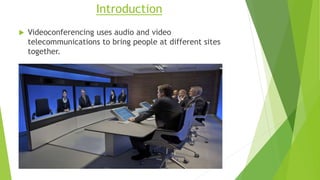
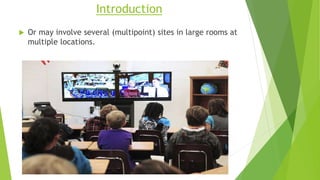
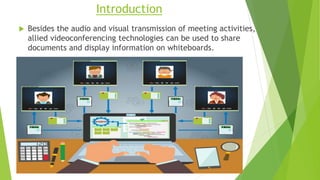
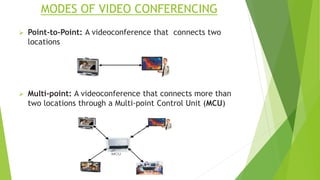
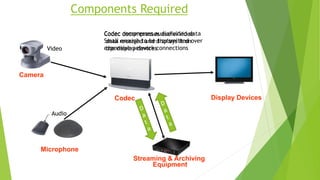
Video conferencing allows people at different physical locations to conduct face-to-face meetings virtually. It works by using computer networks and audio-visual equipment to transmit video and audio data between two or more locations in real-time. Key components of video conferencing systems include video cameras, microphones, screens or monitors, speakers, a codec to compress and decompress the audio-visual data, and a network connection. Popular protocols for video conferencing include H.320 for ISDN networks and H.323 for internet-based video calls.

















![1 VoIP Overview[1]](https://cdn.slidesharecdn.com/ss_thumbnails/1voipoverview1-12499217322207-phpapp02-thumbnail.jpg?width=640&height=640&fit=bounds)


