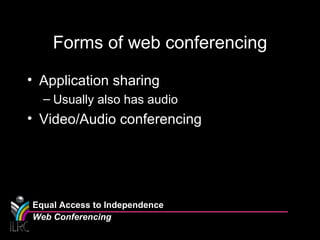
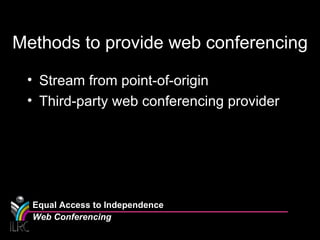
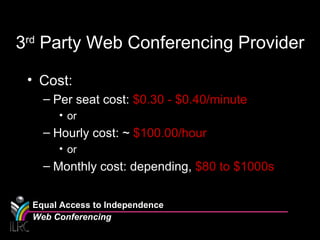
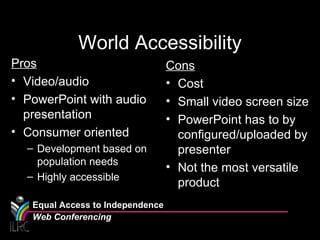
There are two main forms of web conferencing: application sharing and video/audio conferencing. Application sharing allows users to share presentations, troubleshoot technical issues, and collaborate using whiteboards. Video/audio conferencing allows for real-time broadcasts of meetings to large audiences anywhere. Organizations can provide web conferencing by streaming from their own systems or using a third-party provider. Streaming internally has higher upfront costs for software and hardware, while third-party providers charge monthly or hourly fees. End users need a computer, strong internet, speakers, webcam, and microphone to participate. While accessible worldwide, web conferencing has limitations like small video screens and lack of customization compared to in-person meetings.