Checklist:
User Testing Your Game
In the gaming industry, it’s common to run QA tests
to identify bugs and problems...
but how do you get
feedback
from real users?
User Testing Your Game
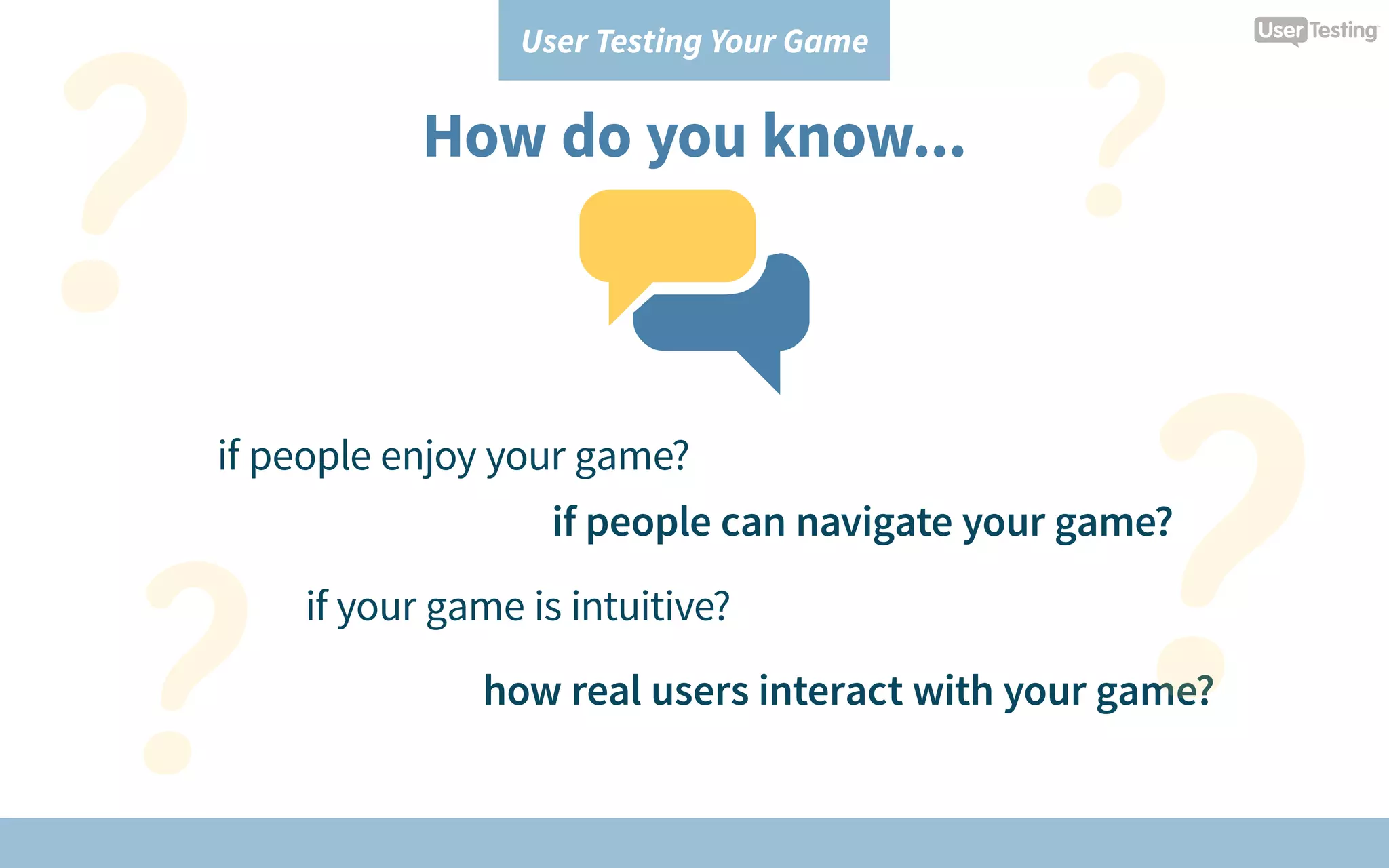
How do you know...
if people enjoy your game?
if your game is intuitive?
how real users interact with your game?
if people can navigate your game?
User Testing Your Game
Get feedback from real players by:
Running user tests
on your game
User Testing Your Game
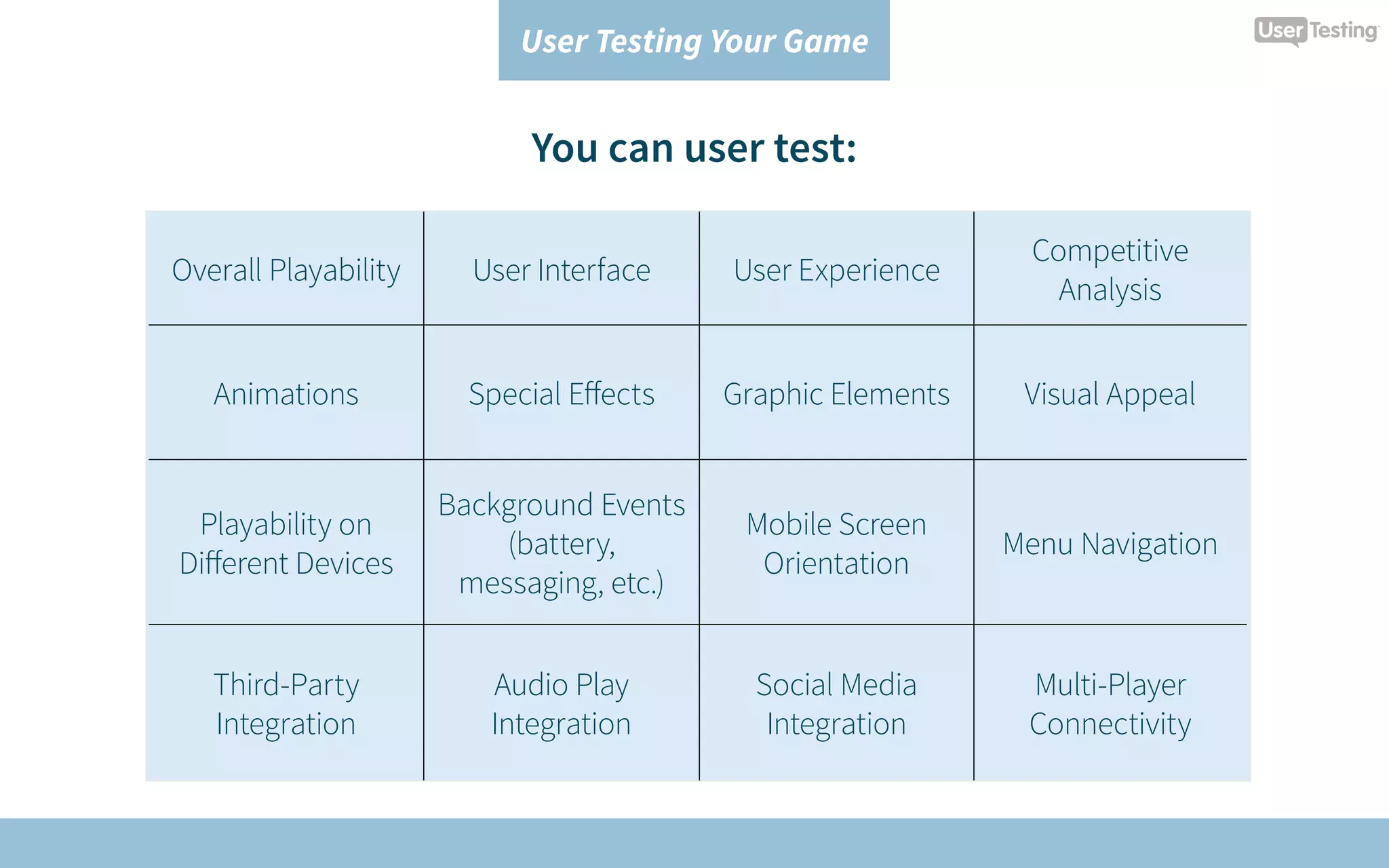
You can user test:
Overall Playability User Interface User Experience
Competitive
Analysis
Animations Special Effects Graphic Elements Visual Appeal
Playability on
Different Devices
Background Events
(battery,
messaging, etc.)
Mobile Screen
Orientation
Menu Navigation
Third-Party
Integration
Audio Play
Integration
Social Media
Integration
Multi-Player
Connectivity
User Testing Your Game
1
CREATE A TEST PLAN
User Testing Your Game
Define your testing objectives.
What question(s) do you want to answer?
Example:
How do people find out about my game?
User Testing Your Game
What part of the game do you want to test?
Example:
What do first-time players think about
my onboarding experience?
User Testing Your Game
Who do you want to test your game with?
Example:
What is the experience like for players
that are between the ages of 20-30?
User Testing Your Game
Are there any additional requirements?
Example:
The players must be familiar with social
media, and have a Facebook account.
User Testing Your Game
2
ORGANIZE THE DETAILS
User Testing Your Game
What stage of development is your game in?
Example:
My game is live on the App Store.
User Testing Your Game
How will the participant access your game?
Example:
Before playing my game, the player will
need to go the App Store, search for my
game, and download it to their device.
User Testing Your Game
3
RUN YOUR TESTS
User Testing Your Game
Create tasks and questions to acheive
your testing objectives.
User Testing Your Game
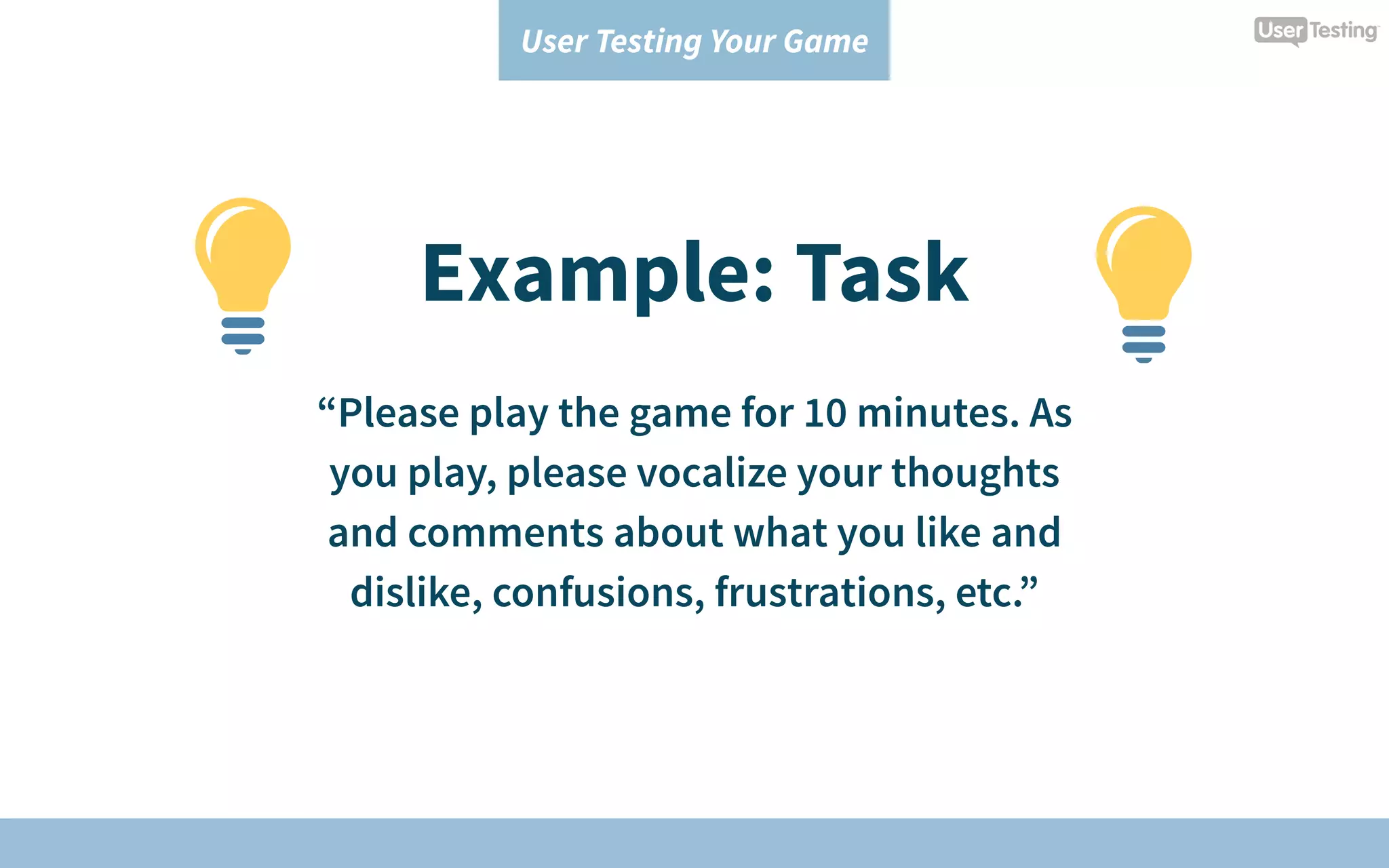
Example: Task
“Please play the game for 10 minutes. As
you play, please vocalize your thoughts
and comments about what you like and
dislike, confusions, frustrations, etc.”
User Testing Your Game
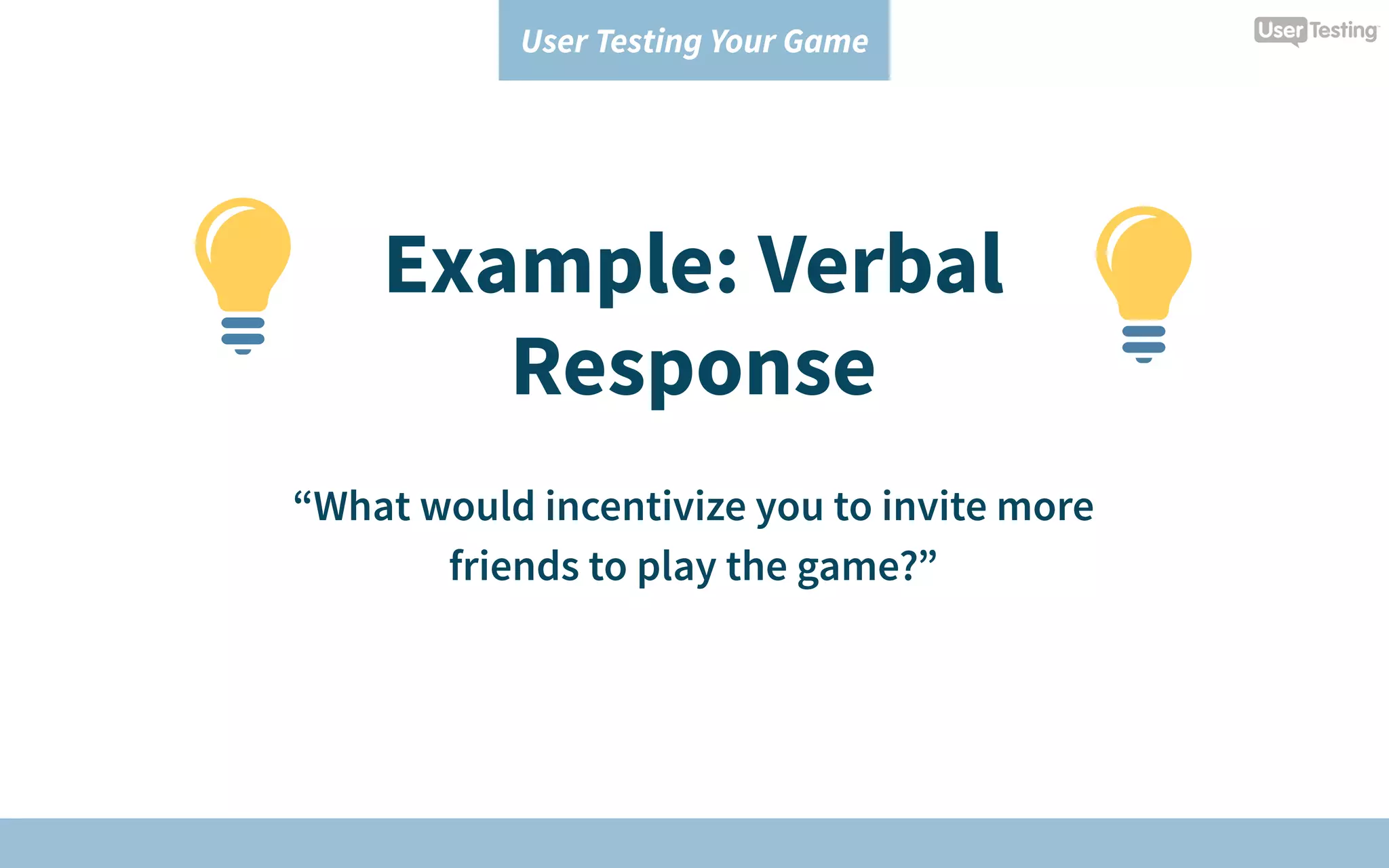
Example: Verbal
Response
“What would incentivize you to invite more
friends to play the game?”
User Testing Your Game
Example: Rating
Scale
“How likely would you be to play the
game in real life? [1=Very unlikely; 5=Very
likely]”
User Testing Your Game
Include pre- and post-test questions
to learn about their game-playing
expectations and experience.
User Testing Your Game
4
ANALYZE THE RESULTS
User Testing Your Game
Create an easy-to-digest report to share with
your team.
Based on findings, prioritize what your team
needs to improve or change.
User Testing Your Game
To get the rest of the tips,
download the checklist:
User Testing Your Game
Download NowDownload Now
www.usertesting.com

User Testing Your Game

  • 1.
  • 2.
    User Testing YourGame In the gaming industry, it’s common to run QA tests to identify bugs and problems... but how do you get feedback from real users?
  • 3.
    User Testing YourGame How do you know... if people enjoy your game? if your game is intuitive? how real users interact with your game? if people can navigate your game?
  • 4.
    User Testing YourGame Get feedback from real players by: Running user tests on your game
  • 5.
    User Testing YourGame You can user test: Overall Playability User Interface User Experience Competitive Analysis Animations Special Effects Graphic Elements Visual Appeal Playability on Different Devices Background Events (battery, messaging, etc.) Mobile Screen Orientation Menu Navigation Third-Party Integration Audio Play Integration Social Media Integration Multi-Player Connectivity
  • 6.
    User Testing YourGame 1 CREATE A TEST PLAN
  • 7.
    User Testing YourGame Define your testing objectives. What question(s) do you want to answer? Example: How do people find out about my game?
  • 8.
    User Testing YourGame What part of the game do you want to test? Example: What do first-time players think about my onboarding experience?
  • 9.
    User Testing YourGame Who do you want to test your game with? Example: What is the experience like for players that are between the ages of 20-30?
  • 10.
    User Testing YourGame Are there any additional requirements? Example: The players must be familiar with social media, and have a Facebook account.
  • 11.
    User Testing YourGame 2 ORGANIZE THE DETAILS
  • 12.
    User Testing YourGame What stage of development is your game in? Example: My game is live on the App Store.
  • 13.
    User Testing YourGame How will the participant access your game? Example: Before playing my game, the player will need to go the App Store, search for my game, and download it to their device.
  • 14.
    User Testing YourGame 3 RUN YOUR TESTS
  • 15.
    User Testing YourGame Create tasks and questions to acheive your testing objectives.
  • 16.
    User Testing YourGame Example: Task “Please play the game for 10 minutes. As you play, please vocalize your thoughts and comments about what you like and dislike, confusions, frustrations, etc.”
  • 17.
    User Testing YourGame Example: Verbal Response “What would incentivize you to invite more friends to play the game?”
  • 18.
    User Testing YourGame Example: Rating Scale “How likely would you be to play the game in real life? [1=Very unlikely; 5=Very likely]”
  • 19.
    User Testing YourGame Include pre- and post-test questions to learn about their game-playing expectations and experience.
  • 20.
    User Testing YourGame 4 ANALYZE THE RESULTS
  • 21.
    User Testing YourGame Create an easy-to-digest report to share with your team. Based on findings, prioritize what your team needs to improve or change.
  • 22.
    User Testing YourGame To get the rest of the tips, download the checklist: User Testing Your Game Download NowDownload Now
  • 23.