•
Networks
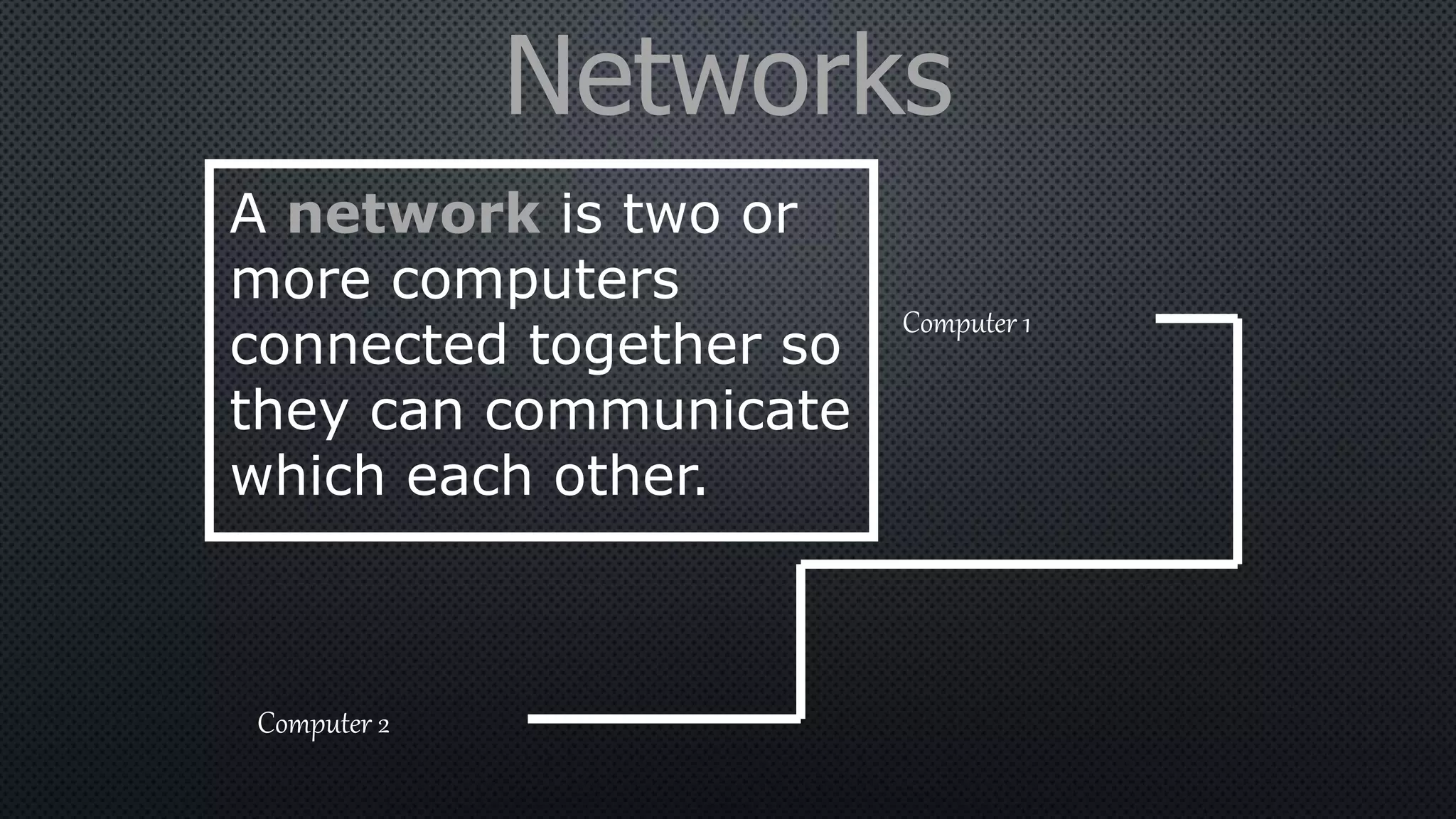
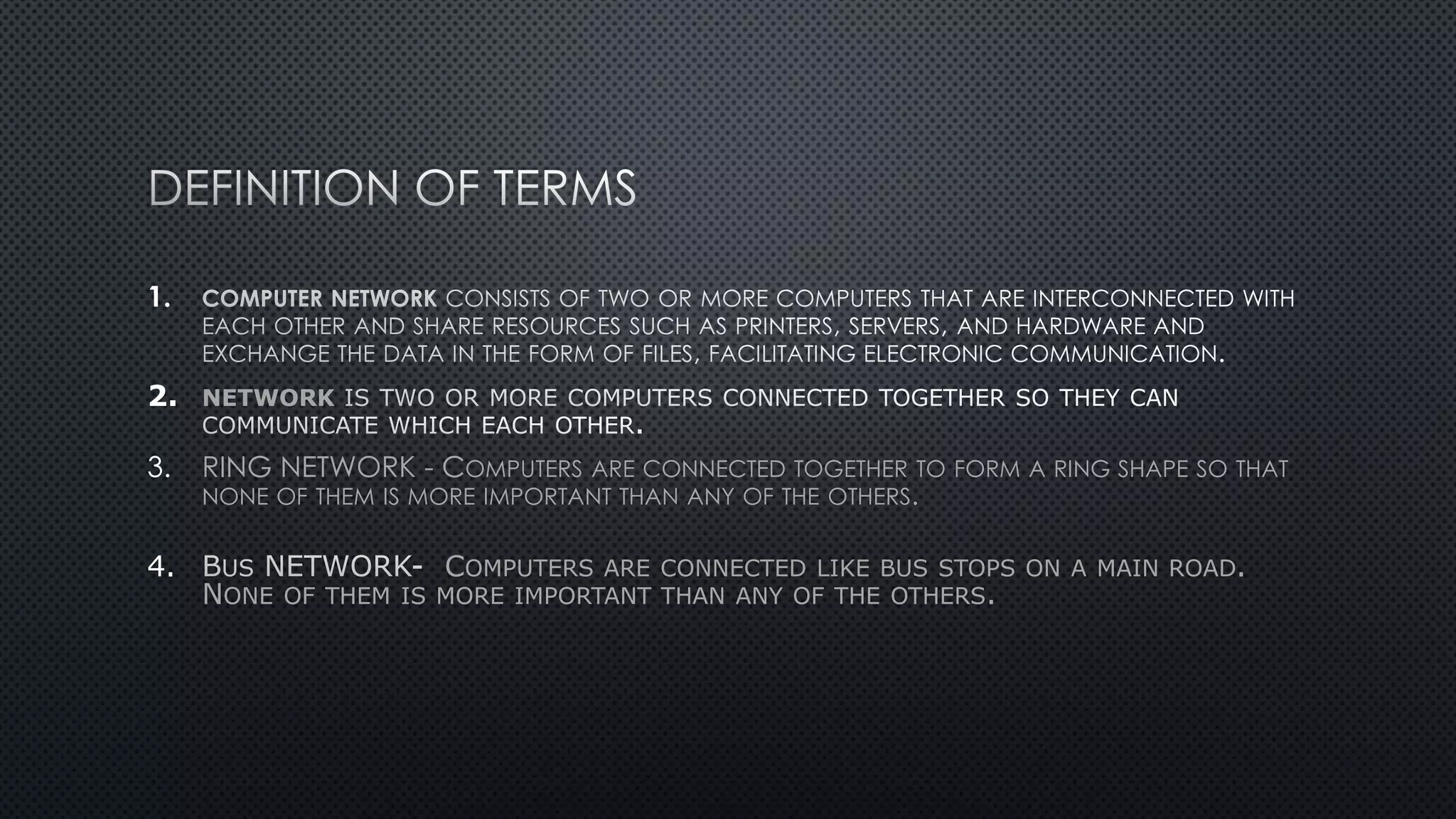
A network is two or
more computers
connected together so
they can communicate
which each other.
Computer 1
Computer 2
Network Advantages
• Resources (Hardware and Software) can be shared.
• Allows more effective communication between users
e.g. via e-mail.
• Networks are cheaper than “stand-alone PCs.”
• Information held on the network can be accessed by
all users with authorised access.
Networks Disadvantages
• The set-up and maintenance costs can be expensive.
• A fault with the network server can cause difficulties
with the organisation.
• Networks need security measures to restrict access to
users.
• WANs are vulnerable to hackers and viruses.
Network Topologies
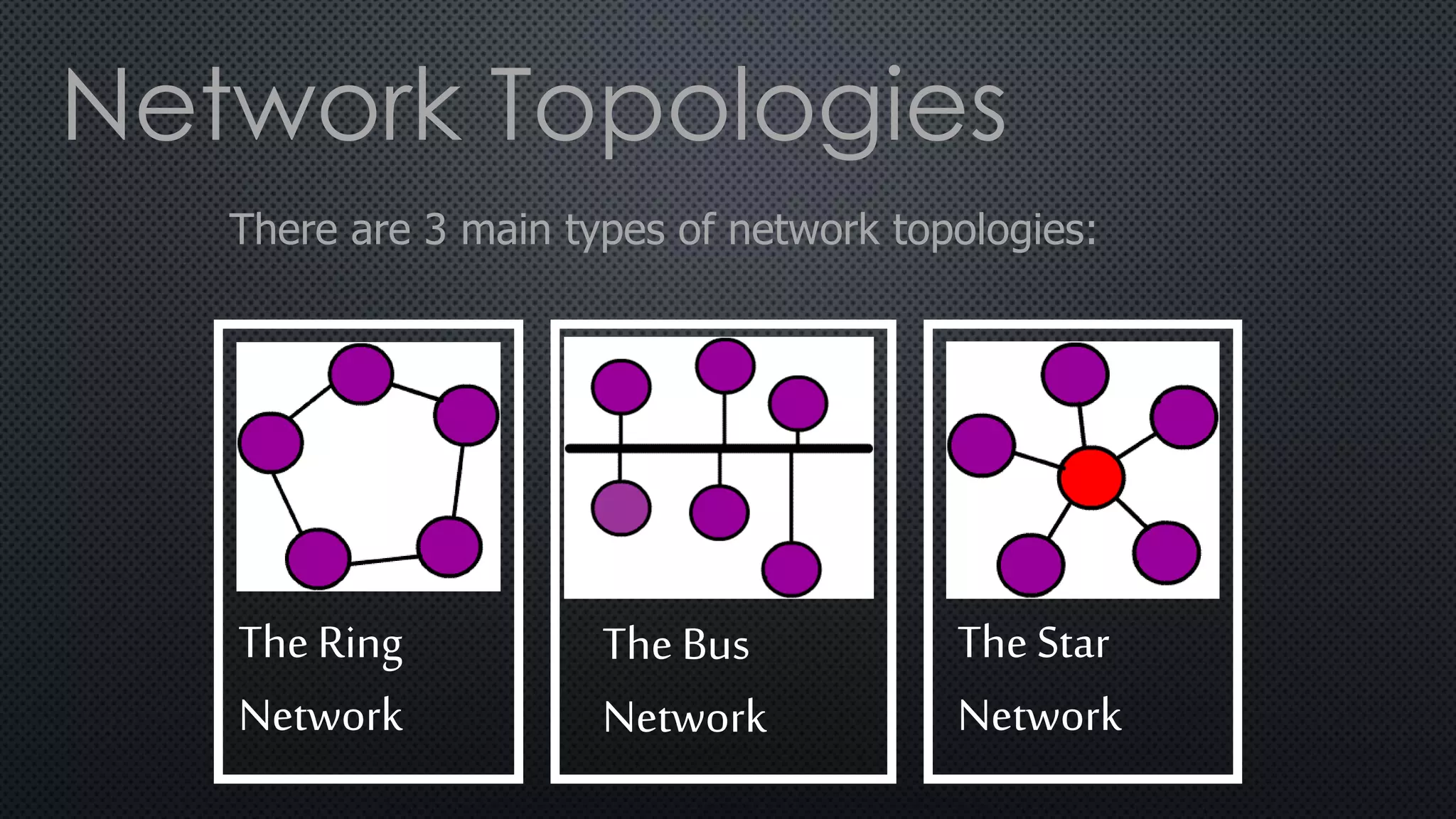
There are 3 main types of network topologies:
The Ring
Network
The Bus
Network
The Star
Network
Network Topologies
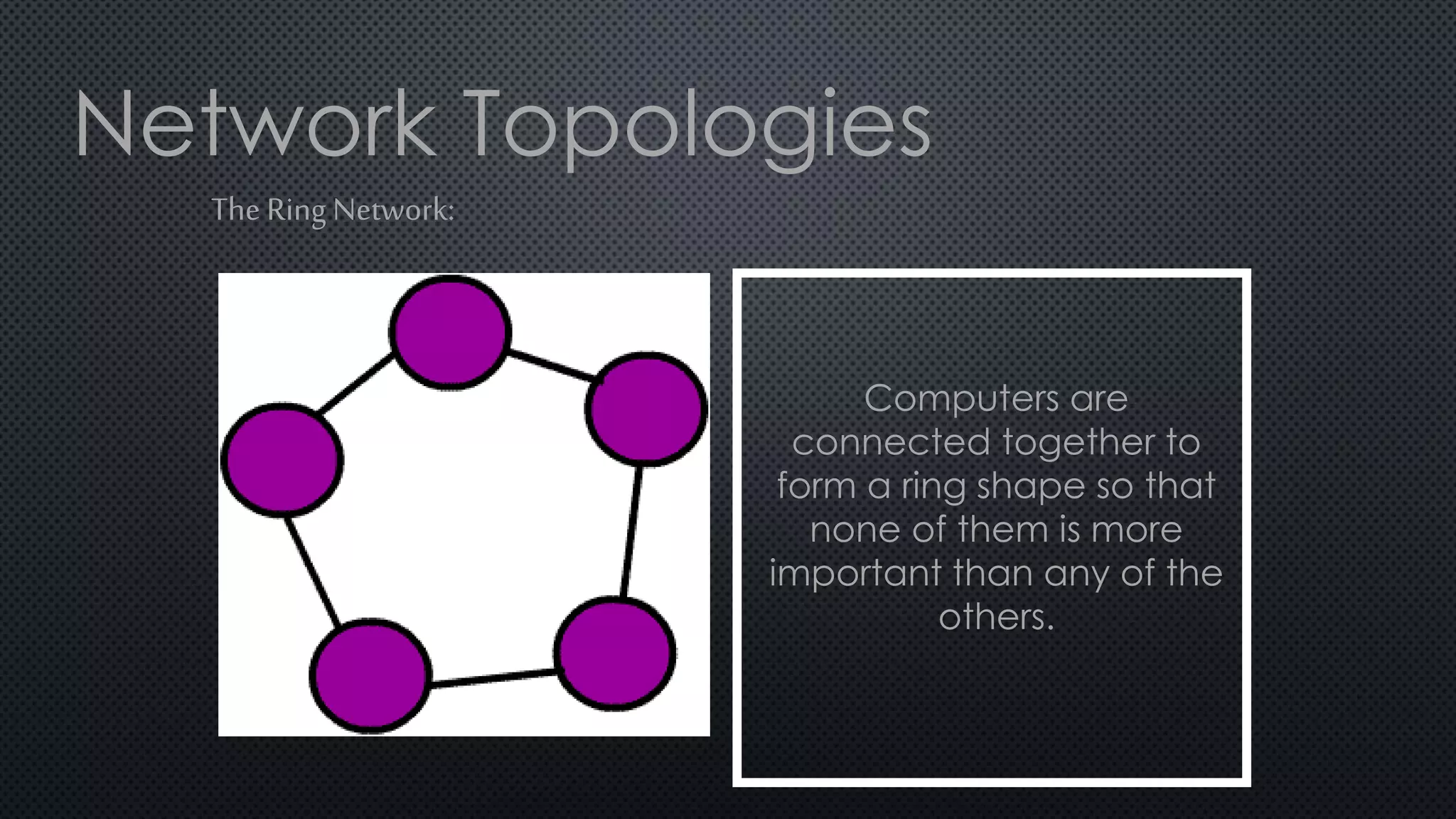
The Ring Network:
Computers are
connected together to
form a ring shape so that
none of them is more
important than any of the
others.
Network Topologies
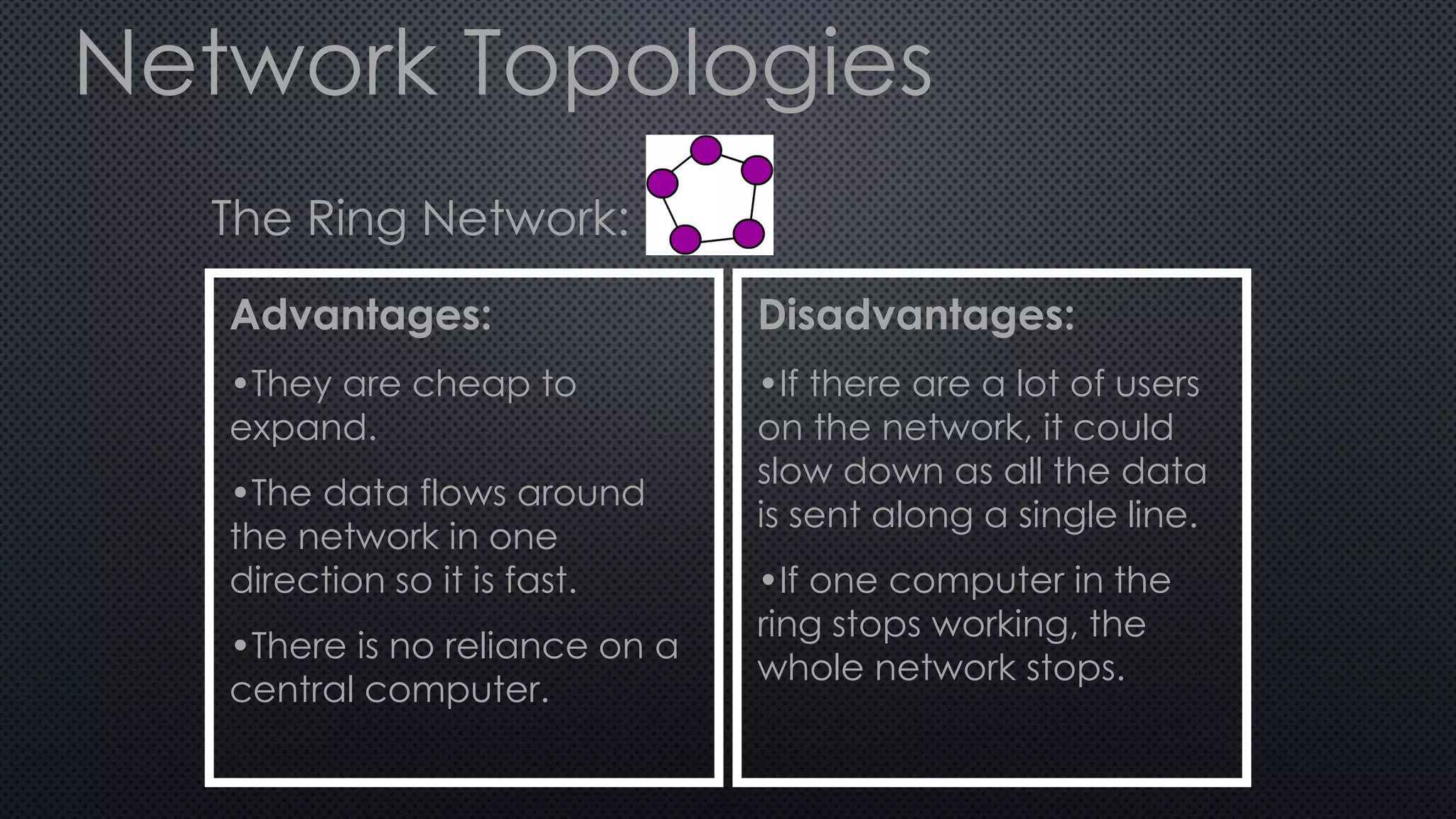
The Ring Network:
Advantages:
•They are cheap to
expand.
•The data flows around
the network in one
direction so it is fast.
•There is no reliance on a
central computer.
Disadvantages:
•If there are a lot of users
on the network, it could
slow down as all the data
is sent along a single line.
•If one computer in the
ring stops working, the
whole network stops.
Network Topologies
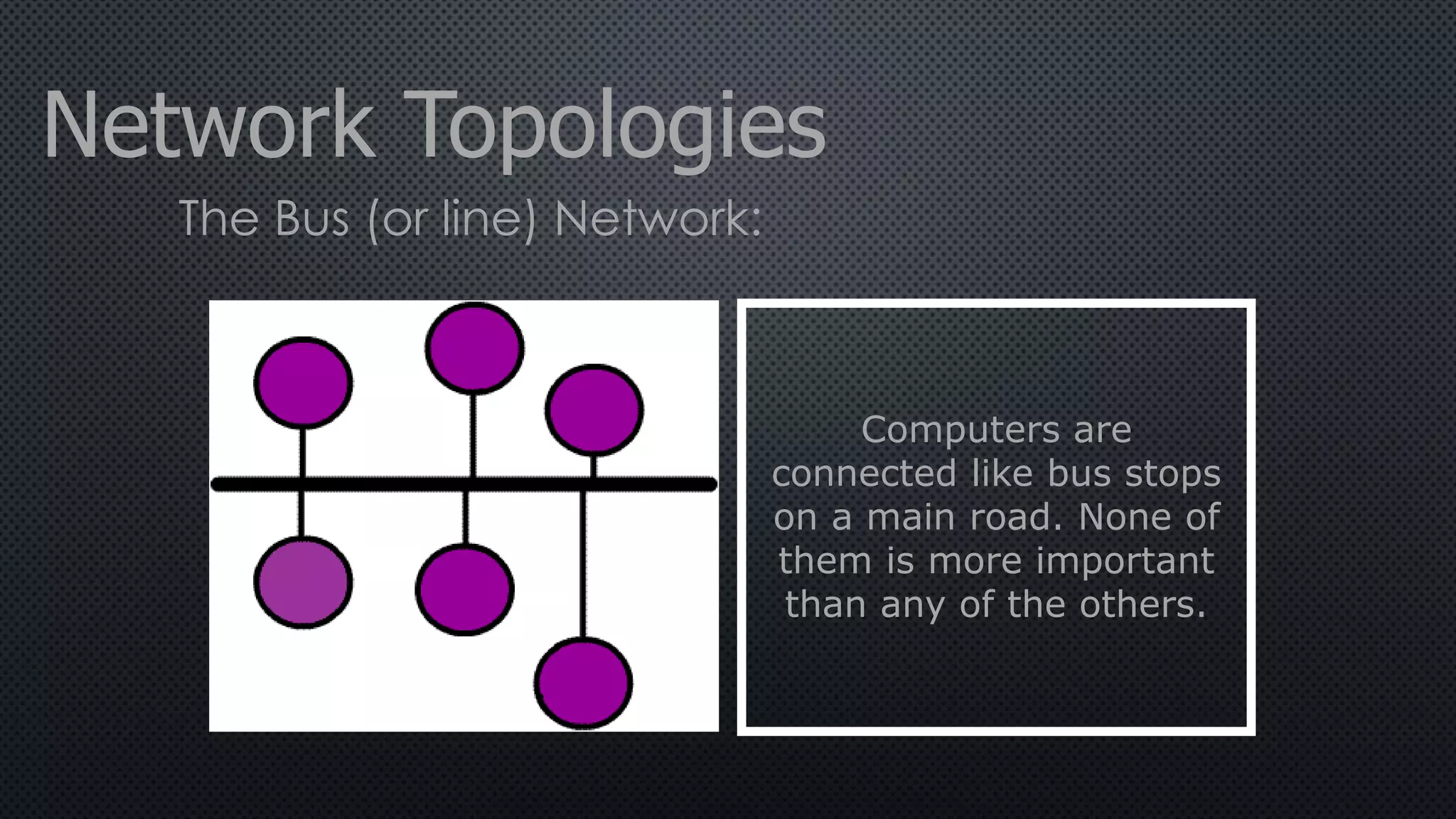
The Bus (or line) Network:
Computers are
connected like bus stops
on a main road. None of
them is more important
than any of the others.
Network Topologies
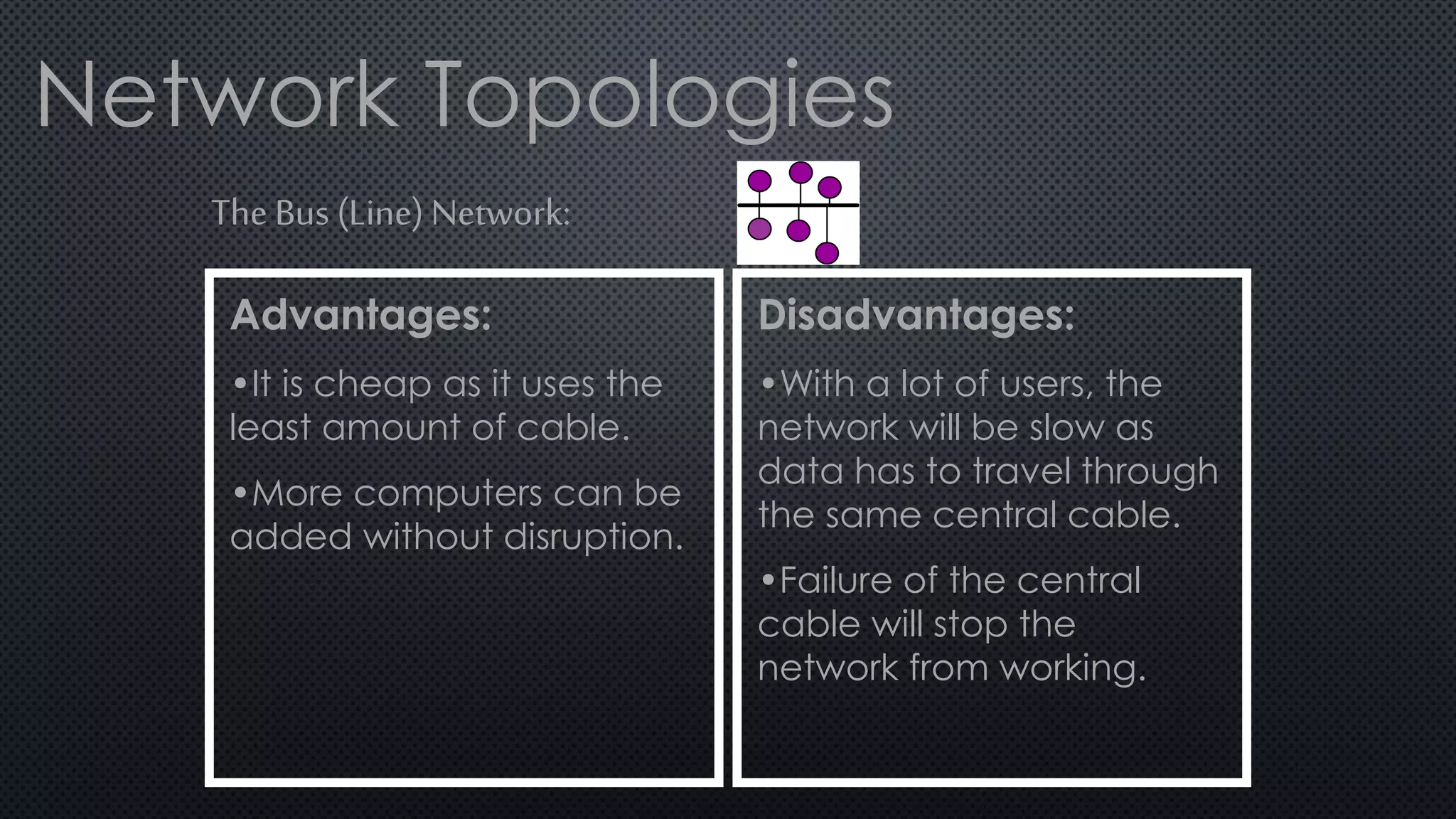
The Bus (Line) Network:
Advantages:
•It is cheap as it uses the
least amount of cable.
•More computers can be
added without disruption.
Disadvantages:
•With a lot of users, the
network will be slow as
data has to travel through
the same central cable.
•Failure of the central
cable will stop the
network from working.
Network Topologies
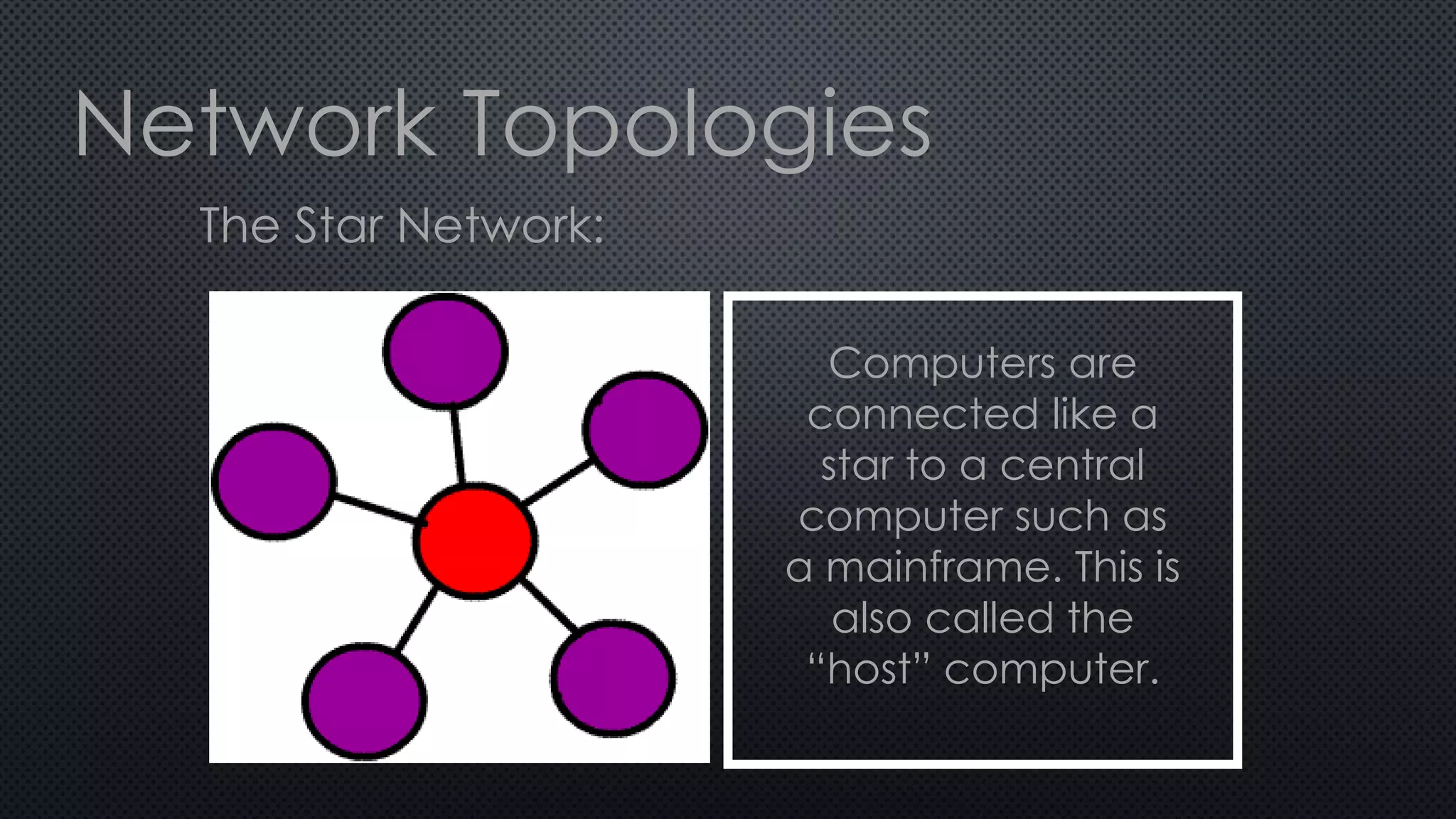
The Star Network:
Computers are
connected like a
star to a central
computer such as
a mainframe. This is
also called the
“host” computer.
Network Topologies
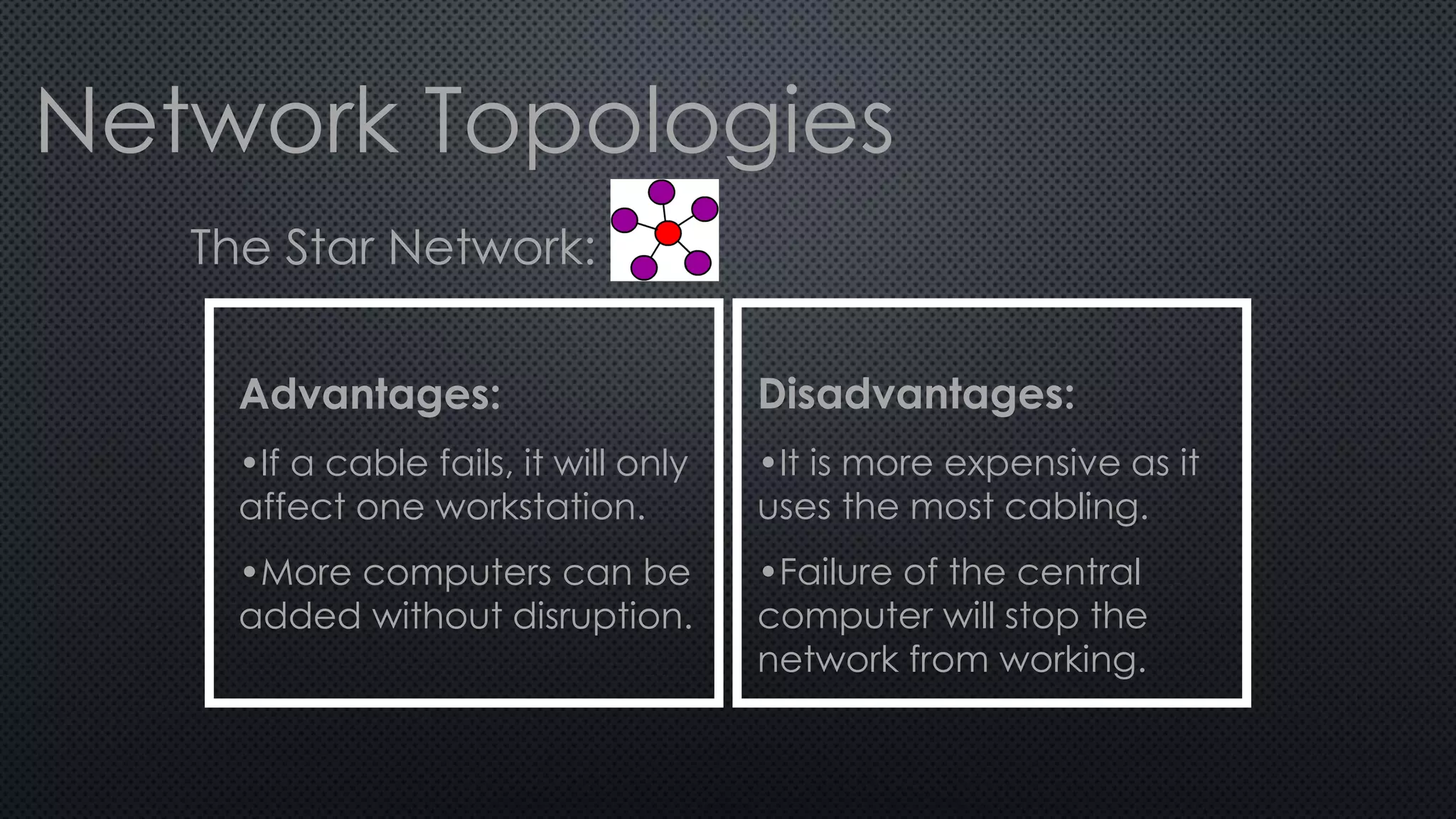
The Star Network:
Advantages:
•If a cable fails, it will only
affect one workstation.
•More computers can be
added without disruption.
Disadvantages:
•It is more expensive as it
uses the most cabling.
•Failure of the central
computer will stop the
network from working.
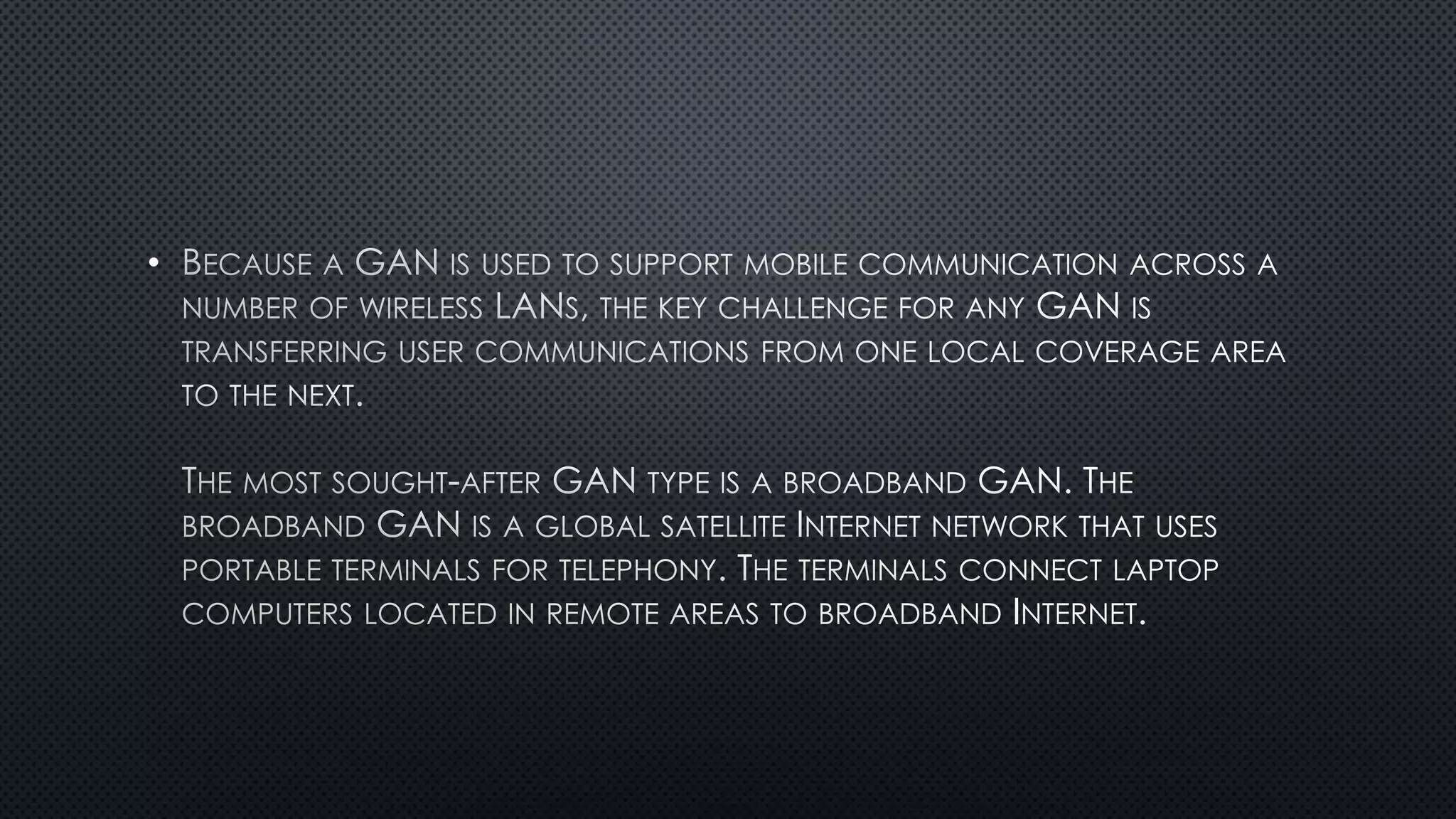
Because networks are almost vital to an
organisation’s daily activities, they must be kept
safe and secure..
There are 3 main types of network security…
Physical, Access and Data.
Physical security means that the hardware
of the network is protected from theft and
kept safe.
Access security means that there is a
limit to the amount of access a user
has to the information held on the
network.
Data security means that there are
measures taken to prevent the loss of
data held on the system.
•
•
•
•
•
•
•
•
•
•
•
•
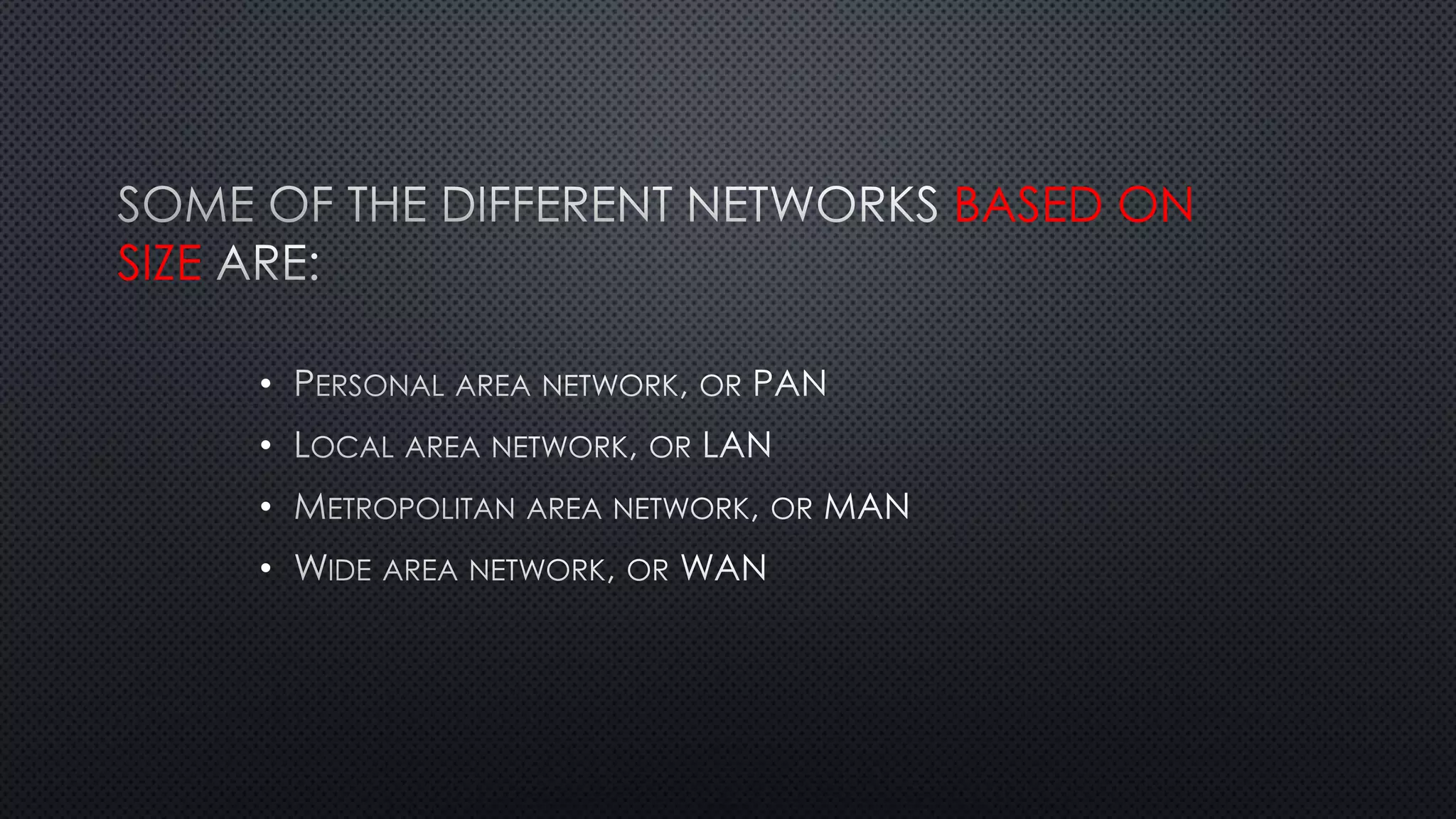
BASED ON
SIZE
•
•
•
•
BASED ON THEIR MAIN
PURPOSE
•
•
•
•
•
•
•
•
•
•
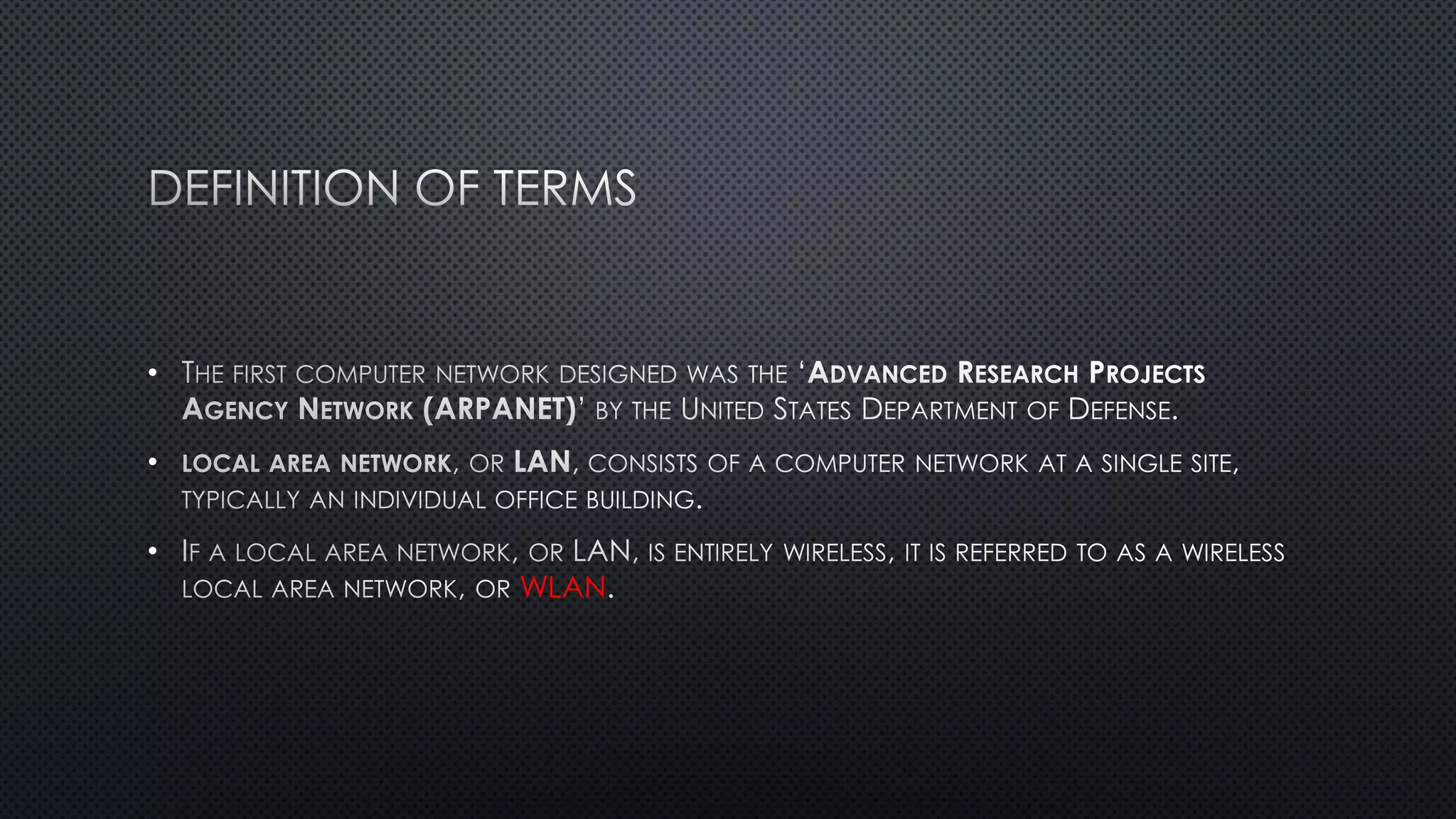
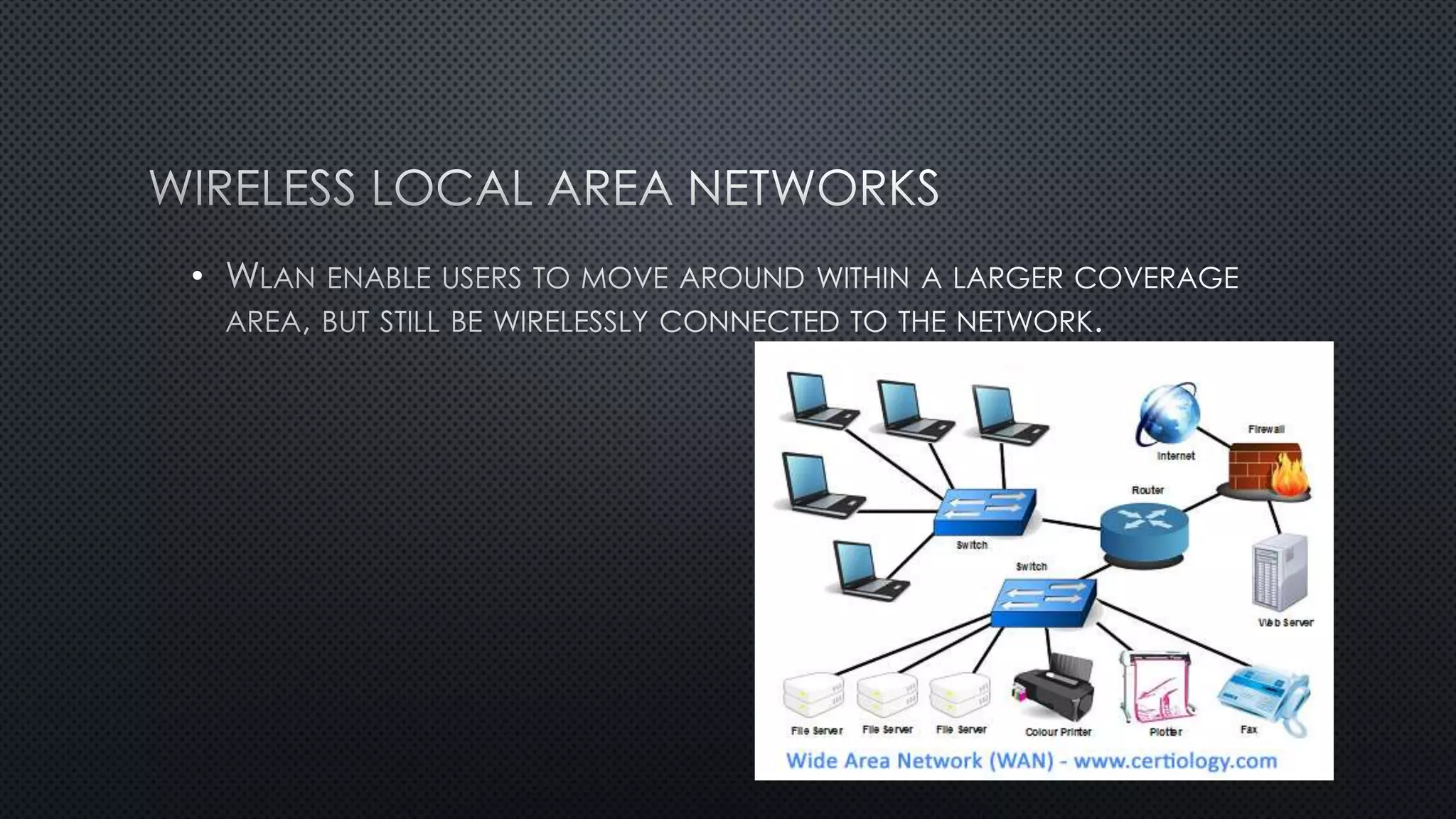
WLAN
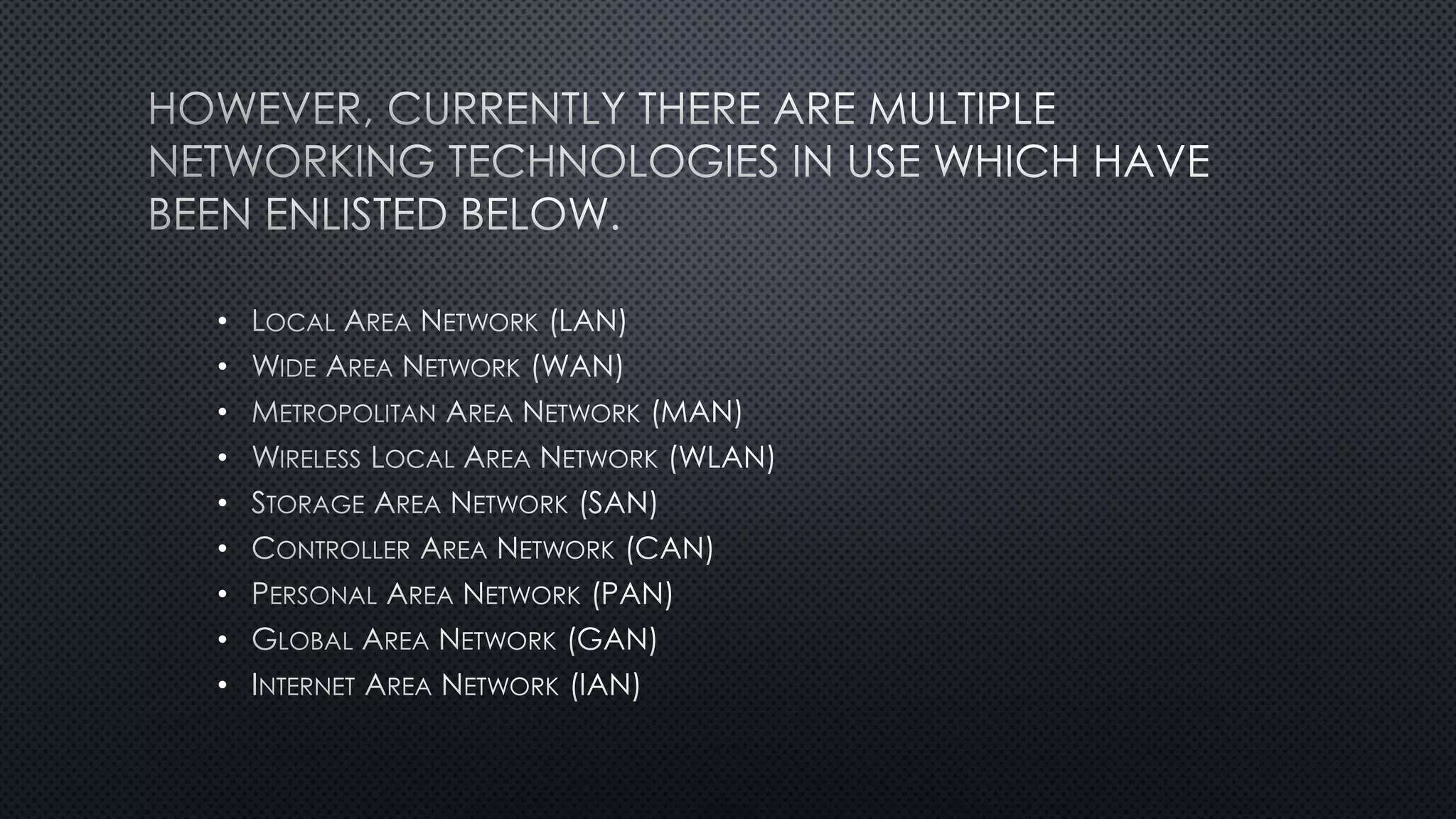
• LOCAL AREA NETWORK (LAN)
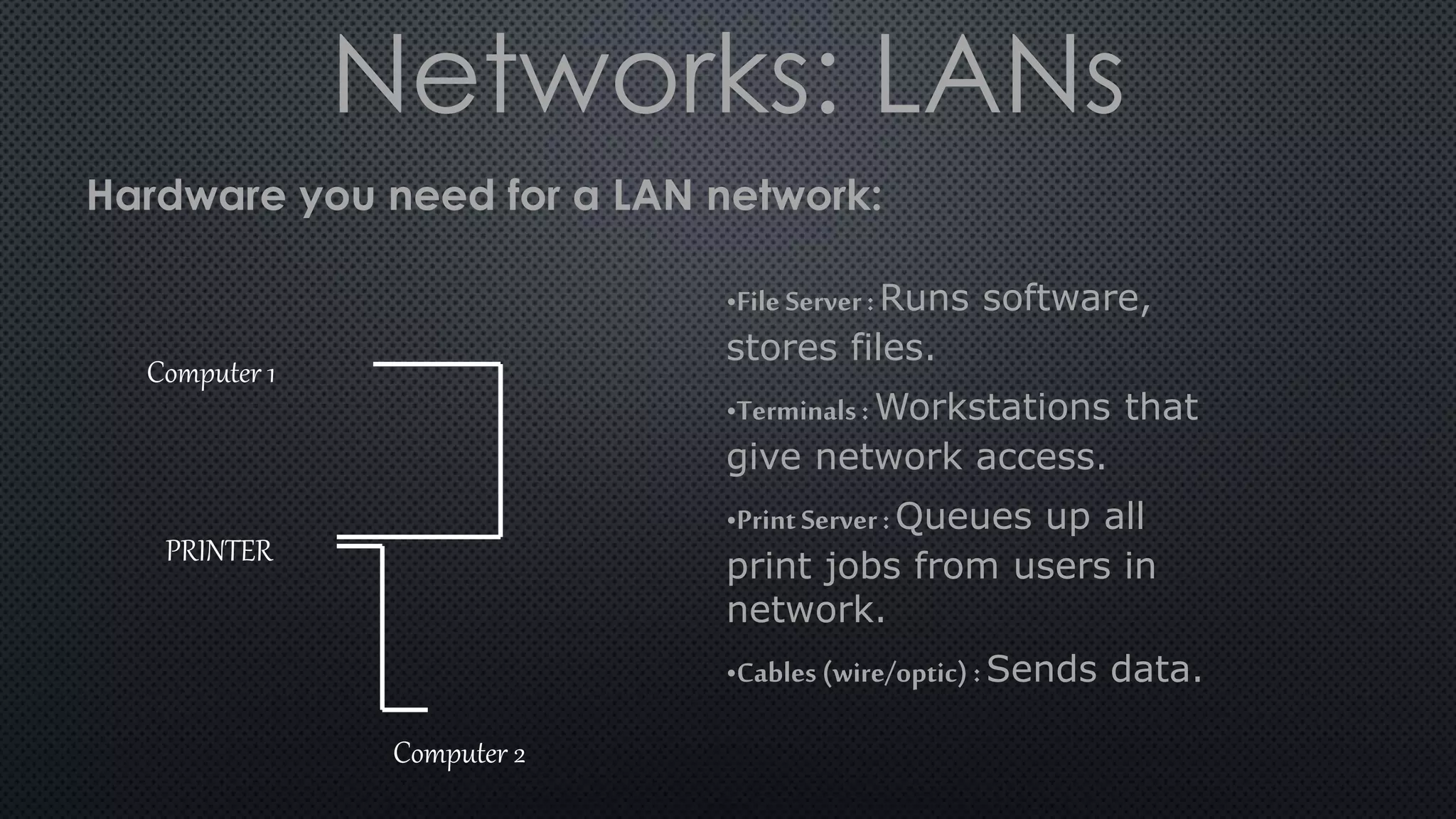
Networks: LANs
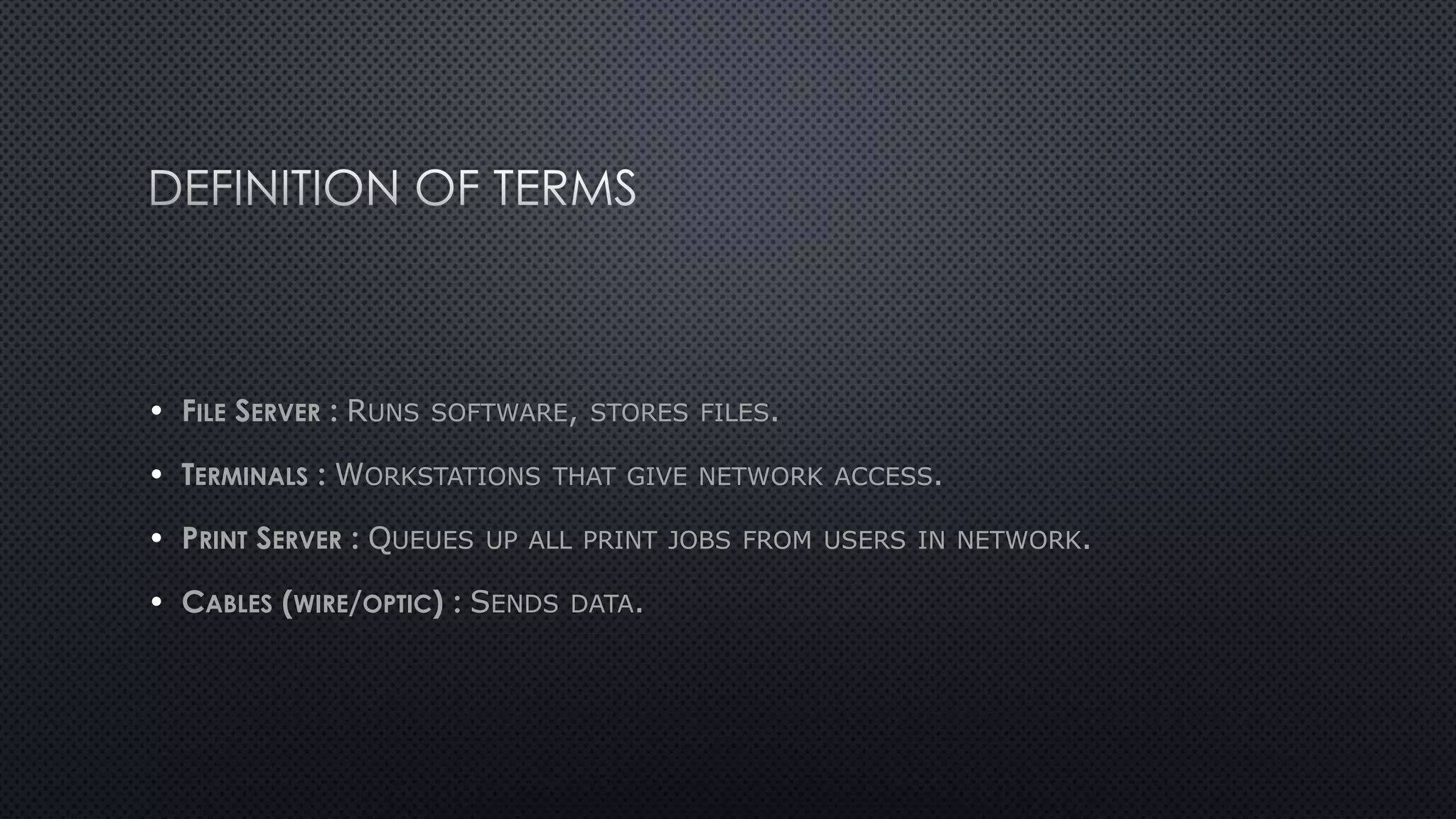
•File Server:Runs software,
stores files.
•Terminals: Workstations that
give network access.
•PrintServer: Queues up all
print jobs from users in
network.
•Cables (wire/optic) : Sends data.
Hardware you need for a LAN network:
Computer 1
Computer 2
PRINTER
•
•
PROTOCOL
• IT PERMITS VARIOUS TYPES OF
TRANSMISSION MEDIA
•
•
ETHERNET HAS LARGELY REPLACED
COMPETING WIRED LOCAL AREA NETWORK TECHNOLOGIES
• ETHERNET NETWORK USES THE CSMA/CD ACCESS METHOD TO HANDLE
SIMULTANEOUS DEMANDS.
• DATA RATES OF 1
GIGABIT (1,000 MEGABITS) PER SECOND
ENGINEER ROBERT METCALFE
• WIDE AREA NETWORK
•
INTERNET
• IS MADE UP OF TWO OR MORE LANS
MANS
• CONNECTED
TELEPHONE SYSTEMS, FIBER-OPTIC CABLES, AND
SATELLITE LINKS OR LEASED LINES
•
WI-FI
•
INTERNET SERVICE PROVIDERS
• WAP
• TECHNICAL STANDARD
WIRELESS NETWORK WEB
BROWSER MOBILE DEVICES MOBILE PHONES
• PROTOCOL SUITE
GSM IS-95 CDMA
•
•
•
•
•
•
•
•
•
•
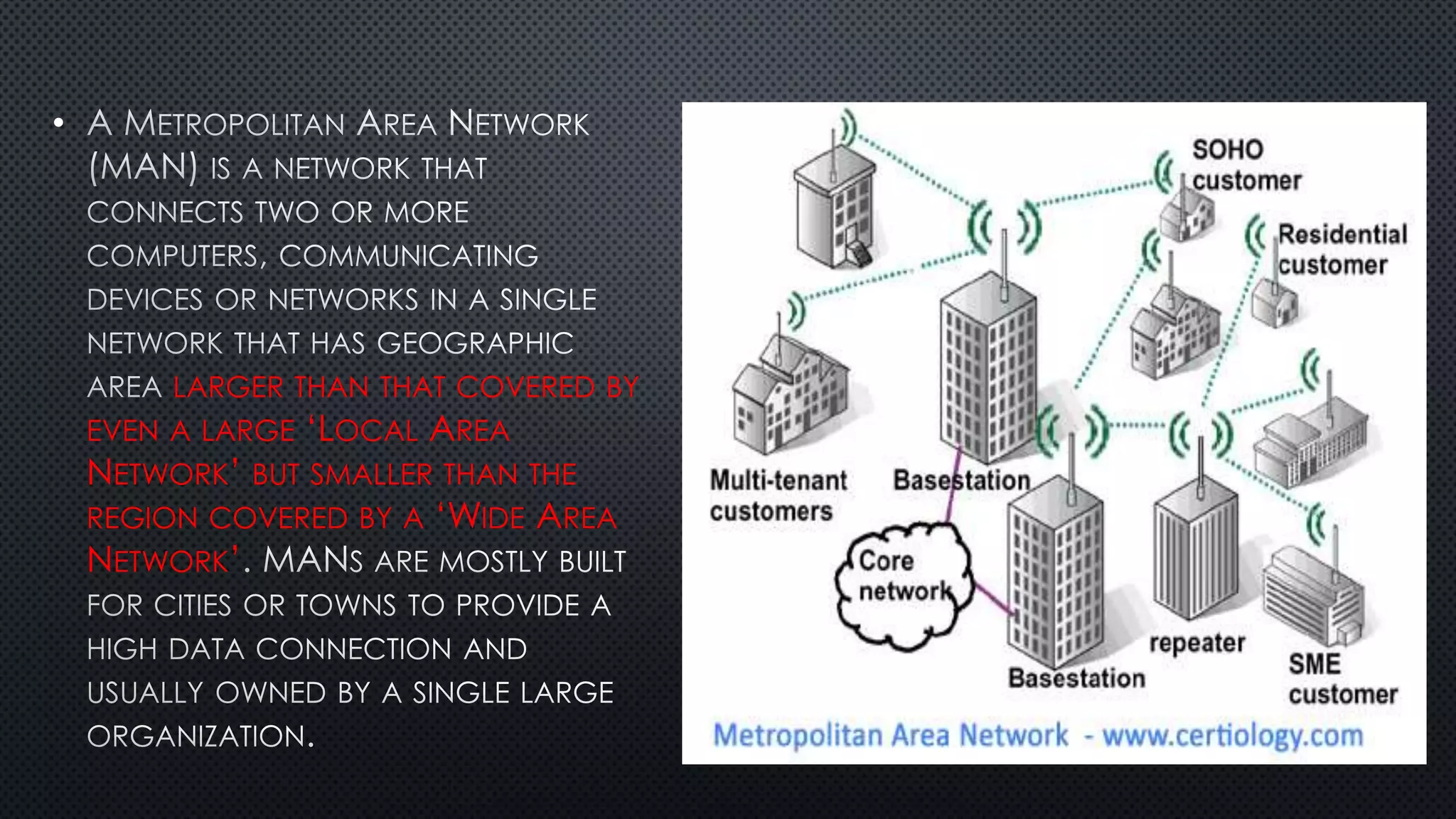
LARGER THAN THAT COVERED BY
EVEN A LARGE ‘LOCAL AREA
NETWORK’ BUT SMALLER THAN THE
REGION COVERED BY A ‘WIDE AREA
NETWORK’
• BRIDGES A NUMBER OF ‘LOCAL AREA
NETWORKS’ WITH A FIBER-OPTICAL
•
• SECURITY AND
STANDARDIZATION SECURITY INFORMATION
STANDARDIZATION
•
•
•
•
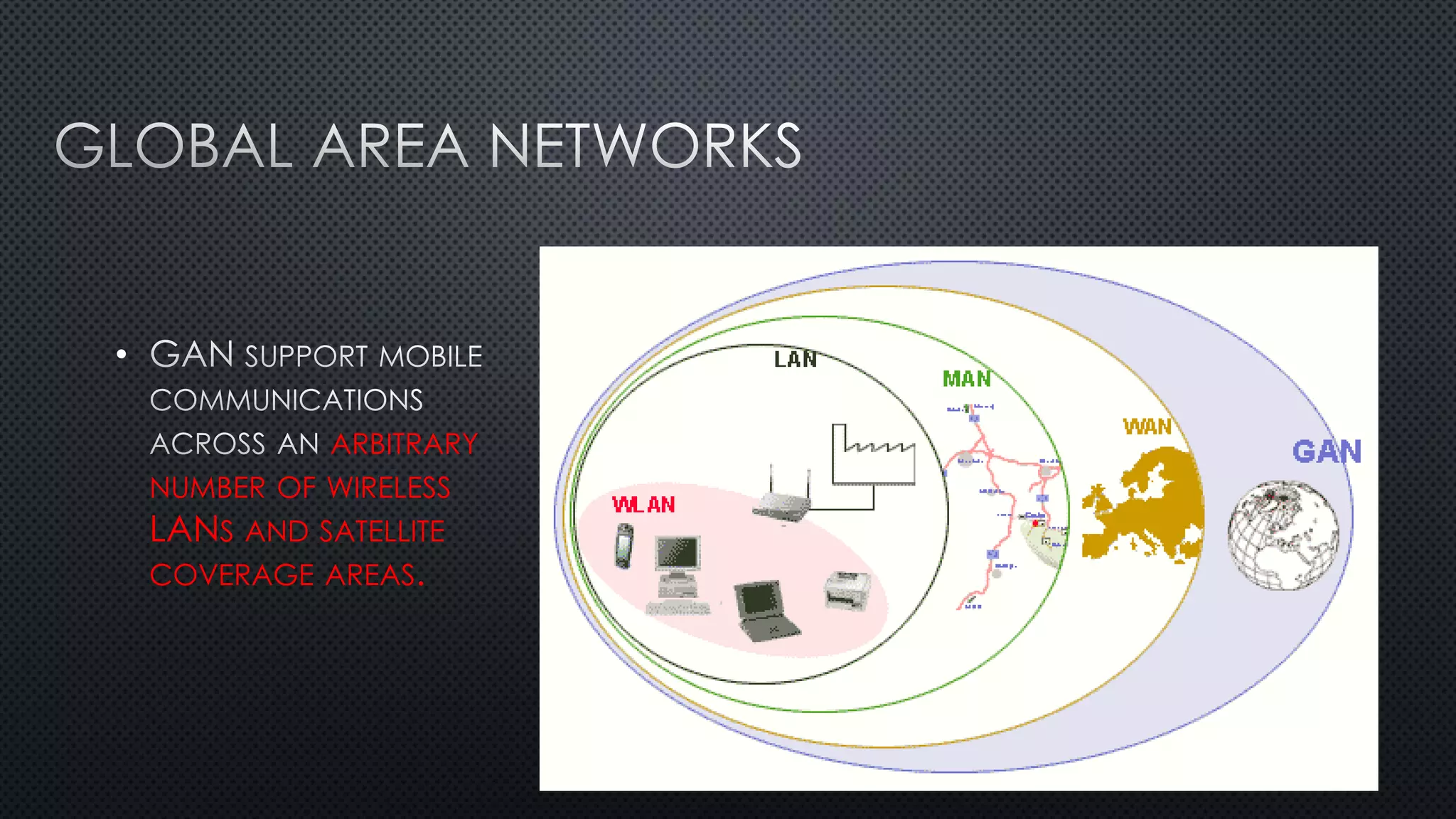
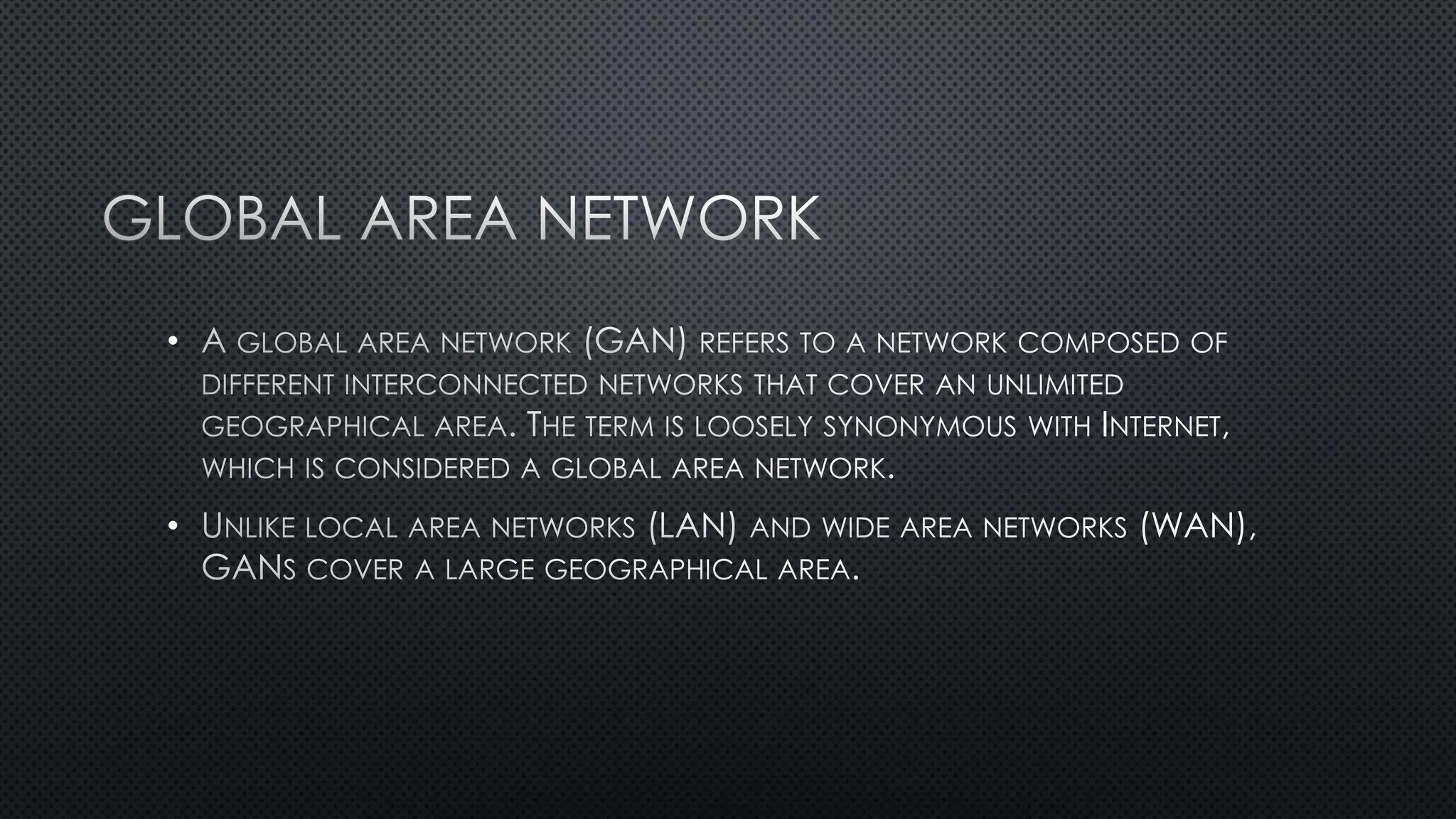
ARBITRARY
NUMBER OF WIRELESS
LANS AND SATELLITE
COVERAGE AREAS.
•
•
•
•
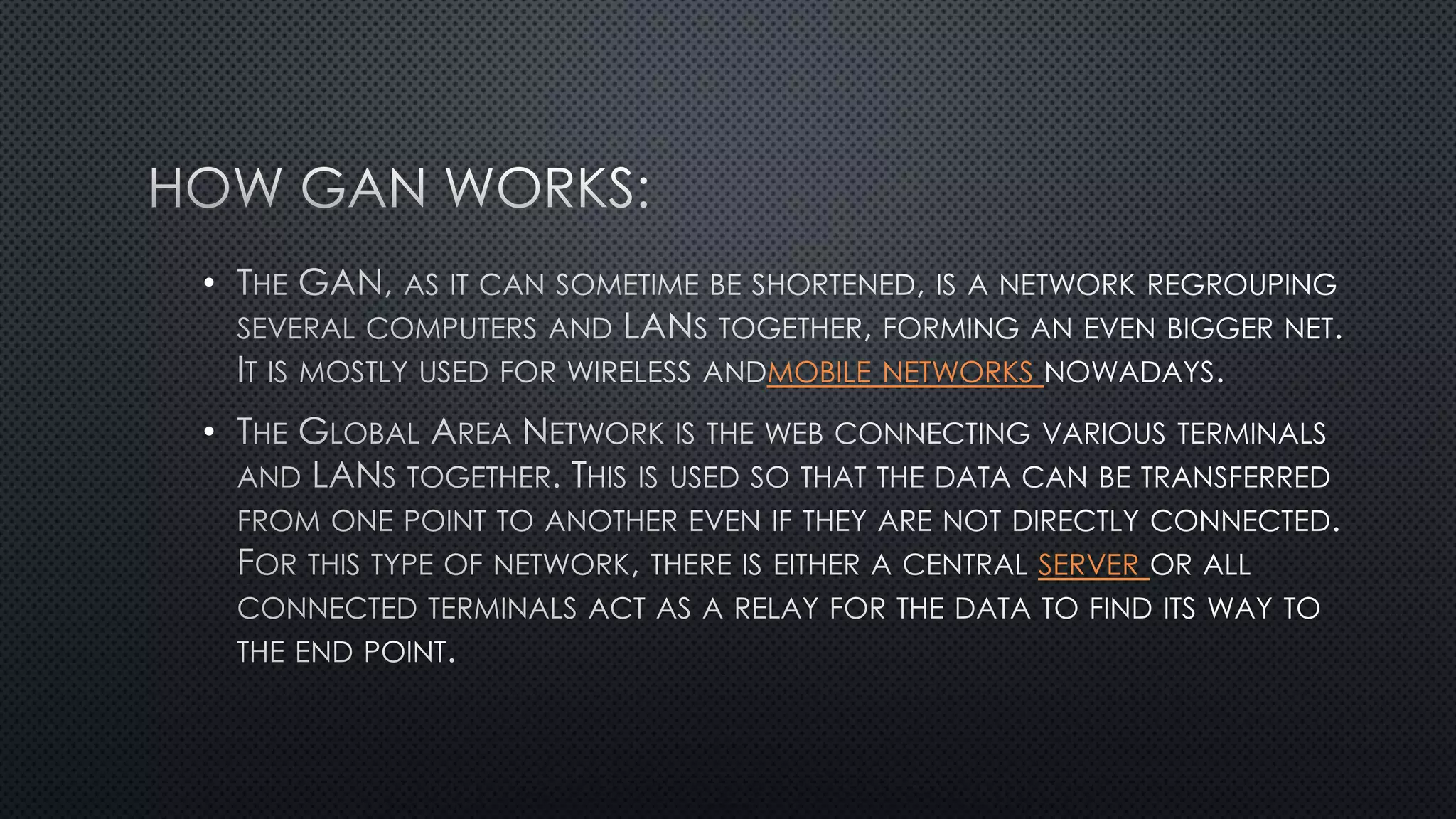
MOBILE NETWORKS
•
SERVER
•
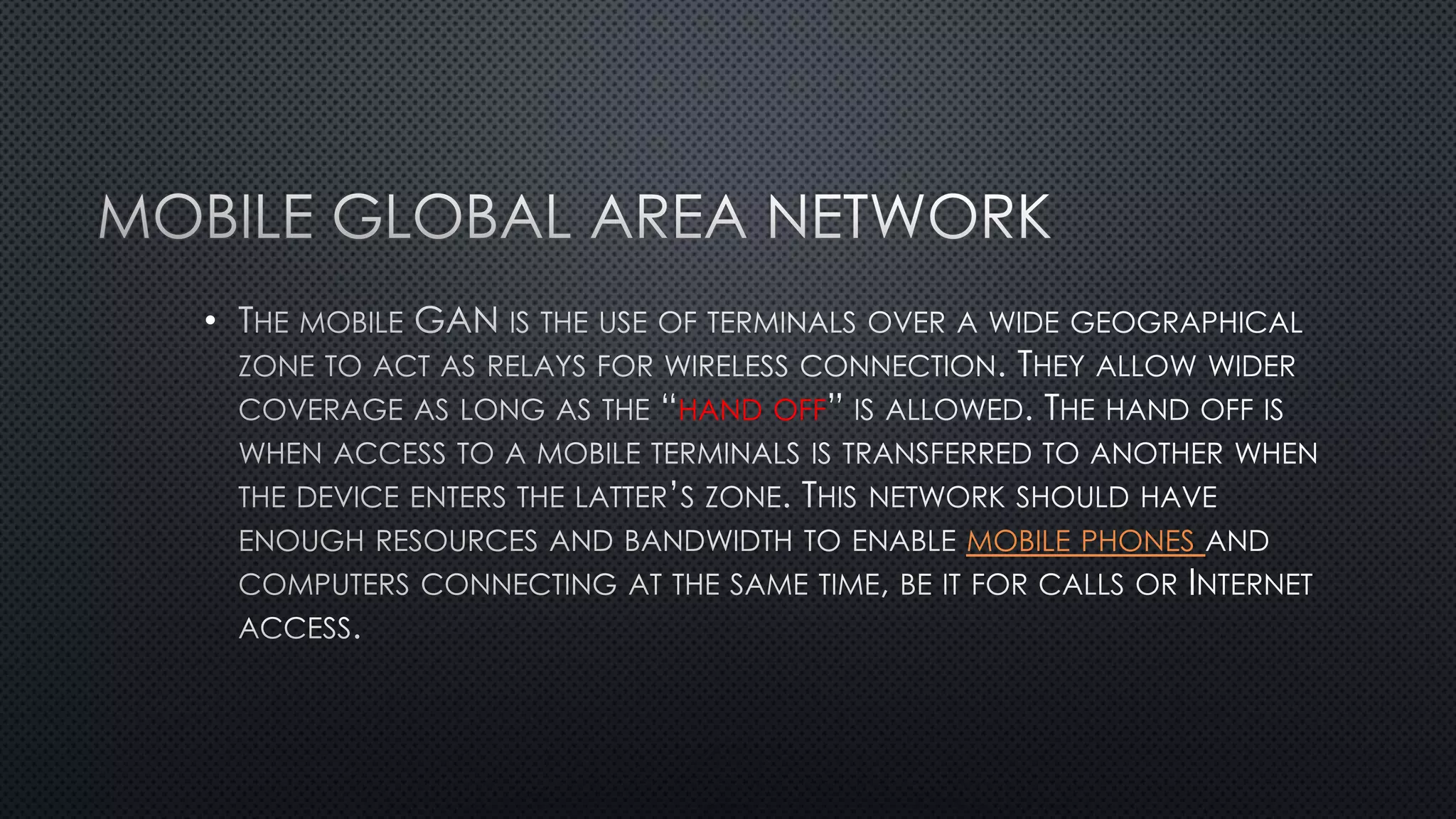
HAND OFF
MOBILE PHONES
•
LANS
•
•
•
•
•
• CAN
•
•
•
•
•
•
•
•
• CYCLIC REDUNDANCY CODE (CRC)
•
•
• NETWORK IP ADDRESS
RFC 1918 INTERNET
PROTOCOL IPV4 RFC 4193
IPV6
LOCAL AREA NETWORKS
IPV4
ADDRESS EXHAUSTION
•
1.
2. NETWORK
3. RING NETWORK - COMPUTERS ARE CONNECTED TOGETHER TO FORM A RING SHAPE SO THAT
NONE OF THEM IS MORE IMPORTANT THAN ANY OF THE OTHERS.
4. COMPUTERS ARE CONNECTED LIKE BUS STOPS ON A MAIN ROAD.
NONE OF THEM IS MORE IMPORTANT THAN ANY OF THE OTHERS.
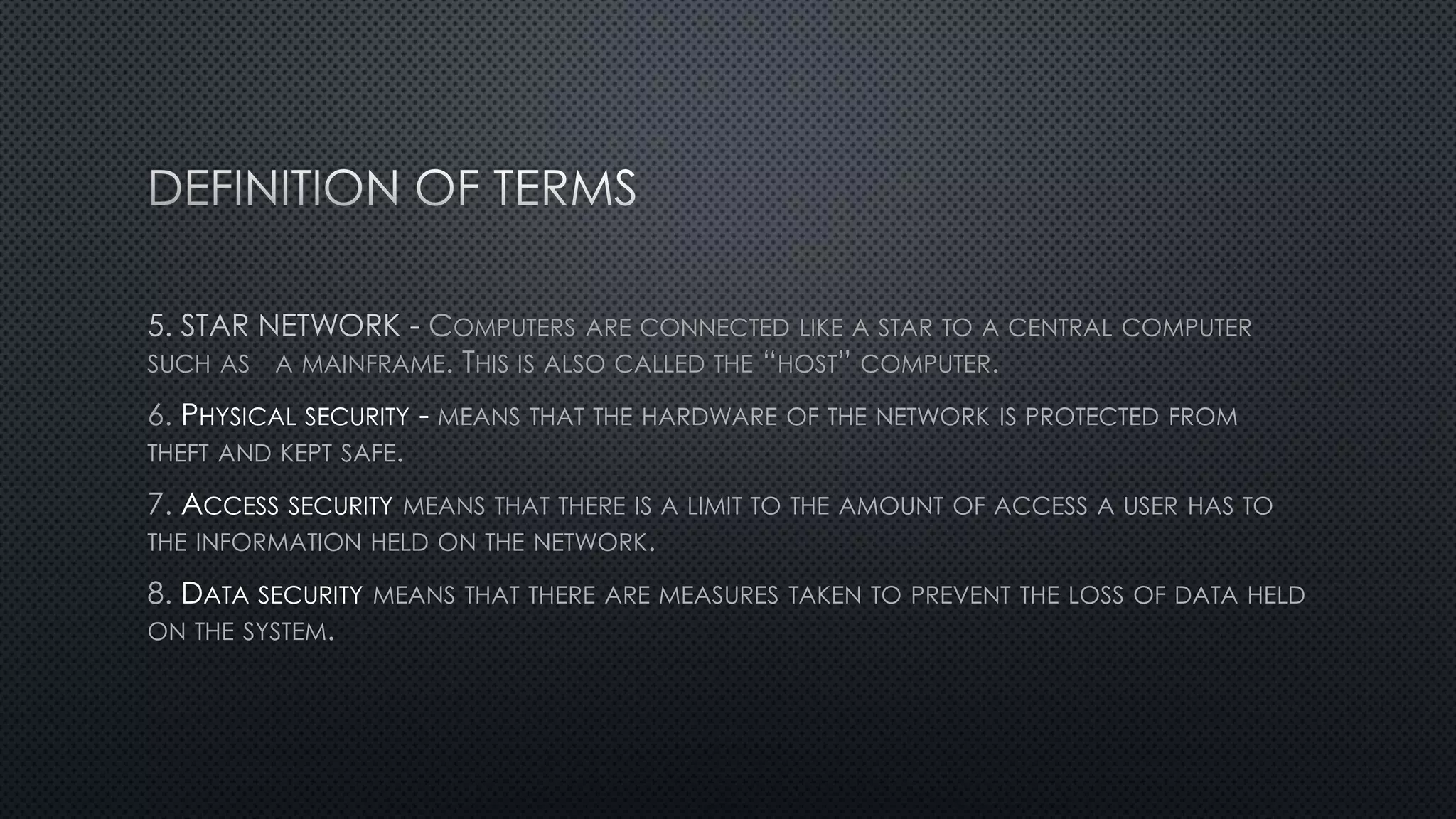
COMPUTERS ARE CONNECTED LIKE A STAR TO A CENTRAL COMPUTER
SUCH AS A MAINFRAME. THIS IS ALSO CALLED THE “HOST” COMPUTER.
6. PHYSICAL SECURITY - MEANS THAT THE HARDWARE OF THE NETWORK IS PROTECTED FROM
THEFT AND KEPT SAFE.
7. ACCESS SECURITY MEANS THAT THERE IS A LIMIT TO THE AMOUNT OF ACCESS A USER HAS TO
THE INFORMATION HELD ON THE NETWORK.
8. DATA SECURITY MEANS THAT THERE ARE MEASURES TAKEN TO PREVENT THE LOSS OF DATA HELD
ON THE SYSTEM.
•
•
•
WLAN
• FILE SERVER : RUNS SOFTWARE, STORES FILES.
• TERMINALS : WORKSTATIONS THAT GIVE NETWORK ACCESS.
• PRINT SERVER : QUEUES UP ALL PRINT JOBS FROM USERS IN NETWORK.
• CABLES (WIRE/OPTIC) : SENDS DATA.
•
PROTOCOL
•
• WIDE AREA NETWORK
•
•
•
•
• MOBILE
PHONES
•
•
•
• HTTP://STUDY.COM/ACADEMY/LESSON/TYPES-OF-NETWORKS-LAN-WAN-WLAN-MAN-SAN-
PAN-EPN-VPN.HTML
• HTTPS://EN.WIKIPEDIA.ORG/WIKI/LOCAL_AREA_NETWORK
• HTTP://WWW.NI.COM/WHITE-PAPER/2732/EN/
•

types of networks