ASSIGNMENT OF COMPUTER LITERACY
PREPARE A POWER POINT PRESENTATION
SUBMITTED BY: MUHAMMAD KASHIF
SUBMITTED TO: SIR IRFAN KHAN
THIS PRESENTATION INCLUDES;
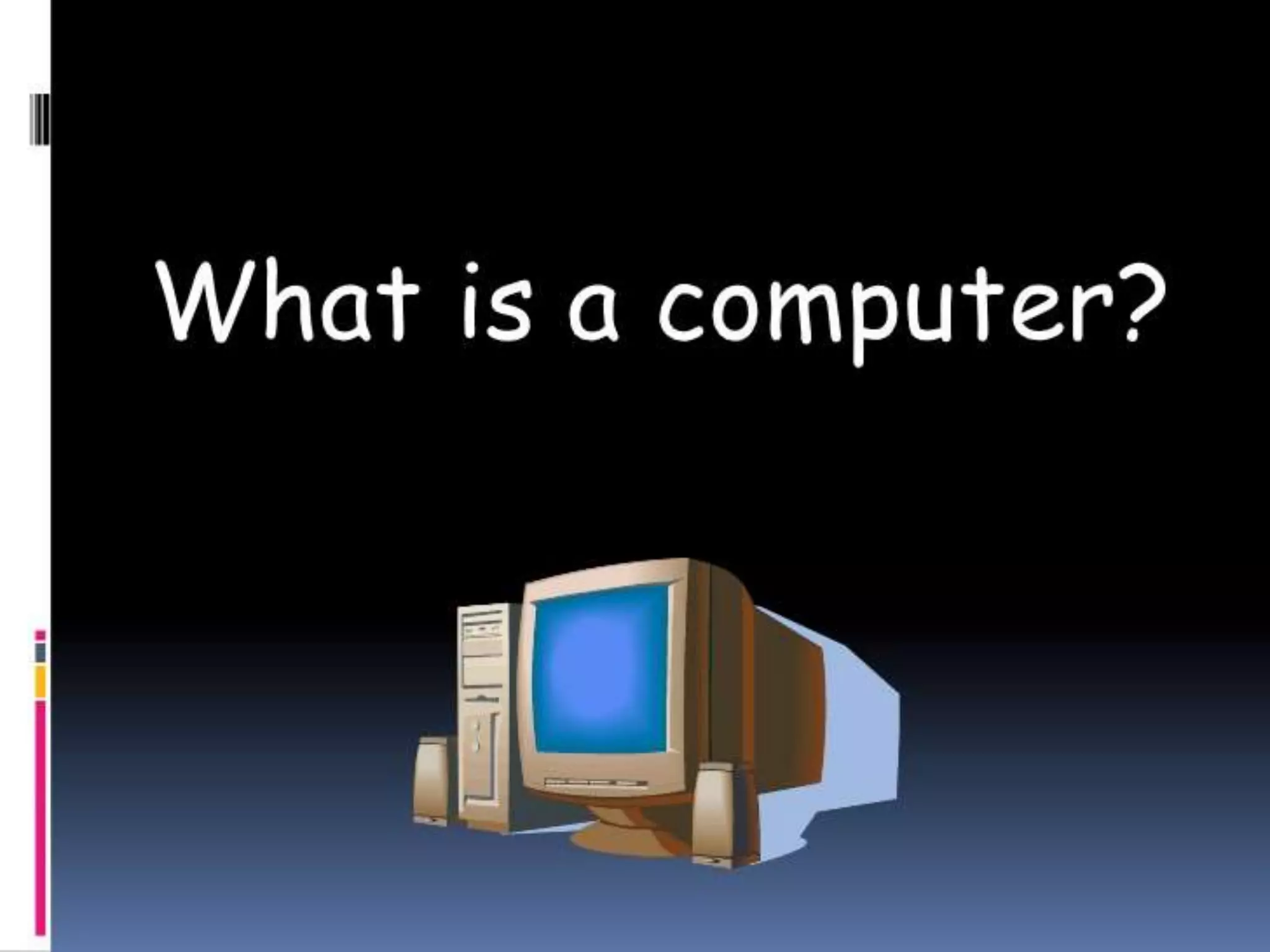
WHAT IS COMPUTER
HISTORY OF COMPUTER
TYPES OF COMPUTER
COMPONENTS OF COMPUTER
Computer
 The word computer comes from the word “compute”
which means “to calculate”.
 Thereby, a computer is an electronic device which can
perform arithmetic operations at high speed.
 A computer is also called a data processor because it
can store, process, and retrieve data whenever desired.
History of Computer
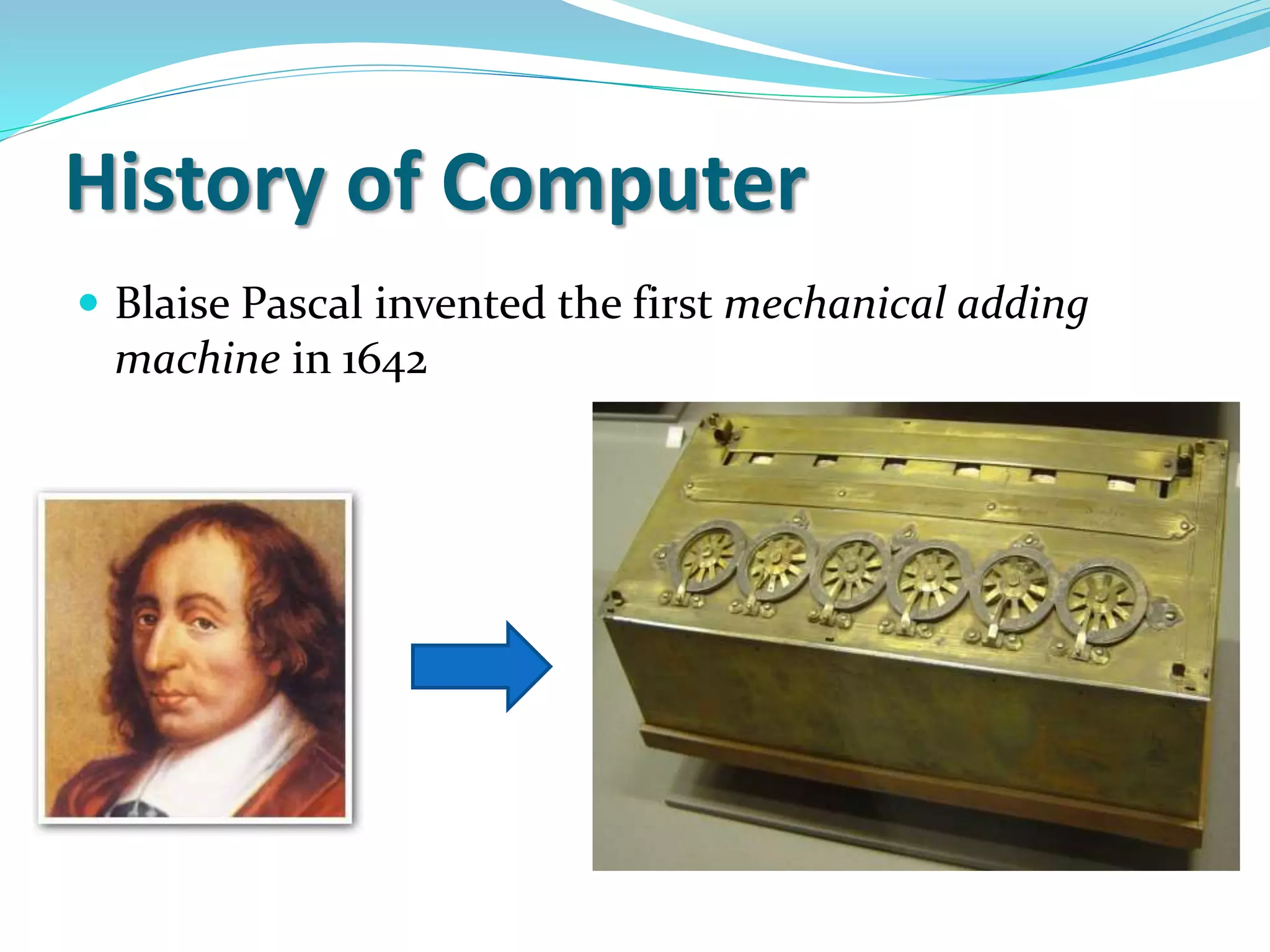
 Blaise Pascal invented the first mechanical adding
machine in 1642
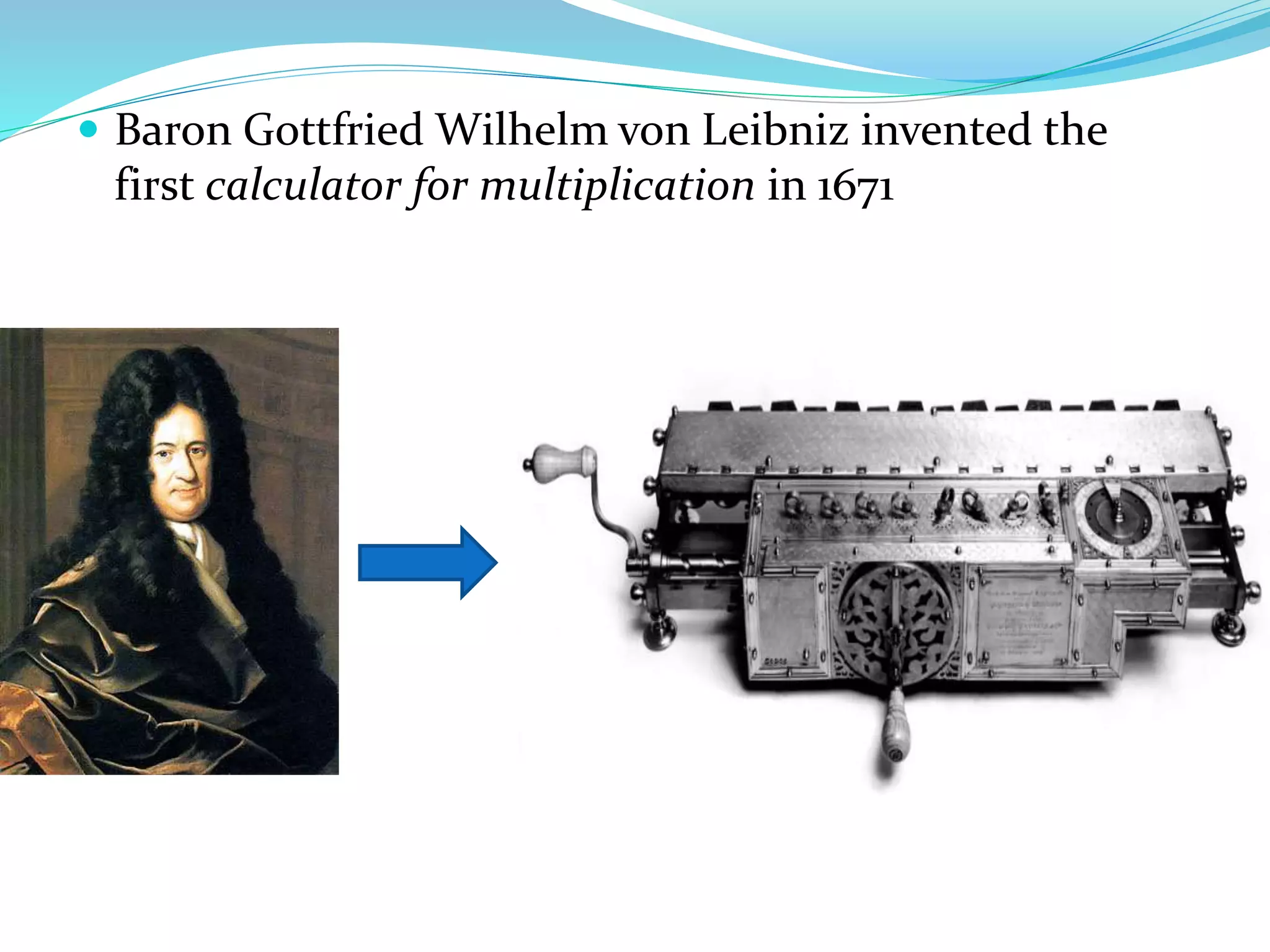
 Baron Gottfried Wilhelm von Leibniz invented the
first calculator for multiplication in 1671
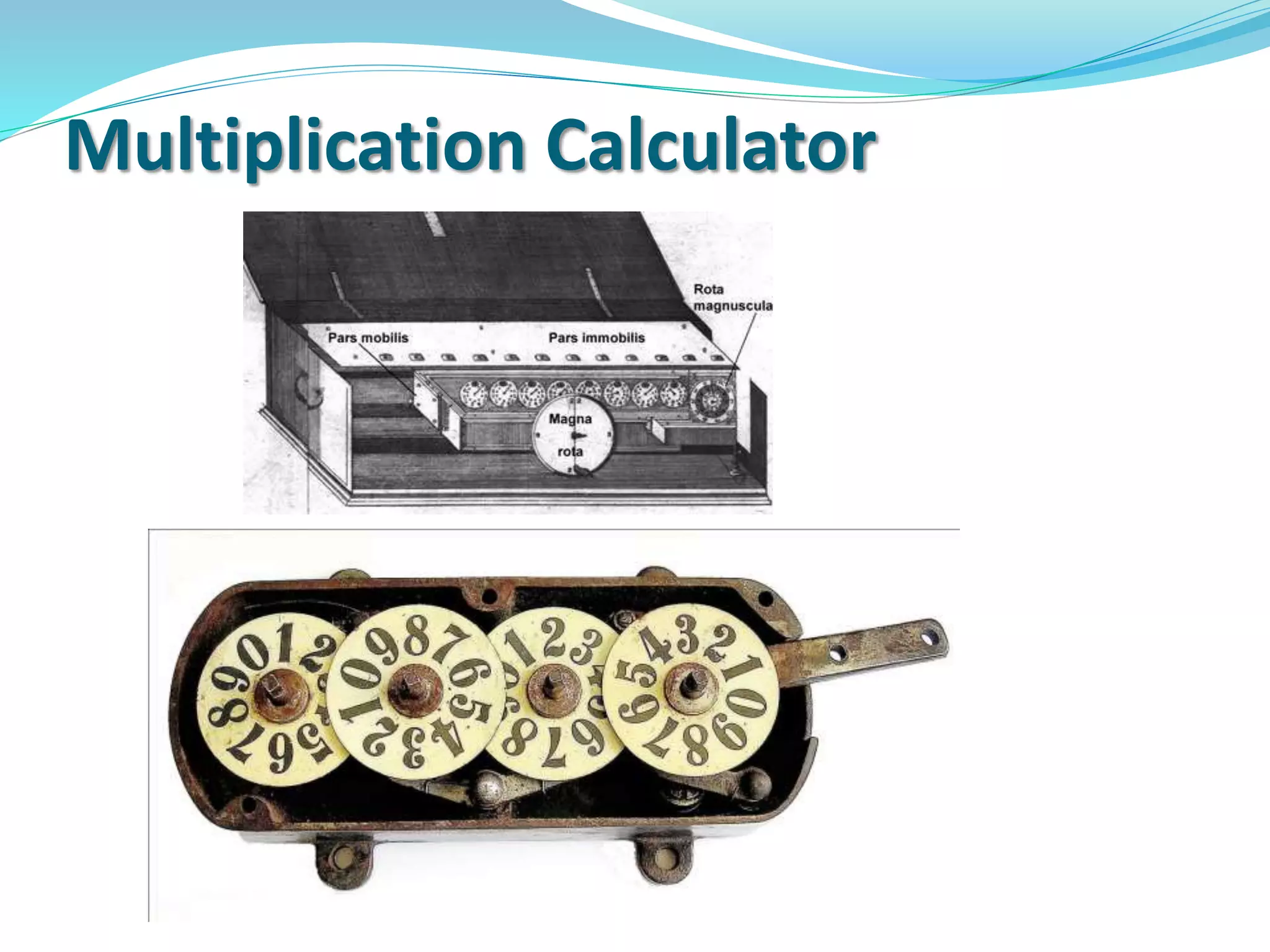
Multiplication Calculator
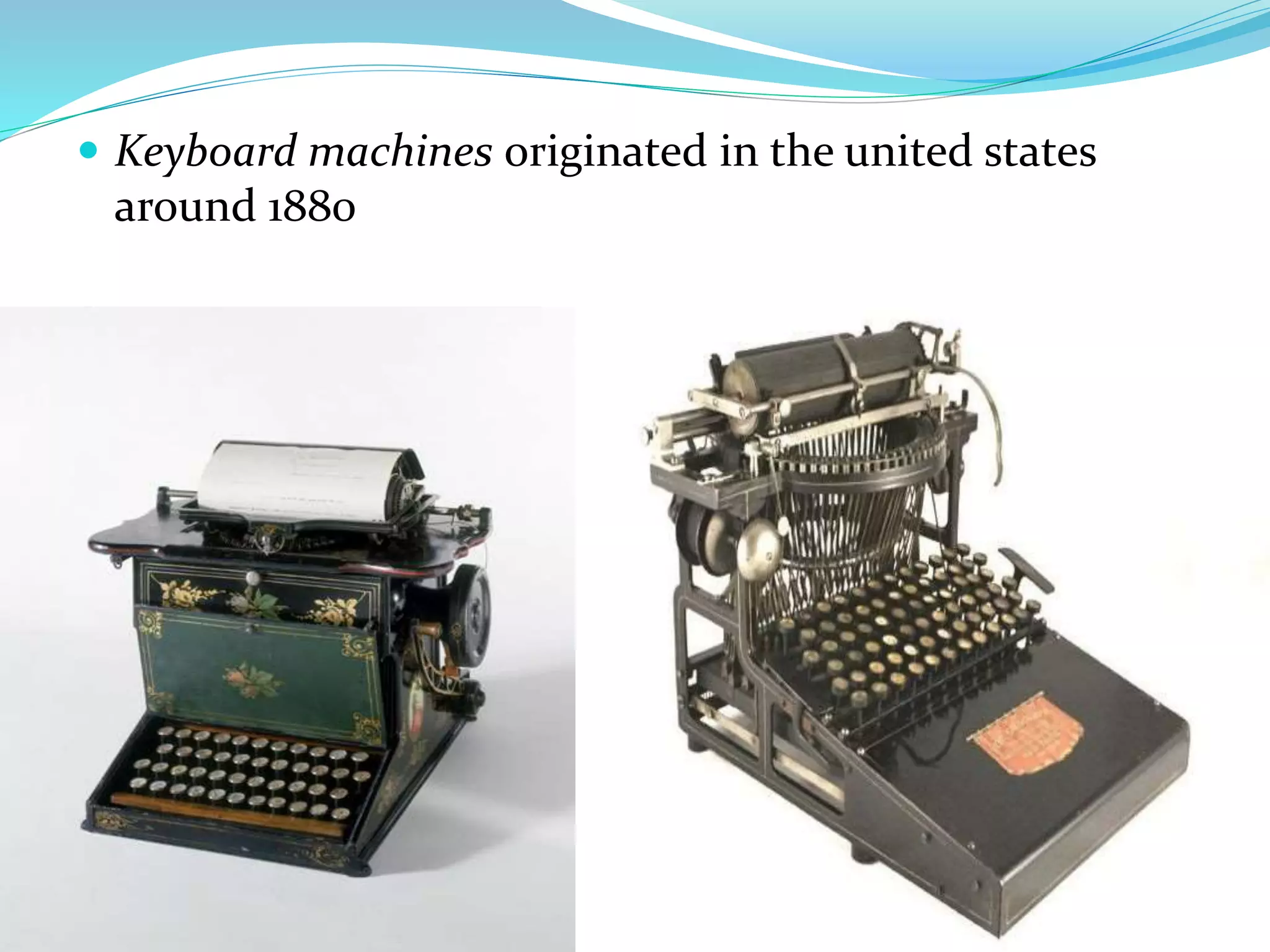
 Keyboard machines originated in the united states
around 1880
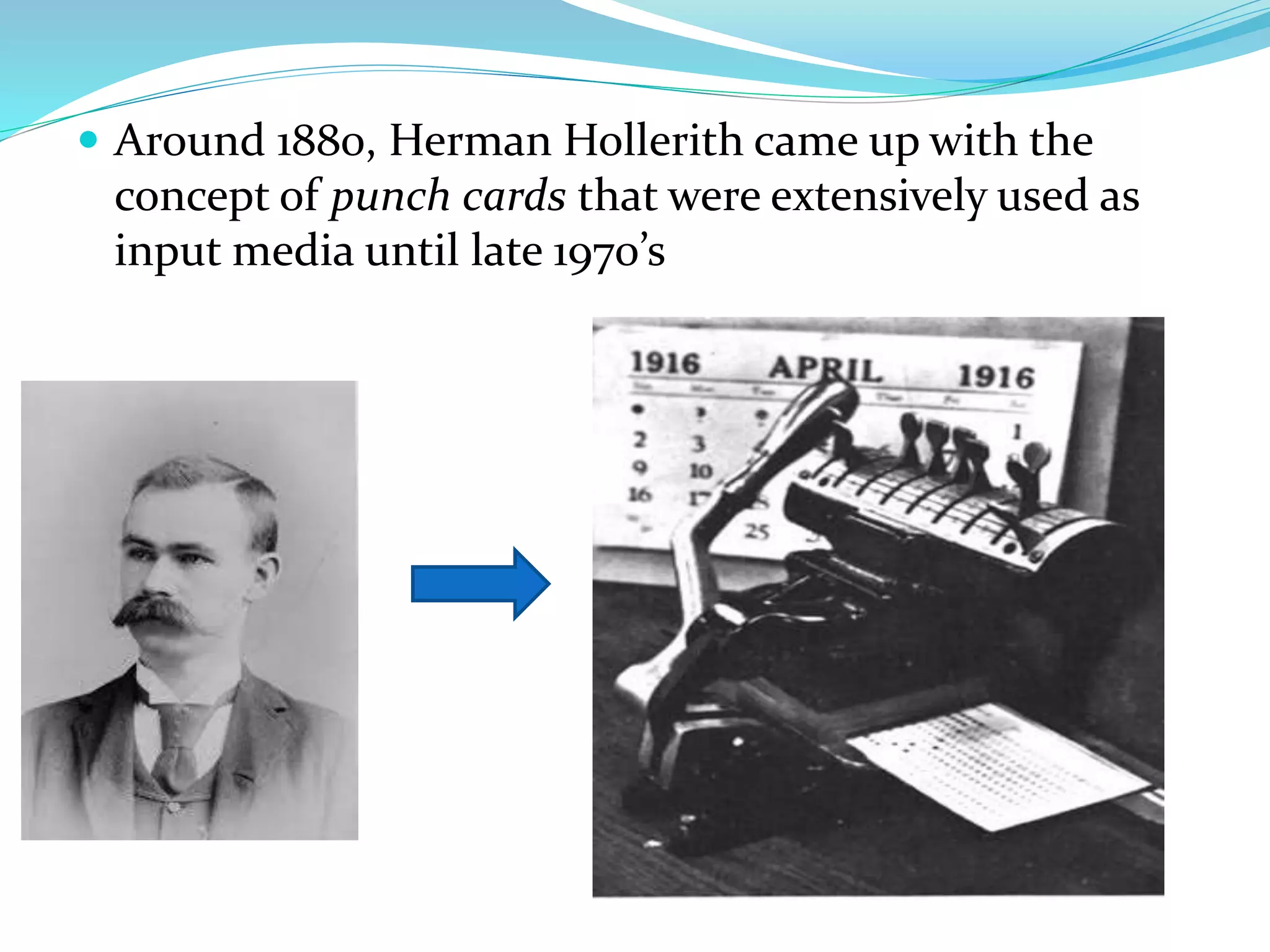
 Around 1880, Herman Hollerith came up with the
concept of punch cards that were extensively used as
input media until late 1970’s
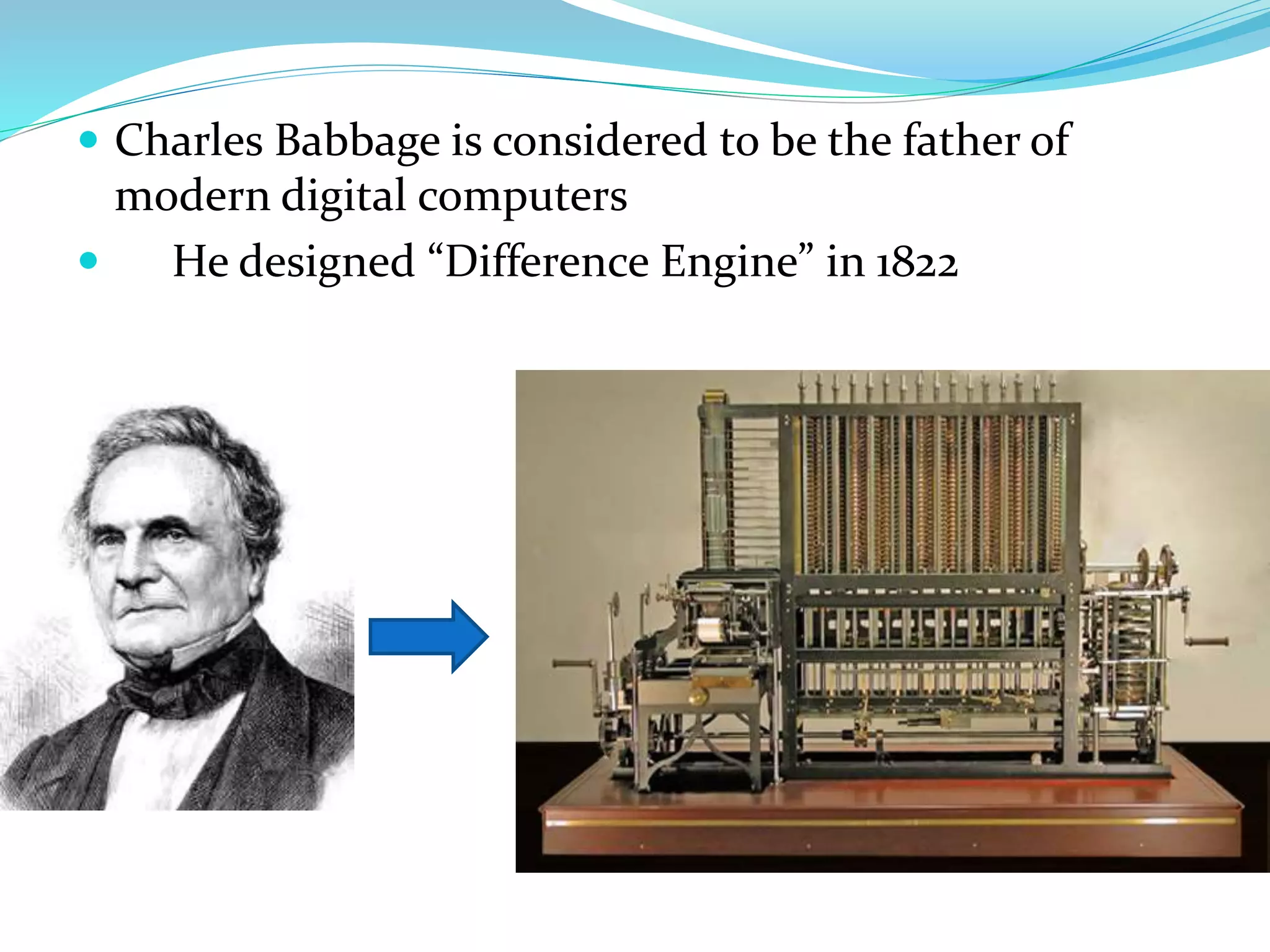
 Charles Babbage is considered to be the father of
modern digital computers
 He designed “Difference Engine” in 1822
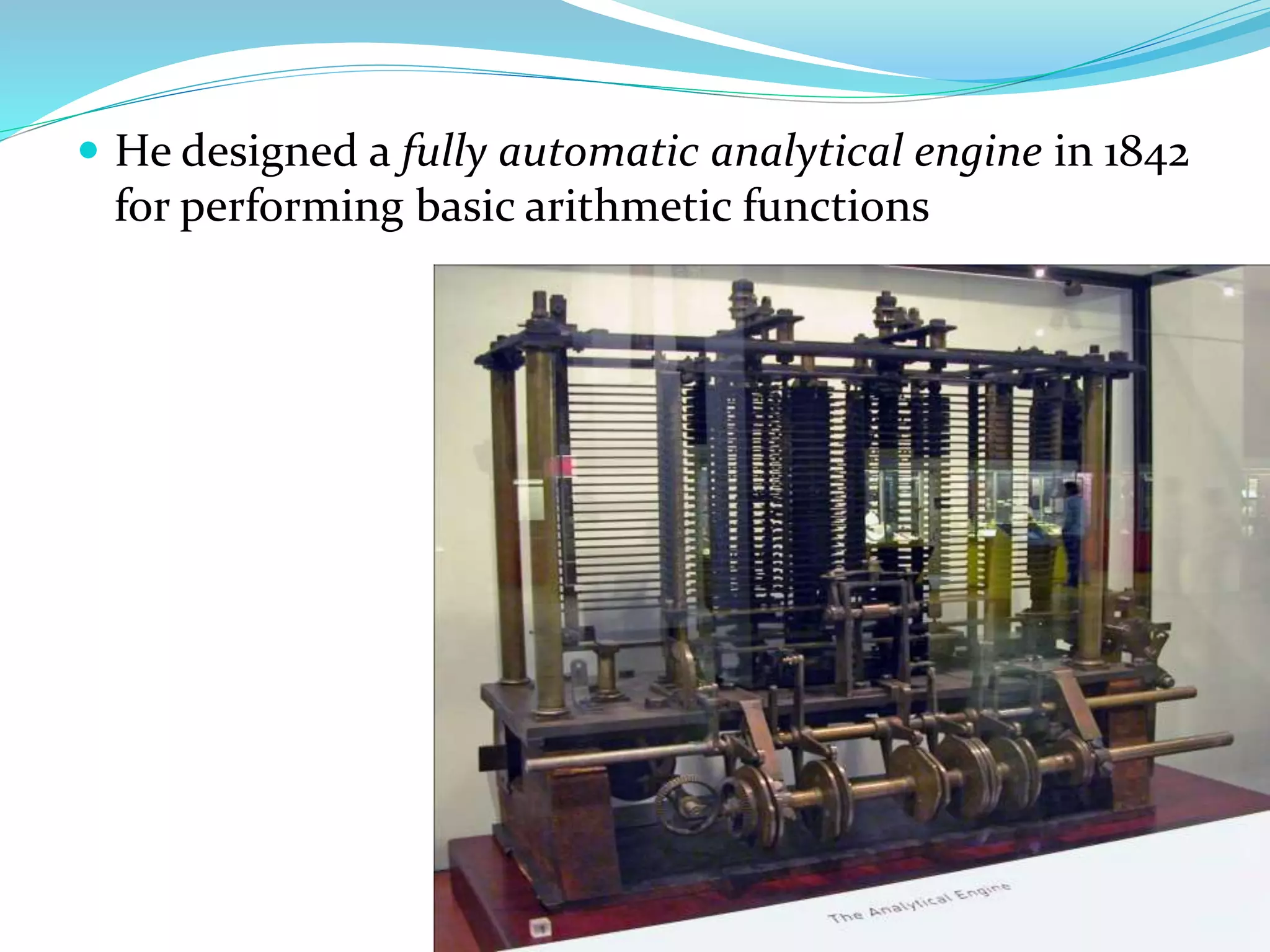
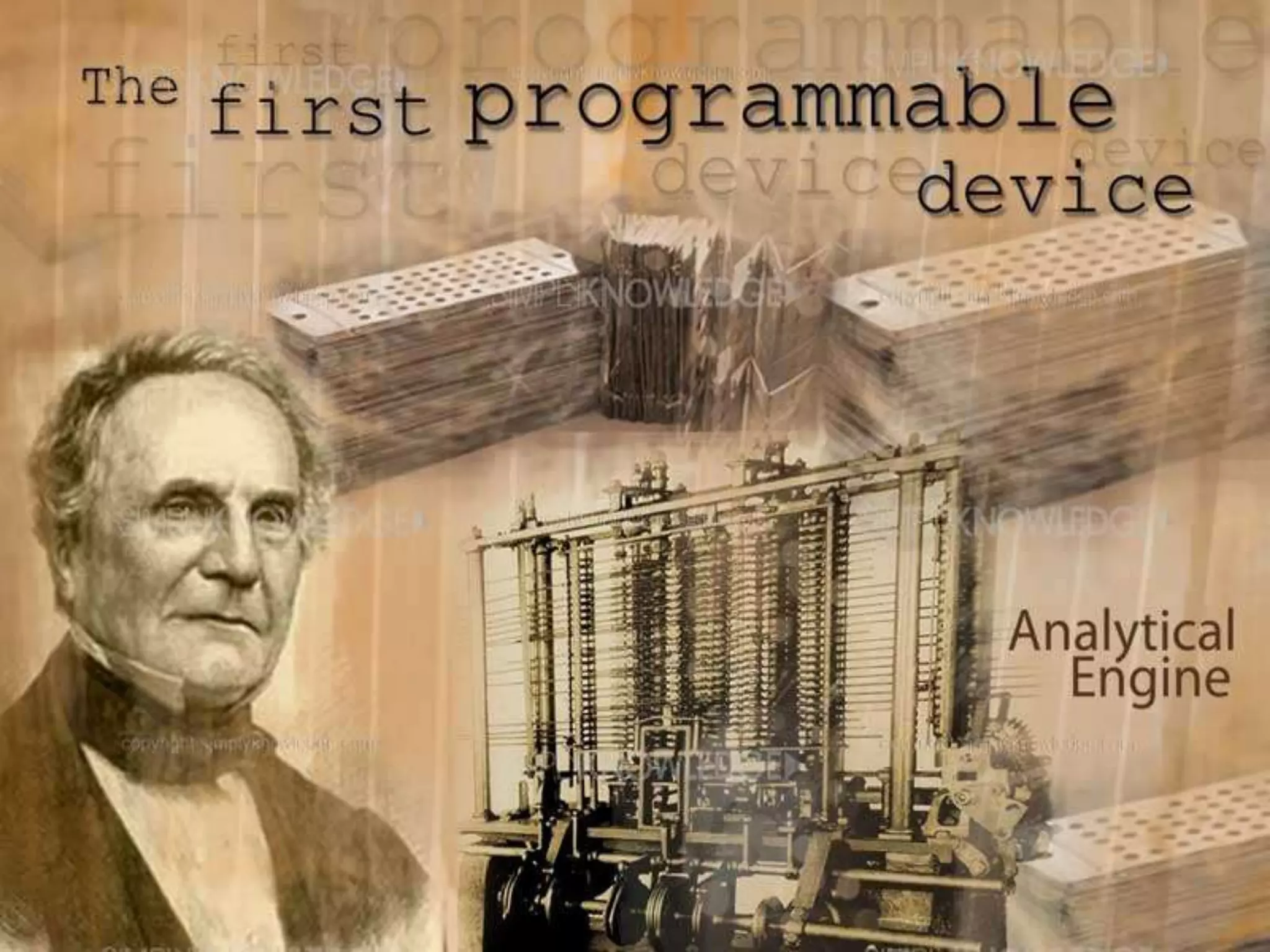
 He designed a fully automatic analytical engine in 1842
for performing basic arithmetic functions
Some Well Known Early
Computers
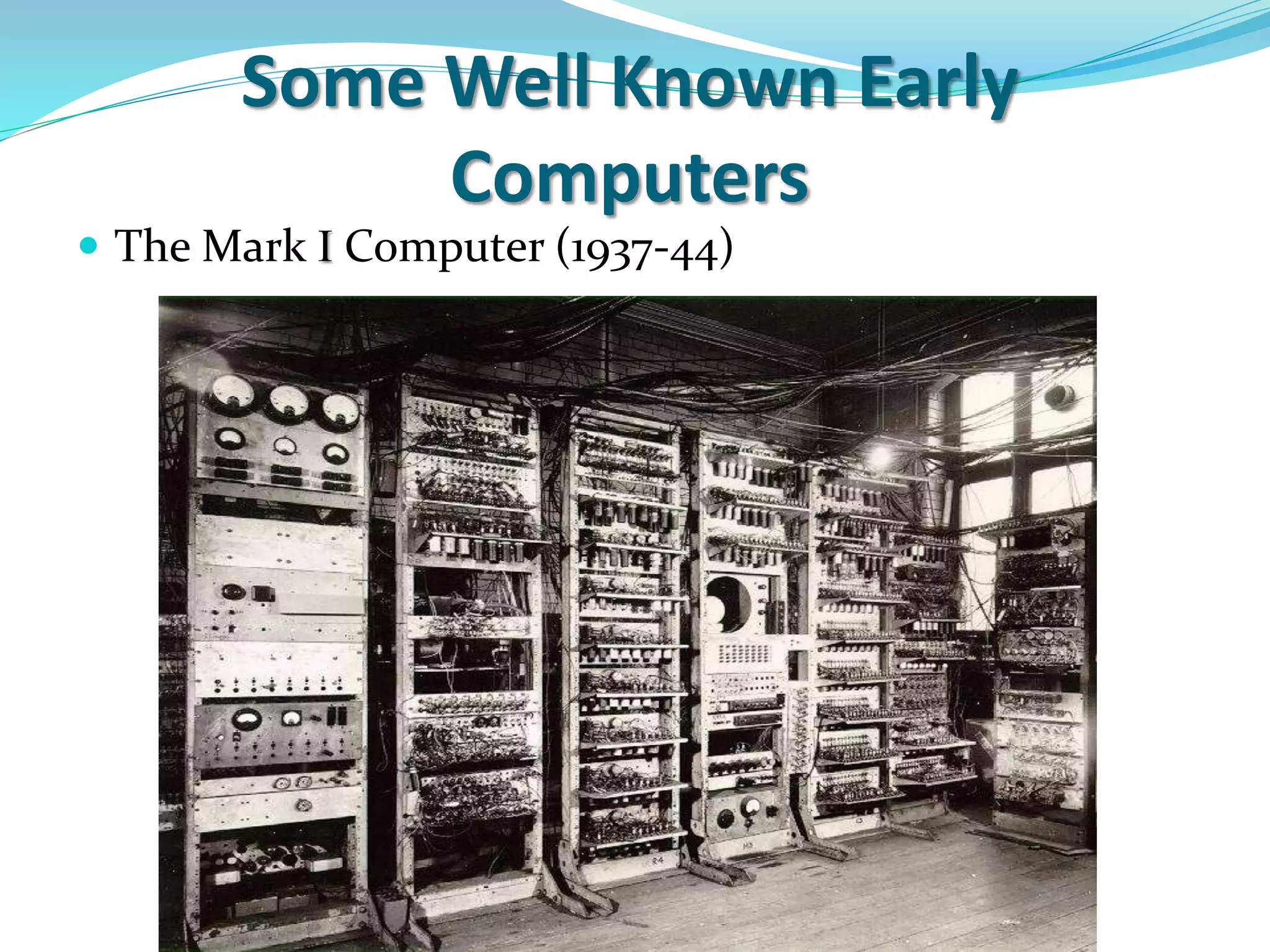
 The Mark I Computer (1937-44)
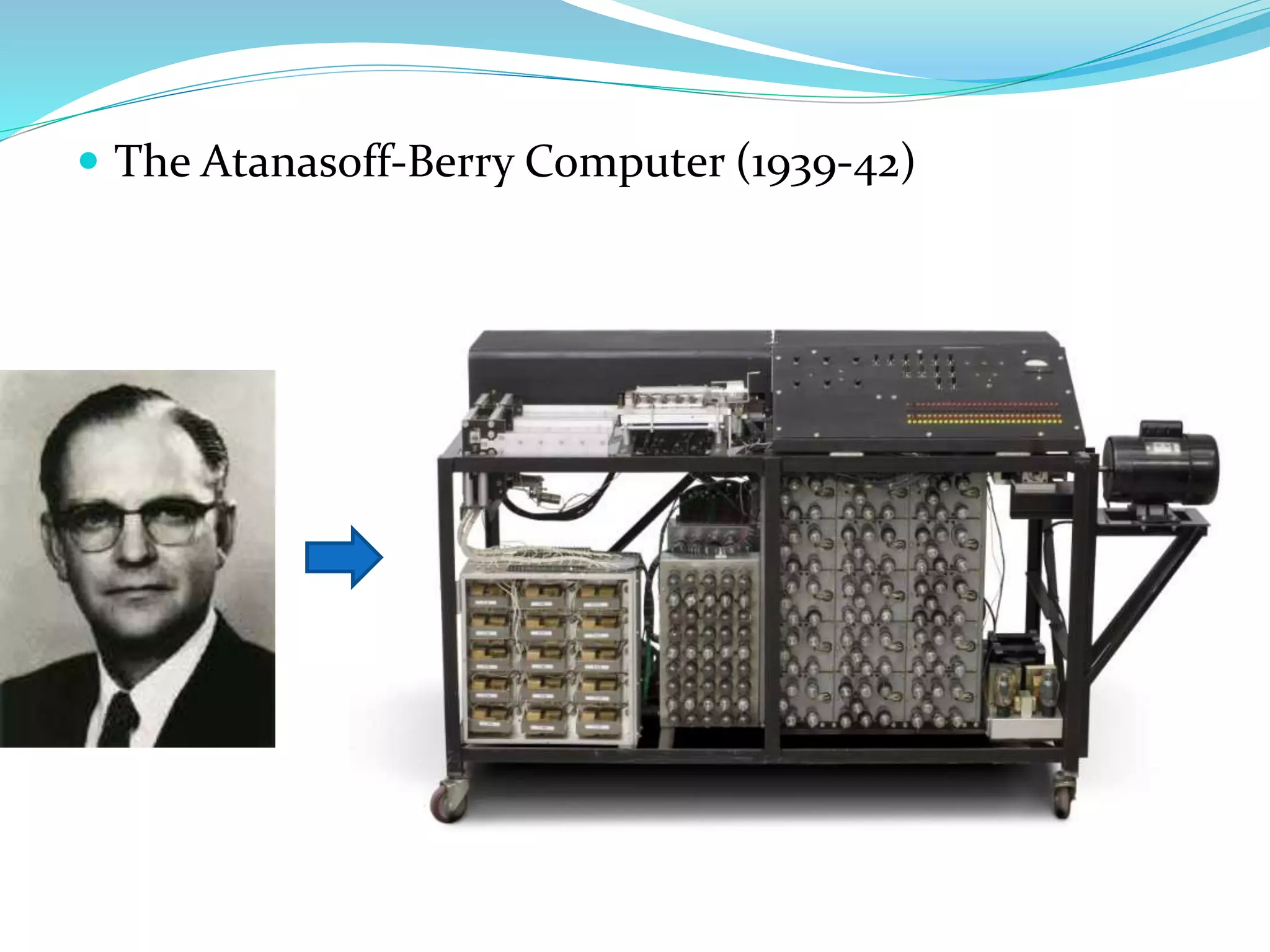
 The Atanasoff-Berry Computer (1939-42)
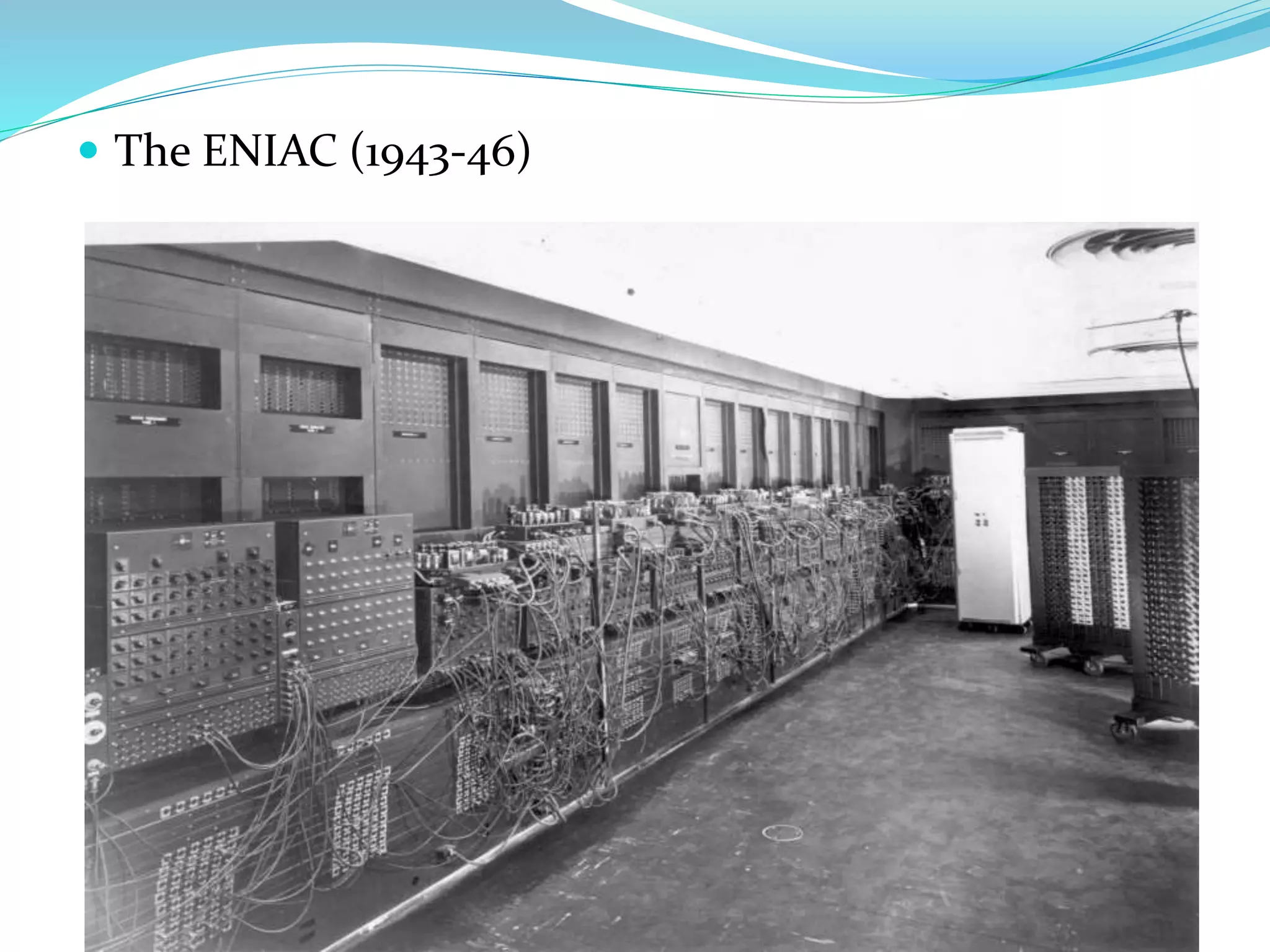
 The ENIAC (1943-46)
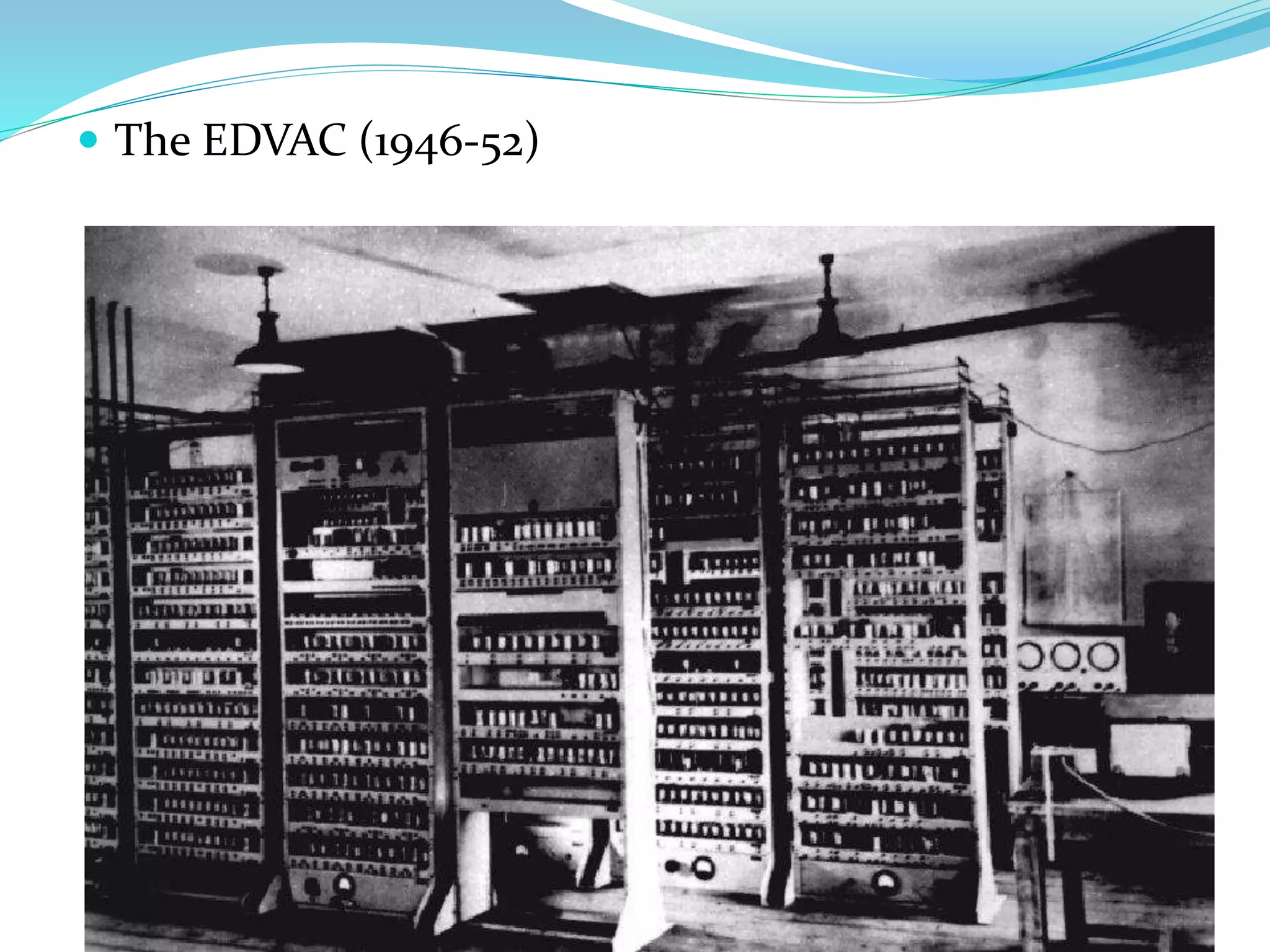
 The EDVAC (1946-52)
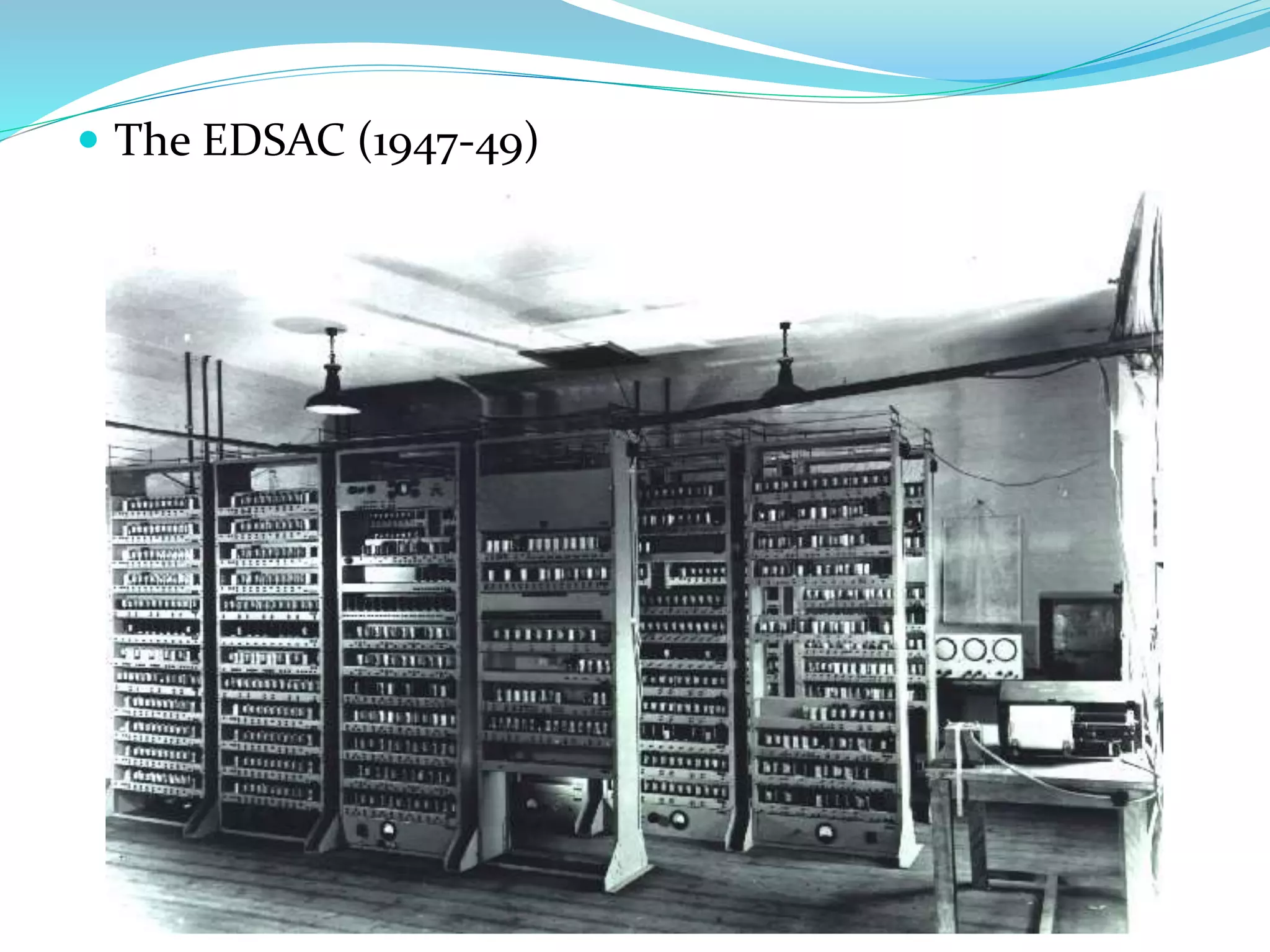
 The EDSAC (1947-49)
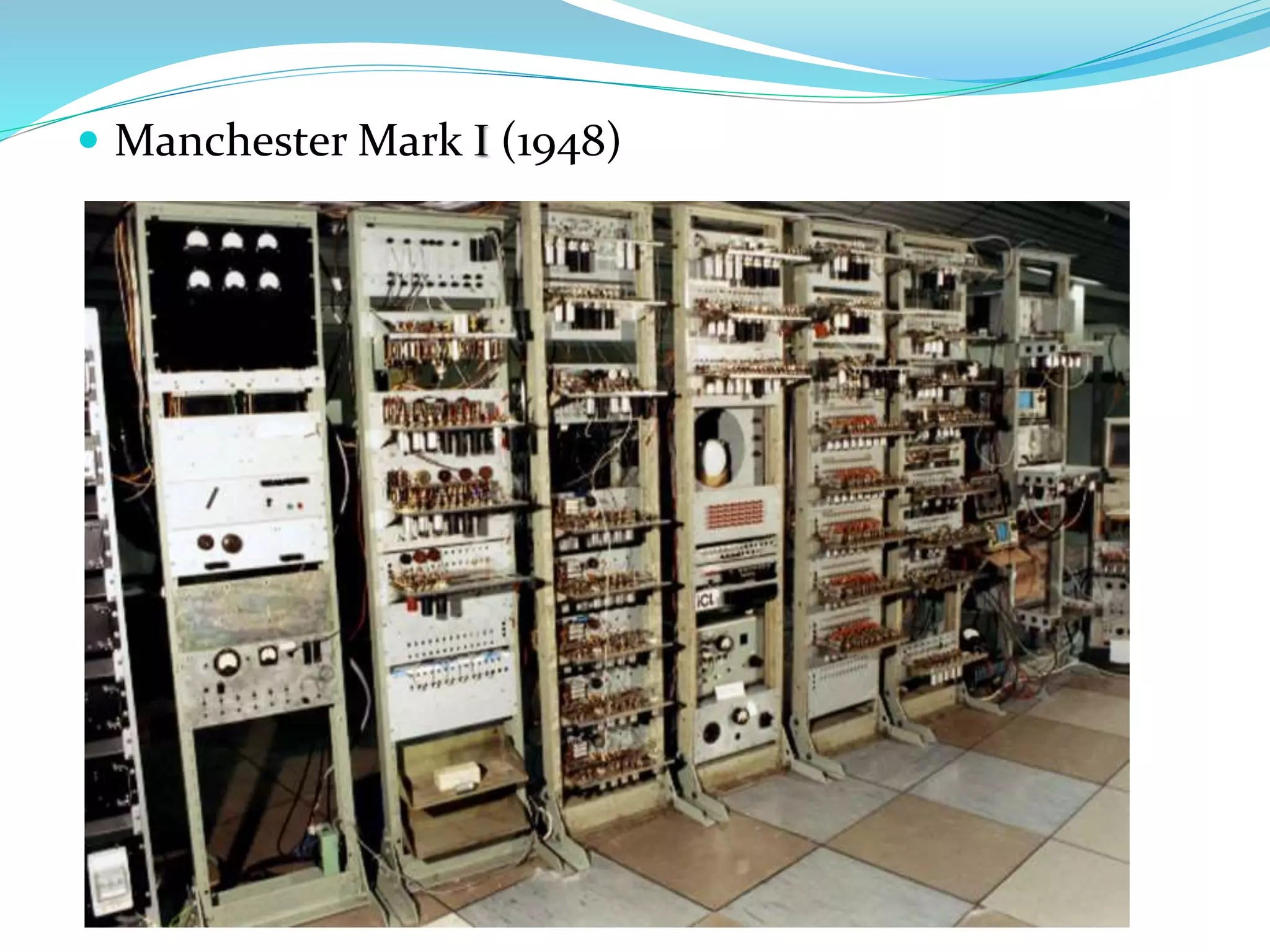
 Manchester Mark I (1948)
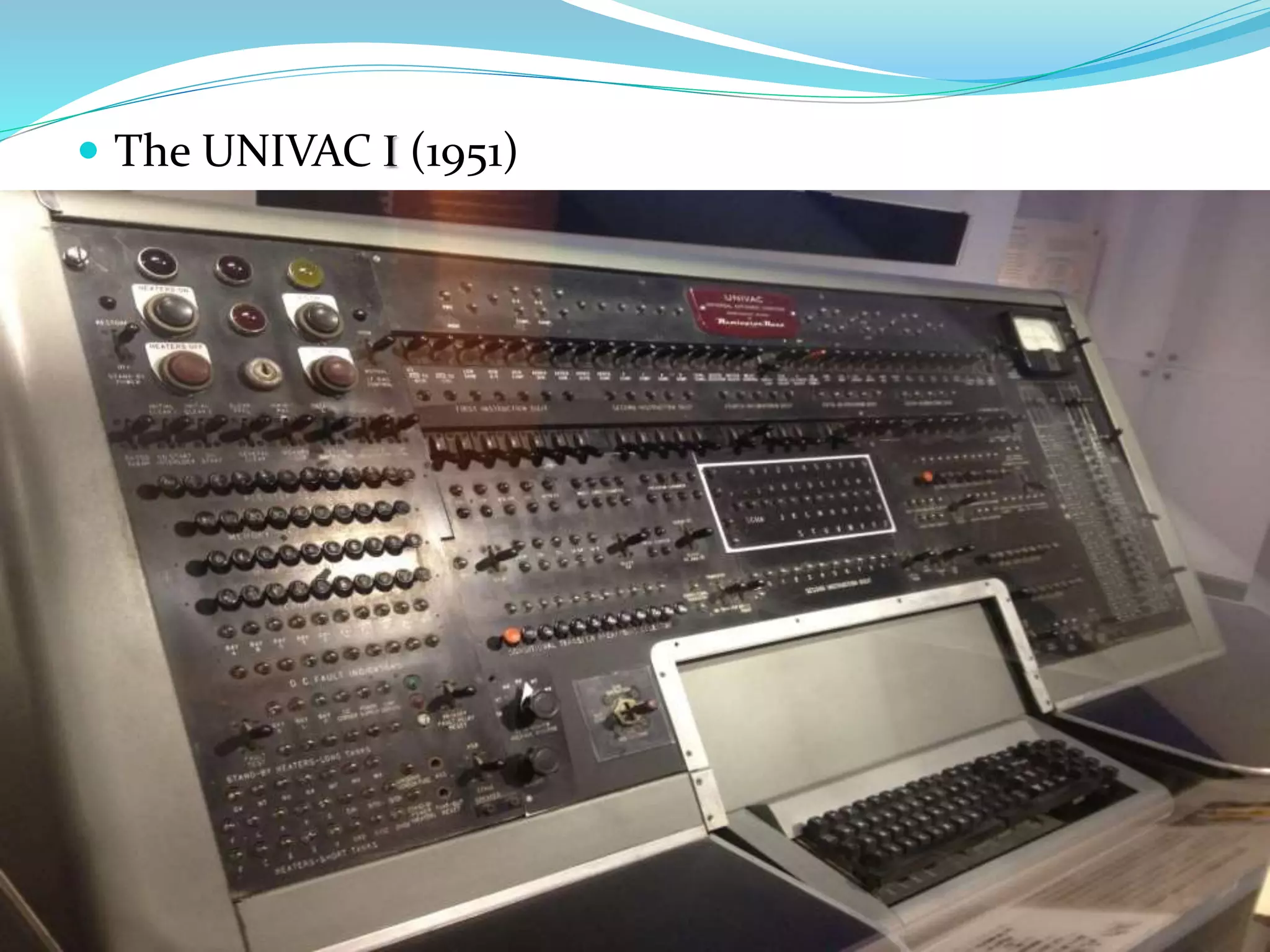
 The UNIVAC I (1951)
Types Of Computer
 Micro Computers
 Mini Computers
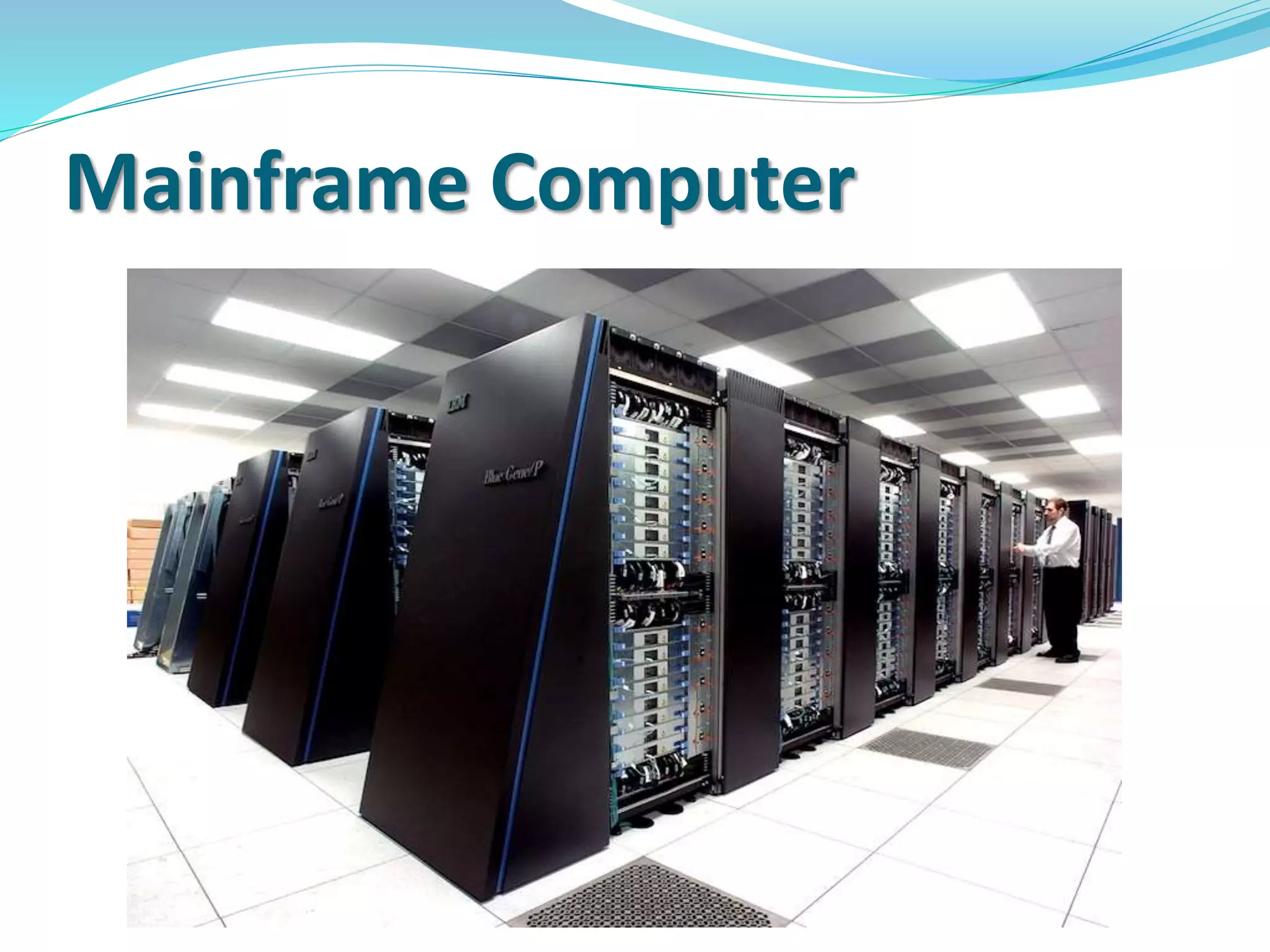
 Mainframe Computers
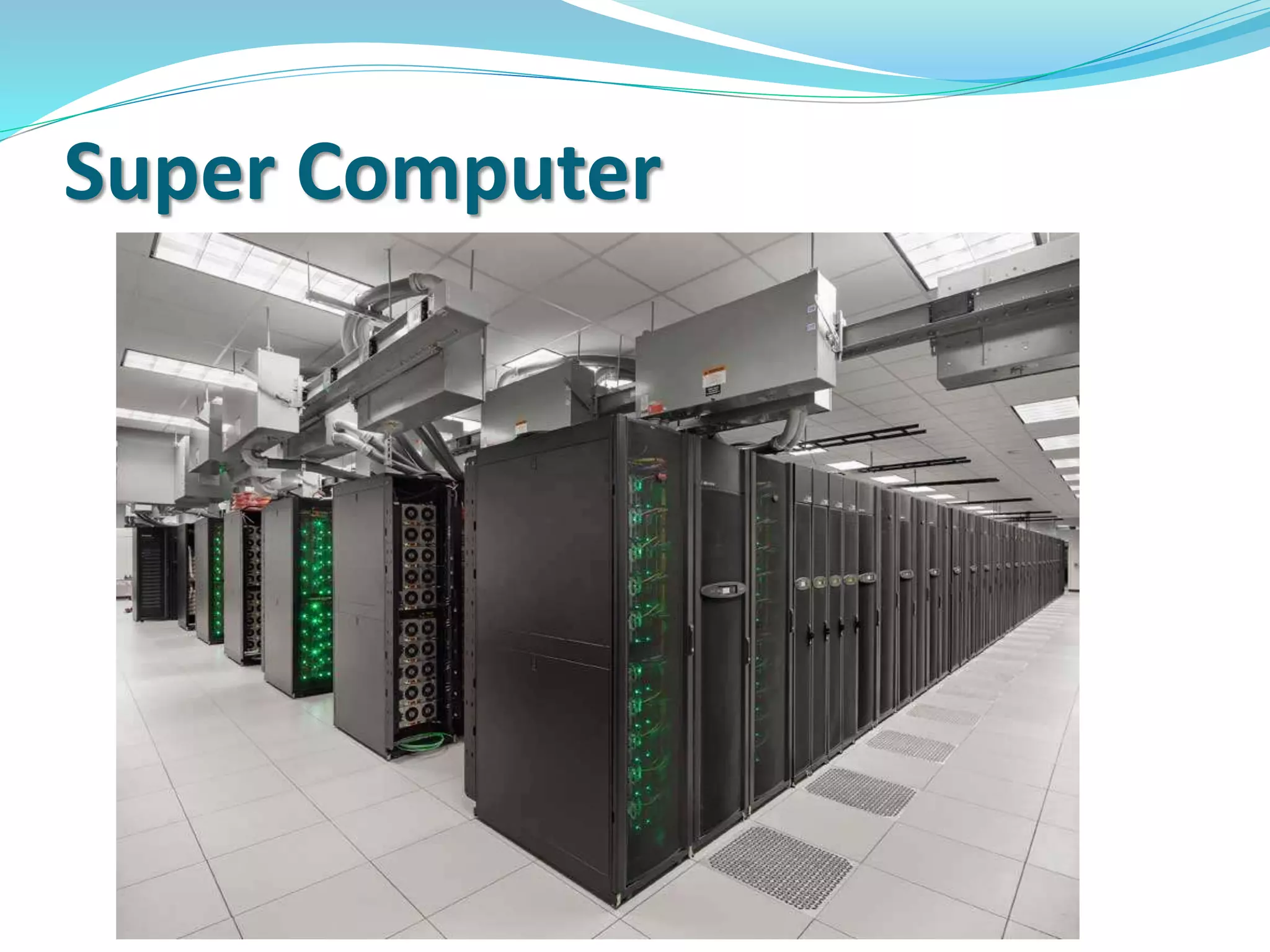
 Super Computers
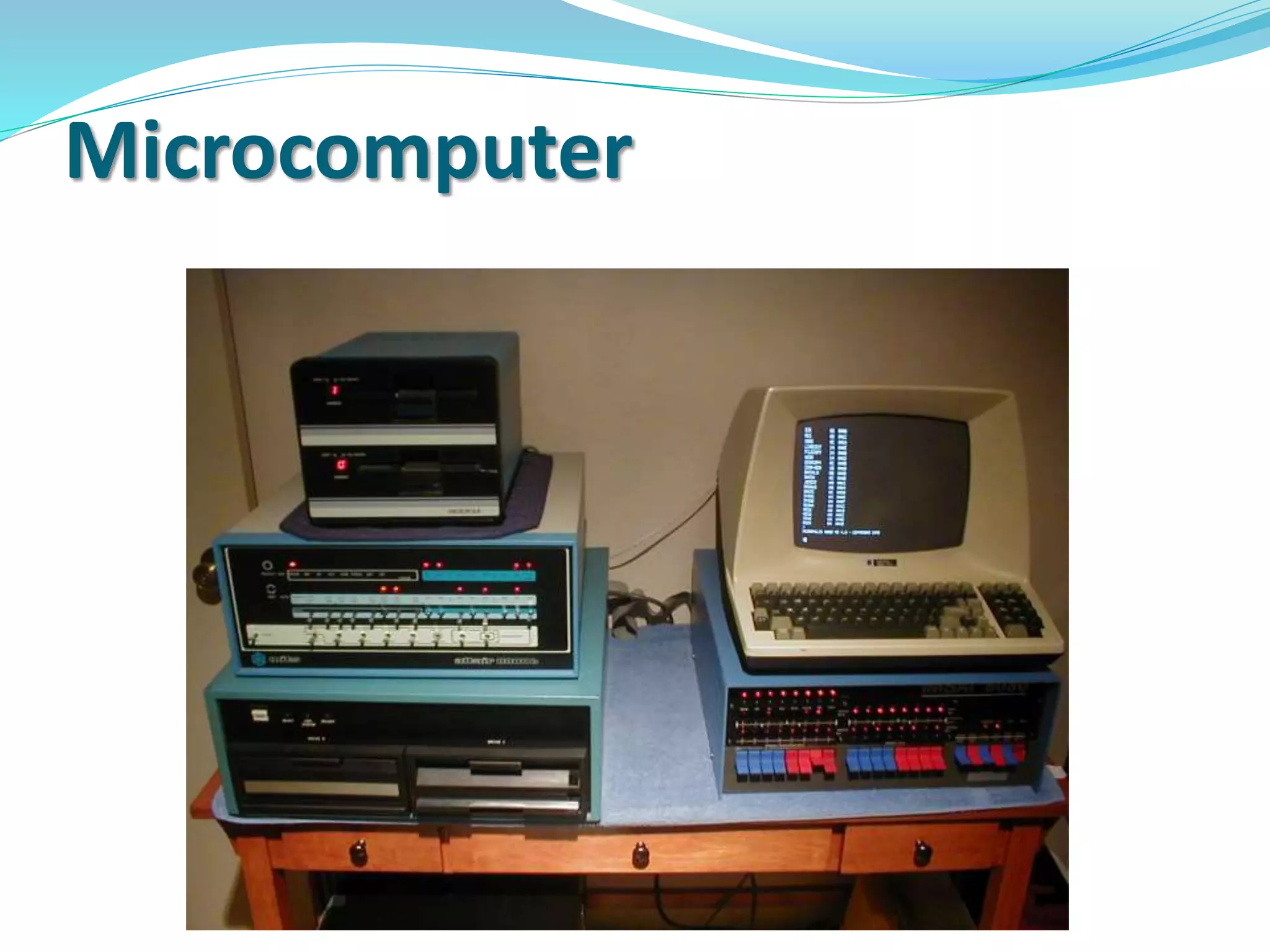
Micro Computers
 A microcomputer is a small, relatively
inexpensive computer with a microprocessor as
its central processing unit (CPU). It includes a
microprocessor, memory, and input/output facilities.
Microcomputer
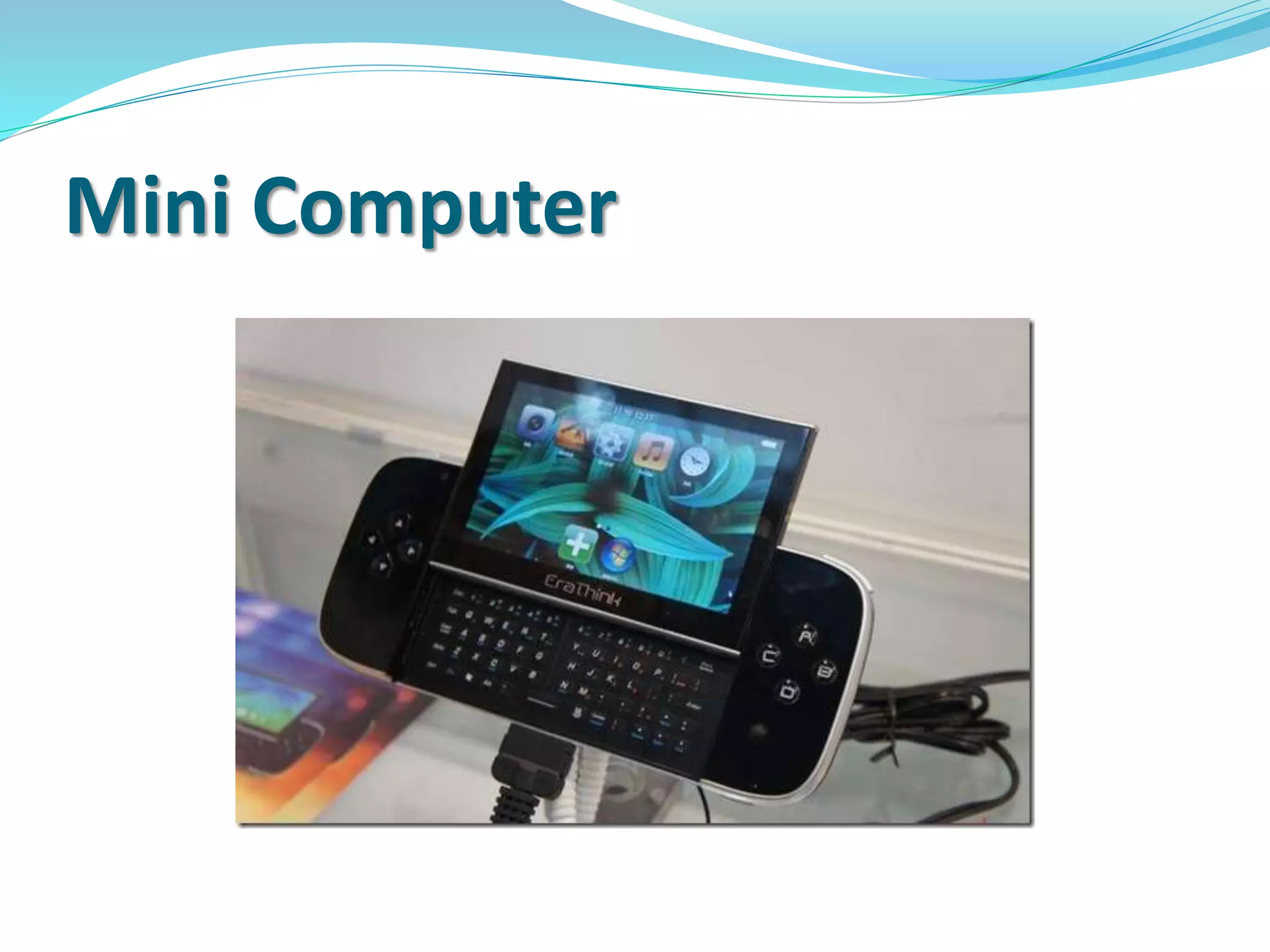
Mini Computers
 A midsized computer. In size and power,
minicomputers lie
between workstations and mainframe. a
minicomputer is a multiprocessing system capable of
supporting from 4 to about 200 users simultaneously.
Mini Computer
Mainframe Computers
 A mainframe (also known as "big iron") is a high-
performance computer used for large-scale computing
purposes that require greater availability and security
than a smaller-scale machine can offer.
Mainframe Computer
Super Computers
 A supercomputer is a computer with a very high-level
computational capacity. Performance of
a supercomputer is measured in floating point
operations per second (FLOPS).
Super Computer
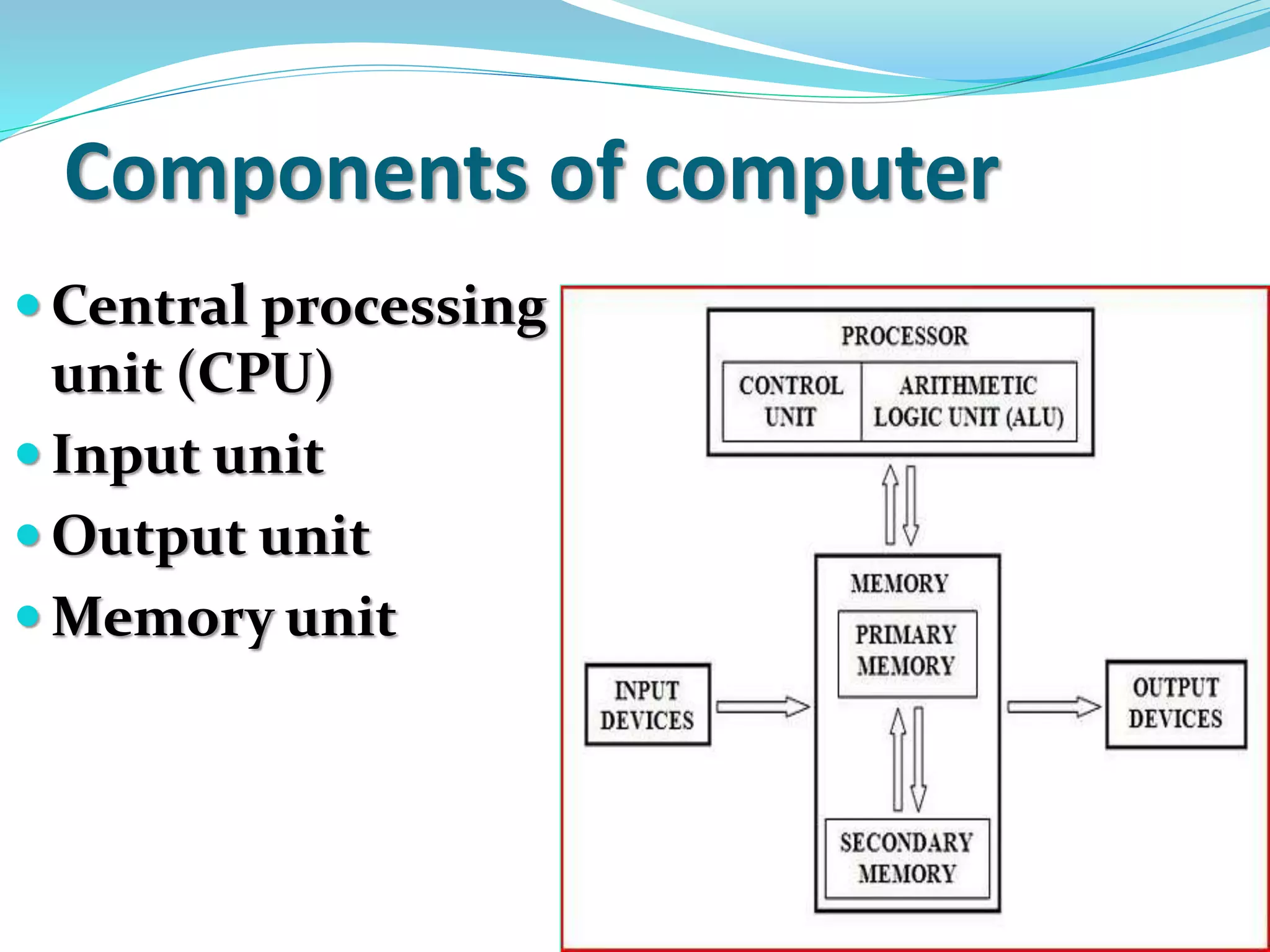
Components of computer
 Central processing
unit (CPU)
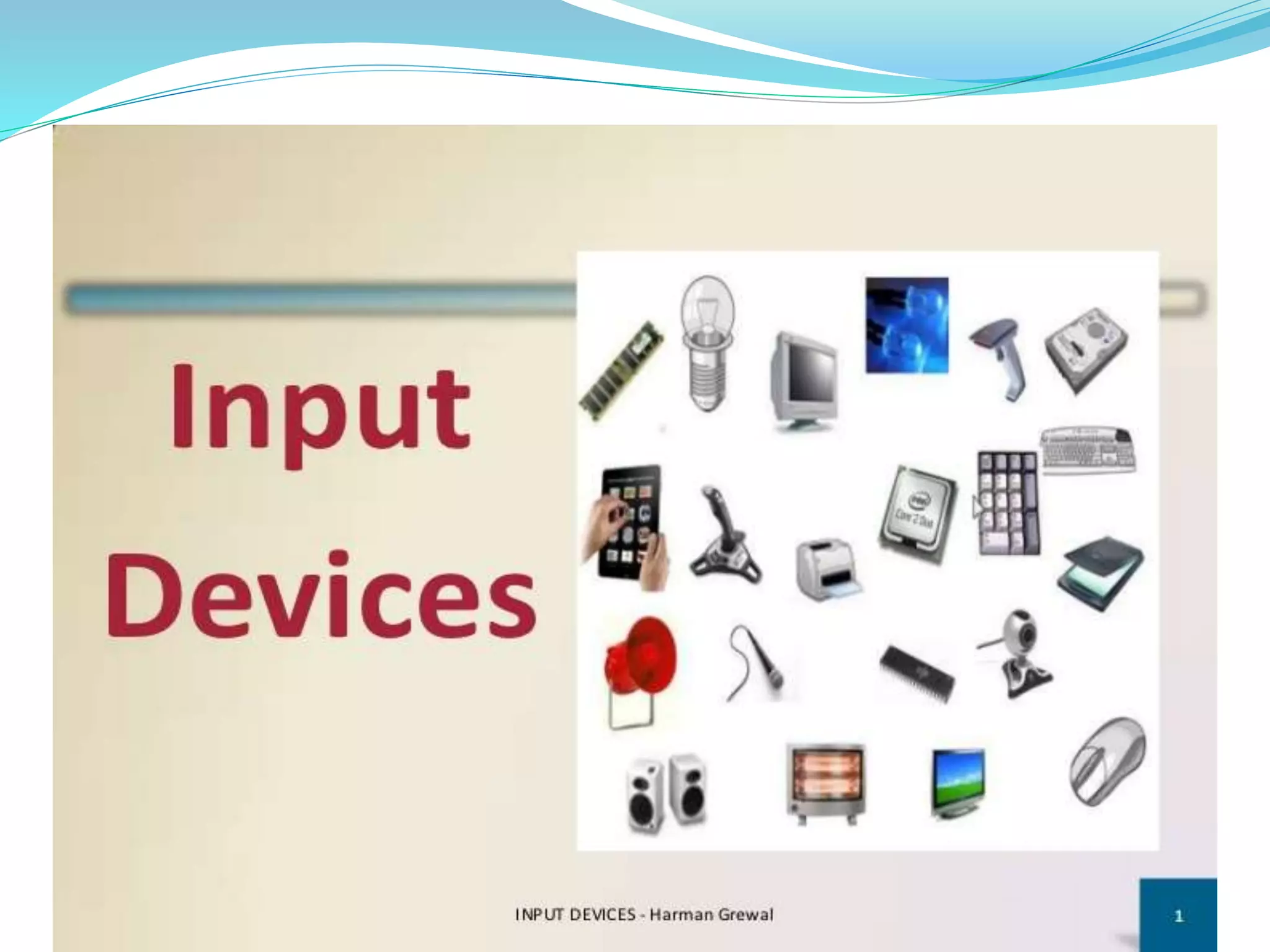
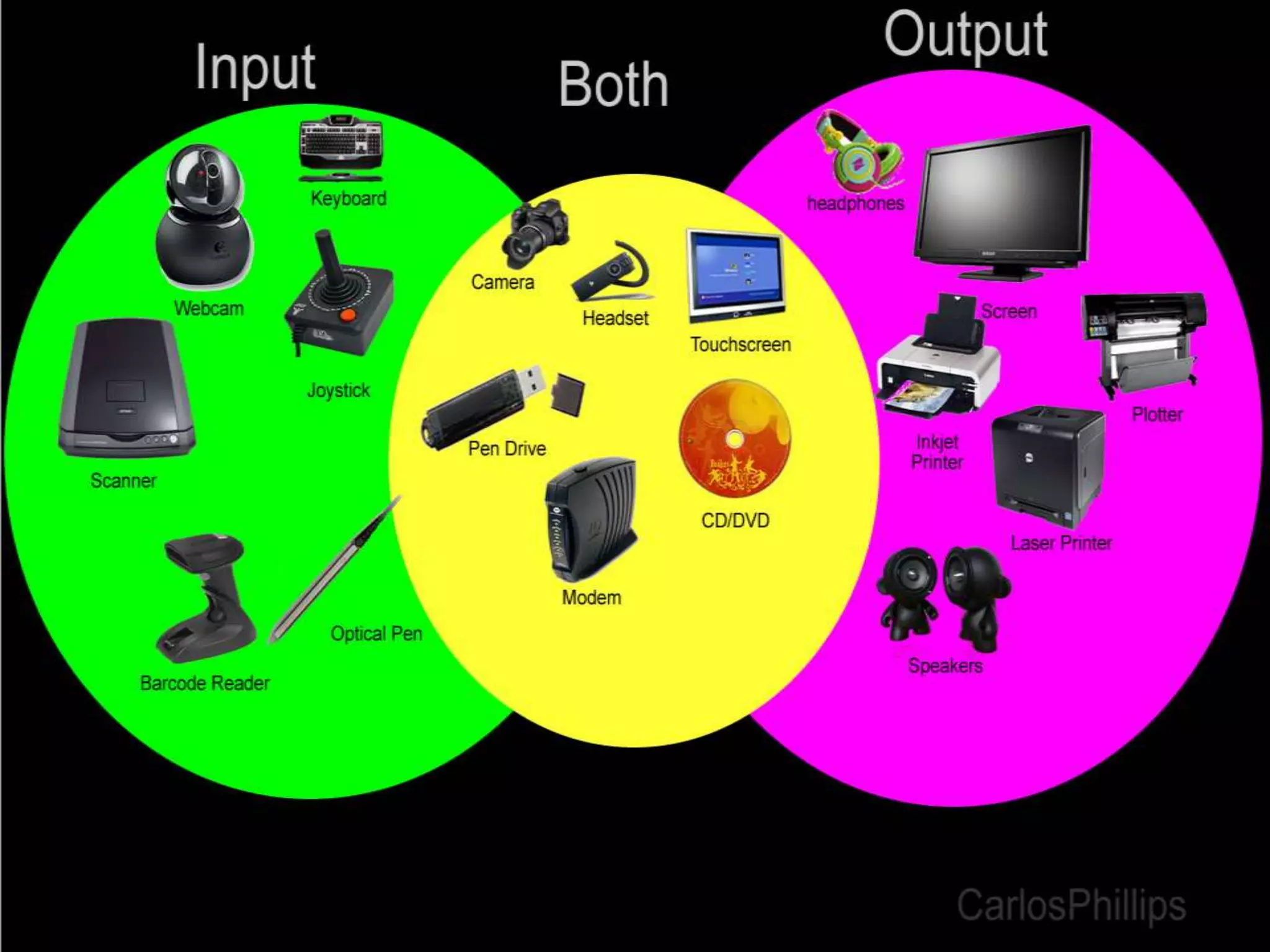
 Input unit
 Output unit
 Memory unit
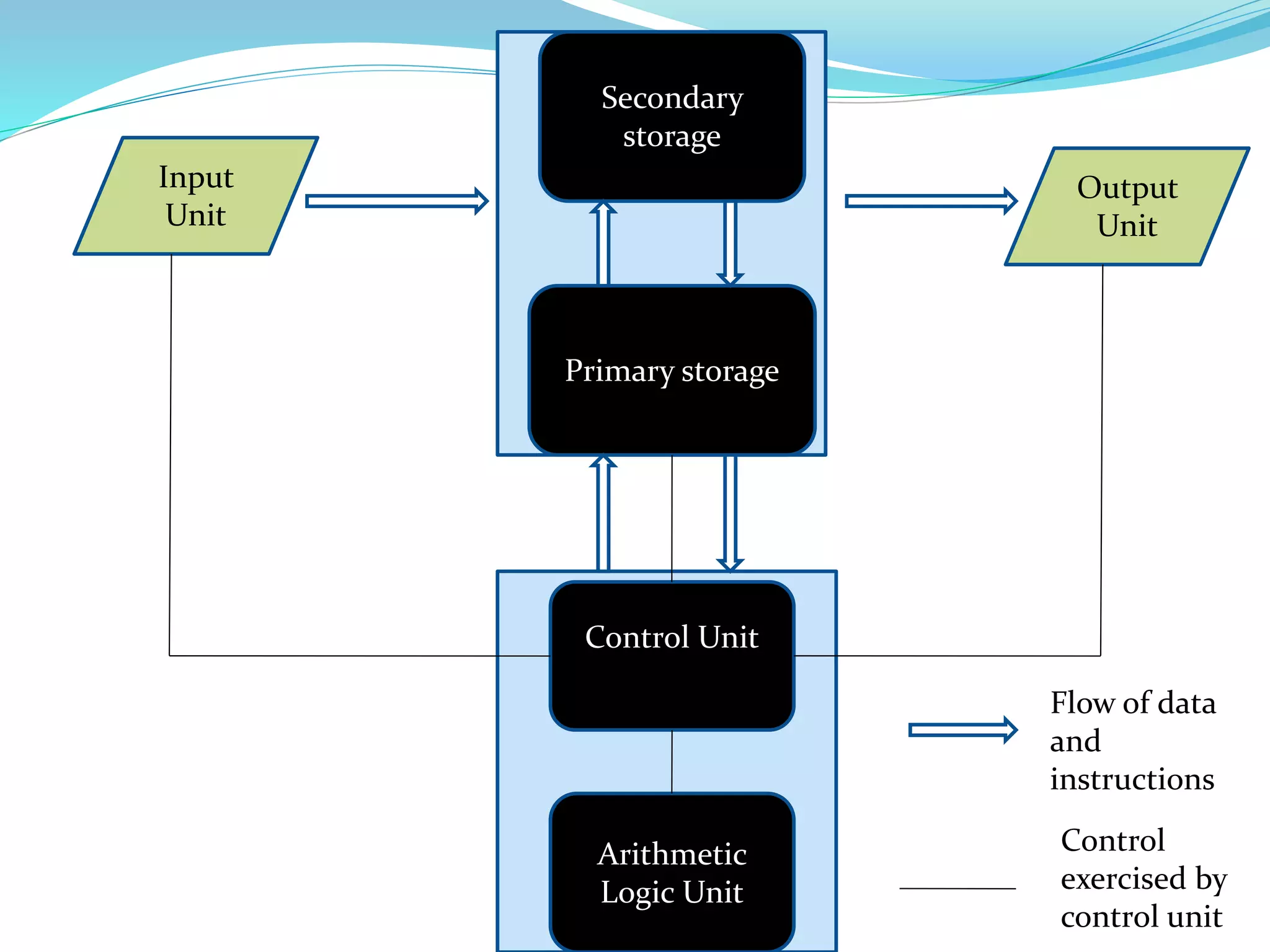
Input
Unit
Output
Unit
Secondary
storage
Primary storage
Control Unit
Arithmetic
Logic Unit
Flow of data
and
instructions
Control
exercised by
control unit
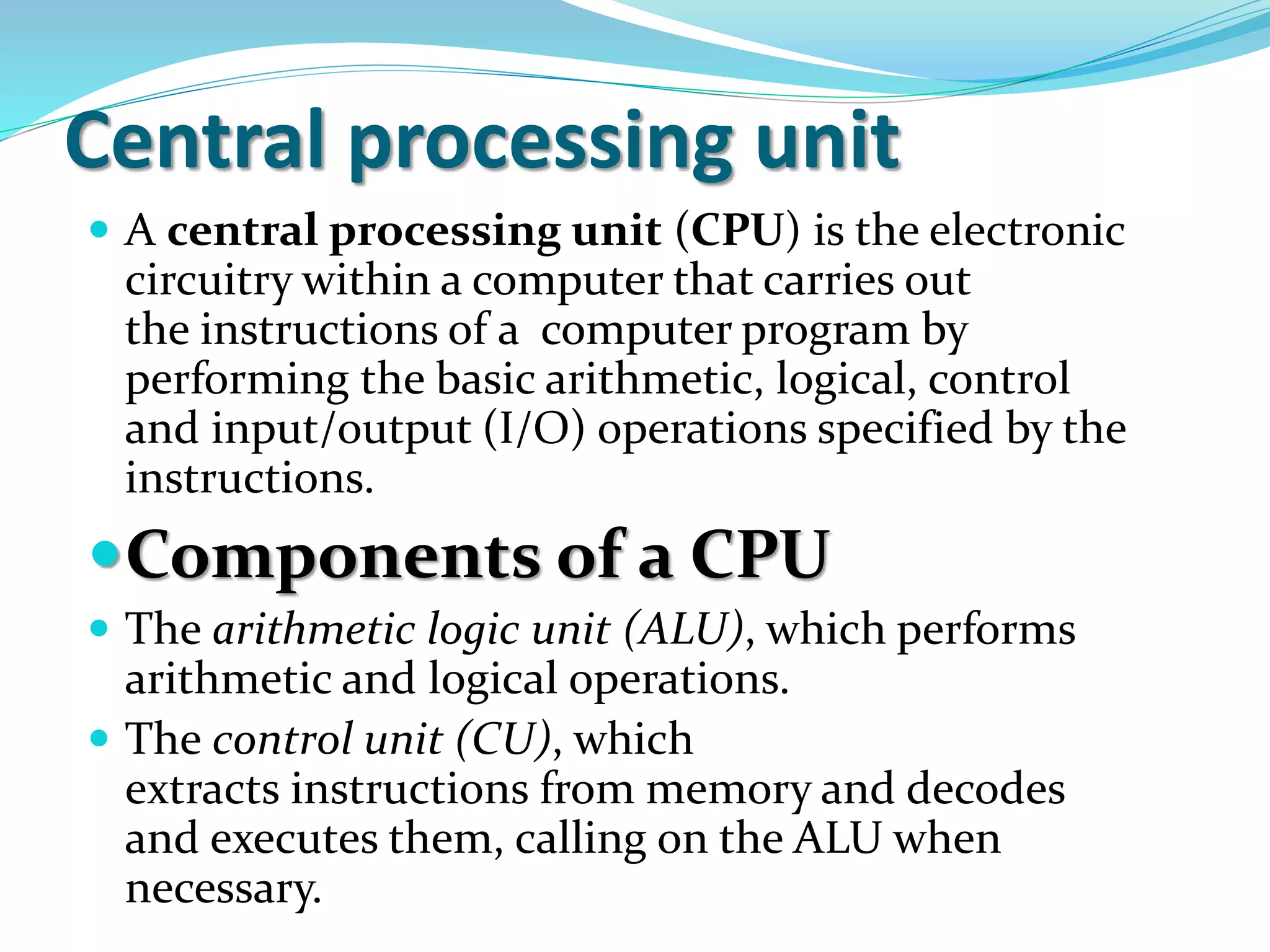
Central processing unit
 A central processing unit (CPU) is the electronic
circuitry within a computer that carries out
the instructions of a computer program by
performing the basic arithmetic, logical, control
and input/output (I/O) operations specified by the
instructions.
Components of a CPU
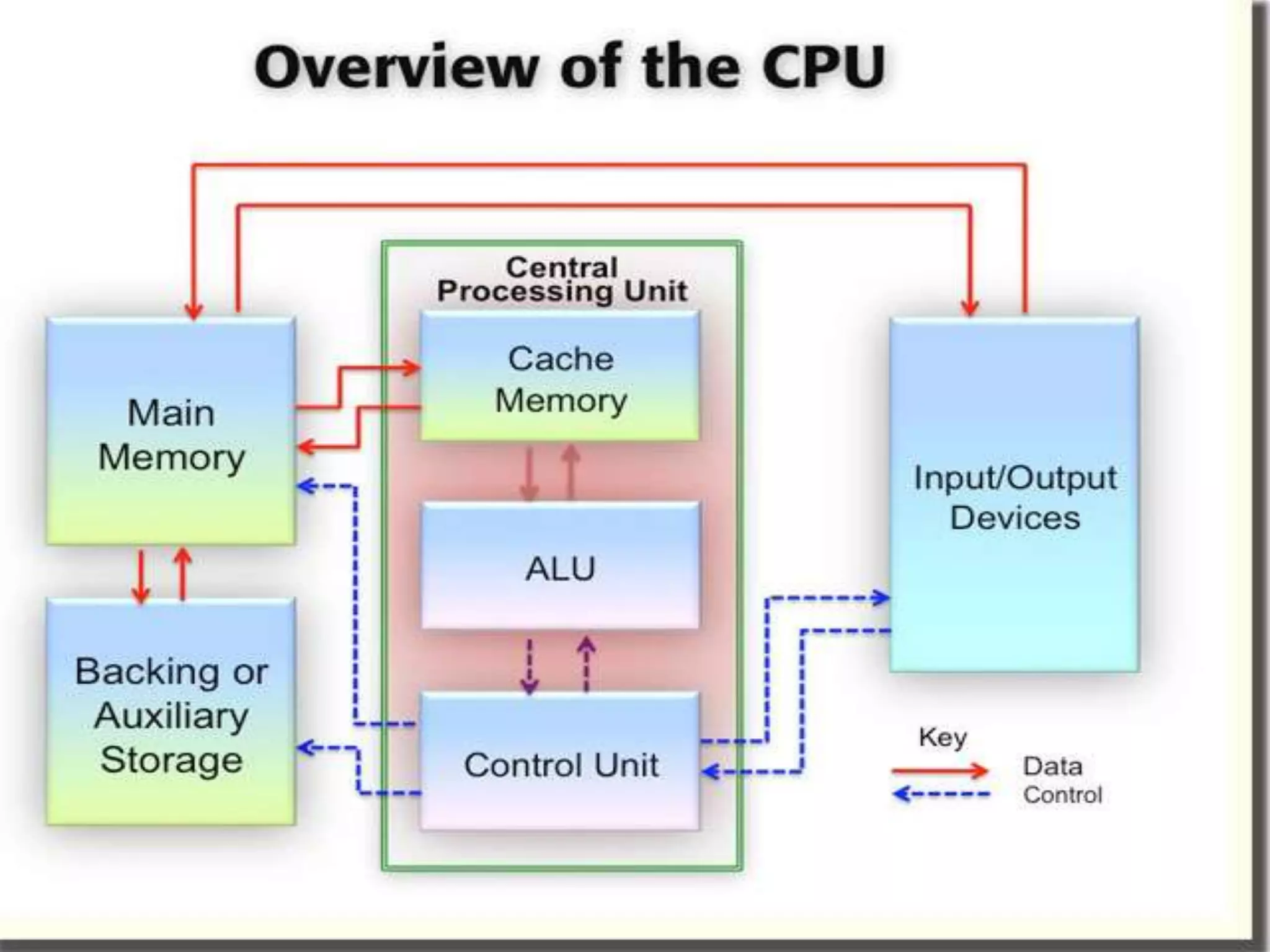
 The arithmetic logic unit (ALU), which performs
arithmetic and logical operations.
 The control unit (CU), which
extracts instructions from memory and decodes
and executes them, calling on the ALU when
necessary.
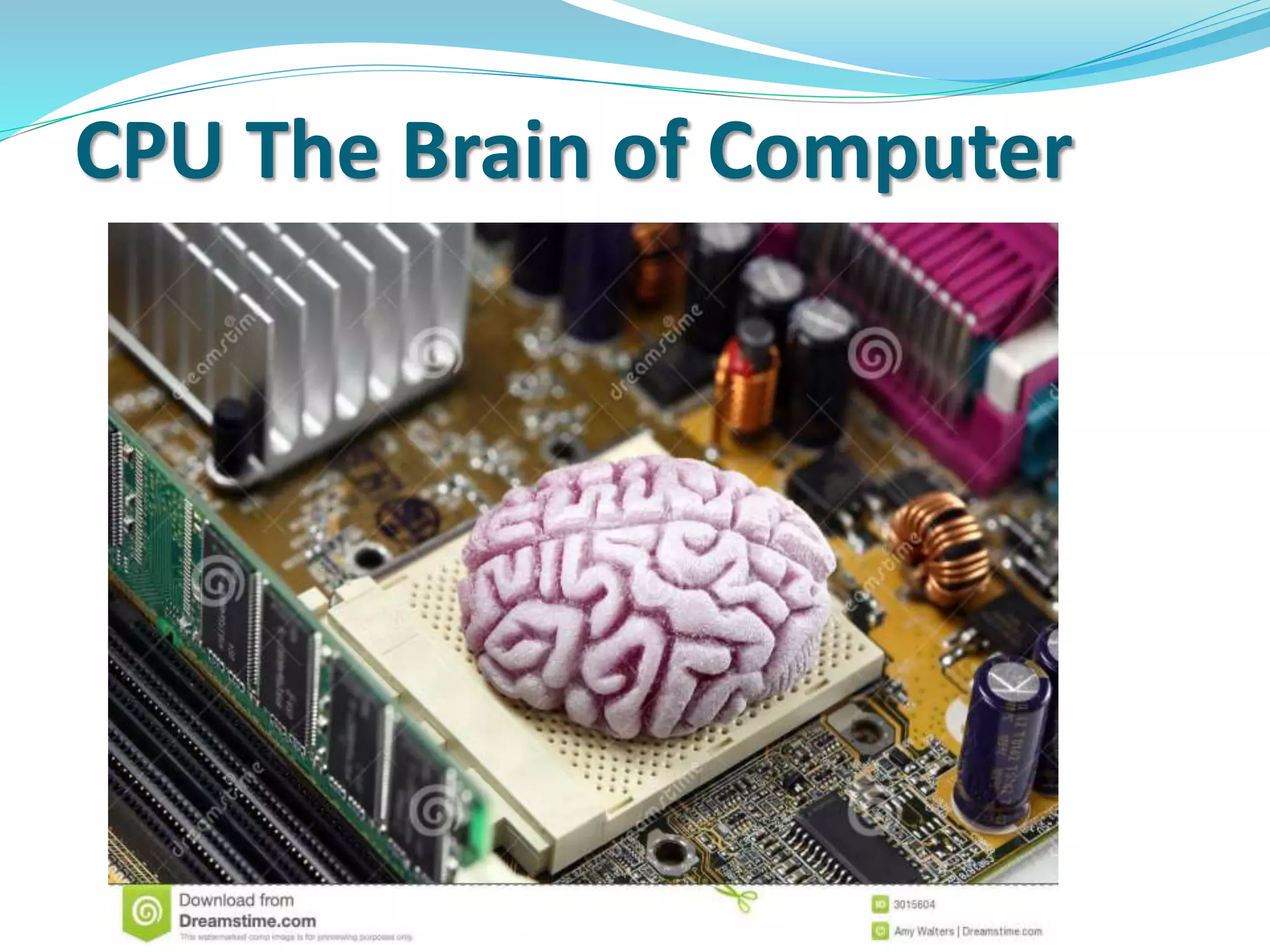
CPU The Brain of Computer
Input unit
 It accept instructions and data from outside world
 It convert these instructions and data in computer
acceptable form
 It supplies the converted instructions and data to the
computer system for further processing
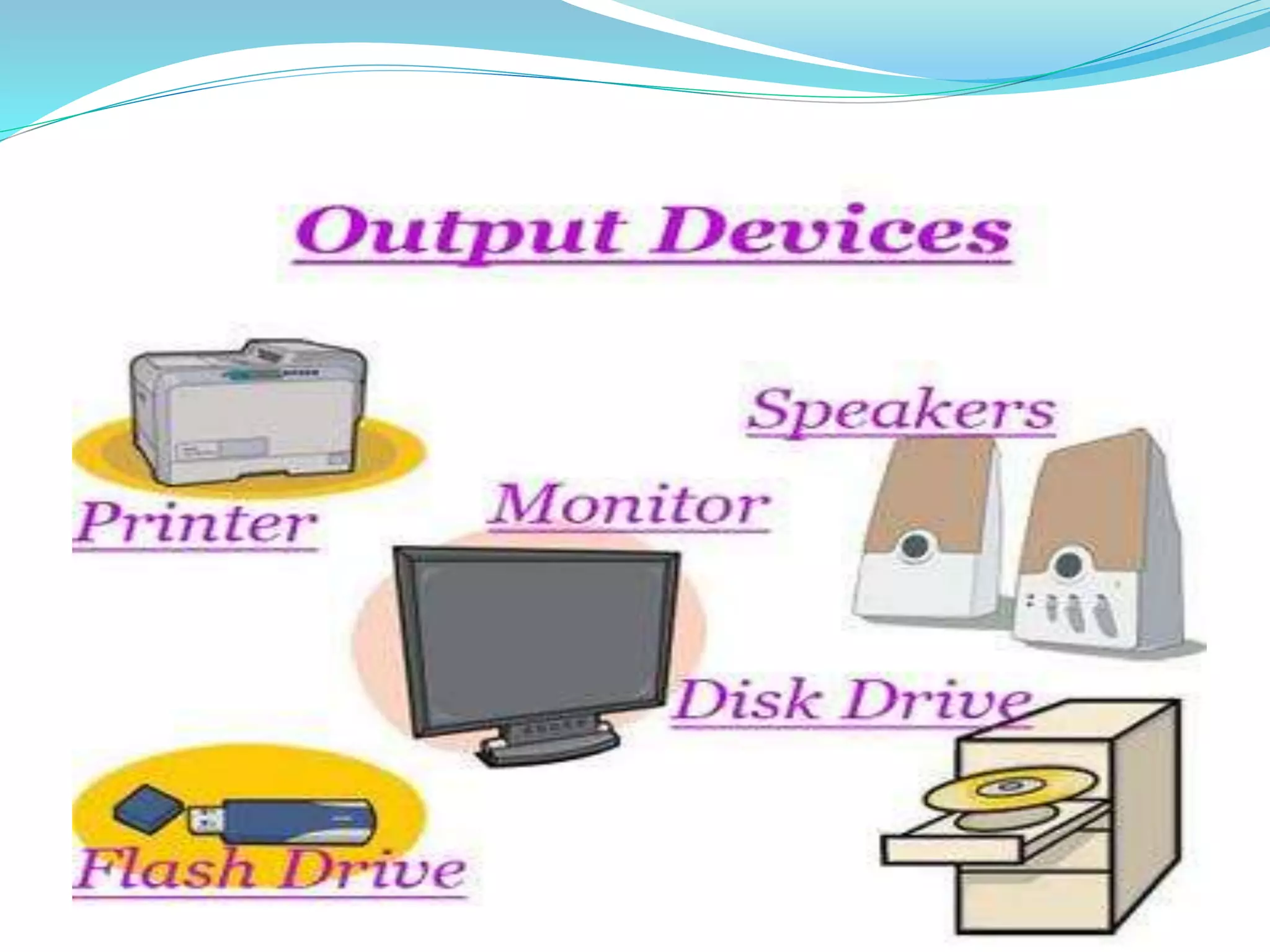
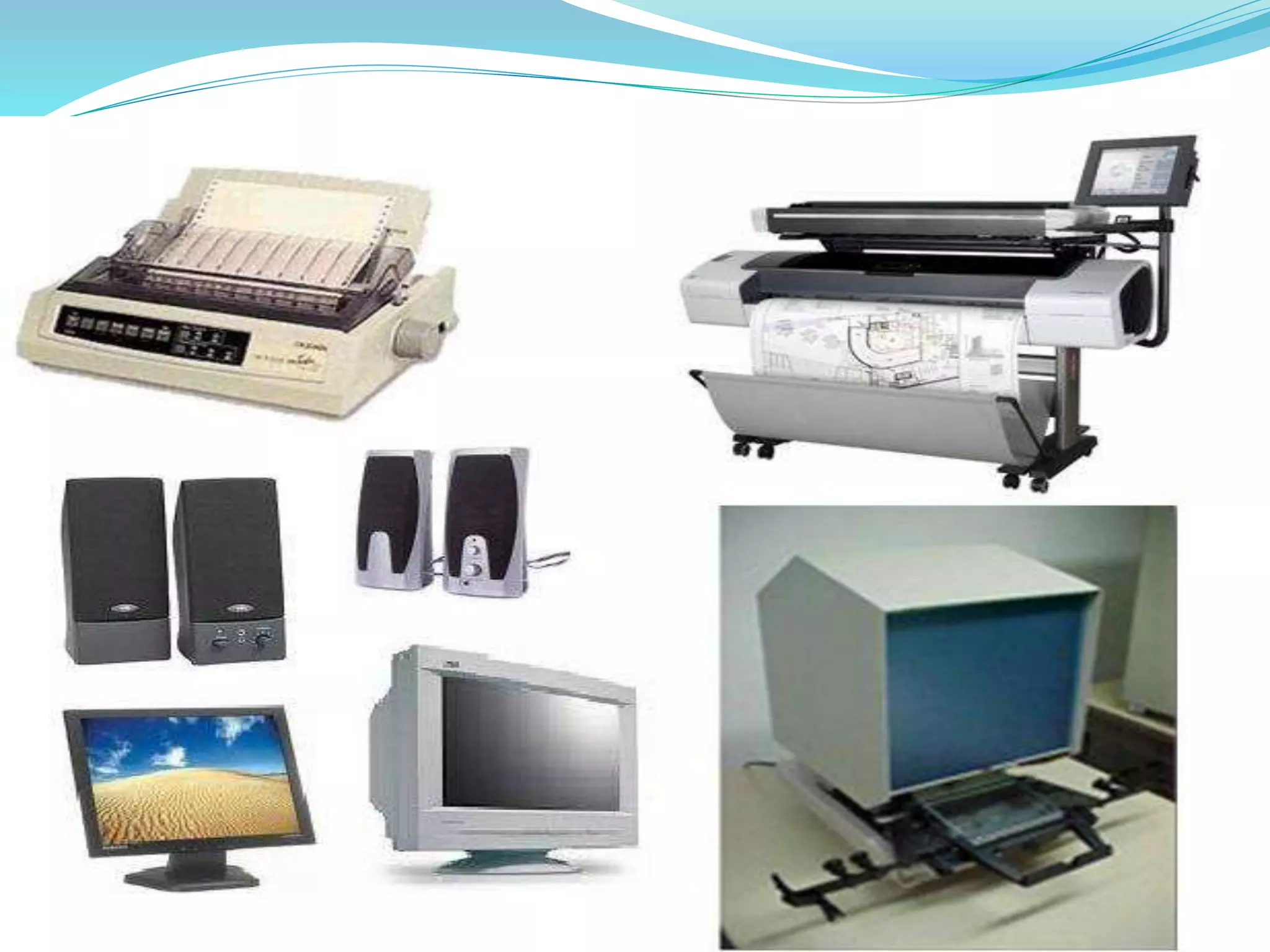
Output unit
 It accepts the result produced by the computer, which
are in coded form and hence, cannot be understood by
us
 It converts these coded result into human acceptable
(readable) form
 It supplies the converted result into outside world
Memory unit
The storage unit of a computer holds (or store) the
following:
• Data and instructions required for processing
(received from input devices)
• Intermediate results for processing
• Final results of processing, before they are released to
an output device
Types of Memory
 Primary Memory (Storage)
 Secondary Memory (Storage)
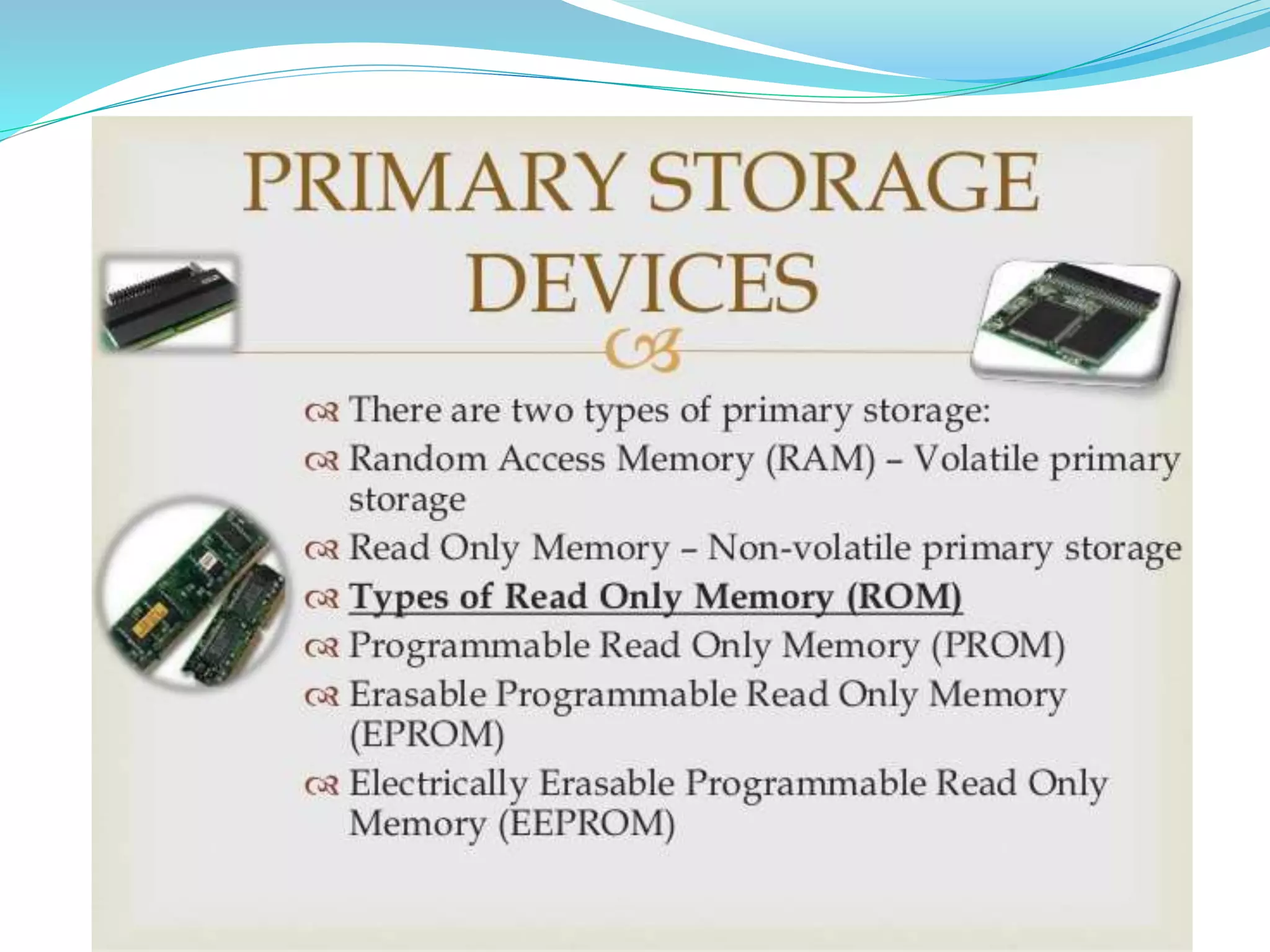
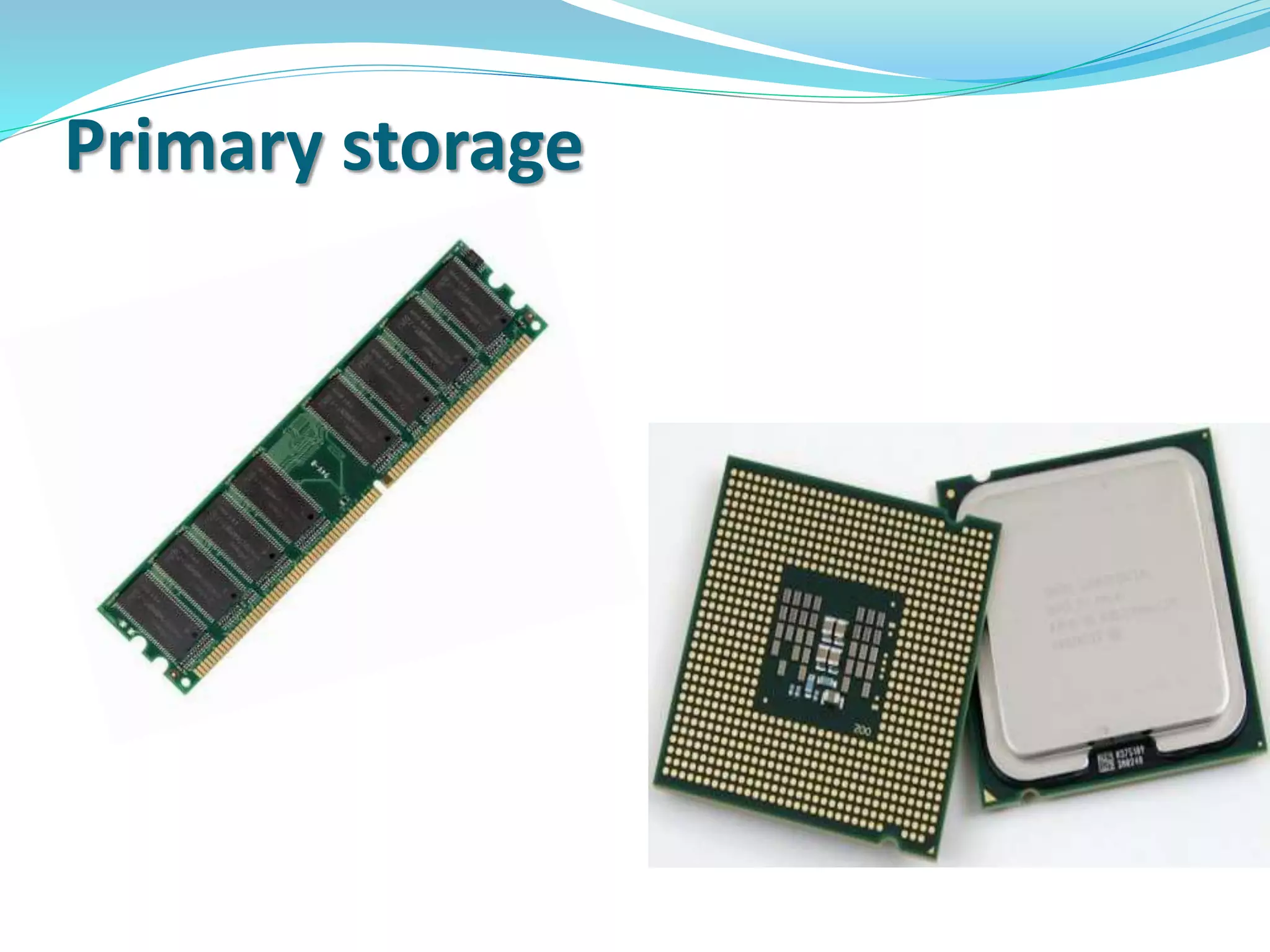
Primary Storage
 Used to hold running program instructions
 Used to hold data, intermediate results, and results of
ongoing processing of job(s)
 Fast in operation
 Expensive
 Small capacity
 Volatile (looses data on power dissipation)
Primary storage
Secondary Storage
 Used to hold stared program instructions
 Used to hold results of stored jobs
 Slower than Primary storage
 Lot cheaper than Primary storage
 Large capacity
 Retain data even without power
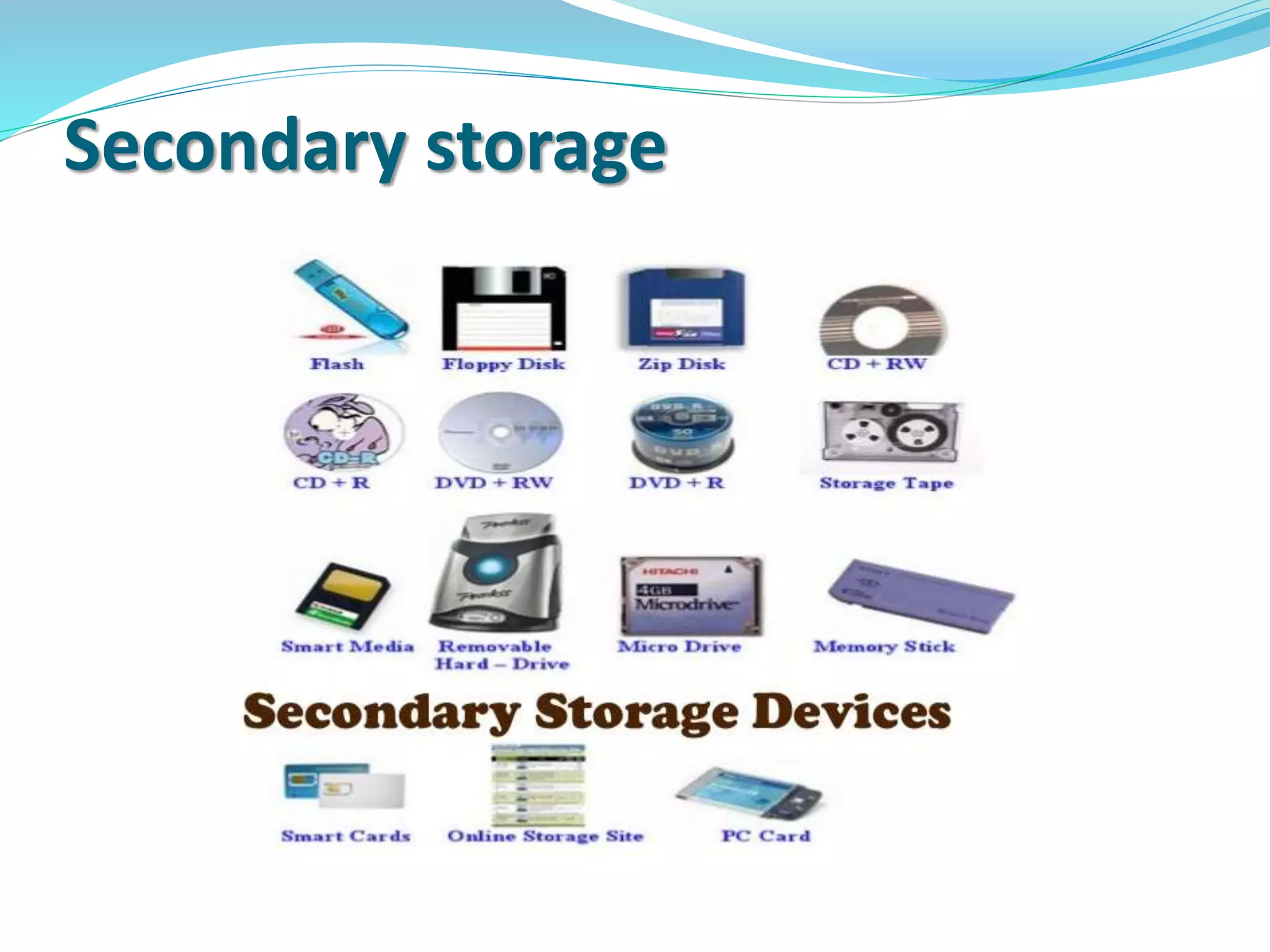
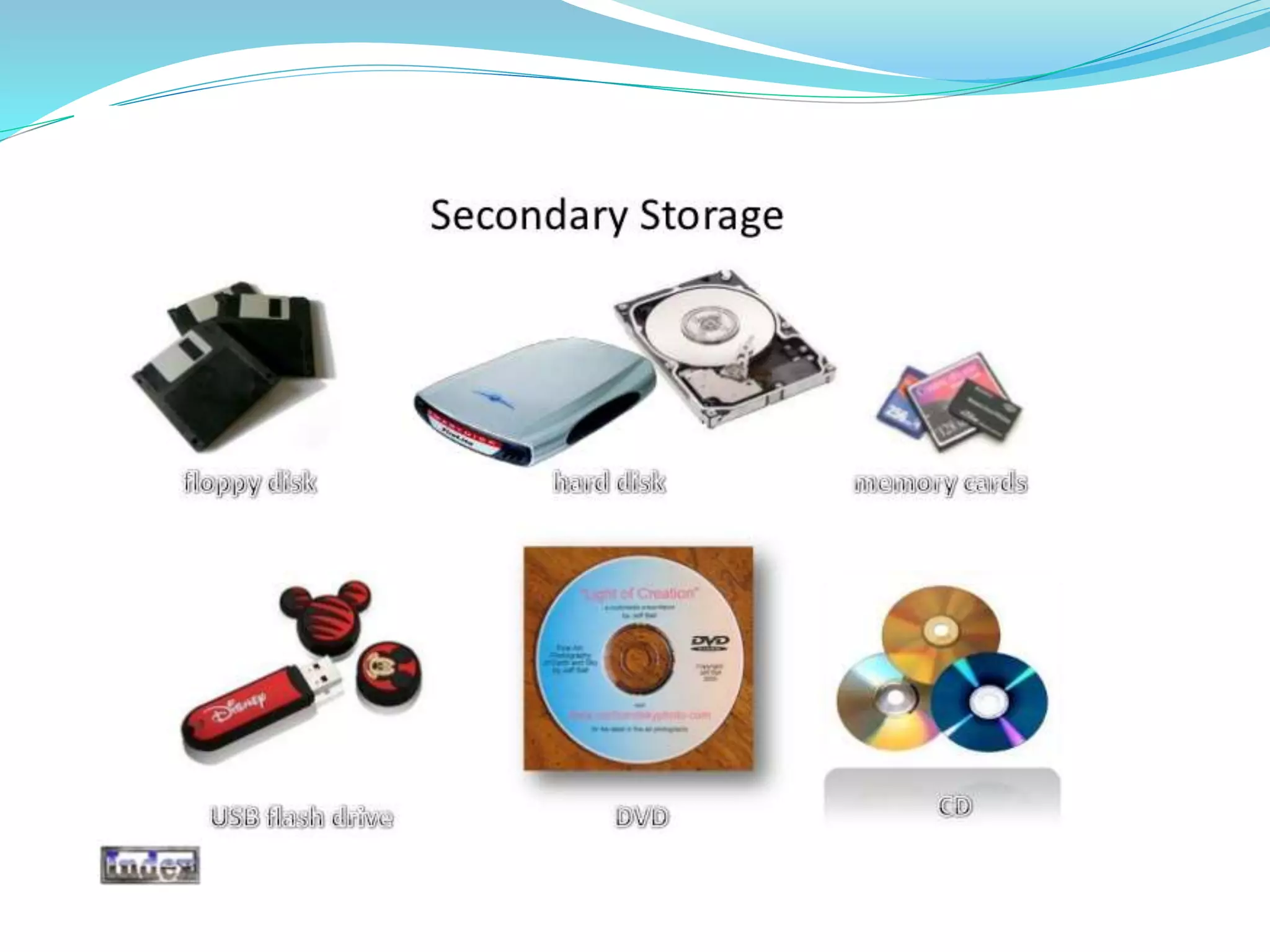
Secondary storage
Types of computer and its history

Types of computer and its history

  • 2.
    ASSIGNMENT OF COMPUTERLITERACY PREPARE A POWER POINT PRESENTATION SUBMITTED BY: MUHAMMAD KASHIF SUBMITTED TO: SIR IRFAN KHAN
  • 3.
    THIS PRESENTATION INCLUDES; WHATIS COMPUTER HISTORY OF COMPUTER TYPES OF COMPUTER COMPONENTS OF COMPUTER
  • 5.
    Computer  The wordcomputer comes from the word “compute” which means “to calculate”.  Thereby, a computer is an electronic device which can perform arithmetic operations at high speed.  A computer is also called a data processor because it can store, process, and retrieve data whenever desired.
  • 6.
    History of Computer Blaise Pascal invented the first mechanical adding machine in 1642
  • 7.
     Baron GottfriedWilhelm von Leibniz invented the first calculator for multiplication in 1671
  • 8.
  • 9.
     Keyboard machinesoriginated in the united states around 1880
  • 10.
     Around 1880,Herman Hollerith came up with the concept of punch cards that were extensively used as input media until late 1970’s
  • 11.
     Charles Babbageis considered to be the father of modern digital computers  He designed “Difference Engine” in 1822
  • 12.
     He designeda fully automatic analytical engine in 1842 for performing basic arithmetic functions
  • 14.
    Some Well KnownEarly Computers  The Mark I Computer (1937-44)
  • 15.
     The Atanasoff-BerryComputer (1939-42)
  • 16.
     The ENIAC(1943-46)
  • 17.
     The EDVAC(1946-52)
  • 18.
     The EDSAC(1947-49)
  • 19.
  • 20.
  • 21.
    Types Of Computer Micro Computers  Mini Computers  Mainframe Computers  Super Computers
  • 22.
    Micro Computers  Amicrocomputer is a small, relatively inexpensive computer with a microprocessor as its central processing unit (CPU). It includes a microprocessor, memory, and input/output facilities.
  • 23.
  • 24.
    Mini Computers  Amidsized computer. In size and power, minicomputers lie between workstations and mainframe. a minicomputer is a multiprocessing system capable of supporting from 4 to about 200 users simultaneously.
  • 25.
  • 26.
    Mainframe Computers  Amainframe (also known as "big iron") is a high- performance computer used for large-scale computing purposes that require greater availability and security than a smaller-scale machine can offer.
  • 27.
  • 28.
    Super Computers  Asupercomputer is a computer with a very high-level computational capacity. Performance of a supercomputer is measured in floating point operations per second (FLOPS).
  • 29.
  • 30.
    Components of computer Central processing unit (CPU)  Input unit  Output unit  Memory unit
  • 31.
    Input Unit Output Unit Secondary storage Primary storage Control Unit Arithmetic LogicUnit Flow of data and instructions Control exercised by control unit
  • 32.
    Central processing unit A central processing unit (CPU) is the electronic circuitry within a computer that carries out the instructions of a computer program by performing the basic arithmetic, logical, control and input/output (I/O) operations specified by the instructions. Components of a CPU  The arithmetic logic unit (ALU), which performs arithmetic and logical operations.  The control unit (CU), which extracts instructions from memory and decodes and executes them, calling on the ALU when necessary.
  • 34.
    CPU The Brainof Computer
  • 35.
    Input unit  Itaccept instructions and data from outside world  It convert these instructions and data in computer acceptable form  It supplies the converted instructions and data to the computer system for further processing
  • 37.
    Output unit  Itaccepts the result produced by the computer, which are in coded form and hence, cannot be understood by us  It converts these coded result into human acceptable (readable) form  It supplies the converted result into outside world
  • 41.
    Memory unit The storageunit of a computer holds (or store) the following: • Data and instructions required for processing (received from input devices) • Intermediate results for processing • Final results of processing, before they are released to an output device
  • 42.
    Types of Memory Primary Memory (Storage)  Secondary Memory (Storage)
  • 43.
    Primary Storage  Usedto hold running program instructions  Used to hold data, intermediate results, and results of ongoing processing of job(s)  Fast in operation  Expensive  Small capacity  Volatile (looses data on power dissipation)
  • 45.
  • 46.
    Secondary Storage  Usedto hold stared program instructions  Used to hold results of stored jobs  Slower than Primary storage  Lot cheaper than Primary storage  Large capacity  Retain data even without power
  • 47.