Introduction to Computers
1
What Is A Computer?
A computer is an electronic device,
operating under the control of
instructions (software) stored in its own
memory unit, that can accept data
(input), manipulate data (process), and
produce information (output) from the
processing. Generally, the term is used to
describe a collection of devices that
function together as a system.
2
3
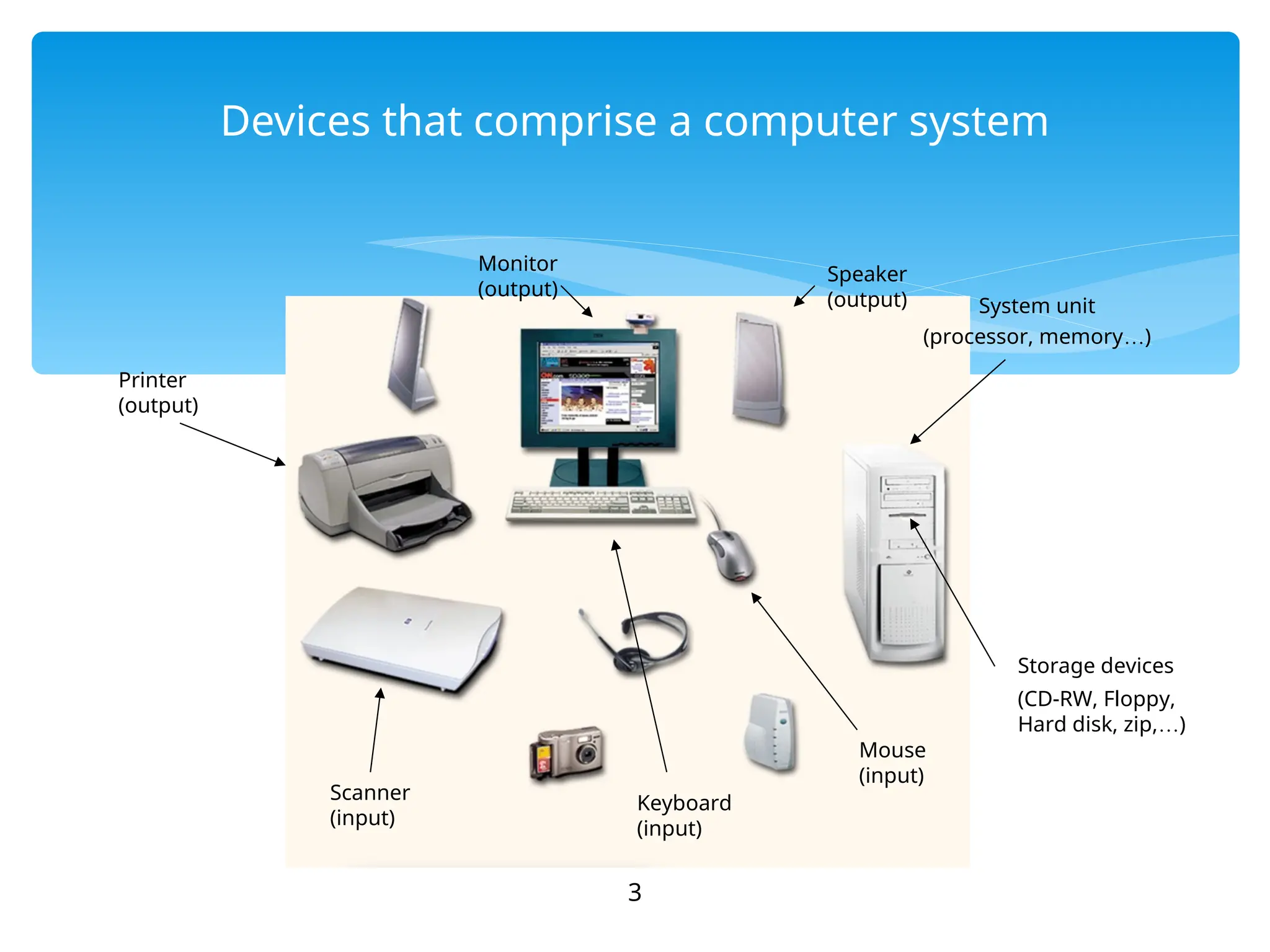
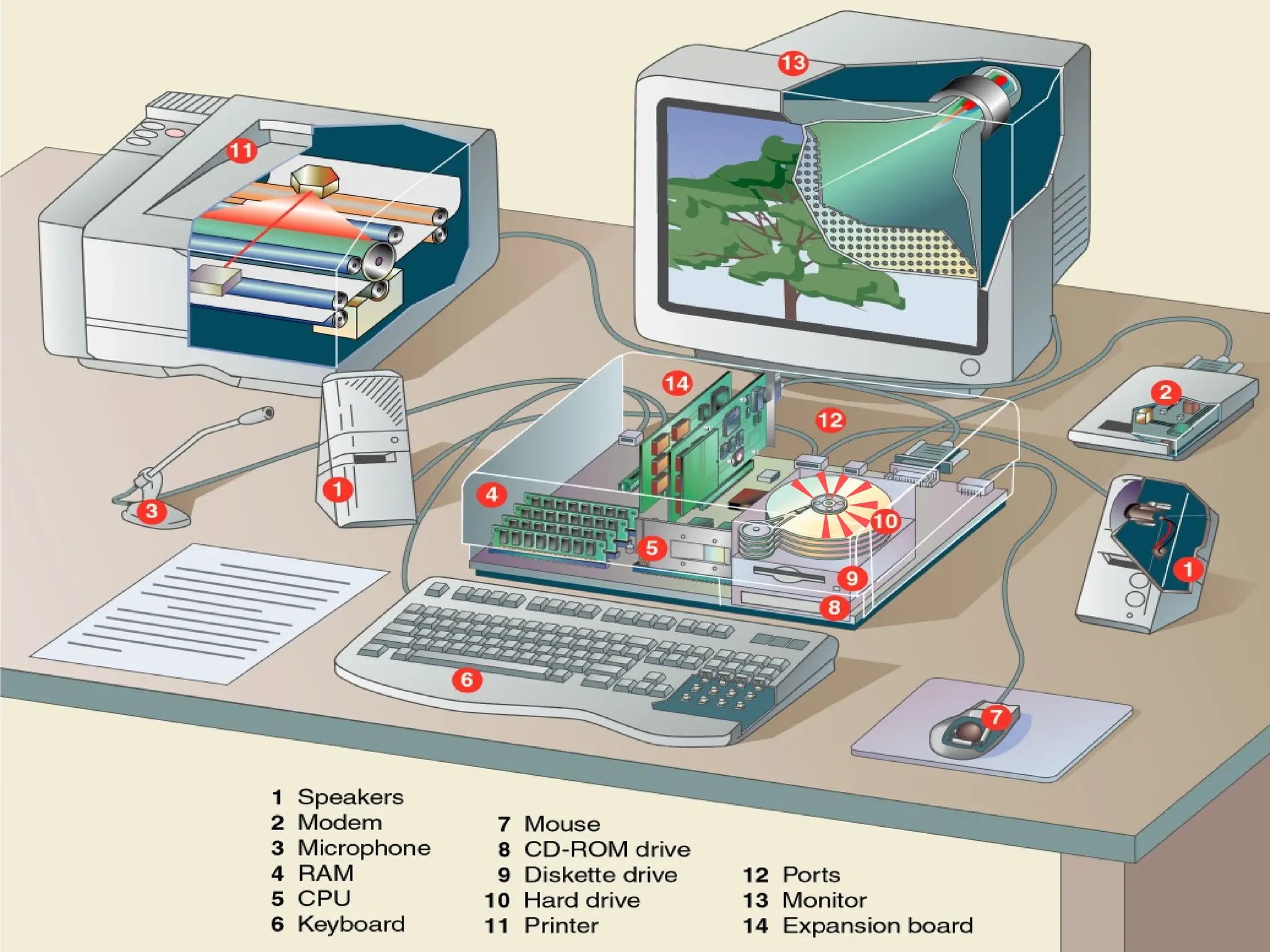
Devices that comprise a computer system
Printer
(output)
Monitor
(output)
Speaker
(output)
Scanner
(input)
Mouse
(input)
Keyboard
(input)
System unit
(processor, memory…)
Storage devices
(CD-RW, Floppy,
Hard disk, zip,…)
What Does A Computer Do?
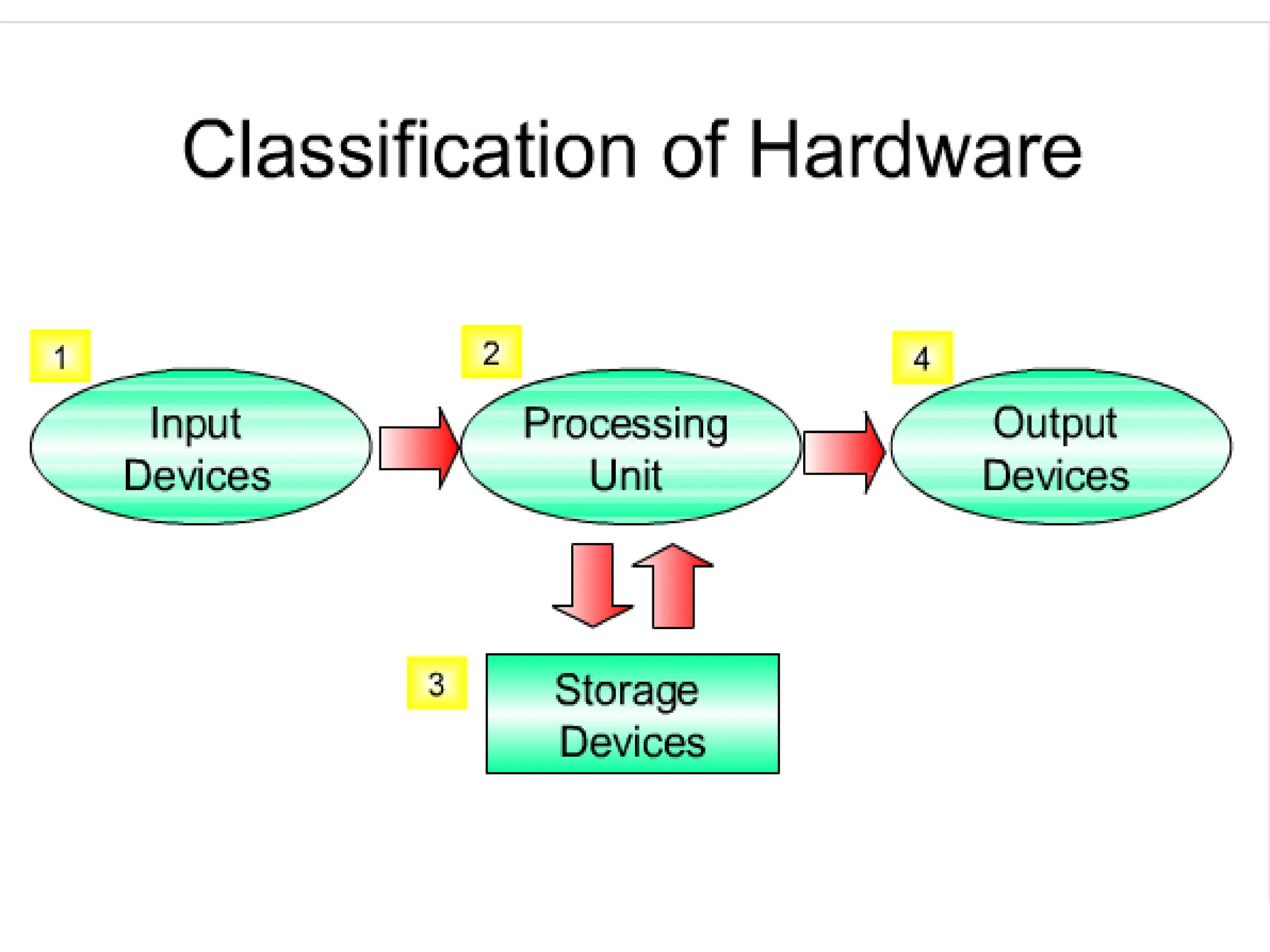
Computers can perform four general
operations, which comprise the information
processing cycle.
 Input
 Process
 Output
 Storage
4
5
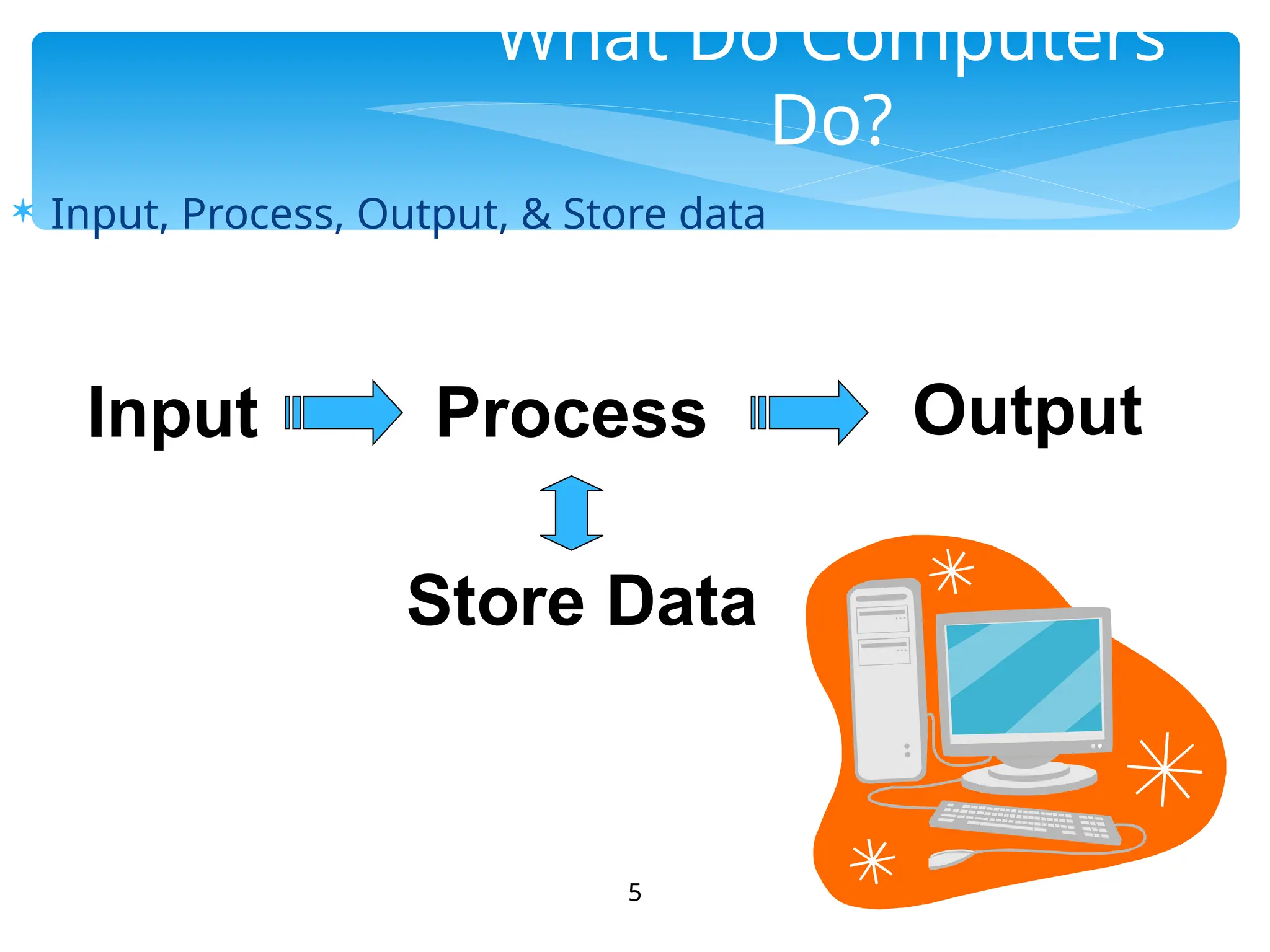
What Do Computers
Do?
 Input, Process, Output, & Store data
Input Process Output
Store Data
 All computer processing requires data, which is a collection of
raw facts, figures and symbols, such as numbers, words, images,
video and sound, given to the computer during the input phase.
 Computers manipulate data to create information. Information
is data that is organized, meaningful, and useful.
 During the output Phase, the information that has been created
is put into some form, such as a printed report.
 The information can also be put in computer storage for future
use.
6
Data and Information
 The ability to perform the information
processing cycle with amazing speed.
 Reliability (low failure rate).
 Accuracy.
 Ability to store huge amounts of data and
information.
 Ability to communicate with other computers.
7
Why Is A Computer So Powerful?
 It must be given a detailed list of instructions, called a
compute program or software, that tells it exactly
what to do.
 Before processing a specific job, the computer program
corresponding to that job must be stored in memory.
 Once the program is stored in memory the compute
can start the operation by executing the program
instructions one after the other.
8
How Does a Computer Know
what to do?
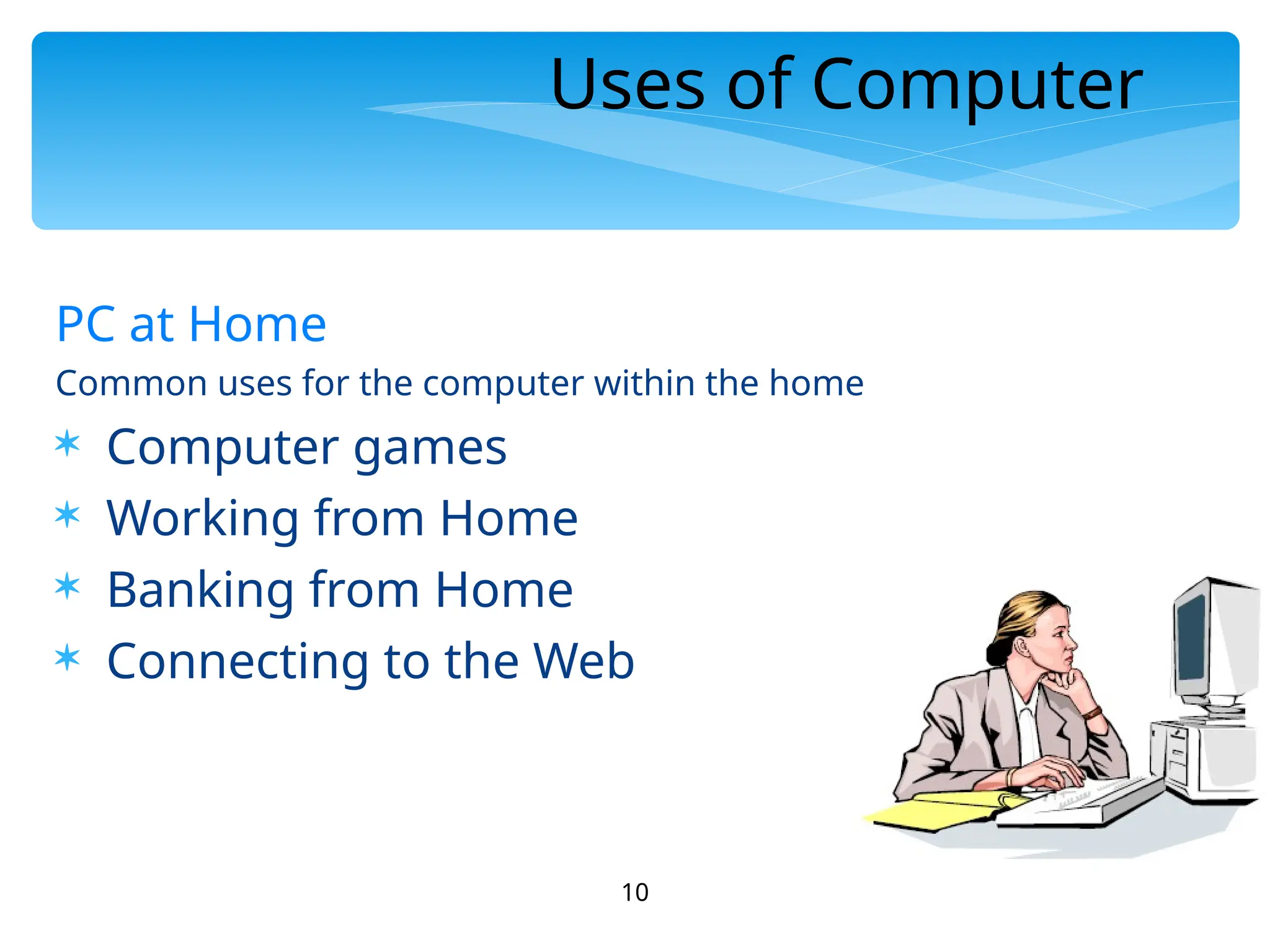
What Are The Primary Components
Of A Computer ?
 Input devices.
 Central Processing Unit
(containing the control
unit and the
arithmetic/logic unit).
 Memory.
 Output devices.
 Storage devices.
9
10
Uses of Computer
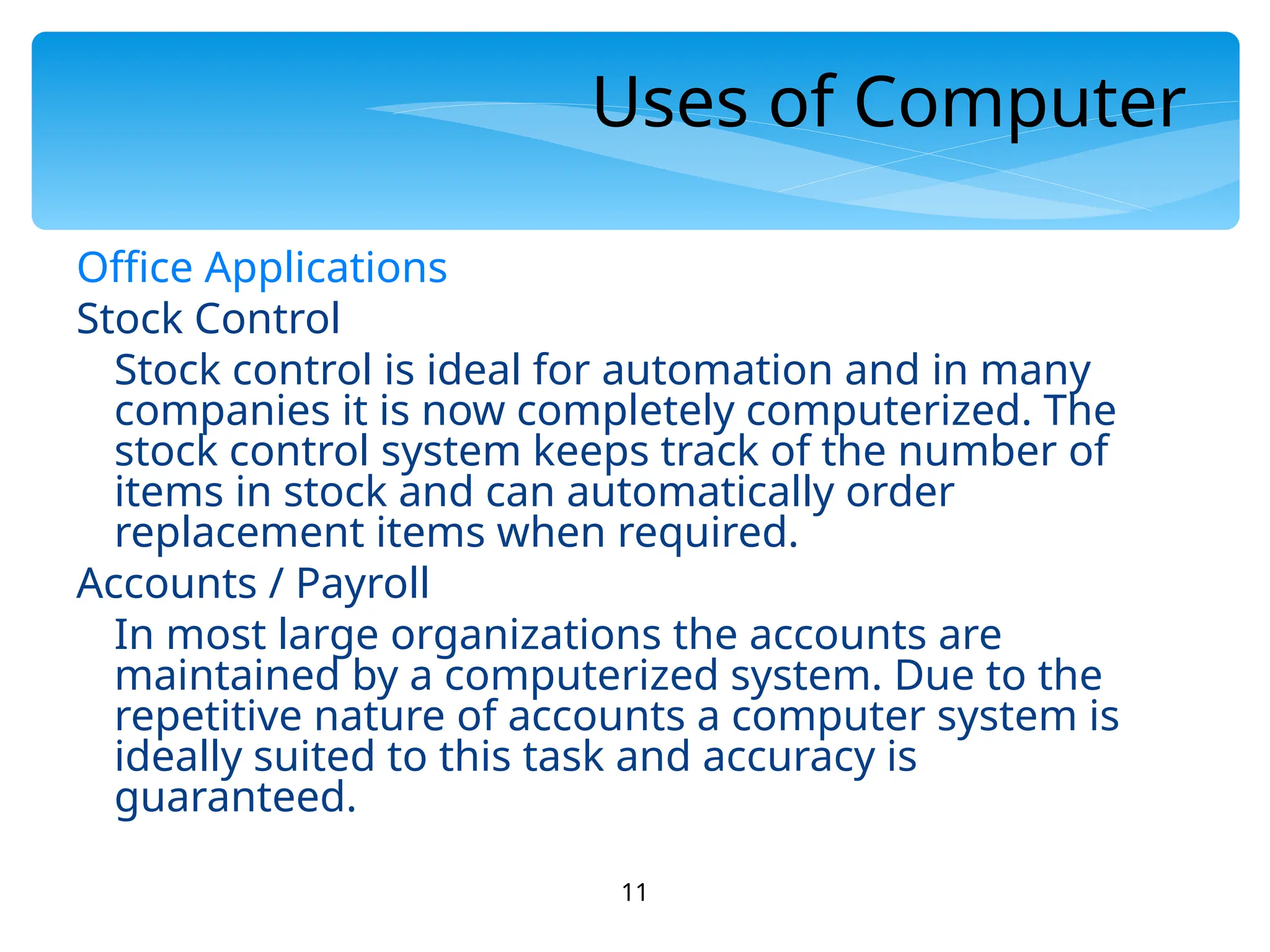
PC at Home
Common uses for the computer within the home
 Computer games
 Working from Home
 Banking from Home
 Connecting to the Web
11
Uses of Computer
Office Applications
Stock Control
Stock control is ideal for automation and in many
companies it is now completely computerized. The
stock control system keeps track of the number of
items in stock and can automatically order
replacement items when required.
Accounts / Payroll
In most large organizations the accounts are
maintained by a computerized system. Due to the
repetitive nature of accounts a computer system is
ideally suited to this task and accuracy is
guaranteed.
12
Uses of Computer
Automated Production Systems
Many car factories are almost completely automated
and the cars are assembled by computer-controlled
robots. This automation is becoming increasingly
common throughout industry.
Design Systems
Many products are designed using CAD (Computer
Aided Design) programs to produce exact
specifications and detailed drawings on the computer
before producing models of new products.
13
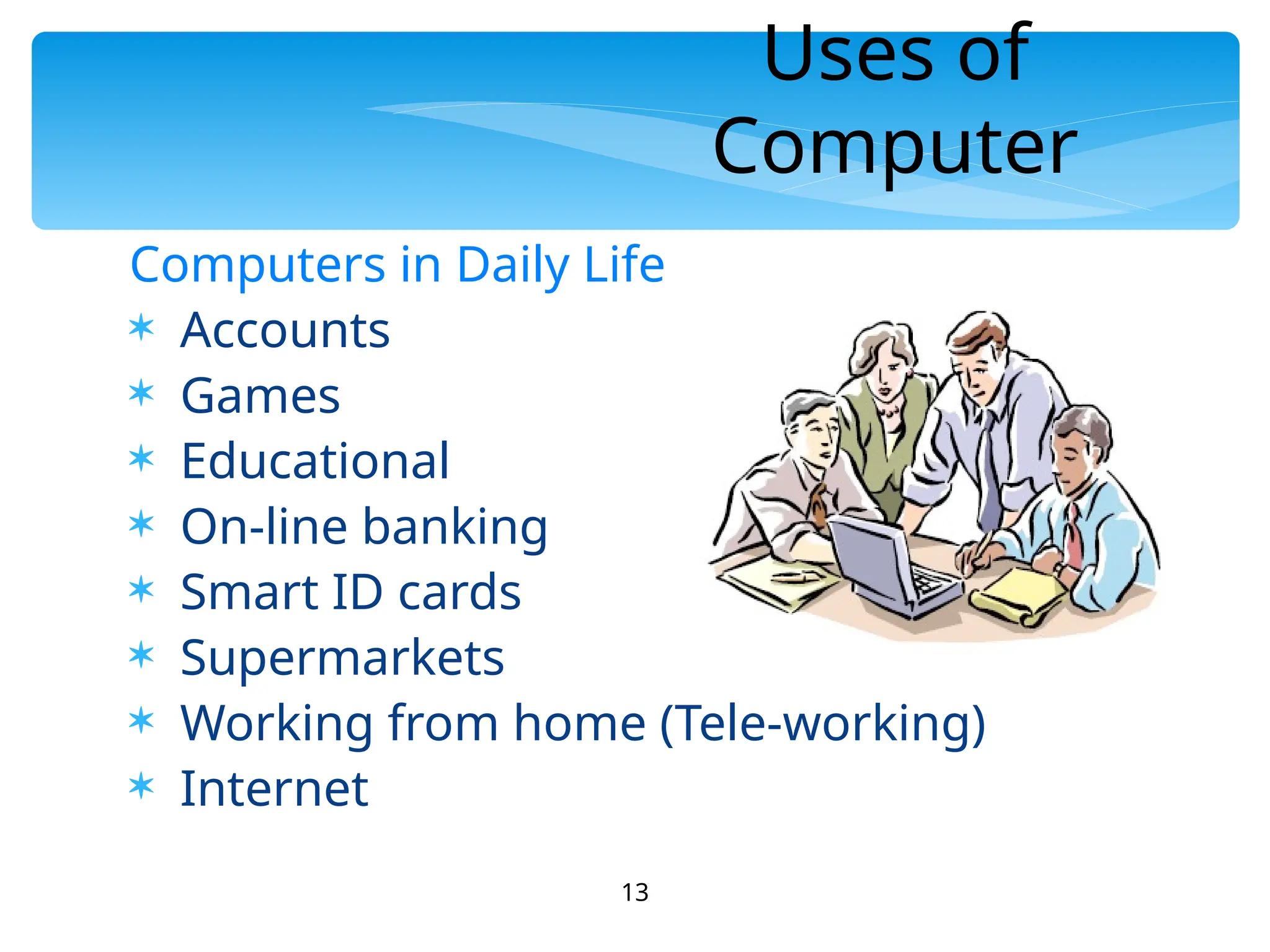
Uses of
Computer
Computers in Daily Life
 Accounts
 Games
 Educational
 On-line banking
 Smart ID cards
 Supermarkets
 Working from home (Tele-working)
 Internet
History of Computers
14
15
16
17
18
19
20
21
22
23
24
25
26
27
28
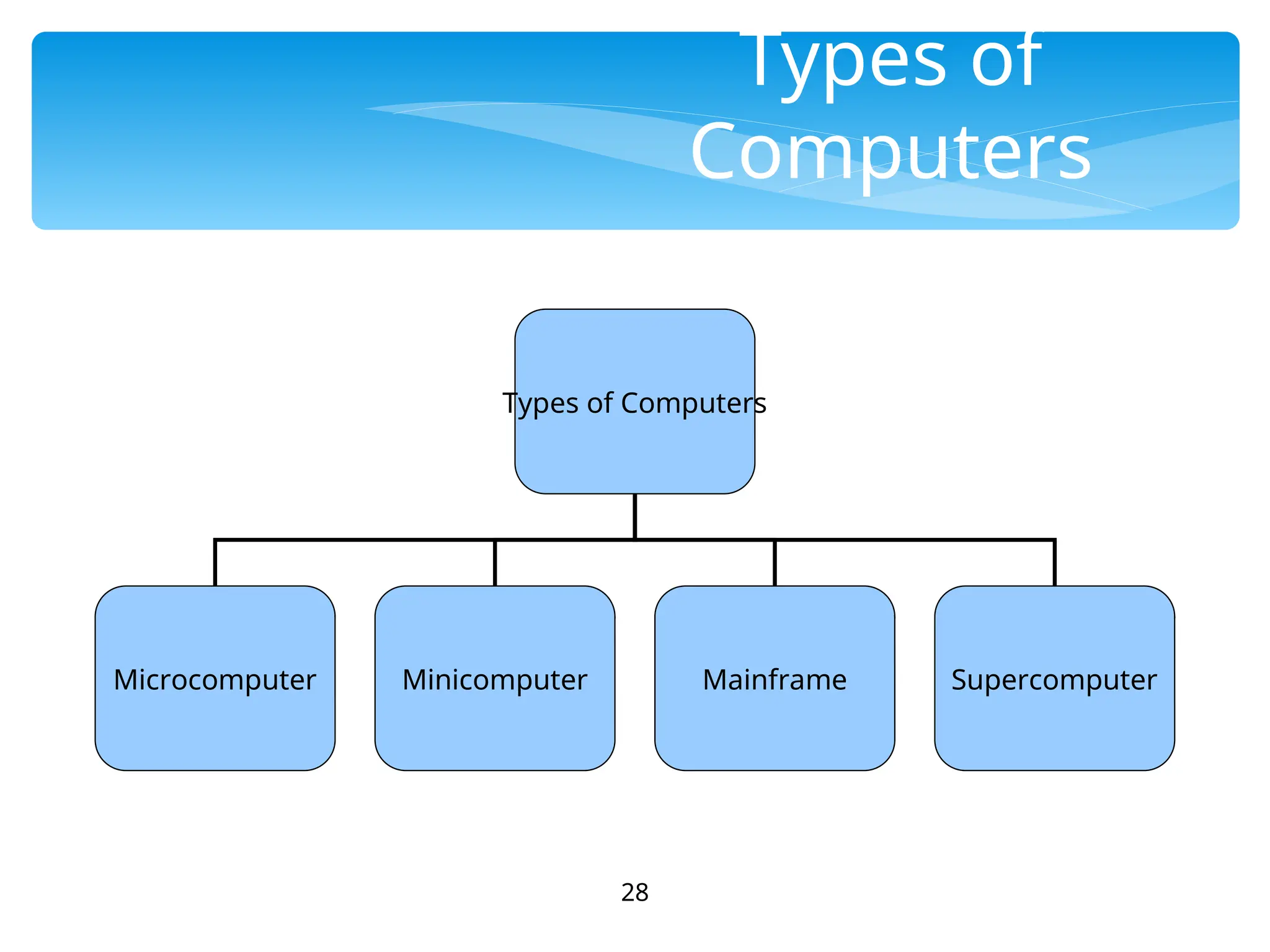
Types of
Computers
Types of Computers
Microcomputer Minicomputer Mainframe Supercomputer
 Can be classified into:
 Desktop PCs
 sits on desks, rarely moved, large and bulky.
 Memory capacity, graphics capacity and software
availability vary from one computer to another Used
both for business and home applications
29
Microcomputer
 Portable PCs
 Can be moved easily from place to place
 Weight may varies
 Small PCs are popular known as laptop
 Widely used by students, scientist, reporters, etc
30
Microcomputer
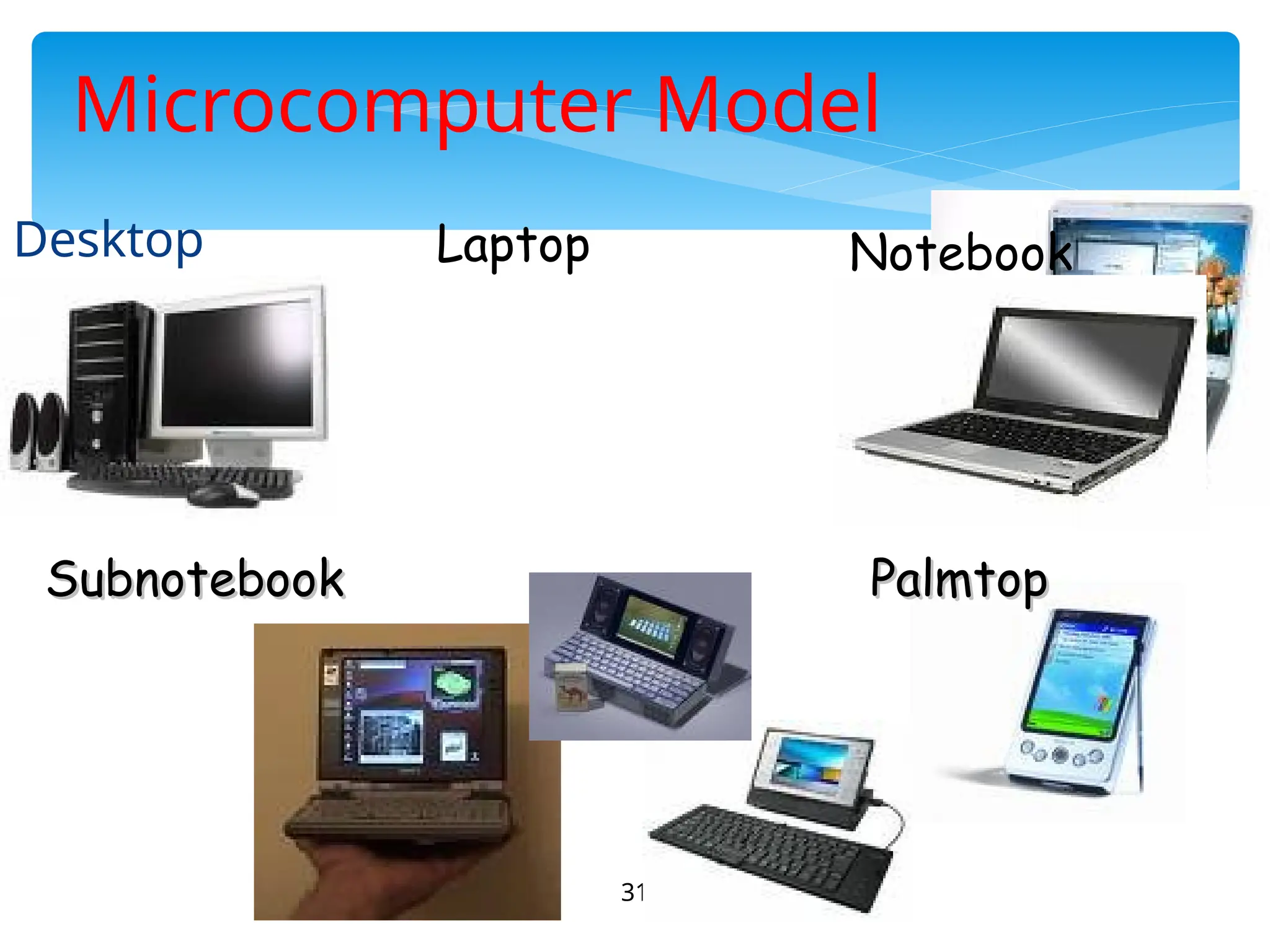
31
Microcomputer Model
Desktop Notebook
Laptop
Subnotebook
Subnotebook Palmtop
Palmtop
32
Microcomputer
 Advantages
 Small size
 Low cost
 Portability
 Low Computing Power
 Commonly used for personal applications
 Disadvantages
 Low processing speed
 Word Processing
 Home entertainment
 Home banking
 Printing
 Surfing the internet
 etc
33
Uses of Microcomputer
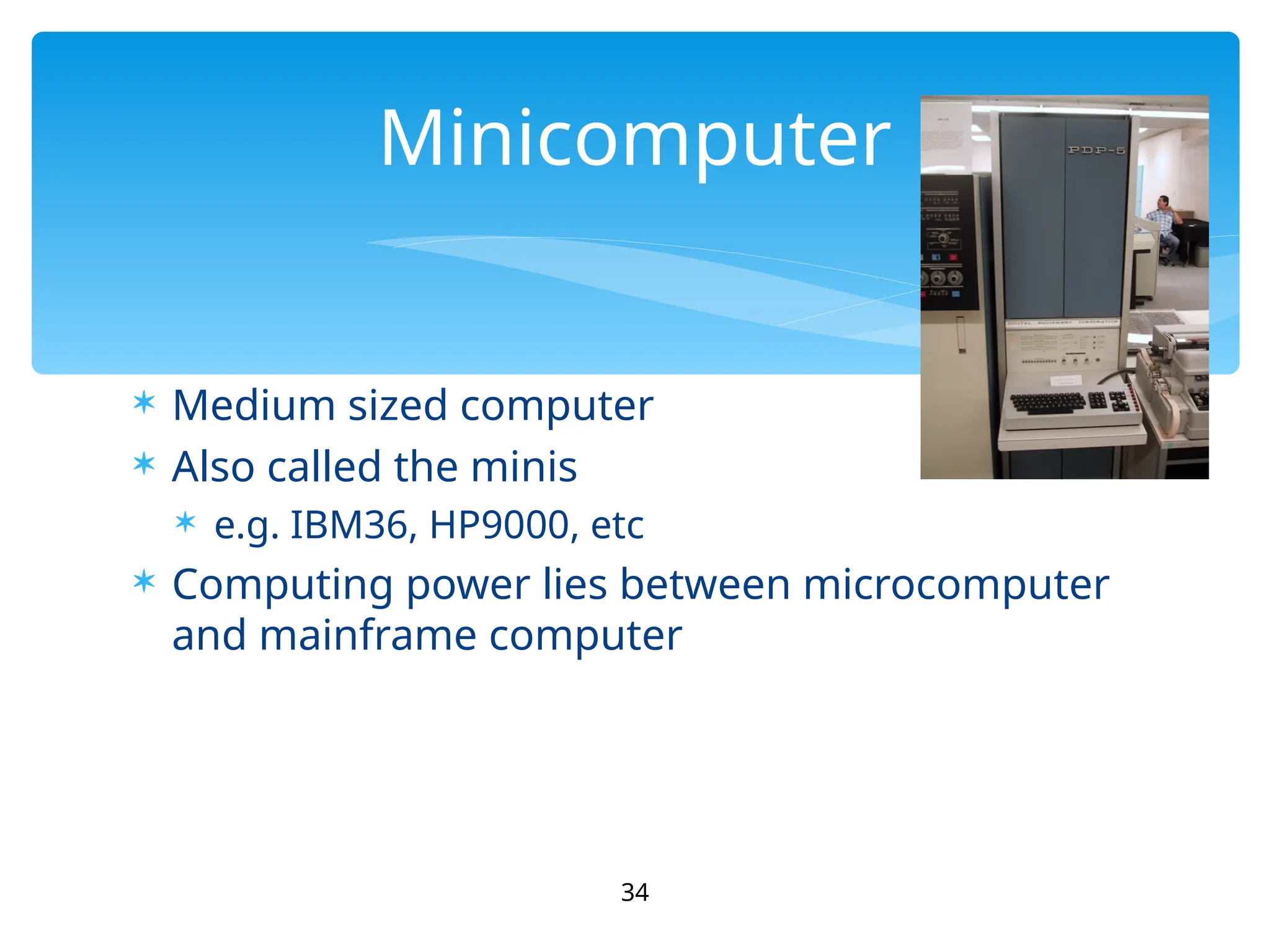
 Medium sized computer
 Also called the minis
 e.g. IBM36, HP9000, etc
 Computing power lies between microcomputer
and mainframe computer
34
Minicomputer
35
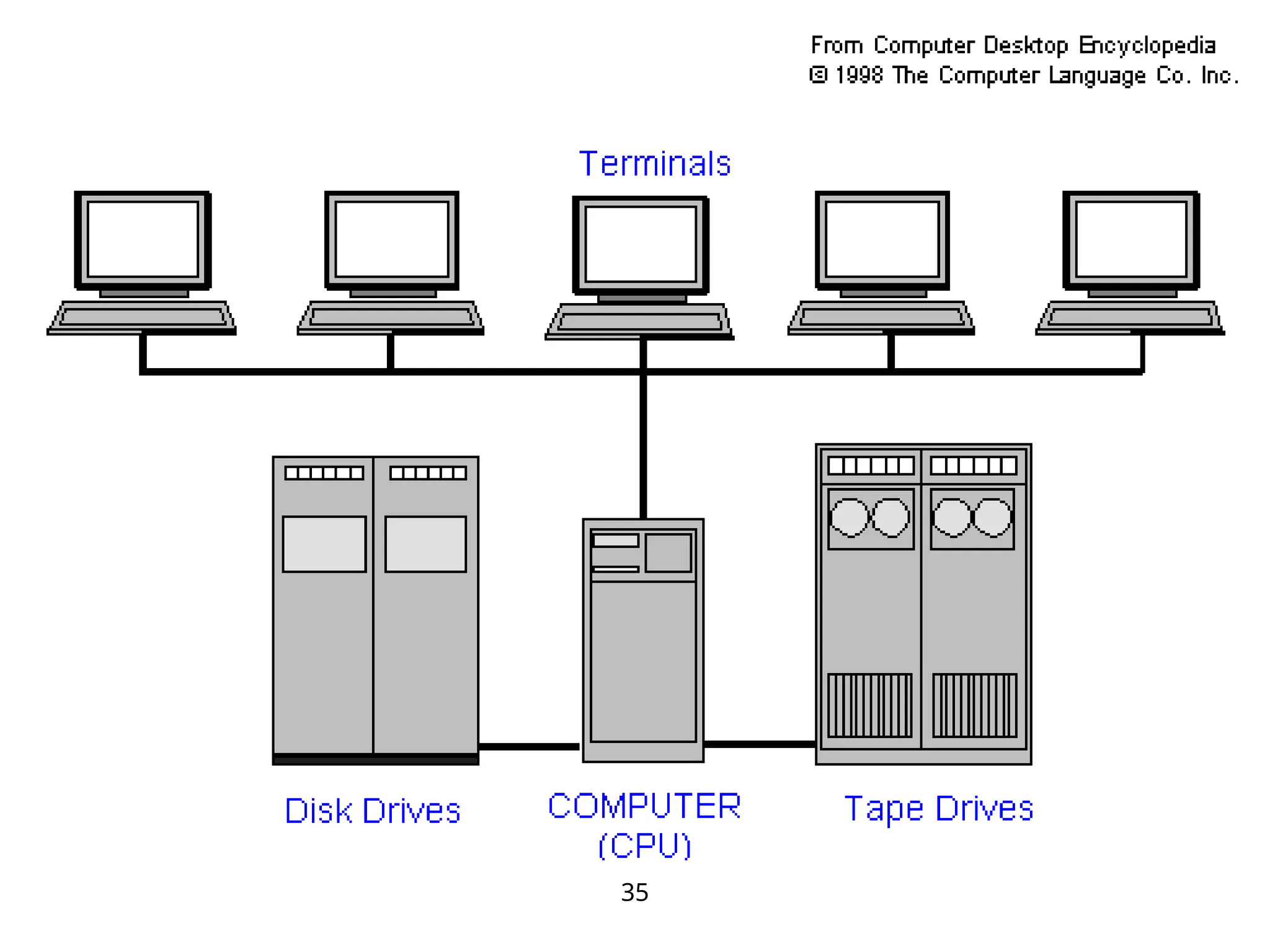
 Characteristics
 Bigger size than PCs
 Expensive than PCs
 Multi-User
 Difficult to use
 More computing power than PCs
 Used by medium sized business
organizations, colleges, libraries and banks.
36
MiniComputer
 Control of Automated Teller Machine (ATMs)
 Payroll
 Hospital patients registration
 Inventory Control for supermarket
 Insurance claims processing
 Small bank accounting and customer details
tracking
37
Uses of Minicomputer
38
Minicomputer
Advantage
 Cater to multiple users
 Lower costs than mainframes
Disadvantage
 Large
 Bulky
39
Mainframe
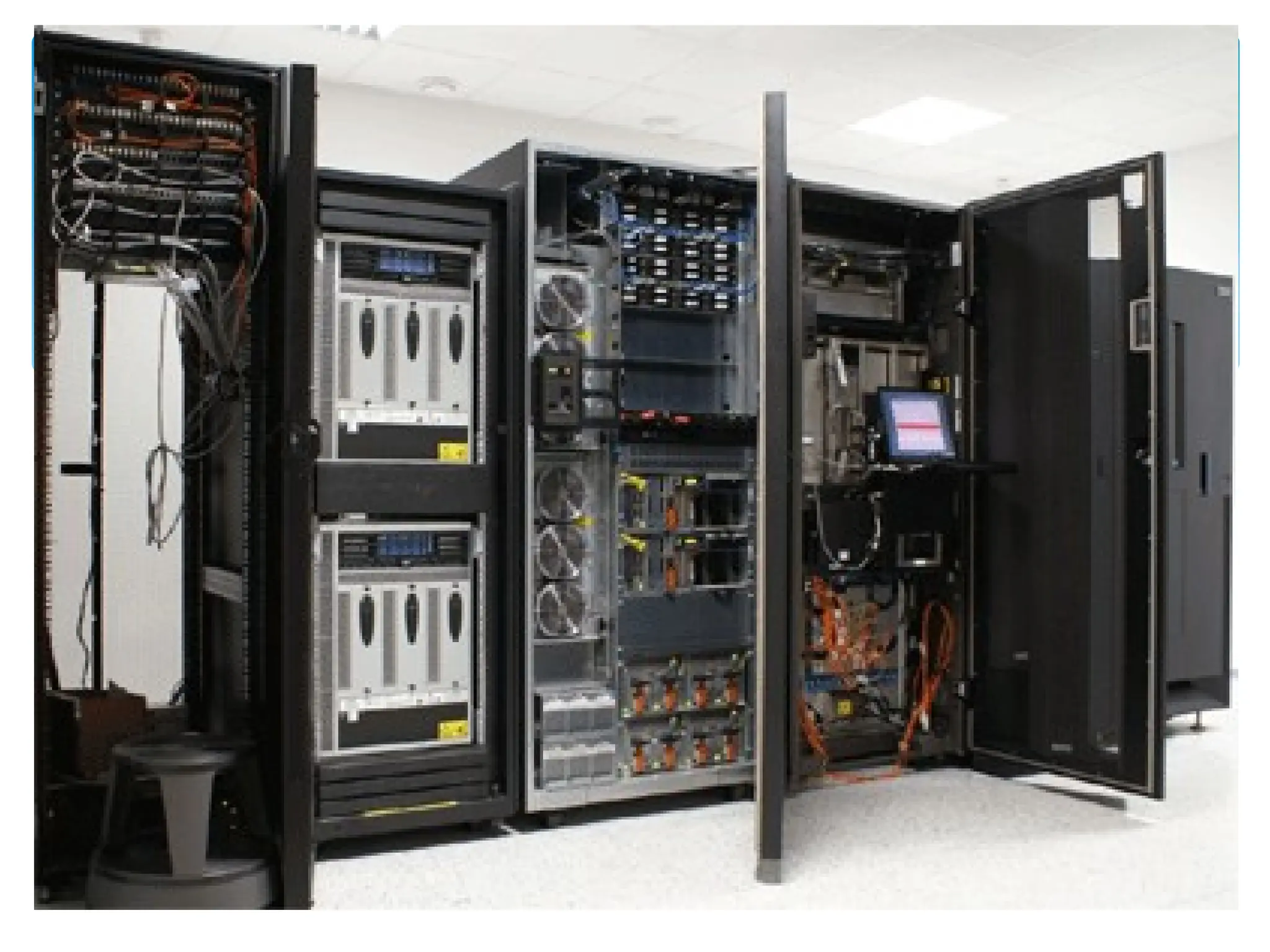
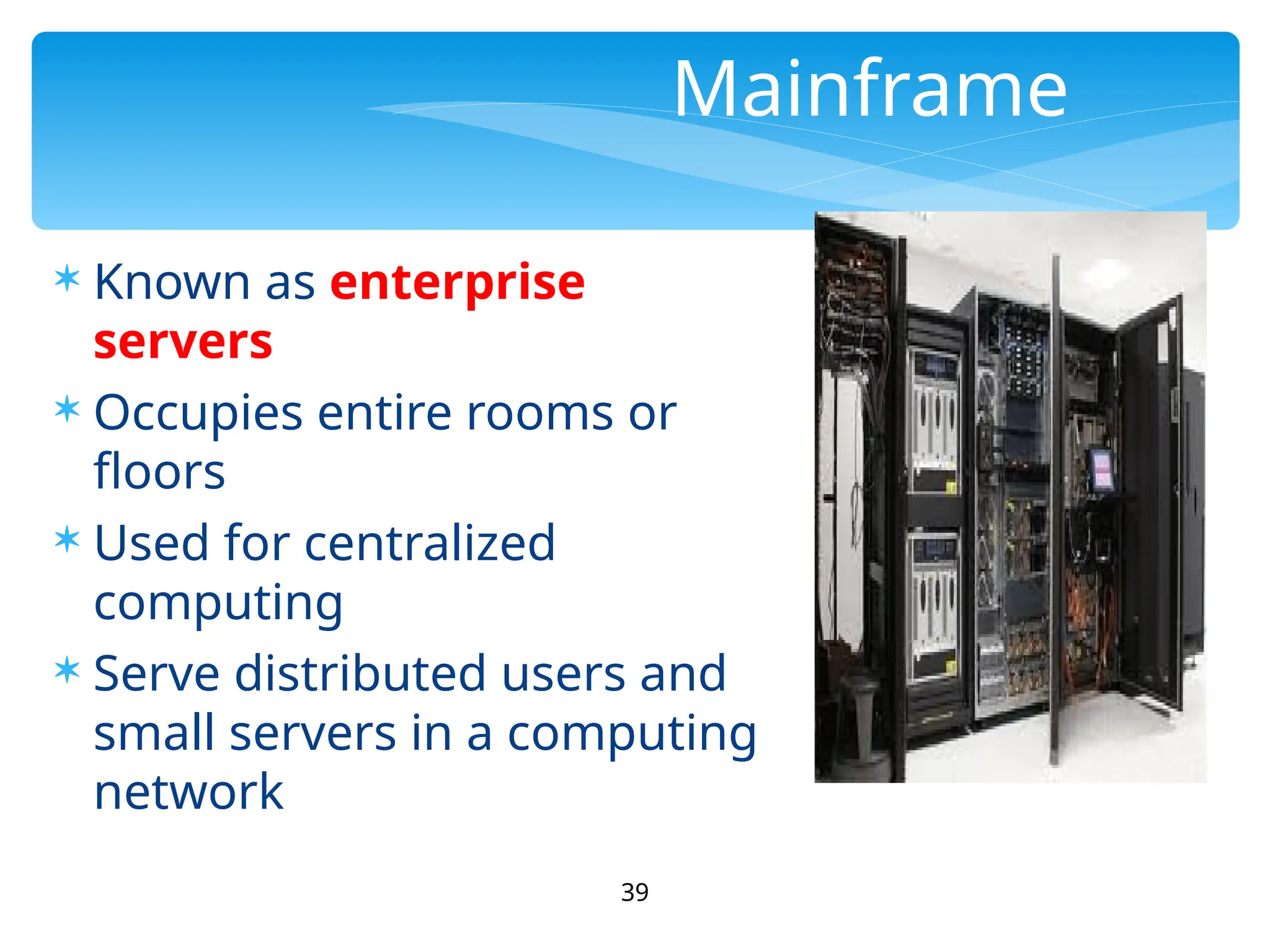
 Known as enterprise
servers
 Occupies entire rooms or
floors
 Used for centralized
computing
 Serve distributed users and
small servers in a computing
network
 Large, fast and expensive computer
 Cost millions of dollar
 e.g. IBM3091, ICL39, etc
 Characteristics:
 Bigger in size than minicomputers
 Very expensive
 Support a few hundred users simultaneously (Multi-Users)
 Difficult to use
 More computing power than minicomputers
 Have to be kept in a special air-conditioned room
 Used in big business organizations and government
departments
40
Main Frame
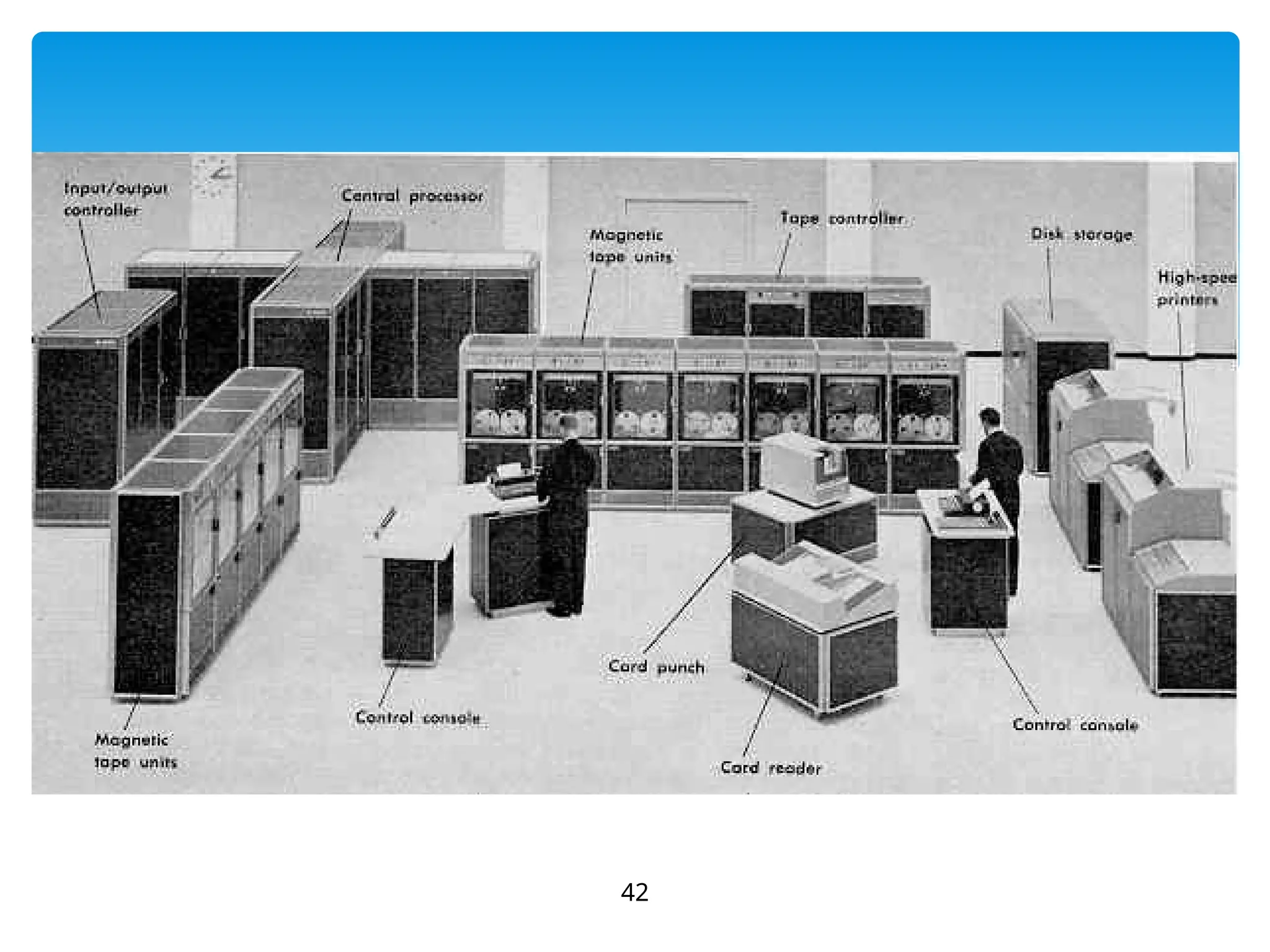
 Airline reservation
 Big banks with hundreds of branches located all over
the world
 Big universities with thousands of enrollment
 Natural gas and oil exploration companies
 Space Vehicle control
 Weather forecasting
 Animated Cartoon
 Some mainframes are designed to be extremely fast
and called super computers. It is used for space
launching, monitoring and controlling.
41
Areas where mainframes are
used
42
43
44
Mainframe
Advantage
 Supports many users and
instructions
 Large memory
Disadvantage
 Huge size
 Expensive
45
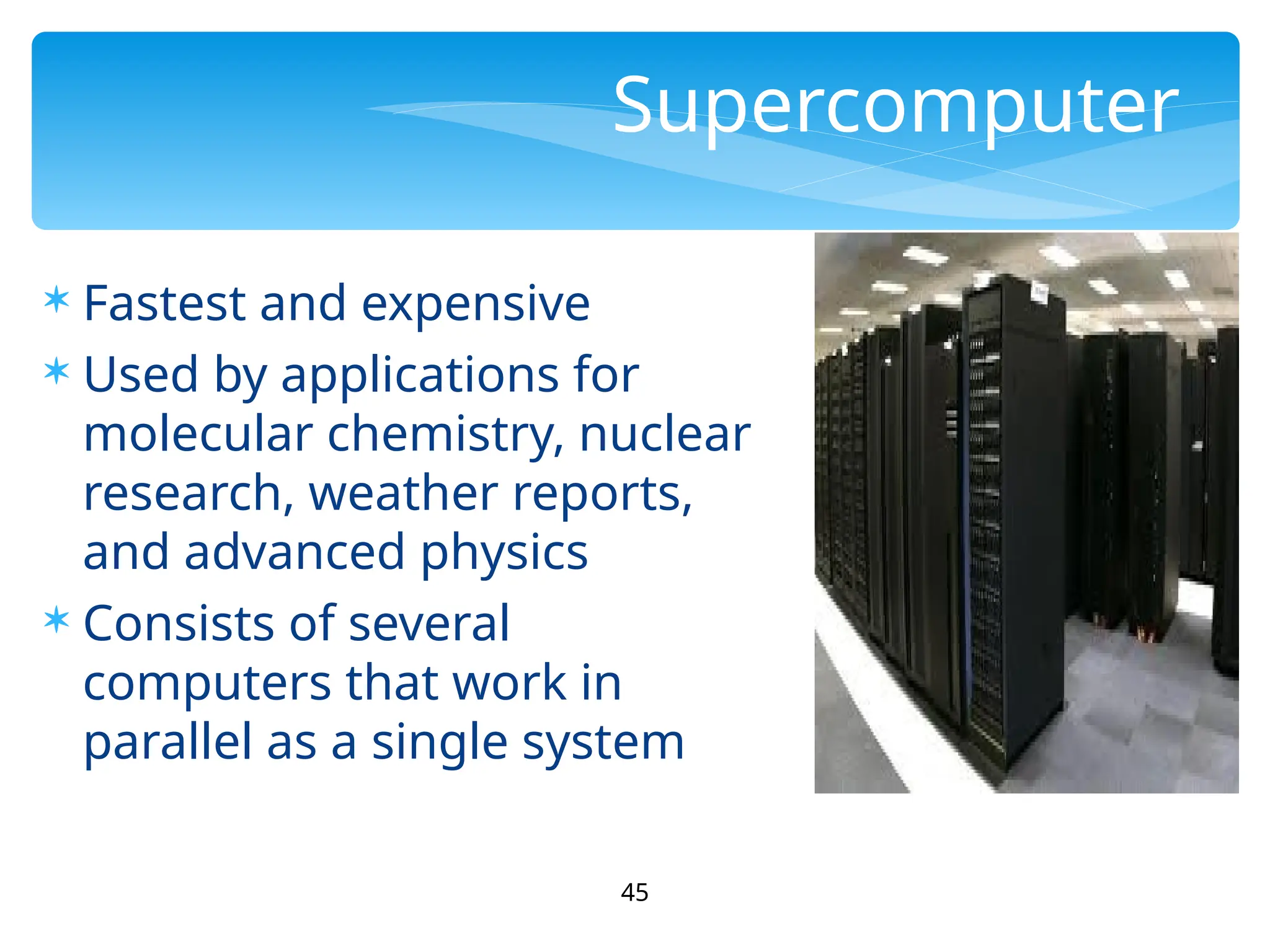
Supercomputer
 Fastest and expensive
 Used by applications for
molecular chemistry, nuclear
research, weather reports,
and advanced physics
 Consists of several
computers that work in
parallel as a single system
46
Super Computer
Advantage
 Speed
Disadvantage
 Generate a large amount
of heat during operation
47
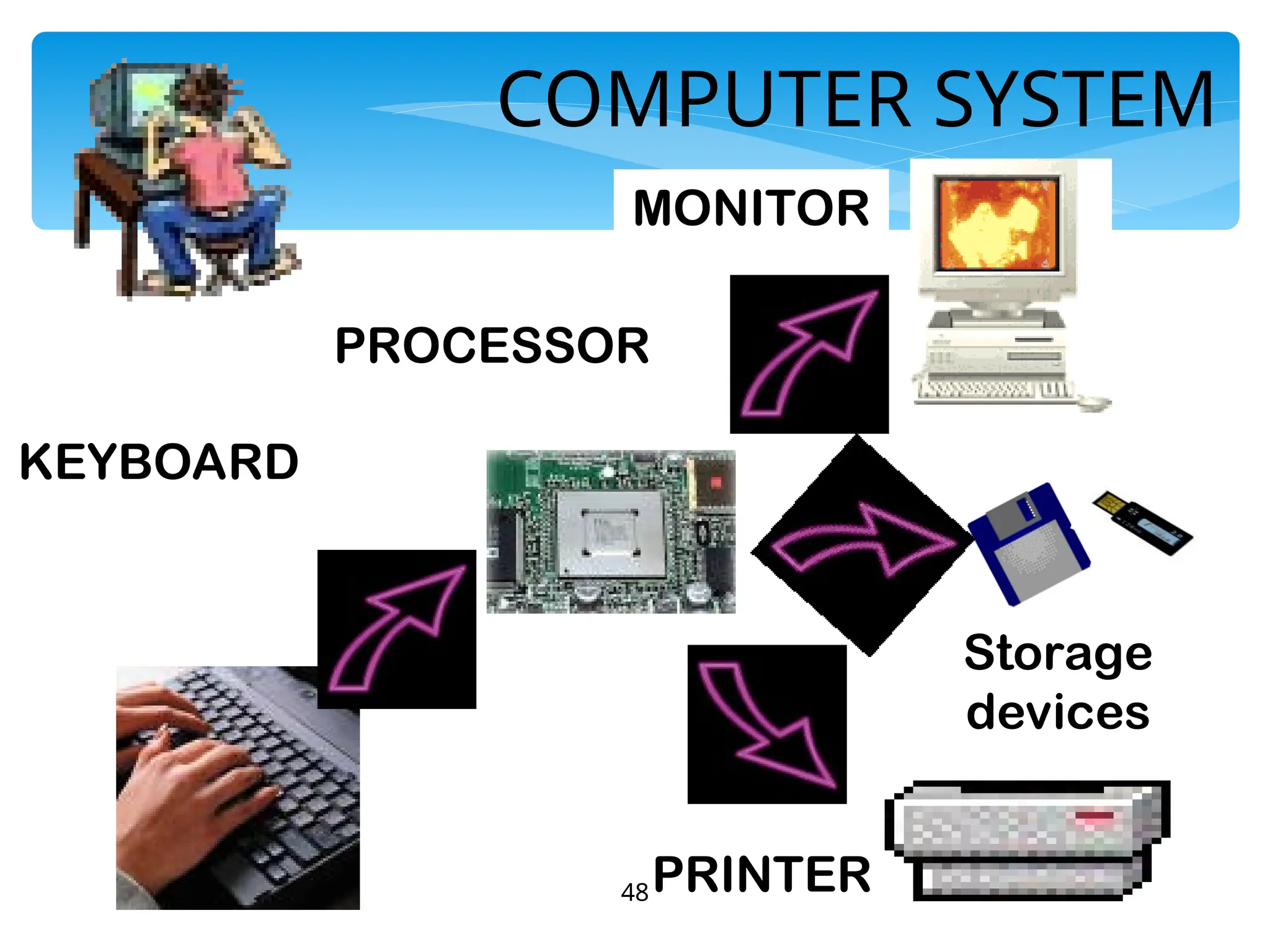
Computer System
A computer system consists of three primary units:
Input units – accept data
Processor unit – processes data by performing
comparisons and calculations
Output units – present the results
48
COMPUTER SYSTEM
KEYBOARD
PROCESSOR
MONITOR
PRINTER
Storage
devices
49
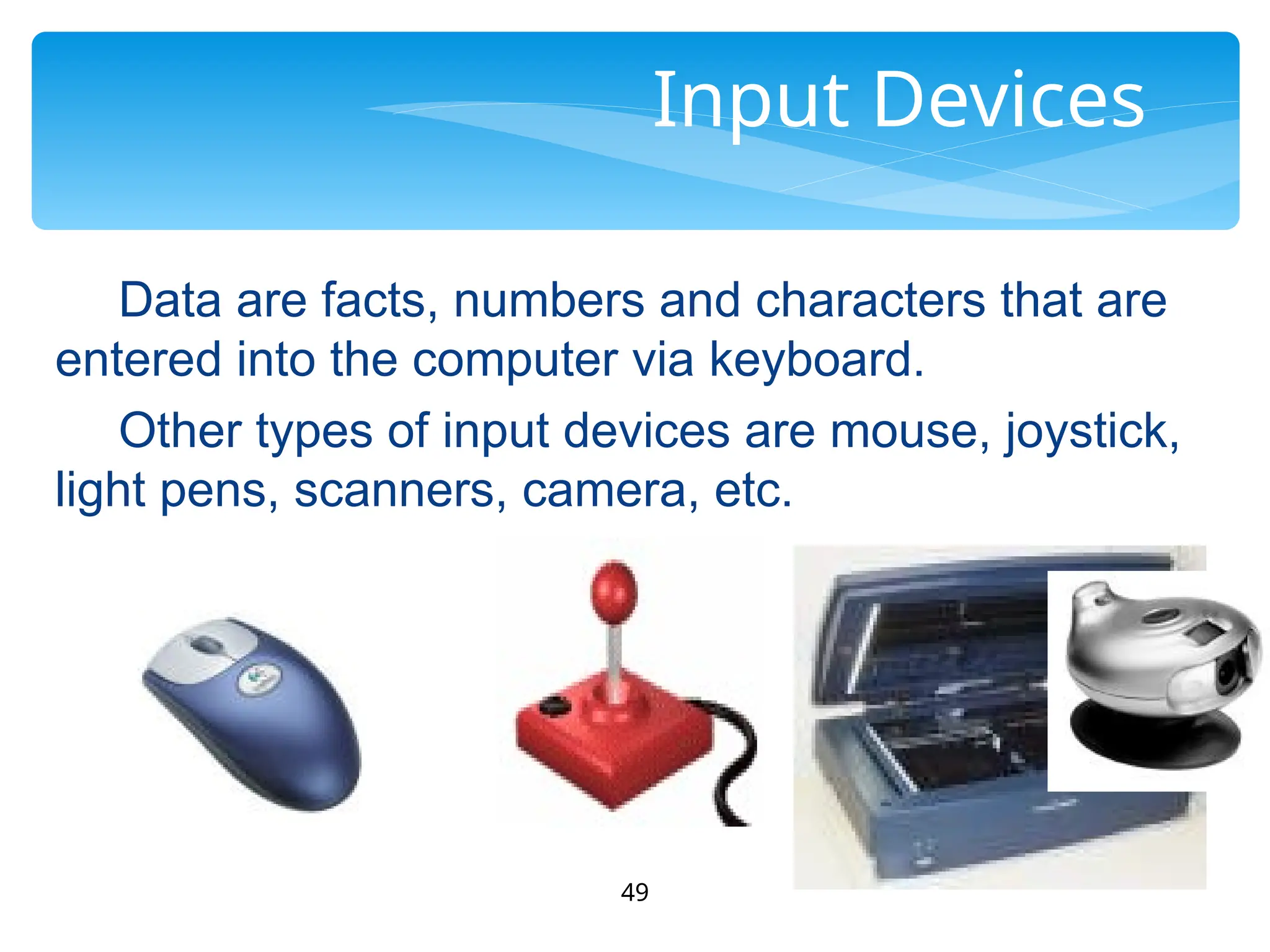
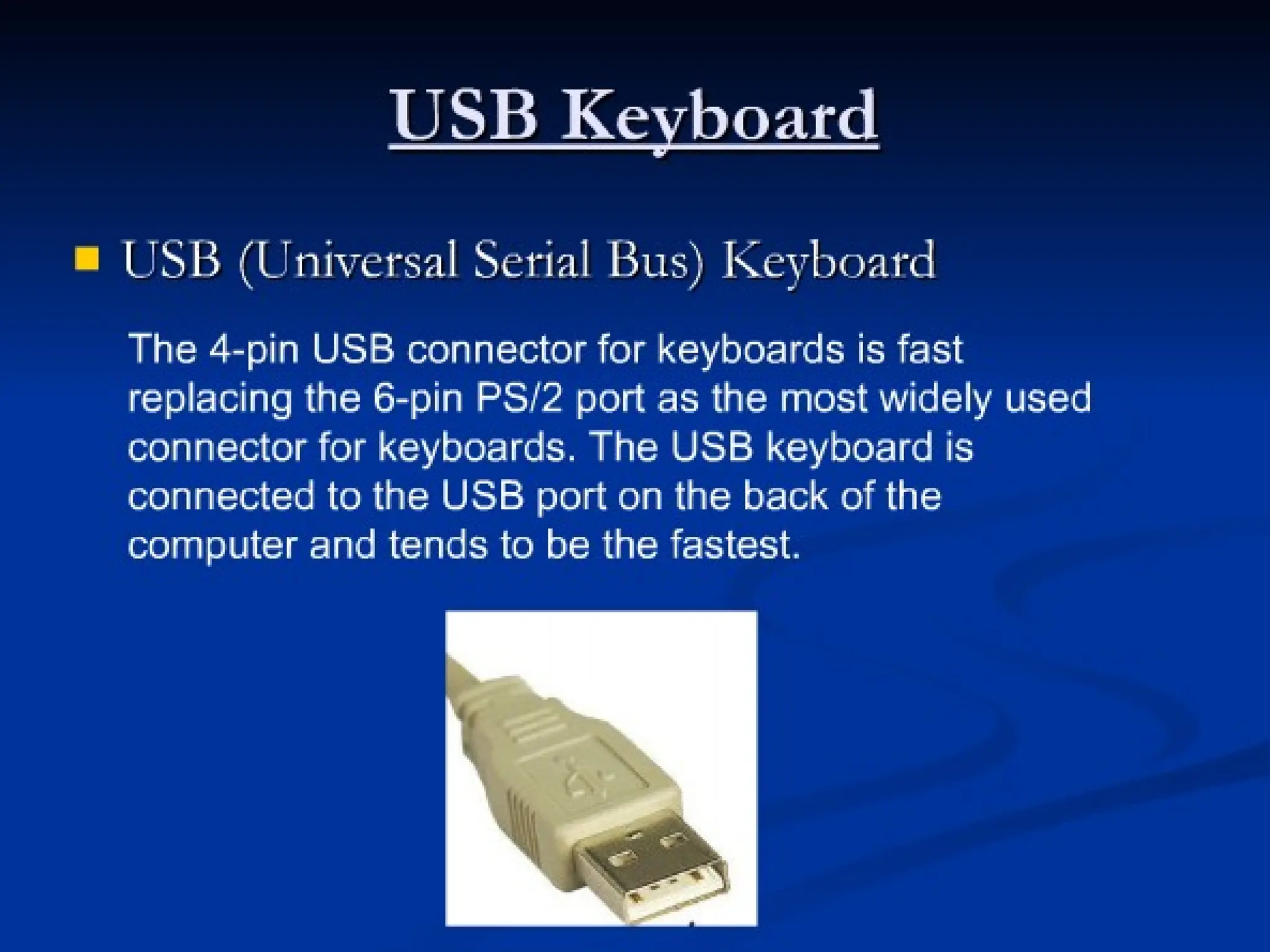
Input Devices
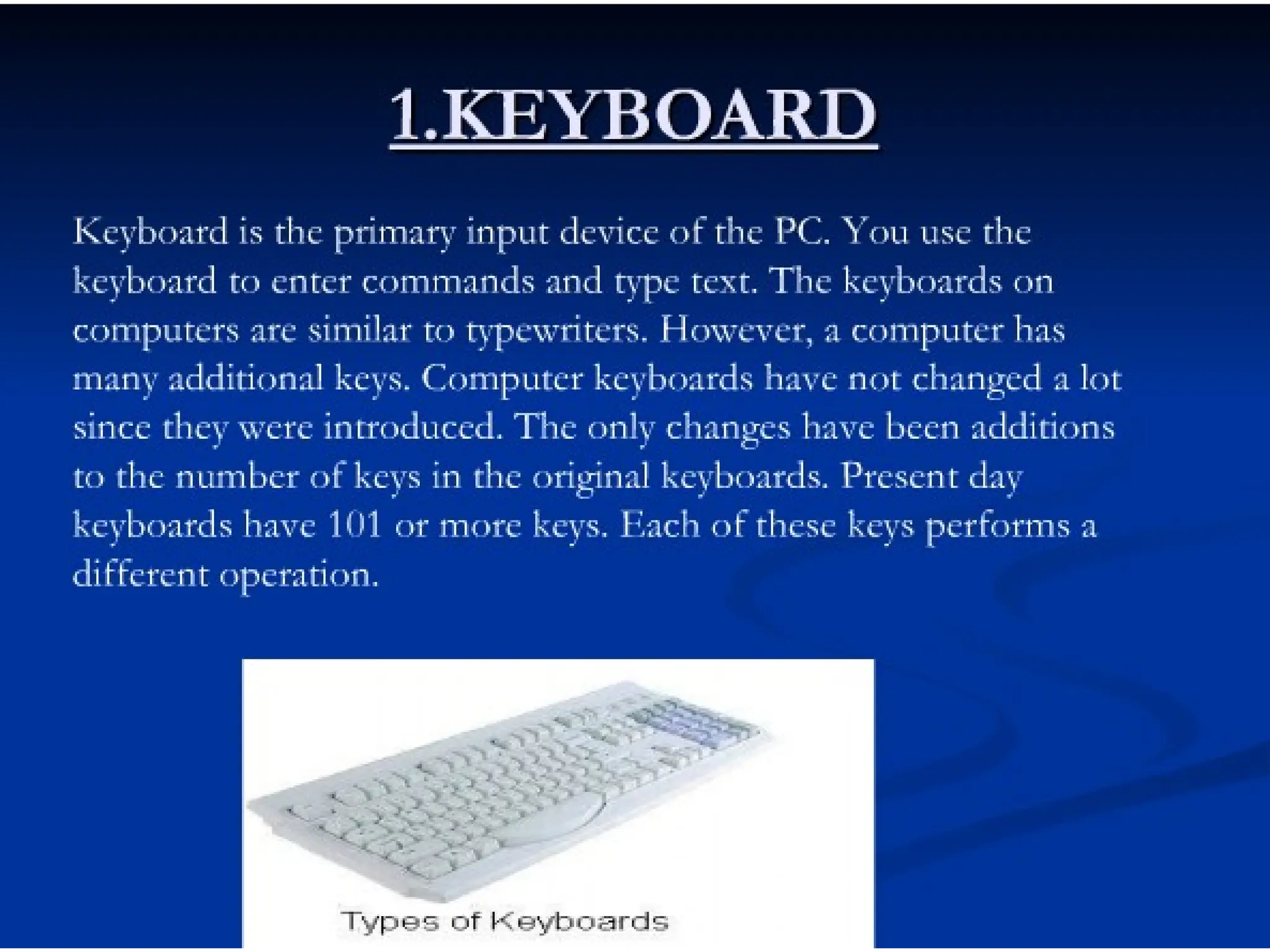
Data are facts, numbers and characters that are
entered into the computer via keyboard.
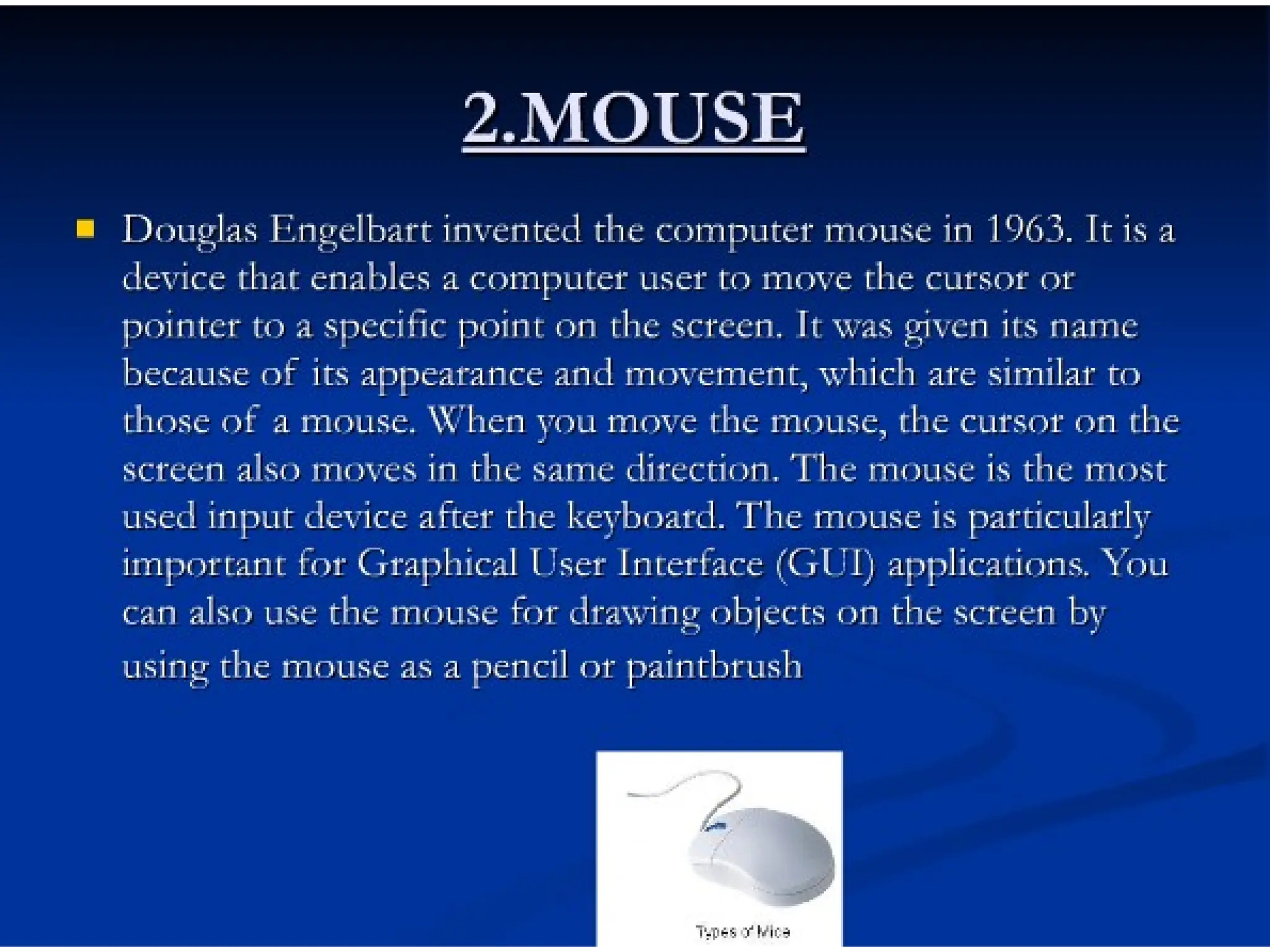
Other types of input devices are mouse, joystick,
light pens, scanners, camera, etc.
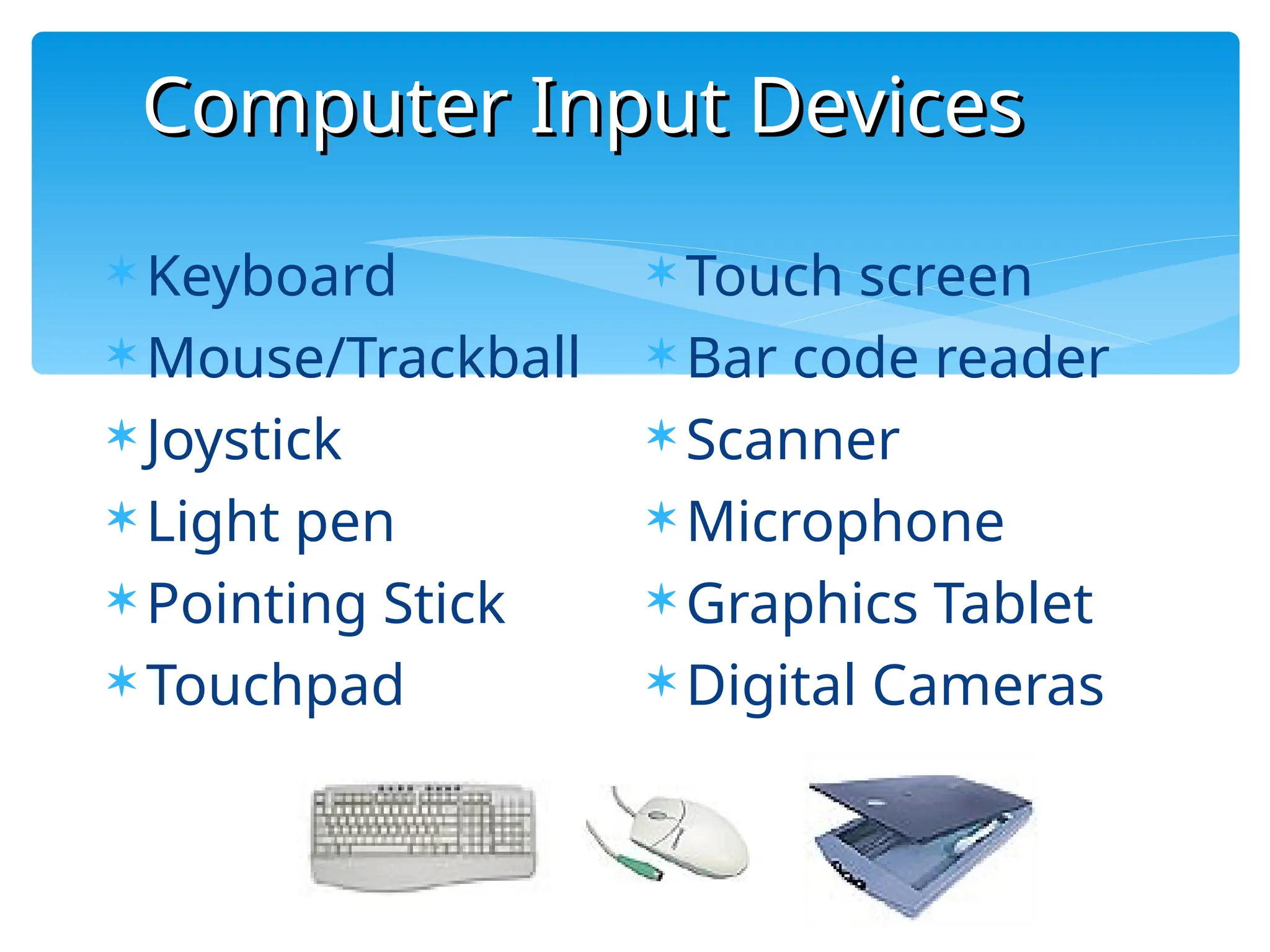
Computer Input Devices
50
 Keyboard
 Mouse/Trackball
 Joystick
 Light pen
 Pointing Stick
 Touchpad
 Touch screen
 Bar code reader
 Scanner
 Microphone
 Graphics Tablet
 Digital Cameras
51
Processor
Unit
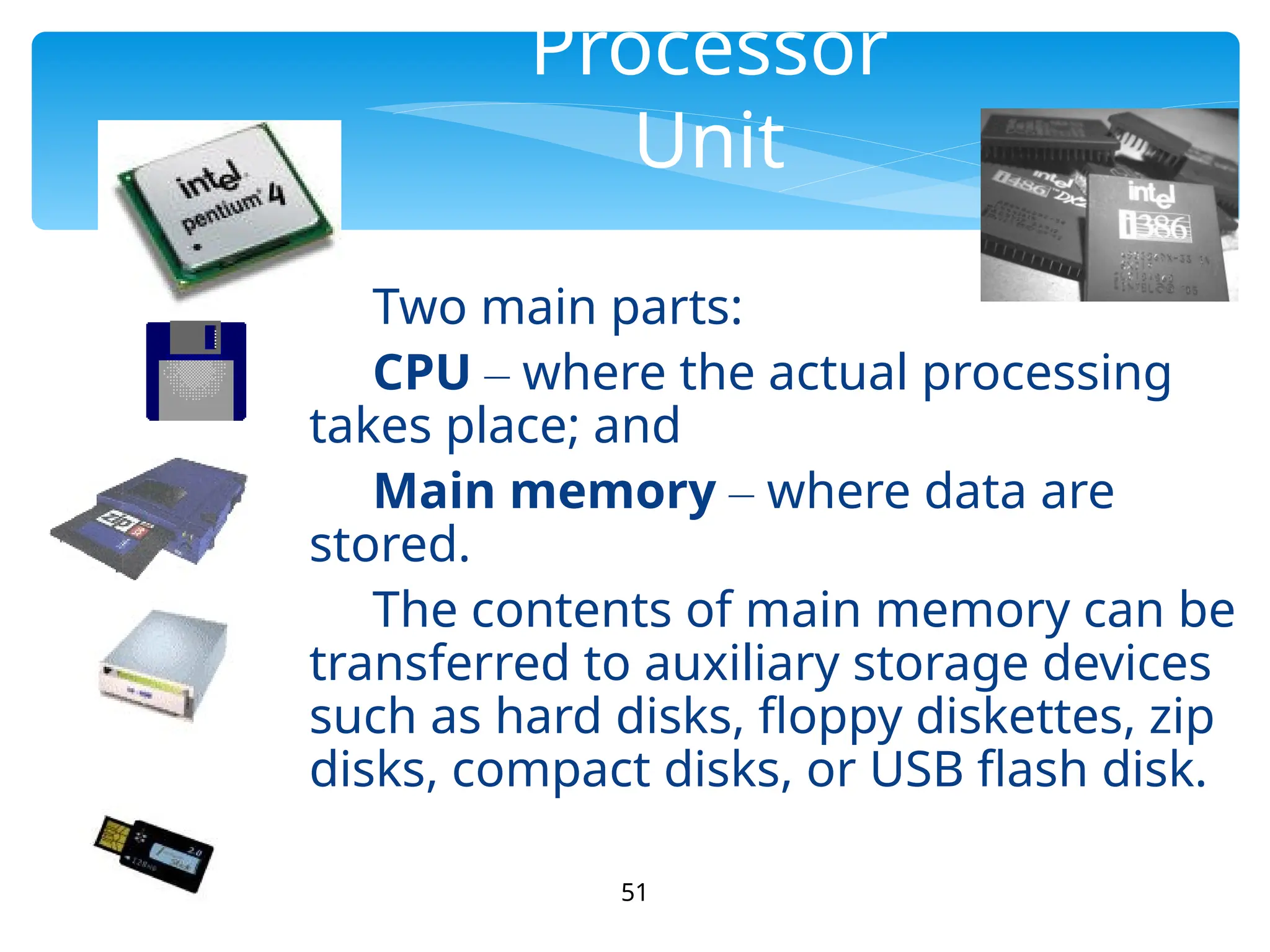
Two main parts:
CPU – where the actual processing
takes place; and
Main memory – where data are
stored.
The contents of main memory can be
transferred to auxiliary storage devices
such as hard disks, floppy diskettes, zip
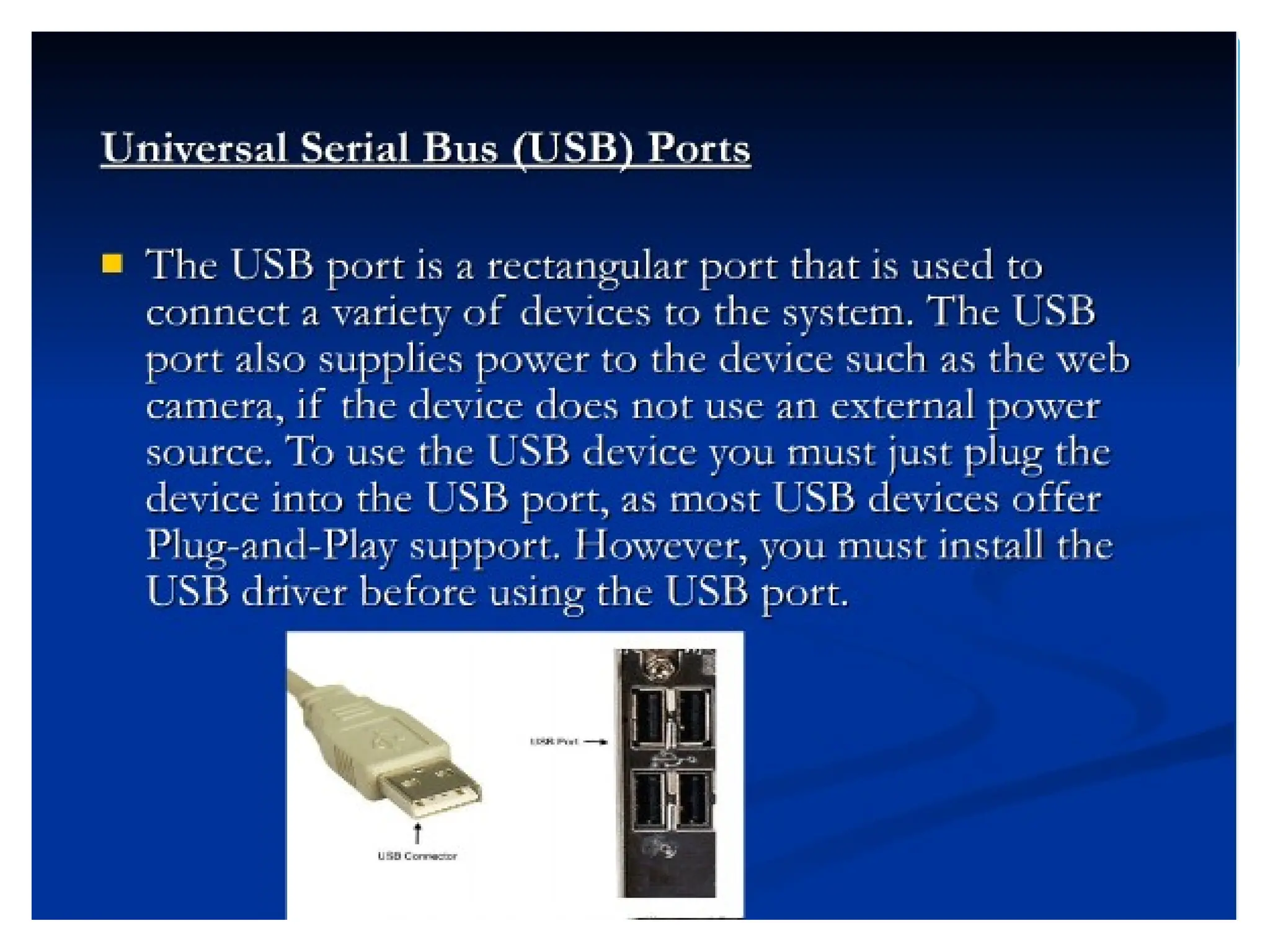
disks, compact disks, or USB flash disk.
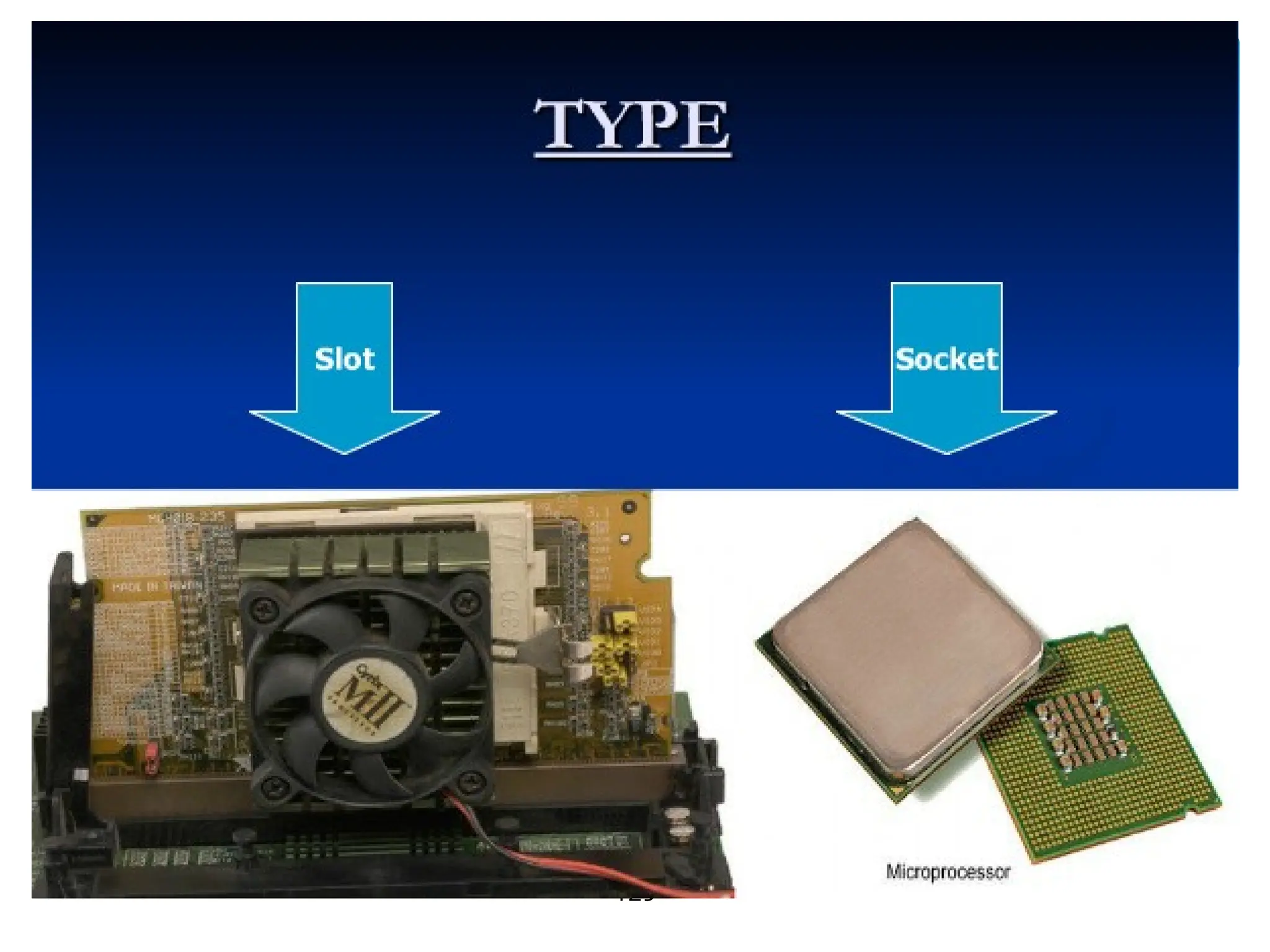
The microprocessor, the brains of the computer. Referred
to a CPU or processor
Housed on a tiny silicon chip
Chip contains millions of switches and
pathways that help your computer make
important decisions.
52
Central Processing Unit
53
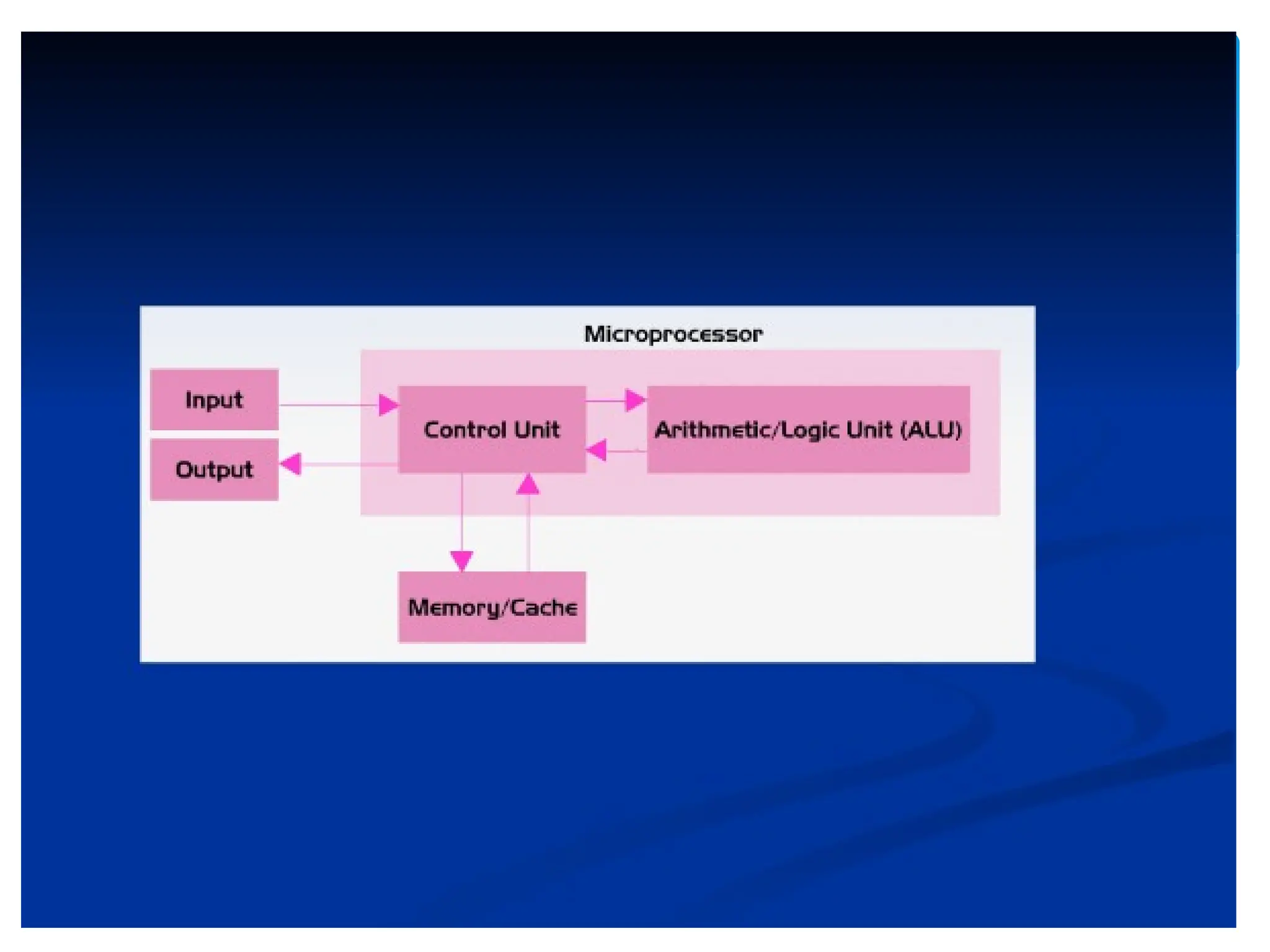
CPU knows which switches to turn
on and which to turn off because
it receives its instructions from
computer programs (software).
CPU has two primary sections:
Arithmetic/logic unit
Control unit
54
Arithmetic/logic unit (ALU):
- Performs arithmetic computations
and logical operations; by combining
these two operations the ALU can
execute complex tasks.
- Arithmetic operations include
addition, subtractions, multiplication,
and division.
- Logical operations involve
55
Control Unit
Control Unit: is the “boss” and
coordinates all of the CPU’s activities.
Uses programming instructions, it
controls the flow of information through
the processor by controlling what
happens inside the processor.
We communicate with the computer
through programming languages.
Examples: COBOL, C++,
HTML, Java Script or
56
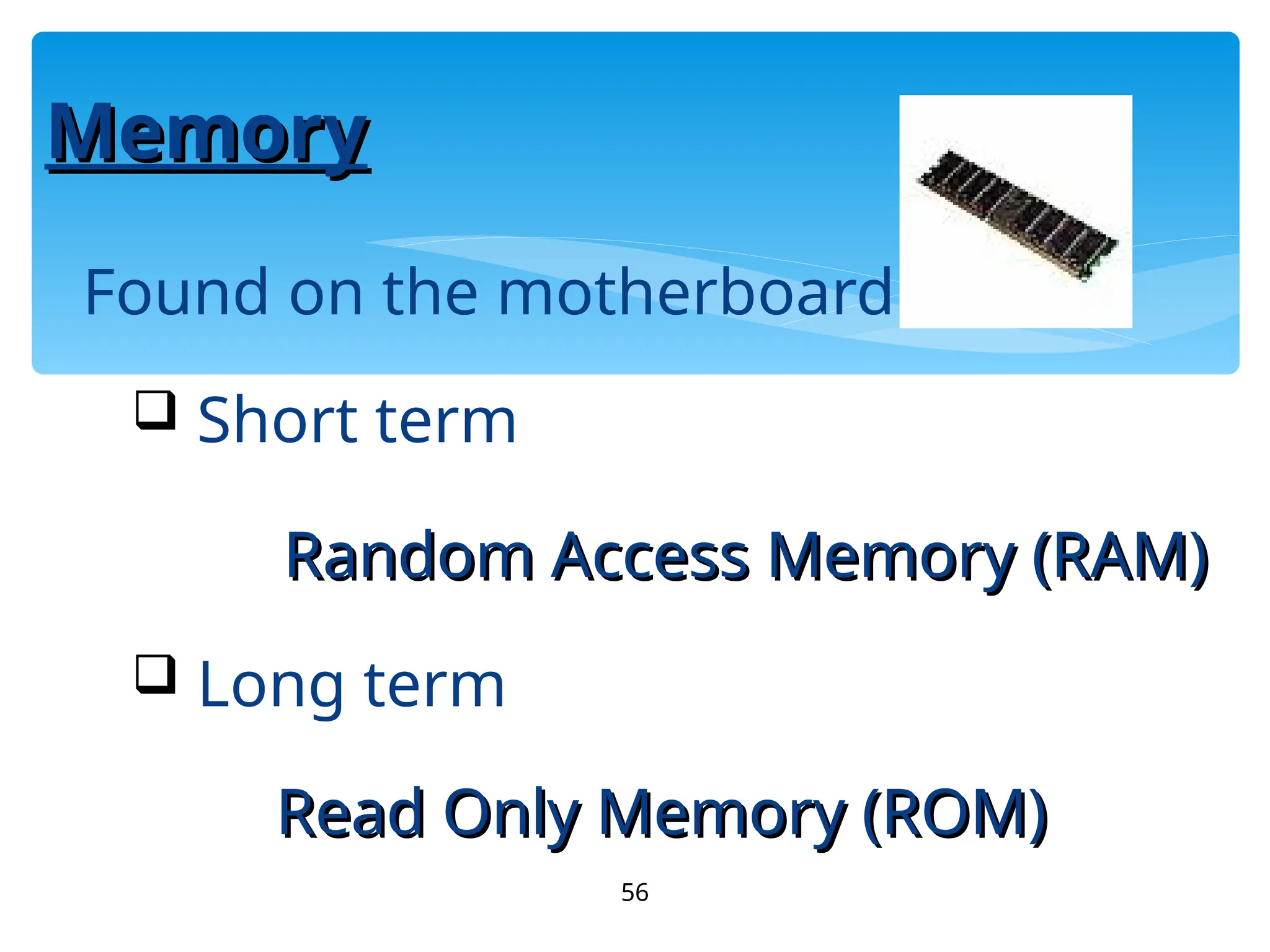
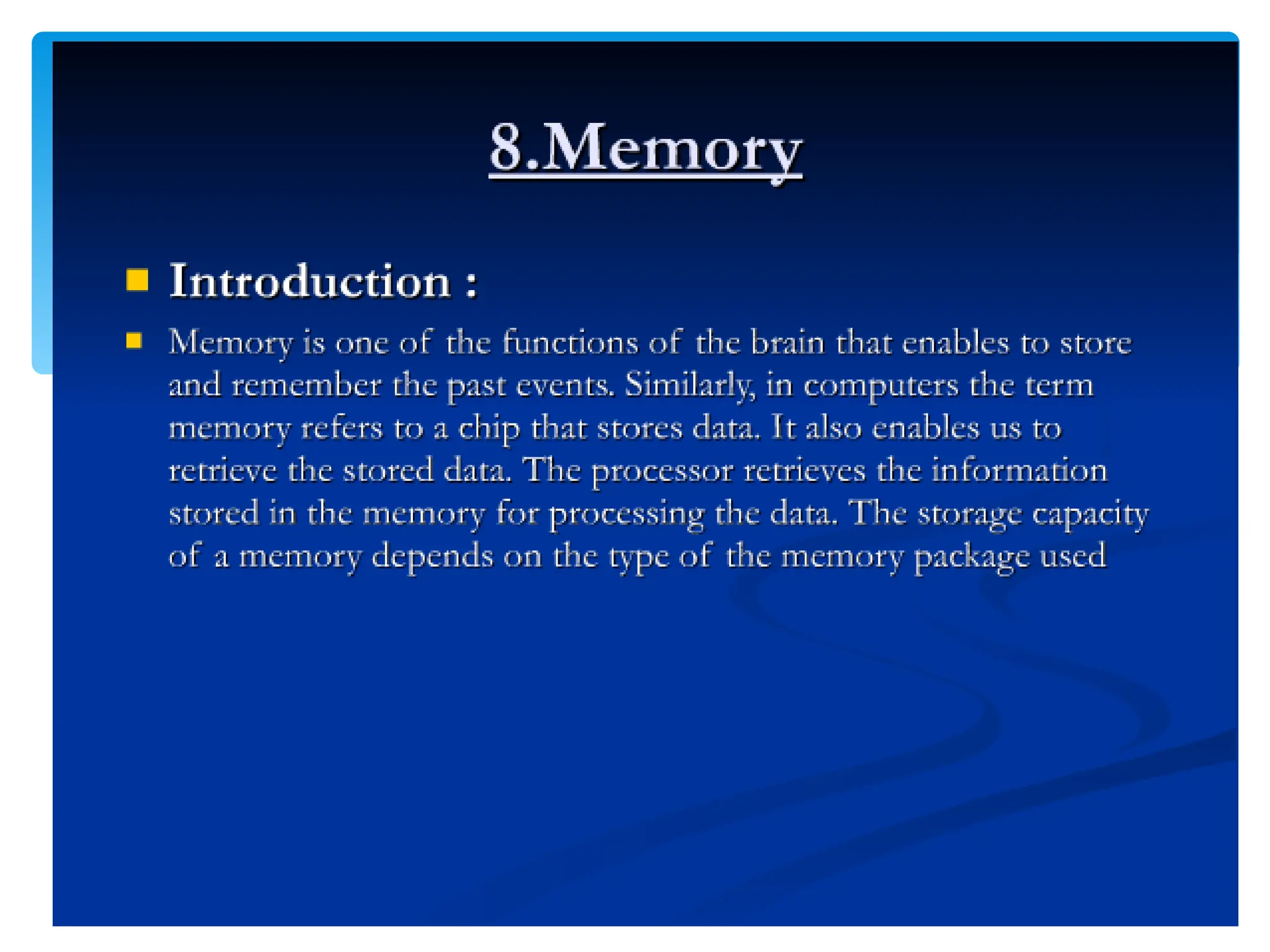
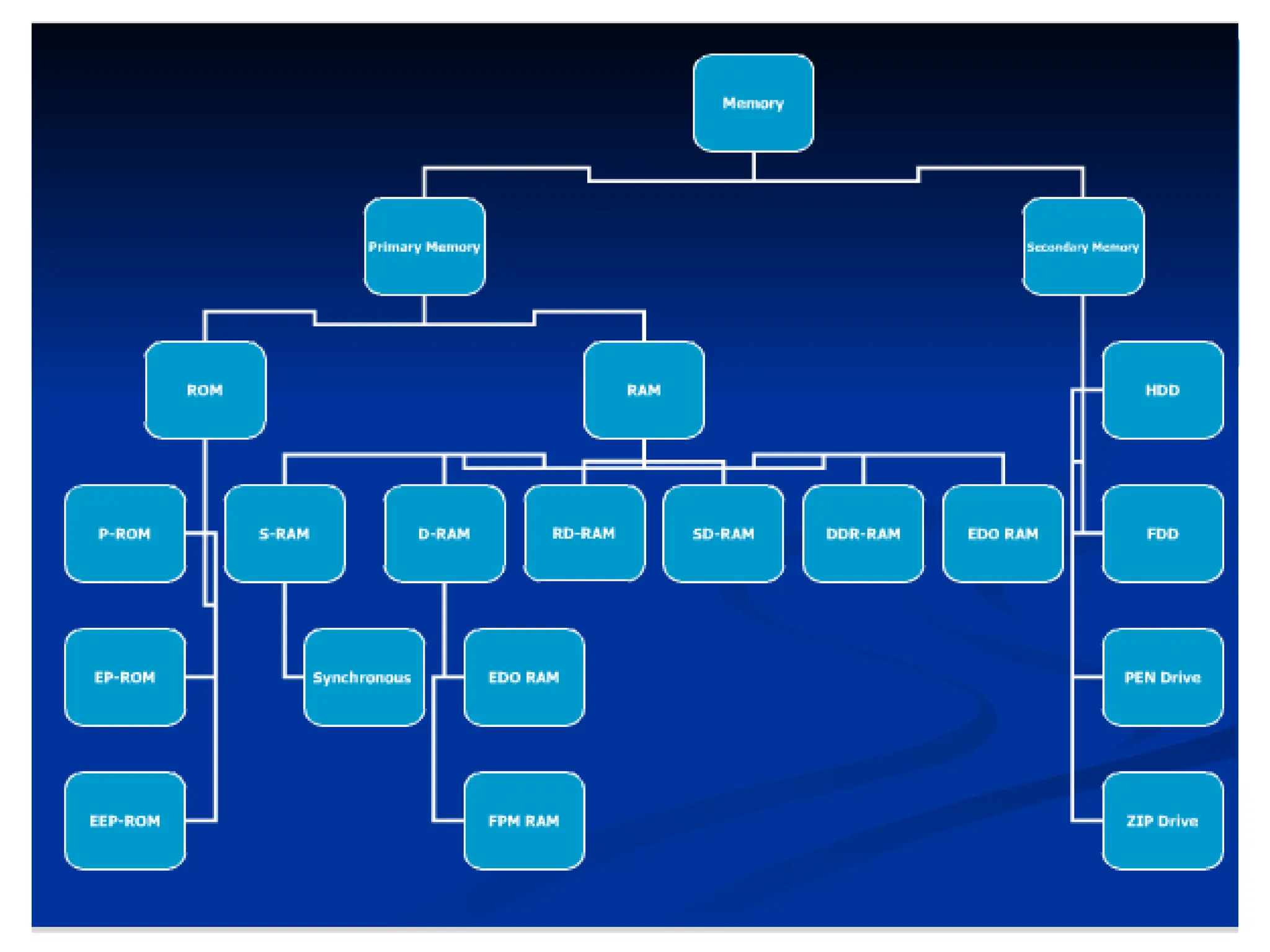
Memory
Memory
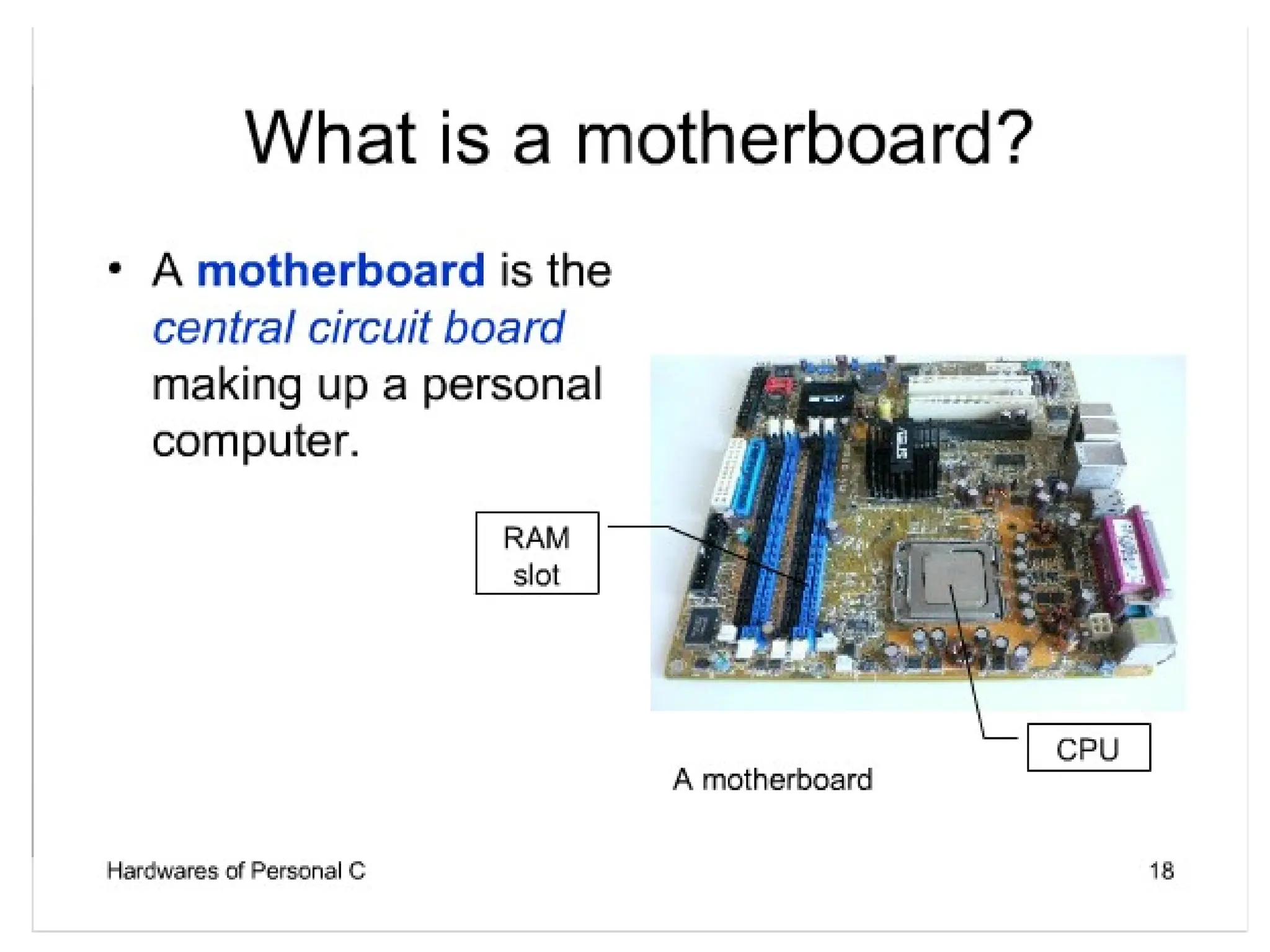
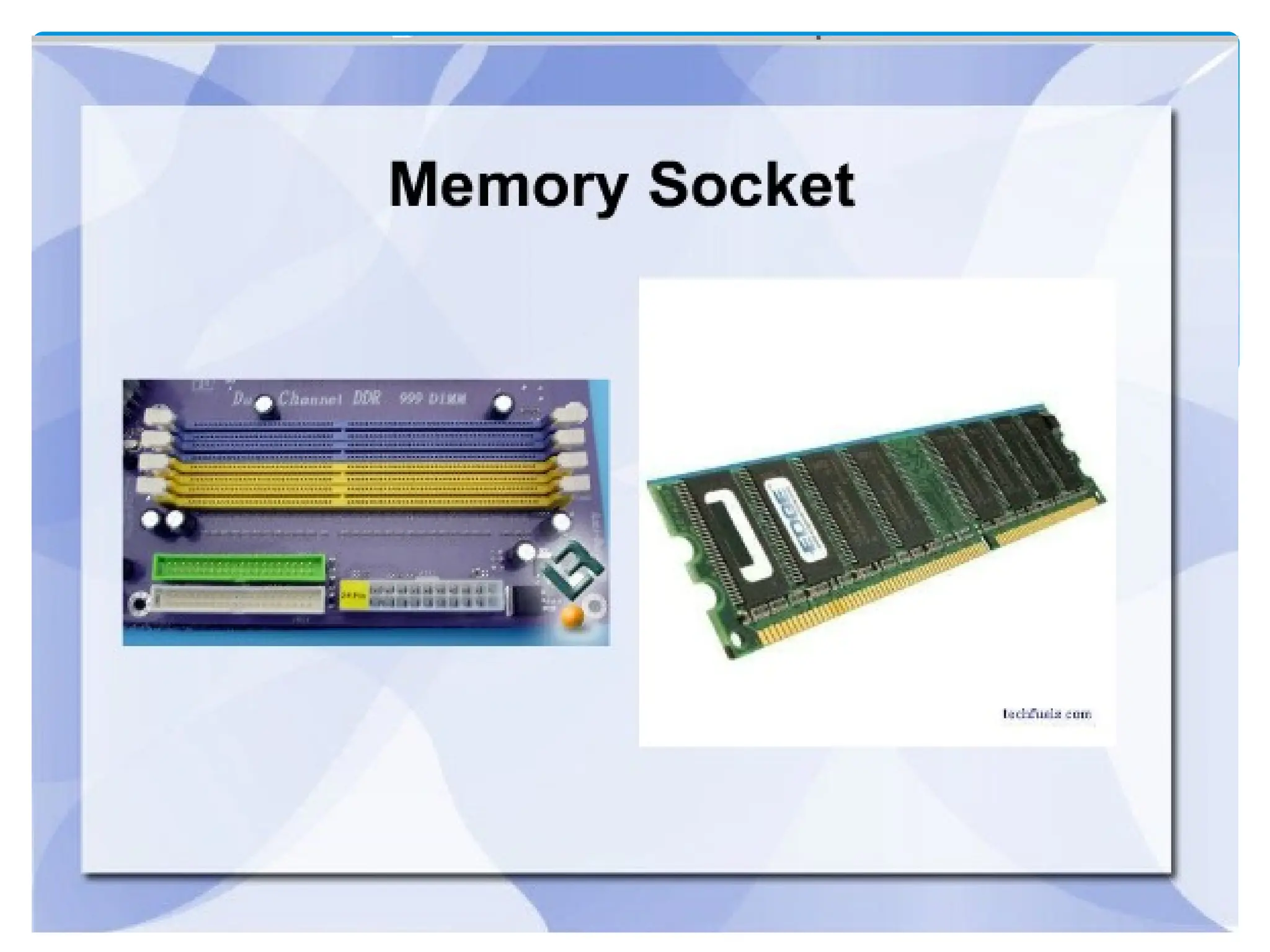
Found on the motherboard
 Short term
Random Access Memory (RAM)
 Long term
Read Only Memory (ROM)
57
Random Access Memory (RAM)
Memory on the motherboard that is short
term; where data, information, and
program instructions are stored temporarily
on a RAM chip or a set of RAM chips. Known
as the main memory.
This memory is considered volatile.
The computer can read from and write to
RAM.
58
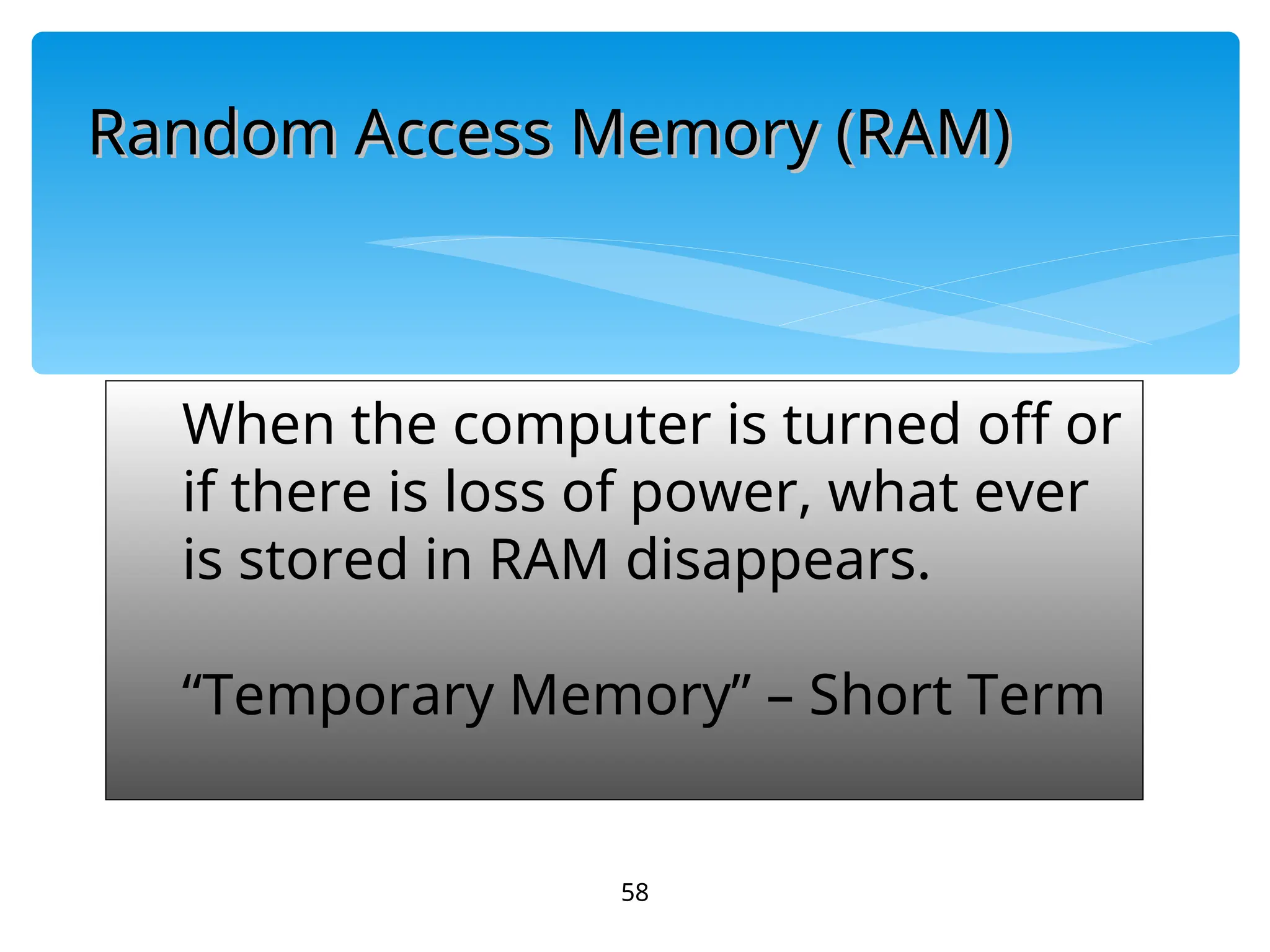
When the computer is turned off or
if there is loss of power, what ever
is stored in RAM disappears.
“Temporary Memory” – Short Term
Random Access Memory (RAM)
59
Read-Only Memory (ROM)
Memory on the motherboard that is long
term; where the specific instructions that
are needed for the computer to operate
are stored.
This memory is nonvolatile and your
computer can only read from a ROM
chip.
60
The instructions remain on the chip
regardless if the power is turned on or
off.
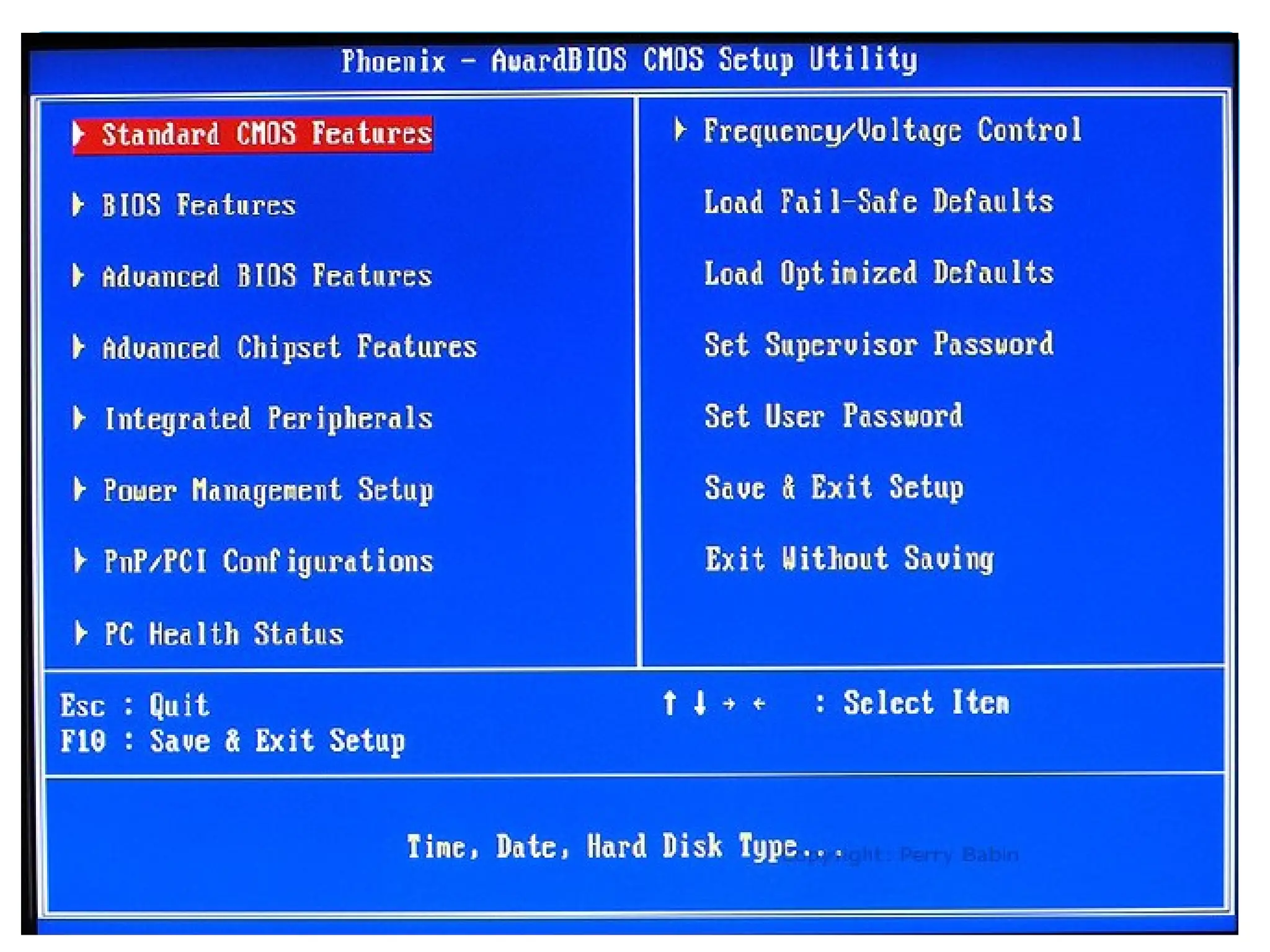
Most common is the BIOS ROM; where
the computer uses instructions
contained on this chip to boot or start
the system when you turn on your
computer.
“Permanent Memory” –
Long Term
61
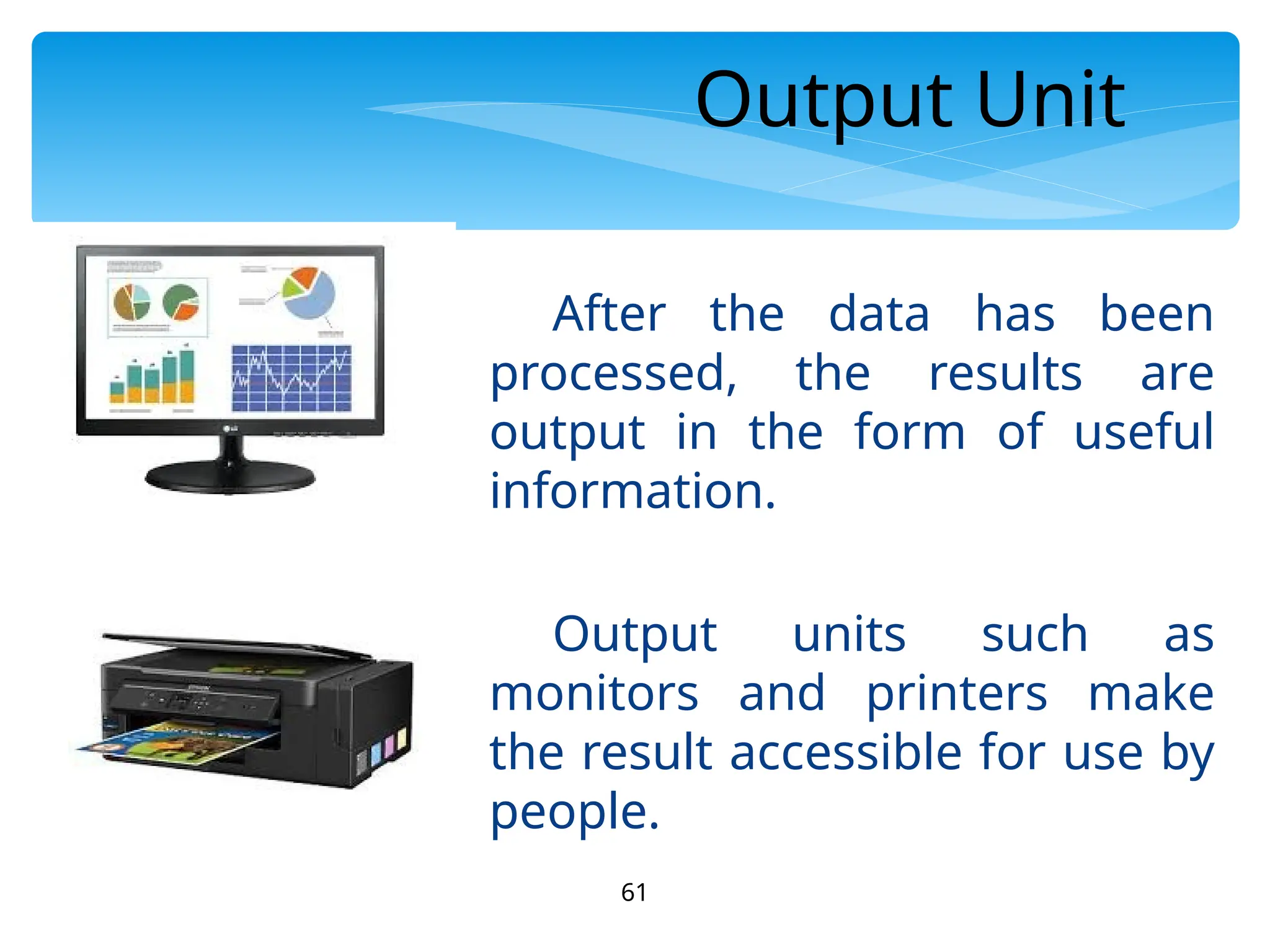
Output Unit
After the data has been
processed, the results are
output in the form of useful
information.
Output units such as
monitors and printers make
the result accessible for use by
people.
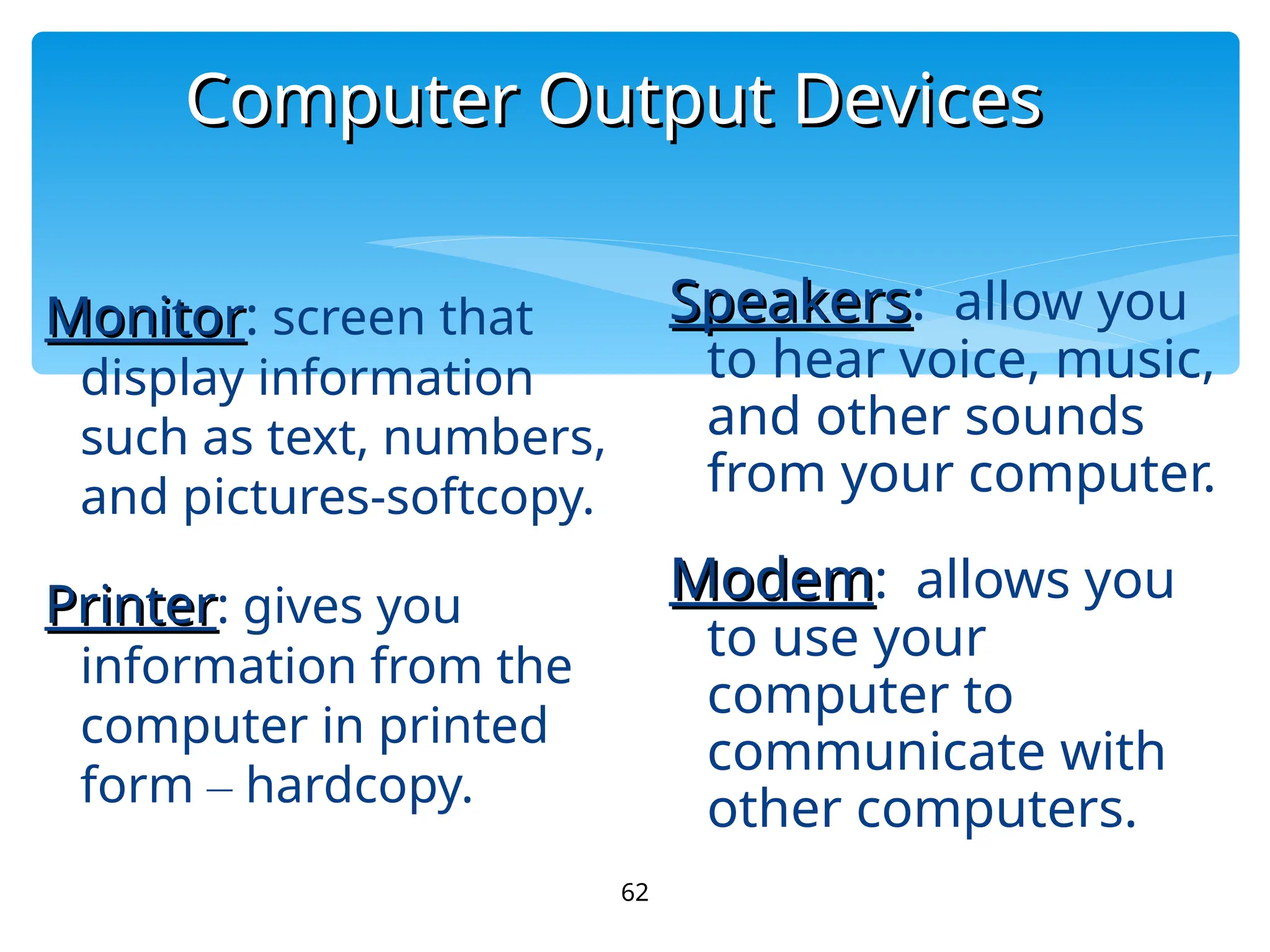
Computer Output Devices
62
Monitor
Monitor: screen that
display information
such as text, numbers,
and pictures-softcopy.
Printer
Printer: gives you
information from the
computer in printed
form – hardcopy.
Speakers
Speakers: allow you
to hear voice, music,
and other sounds
from your computer.
Modem
Modem: allows you
to use your
computer to
communicate with
other computers.
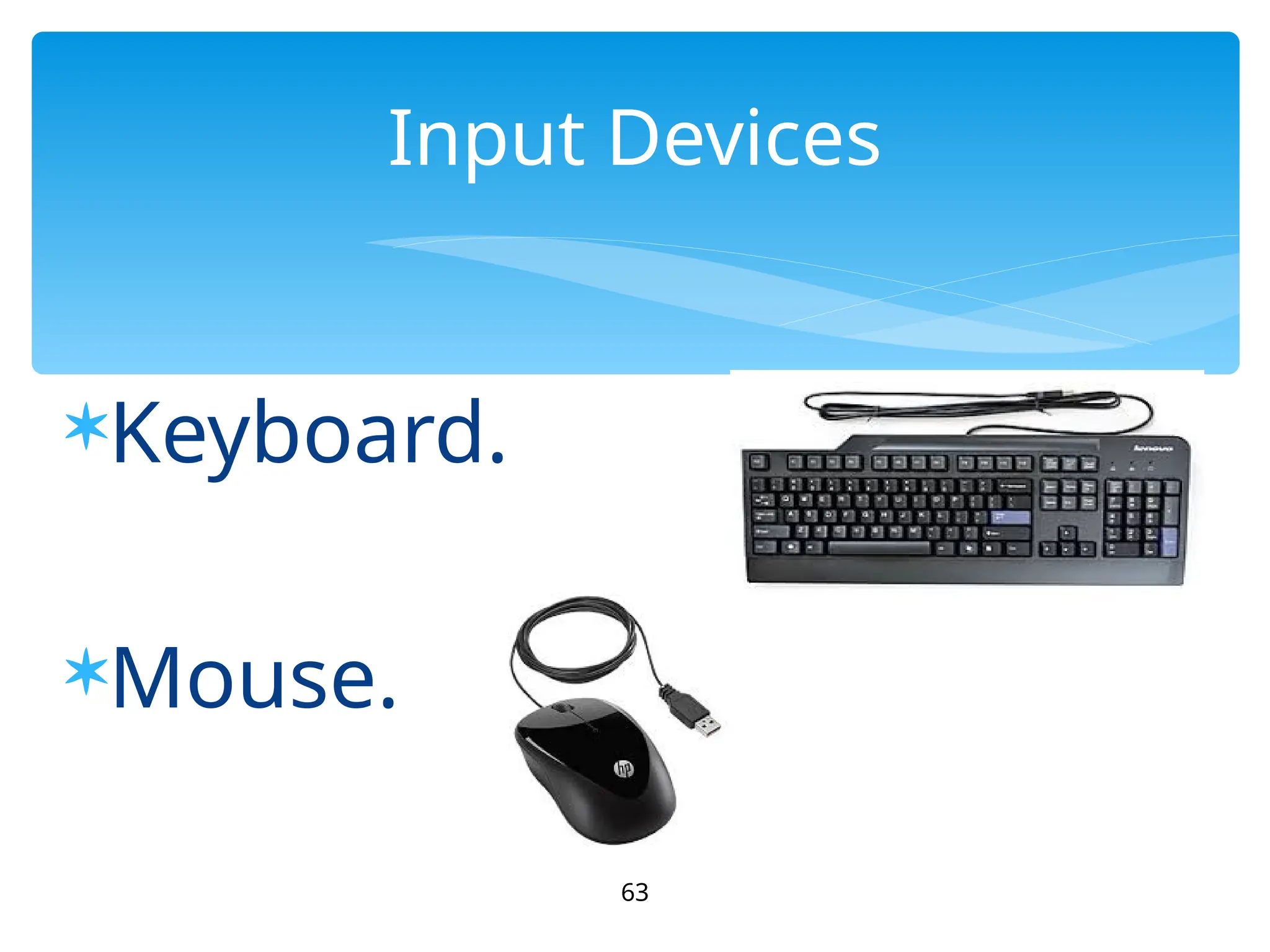
Keyboard.
Mouse.
63
Input Devices
64
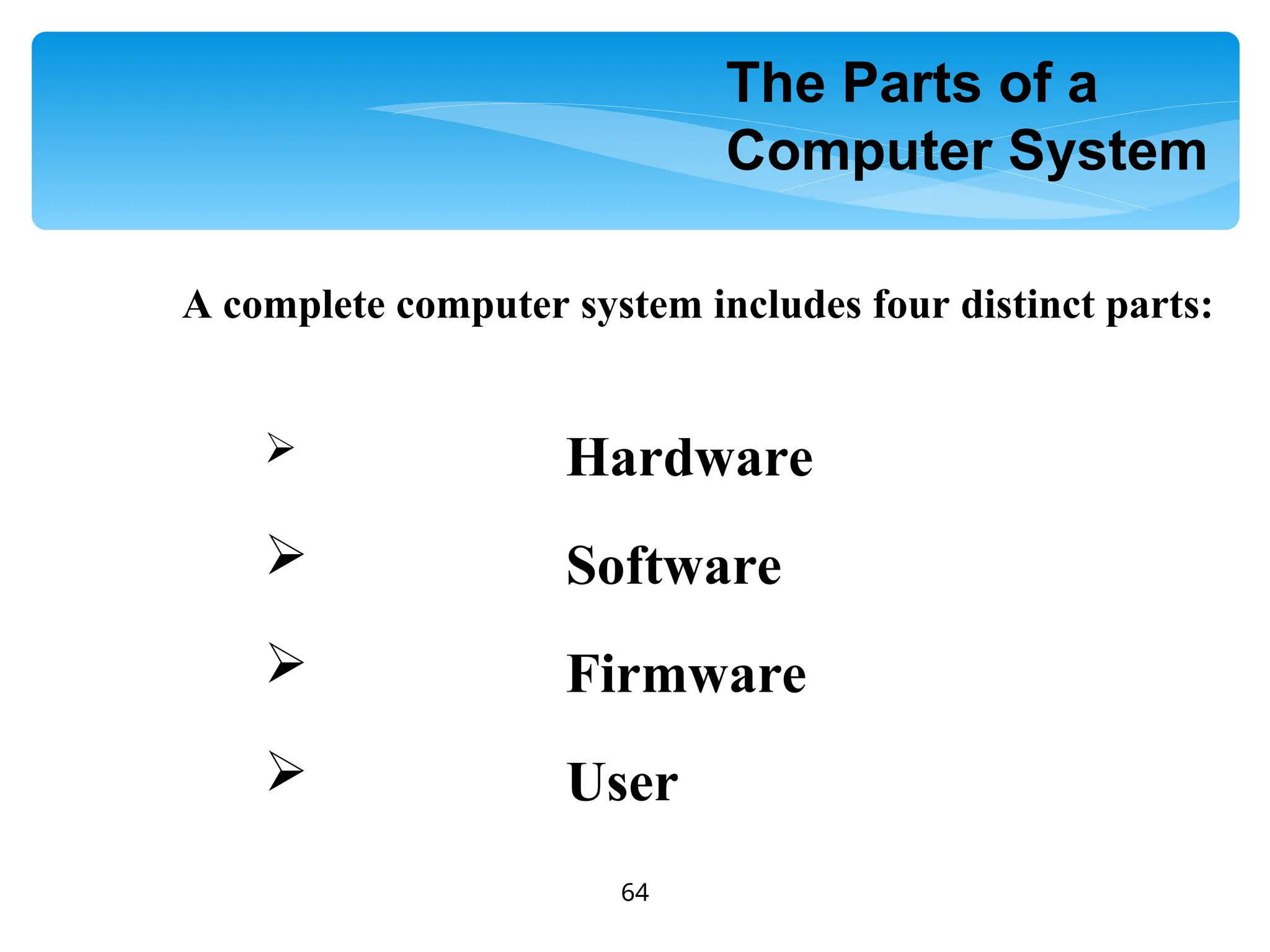
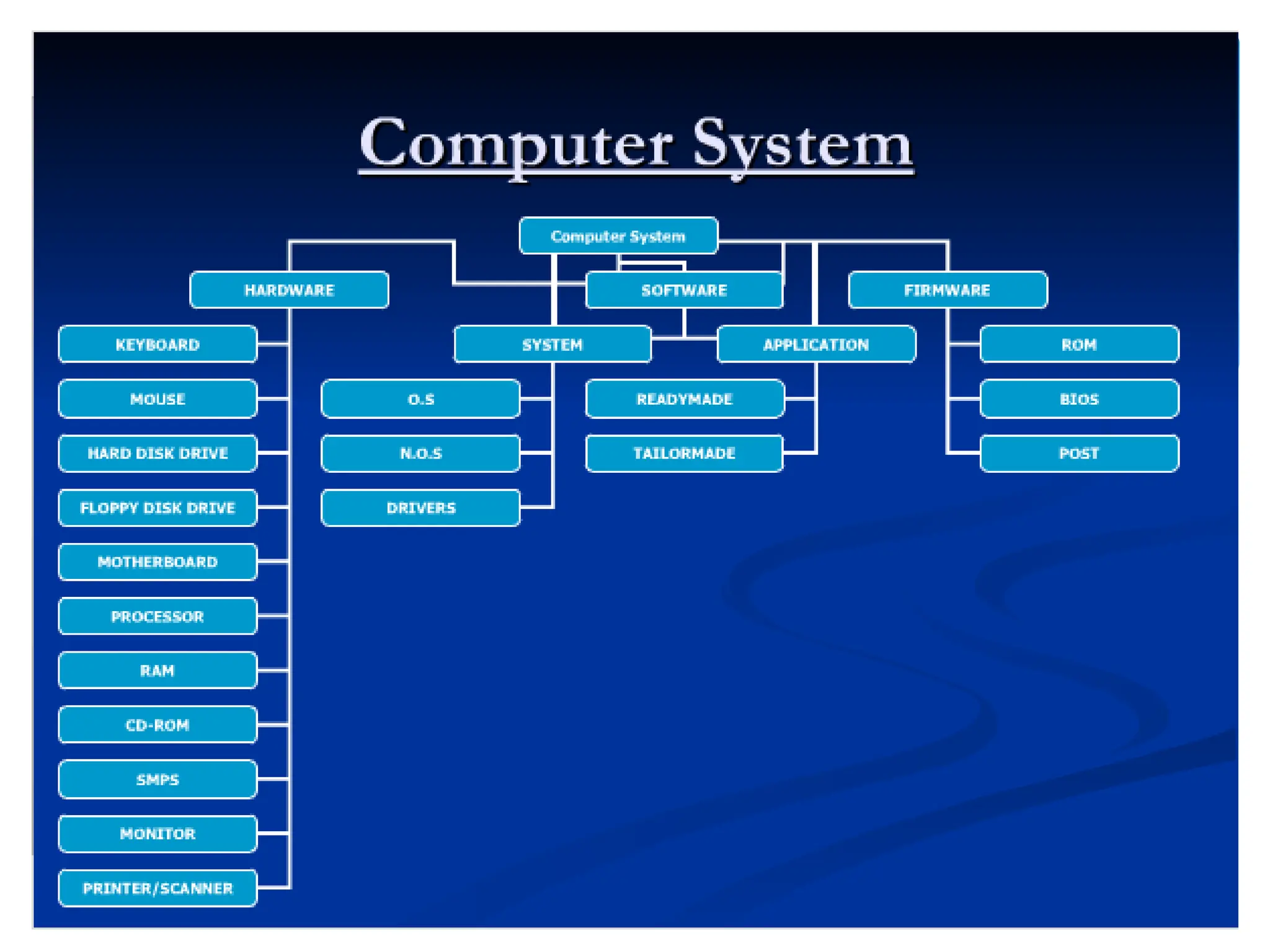
A complete computer system includes four distinct parts:
 Hardware
 Software
 Firmware
 User
The Parts of a
Computer System
65
 A computer's hardware consists of
electronic devices; the parts you can see
and touch.
66
67
68
69
70
71
72
73
74
75
76
77
78
79
80
81
82
83
84
85
86
87
88
89
90
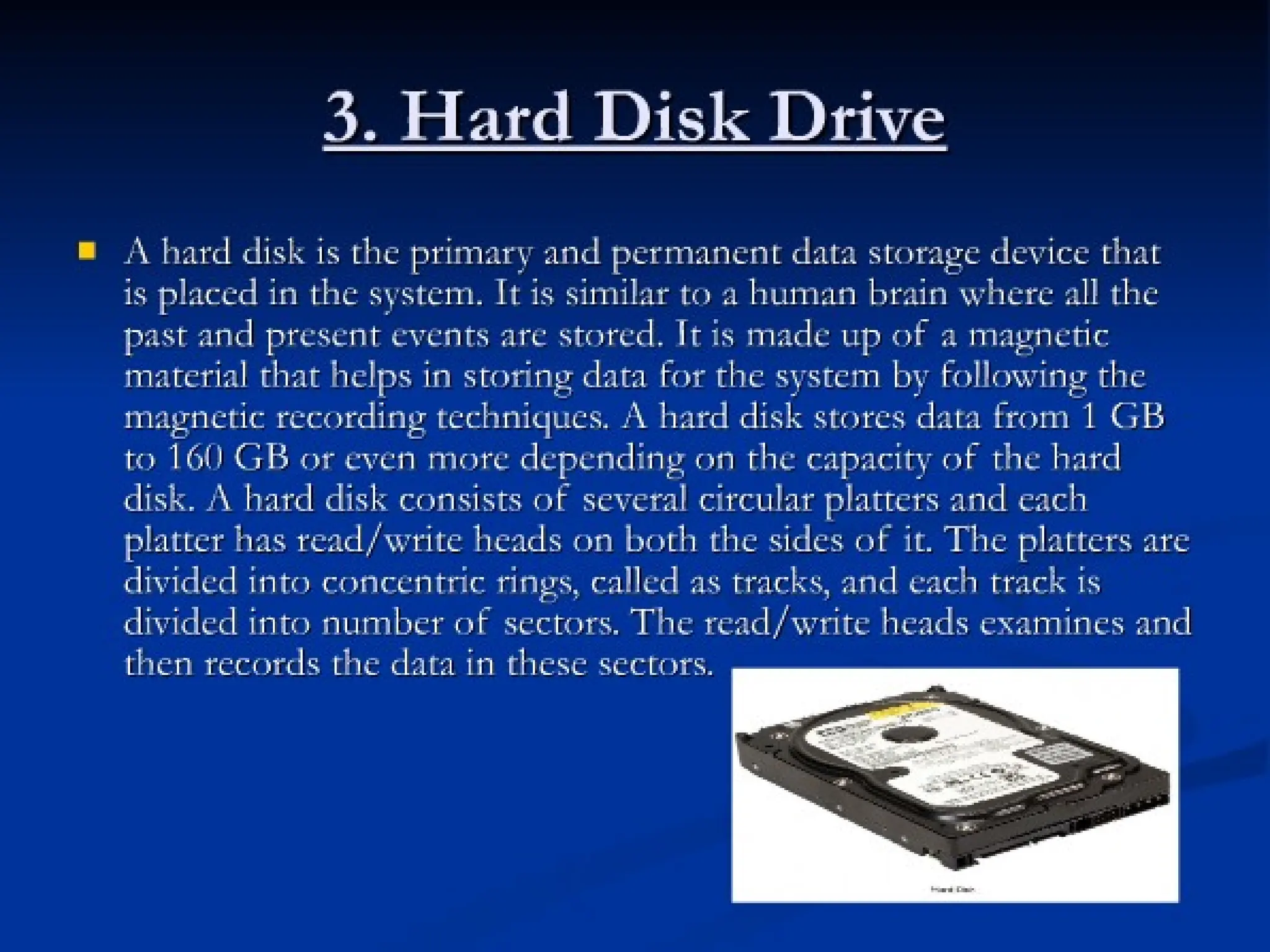
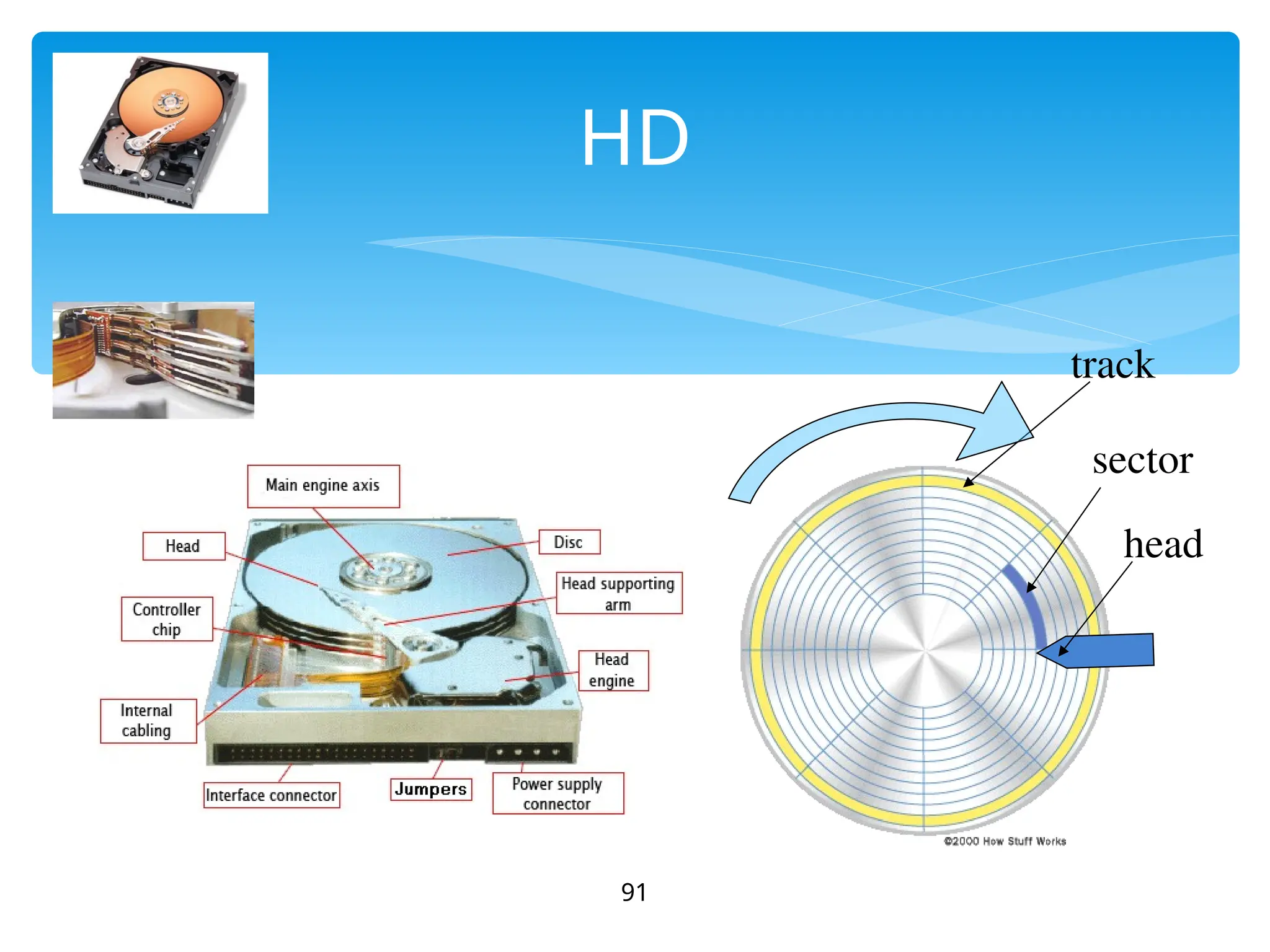
HD
91
track
sector
head
92
93
94
95
96
97
98
99
100
101
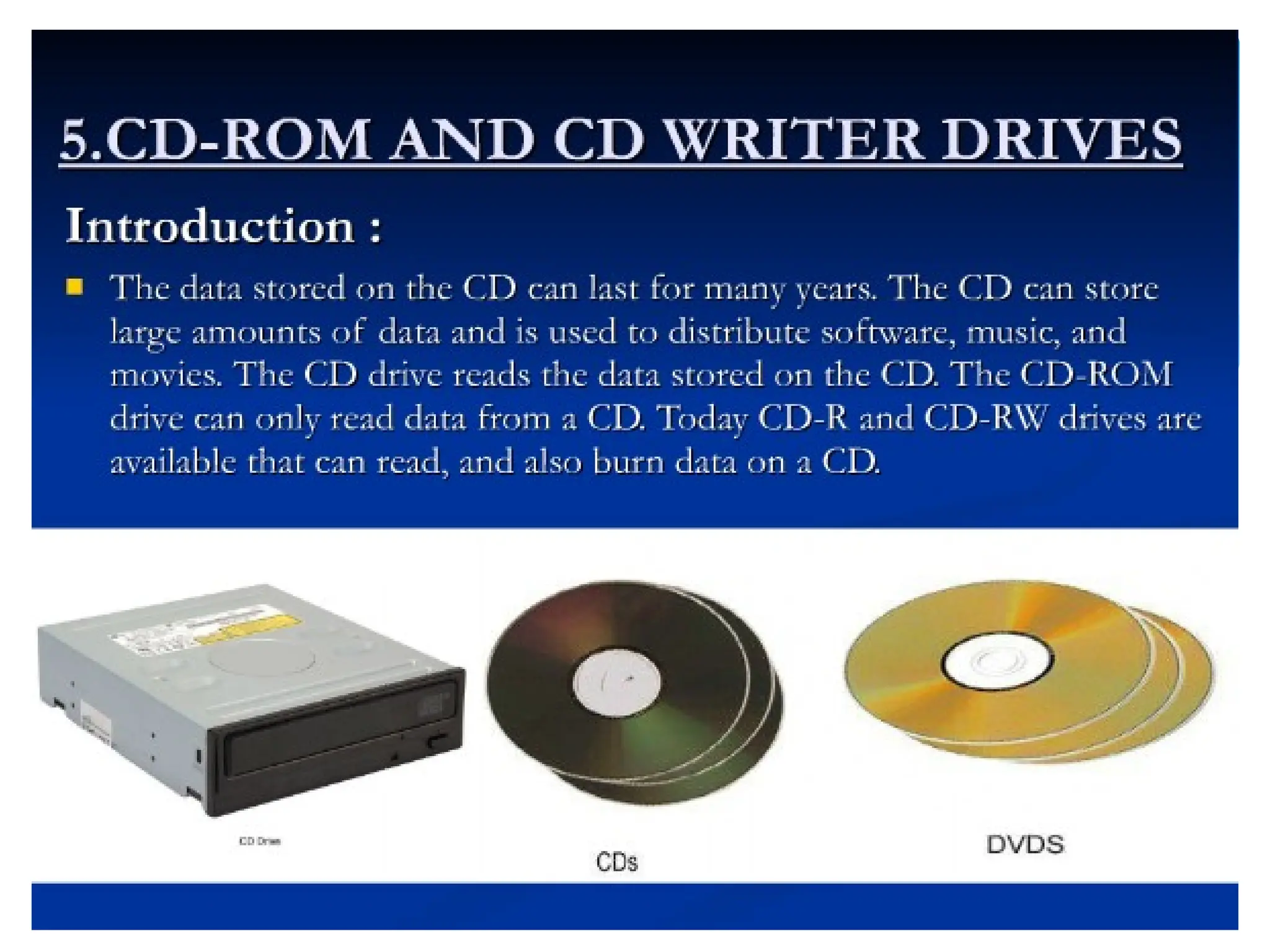
Optical Discs
Optical Discs
Use laser technology to read and write
data on silver platters
Compact Disk (CD)
Compact Disk (CD) can store 650MB to
800MB of information and data. CD-
ROM (Read Only Memory) can only
read data from a CD-ROM.
You can store data on a CD only if you
have a CD Burner and CD-R (writable)
or CD-RW (rewritable) CD.
102
DVD
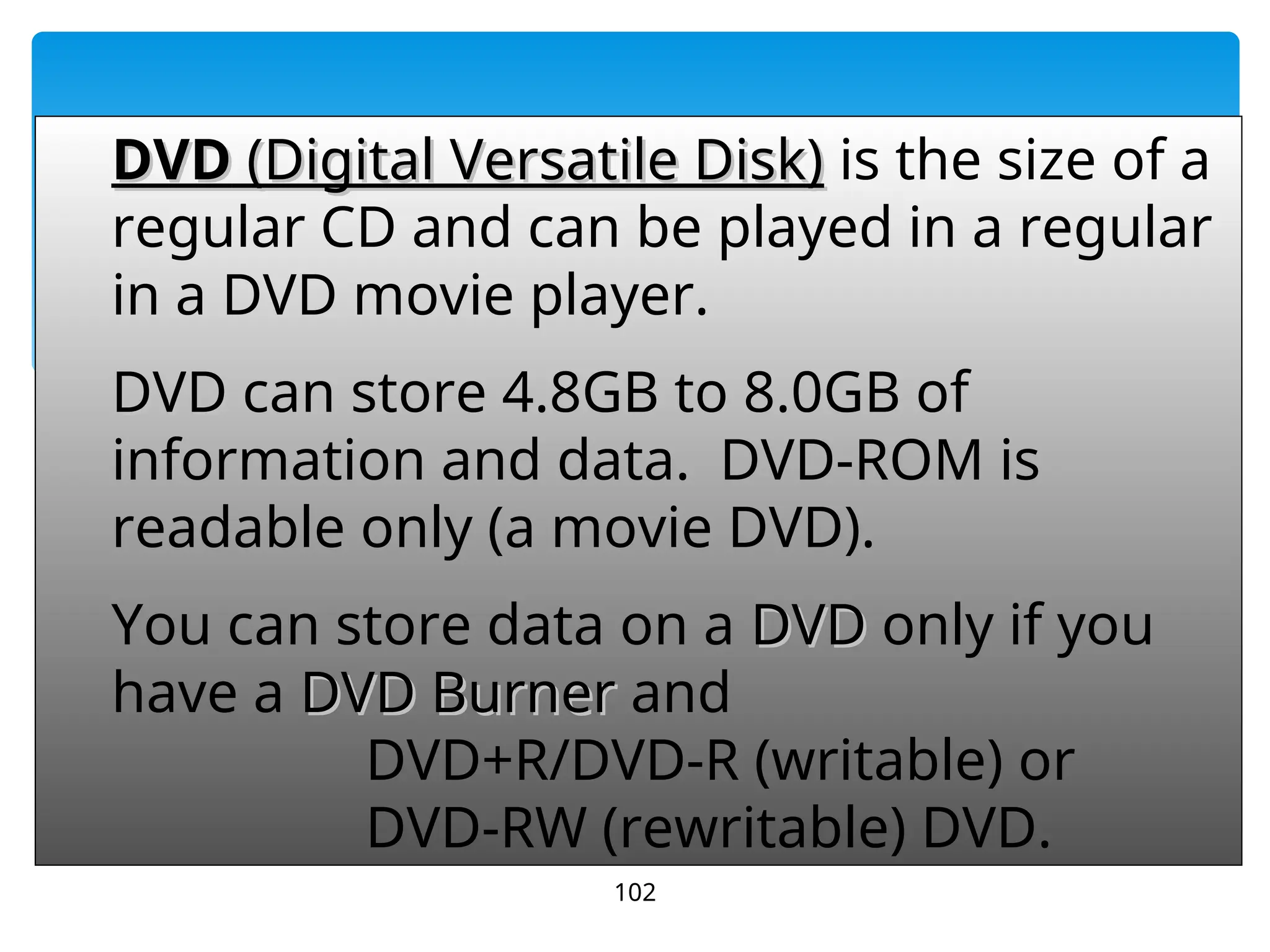
DVD (Digital Versatile Disk)
(Digital Versatile Disk) is the size of a
regular CD and can be played in a regular
in a DVD movie player.
DVD
DVD can store 4.8GB to 8.0GB of
information and data. DVD-ROM is
readable only (a movie DVD).
You can store data on a DVD
DVD only if you
have a DVD Burner
DVD Burner and
DVD+R/DVD-R (writable) or
DVD-RW (rewritable) DVD.
103
104
105
106
107
108
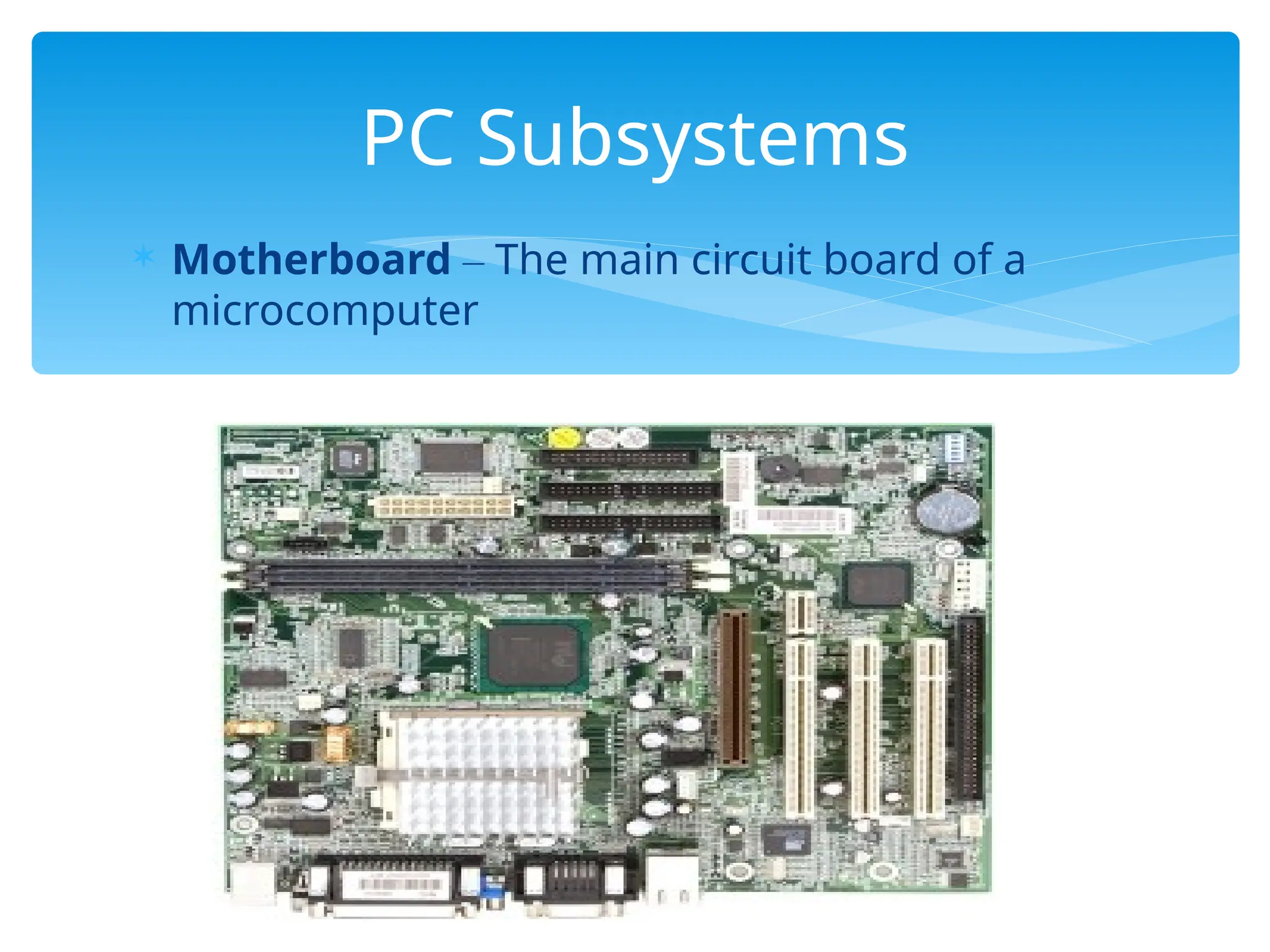
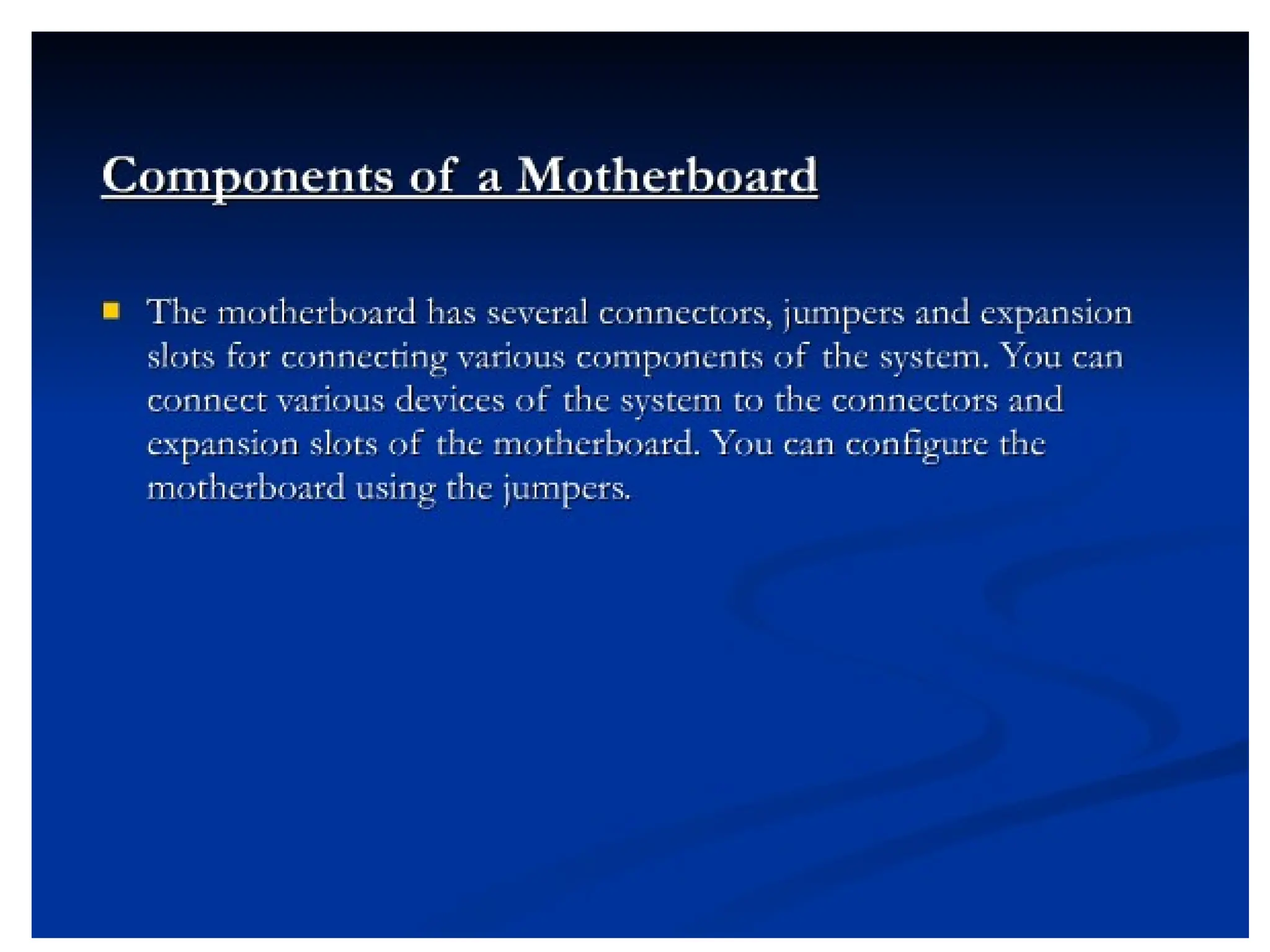
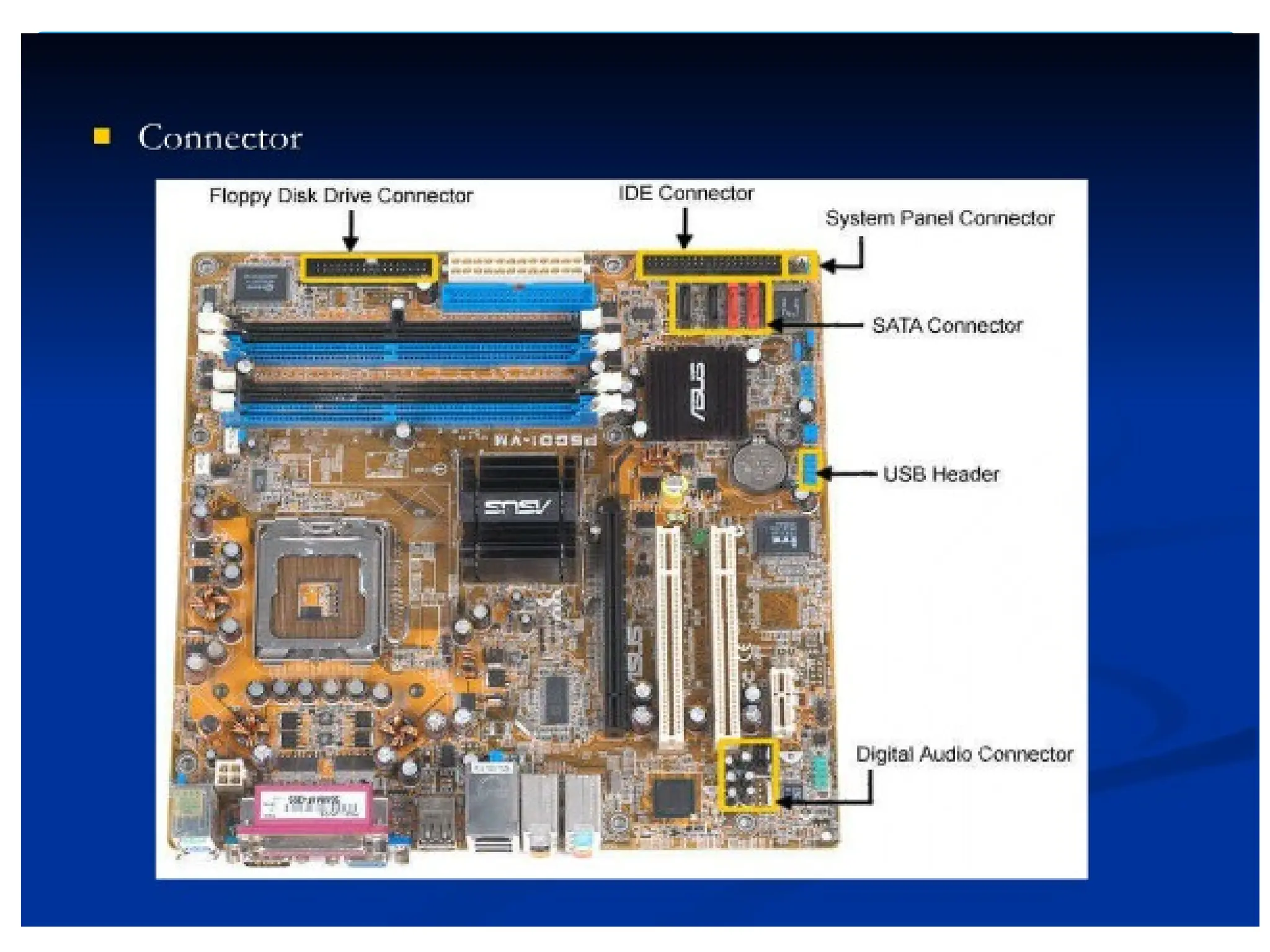
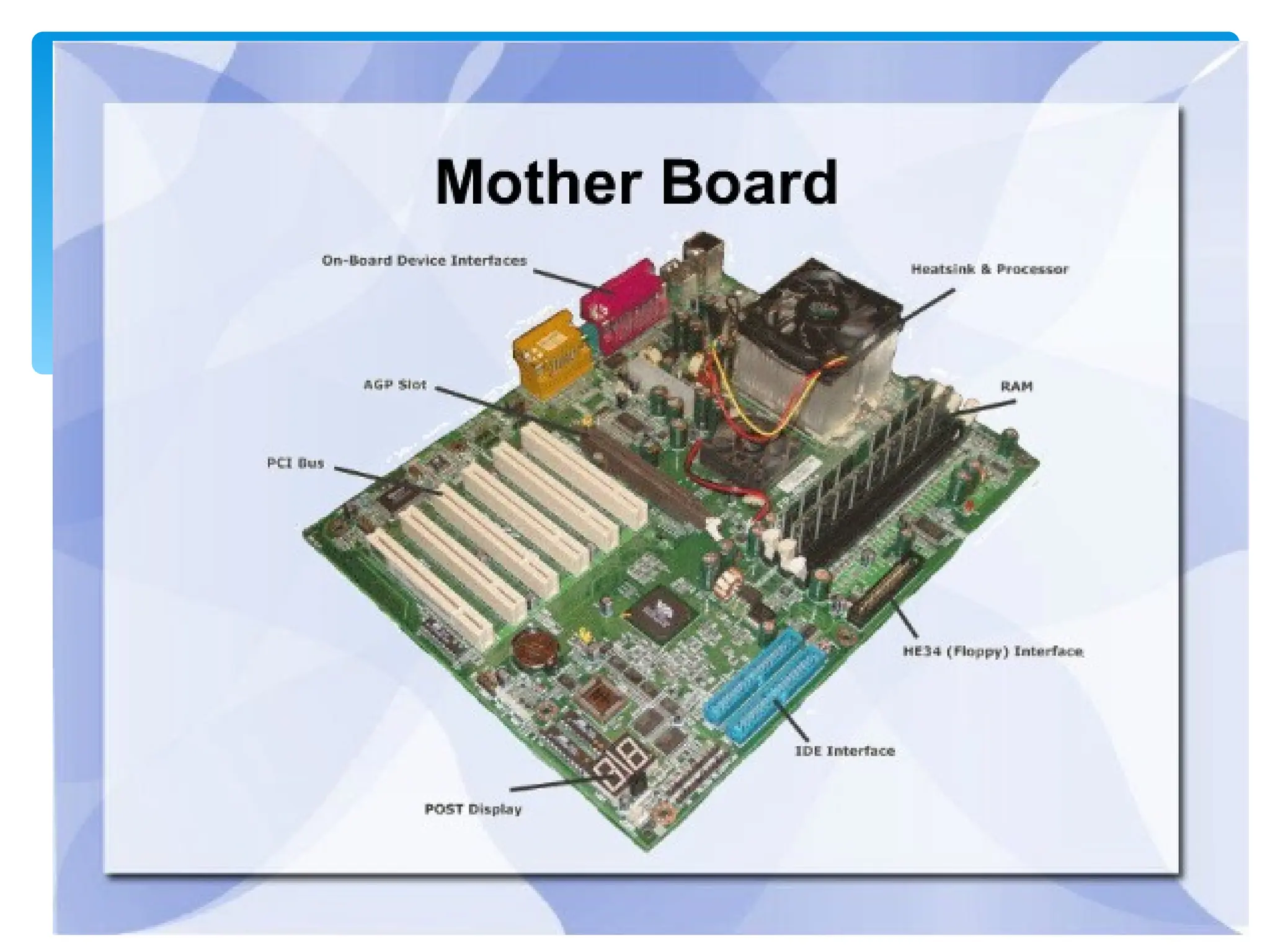
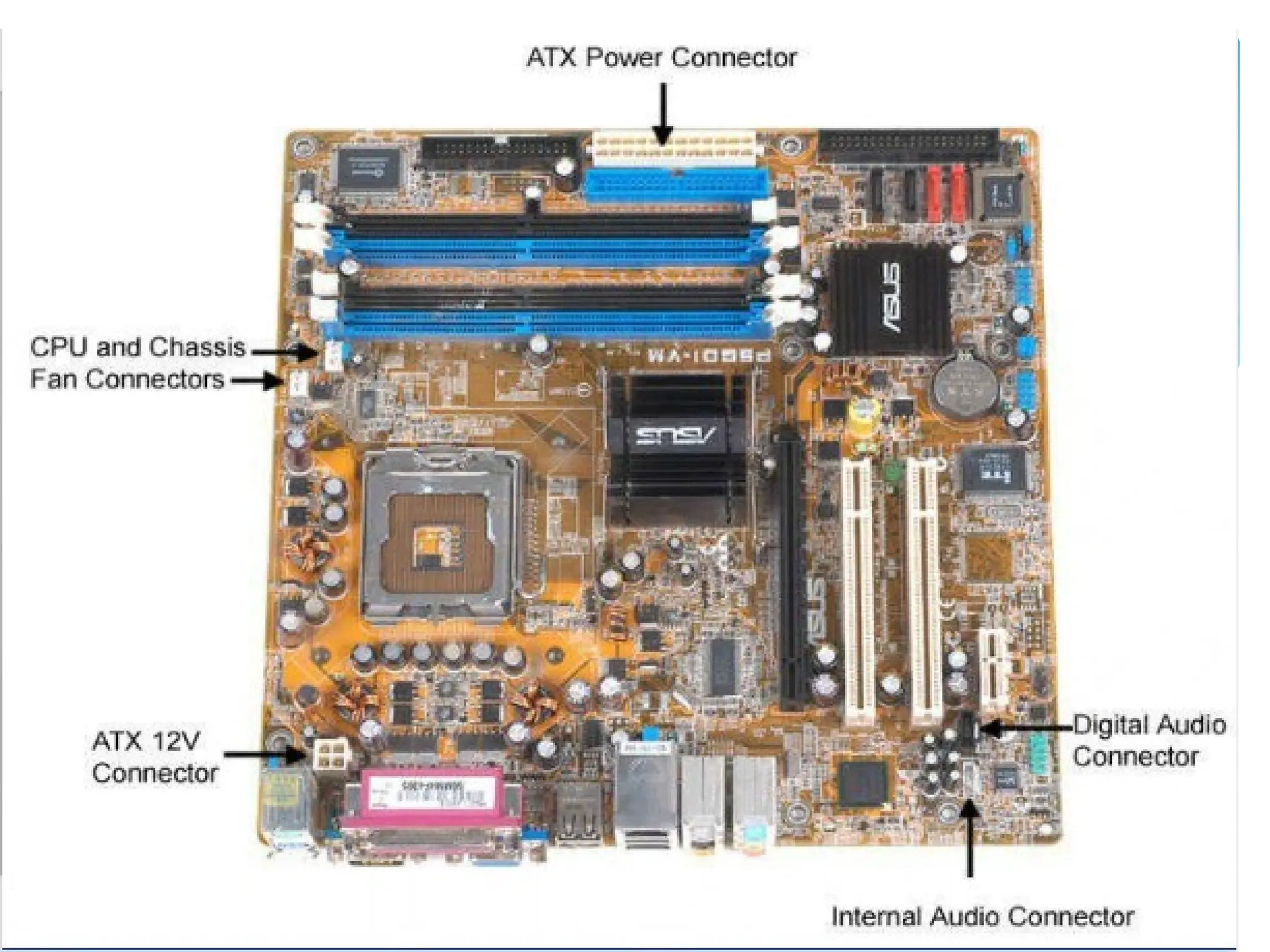
 Motherboard – The main circuit board of a
microcomputer
109
PC Subsystems
110
111
112
113
114
115
116
117
118
119
120
121
122
123
124
125
126
127
128
129
130
131
132
133
134
135
136
137
138
139
140
141
142
143
144
145
146
147
• Software is a set of electronic instructions that tells
the computer how to do certain tasks. A set of
instructions is often called a program.
• When a computer is using a particular program, it is
said to be running or executing the program.
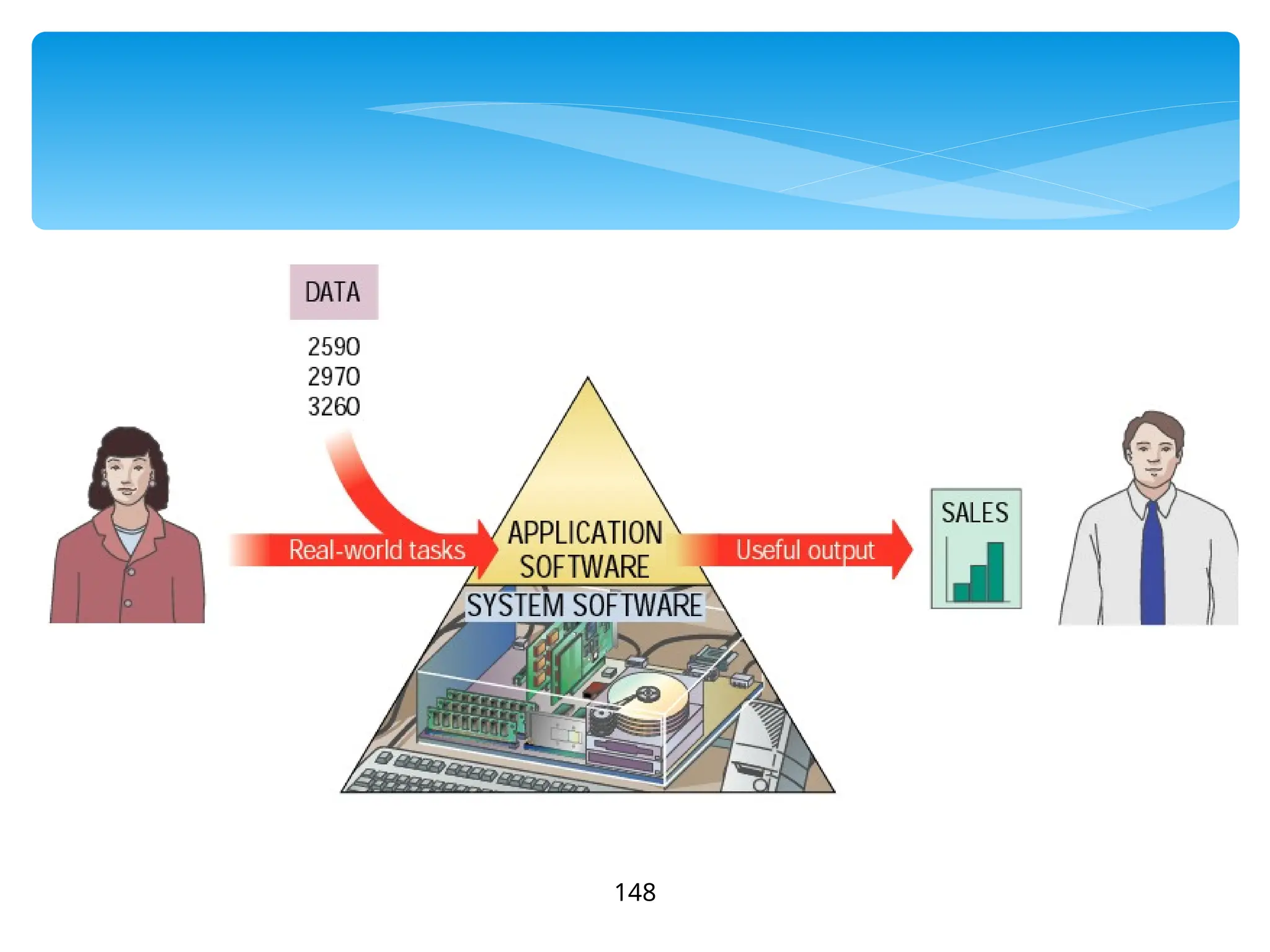
• The two most common types of programs are system
software and application software.
Bringing the Machine to Life –
What is Software?
148
149
• System software exists primarily for the computer
itself, to help the computer perform specific
functions.
• One major type of system software is the operating
system (OS). All computers require an operating
system.
• The OS tells the computer how to interact with the
user and its own devices.
• Common operating systems include Windows, the
Macintosh OS, OS/2, and UNIX .
Bringing the Machine to Life –
System Software
150
• Application Software consists of programs that
tell a computer how to produce information
• Application software tells the computer how to
accomplish tasks the user requires, such as
creating a document or editing a graphic image.
• Some important kinds of application software
are:
Word processing programs Spreadsheet software
Database management Presentation programs
Graphics programs Networking software
Web design tools and browsers Internet applications
Communications programs Utilities
Entertainment and education Multimedia authoring
Bringing the Machine to Life - Applications
151
152
Firmware are programs that are
permanently written and stored
in memory
153
Firmware
154
155
156
157
158
159
Computer Software
Computer software is the key to productive
use of computers. Software can be
categorized into two types:
 Operating system software
 Application software.
160
Operating System Software
Operating system software tells the computer how
to perform the functions of loading, storing and
executing an application and how to transfer data.
Today, many computers use an operating system
that has a graphical user interface (GUI) that
provides visual clues such as icon symbols to help
the user. Microsoft Windows 98 is a widely used
graphical operating system. DOS (Disk Operating
System) is an older but still widely used operating
system that is text-based.
161
Application Software
Application Software consists of programs that tell a
computer how to produce information. Some of the
more commonly used packages are:
 Word processing
 Electronic spreadsheet
 Database
 Presentation graphics
162
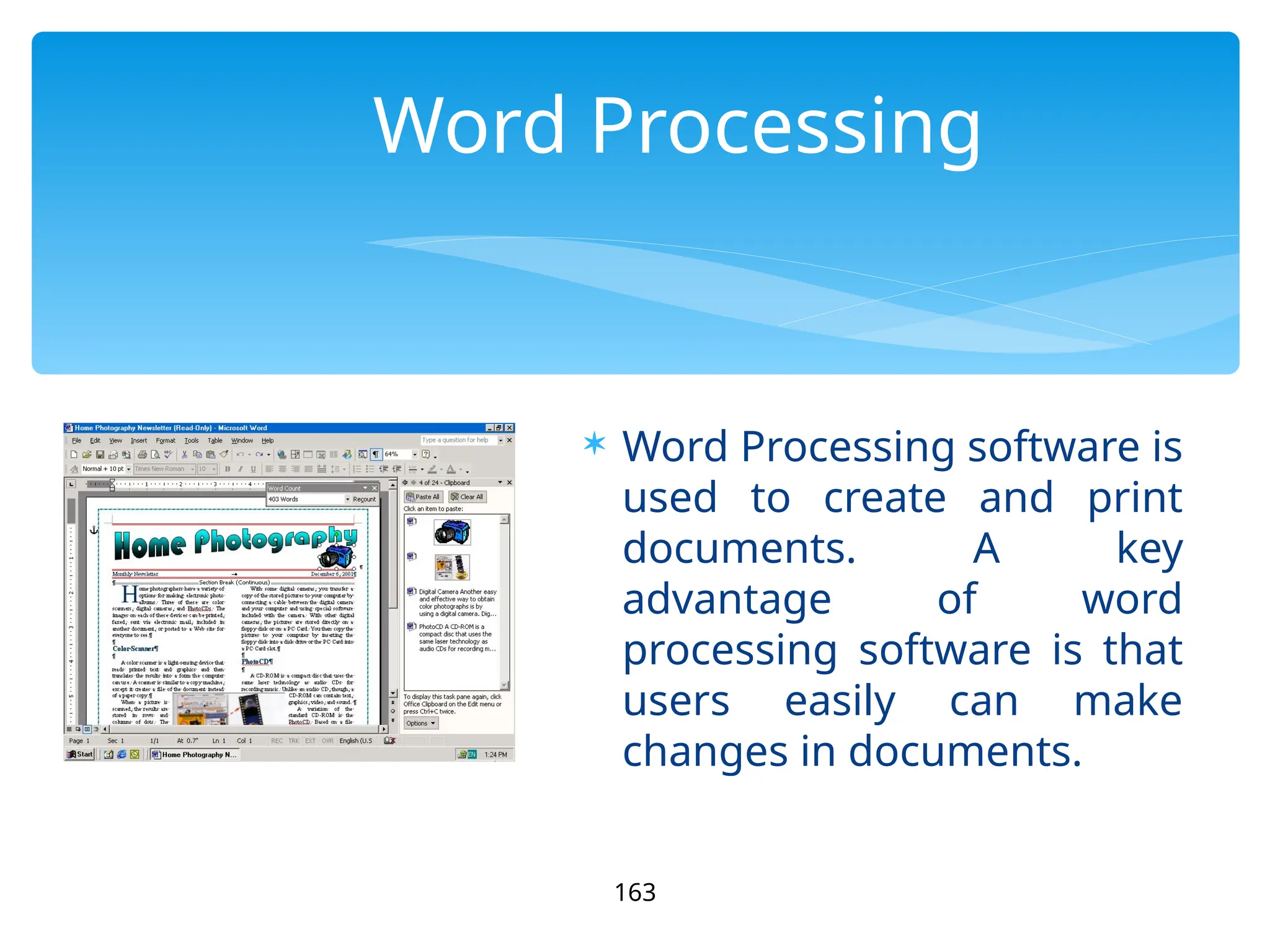
Word Processing
 Word Processing software is
used to create and print
documents. A key
advantage of word
processing software is that
users easily can make
changes in documents.
163
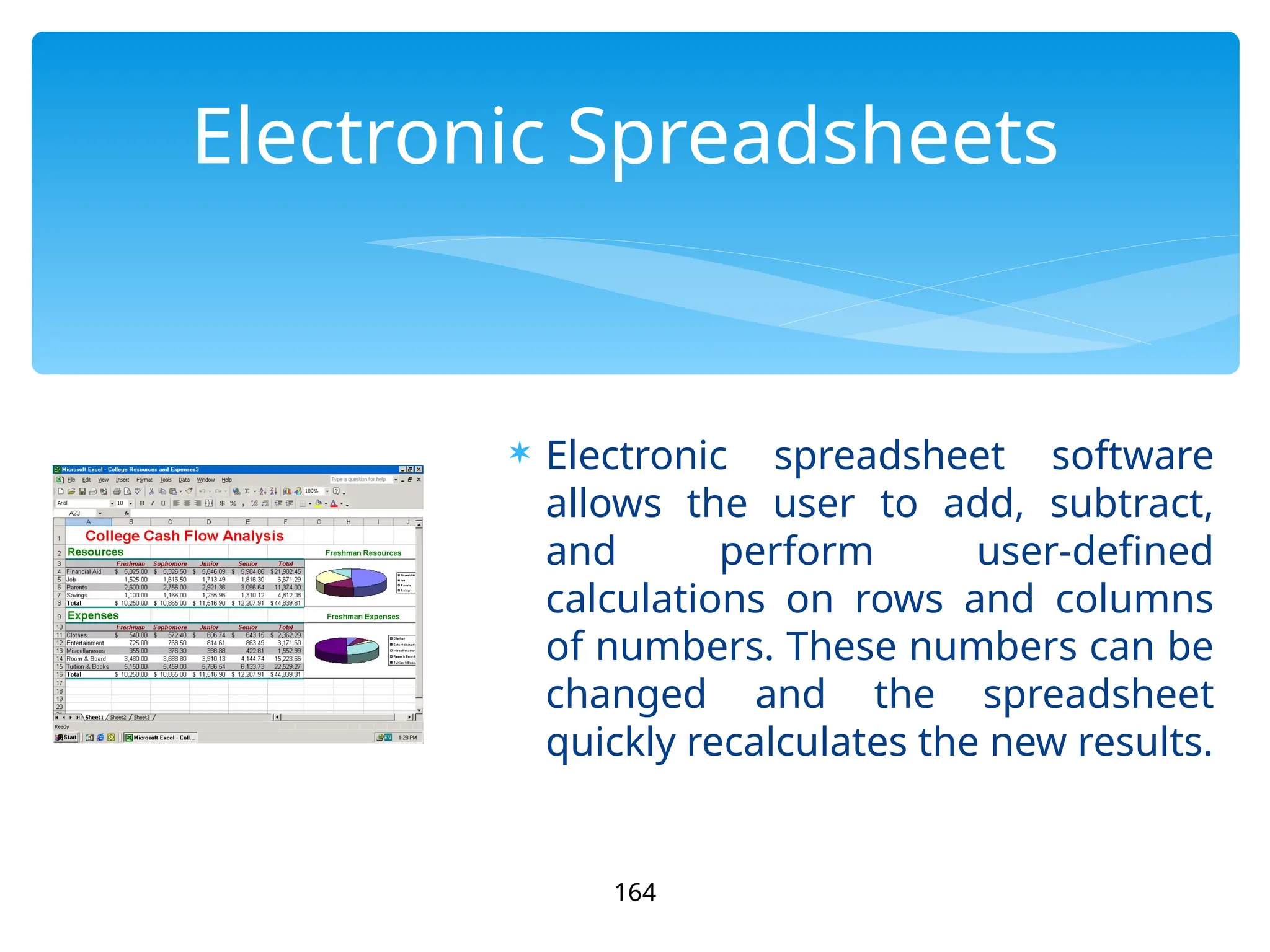
Electronic Spreadsheets
 Electronic spreadsheet software
allows the user to add, subtract,
and perform user-defined
calculations on rows and columns
of numbers. These numbers can be
changed and the spreadsheet
quickly recalculates the new results.
164
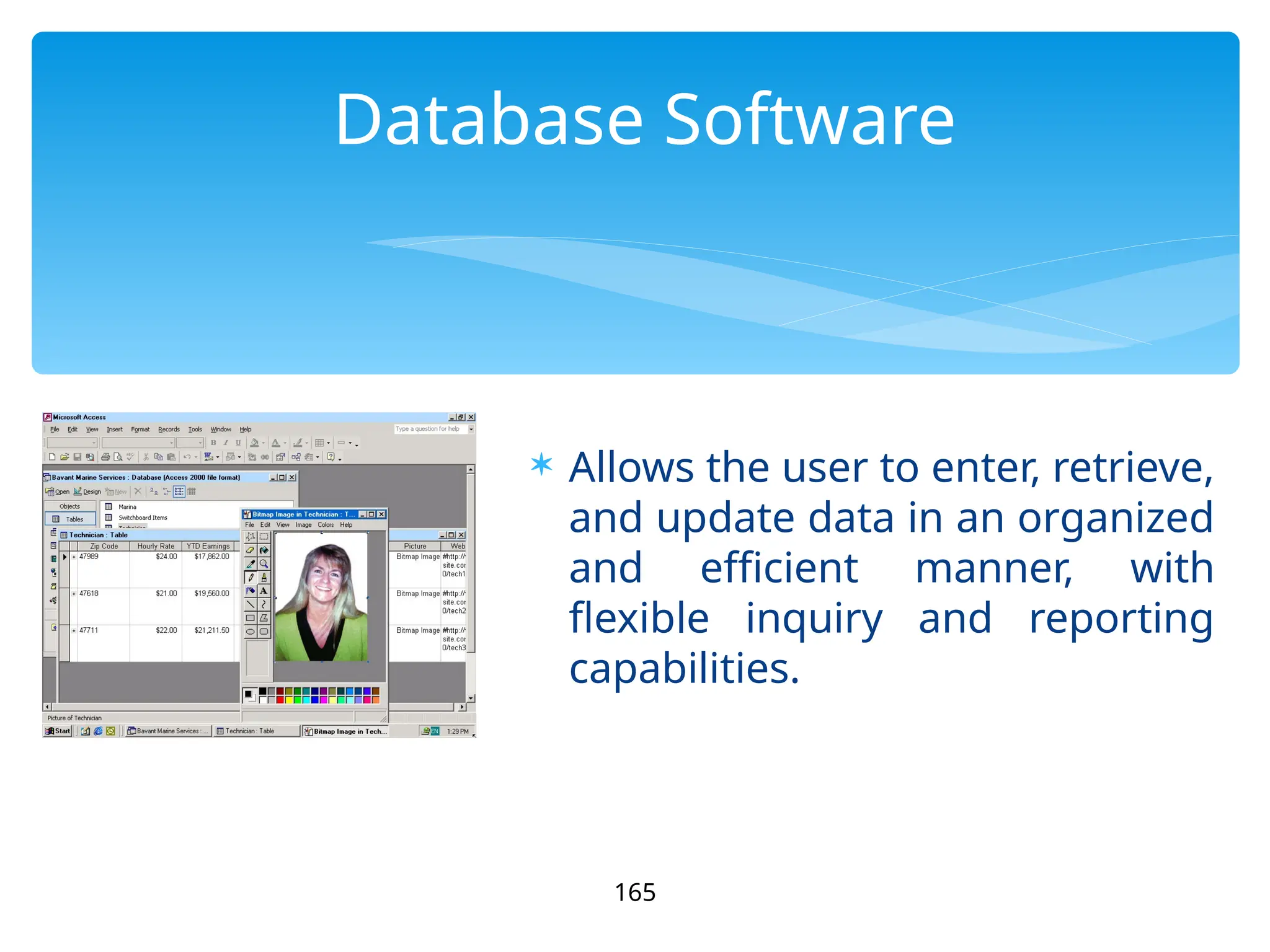
Database Software
 Allows the user to enter, retrieve,
and update data in an organized
and efficient manner, with
flexible inquiry and reporting
capabilities.
165
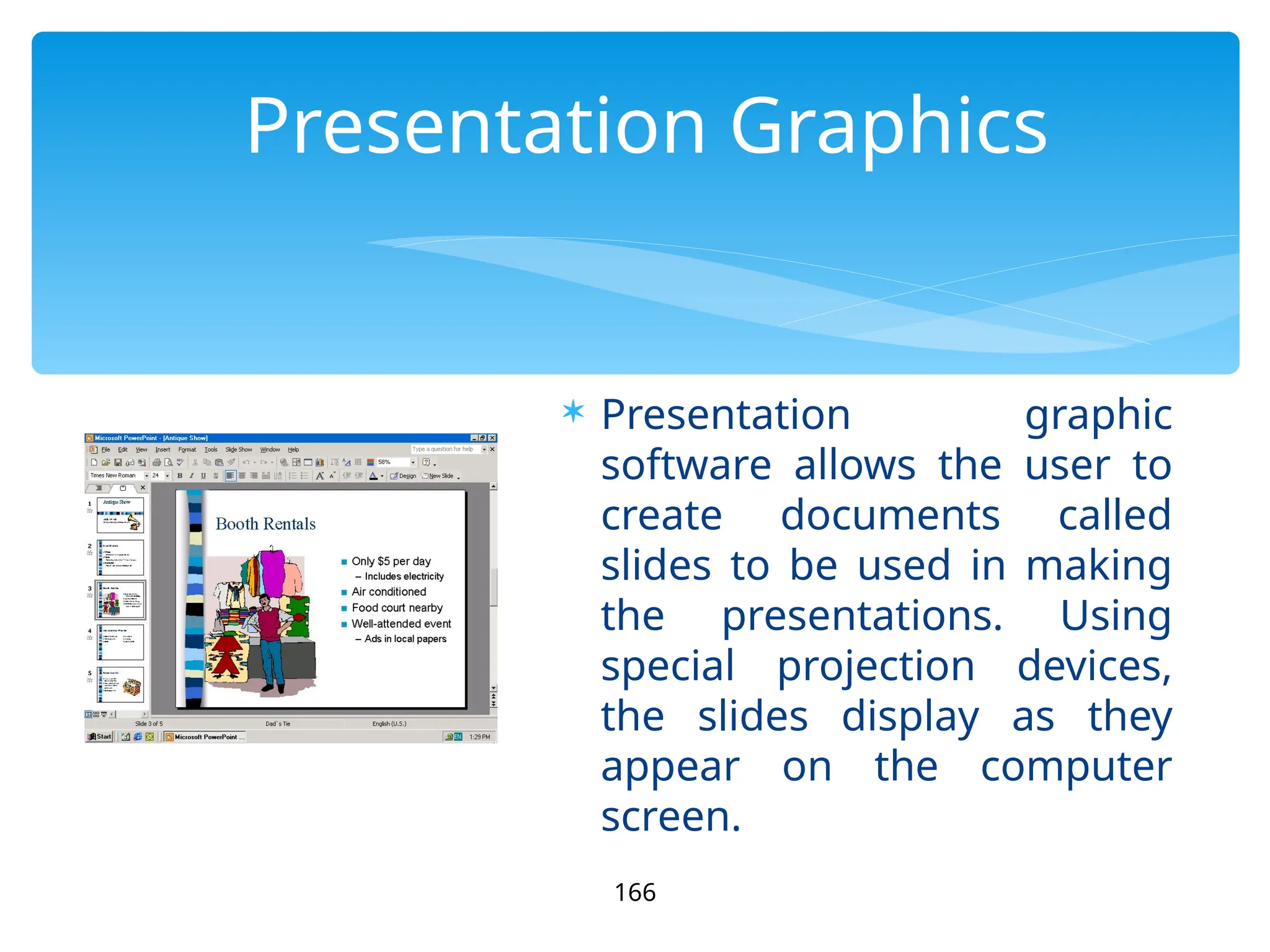
Presentation Graphics
 Presentation graphic
software allows the user to
create documents called
slides to be used in making
the presentations. Using
special projection devices,
the slides display as they
appear on the computer
screen.
166

02-A-INTRODUCTION TO COMPUTER - POWERPOINT

  • 1.
  • 2.
    What Is AComputer? A computer is an electronic device, operating under the control of instructions (software) stored in its own memory unit, that can accept data (input), manipulate data (process), and produce information (output) from the processing. Generally, the term is used to describe a collection of devices that function together as a system. 2
  • 3.
    3 Devices that comprisea computer system Printer (output) Monitor (output) Speaker (output) Scanner (input) Mouse (input) Keyboard (input) System unit (processor, memory…) Storage devices (CD-RW, Floppy, Hard disk, zip,…)
  • 4.
    What Does AComputer Do? Computers can perform four general operations, which comprise the information processing cycle.  Input  Process  Output  Storage 4
  • 5.
    5 What Do Computers Do? Input, Process, Output, & Store data Input Process Output Store Data
  • 6.
     All computerprocessing requires data, which is a collection of raw facts, figures and symbols, such as numbers, words, images, video and sound, given to the computer during the input phase.  Computers manipulate data to create information. Information is data that is organized, meaningful, and useful.  During the output Phase, the information that has been created is put into some form, such as a printed report.  The information can also be put in computer storage for future use. 6 Data and Information
  • 7.
     The abilityto perform the information processing cycle with amazing speed.  Reliability (low failure rate).  Accuracy.  Ability to store huge amounts of data and information.  Ability to communicate with other computers. 7 Why Is A Computer So Powerful?
  • 8.
     It mustbe given a detailed list of instructions, called a compute program or software, that tells it exactly what to do.  Before processing a specific job, the computer program corresponding to that job must be stored in memory.  Once the program is stored in memory the compute can start the operation by executing the program instructions one after the other. 8 How Does a Computer Know what to do?
  • 9.
    What Are ThePrimary Components Of A Computer ?  Input devices.  Central Processing Unit (containing the control unit and the arithmetic/logic unit).  Memory.  Output devices.  Storage devices. 9
  • 10.
    10 Uses of Computer PCat Home Common uses for the computer within the home  Computer games  Working from Home  Banking from Home  Connecting to the Web
  • 11.
    11 Uses of Computer OfficeApplications Stock Control Stock control is ideal for automation and in many companies it is now completely computerized. The stock control system keeps track of the number of items in stock and can automatically order replacement items when required. Accounts / Payroll In most large organizations the accounts are maintained by a computerized system. Due to the repetitive nature of accounts a computer system is ideally suited to this task and accuracy is guaranteed.
  • 12.
    12 Uses of Computer AutomatedProduction Systems Many car factories are almost completely automated and the cars are assembled by computer-controlled robots. This automation is becoming increasingly common throughout industry. Design Systems Many products are designed using CAD (Computer Aided Design) programs to produce exact specifications and detailed drawings on the computer before producing models of new products.
  • 13.
    13 Uses of Computer Computers inDaily Life  Accounts  Games  Educational  On-line banking  Smart ID cards  Supermarkets  Working from home (Tele-working)  Internet
  • 14.
  • 15.
  • 16.
  • 17.
  • 18.
  • 19.
  • 20.
  • 21.
  • 22.
  • 23.
  • 24.
  • 25.
  • 26.
  • 27.
  • 28.
    28 Types of Computers Types ofComputers Microcomputer Minicomputer Mainframe Supercomputer
  • 29.
     Can beclassified into:  Desktop PCs  sits on desks, rarely moved, large and bulky.  Memory capacity, graphics capacity and software availability vary from one computer to another Used both for business and home applications 29 Microcomputer
  • 30.
     Portable PCs Can be moved easily from place to place  Weight may varies  Small PCs are popular known as laptop  Widely used by students, scientist, reporters, etc 30 Microcomputer
  • 31.
  • 32.
    32 Microcomputer  Advantages  Smallsize  Low cost  Portability  Low Computing Power  Commonly used for personal applications  Disadvantages  Low processing speed
  • 33.
     Word Processing Home entertainment  Home banking  Printing  Surfing the internet  etc 33 Uses of Microcomputer
  • 34.
     Medium sizedcomputer  Also called the minis  e.g. IBM36, HP9000, etc  Computing power lies between microcomputer and mainframe computer 34 Minicomputer
  • 35.
  • 36.
     Characteristics  Biggersize than PCs  Expensive than PCs  Multi-User  Difficult to use  More computing power than PCs  Used by medium sized business organizations, colleges, libraries and banks. 36 MiniComputer
  • 37.
     Control ofAutomated Teller Machine (ATMs)  Payroll  Hospital patients registration  Inventory Control for supermarket  Insurance claims processing  Small bank accounting and customer details tracking 37 Uses of Minicomputer
  • 38.
    38 Minicomputer Advantage  Cater tomultiple users  Lower costs than mainframes Disadvantage  Large  Bulky
  • 39.
    39 Mainframe  Known asenterprise servers  Occupies entire rooms or floors  Used for centralized computing  Serve distributed users and small servers in a computing network
  • 40.
     Large, fastand expensive computer  Cost millions of dollar  e.g. IBM3091, ICL39, etc  Characteristics:  Bigger in size than minicomputers  Very expensive  Support a few hundred users simultaneously (Multi-Users)  Difficult to use  More computing power than minicomputers  Have to be kept in a special air-conditioned room  Used in big business organizations and government departments 40 Main Frame
  • 41.
     Airline reservation Big banks with hundreds of branches located all over the world  Big universities with thousands of enrollment  Natural gas and oil exploration companies  Space Vehicle control  Weather forecasting  Animated Cartoon  Some mainframes are designed to be extremely fast and called super computers. It is used for space launching, monitoring and controlling. 41 Areas where mainframes are used
  • 42.
  • 43.
  • 44.
    44 Mainframe Advantage  Supports manyusers and instructions  Large memory Disadvantage  Huge size  Expensive
  • 45.
    45 Supercomputer  Fastest andexpensive  Used by applications for molecular chemistry, nuclear research, weather reports, and advanced physics  Consists of several computers that work in parallel as a single system
  • 46.
    46 Super Computer Advantage  Speed Disadvantage Generate a large amount of heat during operation
  • 47.
    47 Computer System A computersystem consists of three primary units: Input units – accept data Processor unit – processes data by performing comparisons and calculations Output units – present the results
  • 48.
  • 49.
    49 Input Devices Data arefacts, numbers and characters that are entered into the computer via keyboard. Other types of input devices are mouse, joystick, light pens, scanners, camera, etc.
  • 50.
    Computer Input Devices ComputerInput Devices 50  Keyboard  Mouse/Trackball  Joystick  Light pen  Pointing Stick  Touchpad  Touch screen  Bar code reader  Scanner  Microphone  Graphics Tablet  Digital Cameras
  • 51.
    51 Processor Unit Two main parts: CPU– where the actual processing takes place; and Main memory – where data are stored. The contents of main memory can be transferred to auxiliary storage devices such as hard disks, floppy diskettes, zip disks, compact disks, or USB flash disk.
  • 52.
    The microprocessor, thebrains of the computer. Referred to a CPU or processor Housed on a tiny silicon chip Chip contains millions of switches and pathways that help your computer make important decisions. 52 Central Processing Unit Central Processing Unit
  • 53.
    53 CPU knows whichswitches to turn on and which to turn off because it receives its instructions from computer programs (software). CPU has two primary sections: Arithmetic/logic unit Control unit
  • 54.
    54 Arithmetic/logic unit (ALU): Arithmetic/logicunit (ALU): - Performs arithmetic computations and logical operations; by combining these two operations the ALU can execute complex tasks. - Arithmetic operations include addition, subtractions, multiplication, and division. - Logical operations involve
  • 55.
    55 Control Unit Control Unit:is the “boss” and coordinates all of the CPU’s activities. Uses programming instructions, it controls the flow of information through the processor by controlling what happens inside the processor. We communicate with the computer through programming languages. Examples: COBOL, C++, HTML, Java Script or
  • 56.
    56 Memory Memory Found on themotherboard  Short term Random Access Memory (RAM) Random Access Memory (RAM)  Long term Read Only Memory (ROM) Read Only Memory (ROM)
  • 57.
    57 Random Access Memory(RAM) Random Access Memory (RAM) Memory on the motherboard that is short term; where data, information, and program instructions are stored temporarily on a RAM chip or a set of RAM chips. Known as the main memory. This memory is considered volatile. The computer can read from and write to RAM.
  • 58.
    58 When the computeris turned off or if there is loss of power, what ever is stored in RAM disappears. “Temporary Memory” – Short Term Random Access Memory (RAM) Random Access Memory (RAM)
  • 59.
    59 Read-Only Memory (ROM) Read-OnlyMemory (ROM) Memory on the motherboard that is long term; where the specific instructions that are needed for the computer to operate are stored. This memory is nonvolatile and your computer can only read from a ROM chip.
  • 60.
    60 The instructions remainon the chip regardless if the power is turned on or off. Most common is the BIOS ROM; where the computer uses instructions contained on this chip to boot or start the system when you turn on your computer. “Permanent Memory” – Long Term
  • 61.
    61 Output Unit After thedata has been processed, the results are output in the form of useful information. Output units such as monitors and printers make the result accessible for use by people.
  • 62.
    Computer Output Devices ComputerOutput Devices 62 Monitor Monitor: screen that display information such as text, numbers, and pictures-softcopy. Printer Printer: gives you information from the computer in printed form – hardcopy. Speakers Speakers: allow you to hear voice, music, and other sounds from your computer. Modem Modem: allows you to use your computer to communicate with other computers.
  • 63.
  • 64.
    64 A complete computersystem includes four distinct parts:  Hardware  Software  Firmware  User The Parts of a Computer System
  • 65.
  • 66.
     A computer'shardware consists of electronic devices; the parts you can see and touch. 66
  • 67.
  • 68.
  • 69.
  • 70.
  • 71.
  • 72.
  • 73.
  • 74.
  • 75.
  • 76.
  • 77.
  • 78.
  • 79.
  • 80.
  • 81.
  • 82.
  • 83.
  • 84.
  • 85.
  • 86.
  • 87.
  • 88.
  • 89.
  • 90.
  • 91.
  • 92.
  • 93.
  • 94.
  • 95.
  • 96.
  • 97.
  • 98.
  • 99.
  • 100.
  • 101.
    101 Optical Discs Optical Discs Uselaser technology to read and write data on silver platters Compact Disk (CD) Compact Disk (CD) can store 650MB to 800MB of information and data. CD- ROM (Read Only Memory) can only read data from a CD-ROM. You can store data on a CD only if you have a CD Burner and CD-R (writable) or CD-RW (rewritable) CD.
  • 102.
    102 DVD DVD (Digital VersatileDisk) (Digital Versatile Disk) is the size of a regular CD and can be played in a regular in a DVD movie player. DVD DVD can store 4.8GB to 8.0GB of information and data. DVD-ROM is readable only (a movie DVD). You can store data on a DVD DVD only if you have a DVD Burner DVD Burner and DVD+R/DVD-R (writable) or DVD-RW (rewritable) DVD.
  • 103.
  • 104.
  • 105.
  • 106.
  • 107.
  • 108.
  • 109.
     Motherboard –The main circuit board of a microcomputer 109 PC Subsystems
  • 110.
  • 111.
  • 112.
  • 113.
  • 114.
  • 115.
  • 116.
  • 117.
  • 118.
  • 119.
  • 120.
  • 121.
  • 122.
  • 123.
  • 124.
  • 125.
  • 126.
  • 127.
  • 128.
  • 129.
  • 130.
  • 131.
  • 132.
  • 133.
  • 134.
  • 135.
  • 136.
  • 137.
  • 138.
  • 139.
  • 140.
  • 141.
  • 142.
  • 143.
  • 144.
  • 145.
  • 146.
  • 147.
    147 • Software isa set of electronic instructions that tells the computer how to do certain tasks. A set of instructions is often called a program. • When a computer is using a particular program, it is said to be running or executing the program. • The two most common types of programs are system software and application software. Bringing the Machine to Life – What is Software?
  • 148.
  • 149.
    149 • System softwareexists primarily for the computer itself, to help the computer perform specific functions. • One major type of system software is the operating system (OS). All computers require an operating system. • The OS tells the computer how to interact with the user and its own devices. • Common operating systems include Windows, the Macintosh OS, OS/2, and UNIX . Bringing the Machine to Life – System Software
  • 150.
    150 • Application Softwareconsists of programs that tell a computer how to produce information • Application software tells the computer how to accomplish tasks the user requires, such as creating a document or editing a graphic image. • Some important kinds of application software are: Word processing programs Spreadsheet software Database management Presentation programs Graphics programs Networking software Web design tools and browsers Internet applications Communications programs Utilities Entertainment and education Multimedia authoring Bringing the Machine to Life - Applications
  • 151.
  • 152.
  • 153.
    Firmware are programsthat are permanently written and stored in memory 153 Firmware
  • 154.
  • 155.
  • 156.
  • 157.
  • 158.
  • 159.
  • 160.
    Computer Software Computer softwareis the key to productive use of computers. Software can be categorized into two types:  Operating system software  Application software. 160
  • 161.
    Operating System Software Operatingsystem software tells the computer how to perform the functions of loading, storing and executing an application and how to transfer data. Today, many computers use an operating system that has a graphical user interface (GUI) that provides visual clues such as icon symbols to help the user. Microsoft Windows 98 is a widely used graphical operating system. DOS (Disk Operating System) is an older but still widely used operating system that is text-based. 161
  • 162.
    Application Software Application Softwareconsists of programs that tell a computer how to produce information. Some of the more commonly used packages are:  Word processing  Electronic spreadsheet  Database  Presentation graphics 162
  • 163.
    Word Processing  WordProcessing software is used to create and print documents. A key advantage of word processing software is that users easily can make changes in documents. 163
  • 164.
    Electronic Spreadsheets  Electronicspreadsheet software allows the user to add, subtract, and perform user-defined calculations on rows and columns of numbers. These numbers can be changed and the spreadsheet quickly recalculates the new results. 164
  • 165.
    Database Software  Allowsthe user to enter, retrieve, and update data in an organized and efficient manner, with flexible inquiry and reporting capabilities. 165
  • 166.
    Presentation Graphics  Presentationgraphic software allows the user to create documents called slides to be used in making the presentations. Using special projection devices, the slides display as they appear on the computer screen. 166

Editor's Notes

  • #9 Arithmetic is the branch of mathematics that deals with the study of numbers using various operations on them. Basic operation of math addition, subtraction, multiplication and division. It can perform mathematical calculation.