Tips for Twitter IMPROVERS
Becoming a Networked
Researcher
Ned Potter
Academic Liaison
Above all, remember it’s not about
broadcasting, it’s about conversation!
Above all, remember it’s not about
broadcasting, it’s about conversation!
This is Web 2.0.
It’s interactive,
participatory, and about
positioning yourself as part
of a dialogue.
If you remember this rule,
all the other rules in this
guide can be broken.
(This guide is aimed at people in the
academic environment who already use
Twitter. If you’re brand new to the
platform, read this introduction first.)
Content
Part 1
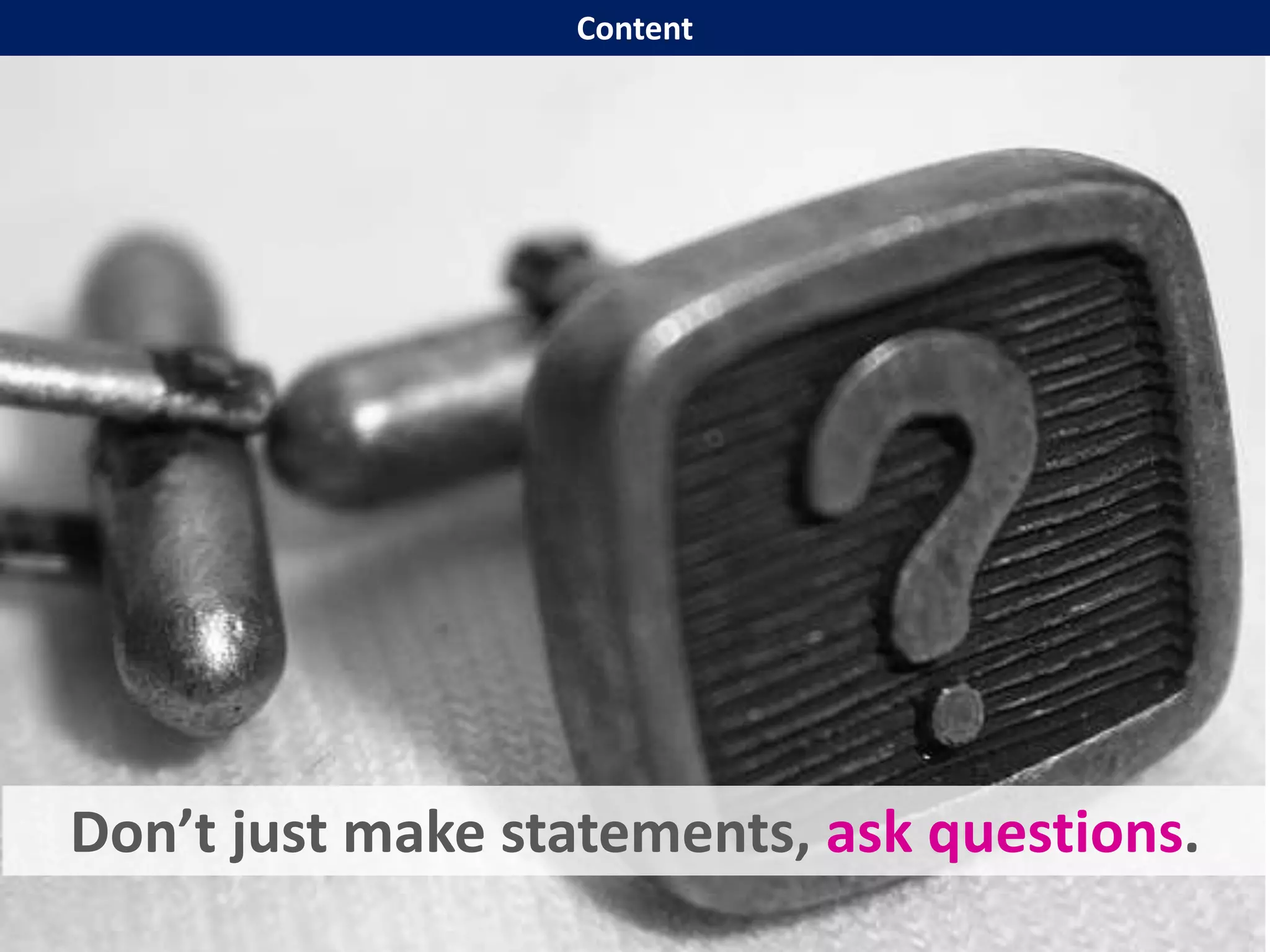
Don’t just make statements, ask questions.
Content
Content
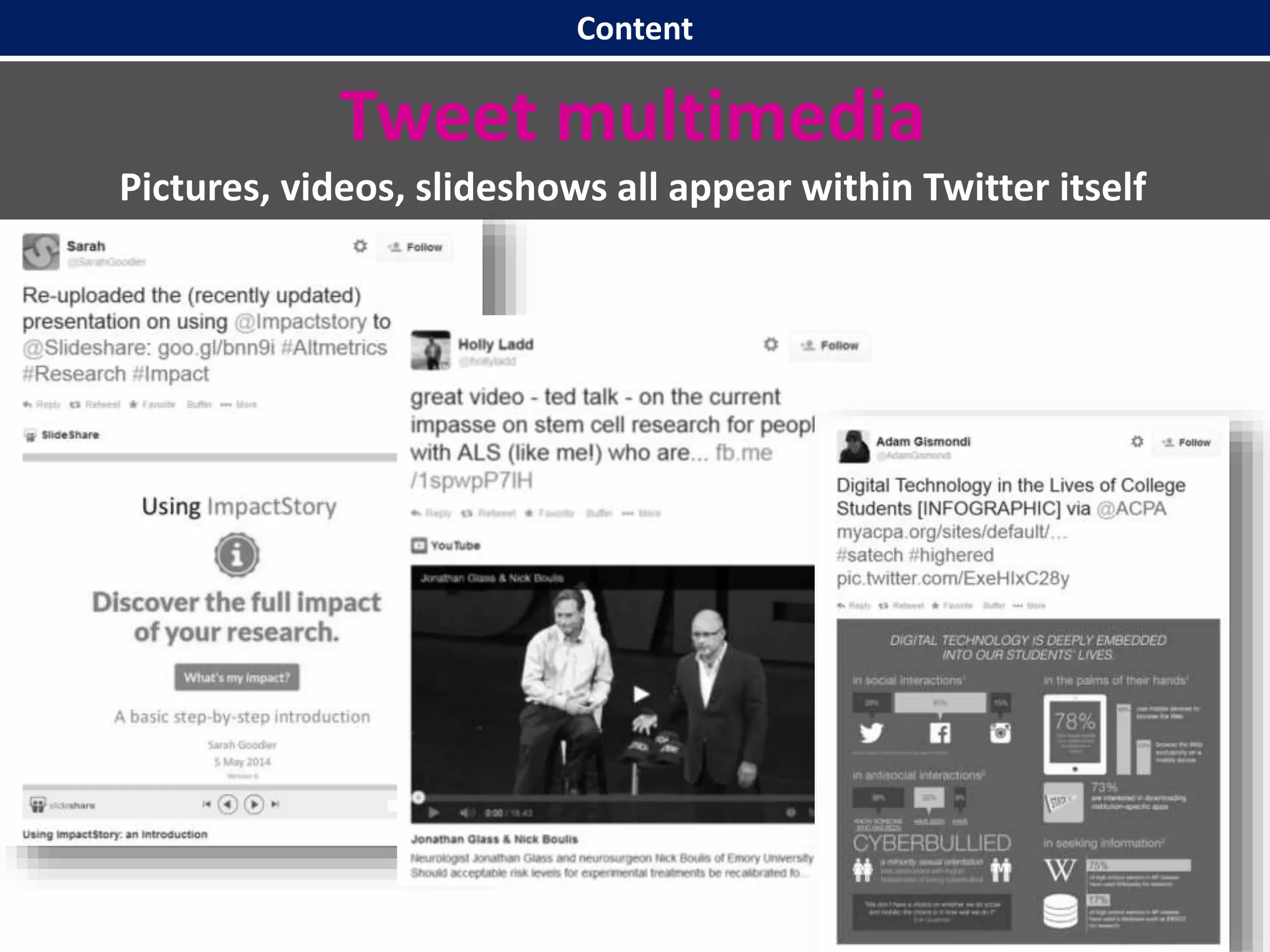
Tweet multimedia
Pictures, videos, slideshows all appear within Twitter itself
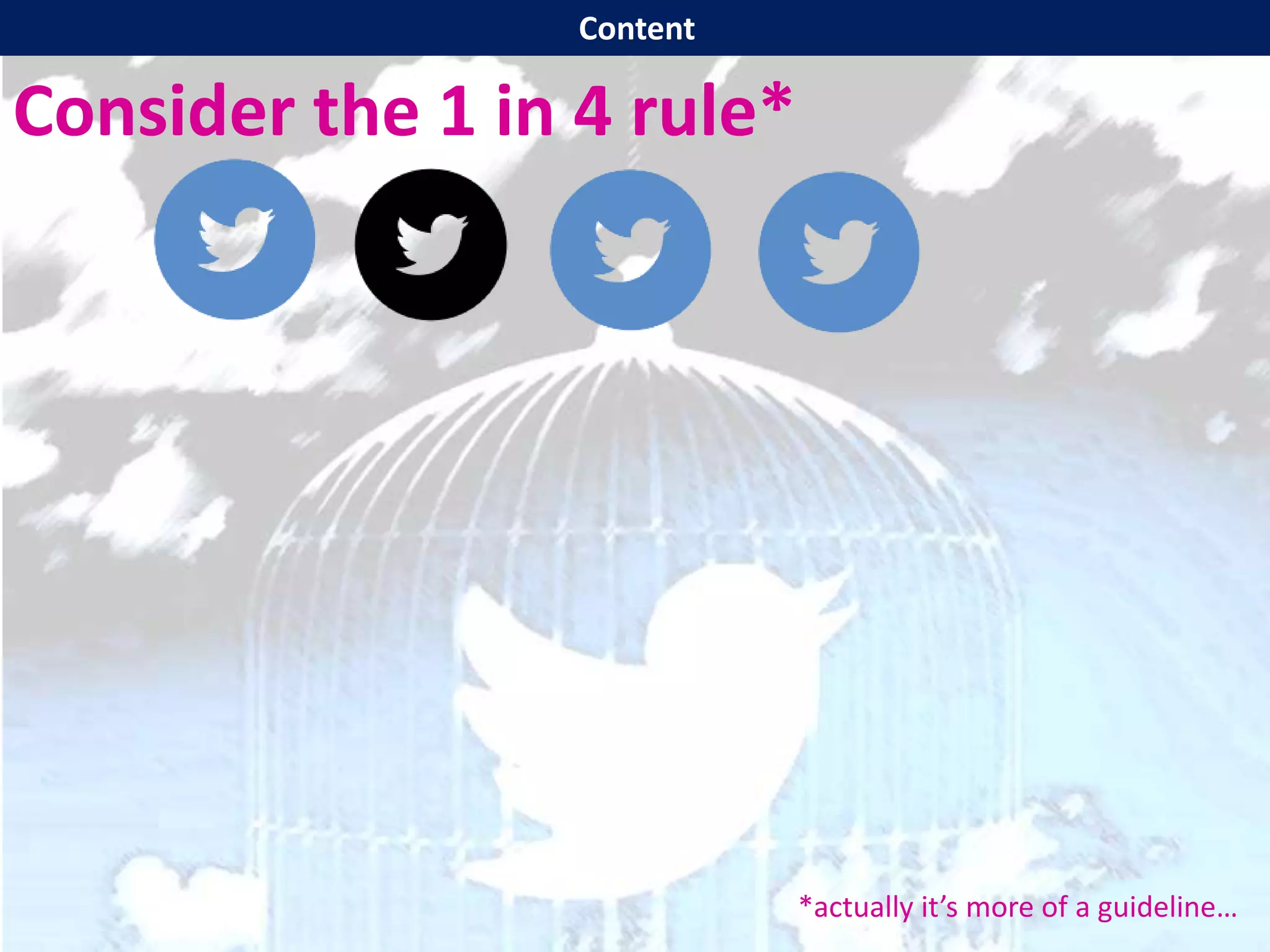
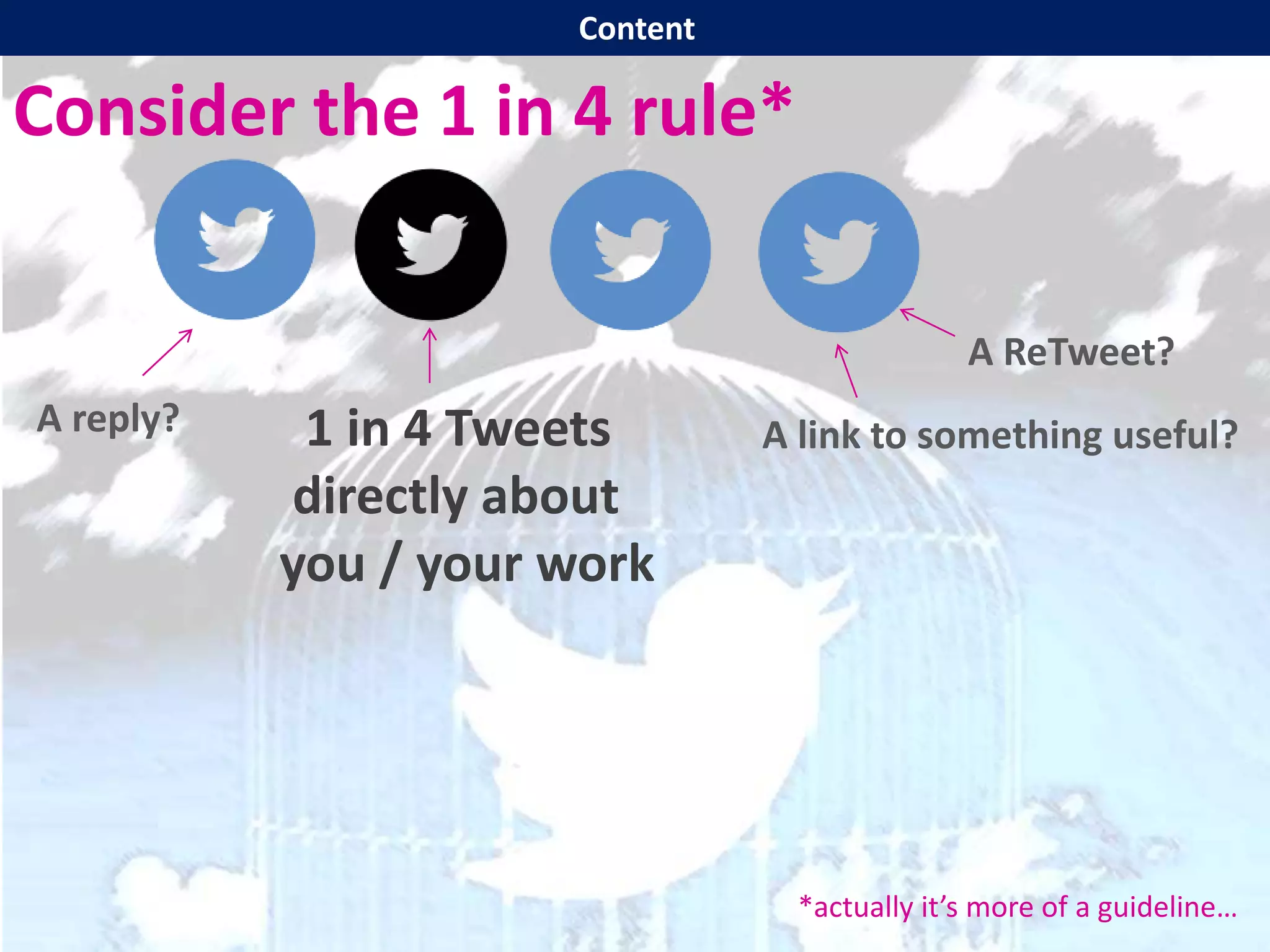
Consider the 1 in 4 rule*
*actually it’s more of a guideline…
Content
Consider the 1 in 4 rule*
1 in 4 Tweets
directly about
you / your work
*actually it’s more of a guideline…
A ReTweet?
A link to something useful?A reply?
Content
Embrace the smartphone!
(Soon there will only BE smartphones
so you may as well get started now.)
Content
Embrace the smartphone!
(Soon there will only BE smartphones
so you may as well get started now.)
Imagine the people reading your
Tweets are not just in your building,
but on the train, in the supermarket
queue, at conferences or events.
Twitter doesn’t have to be something
people MAKE TIME for.
Content
Tone
Part 2
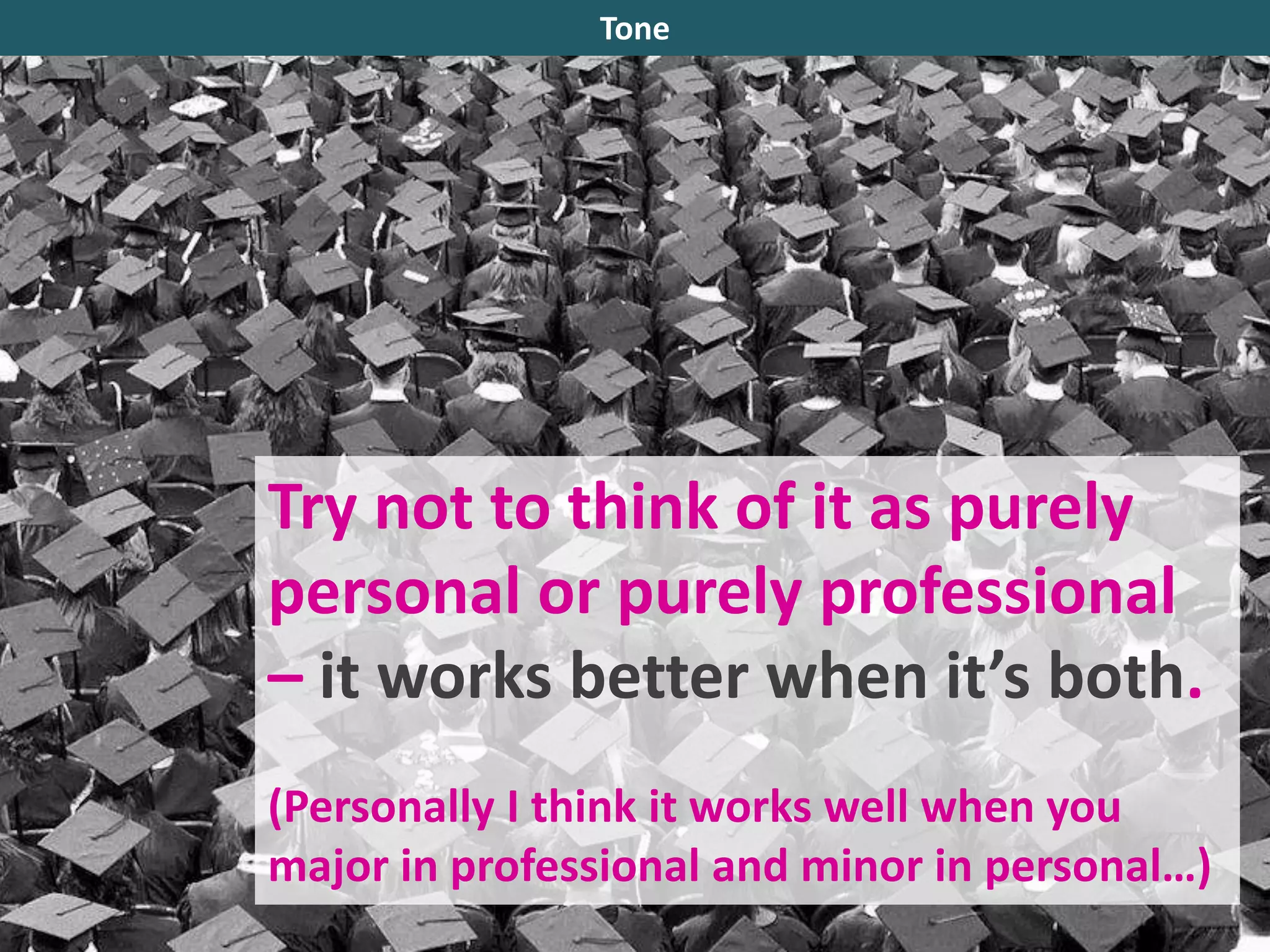
Try not to think of it as purely
personal or purely professional
– it works better when it’s both.
(Personally I think it works well when you
major in professional and minor in personal…)
Tone
Spell things correctly, don’t use
text-speak, ensure proper
grammar and syntax – but the
tone is friendly and approachable.
Tone
Ultimately the tone on Twitter is roughly
akin to how you would address your peers
face-to-face (as opposed to in print).
Are you friendly, irreverent, sarcastic, enthusiastic, irascible? That’s
probably how you should be on Twitter, too.
Tone
Ultimately the tone on Twitter is roughly
akin to how you would address your peers
face-to-face (as opposed to in print).
Are you friendly, irreverent, sarcastic, enthusiastic, irascible? That’s
probably how you should be on Twitter, too.
(Just don’t be unpleasant, as the written word can have a bigger and
longer-lasting impact than what is spoken.)
Tone
Your Account
Part 3
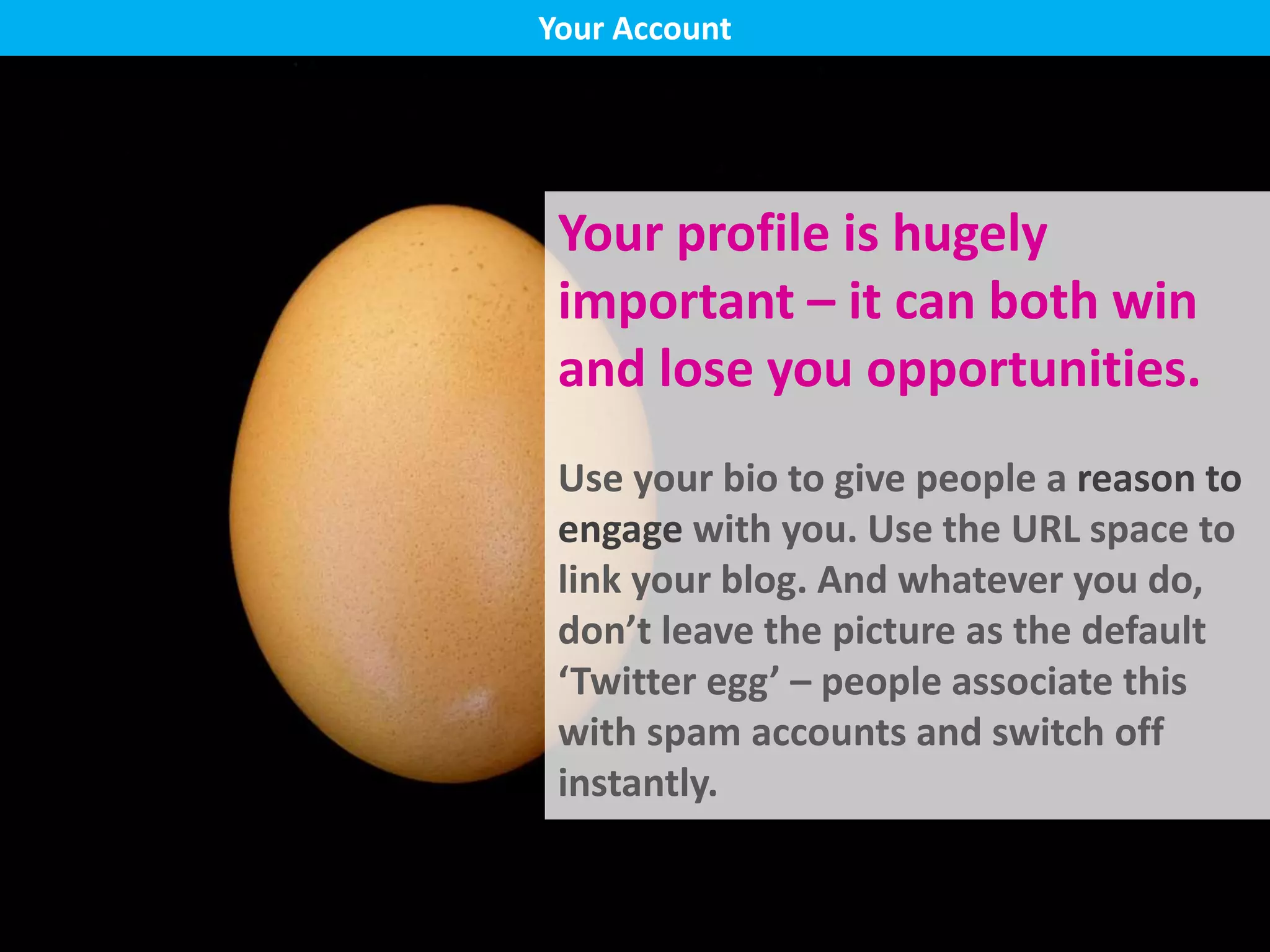
Your profile is hugely
important – it can both win
and lose you opportunities.
Use your bio to give people a reason to
engage with you. Use the URL space to
link your blog. And whatever you do,
don’t leave the picture as the default
‘Twitter egg’ – people associate this
with spam accounts and switch off
instantly.
Your Account
Bio, blog link
Following back
Don’t be spammy
Check hashtags
Your Account
You don’t HAVE to follow back.
Although reciprocity is an important part of building a social network,
don’t feel like you have to follow everyone who follows you. Above all
Twitter has to be manageable and work FOR you.
Your Account
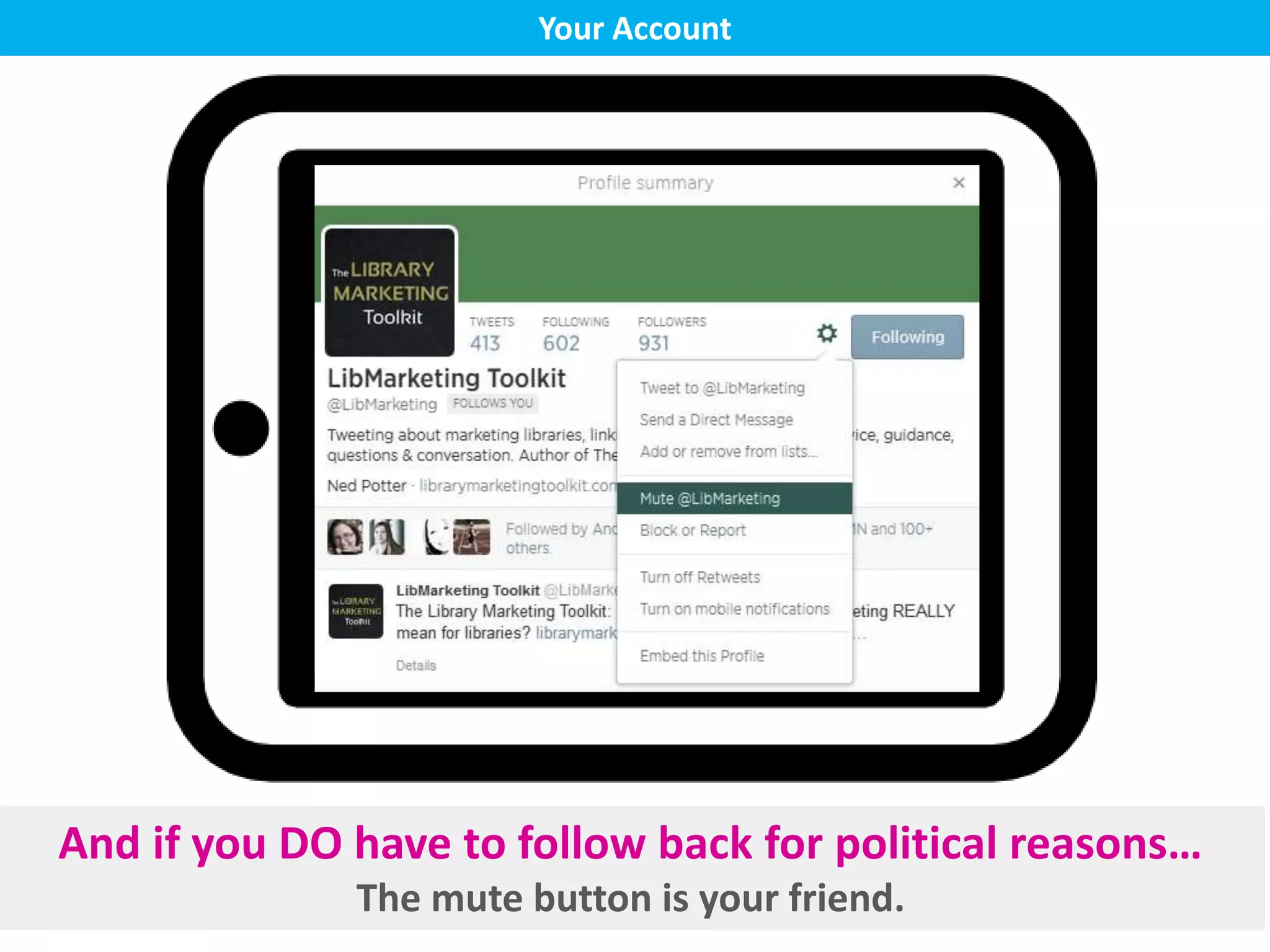
And if you DO have to follow back for political reasons…
The mute button is your friend.
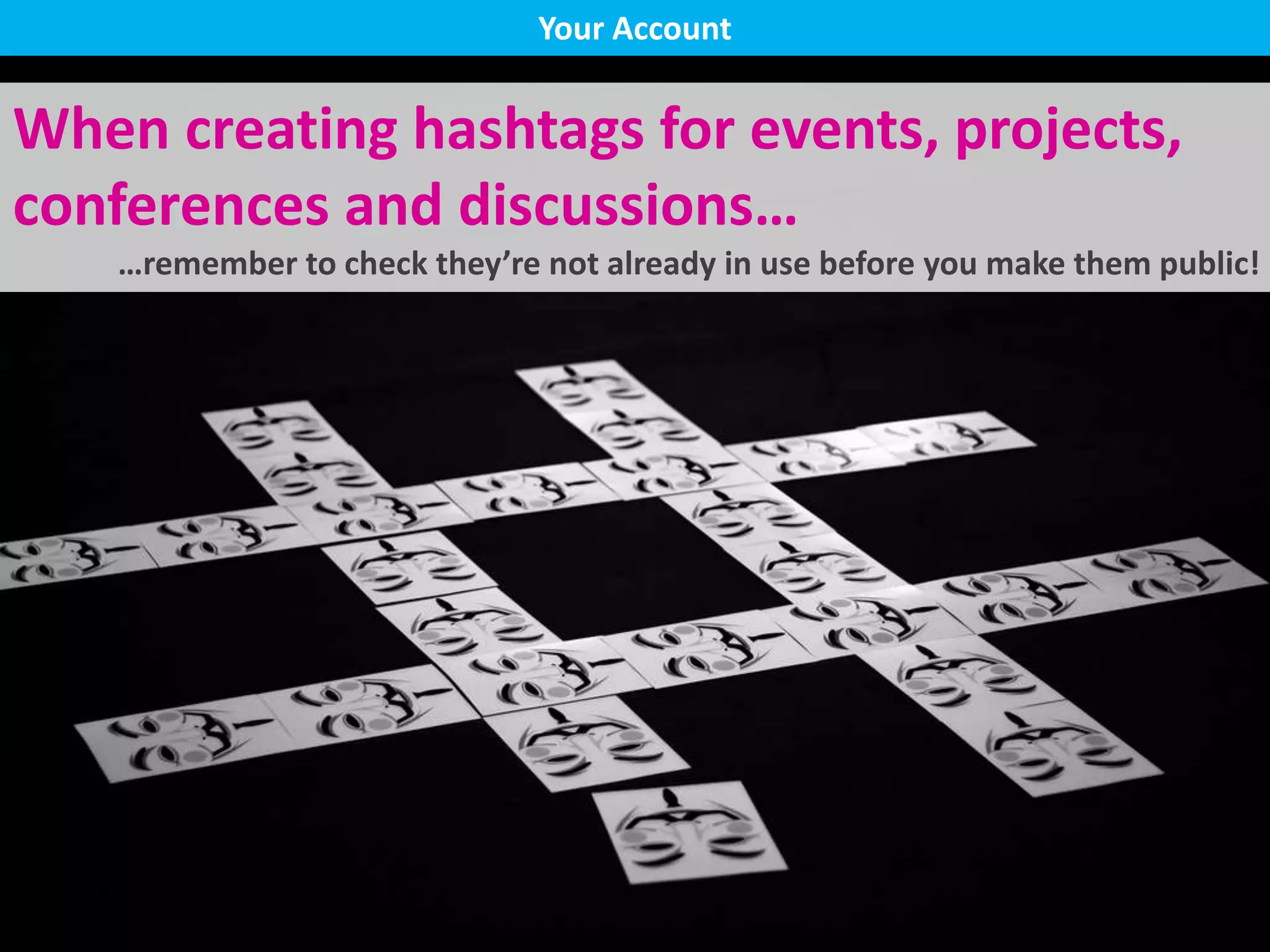
When creating hashtags for events, projects,
conferences and discussions…
…remember to check they’re not already in use before you make them public!
Your Account
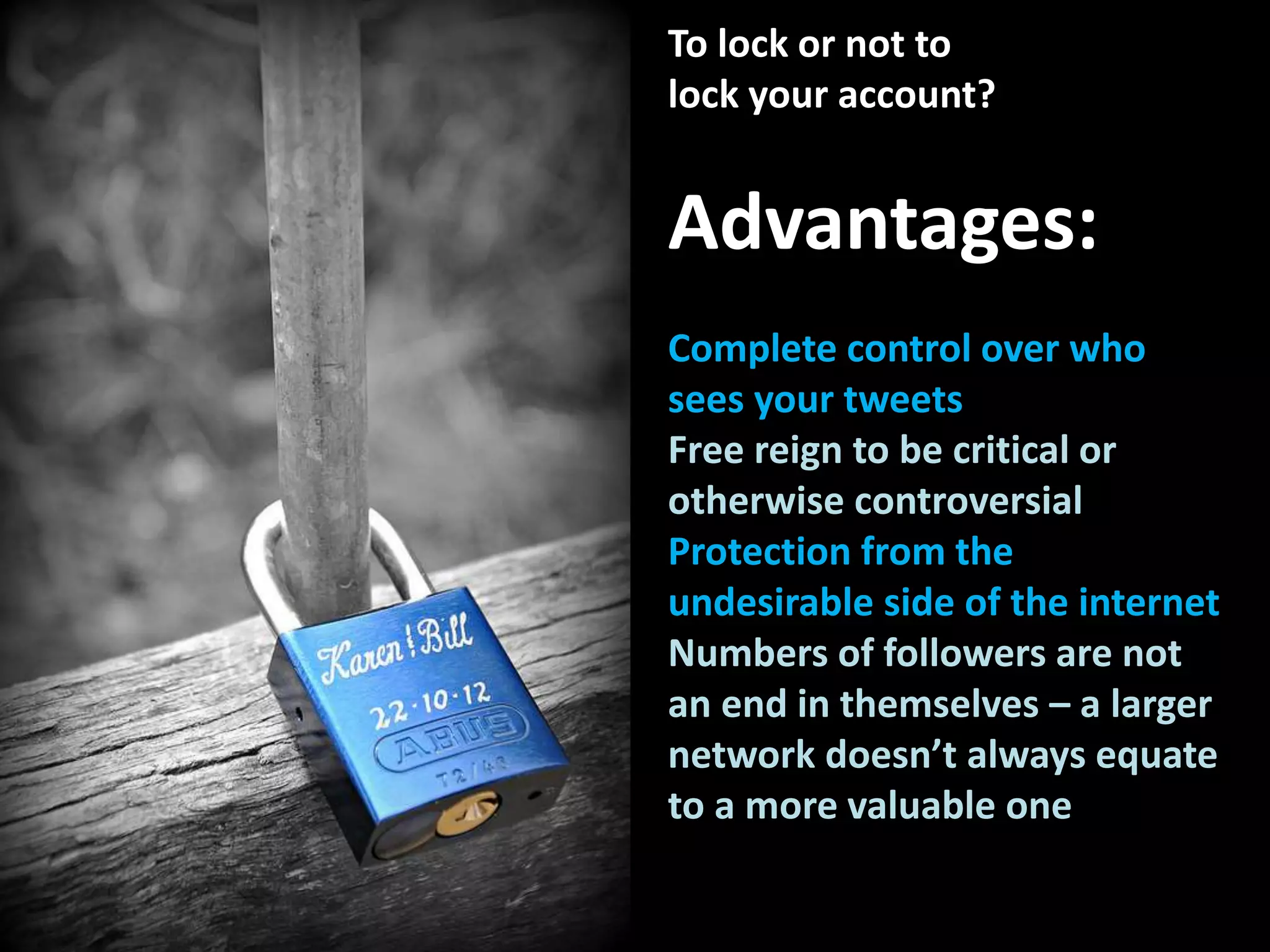
To lock or not to
lock your account?
Advantages:
Complete control over who
sees your tweets
Free reign to be critical or
otherwise controversial
Protection from the
undesirable side of the internet
Numbers of followers are not
an end in themselves – a larger
network doesn’t always equate
to a more valuable one
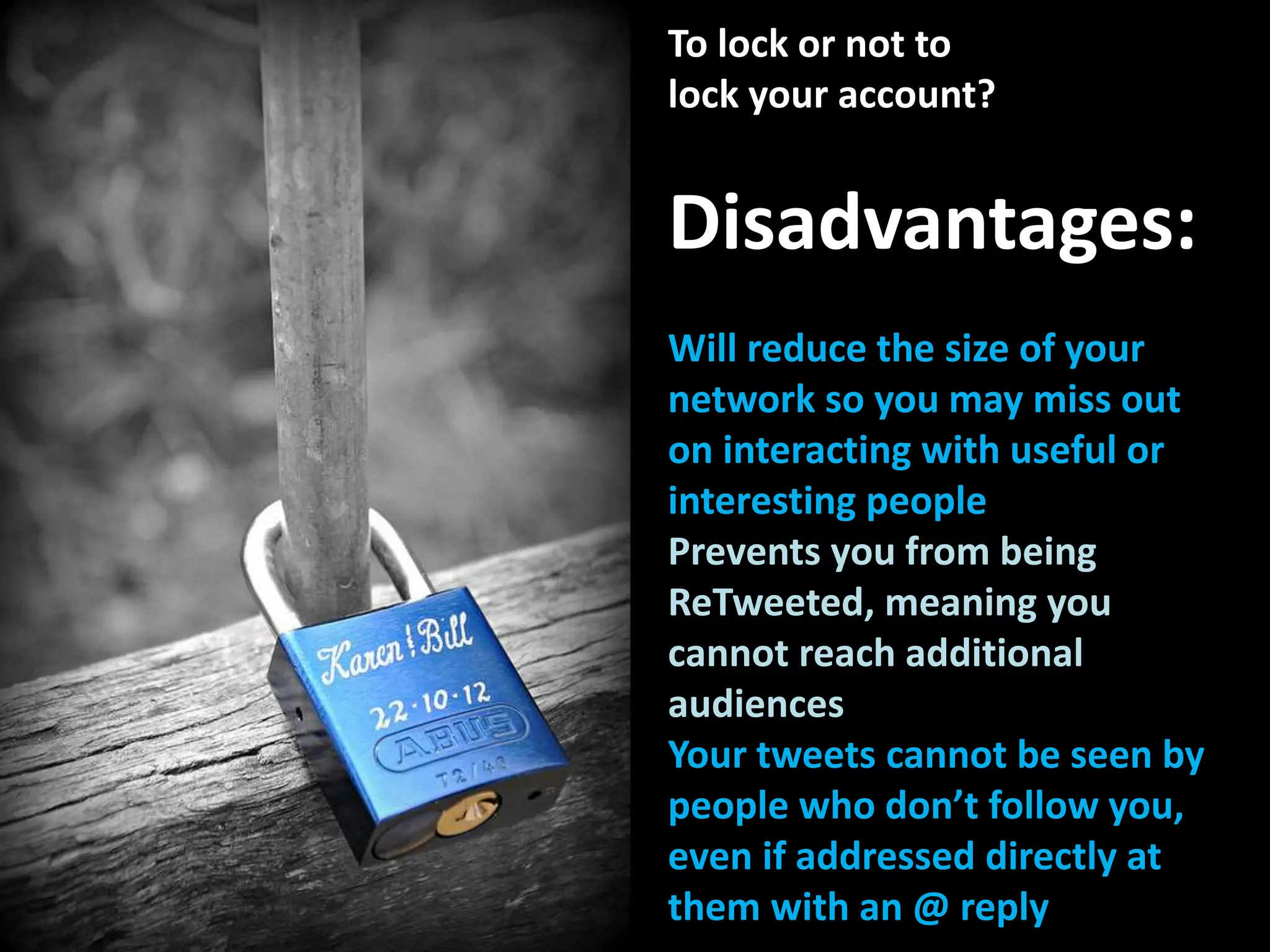
To lock or not to
lock your account?
Disadvantages:
Will reduce the size of your
network so you may miss out
on interacting with useful or
interesting people
Prevents you from being
ReTweeted, meaning you
cannot reach additional
audiences
Your tweets cannot be seen by
people who don’t follow you,
even if addressed directly at
them with an @ reply
Logistics
Part 4
Logistics
How often should
you tweet?
Targets can often backfire – tweet
when you have something to say,
and don’t when you don’t.
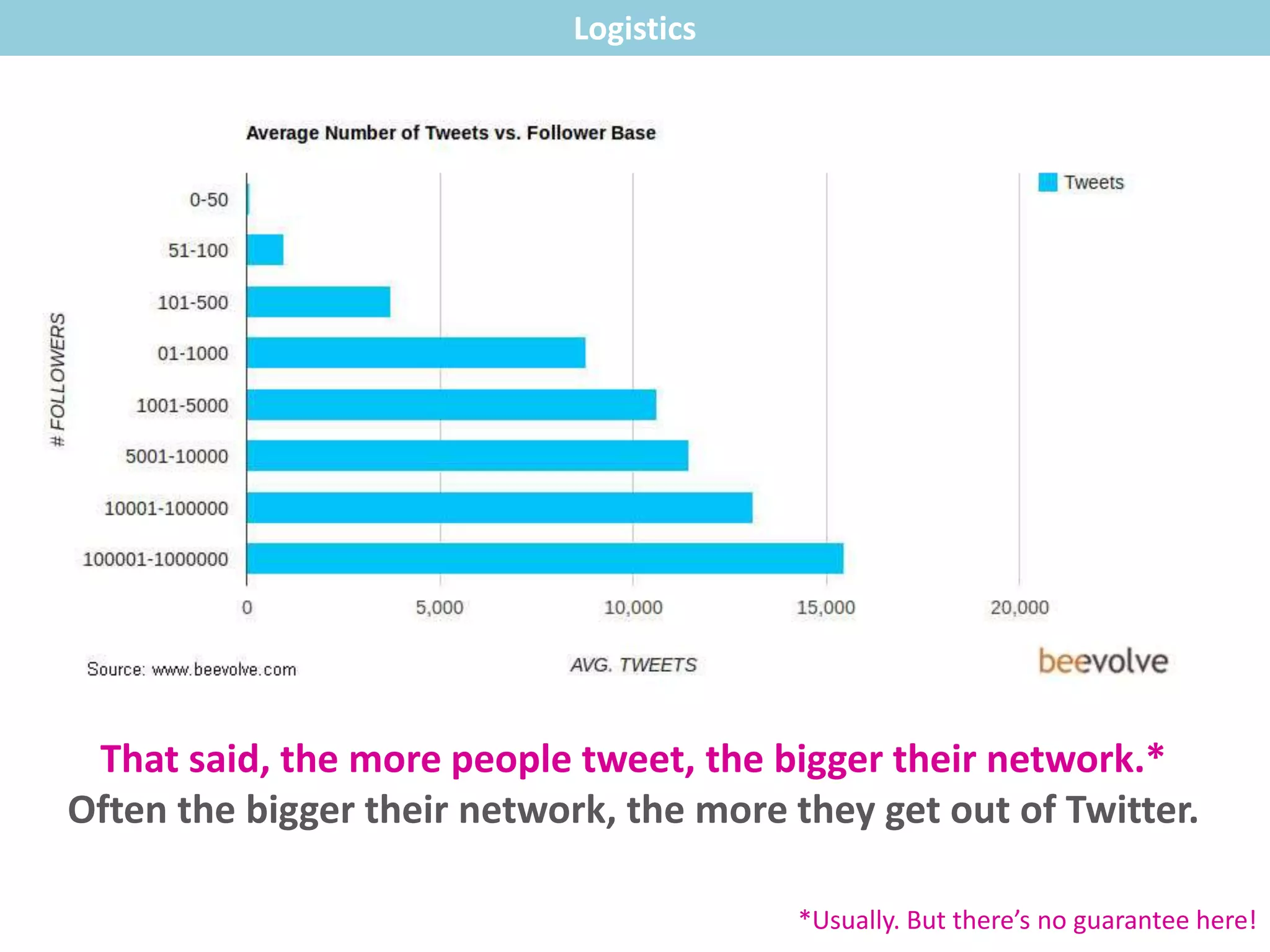
That said, the more people tweet, the bigger their network.*
Often the bigger their network, the more they get out of Twitter.
Logistics
*Usually. But there’s no guarantee here!
Set up saved searches
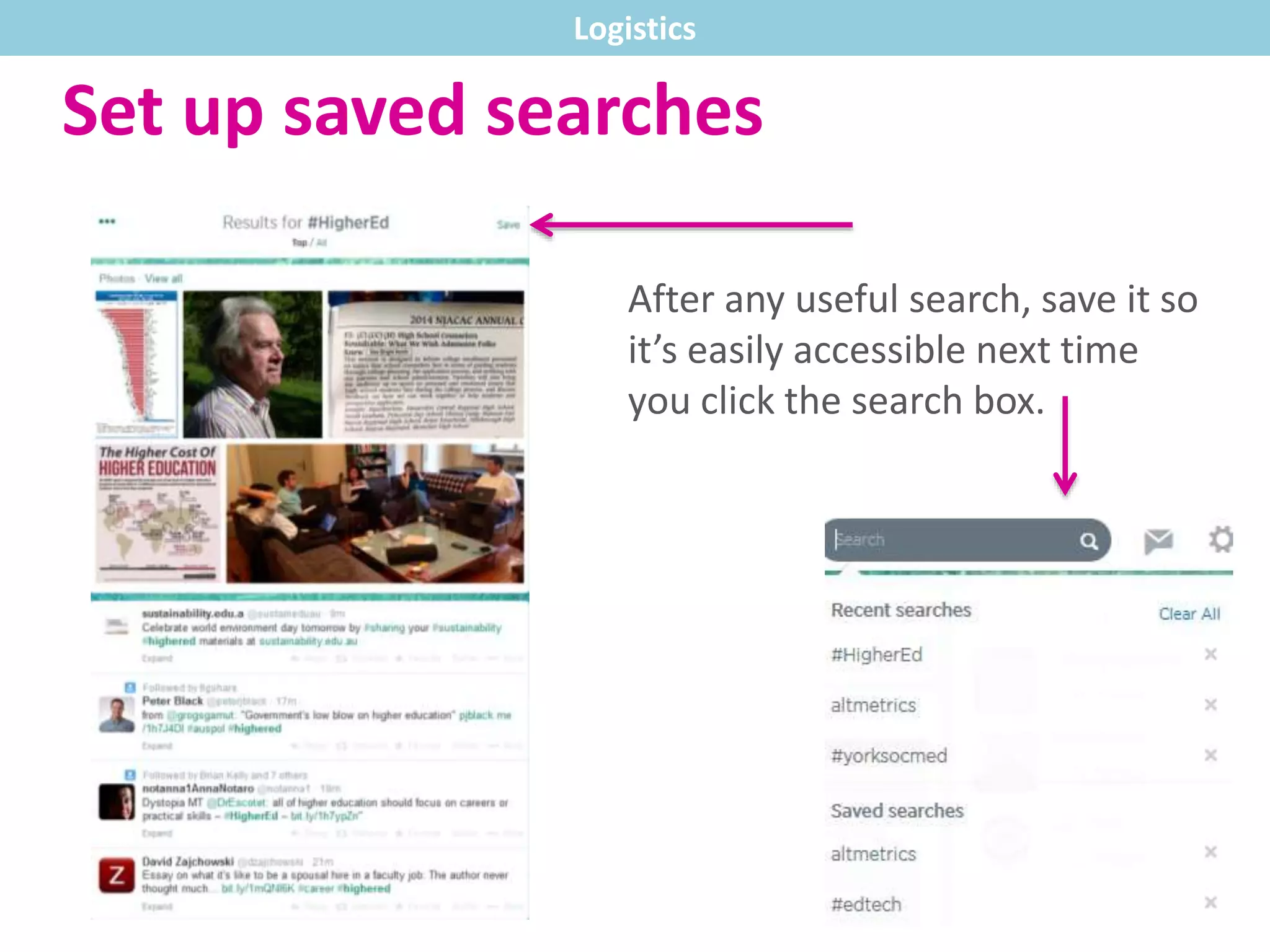
After any useful search, save it so
it’s easily accessible next time
you click the search box.
Logistics
Set up saved searches
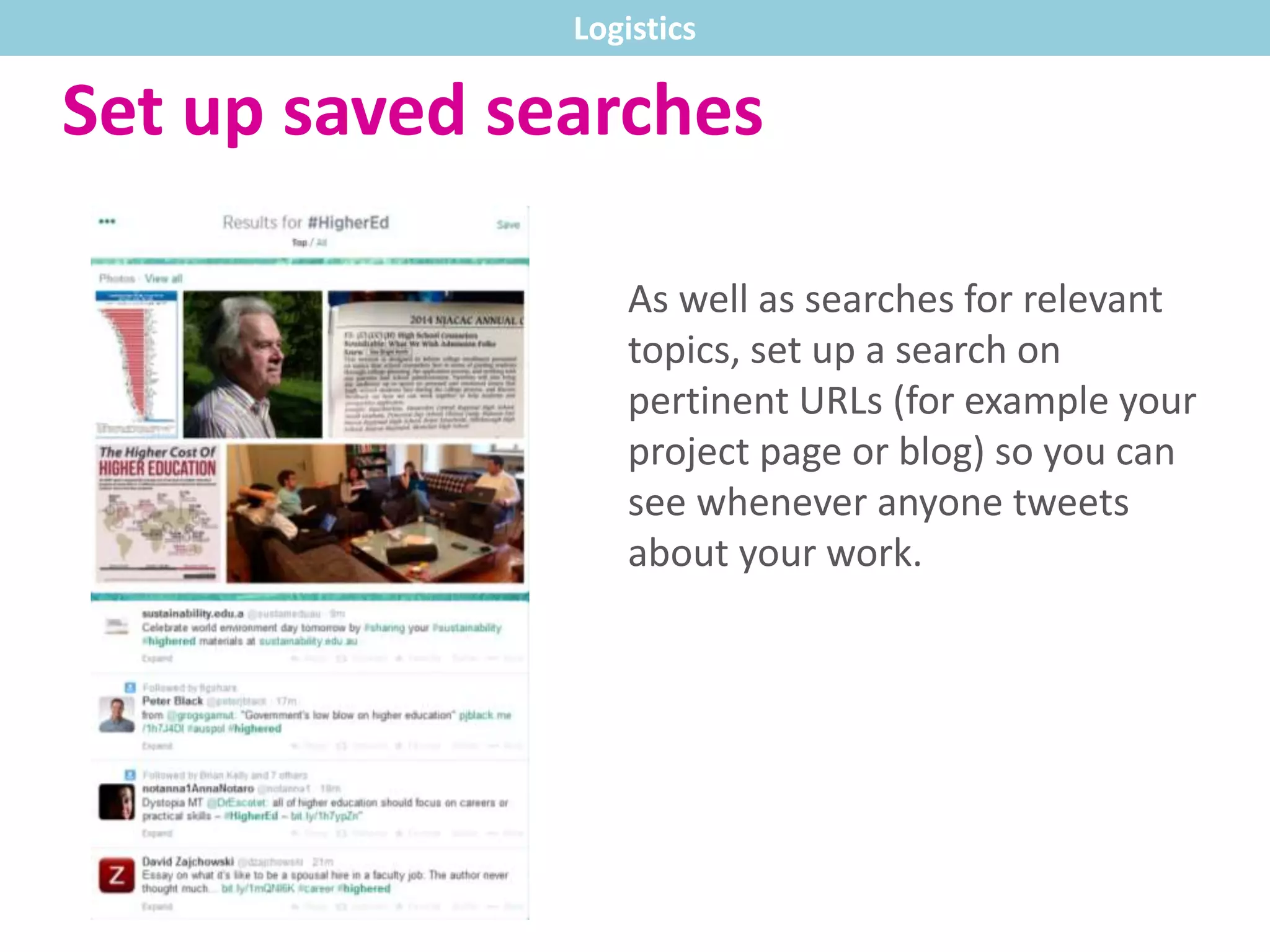
As well as searches for relevant
topics, set up a search on
pertinent URLs (for example your
project page or blog) so you can
see whenever anyone tweets
about your work.
Logistics
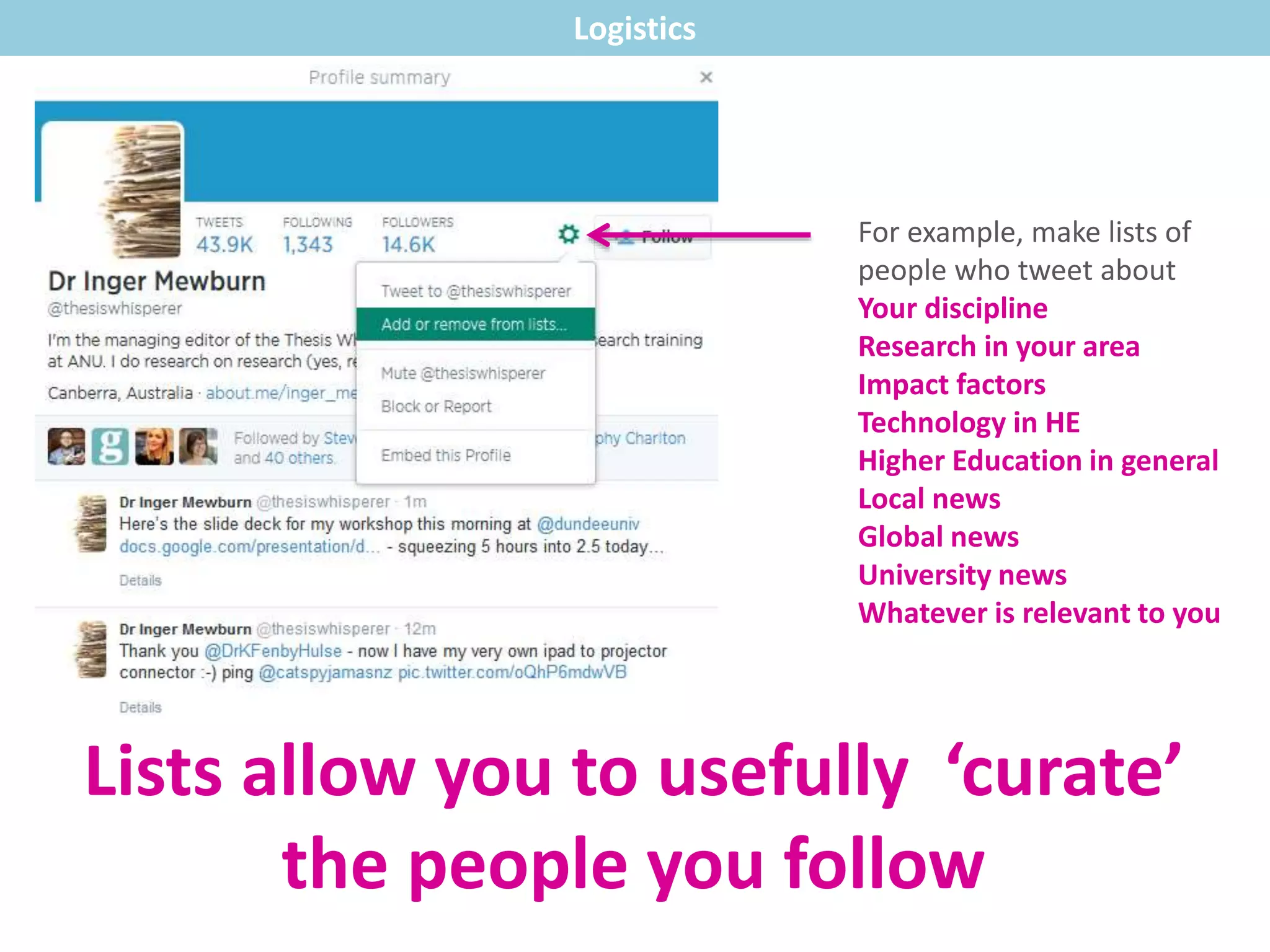
Lists allow you to usefully ‘curate’
the people you follow
For example, make lists of
people who tweet about
Your discipline
Research in your area
Impact factors
Technology in HE
Higher Education in general
Local news
Global news
University news
Whatever is relevant to you
Logistics
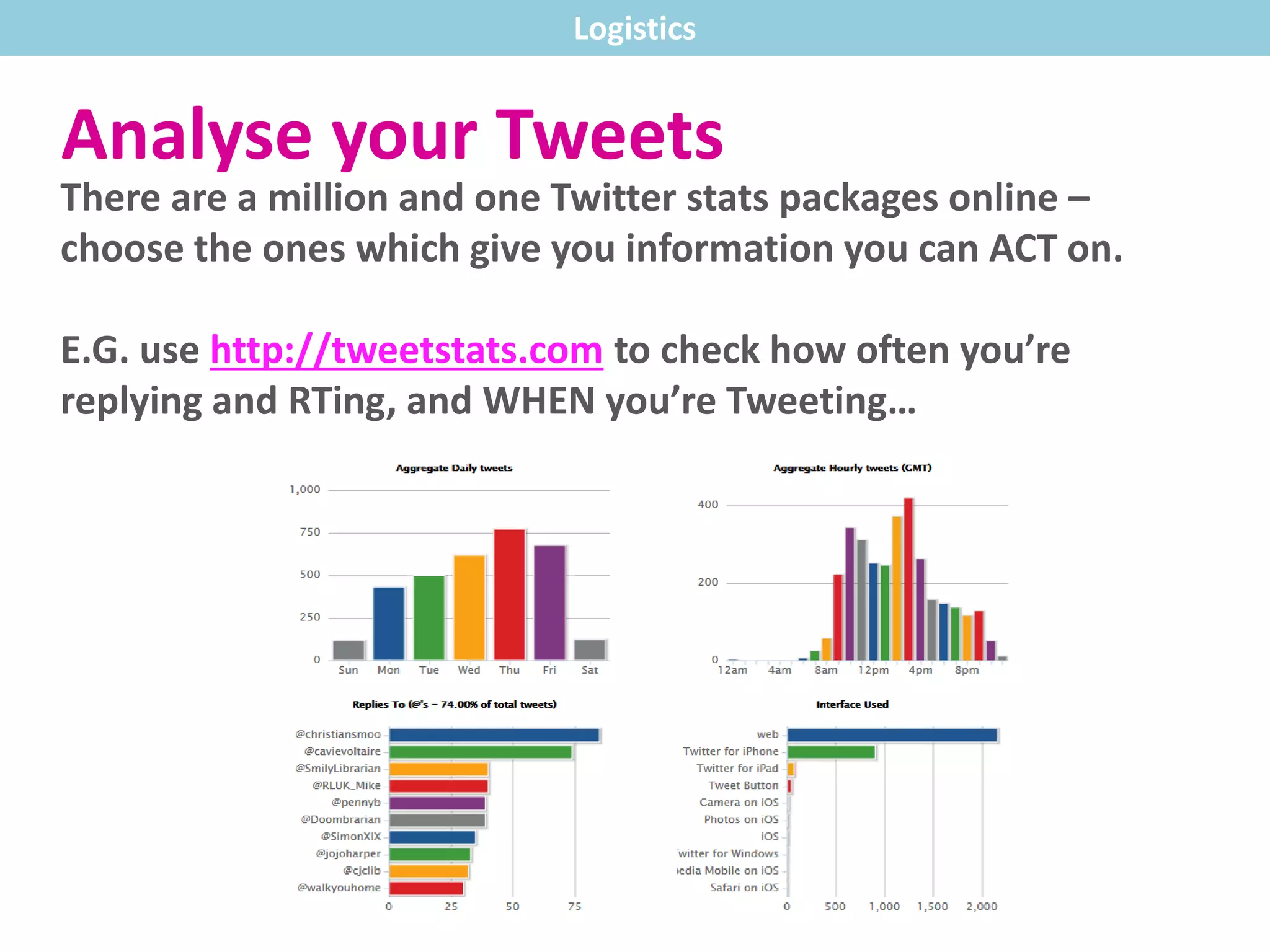
Analyse your Tweets
There are a million and one Twitter stats packages online –
choose the ones which give you information you can ACT on.
E.G. use http://tweetstats.com to check how often you’re
replying and RTing, and WHEN you’re Tweeting…
Logistics
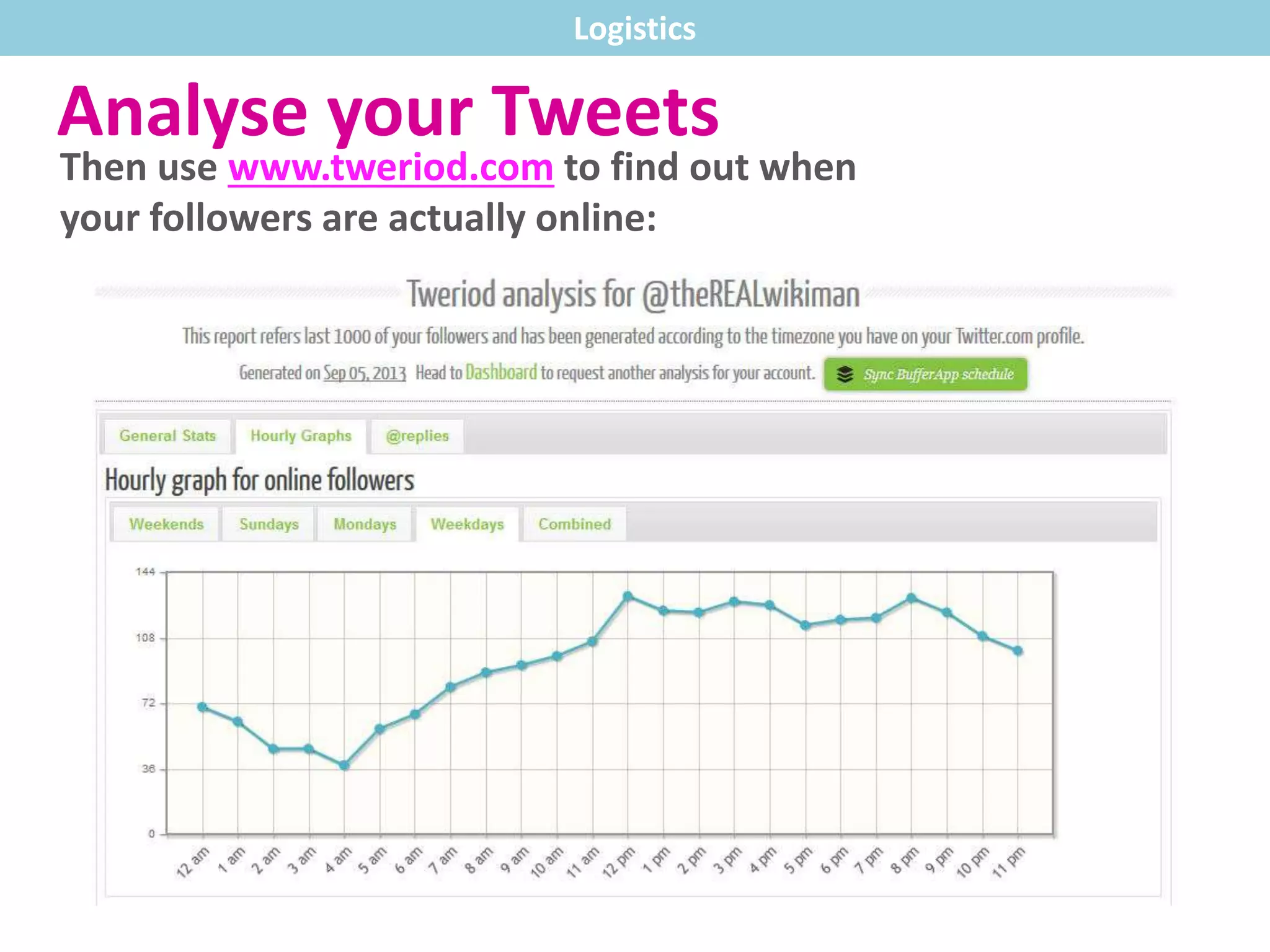
Analyse your Tweets
Then use www.tweriod.com to find out when
your followers are actually online:
Logistics
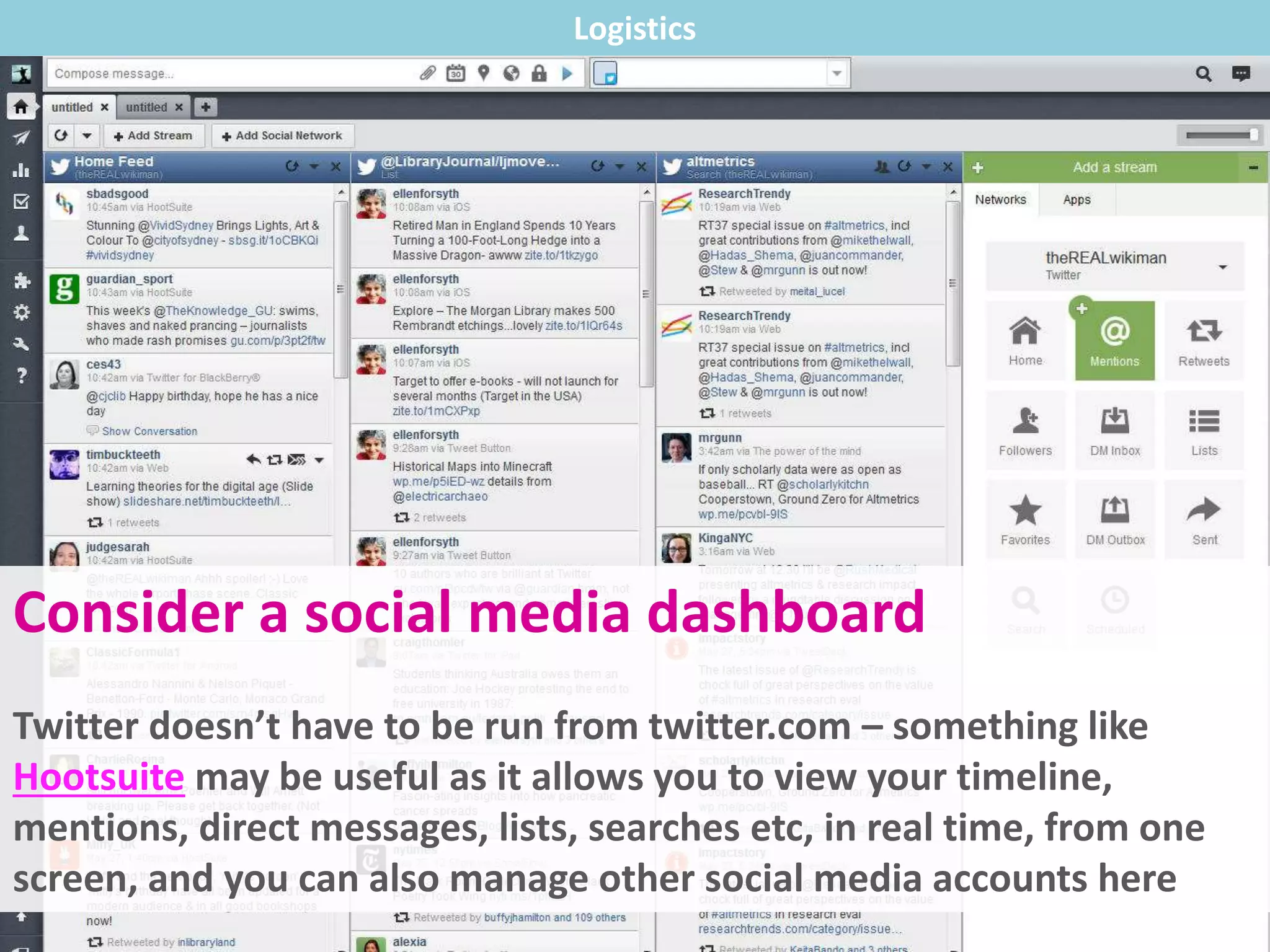
Consider a social media dashboard
Twitter doesn’t have to be run from twitter.com – something like
Hootsuite may be useful as it allows you to view your timeline,
mentions, direct messages, lists, searches etc, in real time, from one
screen, and you can also manage other social media accounts here
Logistics
And finally… You need to actually
tell people you’re there.
@username on your
business cards
on your PowerPoint
presentations
on your name-badge at
conferences
in your email signature
Thanks for reading!
More on ‘Becoming a Networked
Researcher’ can be found at
http://www.york.ac.uk/library/info-
for/researchers/networked/
Follow the Library on Twitter:
@UoYLibrary
Picture credits are on the next two slides.
Photos via Flickr Creative Commons (1)
Twitter birds on a wire by MKH Marketing, at:
http://www.flickr.com/photos/mkhmarketing/8477893426/size
s/l/in/photostream/
Birds in the sky by ,T.R.G, at:
https://www.flickr.com/photos/therealgrudge/4065114735/siz
es/l/in/photostream/
Twitter bird in a cage by MKH Marketing, edited by us, original
at:
http://www.flickr.com/photos/mkhmarketing/8481608368/size
s/l/in/photostream/
Graduation, by j.o.h.n walker, at:
https://www.flickr.com/photos/whatcouldgowrong/460896372
2/sizes/l/in/photostream/
Smily fruit by *Light Painting*, at:
https://www.flickr.com/photos/helmuthess/9563262919/sizes/
l/in/photostream/
Seminar room by Jonas_k, at:
https://www.flickr.com/photos/jonask/2311309574/sizes/l/in/
photostream/
Photos via Flickr Creative Commons (2)
Egg by JeffPoskanzer, at:
https://www.flickr.com/photos/jef/7550549938/sizes/c/
Reciprocal roof by The Year of Mud, at:
https://www.flickr.com/photos/smallape/2868726577/sizes/l
Homemade hashtag by Alexander Hugo TarTari, at:
https://www.flickr.com/photos/byhoogle/6879766189/sizes/l
Blue padlock by Aff, at:
http://www.flickr.com/photos/affers/8298047871/sizes/c/in/ph
otostream/
Question-mark cufflinks by Oberazzi, at:
https://www.flickr.com/photos/oberazzi/318947345/sizes/z/in/
photostream/
Smartphone by Xrajis_, at:
https://www.flickr.com/photos/xraijs/3474643866/sizes/l/in/p
hotostream/
All Twitter icons, and the iPad icon, via www.iconfinder.com

A basic introduction to getting the most out of Twitter

  • 1.
    Tips for TwitterIMPROVERS Becoming a Networked Researcher Ned Potter Academic Liaison
  • 2.
    Above all, rememberit’s not about broadcasting, it’s about conversation!
  • 3.
    Above all, rememberit’s not about broadcasting, it’s about conversation! This is Web 2.0. It’s interactive, participatory, and about positioning yourself as part of a dialogue. If you remember this rule, all the other rules in this guide can be broken.
  • 4.
    (This guide isaimed at people in the academic environment who already use Twitter. If you’re brand new to the platform, read this introduction first.)
  • 5.
  • 6.
    Don’t just makestatements, ask questions. Content
  • 7.
    Content Tweet multimedia Pictures, videos,slideshows all appear within Twitter itself
  • 8.
    Consider the 1in 4 rule* *actually it’s more of a guideline… Content
  • 9.
    Consider the 1in 4 rule* 1 in 4 Tweets directly about you / your work *actually it’s more of a guideline… A ReTweet? A link to something useful?A reply? Content
  • 10.
    Embrace the smartphone! (Soonthere will only BE smartphones so you may as well get started now.) Content
  • 11.
    Embrace the smartphone! (Soonthere will only BE smartphones so you may as well get started now.) Imagine the people reading your Tweets are not just in your building, but on the train, in the supermarket queue, at conferences or events. Twitter doesn’t have to be something people MAKE TIME for. Content
  • 12.
  • 13.
    Try not tothink of it as purely personal or purely professional – it works better when it’s both. (Personally I think it works well when you major in professional and minor in personal…) Tone
  • 14.
    Spell things correctly,don’t use text-speak, ensure proper grammar and syntax – but the tone is friendly and approachable. Tone
  • 15.
    Ultimately the toneon Twitter is roughly akin to how you would address your peers face-to-face (as opposed to in print). Are you friendly, irreverent, sarcastic, enthusiastic, irascible? That’s probably how you should be on Twitter, too. Tone
  • 16.
    Ultimately the toneon Twitter is roughly akin to how you would address your peers face-to-face (as opposed to in print). Are you friendly, irreverent, sarcastic, enthusiastic, irascible? That’s probably how you should be on Twitter, too. (Just don’t be unpleasant, as the written word can have a bigger and longer-lasting impact than what is spoken.) Tone
  • 17.
  • 18.
    Your profile ishugely important – it can both win and lose you opportunities. Use your bio to give people a reason to engage with you. Use the URL space to link your blog. And whatever you do, don’t leave the picture as the default ‘Twitter egg’ – people associate this with spam accounts and switch off instantly. Your Account
  • 19.
    Bio, blog link Followingback Don’t be spammy Check hashtags Your Account You don’t HAVE to follow back. Although reciprocity is an important part of building a social network, don’t feel like you have to follow everyone who follows you. Above all Twitter has to be manageable and work FOR you.
  • 20.
    Your Account And ifyou DO have to follow back for political reasons… The mute button is your friend.
  • 21.
    When creating hashtagsfor events, projects, conferences and discussions… …remember to check they’re not already in use before you make them public! Your Account
  • 22.
    To lock ornot to lock your account? Advantages: Complete control over who sees your tweets Free reign to be critical or otherwise controversial Protection from the undesirable side of the internet Numbers of followers are not an end in themselves – a larger network doesn’t always equate to a more valuable one
  • 23.
    To lock ornot to lock your account? Disadvantages: Will reduce the size of your network so you may miss out on interacting with useful or interesting people Prevents you from being ReTweeted, meaning you cannot reach additional audiences Your tweets cannot be seen by people who don’t follow you, even if addressed directly at them with an @ reply
  • 24.
  • 25.
    Logistics How often should youtweet? Targets can often backfire – tweet when you have something to say, and don’t when you don’t.
  • 26.
    That said, themore people tweet, the bigger their network.* Often the bigger their network, the more they get out of Twitter. Logistics *Usually. But there’s no guarantee here!
  • 27.
    Set up savedsearches After any useful search, save it so it’s easily accessible next time you click the search box. Logistics
  • 28.
    Set up savedsearches As well as searches for relevant topics, set up a search on pertinent URLs (for example your project page or blog) so you can see whenever anyone tweets about your work. Logistics
  • 29.
    Lists allow youto usefully ‘curate’ the people you follow For example, make lists of people who tweet about Your discipline Research in your area Impact factors Technology in HE Higher Education in general Local news Global news University news Whatever is relevant to you Logistics
  • 30.
    Analyse your Tweets Thereare a million and one Twitter stats packages online – choose the ones which give you information you can ACT on. E.G. use http://tweetstats.com to check how often you’re replying and RTing, and WHEN you’re Tweeting… Logistics
  • 31.
    Analyse your Tweets Thenuse www.tweriod.com to find out when your followers are actually online: Logistics
  • 32.
    Consider a socialmedia dashboard Twitter doesn’t have to be run from twitter.com – something like Hootsuite may be useful as it allows you to view your timeline, mentions, direct messages, lists, searches etc, in real time, from one screen, and you can also manage other social media accounts here Logistics
  • 33.
    And finally… Youneed to actually tell people you’re there. @username on your business cards on your PowerPoint presentations on your name-badge at conferences in your email signature
  • 34.
    Thanks for reading! Moreon ‘Becoming a Networked Researcher’ can be found at http://www.york.ac.uk/library/info- for/researchers/networked/ Follow the Library on Twitter: @UoYLibrary Picture credits are on the next two slides.
  • 35.
    Photos via FlickrCreative Commons (1) Twitter birds on a wire by MKH Marketing, at: http://www.flickr.com/photos/mkhmarketing/8477893426/size s/l/in/photostream/ Birds in the sky by ,T.R.G, at: https://www.flickr.com/photos/therealgrudge/4065114735/siz es/l/in/photostream/ Twitter bird in a cage by MKH Marketing, edited by us, original at: http://www.flickr.com/photos/mkhmarketing/8481608368/size s/l/in/photostream/ Graduation, by j.o.h.n walker, at: https://www.flickr.com/photos/whatcouldgowrong/460896372 2/sizes/l/in/photostream/ Smily fruit by *Light Painting*, at: https://www.flickr.com/photos/helmuthess/9563262919/sizes/ l/in/photostream/ Seminar room by Jonas_k, at: https://www.flickr.com/photos/jonask/2311309574/sizes/l/in/ photostream/
  • 36.
    Photos via FlickrCreative Commons (2) Egg by JeffPoskanzer, at: https://www.flickr.com/photos/jef/7550549938/sizes/c/ Reciprocal roof by The Year of Mud, at: https://www.flickr.com/photos/smallape/2868726577/sizes/l Homemade hashtag by Alexander Hugo TarTari, at: https://www.flickr.com/photos/byhoogle/6879766189/sizes/l Blue padlock by Aff, at: http://www.flickr.com/photos/affers/8298047871/sizes/c/in/ph otostream/ Question-mark cufflinks by Oberazzi, at: https://www.flickr.com/photos/oberazzi/318947345/sizes/z/in/ photostream/ Smartphone by Xrajis_, at: https://www.flickr.com/photos/xraijs/3474643866/sizes/l/in/p hotostream/ All Twitter icons, and the iPad icon, via www.iconfinder.com