Trends In K-12 Educational Technology:  It's STILL About  Teaching and Learning! March 12, 2007
How are educators meeting the challenges of addressing student needs and increasing student achievement while incorporating 21st century skills and tools into the educational process?  How can educators use new technologies to inform their instruction?
Our day Technology implications on teaching and learning Teacher/Administrator uses of technology Personal tool Instructional tool Student uses of technology Personal tool Constructivist tool
How is technology used in K-12?
Technology Implications
Digital Natives  - today’s students "native speakers" of the digital language of computers, video games and the Internet  think and process information fundamentally differently from their predecessors
Digital Immigrants  - us! adapt to their environment always retain, to some degree, an "accent," a foot in the past
Digital Natives “ are comfortable with using digital tools to accelerate ways of experiencing knowledge.” Digital Immigrants “  are programmed to experience knowledge in slow, sequential, and long-shelf-life ways.”
Pew report - Digital Disconnect Disconnect between how students use the Internet at home and at school http://www.pewinternet.org/report_display.asp?r=67
Digital Disconnect Study Savvy students who rely on Internet for their work Complete more work Less confused More up to date work Better multitasking Allow deep self guided learning about specific interests
How students perceive the net Virtual textbook Virtual tutor Virtual study group Virtual guidance counselor Virtual locker, backpack, notebook Pew Study-2002
How students perceive the net Virtual meeting place Location to share user created content
Digital native  skill set (hopefully!) Find information Determine relevance Verify accuracy Create new knowledge Share and communicate
Digital native  skill set (reality!) Share personal information Accept what they read Little if any verification Create content “ Borrow” content Share and communicate using text, audio, still pictures, video
Technology adds value to learning by providing: Real world contexts for learning Connections to outside experts Visualization and analysis tools Scaffolds for problem solving Opportunities for feedback, reflection, and revision  John Bransford,  How People Learn
Why access to technology is important 21st century skills ( enGuage ) Digital literacy Inventive Thinking Effective Communication High Productivity Increased motivation and creativity Differentiation of instruction
Historical perspective of instructional computing Evolution of computers in schools How many computers in a classroom is the right number? Pros and cons of labs Mobile era Laptops and PDA’s
Mobile carts Allow technology at the point of instruction Widely used Efficient use of building space  (no dedicated computer lab room) Allow for flexibility and collaboration Some short comings Time to move cart, logon Decrease of time on task in best scenario Recharging batteries  No ownership
One-to-one computing Laptop truly a personal tool Extends learning beyond the school day Students take control of their learning Greater time on task Same tools available at home and at school Levels the playing field
Technology in HHH  (and many K-12 schools) WAN connecting: 7 Elementary Schools 2 Middle Schools 2 High Schools Central Office, Transportation Building Administrative Network Instructional Network
Users of Administrative Network CO administrators Principals Assistant Principals Directors/Supervisors Deans Psychologists Nurses Guidance Counselors Clerical support staff
Instructional Network Classroom computers Wired labs Mobile labs Libraries Printers Scanners Digital cameras USB microscopes Document cameras Electronic whiteboards Servers Data Media-podcasting eBoard Web server-Finalsite
Data Management - Applications SIS:  Infinite Campus Financial:  Finance Manager Purchase Orders, Payroll, Personnel records Lunch:  QSP   (http://qsppos.com/) Transportation:  EduLog   (http://www.edulog.com/) Library Card Catalog and Circulation:  Follett Special Education:  IEP Plus Professional Development
Infinite Campus  (Student Info System) Teachers  Daily attendance, interim reports, quarterly grades, gradebook Administrators Access to student info, discipline reports, data analysis Parents - info on all their children Attendance, class grades, standardized test grades Secondary Students  Attendance, class grades, standardized test grades
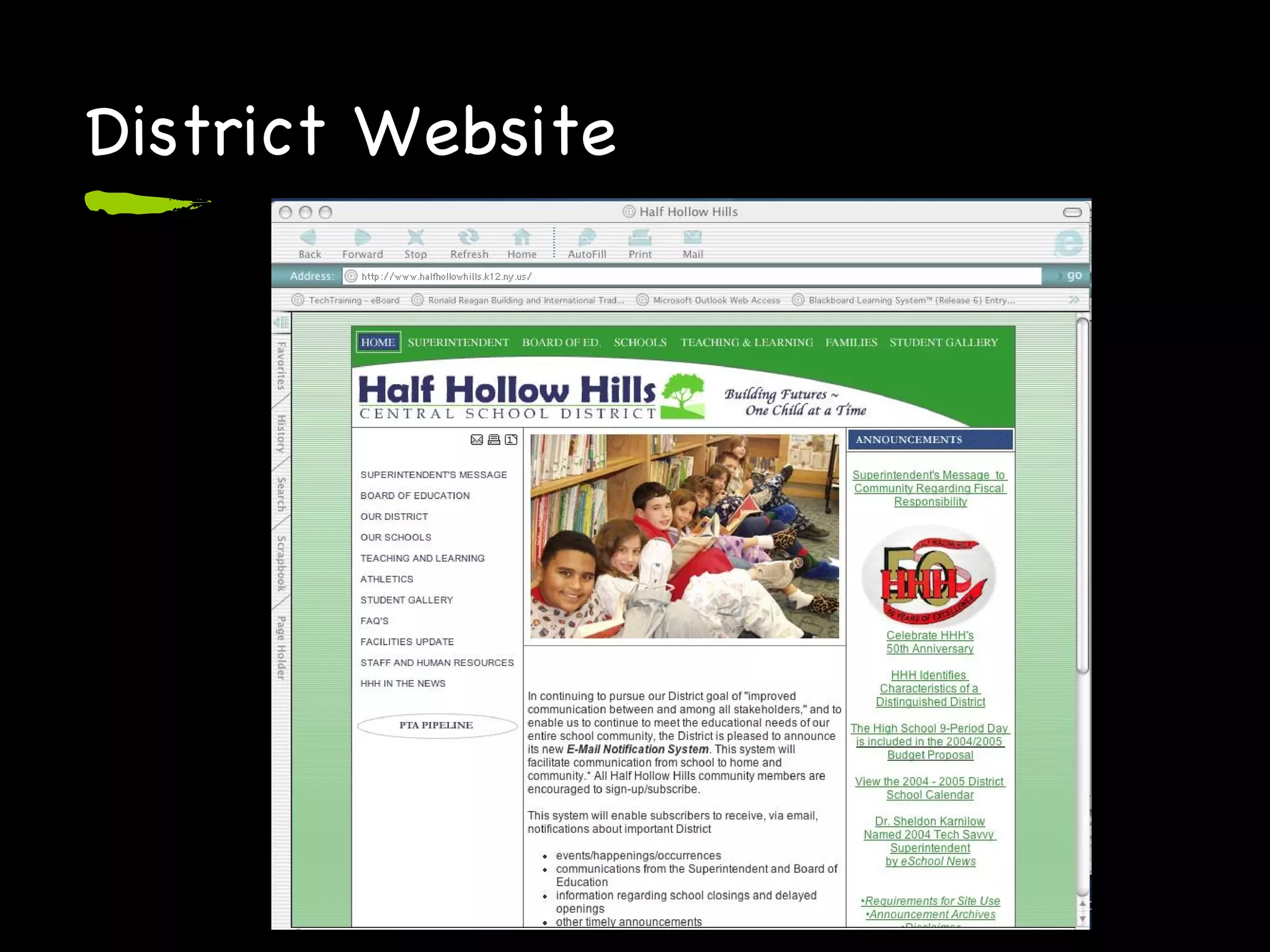
Communications Applications District Website Automated phone notification service, Connect-Ed Email notification system
Website as communication Information about the district and programs Student work Communications from the Superintendent and Board of Education Information regarding school closings and delayed openings Other timely announcements
Challenges Maintaining the infrastructure Speed Equipment Support Access to information 24/7 Providing for the needs of all Professional Development Security
Instruction / Curriculum
Tool Software (Less is more!) Web browser:  Firefox ,  Internet Explorer Concept Mapping:  Inspiration Works/Productivity:  AppleWorks, Microsoft Office Image Editing:  Photoshop Elements Multimedia Authoring:  iPhoto, iMovie, Audacity, Media Blender
Subscription Services United Streaming AP Photo Archives Net Trekker Teaching Books Brain-Pop Turn-It-In Galenet
Instructional Uses eBoards http://www. halfhollowhills .k12. ny .us/page. cfm ?p=1866 HS Soc Stud Podcasts http://media. halfhollowhills .k12. ny .us Foreign Lang. Vocab Movies Long Way  Year in Review
Who we are Corinne Carriero Director of Instructional Technology   [email_address] Ellen Robertson Coordinator of Instructional Technology     [email_address]
Questions ?? Thoughts ?? Observations ?? Comments ??
Resources Mark Prensky Pew Digital Disconnect http://www.pewinternet.org/report_display.asp?r=67
Web 2.0 Characterized by a shift from “read only” to “read/write” No longer a need to know geeky html, FTP, server side language With XML content, RSS and Atom feeds, we have gone from geek to sleek Anyone  can be a publisher on the web with these technologies You can “drive” without needing to know what is “under the hood”
Web 2.0 Shift from static content to ability to remix and re-publish  microcontent  according to individual needs These new tools are profoundly social Web is evolving into an area of social and idea networking: Negotiating connections Exchanging content Creating something new--ideas are saved, summarized, copied, quoted and constructed into new knowledge
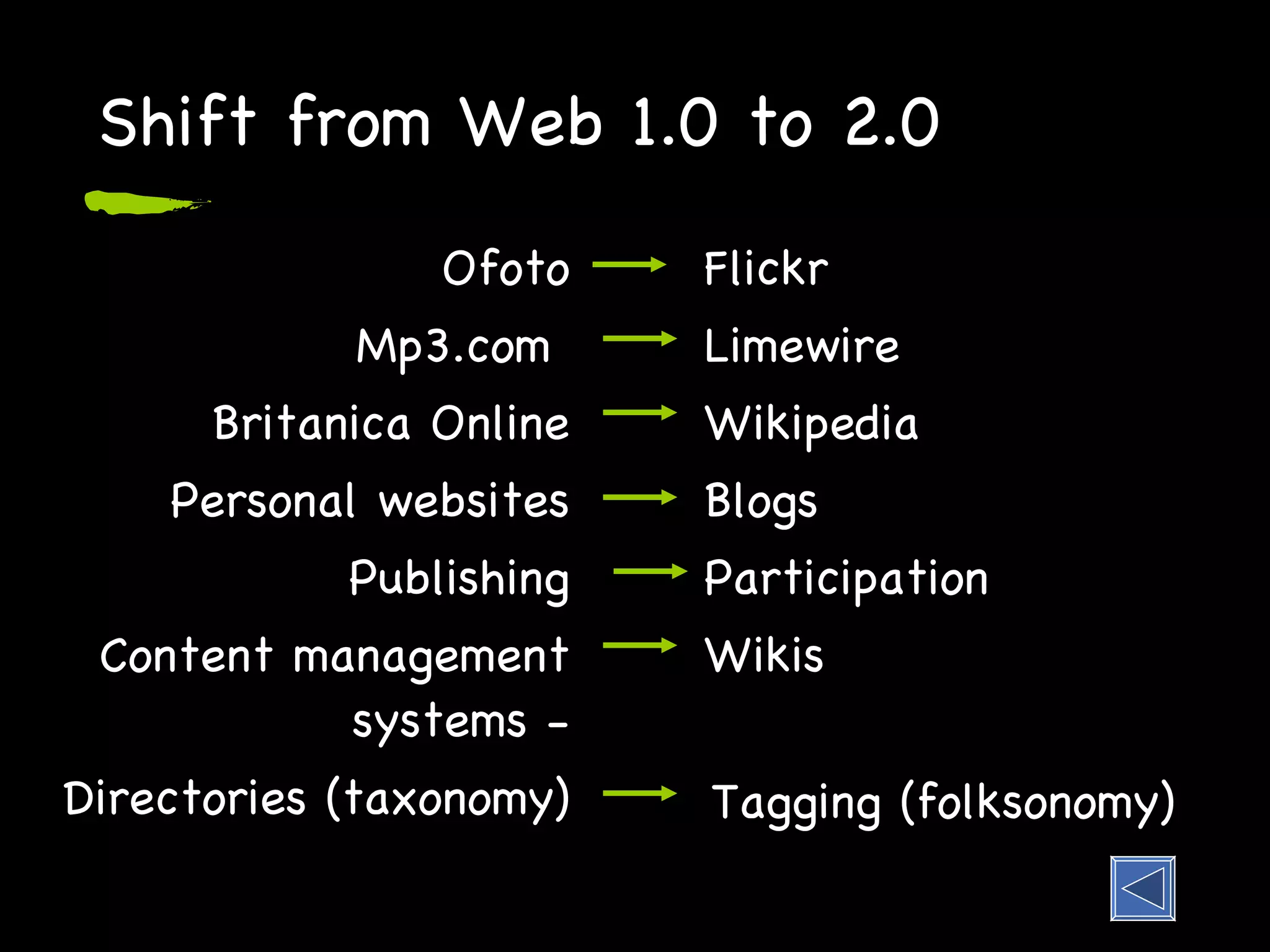
Shift from Web 1.0 to 2.0 Ofoto Mp3.com  Britanica Online Personal websites Publishing Content management systems - Directories (taxonomy) Flickr Limewire Wikipedia Blogs Participation Wikis Tagging (folksonomy)
Professional Development
Professional Development Summer Training Professional Development Program  Inservice courses Curriculum writing Masters Program with LIU  Online courses District website The district is committed to providing ongoing professional development for all members of our learning community.
21st Century Skills Digital-Age Literacy Inventive Thinking Effective Communication High Productivity See enGauge  http://www. ncrel . org/engauge/skills/skills . htm
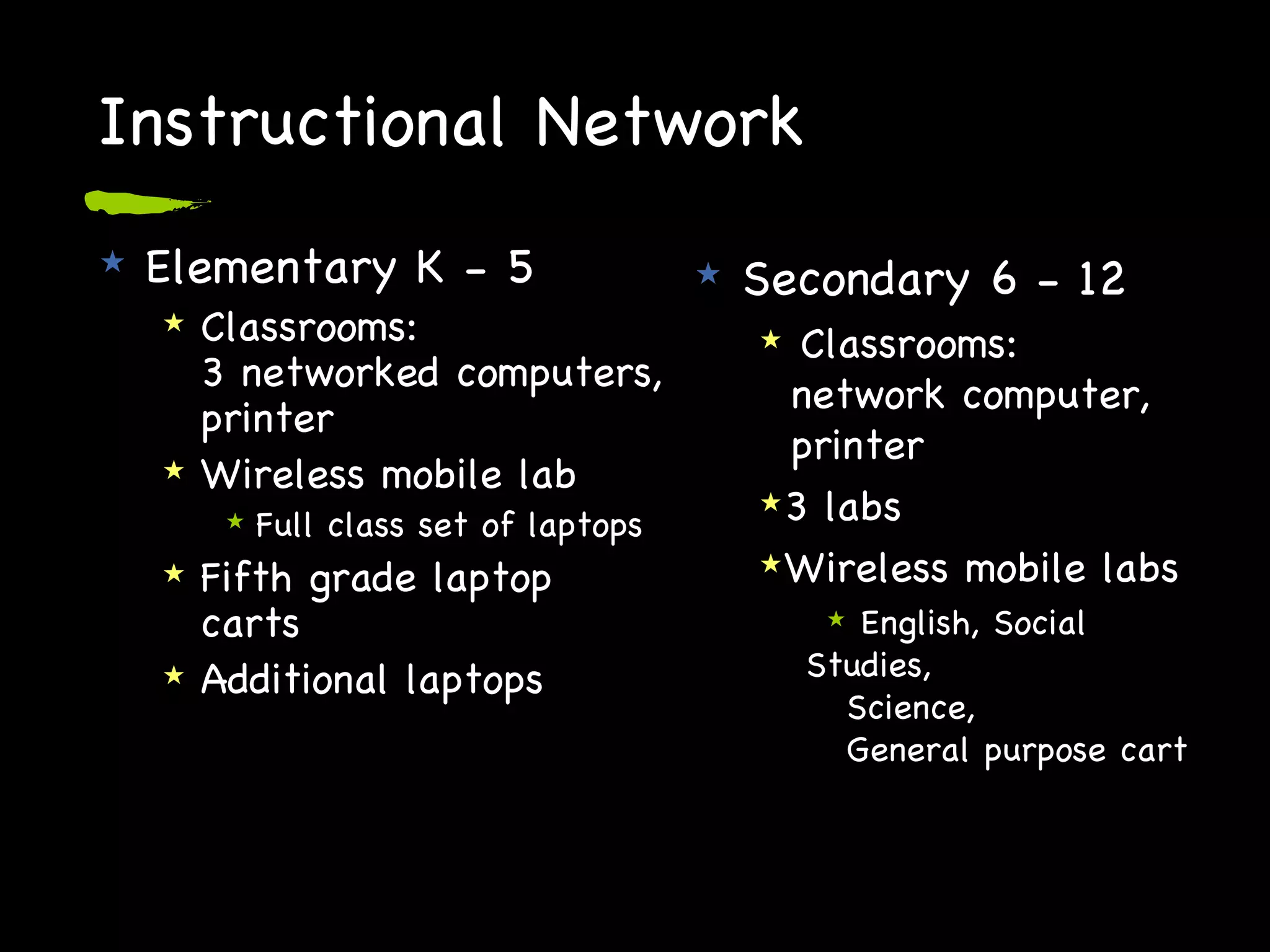
Instructional Network Elementary K - 5 Classrooms: 3 networked computers, printer Wireless mobile lab Full class set of laptops Fifth grade laptop carts Additional laptops Secondary 6 - 12 Classrooms:   network computer,   printer 3 labs Wireless mobile labs English, Social Studies,    Science,    General purpose cart
Instructional Network Libraries K - 12 Research Card catalog Circulation 7 - 10 networked computers and printer  Users Students Teachers
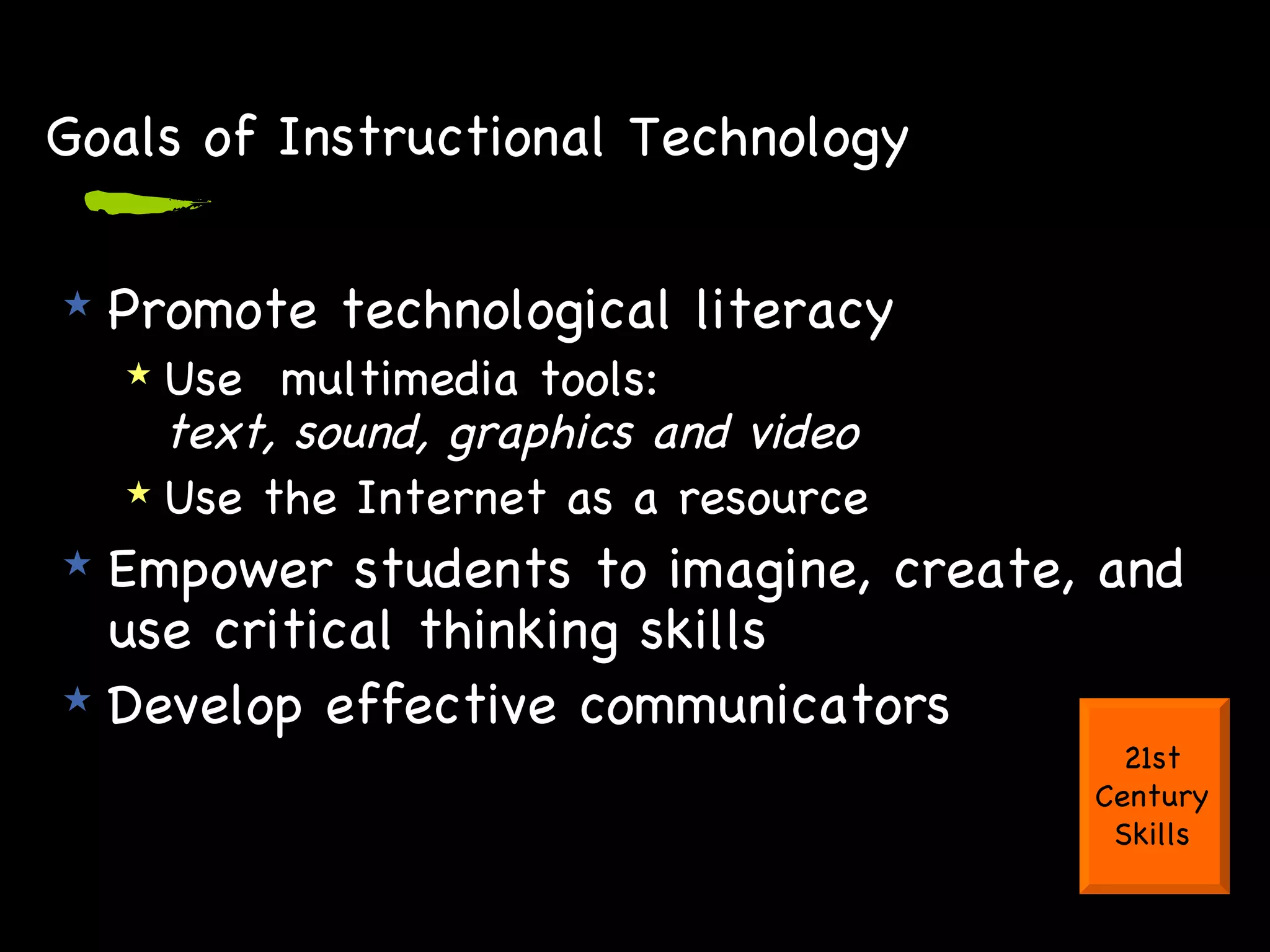
Goals of Instructional Technology Promote technological literacy Use  multimedia tools:  text, sound, graphics and video Use the Internet as a resource Empower students to imagine, create, and use critical thinking skills  Develop effective communicators 21st Century Skills
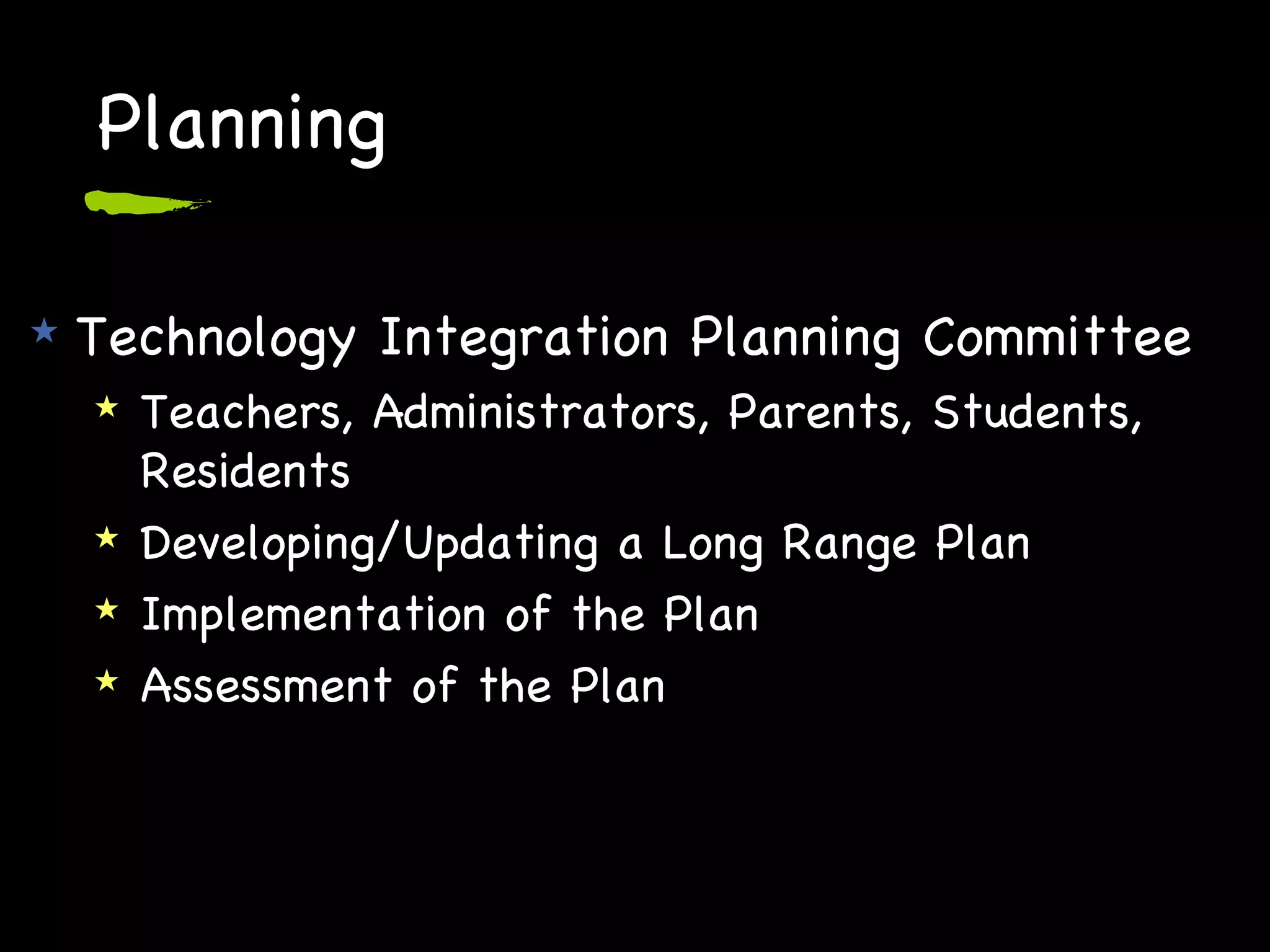
Planning Technology Integration Planning Committee Teachers, Administrators, Parents, Students, Residents Developing/Updating a Long Range Plan Implementation of the Plan Assessment of the Plan
Planning Central Office Technology Team Administrative and Instructional Tech staff, Assistant Superintendent Bi-monthly meetings Status of hardware, software and use Technology Liaisons Tech savvy teacher from each school Monthly meetings
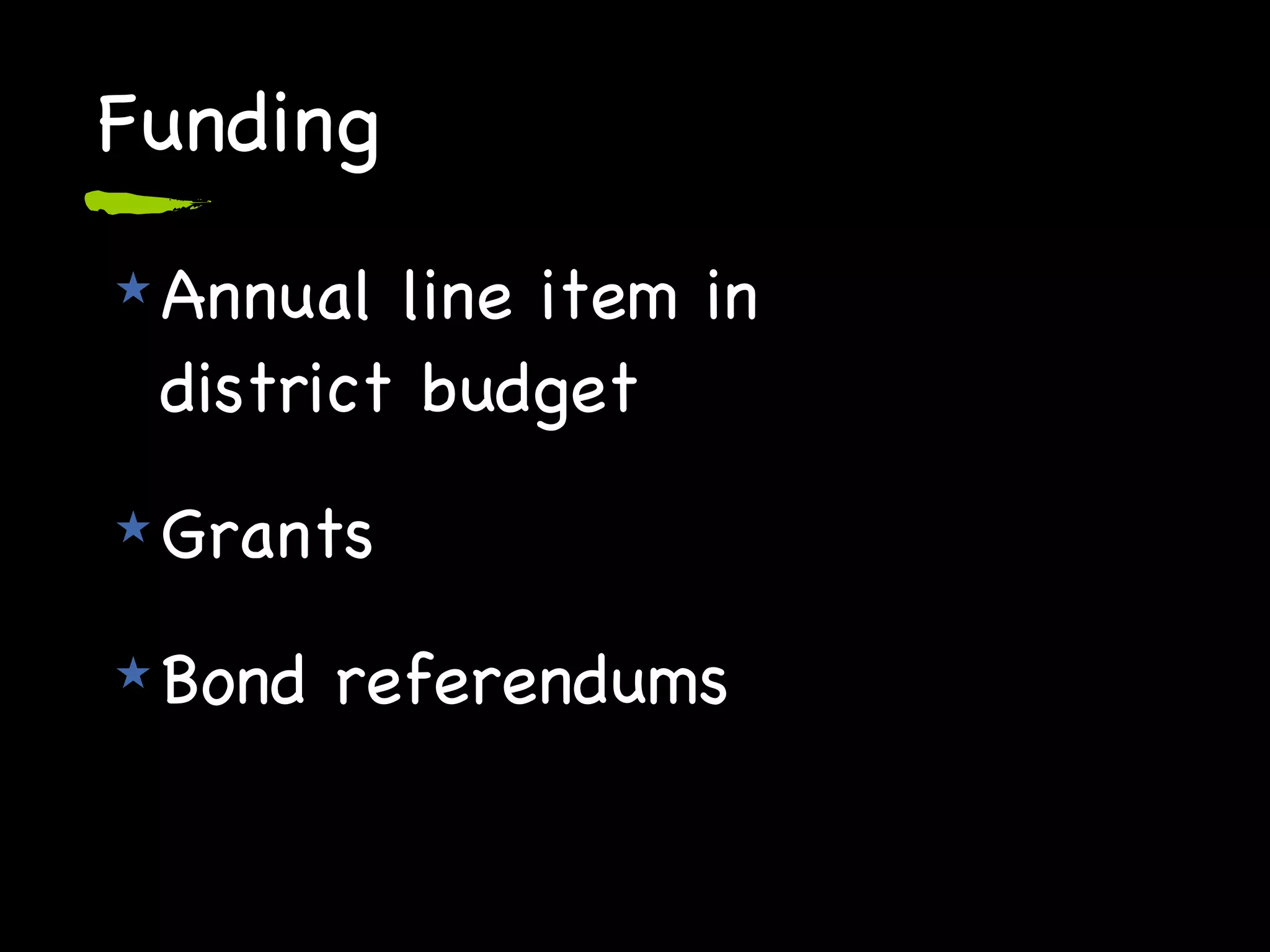
Funding Annual line item in  district budget Grants Bond referendums
District Website

Trends in K-12 Educational Technology

  • 1.
    Trends In K-12Educational Technology: It's STILL About Teaching and Learning! March 12, 2007
  • 2.
    How are educatorsmeeting the challenges of addressing student needs and increasing student achievement while incorporating 21st century skills and tools into the educational process? How can educators use new technologies to inform their instruction?
  • 3.
    Our day Technologyimplications on teaching and learning Teacher/Administrator uses of technology Personal tool Instructional tool Student uses of technology Personal tool Constructivist tool
  • 4.
    How is technologyused in K-12?
  • 5.
  • 6.
    Digital Natives - today’s students "native speakers" of the digital language of computers, video games and the Internet think and process information fundamentally differently from their predecessors
  • 7.
    Digital Immigrants - us! adapt to their environment always retain, to some degree, an "accent," a foot in the past
  • 8.
    Digital Natives “are comfortable with using digital tools to accelerate ways of experiencing knowledge.” Digital Immigrants “ are programmed to experience knowledge in slow, sequential, and long-shelf-life ways.”
  • 9.
    Pew report -Digital Disconnect Disconnect between how students use the Internet at home and at school http://www.pewinternet.org/report_display.asp?r=67
  • 10.
    Digital Disconnect StudySavvy students who rely on Internet for their work Complete more work Less confused More up to date work Better multitasking Allow deep self guided learning about specific interests
  • 11.
    How students perceivethe net Virtual textbook Virtual tutor Virtual study group Virtual guidance counselor Virtual locker, backpack, notebook Pew Study-2002
  • 12.
    How students perceivethe net Virtual meeting place Location to share user created content
  • 13.
    Digital native skill set (hopefully!) Find information Determine relevance Verify accuracy Create new knowledge Share and communicate
  • 14.
    Digital native skill set (reality!) Share personal information Accept what they read Little if any verification Create content “ Borrow” content Share and communicate using text, audio, still pictures, video
  • 15.
    Technology adds valueto learning by providing: Real world contexts for learning Connections to outside experts Visualization and analysis tools Scaffolds for problem solving Opportunities for feedback, reflection, and revision John Bransford, How People Learn
  • 16.
    Why access totechnology is important 21st century skills ( enGuage ) Digital literacy Inventive Thinking Effective Communication High Productivity Increased motivation and creativity Differentiation of instruction
  • 17.
    Historical perspective ofinstructional computing Evolution of computers in schools How many computers in a classroom is the right number? Pros and cons of labs Mobile era Laptops and PDA’s
  • 18.
    Mobile carts Allowtechnology at the point of instruction Widely used Efficient use of building space (no dedicated computer lab room) Allow for flexibility and collaboration Some short comings Time to move cart, logon Decrease of time on task in best scenario Recharging batteries No ownership
  • 19.
    One-to-one computing Laptoptruly a personal tool Extends learning beyond the school day Students take control of their learning Greater time on task Same tools available at home and at school Levels the playing field
  • 20.
    Technology in HHH (and many K-12 schools) WAN connecting: 7 Elementary Schools 2 Middle Schools 2 High Schools Central Office, Transportation Building Administrative Network Instructional Network
  • 21.
    Users of AdministrativeNetwork CO administrators Principals Assistant Principals Directors/Supervisors Deans Psychologists Nurses Guidance Counselors Clerical support staff
  • 22.
    Instructional Network Classroomcomputers Wired labs Mobile labs Libraries Printers Scanners Digital cameras USB microscopes Document cameras Electronic whiteboards Servers Data Media-podcasting eBoard Web server-Finalsite
  • 23.
    Data Management -Applications SIS: Infinite Campus Financial: Finance Manager Purchase Orders, Payroll, Personnel records Lunch: QSP (http://qsppos.com/) Transportation: EduLog (http://www.edulog.com/) Library Card Catalog and Circulation: Follett Special Education: IEP Plus Professional Development
  • 24.
    Infinite Campus (Student Info System) Teachers Daily attendance, interim reports, quarterly grades, gradebook Administrators Access to student info, discipline reports, data analysis Parents - info on all their children Attendance, class grades, standardized test grades Secondary Students Attendance, class grades, standardized test grades
  • 25.
    Communications Applications DistrictWebsite Automated phone notification service, Connect-Ed Email notification system
  • 26.
    Website as communicationInformation about the district and programs Student work Communications from the Superintendent and Board of Education Information regarding school closings and delayed openings Other timely announcements
  • 27.
    Challenges Maintaining theinfrastructure Speed Equipment Support Access to information 24/7 Providing for the needs of all Professional Development Security
  • 28.
  • 29.
    Tool Software (Lessis more!) Web browser: Firefox , Internet Explorer Concept Mapping: Inspiration Works/Productivity: AppleWorks, Microsoft Office Image Editing: Photoshop Elements Multimedia Authoring: iPhoto, iMovie, Audacity, Media Blender
  • 30.
    Subscription Services UnitedStreaming AP Photo Archives Net Trekker Teaching Books Brain-Pop Turn-It-In Galenet
  • 31.
    Instructional Uses eBoardshttp://www. halfhollowhills .k12. ny .us/page. cfm ?p=1866 HS Soc Stud Podcasts http://media. halfhollowhills .k12. ny .us Foreign Lang. Vocab Movies Long Way Year in Review
  • 32.
    Who we areCorinne Carriero Director of Instructional Technology [email_address] Ellen Robertson Coordinator of Instructional Technology [email_address]
  • 33.
    Questions ?? Thoughts?? Observations ?? Comments ??
  • 34.
    Resources Mark PrenskyPew Digital Disconnect http://www.pewinternet.org/report_display.asp?r=67
  • 35.
    Web 2.0 Characterizedby a shift from “read only” to “read/write” No longer a need to know geeky html, FTP, server side language With XML content, RSS and Atom feeds, we have gone from geek to sleek Anyone can be a publisher on the web with these technologies You can “drive” without needing to know what is “under the hood”
  • 36.
    Web 2.0 Shiftfrom static content to ability to remix and re-publish microcontent according to individual needs These new tools are profoundly social Web is evolving into an area of social and idea networking: Negotiating connections Exchanging content Creating something new--ideas are saved, summarized, copied, quoted and constructed into new knowledge
  • 37.
    Shift from Web1.0 to 2.0 Ofoto Mp3.com Britanica Online Personal websites Publishing Content management systems - Directories (taxonomy) Flickr Limewire Wikipedia Blogs Participation Wikis Tagging (folksonomy)
  • 38.
  • 39.
    Professional Development SummerTraining Professional Development Program Inservice courses Curriculum writing Masters Program with LIU Online courses District website The district is committed to providing ongoing professional development for all members of our learning community.
  • 40.
    21st Century SkillsDigital-Age Literacy Inventive Thinking Effective Communication High Productivity See enGauge http://www. ncrel . org/engauge/skills/skills . htm
  • 41.
    Instructional Network ElementaryK - 5 Classrooms: 3 networked computers, printer Wireless mobile lab Full class set of laptops Fifth grade laptop carts Additional laptops Secondary 6 - 12 Classrooms: network computer, printer 3 labs Wireless mobile labs English, Social Studies, Science, General purpose cart
  • 42.
    Instructional Network LibrariesK - 12 Research Card catalog Circulation 7 - 10 networked computers and printer Users Students Teachers
  • 43.
    Goals of InstructionalTechnology Promote technological literacy Use multimedia tools: text, sound, graphics and video Use the Internet as a resource Empower students to imagine, create, and use critical thinking skills Develop effective communicators 21st Century Skills
  • 44.
    Planning Technology IntegrationPlanning Committee Teachers, Administrators, Parents, Students, Residents Developing/Updating a Long Range Plan Implementation of the Plan Assessment of the Plan
  • 45.
    Planning Central OfficeTechnology Team Administrative and Instructional Tech staff, Assistant Superintendent Bi-monthly meetings Status of hardware, software and use Technology Liaisons Tech savvy teacher from each school Monthly meetings
  • 46.
    Funding Annual lineitem in district budget Grants Bond referendums
  • 47.