ENHANCING	CREATIVITY	
AND	OPENING	UP	
LEARNING	THROUGH	
VIRTUAL	MOBILITIES
Dr.	Diana	Andone
Politehnica	University	of	Timisoara,	Romania
Mark	Frydenberg
Bentley	University,	MA,	USA
http://www.slideshare.net/diando70/ @diando70
EDEN	2016
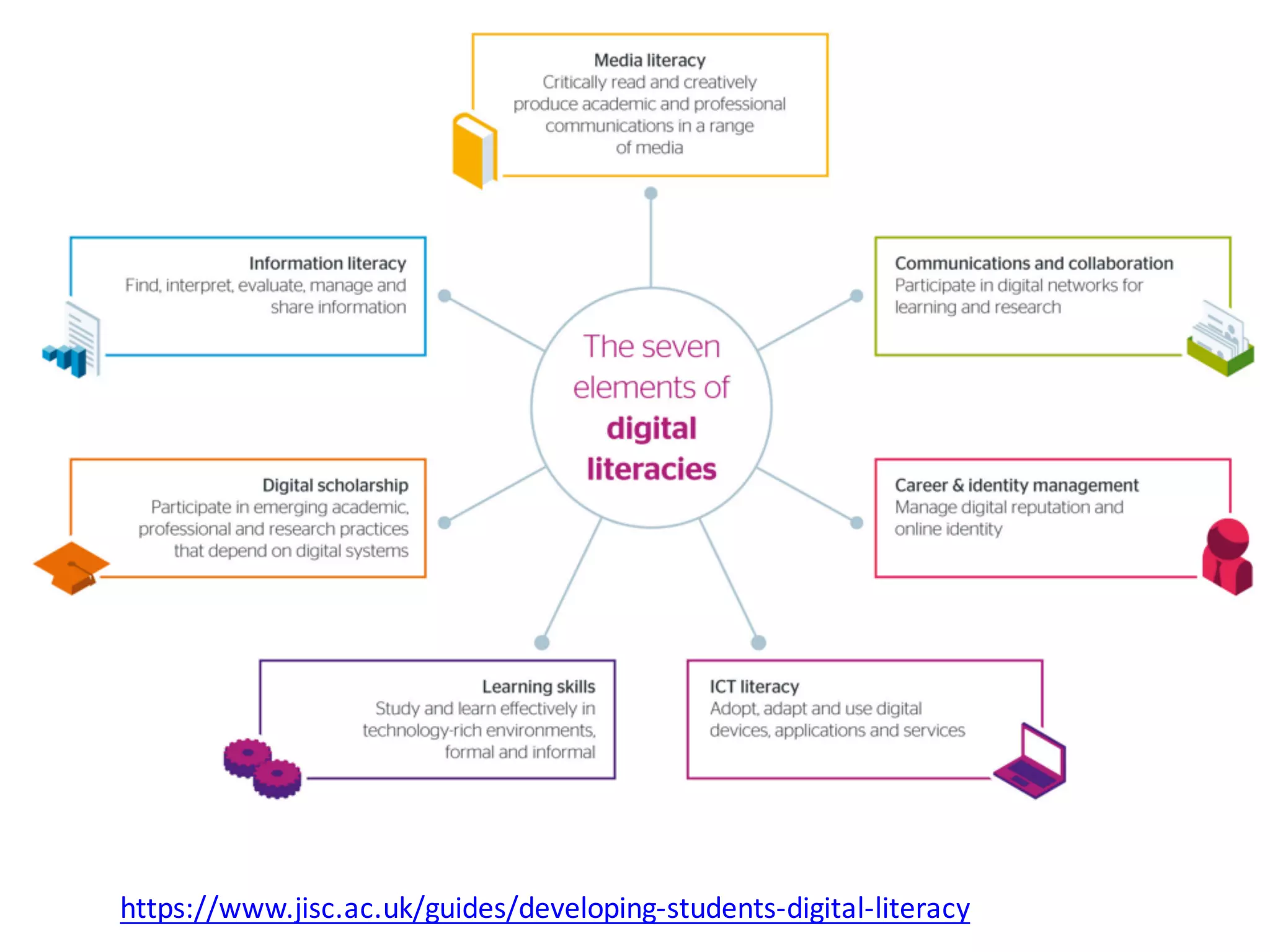
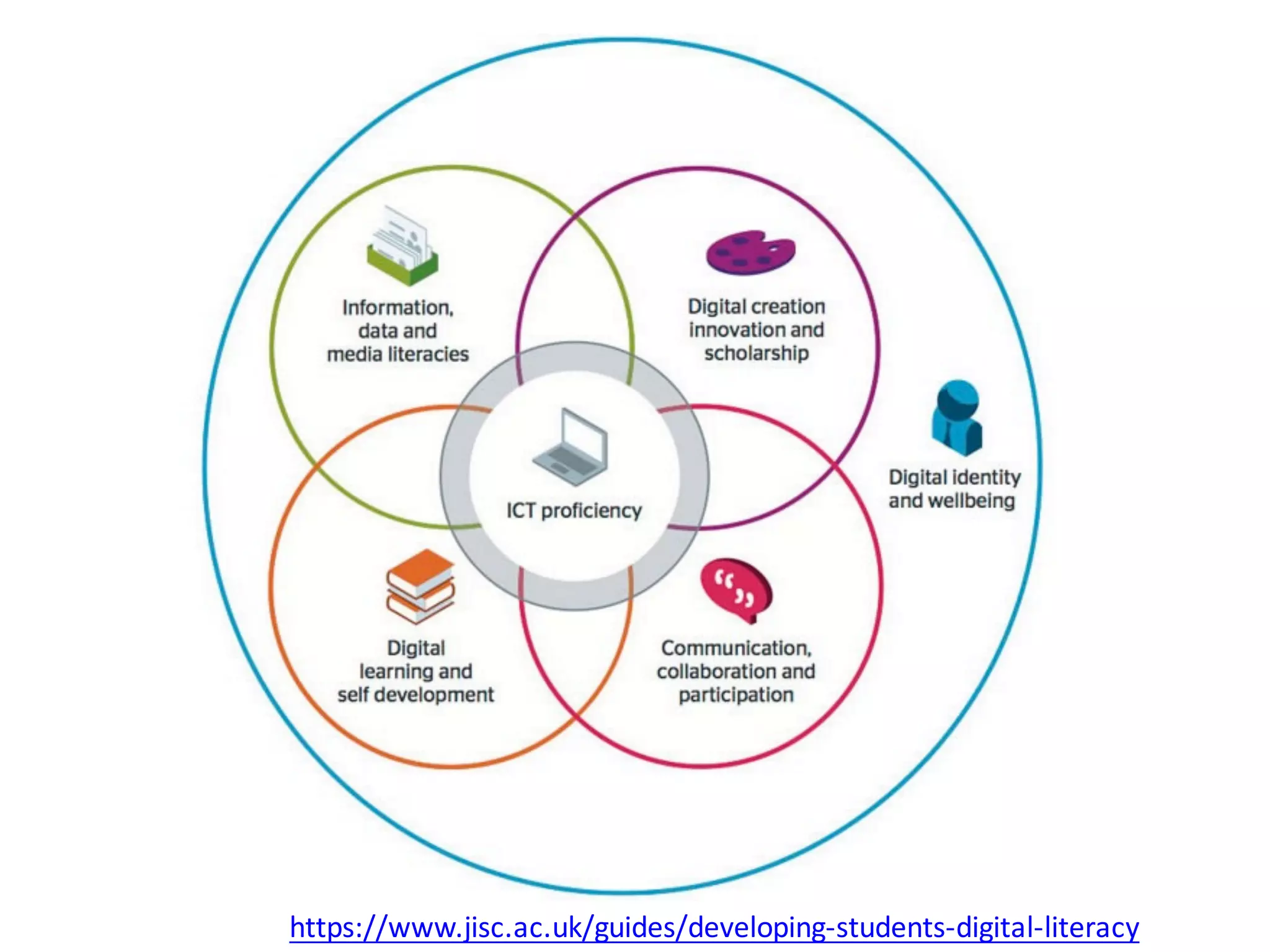
https://www.jisc.ac.uk/guides/developing-students-digital-literacy
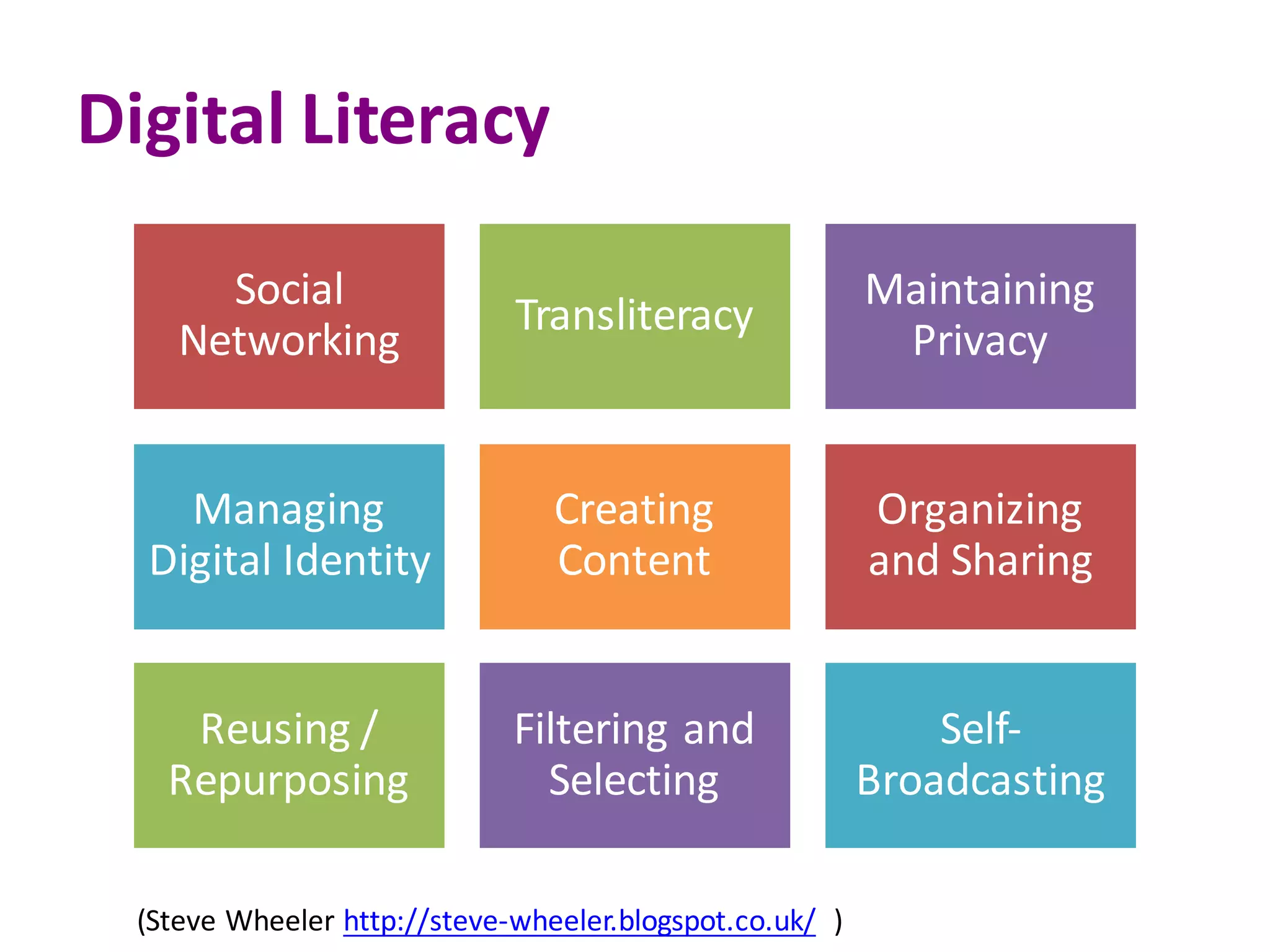
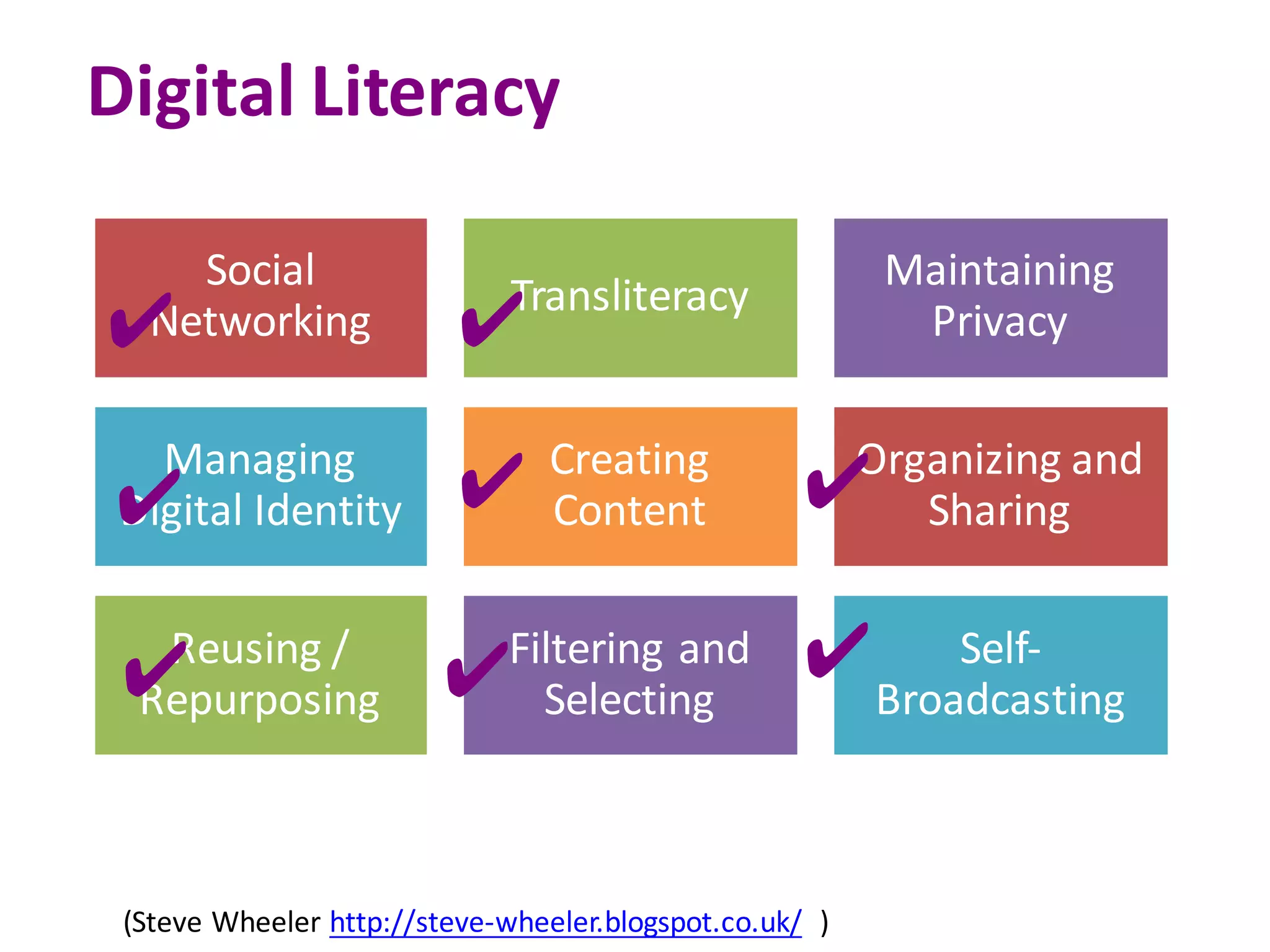
Digital	Literacy
Social	
Networking
Transliteracy
Maintaining	
Privacy
Managing	
Digital	Identity
Creating	
Content
Organizing	
and	Sharing	
Reusing	/	
Repurposing	
Filtering	and	
Selecting	
Self-
Broadcasting
(Steve	Wheeler http://steve-wheeler.blogspot.co.uk/ )
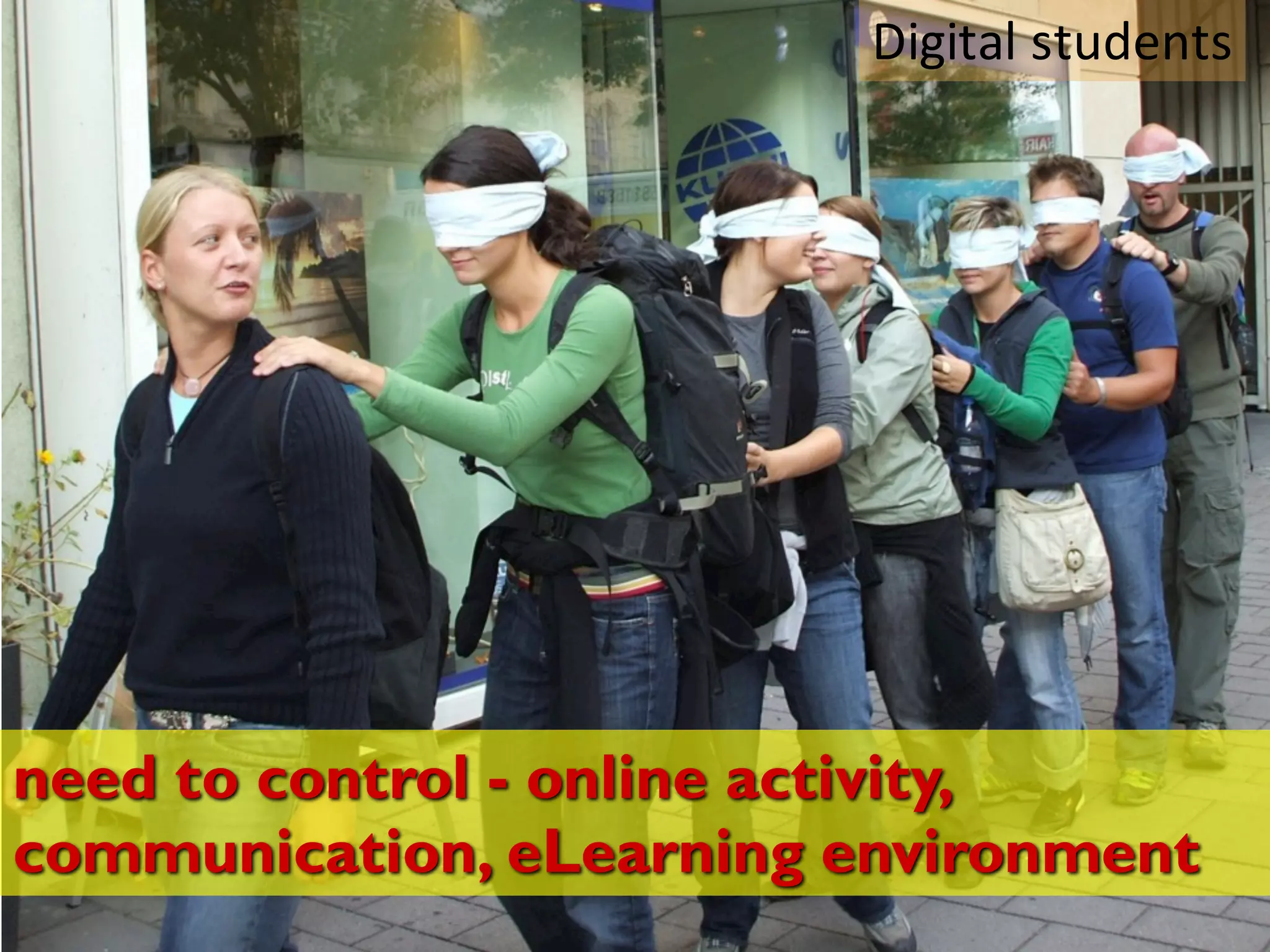
need to control - online activity,
communication, eLearning environment
Digital	students
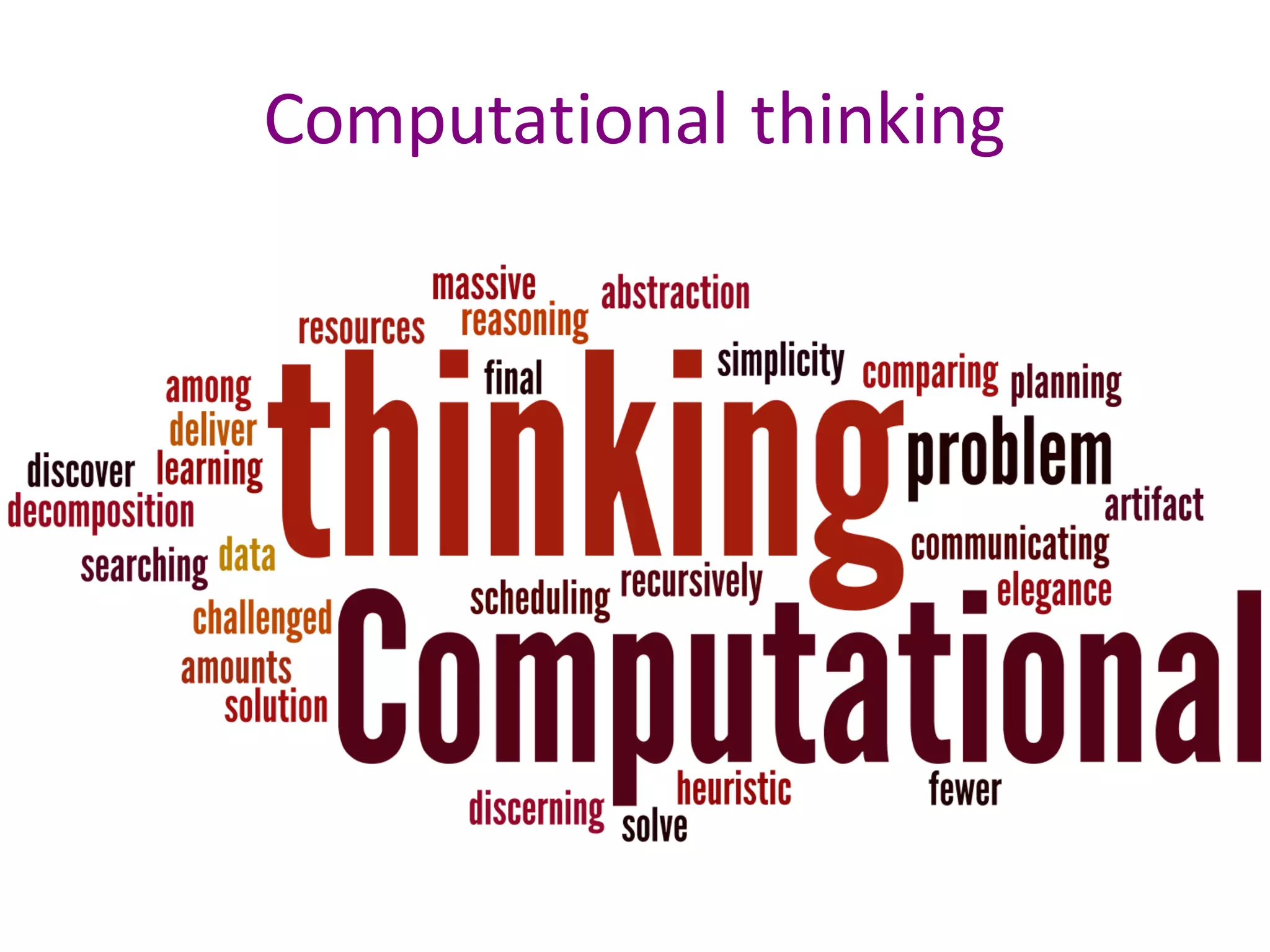
Computational	thinking
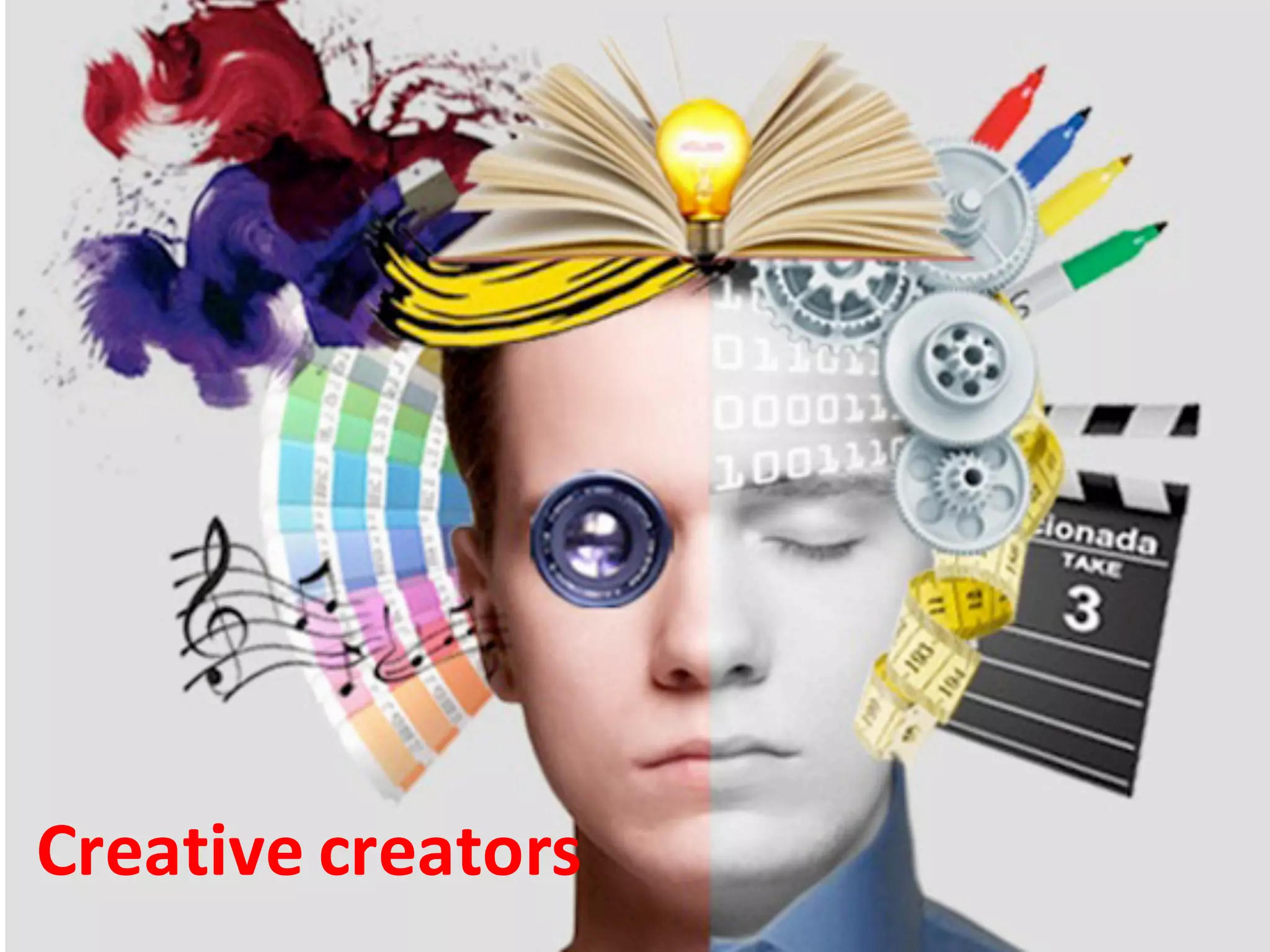
Creative	creators
Today students willlearn independent and
digital alltheir life
OPEN life long learning STUDENT
21st century skills
Are	they	ready	to		identify,	access,	learn,	analyse,	apply,	practice	new	knowledge	
across	different	media,	information,	communication,	tools	as	to	enhance	their	
skills	and	develop	their	careers?
DEFY THE TRADITIONAL
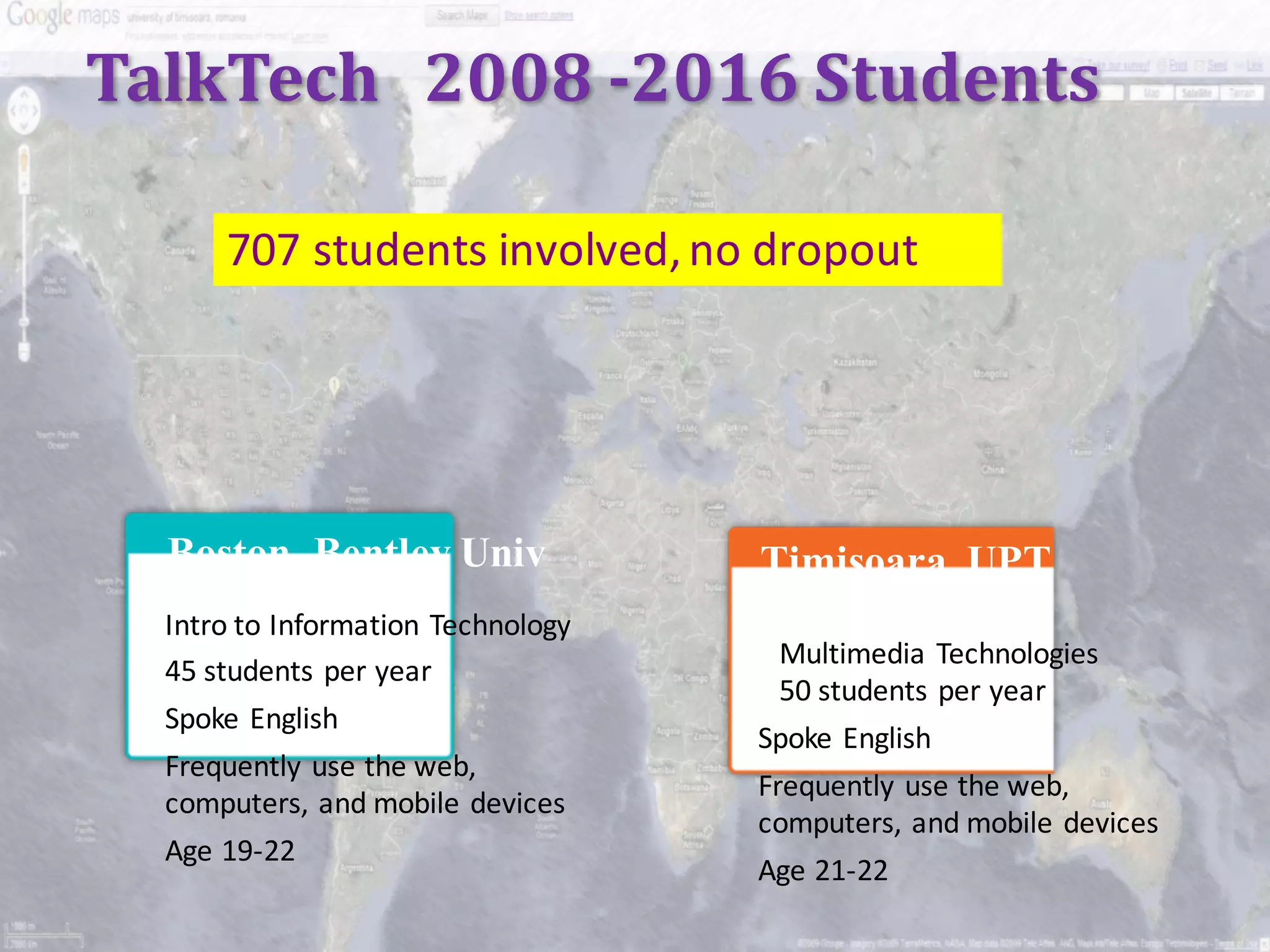
TalkTech 2008	-2016	Students
707	students	involved,	no	dropout
Boston, Bentley Univ
Intro to	Information	Technology
45	students per	year
Spoke	English
Frequently	use	the	web,	
computers,	and	mobile	devices
Age	19-22
Timisoara, UPT
Multimedia Technologies	
50	students	per	year
Spoke	English
Frequently	use	the	web,	
computers,	and	mobile	devices	
Age	21-22
Project	Goals
Work	with	students	from	another	country	to	
research	a	technology	topic	and	present	those	
results	using	collaborative	multimedia	tools
Identify	and	use	both	synchronous	and	
asynchronous	tools	to	communicate	with	
international	partners
Produce a	tangible	work	product	within	a	
designated	period	of	time
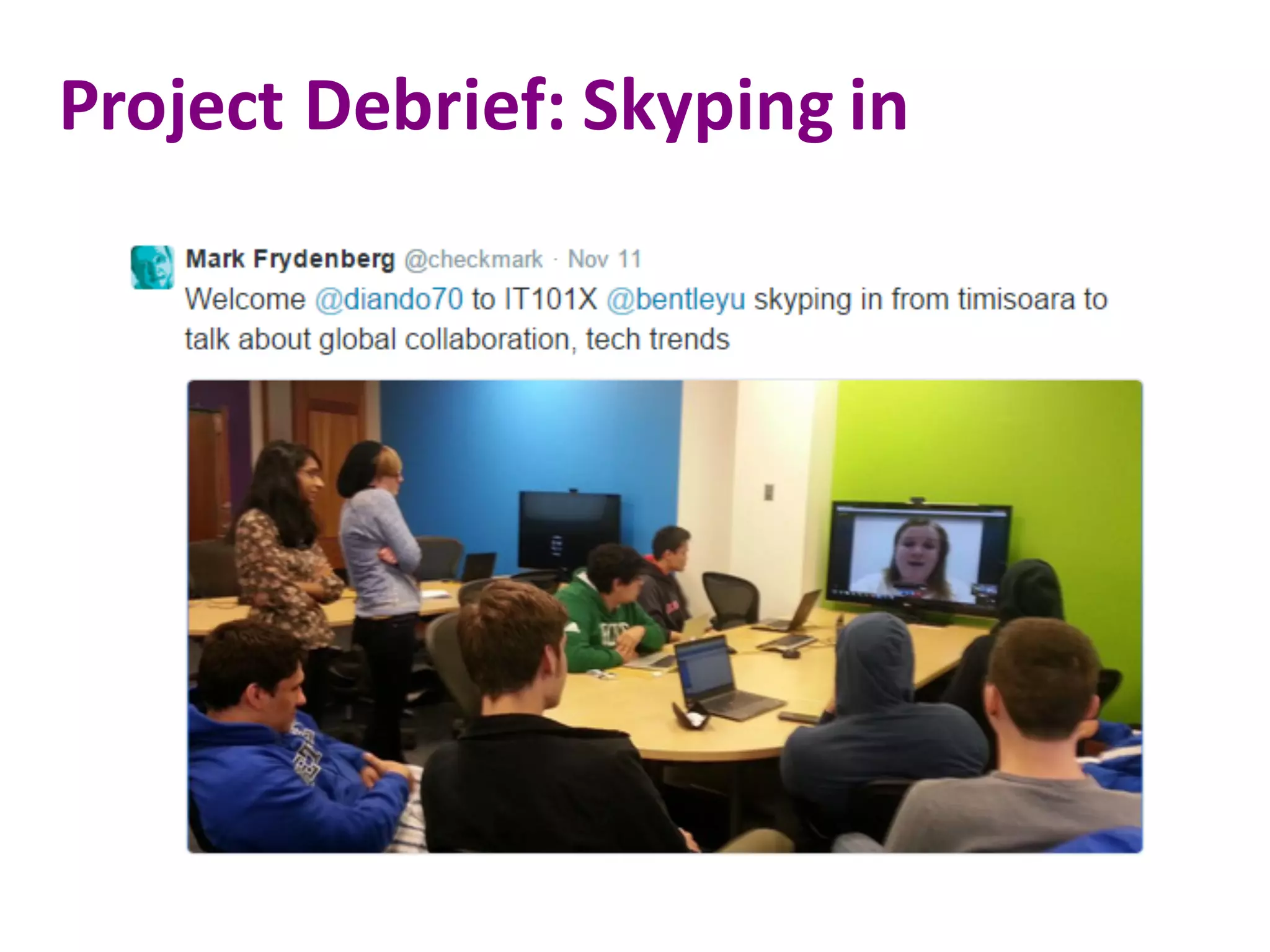
Project	Debrief:	Skyping	in
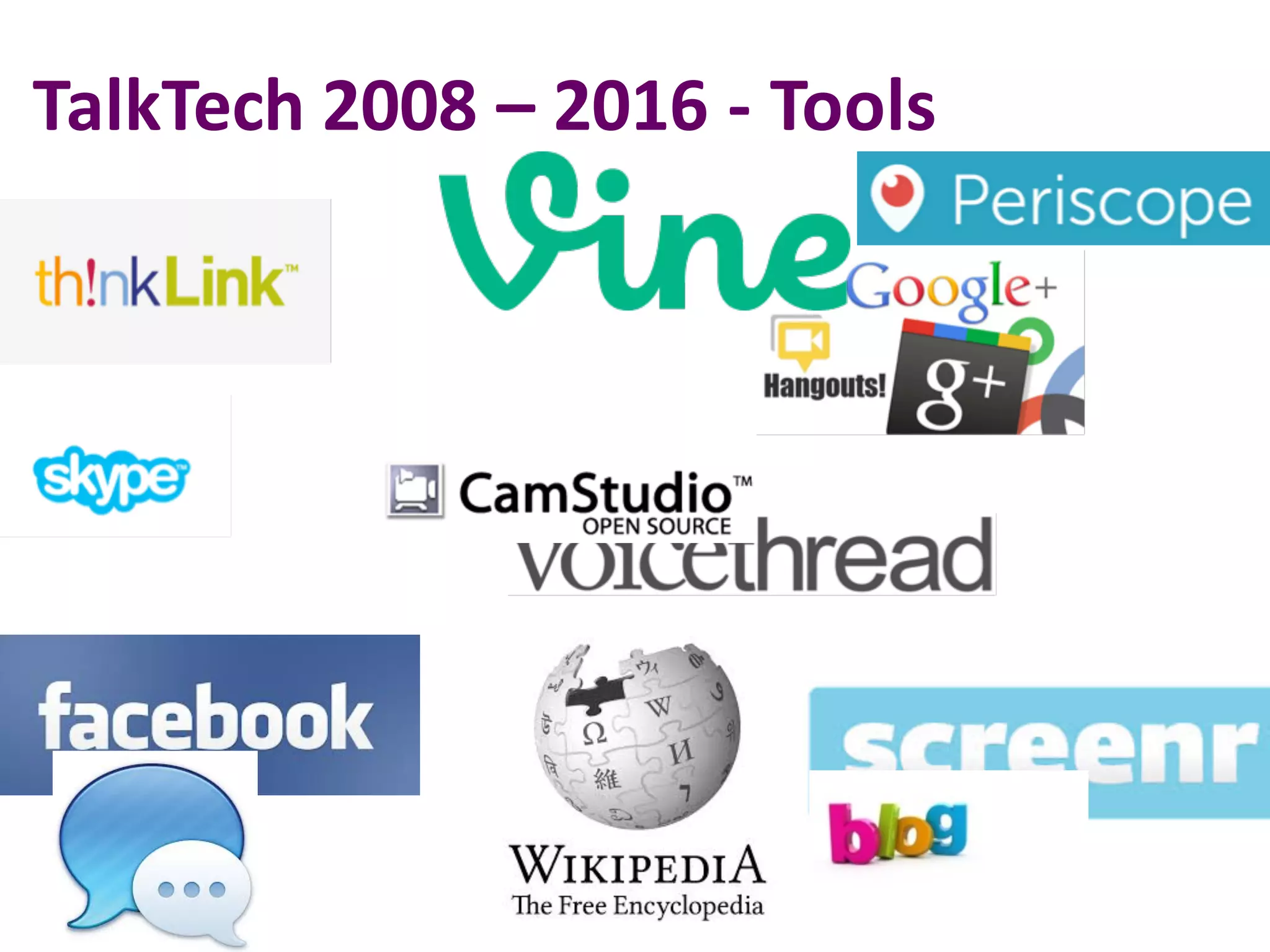
TalkTech 2008	– 2016	- Tools
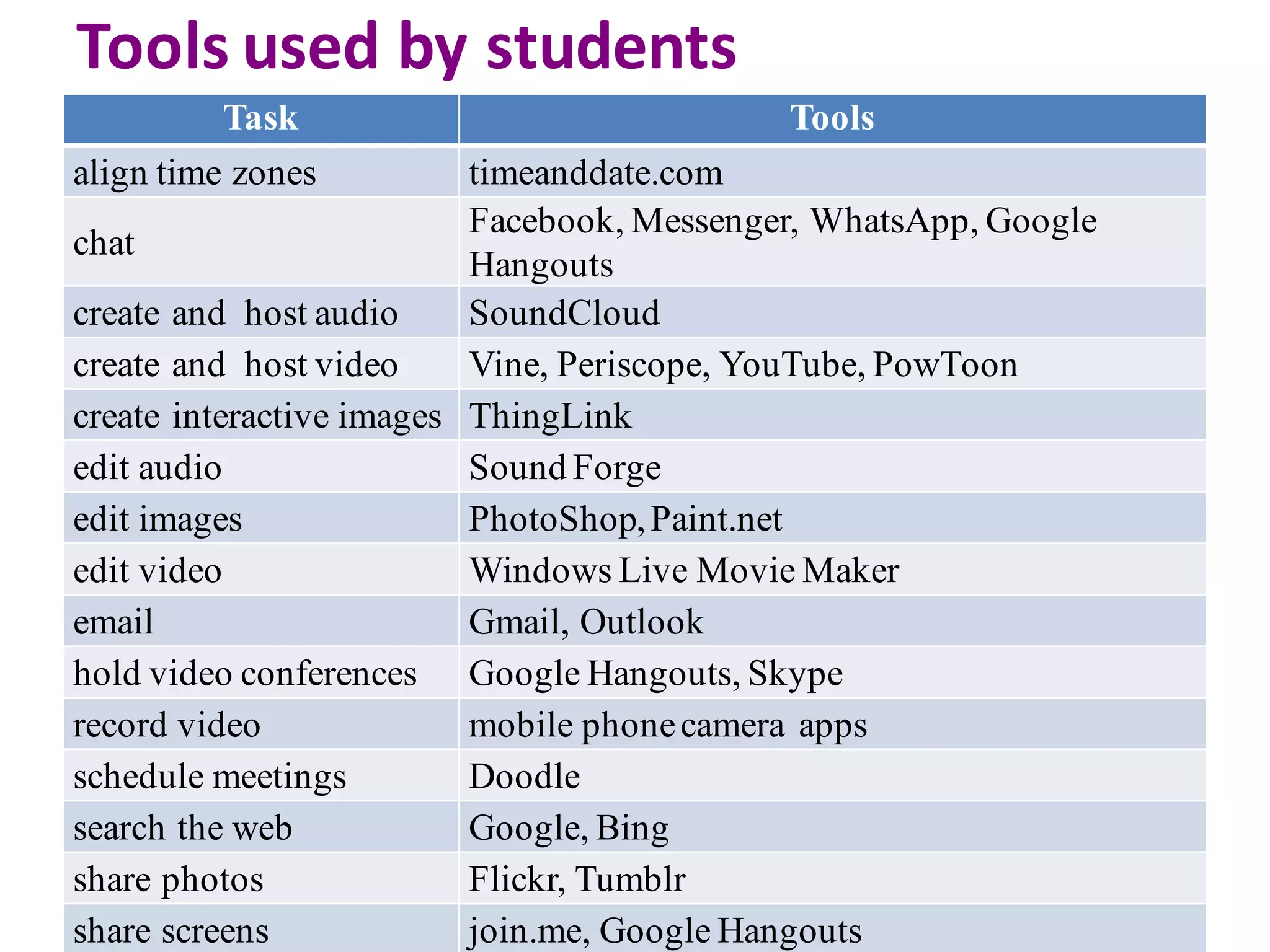
Tools	used	by	students
Task Tools
align time zones timeanddate.com
chat
Facebook, Messenger, WhatsApp, Google
Hangouts
create and host audio SoundCloud
create and host video Vine, Periscope, YouTube, PowToon
create interactive images ThingLink
edit audio Sound Forge
edit images PhotoShop,Paint.net
edit video Windows Live Movie Maker
email Gmail, Outlook
hold video conferences Google Hangouts, Skype
record video mobile phonecamera apps
schedule meetings Doodle
search the web Google, Bing
share photos Flickr, Tumblr
share screens join.me, Google Hangouts
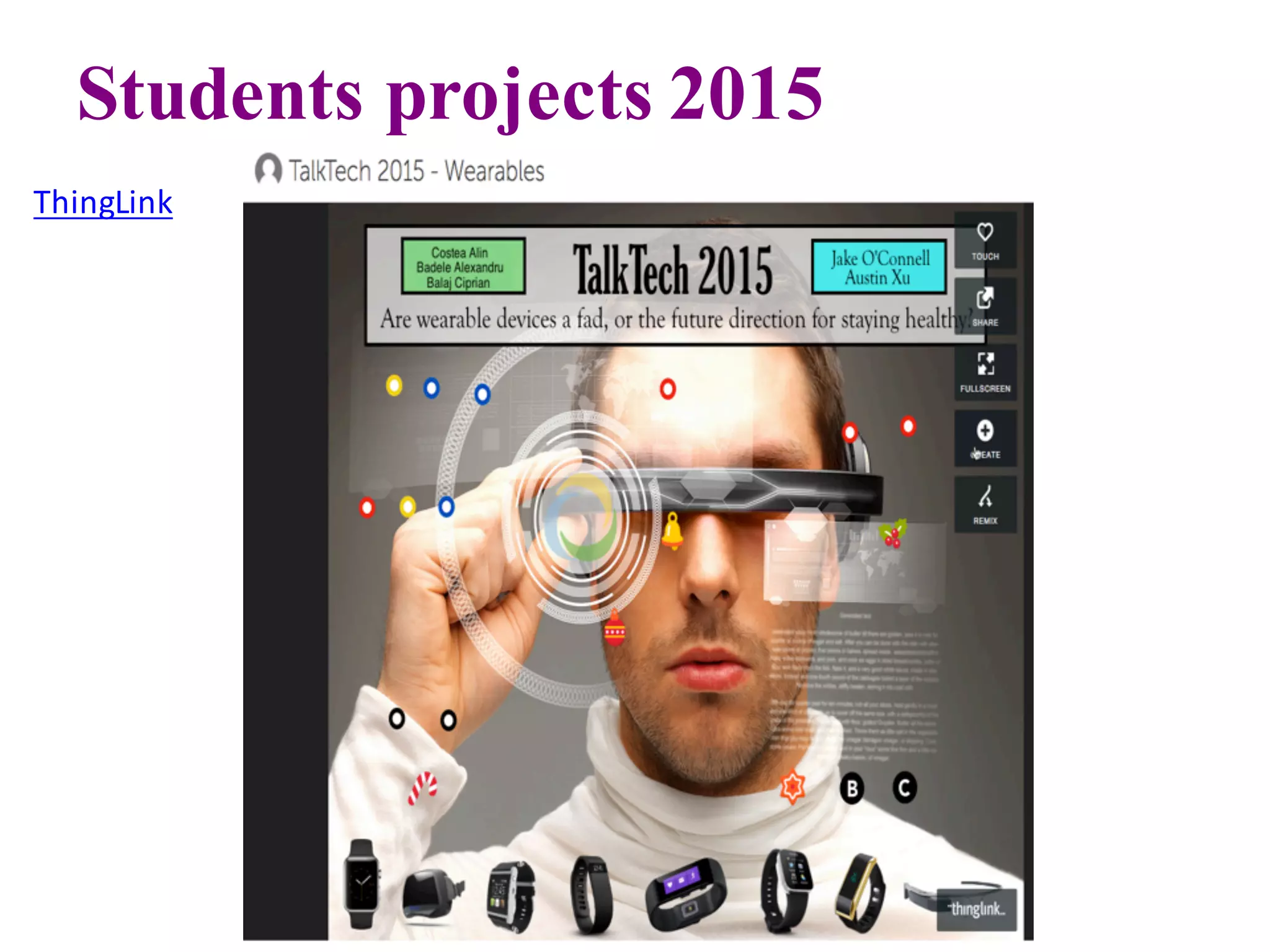
Students projects 2015
ThingLink
ThingLink
TalkTech 2015	Students
TalkTech 2016
Vine
exemplu
Messaging	App
TalkTech 2016
Vine
exemplu
Internet	of	
Things
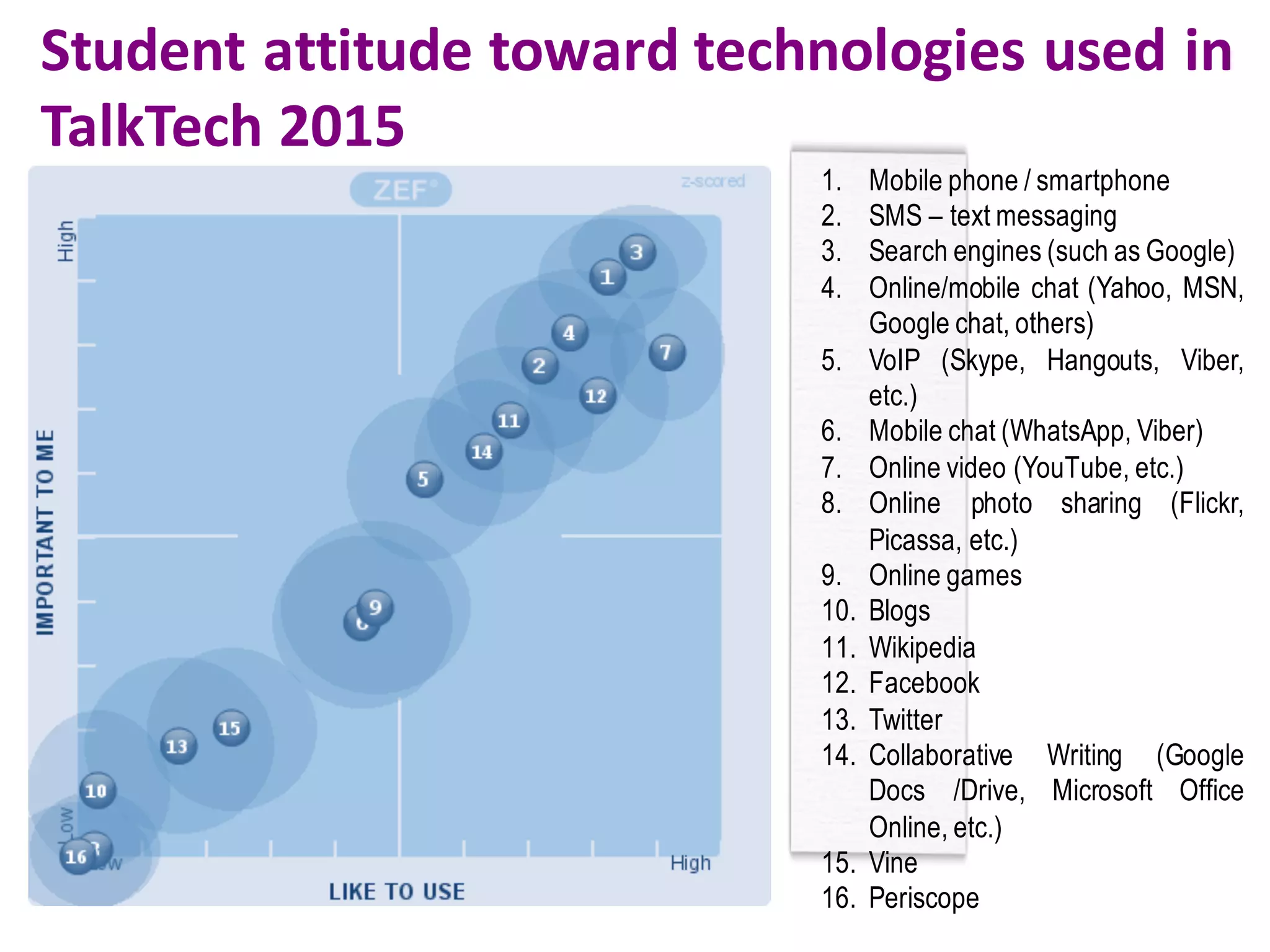
Student	attitude	toward	technologies	used	in	
TalkTech 2015
1. Mobile phone / smartphone
2. SMS – text messaging
3. Search engines (such as Google)
4. Online/mobile chat (Yahoo, MSN,
Google chat, others)
5. VoIP (Skype, Hangouts, Viber,
etc.)
6. Mobile chat (WhatsApp, Viber)
7. Online video (YouTube, etc.)
8. Online photo sharing (Flickr,
Picassa, etc.)
9. Online games
10. Blogs
11. Wikipedia
12. Facebook
13. Twitter
14. Collaborative Writing (Google
Docs /Drive, Microsoft Office
Online, etc.)
15. Vine
16. Periscope
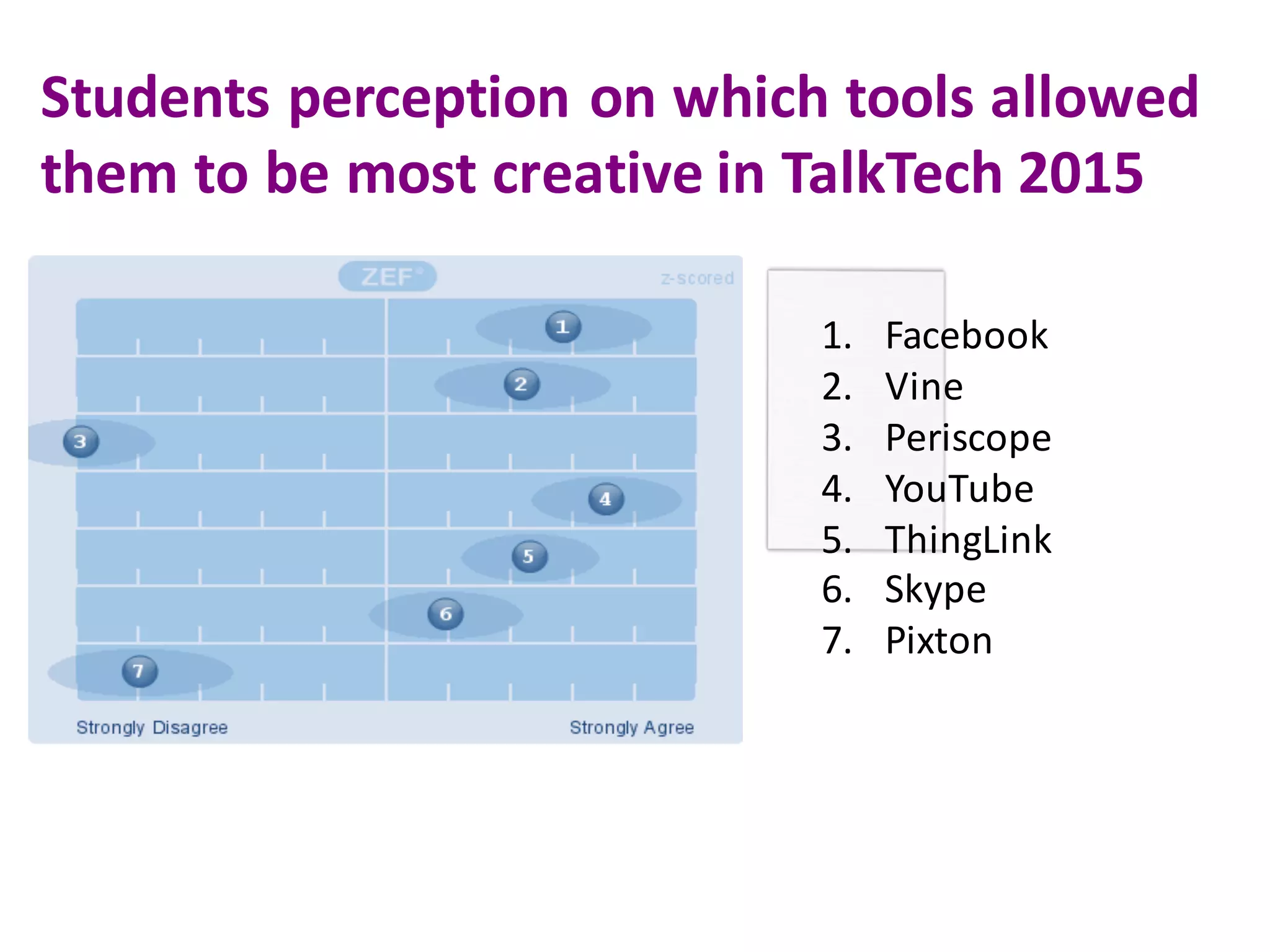
Students	perception	on	which	tools	allowed	
them	to	be	most	creative in	TalkTech 2015
1. Facebook
2. Vine
3. Periscope
4. YouTube
5. ThingLink
6. Skype
7. Pixton
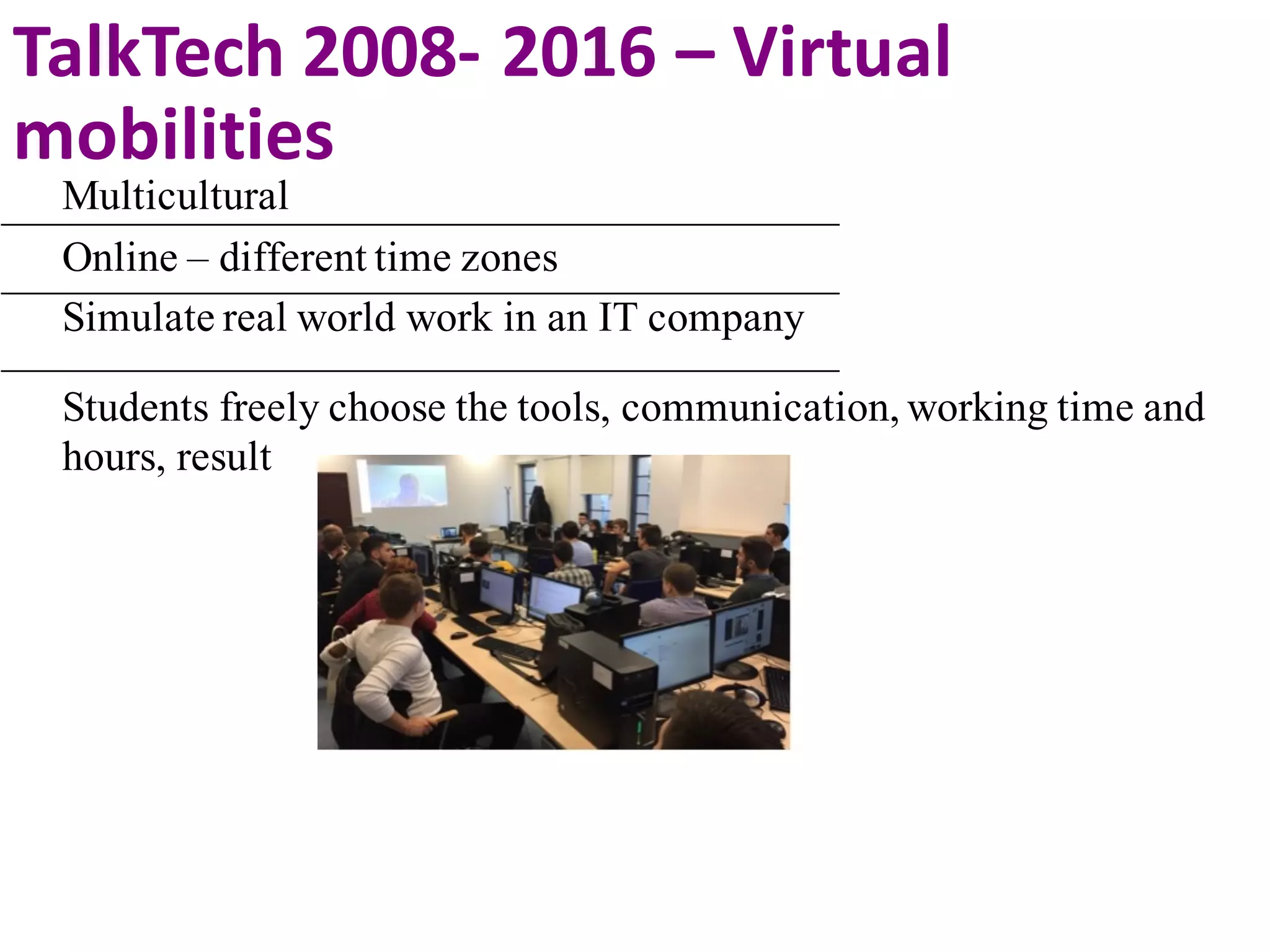
Multicultural
Online – different time zones
Simulate real world work in an IT company
Students freely choose the tools, communication, working time and
hours, result
TalkTech 2008- 2016	– Virtual	
mobilities
Digital	Literacy
Social	
Networking
Transliteracy
Maintaining	
Privacy
Managing	
Digital	Identity
Creating	
Content
Organizing	and	
Sharing	
Reusing	/	
Repurposing	
Filtering	and	
Selecting	
Self-
Broadcasting
(Steve	Wheeler http://steve-wheeler.blogspot.co.uk/ )
✔
✔✔
✔ ✔ ✔
✔
✔
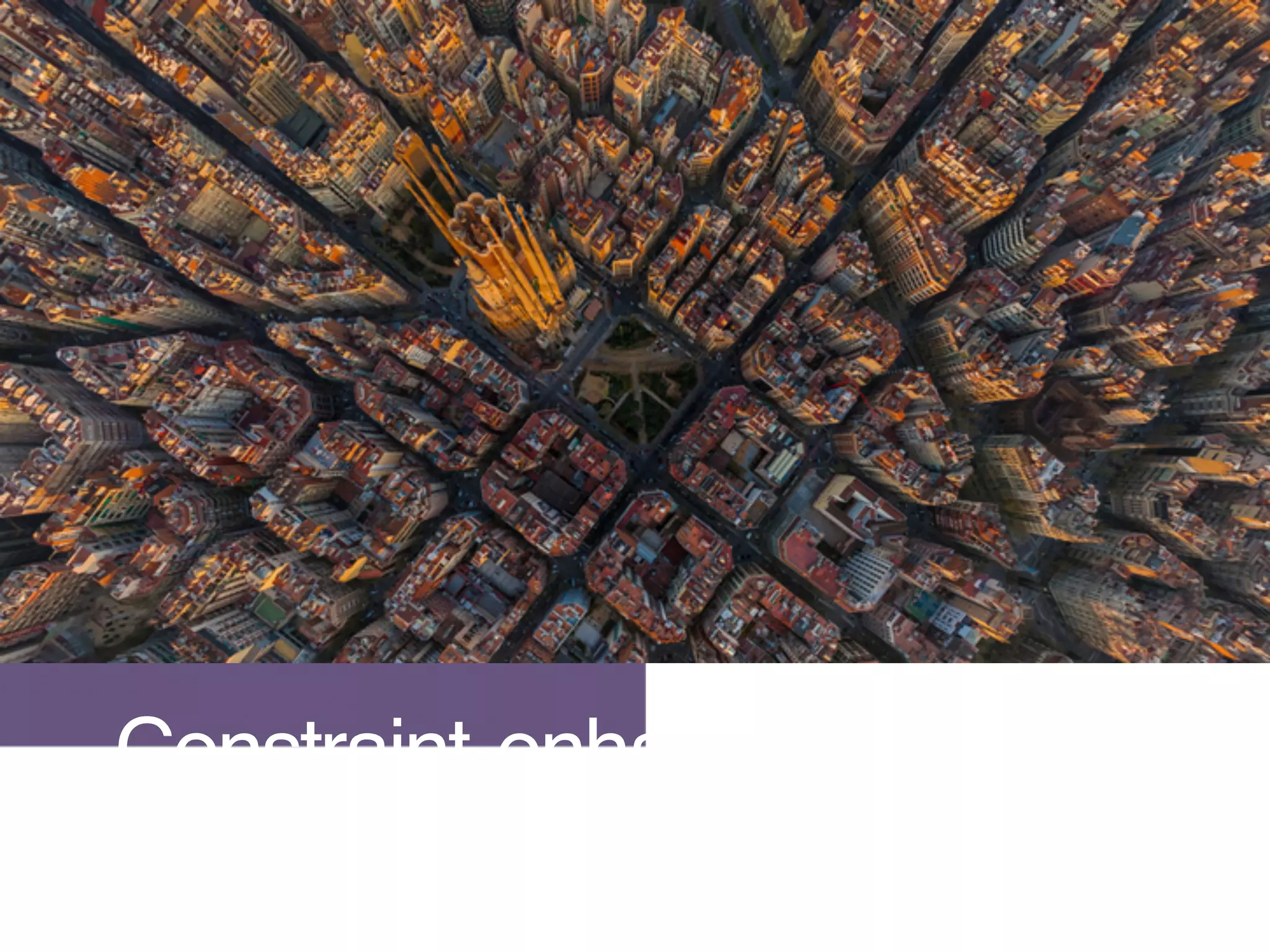
Constraint enhance creativity
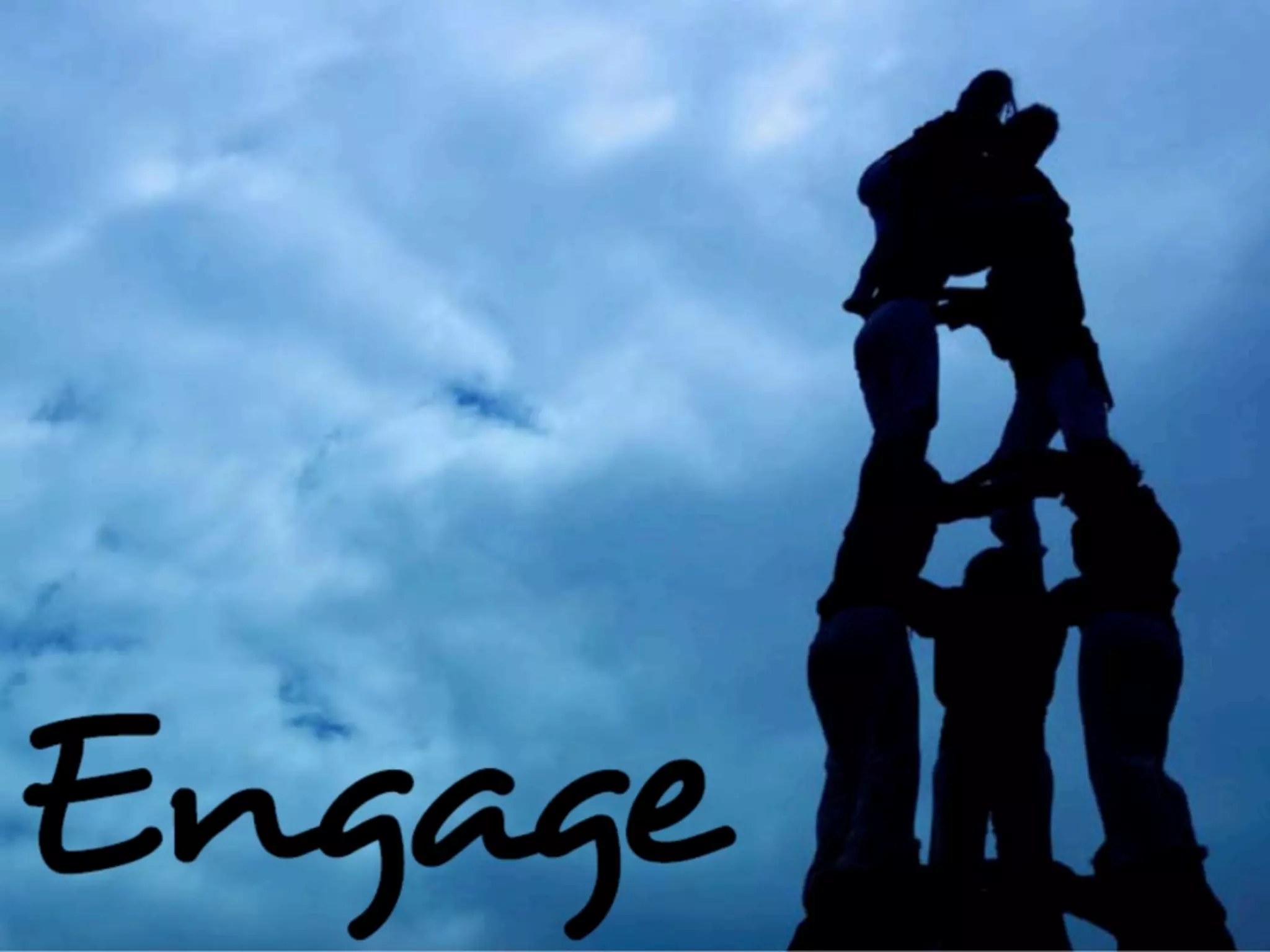
ENGAGE
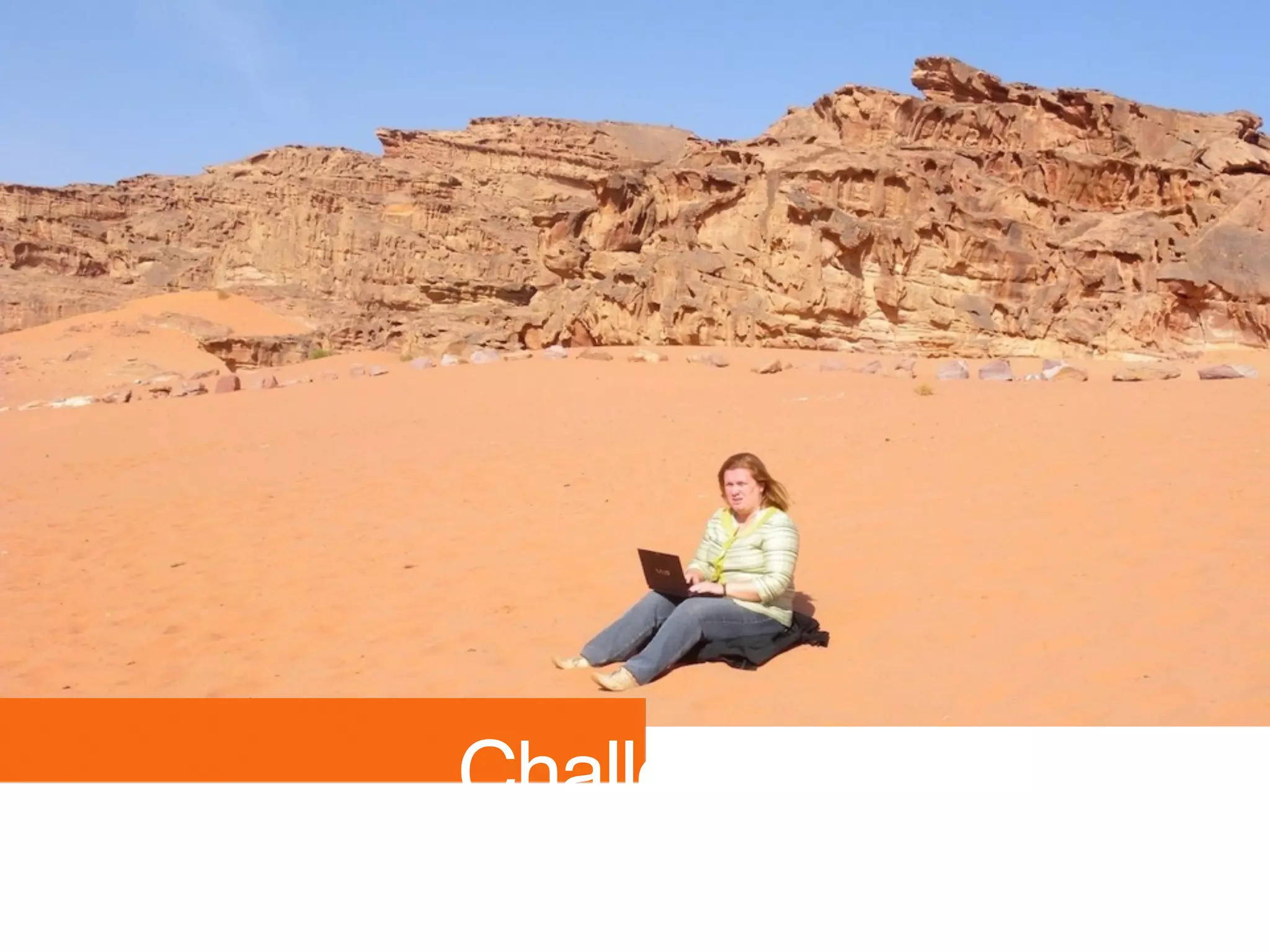
Challenge
CONTACT
Dr. Diana Andone
Director
e-Learning Center
Email: diana.andone@upt.ro
Web
Elearning.upt.ro/diana.andone
@diando70
http://www.slideshare.net/diando70/
EDEN Fellow 2011

Ehnacing Creativity and Opeining Up Learning Through Virtual Mobilities