Our Company
Train by Cell in San Francisco
5 Years in business with 250 Clients and
10 Partners/Resellers Worldwide
Solutions We Provide

 Mobile Delivery Solutions
 Mobile websites/native apps
 Text messaging
 Audio
Train by Cell Solution
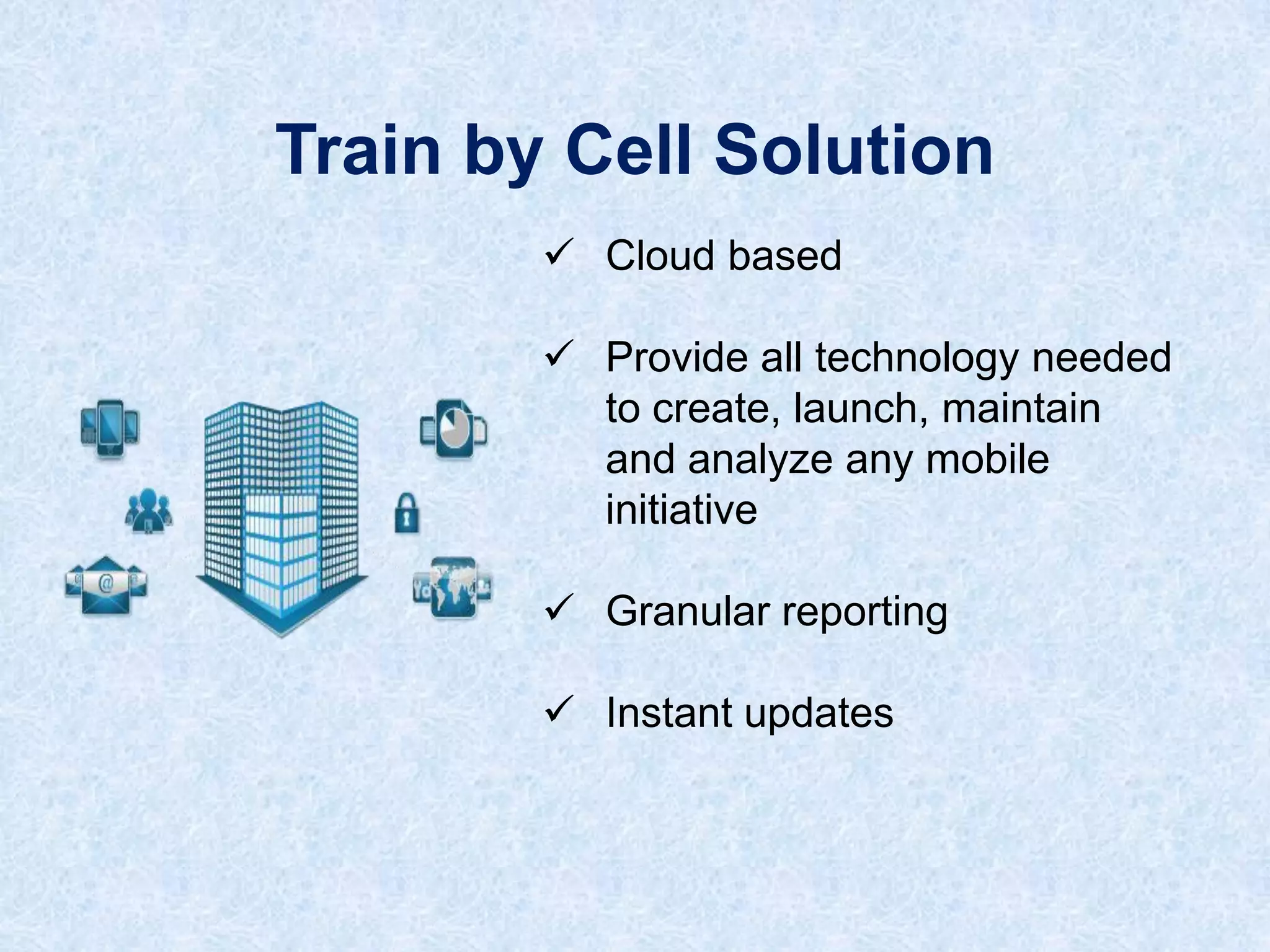
 Cloud based
 Provide all technology needed
to create, launch, maintain
and analyze any mobile
initiative

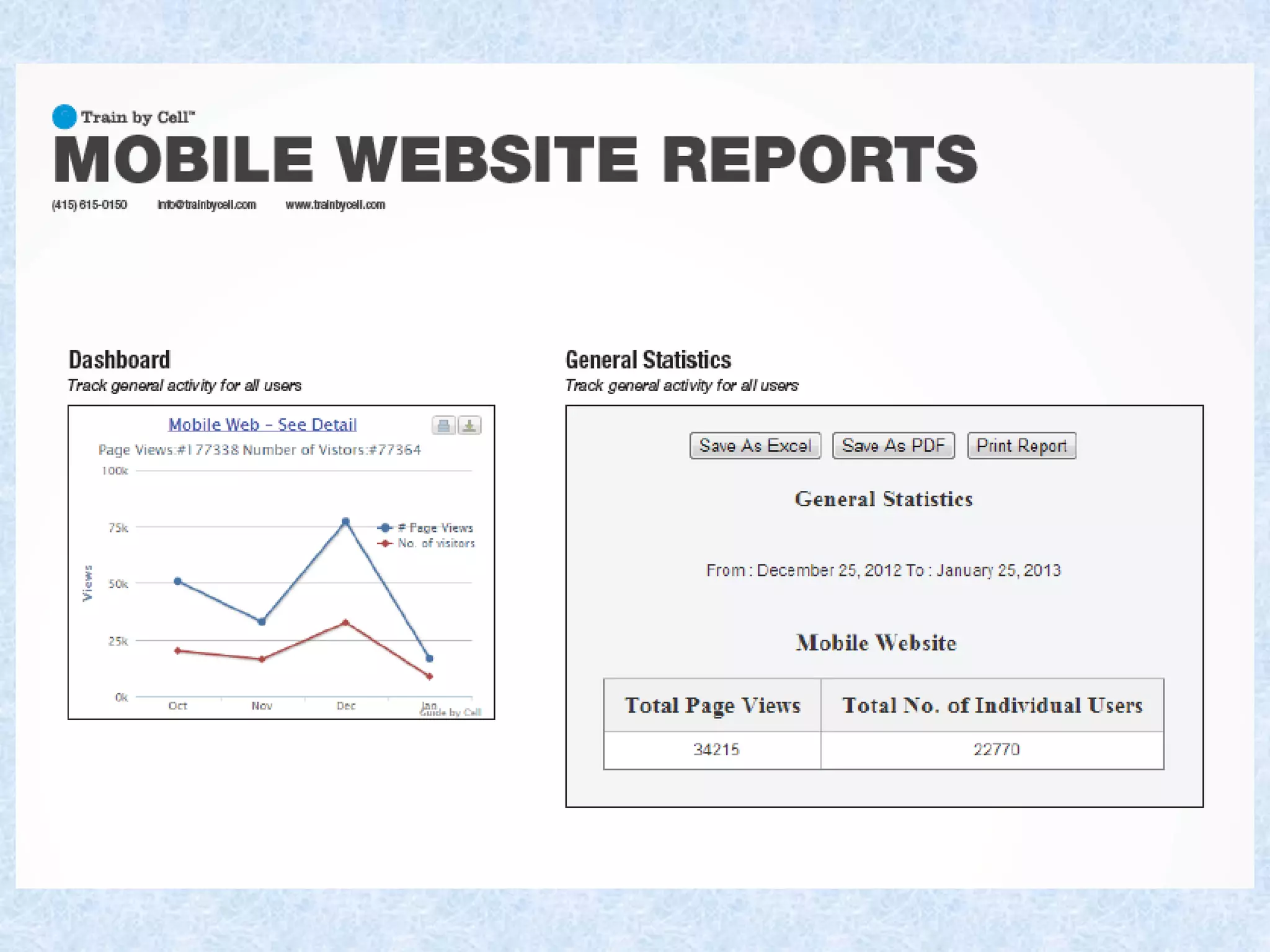
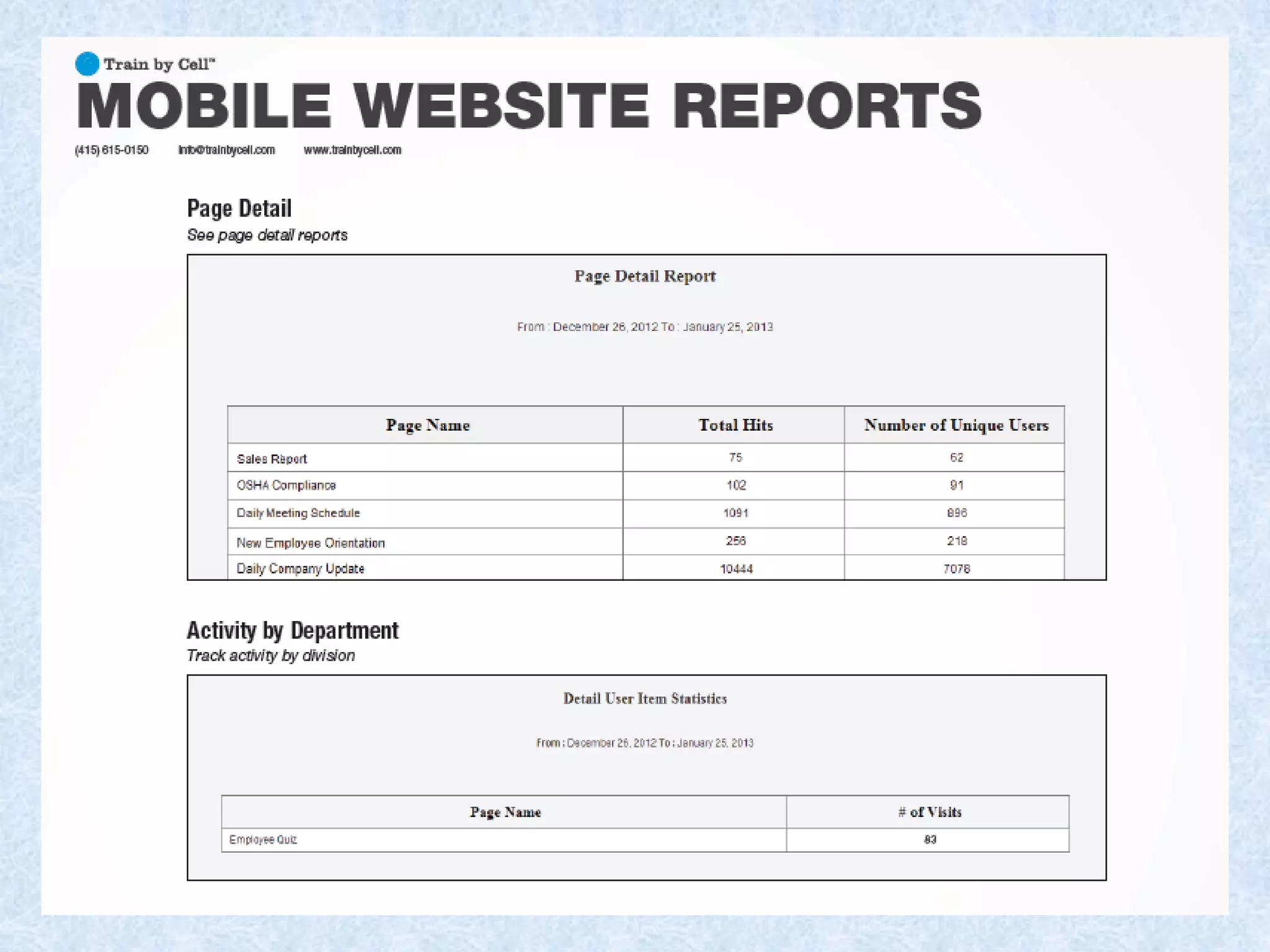
 Granular reporting
 Instant updates
Train by Cell Solution
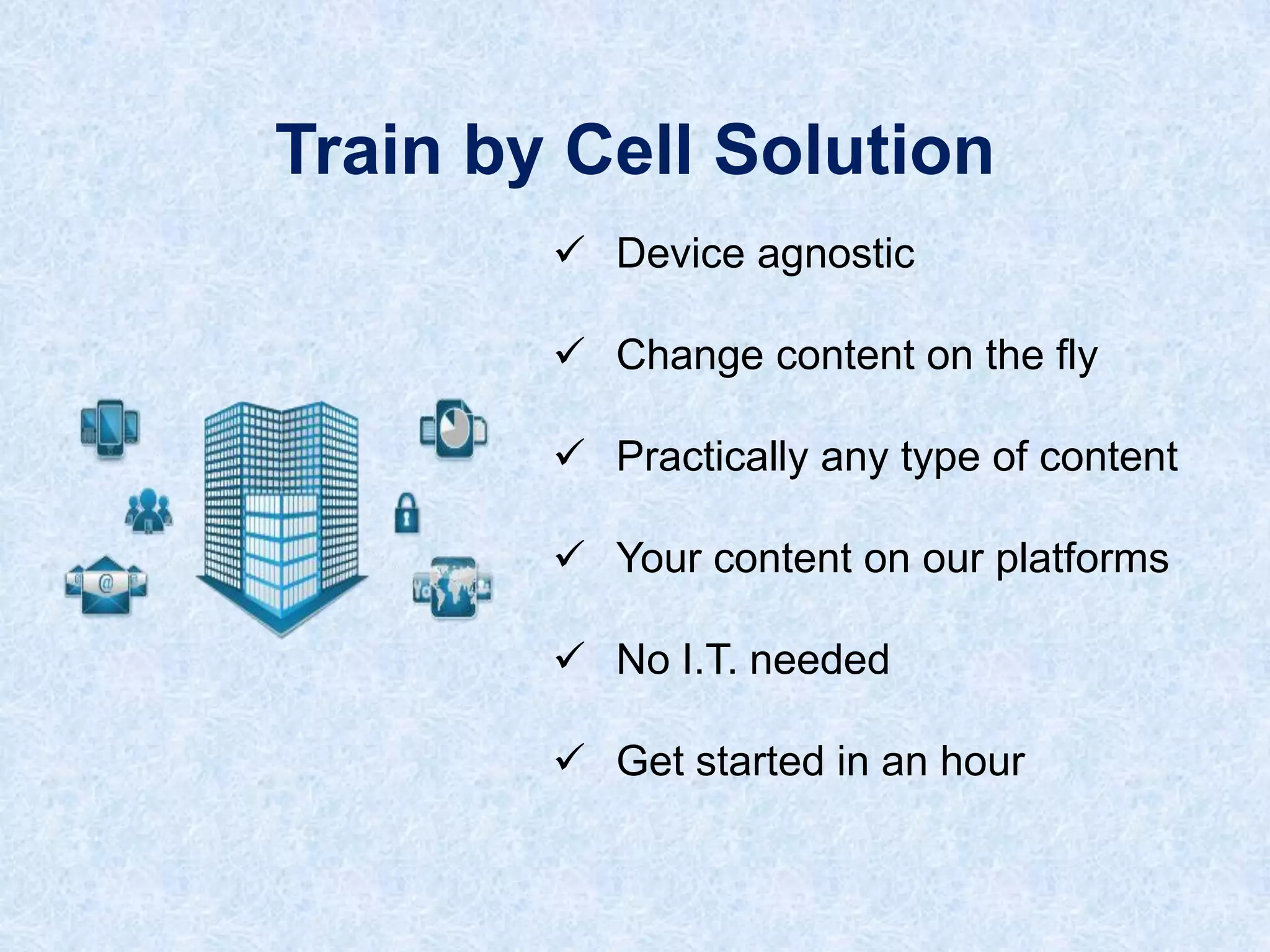
 Device agnostic
 Change content on the fly
 Practically any type of content
 Your content on our platforms

 No I.T. needed
 Get started in an hour
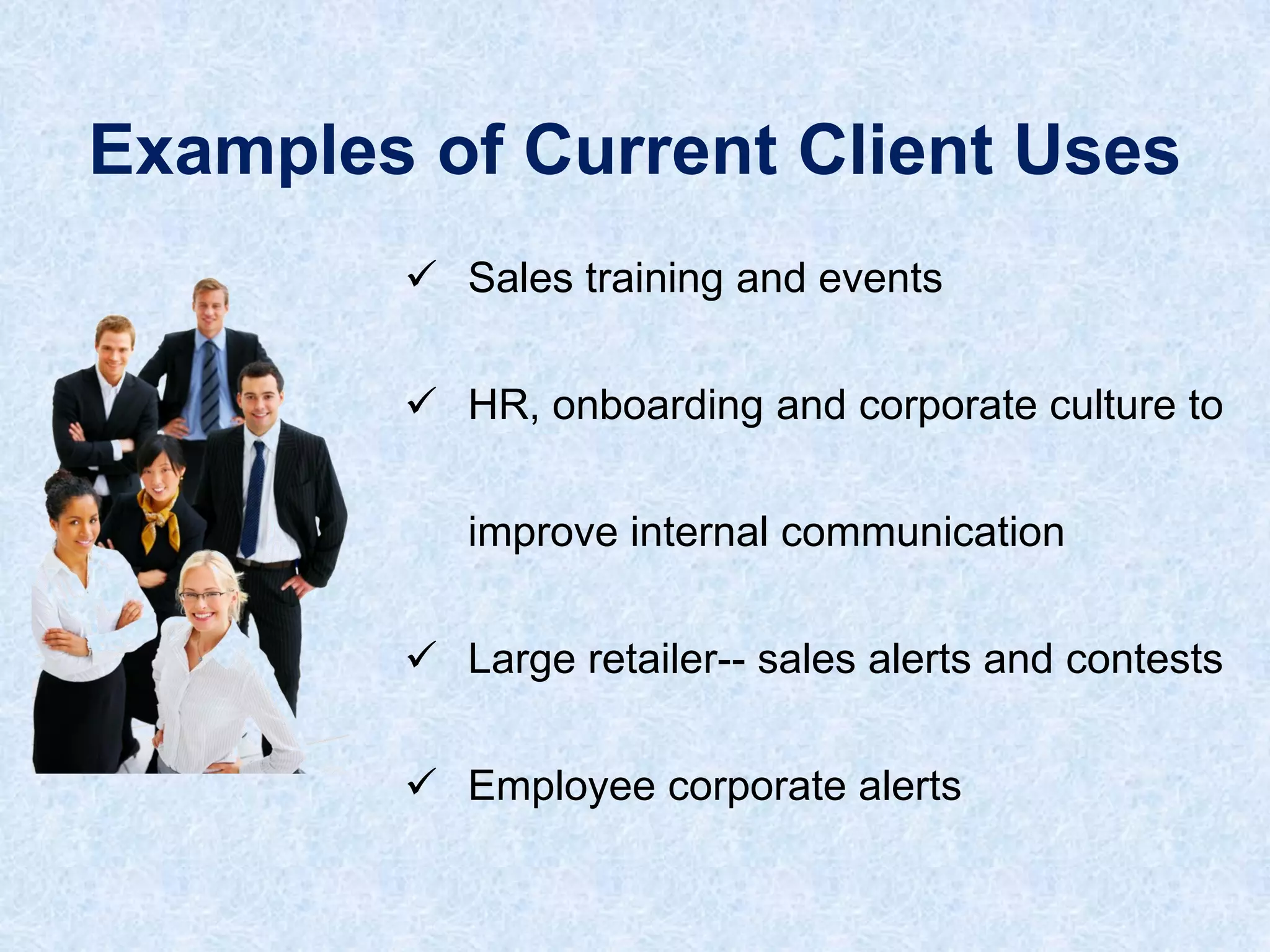
Examples of Current Client Uses
 Sales training and events
 HR, onboarding and corporate culture to
improve internal communication

 Large retailer-- sales alerts and contests
 Employee corporate alerts
Examples of Current Client Uses
 20,000 person pilot for
performance support
 Major hospital – 10 different

departments – all different uses
 QR codes on manufacturing

equipment
Top User Problems
1. No time to train
2. Travel for training expensive
3. Training info. not at fingertips

4. No support or reminder
5. Accessing LMS not easy
Top Organization Problems
1. Cost to train and support –

people, printing, travel
2. Knowledge transfer/retention
3. Unavailable to employee

when needed
4. Log-in to LMS challenging
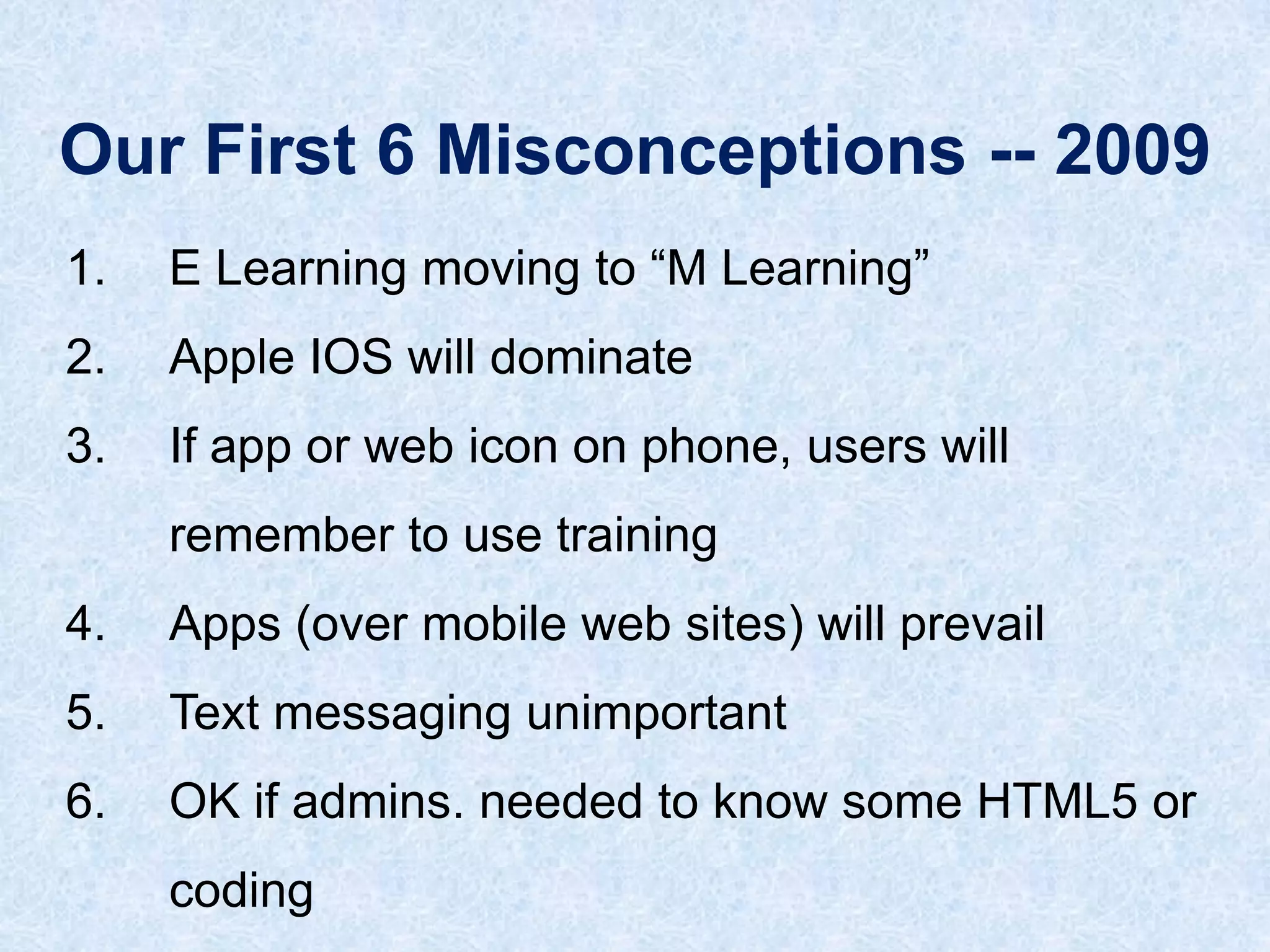
Our First 6 Misconceptions -- 2009
1.

E Learning moving to “M Learning”

2.

Apple IOS will dominate

3.

If app or web icon on phone, users will
remember to use training

4.

Apps (over mobile web sites) will prevail

5.

Text messaging unimportant

6.

OK if admins. needed to know some HTML5 or
coding
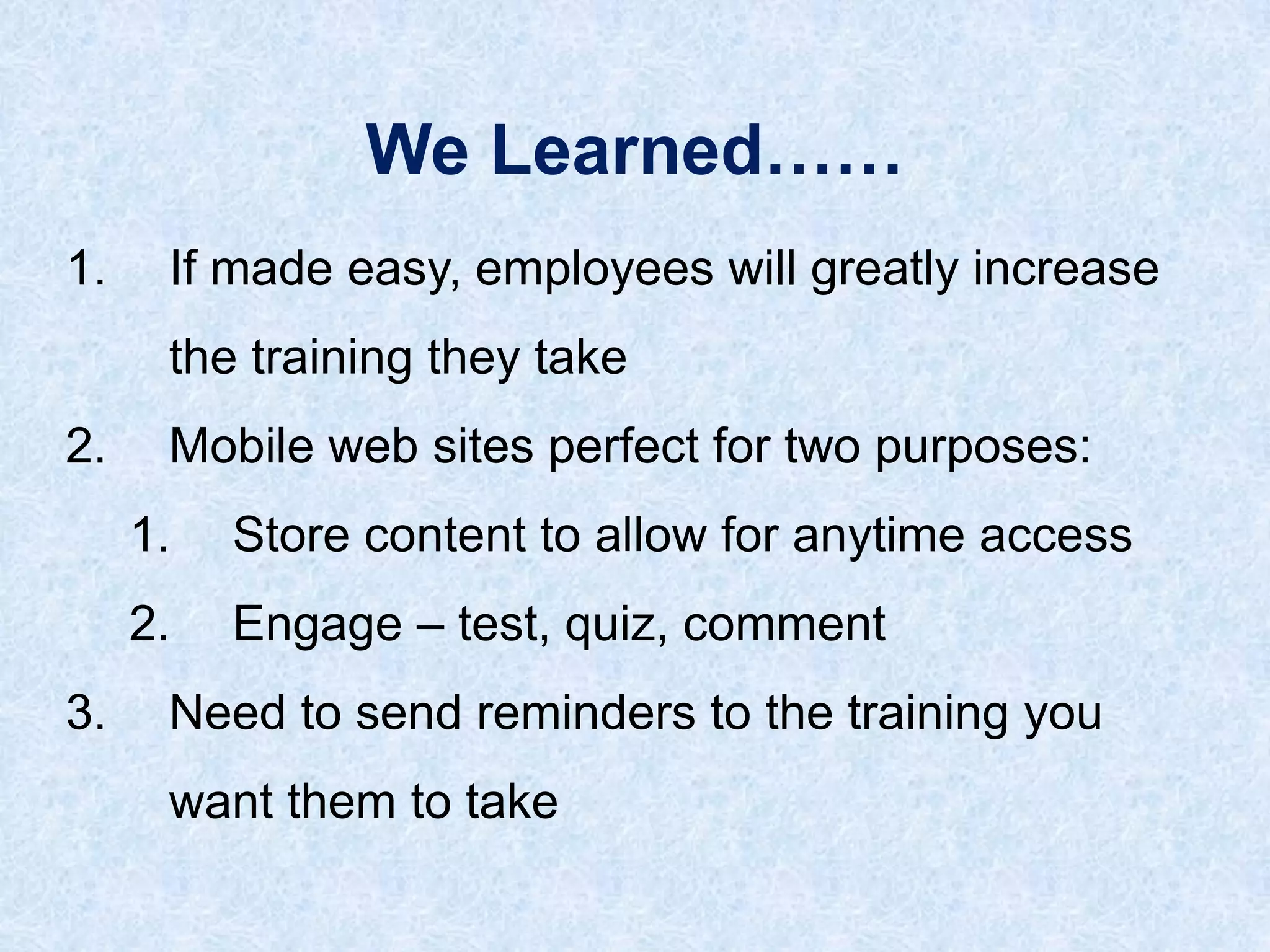
We Learned……
1.
If made easy, employees will greatly increase
the training they take

2.

Mobile web sites perfect for two purposes:
1.

2.
3.

Store content to allow for anytime access

Engage – test, quiz, comment

Need to send reminders to the training you

want them to take
Just in time
Just enough
Just for me
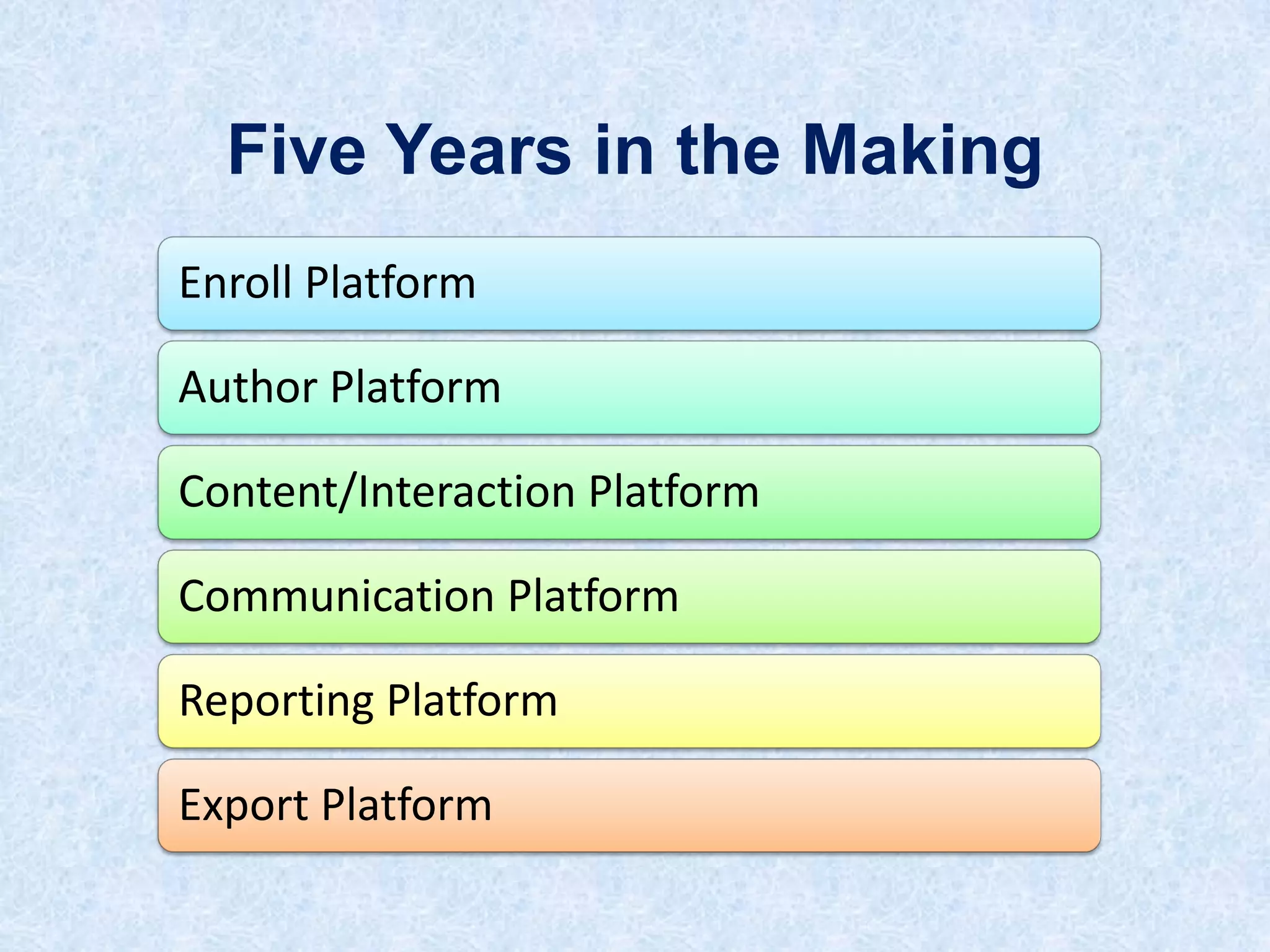
Five Years in the Making
Enroll Platform

Author Platform
Content/Interaction Platform

Communication Platform
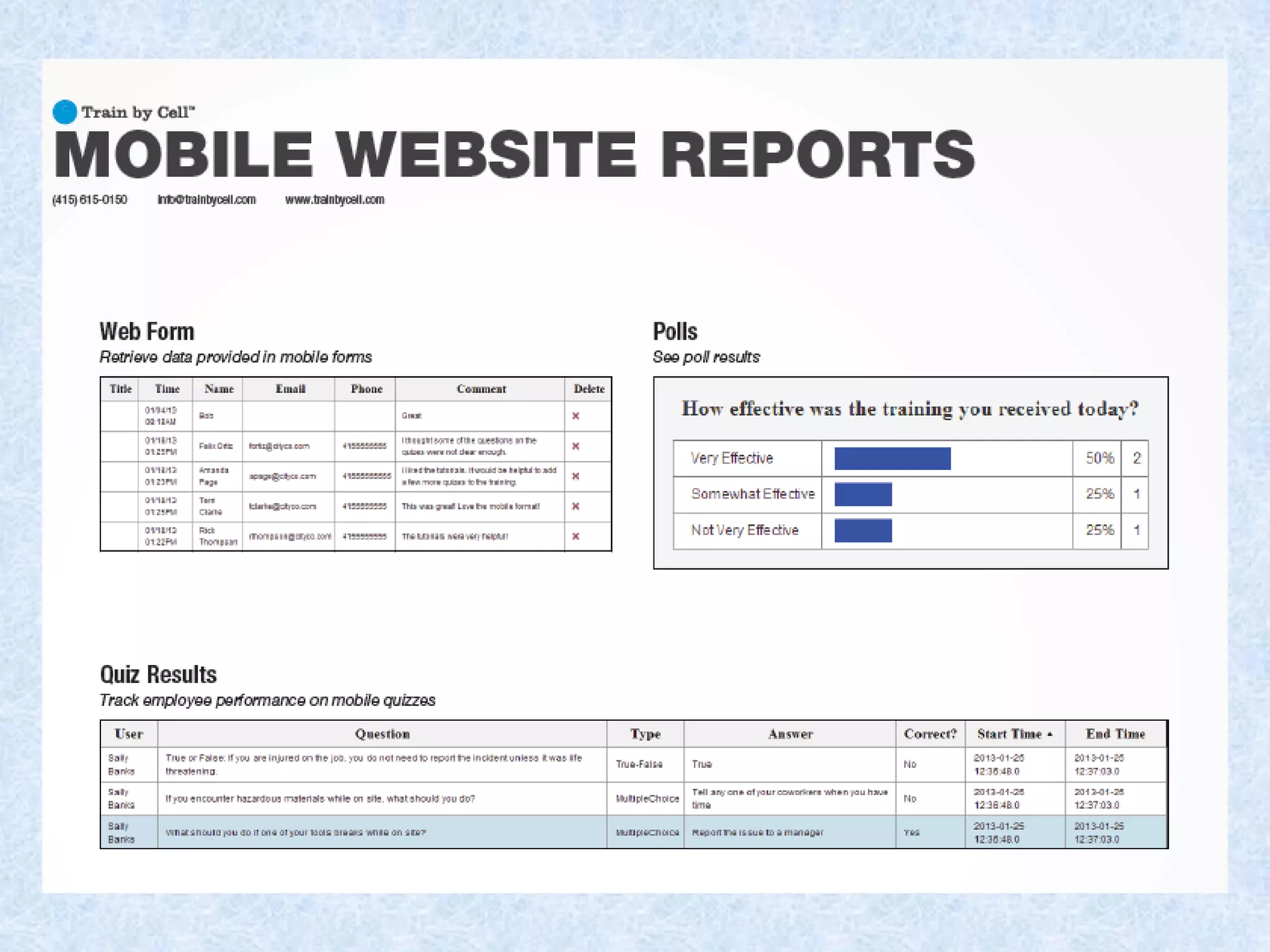
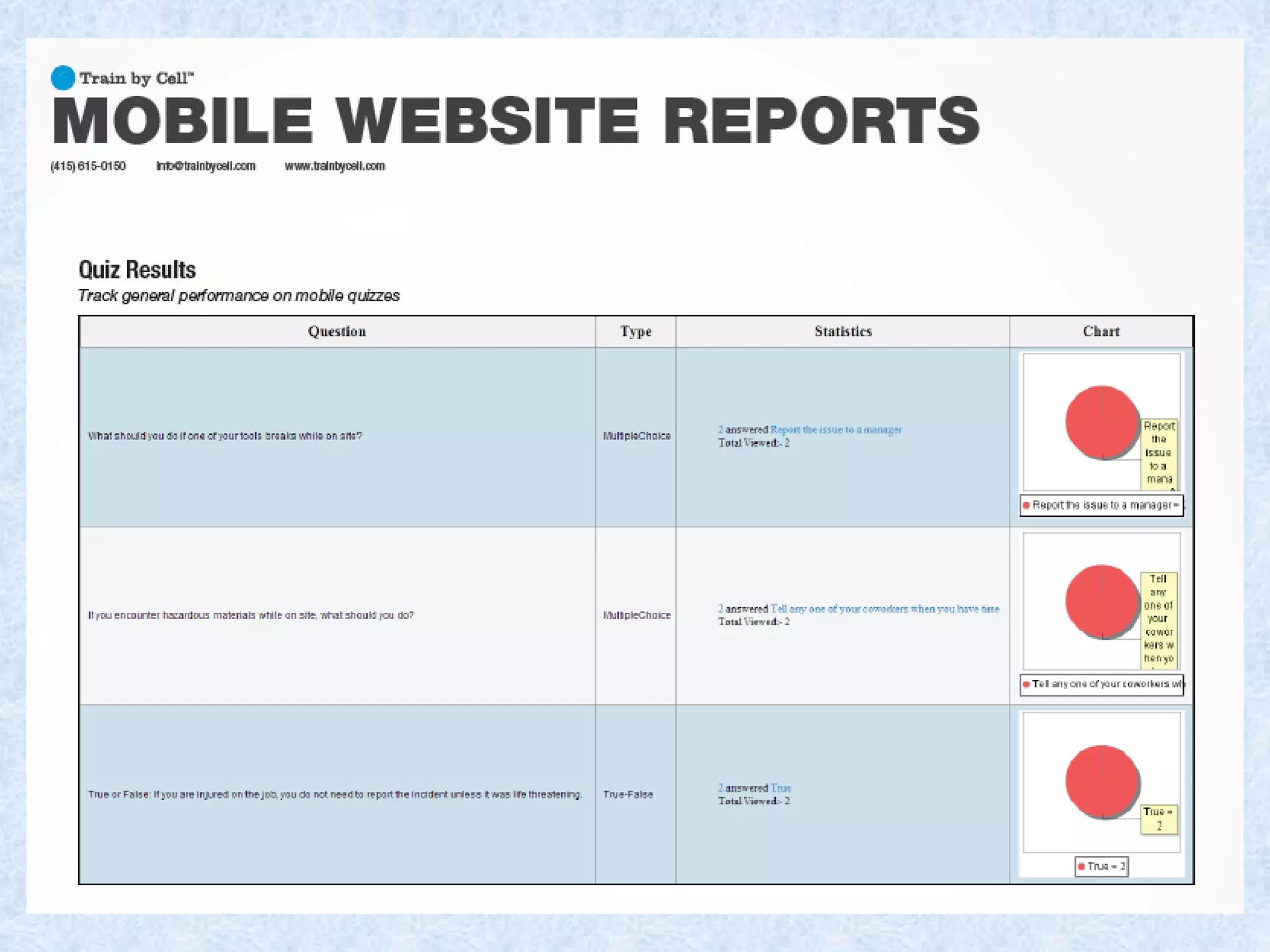
Reporting Platform
Export Platform
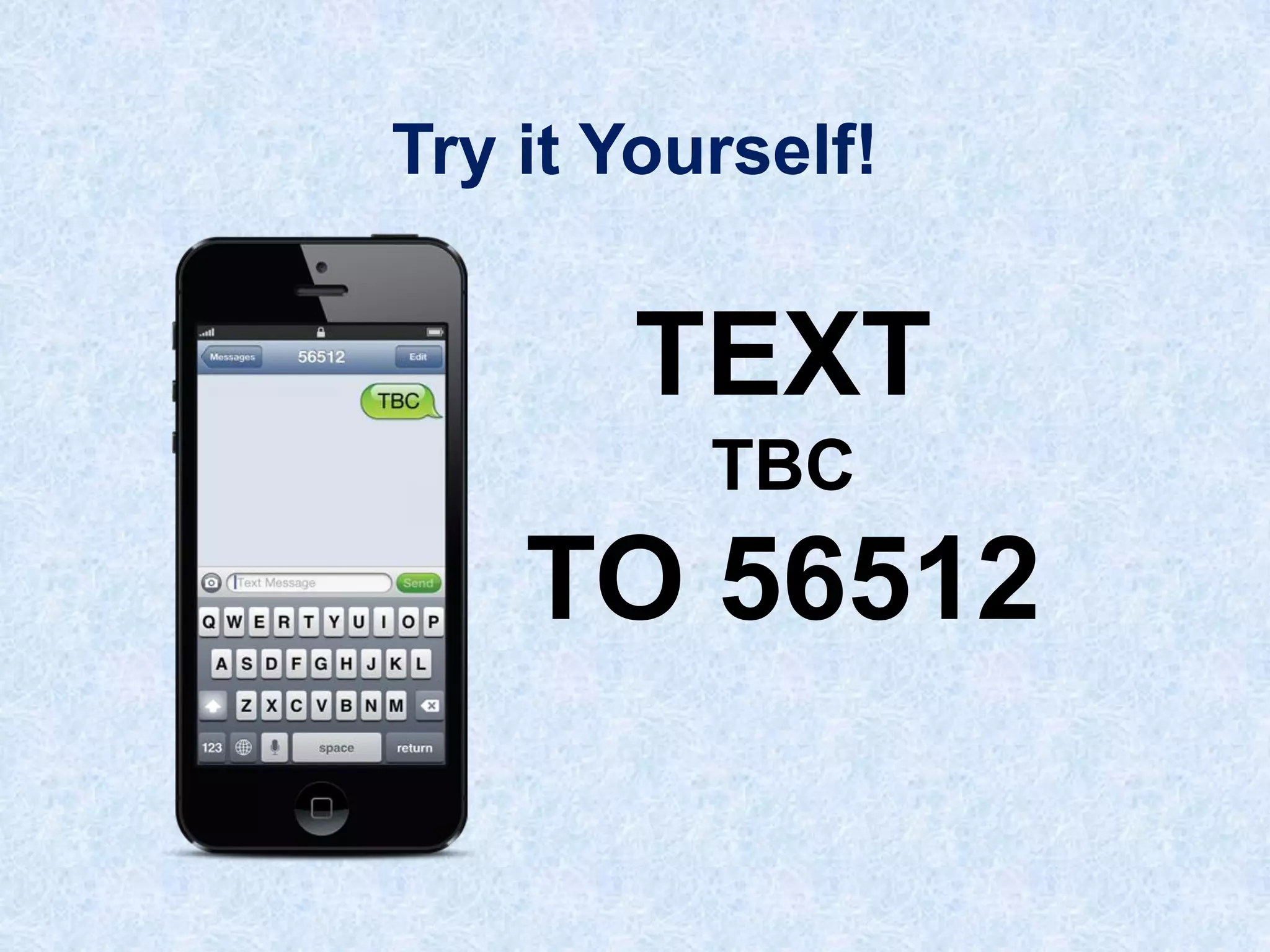
Try it Yourself!

TEXT
TBC

TO 56512
Enrollment
Platform
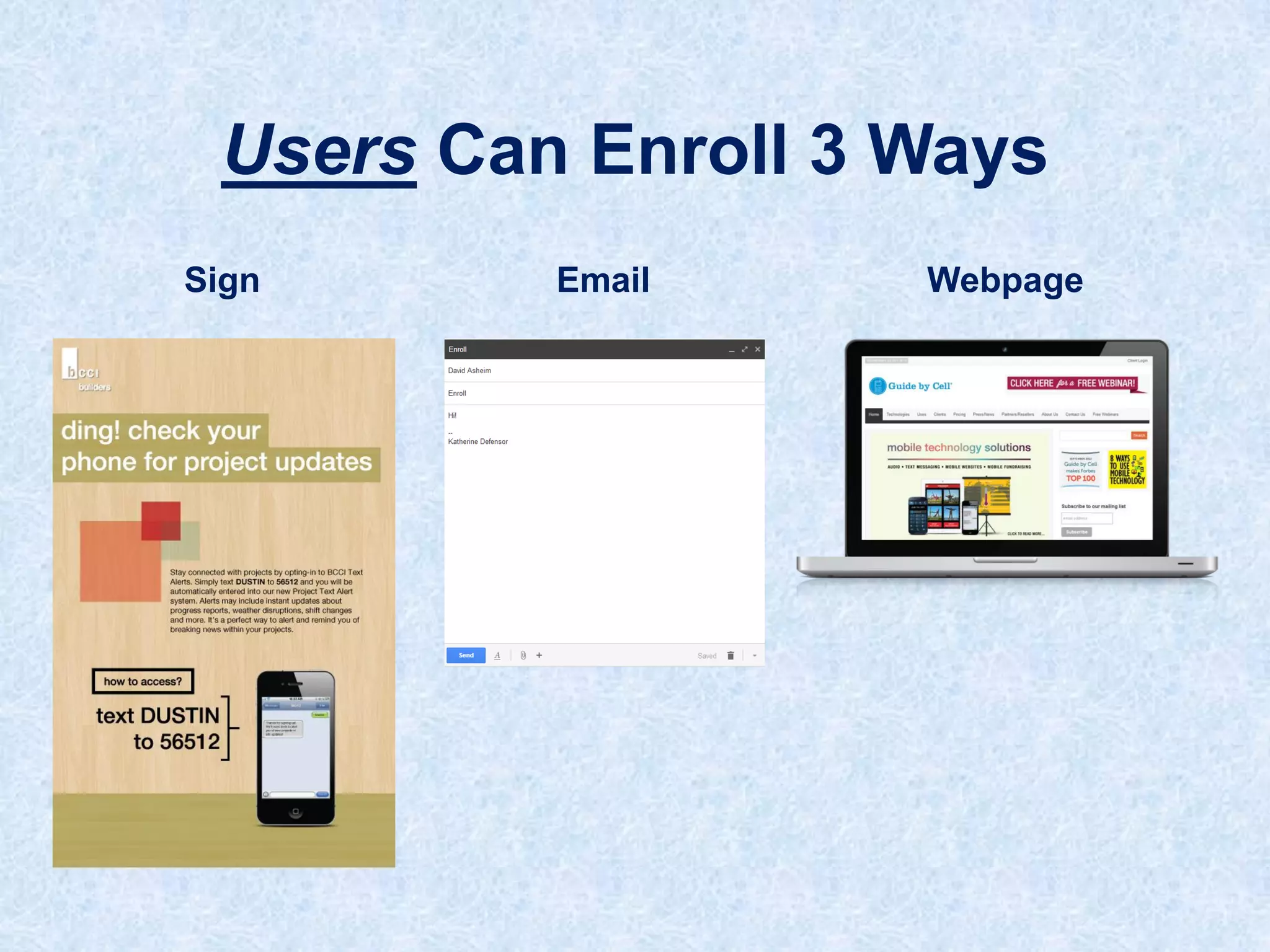
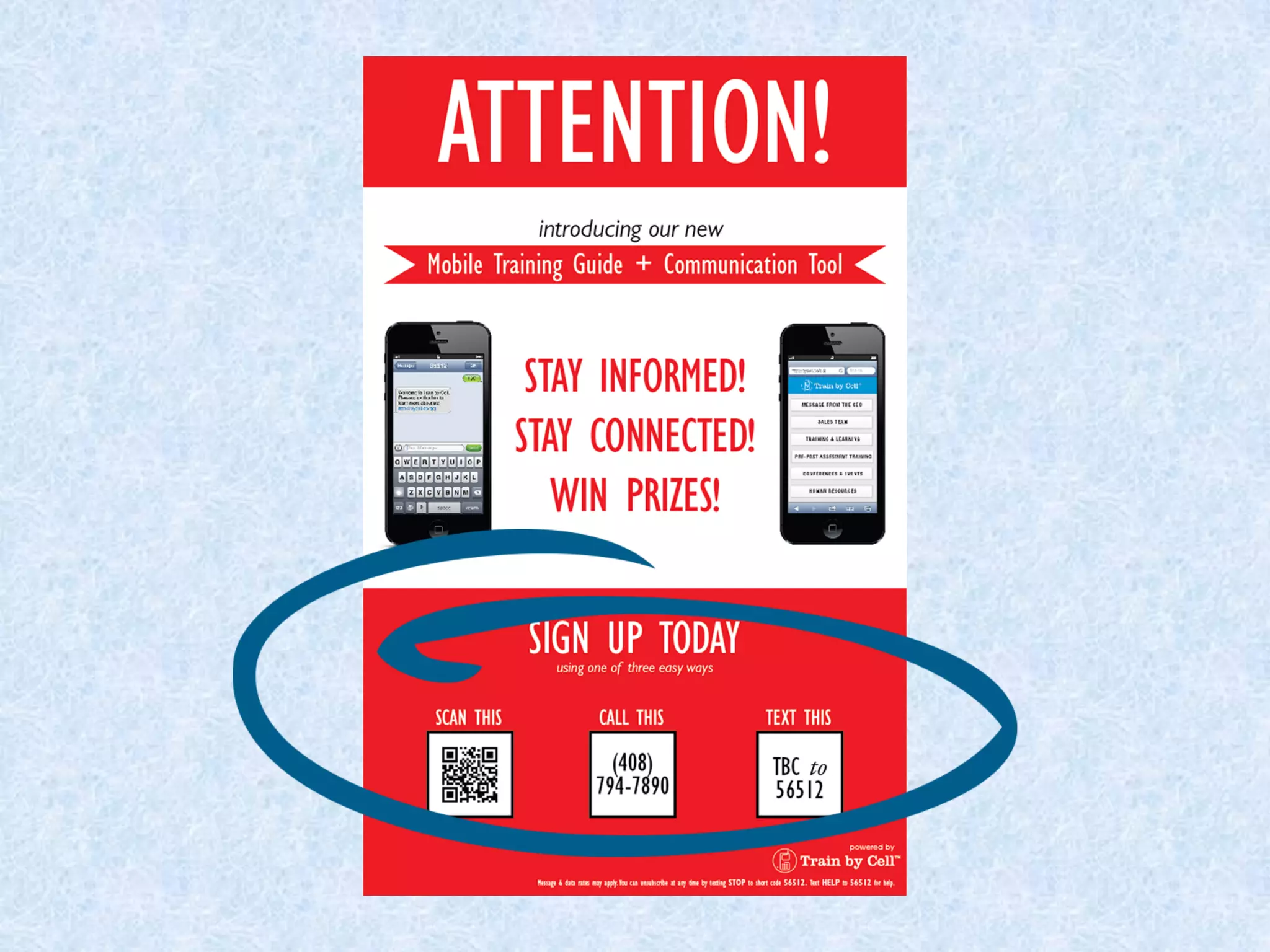
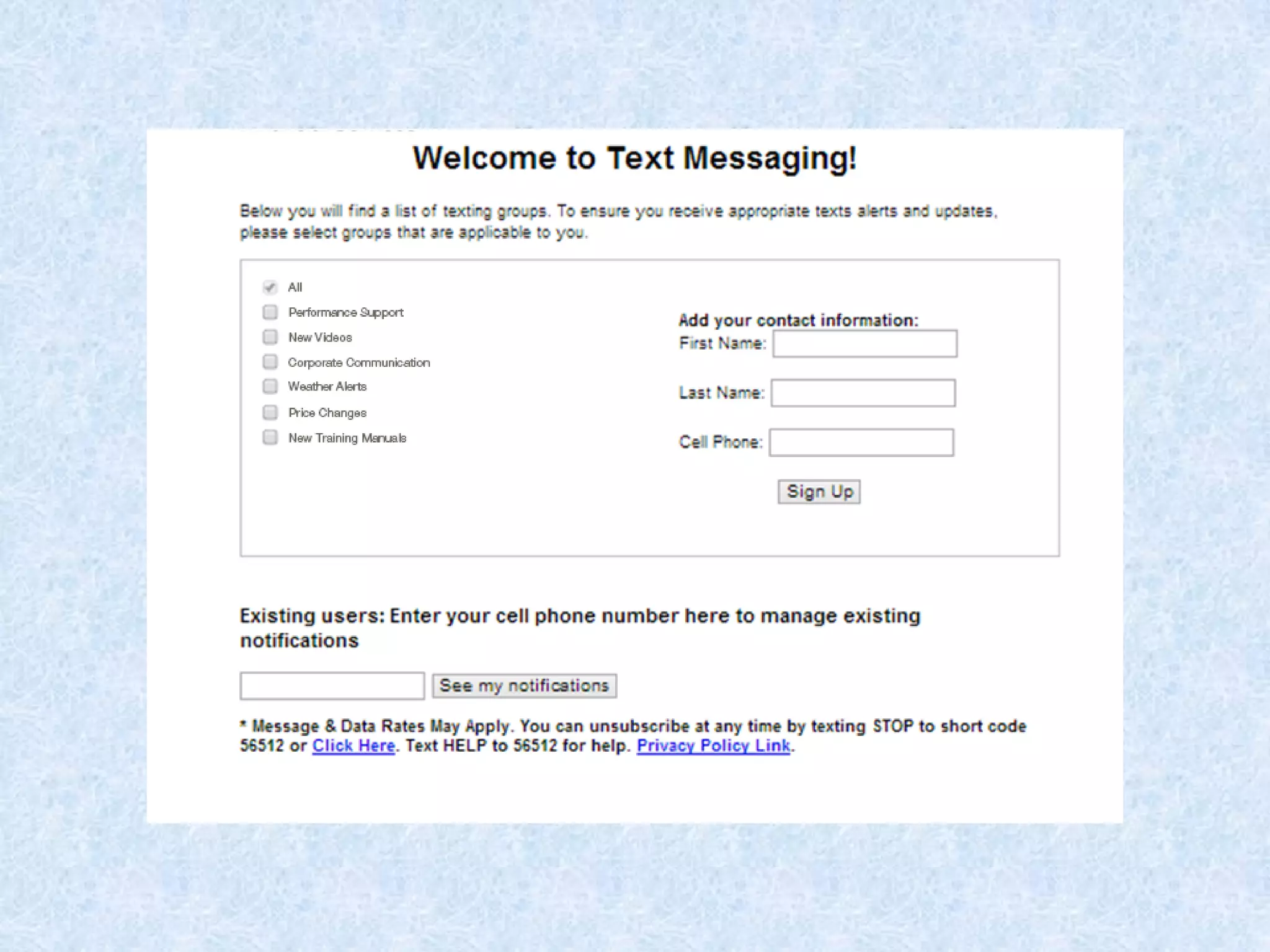
Users Can Enroll 3 Ways
Sign

Email

Webpage
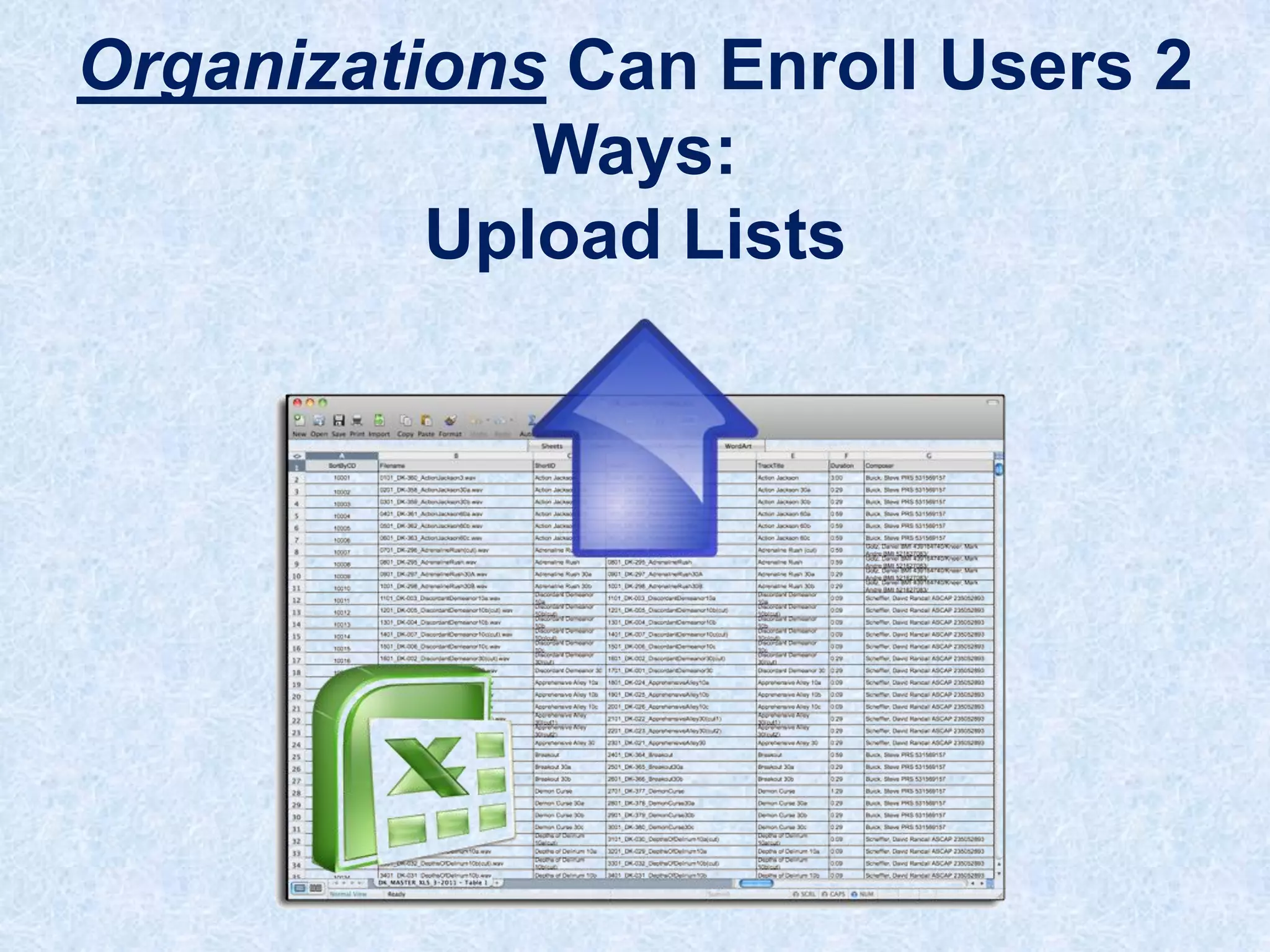
Organizations Can Enroll Users 2
Ways:
Upload Lists
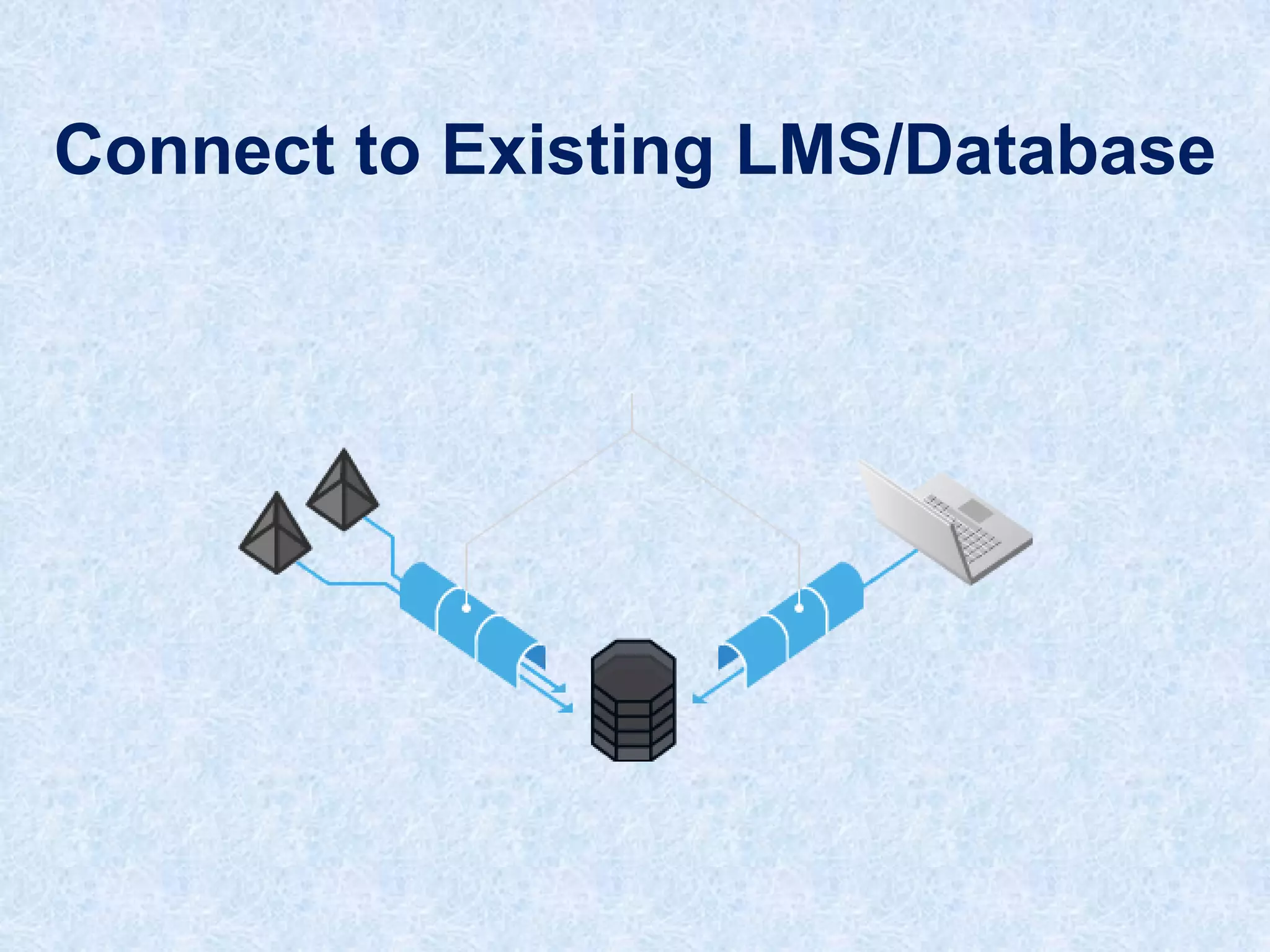
Connect to Existing LMS/Database
Author &
Create
Platform
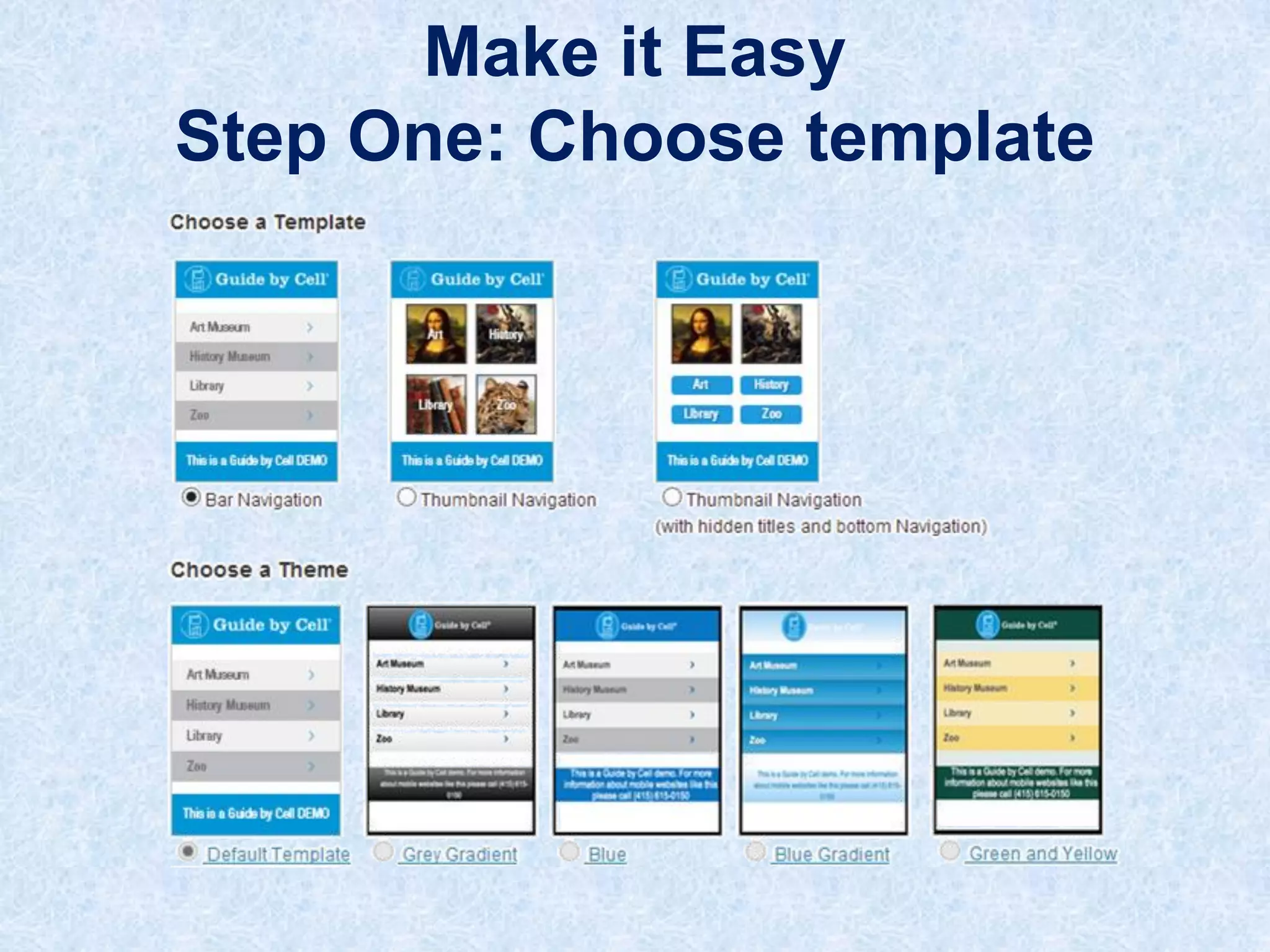
Make it Easy
Step One: Choose template
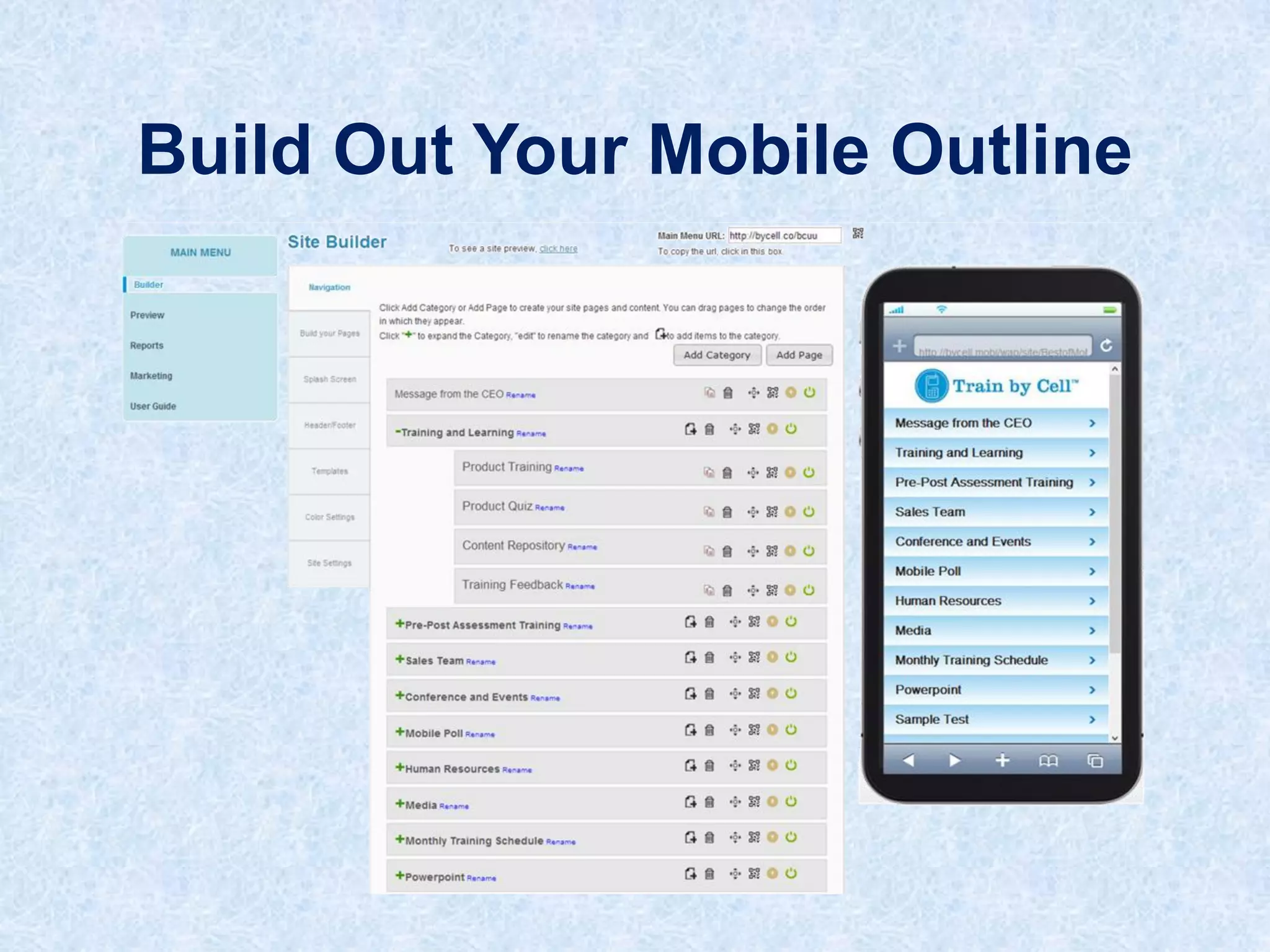
Build Out Your Mobile Outline
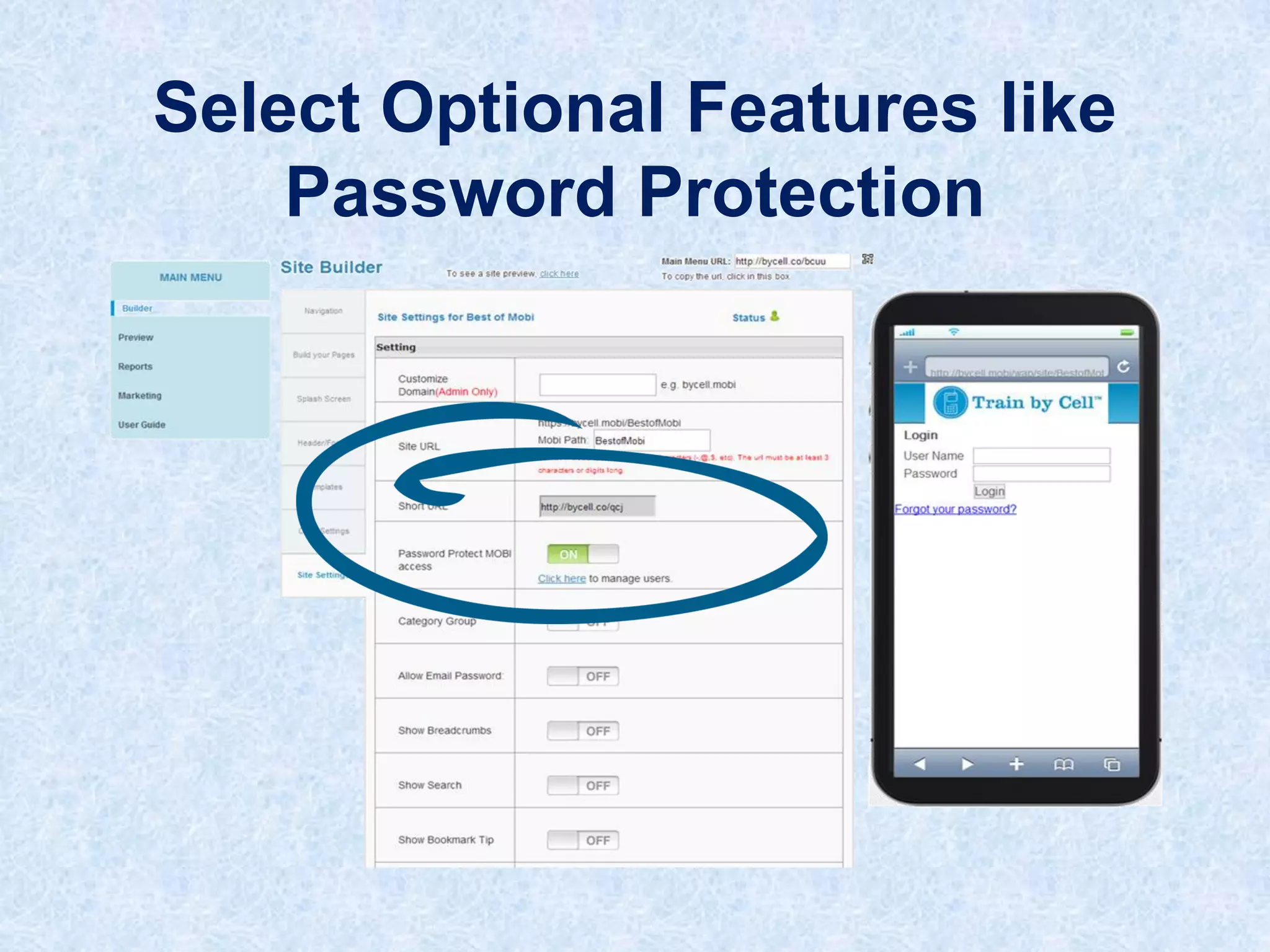
Select Optional Features like
Password Protection
Content and
Interaction
Platform
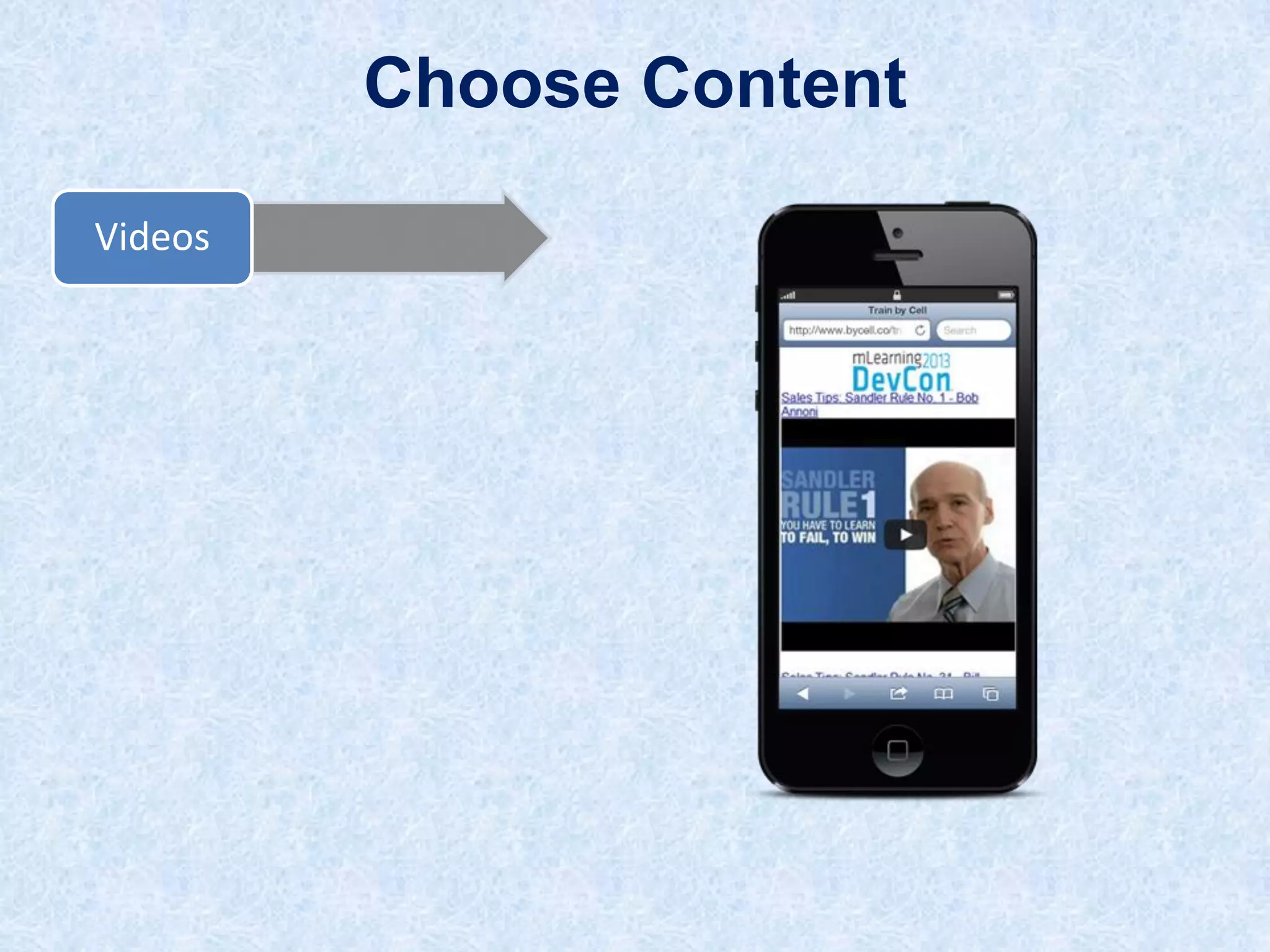
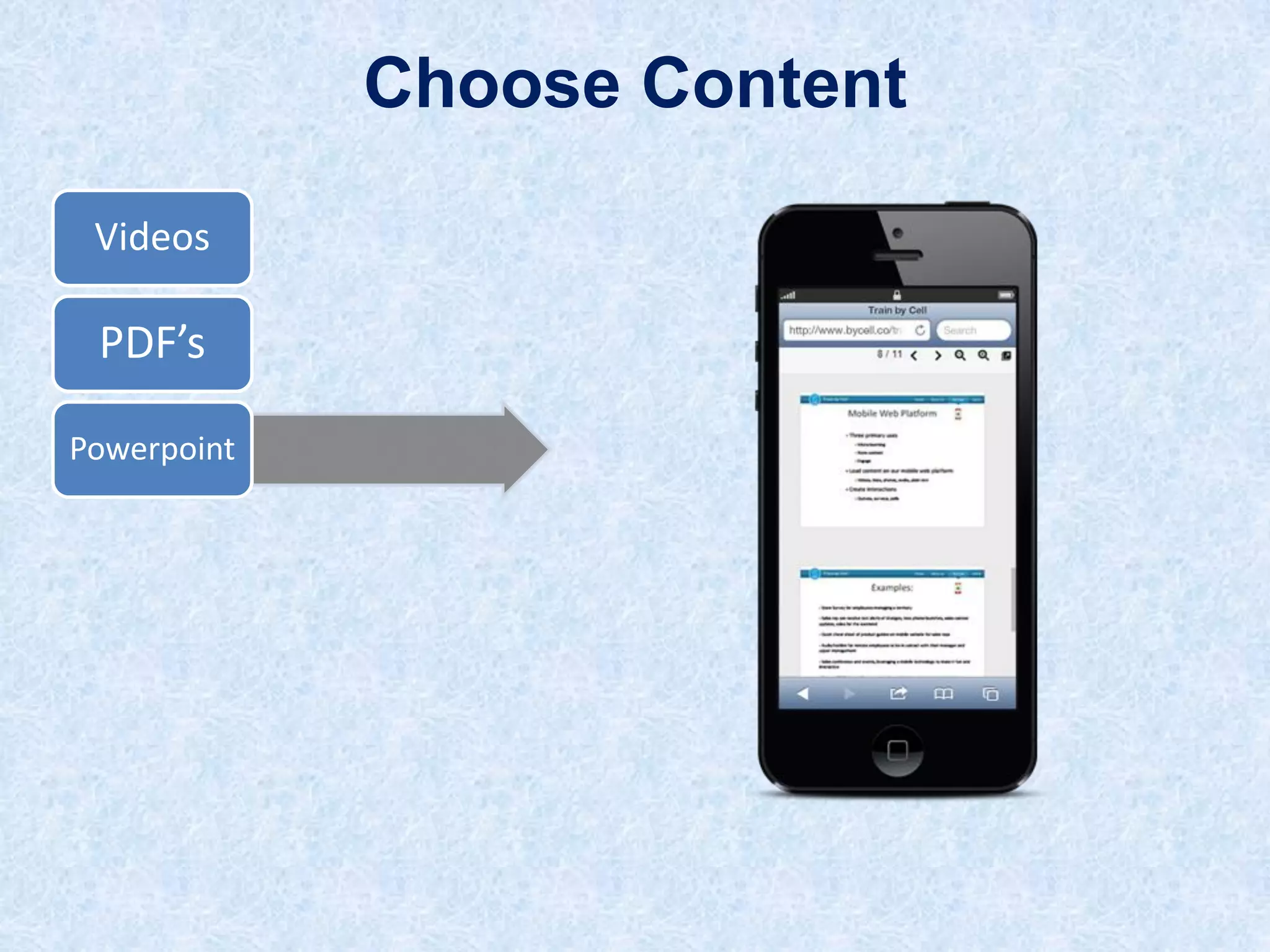
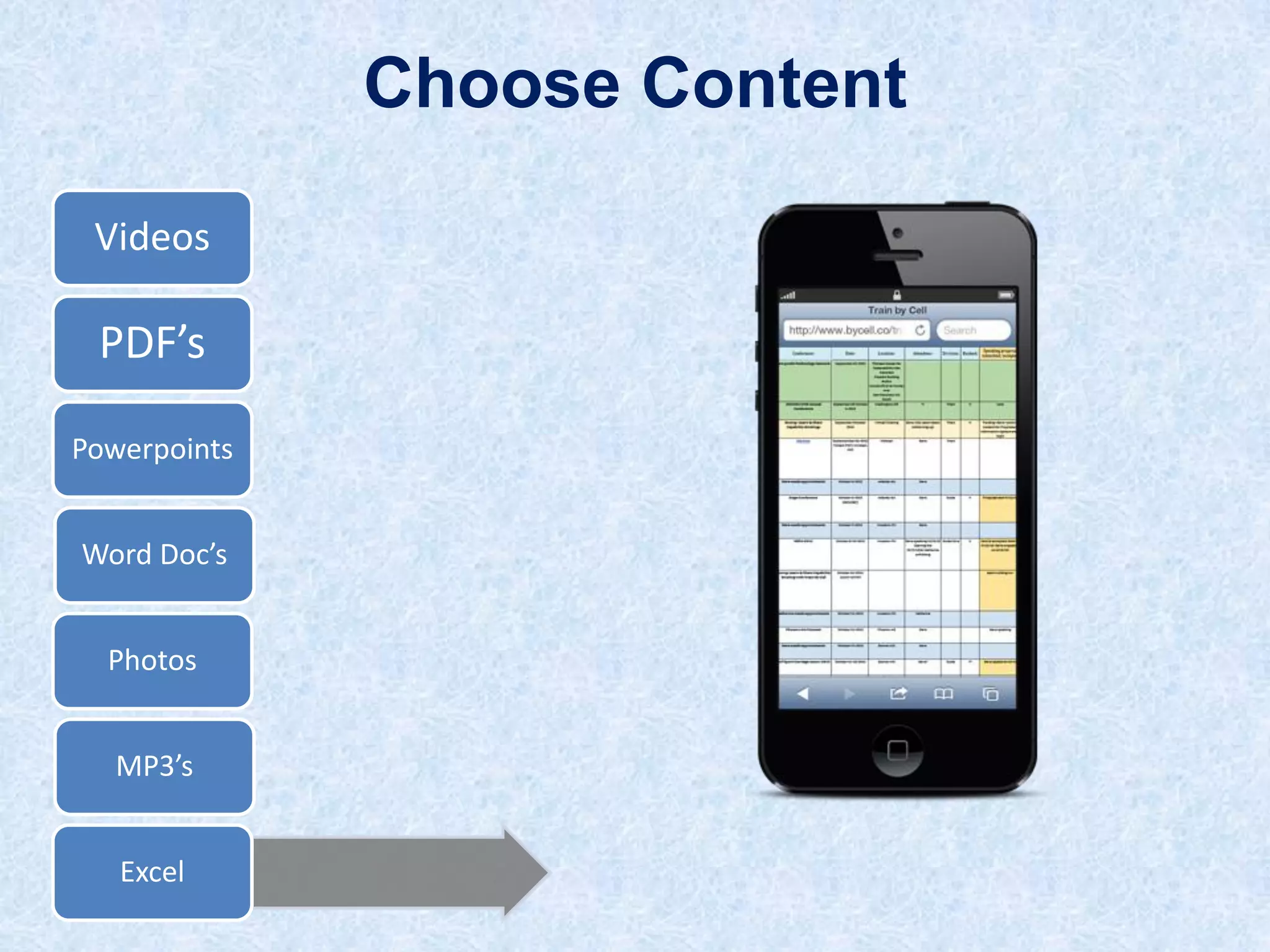
Choose Content
Videos
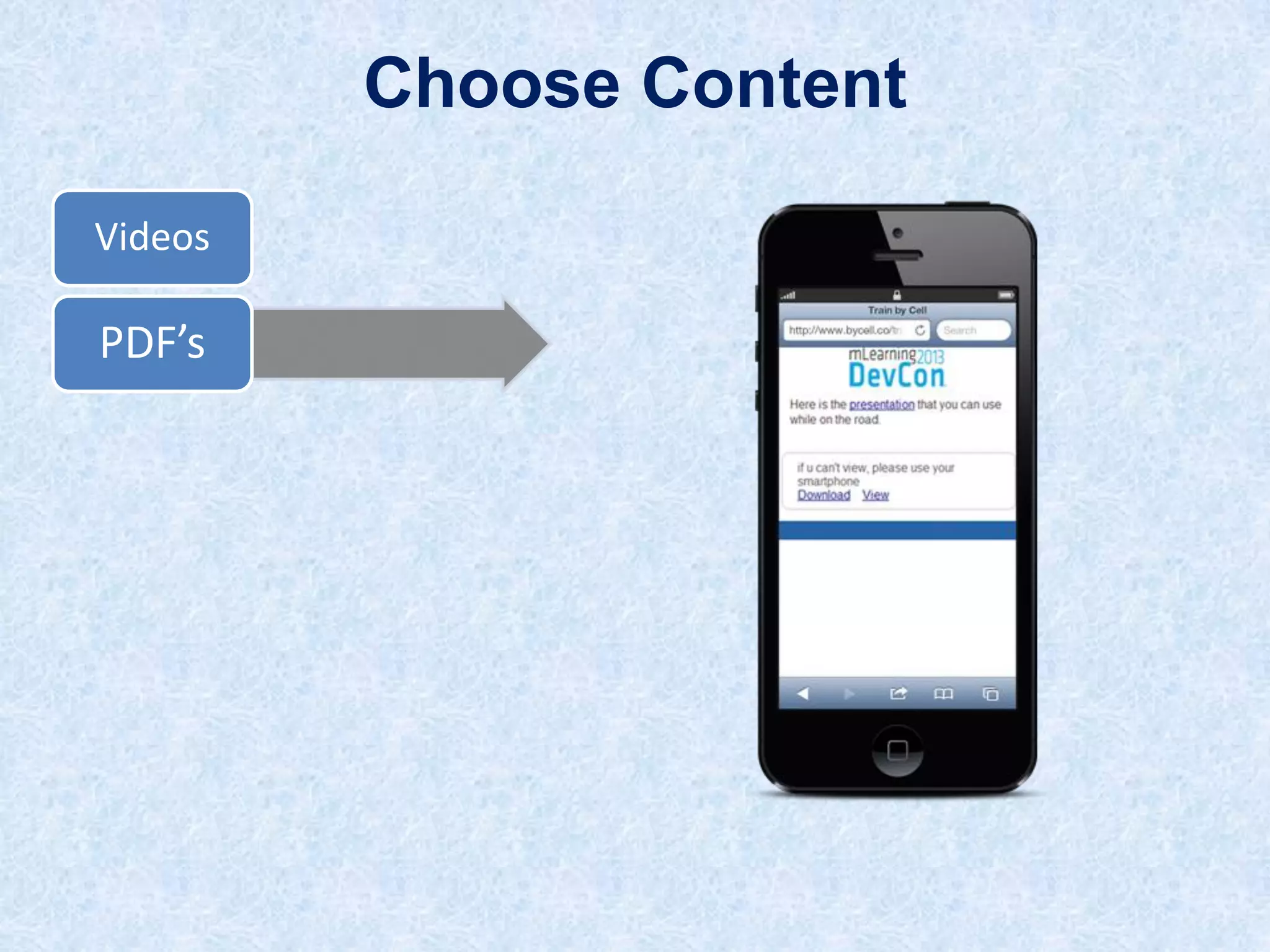
Choose Content
Videos

PDF’s
Choose Content
Videos

PDF’s
Powerpoint
Choose Content
Videos

PDF’s
Powerpoint
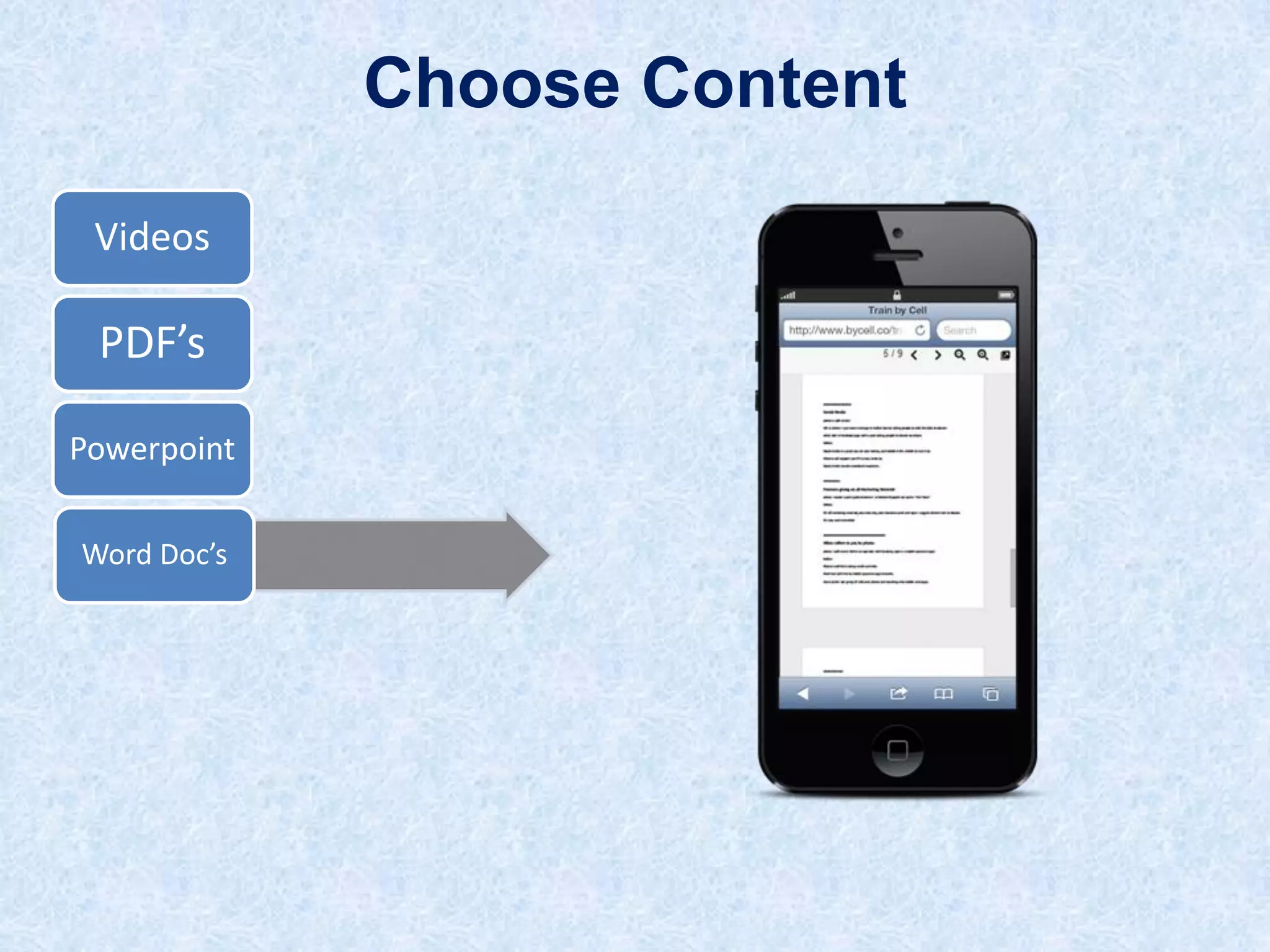
Word Doc’s
Choose Content
Videos

PDF’s
Powerpoint
Word Doc’s
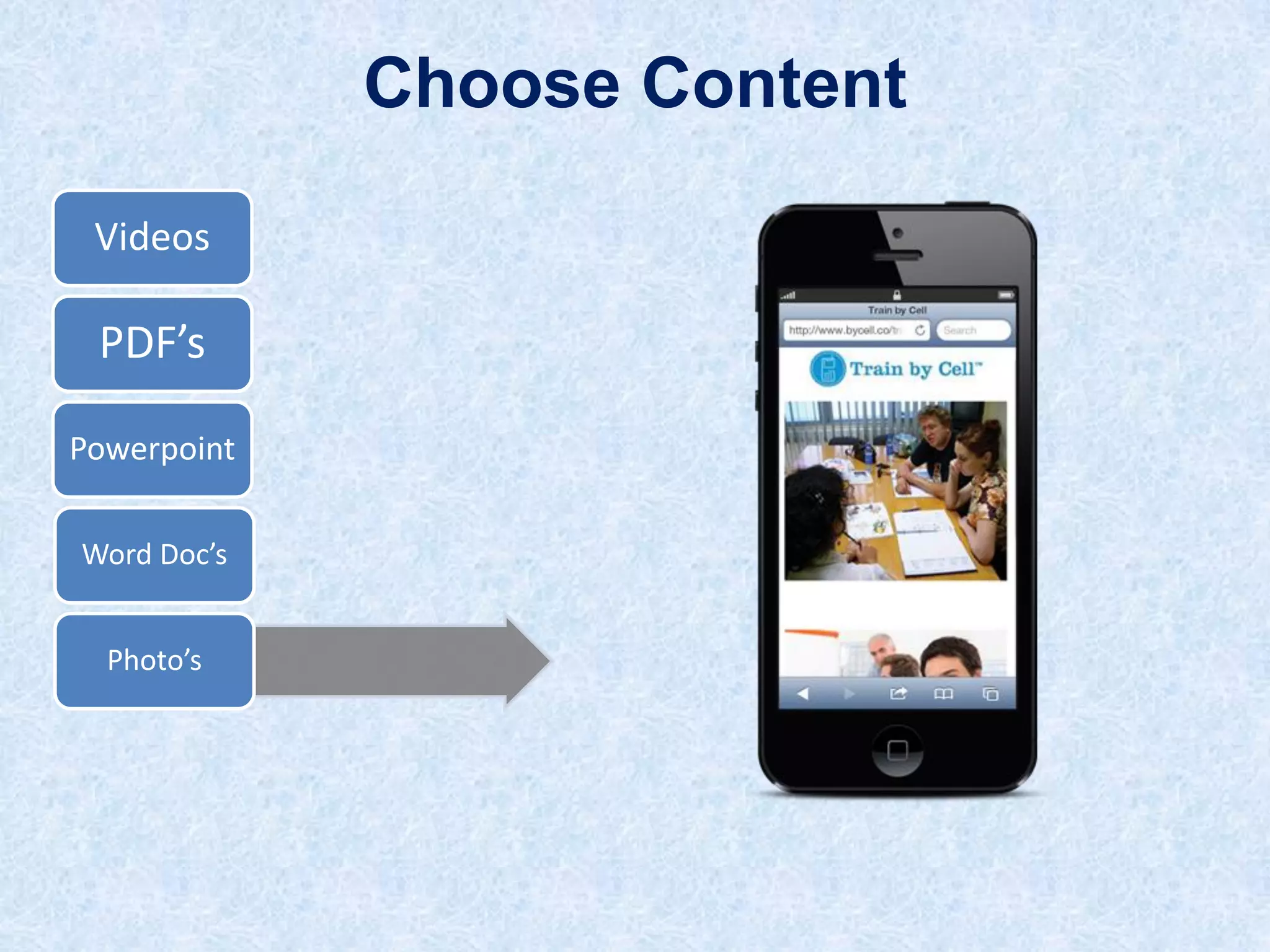
Photo’s
Choose Content
Videos

PDF’s
Powerpoint
Word Doc’s
Photo’s

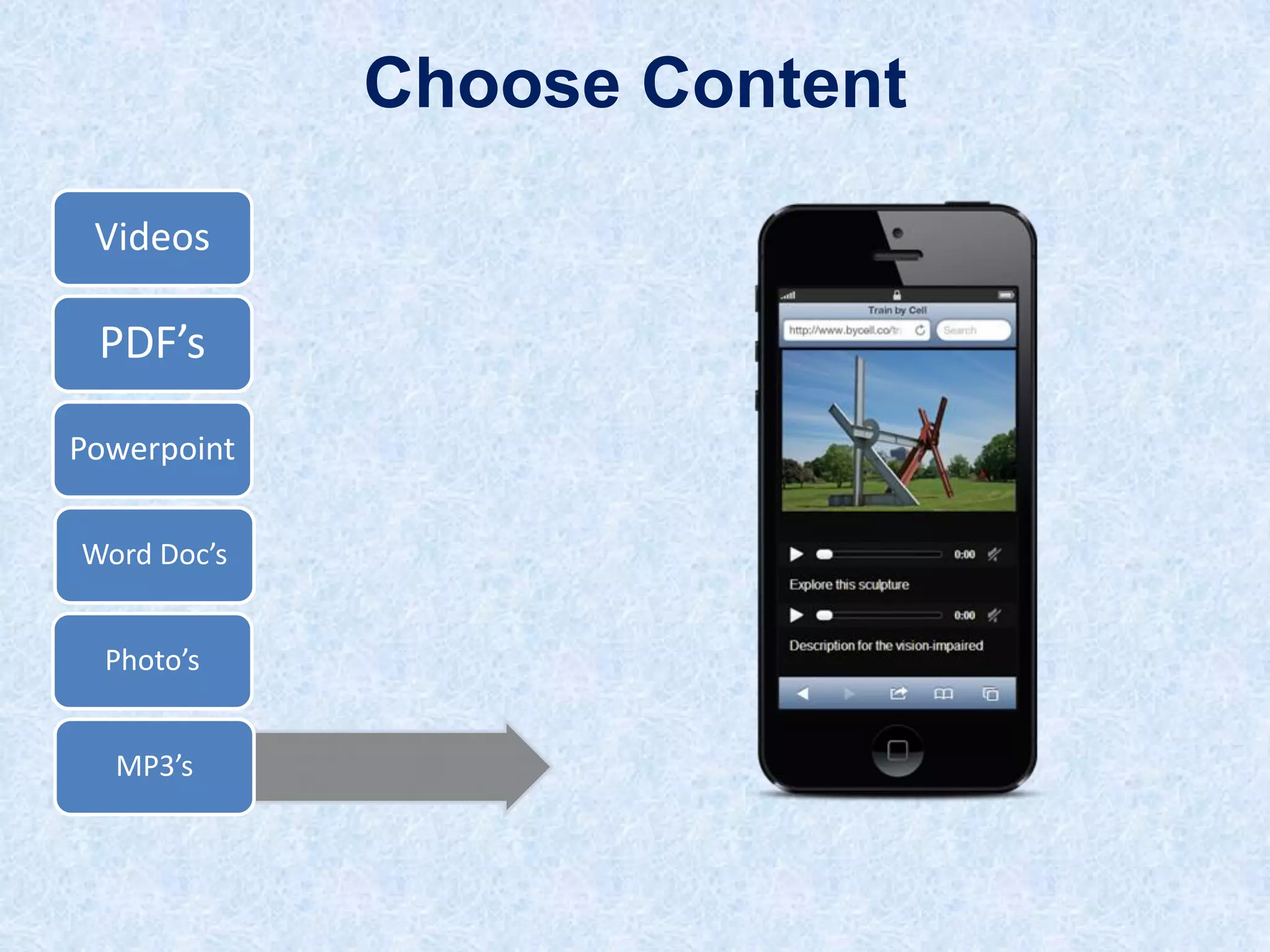
MP3’s
Choose Content
Videos

PDF’s
Powerpoints
Word Doc’s
Photos

MP3’s
Excel
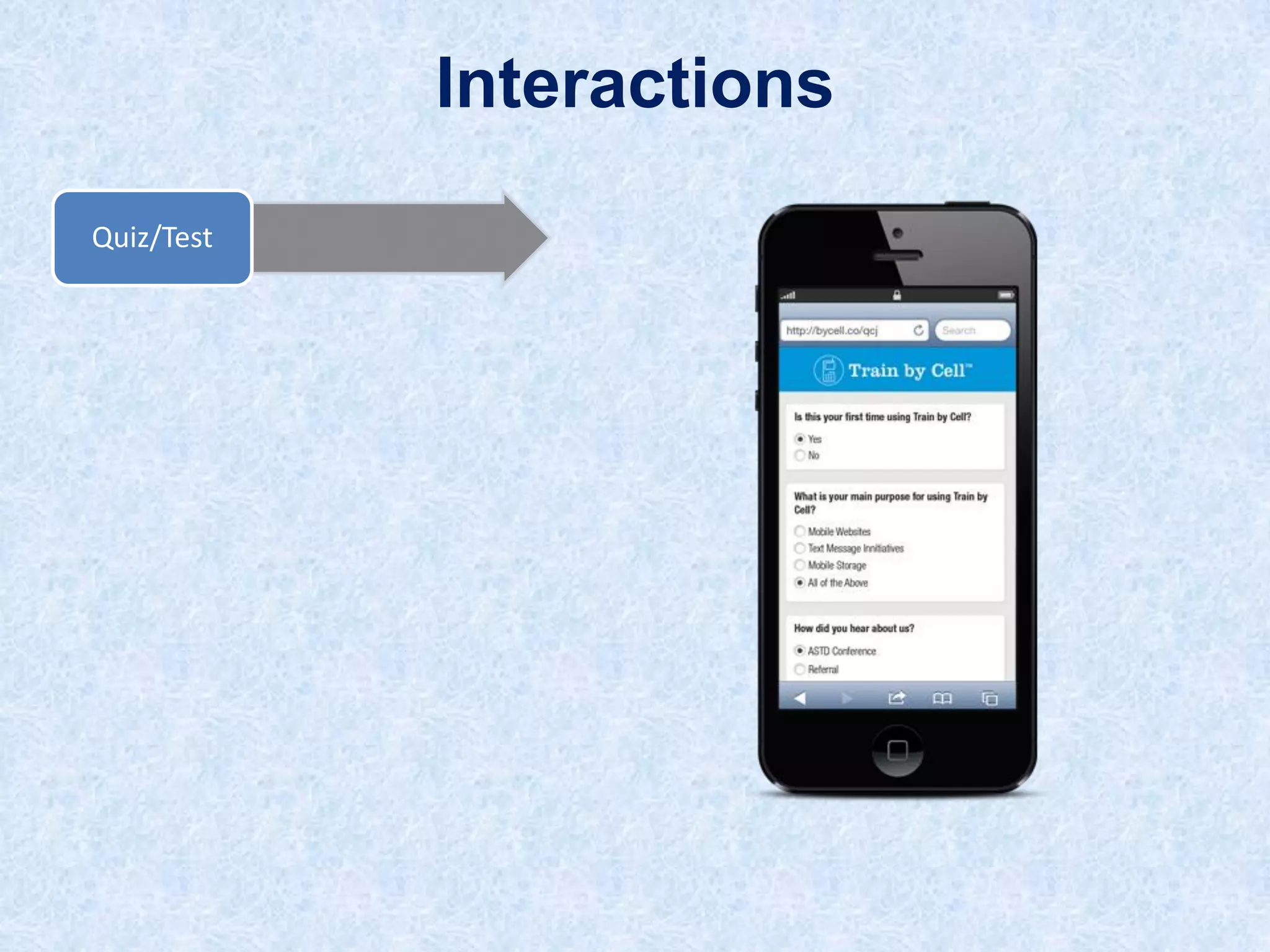
Interactions
Quiz/Test
Interactions
Quiz/Test
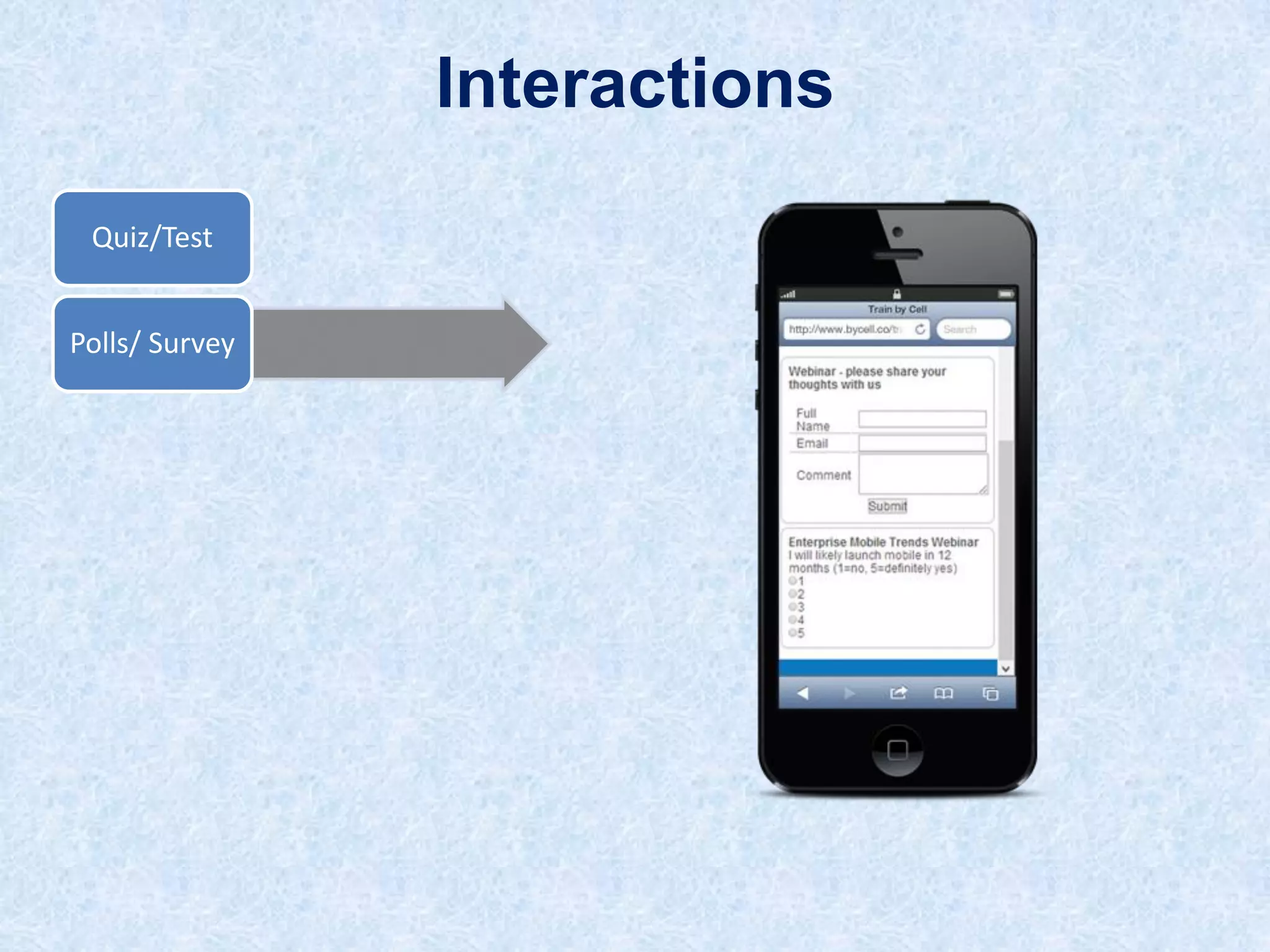
Polls/ Survey
Interactions
Quiz/Test
Polls/ Survey

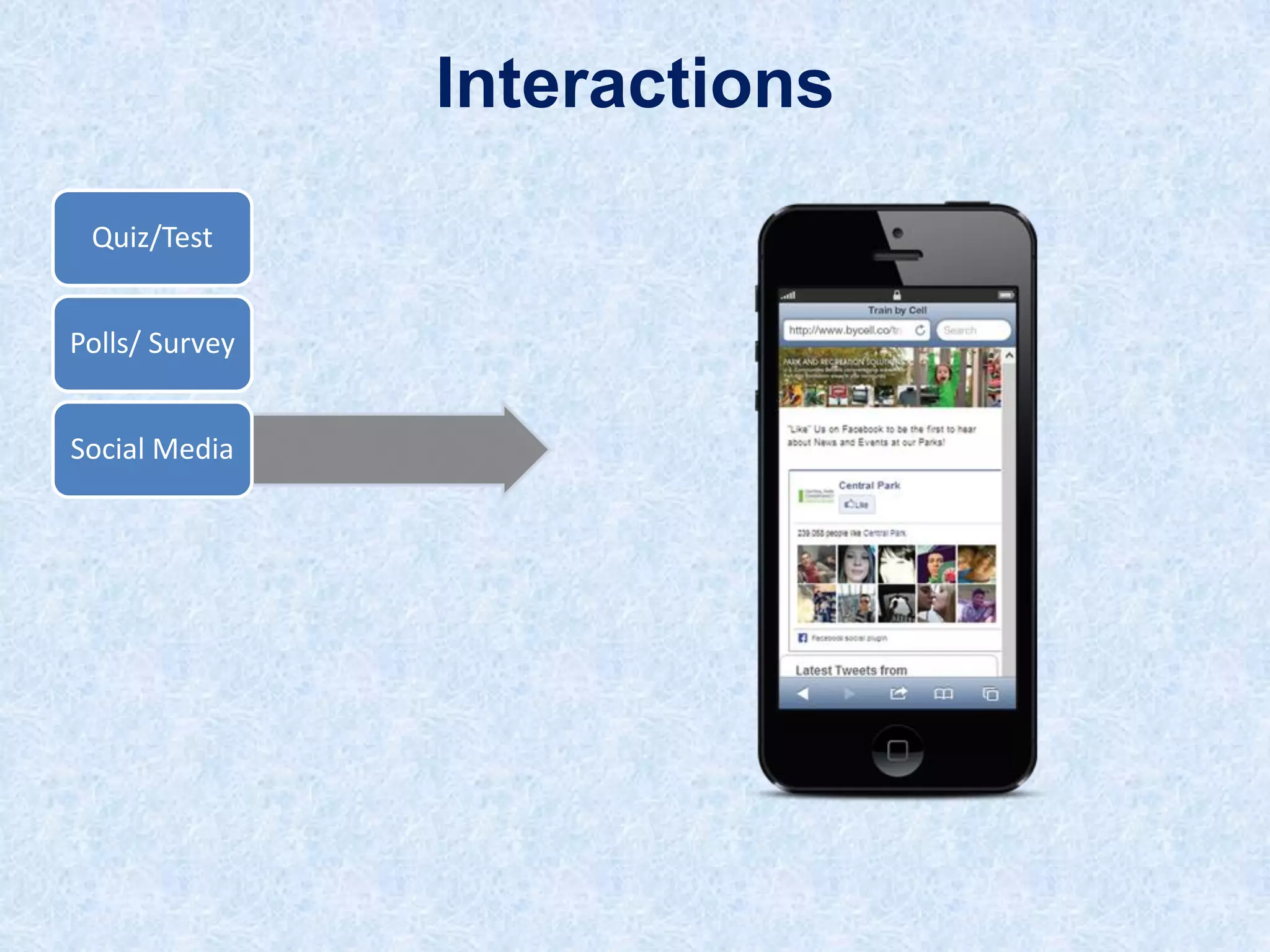
Social Media
Interactions
Quiz/Test
Polls/ Survey

Social Media
Feedback
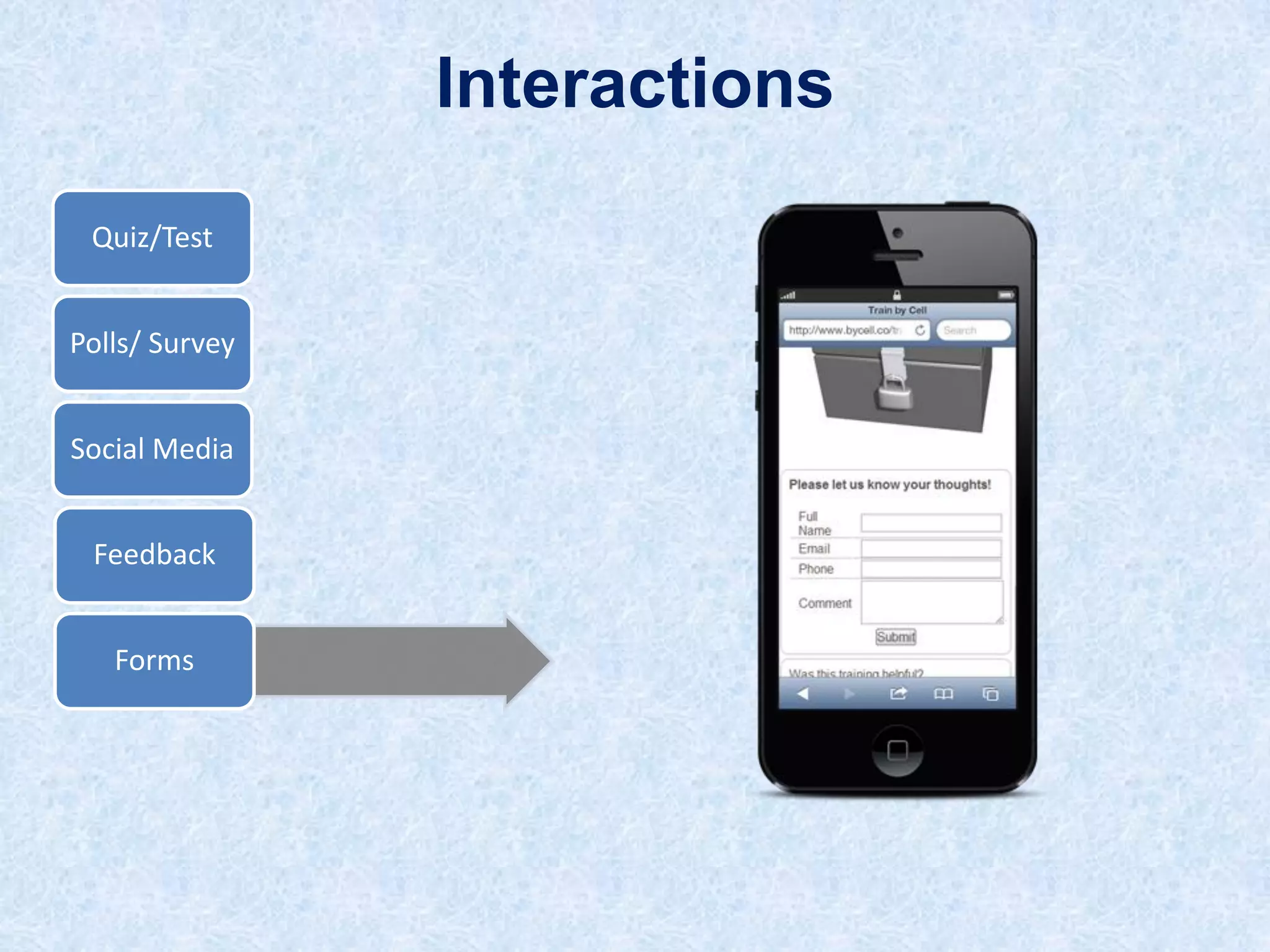
Interactions
Quiz/Test
Polls/ Survey

Social Media
Feedback
Forms
Drag and Drop to Create
Communication
Platform
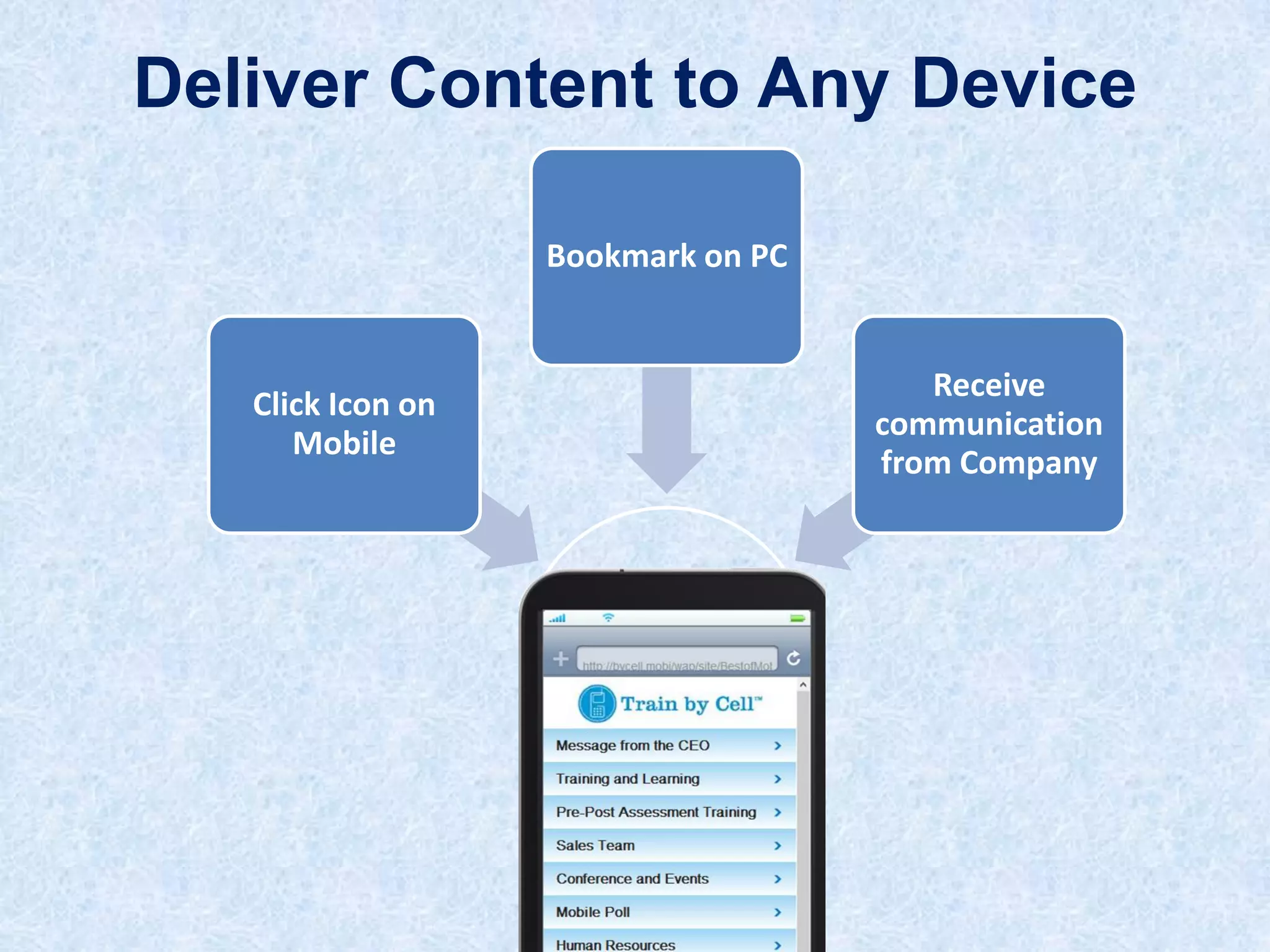
Deliver Content to Any Device
Bookmark on PC

Click Icon on
Mobile

Receive
communication
from Company
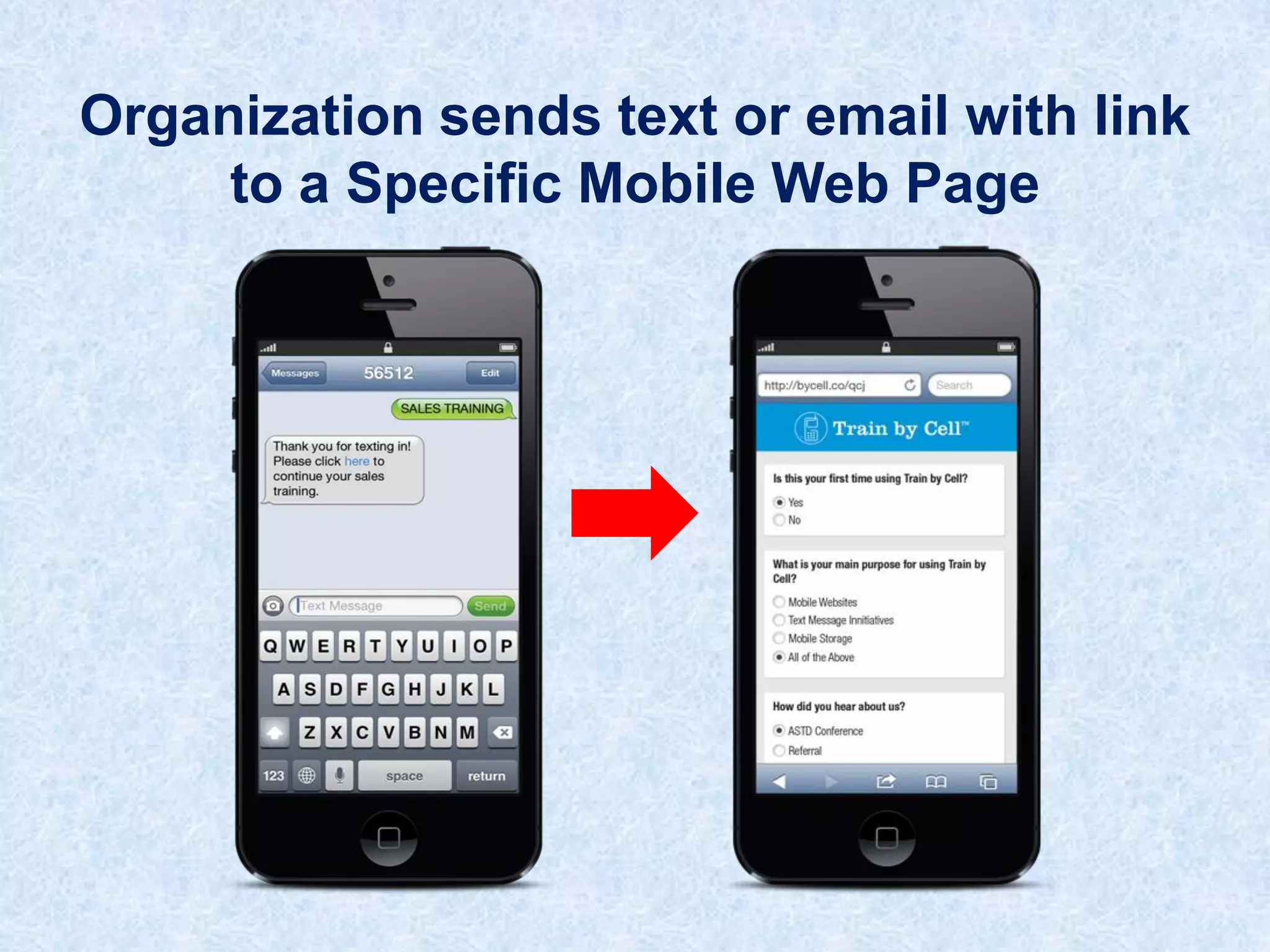
Organization sends text or email with link
to a Specific Mobile Web Page
Analysis
Platform
Change Content
Based on Analytics
Instantly
Export
Platform
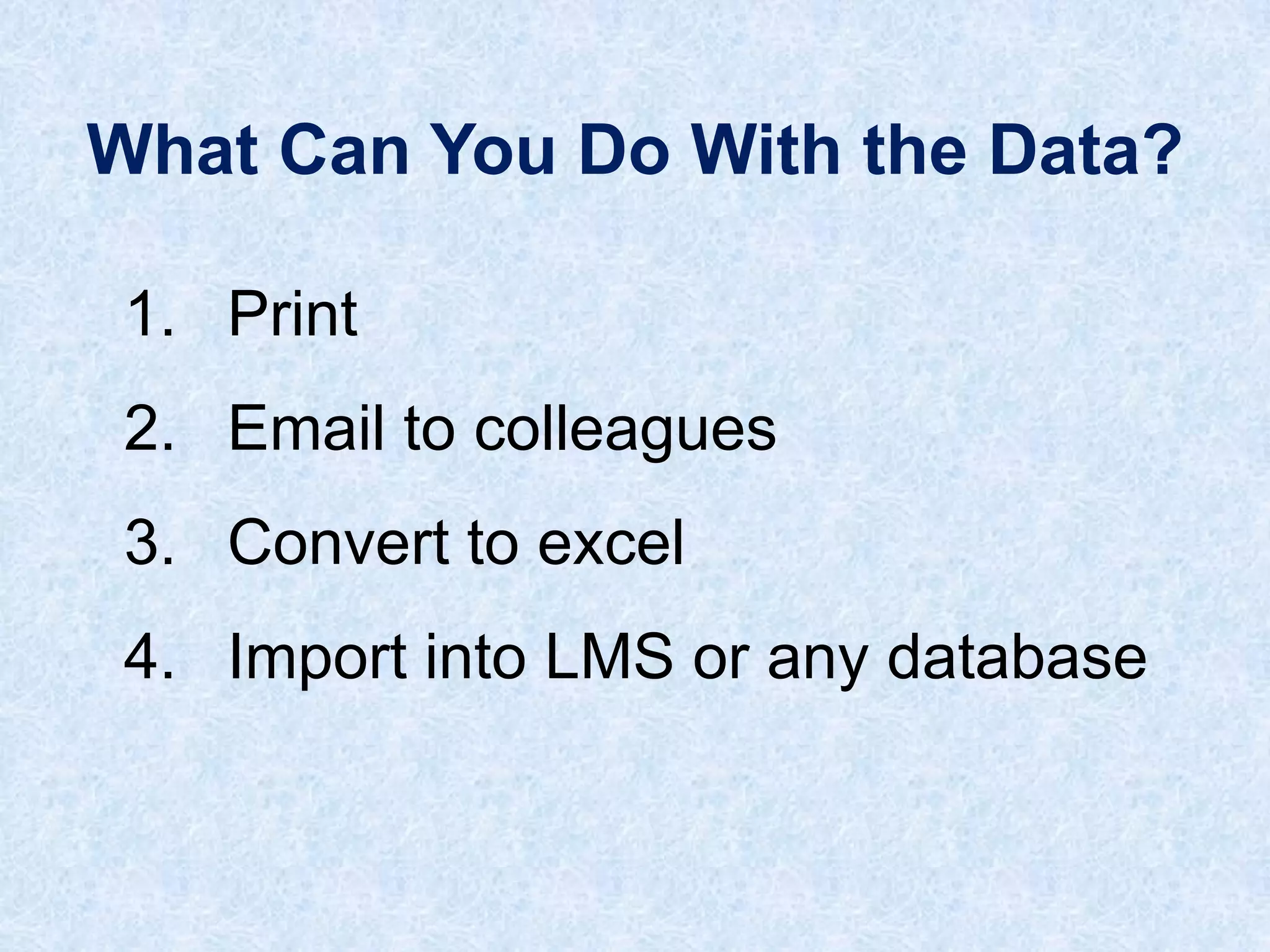
What Can You Do With the Data?
1. Print
2. Email to colleagues
3. Convert to excel

4. Import into LMS or any database
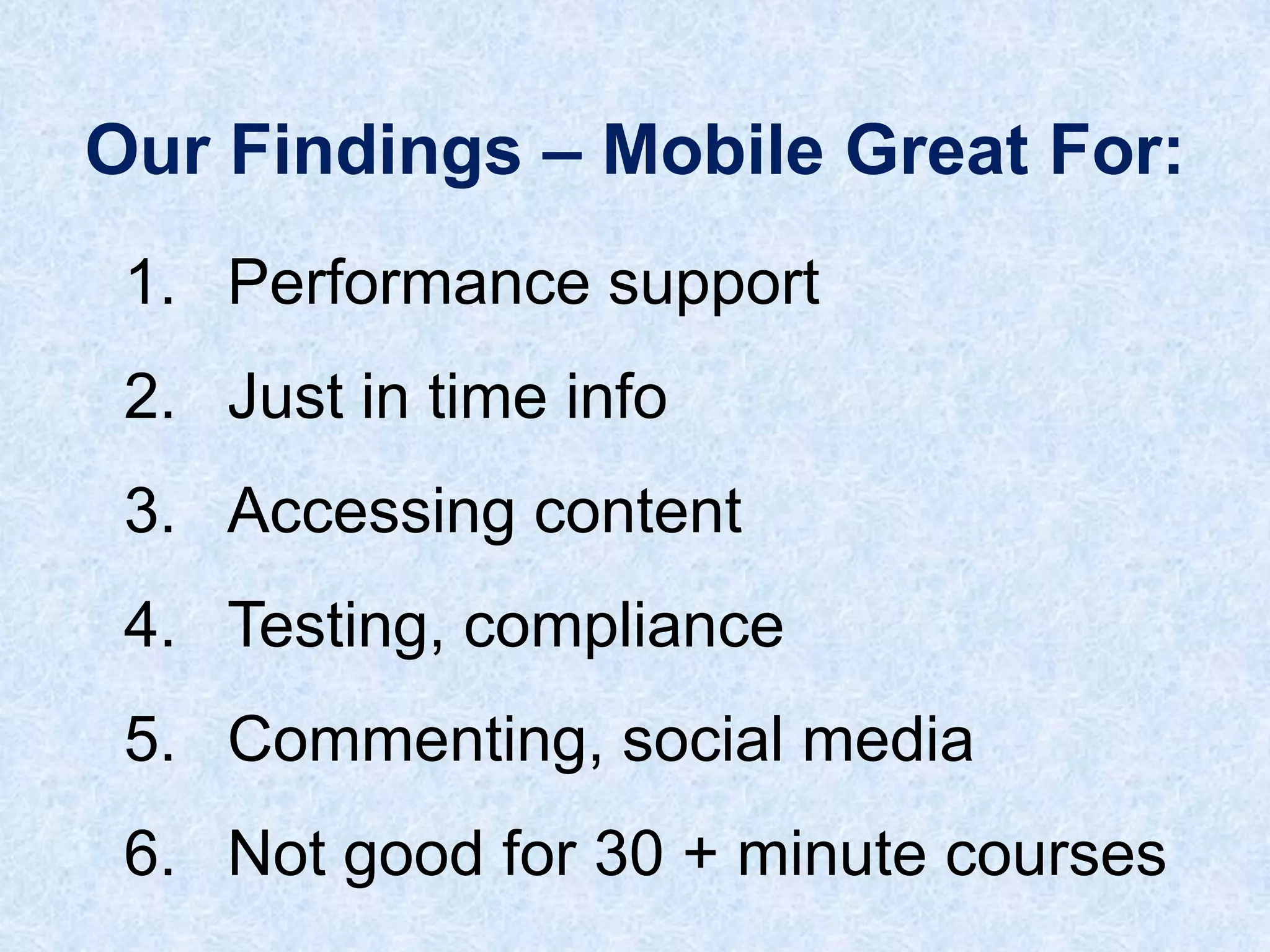
Our Findings – Mobile Great For:
1. Performance support
2. Just in time info
3. Accessing content

4. Testing, compliance
5. Commenting, social media
6. Not good for 30 + minute courses
(415) 297-6677
www.trainbycell.com

dave@trainbycell.com

Train by Cell - Jumpstarting m learning