The Baker’s Dozen LinkedIn
                                                               Tips and Recommendations


1.   Headline

 This is not your title! Your headline is key to someone picking you out of a search.
 The headline should address 2 things: 1.) what you do (functionally); and 2.) who you
 serve (target market)

 Create your new headline now:

 _____________________________________________________________________________________


2.   Web links

 Never use My Company, My Website, My Blog, or any preset phrase. Always select the
 “Other” option. This allows you to personalize the title of the link. Always use all 3
 links. Not sure if you have 3 links? Consider direct links to Twitter and Facebook
 profiles (and any of the other secondary social networks), links to nonprofit
 organizations you’re involved in, or use it to help promote a friend’s or family
 member’s business.

 List your 3 links:

            1. ______________________________________

            2. ______________________________________

            3. ______________________________________


3.   Contacts to Connections

 Import your contact database/address book using the Imported Contacts function.
 LinkedIn will crawl through Outlook and all webmail programs for you. If that doesn’t
 work, you can always export the data in a comma separated value (csv) format and
 directly upload. Only 3 fields are needed – first name, last name, and email address.


 ©2009   Crystal Clear Buzz   http://crystalclearbuzz.com   crystal@crystalclearbuzz.com (859) 391-6562
Why? LinkedIn will be able to tell you who is already on LinkedIn saving you time
 searching for individuals. Additionally, when someone who isn’t on LinkedIn joins,
 LinkedIn will let you know.

      To Do – import contacts


4.   Summary

 Your summary is not your bio; it is your elevator speech. It should tell people why
 they should do business with you today. It should include the following 3 components:

                1. Services you provide/problems you solve
                2. Who would benefit from working with you
                3. What results you’ve gotten

      To Do – On a separate sheet of paper, rewrite your summary.


5.   Specialties

 The specialties section should not be written in a prose style (sentences). Your
 specialties should be keywords and key phrases that people would use to search for
 someone looking for your services.

 List your specialties:


 ©2009   Crystal Clear Buzz   http://crystalclearbuzz.com   crystal@crystalclearbuzz.com (859) 391-6562
6.   Experience

 The Experience section is your resume and should be treated as such. LinkedIn now
 has the capability to upload your resume and pre-populate all of the fields without
 requiring you to type it in. Make sure that this area is keyword rich.

      To Do – Upload resume or complete Experience section.


7.   Groups

 You can join up to 50 groups. Join the groups populated by your target market.
 Actively participate in discussions and news postings. Generate discussions based on
 your product/service messages. Start a group and create a circle of influence.

 What types of groups should you join?


 What type of group should you create?             _________________________________


8.   Box.net application

 Install the box.net application and upload printed marketing collateral, work samples,
 free content, etc.


 ©2009   Crystal Clear Buzz   http://crystalclearbuzz.com   crystal@crystalclearbuzz.com (859) 391-6562
What documents could I share using box.net?


9.   Answers

 By effectively answering peoples’ questions in the Answers section, you can earn
 “expert” points and be listed as an expert on that topic. The person who asks the
 question gets to identify the “best answer,” which automatically gives the responder an
 export point in the categories relevant to the question.

 What 3 subject categories should you monitor for questions in your area of expertise?


10. Introductions

 LinkedIn was created for the introduction function, yet it is rarely used. A free
 account allows for 5 active introduction requests to be open at any time. Study your
 connections’ connections to find prospects and request introductions.

 Identify 5 people and request an introduction:

            1. ______________________________________

            2. ______________________________________

            3. ______________________________________

            4. ______________________________________

            5. ______________________________________


 ©2009   Crystal Clear Buzz   http://crystalclearbuzz.com   crystal@crystalclearbuzz.com (859) 391-6562
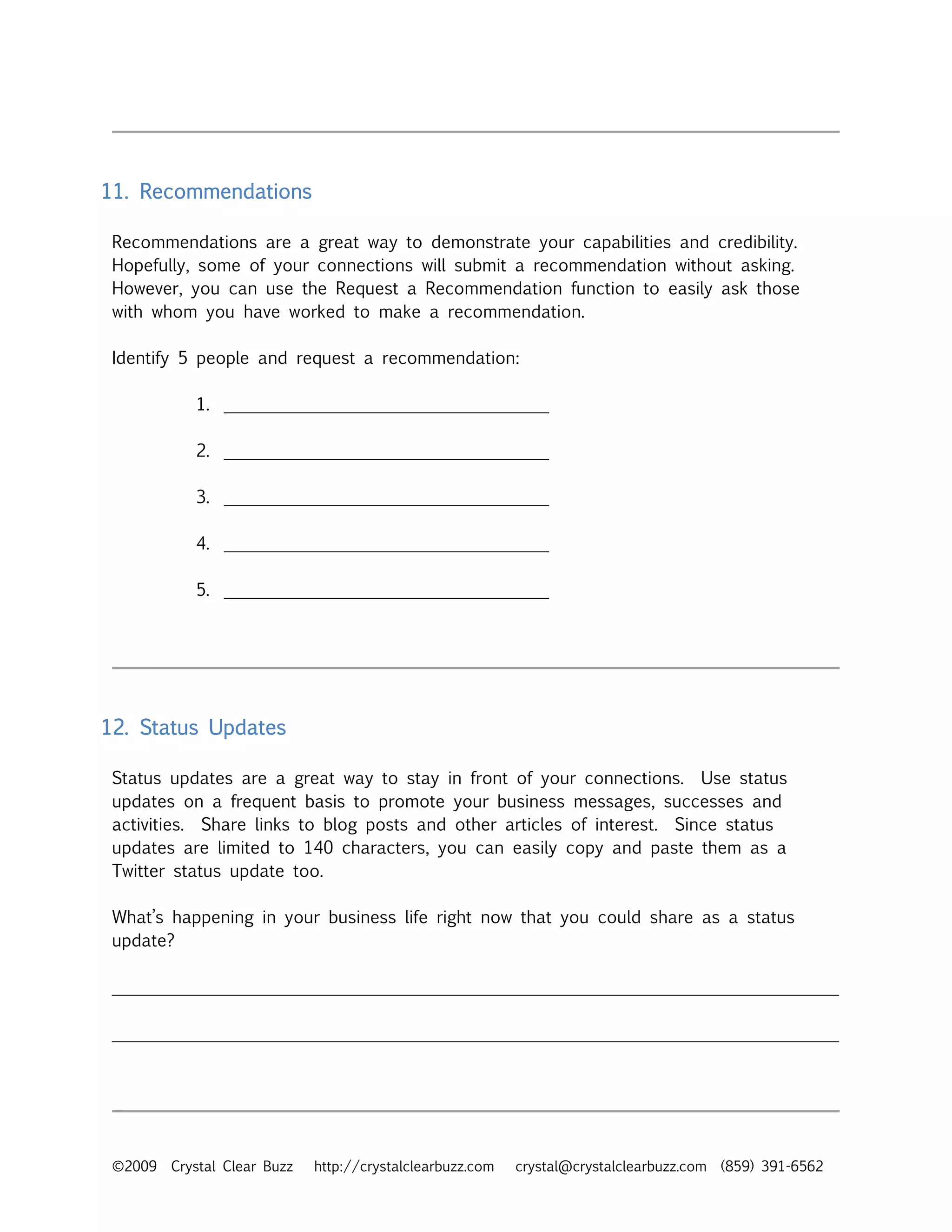
11. Recommendations

 Recommendations are a great way to demonstrate your capabilities and credibility.
 Hopefully, some of your connections will submit a recommendation without asking.
 However, you can use the Request a Recommendation function to easily ask those
 with whom you have worked to make a recommendation.

 Identify 5 people and request a recommendation:

            1. ______________________________________

            2. ______________________________________

            3. ______________________________________

            4. ______________________________________

            5. ______________________________________


12. Status Updates

 Status updates are a great way to stay in front of your connections. Use status
 updates on a frequent basis to promote your business messages, successes and
 activities. Share links to blog posts and other articles of interest. Since status
 updates are limited to 140 characters, you can easily copy and paste them as a
 Twitter status update too.

 What’s happening in your business life right now that you could share as a status
 update?

 _____________________________________________________________________________________

 _____________________________________________________________________________________


 ©2009   Crystal Clear Buzz   http://crystalclearbuzz.com   crystal@crystalclearbuzz.com (859) 391-6562
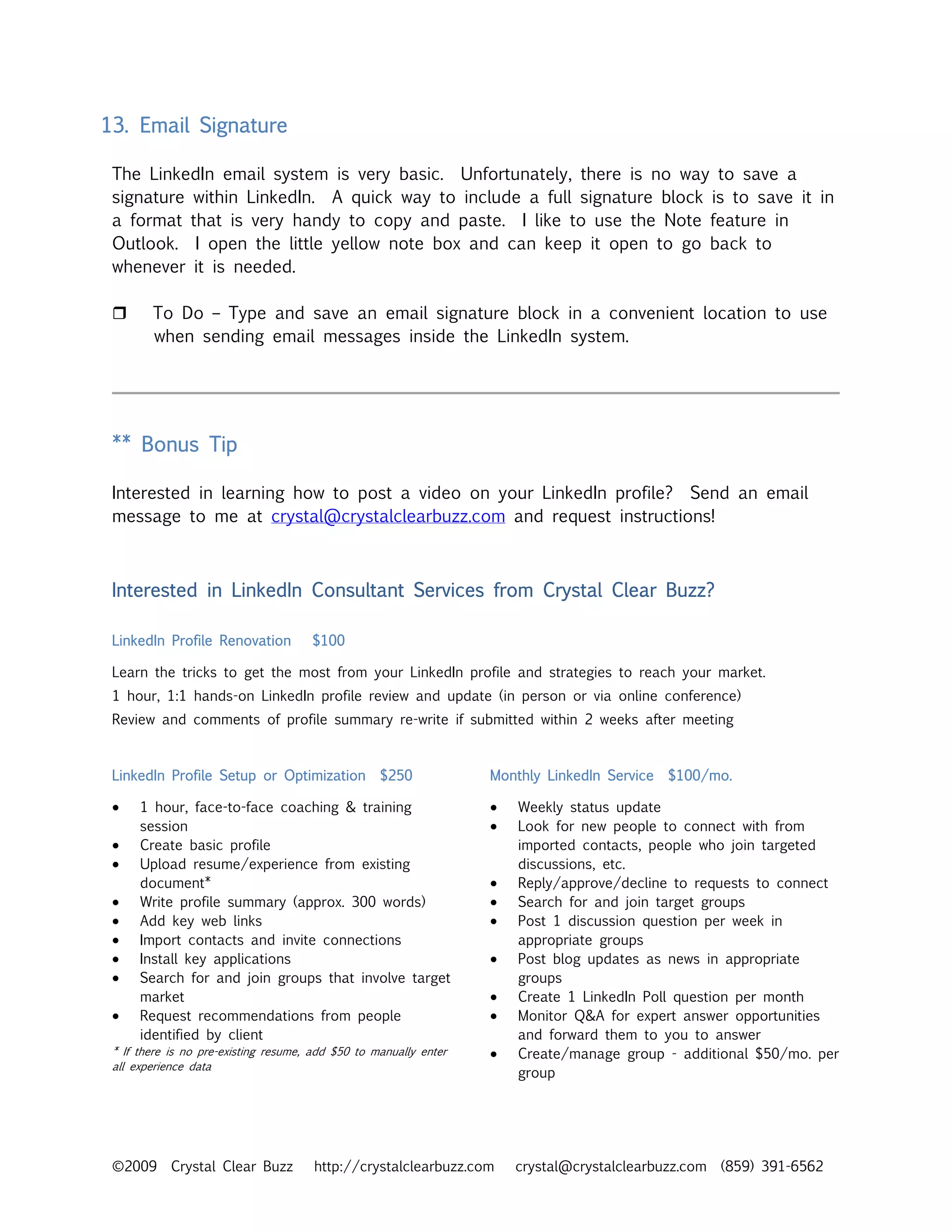
13. Email Signature

 The LinkedIn email system is very basic. Unfortunately, there is no way to save a
 signature within LinkedIn. A quick way to include a full signature block is to save it in
 a format that is very handy to copy and paste. I like to use the Note feature in
 Outlook. I open the little yellow note box and can keep it open to go back to
 whenever it is needed.

        To Do – Type and save an email signature block in a convenient location to use
        when sending email messages inside the LinkedIn system.


 ** Bonus Tip

 Interested in learning how to post a video on your LinkedIn profile? Send an email
 message to me at crystal@crystalclearbuzz.com and request instructions!


 Interested in LinkedIn Consultant Services from Crystal Clear Buzz?

 LinkedIn Profile Renovation          $100

 Learn the tricks to get the most from your LinkedIn profile and strategies to reach your market.
 1 hour, 1:1 hands-on LinkedIn profile review and update (in person or via online conference)
 Review and comments of profile summary re-write if submitted within 2 weeks after meeting


 LinkedIn Profile Setup or Optimization            $250            Monthly LinkedIn Service   $100/mo.

 •    1 hour, face-to-face coaching & training                     •   Weekly status update
      session                                                      •   Look for new people to connect with from
 •    Create basic profile                                             imported contacts, people who join targeted
 •    Upload resume/experience from existing                           discussions, etc.
      document*                                                    •   Reply/approve/decline to requests to connect
 •    Write profile summary (approx. 300 words)                    •   Search for and join target groups
 •    Add key web links                                            •   Post 1 discussion question per week in
 •    Import contacts and invite connections                           appropriate groups
 •    Install key applications                                     •   Post blog updates as news in appropriate
 •    Search for and join groups that involve target                   groups
      market                                                       •   Create 1 LinkedIn Poll question per month
 •    Request recommendations from people                          •   Monitor Q&A for expert answer opportunities
      identified by client                                             and forward them to you to answer
 * If there is no pre-existing resume, add $50 to manually enter   •   Create/manage group - additional $50/mo. per
 all experience data
                                                                       group


 ©2009      Crystal Clear Buzz         http://crystalclearbuzz.com     crystal@crystalclearbuzz.com (859) 391-6562

Top LinkedIn Tips Workbook

  • 1.
    The Baker’s DozenLinkedIn   Tips and Recommendations 1. Headline This is not your title! Your headline is key to someone picking you out of a search. The headline should address 2 things: 1.) what you do (functionally); and 2.) who you serve (target market) Create your new headline now: _____________________________________________________________________________________ 2. Web links Never use My Company, My Website, My Blog, or any preset phrase. Always select the “Other” option. This allows you to personalize the title of the link. Always use all 3 links. Not sure if you have 3 links? Consider direct links to Twitter and Facebook profiles (and any of the other secondary social networks), links to nonprofit organizations you’re involved in, or use it to help promote a friend’s or family member’s business. List your 3 links: 1. ______________________________________ 2. ______________________________________ 3. ______________________________________ 3. Contacts to Connections Import your contact database/address book using the Imported Contacts function. LinkedIn will crawl through Outlook and all webmail programs for you. If that doesn’t work, you can always export the data in a comma separated value (csv) format and directly upload. Only 3 fields are needed – first name, last name, and email address. ©2009 Crystal Clear Buzz http://crystalclearbuzz.com crystal@crystalclearbuzz.com (859) 391-6562
  • 2.
    Why? LinkedIn willbe able to tell you who is already on LinkedIn saving you time searching for individuals. Additionally, when someone who isn’t on LinkedIn joins, LinkedIn will let you know. To Do – import contacts 4. Summary Your summary is not your bio; it is your elevator speech. It should tell people why they should do business with you today. It should include the following 3 components: 1. Services you provide/problems you solve 2. Who would benefit from working with you 3. What results you’ve gotten To Do – On a separate sheet of paper, rewrite your summary. 5. Specialties The specialties section should not be written in a prose style (sentences). Your specialties should be keywords and key phrases that people would use to search for someone looking for your services. List your specialties: ©2009 Crystal Clear Buzz http://crystalclearbuzz.com crystal@crystalclearbuzz.com (859) 391-6562
  • 3.
    6. Experience The Experience section is your resume and should be treated as such. LinkedIn now has the capability to upload your resume and pre-populate all of the fields without requiring you to type it in. Make sure that this area is keyword rich. To Do – Upload resume or complete Experience section. 7. Groups You can join up to 50 groups. Join the groups populated by your target market. Actively participate in discussions and news postings. Generate discussions based on your product/service messages. Start a group and create a circle of influence. What types of groups should you join? What type of group should you create? _________________________________ 8. Box.net application Install the box.net application and upload printed marketing collateral, work samples, free content, etc. ©2009 Crystal Clear Buzz http://crystalclearbuzz.com crystal@crystalclearbuzz.com (859) 391-6562
  • 4.
    What documents couldI share using box.net? 9. Answers By effectively answering peoples’ questions in the Answers section, you can earn “expert” points and be listed as an expert on that topic. The person who asks the question gets to identify the “best answer,” which automatically gives the responder an export point in the categories relevant to the question. What 3 subject categories should you monitor for questions in your area of expertise? 10. Introductions LinkedIn was created for the introduction function, yet it is rarely used. A free account allows for 5 active introduction requests to be open at any time. Study your connections’ connections to find prospects and request introductions. Identify 5 people and request an introduction: 1. ______________________________________ 2. ______________________________________ 3. ______________________________________ 4. ______________________________________ 5. ______________________________________ ©2009 Crystal Clear Buzz http://crystalclearbuzz.com crystal@crystalclearbuzz.com (859) 391-6562
  • 5.
    11. Recommendations Recommendationsare a great way to demonstrate your capabilities and credibility. Hopefully, some of your connections will submit a recommendation without asking. However, you can use the Request a Recommendation function to easily ask those with whom you have worked to make a recommendation. Identify 5 people and request a recommendation: 1. ______________________________________ 2. ______________________________________ 3. ______________________________________ 4. ______________________________________ 5. ______________________________________ 12. Status Updates Status updates are a great way to stay in front of your connections. Use status updates on a frequent basis to promote your business messages, successes and activities. Share links to blog posts and other articles of interest. Since status updates are limited to 140 characters, you can easily copy and paste them as a Twitter status update too. What’s happening in your business life right now that you could share as a status update? _____________________________________________________________________________________ _____________________________________________________________________________________ ©2009 Crystal Clear Buzz http://crystalclearbuzz.com crystal@crystalclearbuzz.com (859) 391-6562
  • 6.
    13. Email Signature The LinkedIn email system is very basic. Unfortunately, there is no way to save a signature within LinkedIn. A quick way to include a full signature block is to save it in a format that is very handy to copy and paste. I like to use the Note feature in Outlook. I open the little yellow note box and can keep it open to go back to whenever it is needed. To Do – Type and save an email signature block in a convenient location to use when sending email messages inside the LinkedIn system. ** Bonus Tip Interested in learning how to post a video on your LinkedIn profile? Send an email message to me at crystal@crystalclearbuzz.com and request instructions! Interested in LinkedIn Consultant Services from Crystal Clear Buzz? LinkedIn Profile Renovation $100 Learn the tricks to get the most from your LinkedIn profile and strategies to reach your market. 1 hour, 1:1 hands-on LinkedIn profile review and update (in person or via online conference) Review and comments of profile summary re-write if submitted within 2 weeks after meeting LinkedIn Profile Setup or Optimization $250 Monthly LinkedIn Service $100/mo. • 1 hour, face-to-face coaching & training • Weekly status update session • Look for new people to connect with from • Create basic profile imported contacts, people who join targeted • Upload resume/experience from existing discussions, etc. document* • Reply/approve/decline to requests to connect • Write profile summary (approx. 300 words) • Search for and join target groups • Add key web links • Post 1 discussion question per week in • Import contacts and invite connections appropriate groups • Install key applications • Post blog updates as news in appropriate • Search for and join groups that involve target groups market • Create 1 LinkedIn Poll question per month • Request recommendations from people • Monitor Q&A for expert answer opportunities identified by client and forward them to you to answer * If there is no pre-existing resume, add $50 to manually enter • Create/manage group - additional $50/mo. per all experience data group ©2009 Crystal Clear Buzz http://crystalclearbuzz.com crystal@crystalclearbuzz.com (859) 391-6562