Downloaded 59 times

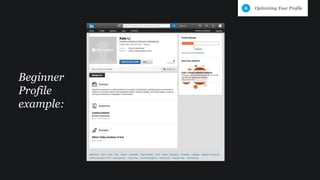
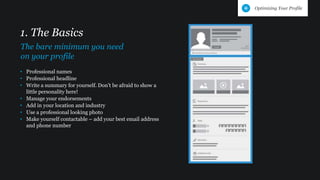
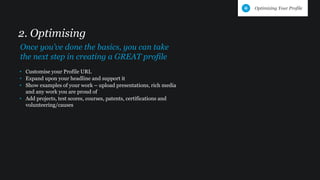
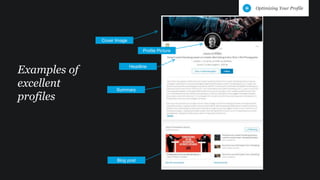
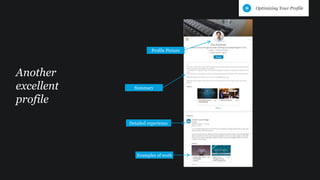


This document provides tips for optimizing a LinkedIn profile, beginning with the basics of adding a professional name, headline, summary, location, industry, photo and contact details. It then recommends customizing the profile URL, expanding the headline and summary, and showing examples of work by uploading presentations, media, projects and certifications. Finally, it shows examples of excellent profiles that include a cover image, detailed summaries, professional photos, headlines, examples of work and detailed experiences.


![Talent in the Australian Public Sector [Webcast slides]](https://cdn.slidesharecdn.com/ss_thumbnails/webcastpsfinalaug24-160824072925-thumbnail.jpg?width=640&height=640&fit=bounds)


