Anatomy of an iPhone app


               TJ Tee
               Partner, Alphapod
Hello there :)
How many of you
•  Own/have used an iPhone/smartphone
•  Are developing a mobile strategy for your
   clients
•  Build apps
What is an app?
•  A small software that carries out a specific set
   of functions.
•  A user experience
•  An opportunity to engage with a highly
   targeted audience
Characteristics of an app
•  Dependent on the native device operating
   system (OS)
•  Leverages on the native OS’ user experience
•  Often has a simplified/distilled featureset (e.g.
   a subset of the full website)
•  Doesn’t necessarily require an Internet
   connection to work
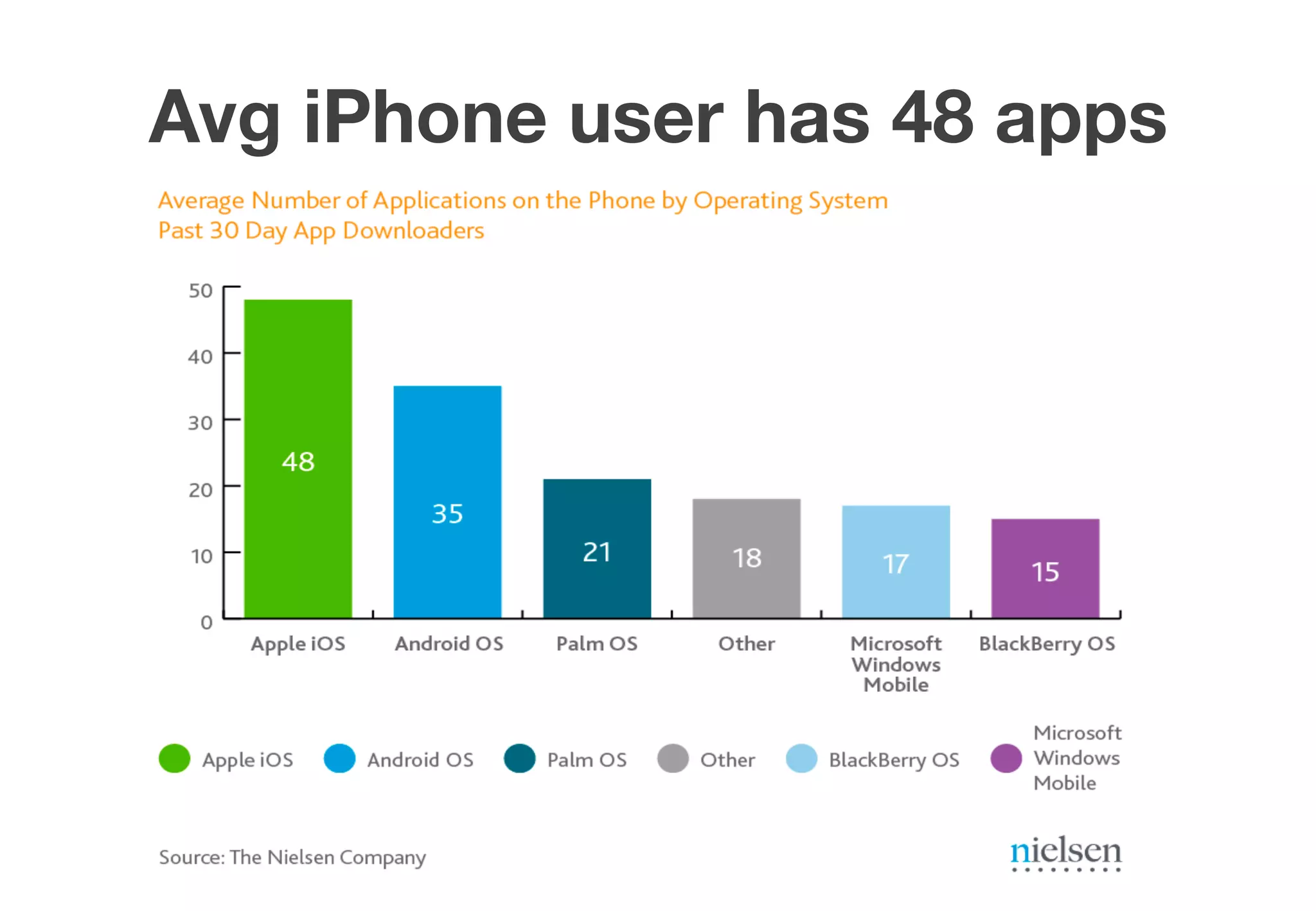
Avg iPhone user has 48 apps
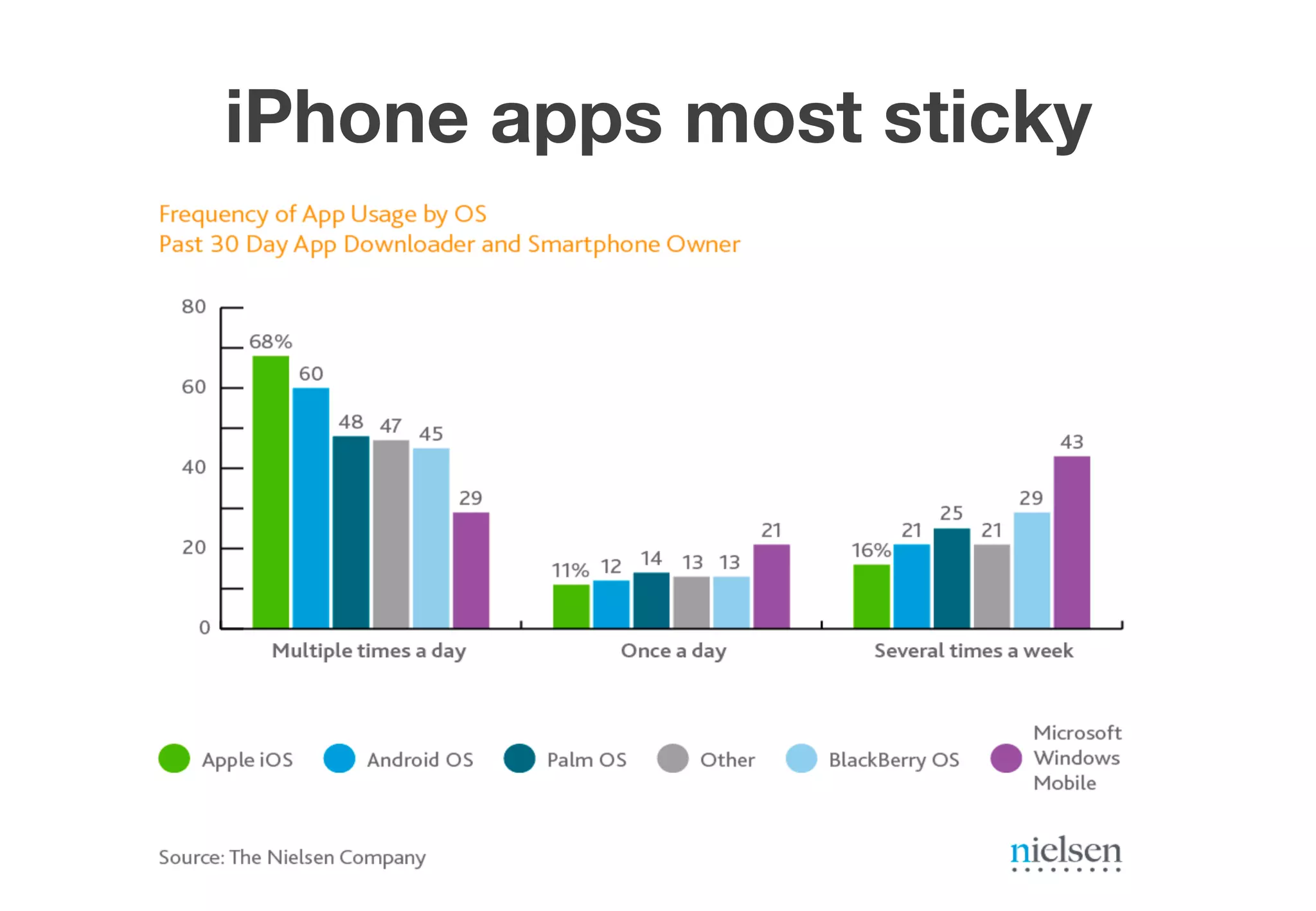
iPhone apps most sticky
Are apps the next Website?
No. Why?
•  Not everyone needs an app
•  Barrier of entry is generally quite high
   (consumers, brands, developers)
•  A reasonably good app requires a specific set
   of expertise to develop
Native vs Web-based
Web-based apps
•  Works across all/most platforms
•  Requires a mobile browser
•  Build once, run everywhere approach
Native vs Web-based
Native apps
•  High definition graphics
•  Slick, cool effects
•  Take advantage of allocated computing power
•  Leverage device’s internal features e.g.
   camera, accelerometer, gyroscope
•  Immediate response
It’s the UX, baby!
The mobile user experience is unique
•  Limited screen real-estate
•  Users are mobile (duh!), in unusual places
•  Personal – entertainment, news, time-
   wasters, utility, social, etc.
•  Pure opt-in. User chooses what app she
   wants on her phone
KILLER iOS FEATURES
Top 5 killer features
#1 Push alerts
•  Any interaction with your app can trigger an
   alert
•  App doesn’t have to be on for alerts to work!
•  Makes apps super sticky (repeat interactions,
   multiple engagement opportunities)
Top 5 killer features
#2 In-app purchasing
•  Highly engaged users can be persuaded to
   pay for virtual goods/currency
•  “1-click” payment is now a reality
•  High perceived value + emotional investment
   (e.g. $0.99 for 1000 gold) justifies spending
•  Revenue share (Dev:Apple, 70:30)
Image source: Kotaku.com
The Sunk Cost Fallacy
Go read
•  http://kotaku.com/5787095/the-science-
   behind-people-wasting-money-on-farmville
•  http://youarenotsosmart.com/2011/03/25/the-
   sunk-cost-fallacy
Top 5 killer features
#3 Geolocation
•  App can know a user’s location at all times
•  Location + social provides very useful context
   for personalization
•  Geo metadata (in images, etc.) can further
   verify user’s location
•  Region monitoring/geofencing – a viable
   alternative to checking in
Top 5 killer features
#4 3rd party APIs
•  The “unglamorous” side of apps, little gnomes
   that make the magic happen
•  Examples of APIs: Facebook Graph API,
   Google Maps, Foursquare, SimpleGeo,
   Instagram, etc.
•  APIs return highly valuable context and
   enable “crossing-over” of communities
Top 5 killer features
#5 Facebook Connect
•  Every Web page becomes social instantly
•  Portable social graph opens up new
   opportunities – increased trust, higher
   conversion rates, personalization, etc.
•  “1-click” sign-up is now a reality
•  Death of the high-friction, proprietary Sign-
   up?
MARKETING + LAUNCH
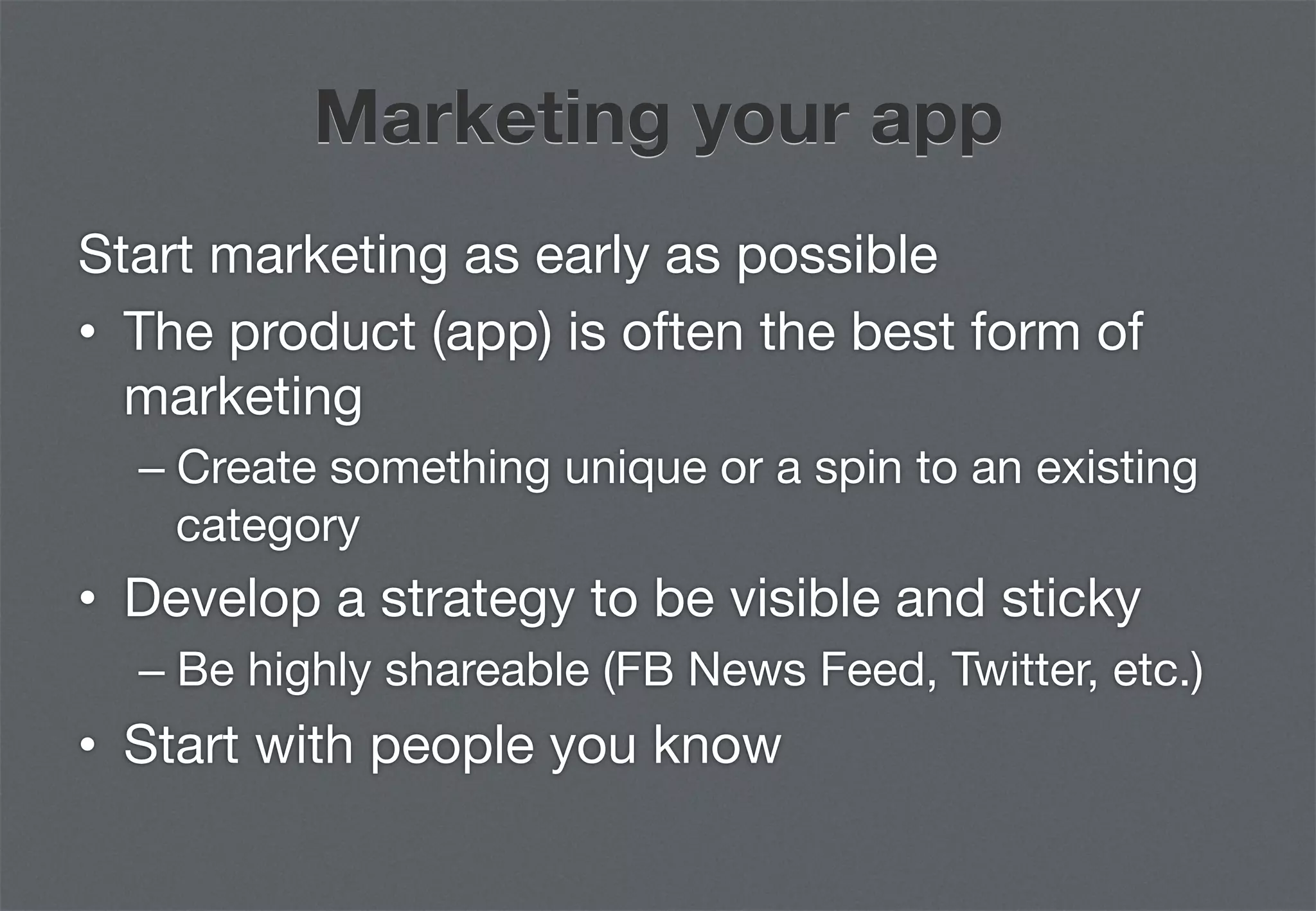
Marketing your app
Start marketing as early as possible
•  The product (app) is often the best form of
   marketing
  –  Create something unique or a spin to an existing
     category
•  Develop a strategy to be visible and sticky 
  –  Be highly shareable (FB News Feed, Twitter, etc.)
•  Start with people you know
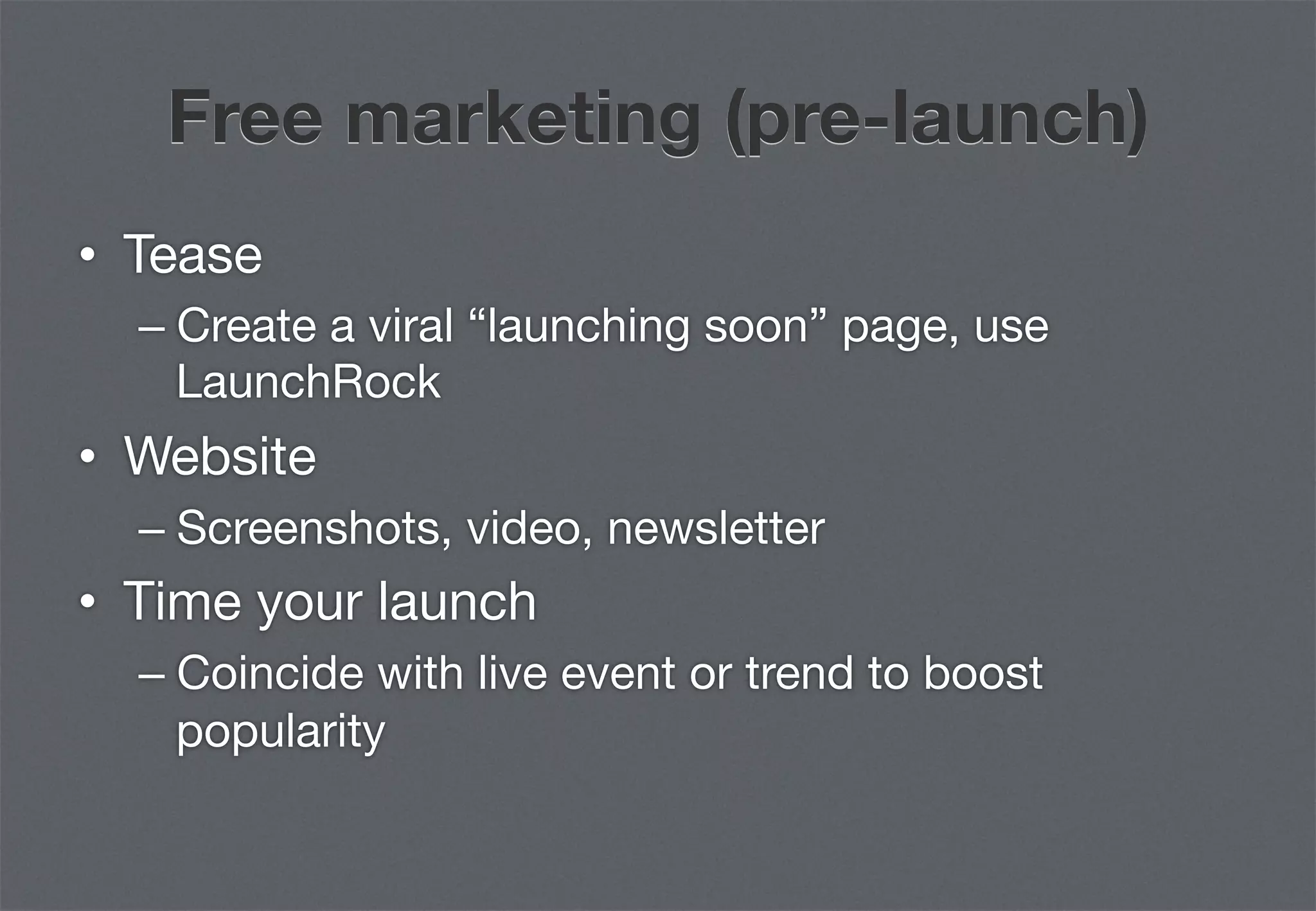
Free marketing (pre-launch)
•  Tease
  –  Create a viral “launching soon” page, use
     LaunchRock
•  Website
  –  Screenshots, video, newsletter
•  Time your launch
  –  Coincide with live event or trend to boost
     popularity
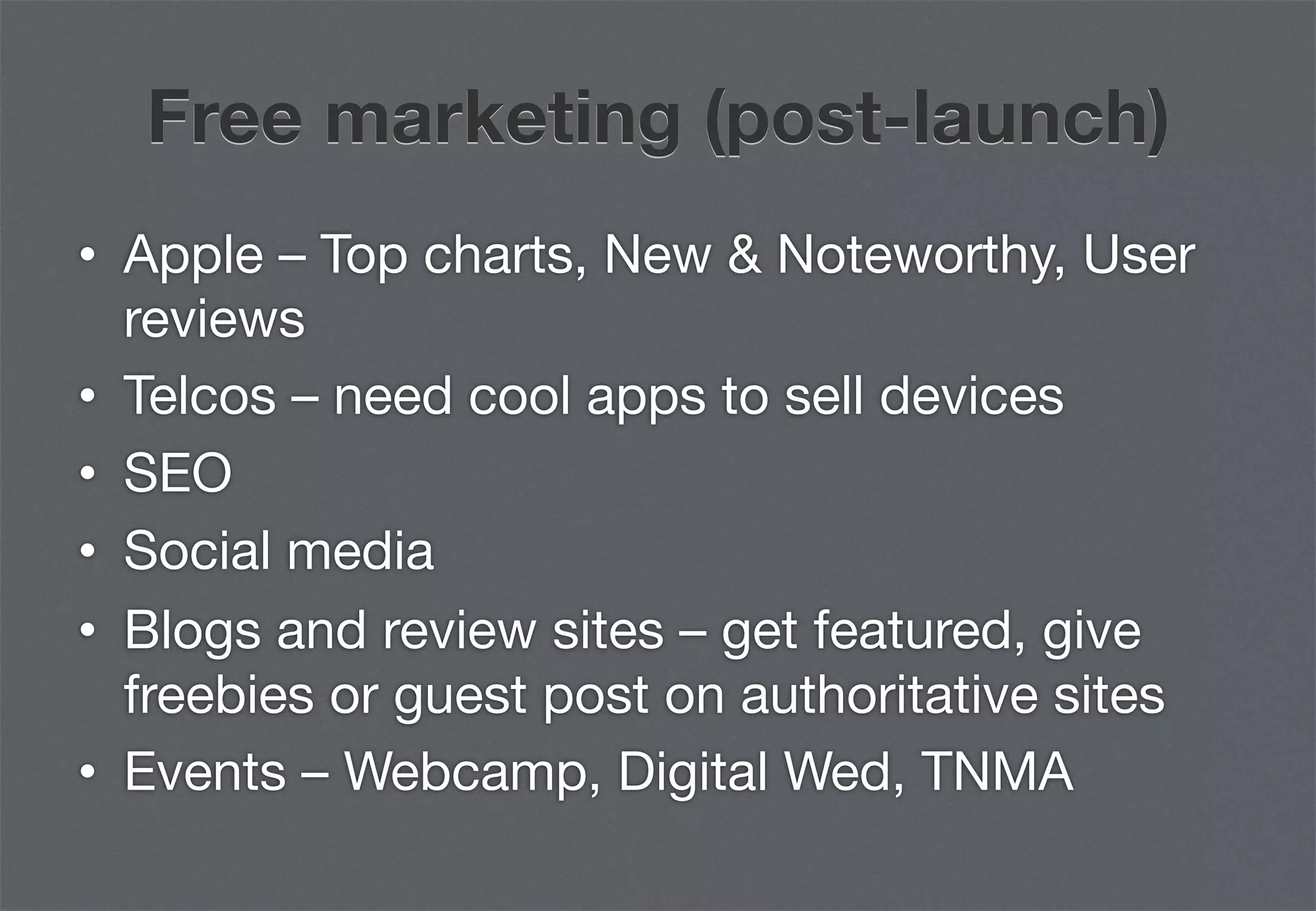
Free marketing (post-launch)
•  Apple – Top charts, New & Noteworthy, User
   reviews
•  Telcos – need cool apps to sell devices
•  SEO
•  Social media
•  Blogs and review sites – get featured, give
   freebies or guest post on authoritative sites
•  Events – Webcamp, Digital Wed, TNMA
Paid marketing
Multiple entry points, track effectiveness
•  Advertising
  –  Facebook Ads, SEM, in-app, display (selective)
•  Sponsorship
  –  Events, contests
•  Free/cheap for a limited time only
  –  EA are pros, find a reason to drive hype
Pre-launch: Things to know
•  Keyword optimization
  –  Observe what keywords competitors are/aren’t
     using, don’t try to game the system


•  Ranking/search criteria
  –  Old: High weightage on download count
  –  New: Apple is testing out a new algorithm which
     places high weightage on app usage
MEASUREMENT
Why is it important?
Provides a clear indication of 
•  Usage patterns
•  Feature efficacy
•  App navigation
•  Emerging behaviors (useful for future
   iterations)
App metrics
Must-have basics
•  App downloads
•  Sign-ups (create account, FB Connect, etc.)
•  Active users
•  App launch
•  Custom actions (vote, submit, share, etc.)
App metrics
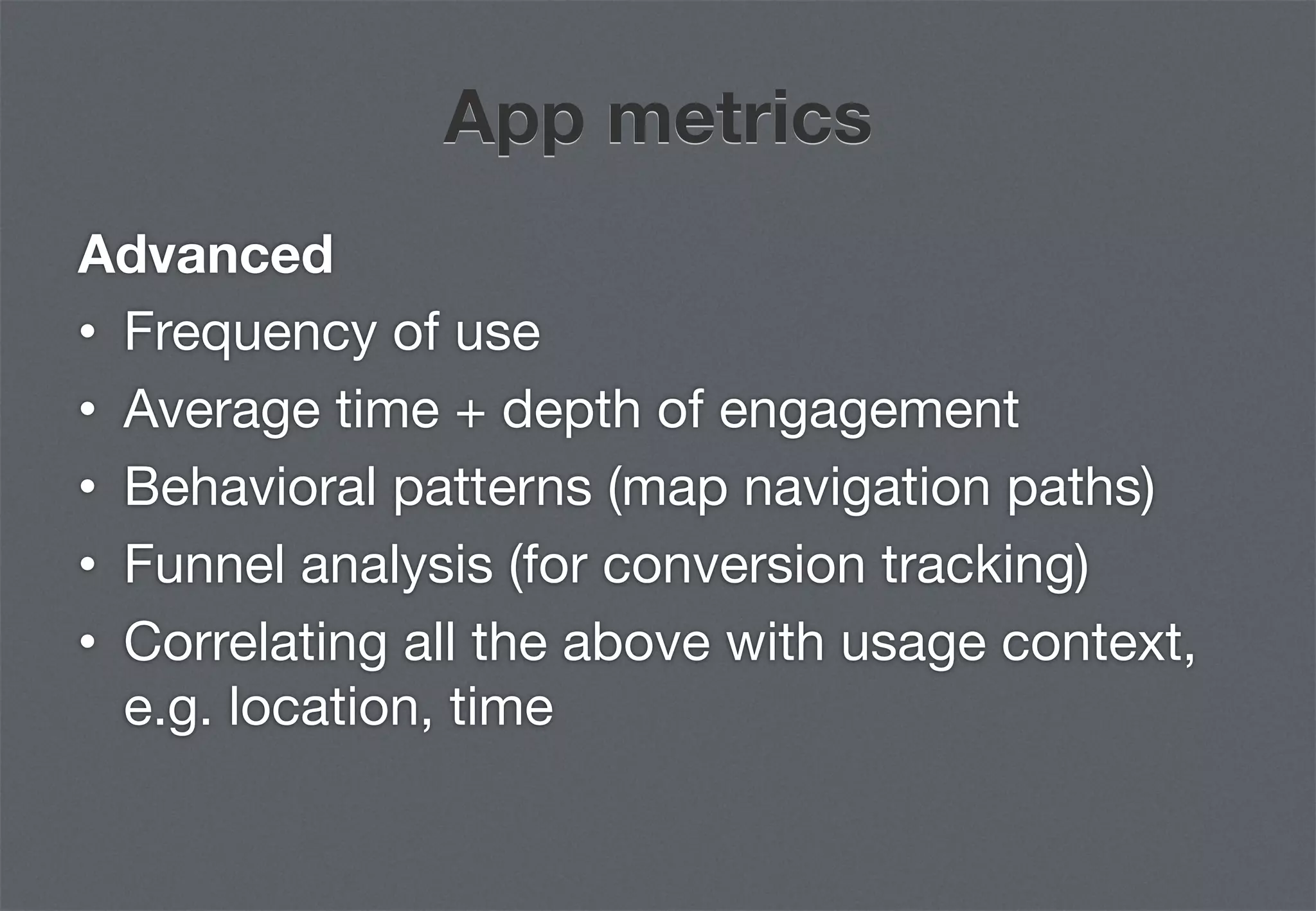
Advanced
•  Frequency of use
•  Average time + depth of engagement
•  Behavioral patterns (map navigation paths)
•  Funnel analysis (for conversion tracking)
•  Correlating all the above with usage context,
   e.g. location, time
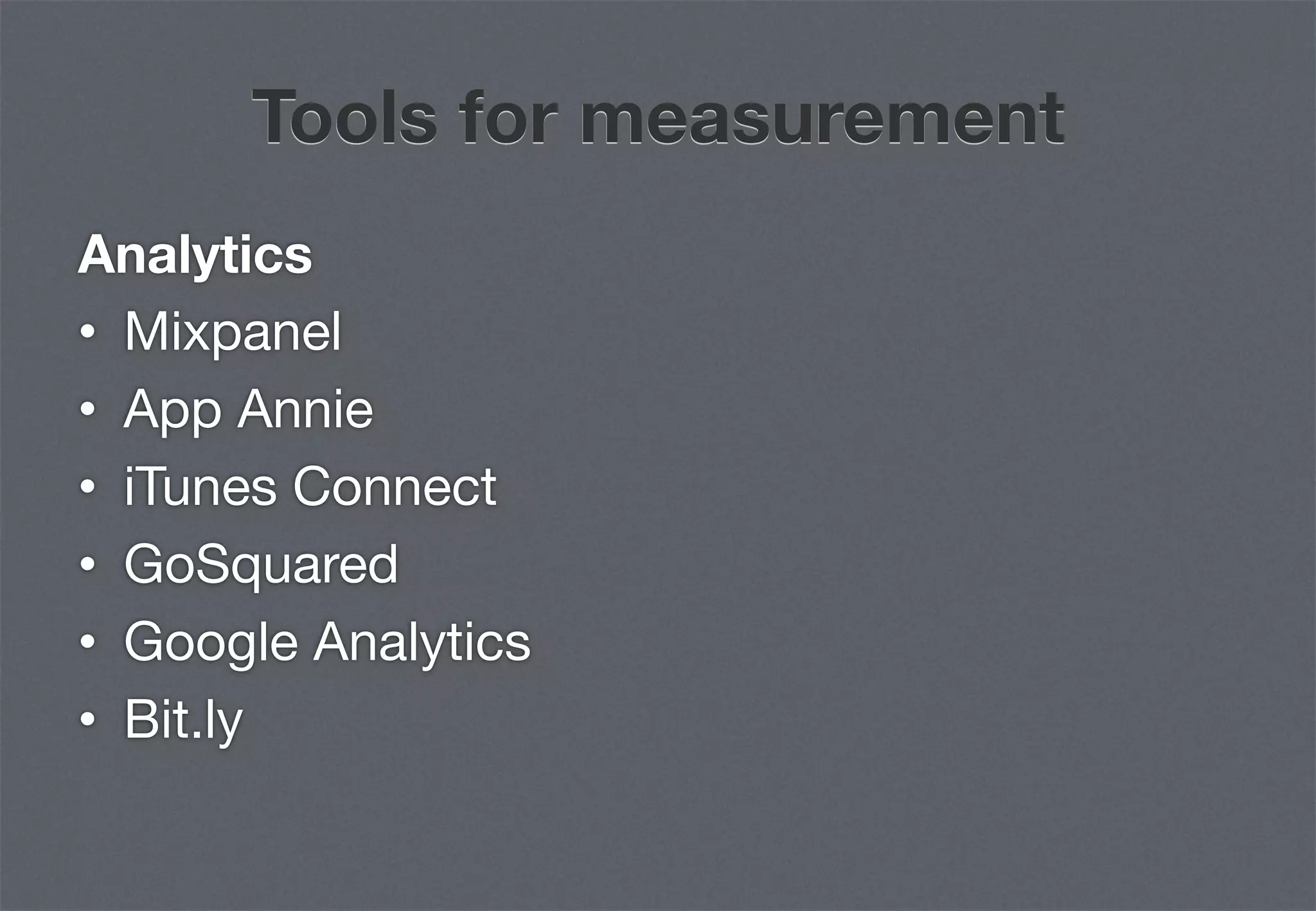
Tools for measurement
Analytics
•  Mixpanel
•  App Annie
•  iTunes Connect
•  GoSquared
•  Google Analytics
•  Bit.ly
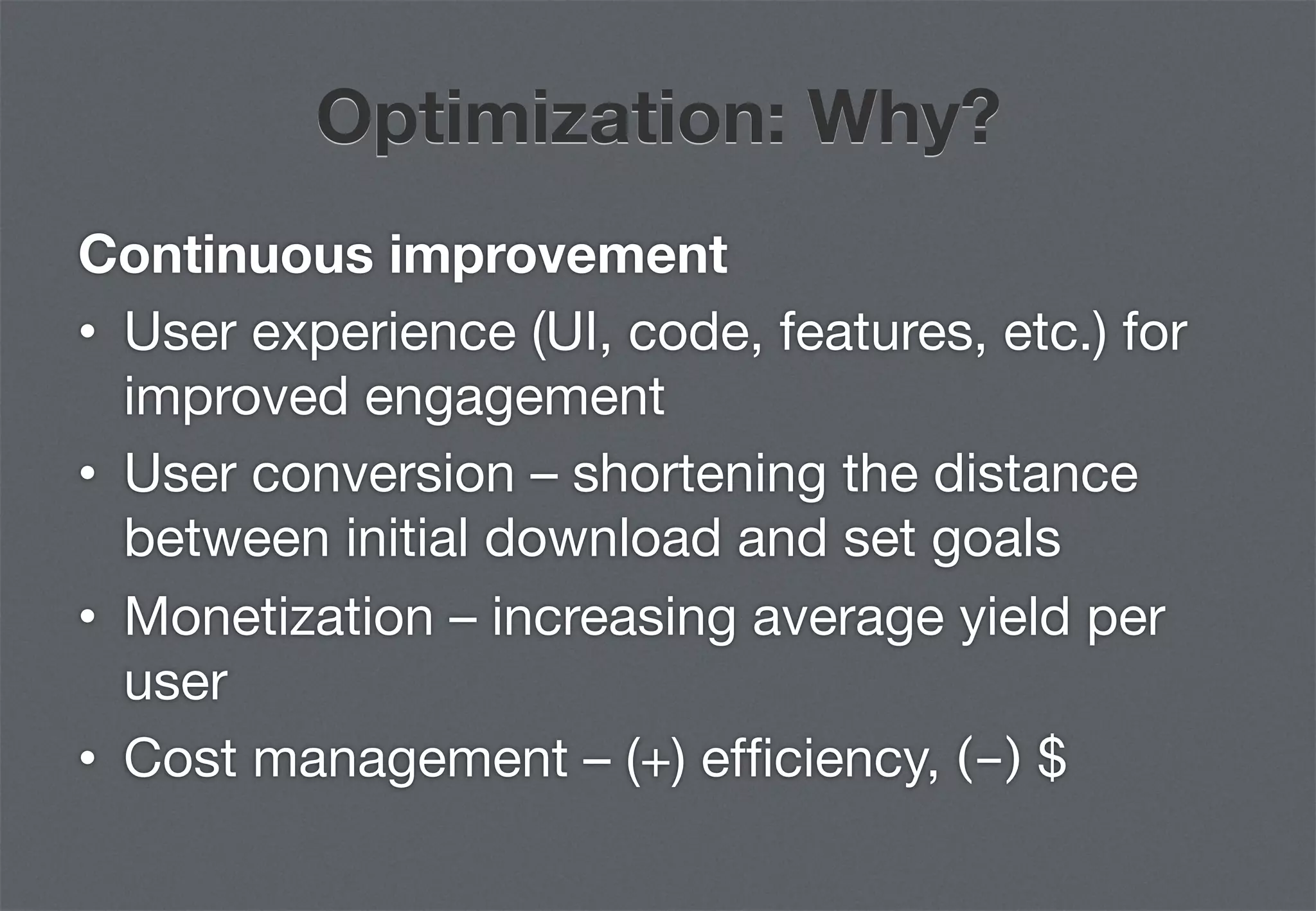
Optimization: Why?
Continuous improvement
•  User experience (UI, code, features, etc.) for
   improved engagement
•  User conversion – shortening the distance
   between initial download and set goals
•  Monetization – increasing average yield per
   user
•  Cost management – (+) efficiency, (-) $
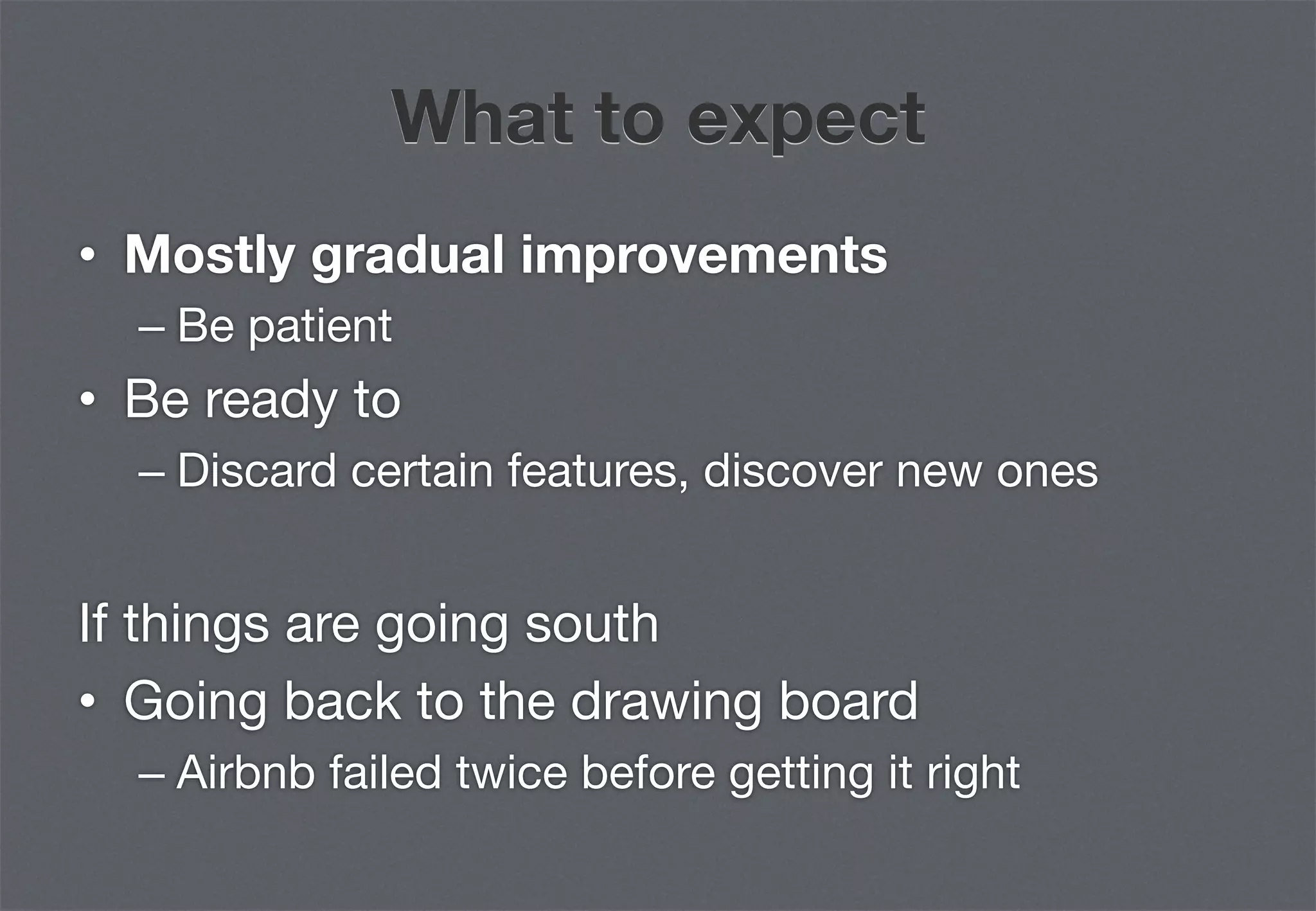
What to expect
•  Mostly gradual improvements
  –  Be patient
•  Be ready to
  –  Discard certain features, discover new ones

If things are going south
•  Going back to the drawing board
  –  Airbnb failed twice before getting it right
MONETIZATION
 STRATEGIES
Free
•  User pays $0 for an app that works 100%
•  Monetary value is derived from indirect
   monetization
  –  User base
  –  Downloads
  –  Content
  –  User activity
  –  Overall brand/company valuation
Paid
•  User pays upfront for the app – a fee that
   justifies/exceeds the perceived lifetime
   value to the user
•  Dec 2010 stats (source: Apple)
  –  67% of all apps on App Store are Paid
  –  50% of all apps are $0.99-$2.99
  –  Average price of a Paid app is $2.43
Freemium
•  Basic app is free (e.g. Angry Birds Lite)
•  Users pay for “pro” or full version of the app
   (e.g. Angry Birds)
•  Basic versions either
  –  Have entire basic or limited featureset
•  While
  –  “Pro” versions have extra useful features
  –  Full versions unlock entire featureset
Ad-supported
•  App is often free, user sees ads (e.g. AdMob,
   iAds, etc.)
•  App owner earns from ad-generated revenue
Acquisition/action basis
•  Lead generation
  –  Sign-up
  –  Download
  –  Enquiry
•  User-driven action rewards e.g. TapJoy
In-app purchase
•  Direct integration with iTunes account for “1-
   click” purchase. All that’s required is user’s
   iTunes password
•  Game developers are making a killing with
   this
Subscription
•  Subscription workarounds
  –  User pays on the website, activates account
  –  Users account to login on app
  –  Apple gets $0
•  Apple will soon introduce in-app
   subscriptions at $0 revenue sharing
THAT’S ALL, FOLKS!
Get in touch

         TJ Tee
  tj@alphapod.com
@tjtee | about.me/tjtee

TJ Tee - Anatomy of an iPhone App

  • 1.
    Anatomy of aniPhone app TJ Tee Partner, Alphapod
  • 2.
    Hello there :) Howmany of you •  Own/have used an iPhone/smartphone •  Are developing a mobile strategy for your clients •  Build apps
  • 3.
    What is anapp? •  A small software that carries out a specific set of functions. •  A user experience •  An opportunity to engage with a highly targeted audience
  • 4.
    Characteristics of anapp •  Dependent on the native device operating system (OS) •  Leverages on the native OS’ user experience •  Often has a simplified/distilled featureset (e.g. a subset of the full website) •  Doesn’t necessarily require an Internet connection to work
  • 5.
    Avg iPhone userhas 48 apps
  • 6.
  • 7.
    Are apps thenext Website? No. Why? •  Not everyone needs an app •  Barrier of entry is generally quite high (consumers, brands, developers) •  A reasonably good app requires a specific set of expertise to develop
  • 8.
    Native vs Web-based Web-basedapps •  Works across all/most platforms •  Requires a mobile browser •  Build once, run everywhere approach
  • 9.
    Native vs Web-based Nativeapps •  High definition graphics •  Slick, cool effects •  Take advantage of allocated computing power •  Leverage device’s internal features e.g. camera, accelerometer, gyroscope •  Immediate response
  • 10.
    It’s the UX,baby! The mobile user experience is unique •  Limited screen real-estate •  Users are mobile (duh!), in unusual places •  Personal – entertainment, news, time- wasters, utility, social, etc. •  Pure opt-in. User chooses what app she wants on her phone
  • 11.
  • 12.
    Top 5 killerfeatures #1 Push alerts •  Any interaction with your app can trigger an alert •  App doesn’t have to be on for alerts to work! •  Makes apps super sticky (repeat interactions, multiple engagement opportunities)
  • 13.
    Top 5 killerfeatures #2 In-app purchasing •  Highly engaged users can be persuaded to pay for virtual goods/currency •  “1-click” payment is now a reality •  High perceived value + emotional investment (e.g. $0.99 for 1000 gold) justifies spending •  Revenue share (Dev:Apple, 70:30)
  • 14.
  • 15.
    The Sunk CostFallacy Go read •  http://kotaku.com/5787095/the-science- behind-people-wasting-money-on-farmville •  http://youarenotsosmart.com/2011/03/25/the- sunk-cost-fallacy
  • 16.
    Top 5 killerfeatures #3 Geolocation •  App can know a user’s location at all times •  Location + social provides very useful context for personalization •  Geo metadata (in images, etc.) can further verify user’s location •  Region monitoring/geofencing – a viable alternative to checking in
  • 17.
    Top 5 killerfeatures #4 3rd party APIs •  The “unglamorous” side of apps, little gnomes that make the magic happen •  Examples of APIs: Facebook Graph API, Google Maps, Foursquare, SimpleGeo, Instagram, etc. •  APIs return highly valuable context and enable “crossing-over” of communities
  • 18.
    Top 5 killerfeatures #5 Facebook Connect •  Every Web page becomes social instantly •  Portable social graph opens up new opportunities – increased trust, higher conversion rates, personalization, etc. •  “1-click” sign-up is now a reality •  Death of the high-friction, proprietary Sign- up?
  • 19.
  • 20.
    Marketing your app Startmarketing as early as possible •  The product (app) is often the best form of marketing –  Create something unique or a spin to an existing category •  Develop a strategy to be visible and sticky –  Be highly shareable (FB News Feed, Twitter, etc.) •  Start with people you know
  • 21.
    Free marketing (pre-launch) • Tease –  Create a viral “launching soon” page, use LaunchRock •  Website –  Screenshots, video, newsletter •  Time your launch –  Coincide with live event or trend to boost popularity
  • 22.
    Free marketing (post-launch) • Apple – Top charts, New & Noteworthy, User reviews •  Telcos – need cool apps to sell devices •  SEO •  Social media •  Blogs and review sites – get featured, give freebies or guest post on authoritative sites •  Events – Webcamp, Digital Wed, TNMA
  • 23.
    Paid marketing Multiple entrypoints, track effectiveness •  Advertising –  Facebook Ads, SEM, in-app, display (selective) •  Sponsorship –  Events, contests •  Free/cheap for a limited time only –  EA are pros, find a reason to drive hype
  • 24.
    Pre-launch: Things toknow •  Keyword optimization –  Observe what keywords competitors are/aren’t using, don’t try to game the system •  Ranking/search criteria –  Old: High weightage on download count –  New: Apple is testing out a new algorithm which places high weightage on app usage
  • 25.
  • 26.
    Why is itimportant? Provides a clear indication of •  Usage patterns •  Feature efficacy •  App navigation •  Emerging behaviors (useful for future iterations)
  • 27.
    App metrics Must-have basics • App downloads •  Sign-ups (create account, FB Connect, etc.) •  Active users •  App launch •  Custom actions (vote, submit, share, etc.)
  • 28.
    App metrics Advanced •  Frequencyof use •  Average time + depth of engagement •  Behavioral patterns (map navigation paths) •  Funnel analysis (for conversion tracking) •  Correlating all the above with usage context, e.g. location, time
  • 29.
    Tools for measurement Analytics • Mixpanel •  App Annie •  iTunes Connect •  GoSquared •  Google Analytics •  Bit.ly
  • 30.
    Optimization: Why? Continuous improvement • User experience (UI, code, features, etc.) for improved engagement •  User conversion – shortening the distance between initial download and set goals •  Monetization – increasing average yield per user •  Cost management – (+) efficiency, (-) $
  • 31.
    What to expect • Mostly gradual improvements –  Be patient •  Be ready to –  Discard certain features, discover new ones If things are going south •  Going back to the drawing board –  Airbnb failed twice before getting it right
  • 32.
  • 33.
    Free •  User pays$0 for an app that works 100% •  Monetary value is derived from indirect monetization –  User base –  Downloads –  Content –  User activity –  Overall brand/company valuation
  • 34.
    Paid •  User paysupfront for the app – a fee that justifies/exceeds the perceived lifetime value to the user •  Dec 2010 stats (source: Apple) –  67% of all apps on App Store are Paid –  50% of all apps are $0.99-$2.99 –  Average price of a Paid app is $2.43
  • 35.
    Freemium •  Basic appis free (e.g. Angry Birds Lite) •  Users pay for “pro” or full version of the app (e.g. Angry Birds) •  Basic versions either –  Have entire basic or limited featureset •  While –  “Pro” versions have extra useful features –  Full versions unlock entire featureset
  • 36.
    Ad-supported •  App isoften free, user sees ads (e.g. AdMob, iAds, etc.) •  App owner earns from ad-generated revenue
  • 37.
    Acquisition/action basis •  Leadgeneration –  Sign-up –  Download –  Enquiry •  User-driven action rewards e.g. TapJoy
  • 38.
    In-app purchase •  Directintegration with iTunes account for “1- click” purchase. All that’s required is user’s iTunes password •  Game developers are making a killing with this
  • 39.
    Subscription •  Subscription workarounds –  User pays on the website, activates account –  Users account to login on app –  Apple gets $0 •  Apple will soon introduce in-app subscriptions at $0 revenue sharing
  • 40.
  • 41.
    Get in touch TJ Tee tj@alphapod.com @tjtee | about.me/tjtee