WEBINAR BEGINS
1PM EST / 11AM MST
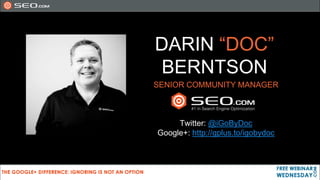
DARIN “DOC”
 BERNTSON
SENIOR COMMUNITY MANAGER


     Twitter: @iGoByDoc
Google+: http://gplus.to/igobydoc
WE’RE RECORDING
TODAY’S PRESENTATION
   SO SIT BACK AND ENJOY THE WEBINAR

   SLIDE DECK W/ LINKS WILL BE AVAILABLE
STAY TUNED
SEO.COM Google+ eBook
For You
For Your Business
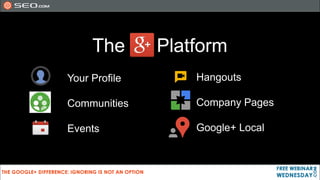
The       Platform
Your Profile       Hangouts

Communities        Company Pages

Events             Google+ Local
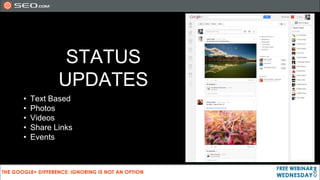
STATUS
           UPDATES
•   Text Based
•   Photos
•   Videos
•   Share Links
•   Events
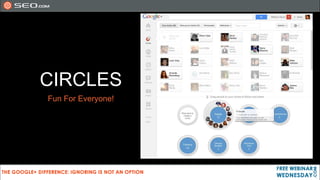
CIRCLES
Fun For Everyone!
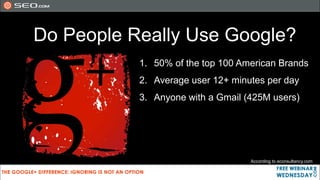
Do People Really Use Google?
           1. 50% of the top 100 American Brands
           2. Average user 12+ minutes per day
           3. Anyone with a Gmail (425M users)


                                   According to econsultancy.com
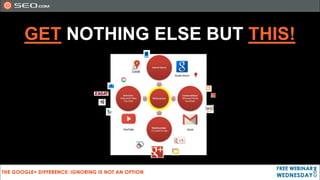
GET NOTHING ELSE BUT THIS!
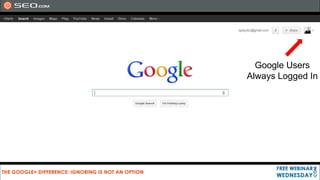
Google Users
Always Logged In
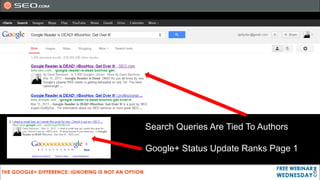
Search Queries Are Tied To Authors

Google+ Status Update Ranks Page 1
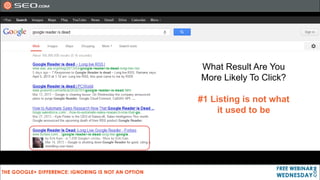
What Result Are You
More Likely To Click?

#1 Listing is not what
     it used to be
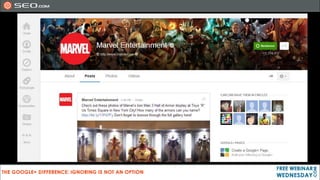
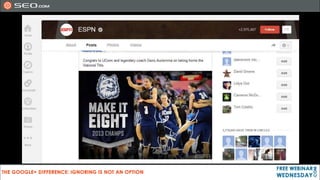
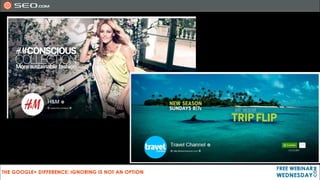
SOME BRANDS ON
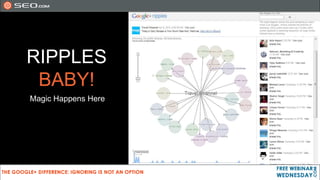
RIPPLES
 BABY!
Magic Happens Here
But Who Do I Circle?
• Personal can circle anyone
• Business can only circle back those who circle brand
• Business pages can circle other businesses

• Where can you find people?
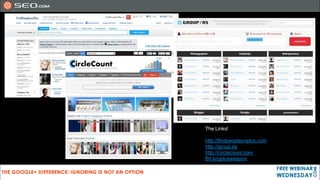
The Links!

http://findpeopleonplus.com
http://group.as
http://circlecount.com
Bit.ly/gplusweapon
“But… I Still Don’t Get Google+!”
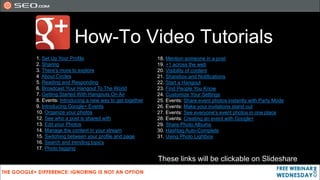
How-To Video Tutorials
1. Set Up Your Profile                             18. Mention someone in a post
2. Sharing                                         19. +1 across the web
3. There's more to explore                         20. Visibility of content
4 About Circles                                    21. Sharebox and Notifications
5. Reading and Responding                          22. Start a Hangout
6. Broadcast Your Hangout To The World             23. Find People You Know
7. Getting Started With Hangouts On Air            24. Customize Your Settings
8. Events: Introducing a new way to get together   25. Events: Share event photos instantly with Party Mode
9. Introducing Google+ Events                      26. Events: Make your invitations stand out
10. Organize your photos                           27. Events: See everyone's event photos in one place
12. See who a post is shared with                  28. Events: Creating an event with Google+
13. Edit your Photos                               29. Share Photo Albums
14. Manage the content in your stream              30. Hashtag Auto-Complete
15. Switching between your profile and page        31. Using Photo Lightbox
16. Search and trending topics
17. Photo tagging

                                                   These links will be clickable on Slideshare
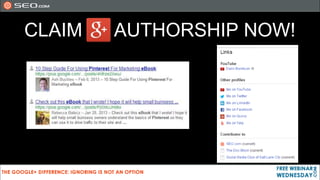
CLAIM   AUTHORSHIP NOW!
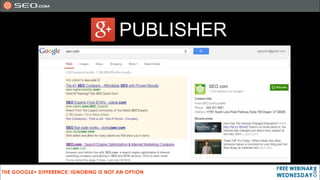
PUBLISHER
DOWNLOAD OUR
 LATEST EBOOK
   FOR FREE!
   http://bit.ly/GPlusBiz

 Learn how to create and
 optimize a Google+ Page
     for your business!
Watch the Replay: http://bit.ly/GPlusBizWebinar
QUESTIONS?
THANK YOU
   FOR HAVING ME

 Any questions or comments
          please connect:

          doc@seo.com
                                          eBook Download Link:
           @iGoByDoc                       http://bit.ly/GPlusBiz
     http://gplus.to/igobydoc
http://www.linkedin.com/in/igobydoc/          Webinar Replay:
                                       http://bit.ly/GPlusBizWebinar
             @SEOcom
                                             This Slide Deck
                                         http://bit.ly/FWWGPlus

The Google Plus Difference Ignoring Is Not An Option

  • 1.
  • 2.
    DARIN “DOC” BERNTSON SENIORCOMMUNITY MANAGER Twitter: @iGoByDoc Google+: http://gplus.to/igobydoc
  • 3.
    WE’RE RECORDING TODAY’S PRESENTATION SO SIT BACK AND ENJOY THE WEBINAR SLIDE DECK W/ LINKS WILL BE AVAILABLE
  • 4.
  • 5.
  • 6.
    The Platform Your Profile Hangouts Communities Company Pages Events Google+ Local
  • 8.
    STATUS UPDATES • Text Based • Photos • Videos • Share Links • Events
  • 9.
  • 16.
    Do People ReallyUse Google? 1. 50% of the top 100 American Brands 2. Average user 12+ minutes per day 3. Anyone with a Gmail (425M users) According to econsultancy.com
  • 17.
  • 18.
  • 19.
    Search Queries AreTied To Authors Google+ Status Update Ranks Page 1
  • 20.
    What Result AreYou More Likely To Click? #1 Listing is not what it used to be
  • 21.
  • 25.
  • 26.
    But Who DoI Circle? • Personal can circle anyone • Business can only circle back those who circle brand • Business pages can circle other businesses • Where can you find people?
  • 27.
  • 28.
    “But… I StillDon’t Get Google+!”
  • 29.
    How-To Video Tutorials 1.Set Up Your Profile 18. Mention someone in a post 2. Sharing 19. +1 across the web 3. There's more to explore 20. Visibility of content 4 About Circles 21. Sharebox and Notifications 5. Reading and Responding 22. Start a Hangout 6. Broadcast Your Hangout To The World 23. Find People You Know 7. Getting Started With Hangouts On Air 24. Customize Your Settings 8. Events: Introducing a new way to get together 25. Events: Share event photos instantly with Party Mode 9. Introducing Google+ Events 26. Events: Make your invitations stand out 10. Organize your photos 27. Events: See everyone's event photos in one place 12. See who a post is shared with 28. Events: Creating an event with Google+ 13. Edit your Photos 29. Share Photo Albums 14. Manage the content in your stream 30. Hashtag Auto-Complete 15. Switching between your profile and page 31. Using Photo Lightbox 16. Search and trending topics 17. Photo tagging These links will be clickable on Slideshare
  • 30.
    CLAIM AUTHORSHIP NOW!
  • 31.
  • 32.
    DOWNLOAD OUR LATESTEBOOK FOR FREE! http://bit.ly/GPlusBiz Learn how to create and optimize a Google+ Page for your business!
  • 33.
    Watch the Replay:http://bit.ly/GPlusBizWebinar
  • 34.
  • 35.
    THANK YOU FOR HAVING ME Any questions or comments please connect: doc@seo.com eBook Download Link: @iGoByDoc http://bit.ly/GPlusBiz http://gplus.to/igobydoc http://www.linkedin.com/in/igobydoc/ Webinar Replay: http://bit.ly/GPlusBizWebinar @SEOcom This Slide Deck http://bit.ly/FWWGPlus

Editor's Notes

  • #6 G+ is quite different thanFacebook and Twitter as Google treats G+ as its social layer to its popular search engine
  • #7 What does Google Plus consist of? We will cover the basics
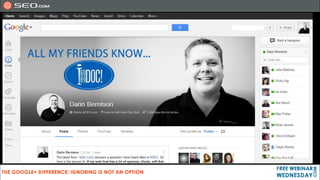
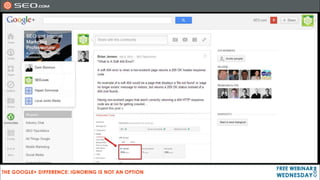
  • #8 Here is my personal profile
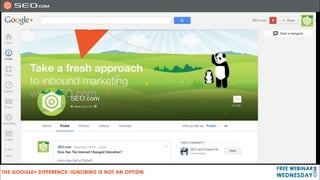
  • #11 Here is our company profile
  • #12 Communities is a great place to share and comment on specific topics. You could start or join a professional community, or something to do with car enthusiasts or how about cats?
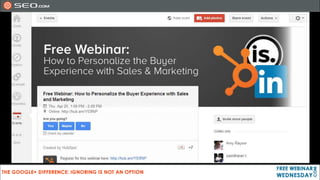
  • #13 Events could be for anything. A personal party, business activity. Cool to add photos of event. Invite circles, and event is added to their google calendar automatically
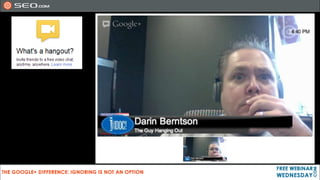
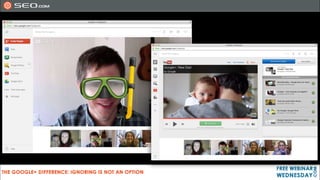
  • #14 Hangouts are really awesome. Create more personal relationships. A friend called them Personal or business house calls. So many ways you can use Hangouts. Video chat with up to nine people at once, face-to-face-to-face. OR go Live… and have more of a webinar style hangout. It records to your YouTube channel if you like, for later playback or embed
  • #15 Some fun editing effects, and some real time broadcasting options. Lower thirds like you saw in mine, you can play youtube videos, slideshare presentations, and share your screen.
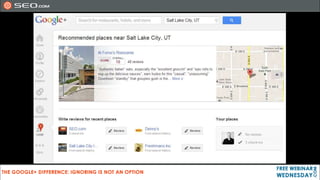
  • #16 Google+ Local is now the replacement for Google places. You can write reviews, get directions etc.
  • #17 Those statistics alone speak to the huge potential for businesses and brands to connect with potential customers
  • #18 Google owns all of these properties, and they are meant to help your customers get to a purchase or transaction point. We don’t have many of the other products listed here like Android, phones, Project Glass etc… but know this, G+ is incorporating all of these factors into search results, it will help drive business your way… and you best not ignore that!
  • #19 As a Google user, you are always logged in.
  • #20 Authors and brands now have an incredible opportunity to rank higher in Google’s search results by simply building up their authority and by tying their content to their Google+ profiles
  • #21 When in an incognito window in Google, author profiles still show up. Making Google Authorship VERY important. likely going to be favored over anonymous content in the future (and may already be right now).
  • #25 HM 2.7M Travel 2.5M
  • #26 When a post has a lot of shares, you can see how it all started, and who the influencers are. You can see this on your posts, other posts, and the biggie, competitor posts. This is beta, so Google could take away.
  • #31 Note, I searched for PinterestEbook, our main ebook page listing did not show up, but 2 staff members plus pages referencing it did. Was position 6 and 7, but the only ones on the page that had authorship reference.
  • #32 Google+ page info displayed in the serp… stands out in results.