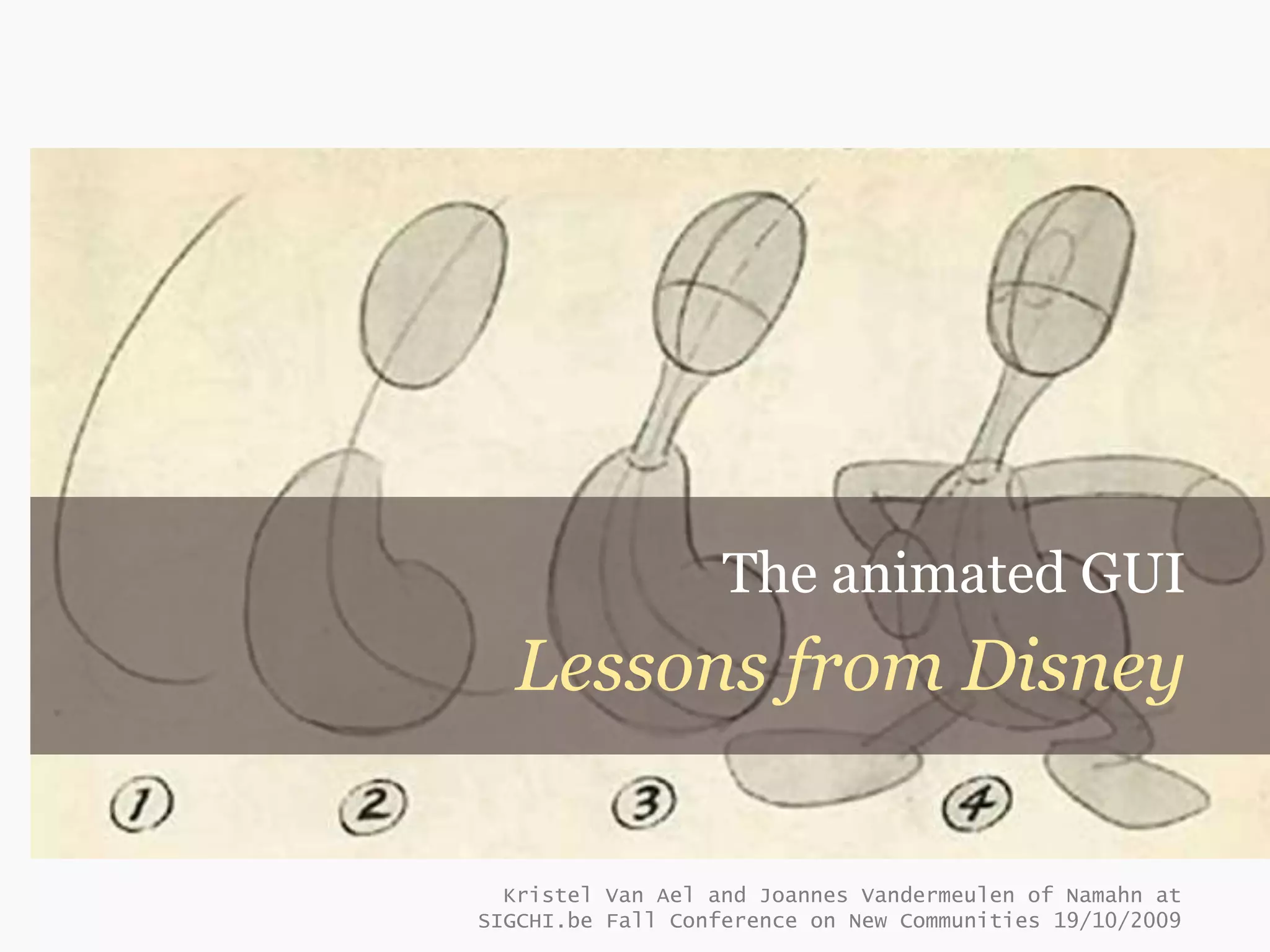
The animated GUI
  Lessons from Disney

  Kristel Van Ael and Joannes Vandermeulen of Namahn at
SIGCHI.be Fall Conference on New Communities 19/10/2009
What are the principles
of animation?
How can animation enhance the user experience?
Context
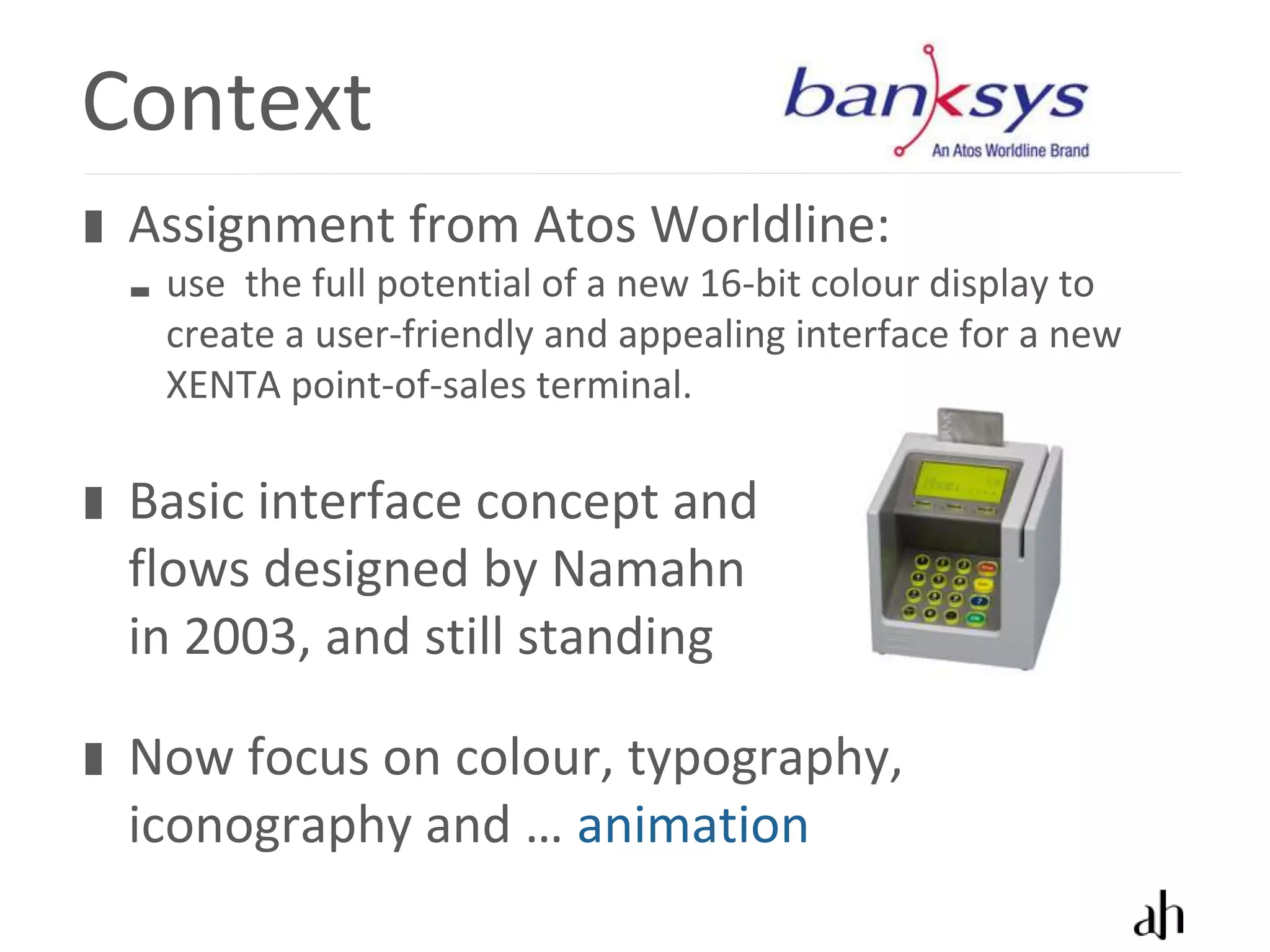
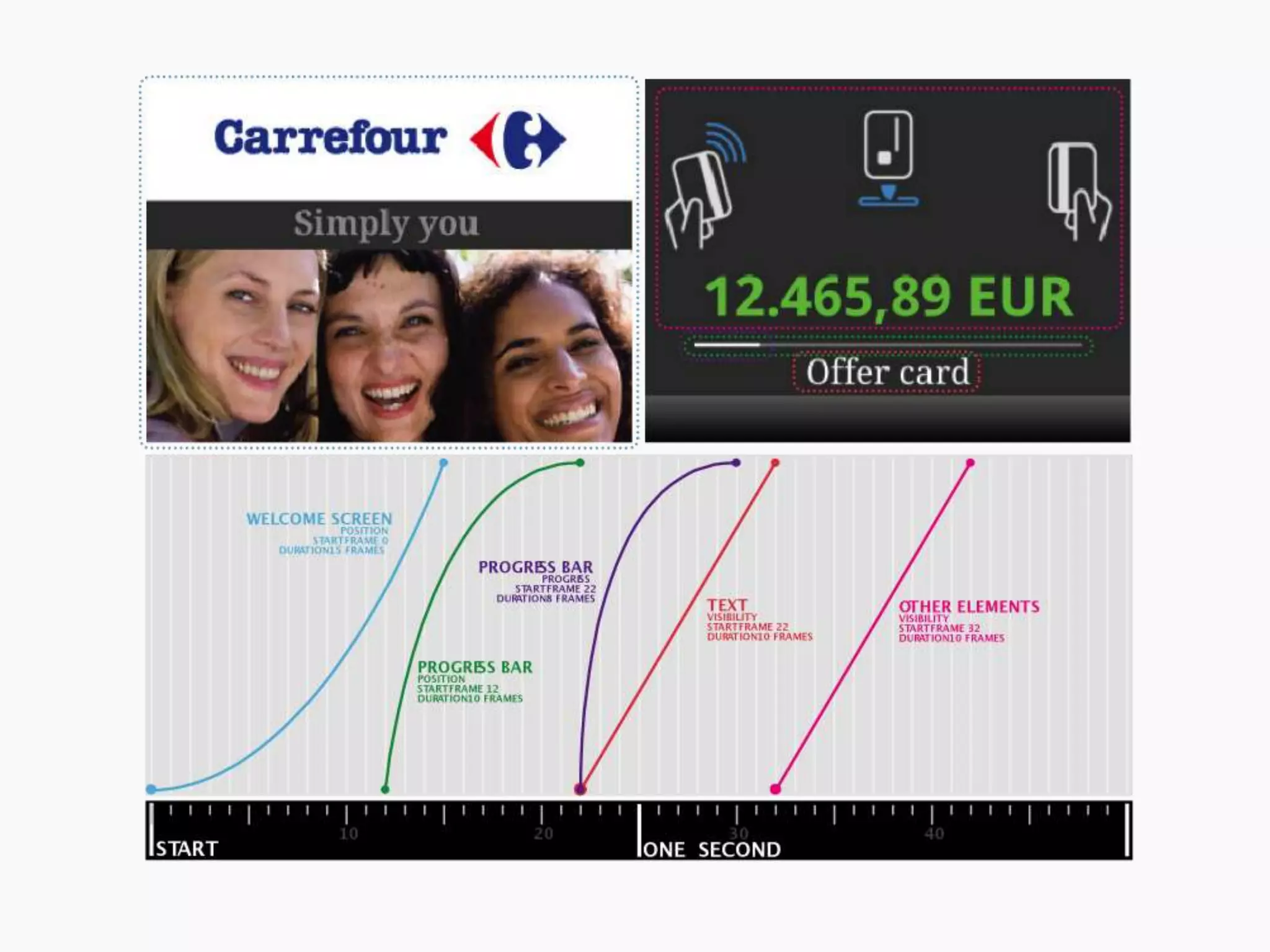
 Assignment from Atos Worldline:
  use the full potential of a new 16-bit colour display to
  create a user-friendly and appealing interface for a new
  XENTA point-of-sales terminal.

 Basic interface concept and
 flows designed by Namahn
 in 2003, and still standing

 Now focus on colour, typography,
 iconography and … animation
Why animate?
 Provide a natural flow

 Focus attention on the action

 Provide a sense of bearing

 Engage and appeal

 NOT: disrupt or hold back
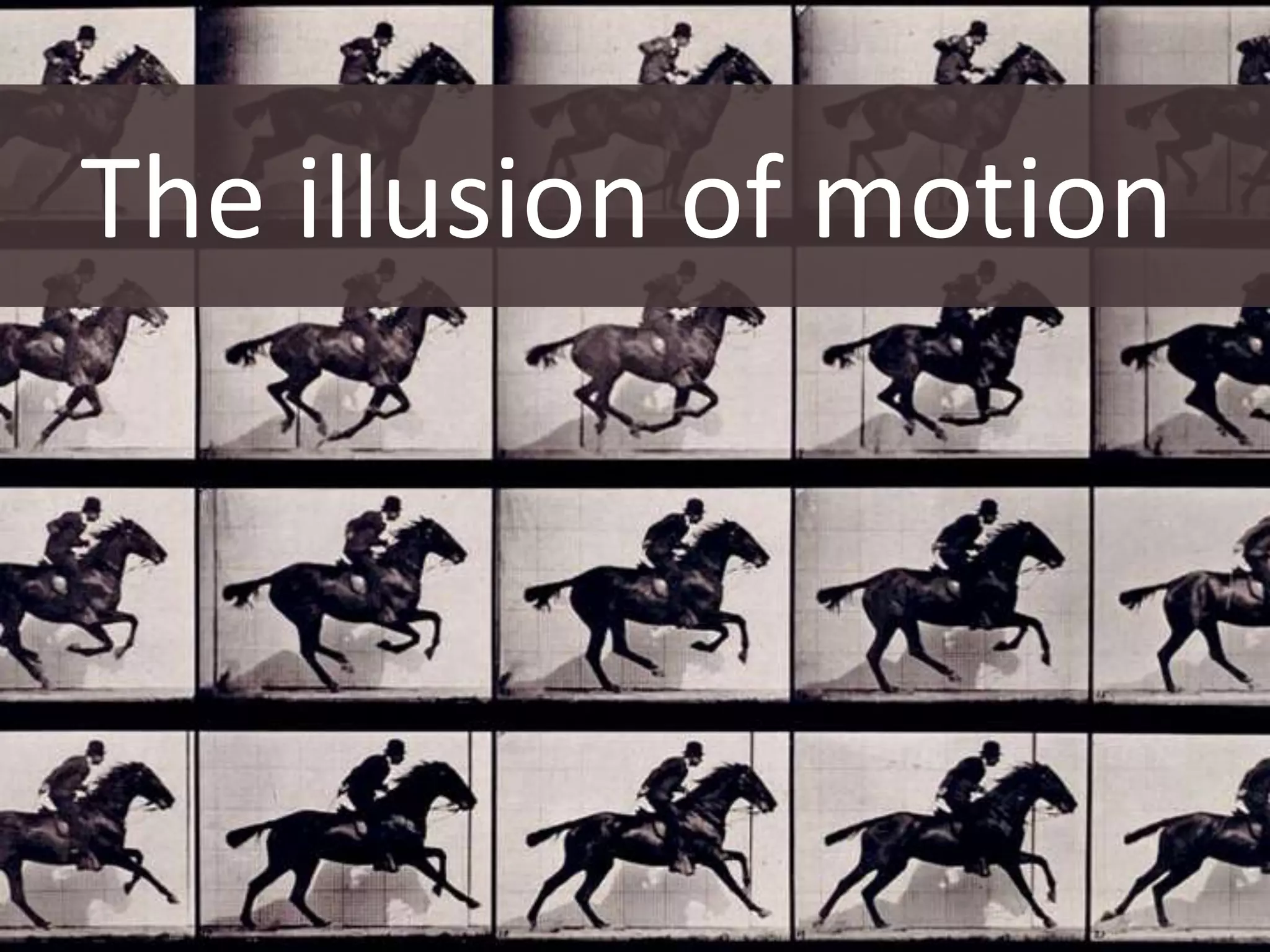
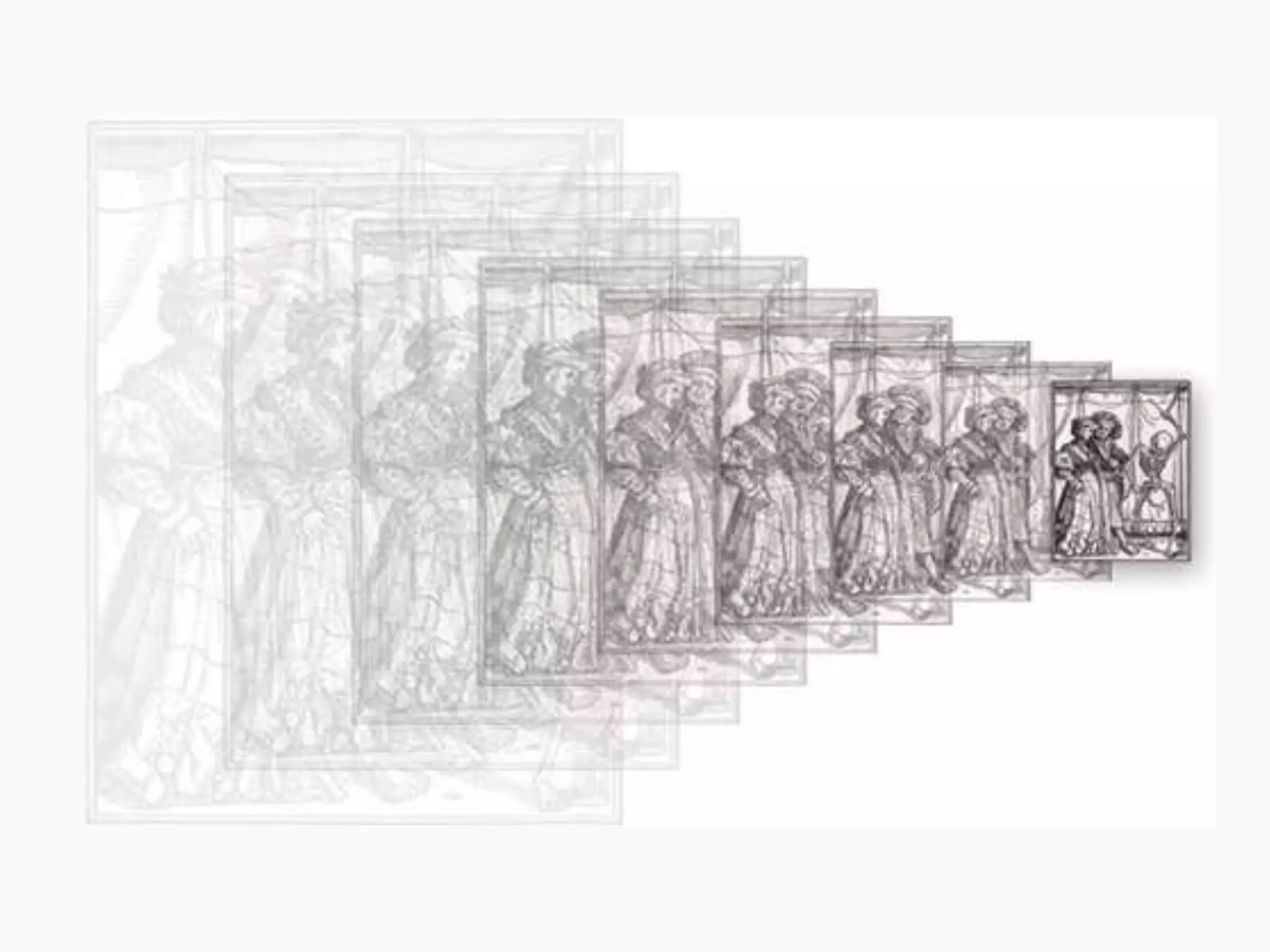
The illusion of motion
Frame rate
 The human eye perceives motion at about
 24 fps (frames per second)

 20 fps is enough for simple feedback

 25 fps is accepted as very decent

 +30 fps for games
Motion blur
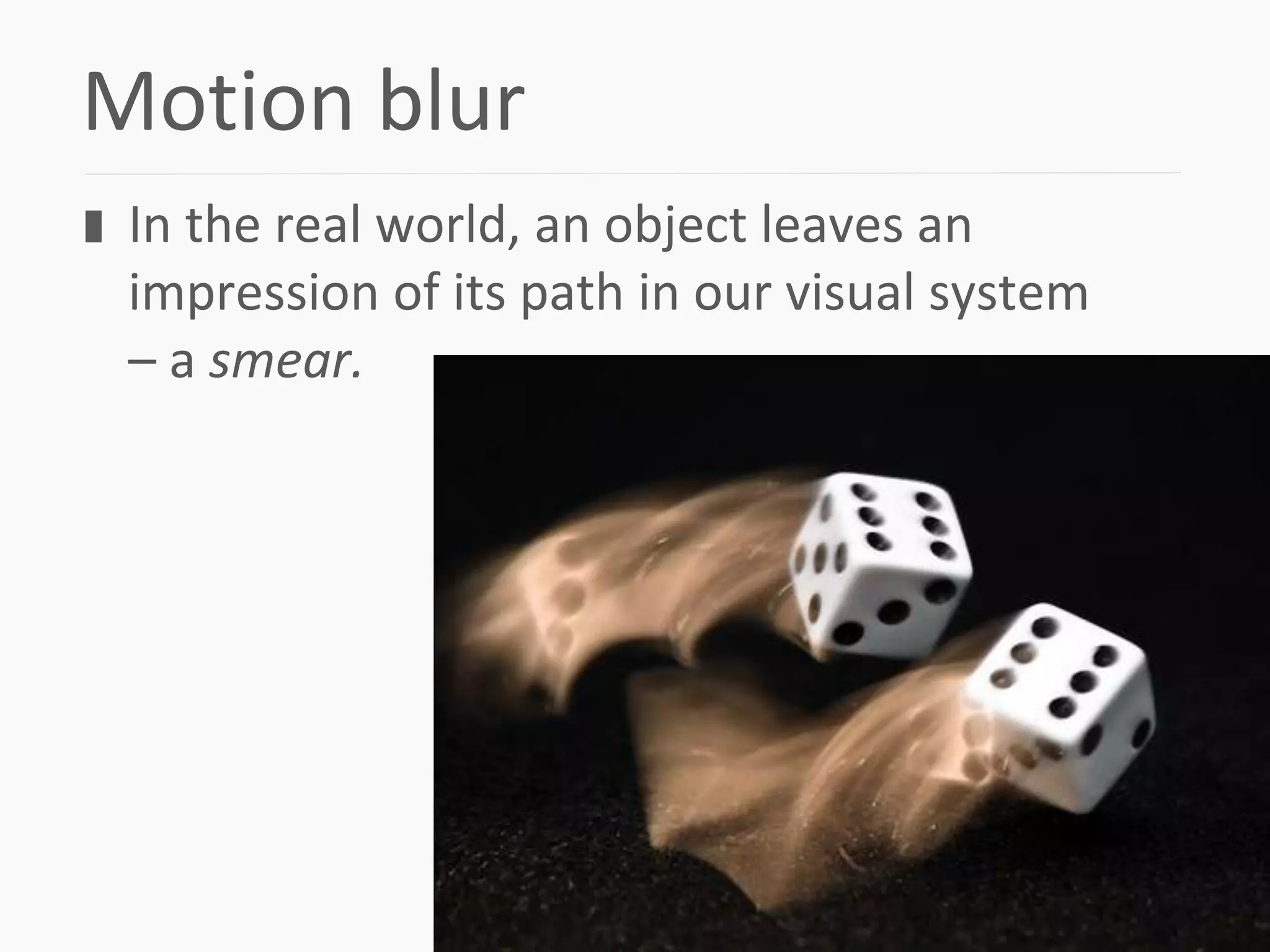
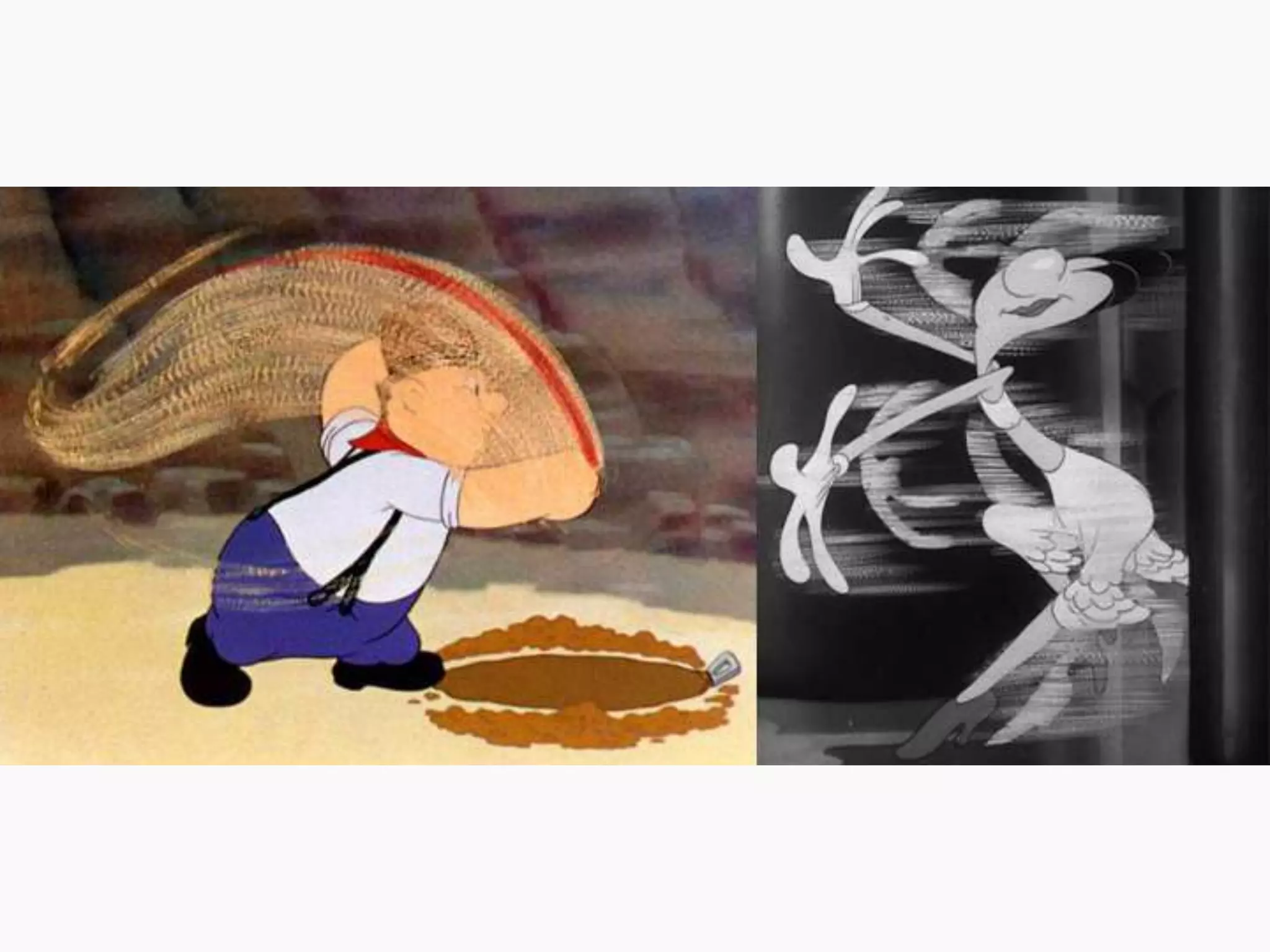
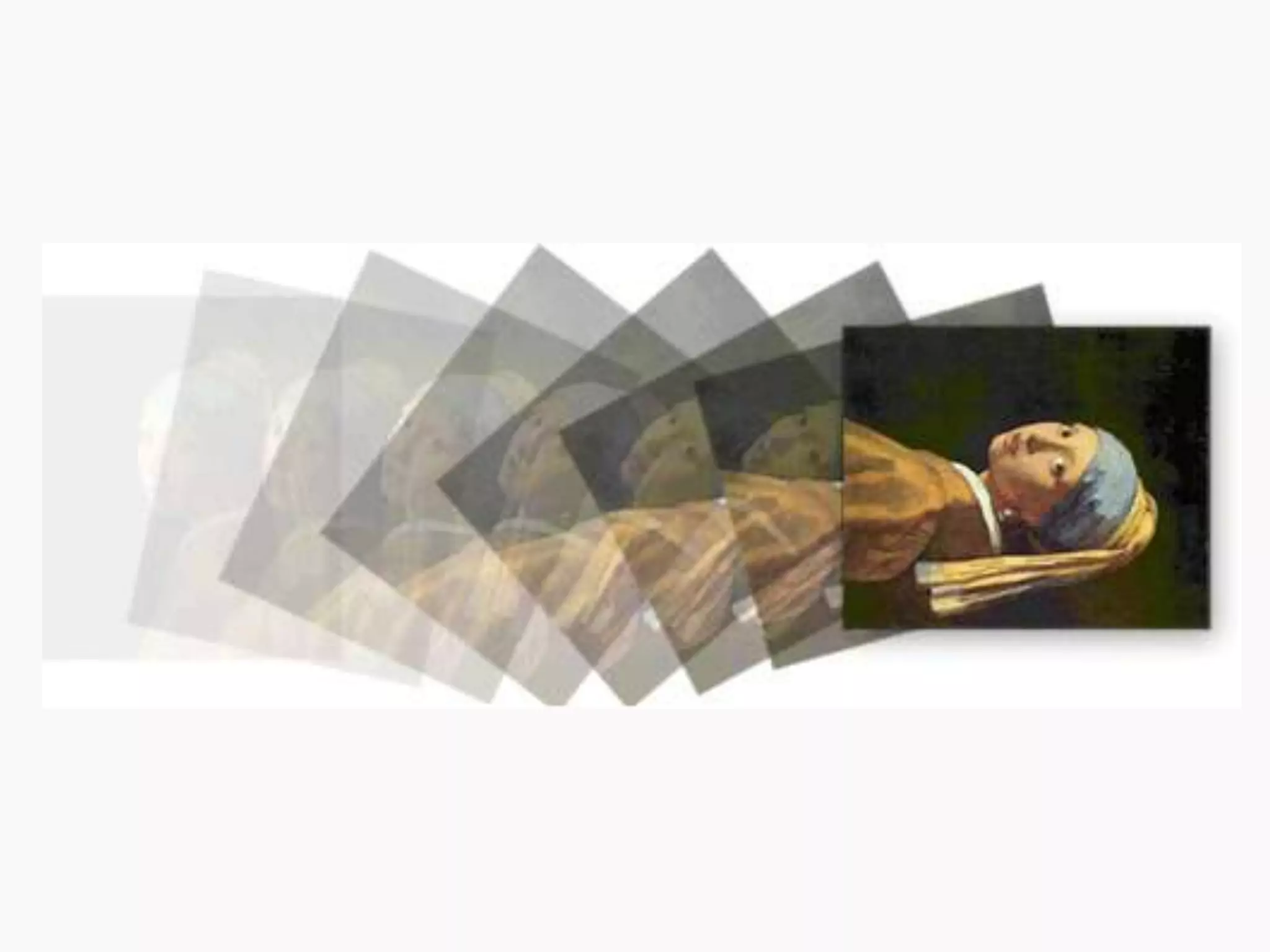
 In the real world, an object leaves an
 impression of its path in our visual system
 – a smear.
Motion blur
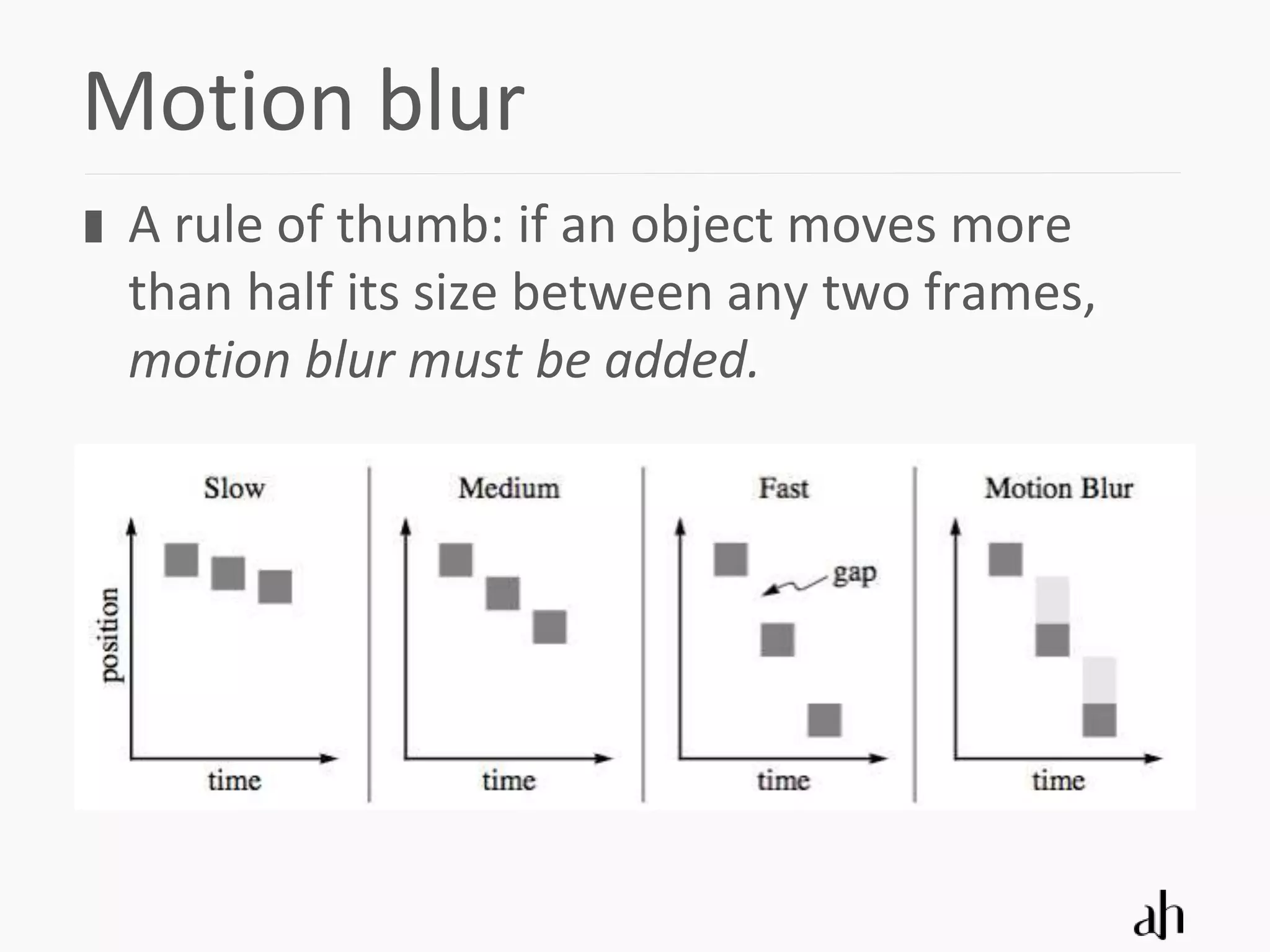
 A rule of thumb: if an object moves more
 than half its size between any two frames,
 motion blur must be added.
Instant response
 Visual response to user actions needs to be
 without delay

 0,1 second is about the limit for having the
 user feel that the system is reacting
 instantaneously

 More complex action may take at most
 1,5 seconds
8 Design principles
 Solid drawing
 Squash and stretch
 Arrival and departure
 Ease-in, ease-out
 Arcs
 Follow-through
 Anticipation
 Exaggeration
“Does your
animation have
weight, depth and
balance?”
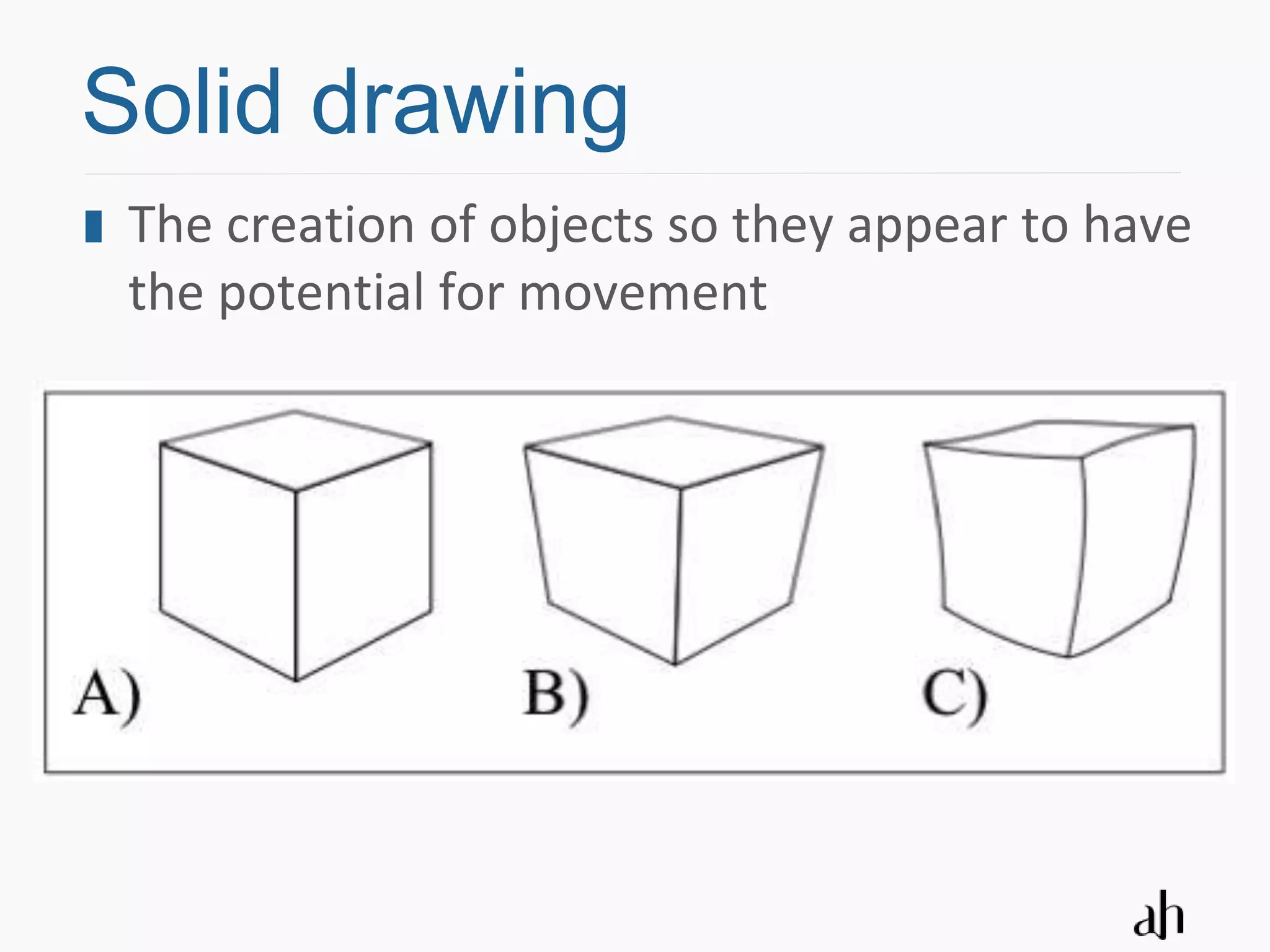
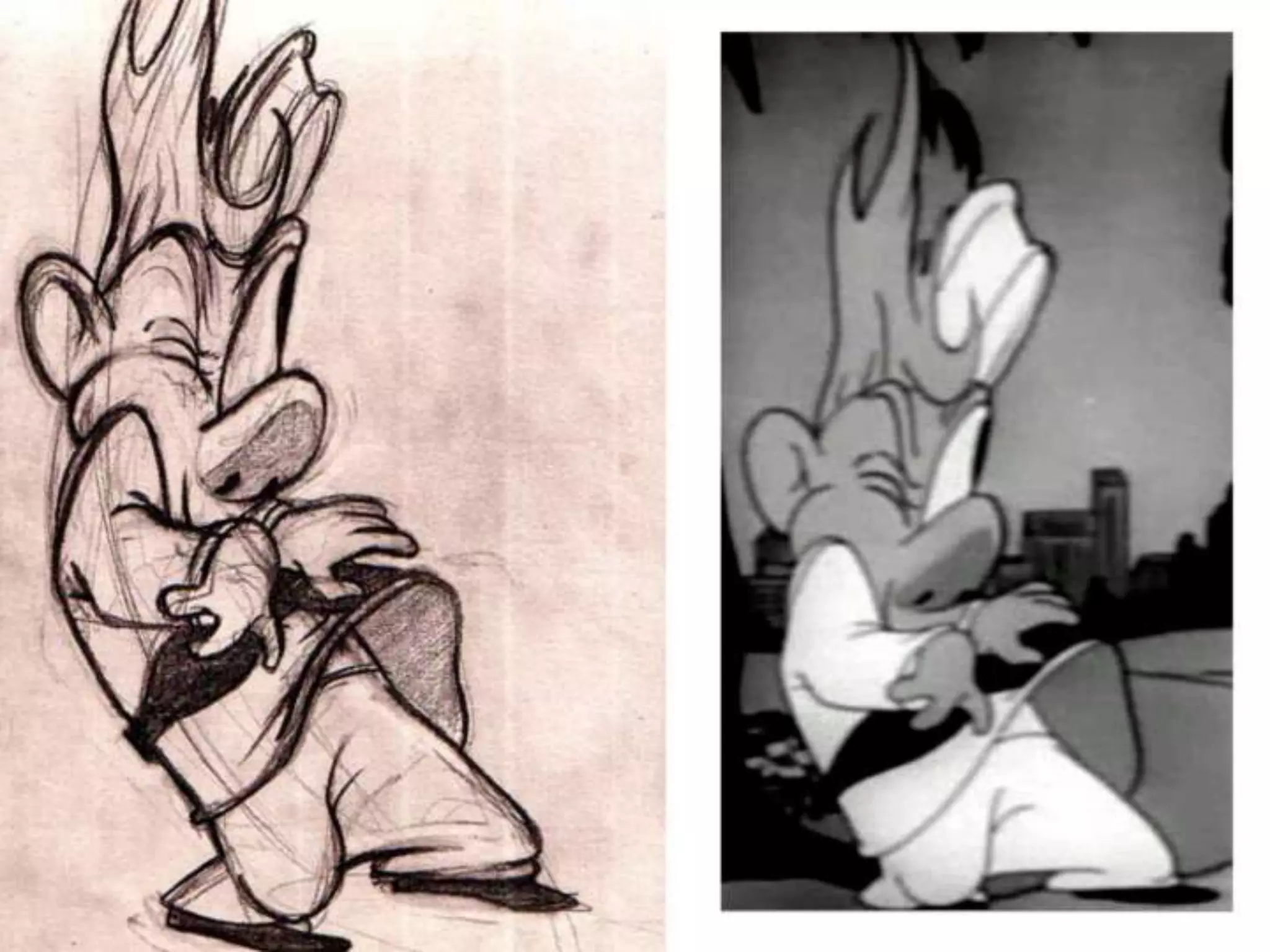
Solid drawing
Solid drawing
 The creation of objects so they appear to have
 the potential for movement
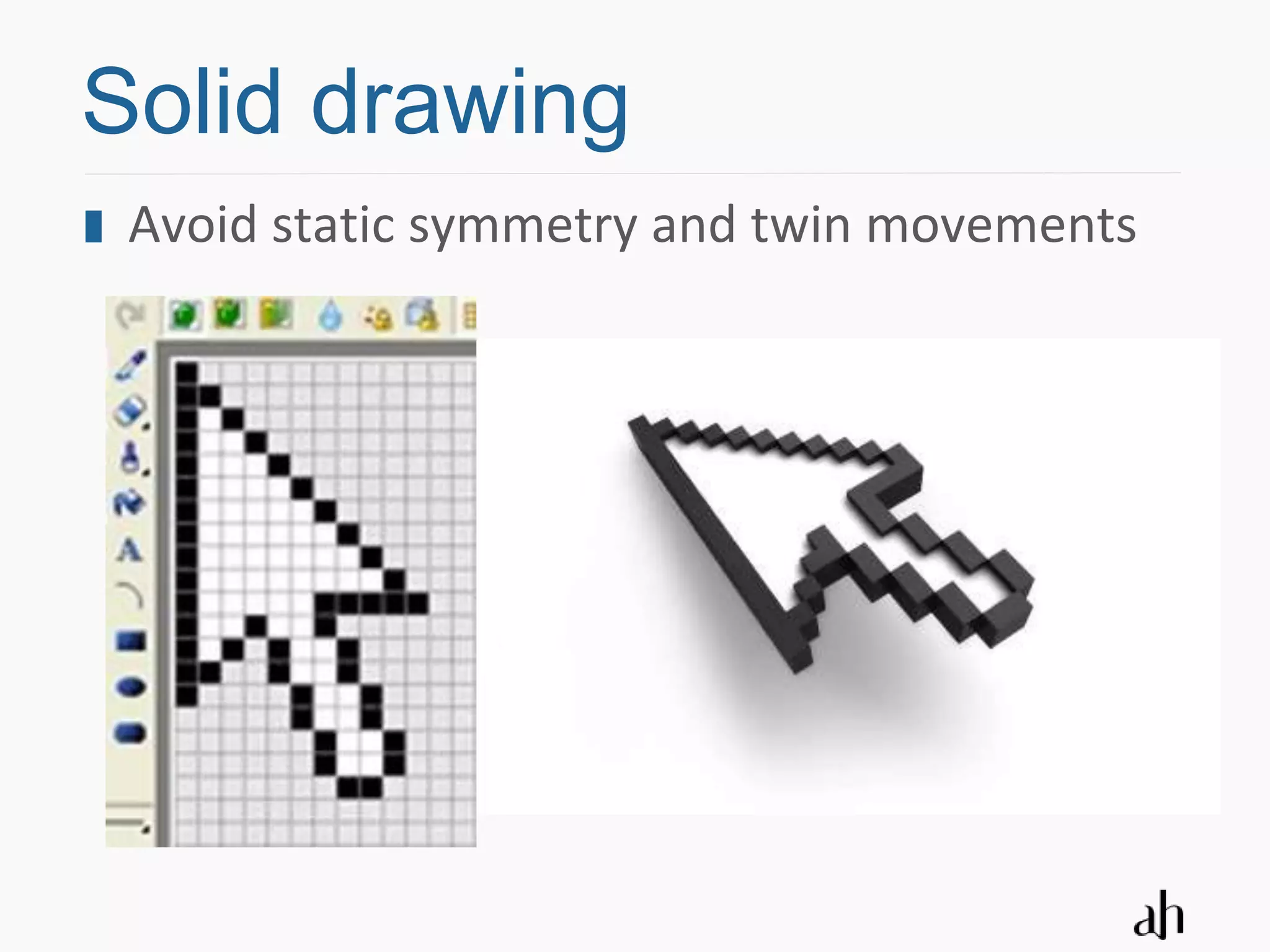
Solid drawing
 Avoid static symmetry and twin movements
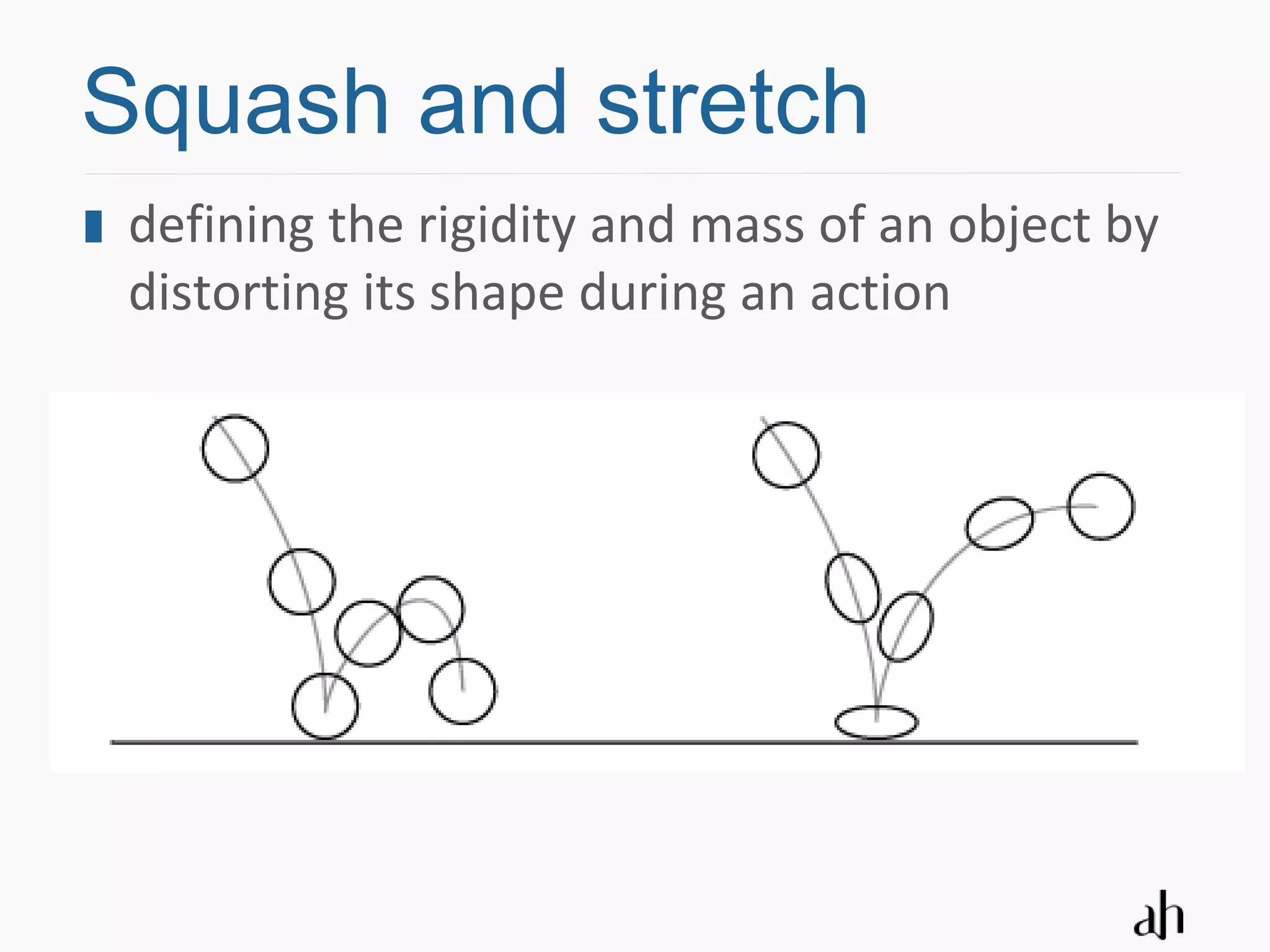
Squash and stretch
Squash and stretch
 defining the rigidity and mass of an object by
 distorting its shape during an action
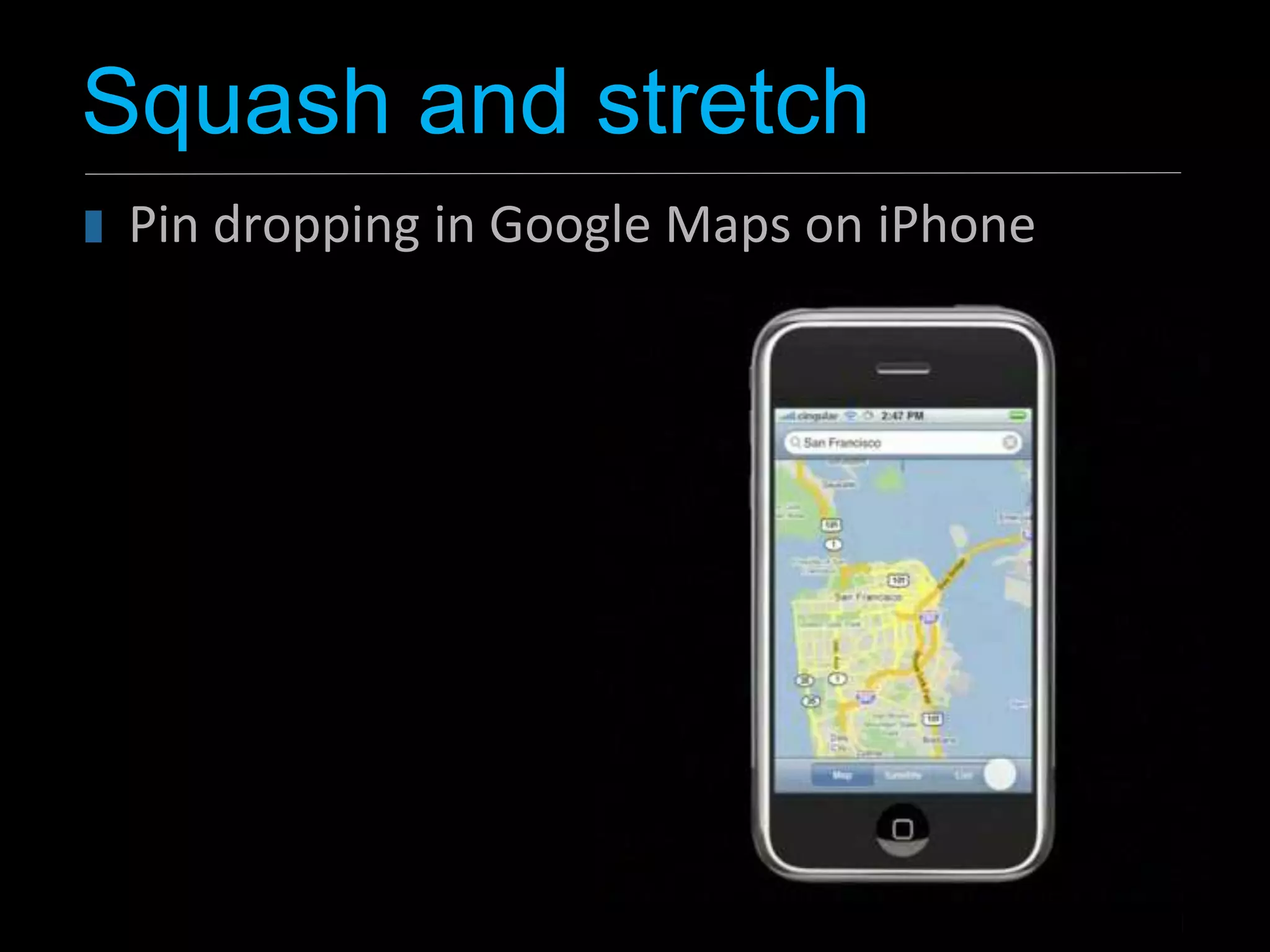
Squash and stretch
 Pin dropping in Google Maps on iPhone
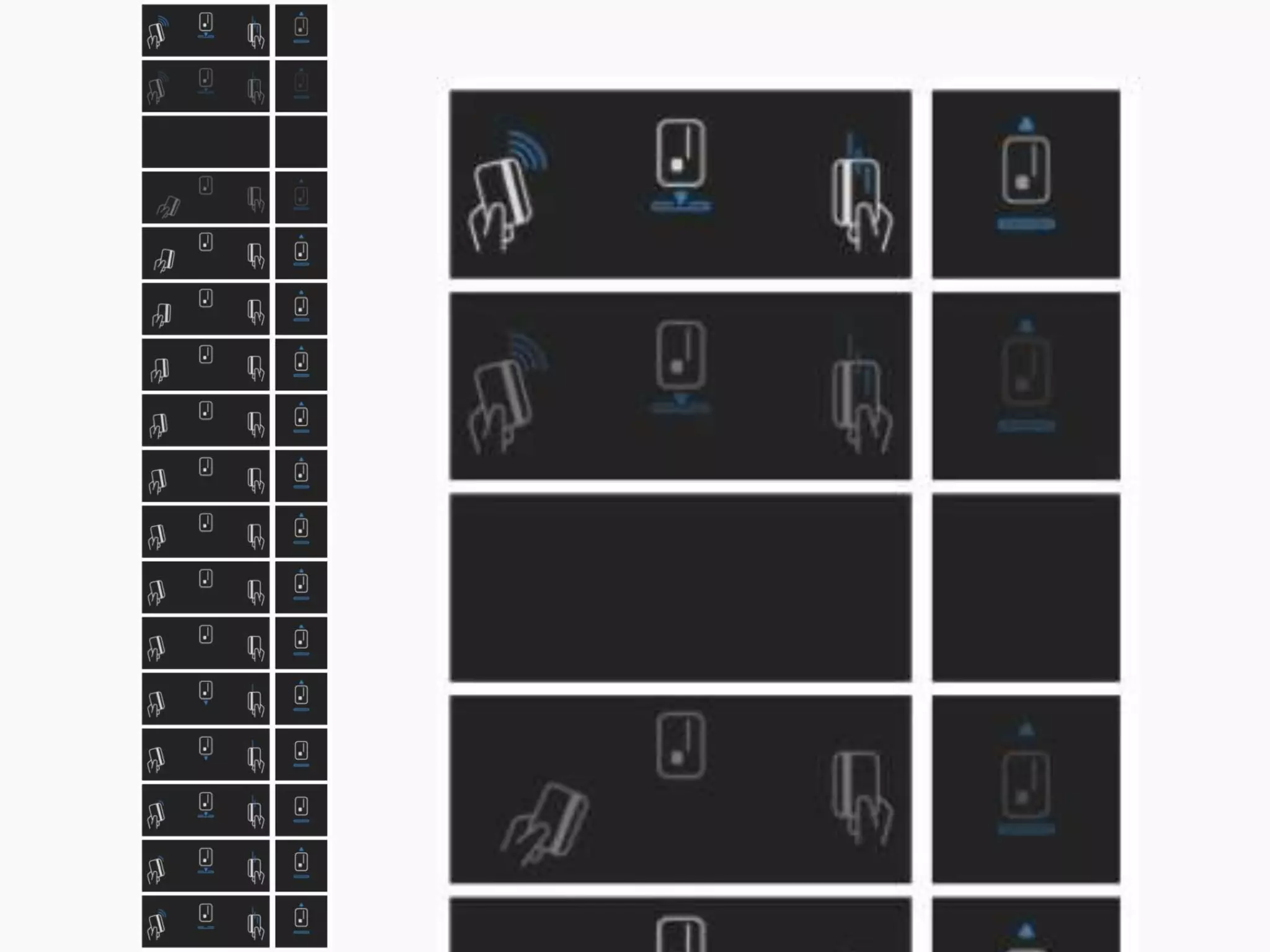
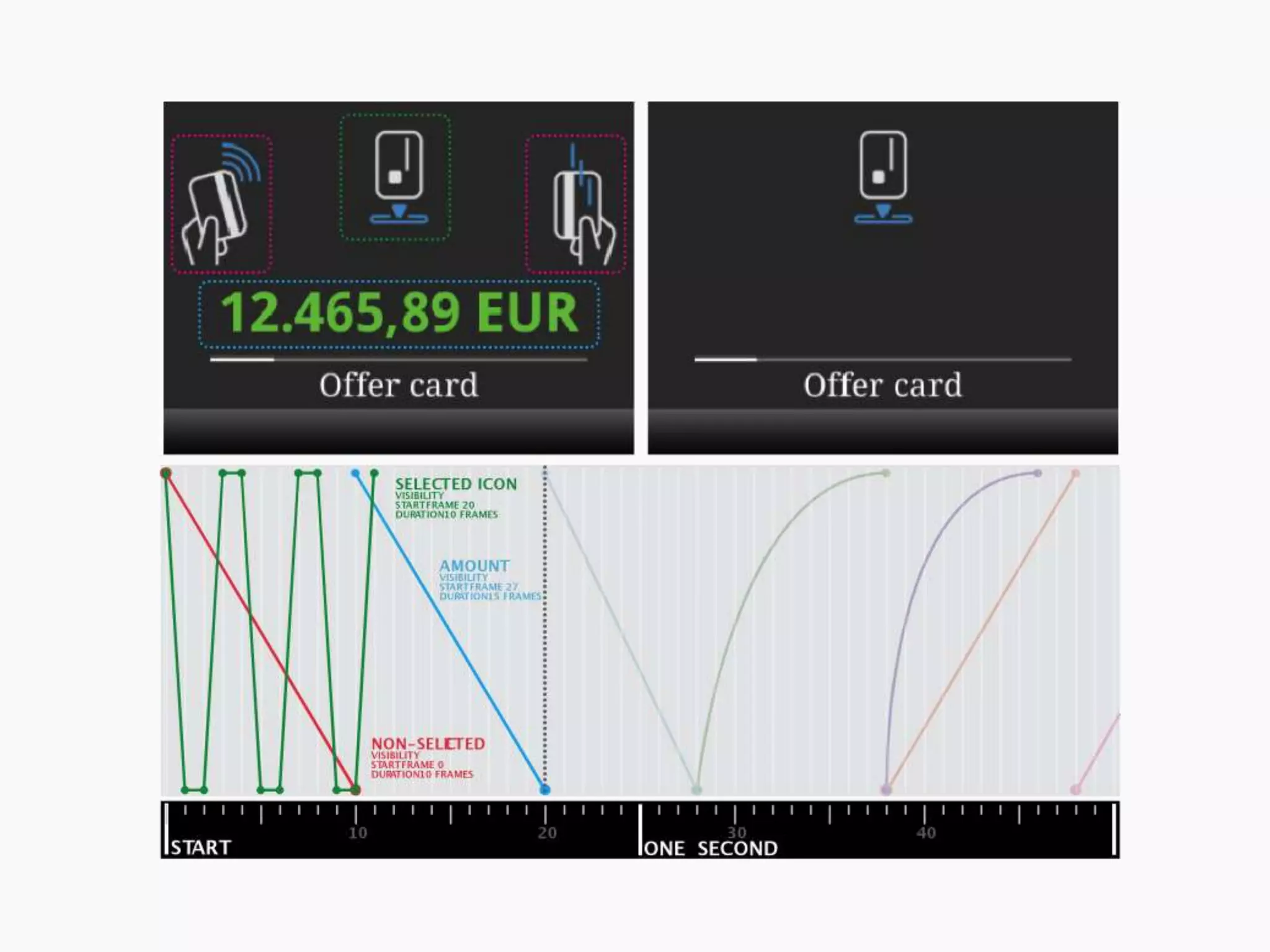
Arrival and departure
 In real live, objects do not appear (enter) or
 disappear (exit) suddenly

 Three variations:
  objects fly in from off-screen,
  objects grow from a point to their full size
  objects dissolve onto the screen.

 Objects exit in the opposite way that they
 entered
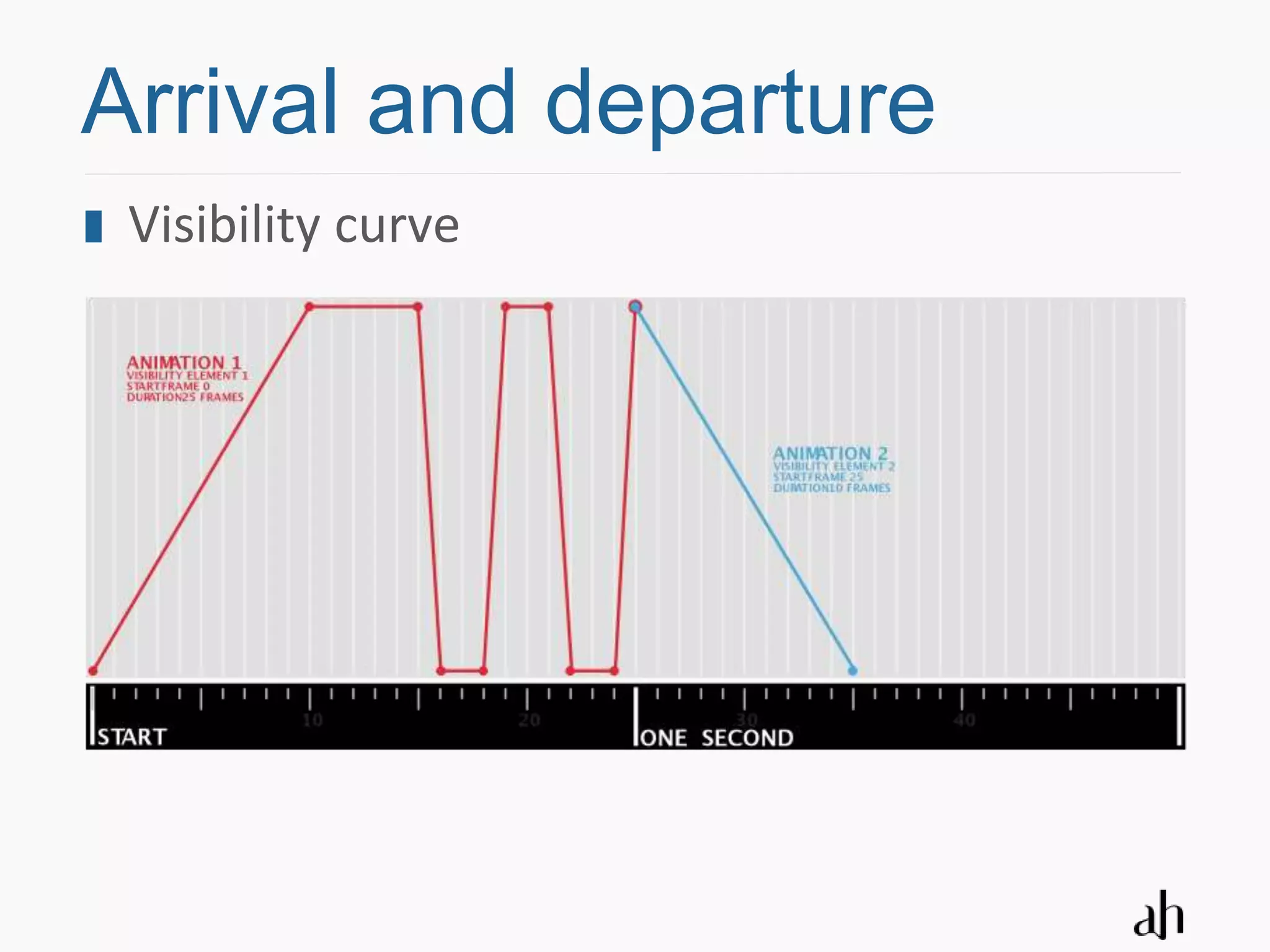
Arrival and departure
 Visibility curve
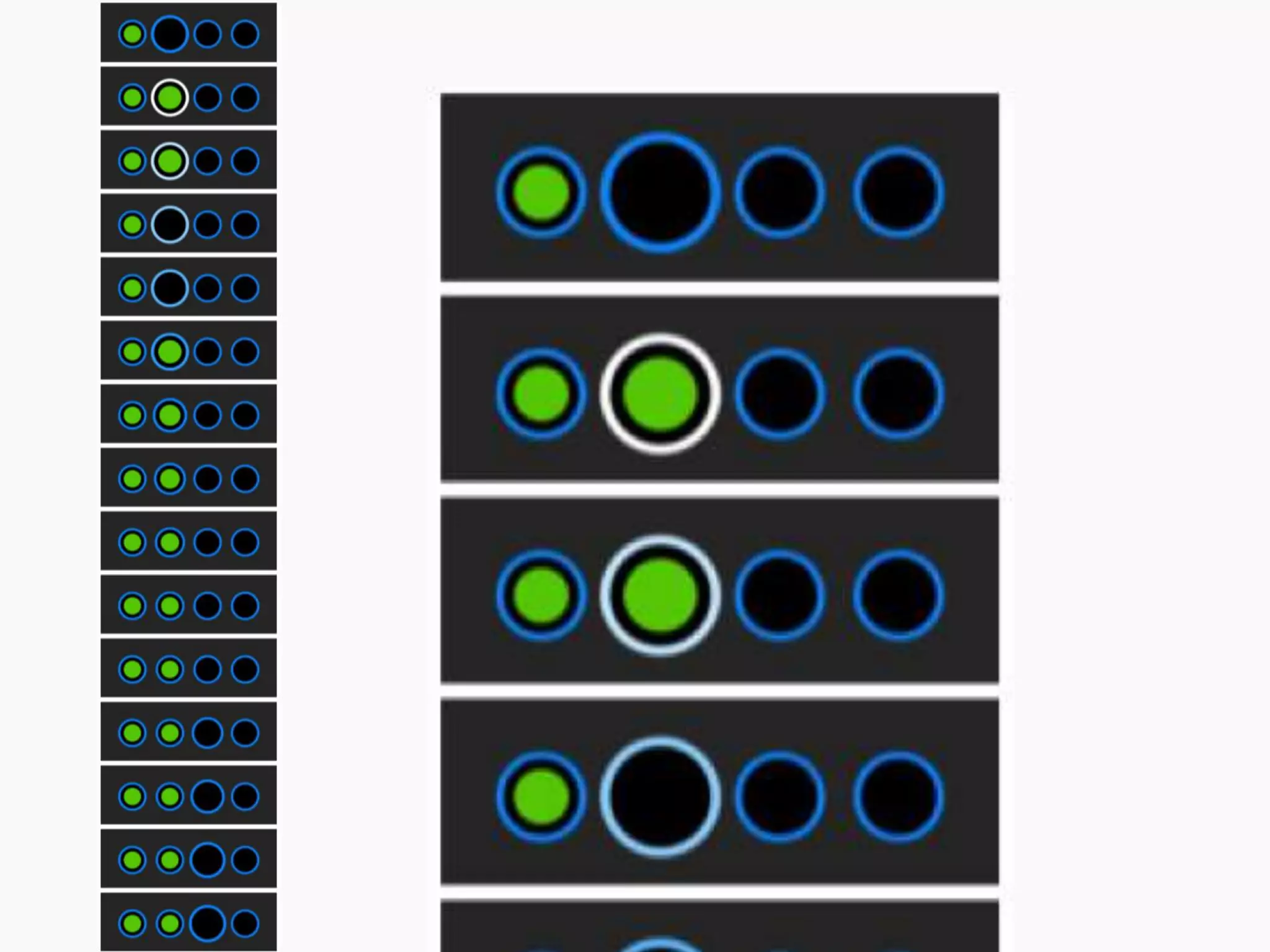
Ease-in, ease-out
Ease-in, ease-out
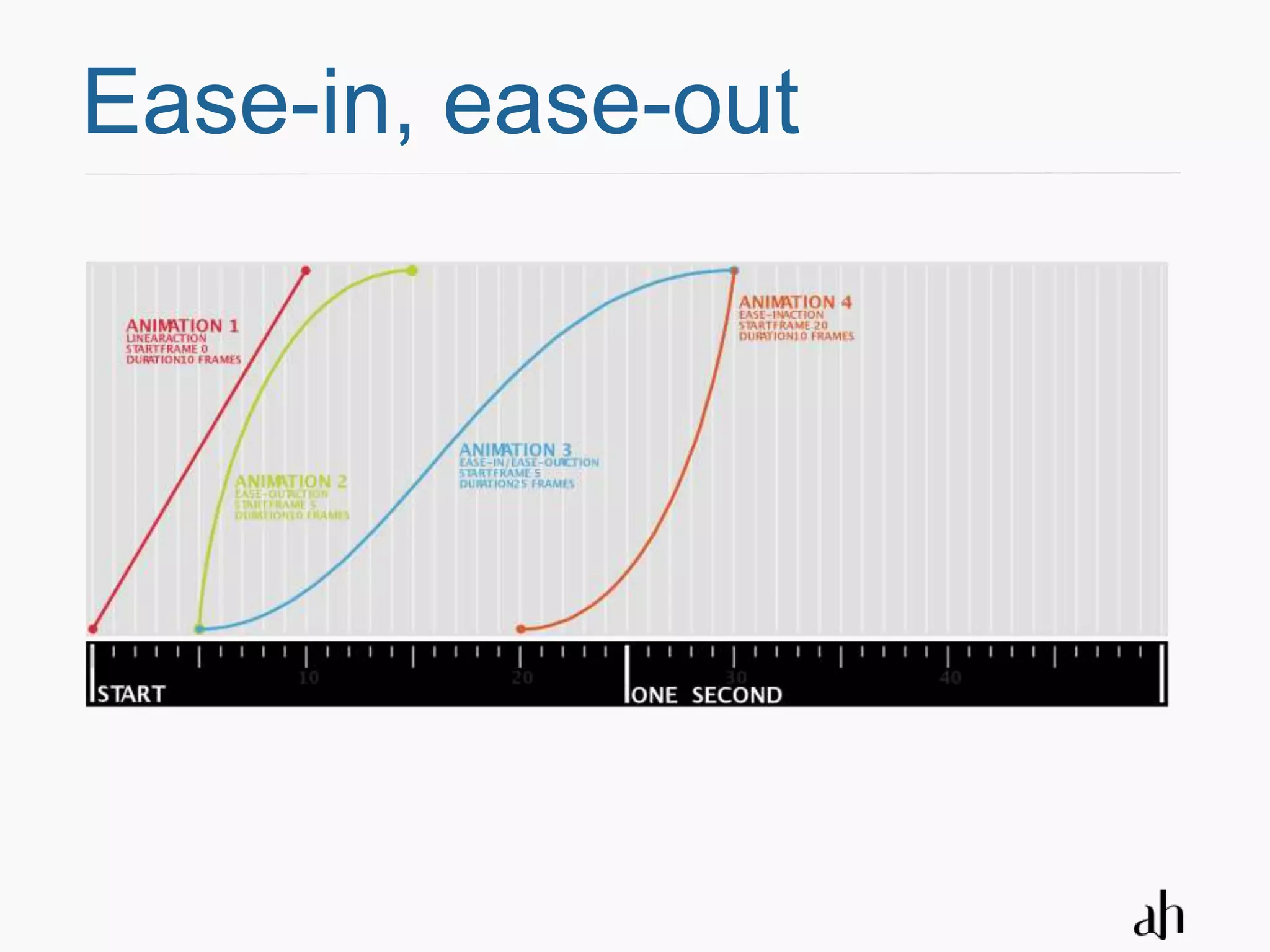
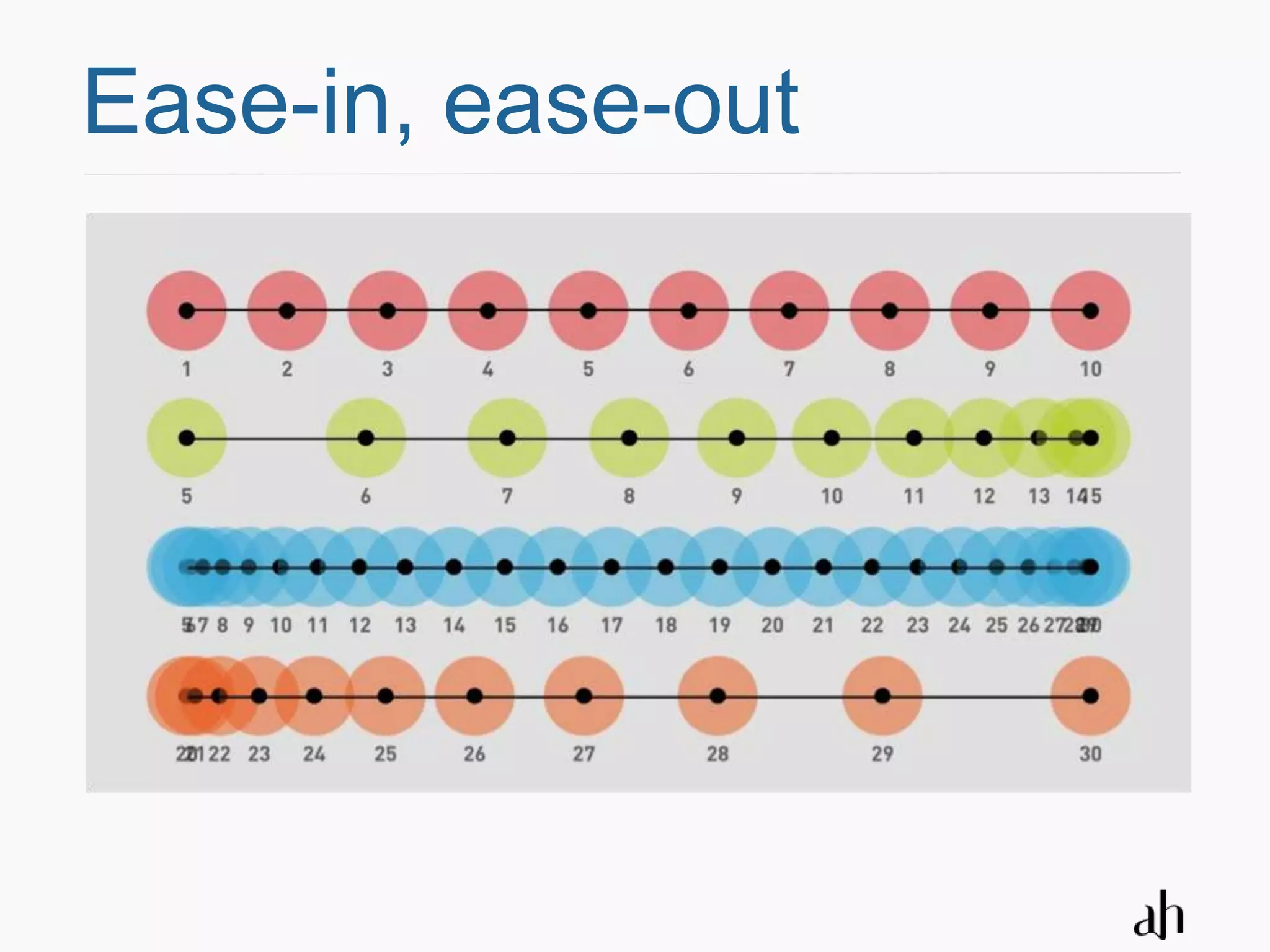
 Ease-in is a gradual acceleration into a
 motion from a key position

 Ease-out is the gradual deceleration out of
 the motion to a key position

 In either case this principle refers to the
 simple fact that objects in the real world do
 not suddenly start or stop moving
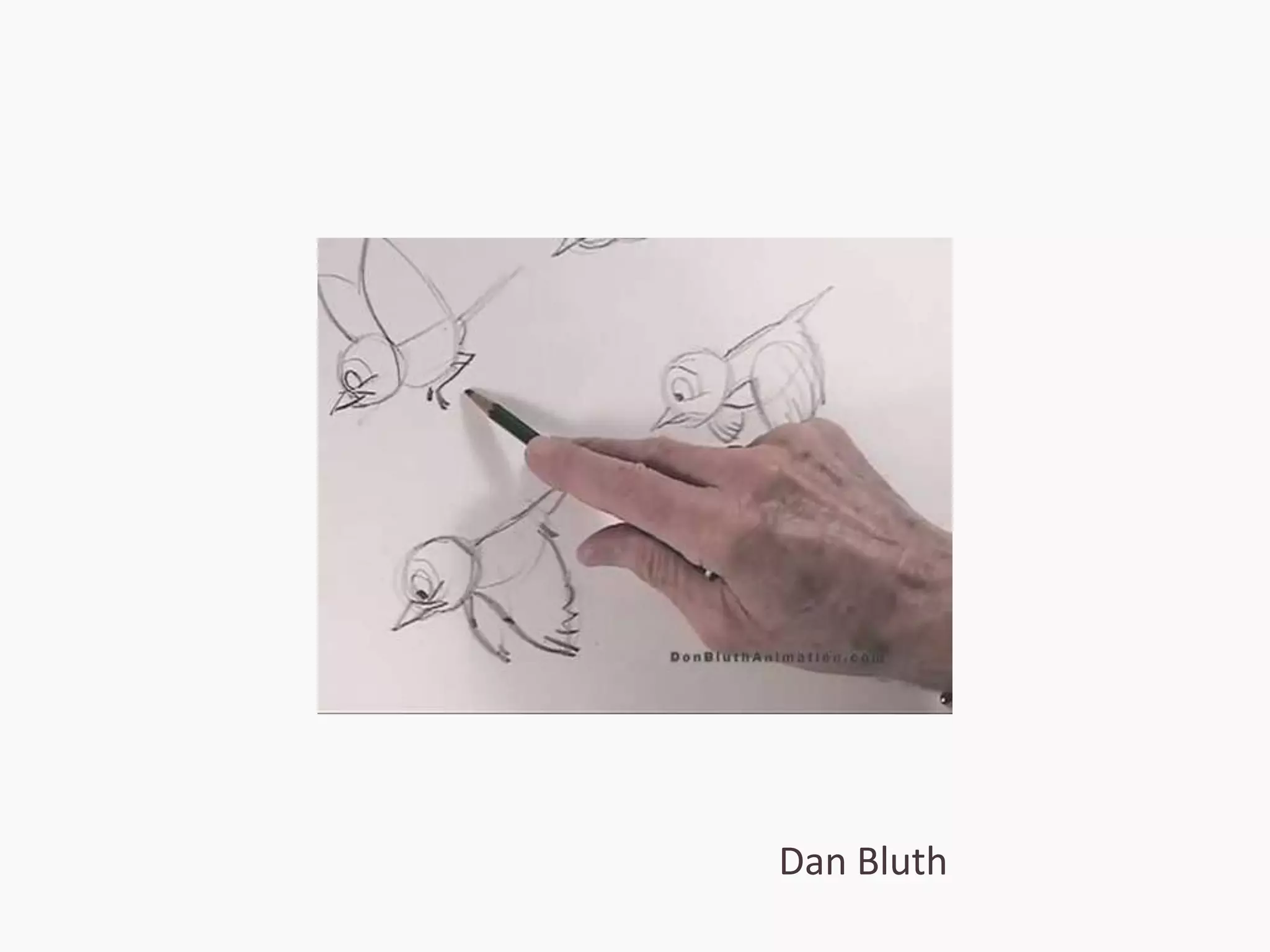
Dan Bluth
Ease-in, ease-out
Ease-in, ease-out
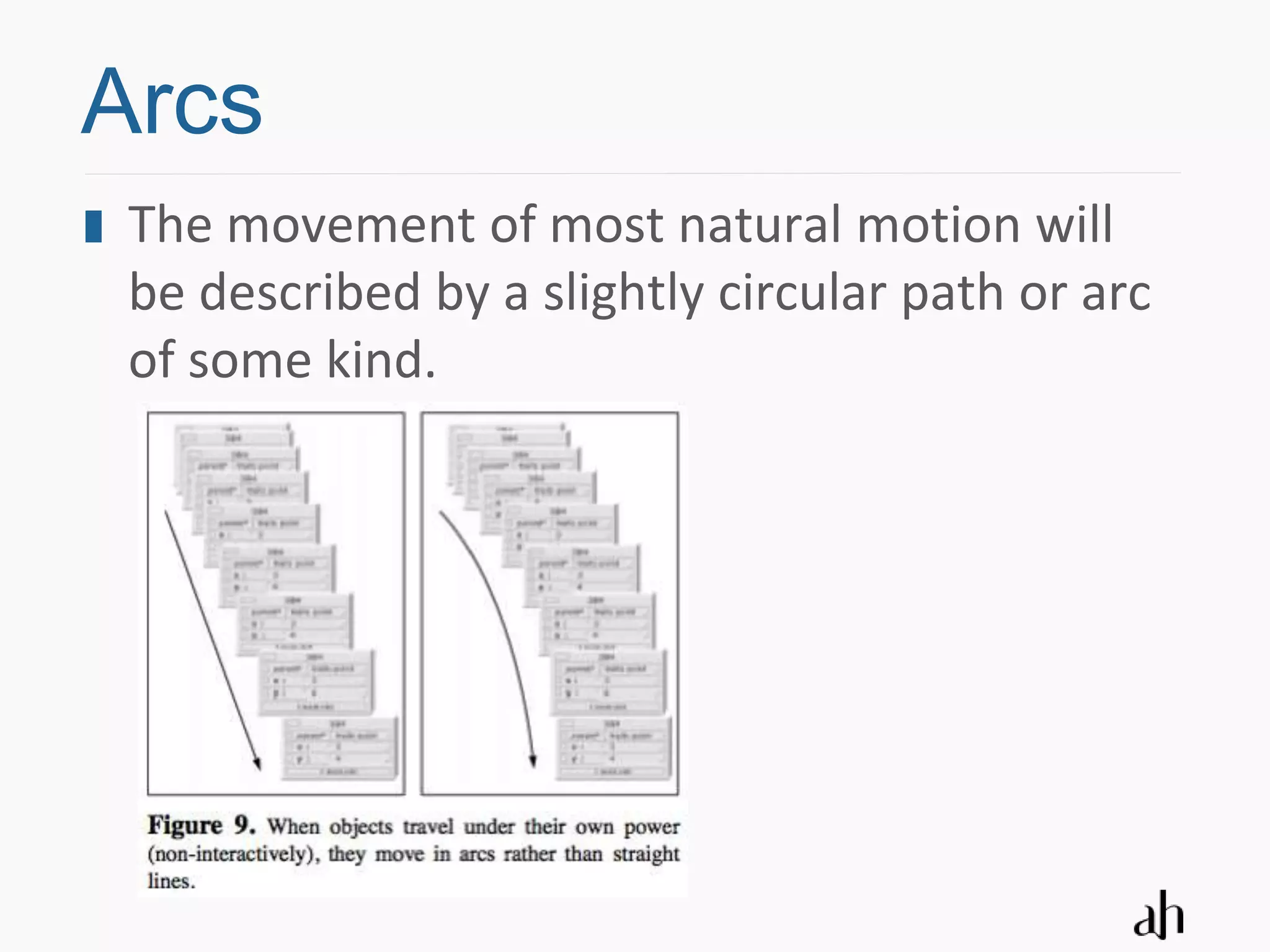
Arcs
Arcs
 The movement of most natural motion will
 be described by a slightly circular path or arc
 of some kind.
Follow-through
Follow-through
 Objects in the real world do not come to
 sudden stops, all of the object coming to a
 standstill at once

 Example: objects coming to a stop will wiggle
 at the end of their motion, as if reacting to a
 small spring at the end of their travel

 Combine with overlapping motion
Anticipation
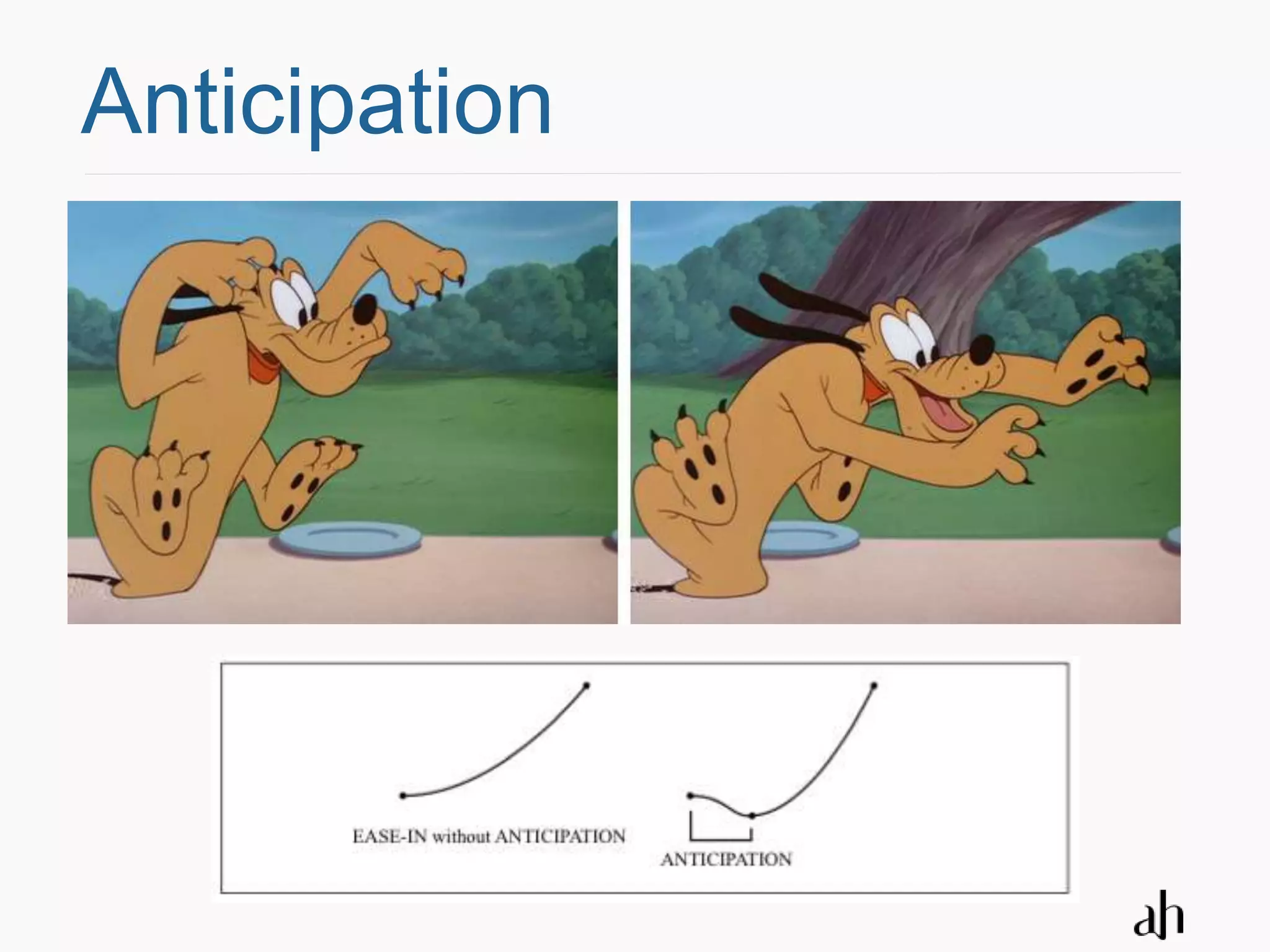
Anticipation
 Anticipation is a technique to alert the
 viewer to an upcoming action so it is not
 missed. Exaggerating in order to give the
 audience a cue about the main action to
 follow

 Examples:
  Contrary movement just before move
  Retracting slightly before expanding
  A character looking off screen in the direction where an
  important action is about to happen
Anticipation
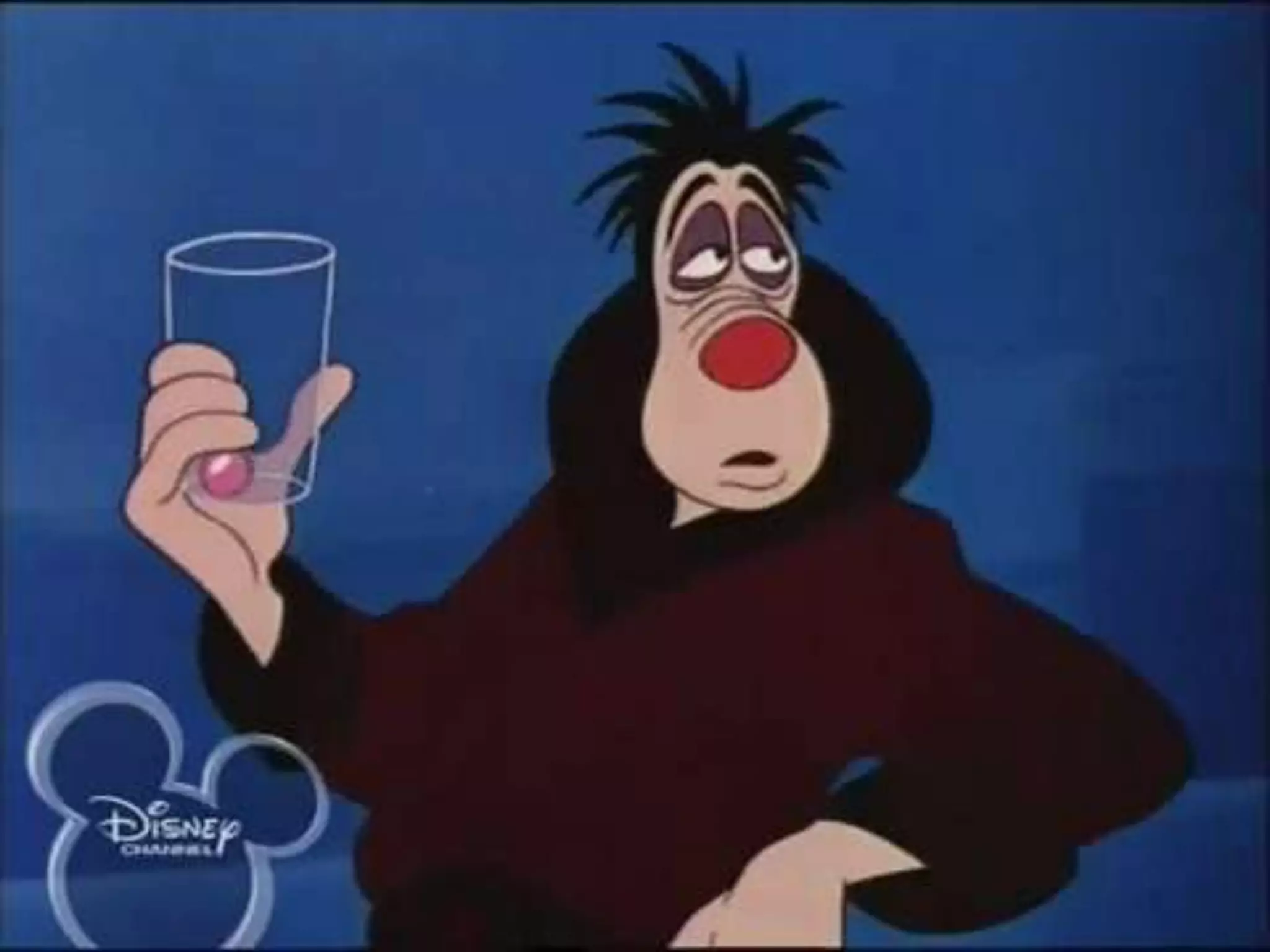
Exaggeration
Exaggeration
 By increasing the salience of certain aspects
 of the world, the animator gives the
 audience footholds from which to better
 interpret the nature of the character, action,
 or situation

 Paradoxically, only by exaggeration do
 cartoons achieve more realism.
Credits
 Producer: Inge De Cock

 Production Manager: Alain Schiffeleers

 Art Director: Kristel Van Ael

 Assistant Art Director: Bram Boot

 Illustrator: Kurt Cornelis

 Animation Consultant: Eric Goossens

 Animator: Raf Schoenmaekers

 Technical support: Luc Vanoostenryck, Mark Vanophalvens,
 Wouter Verlinden, Jan Verstrepen
References
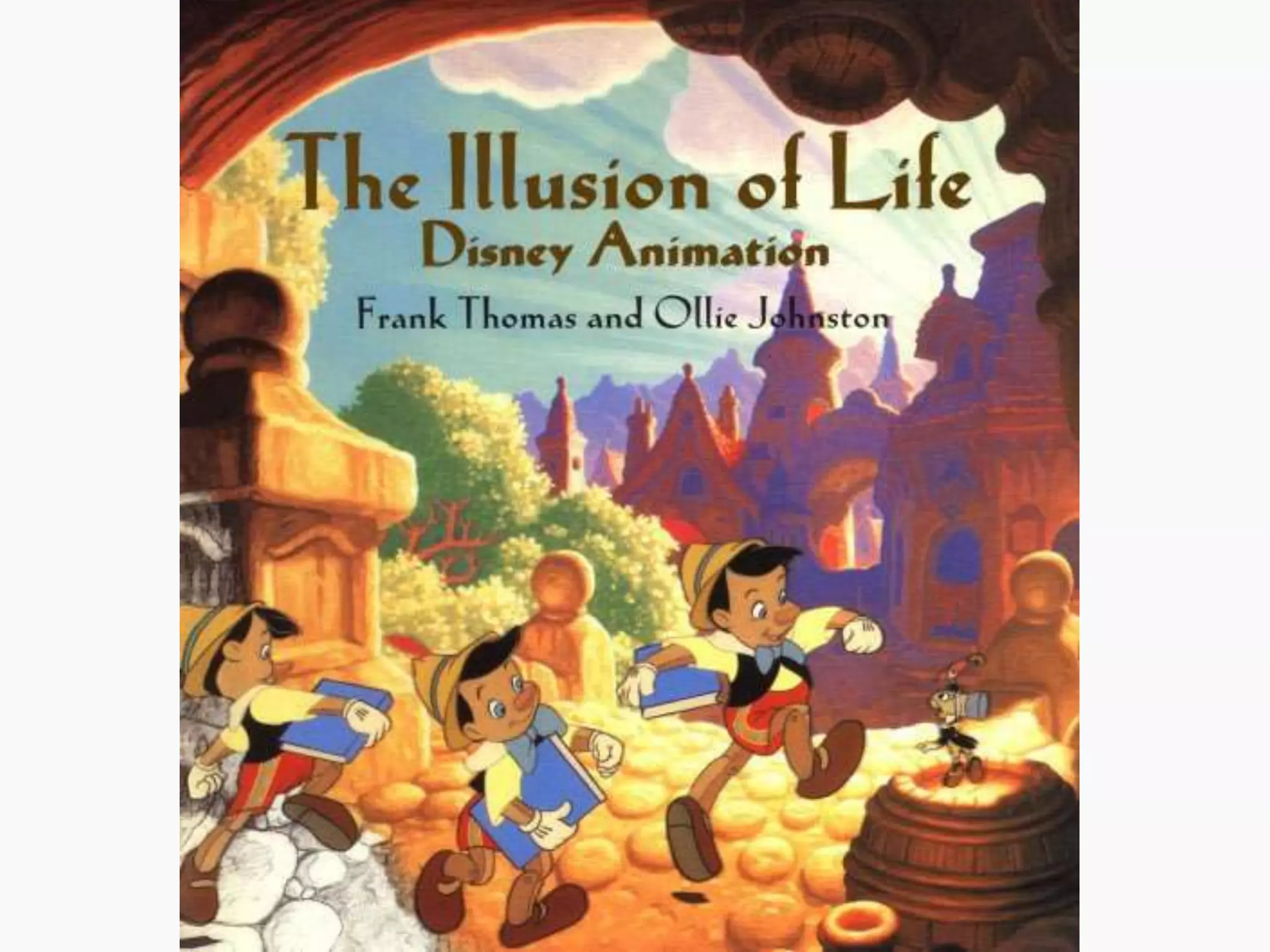
 The illusion of Life: Disney animation
 by Ollie Johnston (Author), Frank Thomas
 Disney Editions, 1995

 The Nuts and Bolts of Animation
 by Ed J. Cheetham, Country Music Television – MTV Networks
 Computer Graphics May 2001, Volume 35, pg 48-52

 Animation: From Cartoons to the User Interface
 by Bay-Wei Chang and David Ungar
 UIST: User Interface Software and Technology, 1993

The animated GUI: lessons from Disney

  • 1.
    The animated GUI Lessons from Disney Kristel Van Ael and Joannes Vandermeulen of Namahn at SIGCHI.be Fall Conference on New Communities 19/10/2009
  • 2.
    What are theprinciples of animation? How can animation enhance the user experience?
  • 3.
    Context Assignment fromAtos Worldline: use the full potential of a new 16-bit colour display to create a user-friendly and appealing interface for a new XENTA point-of-sales terminal. Basic interface concept and flows designed by Namahn in 2003, and still standing Now focus on colour, typography, iconography and … animation
  • 6.
    Why animate? Providea natural flow Focus attention on the action Provide a sense of bearing Engage and appeal NOT: disrupt or hold back
  • 7.
  • 8.
    Frame rate Thehuman eye perceives motion at about 24 fps (frames per second) 20 fps is enough for simple feedback 25 fps is accepted as very decent +30 fps for games
  • 9.
    Motion blur Inthe real world, an object leaves an impression of its path in our visual system – a smear.
  • 10.
    Motion blur Arule of thumb: if an object moves more than half its size between any two frames, motion blur must be added.
  • 14.
    Instant response Visualresponse to user actions needs to be without delay 0,1 second is about the limit for having the user feel that the system is reacting instantaneously More complex action may take at most 1,5 seconds
  • 15.
    8 Design principles Solid drawing Squash and stretch Arrival and departure Ease-in, ease-out Arcs Follow-through Anticipation Exaggeration
  • 16.
  • 17.
  • 18.
    Solid drawing Thecreation of objects so they appear to have the potential for movement
  • 20.
    Solid drawing Avoidstatic symmetry and twin movements
  • 21.
  • 22.
    Squash and stretch defining the rigidity and mass of an object by distorting its shape during an action
  • 23.
    Squash and stretch Pin dropping in Google Maps on iPhone
  • 25.
  • 26.
    Arrival and departure In real live, objects do not appear (enter) or disappear (exit) suddenly Three variations: objects fly in from off-screen, objects grow from a point to their full size objects dissolve onto the screen. Objects exit in the opposite way that they entered
  • 28.
    Arrival and departure Visibility curve
  • 31.
  • 32.
    Ease-in, ease-out Ease-inis a gradual acceleration into a motion from a key position Ease-out is the gradual deceleration out of the motion to a key position In either case this principle refers to the simple fact that objects in the real world do not suddenly start or stop moving
  • 33.
  • 34.
  • 35.
  • 37.
  • 38.
    Arcs The movementof most natural motion will be described by a slightly circular path or arc of some kind.
  • 40.
  • 41.
    Follow-through Objects inthe real world do not come to sudden stops, all of the object coming to a standstill at once Example: objects coming to a stop will wiggle at the end of their motion, as if reacting to a small spring at the end of their travel Combine with overlapping motion
  • 43.
  • 44.
    Anticipation Anticipation isa technique to alert the viewer to an upcoming action so it is not missed. Exaggerating in order to give the audience a cue about the main action to follow Examples: Contrary movement just before move Retracting slightly before expanding A character looking off screen in the direction where an important action is about to happen
  • 45.
  • 48.
  • 49.
    Exaggeration By increasingthe salience of certain aspects of the world, the animator gives the audience footholds from which to better interpret the nature of the character, action, or situation Paradoxically, only by exaggeration do cartoons achieve more realism.
  • 53.
    Credits Producer: IngeDe Cock Production Manager: Alain Schiffeleers Art Director: Kristel Van Ael Assistant Art Director: Bram Boot Illustrator: Kurt Cornelis Animation Consultant: Eric Goossens Animator: Raf Schoenmaekers Technical support: Luc Vanoostenryck, Mark Vanophalvens, Wouter Verlinden, Jan Verstrepen
  • 54.
    References The illusionof Life: Disney animation by Ollie Johnston (Author), Frank Thomas Disney Editions, 1995 The Nuts and Bolts of Animation by Ed J. Cheetham, Country Music Television – MTV Networks Computer Graphics May 2001, Volume 35, pg 48-52 Animation: From Cartoons to the User Interface by Bay-Wei Chang and David Ungar UIST: User Interface Software and Technology, 1993