Technology in the Classroom Using Technologies for Presentations September 26, 2007 Mindy Holder, Instructor
Objectives Design and Deliver Instructional Presentations that Integrate Computers/Technology and Content Area of Study Explore, evaluate, and use a variety of hardware and software resources
Topics More about PowerPoint Creating Lesson Plans Continue Blog Activity
PowerPoint Presentations PowerPoint Evils (from SlideShare) This gives excellent tips on creating PowerPoint presentations! PowerPoint 2007 Tutorials for Beginners
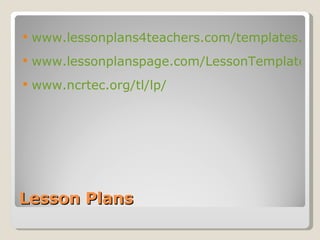
Lesson Plans www.lessonplans4teachers.com/templates.php www.lessonplanspage.com/LessonTemplate.htm www.ncrtec.org/tl/lp/
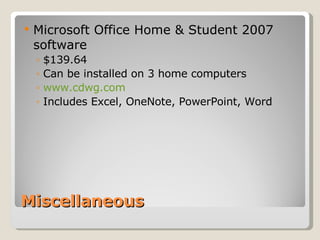
Miscellaneous Microsoft Office Home & Student 2007 software $139.64 Can be installed on 3 home computers www.cdwg.com Includes Excel, OneNote, PowerPoint, Word
Assignment Continue working on projects WebQuests Publisher – Newsletter Word – Smart Art PowerPoint presentations Google Docs – to store documents SlideShare – to store presentations Picassa – to store pictures/photos Continue Updating you Blog Record of class activities Useful websites Finished projects

Technology in the Classroom - September 26th

  • 1.
    Technology in theClassroom Using Technologies for Presentations September 26, 2007 Mindy Holder, Instructor
  • 2.
    Objectives Design andDeliver Instructional Presentations that Integrate Computers/Technology and Content Area of Study Explore, evaluate, and use a variety of hardware and software resources
  • 3.
    Topics More aboutPowerPoint Creating Lesson Plans Continue Blog Activity
  • 4.
    PowerPoint Presentations PowerPointEvils (from SlideShare) This gives excellent tips on creating PowerPoint presentations! PowerPoint 2007 Tutorials for Beginners
  • 5.
    Lesson Plans www.lessonplans4teachers.com/templates.phpwww.lessonplanspage.com/LessonTemplate.htm www.ncrtec.org/tl/lp/
  • 6.
    Miscellaneous Microsoft OfficeHome & Student 2007 software $139.64 Can be installed on 3 home computers www.cdwg.com Includes Excel, OneNote, PowerPoint, Word
  • 7.
    Assignment Continue workingon projects WebQuests Publisher – Newsletter Word – Smart Art PowerPoint presentations Google Docs – to store documents SlideShare – to store presentations Picassa – to store pictures/photos Continue Updating you Blog Record of class activities Useful websites Finished projects