Microsoft NDA Confidential
@KennyBuntinx
http://be.linkedin.com/KennyBuntinx
http://scug.be/blogs/sccm
Kenny Buntinx
Enterprise Client Management MVP
from 2009
Principal Consultant
Kenny.Buntinx@inovativ.be
Microsoft NDA Confidential
@Tim_DK
http://be.linkedin.com/in/timdekeukelaere/
http://scug.be/tim/
Tim De Keukelaere
Freelance Consultant
Tim.De.Keukelaere@IT-Essence.be
Microsoft NDA Confidential
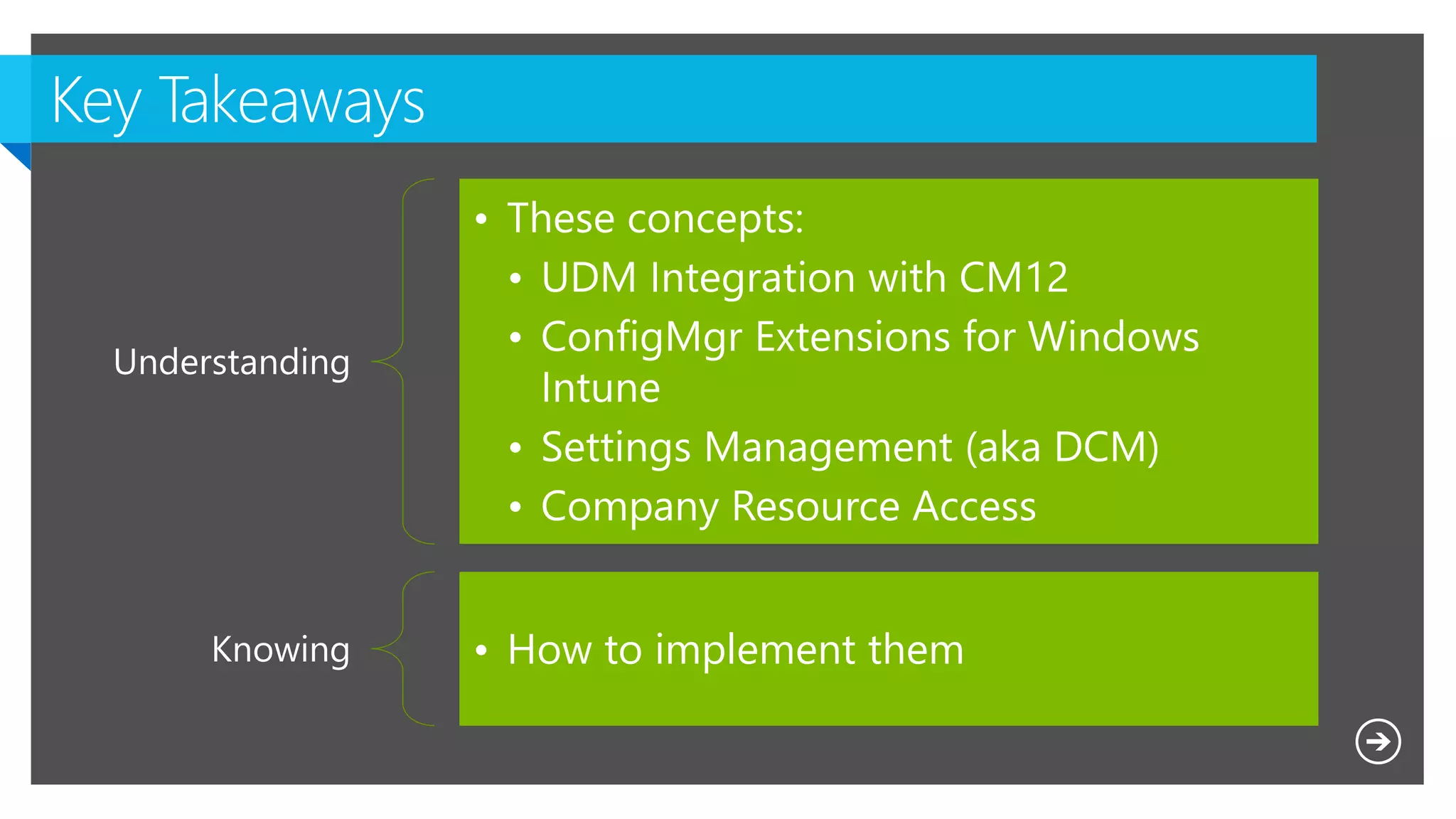
Understanding
• These concepts:
• UDM Integration with CM12
• ConfigMgr Extensions for Windows
Intune
• Settings Management (aka DCM)
• Company Resource Access
Knowing • How to implement them
Microsoft NDA Confidential
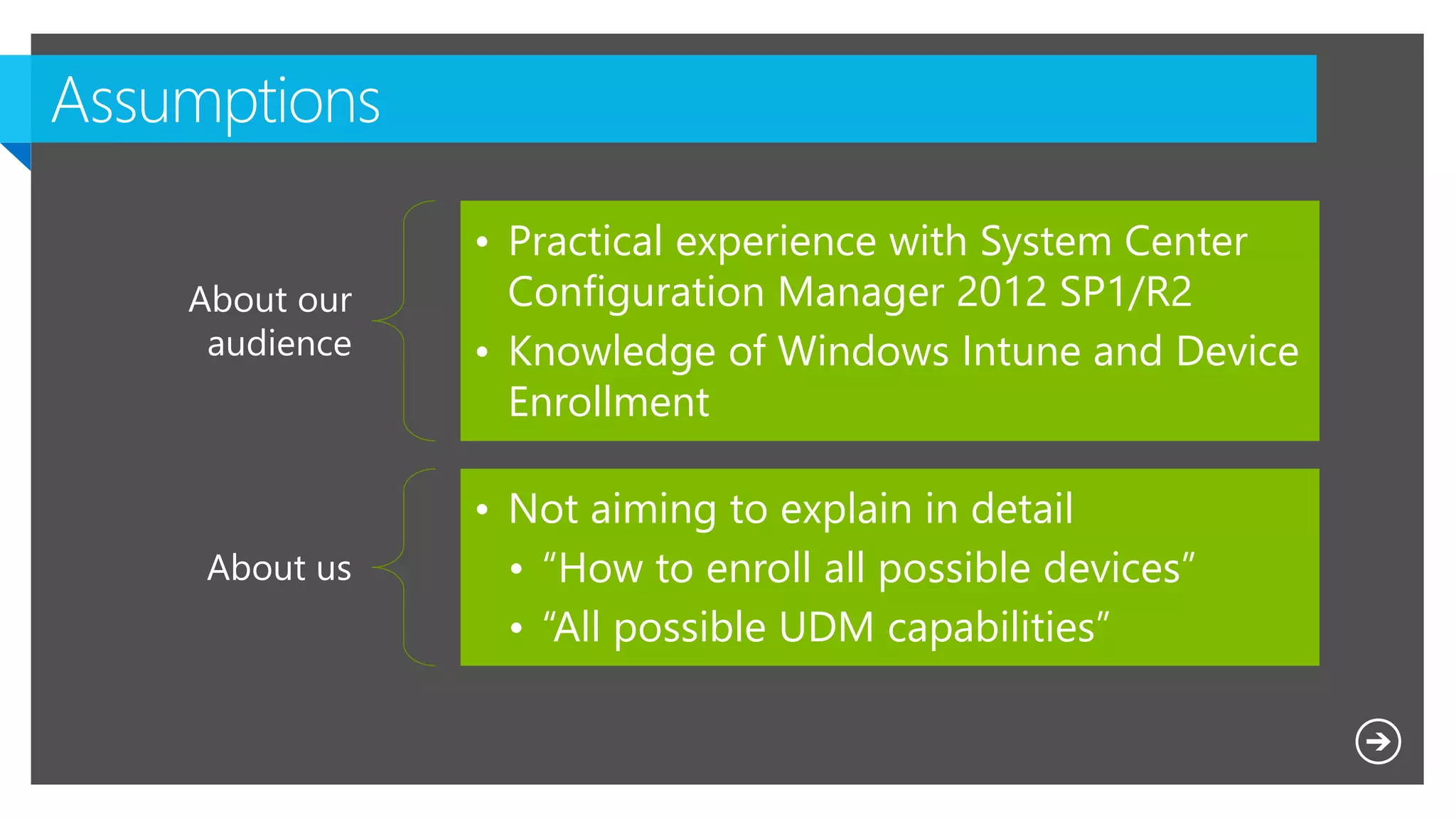
About our
audience
• Practical experience with System Center
Configuration Manager 2012 SP1/R2
• Knowledge of Windows Intune and Device
Enrollment
About us
• Not aiming to explain in detail
• “How to enroll all possible devices”
• “All possible UDM capabilities”
Empowering
people-centric IT
Mobile Device
Management
Access and
information
protection
Desktop
Virtualization
Hybrid Identity
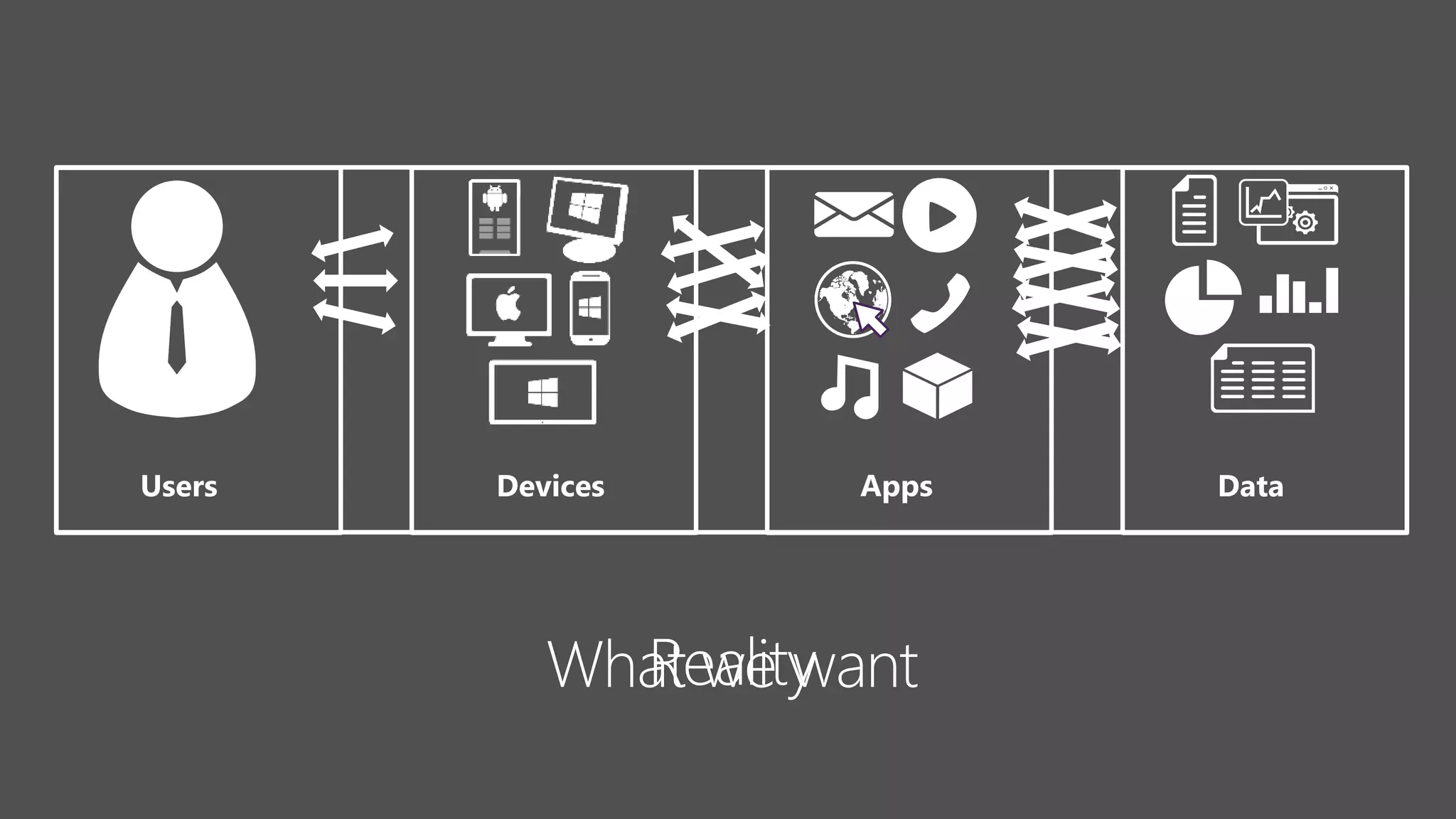
AppsUsers DataDevices
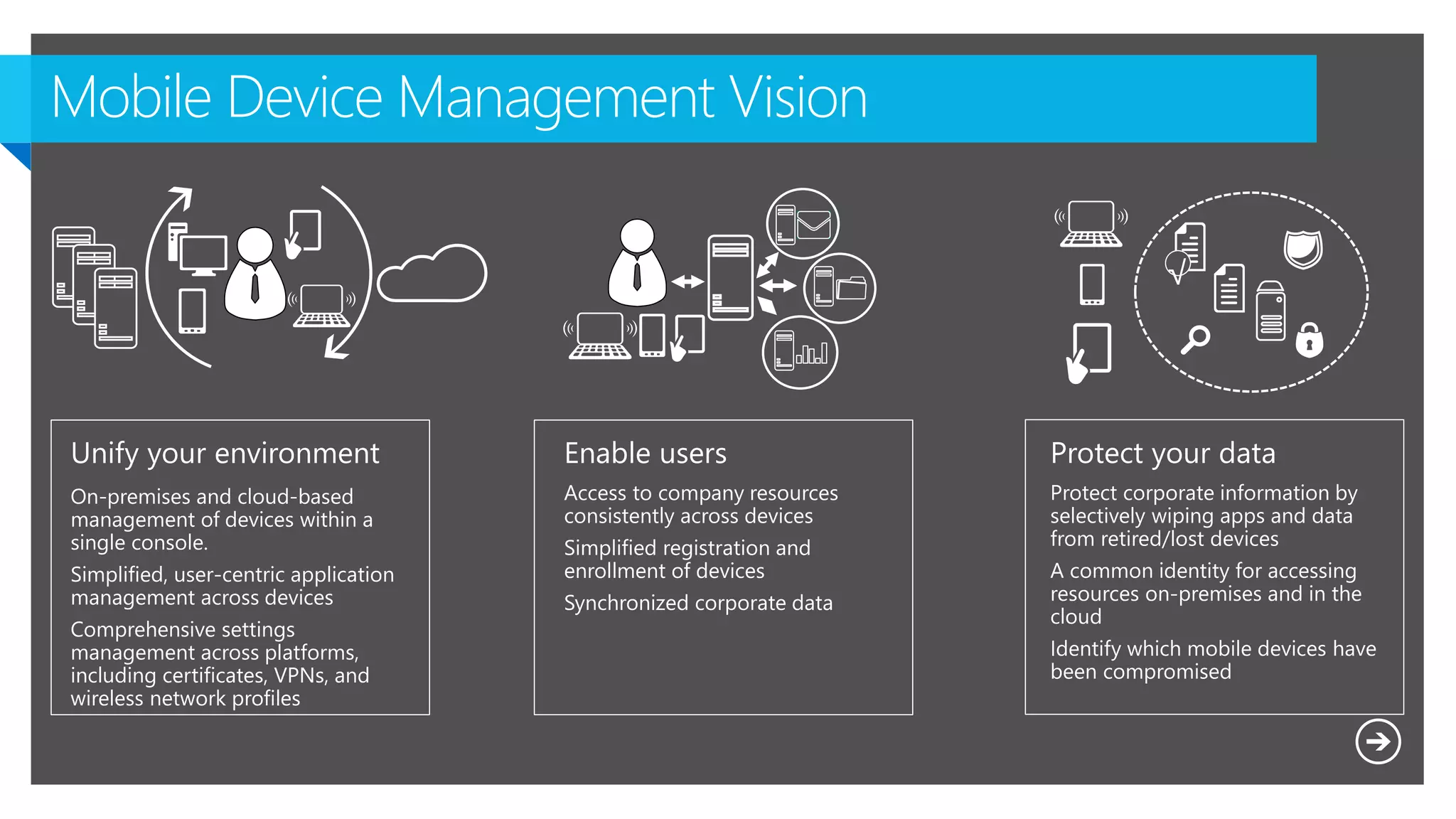
Mobile Device Management Vision
Unify your environment
On-premises and cloud-based
management of devices within a
single console.
Simplified, user-centric application
management across devices
Comprehensive settings
management across platforms,
including certificates, VPNs, and
wireless network profiles
Enable users
Access to company resources
consistently across devices
Simplified registration and
enrollment of devices
Synchronized corporate data
Protect your data
Protect corporate information by
selectively wiping apps and data
from retired/lost devices
A common identity for accessing
resources on-premises and in the
cloud
Identify which mobile devices have
been compromised
√
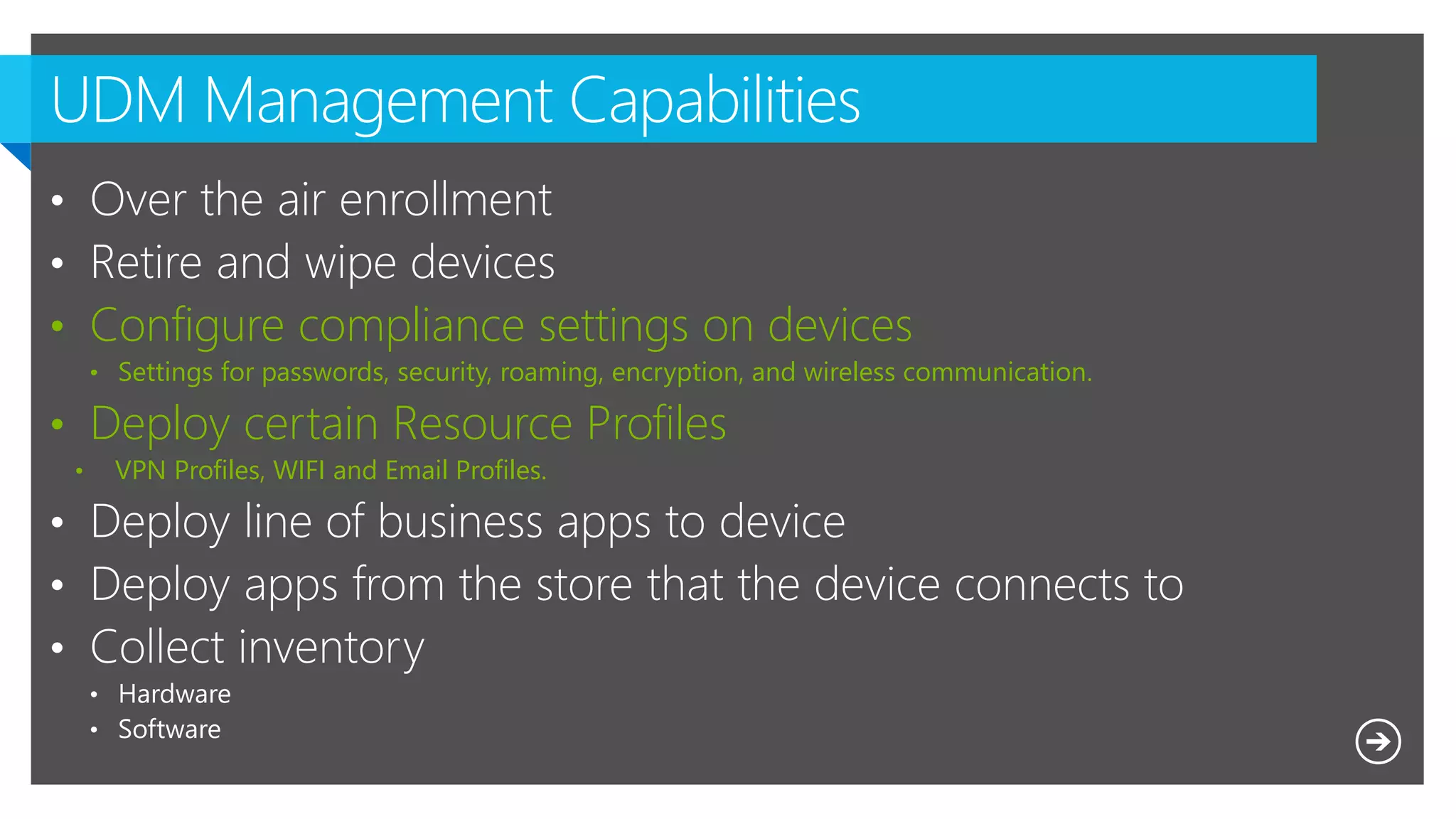
• Configure compliance settings on devices
• Settings for passwords, security, roaming, encryption, and wireless communication.
• Deploy certain Resource Profiles
• VPN Profiles, WIFI and Email Profiles.
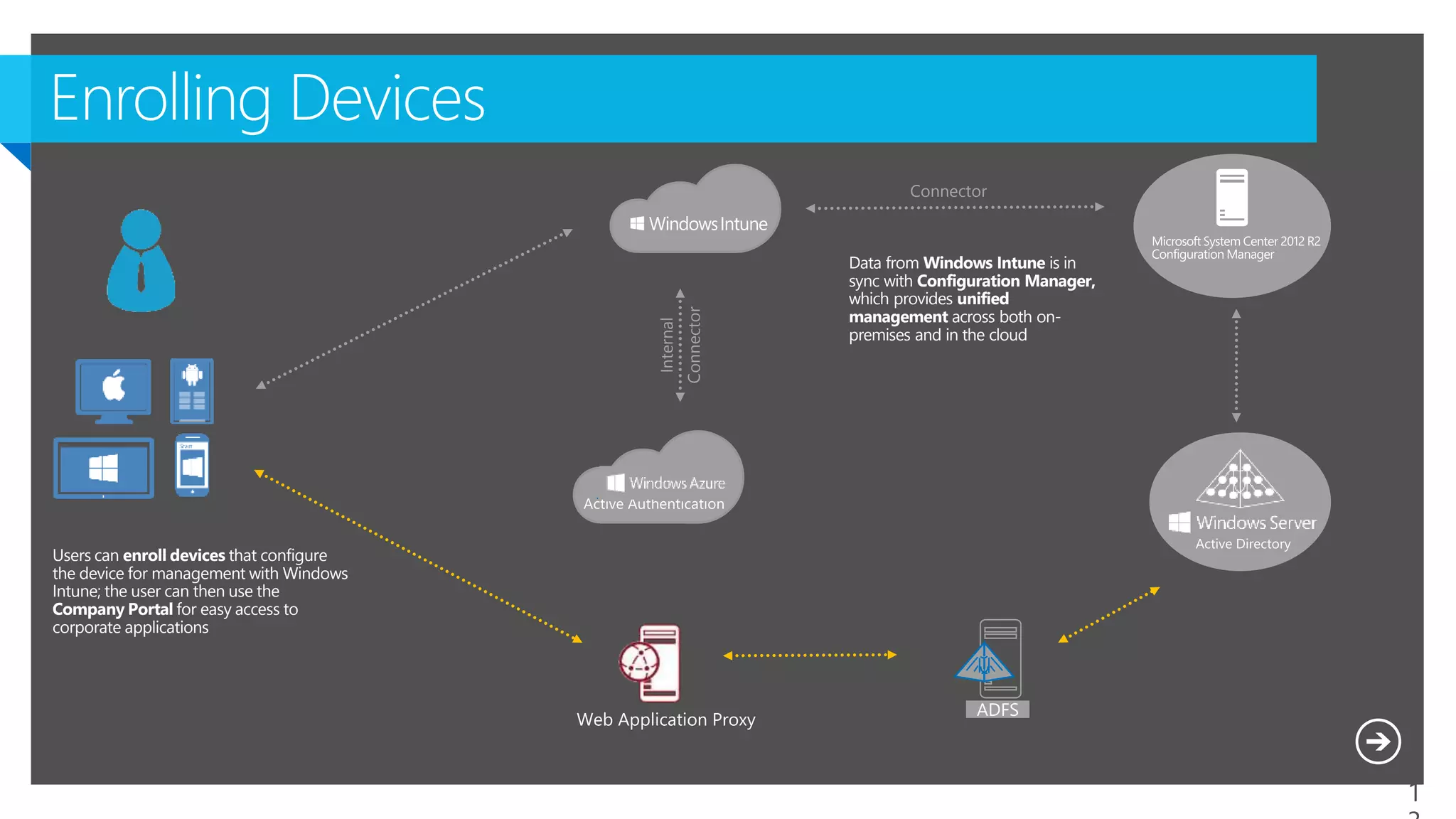
Users can enroll devices that configure
the device for management with Windows
Intune; the user can then use the
Company Portal for easy access to
corporate applications
Data from Windows Intune is in
sync with Configuration Manager,
which provides unified
management across both on-
premises and in the cloud
Dirsync
w Pwd Sync
Connector
Internal
Connector
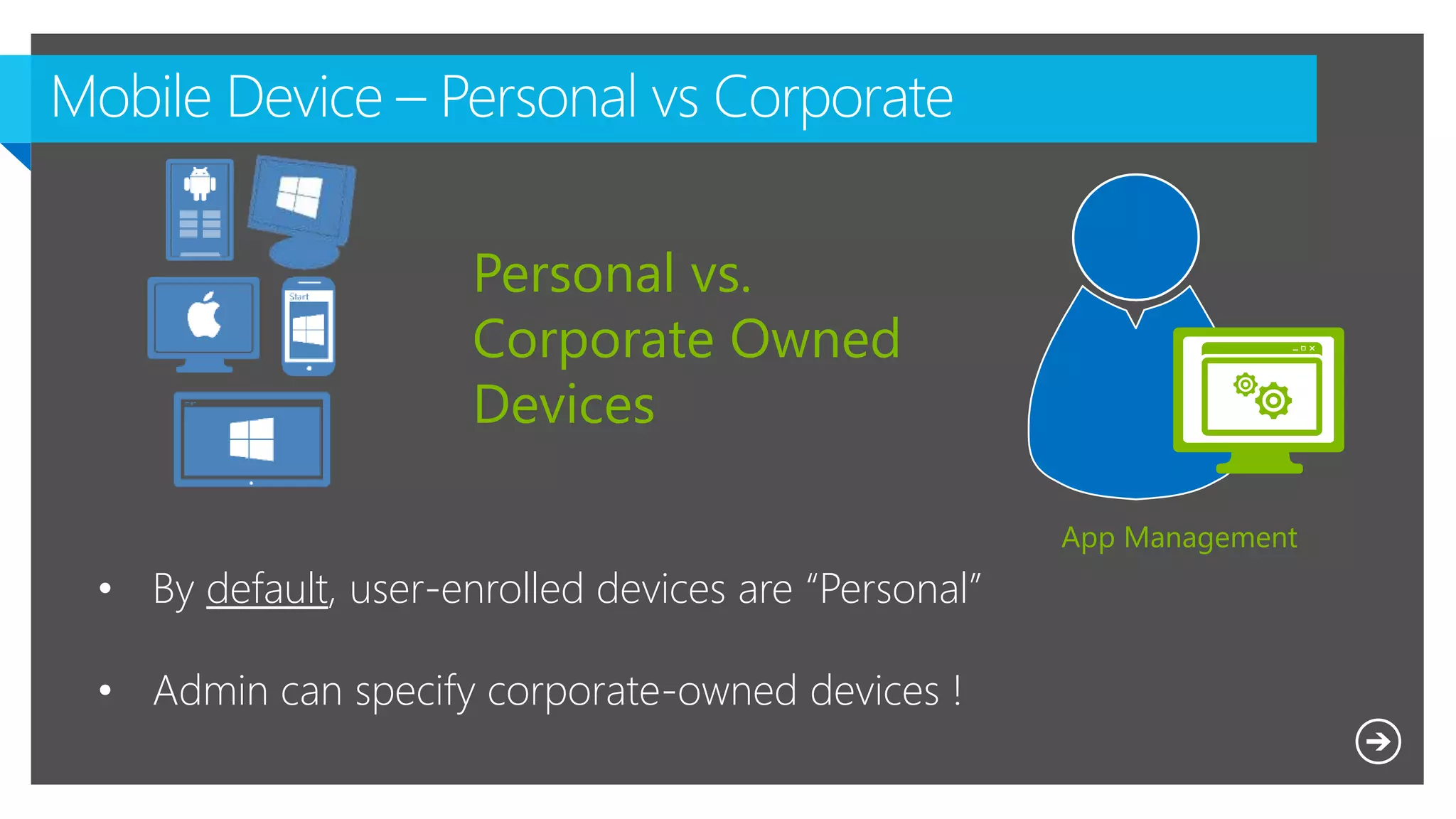
App Management
• By default, user-enrolled devices are “Personal”
• Admin can specify corporate-owned devices !
Personal vs.
Corporate Owned
Devices
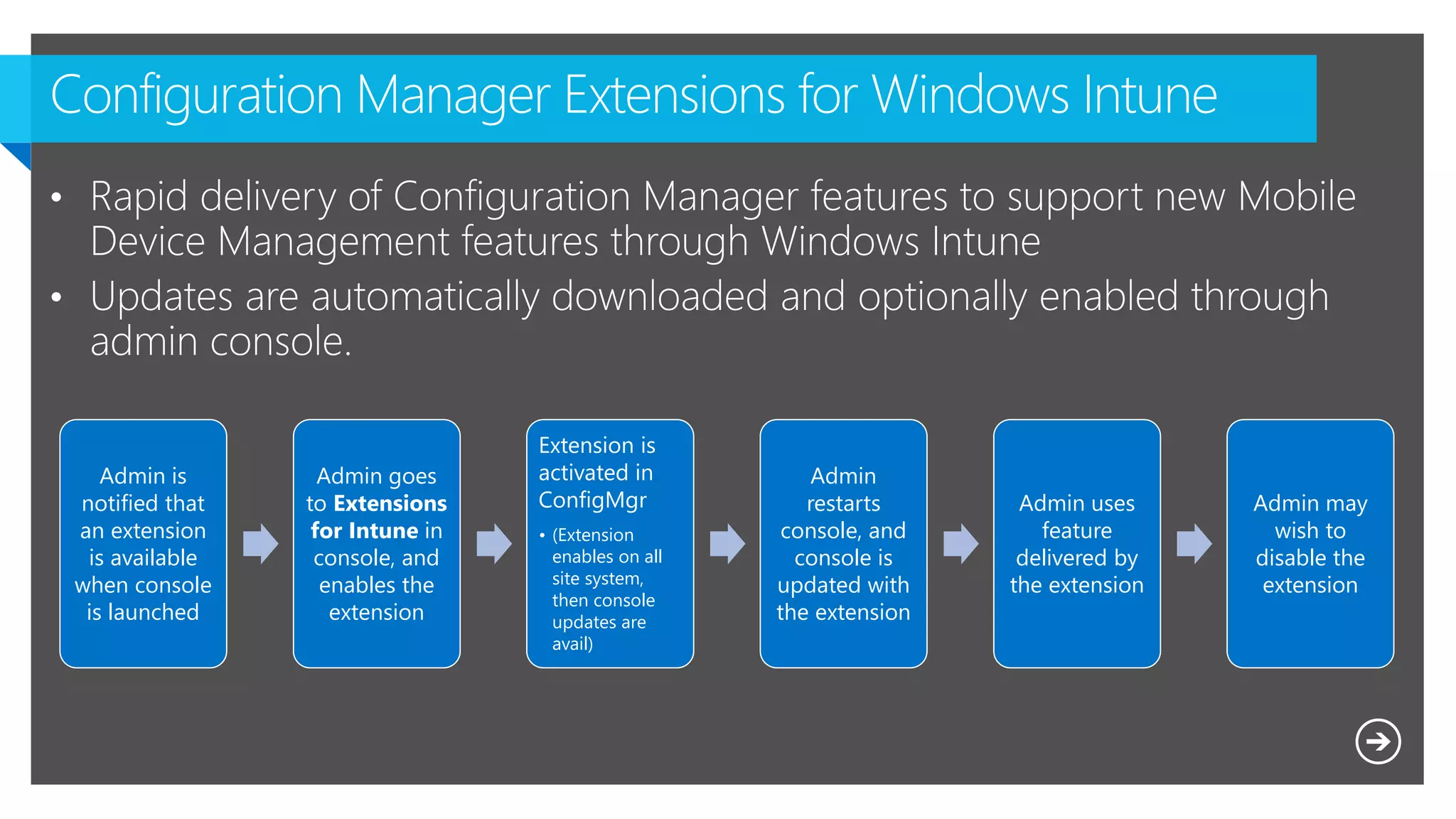
Admin is
notified that
an extension
is available
when console
is launched
Admin goes
to Extensions
for Intune in
console, and
enables the
extension
Extension is
activated in
ConfigMgr
• (Extension
enables on all
site system,
then console
updates are
avail)
Admin
restarts
console, and
console is
updated with
the extension
Admin uses
feature
delivered by
the extension
Admin may
wish to
disable the
extension
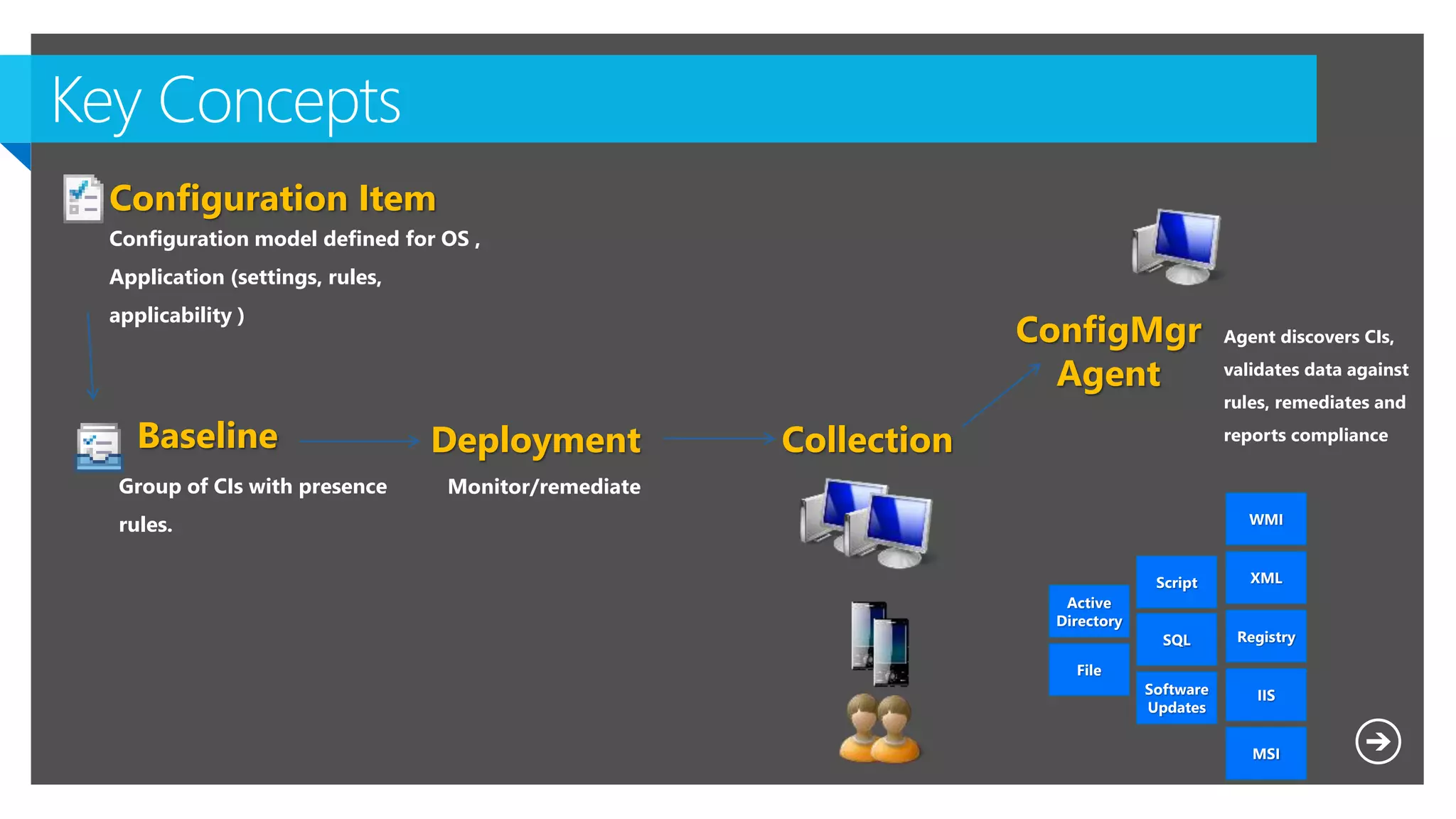
Baseline

Group of CIs with presence
rules.
Configuration Item
Configuration model defined for OS ,
Application (settings, rules,
applicability )
WMI
XML
Registry
IIS
MSI
Script
SQL
Software
Updates
File
Active
Directory
Agent discovers CIs,
validates data against
rules, remediates and
reports compliance
ConfigMgr
Agent
Deployment
Monitor/remediate
Collection
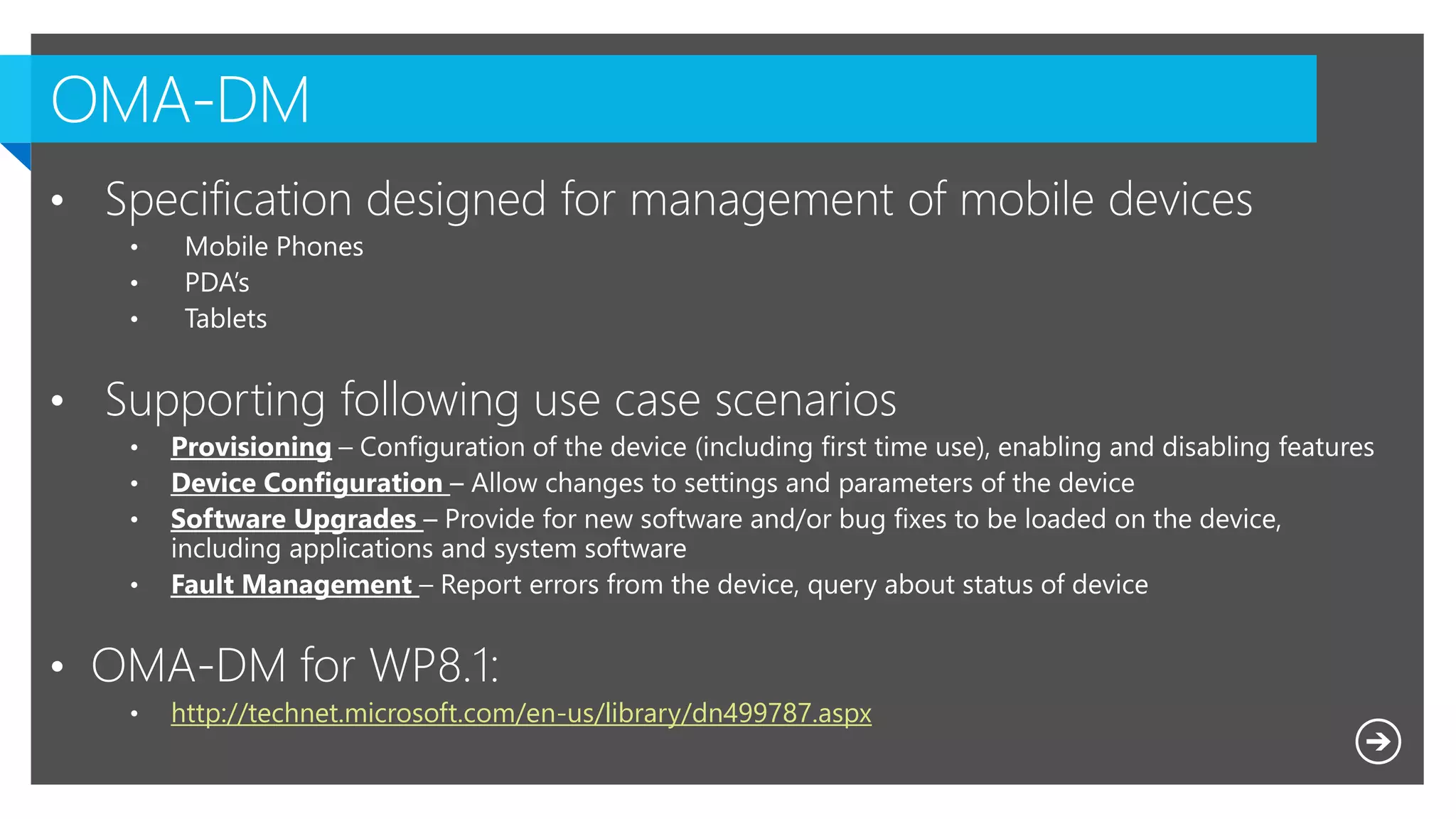
http://technet.microsoft.com/en-us/library/dn499787.aspx
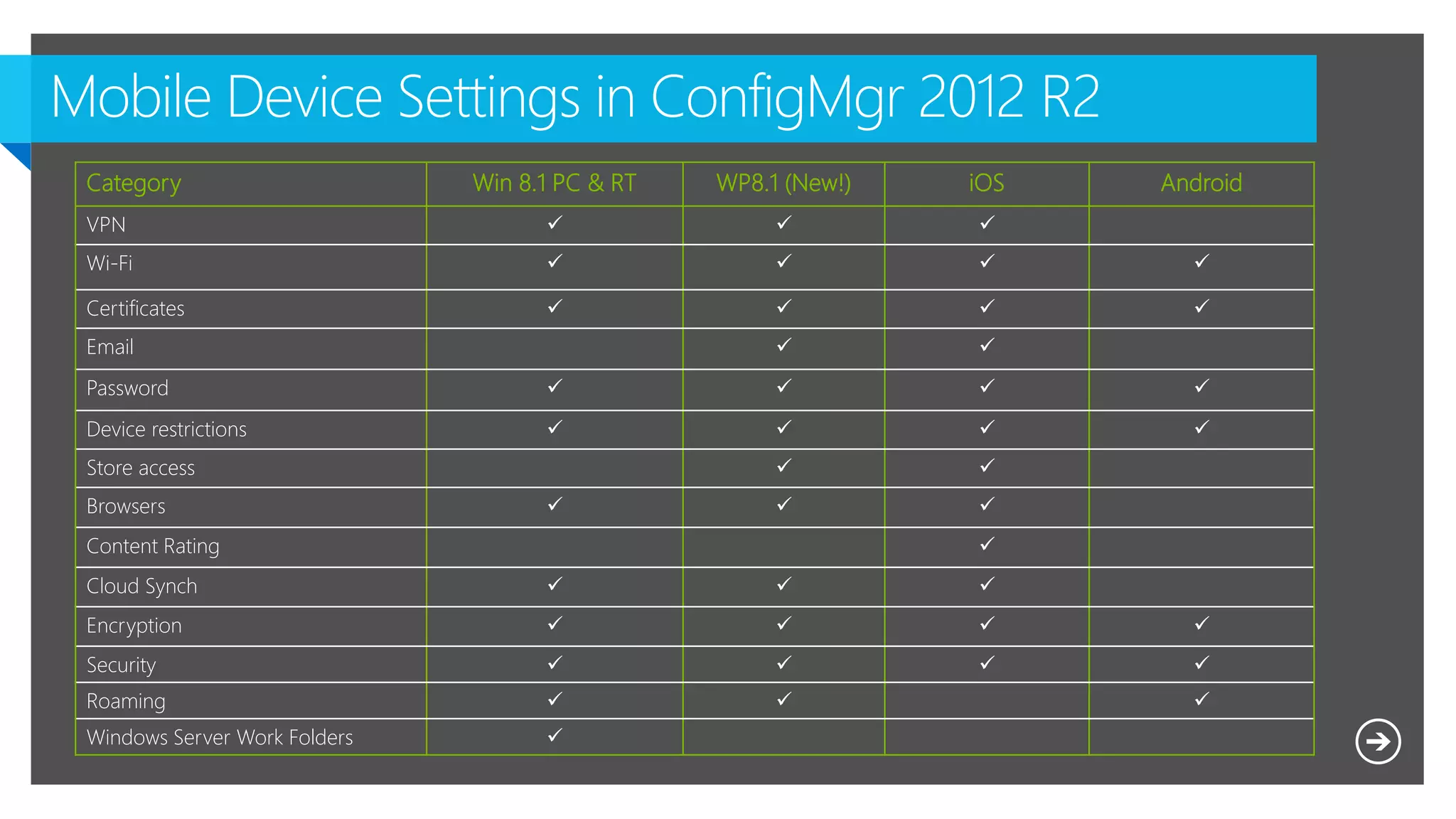
Category Win 8.1 PC & RT WP8.1 (New!) iOS Android
VPN   
Wi-Fi    
Certificates    
Email  
Password    
Device restrictions    
Store access  
Browsers   
Content Rating 
Cloud Synch   
Encryption    
Security    
Roaming   
Windows Server Work Folders 
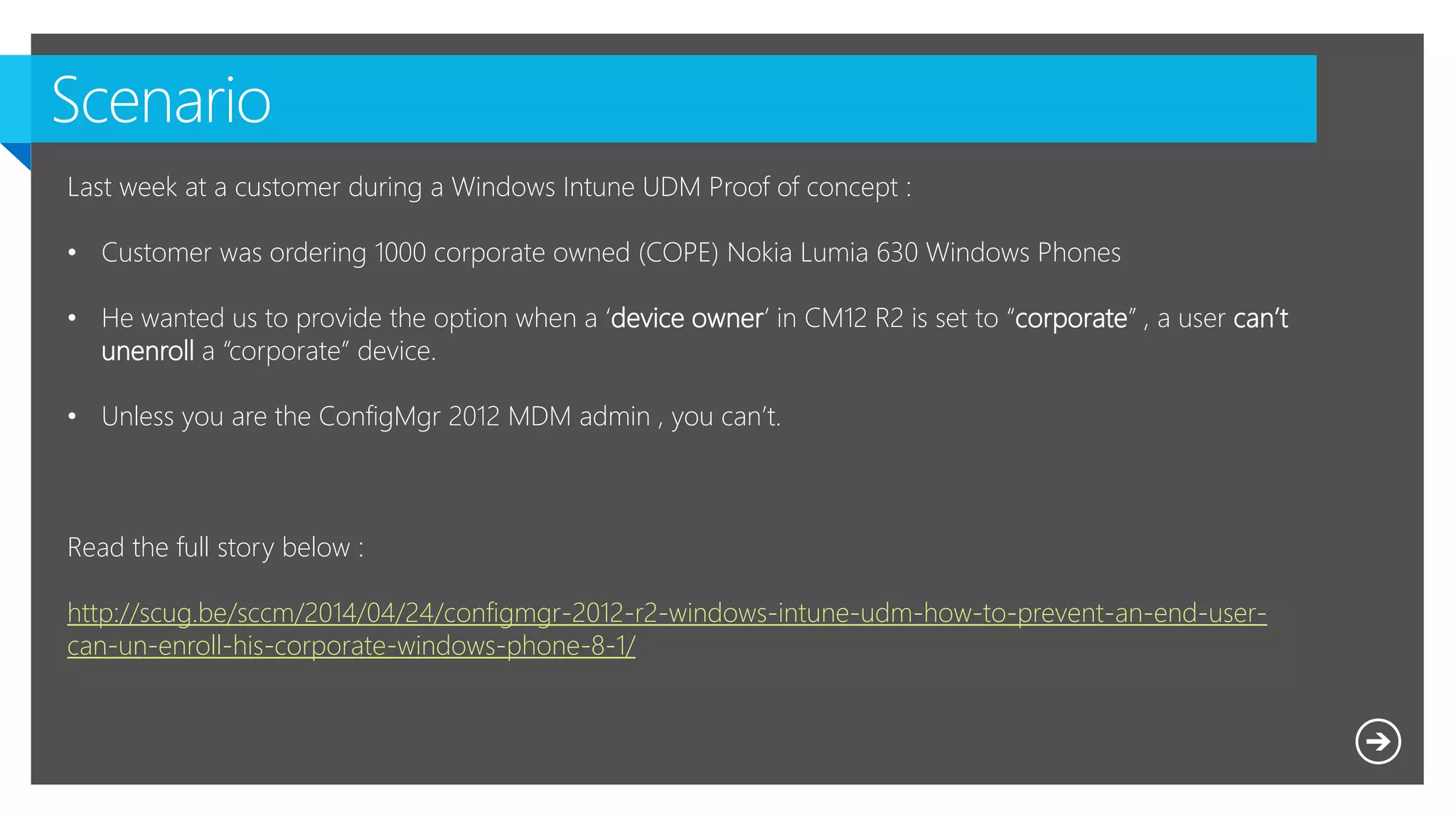
Last week at a customer during a Windows Intune UDM Proof of concept :
• Customer was ordering 1000 corporate owned (COPE) Nokia Lumia 630 Windows Phones
• He wanted us to provide the option when a ‘device owner’ in CM12 R2 is set to “corporate” , a user can’t
unenroll a “corporate” device.
• Unless you are the ConfigMgr 2012 MDM admin , you can’t.
Read the full story below :
http://scug.be/sccm/2014/04/24/configmgr-2012-r2-windows-intune-udm-how-to-prevent-an-end-user-
can-un-enroll-his-corporate-windows-phone-8-1/
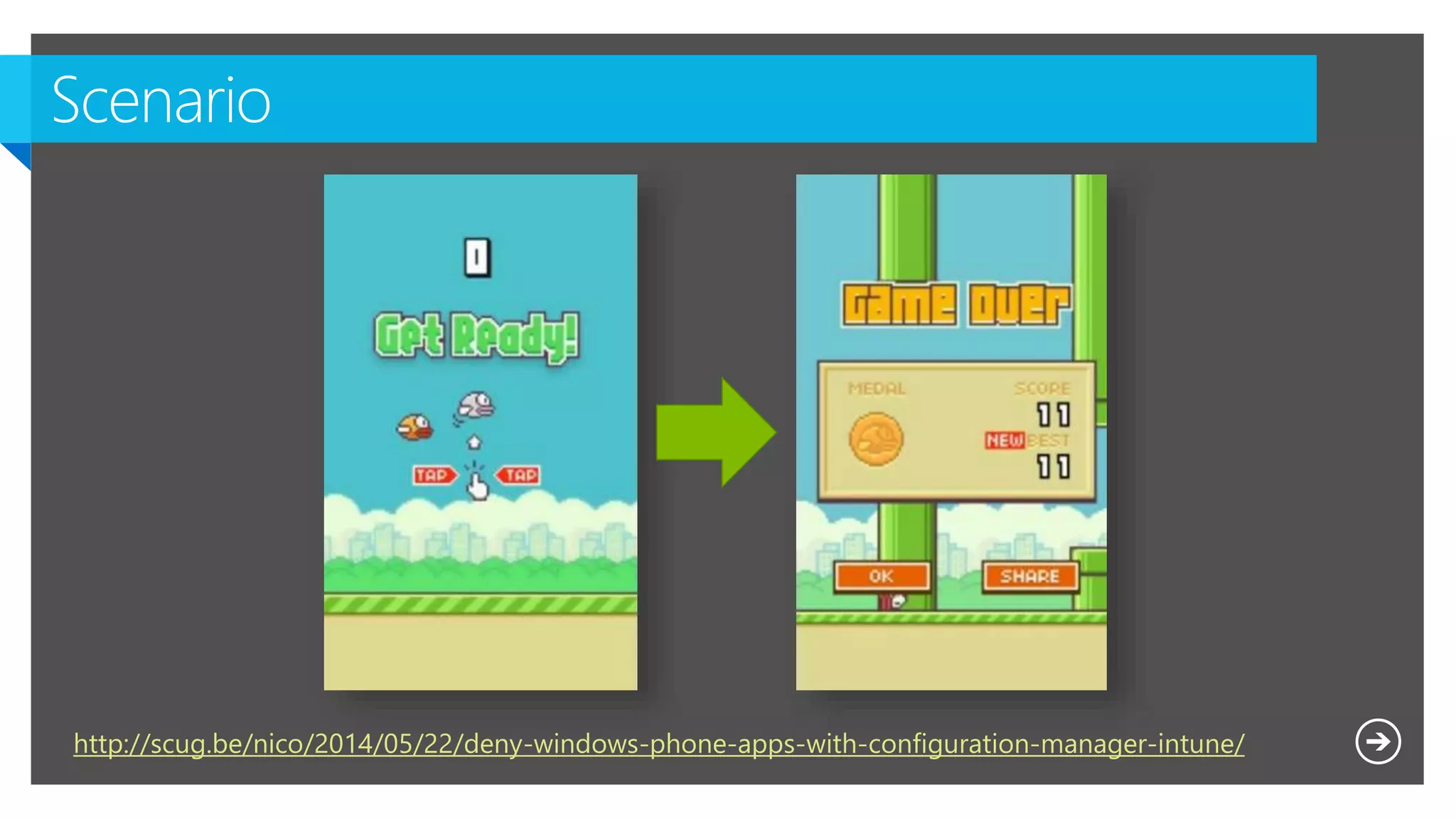
http://scug.be/nico/2014/05/22/deny-windows-phone-apps-with-configuration-manager-intune/
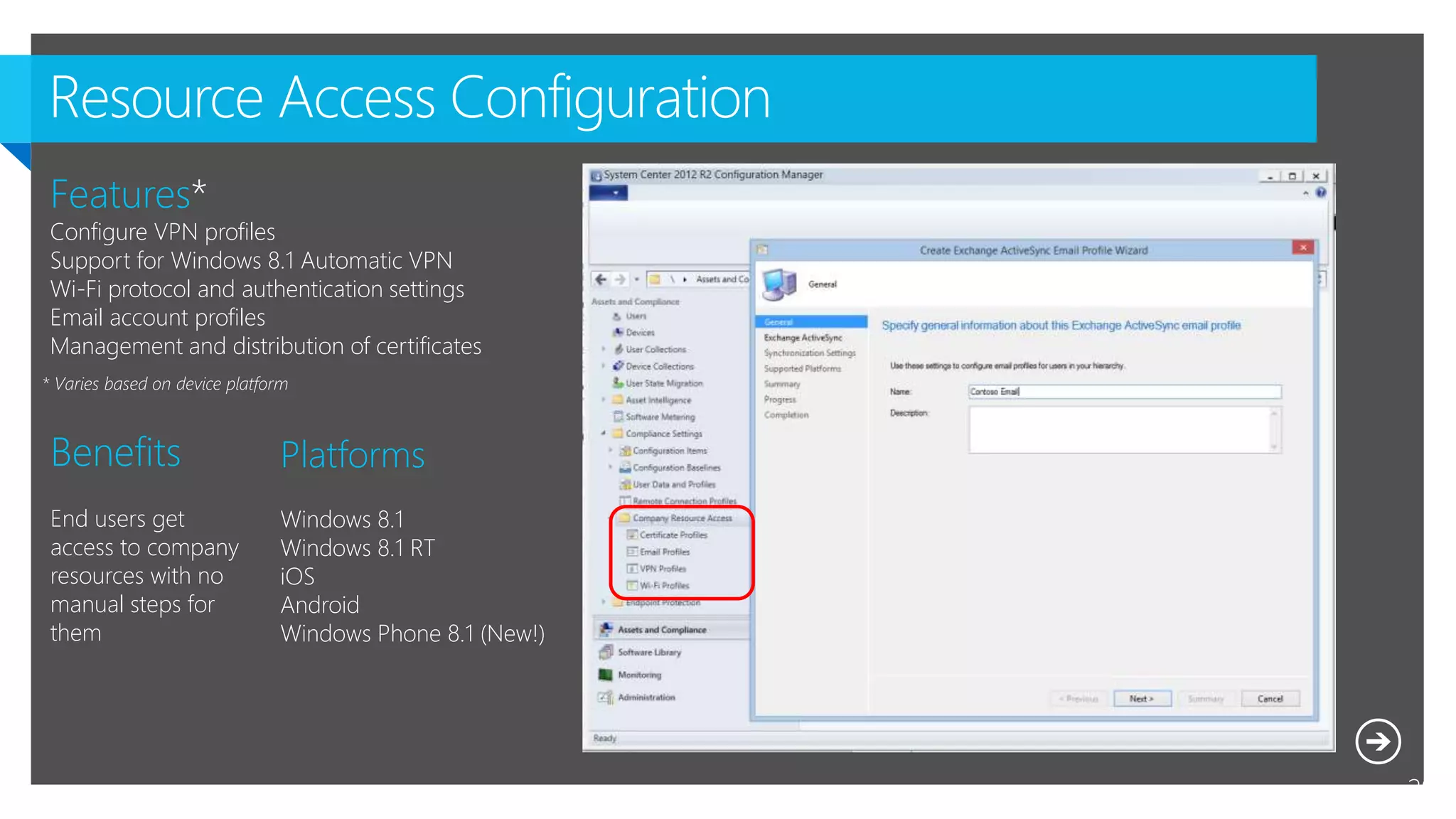
Resource Access Configuration
29
Platforms
Windows 8.1
Windows 8.1 RT
iOS
Android
Windows Phone 8.1 (New!)
Benefits
End users get
access to company
resources with no
manual steps for
them
Features*
Configure VPN profiles
Support for Windows 8.1 Automatic VPN
Wi-Fi protocol and authentication settings
Email account profiles
Management and distribution of certificates
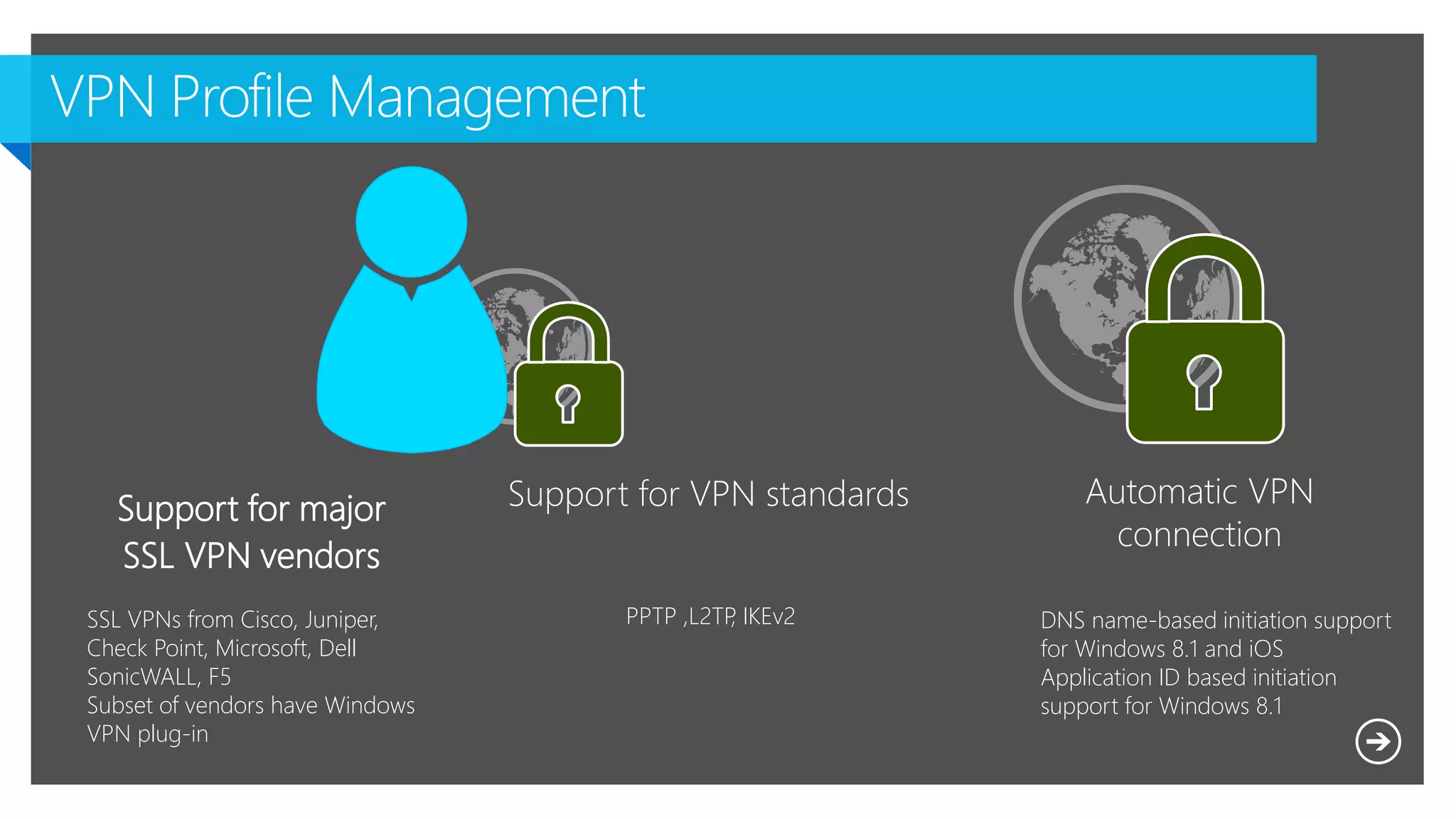
Support for major
SSL VPN vendors
DNS name-based initiation support
for Windows 8.1 and iOS
Application ID based initiation
support for Windows 8.1
Automatic VPN
connection
Support for VPN standards
SSL VPNs from Cisco, Juniper,
Check Point, Microsoft, Dell
SonicWALL, F5
Subset of vendors have Windows
VPN plug-in
PPTP ,L2TP, IKEv2
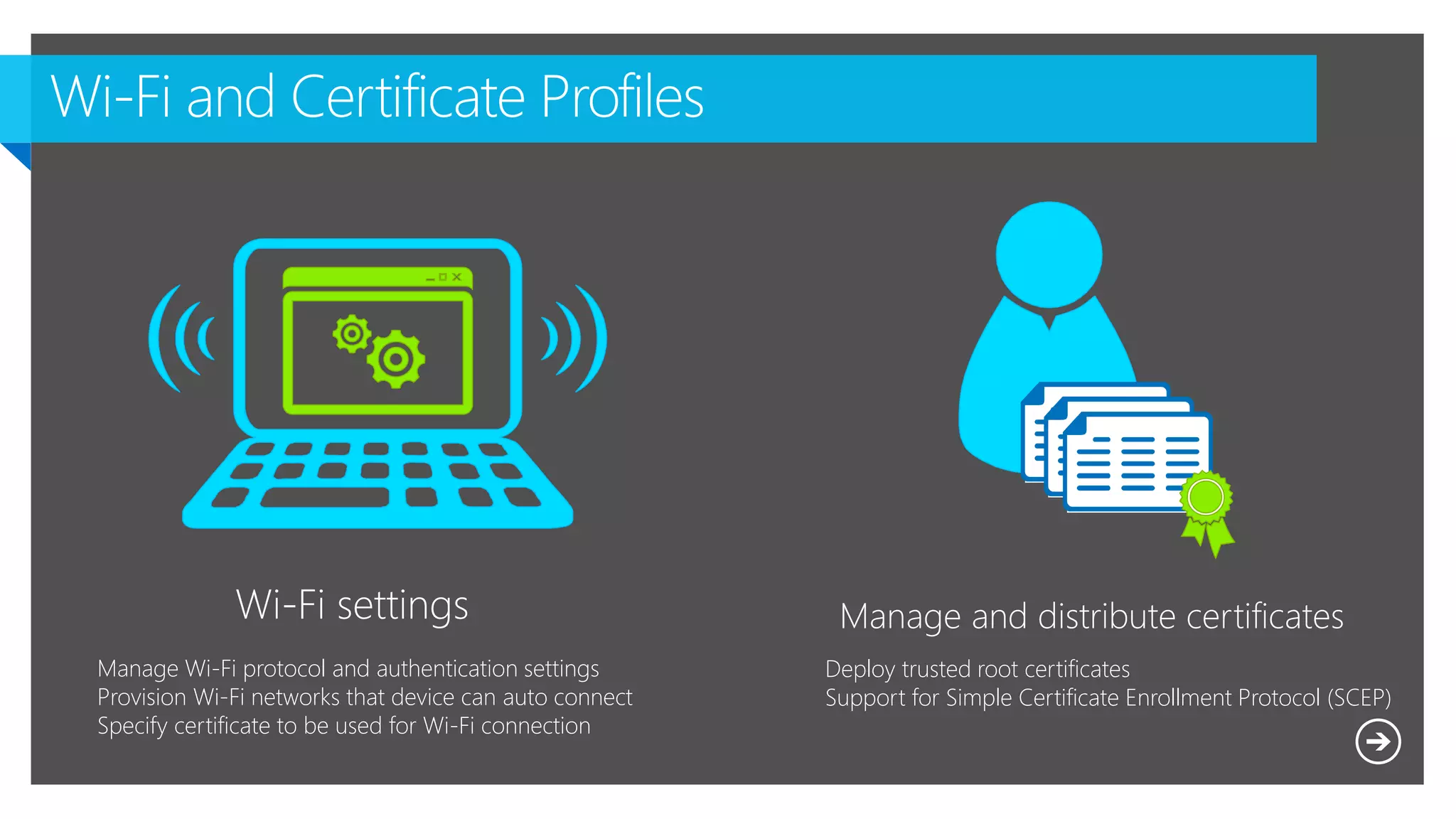
Wi-Fi settings Manage and distribute certificates
Deploy trusted root certificates
Support for Simple Certificate Enrollment Protocol (SCEP)
Manage Wi-Fi protocol and authentication settings
Provision Wi-Fi networks that device can auto connect
Specify certificate to be used for Wi-Fi connection
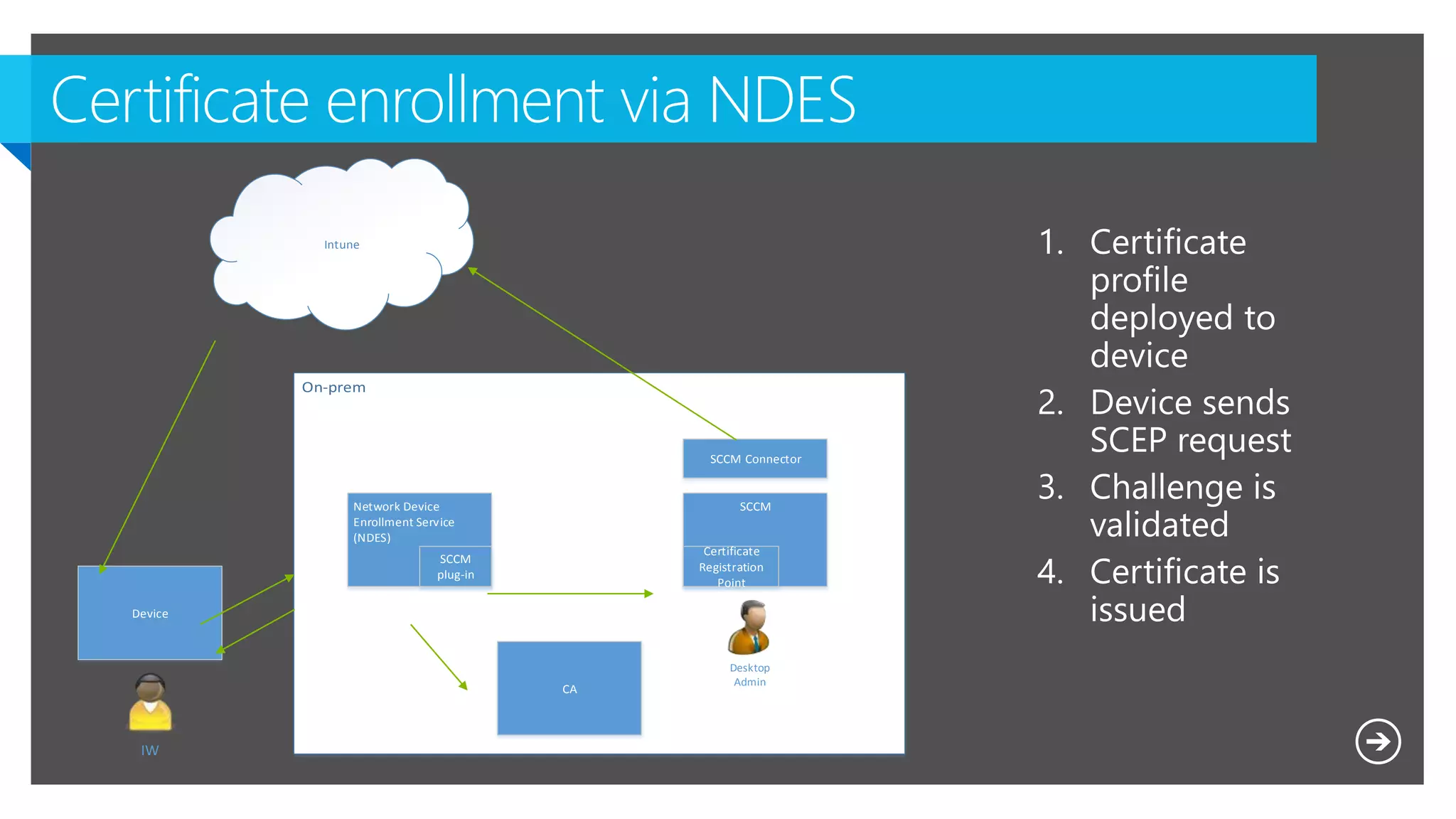
Network Device
Enrollment Service
(NDES)
CA
SCCM
SCCM Connector
Desktop
Admin
Device
IW
Intune
Certificate
Registration
Point
SCCM
plug-in
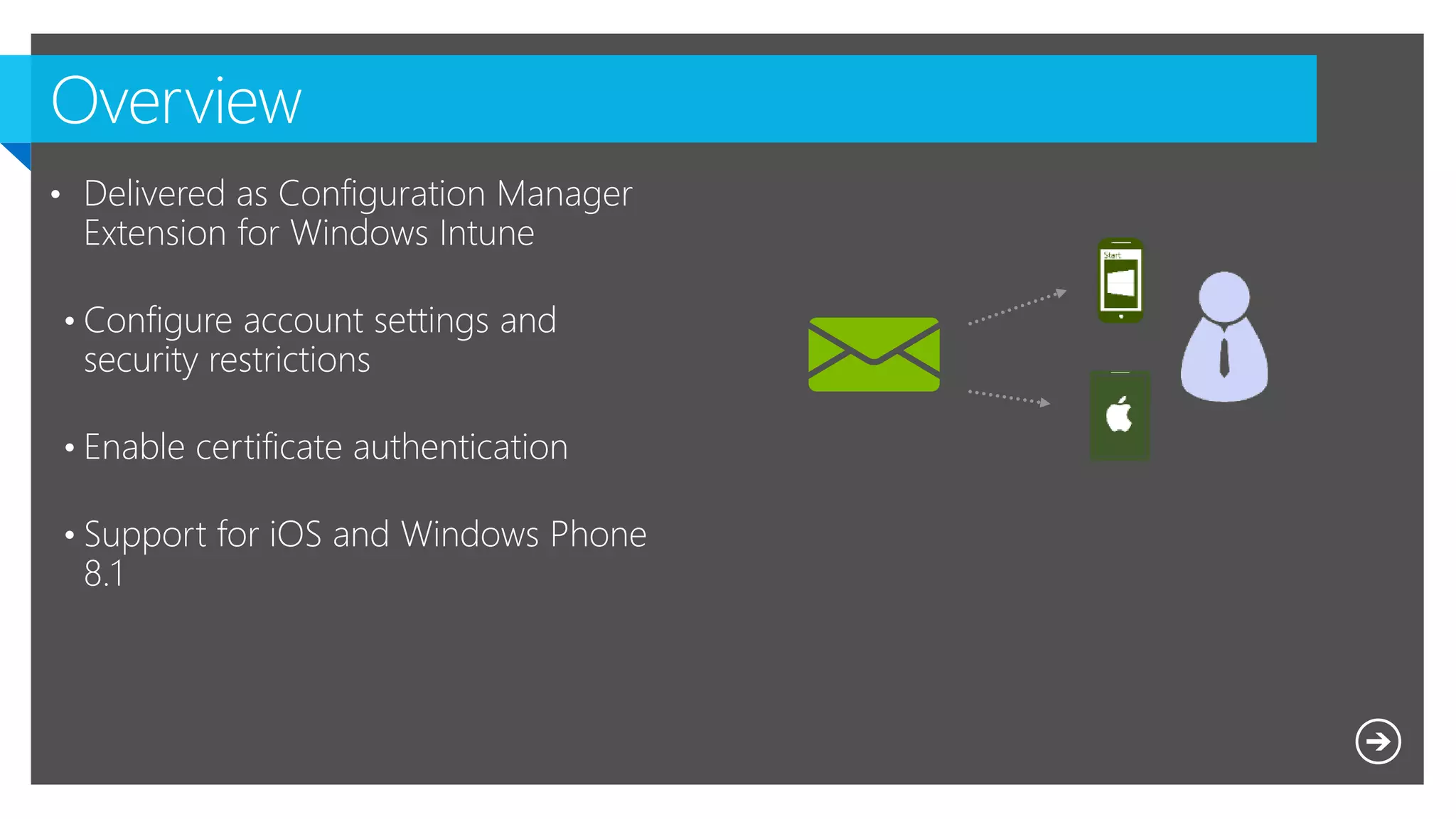
• Delivered as Configuration Manager
Extension for Windows Intune
• Configure account settings and
security restrictions
• Enable certificate authentication
• Support for iOS and Windows Phone
8.1
http://scug.be/sccm/2014/03/21/sysctr-configmgr-2012-and-intune-provisioning-email-profiles-and-
the-why-the-profile-may-not-turn-up-on-devices-such-as-an-ipad/
Microsoft NDA Confidential

Sysctr Track: Managing your hybrid Mobile cloud Workforce Demystified with System Center Configuration Manager 2012 R2

  • 2.
    Microsoft NDA Confidential @KennyBuntinx http://be.linkedin.com/KennyBuntinx http://scug.be/blogs/sccm KennyBuntinx Enterprise Client Management MVP from 2009 Principal Consultant Kenny.Buntinx@inovativ.be
  • 3.
  • 4.
  • 5.
    Microsoft NDA Confidential Understanding •These concepts: • UDM Integration with CM12 • ConfigMgr Extensions for Windows Intune • Settings Management (aka DCM) • Company Resource Access Knowing • How to implement them
  • 6.
    Microsoft NDA Confidential Aboutour audience • Practical experience with System Center Configuration Manager 2012 SP1/R2 • Knowledge of Windows Intune and Device Enrollment About us • Not aiming to explain in detail • “How to enroll all possible devices” • “All possible UDM capabilities”
  • 8.
    Empowering people-centric IT Mobile Device Management Accessand information protection Desktop Virtualization Hybrid Identity
  • 9.
  • 10.
    Mobile Device ManagementVision Unify your environment On-premises and cloud-based management of devices within a single console. Simplified, user-centric application management across devices Comprehensive settings management across platforms, including certificates, VPNs, and wireless network profiles Enable users Access to company resources consistently across devices Simplified registration and enrollment of devices Synchronized corporate data Protect your data Protect corporate information by selectively wiping apps and data from retired/lost devices A common identity for accessing resources on-premises and in the cloud Identify which mobile devices have been compromised √
  • 11.
    • Configure compliancesettings on devices • Settings for passwords, security, roaming, encryption, and wireless communication. • Deploy certain Resource Profiles • VPN Profiles, WIFI and Email Profiles.
  • 13.
    Users can enrolldevices that configure the device for management with Windows Intune; the user can then use the Company Portal for easy access to corporate applications Data from Windows Intune is in sync with Configuration Manager, which provides unified management across both on- premises and in the cloud Dirsync w Pwd Sync Connector Internal Connector
  • 14.
    App Management • Bydefault, user-enrolled devices are “Personal” • Admin can specify corporate-owned devices ! Personal vs. Corporate Owned Devices
  • 18.
    Admin is notified that anextension is available when console is launched Admin goes to Extensions for Intune in console, and enables the extension Extension is activated in ConfigMgr • (Extension enables on all site system, then console updates are avail) Admin restarts console, and console is updated with the extension Admin uses feature delivered by the extension Admin may wish to disable the extension
  • 19.
    Baseline Group of CIswith presence rules. Configuration Item Configuration model defined for OS , Application (settings, rules, applicability ) WMI XML Registry IIS MSI Script SQL Software Updates File Active Directory Agent discovers CIs, validates data against rules, remediates and reports compliance ConfigMgr Agent Deployment Monitor/remediate Collection
  • 20.
  • 21.
    Category Win 8.1PC & RT WP8.1 (New!) iOS Android VPN    Wi-Fi     Certificates     Email   Password     Device restrictions     Store access   Browsers    Content Rating  Cloud Synch    Encryption     Security     Roaming    Windows Server Work Folders 
  • 23.
    Last week ata customer during a Windows Intune UDM Proof of concept : • Customer was ordering 1000 corporate owned (COPE) Nokia Lumia 630 Windows Phones • He wanted us to provide the option when a ‘device owner’ in CM12 R2 is set to “corporate” , a user can’t unenroll a “corporate” device. • Unless you are the ConfigMgr 2012 MDM admin , you can’t. Read the full story below : http://scug.be/sccm/2014/04/24/configmgr-2012-r2-windows-intune-udm-how-to-prevent-an-end-user- can-un-enroll-his-corporate-windows-phone-8-1/
  • 25.
  • 27.
    Resource Access Configuration 29 Platforms Windows8.1 Windows 8.1 RT iOS Android Windows Phone 8.1 (New!) Benefits End users get access to company resources with no manual steps for them Features* Configure VPN profiles Support for Windows 8.1 Automatic VPN Wi-Fi protocol and authentication settings Email account profiles Management and distribution of certificates
  • 28.
    Support for major SSLVPN vendors DNS name-based initiation support for Windows 8.1 and iOS Application ID based initiation support for Windows 8.1 Automatic VPN connection Support for VPN standards SSL VPNs from Cisco, Juniper, Check Point, Microsoft, Dell SonicWALL, F5 Subset of vendors have Windows VPN plug-in PPTP ,L2TP, IKEv2
  • 29.
    Wi-Fi settings Manageand distribute certificates Deploy trusted root certificates Support for Simple Certificate Enrollment Protocol (SCEP) Manage Wi-Fi protocol and authentication settings Provision Wi-Fi networks that device can auto connect Specify certificate to be used for Wi-Fi connection
  • 30.
    Network Device Enrollment Service (NDES) CA SCCM SCCMConnector Desktop Admin Device IW Intune Certificate Registration Point SCCM plug-in
  • 32.
    • Delivered asConfiguration Manager Extension for Windows Intune • Configure account settings and security restrictions • Enable certificate authentication • Support for iOS and Windows Phone 8.1
  • 34.
  • 36.

Editor's Notes

  • #4 Freelance Based in Belgium Focus on Workplace Management Active in the SysCtr community SCUG Board Member Accredited Member of MEET Connect on LinkedIn / Twitte Weblog
  • #9 Mention ADFS session (SCUG night)
  • #21 Refer to PDF + Extending default capabilities
  • #22 Over to Kenny
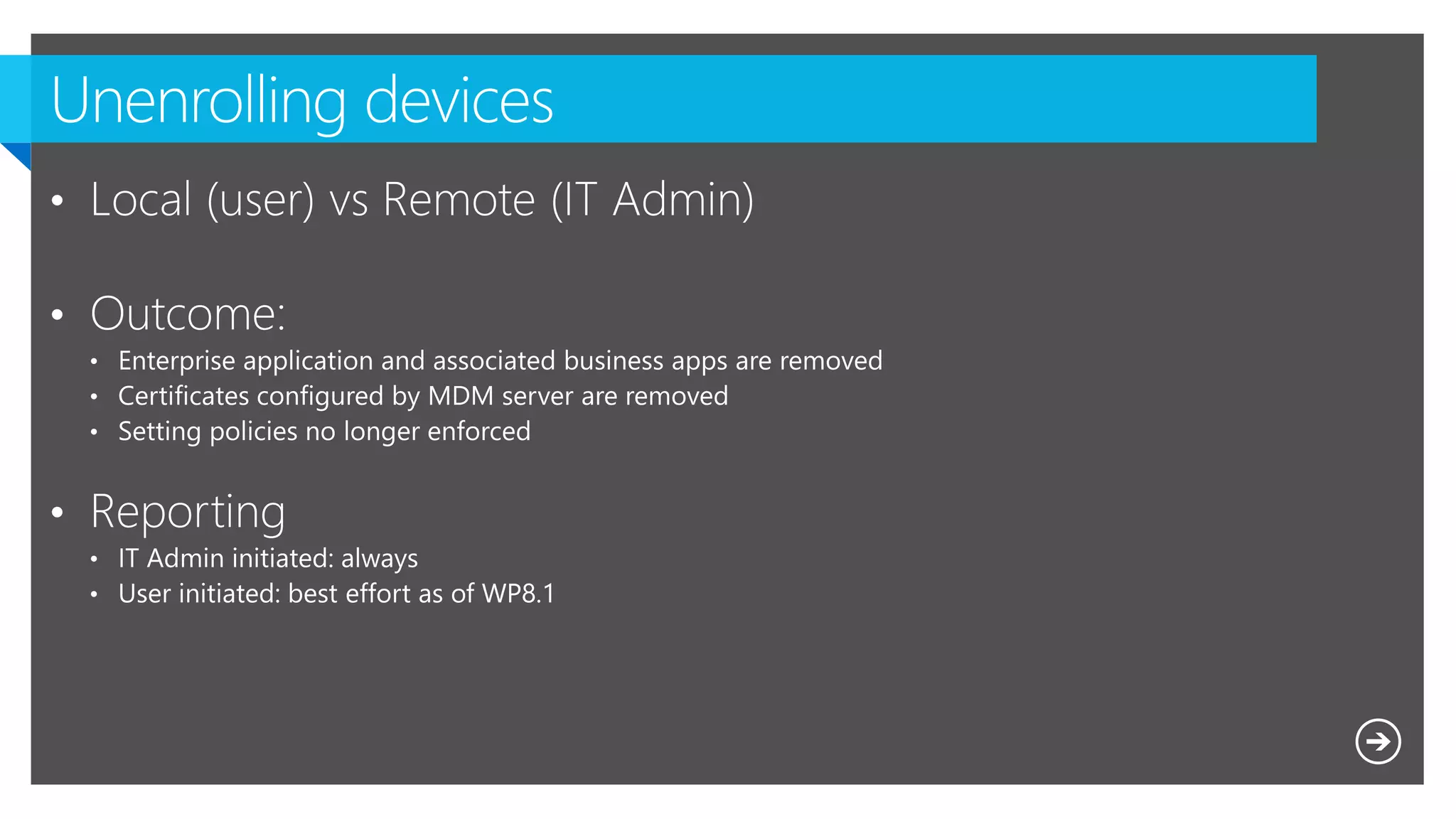
  • #23 How to prevent an “End-User” can un-enroll his “Corporate” Windows Phone 8.1
  • #24 See scug site blog post Over to Tim
  • #25 See scug site blog post
  • #26 NICO blog post
  • #27 See scug site blog post Over to Tim
  • #28 See scug site blog post http://scug.be/nico/2014/05/22/deny-windows-phone-apps-with-configuration-manager-intune/
  • #29 Over to Kenny
  • #34 Over to Tim