Tweet and win an Ignite 2016 ticket #itproceed
Delivering traditional File Server Workloads in a
secure manner to modern devices
Kenny Buntinx, Tim De Keukelaere
@KennyBuntinx
http://be.linkedin.com/KennyBuntinx
http://scug.be/blogs/sccm
@Tim_DK
http://be.linkedin.com/in/timdekeukelaere/
http://scug.be/tim/
Microsoft NDA Confidential
 What are Work Folders ?
 System Architecture and server deployment
 Client deployment
 Behind the scenes
 Troubleshooting
 Data protection and security
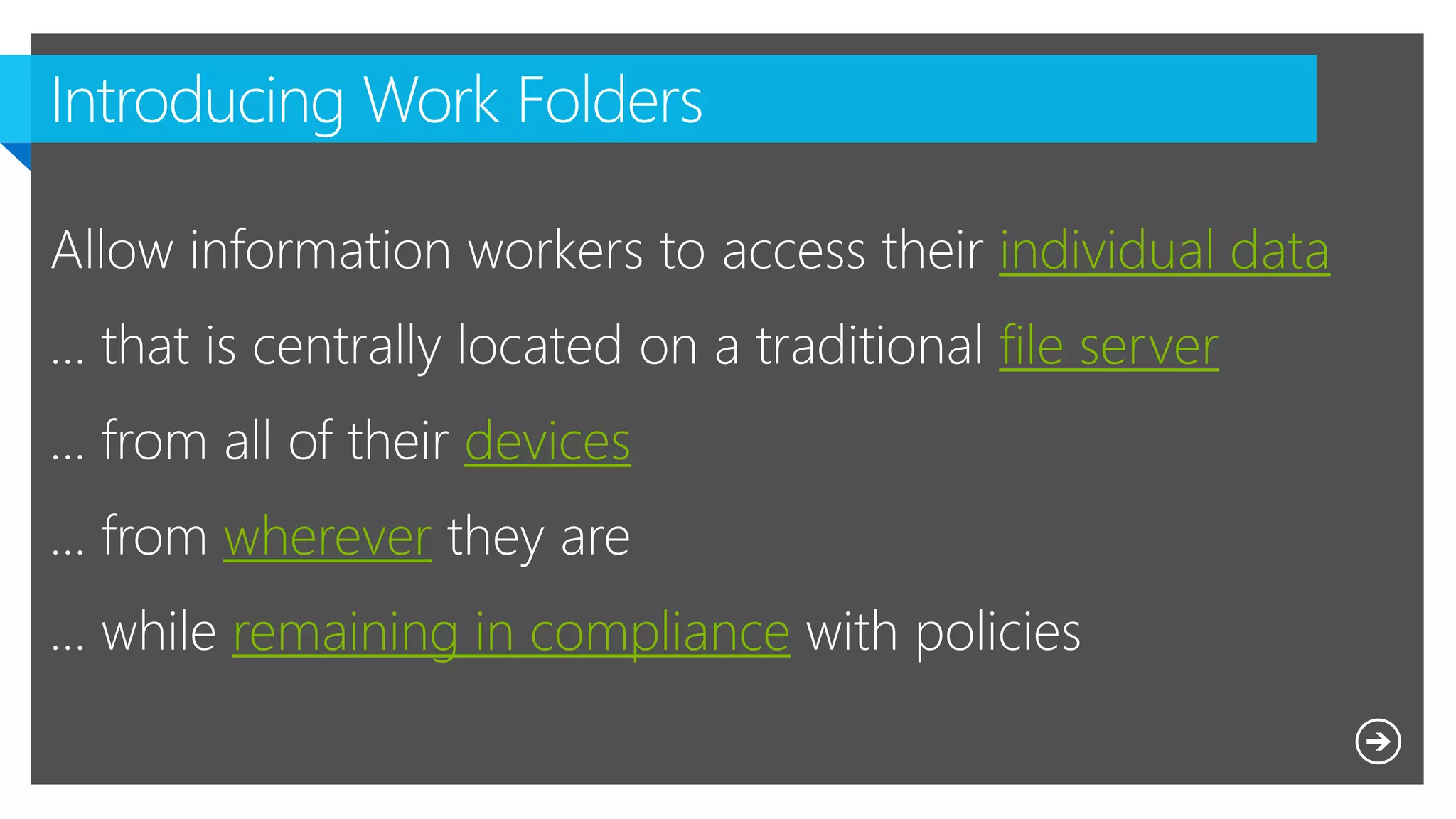
individual data
file server
devices
wherever
remaining in compliance
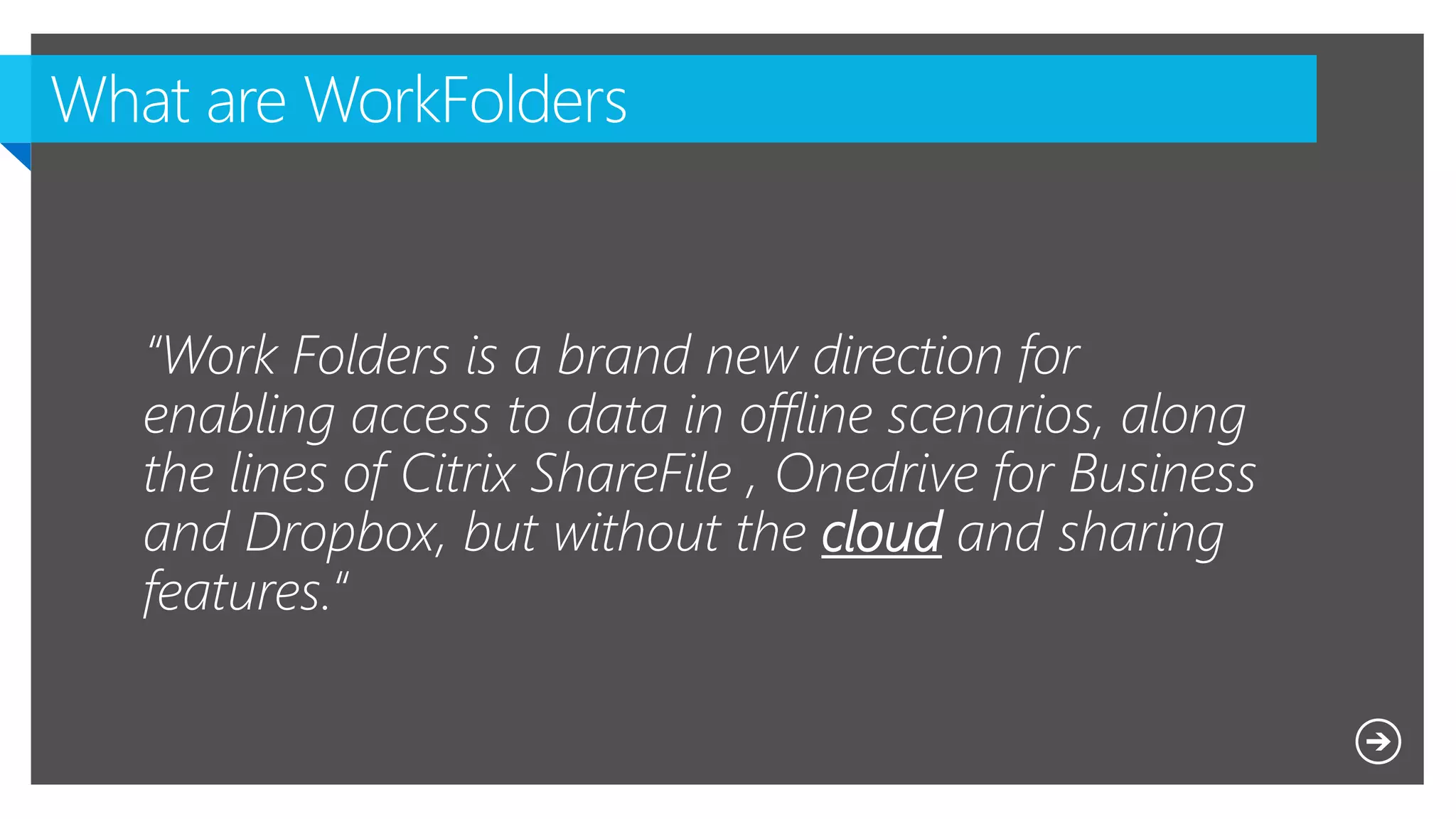
“Work Folders is a brand new direction for
enabling access to data in offline scenarios, along
the lines of Citrix ShareFile , Onedrive for Business
and Dropbox, but without the cloud and sharing
features.“
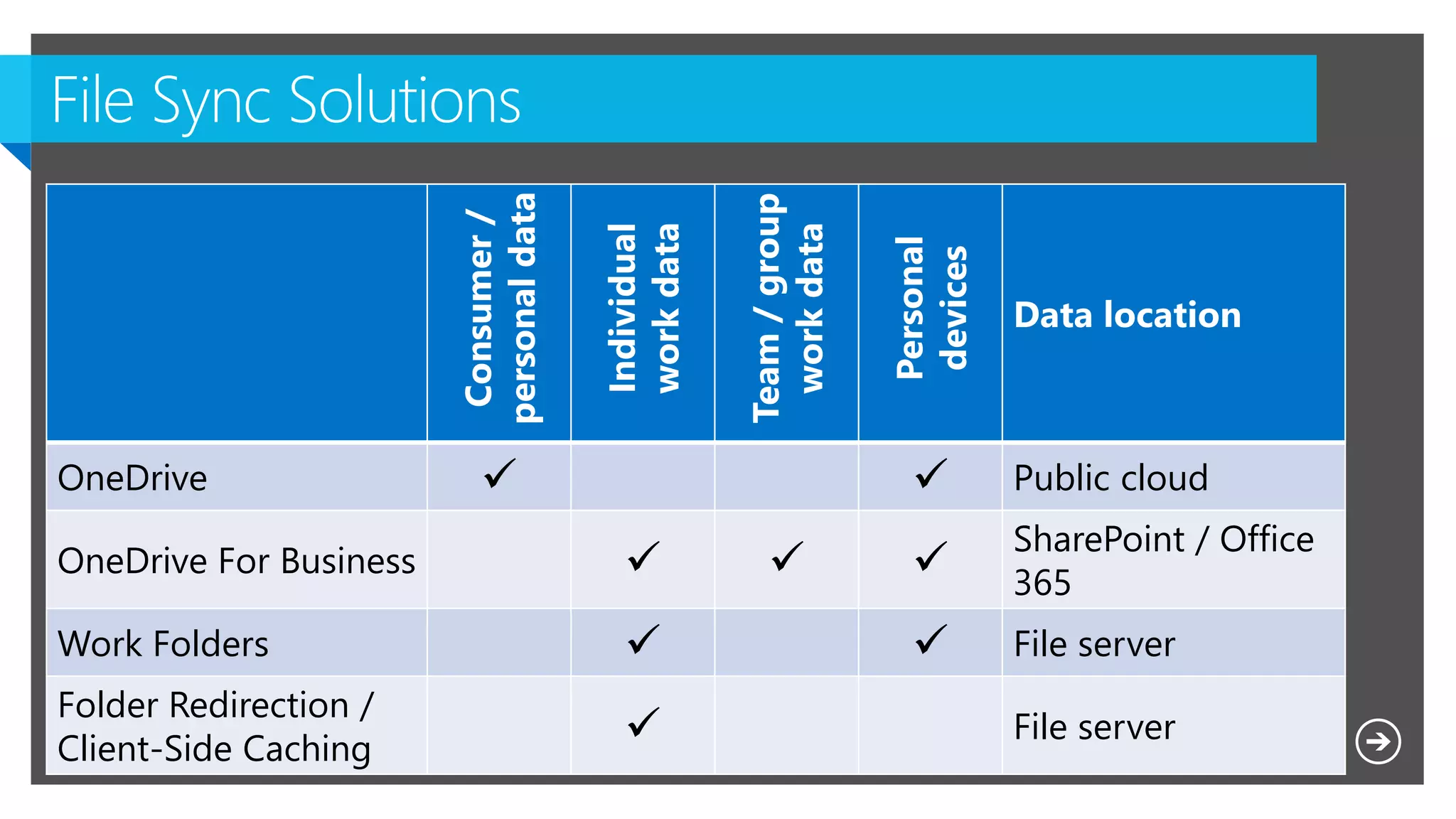
Consumer/
personaldata
Individual
workdata
Team/group
workdata
Personal
devices
Data location
OneDrive   Public cloud
OneDrive For Business   
SharePoint / Office
365
Work Folders   File server
Folder Redirection /
Client-Side Caching  File server
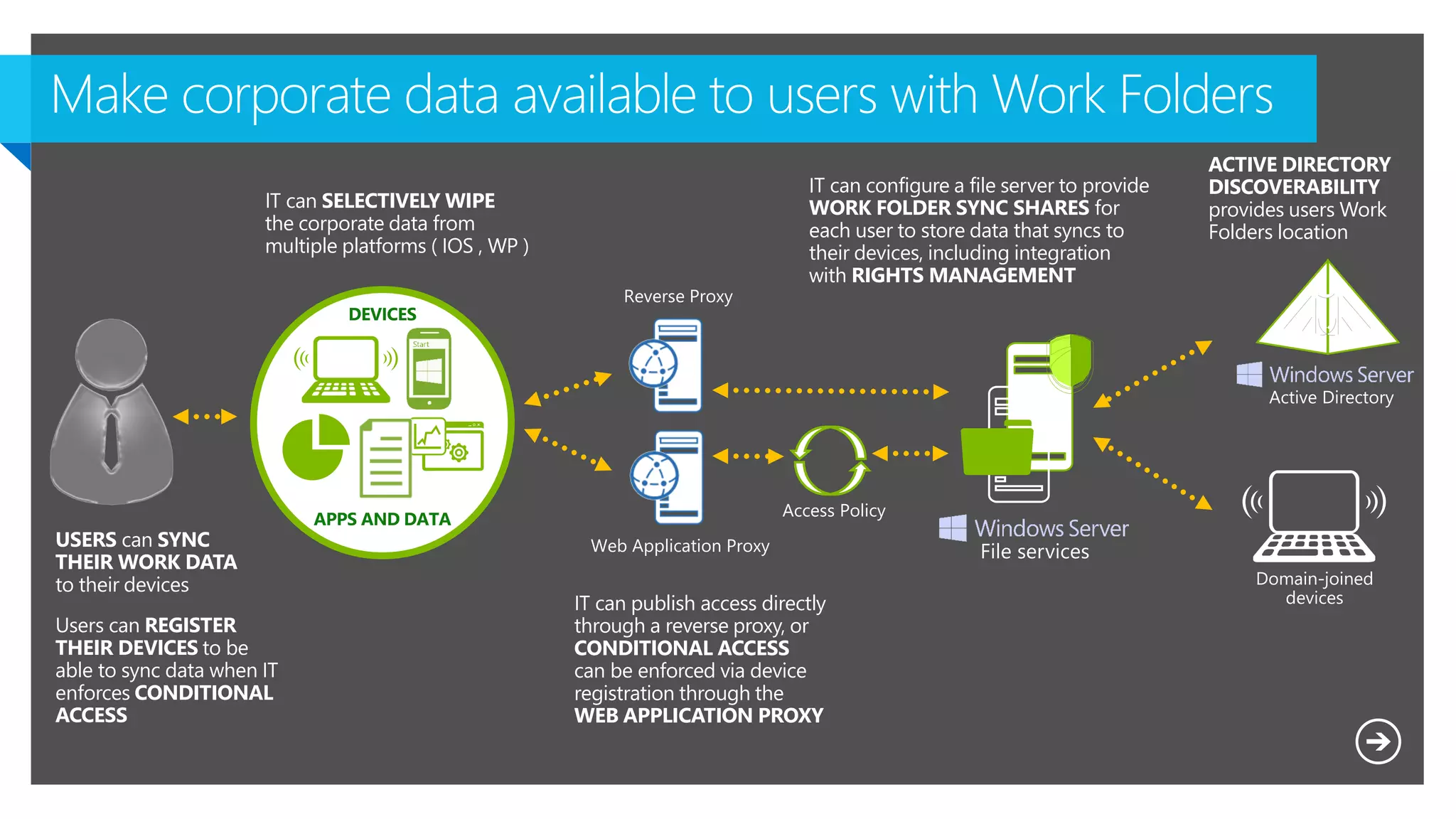
USERS can SYNC
THEIR WORK DATA
to their devices
Users can REGISTER
THEIR DEVICES to be
able to sync data when IT
enforces CONDITIONAL
ACCESS
IT can publish access directly
through a reverse proxy, or
CONDITIONAL ACCESS
can be enforced via device
registration through the
WEB APPLICATION PROXY
IT can configure a file server to provide
WORK FOLDER SYNC SHARES for
each user to store data that syncs to
their devices, including integration
with RIGHTS MANAGEMENT
IT can SELECTIVELY WIPE
the corporate data from
multiple platforms ( IOS , WP )
ACTIVE DIRECTORY
DISCOVERABILITY
provides users Work
Folders location
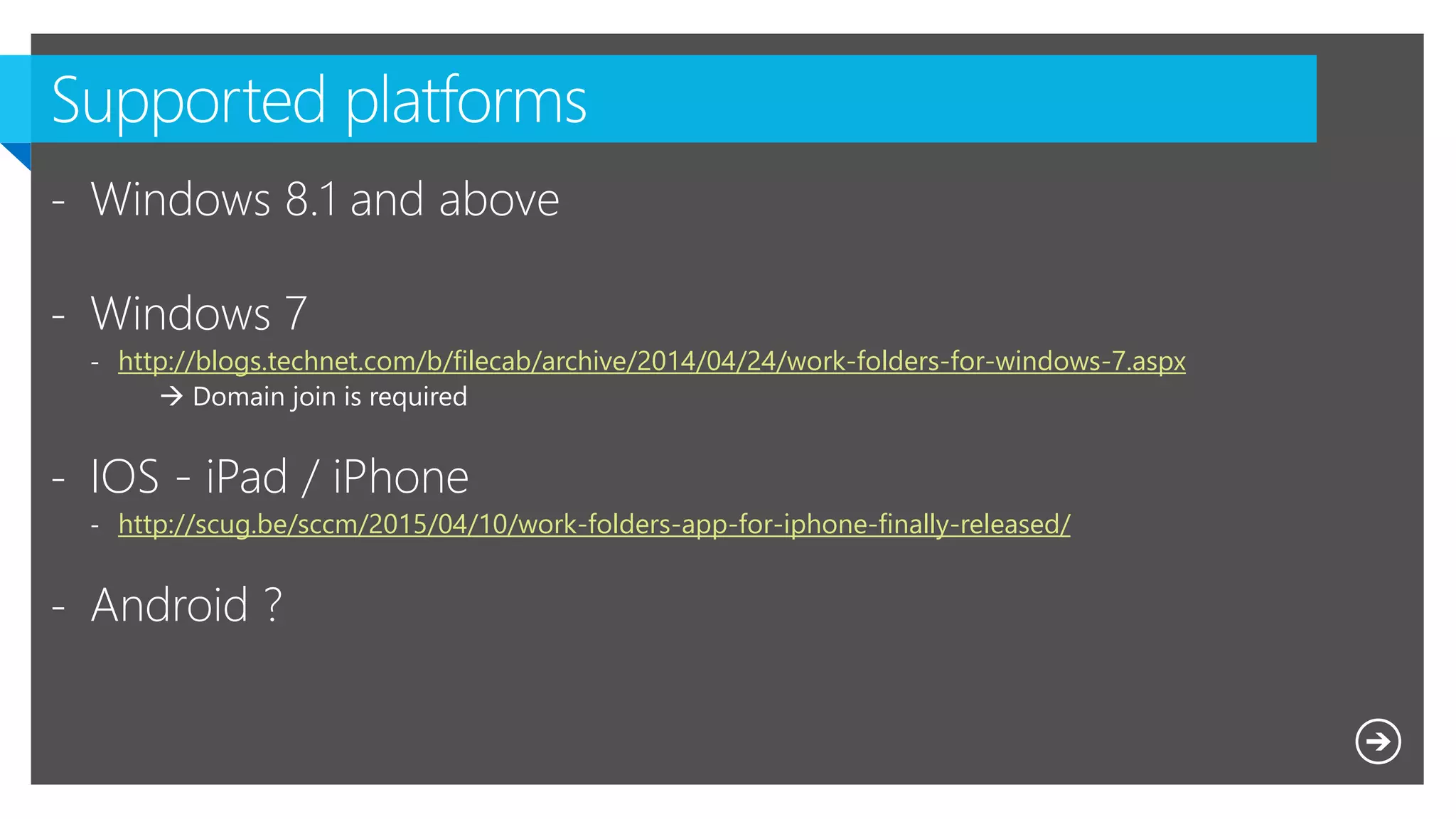
- Windows 8.1 and above
- Windows 7
- http://blogs.technet.com/b/filecab/archive/2014/04/24/work-folders-for-windows-7.aspx
 Domain join is required
- IOS - iPad / iPhone
- http://scug.be/sccm/2015/04/10/work-folders-app-for-iphone-finally-released/
- Android ?
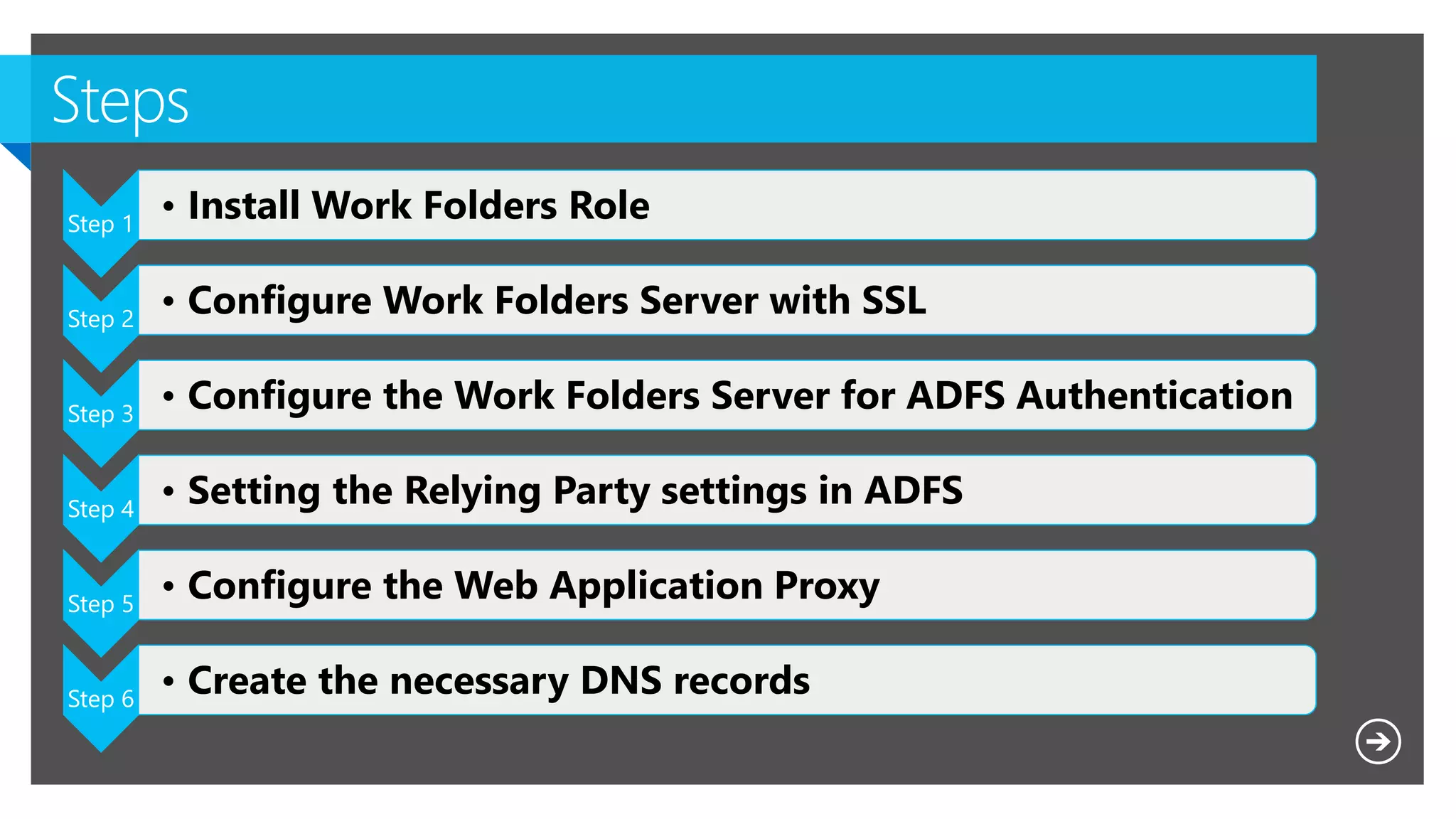
Step 1
• Install Work Folders Role
Step 2
• Configure Work Folders Server with SSL
Step 3
• Configure the Work Folders Server for ADFS Authentication
Step 4
• Setting the Relying Party settings in ADFS
Step 5
• Configure the Web Application Proxy
Step 6
• Create the necessary DNS records
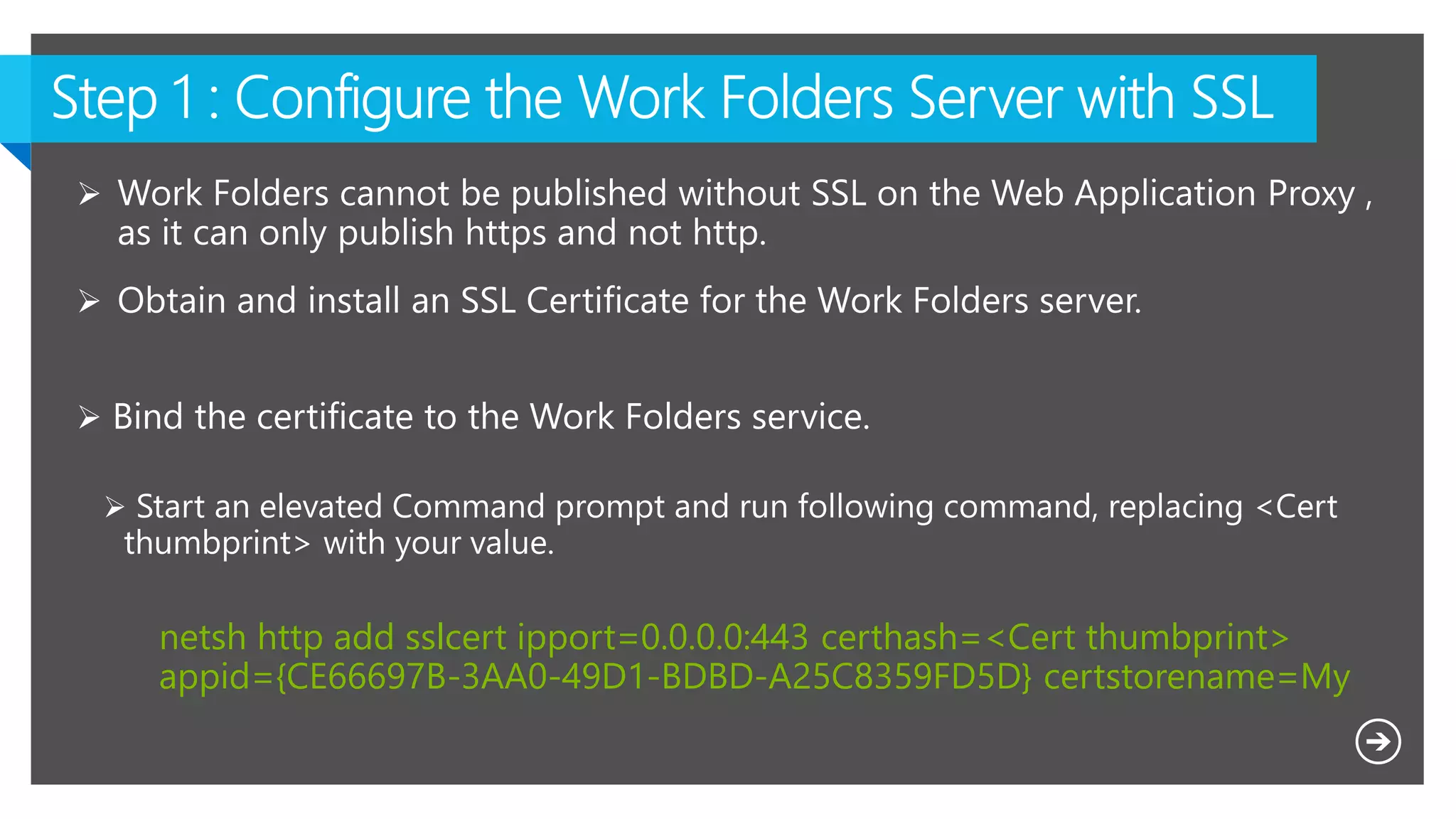
netsh http add sslcert ipport=0.0.0.0:443 certhash=<Cert thumbprint>
appid={CE66697B-3AA0-49D1-BDBD-A25C8359FD5D} certstorename=My
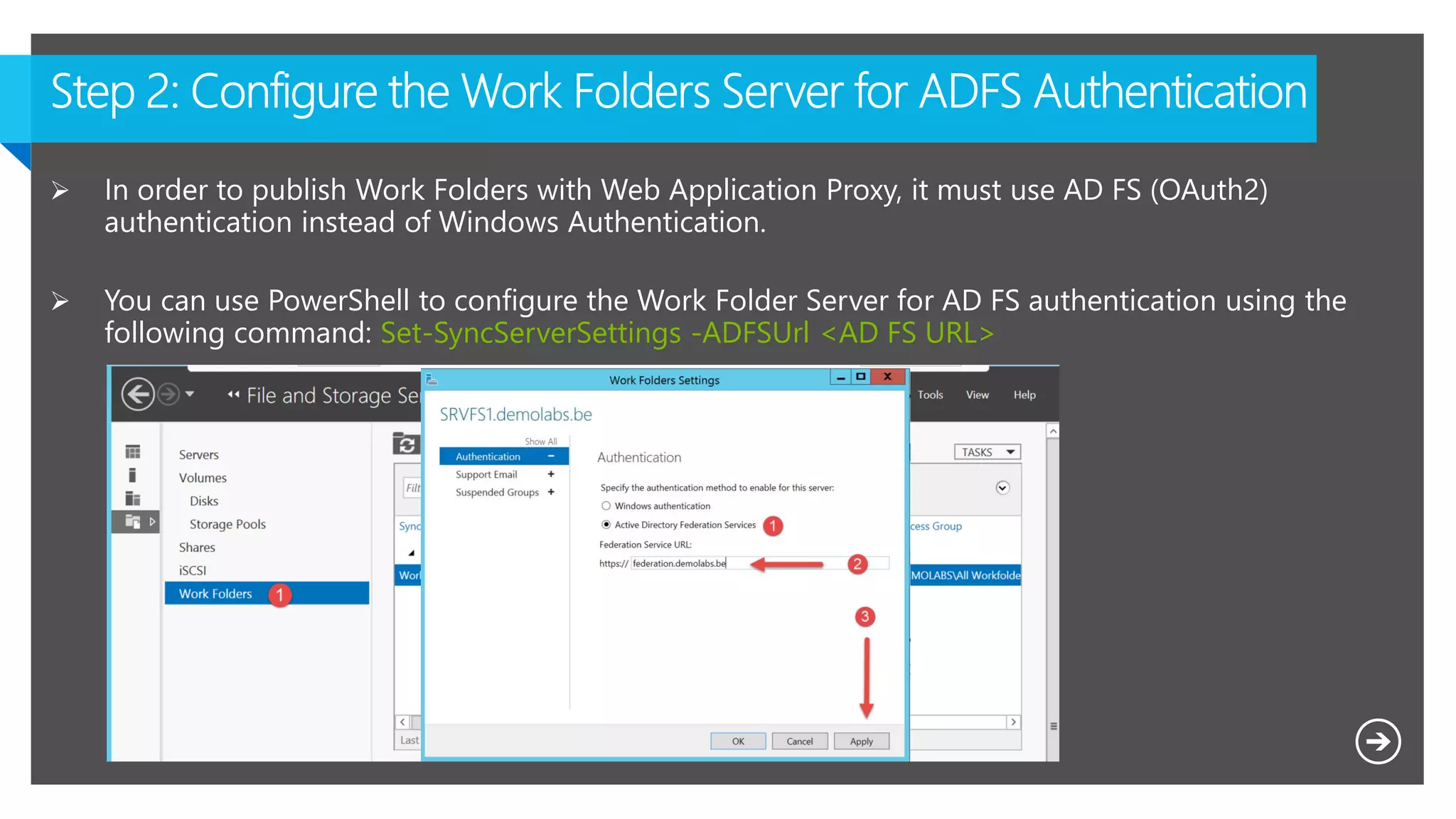
 In order to publish Work Folders with Web Application Proxy, it must use AD FS (OAuth2)
authentication instead of Windows Authentication.
 You can use PowerShell to configure the Work Folder Server for AD FS authentication using the
following command: Set-SyncServerSettings -ADFSUrl <AD FS URL>
$ECSIdentifier = "https://Windows-Server-Work-Folders/V1";
$ECSDisplayName = "EnterpriseClientSync";
$TransformRuleString = '@RuleTemplate = "LdapClaims" @RuleName = "Ldap" c:[Type ==
"http://schemas.microsoft.com/ws/2008/06/identity/claims/windowsaccountname", Issuer
== "AD AUTHORITY"] => issue(store = "Active Directory", types =
("http://schemas.xmlsoap.org/ws/2005/05/identity/claims/upn",
"http://schemas.xmlsoap.org/ws/2005/05/identity/claims/name",
"http://schemas.xmlsoap.org/ws/2005/05/identity/claims/surname",
"http://schemas.xmlsoap.org/ws/2005/05/identity/claims/givenname"), query =
";userPrincipalName,displayName,sn,givenName;{0}", param = c.Value);' ;
$AuthorizationRuleString = '@RuleTemplate = "AllowAllAuthzRule" => issue(Type =
"http://schemas.microsoft.com/authorization/claims/permit",Value = "true");' ;
Add-ADFSRelyingPartyTrust -Identifier $ECSIdentifier -Name $ECSDisplayName -
IssuanceTransformRules $TransformRuleString -IssuanceAuthorizationRules
$AuthorizationRuleString -EncryptClaims:$false -EnableJWT:$true -AllowedClientTypes
Public;
The Relying Party settings must include the UPN in the claims since the Work Folders will use it to
impersonate as the user. Unfortunately there is no such file, we used a PowerShell script to create the
RP.
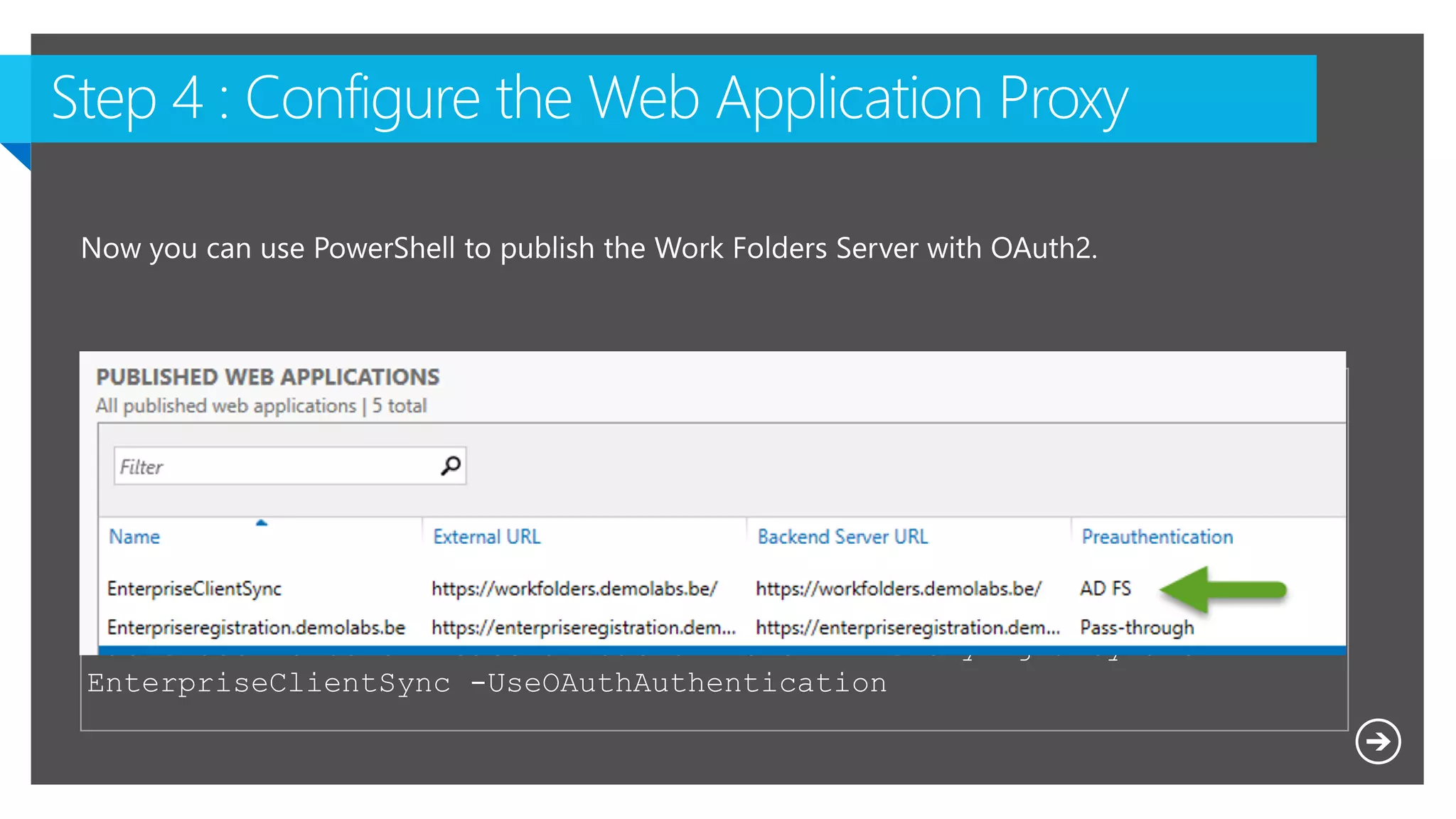
$WAPAppName = "EnterpriseClientSync"
$ExternalURL = "https://Workfolders.demolabs.be/"
$BackEndServerURL = "https://Workfolders.demolabs.be/"
Add-WebApplicationProxyApplication -Name $WAPAppName -ExternalURL
$ExternalURL -ExternalCertificateThumbprint $cert.Thumbprint -
BackendServerUrl $BackEndServerURL -ExternalPreauthentication ADFS -
ClientCertificateAuthenticationBindingMode None -
BackendServerCertificateValidation None -ADFSRelyingPartyName
EnterpriseClientSync -UseOAuthAuthentication
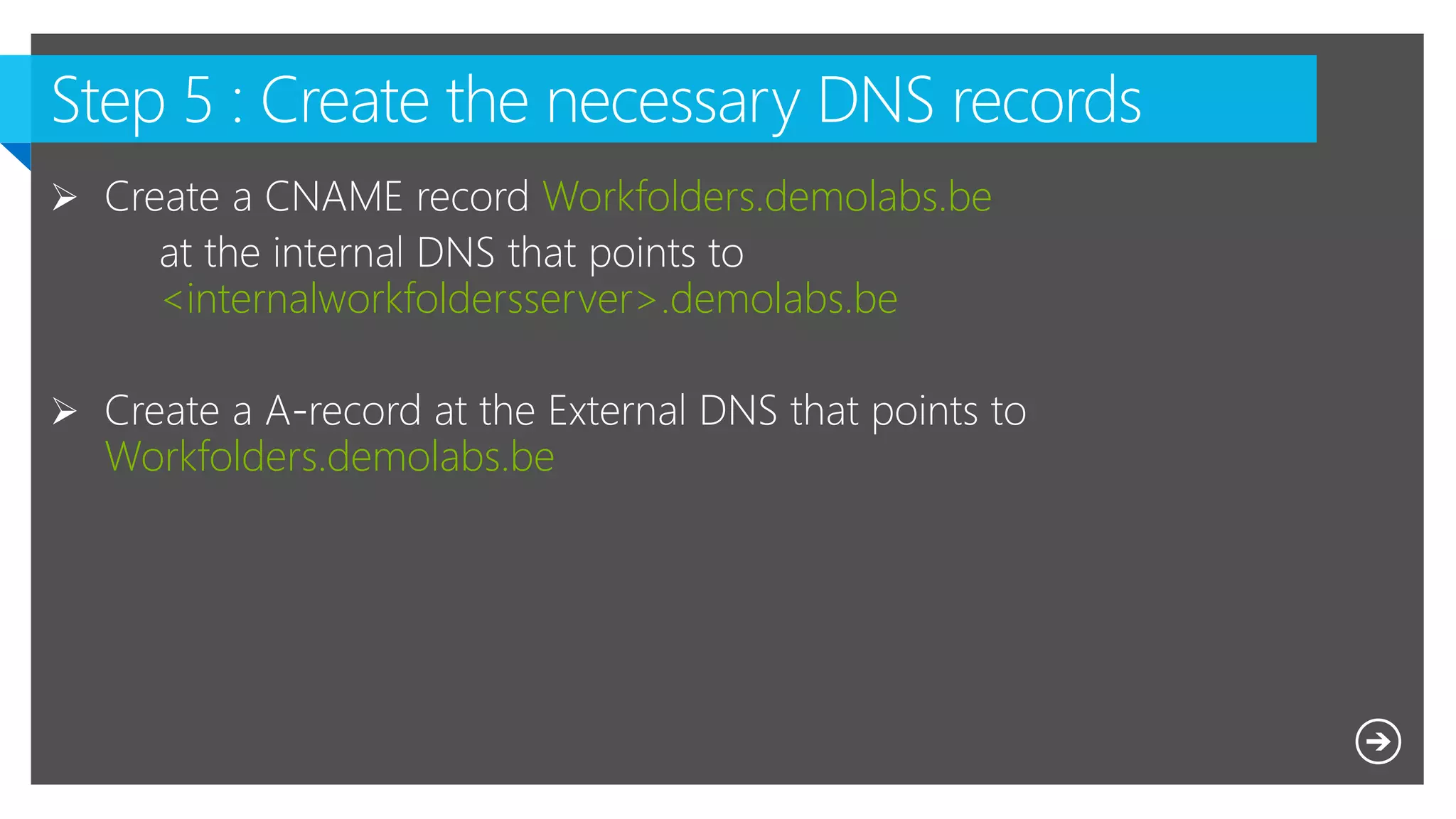
Workfolders.demolabs.be
<internalworkfoldersserver>.demolabs.be
Workfolders.demolabs.be
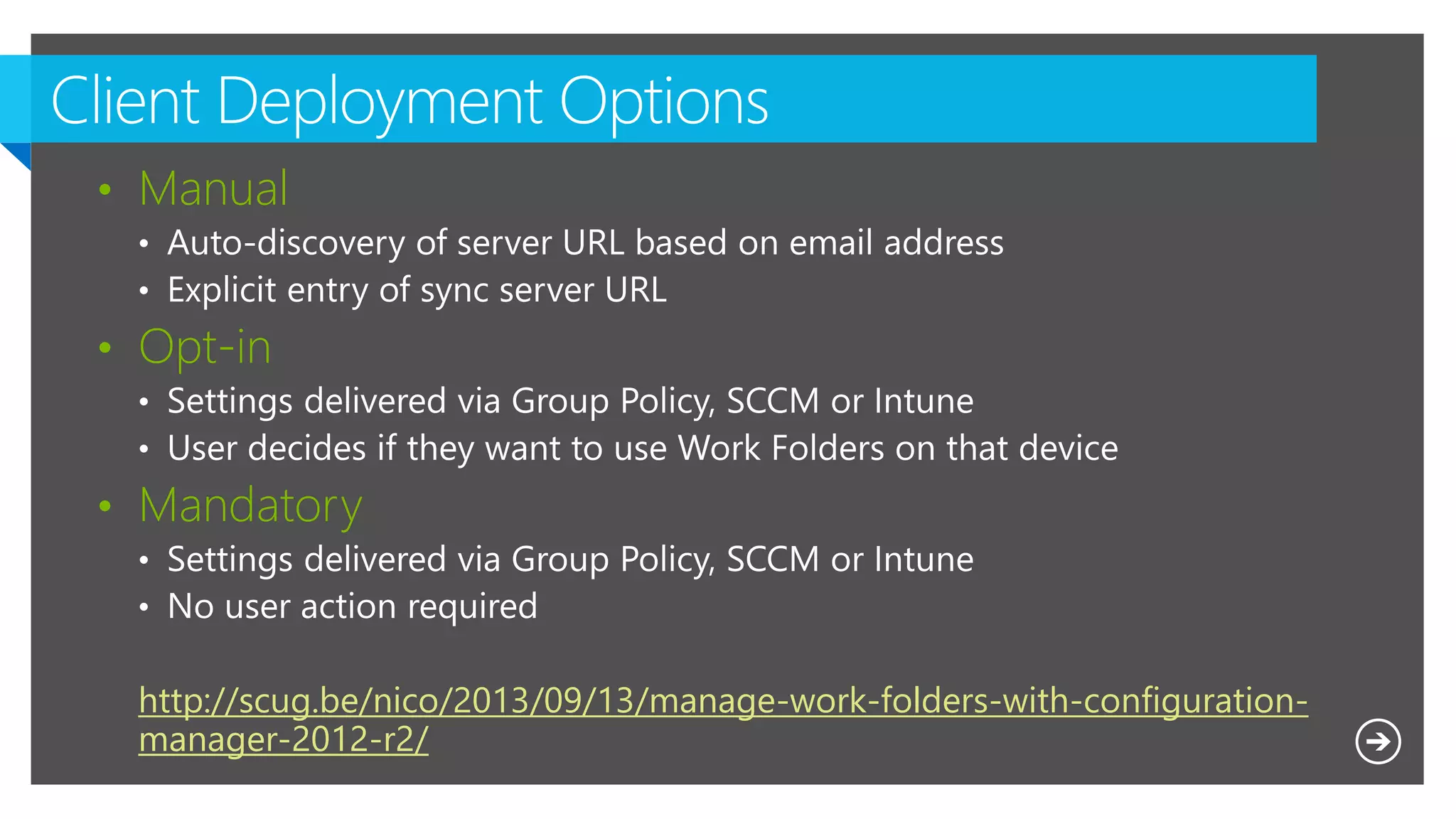
• Manual
• Opt-in
• Mandatory
http://scug.be/nico/2013/09/13/manage-work-folders-with-configuration-
manager-2012-r2/
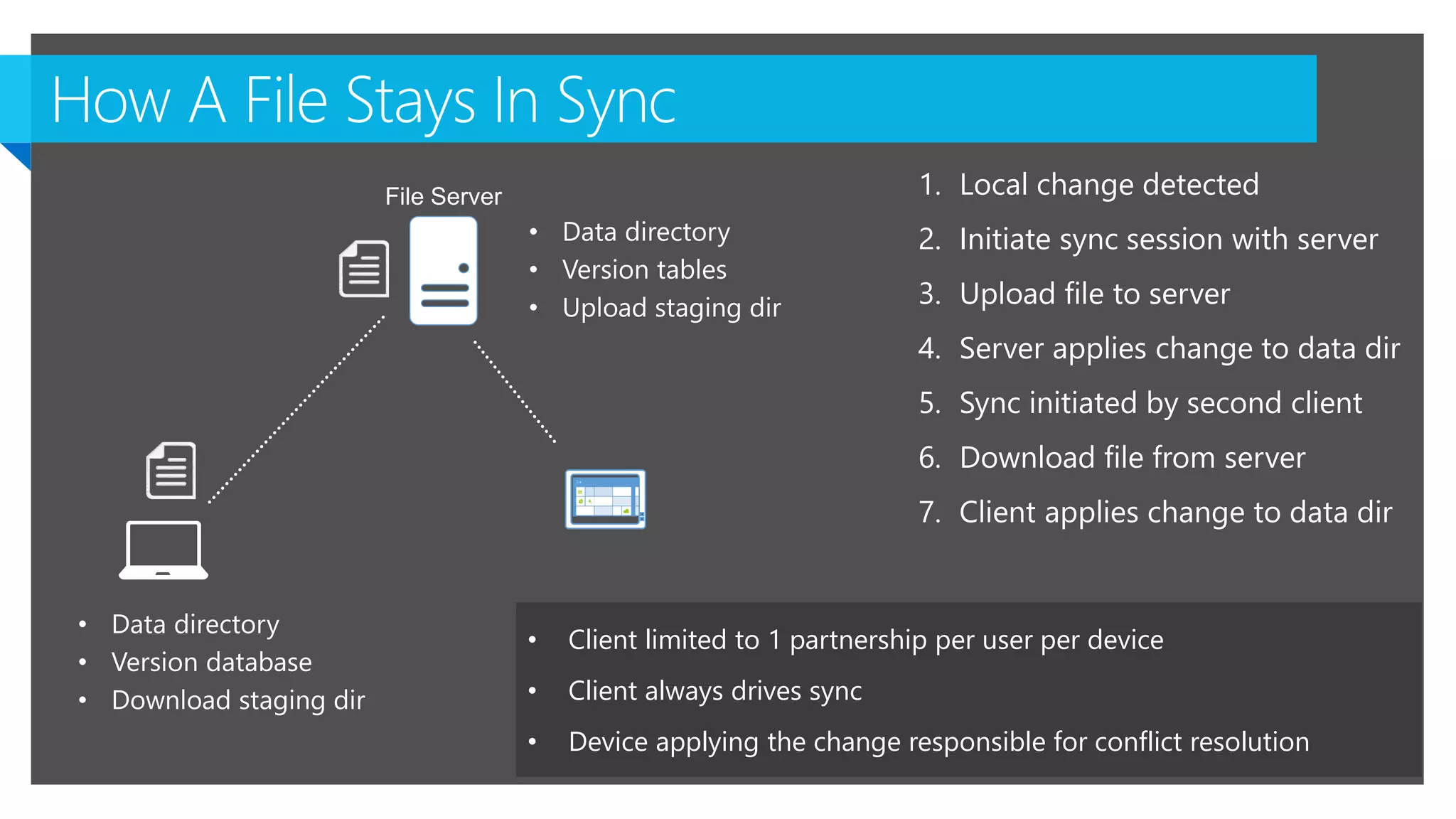
1. Local change detected
2. Initiate sync session with server
3. Upload file to server
4. Server applies change to data dir
5. Sync initiated by second client
6. Download file from server
7. Client applies change to data dir
• Client limited to 1 partnership per user per device
• Client always drives sync
• Device applying the change responsible for conflict resolution
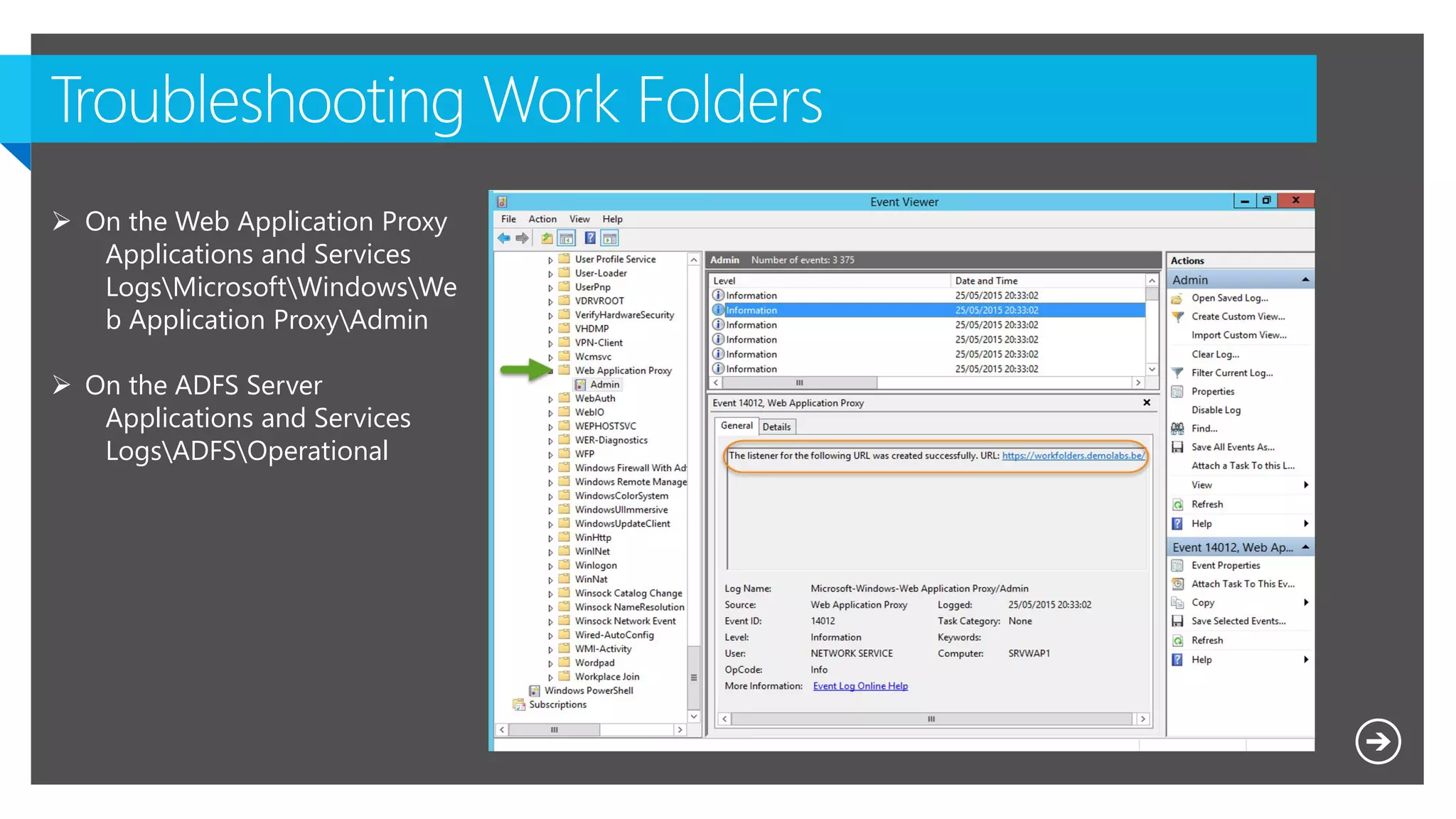
 On the Web Application Proxy
Applications and Services
LogsMicrosoftWindowsWe
b Application ProxyAdmin
 On the ADFS Server
Applications and Services
LogsADFSOperational
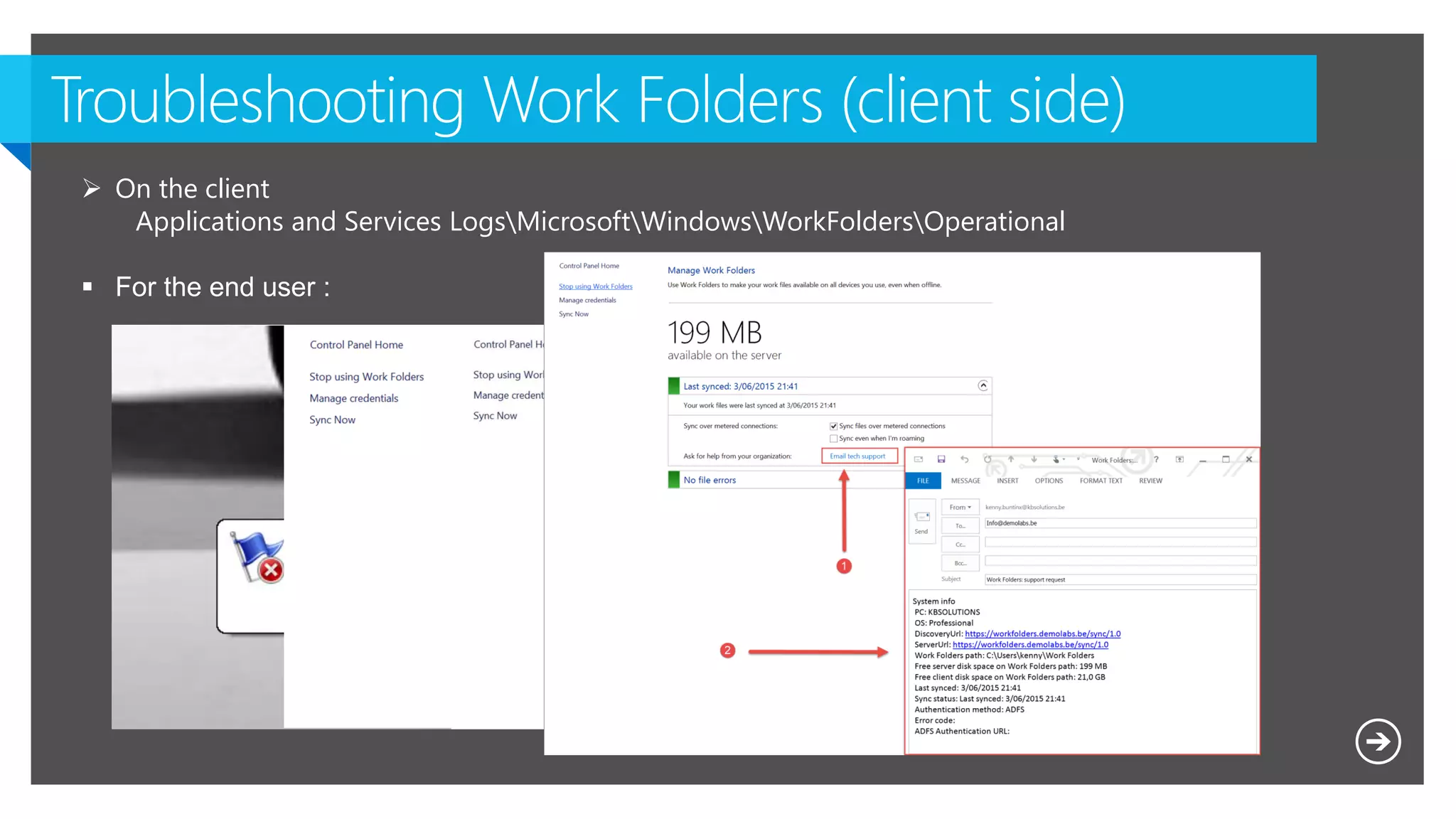
 On the client
Applications and Services LogsMicrosoftWindowsWorkFoldersOperational
 For the end user :
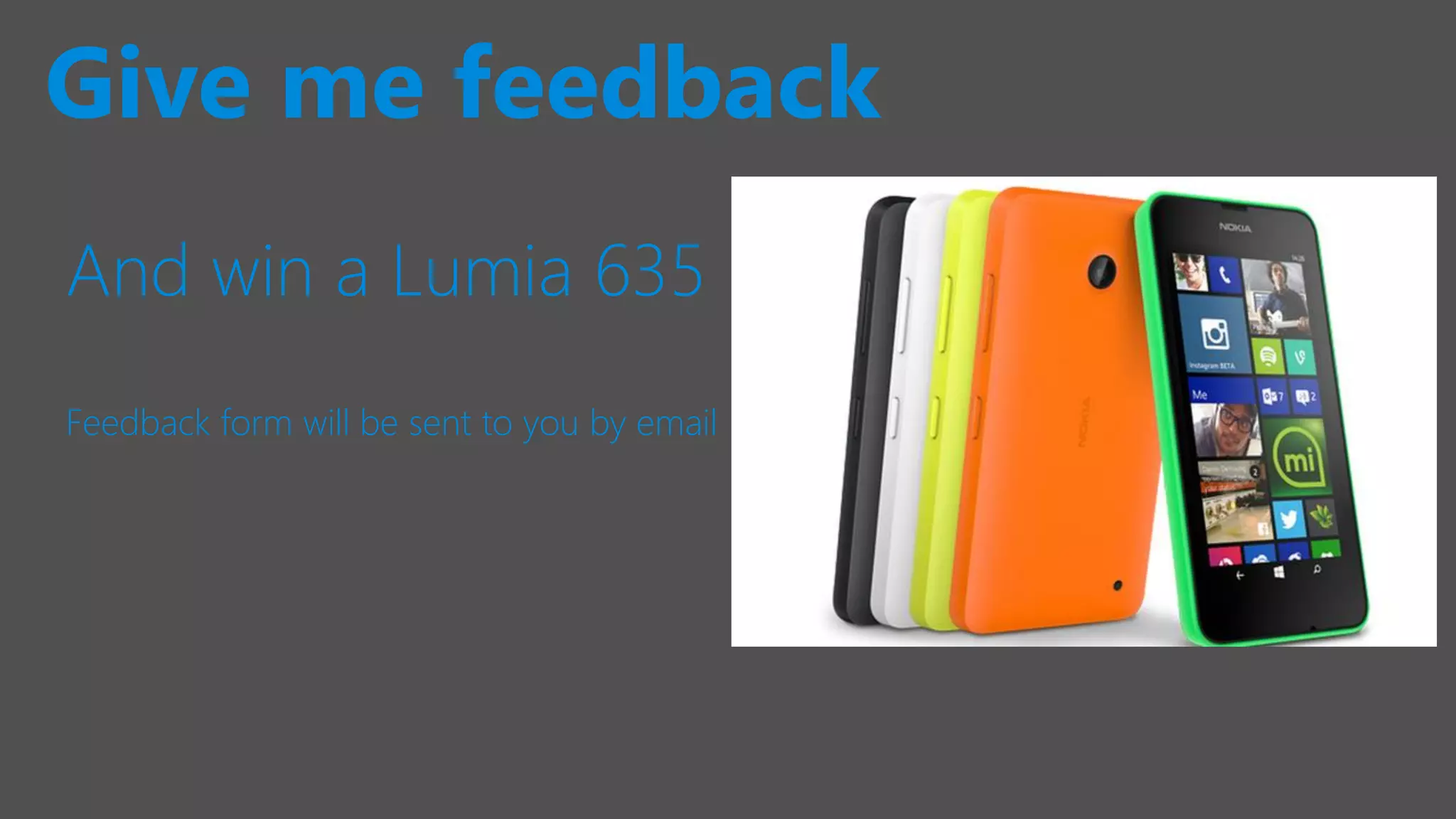
And win a Lumia 635
Feedback form will be sent to you by email
Give me feedback
Follow Technet Belgium
@technetbelux
Subscribe to the TechNet newsletter
aka.ms/benews
Be the first to know
Thank you!
Belgiums’ biggest IT PRO Conference

ITPROCEED_WorkplaceMobility_Delivering traditional File Server Workloads in a secure manner to modern devices

  • 1.
    Tweet and winan Ignite 2016 ticket #itproceed Delivering traditional File Server Workloads in a secure manner to modern devices Kenny Buntinx, Tim De Keukelaere
  • 2.
  • 3.
  • 4.
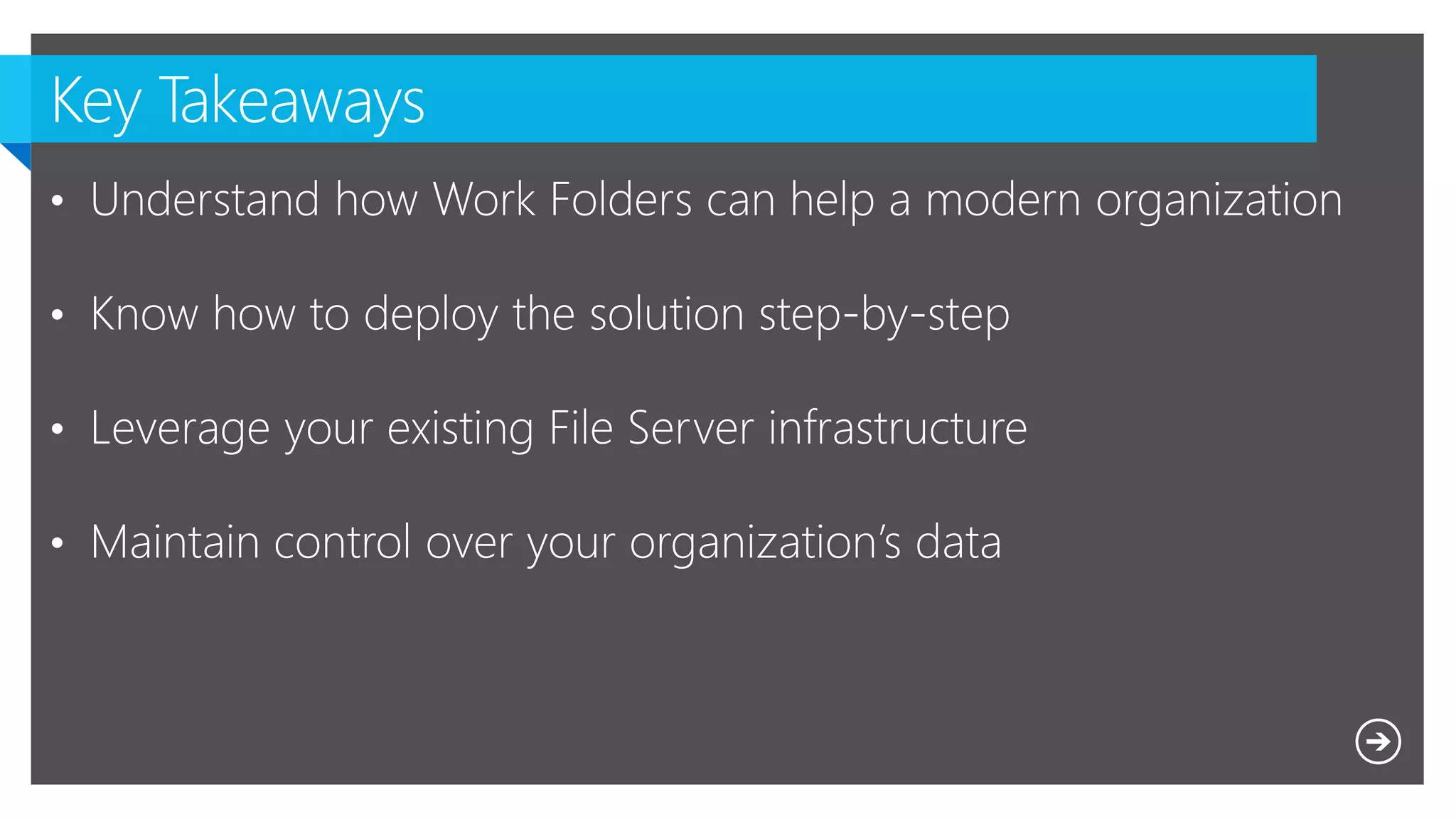
    Microsoft NDA Confidential What are Work Folders ?  System Architecture and server deployment  Client deployment  Behind the scenes  Troubleshooting  Data protection and security
  • 8.
  • 9.
    “Work Folders isa brand new direction for enabling access to data in offline scenarios, along the lines of Citrix ShareFile , Onedrive for Business and Dropbox, but without the cloud and sharing features.“
  • 10.
    Consumer/ personaldata Individual workdata Team/group workdata Personal devices Data location OneDrive  Public cloud OneDrive For Business    SharePoint / Office 365 Work Folders   File server Folder Redirection / Client-Side Caching  File server
  • 11.
    USERS can SYNC THEIRWORK DATA to their devices Users can REGISTER THEIR DEVICES to be able to sync data when IT enforces CONDITIONAL ACCESS IT can publish access directly through a reverse proxy, or CONDITIONAL ACCESS can be enforced via device registration through the WEB APPLICATION PROXY IT can configure a file server to provide WORK FOLDER SYNC SHARES for each user to store data that syncs to their devices, including integration with RIGHTS MANAGEMENT IT can SELECTIVELY WIPE the corporate data from multiple platforms ( IOS , WP ) ACTIVE DIRECTORY DISCOVERABILITY provides users Work Folders location
  • 12.
    - Windows 8.1and above - Windows 7 - http://blogs.technet.com/b/filecab/archive/2014/04/24/work-folders-for-windows-7.aspx  Domain join is required - IOS - iPad / iPhone - http://scug.be/sccm/2015/04/10/work-folders-app-for-iphone-finally-released/ - Android ?
  • 14.
    Step 1 • InstallWork Folders Role Step 2 • Configure Work Folders Server with SSL Step 3 • Configure the Work Folders Server for ADFS Authentication Step 4 • Setting the Relying Party settings in ADFS Step 5 • Configure the Web Application Proxy Step 6 • Create the necessary DNS records
  • 15.
    netsh http addsslcert ipport=0.0.0.0:443 certhash=<Cert thumbprint> appid={CE66697B-3AA0-49D1-BDBD-A25C8359FD5D} certstorename=My
  • 16.
     In orderto publish Work Folders with Web Application Proxy, it must use AD FS (OAuth2) authentication instead of Windows Authentication.  You can use PowerShell to configure the Work Folder Server for AD FS authentication using the following command: Set-SyncServerSettings -ADFSUrl <AD FS URL>
  • 17.
    $ECSIdentifier = "https://Windows-Server-Work-Folders/V1"; $ECSDisplayName= "EnterpriseClientSync"; $TransformRuleString = '@RuleTemplate = "LdapClaims" @RuleName = "Ldap" c:[Type == "http://schemas.microsoft.com/ws/2008/06/identity/claims/windowsaccountname", Issuer == "AD AUTHORITY"] => issue(store = "Active Directory", types = ("http://schemas.xmlsoap.org/ws/2005/05/identity/claims/upn", "http://schemas.xmlsoap.org/ws/2005/05/identity/claims/name", "http://schemas.xmlsoap.org/ws/2005/05/identity/claims/surname", "http://schemas.xmlsoap.org/ws/2005/05/identity/claims/givenname"), query = ";userPrincipalName,displayName,sn,givenName;{0}", param = c.Value);' ; $AuthorizationRuleString = '@RuleTemplate = "AllowAllAuthzRule" => issue(Type = "http://schemas.microsoft.com/authorization/claims/permit",Value = "true");' ; Add-ADFSRelyingPartyTrust -Identifier $ECSIdentifier -Name $ECSDisplayName - IssuanceTransformRules $TransformRuleString -IssuanceAuthorizationRules $AuthorizationRuleString -EncryptClaims:$false -EnableJWT:$true -AllowedClientTypes Public; The Relying Party settings must include the UPN in the claims since the Work Folders will use it to impersonate as the user. Unfortunately there is no such file, we used a PowerShell script to create the RP.
  • 18.
    $WAPAppName = "EnterpriseClientSync" $ExternalURL= "https://Workfolders.demolabs.be/" $BackEndServerURL = "https://Workfolders.demolabs.be/" Add-WebApplicationProxyApplication -Name $WAPAppName -ExternalURL $ExternalURL -ExternalCertificateThumbprint $cert.Thumbprint - BackendServerUrl $BackEndServerURL -ExternalPreauthentication ADFS - ClientCertificateAuthenticationBindingMode None - BackendServerCertificateValidation None -ADFSRelyingPartyName EnterpriseClientSync -UseOAuthAuthentication
  • 19.
  • 22.
    • Manual • Opt-in •Mandatory http://scug.be/nico/2013/09/13/manage-work-folders-with-configuration- manager-2012-r2/
  • 23.
    1. Local changedetected 2. Initiate sync session with server 3. Upload file to server 4. Server applies change to data dir 5. Sync initiated by second client 6. Download file from server 7. Client applies change to data dir • Client limited to 1 partnership per user per device • Client always drives sync • Device applying the change responsible for conflict resolution
  • 25.
     On theWeb Application Proxy Applications and Services LogsMicrosoftWindowsWe b Application ProxyAdmin  On the ADFS Server Applications and Services LogsADFSOperational
  • 26.
     On theclient Applications and Services LogsMicrosoftWindowsWorkFoldersOperational  For the end user :
  • 33.
    And win aLumia 635 Feedback form will be sent to you by email Give me feedback
  • 34.
    Follow Technet Belgium @technetbelux Subscribeto the TechNet newsletter aka.ms/benews Be the first to know
  • 35.
  • 36.
    Belgiums’ biggest ITPRO Conference