Download to read offline

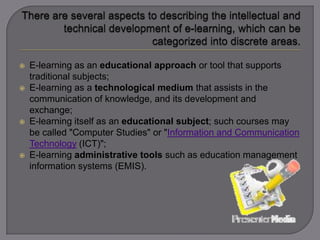
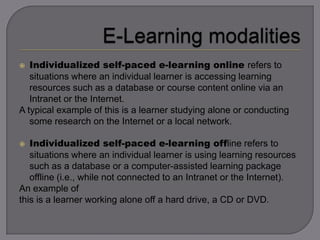
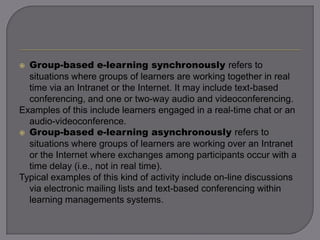
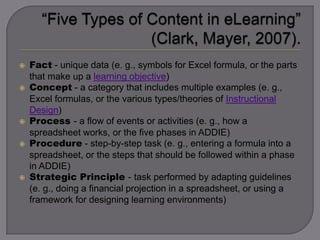
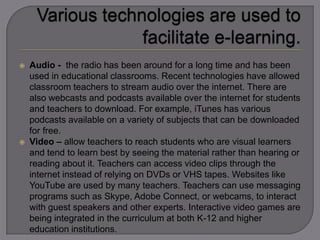
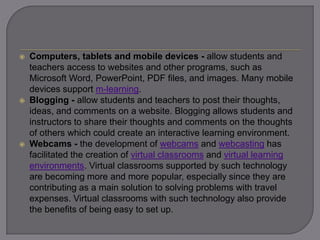



E-learning refers to the use of technology for educational purposes and can take various forms. It includes using tools like the internet, intranets, audio/video media, and software/applications to deliver course content and facilitate communication. E-learning can support traditional classroom learning, be used as a teaching medium, be its own subject of study, or be used for administrative purposes like education management systems. It can be self-paced and individualized using offline content, or involve synchronous or asynchronous online group interactions. Key advantages include improved access to education and tools for independent problem-solving, while potential challenges include distractions, cheating, lack of social interaction, and technical difficulties.


