Download to read offline




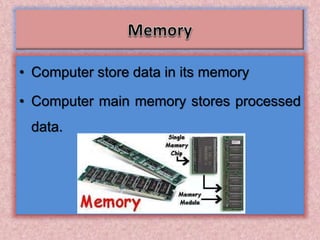


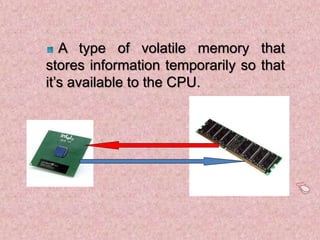



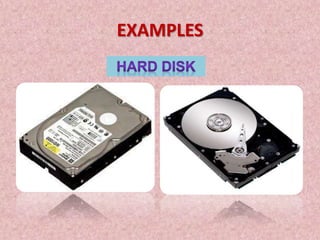
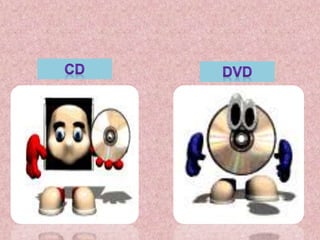

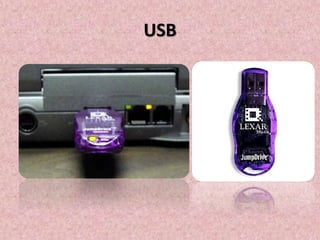

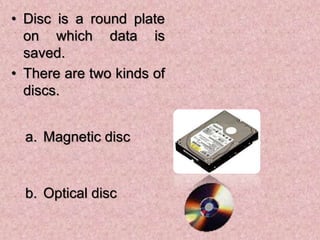

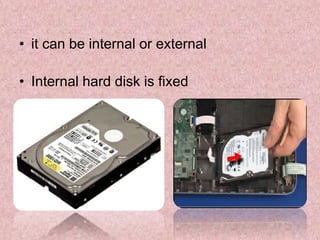
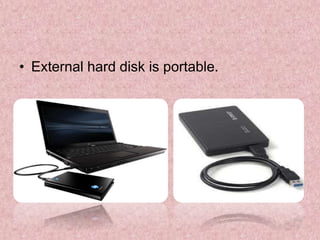


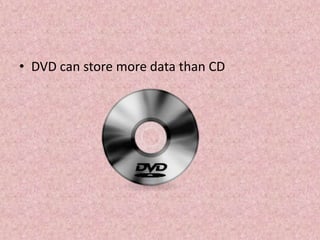
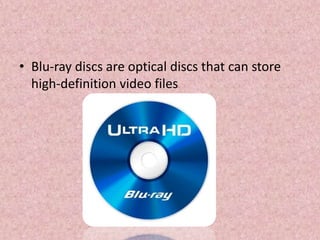
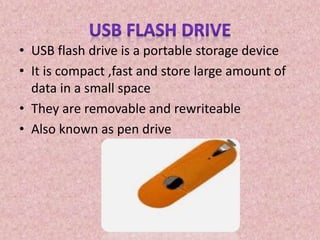


Computer memory can be divided into primary and secondary storage. Primary storage includes RAM, which is volatile and temporarily stores active data. Secondary storage includes various disk-based and optical storage like hard disks, CDs, DVDs, and USB drives, which provide larger but slower storage that is not lost when the computer is turned off. Common examples of secondary storage media are hard disks, CDs, DVDs, and USB flash drives.


