Free & Easy: Cool Social Networking Tools  for the Classroom MaryAnn Karre  (with thanks to Beth Sullivan) October , 2007 STETS Conference,  Owego Apalachin Middle School
Goals: Present a number of free, easy to use tools and their applications for education Demonstrate each example Outline educational uses Get it done in one hour Avoid overwhelming Show you where to go for more!
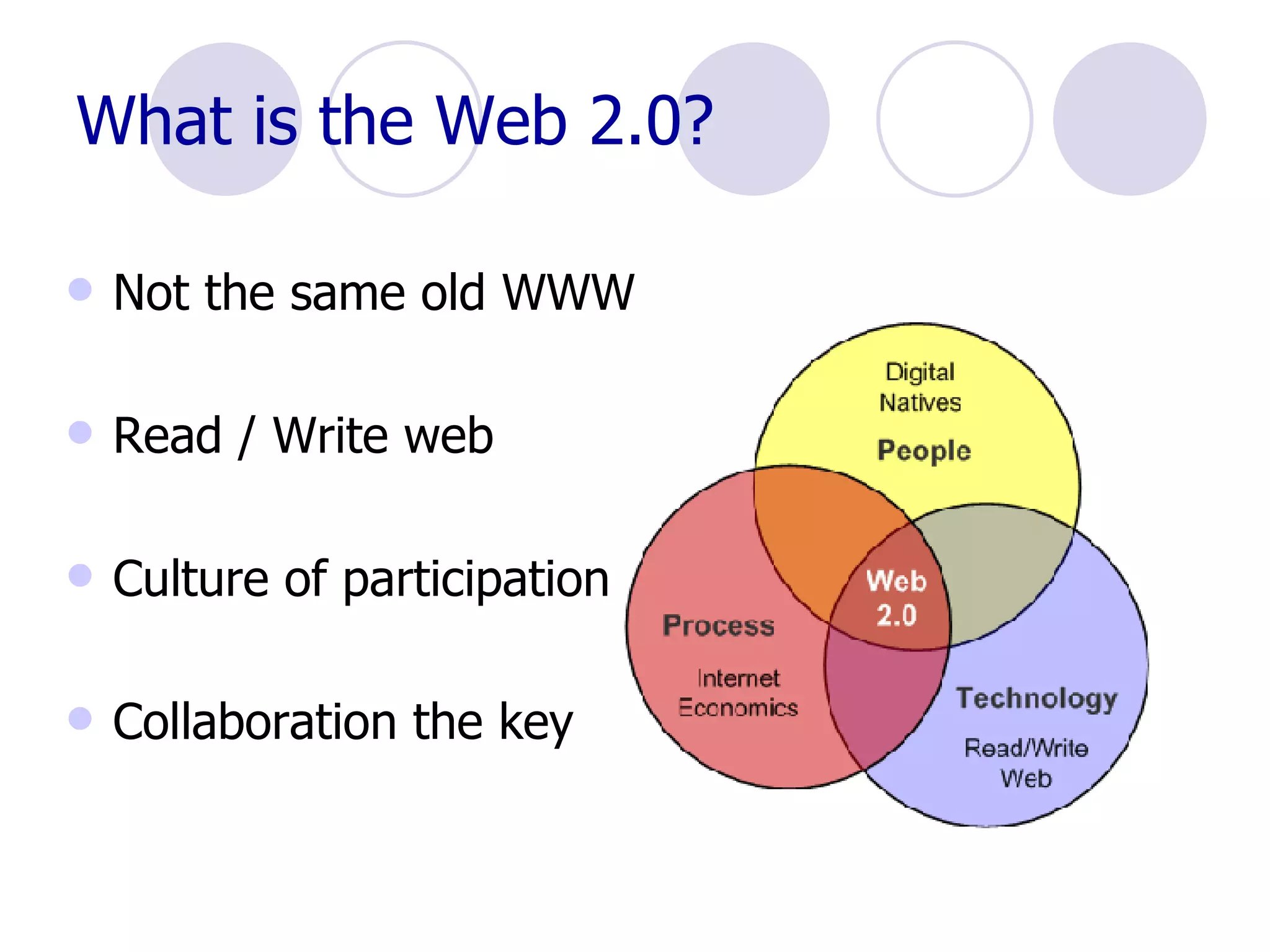
What is the Web 2.0? Not the same old WWW Read / Write web Culture of participation Collaboration the key
Why bother? Not the same old safe old “ But everybody is doing it!” Welcome to the world Bring some excitement to the class!! Accountability to new audience
Precautions Firewalls Walled areas Editing Choose tools wisely Teach Netiquette  And safety
Some Web 2.0 Examples: Blogging and vlogging  RSS feeds and aggregators Podcasting Wikis VOIP - Skype Social Bookmarking – favorites sharing  Photoblogs - Flickr Folksonomy – “Tagging” … ..new ones every day!! Pay Attention video on YouTube
Start with Social Bookmarking Real power  of Read/Write Web  (Will Richardson) Store  and  share – collaborative process 10 billion pages of info on Web – or more??  Becomes more difficult to locate info More types of info available Can retrieve favorites from  any  computer with Internet access
Social Bookmarking Save favorites easily Share with others – either public or  private Share others’ bookmarks Locate by topic or user Access limitless number of links, videos  books, photos similar to your  favorites Can share sites, books, music, photos,  movies – more!
Bookmarking depends on  Folksonomy Otherwise know as “Tagging” New taxonomy – replace librarians?? Better than indexing – users make own tags – common language Flexible and dynamic – not static Used with websites, documents, photos, presentations, videos – anything searchable!
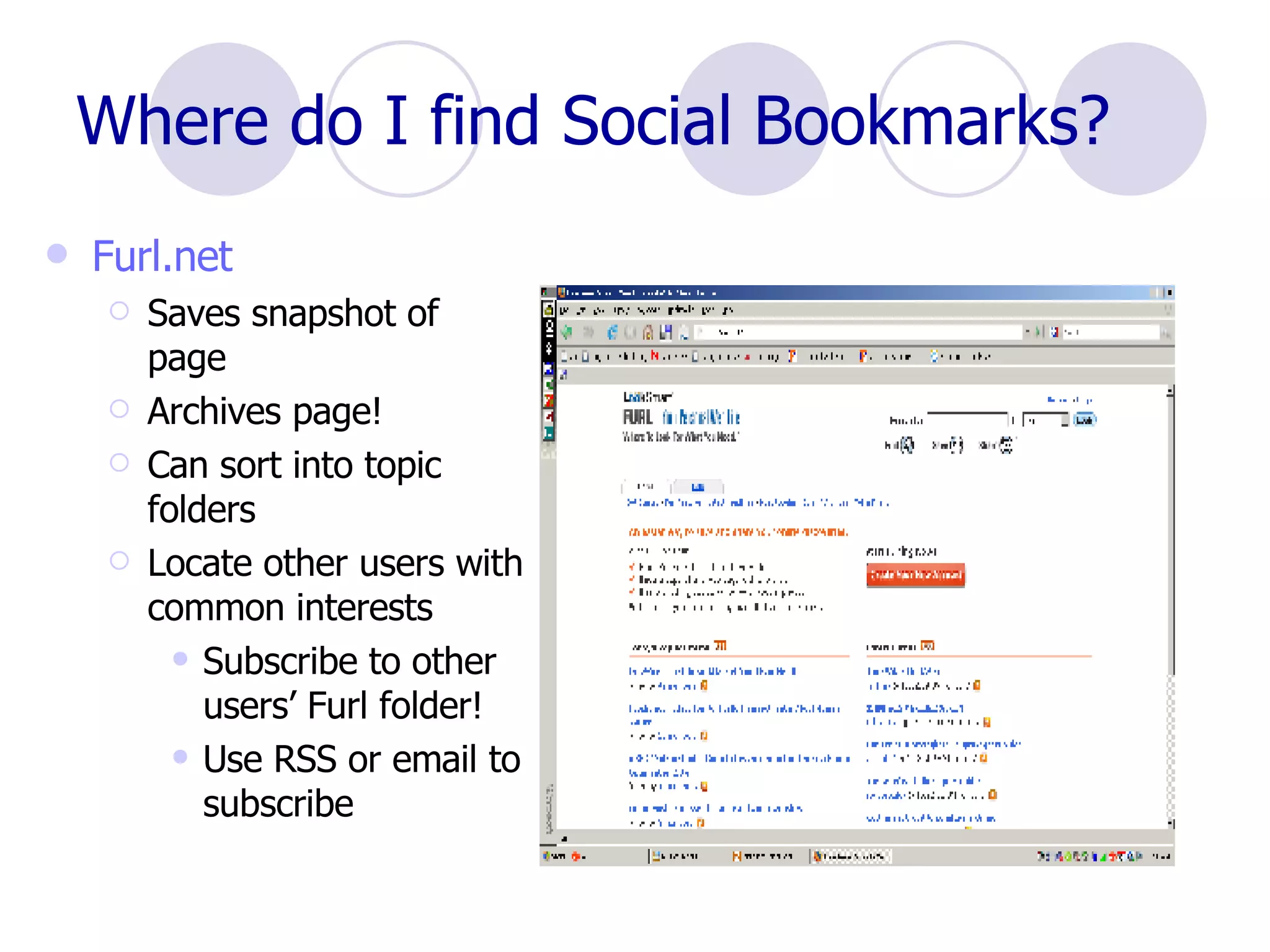
Where do I find Social Bookmarks? Furl.net Saves snapshot of page Archives page! Can sort into topic folders Locate other users with common interests Subscribe to other users’ Furl folder!  Use RSS or email to subscribe
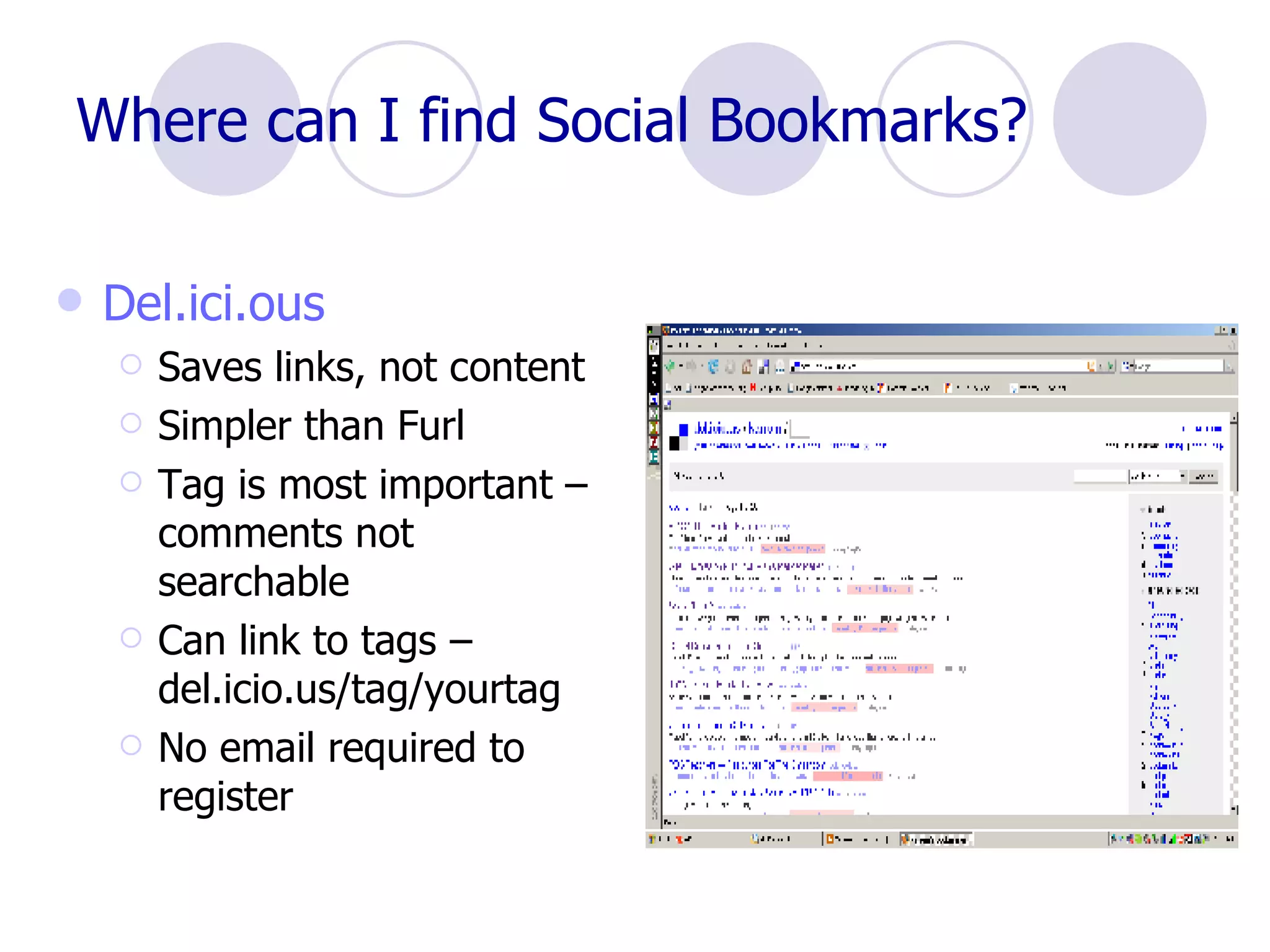
Where can I find Social Bookmarks? Del.ici.ous Saves links, not content Simpler than Furl Tag is most important – comments not searchable Can link to tags – del.icio.us/tag/yourtag No email required to register
Want more? 43Things.com  – what do you want to do with your life?  Buddy Marks  – store and share bookmarks De.lirio.us  – like Del.icio.us Digg  – news and videos Shelfari  – share books LibraryThing  – catalog your books and share Reader 2  –  share books, movies and more Last.fm  – music tagging Technorati  – navigate blog posts BlinkList  – tag sites and list on personal Blink website Multipost  Bookmarklet Tool  – tag to many sites at once Wists  – Social shopping!
How do I use Social Bookmarks? Assign readings Track student research Build database with students Share with colleagues Research with other schools Send interesting links through RSS feeds Professional development
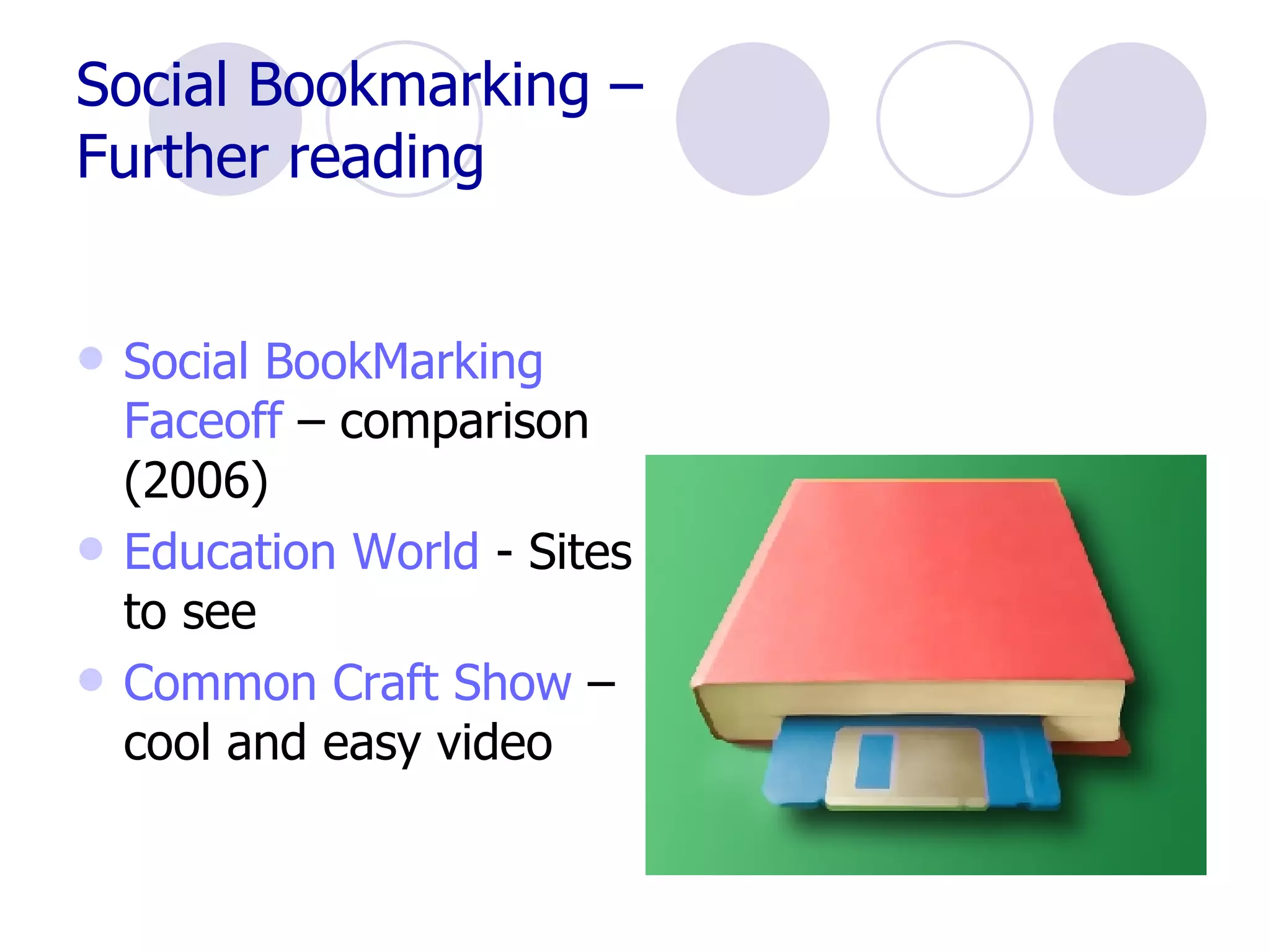
Social Bookmarking –  Further reading Social  BookMarking   Faceoff   – comparison (2006) Education World  - Sites to see Common Craft Show  – cool and easy video
What is a blog? “ A  blog  is a user-generated website where entries are made in journal style and displayed in a reverse chronological order.” Wikipedia (Think FaceBook, MySpace and others!)
Why Blog? Staff development Student engagement Audience Comments and feedback Keep families informed  Connect with the world
Where can I create a blog? Google   blogspot  – easy to use Think.com  – good for elementary  students 21classes.com  – educational blogs Squarespace Wordpress
Compare Blogs http:// www.weblogmatrix.org /
 
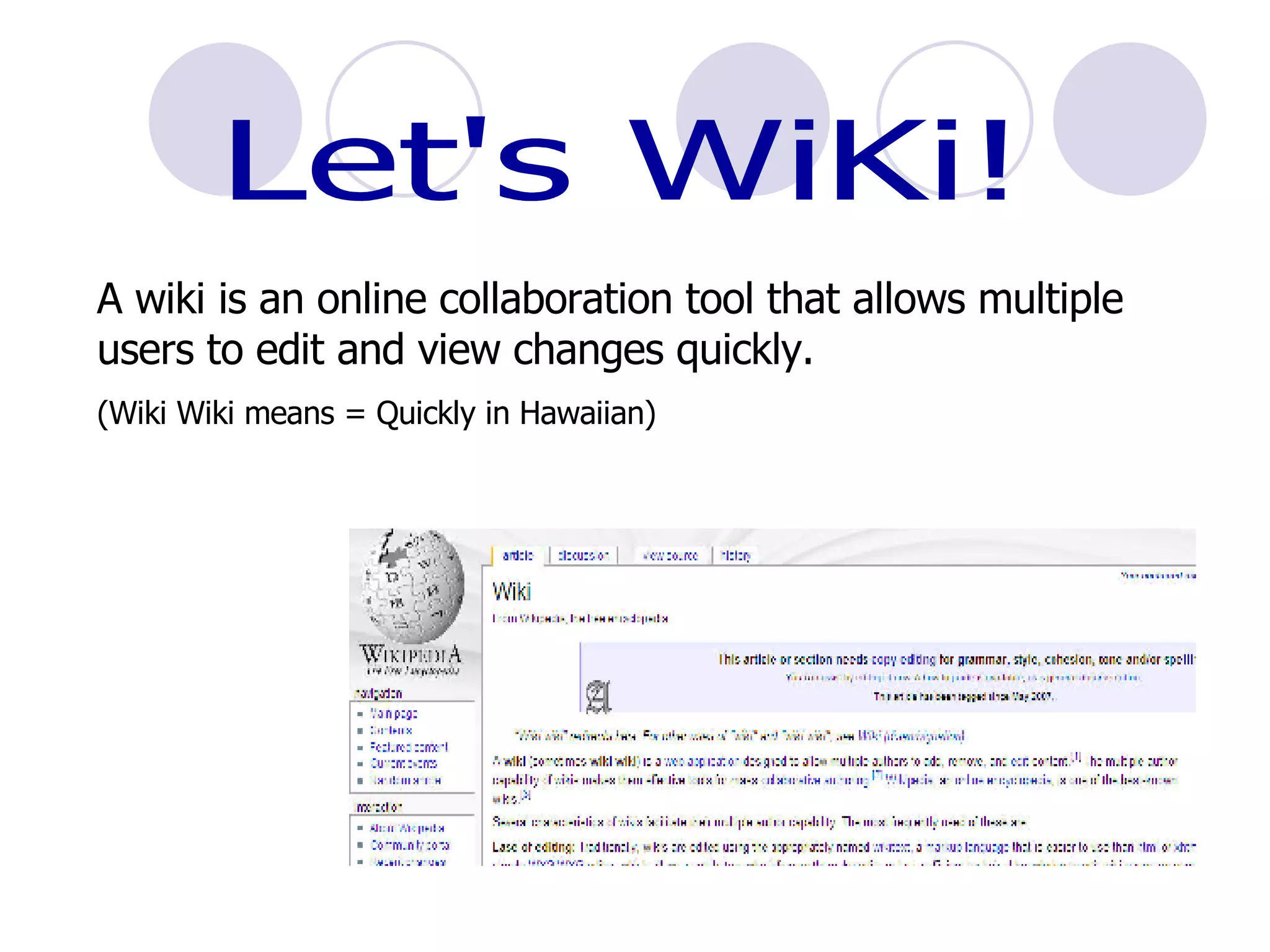
Let's WiKi! A wiki is an online collaboration tool that allows multiple users to edit and view changes quickly. (Wiki Wiki means = Quickly in Hawaiian)
How can we use a Wiki? Collaboration OM Teams Grant Writing Reports Vocabulary Link Lists Literature Circles KWL’s Share lesson plans
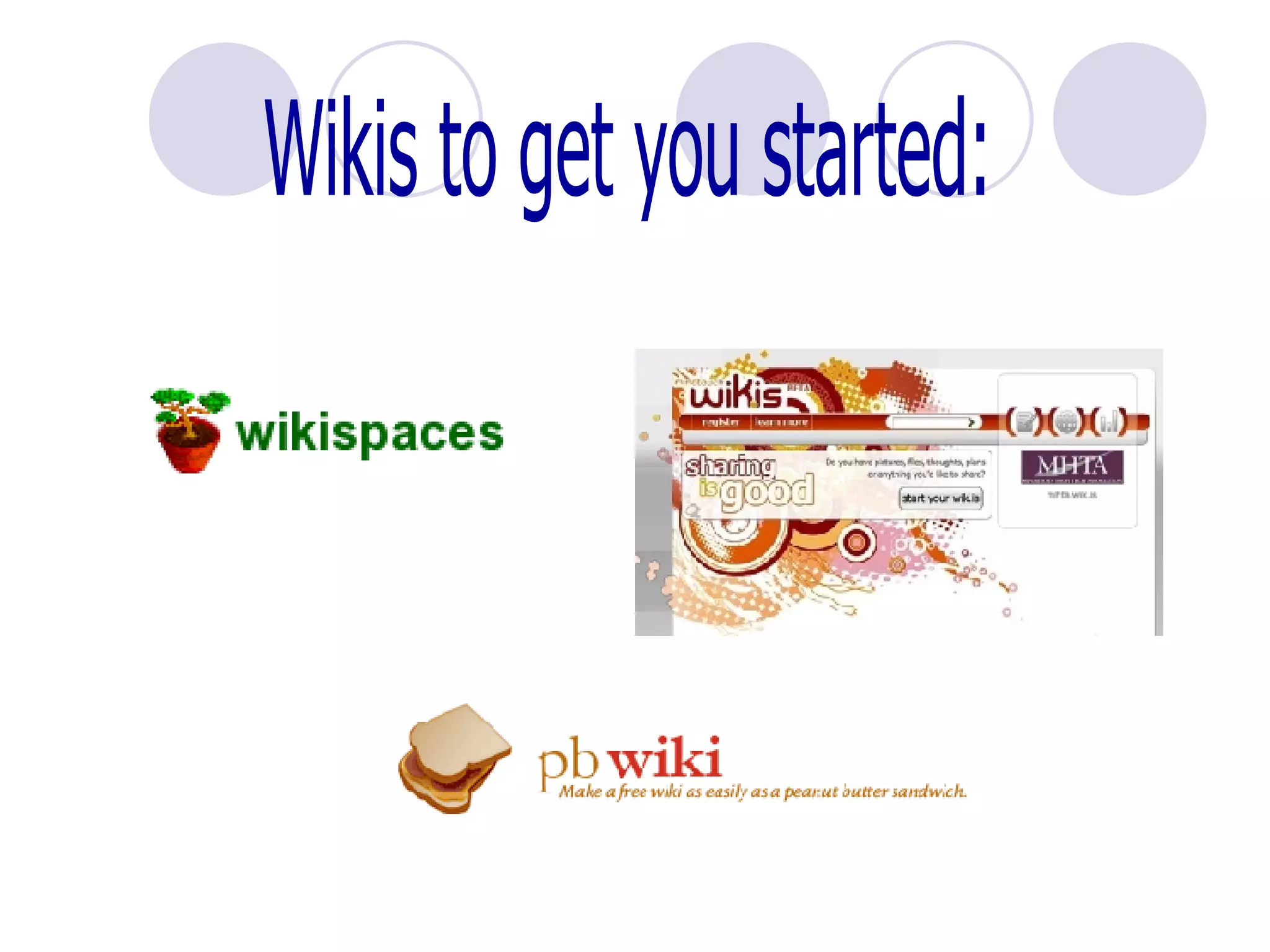
Wikis to get you started:
What is a podcast? “ (i POD  broad CAST ) An audio broadcast that has been converted to an MP3 file or other audio file format for playback in a digital music player or computer. The "pod" in podcast was coined from "iPod," the predominant portable, digital music player, and although podcasts are mostly verbal, they may contain music.”   TechWeb
To podcast, you need: Computer Microphone Software –  Audacity  is free and works well  Easypodcast.com Someplace to put your podcast on the web
What to do with a Podcast: Audience – share reports and performances Review – record lesson for absentees Reports – more exciting than paper Interviews  Homework Help –  Mike Breed’s Classroom centers
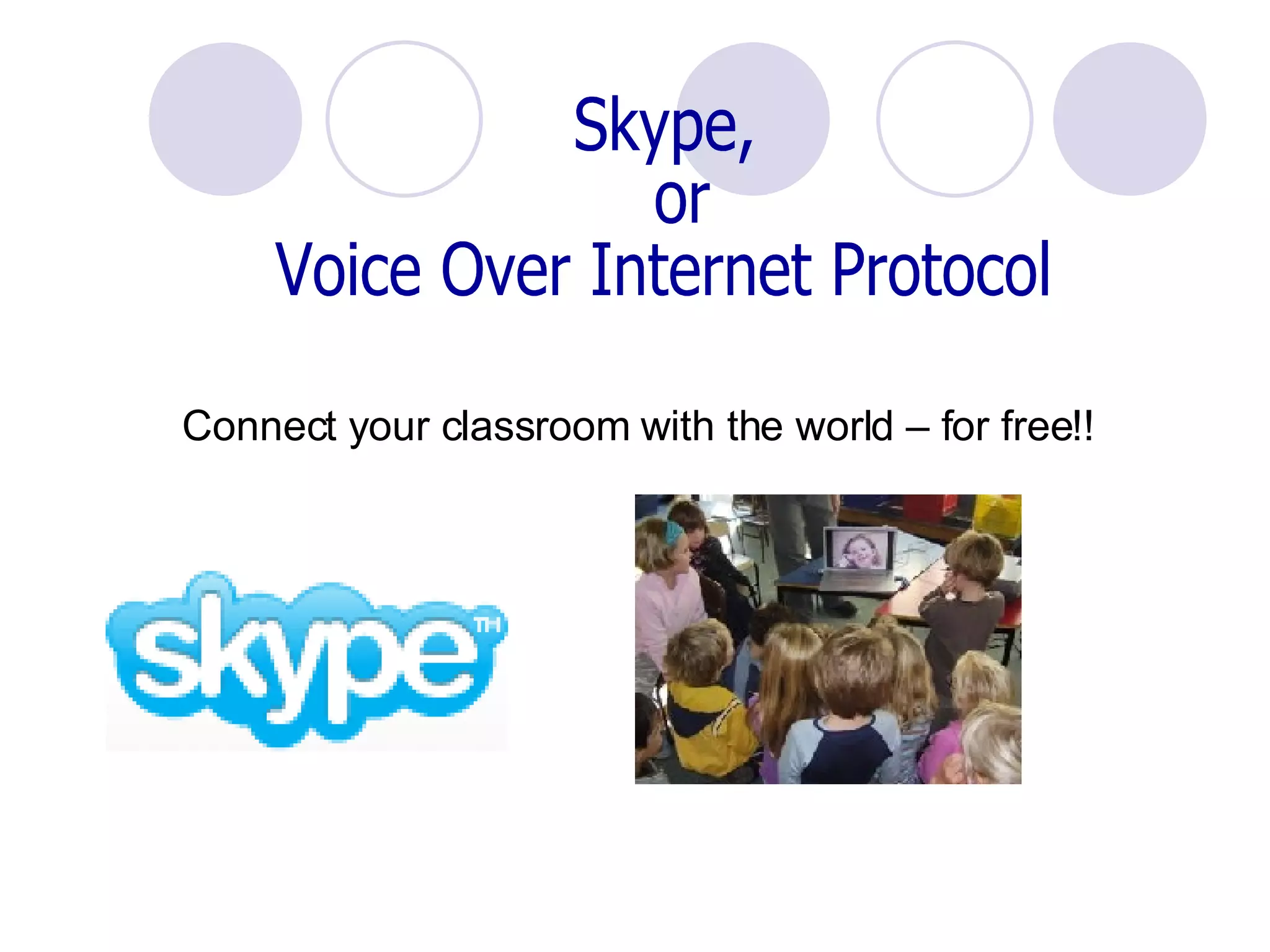
Skype,  or Voice Over Internet Protocol Connect your classroom with the world – for free!!
Share PHOTOS! PhotoBlogging Uses tags to sort and share Discuss and comment  Send photos to aggregator, Weblog or Webpage
Where can Photo Share? Flickr.com Free up to 20MB  –  100 images/month Need valid email Can restrict access Easy to upload – with or without email Add notes to parts of  images ! Create albums Create slide shows More current than media
Have fun! GeoBloggers  – combines Flickr and  Google  Maps Great  Flickr  Tools Collection More  Flickr  Tools  – including soduku! FlickrReplacr   Bookmarklet  – replace words  with images from Flickr
How can I use PhotoSharing? Find images to supplement lessons Annotate historical photos uploaded from other sources Photo “field trips” Writing prompts ( Flicktion ) Illustrate digital stories or poetry (“Chicago”, Sandburg) “ Remix” using Paint or photoediting tools Leave annotations blank as test Share field trip and class activity photos with parents Share discussions about photos – subscribe to RSS feed
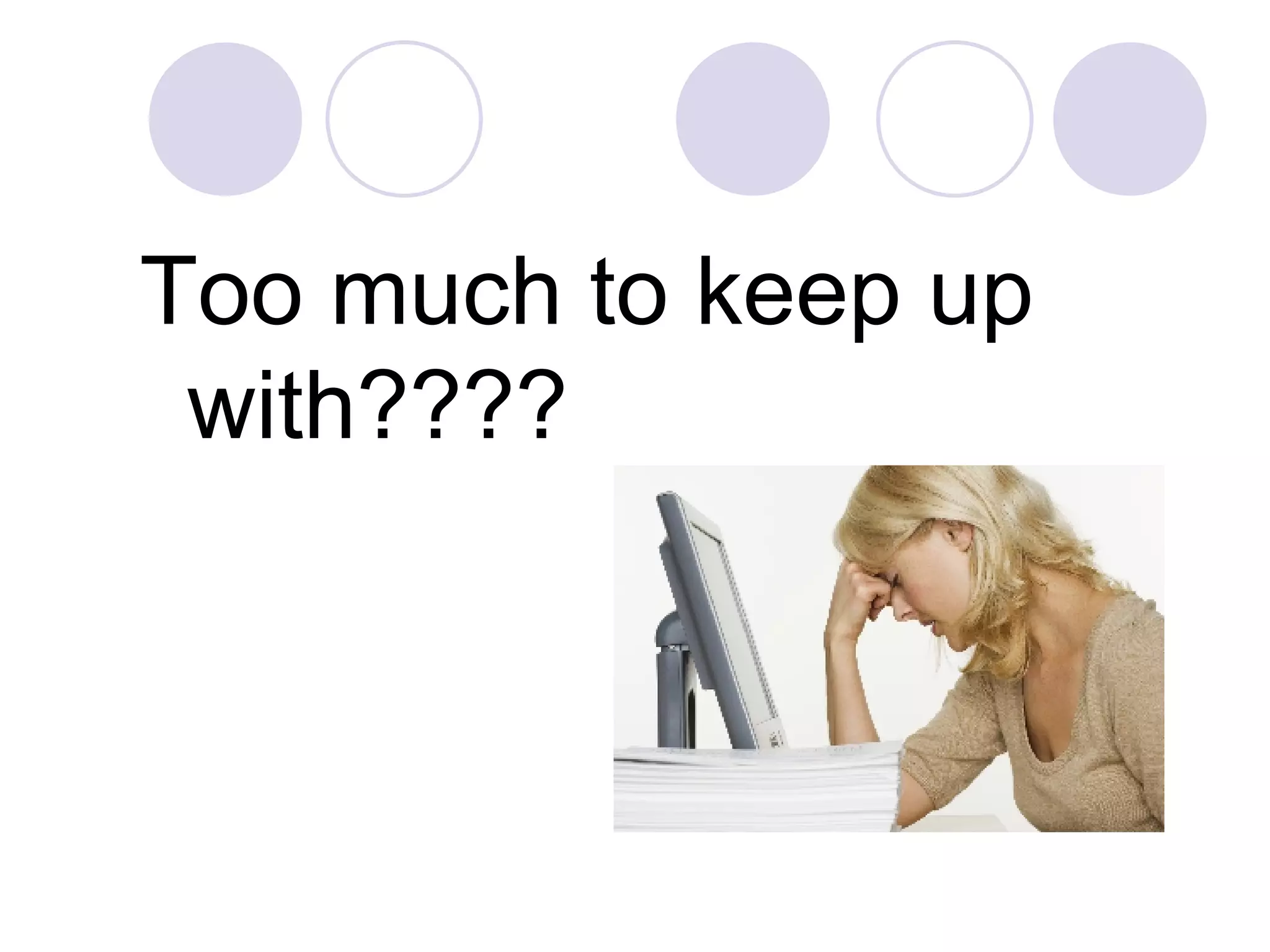
Too much to keep up with????
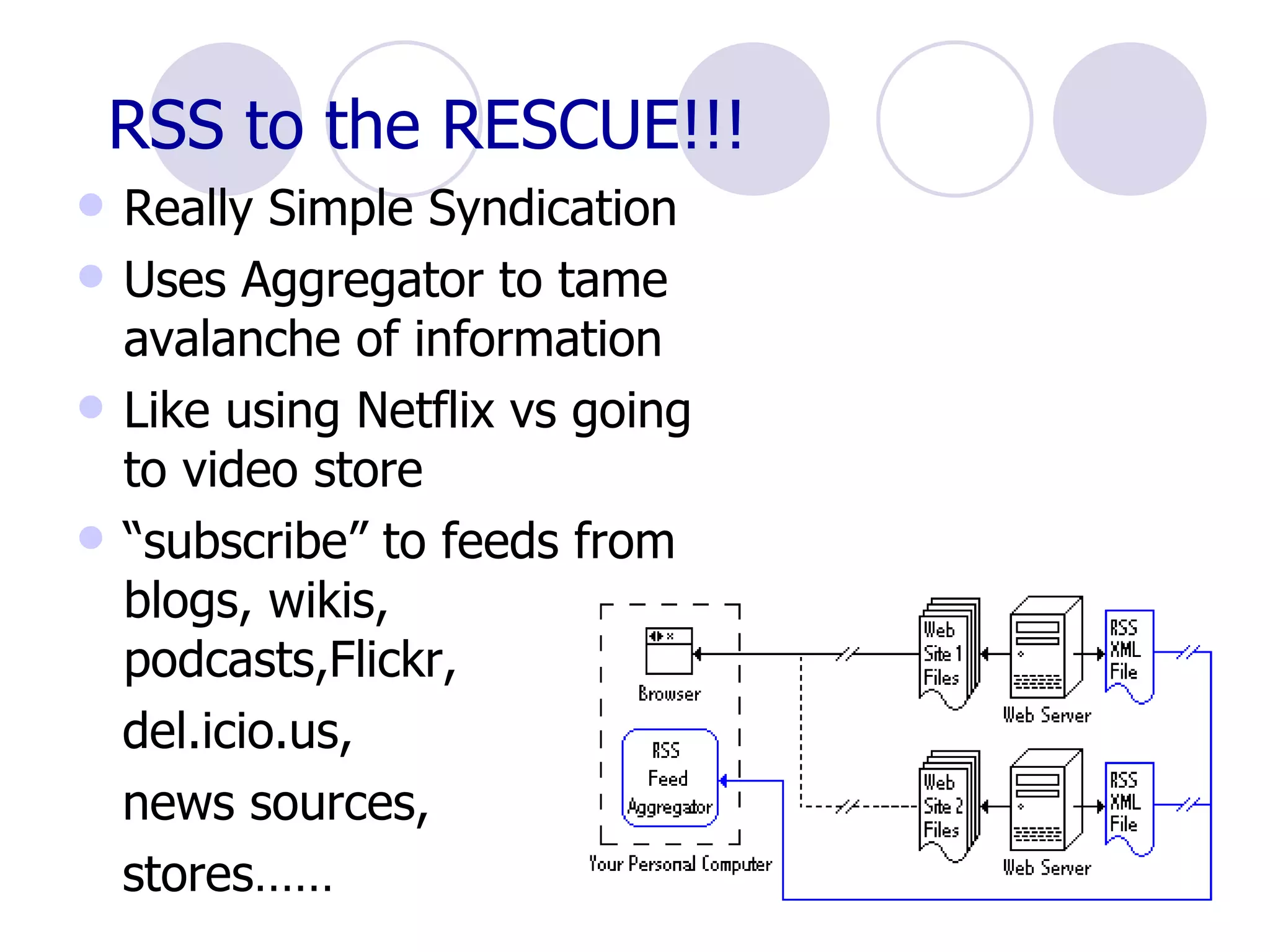
RSS to the RESCUE!!! Really Simple Syndication Uses Aggregator to tame avalanche of information Like using Netflix vs going to video store “ subscribe” to feeds from blogs, wikis, podcasts,Flickr,  del.icio.us,  news sources,  stores……
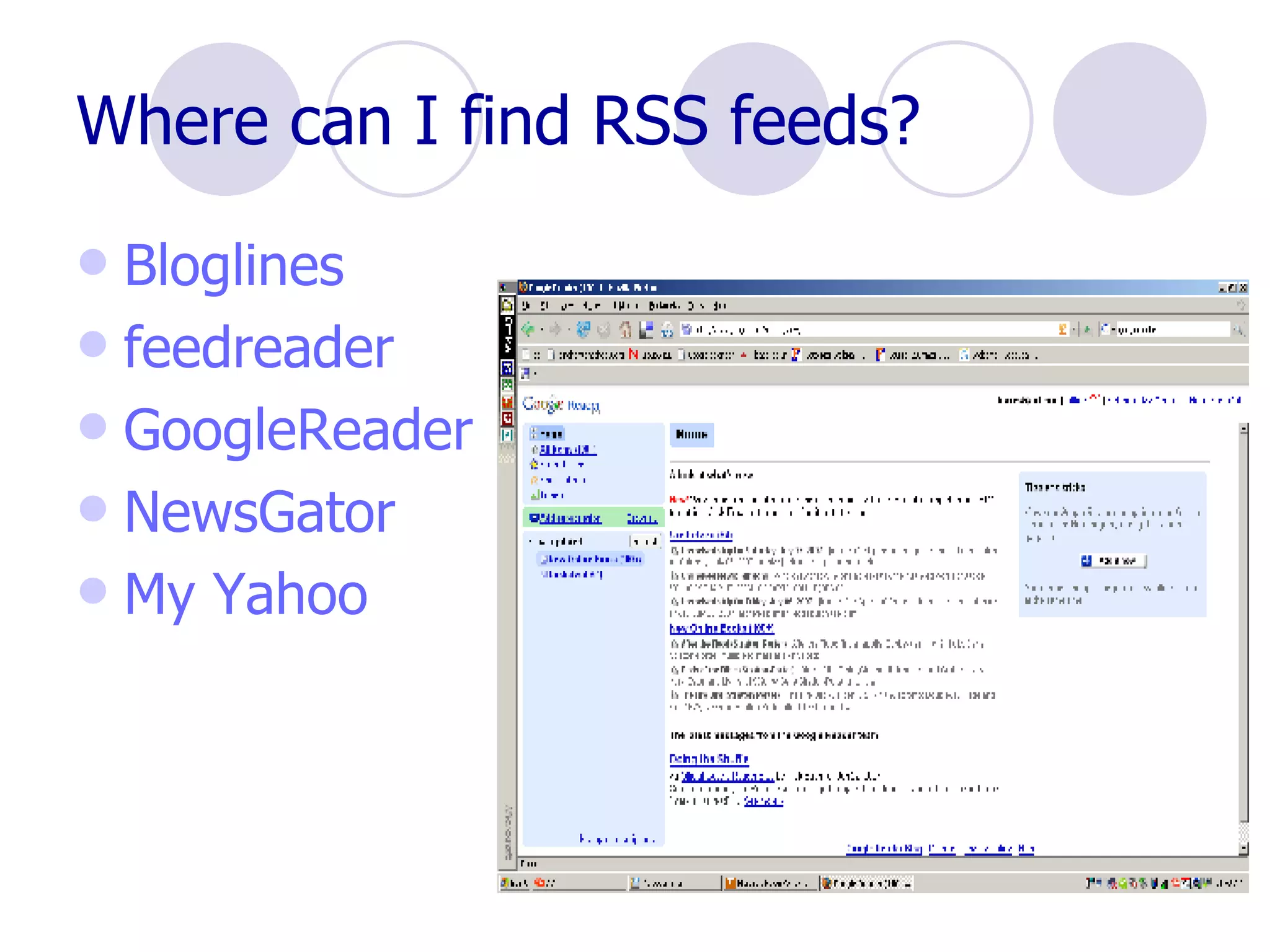
Where can I find RSS feeds? Bloglines feedreader GoogleReader NewsGator My Yahoo
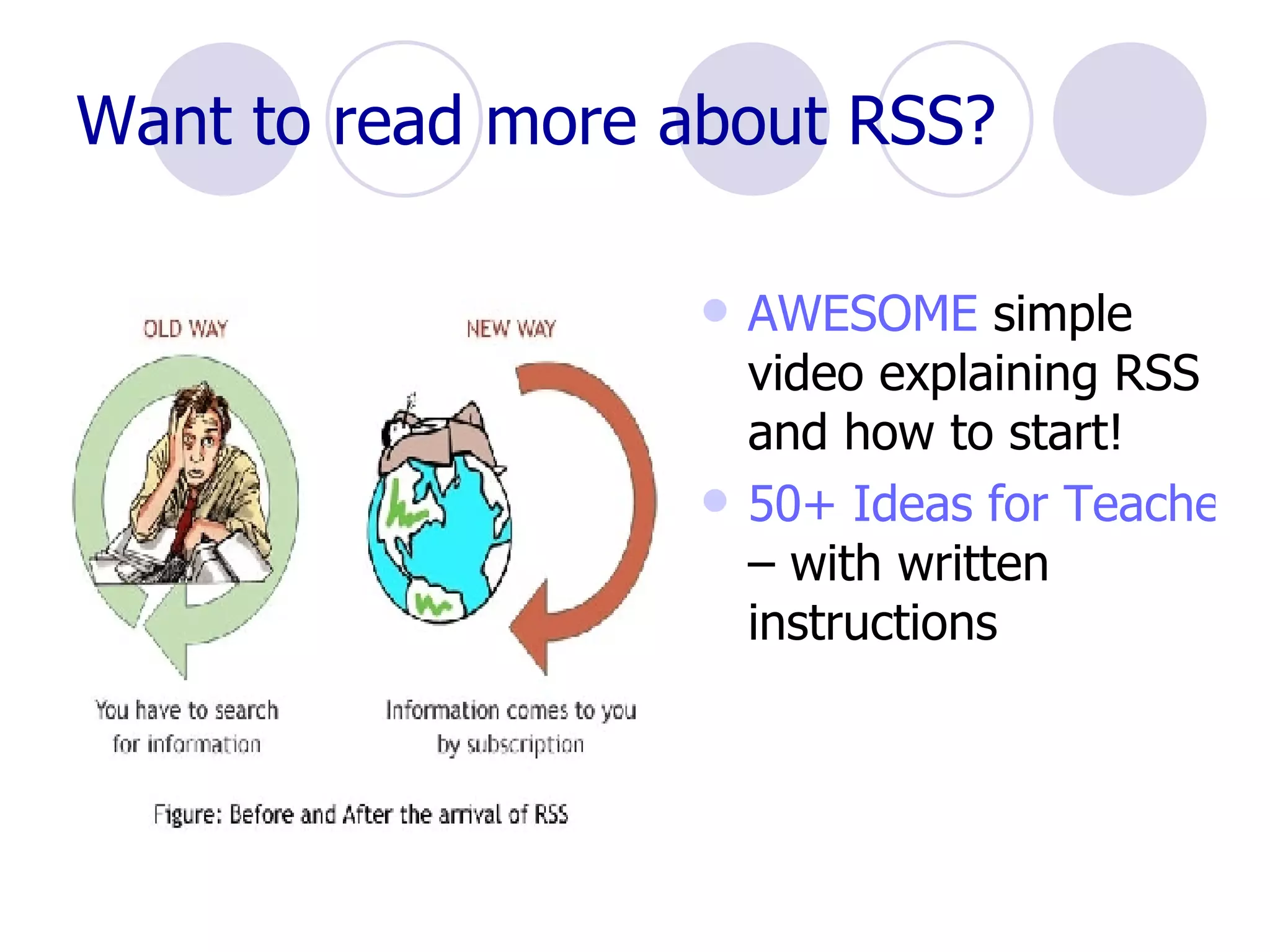
Want to read more about RSS? AWESOME  simple video explaining RSS and how to start! 50+ Ideas for Teachers  – with written instructions
Use RSS in the classroom: Monitor student blogs Keep up with news, weather, sports Professional development Website searches Monitor others’ Del.icio.us lists Keep research up-to-the-minute
What to expect in the future??   Personally-tailored  news stories  delivered instantly – No more news services Personal shopping – Amazon suggests purchases according to prior choices Second Life  – virtual interaction Education through interactive gaming?
In case you want more…. WebWare  Top 100 sites Go2Web2.0 Slideshare Common Craft Show video !!
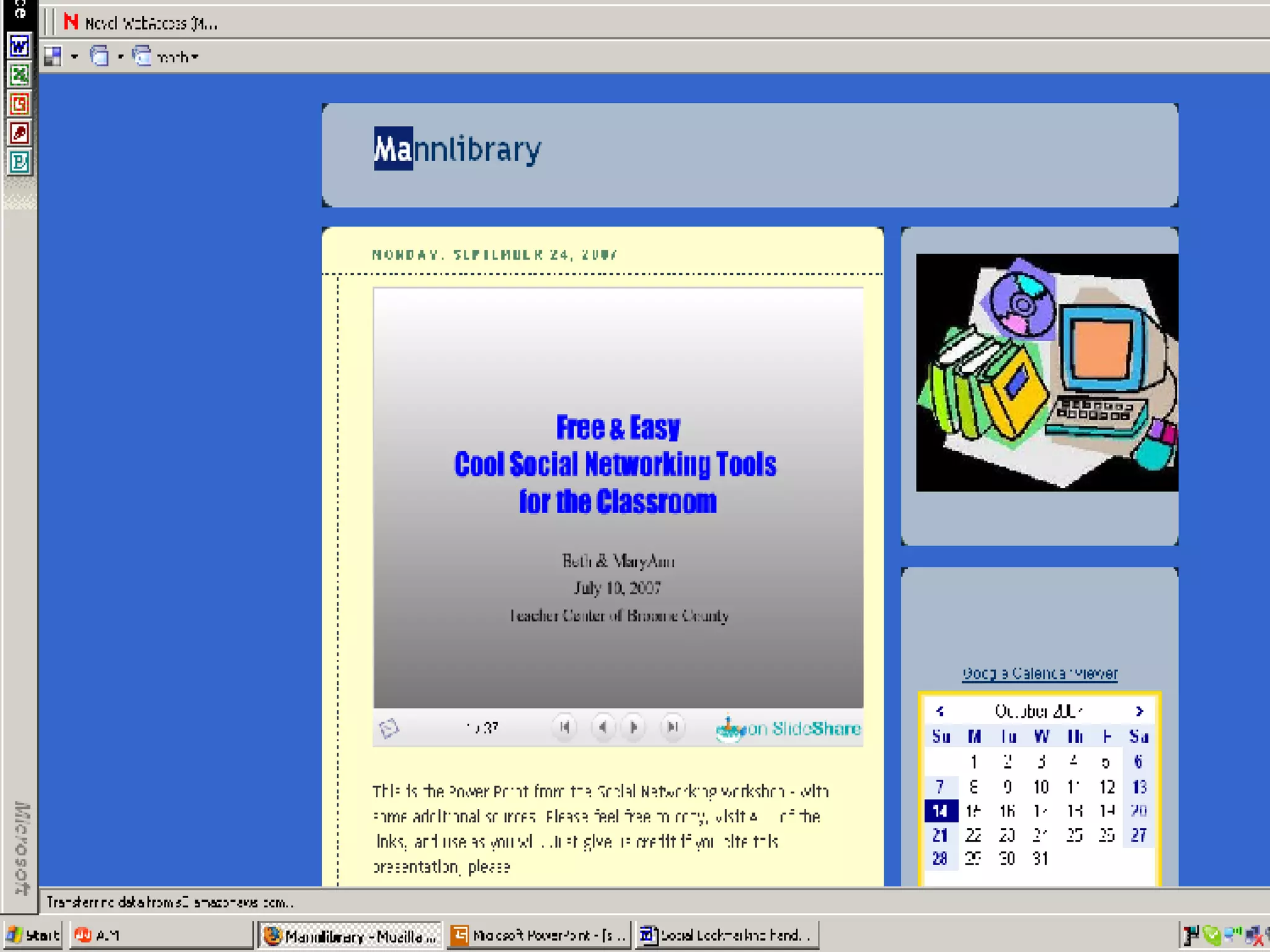
Find this presentation… http:// mannlibrary .        blogspot.com

STETS Social Networking Workshop

  • 1.
    Free & Easy:Cool Social Networking Tools for the Classroom MaryAnn Karre (with thanks to Beth Sullivan) October , 2007 STETS Conference, Owego Apalachin Middle School
  • 2.
    Goals: Present anumber of free, easy to use tools and their applications for education Demonstrate each example Outline educational uses Get it done in one hour Avoid overwhelming Show you where to go for more!
  • 3.
    What is theWeb 2.0? Not the same old WWW Read / Write web Culture of participation Collaboration the key
  • 4.
    Why bother? Notthe same old safe old “ But everybody is doing it!” Welcome to the world Bring some excitement to the class!! Accountability to new audience
  • 5.
    Precautions Firewalls Walledareas Editing Choose tools wisely Teach Netiquette And safety
  • 6.
    Some Web 2.0Examples: Blogging and vlogging RSS feeds and aggregators Podcasting Wikis VOIP - Skype Social Bookmarking – favorites sharing Photoblogs - Flickr Folksonomy – “Tagging” … ..new ones every day!! Pay Attention video on YouTube
  • 7.
    Start with SocialBookmarking Real power of Read/Write Web (Will Richardson) Store and share – collaborative process 10 billion pages of info on Web – or more?? Becomes more difficult to locate info More types of info available Can retrieve favorites from any computer with Internet access
  • 8.
    Social Bookmarking Savefavorites easily Share with others – either public or private Share others’ bookmarks Locate by topic or user Access limitless number of links, videos books, photos similar to your favorites Can share sites, books, music, photos, movies – more!
  • 9.
    Bookmarking depends on Folksonomy Otherwise know as “Tagging” New taxonomy – replace librarians?? Better than indexing – users make own tags – common language Flexible and dynamic – not static Used with websites, documents, photos, presentations, videos – anything searchable!
  • 10.
    Where do Ifind Social Bookmarks? Furl.net Saves snapshot of page Archives page! Can sort into topic folders Locate other users with common interests Subscribe to other users’ Furl folder! Use RSS or email to subscribe
  • 11.
    Where can Ifind Social Bookmarks? Del.ici.ous Saves links, not content Simpler than Furl Tag is most important – comments not searchable Can link to tags – del.icio.us/tag/yourtag No email required to register
  • 12.
    Want more? 43Things.com – what do you want to do with your life? Buddy Marks – store and share bookmarks De.lirio.us – like Del.icio.us Digg – news and videos Shelfari – share books LibraryThing – catalog your books and share Reader 2 – share books, movies and more Last.fm – music tagging Technorati – navigate blog posts BlinkList – tag sites and list on personal Blink website Multipost Bookmarklet Tool – tag to many sites at once Wists – Social shopping!
  • 13.
    How do Iuse Social Bookmarks? Assign readings Track student research Build database with students Share with colleagues Research with other schools Send interesting links through RSS feeds Professional development
  • 14.
    Social Bookmarking – Further reading Social BookMarking Faceoff – comparison (2006) Education World - Sites to see Common Craft Show – cool and easy video
  • 15.
    What is ablog? “ A blog is a user-generated website where entries are made in journal style and displayed in a reverse chronological order.” Wikipedia (Think FaceBook, MySpace and others!)
  • 16.
    Why Blog? Staffdevelopment Student engagement Audience Comments and feedback Keep families informed Connect with the world
  • 17.
    Where can Icreate a blog? Google blogspot – easy to use Think.com – good for elementary students 21classes.com – educational blogs Squarespace Wordpress
  • 18.
    Compare Blogs http://www.weblogmatrix.org /
  • 19.
  • 20.
    Let's WiKi! Awiki is an online collaboration tool that allows multiple users to edit and view changes quickly. (Wiki Wiki means = Quickly in Hawaiian)
  • 21.
    How can weuse a Wiki? Collaboration OM Teams Grant Writing Reports Vocabulary Link Lists Literature Circles KWL’s Share lesson plans
  • 22.
    Wikis to getyou started:
  • 23.
    What is apodcast? “ (i POD broad CAST ) An audio broadcast that has been converted to an MP3 file or other audio file format for playback in a digital music player or computer. The "pod" in podcast was coined from "iPod," the predominant portable, digital music player, and although podcasts are mostly verbal, they may contain music.” TechWeb
  • 24.
    To podcast, youneed: Computer Microphone Software – Audacity is free and works well Easypodcast.com Someplace to put your podcast on the web
  • 25.
    What to dowith a Podcast: Audience – share reports and performances Review – record lesson for absentees Reports – more exciting than paper Interviews Homework Help – Mike Breed’s Classroom centers
  • 26.
    Skype, orVoice Over Internet Protocol Connect your classroom with the world – for free!!
  • 27.
    Share PHOTOS! PhotoBloggingUses tags to sort and share Discuss and comment Send photos to aggregator, Weblog or Webpage
  • 28.
    Where can PhotoShare? Flickr.com Free up to 20MB – 100 images/month Need valid email Can restrict access Easy to upload – with or without email Add notes to parts of images ! Create albums Create slide shows More current than media
  • 29.
    Have fun! GeoBloggers – combines Flickr and Google Maps Great Flickr Tools Collection More Flickr Tools – including soduku! FlickrReplacr Bookmarklet – replace words with images from Flickr
  • 30.
    How can Iuse PhotoSharing? Find images to supplement lessons Annotate historical photos uploaded from other sources Photo “field trips” Writing prompts ( Flicktion ) Illustrate digital stories or poetry (“Chicago”, Sandburg) “ Remix” using Paint or photoediting tools Leave annotations blank as test Share field trip and class activity photos with parents Share discussions about photos – subscribe to RSS feed
  • 31.
    Too much tokeep up with????
  • 32.
    RSS to theRESCUE!!! Really Simple Syndication Uses Aggregator to tame avalanche of information Like using Netflix vs going to video store “ subscribe” to feeds from blogs, wikis, podcasts,Flickr, del.icio.us, news sources, stores……
  • 33.
    Where can Ifind RSS feeds? Bloglines feedreader GoogleReader NewsGator My Yahoo
  • 34.
    Want to readmore about RSS? AWESOME simple video explaining RSS and how to start! 50+ Ideas for Teachers – with written instructions
  • 35.
    Use RSS inthe classroom: Monitor student blogs Keep up with news, weather, sports Professional development Website searches Monitor others’ Del.icio.us lists Keep research up-to-the-minute
  • 36.
    What to expectin the future?? Personally-tailored news stories delivered instantly – No more news services Personal shopping – Amazon suggests purchases according to prior choices Second Life – virtual interaction Education through interactive gaming?
  • 37.
    In case youwant more…. WebWare Top 100 sites Go2Web2.0 Slideshare Common Craft Show video !!
  • 38.
    Find this presentation…http:// mannlibrary . blogspot.com