S ocial  S oftware in the  C lassroom Blogs and Podcasts Social Software has revolutionised the internet enabling users to become active rather than passive. This practical workshop will provide teachers with a quick overview of social software before launching into an in-depth look at two tools – blogs and podcasts.  We will look at the merits of using these tools in the classroom and provide time and support to get started. Course Content will include: Overview of social software Examples of classroom blogs Hands-on creating a blog Examples of school/class podcasts Overview and hands-on with creating a podcast At the end of today what do   you  hope to have achieved? Post your response on our wiki :  http://www.skrbl.com/38288427
Plan of Attack 9-10:30 Education in the Digital Age The changing landscape  Overview of social software 1:30 – 3pm Blogging Add-Ons Podcasting – What? Why? How? Reflection 11-12:30 Creating a Student Centred Blog Blogging in  a Nutshell A Classroom Blog – Purpose? Keeping Safe? Setting Up a Blog – Examples/ Planning /  Getting Started D R A F  T
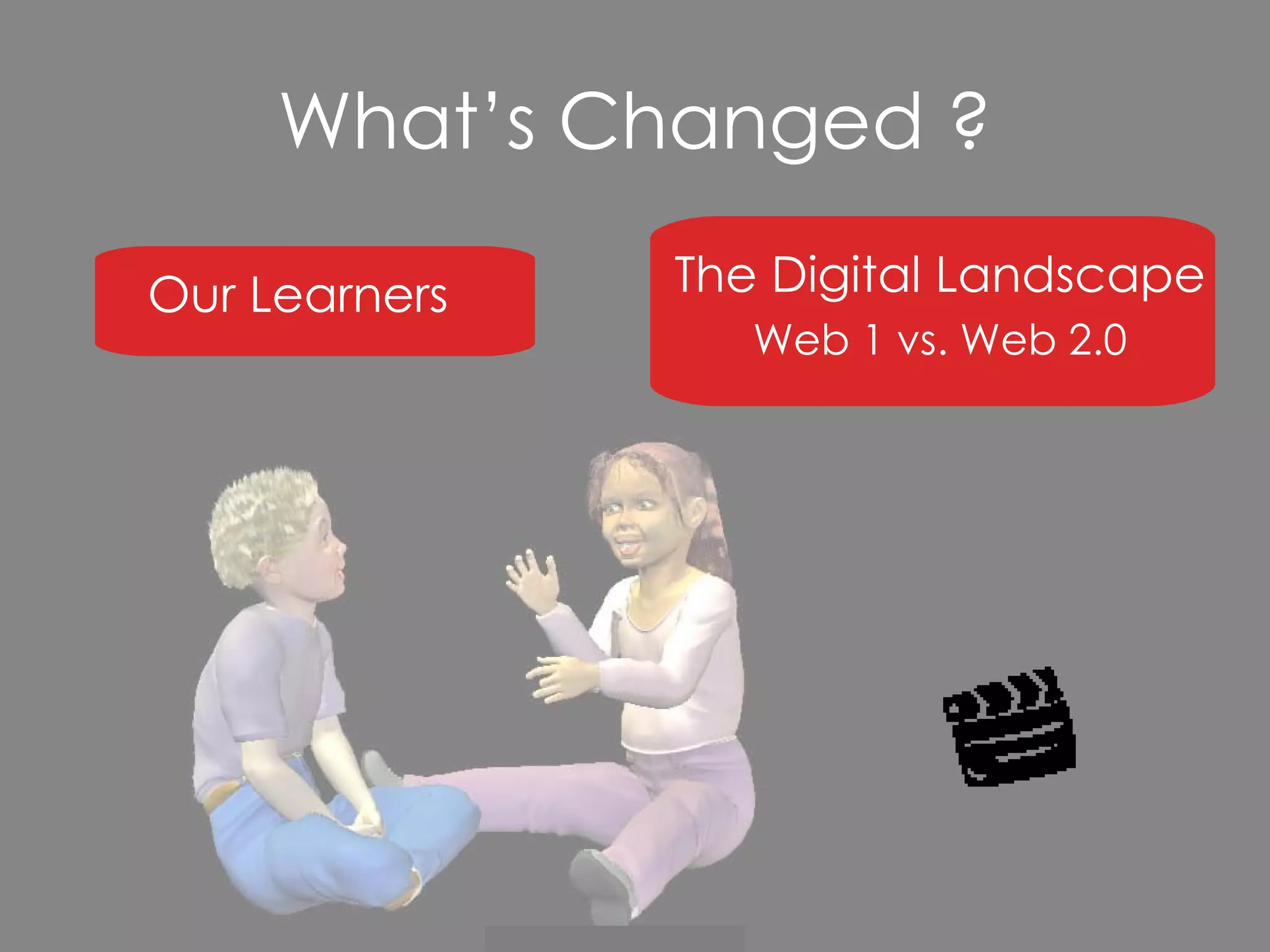
What’s Changed ? Our Learners The Digital Landscape Web 1 vs. Web 2.0
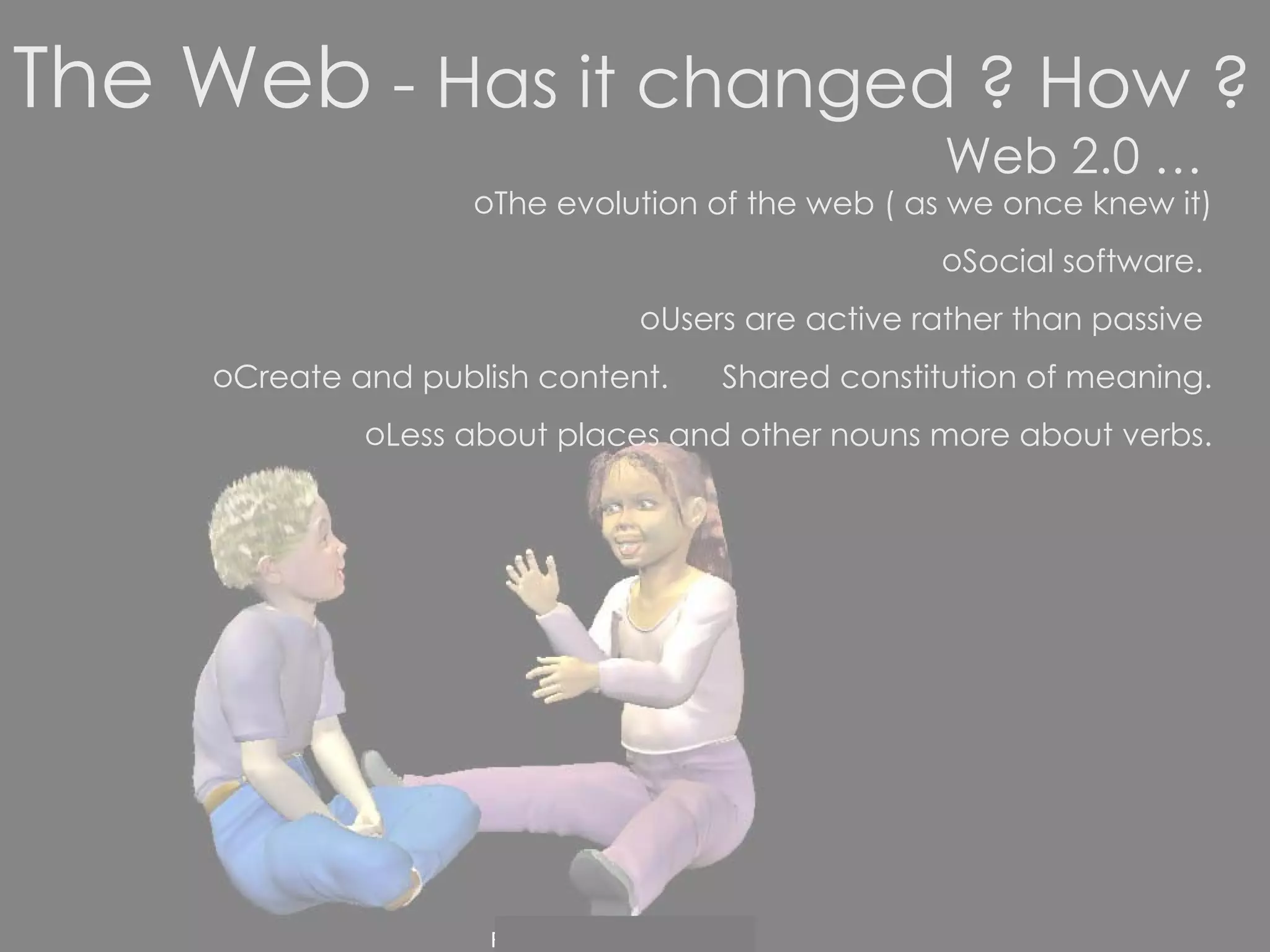
Web 2.0 … The evolution of the web ( as we once knew it) Social software.  Users are active rather than passive  Create and publish content.  Shared constitution of meaning. Less about places and other nouns more about verbs. The Web  - Has it changed ? How ?
No html knowledge required.  Content flows in a variety of directions that depend on the behaviors  of those who produce the information and those who use it.
Social software supports the desire of individuals to be pulled into groups to achieve goals. Social software enables  people to rendezvous, connect or collaborate through  computer-mediated communication  and to form online communications. Wikipedia
Web 2.0 can be organised in the following way: Aggregators -  A site or program that gathers data from multiple sources and organizes the information to present in a new, more streamlined or appropriate format.  Google , RSS feeds,  Delicious … Social Networking  -   Websites focusing on connecting people with other people directly like  MySpace , Oldfriends,  Secondlife  … Social Media -  User-generated content like  blogs  ,  wikipedia , webnote … Audio, Picture and Video -  Online television such as  YouTube ,Pandora,  Podcasts,  Flickr… Web Applications -  online programs that can do virtually everything your existing  software programs can do.  Zoho  for instance can replace your Microsoft Office programs.
Web 2.0  is growing by the day. Mission : Check out the growing list of web 2.0 applications http://www.listible.com/list/complete-list-of-web-2-0-products-and-services Which are familiar to you? How do you use them? Choose one that is new to you and has appeal –  professionally or personally.  Prepare to share with the group: What it is? Why you like it? How you will make use of it?
Are you a digital immigrant developing the accent of a digital native?
Part 2
Blogging – in a nutshell Classroom Blogs – a rundown  Planning your classroom blog Making a start with blogger.com Setting Up a Student-Centered Classroom Blog
Blogging in  a nutshell Example of Web 2.0 Definition from wikipedia :  A  blog  is a website where entries are made in  journal  style and displayed in a reverse  chronological order . Blogs often provide commentary or news on a particular subject, such as food, politics, or local news; some function as more personal  online diaries . A typical blog combines text, images, and links to other blogs, web pages, and other media related to  its topic. Most blogs are primarily textual although some focus on  photographs  ( photoblog ),  videos  ( vlog ), or  audio  ( podcasting ). User-friendly Share a common format.  Lots of free blog providers. Control of blog is with the person who has set it up
Blogs tend to have a few things in common: A main content area with articles listed chronologically, newest at the top An archive of older articles A way for people to leave comments about the articles A list of links to other related sites, sometimes called a “blogroll” One or more “feeds” like RSS …
Checking out blogs: http://blogger.myfishingexpert.com/ http://www.observationdeck.org/weblogs/?p=1973 http://www.fashblog.com/ http://afamilyinbaghdad.blogspot.com/ http://smithpartyof6.blogspot.com/ Digging Deeper: Searching for Blogs RSS Feeds
Classroom Blogs – A Rundown Why have one? Safety Examples of blogs in education
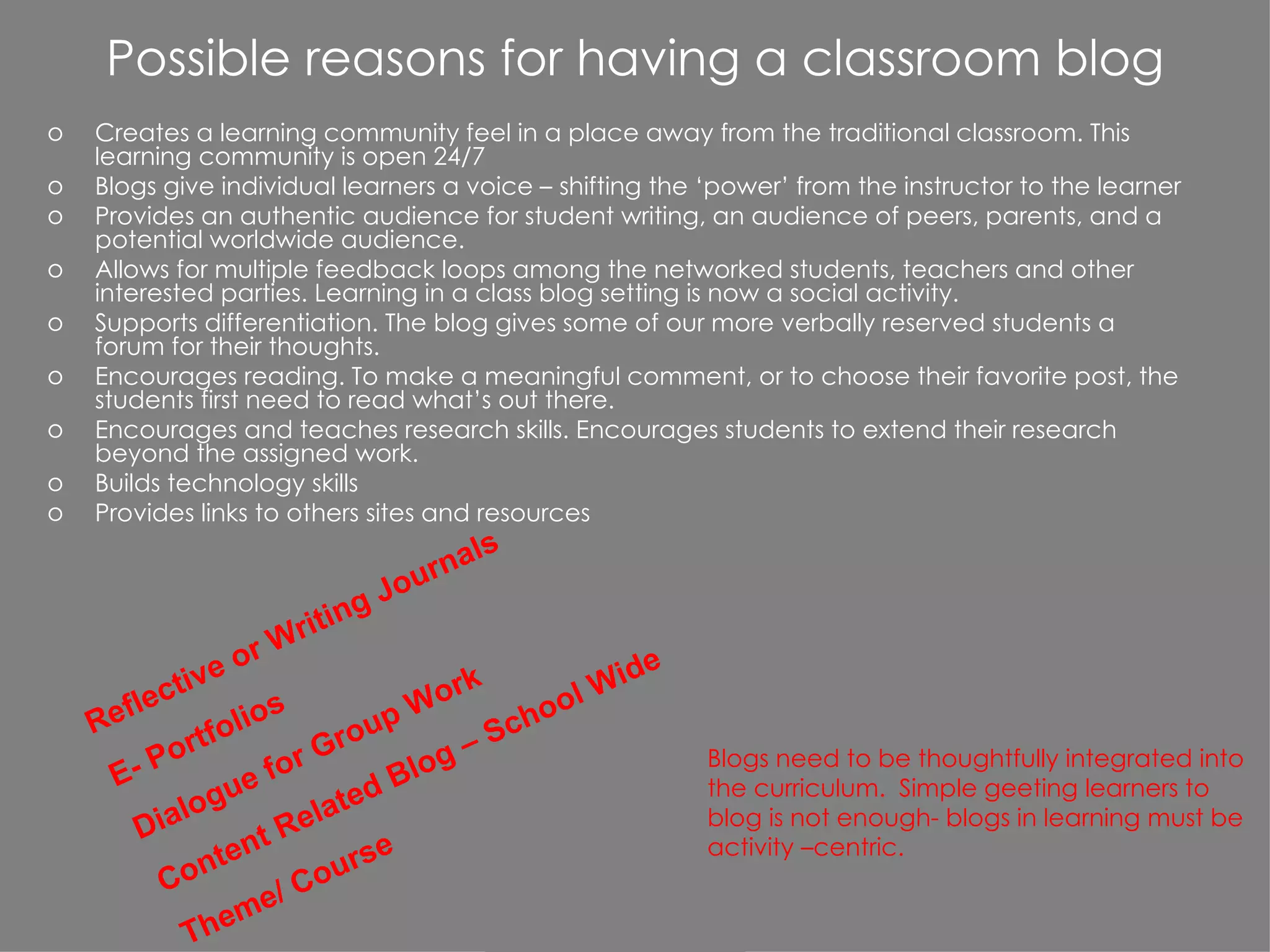
Possible reasons for having a classroom blog Creates a learning community feel in a place away from the traditional classroom. This learning community is open 24/7 Blogs give individual learners a voice – shifting the ‘power’ from the instructor to the learner Provides an authentic audience for student writing, an audience of peers, parents, and a potential worldwide audience. Allows for multiple feedback loops among the networked students, teachers and other interested parties. Learning in a class blog setting is now a social activity. Supports differentiation. The blog gives some of our more verbally reserved students a forum for their thoughts. Encourages reading. To make a meaningful comment, or to choose their favorite post, the students first need to read what’s out there. Encourages and teaches research skills. Encourages students to extend their research beyond the assigned work. Builds technology skills Provides links to others sites and resources Reflective or Writing Journals E- Portfolios Dialogue for Group Work Content Related Blog – School Wide  Theme/ Course Blogs need to be thoughtfully integrated into the curriculum.  Simple geeting learners to blog is not enough- blogs in learning must be activity –centric.
Ed Examples http://rocky11.blogspot.com/   http://classblogmeister.com/blog.php?blogger_id=2734 http://classblogmeister.com/blog.php?blogger_id=1337 http://tbcdrama.blogspot.com/   http://mish.bloggers.co.nz/page/2/ http://futureofmath.misterteacher.com/classroom_blogs.html http://blog-mrs-c.blogspot.com/ Wikis on Blogs http:// nzedublogs.wikispaces.com / http://supportblogging.com/page/diff/Links+to+School+Bloggers?v=3237908
Planning your (classroom ) blog Food for Thought What would be the purpose of your blog? What are you going to write about? How often? Who would read it ? Why would people read it? Who would comment on it?  Who would post on it ?  Why?
Student Safety and Privacy Concerns The following guidelines are by no means exhaustive, but may be helpful to address some real  and legitimate concerns Depending on the age of students, consider posting their work using a pseudonym instead of the students’ real names. In no cases use a student’s first name and last name on a blog posting.  Set up your blog so all comments must be moderated by you. Comments will be emailed to you for the ‘ok’ before being directly posted to your blog. Set up your blog with a password to limit public access. The password can be provided to class members, parents, and others with an interest in the work of your class, but others in the public are prohibited from simply browsing the contents of your classroom weblog.  Keep the school community posted. Inform all stakeholders about your planned or ongoing use of blogs for instructional purposes. Solicit their support and feedback in advance, ideally before concerns or problems develop relating to blog postings. Protect your blogid and password just like you would a credit card number. http://www.budtheteacher.com/wiki/index.php?title=Main_Page
Making a start with   http://www.blogger.com/start THE FASTEST WAY TO UNDERSTAND BLOGGING IS TO TRY IT OUT.  JUST TYPE IN THE LINK ABOVE, AND YOU CAN BE PART OF THE PHENOMENON THAT'S TRANSFORMING  WEB AND MEDIA TO A PARTICIPATORY ACTIVITY IN  LESS THAN FIVE MINUTES . SERIOUSLY.  BLOGGER IS TOTALLY FREE.
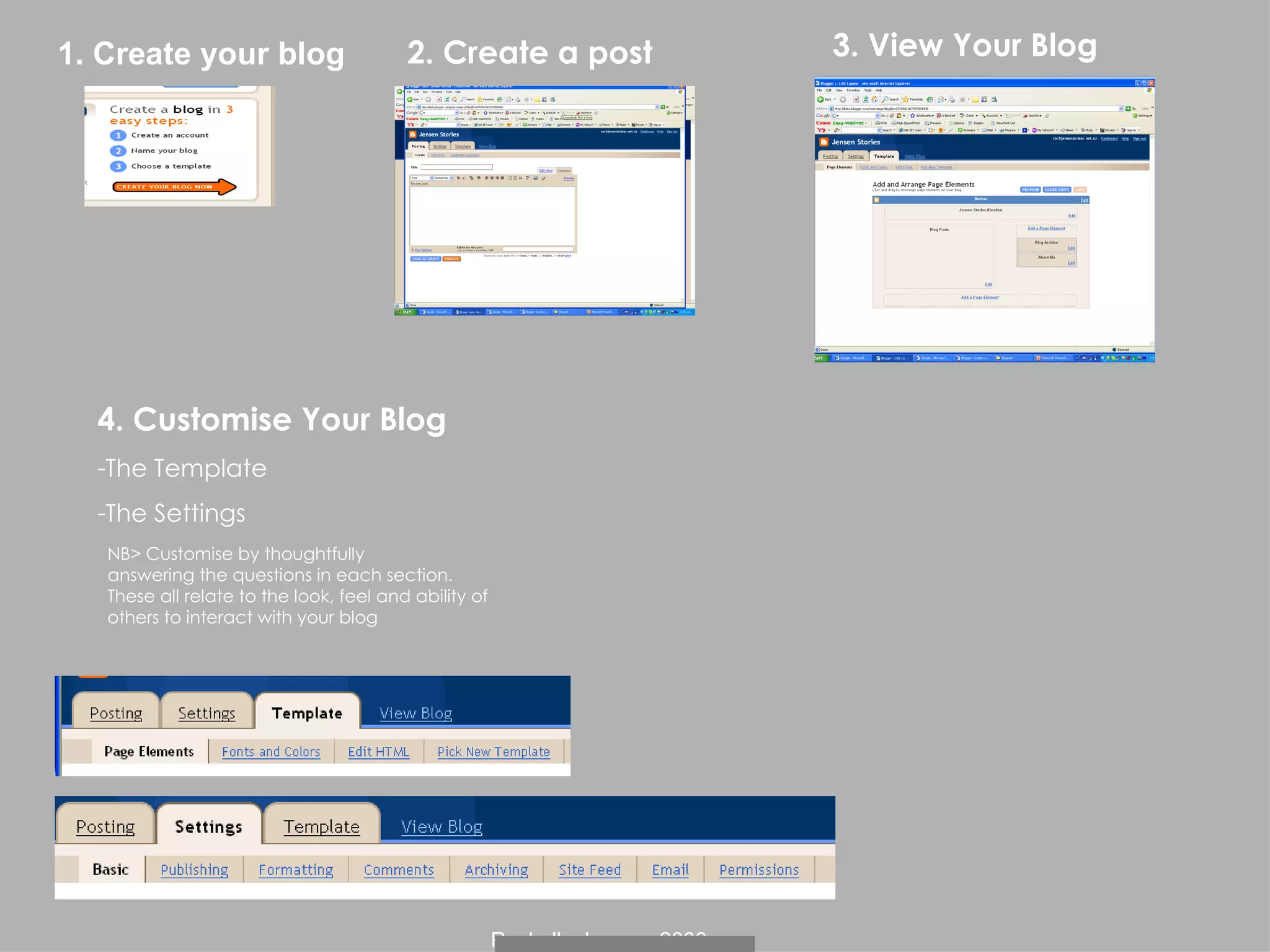
2. Create a post 3. View Your Blog 1. Create your blog NB> Customise by thoughtfully  answering the questions in each section.  These all relate to the look, feel and ability of  others to interact with your blog 4. Customise Your Blog The Template The Settings
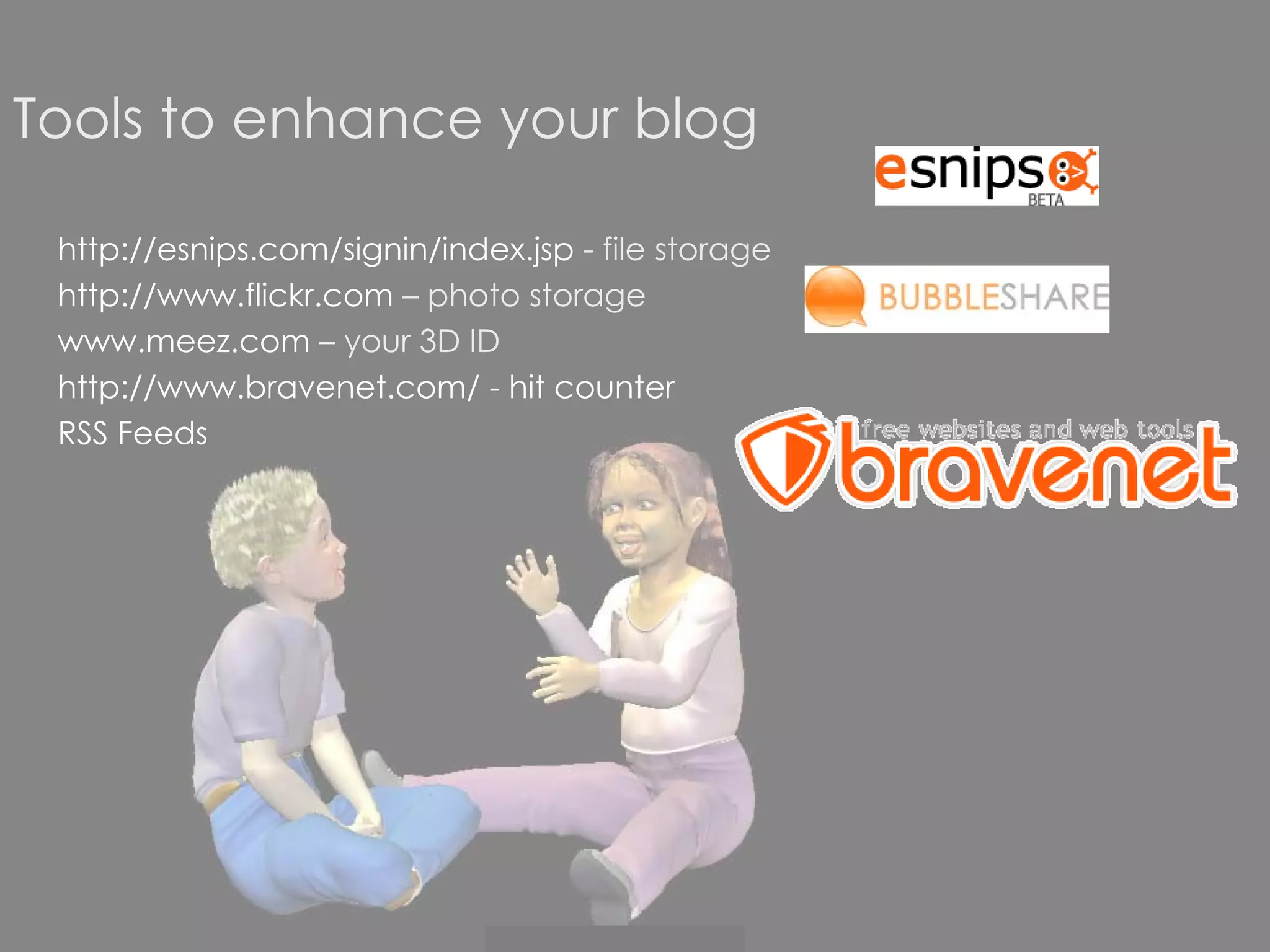
Tools to enhance your blog http://esnips.com/signin/index.jsp  - file storage http://www.flickr.com  – photo storage www.meez.com  – your 3D ID http://www.bravenet.com/   - hit counter RSS Feeds
Tips Stick to the purpose of your blog Interact with readers Make it worthwhile Build your blog bit by bit Seek expert blogs to assist with posting on your own Try and post at least once a week Make all posts relate to student learning
Podcasts What are they ? Basically the ability to produce audio/video mp3/mp4 files to then be downloaded from  the internet and played either directly to your computer or to a portable player. Examples Possible Uses in our Schools :   *record lessons for students and parents to access in their own time  *create a class or school radio station  * find and use podcasts as another  source of research material *  create a blog about a school trip  *ask students to create a podcast to meet a real need  * another way of submitting work *sounds from milking shed- background for a poem *chat room *paint sounds – listen and paint photos *serial stories Enabling us to take learning anywhere.
Examples   from  Point England School - Auckland http://www.ptengland.school.nz/index.php?family=1,871,3881
The story of how one teacher  got started…. http://jillhammondsedblog.blog.co.nz/2006/11/
Creating a Pod-cast Prepare Record Publish Refer Handout
Hot Tips   Record at high quality What’s the message – develop a script? Identify the target audience Review and Reflect – Learn from mistakes
Please post some feedback on my blog How was the course of assistance to you? What benefits may penetrate for your learners? What further support/ info. could you have done with ? Best bits??  The Not So Good Bits ?? http://rocky11.blogspot.com/
 
http://joevans.pbwiki.com/Blogs
Wikis ( Hawaiian word ‘quick’) What are they ? A collaborative tool that allows individuals and groups to share their ideas in much the same way as parts from a discussion might be recorded on an electronic  whiteboard.  Accessible anywhere in the world.  Can track changes and who made them.  Limited no graphics.  Example :  wikipedia – the biggest online encyclopedia in the world  Possible Uses in our Schools :  to amend and contribute to,  another source for research,  to participate in free speech, to participate in reflection  and review
RSS Feeds What are they ? Rich Site Summary The technology that makes it possible to subscribe to podcasts and blogs. RSS is the technology that allows the user to control what information is coming to them Example :  weblogs Possible Uses in our Schools :  professional development- new technology, up-to-minute content specific feeds in your area of choice, time-saver …
So What?  Now What? How can we harness aspects of web 2.0 so it has a positive impact on learning at our school  ???
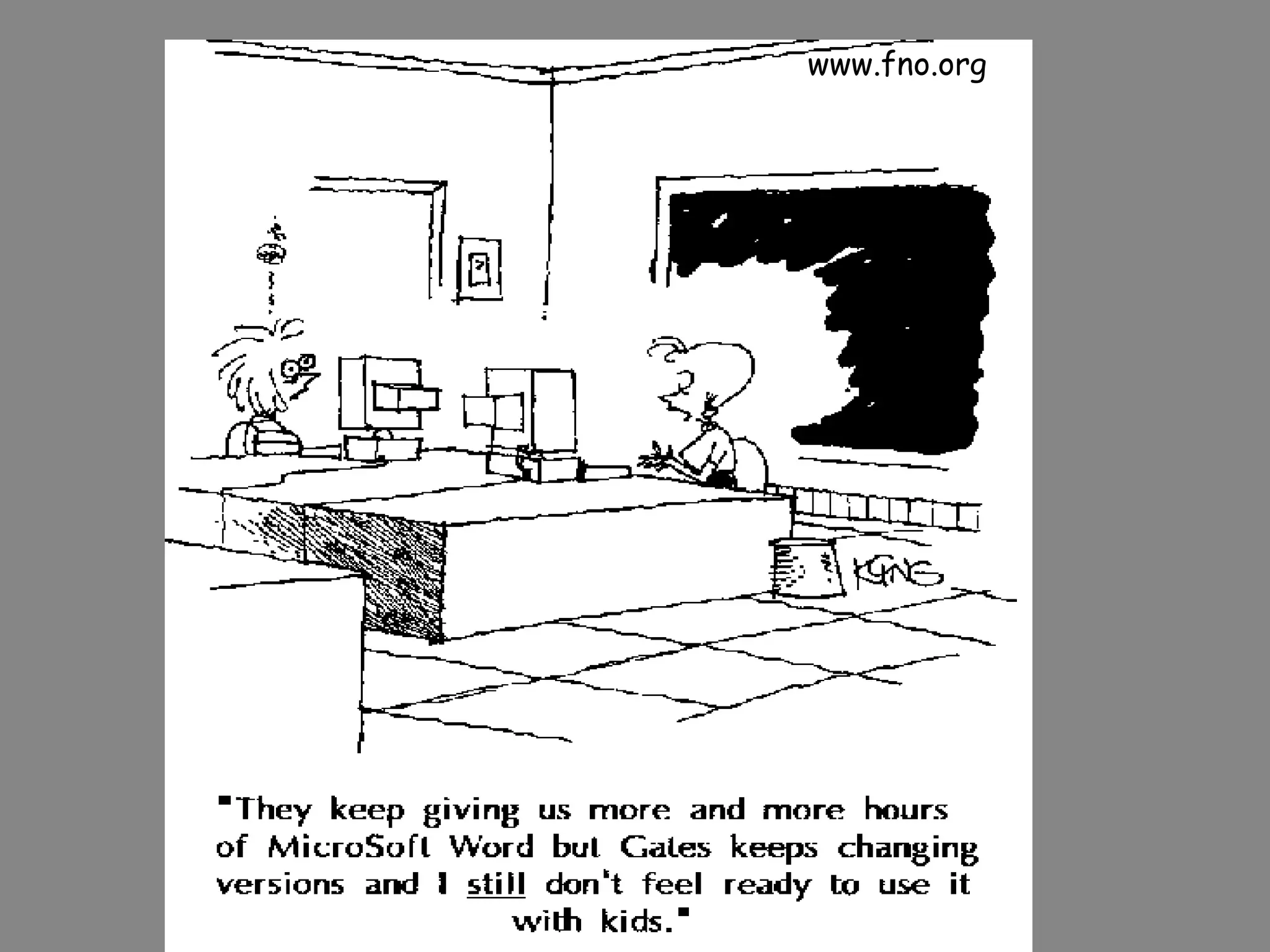
www.fno.org
Choose one of the following :  **Blogs  **Podcasts  **Wikis  **RSS Feeds  **Your Choice   ( see  http://www.listible.com/list/complete-list-of-web-2-0-products-and-services ) Get together with 3-4 people who have made the same selection as you. Make use of the resources from Rocky’s hard folder,  her collection of relevant urls posted on delicious and any other info. you have or can find. Soft and sift through your info.  in order to create a presentation that provides a guide for teachers wanting to get started with  ’podcasting’.  Your guide should provide the following info: ways you might use it yourself and in the classroom, how you would get started, possible issues, someday to Monday  .  Share this info. in your choice of ways: Rocky’s blog, webnote, slideshow, podcast…. You have :  minutes to complete this task. Good Luck !!!! If doing podcasting you may like to create a podcast.  If doing blogging you may like to create a blog…
Other … Choose from :  List of Web 2.0
“ Teacher pedagogies will determine the extent to which the possibilities offered by technology are realised in educational settings.”  (Pedagogy Strategy, Mceetya, 2005.) Collaborative Experimental, building on  prior learning – Just in Time Individualised Learning Self-managed +Cumulative Authentic Directed to Higher Order Thinking Problem solving
http://ltc.umanitoba.ca/wiki/index.php?title=Main_Page

TUANZ - ABC of Blogging

  • 1.
    S ocial S oftware in the C lassroom Blogs and Podcasts Social Software has revolutionised the internet enabling users to become active rather than passive. This practical workshop will provide teachers with a quick overview of social software before launching into an in-depth look at two tools – blogs and podcasts. We will look at the merits of using these tools in the classroom and provide time and support to get started. Course Content will include: Overview of social software Examples of classroom blogs Hands-on creating a blog Examples of school/class podcasts Overview and hands-on with creating a podcast At the end of today what do you hope to have achieved? Post your response on our wiki : http://www.skrbl.com/38288427
  • 2.
    Plan of Attack9-10:30 Education in the Digital Age The changing landscape Overview of social software 1:30 – 3pm Blogging Add-Ons Podcasting – What? Why? How? Reflection 11-12:30 Creating a Student Centred Blog Blogging in a Nutshell A Classroom Blog – Purpose? Keeping Safe? Setting Up a Blog – Examples/ Planning / Getting Started D R A F T
  • 3.
    What’s Changed ?Our Learners The Digital Landscape Web 1 vs. Web 2.0
  • 4.
    Web 2.0 …The evolution of the web ( as we once knew it) Social software. Users are active rather than passive Create and publish content. Shared constitution of meaning. Less about places and other nouns more about verbs. The Web - Has it changed ? How ?
  • 5.
    No html knowledgerequired. Content flows in a variety of directions that depend on the behaviors of those who produce the information and those who use it.
  • 6.
    Social software supportsthe desire of individuals to be pulled into groups to achieve goals. Social software enables people to rendezvous, connect or collaborate through computer-mediated communication and to form online communications. Wikipedia
  • 7.
    Web 2.0 canbe organised in the following way: Aggregators - A site or program that gathers data from multiple sources and organizes the information to present in a new, more streamlined or appropriate format. Google , RSS feeds, Delicious … Social Networking - Websites focusing on connecting people with other people directly like MySpace , Oldfriends, Secondlife … Social Media - User-generated content like blogs , wikipedia , webnote … Audio, Picture and Video - Online television such as YouTube ,Pandora, Podcasts, Flickr… Web Applications - online programs that can do virtually everything your existing software programs can do. Zoho for instance can replace your Microsoft Office programs.
  • 8.
    Web 2.0 is growing by the day. Mission : Check out the growing list of web 2.0 applications http://www.listible.com/list/complete-list-of-web-2-0-products-and-services Which are familiar to you? How do you use them? Choose one that is new to you and has appeal – professionally or personally. Prepare to share with the group: What it is? Why you like it? How you will make use of it?
  • 9.
    Are you adigital immigrant developing the accent of a digital native?
  • 10.
  • 11.
    Blogging – ina nutshell Classroom Blogs – a rundown Planning your classroom blog Making a start with blogger.com Setting Up a Student-Centered Classroom Blog
  • 12.
    Blogging in a nutshell Example of Web 2.0 Definition from wikipedia : A blog is a website where entries are made in journal style and displayed in a reverse chronological order . Blogs often provide commentary or news on a particular subject, such as food, politics, or local news; some function as more personal online diaries . A typical blog combines text, images, and links to other blogs, web pages, and other media related to its topic. Most blogs are primarily textual although some focus on photographs ( photoblog ), videos ( vlog ), or audio ( podcasting ). User-friendly Share a common format. Lots of free blog providers. Control of blog is with the person who has set it up
  • 13.
    Blogs tend tohave a few things in common: A main content area with articles listed chronologically, newest at the top An archive of older articles A way for people to leave comments about the articles A list of links to other related sites, sometimes called a “blogroll” One or more “feeds” like RSS …
  • 14.
    Checking out blogs:http://blogger.myfishingexpert.com/ http://www.observationdeck.org/weblogs/?p=1973 http://www.fashblog.com/ http://afamilyinbaghdad.blogspot.com/ http://smithpartyof6.blogspot.com/ Digging Deeper: Searching for Blogs RSS Feeds
  • 15.
    Classroom Blogs –A Rundown Why have one? Safety Examples of blogs in education
  • 16.
    Possible reasons forhaving a classroom blog Creates a learning community feel in a place away from the traditional classroom. This learning community is open 24/7 Blogs give individual learners a voice – shifting the ‘power’ from the instructor to the learner Provides an authentic audience for student writing, an audience of peers, parents, and a potential worldwide audience. Allows for multiple feedback loops among the networked students, teachers and other interested parties. Learning in a class blog setting is now a social activity. Supports differentiation. The blog gives some of our more verbally reserved students a forum for their thoughts. Encourages reading. To make a meaningful comment, or to choose their favorite post, the students first need to read what’s out there. Encourages and teaches research skills. Encourages students to extend their research beyond the assigned work. Builds technology skills Provides links to others sites and resources Reflective or Writing Journals E- Portfolios Dialogue for Group Work Content Related Blog – School Wide Theme/ Course Blogs need to be thoughtfully integrated into the curriculum. Simple geeting learners to blog is not enough- blogs in learning must be activity –centric.
  • 17.
    Ed Examples http://rocky11.blogspot.com/ http://classblogmeister.com/blog.php?blogger_id=2734 http://classblogmeister.com/blog.php?blogger_id=1337 http://tbcdrama.blogspot.com/ http://mish.bloggers.co.nz/page/2/ http://futureofmath.misterteacher.com/classroom_blogs.html http://blog-mrs-c.blogspot.com/ Wikis on Blogs http:// nzedublogs.wikispaces.com / http://supportblogging.com/page/diff/Links+to+School+Bloggers?v=3237908
  • 18.
    Planning your (classroom) blog Food for Thought What would be the purpose of your blog? What are you going to write about? How often? Who would read it ? Why would people read it? Who would comment on it? Who would post on it ? Why?
  • 19.
    Student Safety andPrivacy Concerns The following guidelines are by no means exhaustive, but may be helpful to address some real and legitimate concerns Depending on the age of students, consider posting their work using a pseudonym instead of the students’ real names. In no cases use a student’s first name and last name on a blog posting. Set up your blog so all comments must be moderated by you. Comments will be emailed to you for the ‘ok’ before being directly posted to your blog. Set up your blog with a password to limit public access. The password can be provided to class members, parents, and others with an interest in the work of your class, but others in the public are prohibited from simply browsing the contents of your classroom weblog. Keep the school community posted. Inform all stakeholders about your planned or ongoing use of blogs for instructional purposes. Solicit their support and feedback in advance, ideally before concerns or problems develop relating to blog postings. Protect your blogid and password just like you would a credit card number. http://www.budtheteacher.com/wiki/index.php?title=Main_Page
  • 20.
    Making a startwith http://www.blogger.com/start THE FASTEST WAY TO UNDERSTAND BLOGGING IS TO TRY IT OUT. JUST TYPE IN THE LINK ABOVE, AND YOU CAN BE PART OF THE PHENOMENON THAT'S TRANSFORMING WEB AND MEDIA TO A PARTICIPATORY ACTIVITY IN LESS THAN FIVE MINUTES . SERIOUSLY. BLOGGER IS TOTALLY FREE.
  • 21.
    2. Create apost 3. View Your Blog 1. Create your blog NB> Customise by thoughtfully answering the questions in each section. These all relate to the look, feel and ability of others to interact with your blog 4. Customise Your Blog The Template The Settings
  • 22.
    Tools to enhanceyour blog http://esnips.com/signin/index.jsp - file storage http://www.flickr.com – photo storage www.meez.com – your 3D ID http://www.bravenet.com/ - hit counter RSS Feeds
  • 23.
    Tips Stick tothe purpose of your blog Interact with readers Make it worthwhile Build your blog bit by bit Seek expert blogs to assist with posting on your own Try and post at least once a week Make all posts relate to student learning
  • 24.
    Podcasts What arethey ? Basically the ability to produce audio/video mp3/mp4 files to then be downloaded from the internet and played either directly to your computer or to a portable player. Examples Possible Uses in our Schools : *record lessons for students and parents to access in their own time *create a class or school radio station * find and use podcasts as another source of research material * create a blog about a school trip *ask students to create a podcast to meet a real need * another way of submitting work *sounds from milking shed- background for a poem *chat room *paint sounds – listen and paint photos *serial stories Enabling us to take learning anywhere.
  • 25.
    Examples from Point England School - Auckland http://www.ptengland.school.nz/index.php?family=1,871,3881
  • 26.
    The story ofhow one teacher got started…. http://jillhammondsedblog.blog.co.nz/2006/11/
  • 27.
    Creating a Pod-castPrepare Record Publish Refer Handout
  • 28.
    Hot Tips Record at high quality What’s the message – develop a script? Identify the target audience Review and Reflect – Learn from mistakes
  • 29.
    Please post somefeedback on my blog How was the course of assistance to you? What benefits may penetrate for your learners? What further support/ info. could you have done with ? Best bits?? The Not So Good Bits ?? http://rocky11.blogspot.com/
  • 30.
  • 31.
  • 32.
    Wikis ( Hawaiianword ‘quick’) What are they ? A collaborative tool that allows individuals and groups to share their ideas in much the same way as parts from a discussion might be recorded on an electronic whiteboard. Accessible anywhere in the world. Can track changes and who made them. Limited no graphics. Example : wikipedia – the biggest online encyclopedia in the world Possible Uses in our Schools : to amend and contribute to, another source for research, to participate in free speech, to participate in reflection and review
  • 33.
    RSS Feeds Whatare they ? Rich Site Summary The technology that makes it possible to subscribe to podcasts and blogs. RSS is the technology that allows the user to control what information is coming to them Example : weblogs Possible Uses in our Schools : professional development- new technology, up-to-minute content specific feeds in your area of choice, time-saver …
  • 34.
    So What? Now What? How can we harness aspects of web 2.0 so it has a positive impact on learning at our school ???
  • 35.
  • 36.
    Choose one ofthe following : **Blogs **Podcasts **Wikis **RSS Feeds **Your Choice ( see http://www.listible.com/list/complete-list-of-web-2-0-products-and-services ) Get together with 3-4 people who have made the same selection as you. Make use of the resources from Rocky’s hard folder, her collection of relevant urls posted on delicious and any other info. you have or can find. Soft and sift through your info. in order to create a presentation that provides a guide for teachers wanting to get started with ’podcasting’. Your guide should provide the following info: ways you might use it yourself and in the classroom, how you would get started, possible issues, someday to Monday . Share this info. in your choice of ways: Rocky’s blog, webnote, slideshow, podcast…. You have : minutes to complete this task. Good Luck !!!! If doing podcasting you may like to create a podcast. If doing blogging you may like to create a blog…
  • 37.
    Other … Choosefrom : List of Web 2.0
  • 38.
    “ Teacher pedagogieswill determine the extent to which the possibilities offered by technology are realised in educational settings.” (Pedagogy Strategy, Mceetya, 2005.) Collaborative Experimental, building on prior learning – Just in Time Individualised Learning Self-managed +Cumulative Authentic Directed to Higher Order Thinking Problem solving
  • 39.

Editor's Notes

  • #2 What I said? What you said ? Need- A3 course outline I guess it we succeed it will look like ….unpack abit Agenda – 3 blocks – 1 st block …