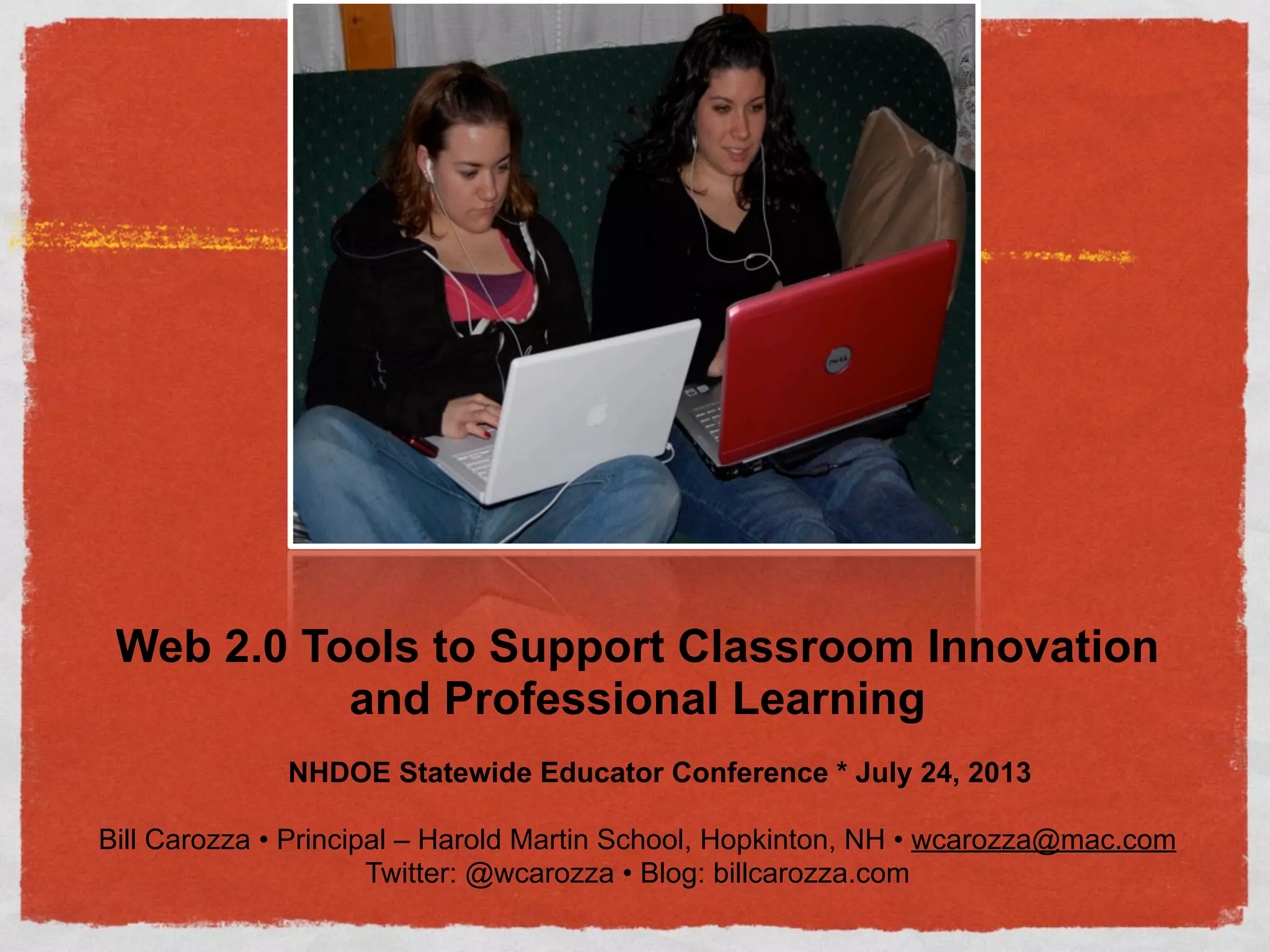
Web 2.0 Tools to Support Classroom Innovation
and Professional Learning
NHDOE Statewide Educator Conference * July 24, 2013
Bill Carozza • Principal – Harold Martin School, Hopkinton, NH • wcarozza@mac.com
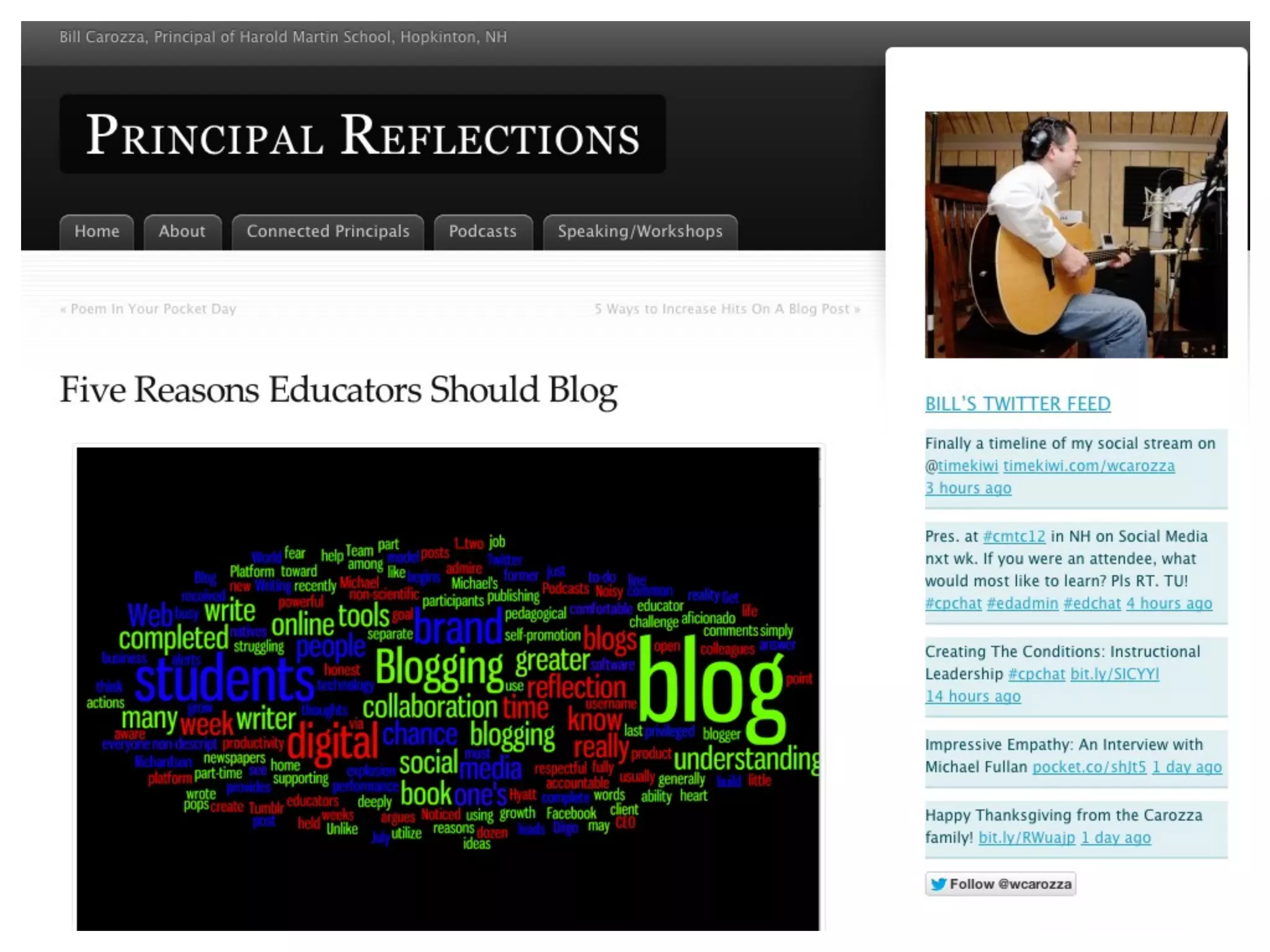
Twitter: @wcarozza • Blog: billcarozza.com
BIG PICTURE GOALS
FOR TODAY
• Leave with a vision on how you can use
Web 2.0 to:
• Transform your instruction for all
learners
• Develop Professionally
SPECIFIC goals for
today:
• Establish why the use of social media (SM) and
being a Connected Educator is crucial in the
21st Century.
• Be introduced to many Social Media/Web 2.0
possibilities.
• Be ready to try out 1-2 tools today. Pick at
least 3 tools that you will try this summer.
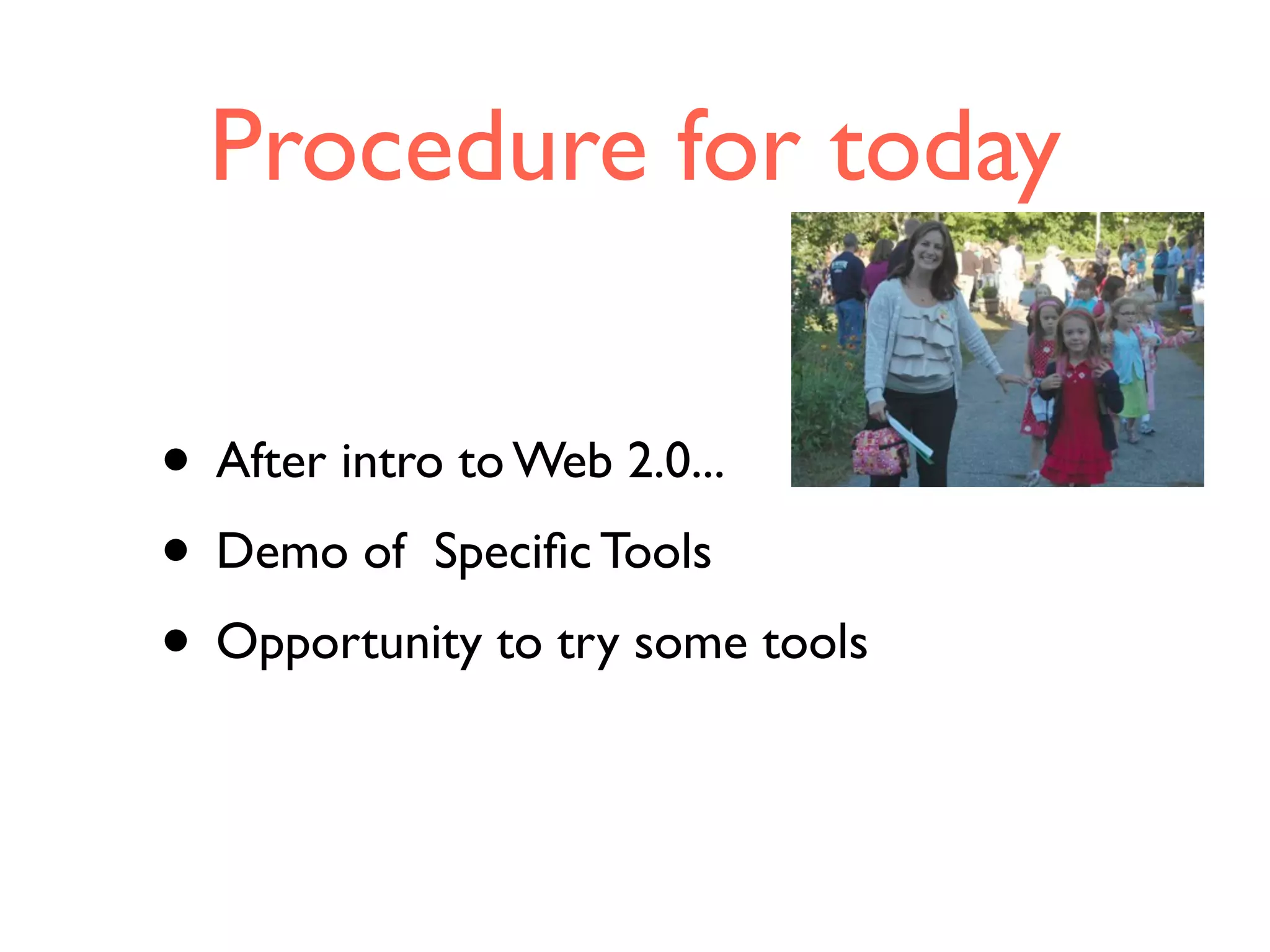
Procedure for today
• After intro to Web 2.0...
• Demo of Specific Tools
• Opportunity to try some tools
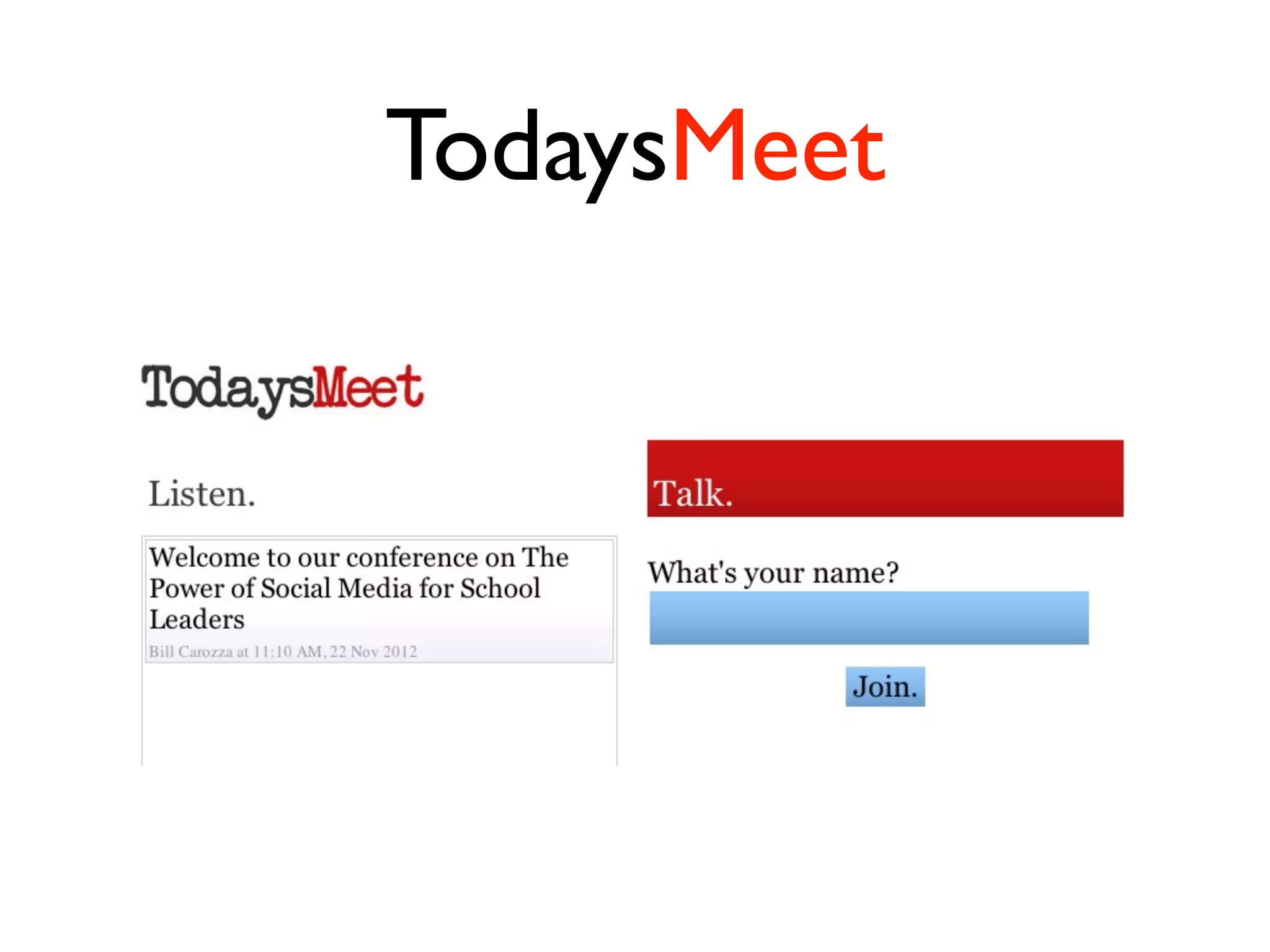
TodaysMeet
Quick Tweet
• Pres. at Statewide Educator Conf. on Web 2.0. Pls
tweet back how Twitter has been powerful 4u.
#edchat #cpchat
Looking at the NH
Network
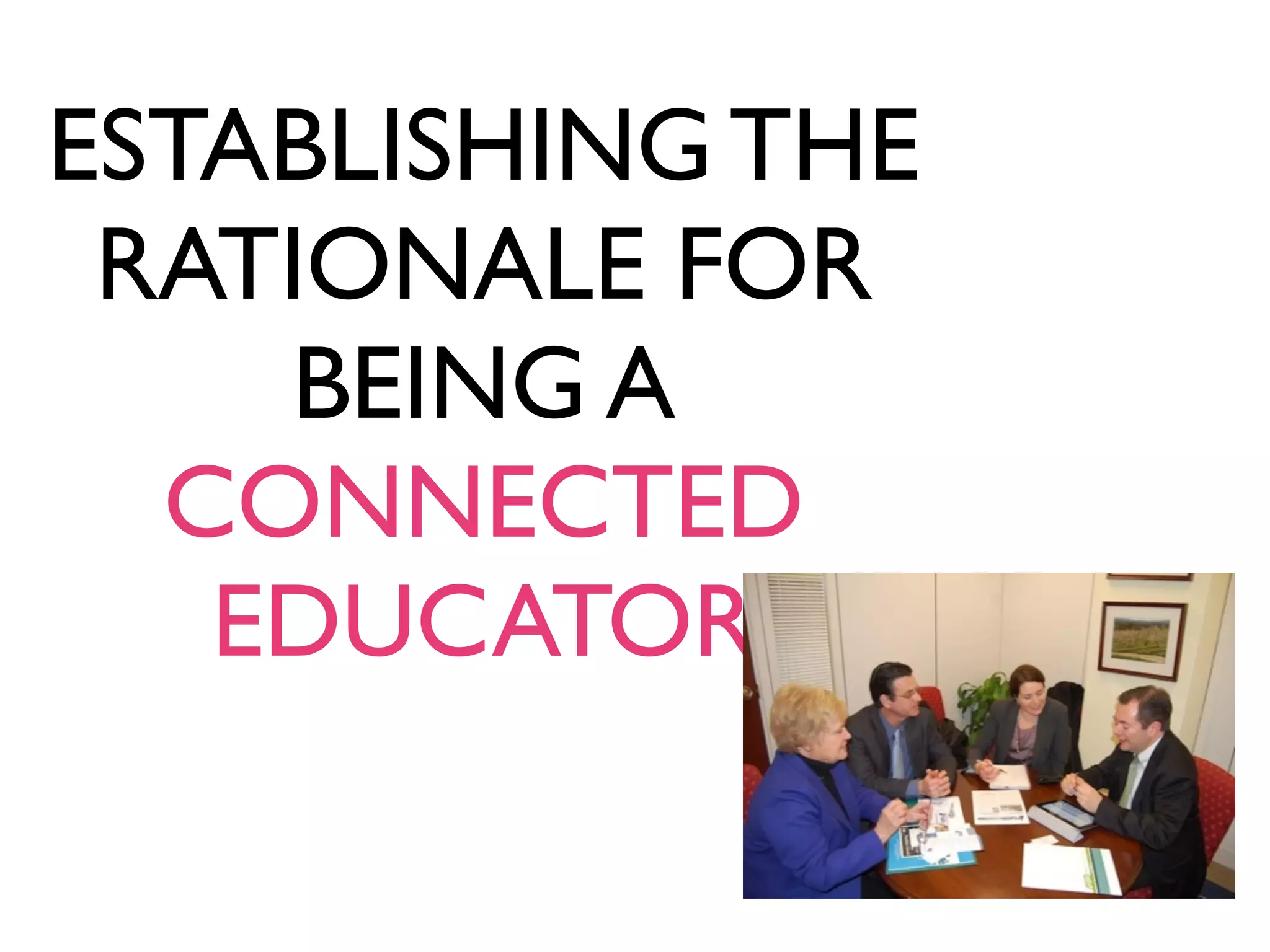
ESTABLISHING THE
RATIONALE FOR
BEING A
CONNECTED
EDUCATOR
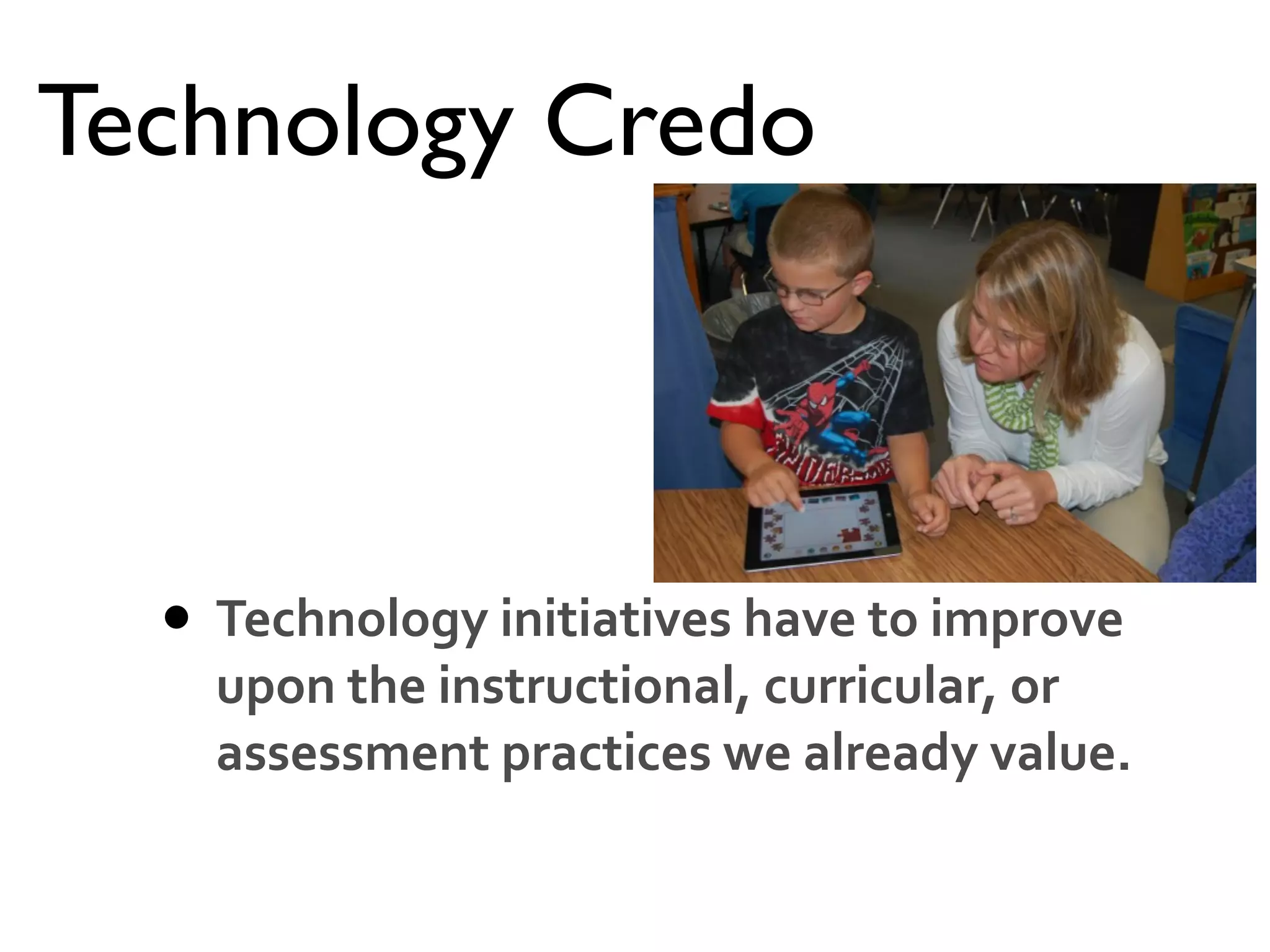
Technology Credo
• Technology	
  initiatives	
  have	
  to	
  improve	
  
upon	
  the	
  instructional,	
  curricular,	
  or	
  
assessment	
  practices	
  we	
  already	
  value.
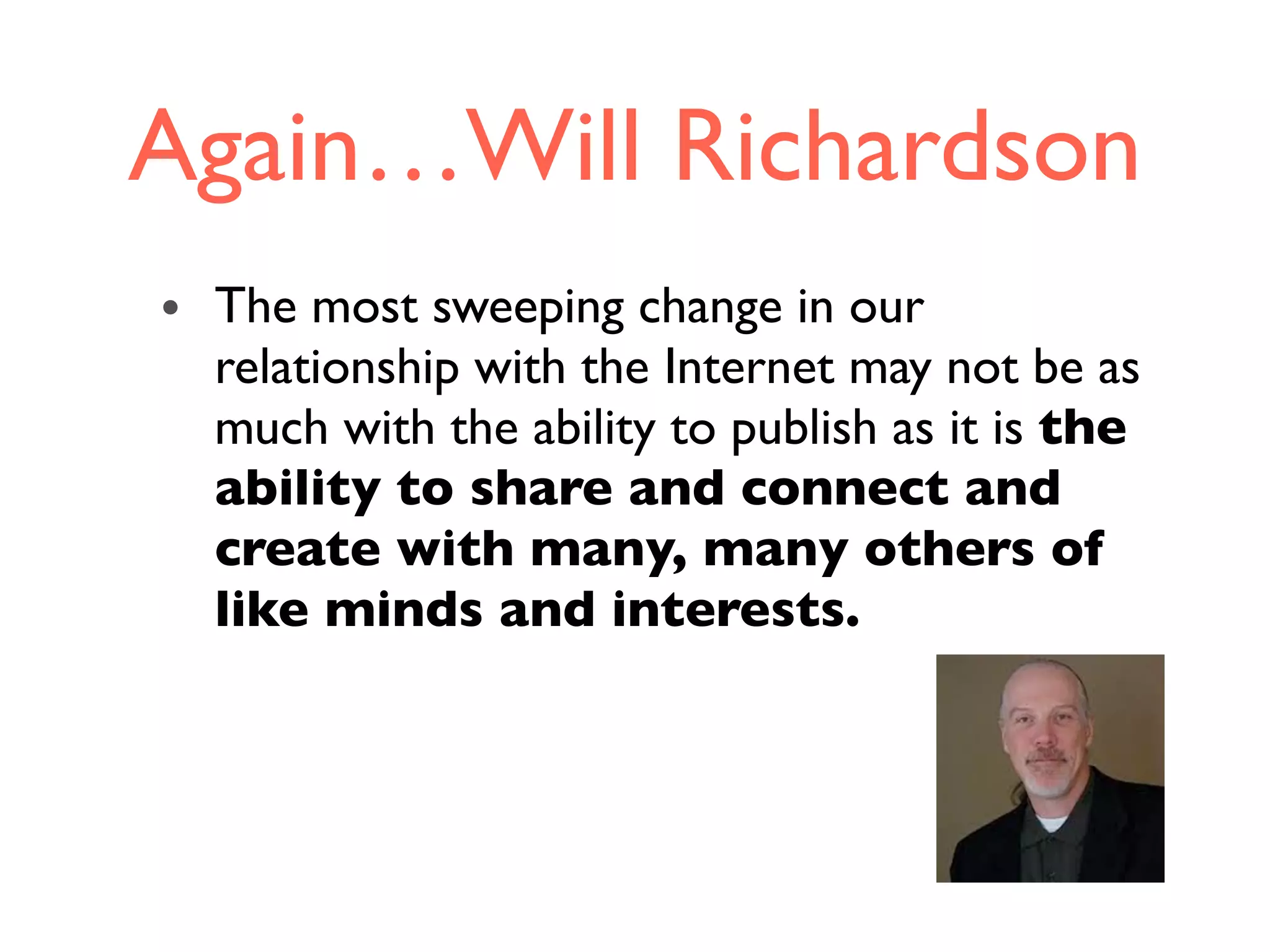
Again…Will Richardson
• The most sweeping change in our
relationship with the Internet may not be as
much with the ability to publish as it is the
ability to share and connect and
create with many, many others of
like minds and interests.
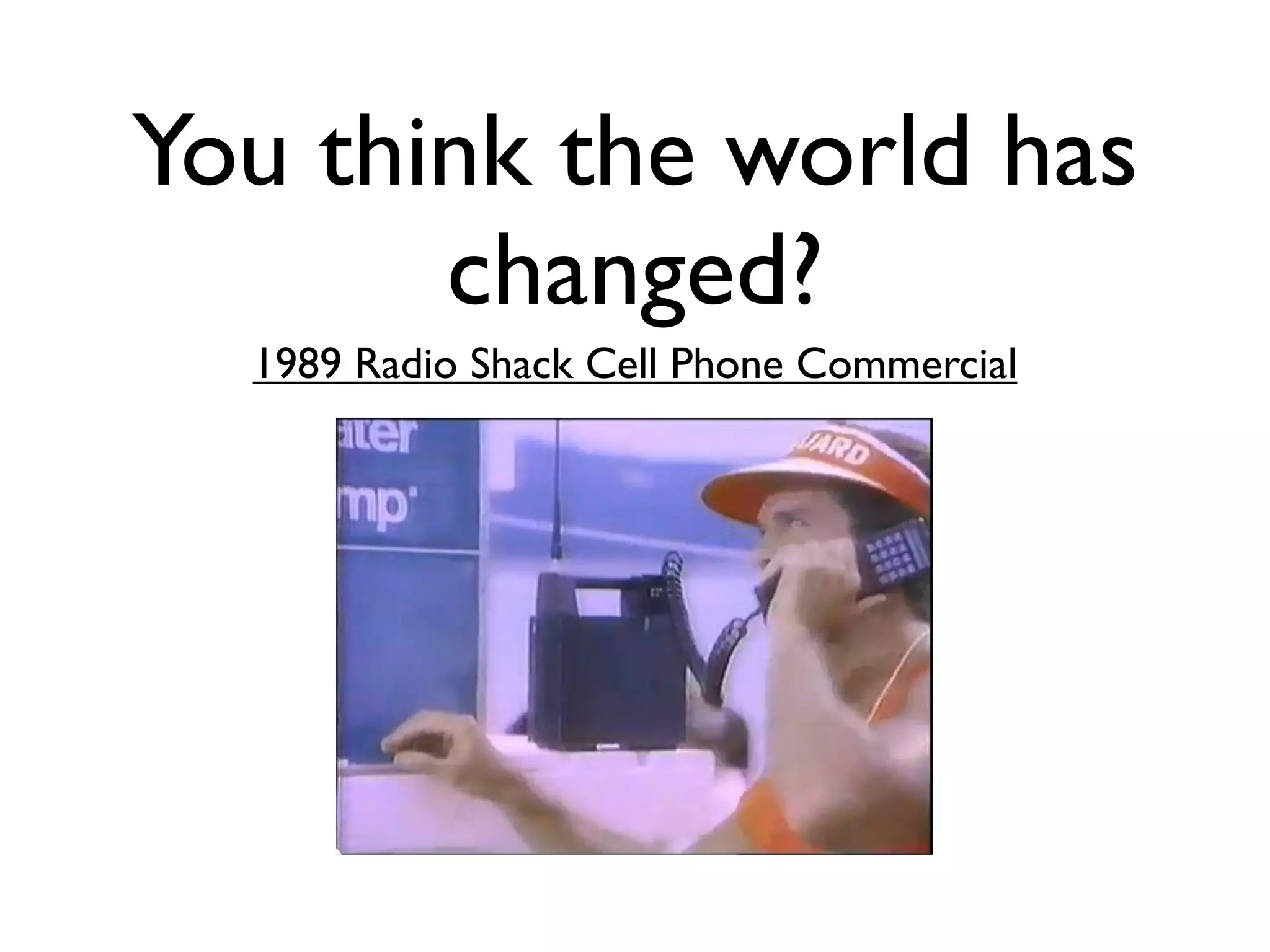
You think the world has
changed?
1989 Radio Shack Cell Phone Commercial
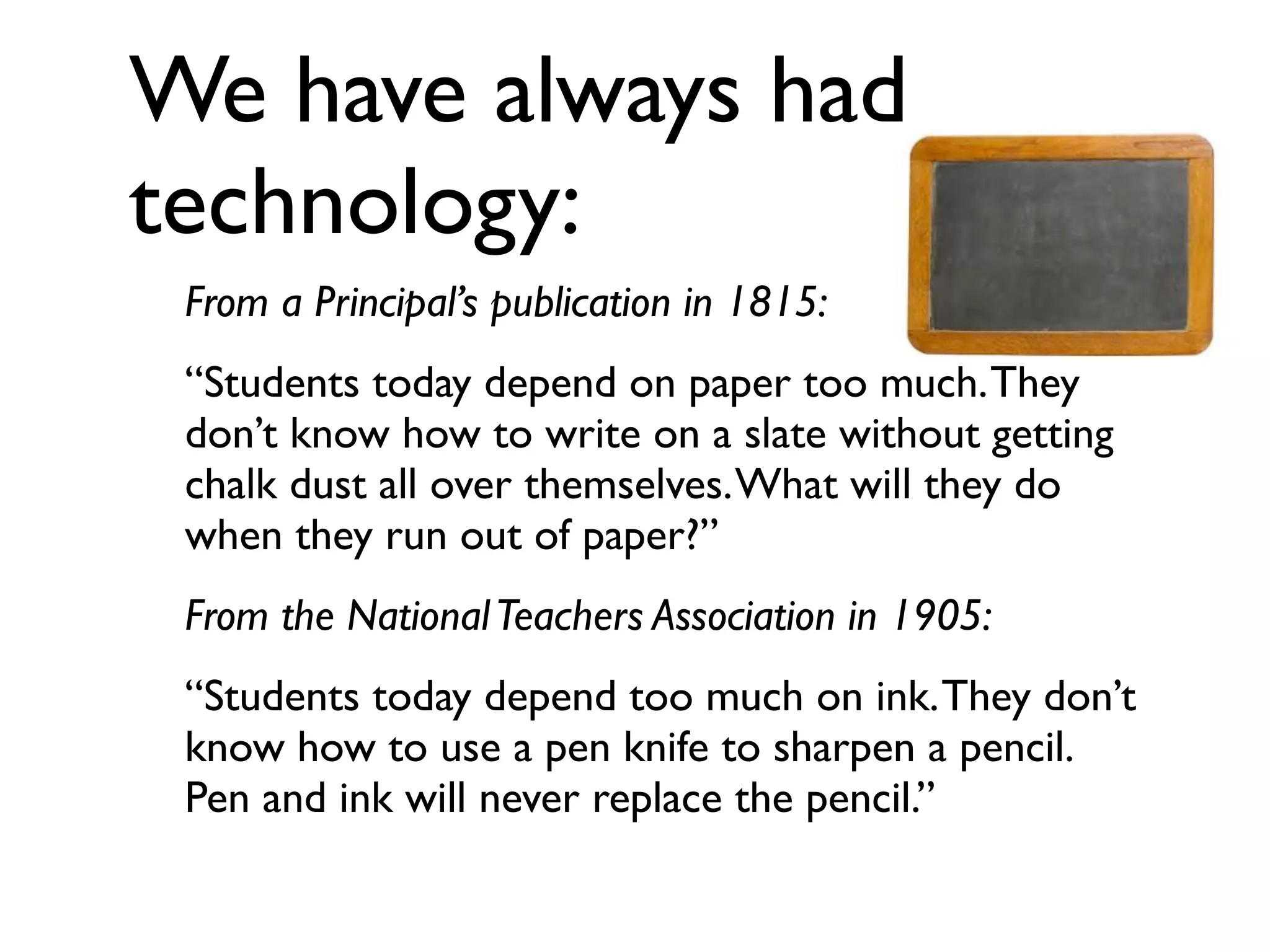
We have always had
technology:
From a Principal’s publication in 1815:
“Students today depend on paper too much.They
don’t know how to write on a slate without getting
chalk dust all over themselves.What will they do
when they run out of paper?”
From the NationalTeachers Association in 1905:
“Students today depend too much on ink.They don’t
know how to use a pen knife to sharpen a pencil.
Pen and ink will never replace the pencil.”
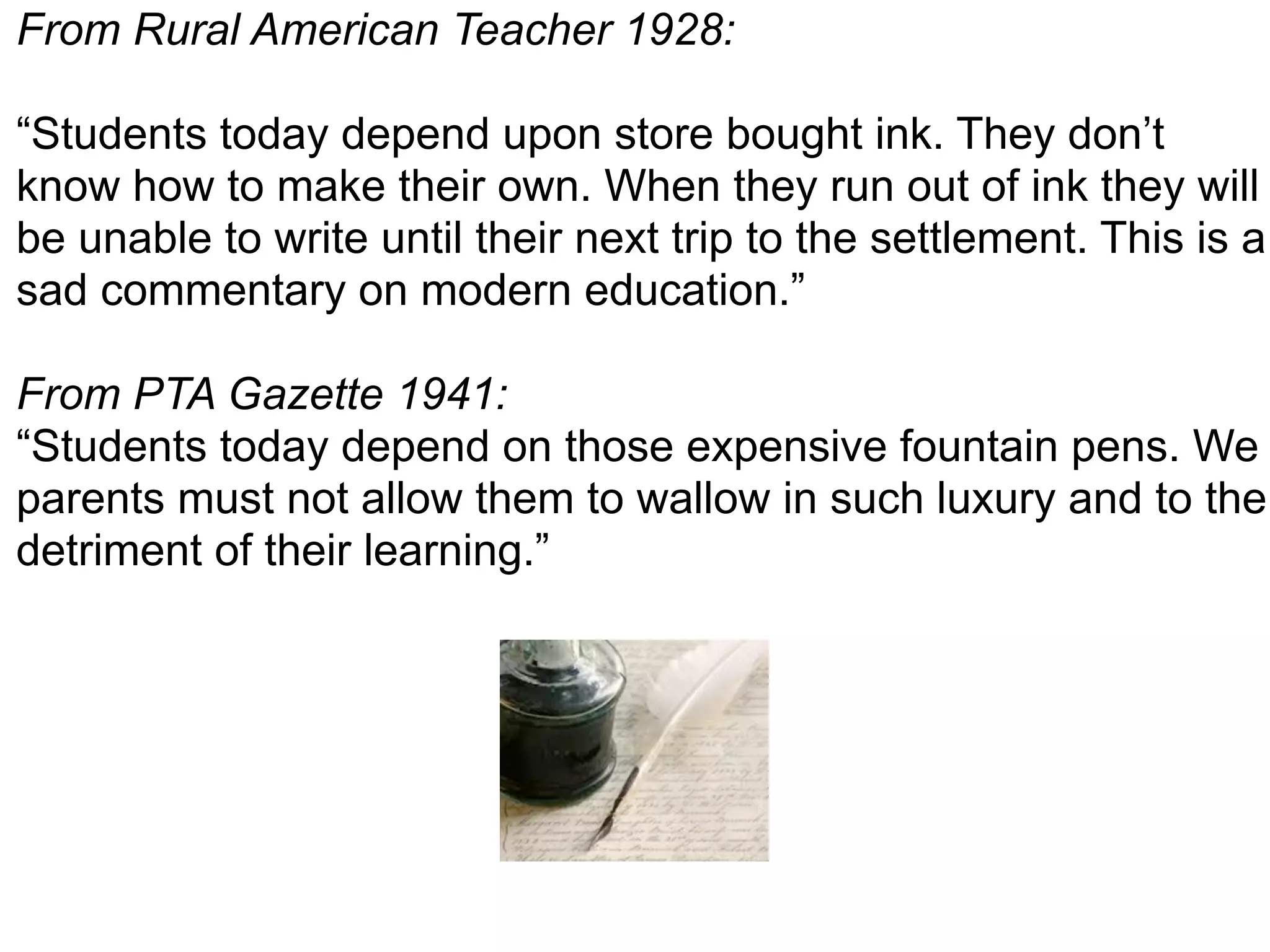
From Rural American Teacher 1928:
“Students today depend upon store bought ink. They don’t
know how to make their own. When they run out of ink they will
be unable to write until their next trip to the settlement. This is a
sad commentary on modern education.”
From PTA Gazette 1941:
“Students today depend on those expensive fountain pens. We
parents must not allow them to wallow in such luxury and to the
detriment of their learning.”
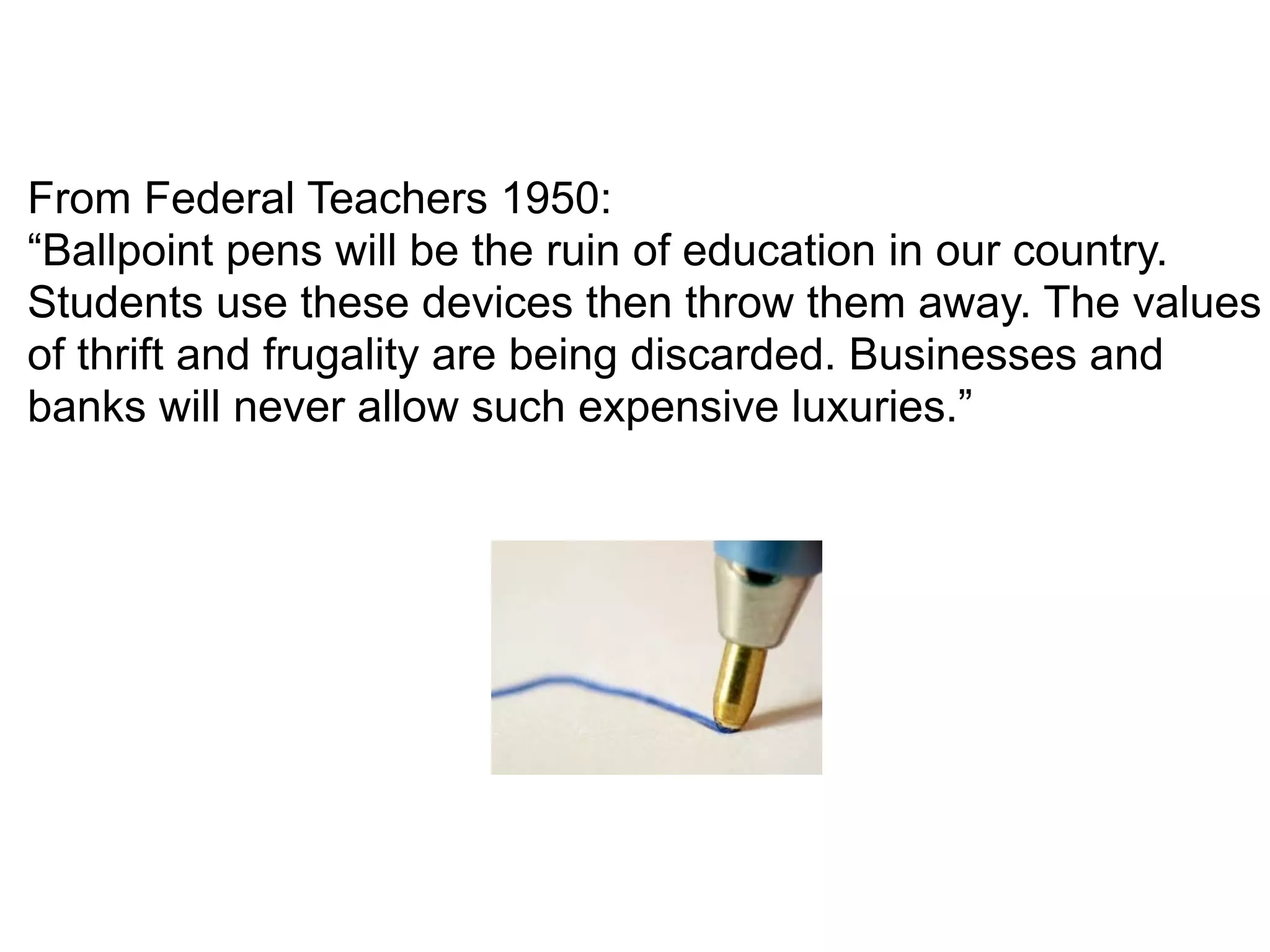
From Federal Teachers 1950:
“Ballpoint pens will be the ruin of education in our country.
Students use these devices then throw them away. The values
of thrift and frugality are being discarded. Businesses and
banks will never allow such expensive luxuries.”
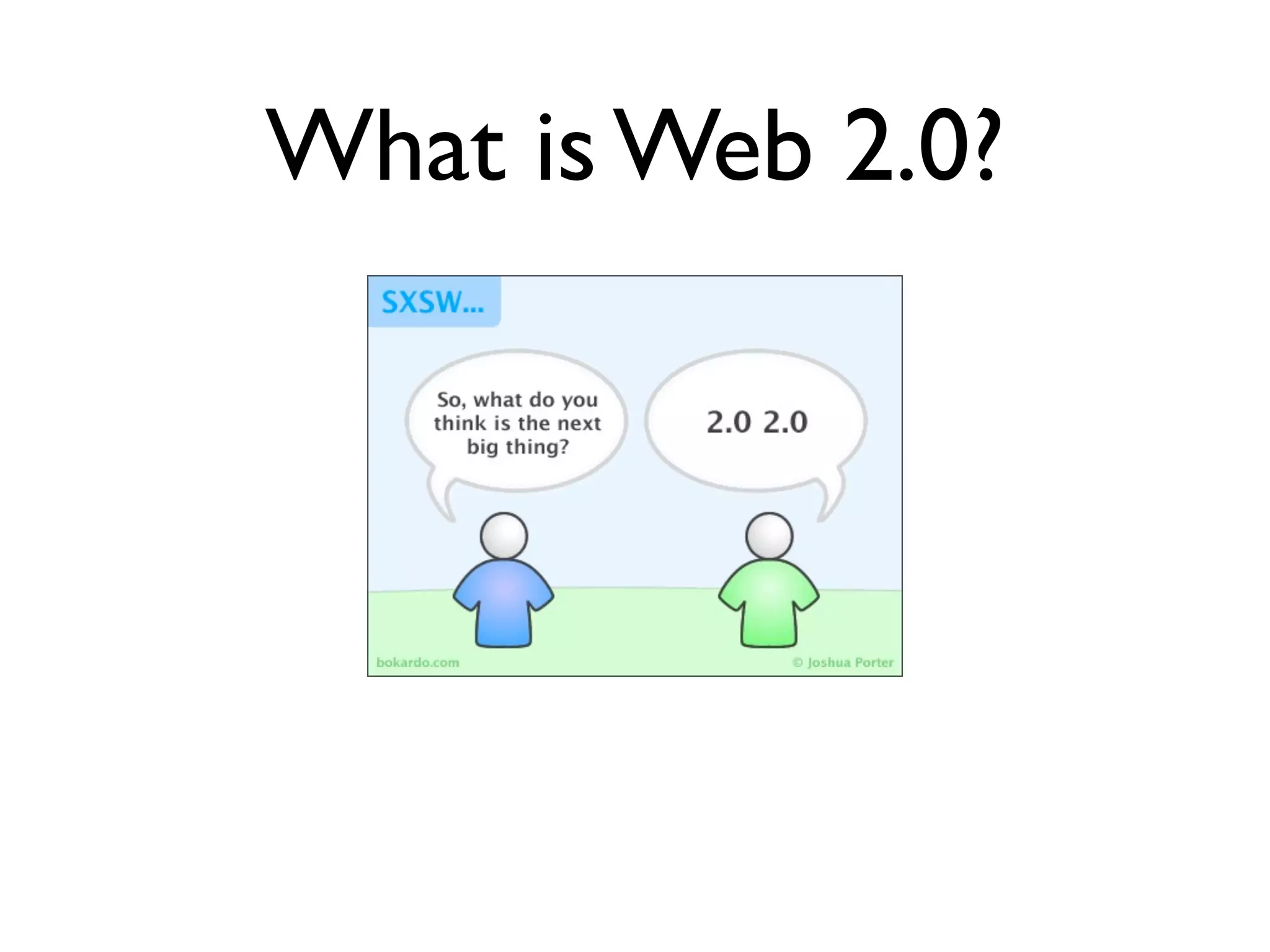
What is Web 2.0?
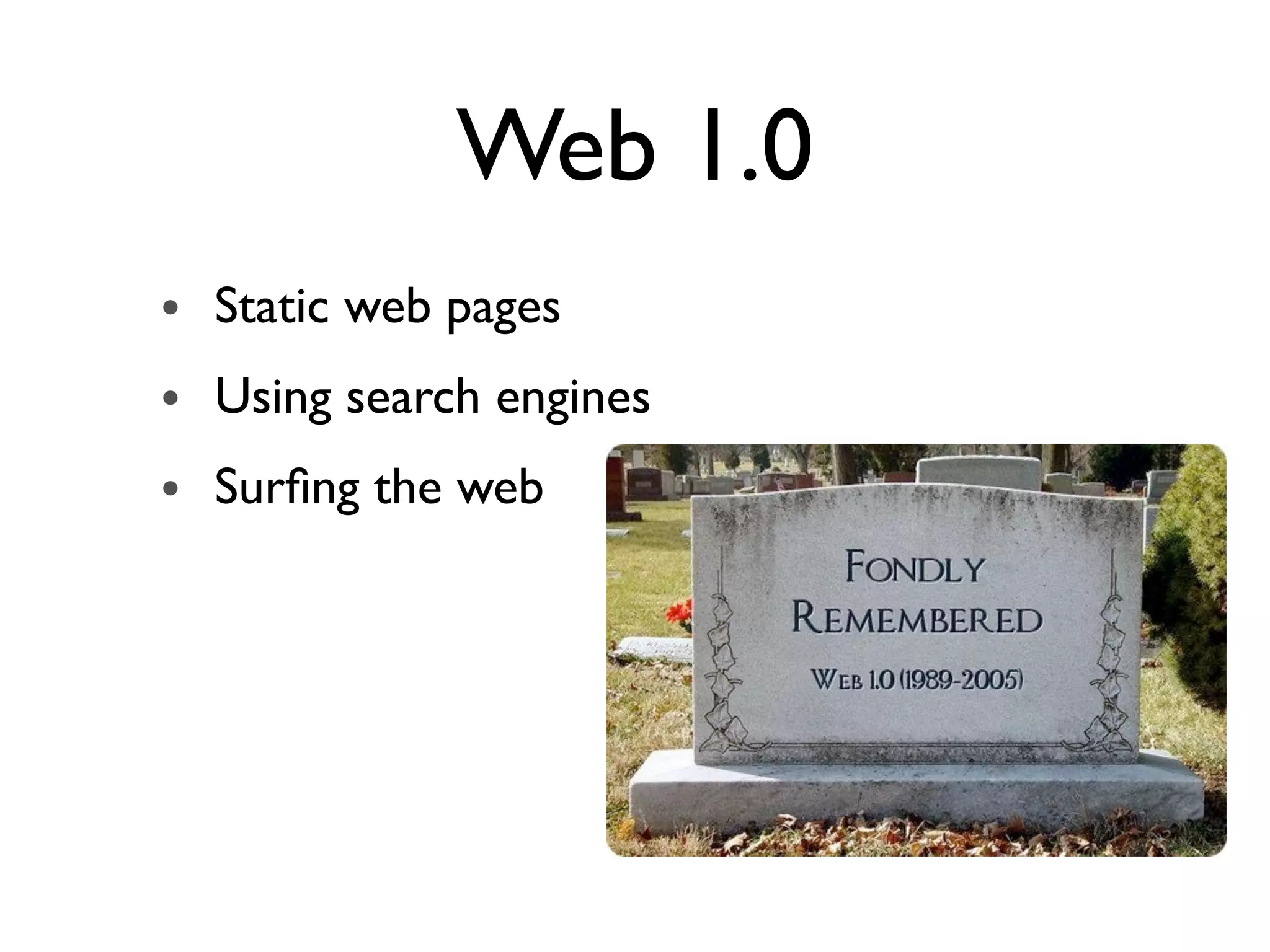
Web 1.0
• Static web pages
• Using search engines
• Surfing the web
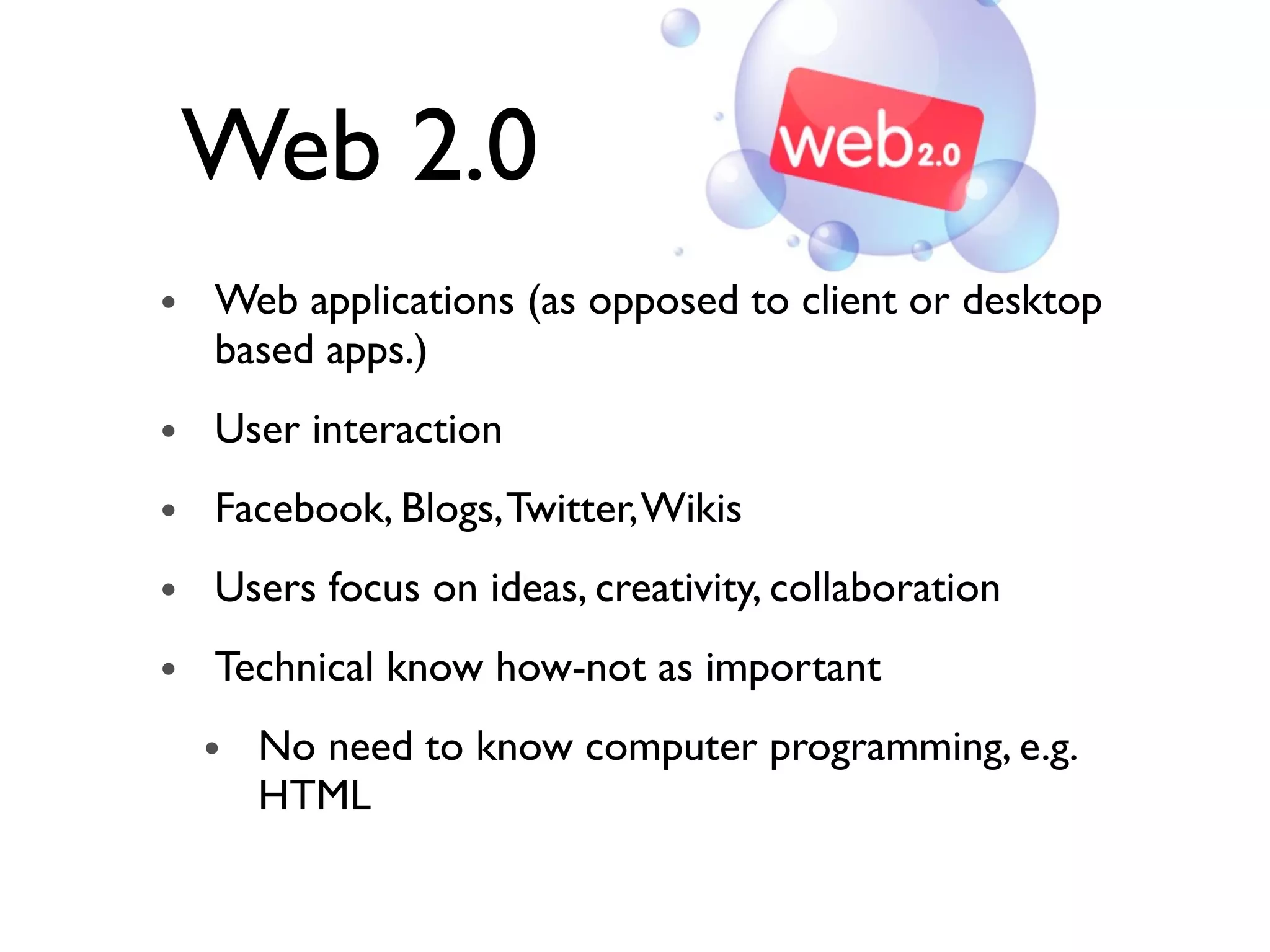
Web 2.0
• Web applications (as opposed to client or desktop
based apps.)
• User interaction
• Facebook, Blogs,Twitter,Wikis
• Users focus on ideas, creativity, collaboration
• Technical know how-not as important
• No need to know computer programming, e.g.
HTML
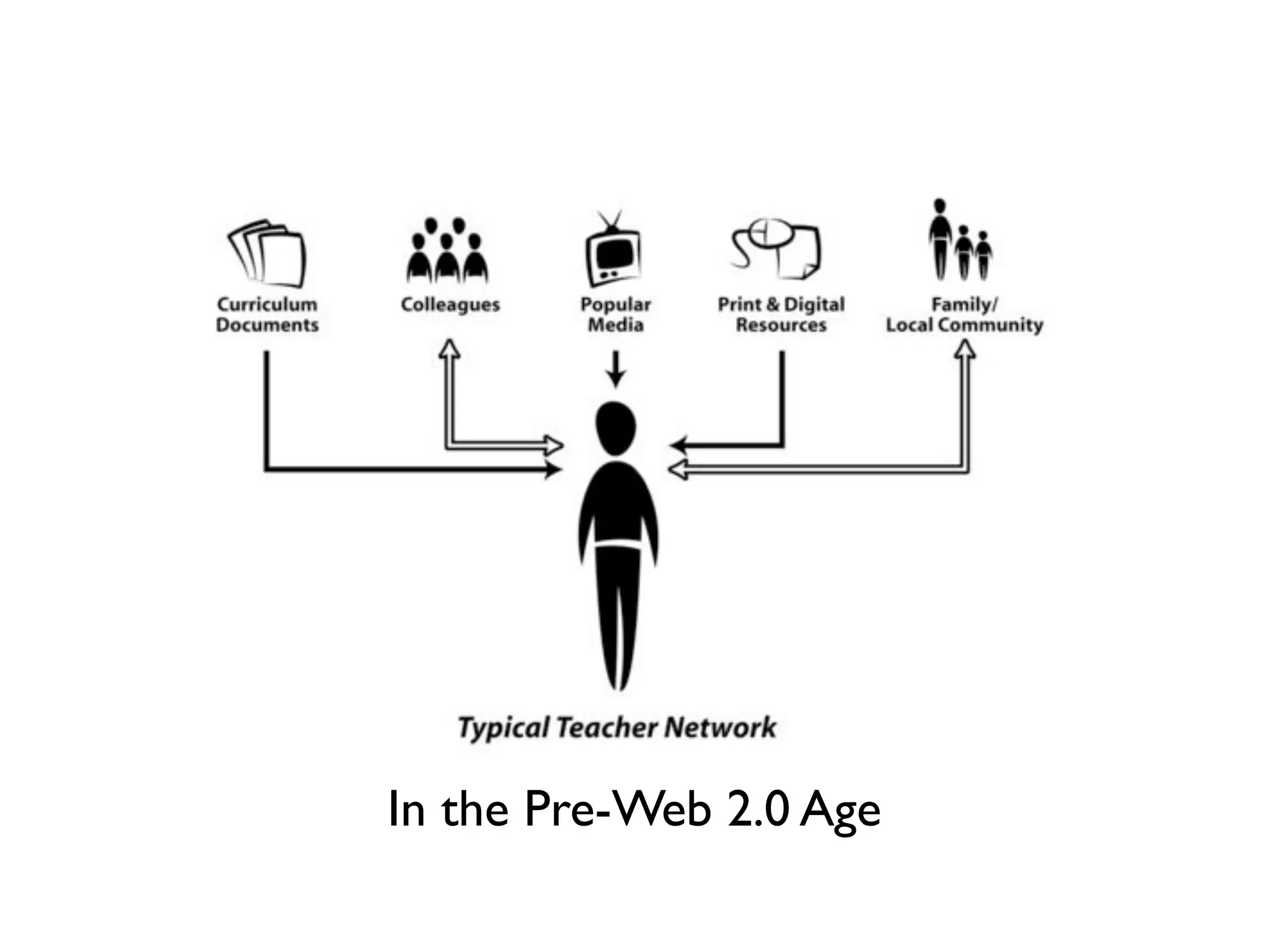
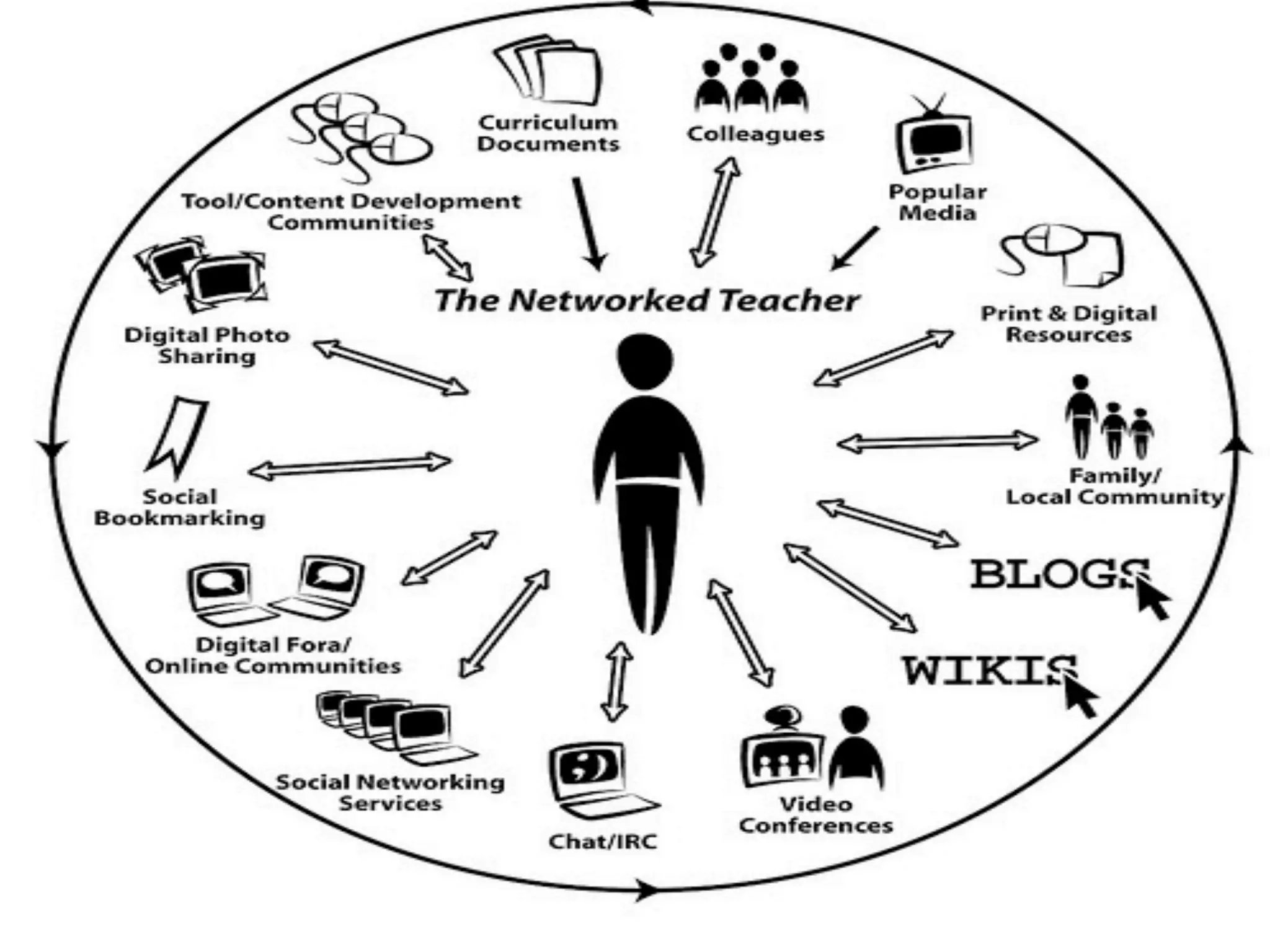
In the Pre-Web 2.0 Age
TOOLS!
Focus on:
• Web-based Presentation
• Screencasts: Screenr
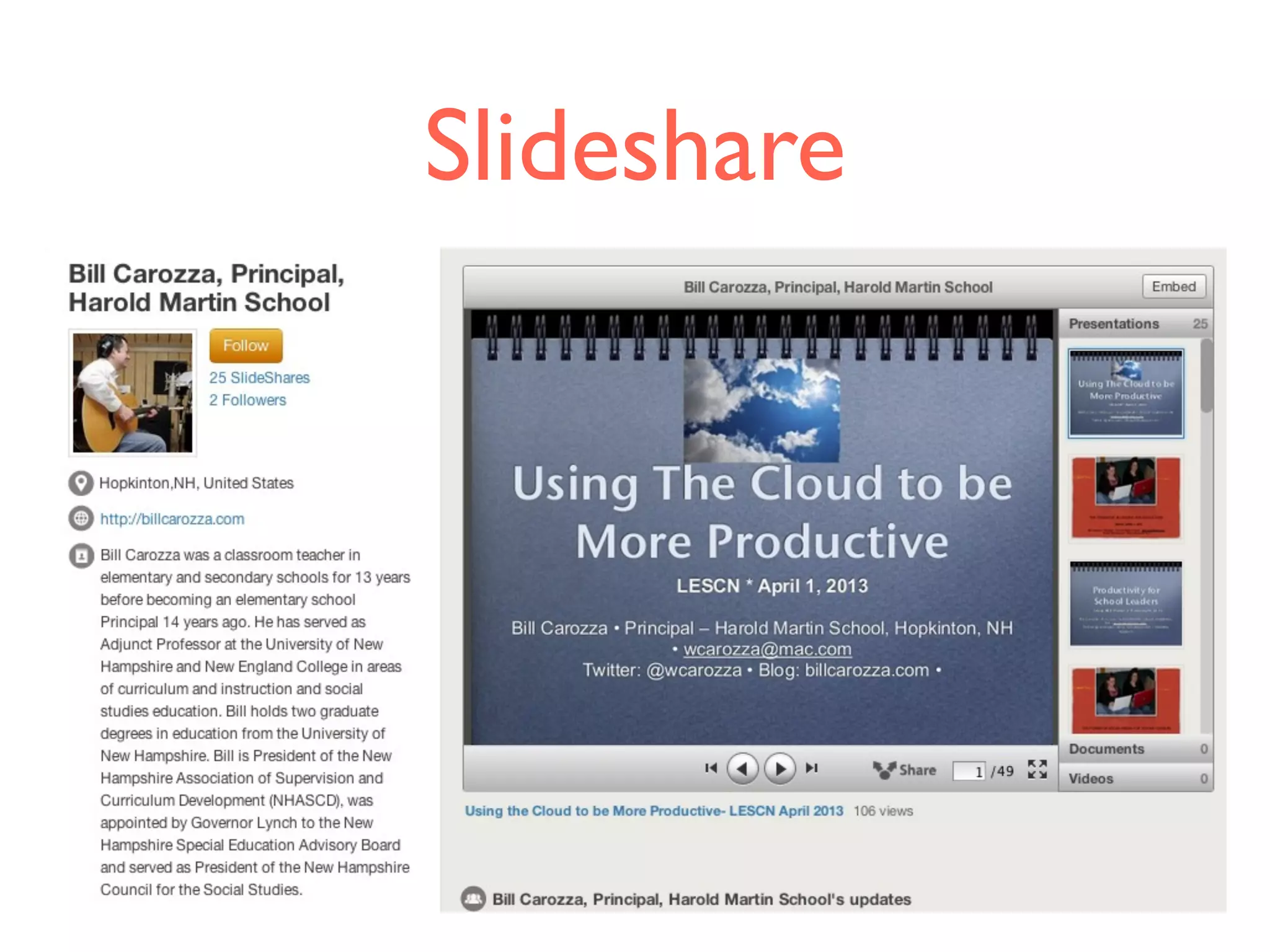
• Slide Presentation: Slideshare
• Podcasting
• Audioboo
• Social Bookmarking: Diigo
• Blogging
• Blogger
• RSS
• Feedly
• Twitter
Web Based
Presentation
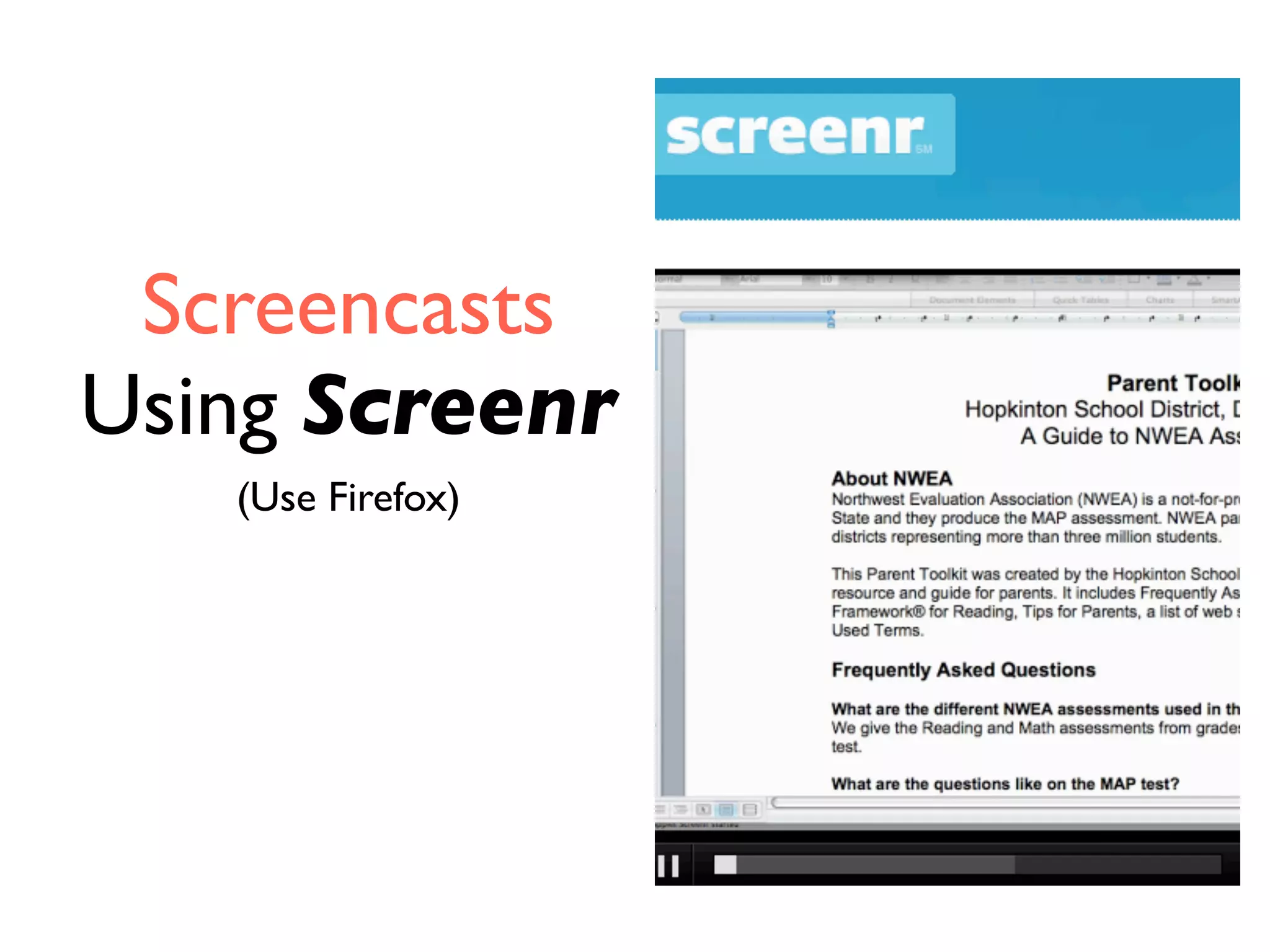
Screencasts
Using Screenr
(Use Firefox)
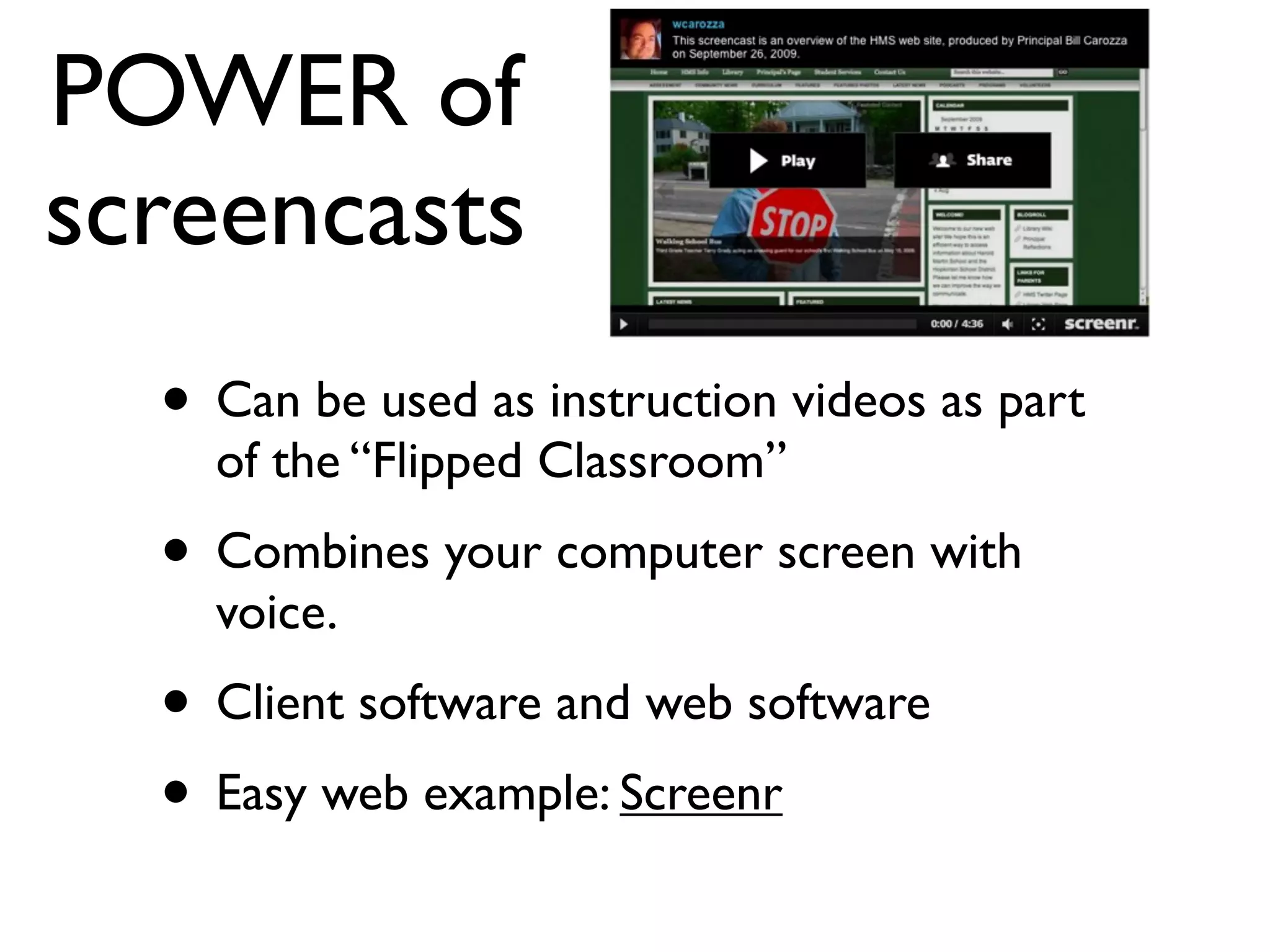
POWER of
screencasts
• Can be used as instruction videos as part
of the “Flipped Classroom”
• Combines your computer screen with
voice.
• Client software and web software
• Easy web example: Screenr
Slideshare
Podcasting
28
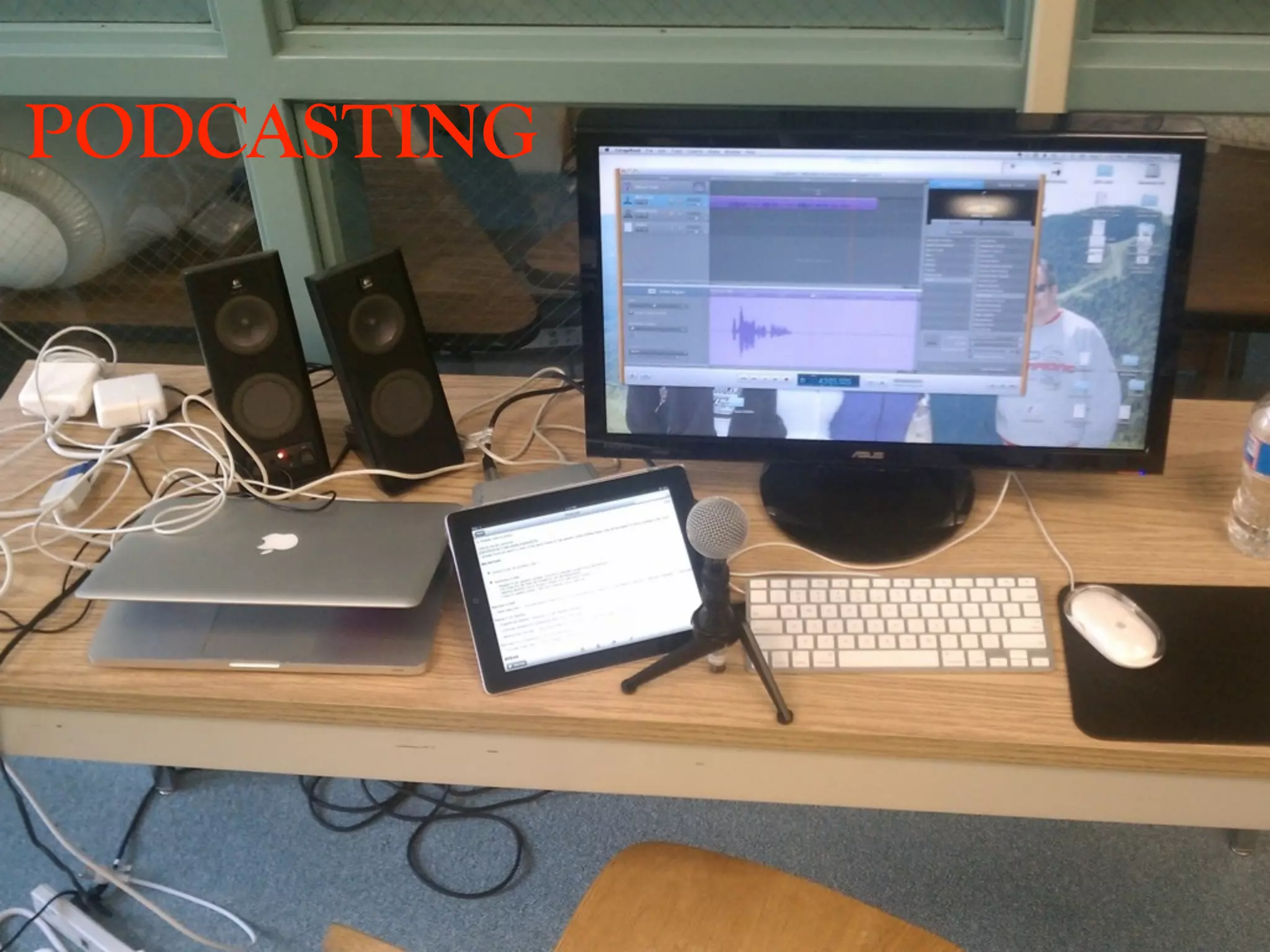
PODCASTING
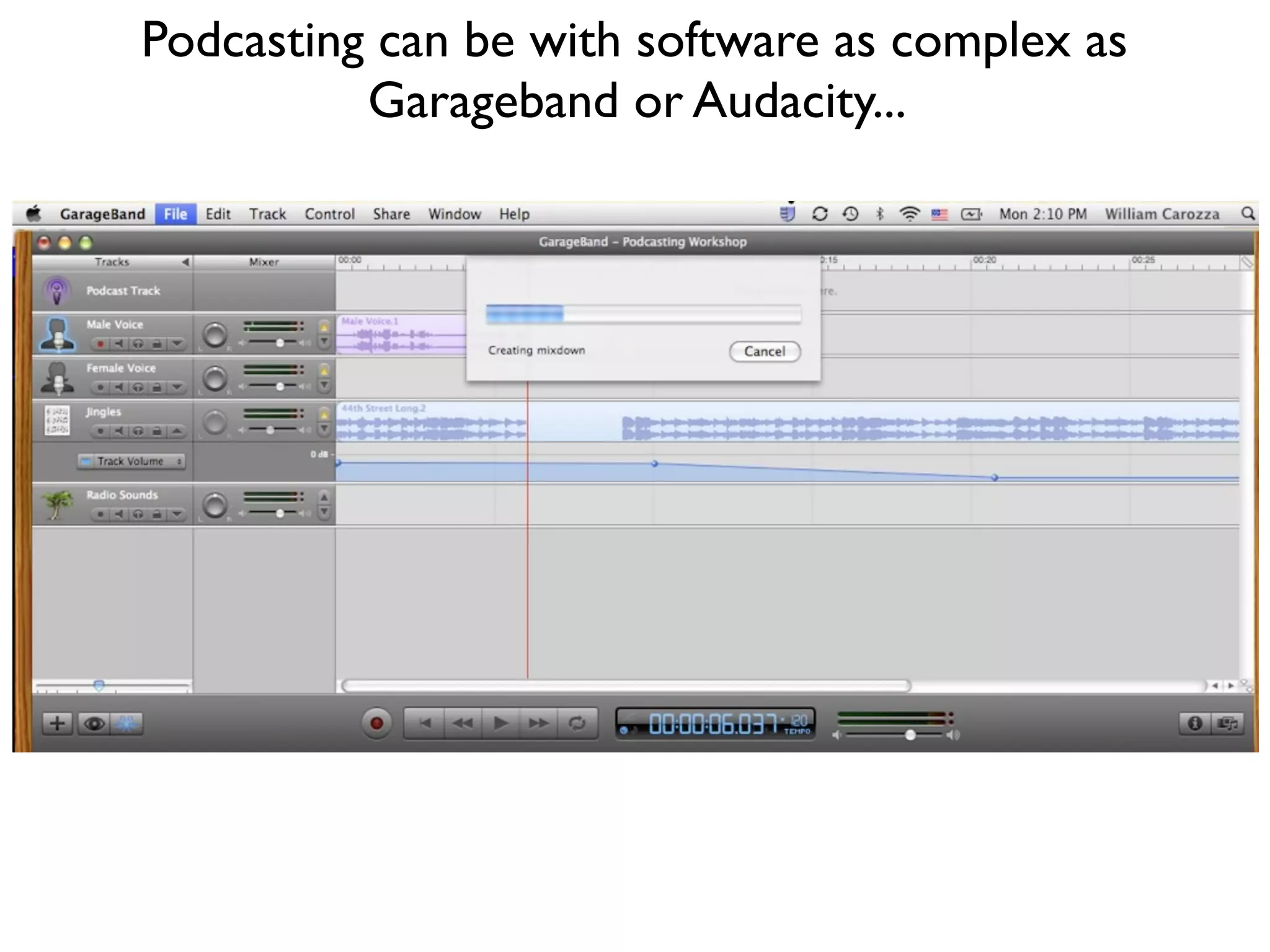
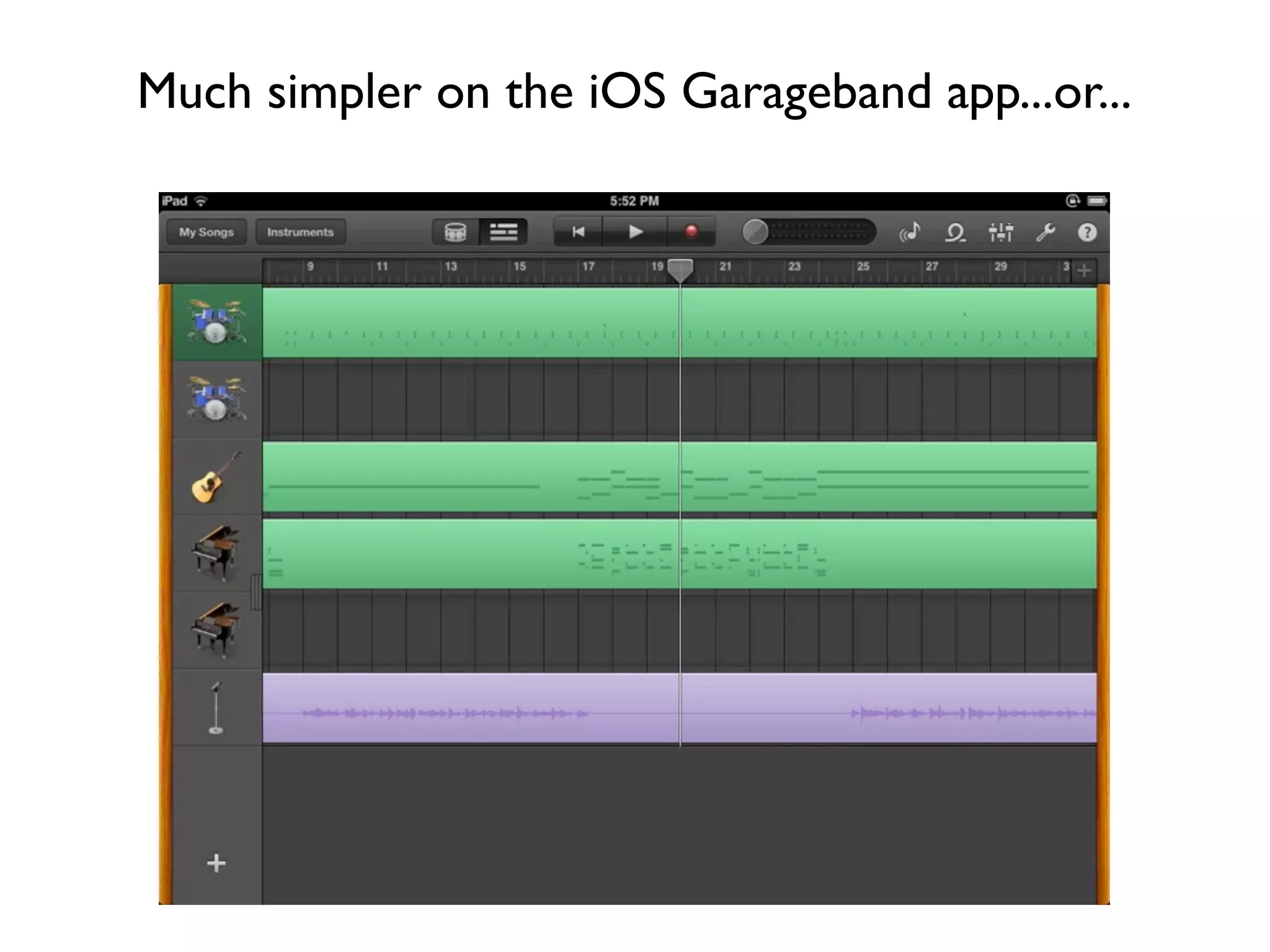
Podcasting can be with software as complex as
Garageband or Audacity...
Much simpler on the iOS Garageband app...or...
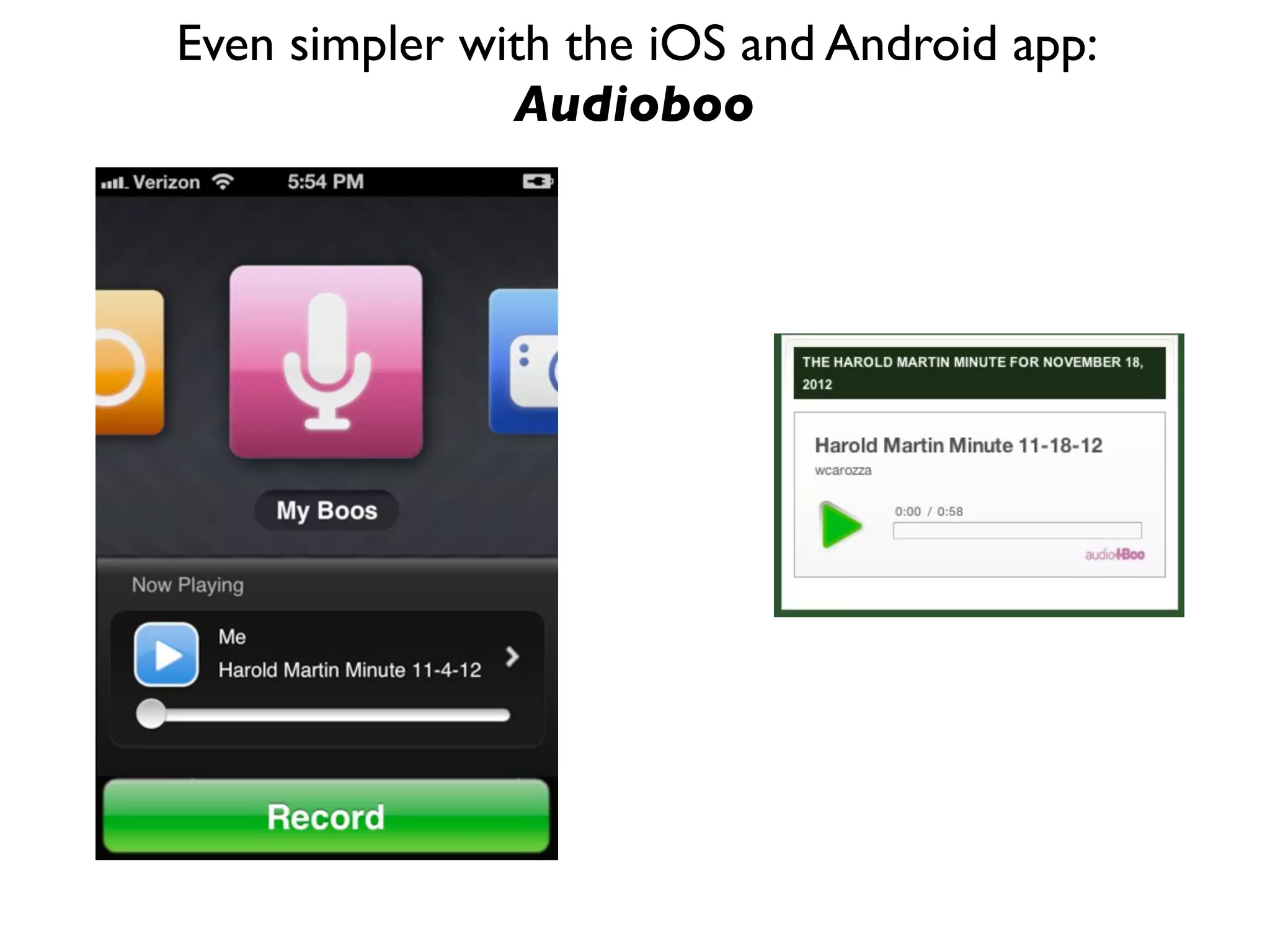
Even simpler with the iOS and Android app:
Audioboo
Professional Learning/
Curation
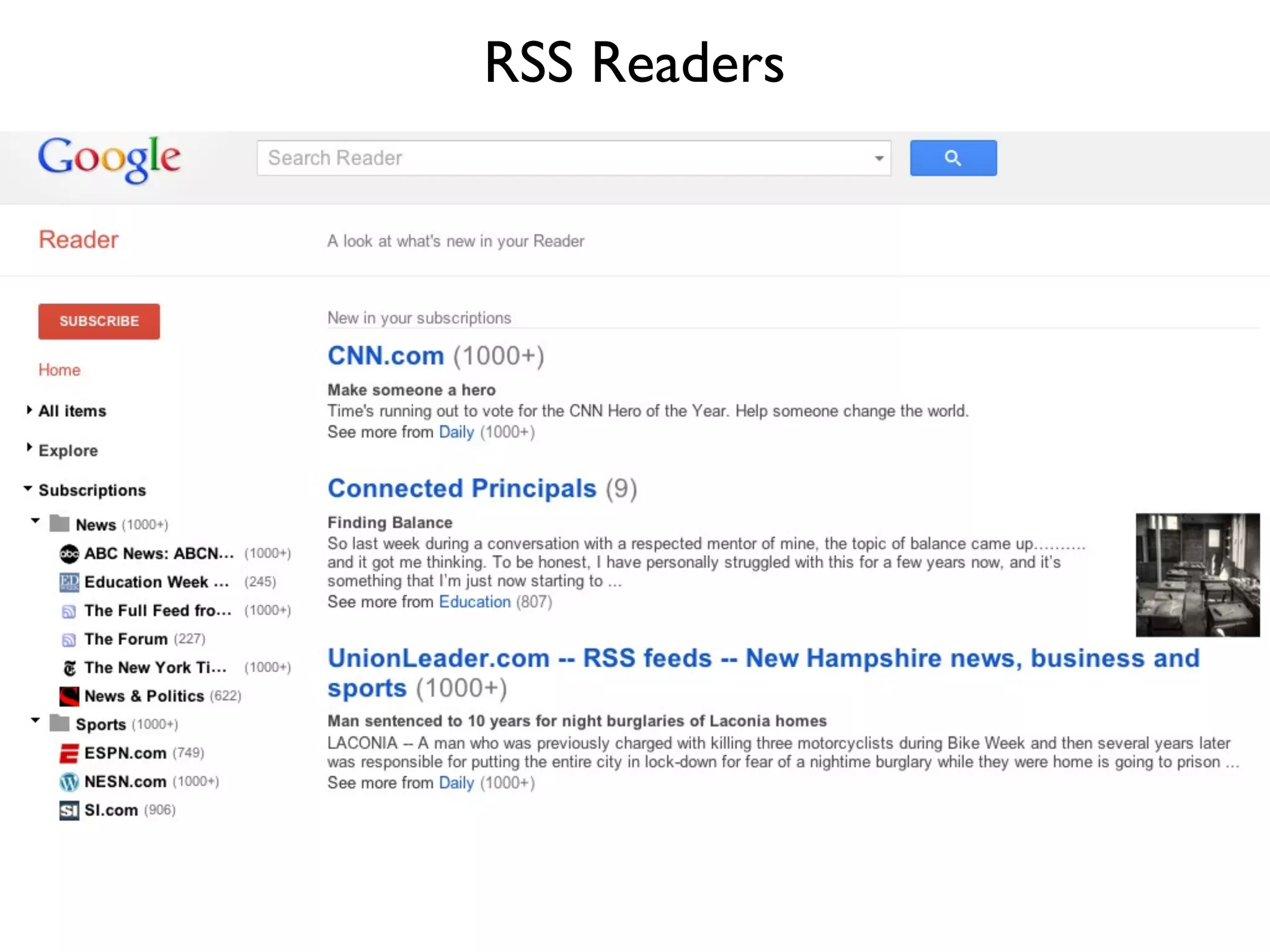
RSS Readers
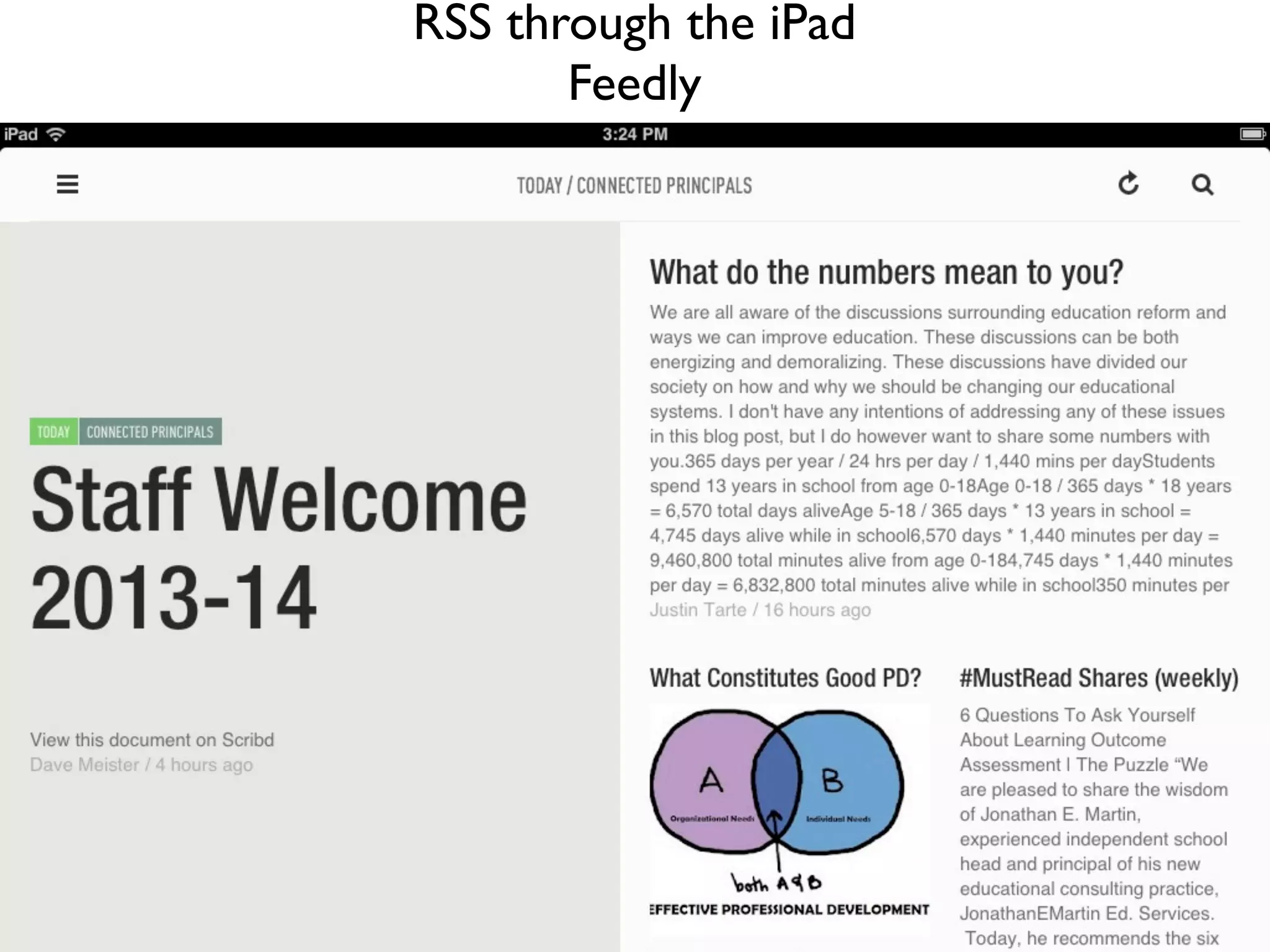
RSS through the iPad
Feedly
Social Bookmarking
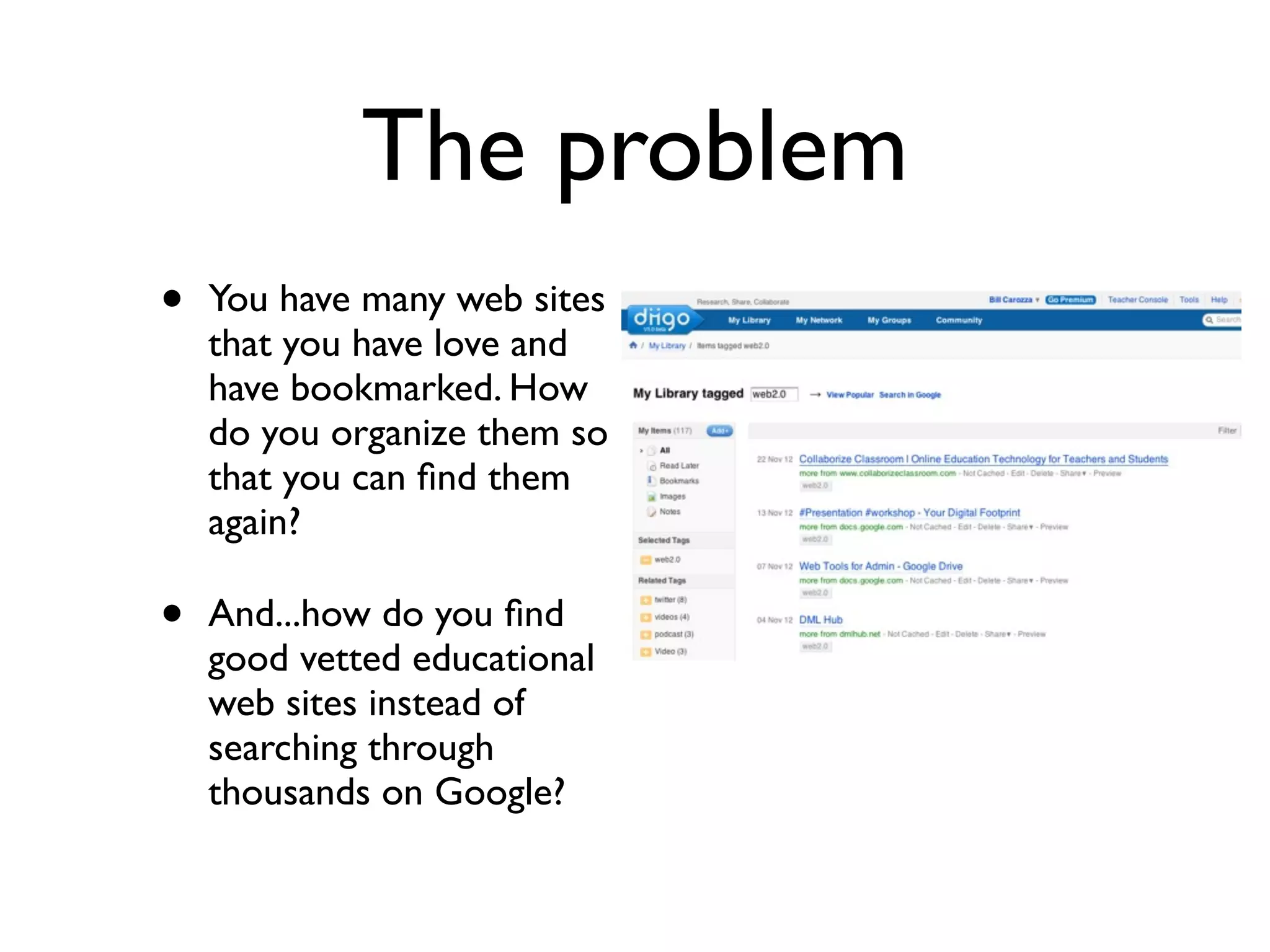
The problem
• You have many web sites
that you have love and
have bookmarked. How
do you organize them so
that you can find them
again?
• And...how do you find
good vetted educational
web sites instead of
searching through
thousands on Google?
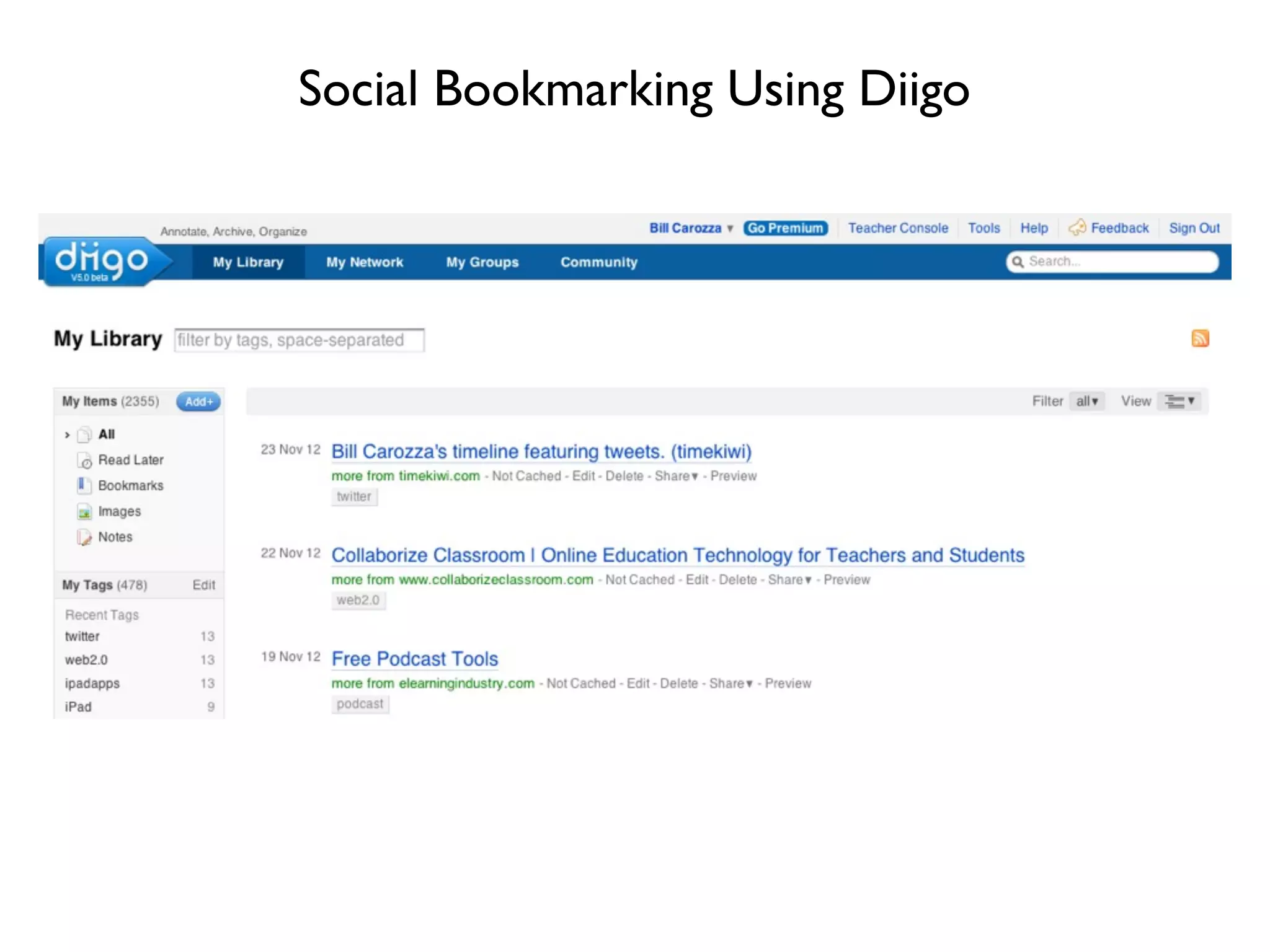
Social Bookmarking Using Diigo
Solution-Social
Bookmarking with Diigo
* Organizes all of your web sites
* Can set up vetted web sites groups for students
* Can search for vetted web sites – more reliable than
Google
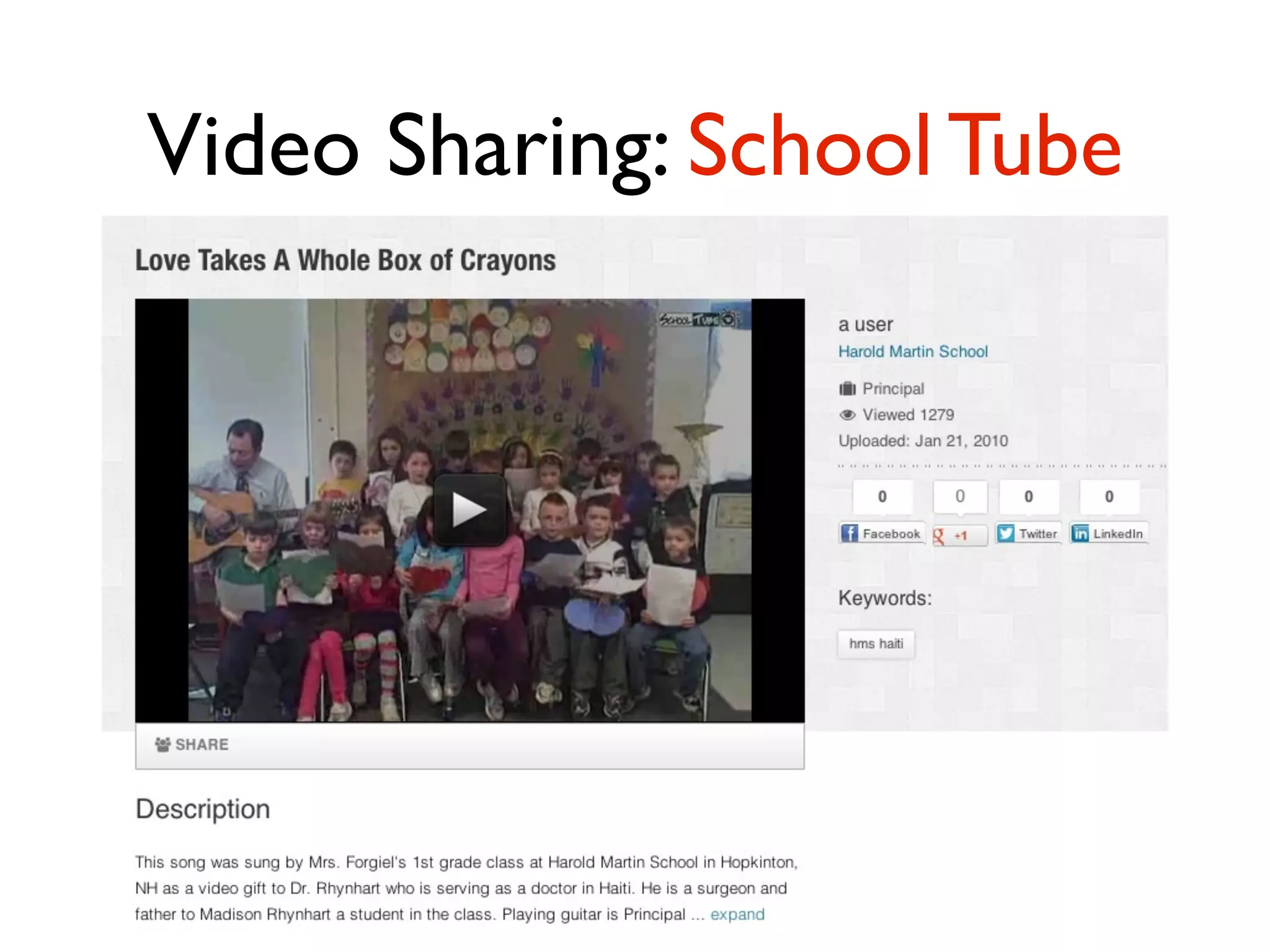
Video Sharing
Video Sharing: School Tube
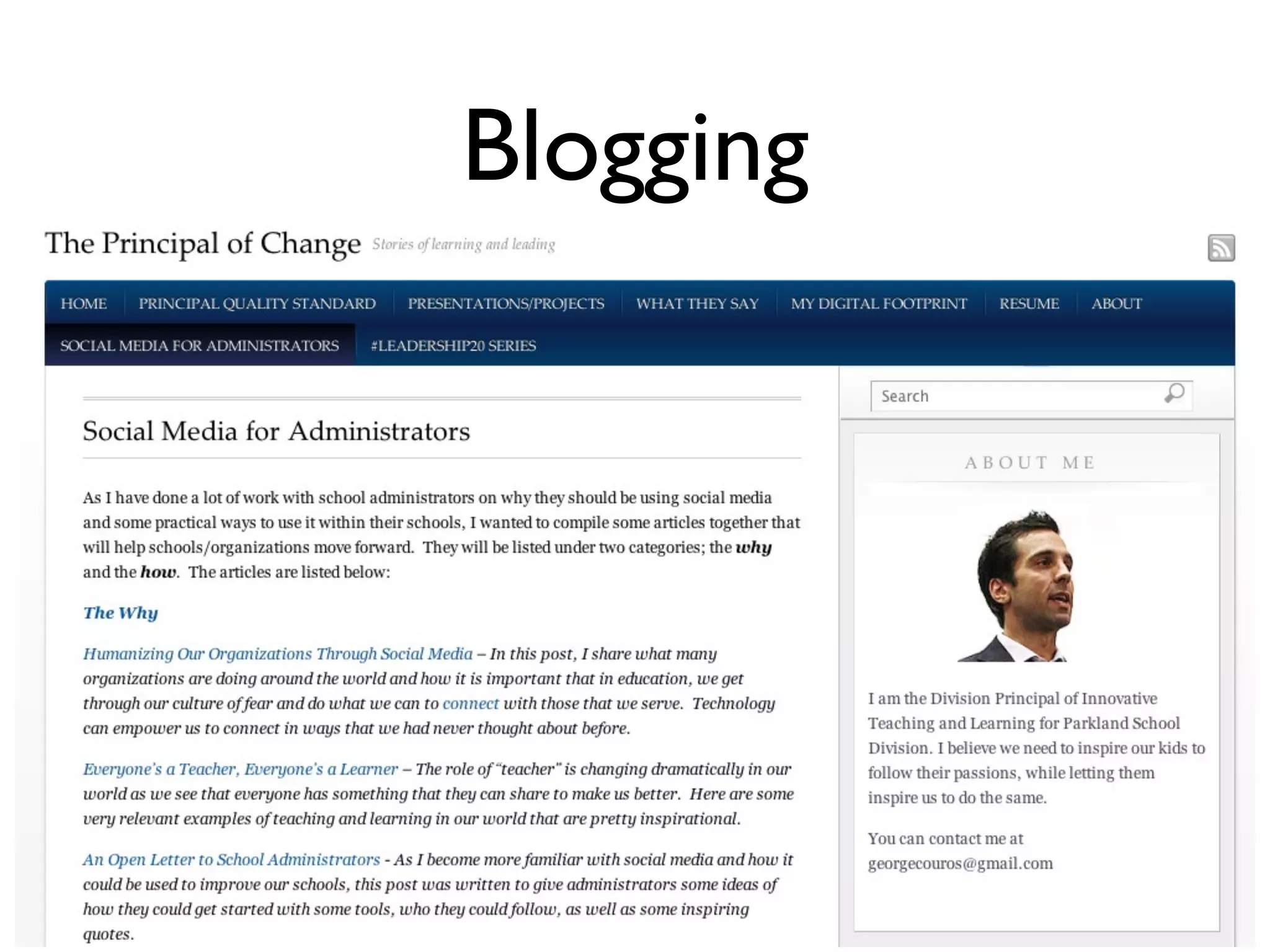
Blogging
Blogging
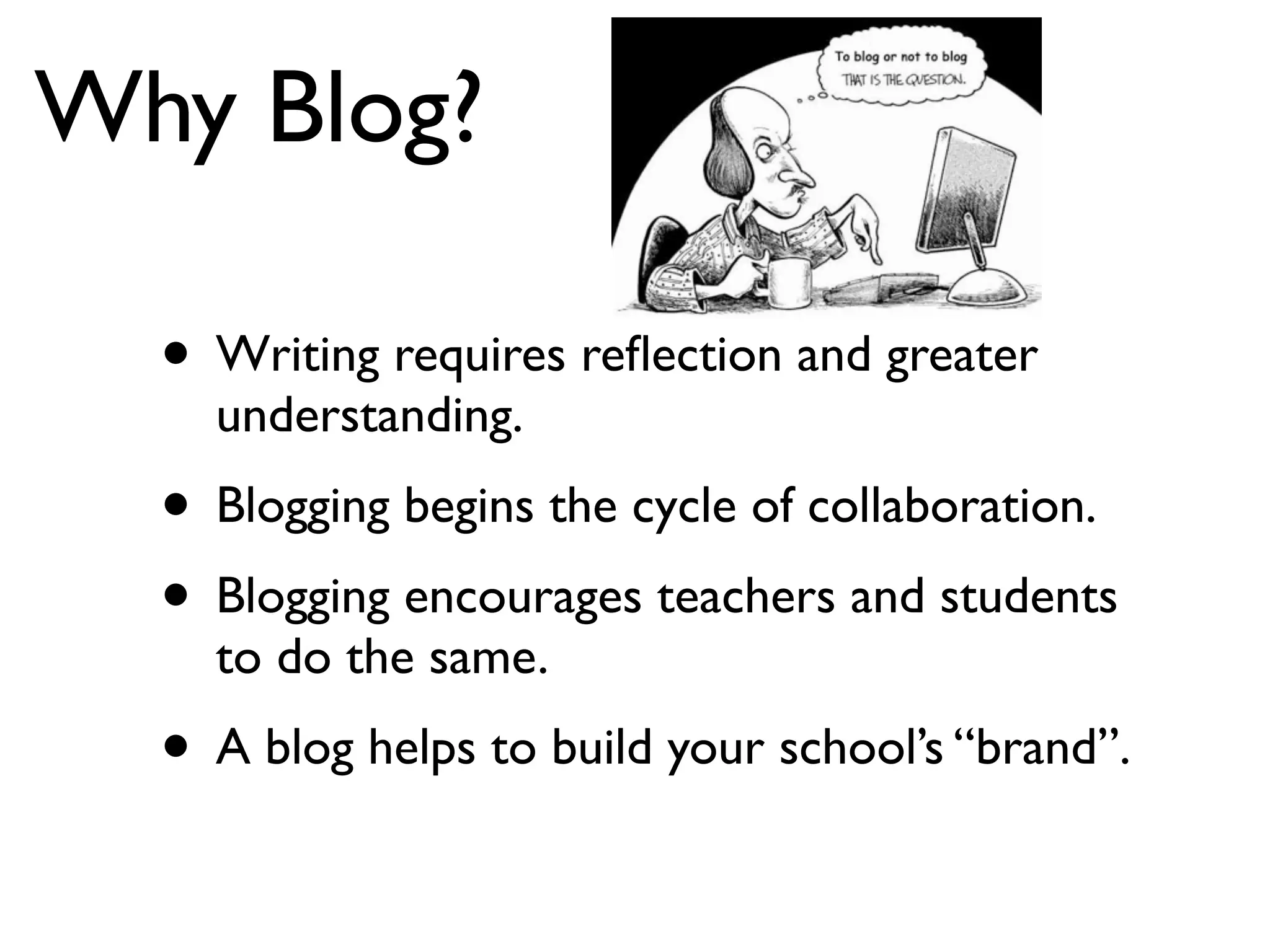
Why Blog?
• Writing requires reflection and greater
understanding.
• Blogging begins the cycle of collaboration.
• Blogging encourages teachers and students
to do the same.
• A blog helps to build your school’s “brand”.
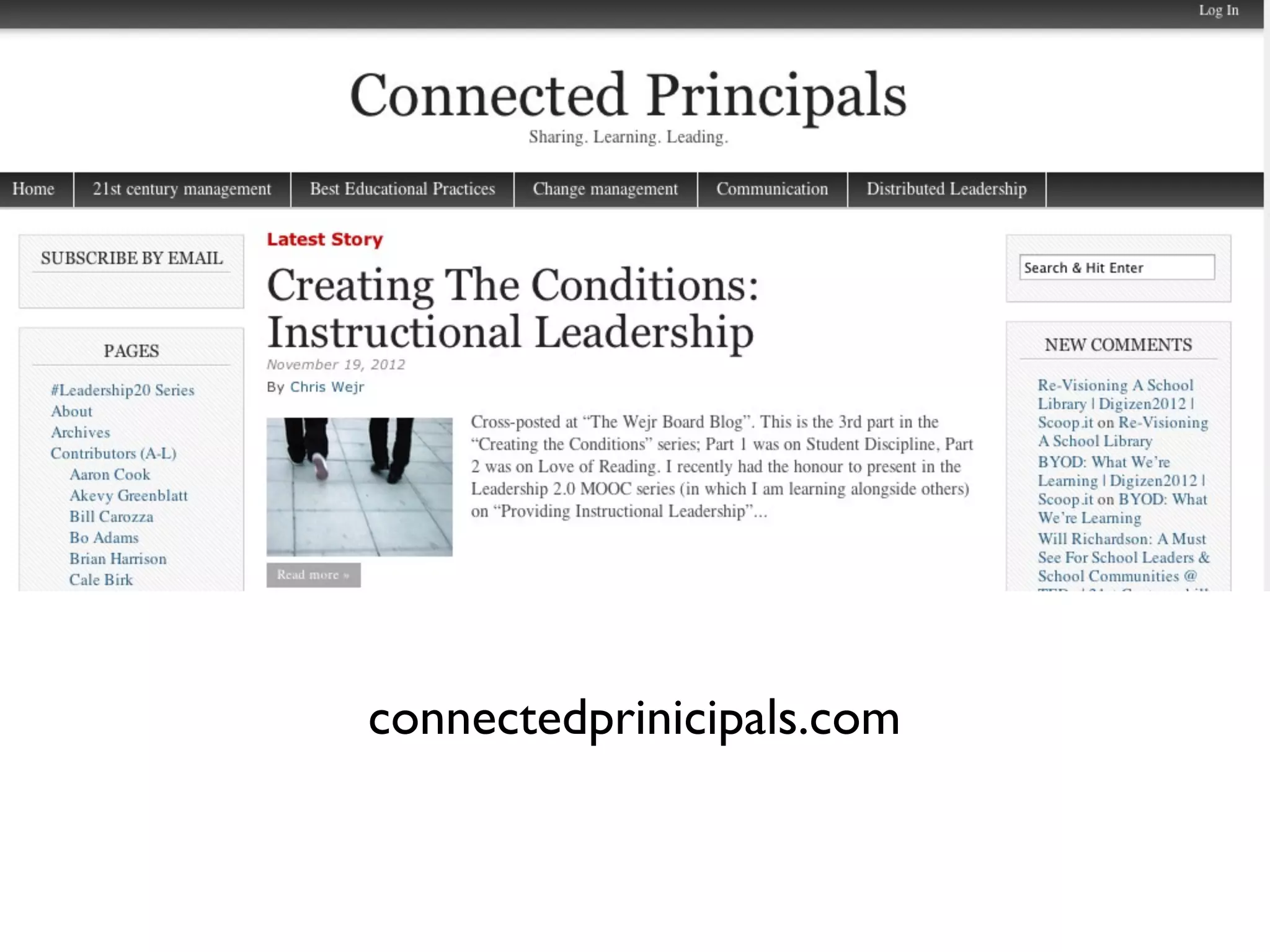
connectedprinicipals.com
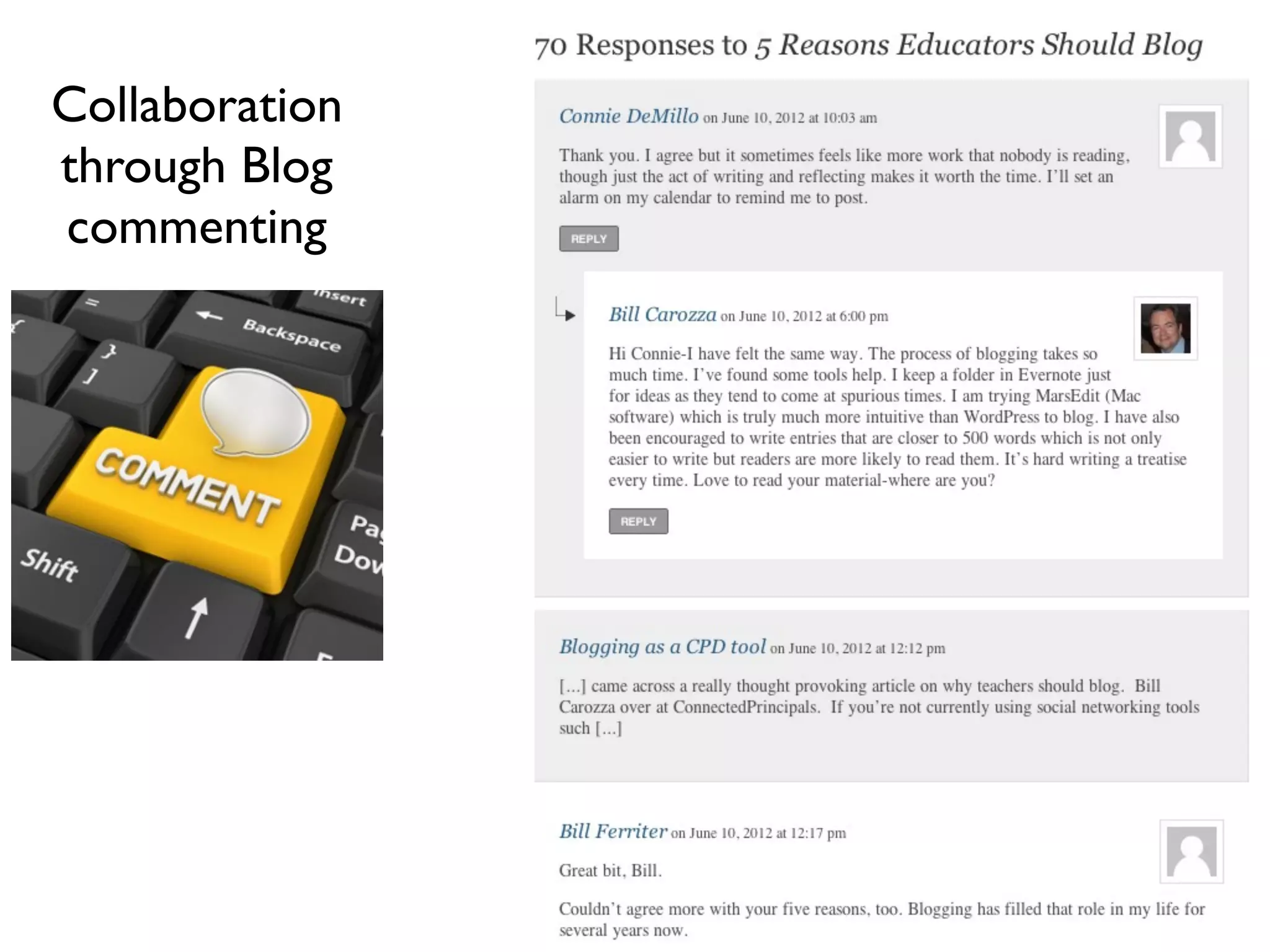
Collaboration
through Blog
commenting
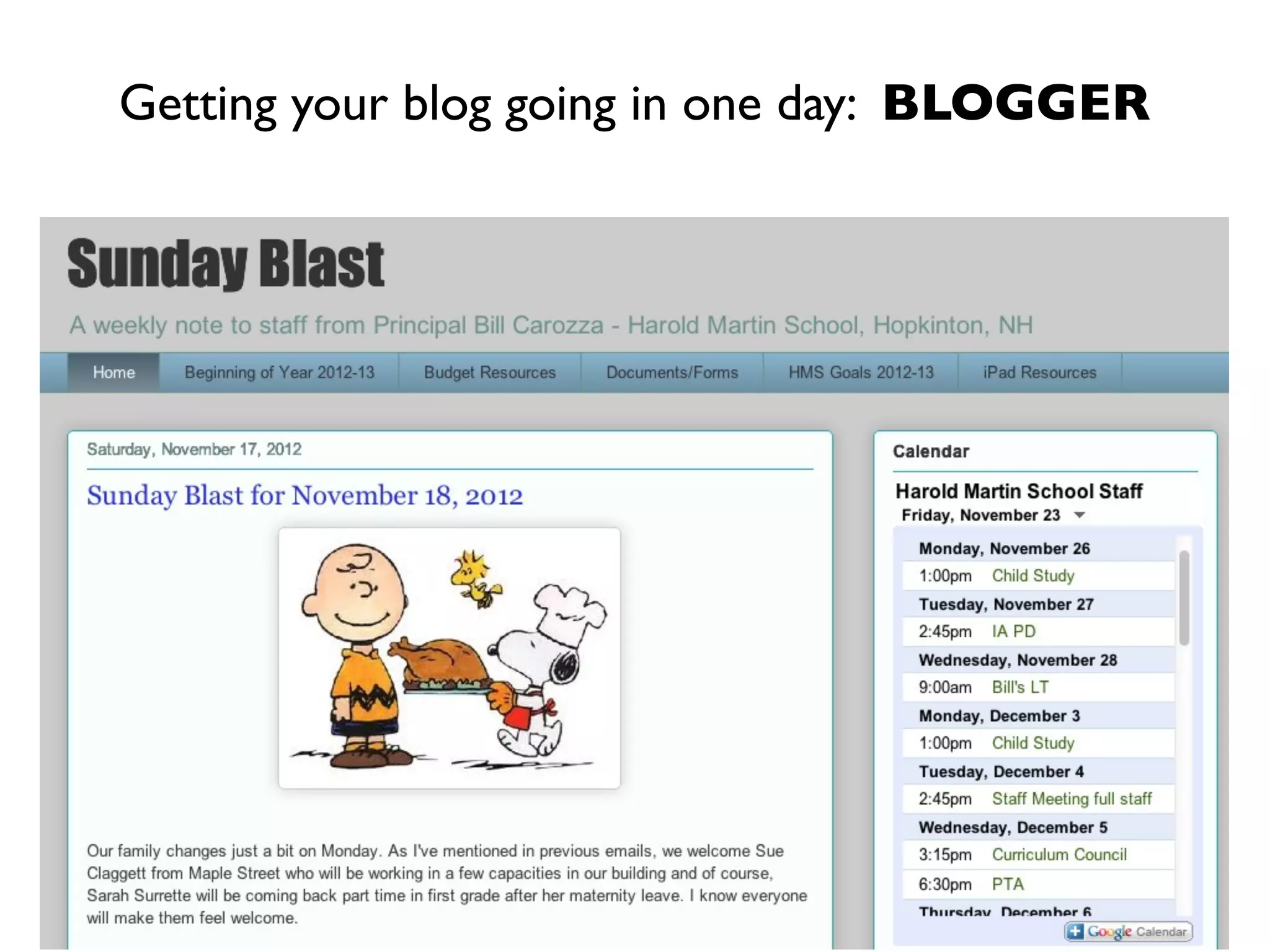
Getting your blog going in one day: BLOGGER
Collaborative Writing
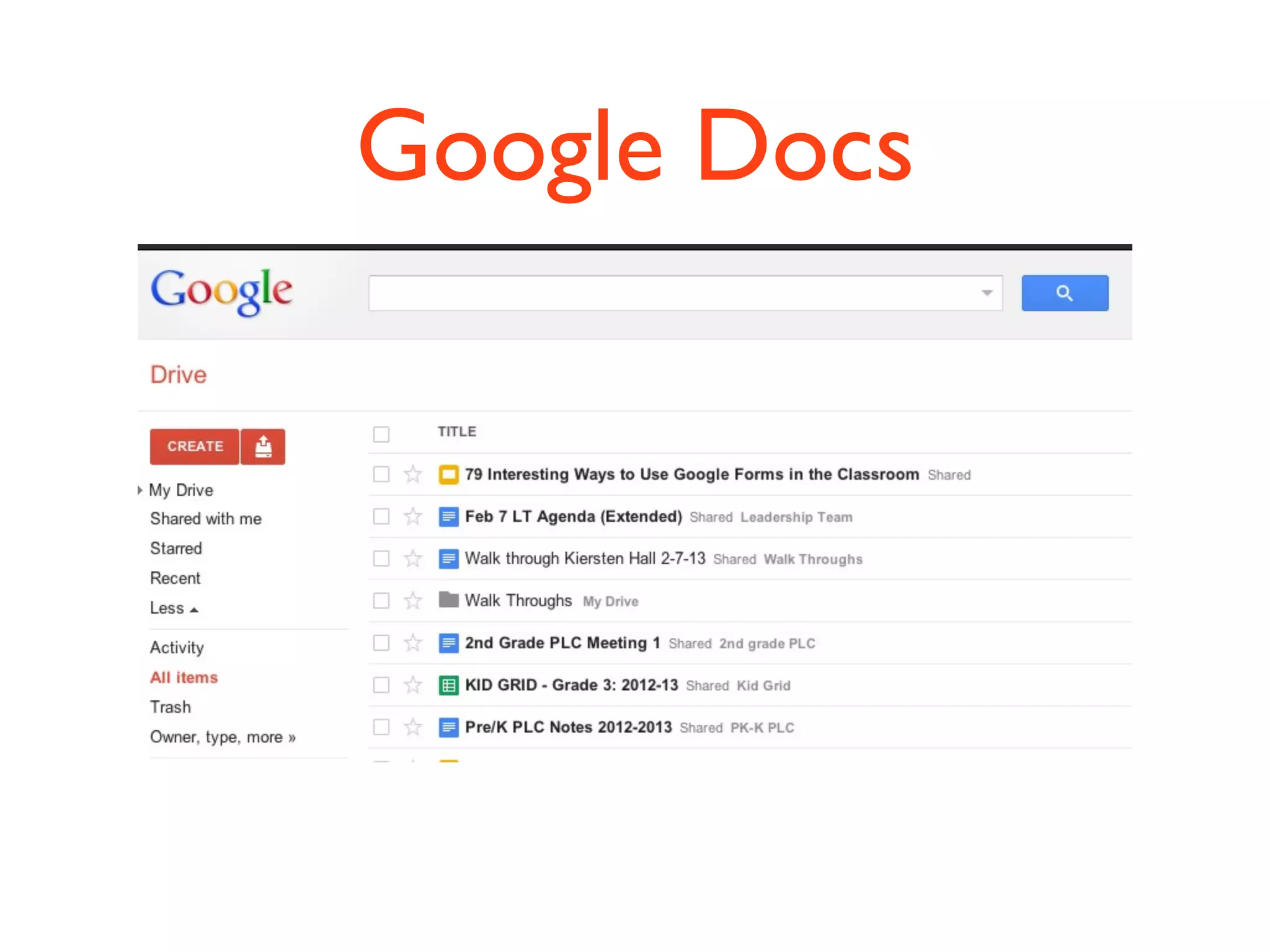
Google Docs
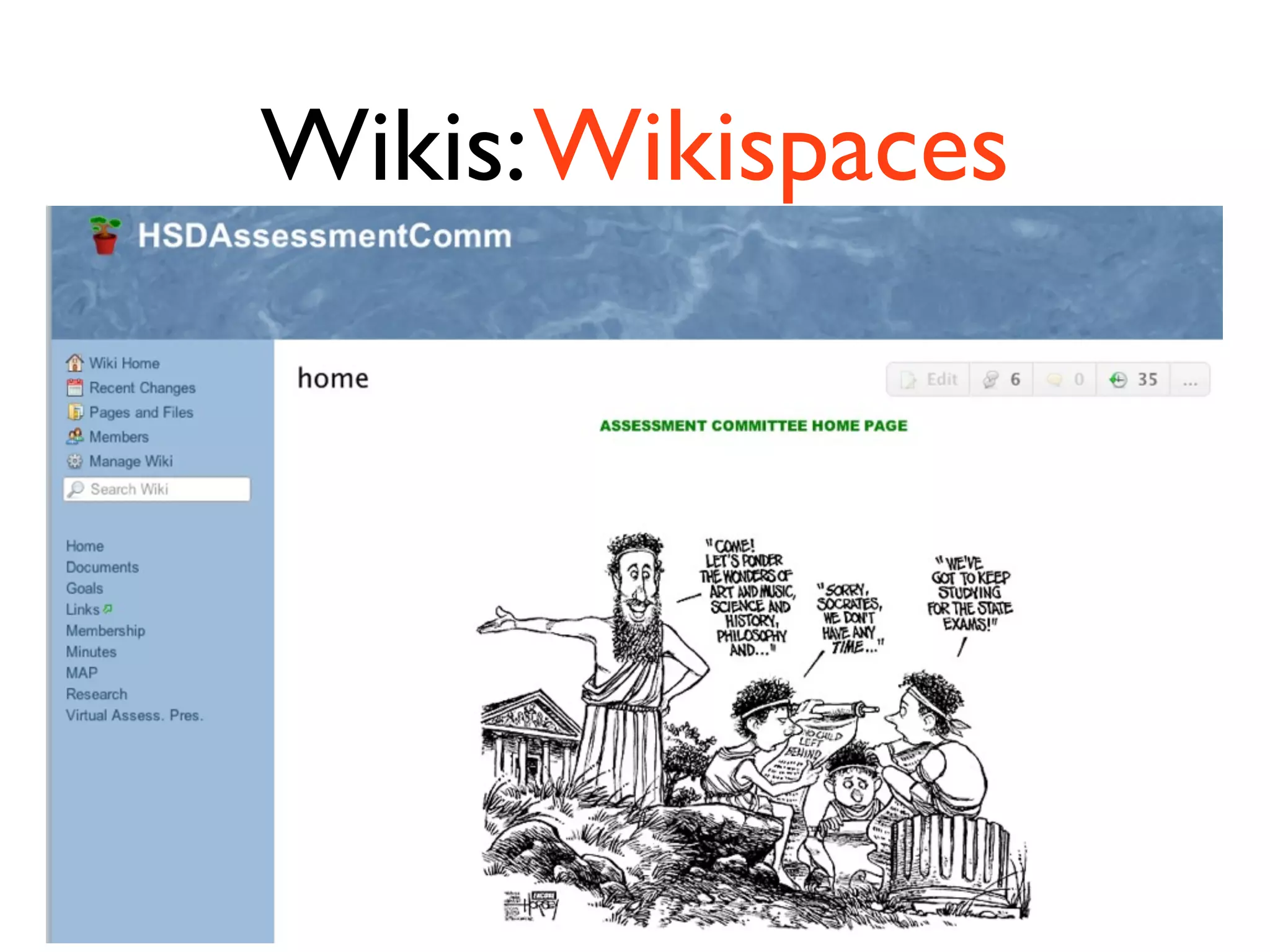
Wikis:Wikispaces
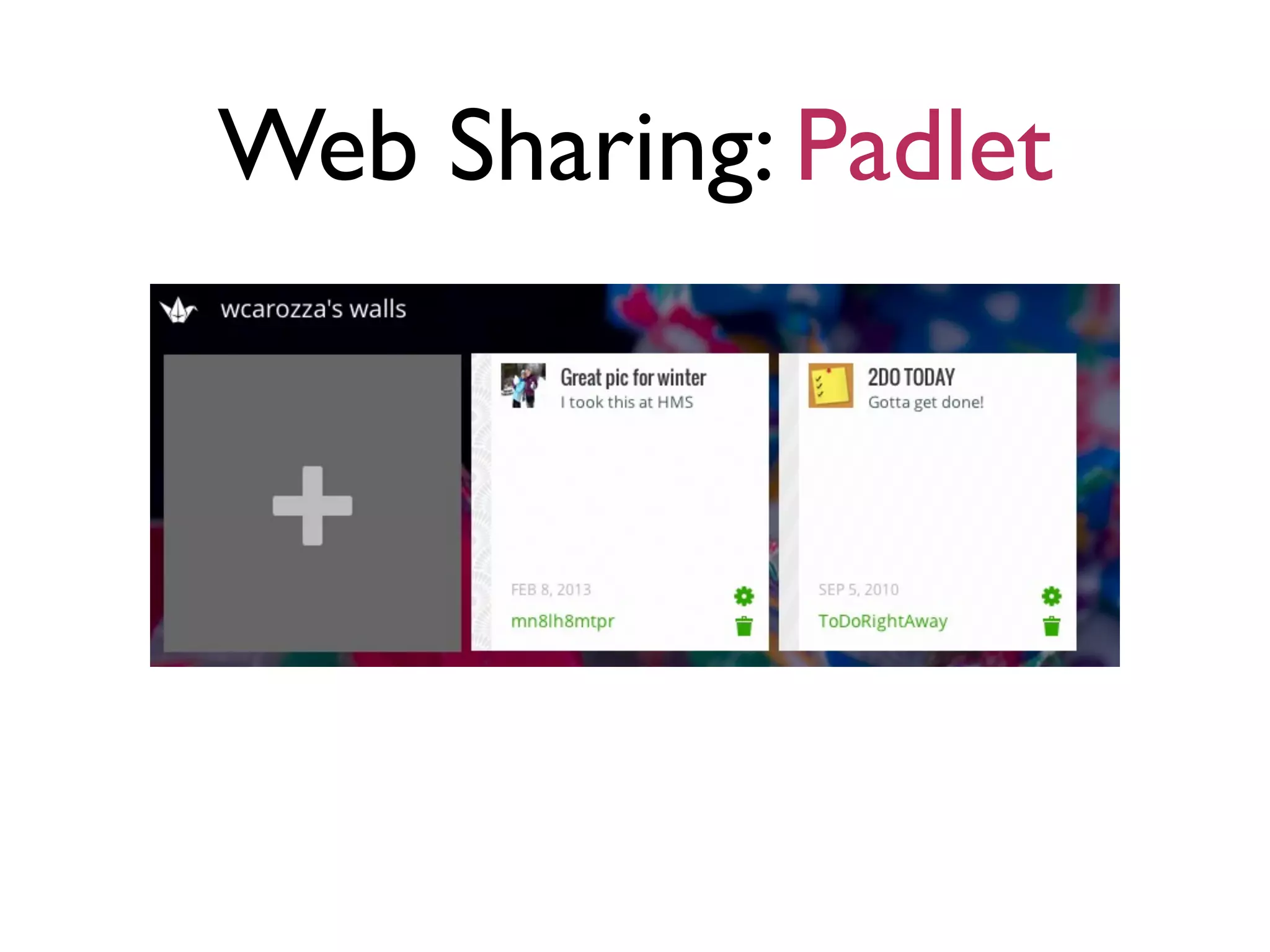
Web Sharing: Padlet
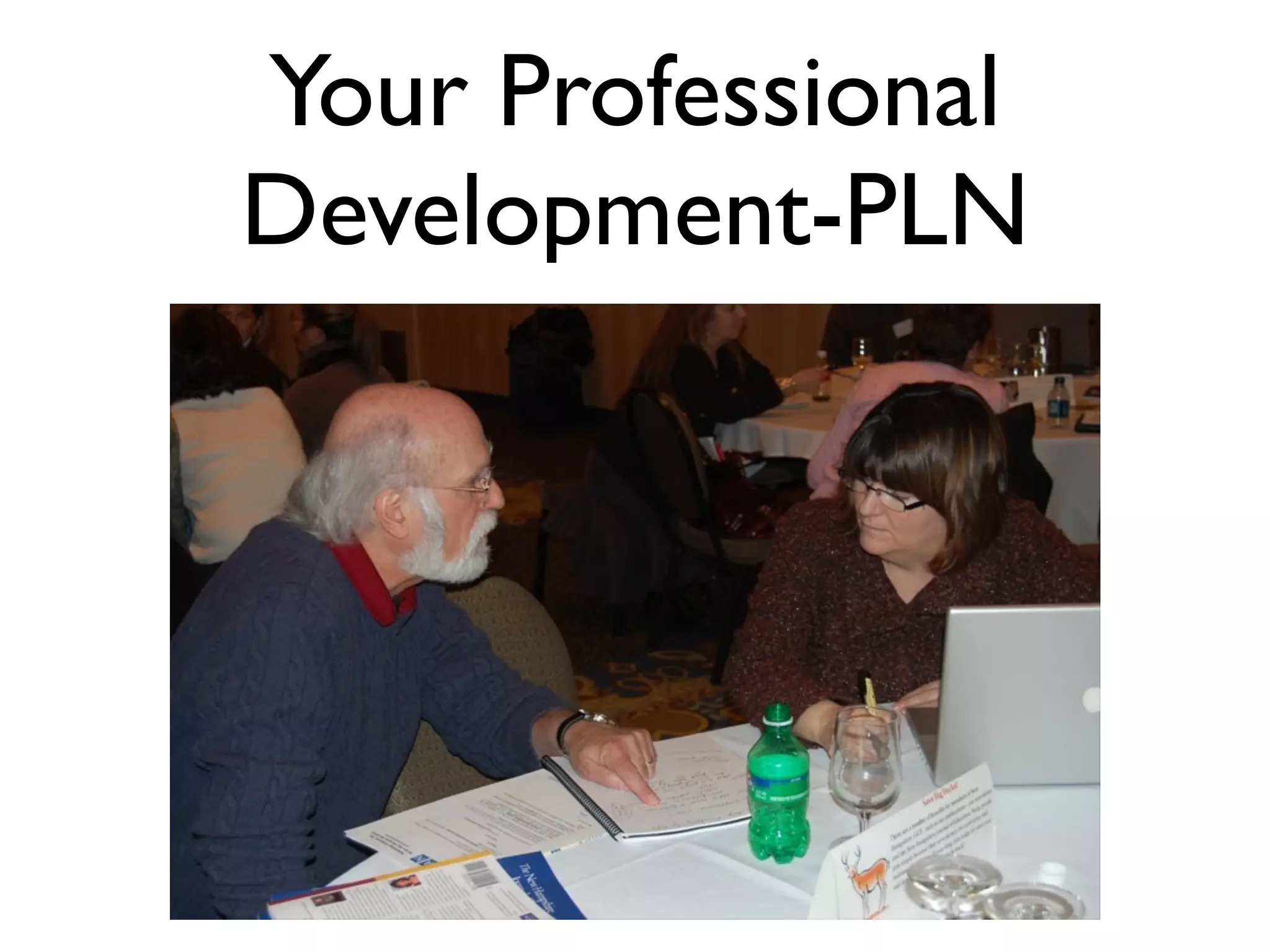
Your Professional
Development-PLN
Social Media Tools
Check back on our
Twitter message...
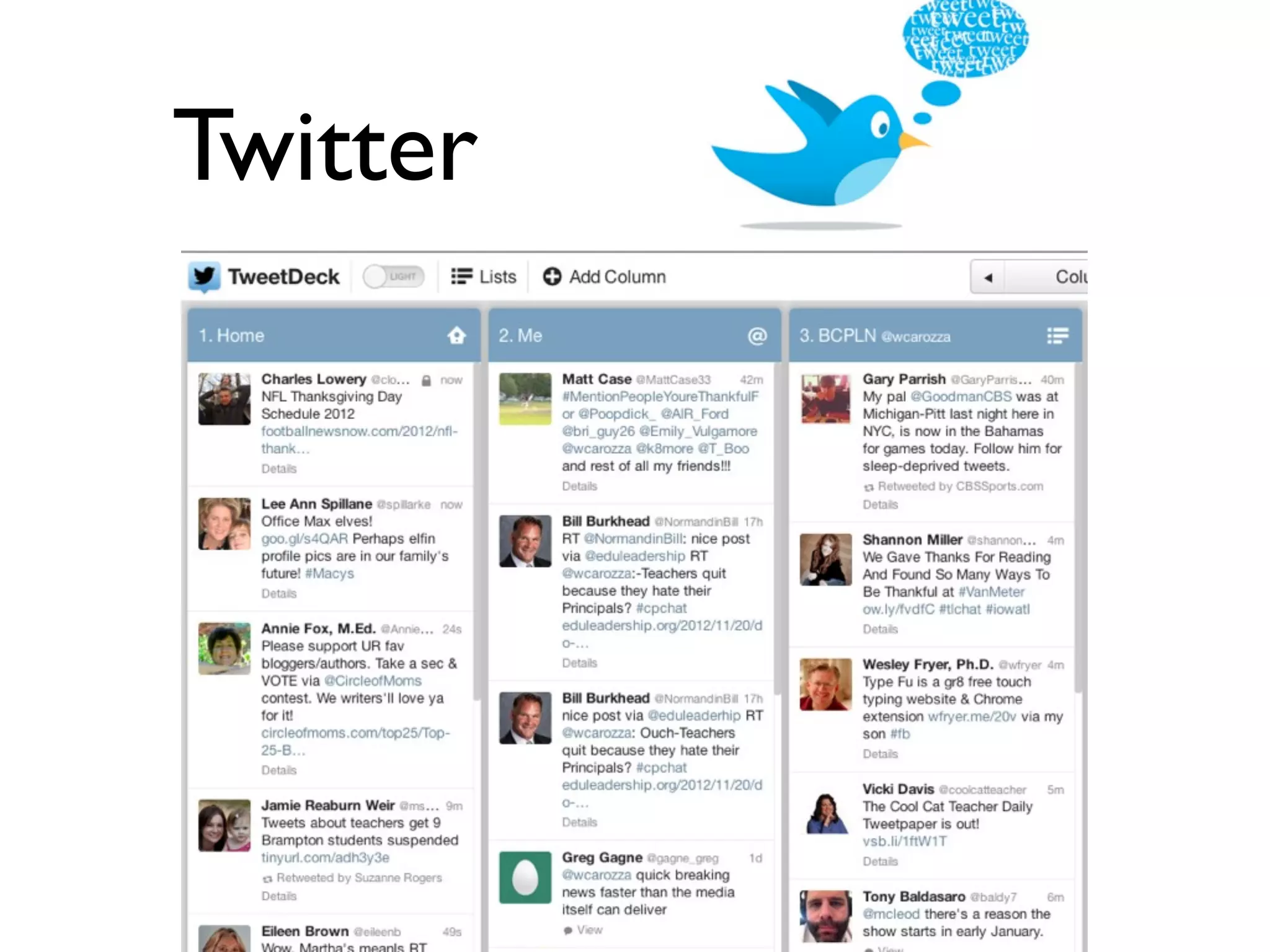
Twitter
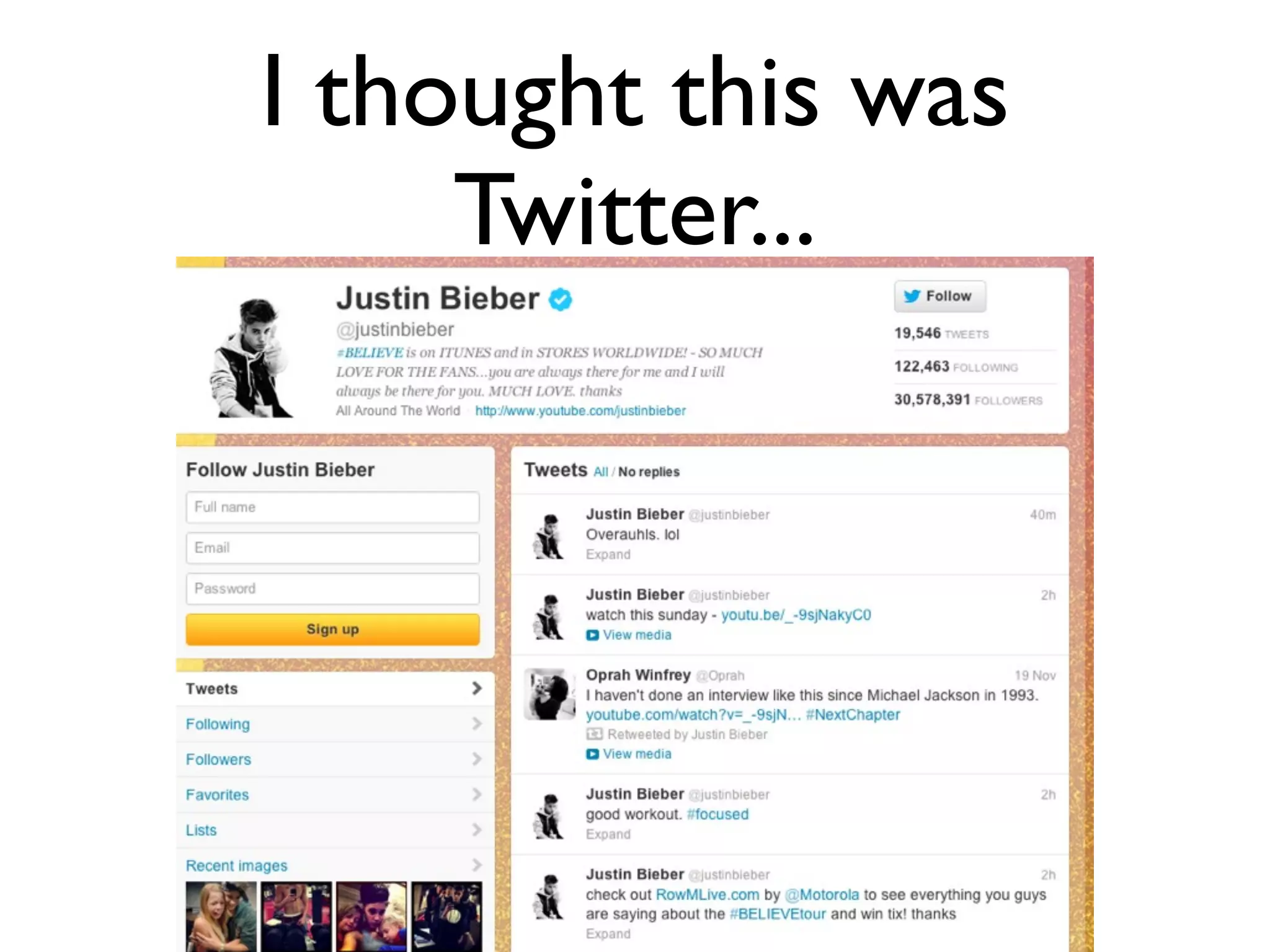
I thought this was
Twitter...
A case for Twitter
• Twitter is your window to perhaps the
highest quality content on the web.
• It’s a free Web 2.0 microblogging service,
140 character max., and inspires you to
read and learn.
• It’s all about connections
• Register at http://twitter.com
The Language of Twitter
@: Reply sent to a specific person
RT: Retweeting helps to spread great tweets to others
DM: Direct Message is like email-private to one person
#: Hashtag parses Tweets to a single topic
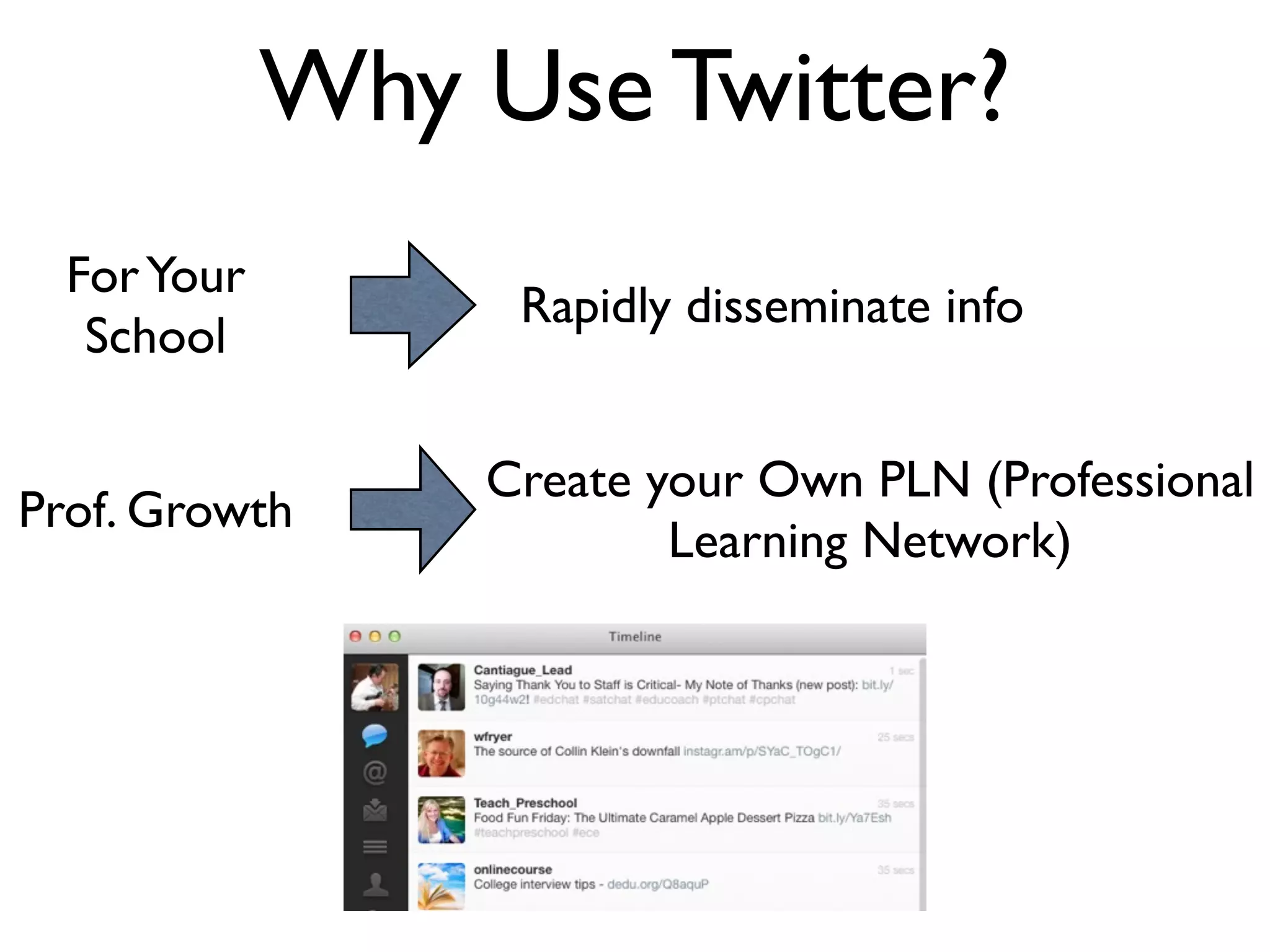
Why Use Twitter?
ForYour
School
Rapidly disseminate info
Prof. Growth
Create your Own PLN (Professional
Learning Network)
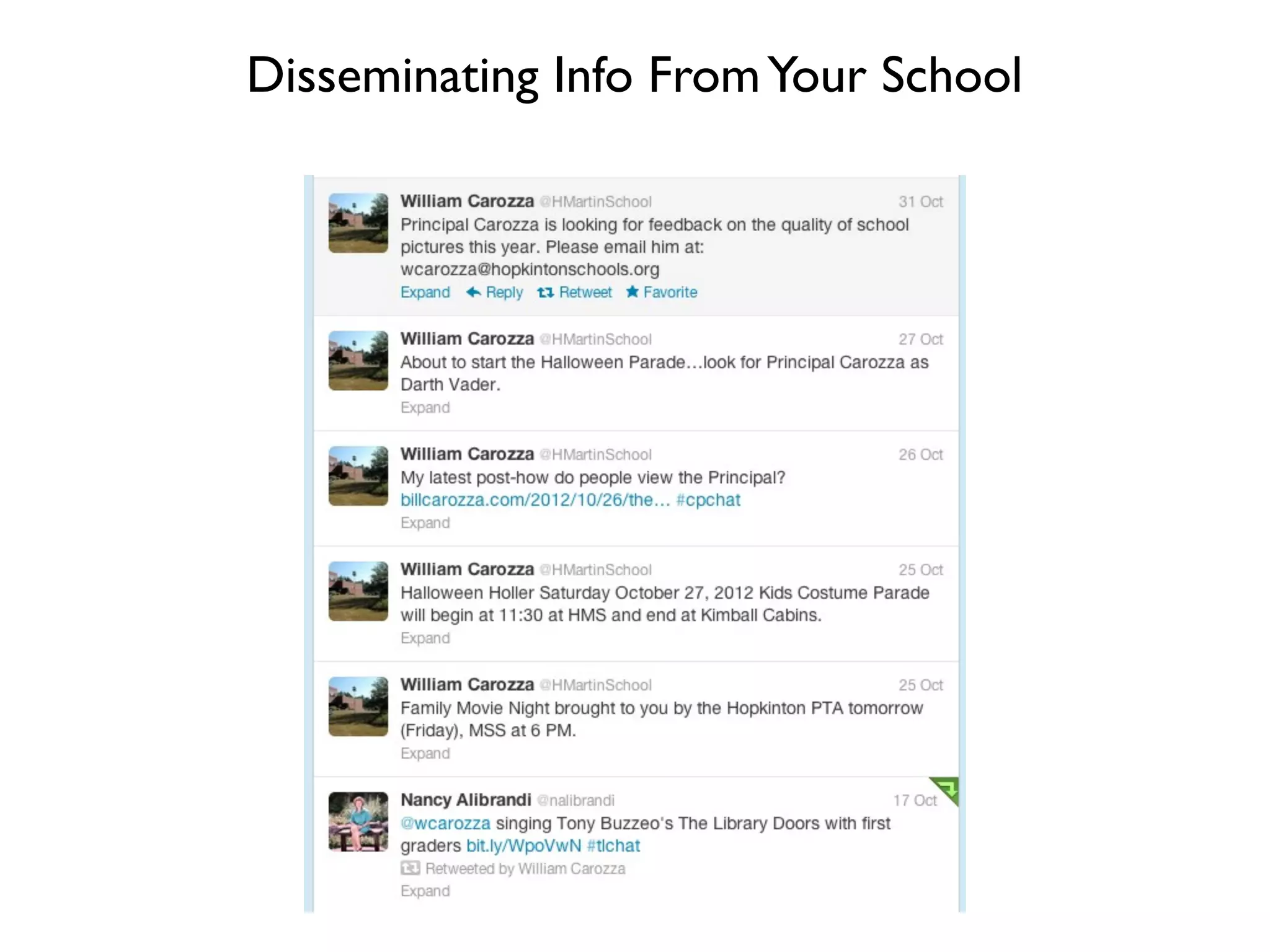
Disseminating Info FromYour School
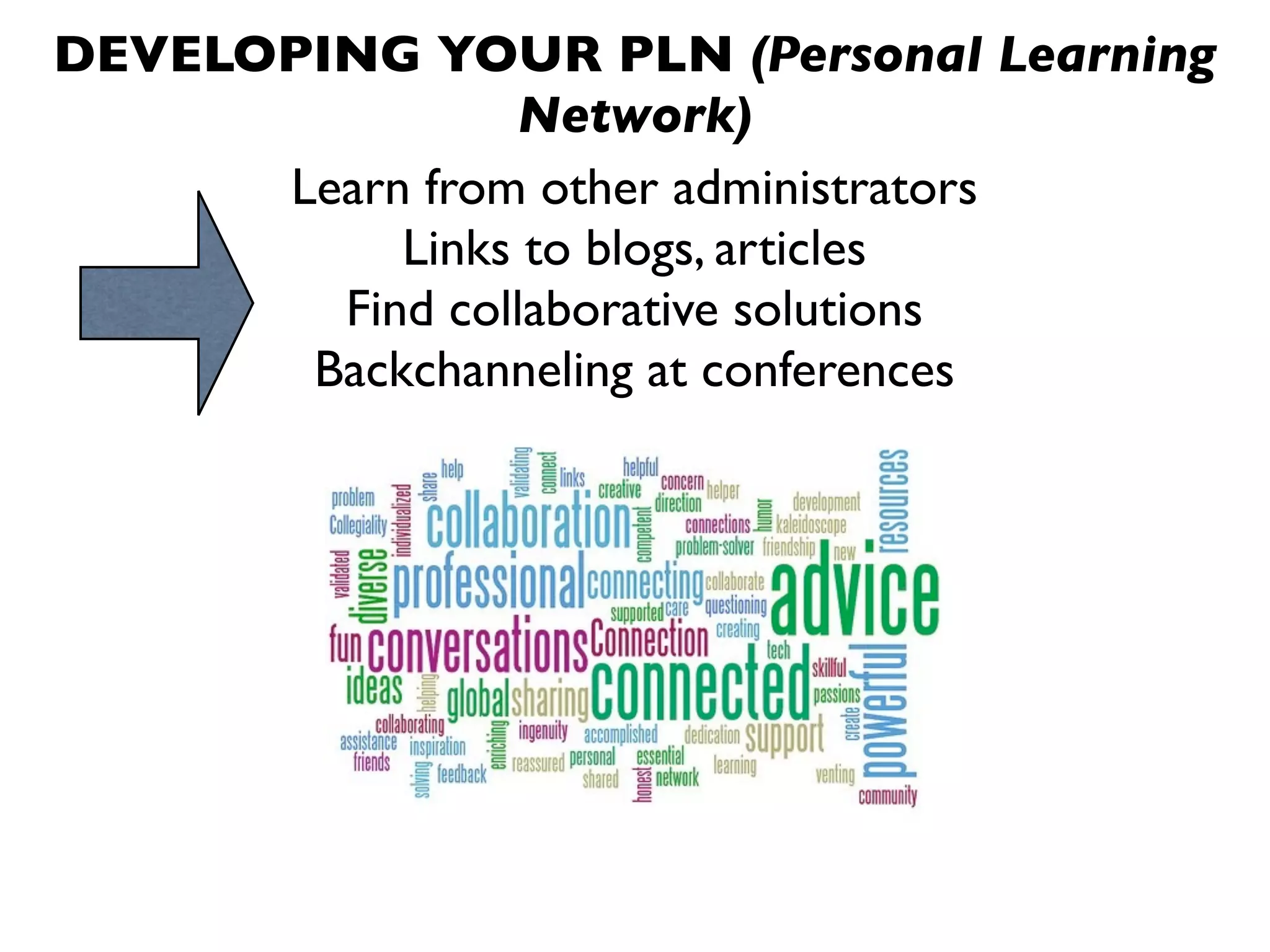
DEVELOPING YOUR PLN (Personal Learning
Network)
Learn from other administrators
Links to blogs, articles
Find collaborative solutions
Backchanneling at conferences
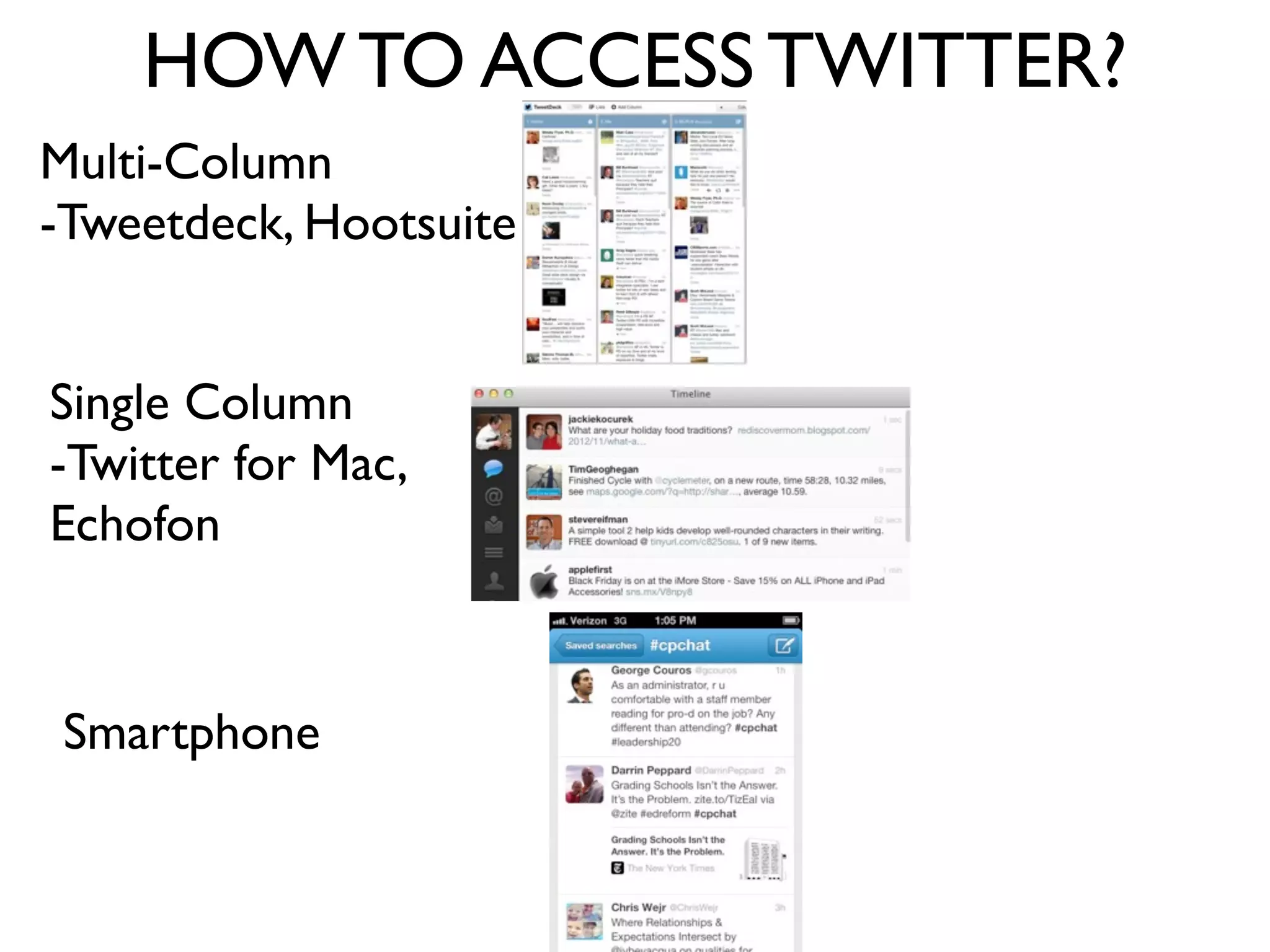
HOW TO ACCESS TWITTER?
Multi-Column
-Tweetdeck, Hootsuite
Single Column
-Twitter for Mac,
Echofon
Smartphone
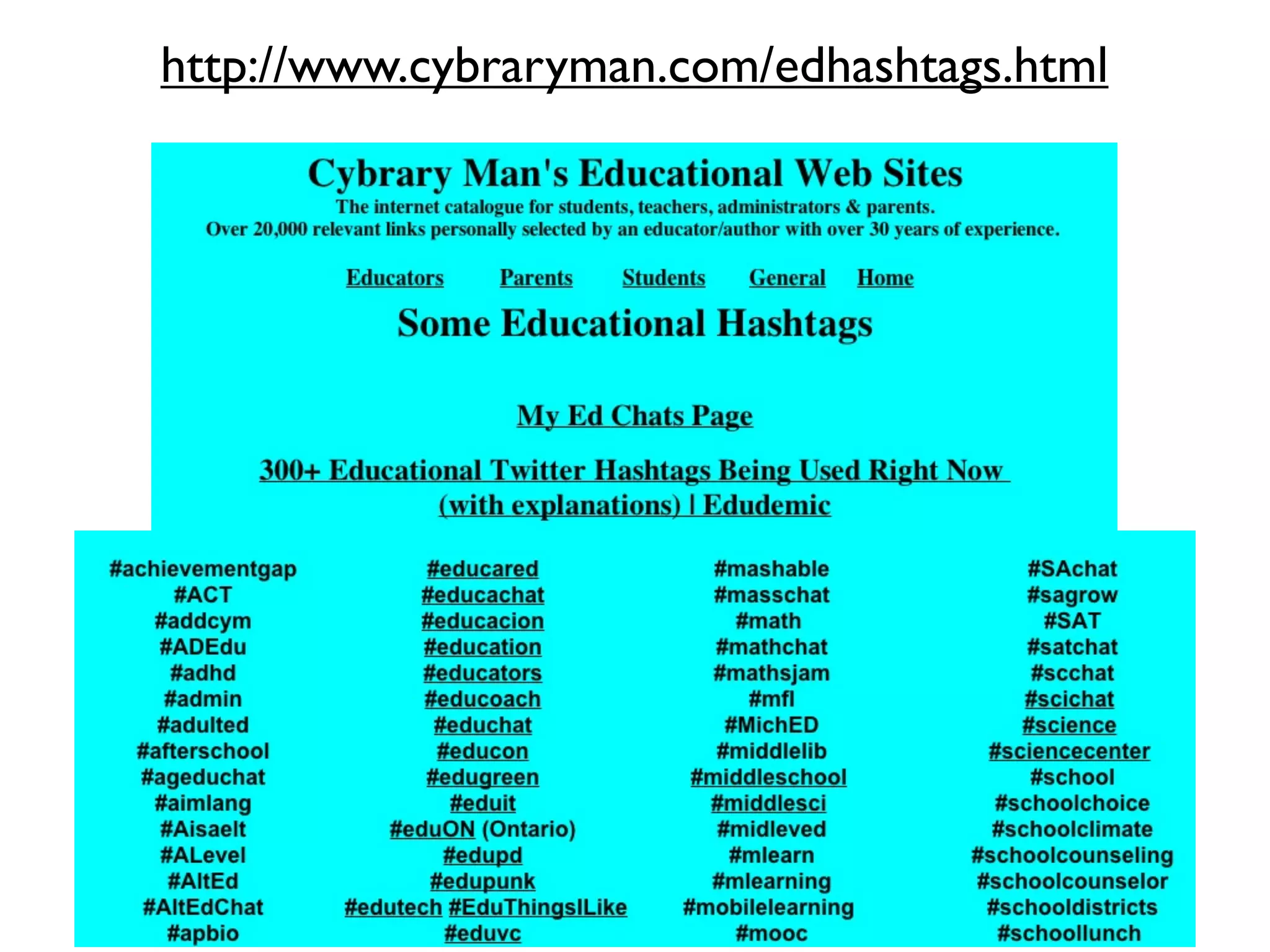
It’s all about Hashtags
#cpchat
#edadmin
#edchat
#elemchat
#cmtc12
#ascd
#ascd13
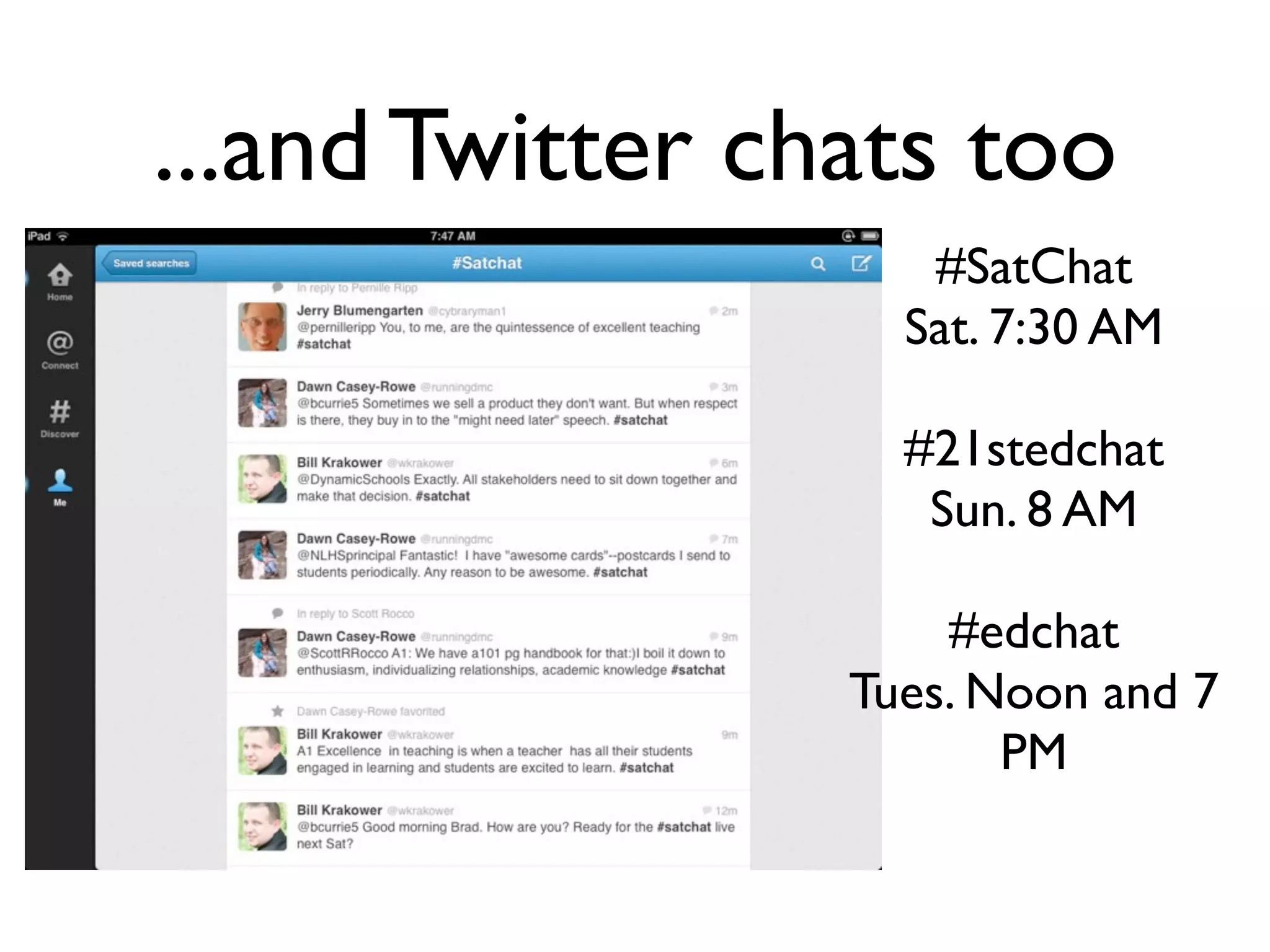
...and Twitter chats too
#SatChat
Sat. 7:30 AM
#21stedchat
Sun. 8 AM
#edchat
Tues. Noon and 7
PM
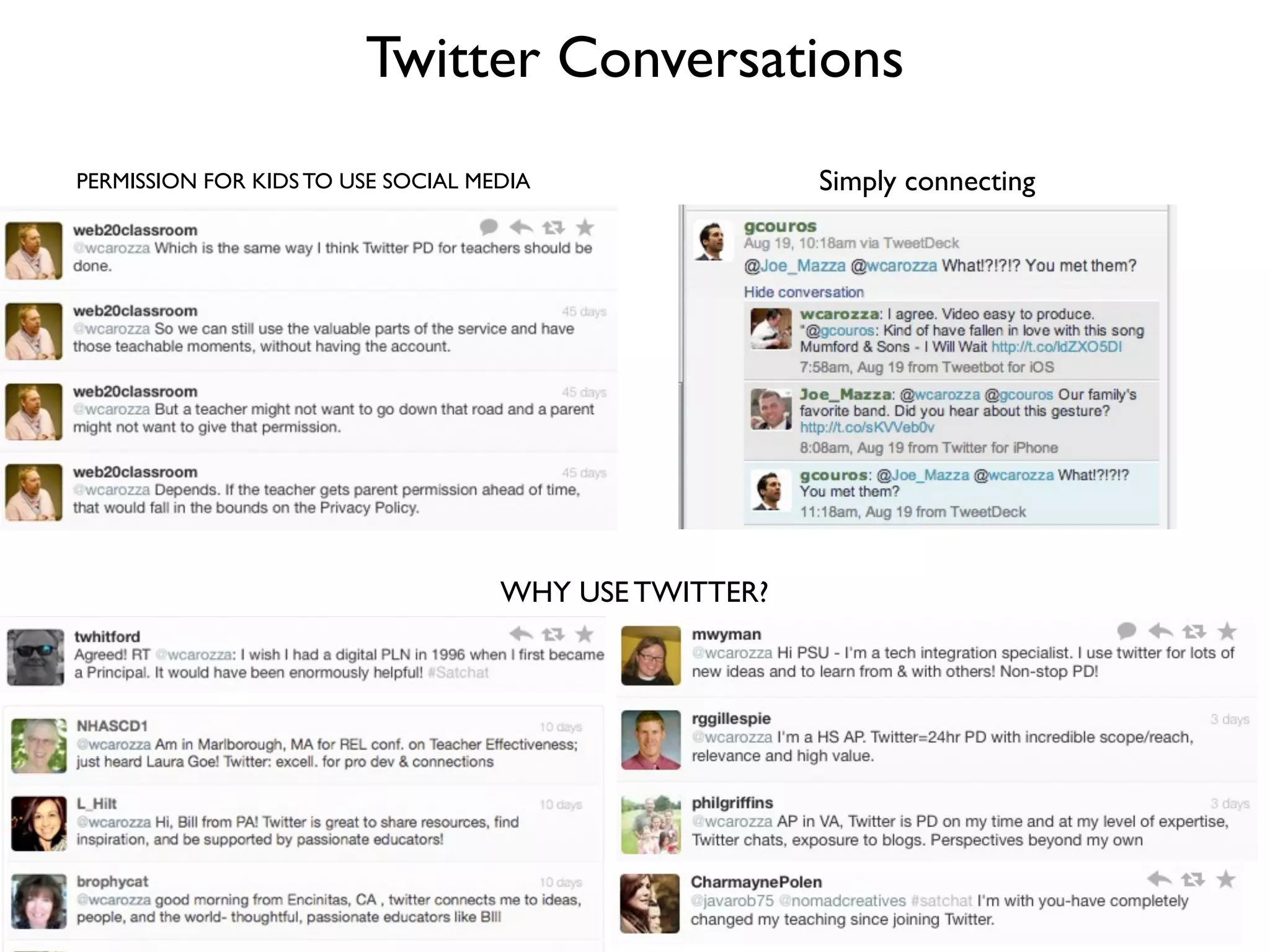
Twitter Conversations
PERMISSION FOR KIDS TO USE SOCIAL MEDIA
WHY USE TWITTER?
Simply connecting
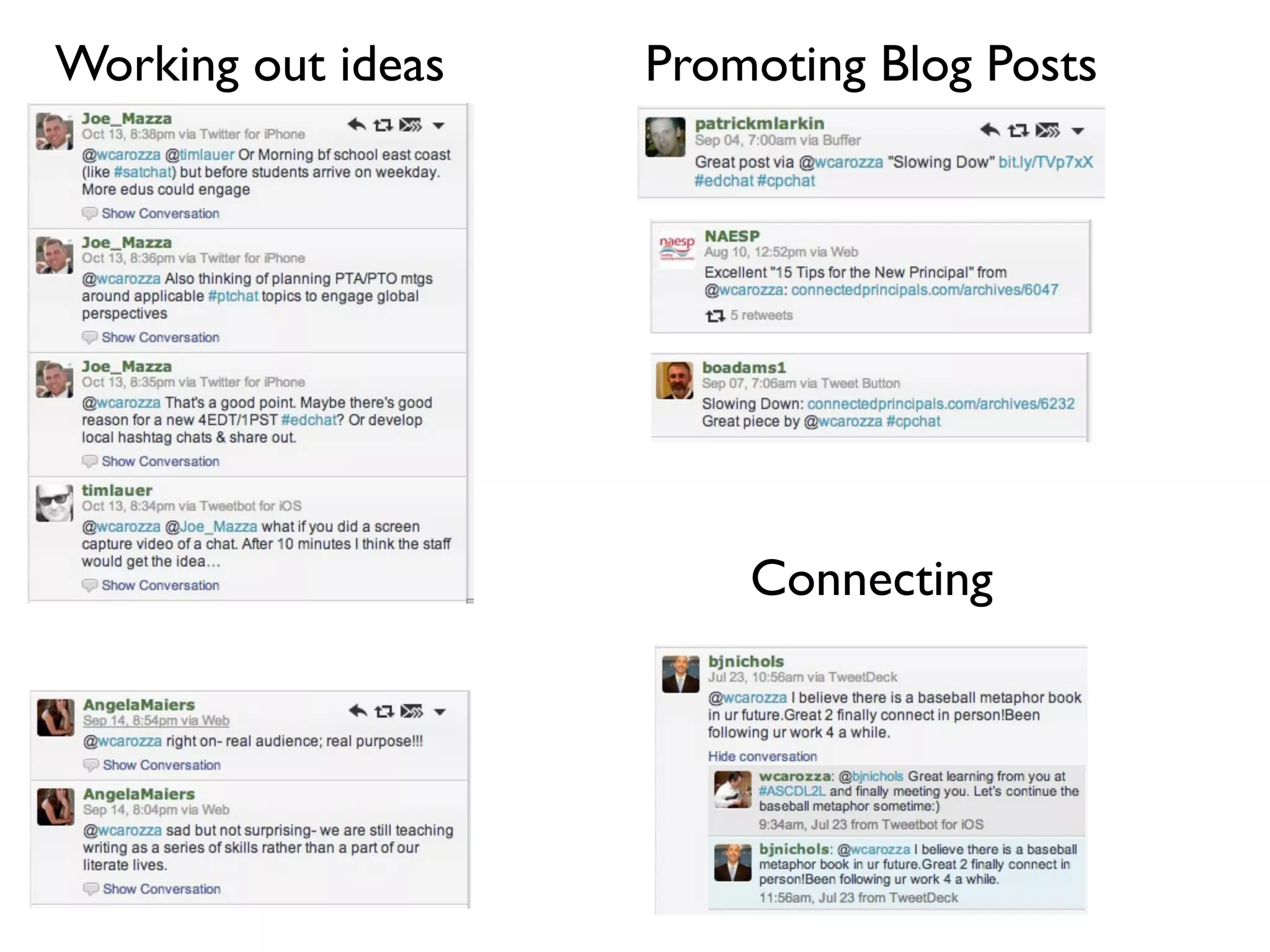
Working out ideas Promoting Blog Posts
Connecting
http://www.cybraryman.com/edhashtags.html
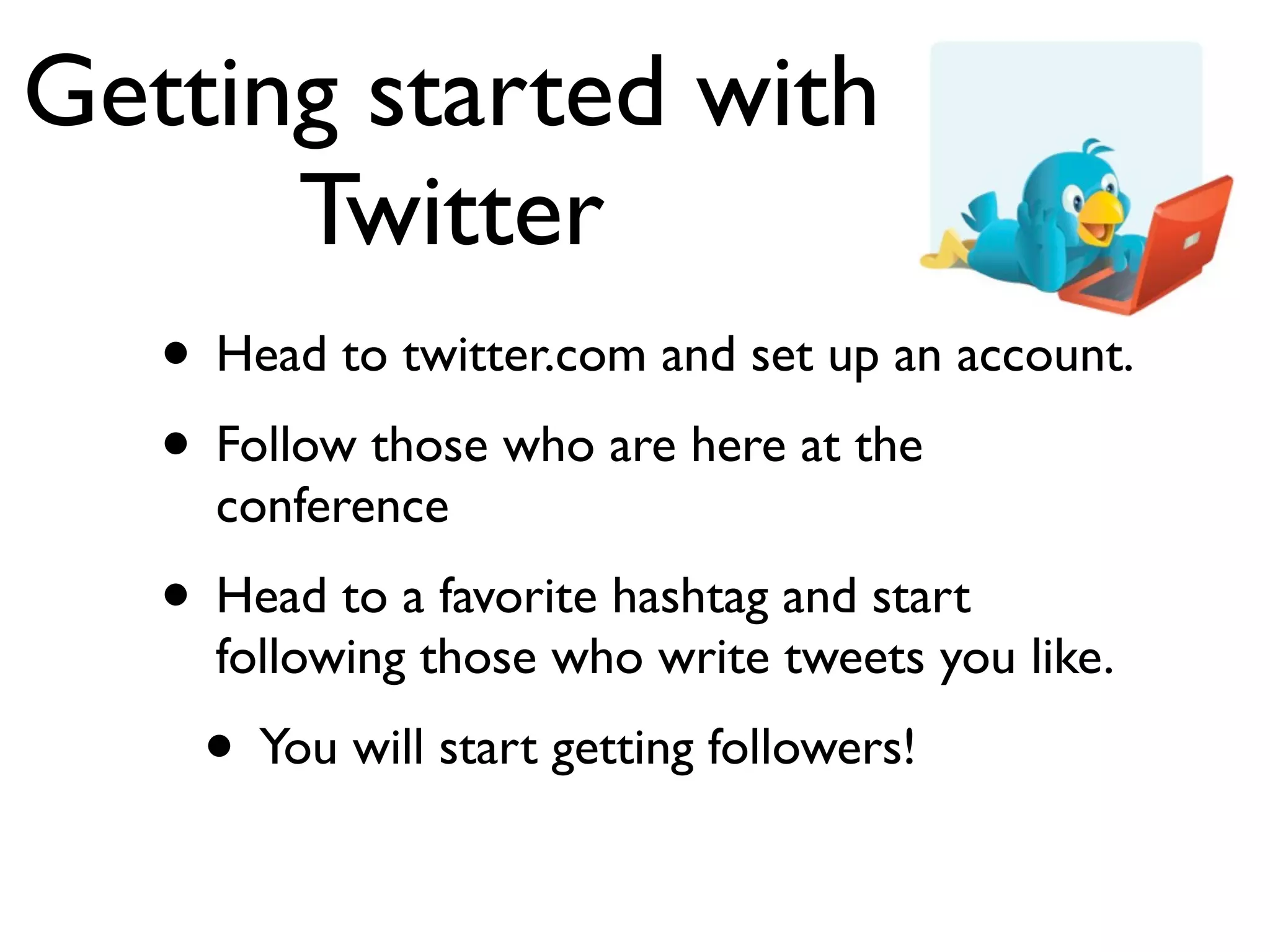
Getting started with
Twitter
• Head to twitter.com and set up an account.
• Follow those who are here at the
conference
• Head to a favorite hashtag and start
following those who write tweets you like.
• You will start getting followers!
Cloud Based
Organization
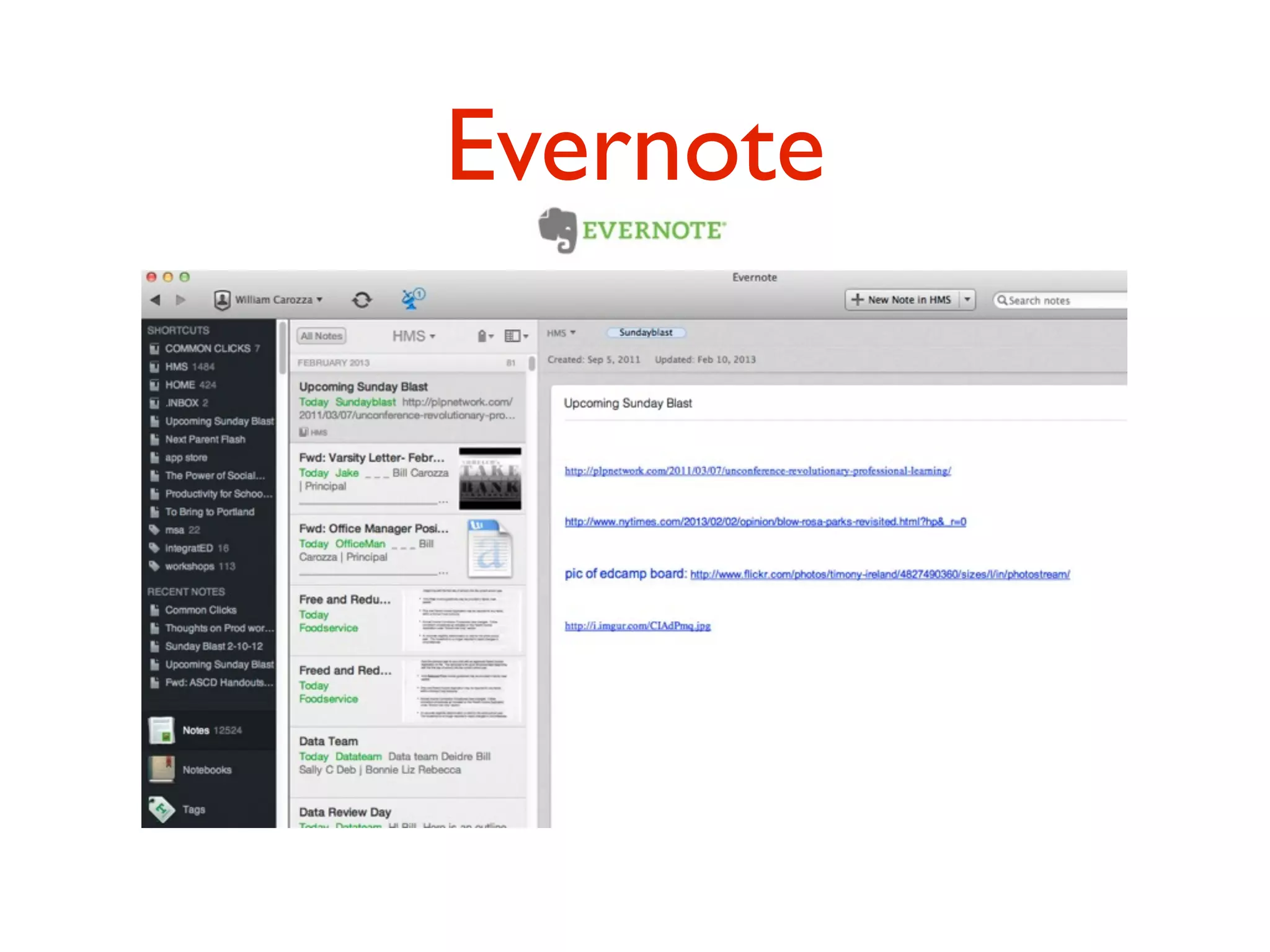
Evernote
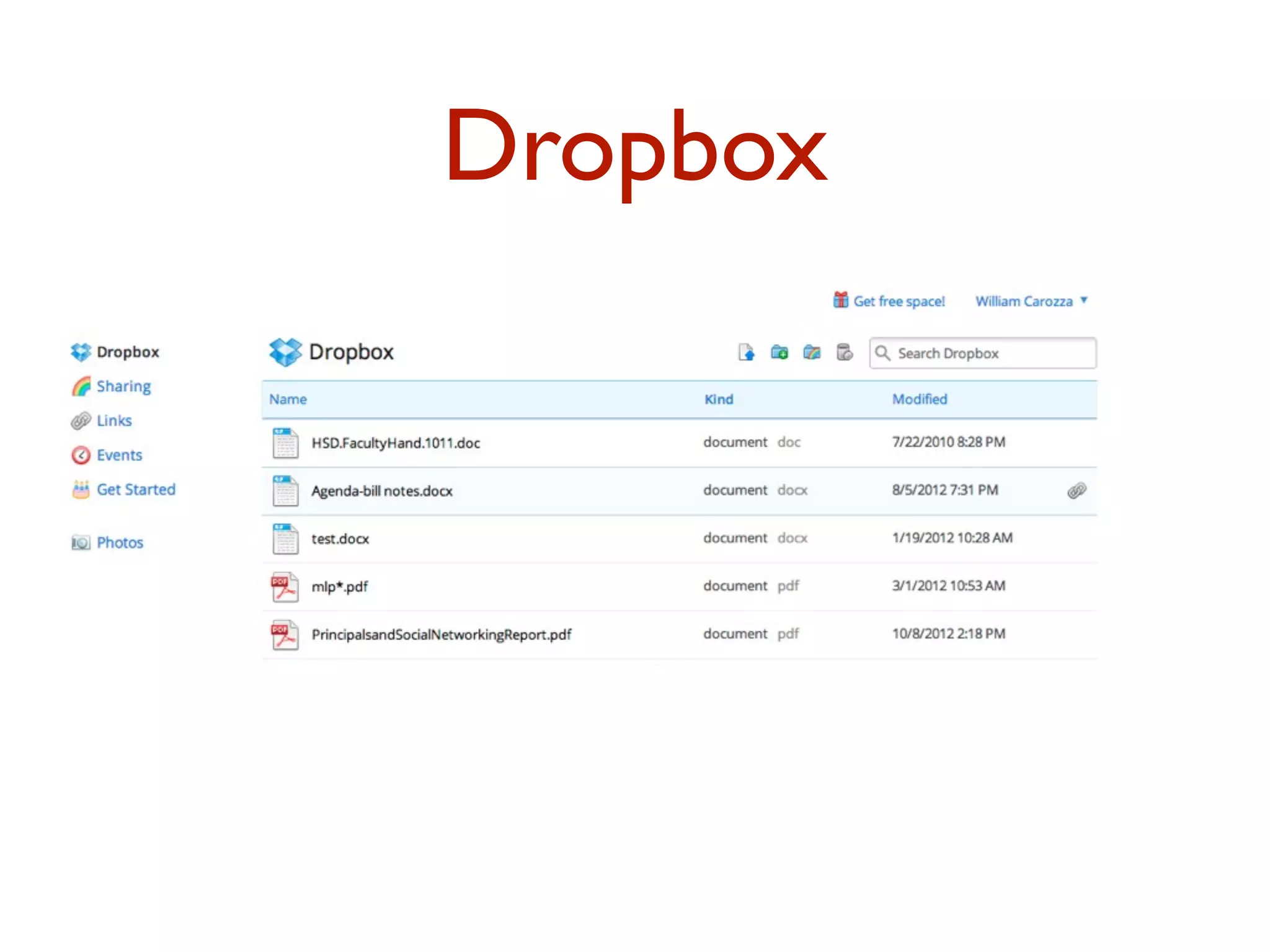
Dropbox
Play!
• Set up a TodaysMeet Page
• Create a screencast using Screener and set up account
• Create account on Slideshare and upload a presentation
• Create quick podcast on Audioboo
• open up Diigo account and start putting in sites.
• Set up blog account in Blogger.
• Set up Feedly account.
• Set up Twitter account and start following and Tweeting.
• Or other options.
• Head to NH Network page to grab the
links.
DEBRIEF!
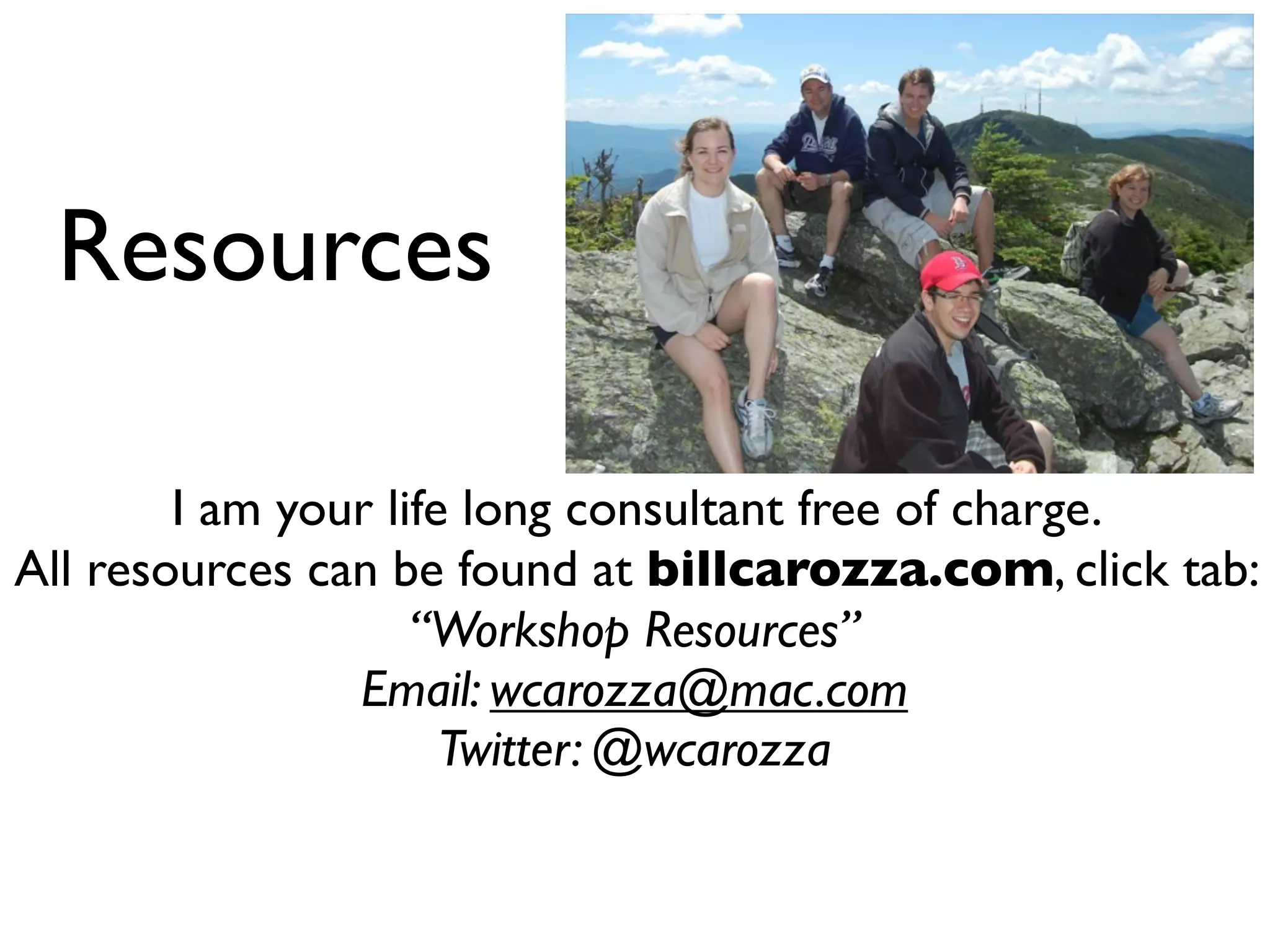
Resources
I am your life long consultant free of charge.
All resources can be found at billcarozza.com, click tab:
“Workshop Resources”
Email: wcarozza@mac.com
Twitter: @wcarozza

Web 2.0 Tools to Support Classroom Innovation and Professional Learning

  • 1.
    Web 2.0 Toolsto Support Classroom Innovation and Professional Learning NHDOE Statewide Educator Conference * July 24, 2013 Bill Carozza • Principal – Harold Martin School, Hopkinton, NH • wcarozza@mac.com Twitter: @wcarozza • Blog: billcarozza.com
  • 2.
    BIG PICTURE GOALS FORTODAY • Leave with a vision on how you can use Web 2.0 to: • Transform your instruction for all learners • Develop Professionally
  • 3.
    SPECIFIC goals for today: •Establish why the use of social media (SM) and being a Connected Educator is crucial in the 21st Century. • Be introduced to many Social Media/Web 2.0 possibilities. • Be ready to try out 1-2 tools today. Pick at least 3 tools that you will try this summer.
  • 4.
    Procedure for today •After intro to Web 2.0... • Demo of Specific Tools • Opportunity to try some tools
  • 5.
  • 6.
    Quick Tweet • Pres.at Statewide Educator Conf. on Web 2.0. Pls tweet back how Twitter has been powerful 4u. #edchat #cpchat
  • 7.
    Looking at theNH Network
  • 8.
  • 9.
    Technology Credo • Technology  initiatives  have  to  improve   upon  the  instructional,  curricular,  or   assessment  practices  we  already  value.
  • 11.
    Again…Will Richardson • Themost sweeping change in our relationship with the Internet may not be as much with the ability to publish as it is the ability to share and connect and create with many, many others of like minds and interests.
  • 12.
    You think theworld has changed? 1989 Radio Shack Cell Phone Commercial
  • 13.
    We have alwayshad technology: From a Principal’s publication in 1815: “Students today depend on paper too much.They don’t know how to write on a slate without getting chalk dust all over themselves.What will they do when they run out of paper?” From the NationalTeachers Association in 1905: “Students today depend too much on ink.They don’t know how to use a pen knife to sharpen a pencil. Pen and ink will never replace the pencil.”
  • 14.
    From Rural AmericanTeacher 1928: “Students today depend upon store bought ink. They don’t know how to make their own. When they run out of ink they will be unable to write until their next trip to the settlement. This is a sad commentary on modern education.” From PTA Gazette 1941: “Students today depend on those expensive fountain pens. We parents must not allow them to wallow in such luxury and to the detriment of their learning.”
  • 15.
    From Federal Teachers1950: “Ballpoint pens will be the ruin of education in our country. Students use these devices then throw them away. The values of thrift and frugality are being discarded. Businesses and banks will never allow such expensive luxuries.”
  • 16.
  • 17.
    Web 1.0 • Staticweb pages • Using search engines • Surfing the web
  • 18.
    Web 2.0 • Webapplications (as opposed to client or desktop based apps.) • User interaction • Facebook, Blogs,Twitter,Wikis • Users focus on ideas, creativity, collaboration • Technical know how-not as important • No need to know computer programming, e.g. HTML
  • 19.
  • 21.
    TOOLS! Focus on: • Web-basedPresentation • Screencasts: Screenr • Slide Presentation: Slideshare • Podcasting • Audioboo • Social Bookmarking: Diigo • Blogging • Blogger
  • 22.
  • 23.
  • 24.
  • 25.
    POWER of screencasts • Canbe used as instruction videos as part of the “Flipped Classroom” • Combines your computer screen with voice. • Client software and web software • Easy web example: Screenr
  • 26.
  • 27.
  • 28.
  • 29.
    Podcasting can bewith software as complex as Garageband or Audacity...
  • 30.
    Much simpler onthe iOS Garageband app...or...
  • 31.
    Even simpler withthe iOS and Android app: Audioboo
  • 32.
  • 33.
  • 34.
    RSS through theiPad Feedly
  • 35.
  • 36.
    The problem • Youhave many web sites that you have love and have bookmarked. How do you organize them so that you can find them again? • And...how do you find good vetted educational web sites instead of searching through thousands on Google?
  • 37.
  • 38.
    Solution-Social Bookmarking with Diigo *Organizes all of your web sites * Can set up vetted web sites groups for students * Can search for vetted web sites – more reliable than Google
  • 39.
  • 40.
  • 41.
  • 42.
  • 43.
    Why Blog? • Writingrequires reflection and greater understanding. • Blogging begins the cycle of collaboration. • Blogging encourages teachers and students to do the same. • A blog helps to build your school’s “brand”.
  • 44.
  • 45.
  • 47.
    Getting your bloggoing in one day: BLOGGER
  • 48.
  • 49.
  • 50.
  • 51.
  • 52.
  • 53.
  • 54.
    Check back onour Twitter message...
  • 55.
  • 56.
    I thought thiswas Twitter...
  • 57.
    A case forTwitter • Twitter is your window to perhaps the highest quality content on the web. • It’s a free Web 2.0 microblogging service, 140 character max., and inspires you to read and learn. • It’s all about connections • Register at http://twitter.com
  • 58.
    The Language ofTwitter @: Reply sent to a specific person RT: Retweeting helps to spread great tweets to others DM: Direct Message is like email-private to one person #: Hashtag parses Tweets to a single topic
  • 59.
    Why Use Twitter? ForYour School Rapidlydisseminate info Prof. Growth Create your Own PLN (Professional Learning Network)
  • 60.
  • 61.
    DEVELOPING YOUR PLN(Personal Learning Network) Learn from other administrators Links to blogs, articles Find collaborative solutions Backchanneling at conferences
  • 62.
    HOW TO ACCESSTWITTER? Multi-Column -Tweetdeck, Hootsuite Single Column -Twitter for Mac, Echofon Smartphone
  • 63.
    It’s all aboutHashtags #cpchat #edadmin #edchat #elemchat #cmtc12 #ascd #ascd13
  • 64.
    ...and Twitter chatstoo #SatChat Sat. 7:30 AM #21stedchat Sun. 8 AM #edchat Tues. Noon and 7 PM
  • 65.
    Twitter Conversations PERMISSION FORKIDS TO USE SOCIAL MEDIA WHY USE TWITTER? Simply connecting
  • 66.
    Working out ideasPromoting Blog Posts Connecting
  • 67.
  • 68.
    Getting started with Twitter •Head to twitter.com and set up an account. • Follow those who are here at the conference • Head to a favorite hashtag and start following those who write tweets you like. • You will start getting followers!
  • 69.
  • 70.
  • 71.
  • 72.
    Play! • Set upa TodaysMeet Page • Create a screencast using Screener and set up account • Create account on Slideshare and upload a presentation • Create quick podcast on Audioboo • open up Diigo account and start putting in sites. • Set up blog account in Blogger. • Set up Feedly account. • Set up Twitter account and start following and Tweeting. • Or other options. • Head to NH Network page to grab the links.
  • 73.
  • 74.
    Resources I am yourlife long consultant free of charge. All resources can be found at billcarozza.com, click tab: “Workshop Resources” Email: wcarozza@mac.com Twitter: @wcarozza