Staying Sane When Migrating to a New LMSWCET, October 2009
PresentersDonna HallInstructional Design Team CoordinatorCCCOnlinedonna.hall@cccs.eduDebra Warren Instructional DesignerCCCOnline debra.warren@cccs.edu2
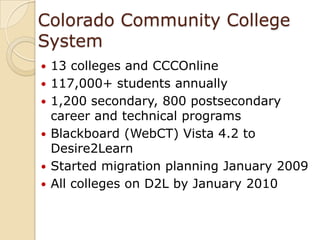
Colorado Community College System	13 colleges and CCCOnline117,000+ students annually1,200 secondary, 800 postsecondary career and technical programsBlackboard (WebCT) Vista 4.2 to Desire2LearnStarted migration planning January 2009All colleges on D2L by January 2010
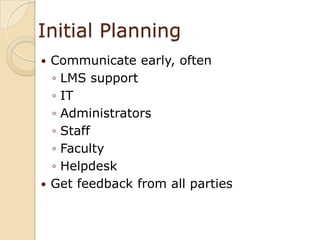
Initial PlanningCommunicate early, oftenLMS supportITAdministratorsStaffFacultyHelpdeskGet feedback from all parties
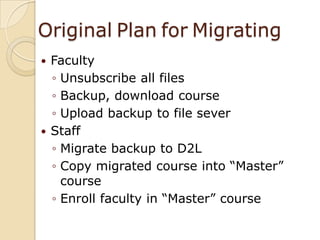
OriginalPlanforMigratingFacultyUnsubscribe all filesBackup, download courseUpload backup to file severStaffMigrate backup to D2LCopy migrated course into “Master” courseEnroll faculty in “Master” course
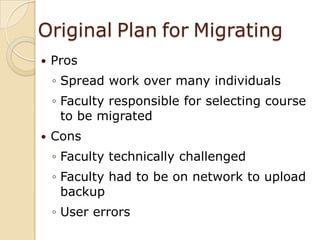
OriginalPlanforMigratingProsSpread work over many individualsFaculty responsible for selecting course to be migratedConsFaculty technically challengedFaculty had to be on network to upload backupUser errors
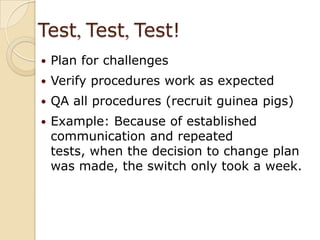
Test, Test, Test!Plan for challengesVerify procedures work as expectedQA all procedures (recruit guinea pigs)Example: Because of established communication and repeated tests, when the decision to change plan was made, the switch only took a week.
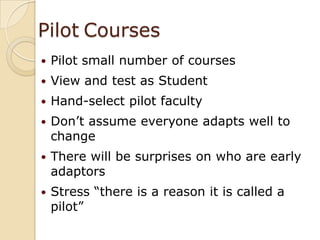
PilotCoursesPilot small number of coursesView and test as StudentHand-select pilot facultyDon’t assume everyone adapts well to changeThere will be surprises on who are early adaptorsStress “there is a reason it is called a pilot”
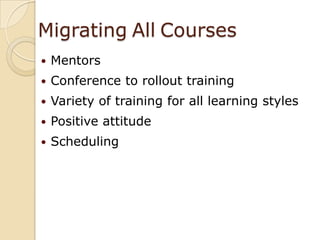
MigratingAllCoursesMentorsConference to rollout training Variety of training for all learning stylesPositive attitudeScheduling
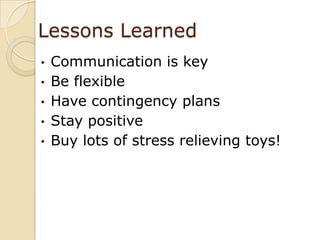
Lessons LearnedCommunication is key

Staying Sane When Migrating To A New Lms