Starting
Core Animation
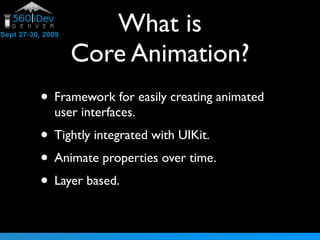
What is
     Core Animation?
• Framework for easily creating animated
  user interfaces.
• Tightly integrated with UIKit.
• Animate properties over time.
• Layer based.
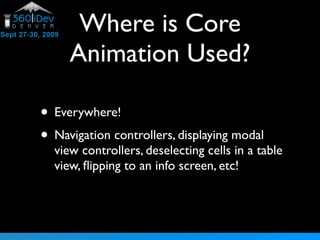
Where is Core
     Animation Used?

• Everywhere!
• Navigation controllers, displaying modal
  view controllers, deselecting cells in a table
  view, flipping to an info screen, etc!
UIView
            Animation’s
• What you need most of the time.
• Happens within an animation block:
    [UIView beginAnimations:nil context:NULL];
    // change stuff
    [UIView commitAnimations];
Customizing,
              a little.
• [UIView setAnimationDuration:]
• [UIView setAnimationCurve:]
  •   UIViewAnimationCurveEaseInOut
      UIViewAnimationCurveEaseIn
      UIViewAnimationCurveEaseOut
      UIViewAnimationCurveLinear

• Delay, repeat count, etc.
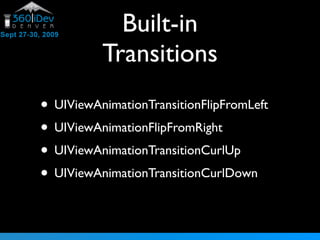
Built-in
          Transitions
• UIViewAnimationTransitionFlipFromLeft
• UIViewAnimationFlipFromRight
• UIViewAnimationTransitionCurlUp
• UIViewAnimationTransitionCurlDown
Transforms


• setTransform:(CGAffineTransform)
• Rotation, scale, translation, etc
Demo
Layers

• 2d object in 3d space.
• “Animation Container”
• Override layerClass method to change the
  type of a layer which your view uses.
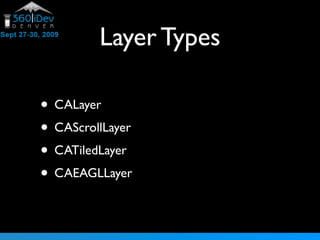
Layer Types

• CALayer
• CAScrollLayer
• CATiledLayer
• CAEAGLLayer
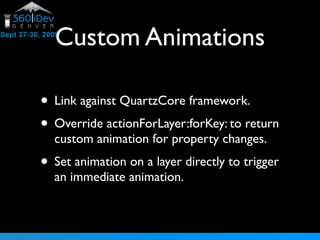
Custom Animations

• Link against QuartzCore framework.
• Override actionForLayer:forKey: to return
  custom animation for property changes.
• Set animation on a layer directly to trigger
  an immediate animation.
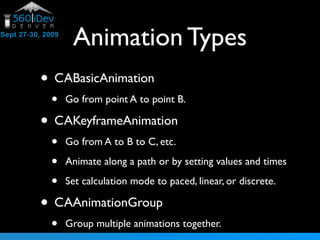
Animation Types
• CABasicAnimation
 •   Go from point A to point B.

• CAKeyframeAnimation
 •   Go from A to B to C, etc.

 •   Animate along a path or by setting values and times

 •   Set calculation mode to paced, linear, or discrete.

• CAAnimationGroup
 •   Group multiple animations together.
Demo!

Starting Core Animation

  • 1.
  • 2.
    What is Core Animation? • Framework for easily creating animated user interfaces. • Tightly integrated with UIKit. • Animate properties over time. • Layer based.
  • 3.
    Where is Core Animation Used? • Everywhere! • Navigation controllers, displaying modal view controllers, deselecting cells in a table view, flipping to an info screen, etc!
  • 4.
    UIView Animation’s • What you need most of the time. • Happens within an animation block: [UIView beginAnimations:nil context:NULL]; // change stuff [UIView commitAnimations];
  • 5.
    Customizing, a little. • [UIView setAnimationDuration:] • [UIView setAnimationCurve:] • UIViewAnimationCurveEaseInOut UIViewAnimationCurveEaseIn UIViewAnimationCurveEaseOut UIViewAnimationCurveLinear • Delay, repeat count, etc.
  • 6.
    Built-in Transitions • UIViewAnimationTransitionFlipFromLeft • UIViewAnimationFlipFromRight • UIViewAnimationTransitionCurlUp • UIViewAnimationTransitionCurlDown
  • 7.
  • 8.
  • 9.
    Layers • 2d objectin 3d space. • “Animation Container” • Override layerClass method to change the type of a layer which your view uses.
  • 10.
    Layer Types • CALayer •CAScrollLayer • CATiledLayer • CAEAGLLayer
  • 11.
    Custom Animations • Linkagainst QuartzCore framework. • Override actionForLayer:forKey: to return custom animation for property changes. • Set animation on a layer directly to trigger an immediate animation.
  • 12.
    Animation Types • CABasicAnimation • Go from point A to point B. • CAKeyframeAnimation • Go from A to B to C, etc. • Animate along a path or by setting values and times • Set calculation mode to paced, linear, or discrete. • CAAnimationGroup • Group multiple animations together.
  • 13.