Choose
Your
Animation
Adventure
Val Head • @vlh
Author of Designing Interface Animation
Design Advocate, Adobe
Choose
Your
Animation
Adventure
Val Head • @vlh
Author of Designing Interface Animation
Design Advocate, Adobe
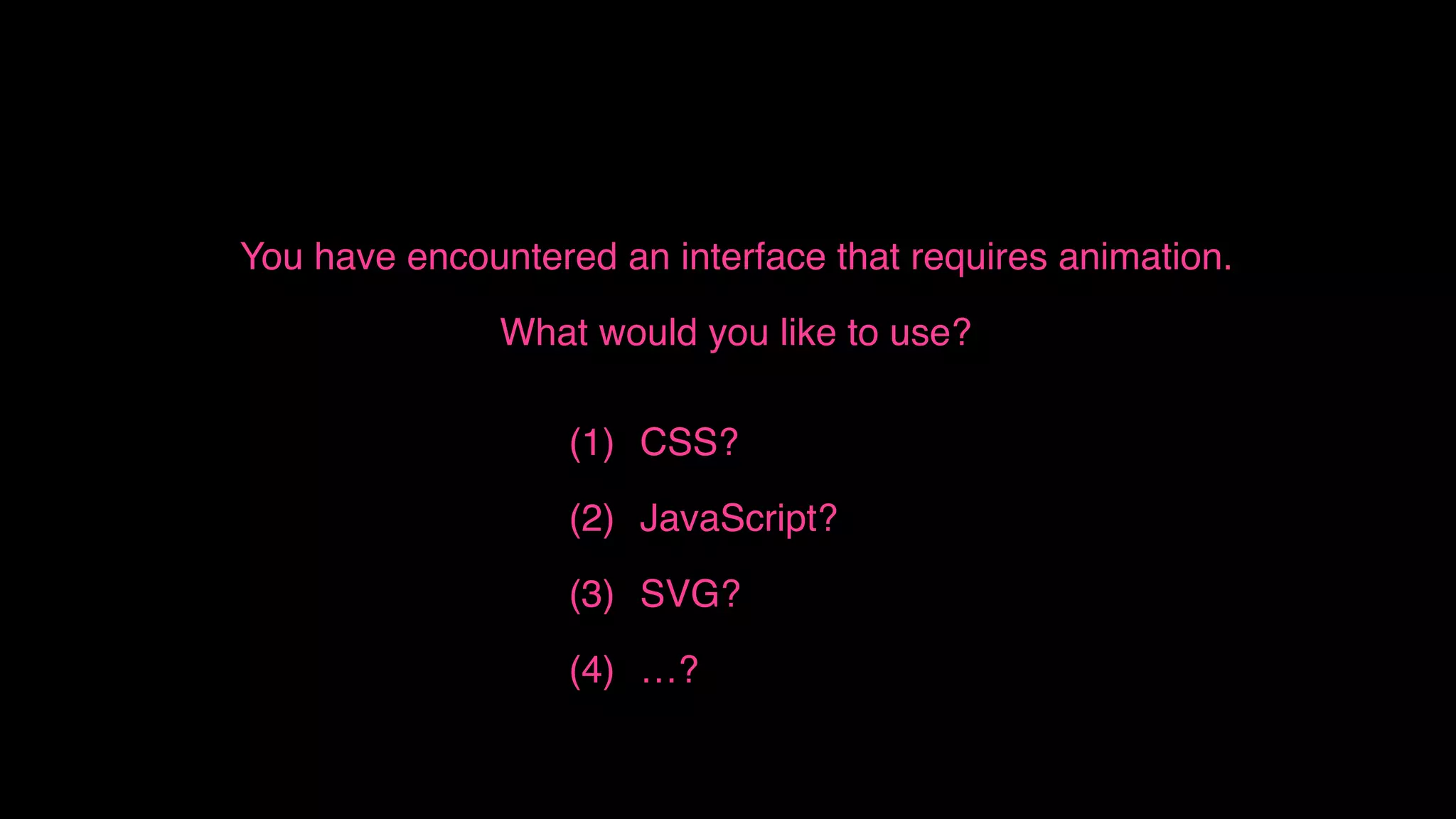
You have encountered an interface that requires animation.
What would you like to use?
(1) CSS?
(2) JavaScript?
(3) SVG?
(4) …?
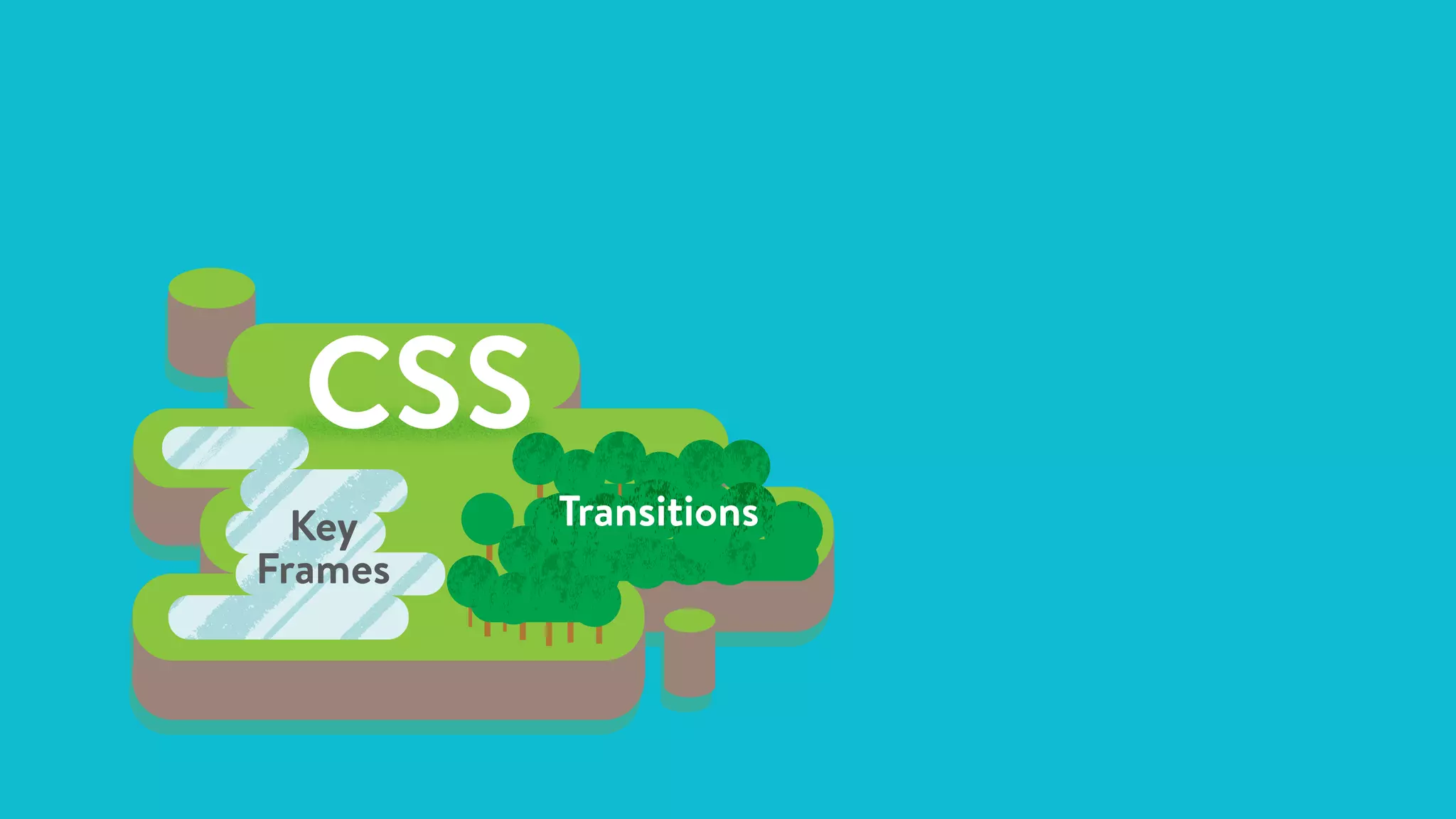
CSS
Key
Frames
Transitions
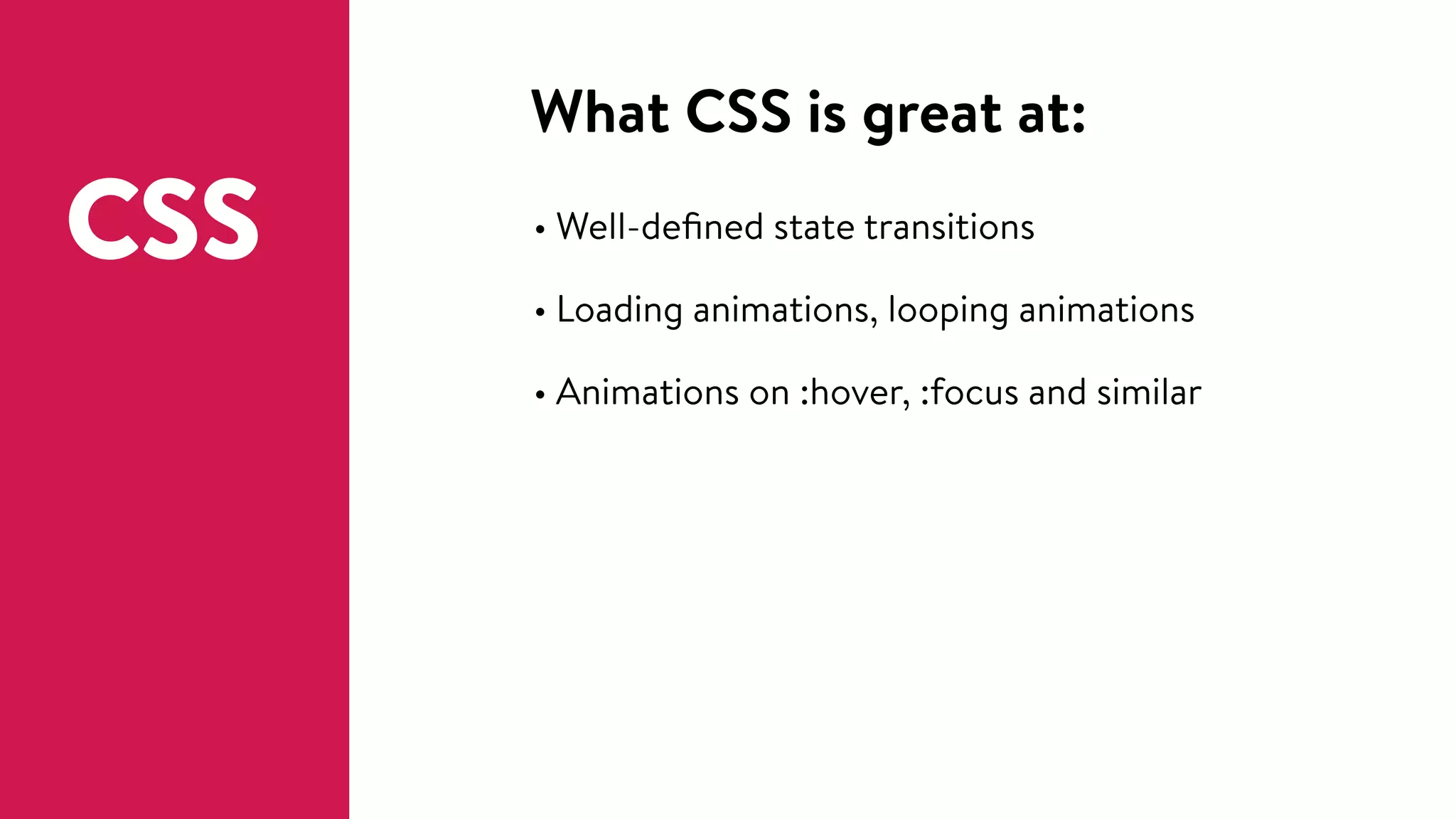
What CSS is great at:
• Well-defined state transitions
• Loading animations, looping animations
• Animations on :hover, :focus and similar
CSS
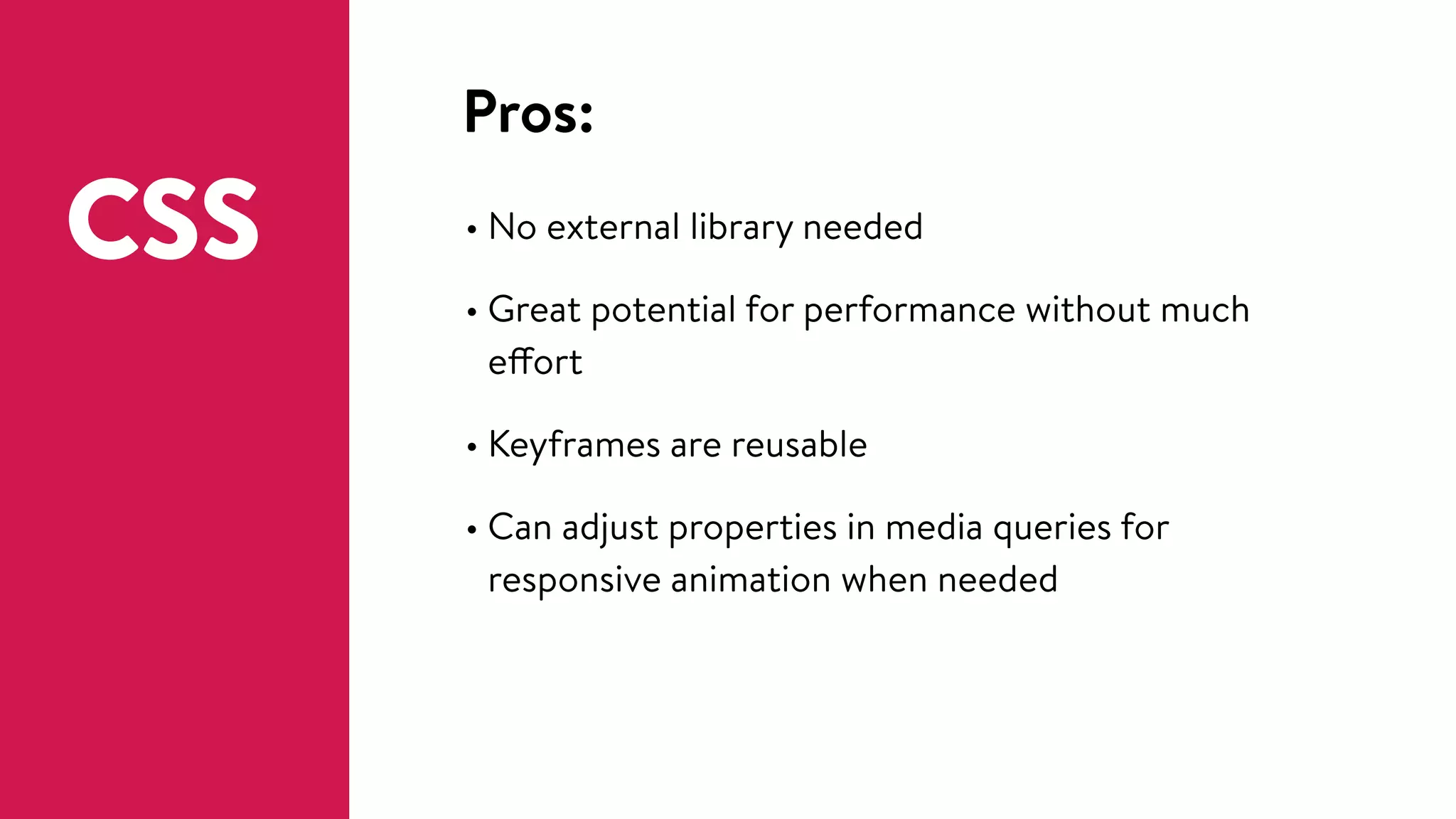
Pros:
• No external library needed
• Great potential for performance without much
effort
• Keyframes are reusable
• Can adjust properties in media queries for
responsive animation when needed
CSS
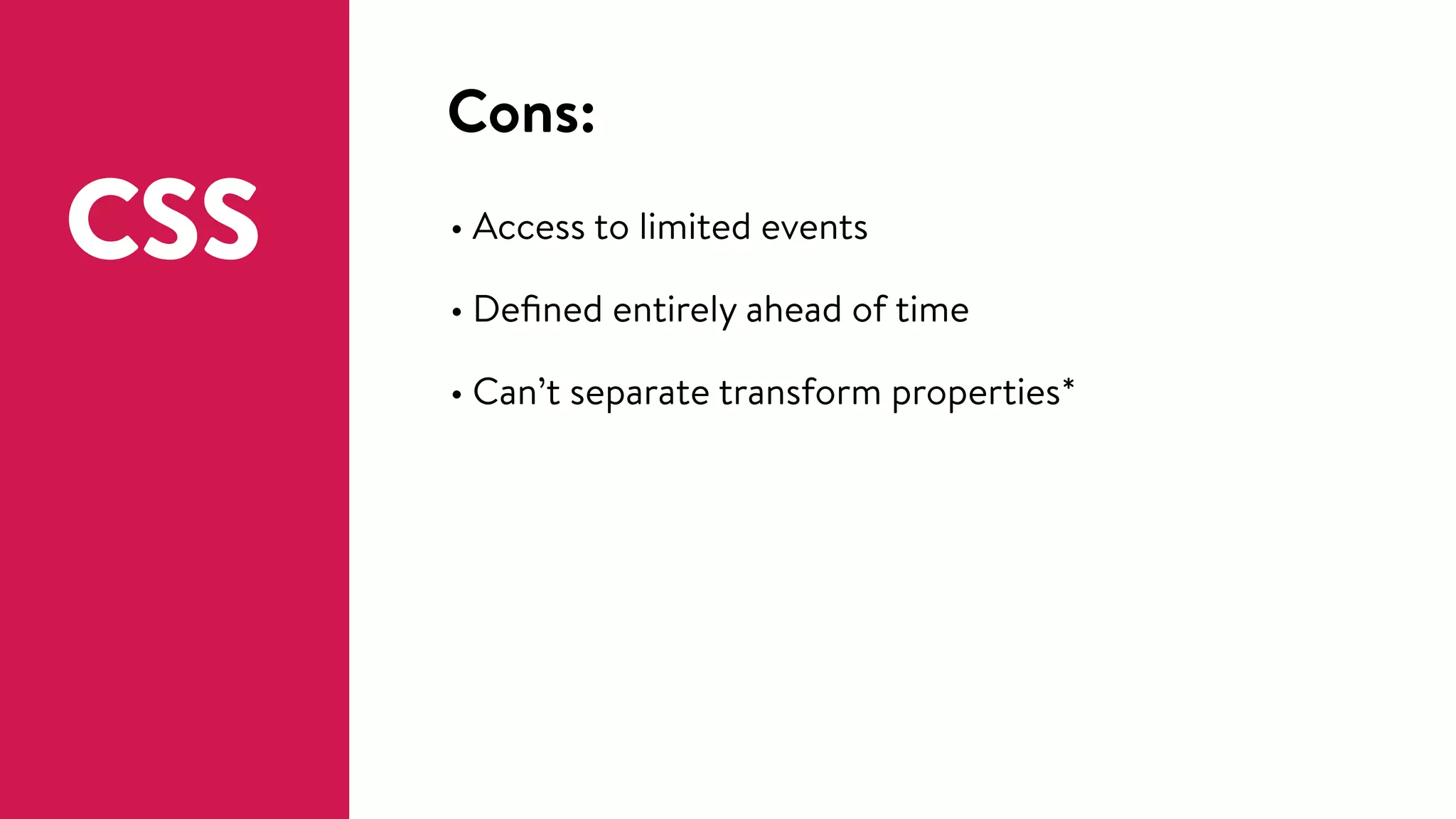
Cons:
• Access to limited events
• Defined entirely ahead of time
• Can’t separate transform properties*
CSS
CSS + JS = 🙌
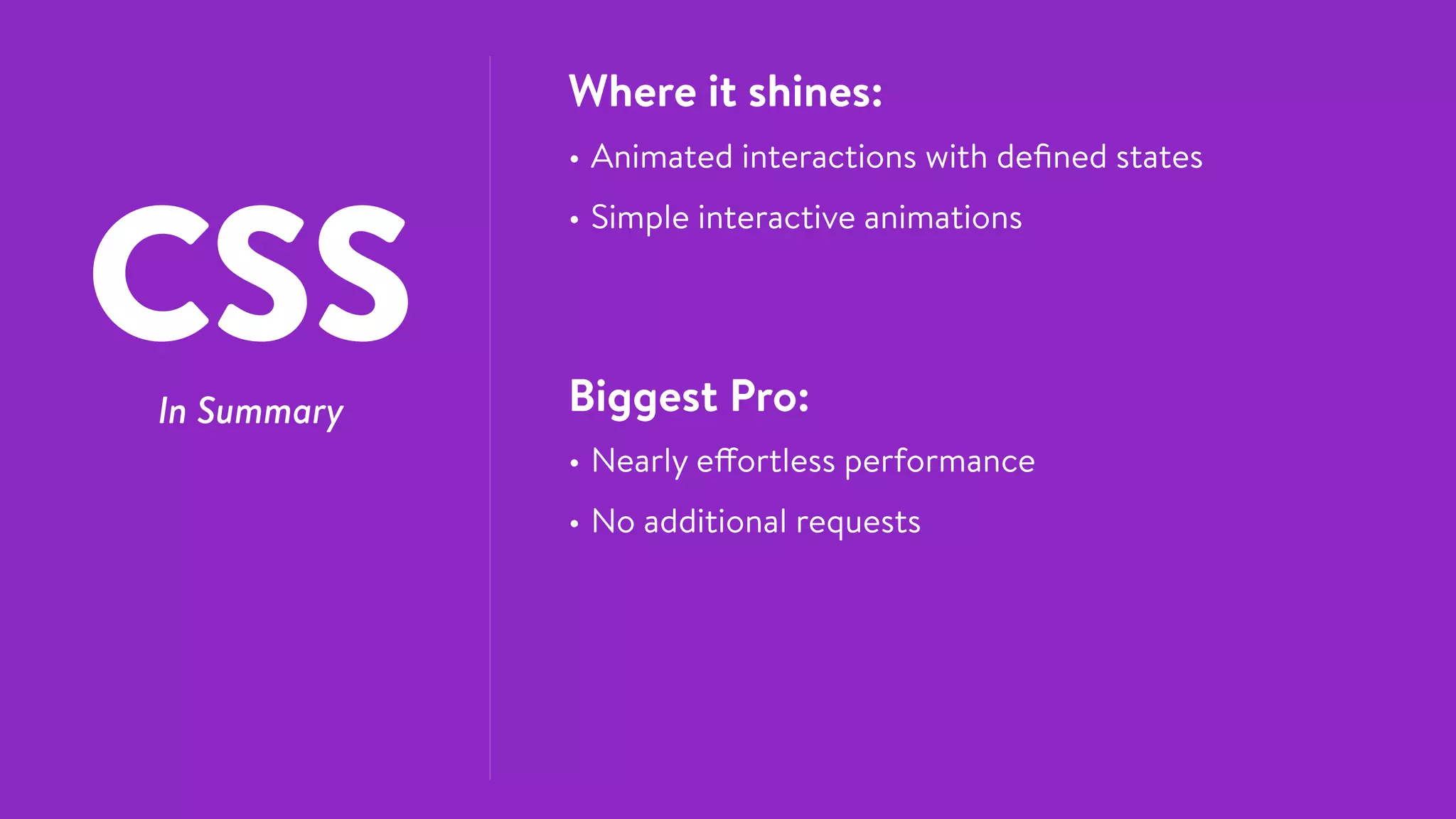
CSSIn Summary
Where it shines:
• Animated interactions with defined states
• Simple interactive animations
Biggest Pro:
• Nearly effortless performance
• No additional requests
CSS is pretty great, but it might be 

time to move to JavaScript if:
• You’ll be chaining more than 3-ish animations in a
sequence
• The animation needs to change dynamically at runtime
• Need to animate transform properties separately
• Physics or other complex easing structures are required
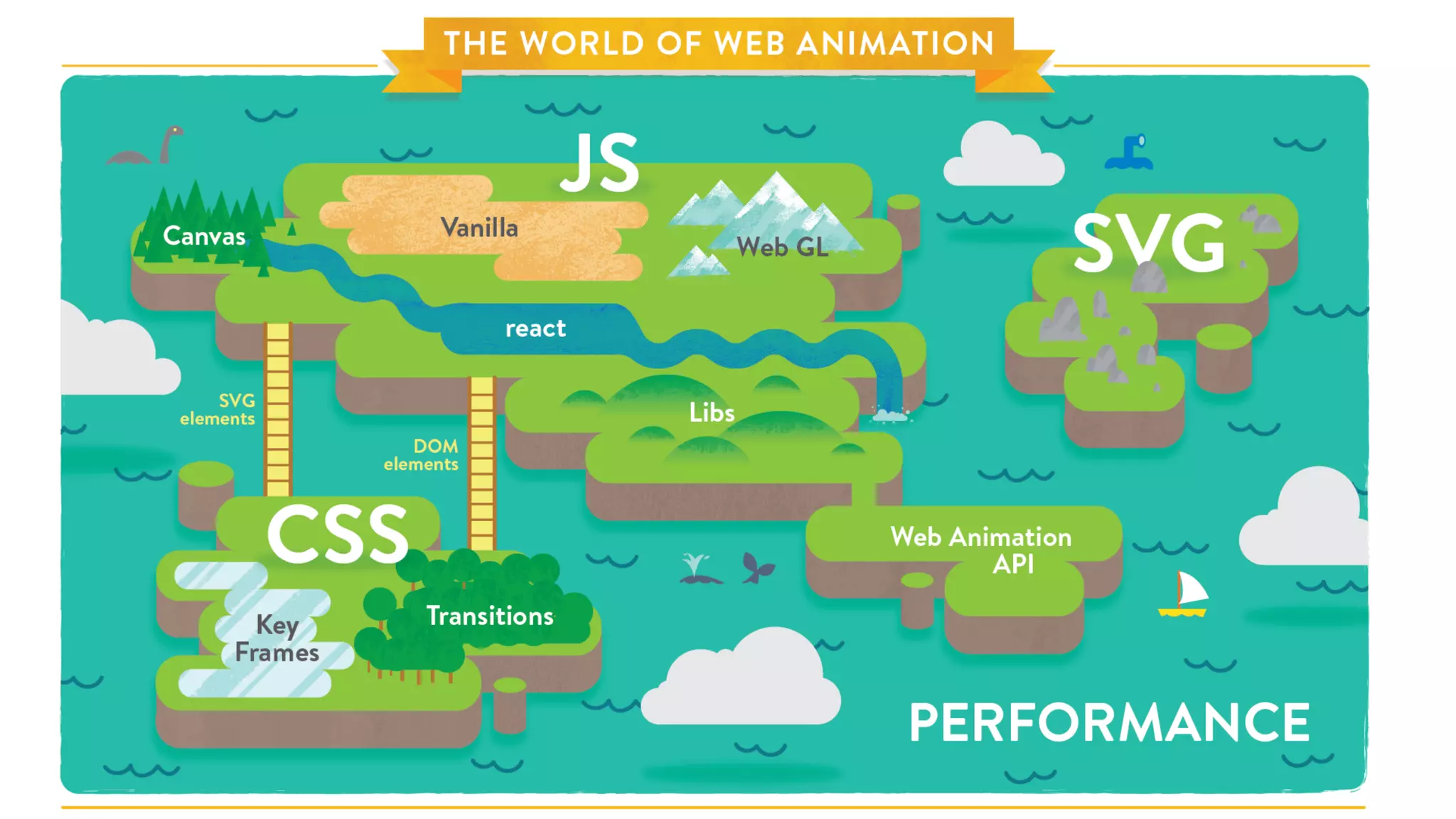
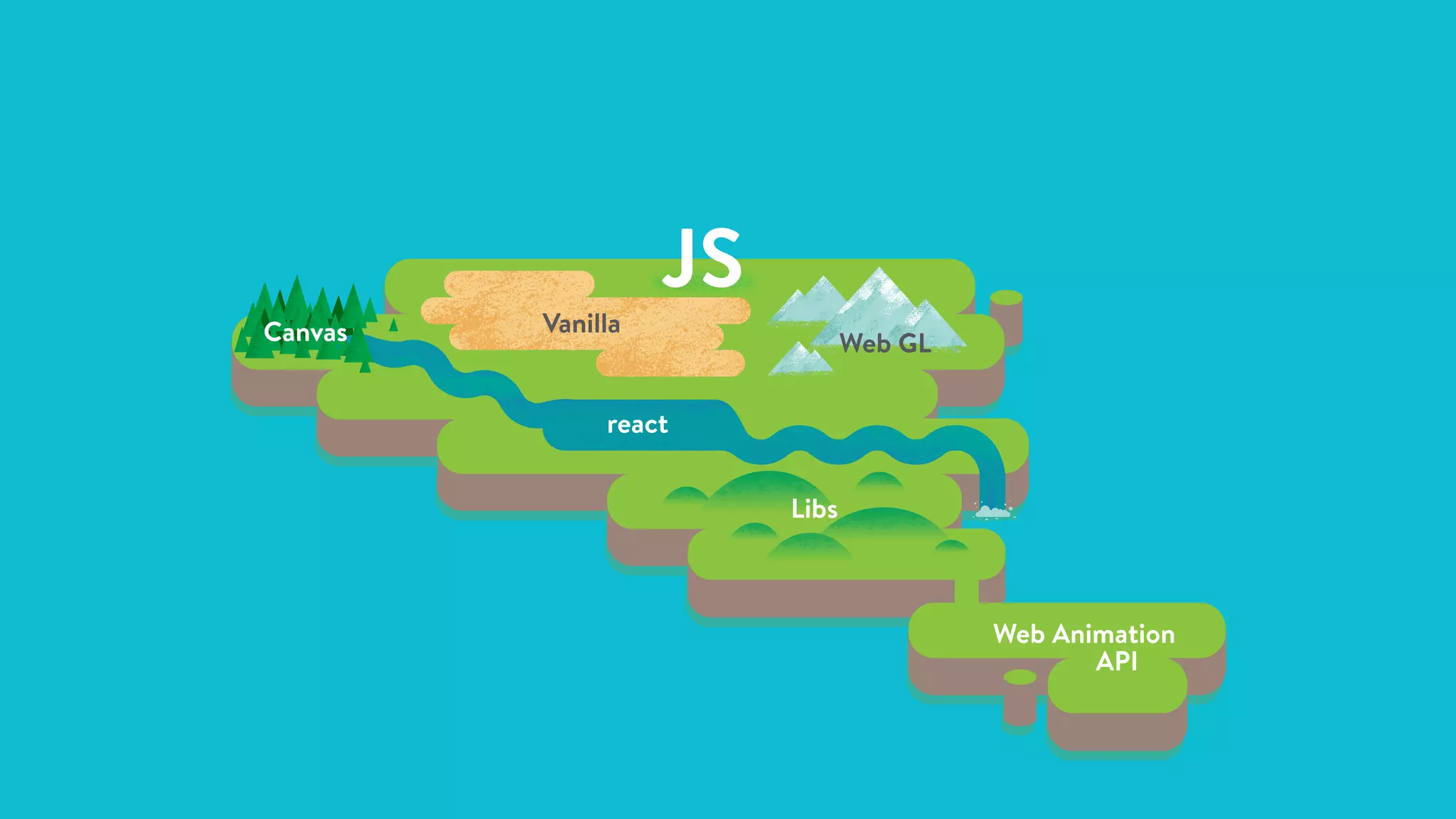
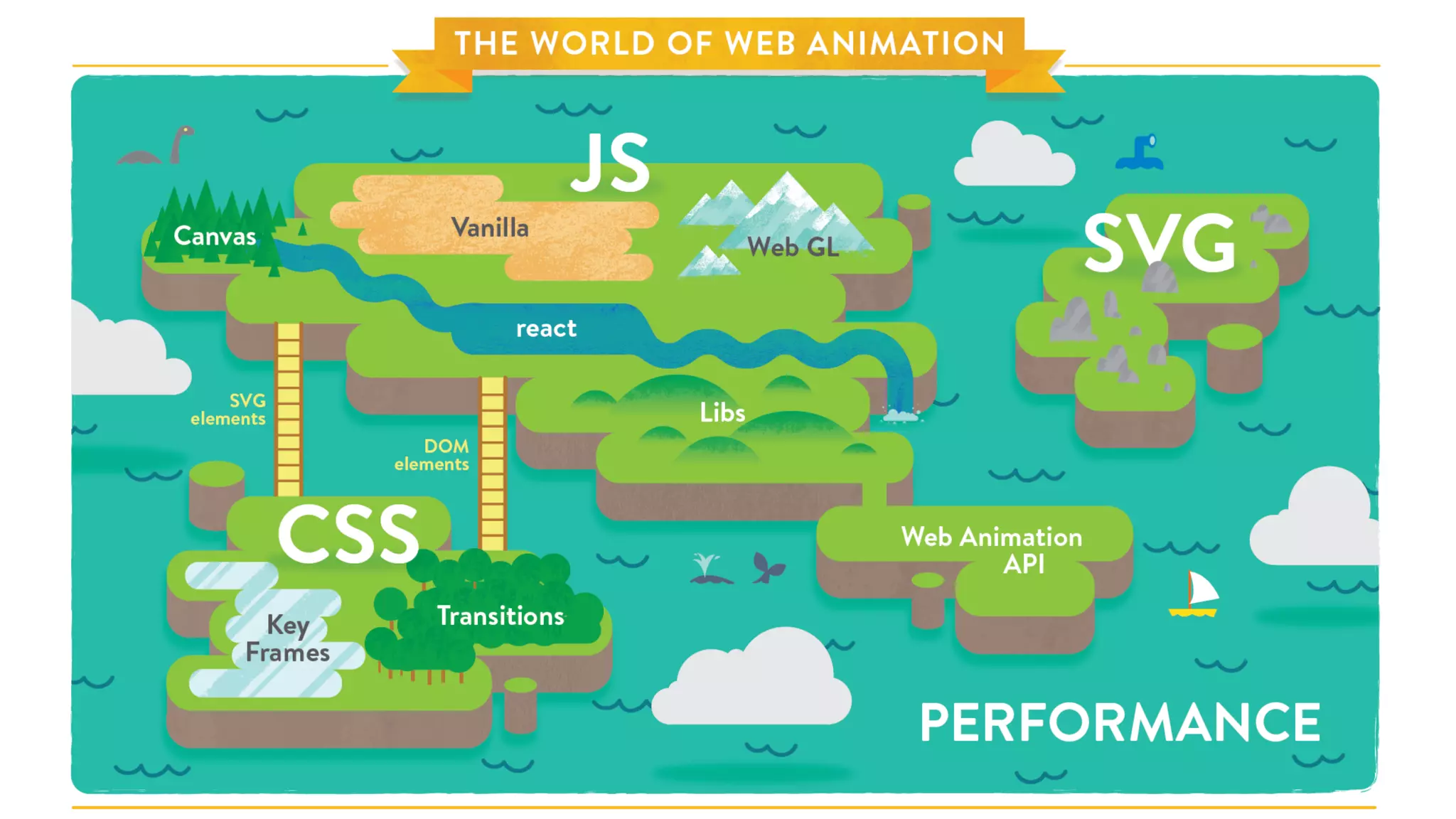
VanillaCanvas Web GL
react
Libs
Web Animation
API
JS
What javascript is great at:
JS • Complex animated interactions
• Narrative or immersive animation
• Dynamic state transitions
requestAnimationFrame
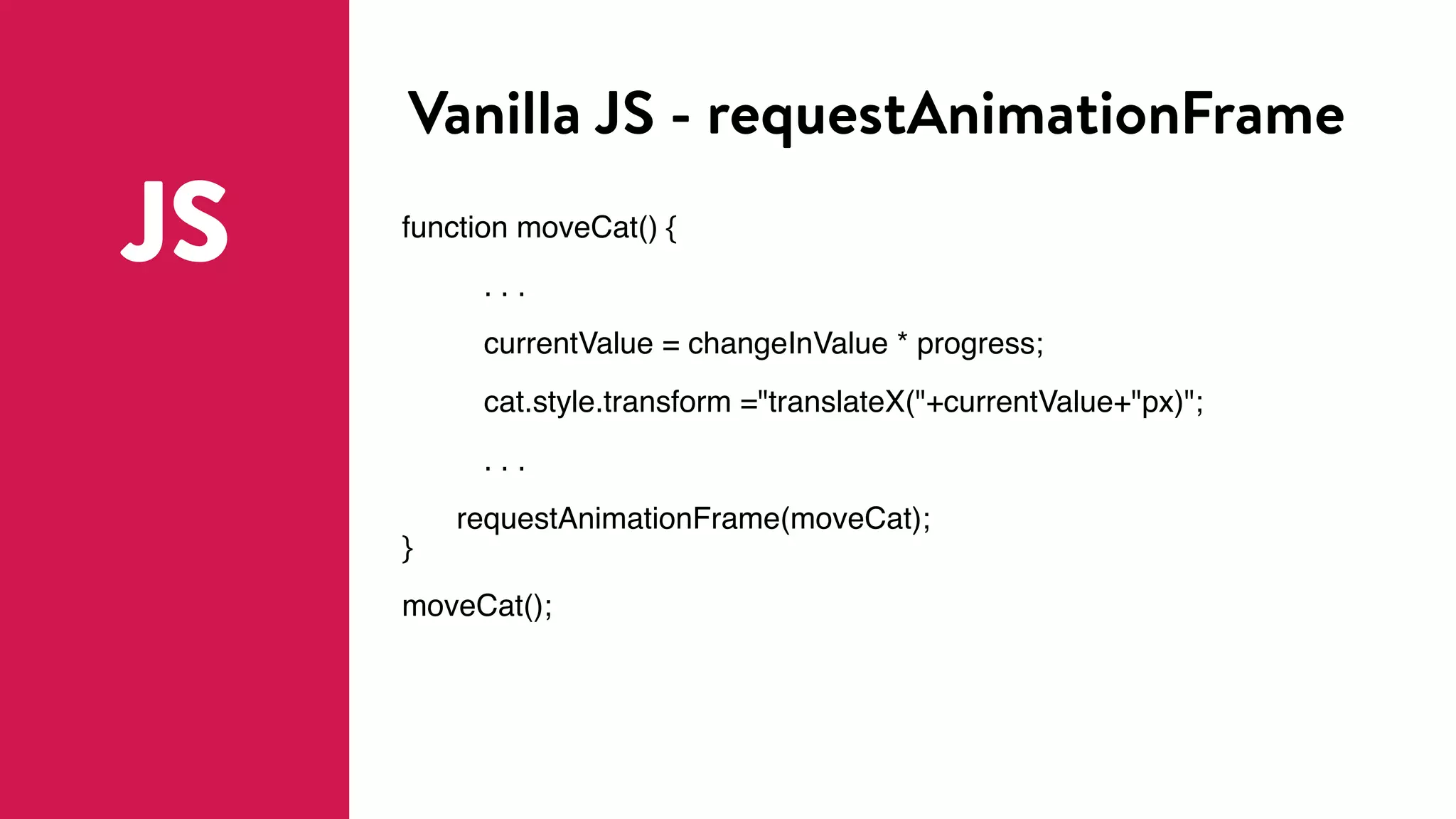
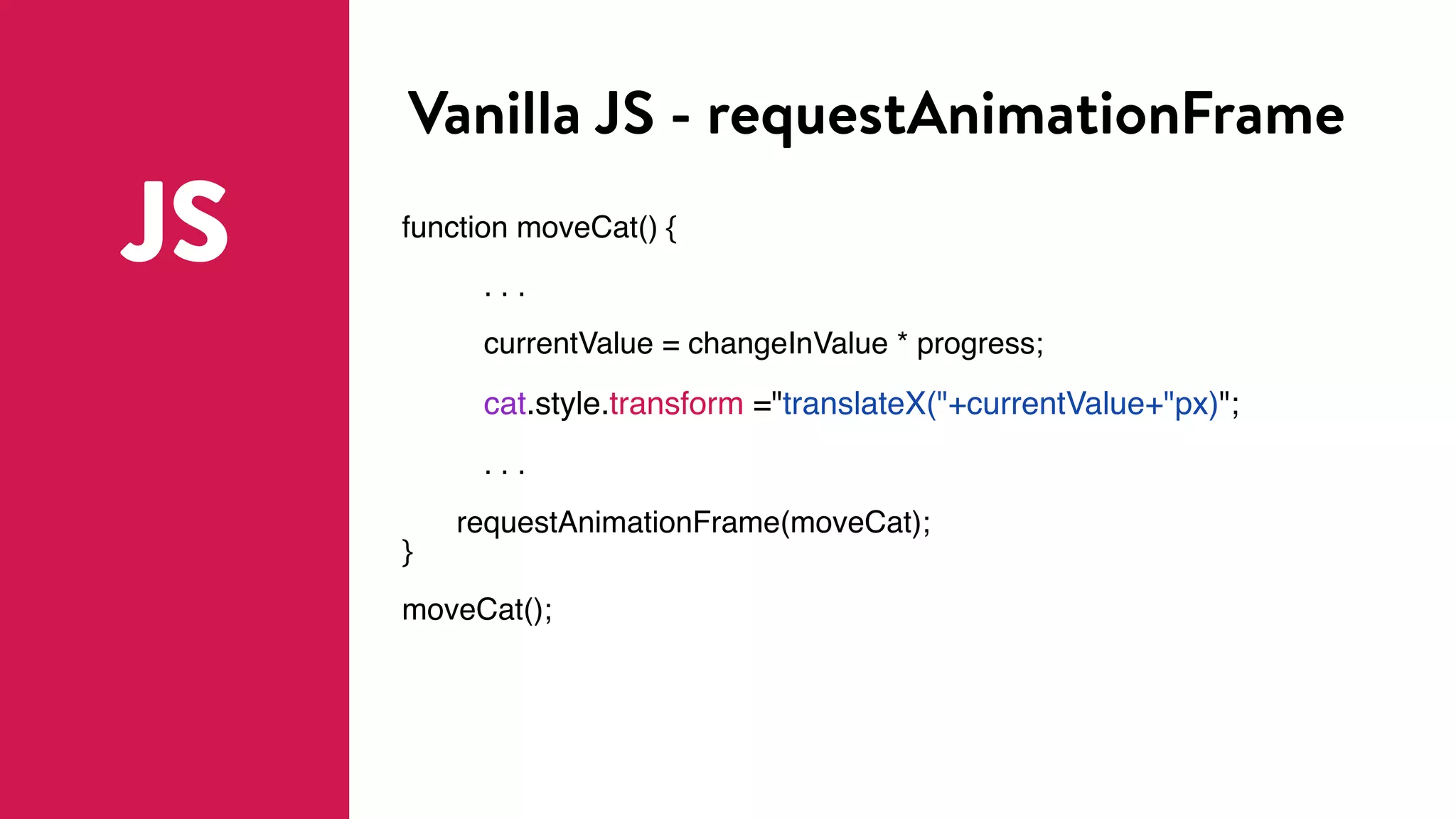
Vanilla JS - requestAnimationFrame
JS function moveCat() {
. . .
currentValue = changeInValue * progress;
cat.style.transform ="translateX("+currentValue+"px)";
. . .
requestAnimationFrame(moveCat);
}
moveCat();
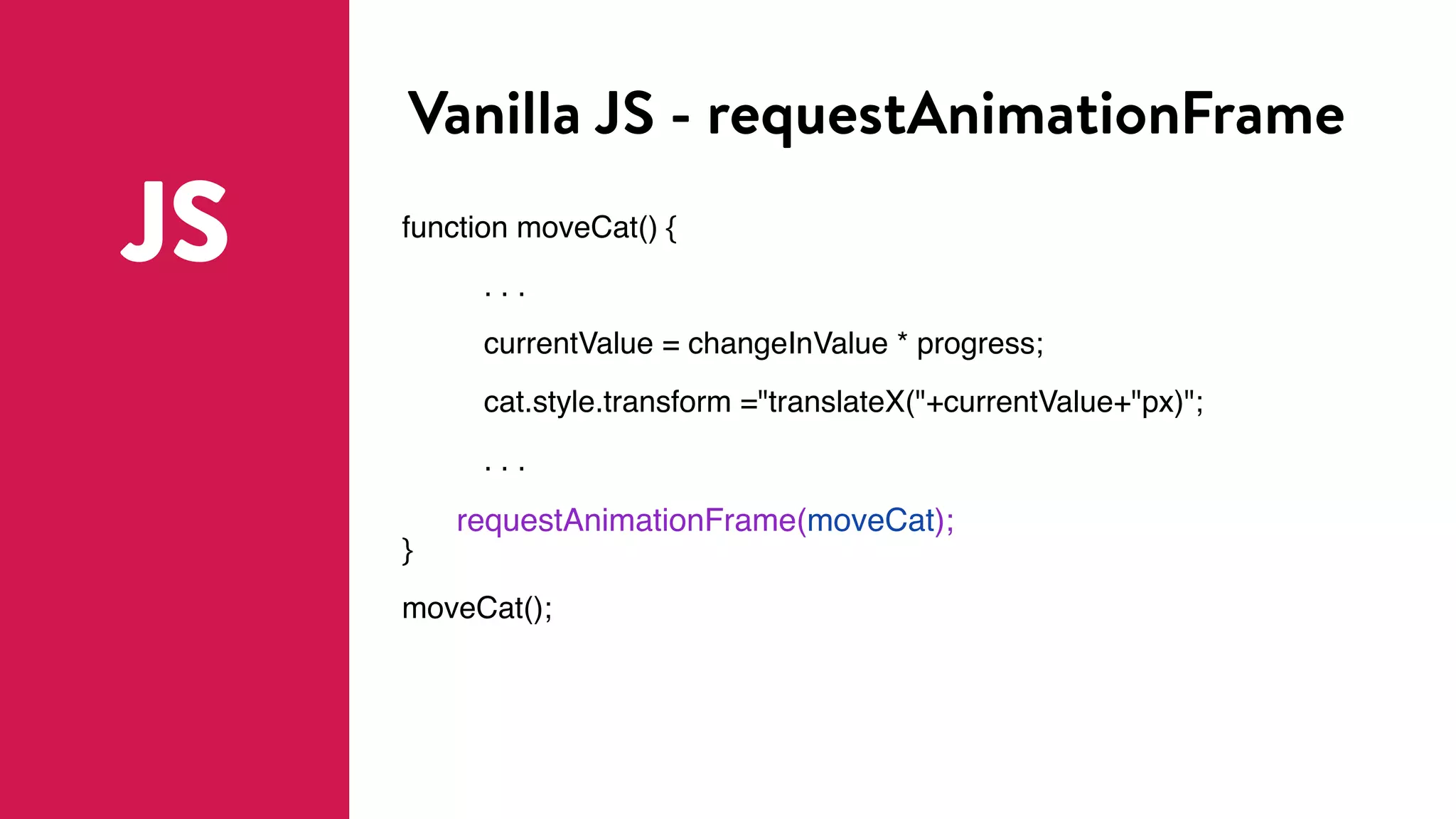
Vanilla JS - requestAnimationFrame
JS function moveCat() {
. . .
currentValue = changeInValue * progress;
cat.style.transform ="translateX("+currentValue+"px)";
. . .
requestAnimationFrame(moveCat);
}
moveCat();
Vanilla JS - requestAnimationFrame
JS function moveCat() {
. . .
currentValue = changeInValue * progress;
cat.style.transform ="translateX("+currentValue+"px)";
. . .
requestAnimationFrame(moveCat);
}
moveCat();
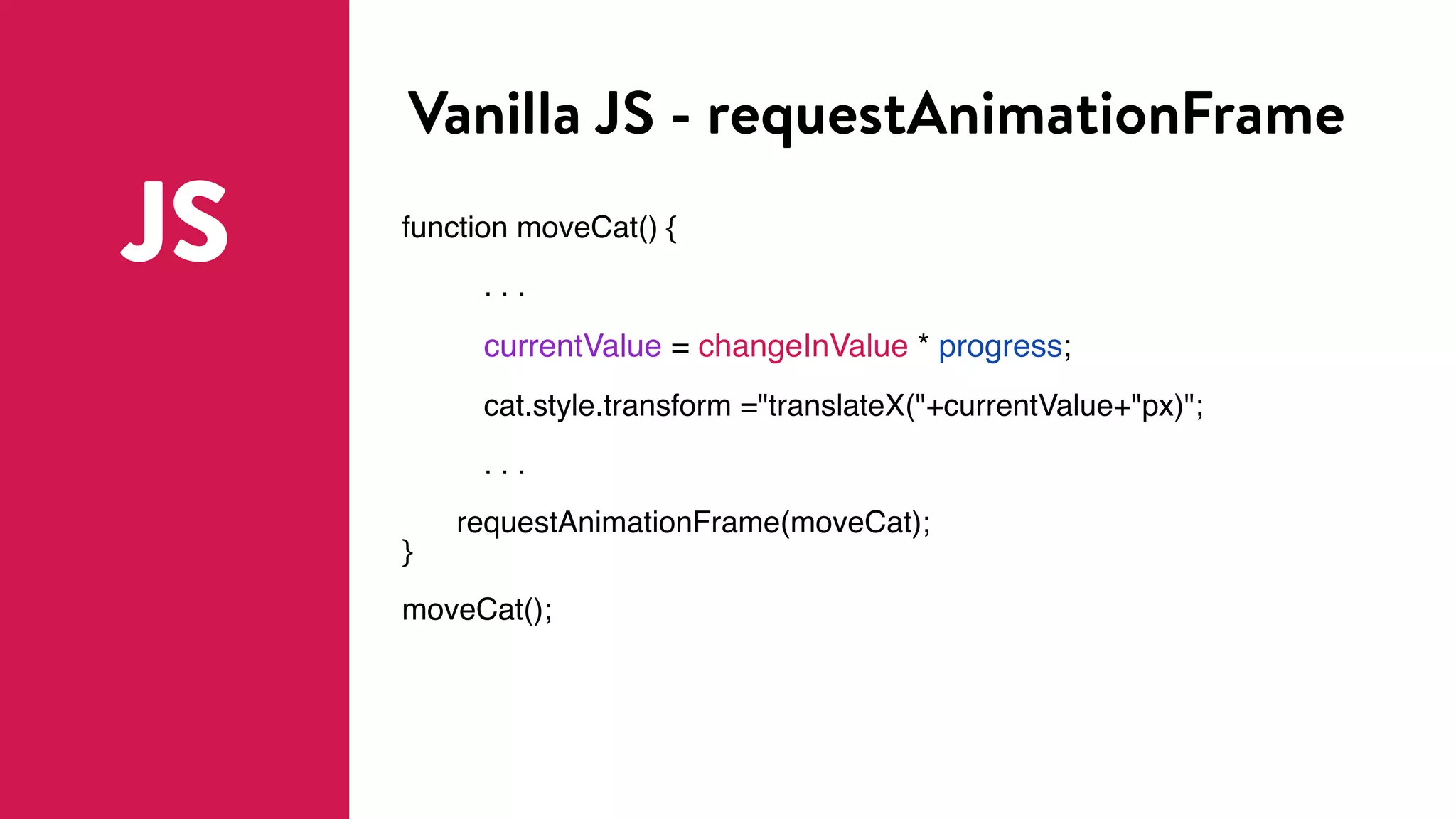
Vanilla JS - requestAnimationFrame
JS function moveCat() {
. . .
currentValue = changeInValue * progress;
cat.style.transform ="translateX("+currentValue+"px)";
. . .
requestAnimationFrame(moveCat);
}
moveCat();
JS animation libraries
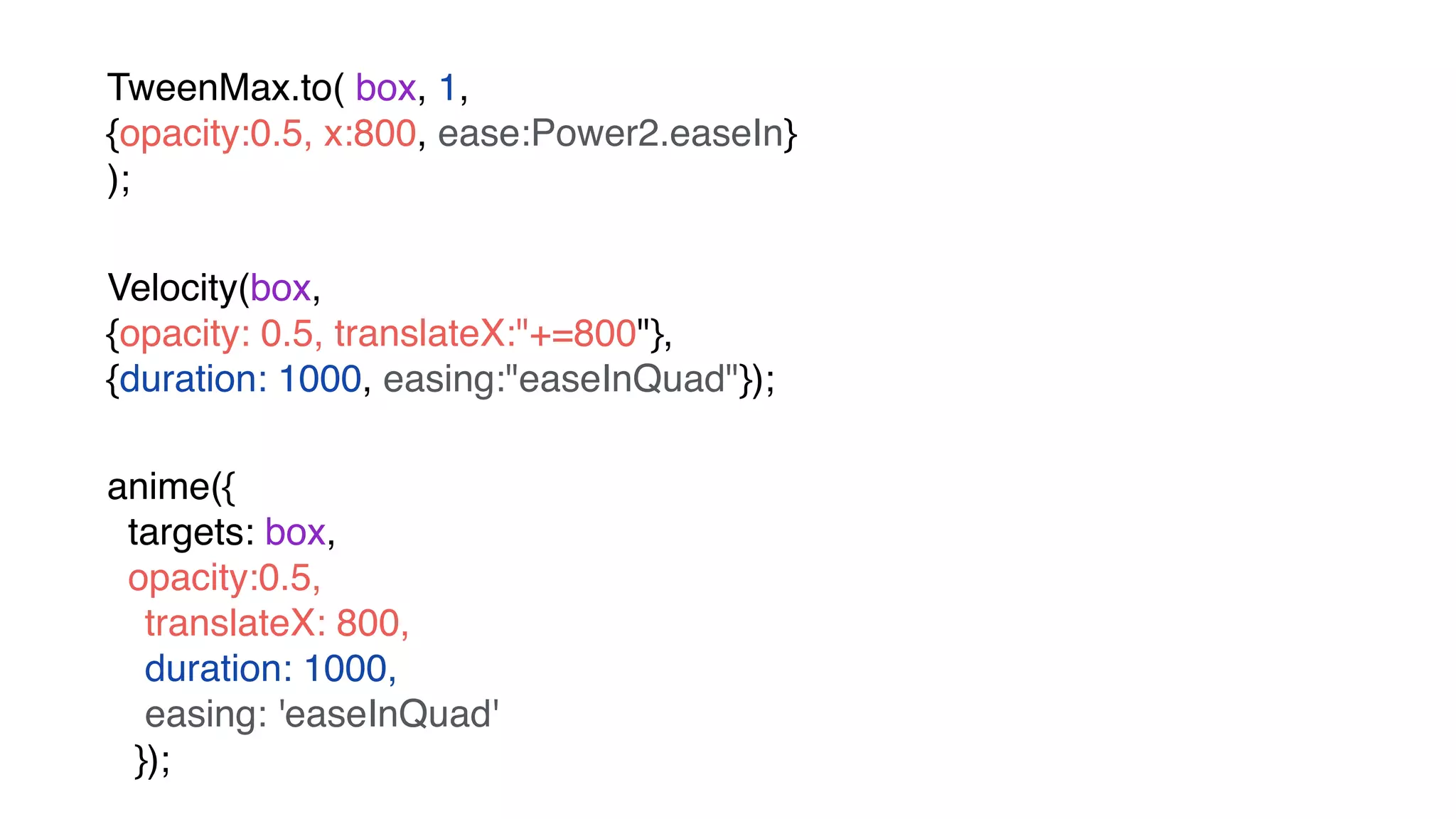
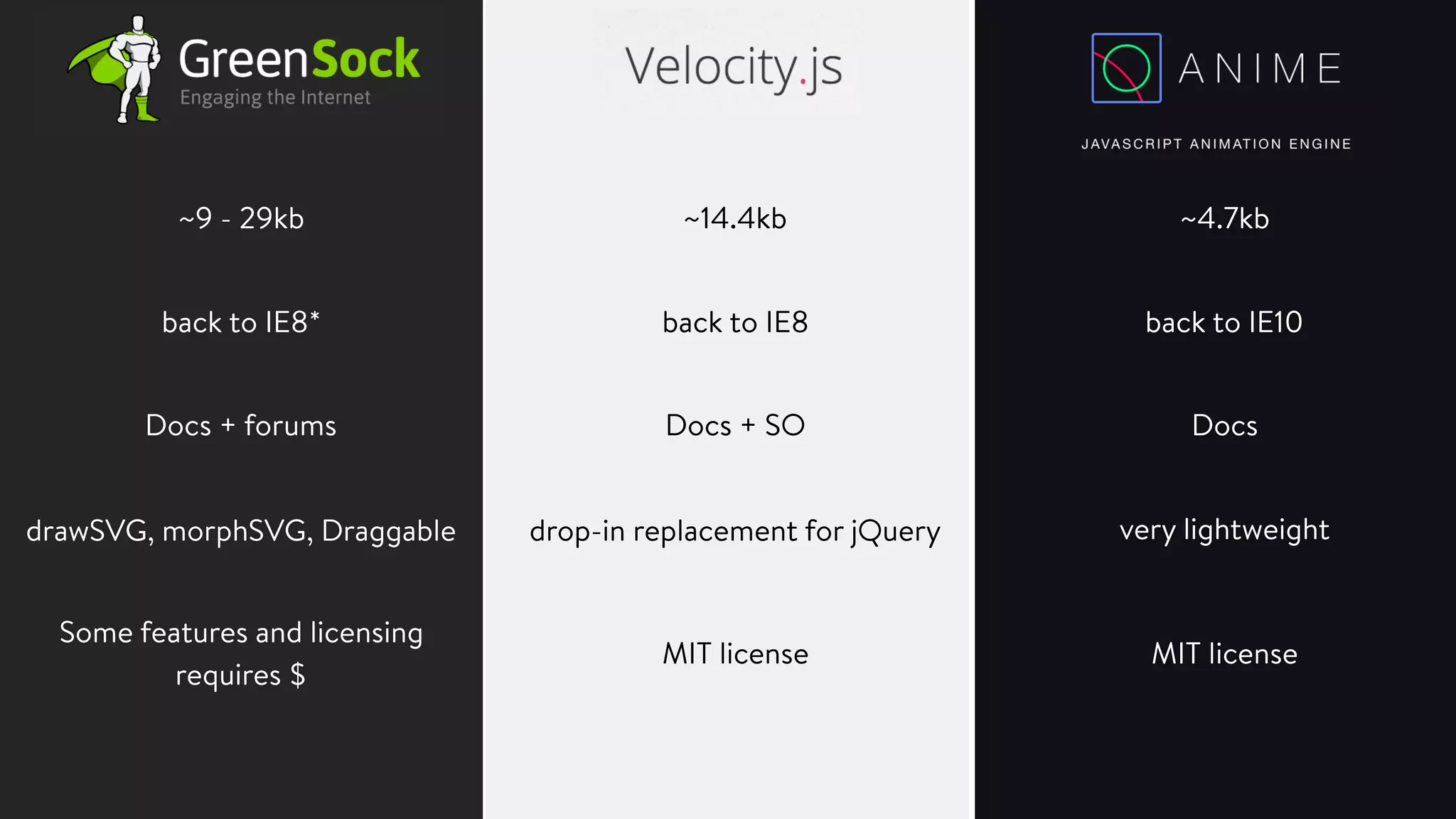
Comparing JavaScript animation libraries…
TweenMax.to( box, 1,

{opacity:0.5, x:800, ease:Power2.easeIn}

);
Velocity(box, 

{opacity: 0.5, translateX:"+=800"}, 

{duration: 1000, easing:"easeInQuad"});
anime({
targets: box,
opacity:0.5,
translateX: 800,

duration: 1000,
easing: 'easeInQuad'

});
~9 - 29kb ~14.4kb ~4.7kb
back to IE8* back to IE8 back to IE10
Docs + forums Docs + SO Docs
drawSVG, morphSVG, Draggable drop-in replacement for jQuery very lightweight
Some features and licensing 

requires $
MIT licenseMIT license
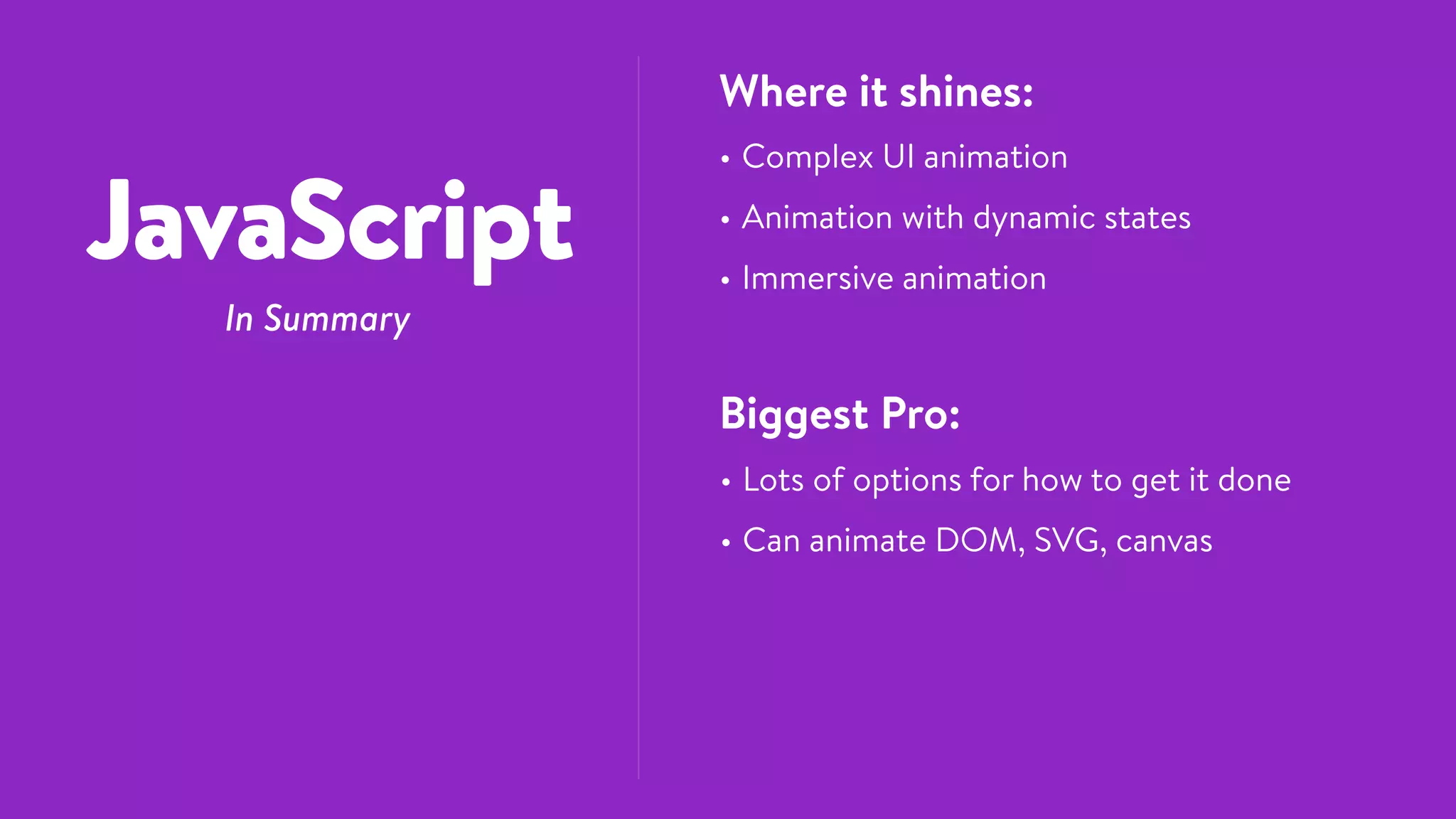
JavaScript
In Summary
Where it shines:
• Complex UI animation
• Animation with dynamic states
• Immersive animation
Biggest Pro:
• Lots of options for how to get it done
• Can animate DOM, SVG, canvas
SVG
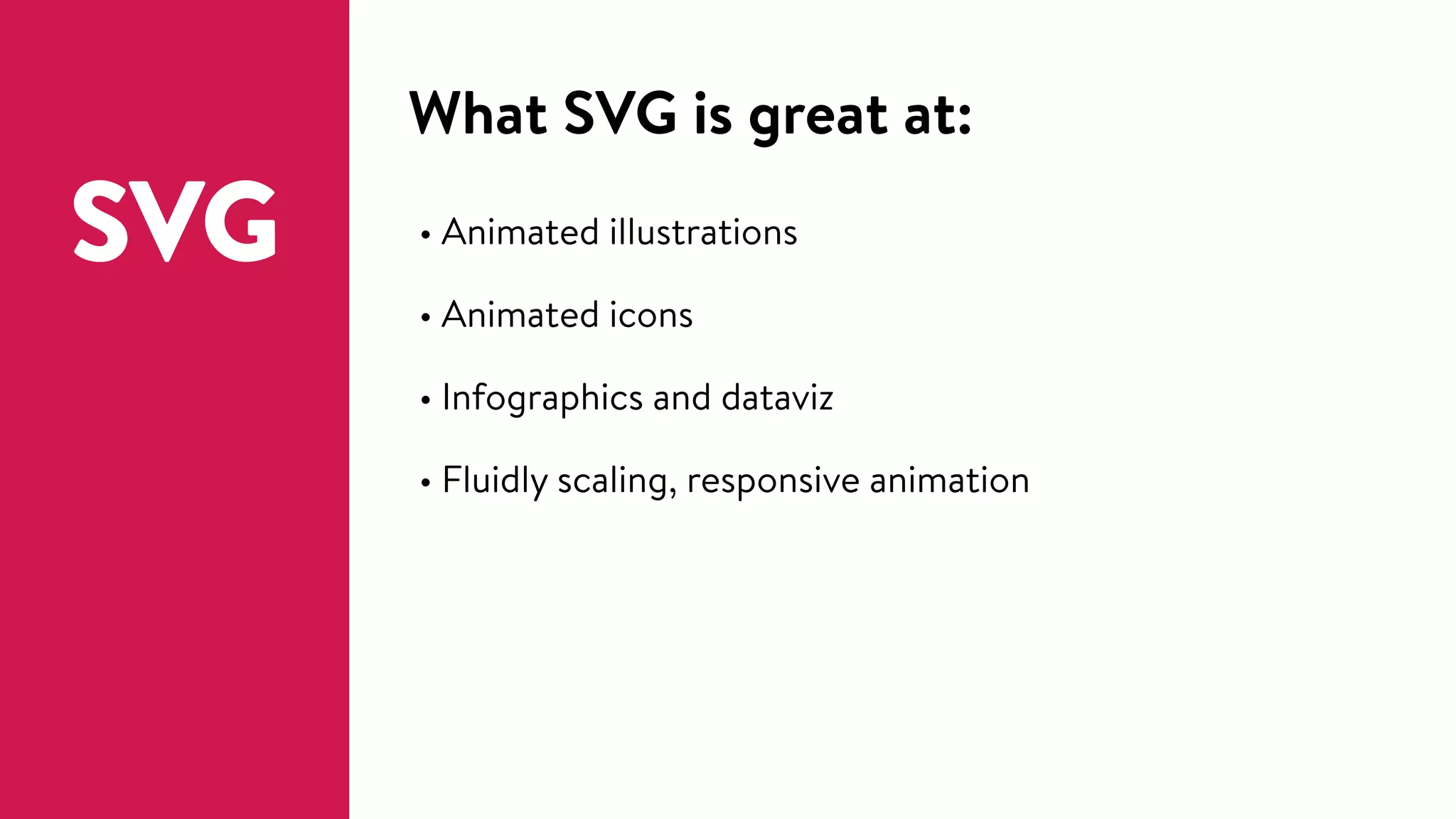
What SVG is great at:
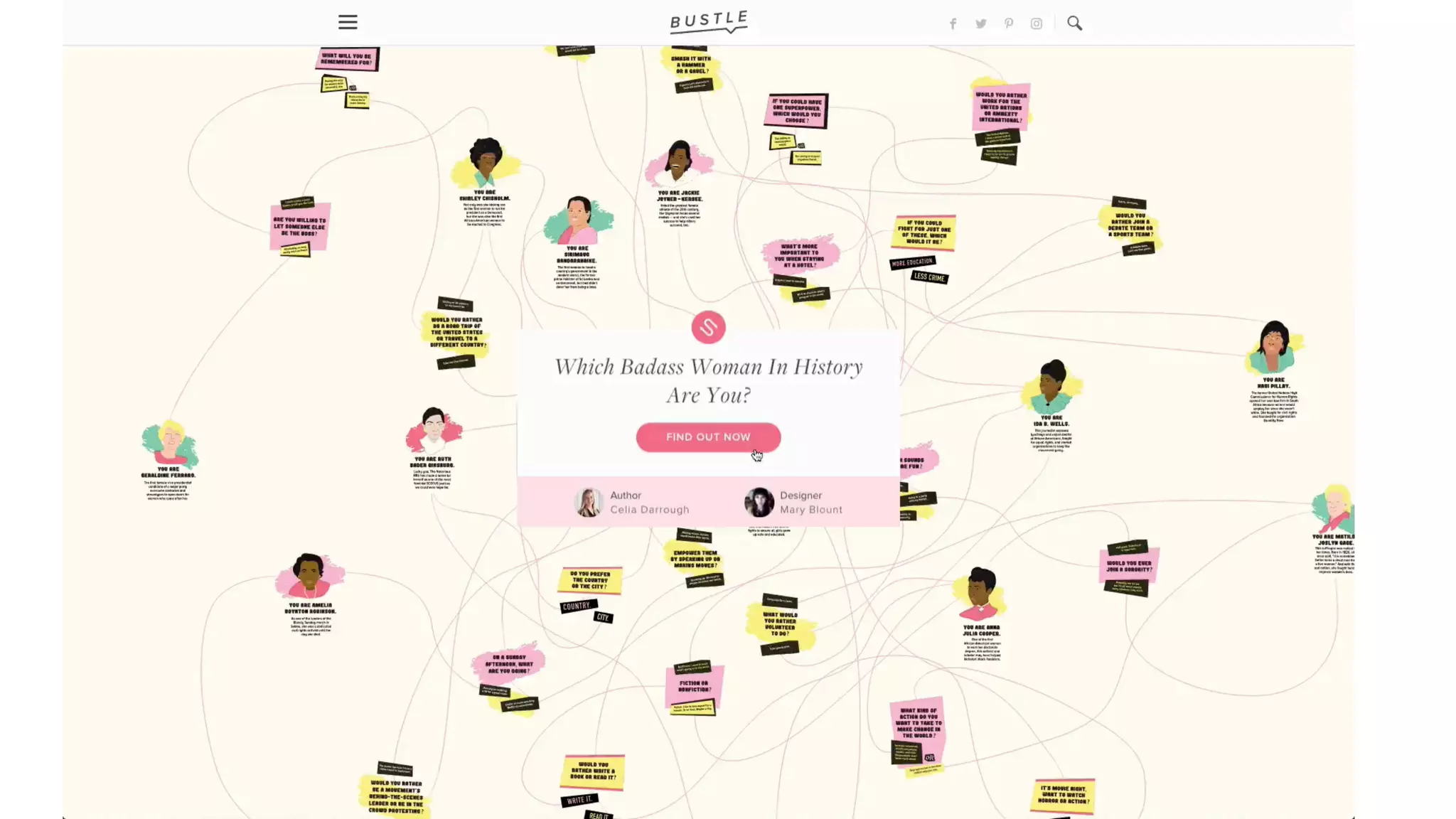
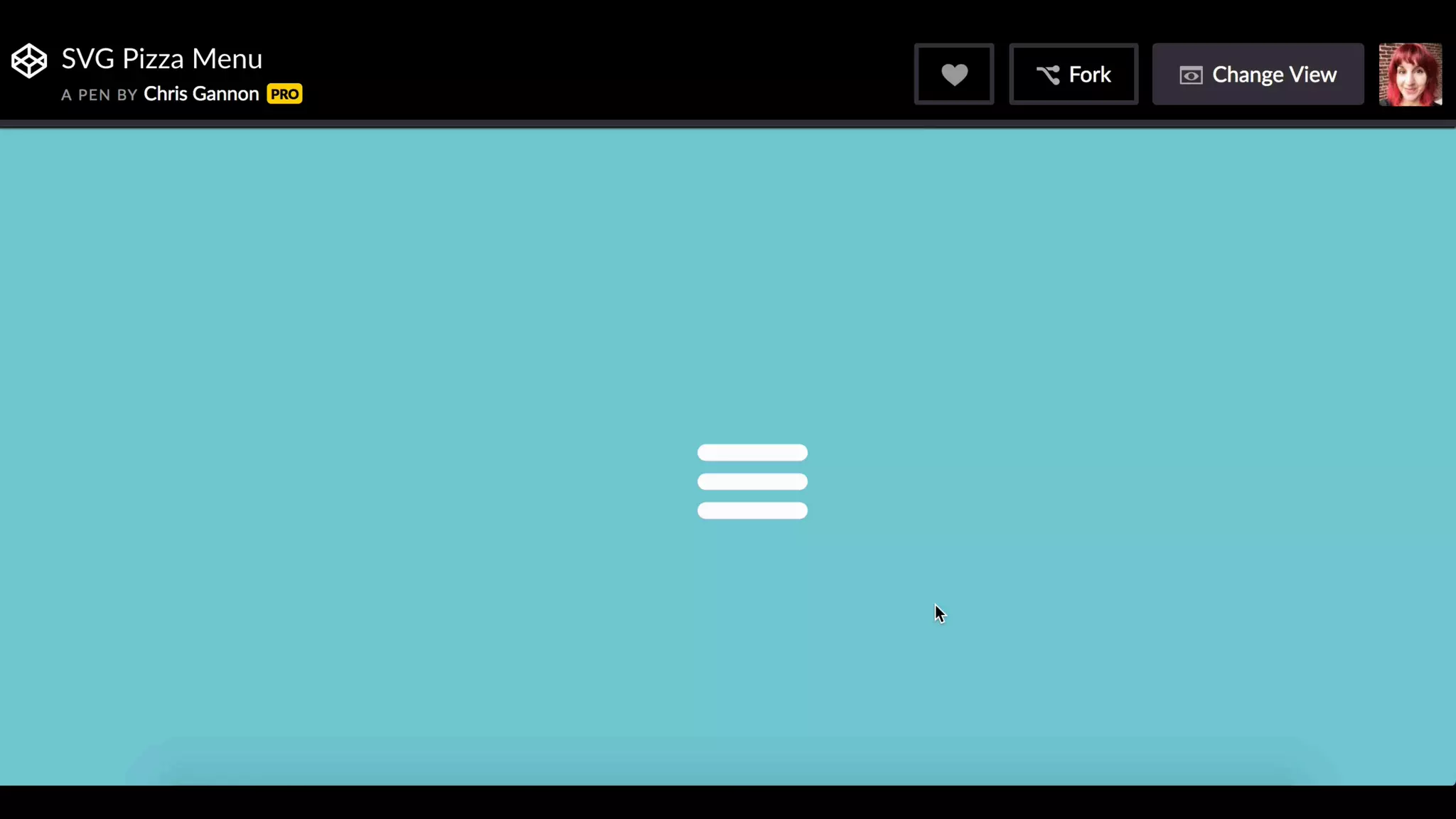
SVG • Animated illustrations
• Animated icons
• Infographics and dataviz
• Fluidly scaling, responsive animation
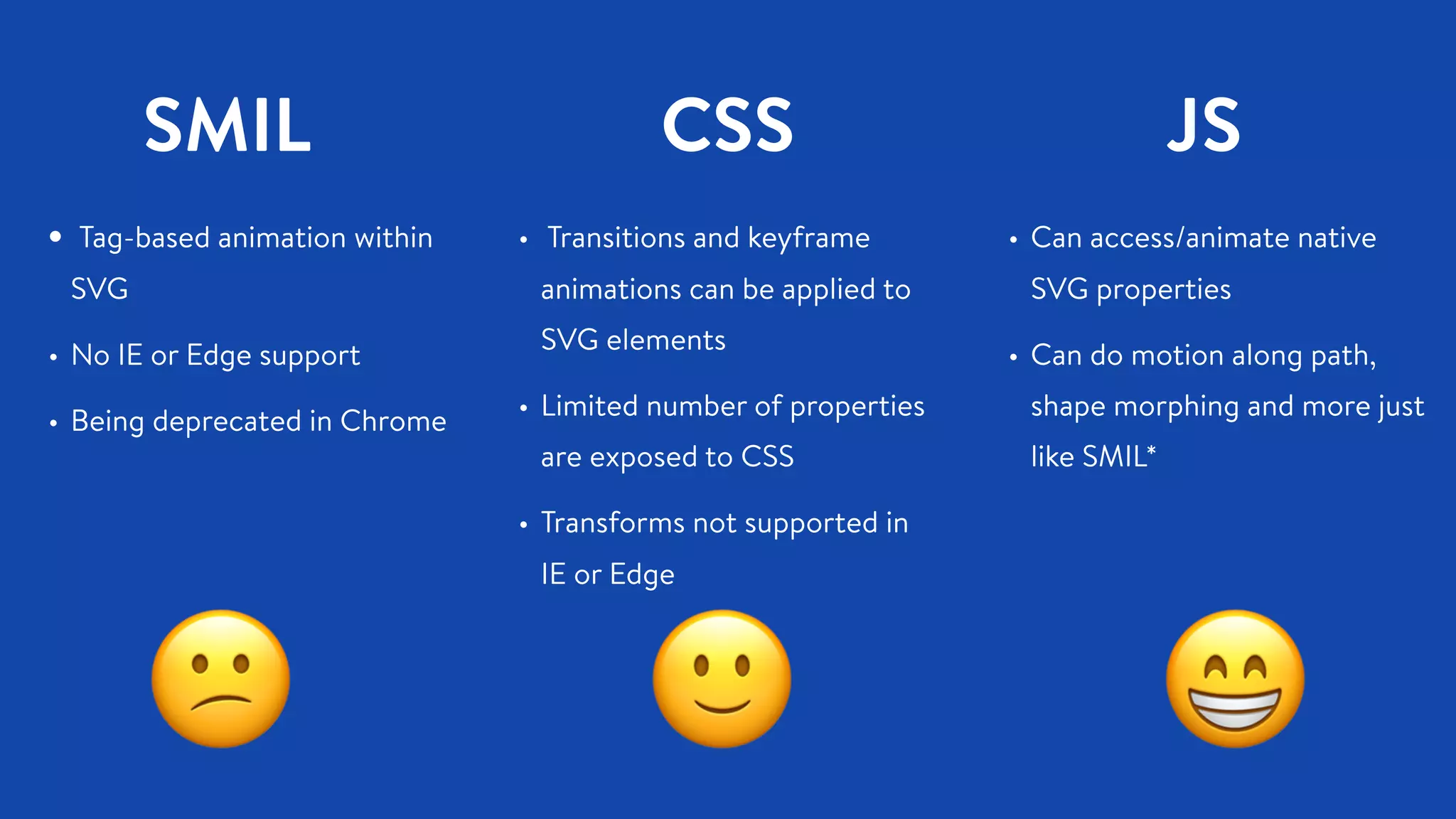
SMIL
• Tag-based animation within
SVG
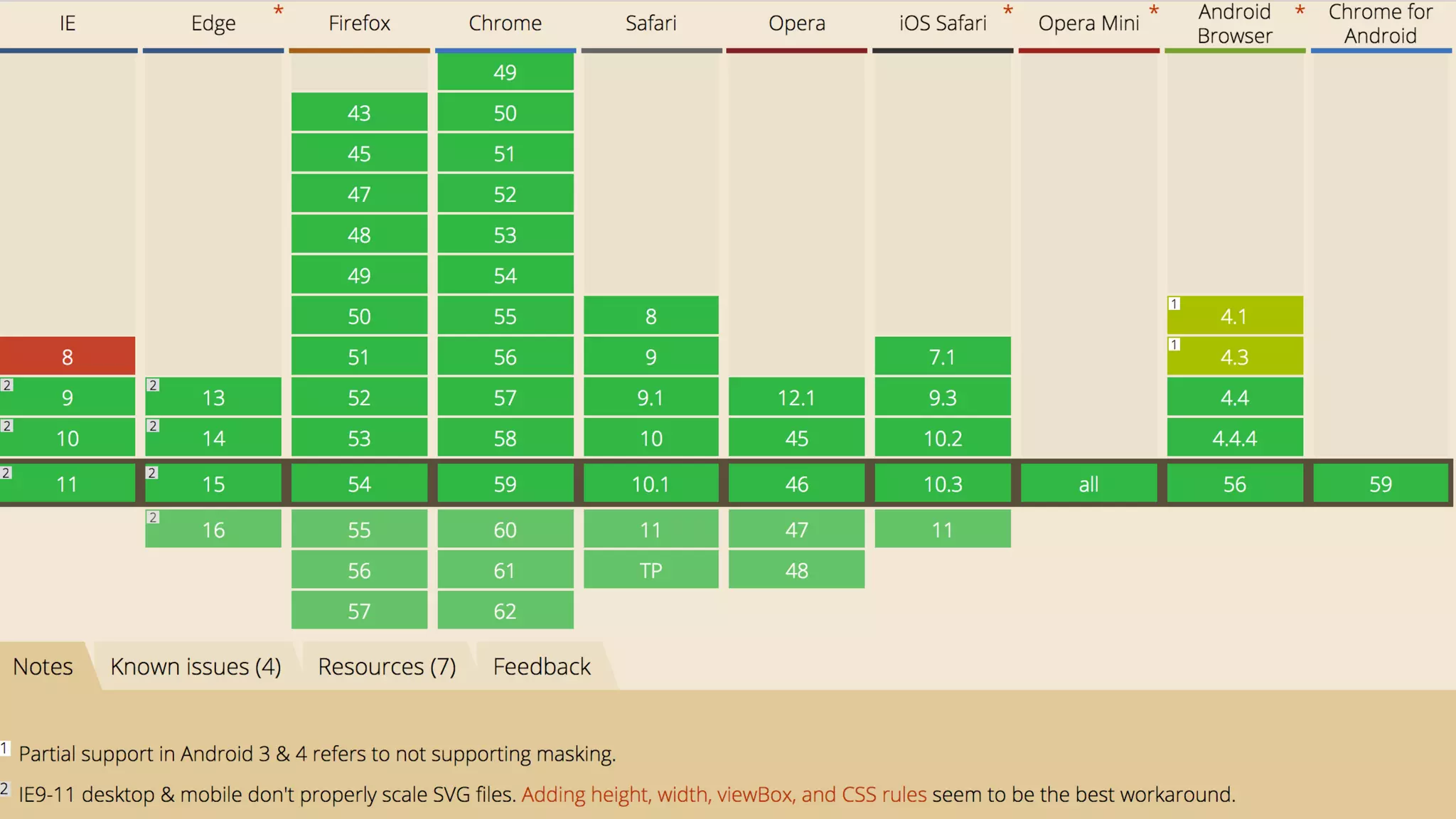
• No IE or Edge support
• Being deprecated in Chrome
😕 🙂 😁
CSS
• Transitions and keyframe
animations can be applied to
SVG elements
• Limited number of properties
are exposed to CSS
• Transforms not supported in
IE or Edge
JS
• Can access/animate native
SVG properties
• Can do motion along path,
shape morphing and more just
like SMIL*
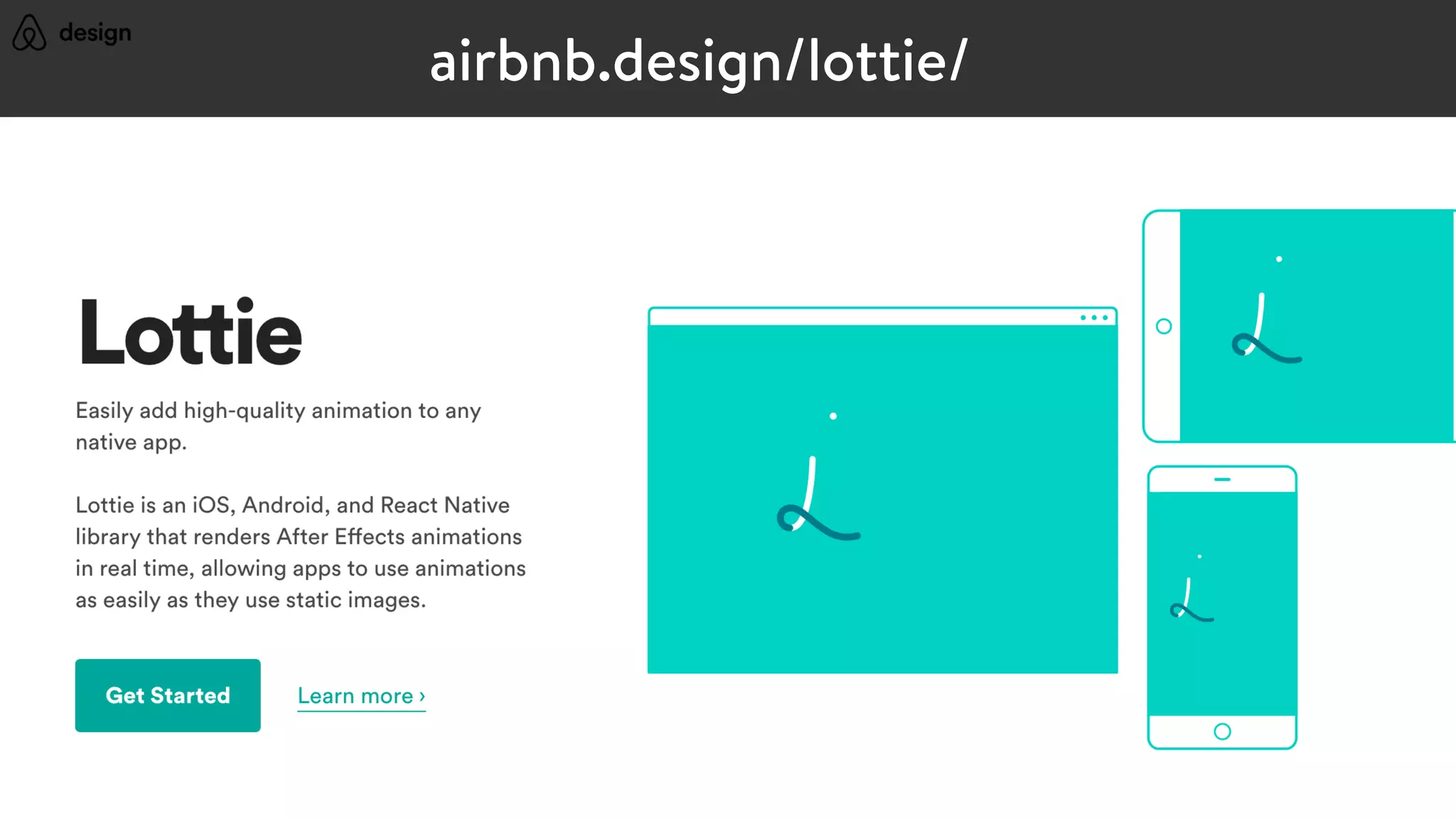
airbnb.design/lottie/
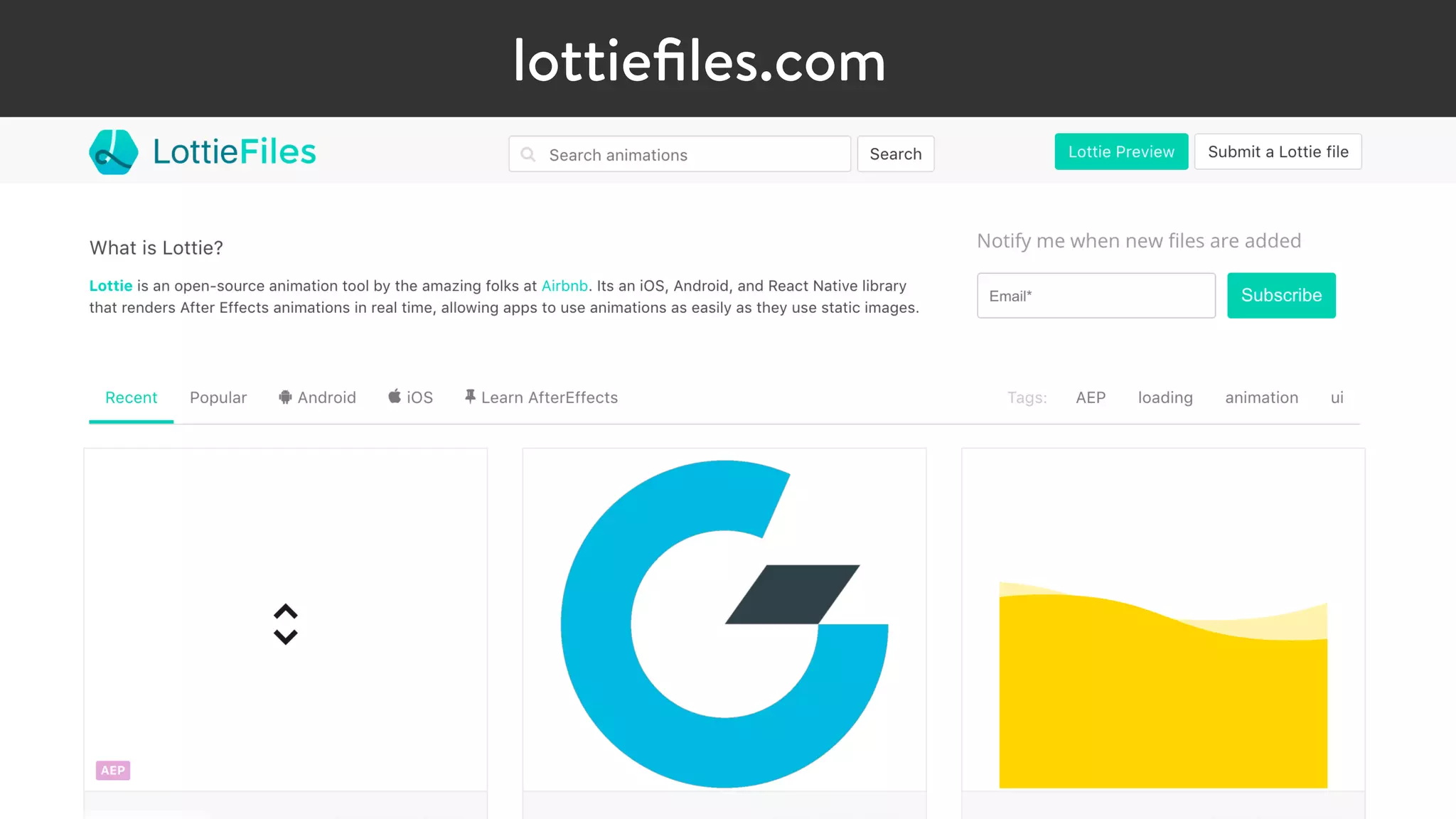
lottiefiles.com
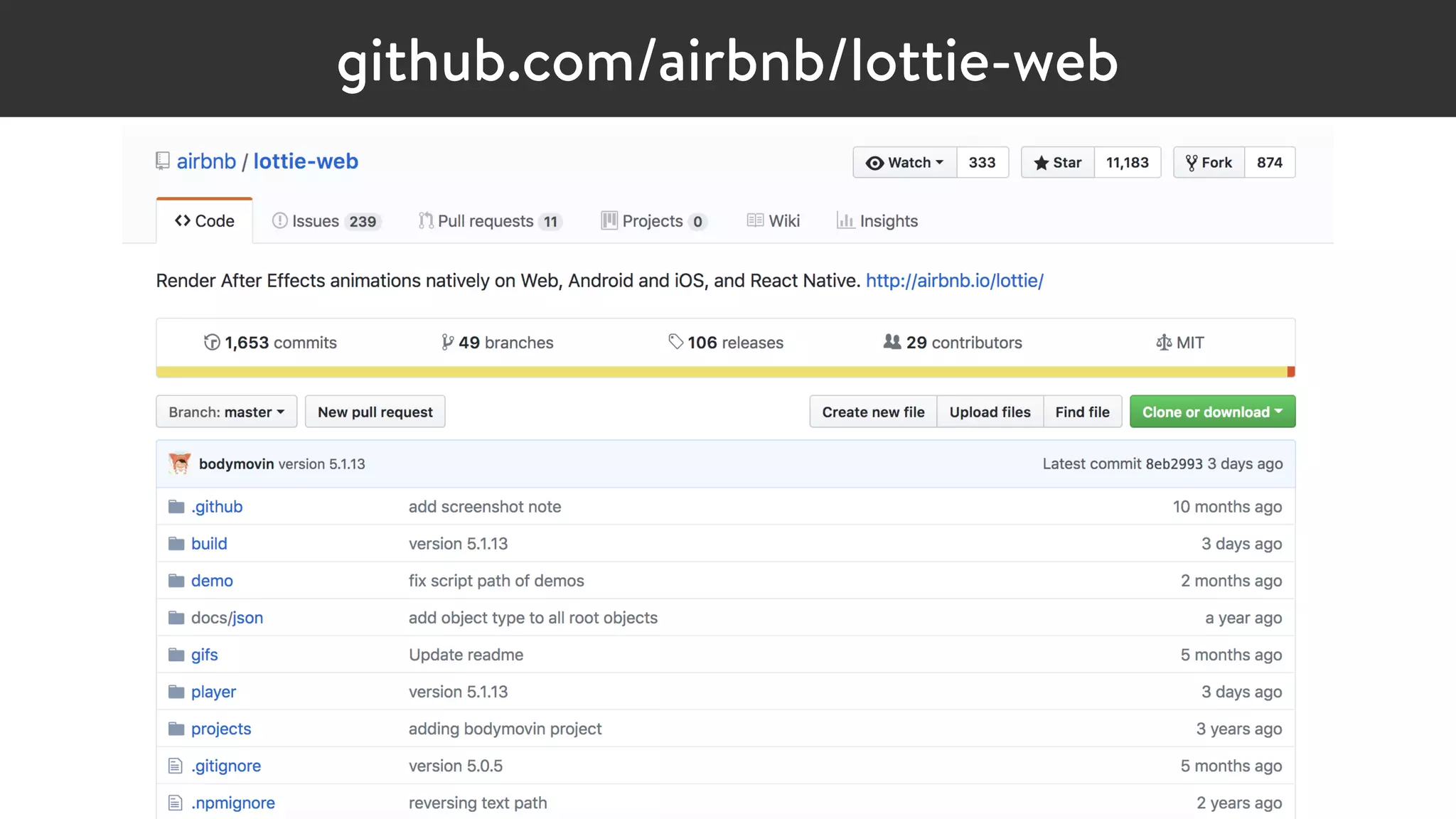
github.com/airbnb/lottie-web
SVGIn Summary
Where it shines:
•Animated illustrations & infographics
•Shape morphing
•Motion along a path
Biggest Pro:
•Responsive by nature
•Potential for tiny file sizes
PERFORMANCE
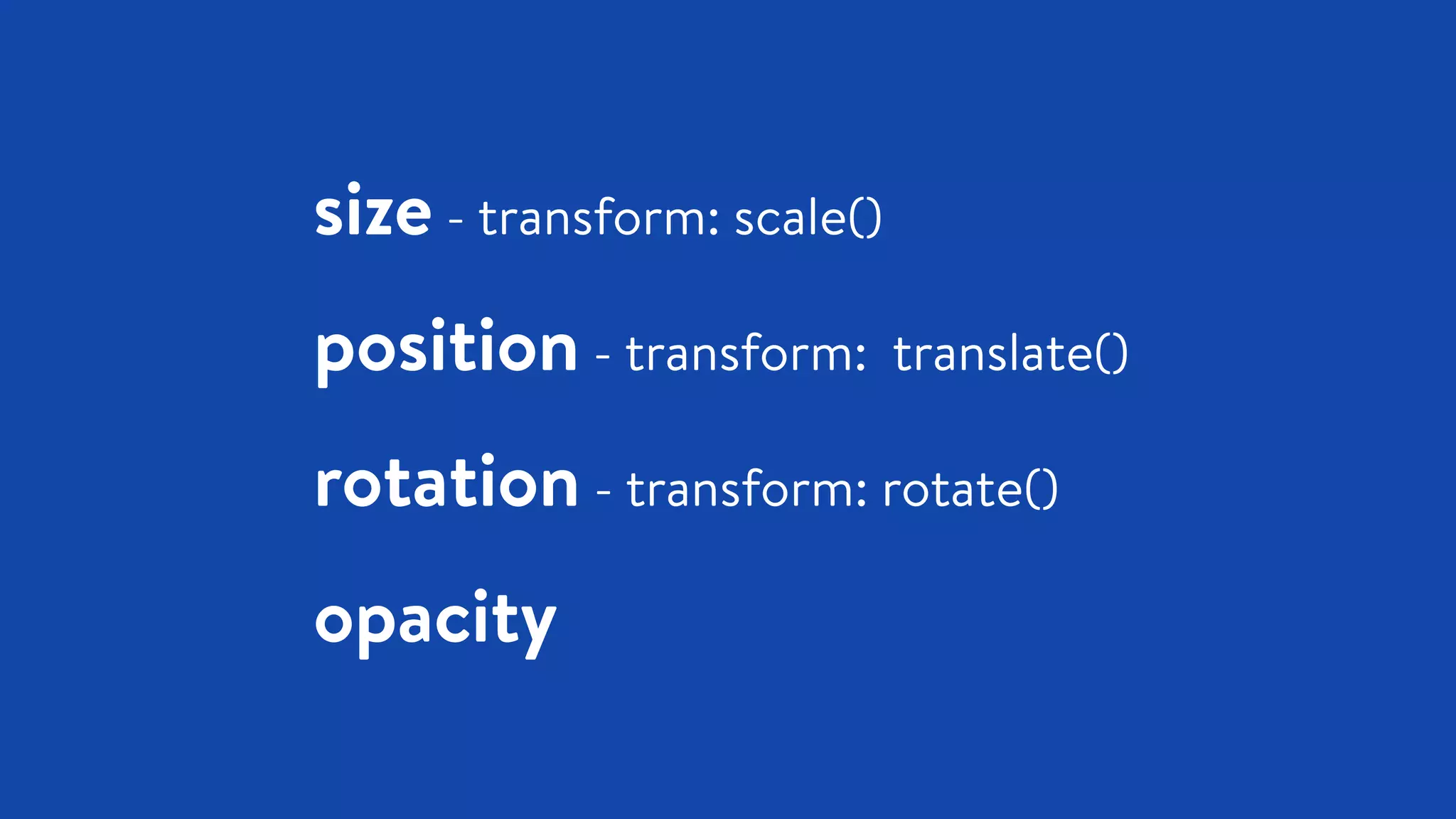
size - transform: scale()
position - transform: translate()
rotation - transform: rotate()
opacity
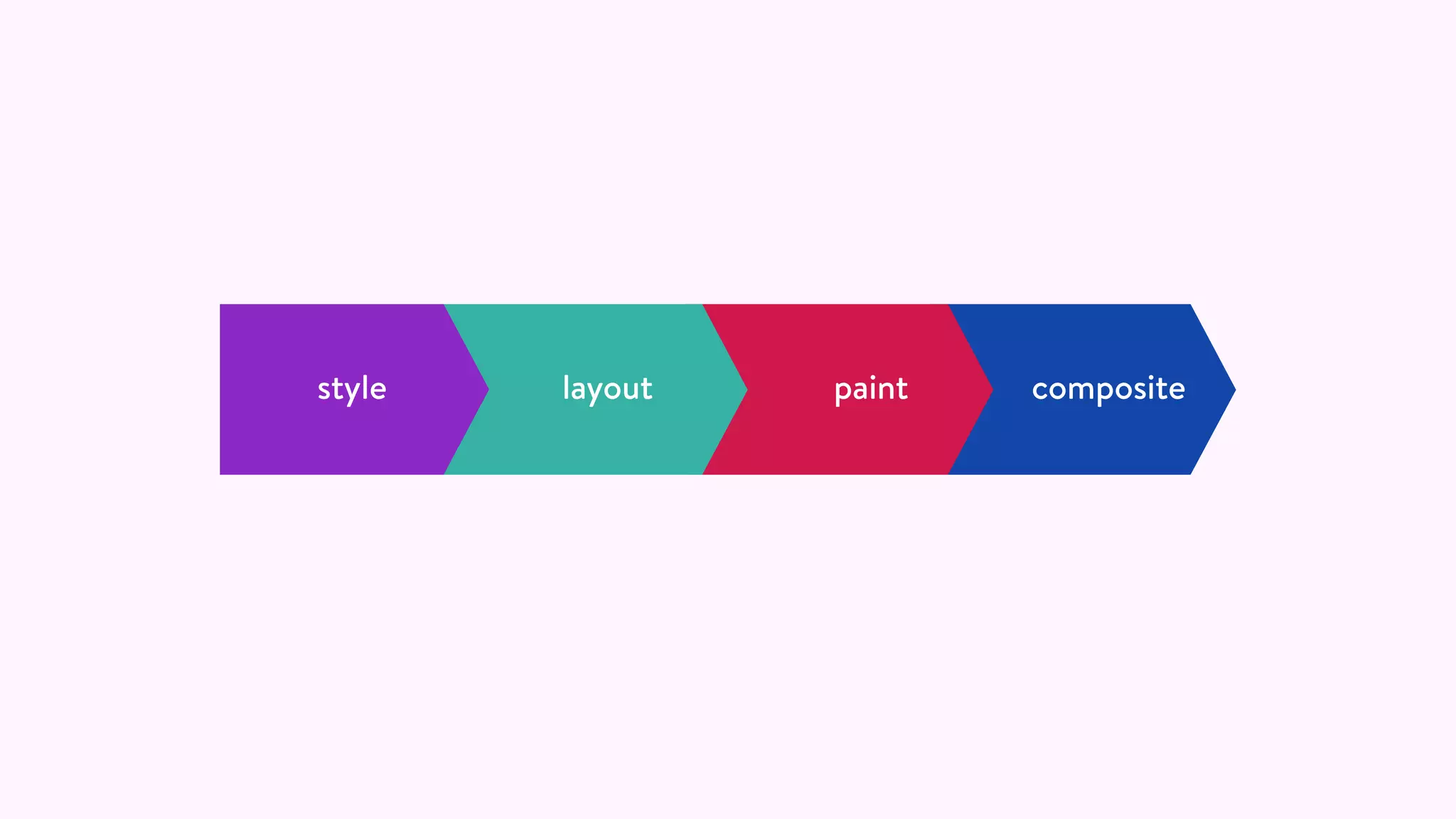
compositepaintlayoutstyle
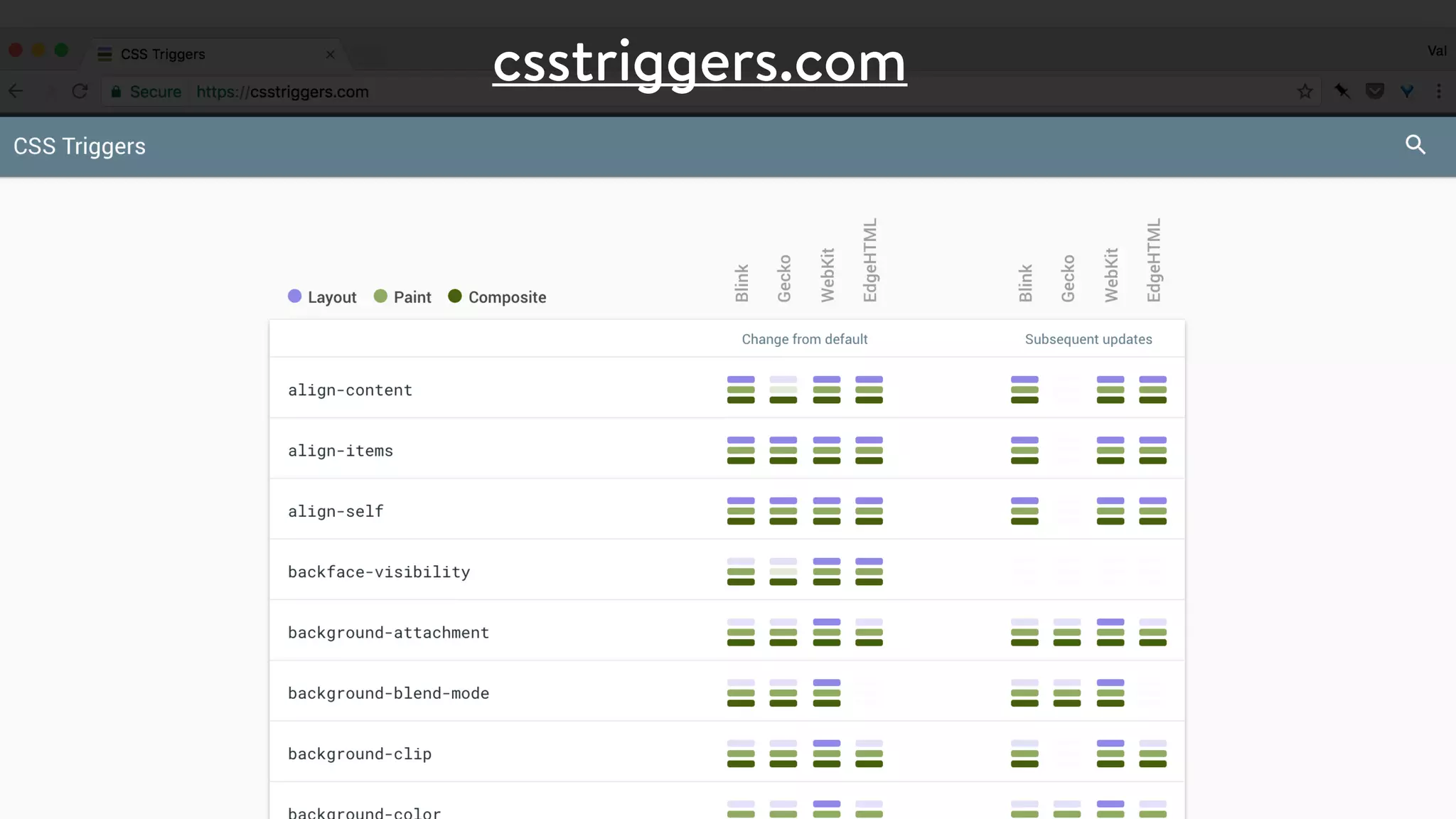
csstriggers.com
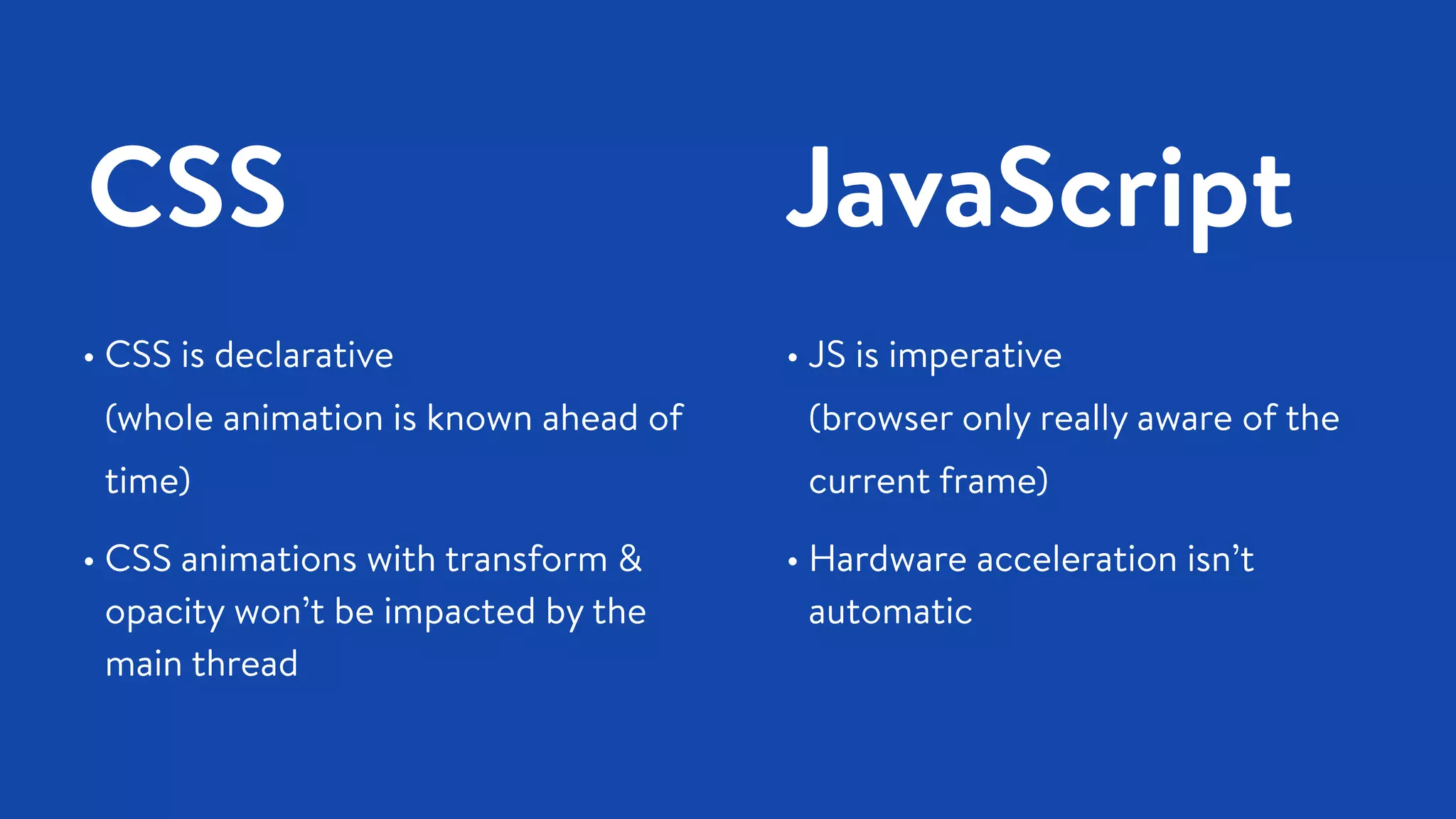
CSS JavaScript
• CSS is declarative 

(whole animation is known ahead of
time)
• CSS animations with transform &
opacity won’t be impacted by the
main thread
• JS is imperative 

(browser only really aware of the
current frame)
• Hardware acceleration isn’t
automatic
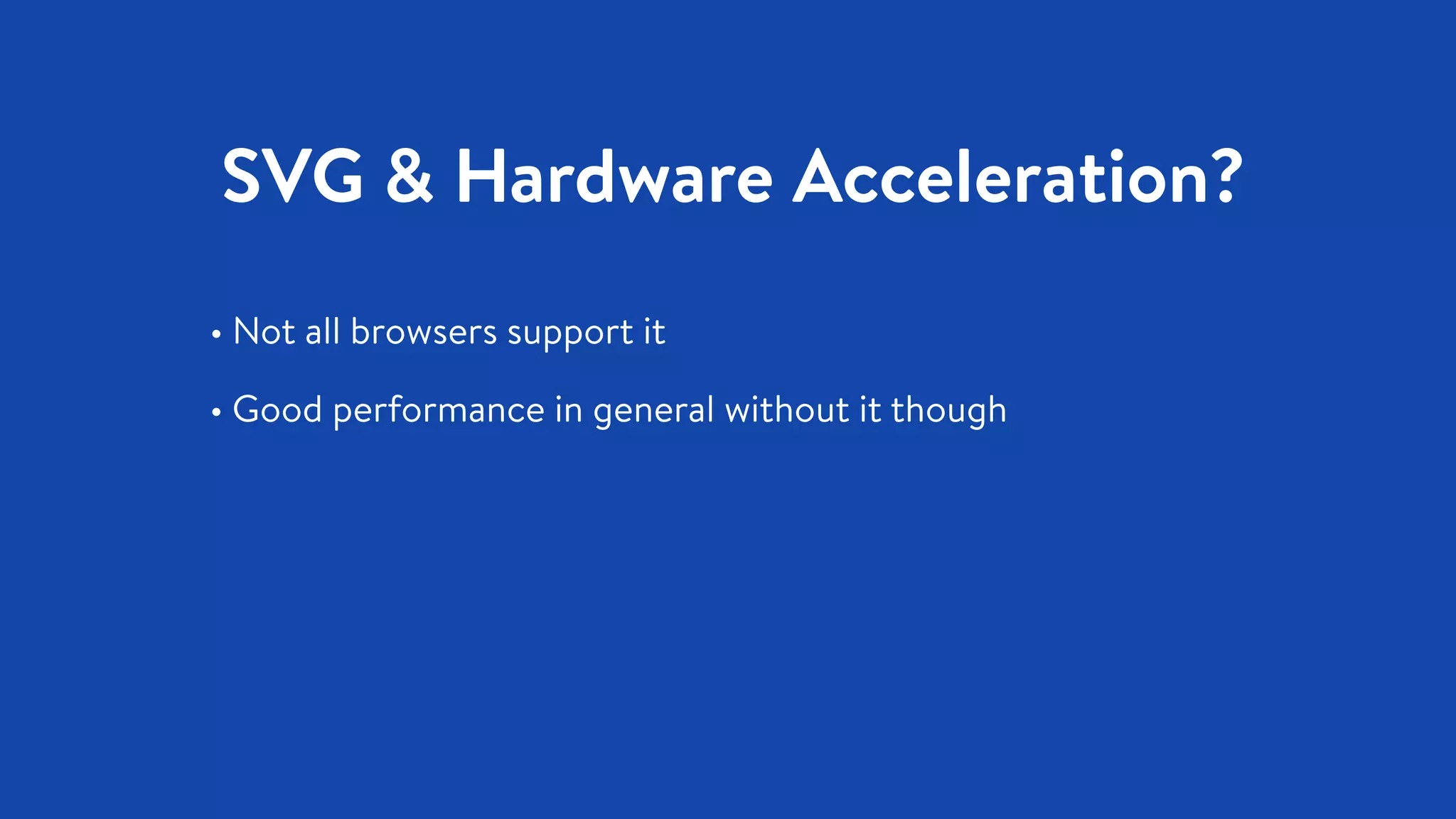
SVG & Hardware Acceleration?
• Not all browsers support it
• Good performance in general without it though
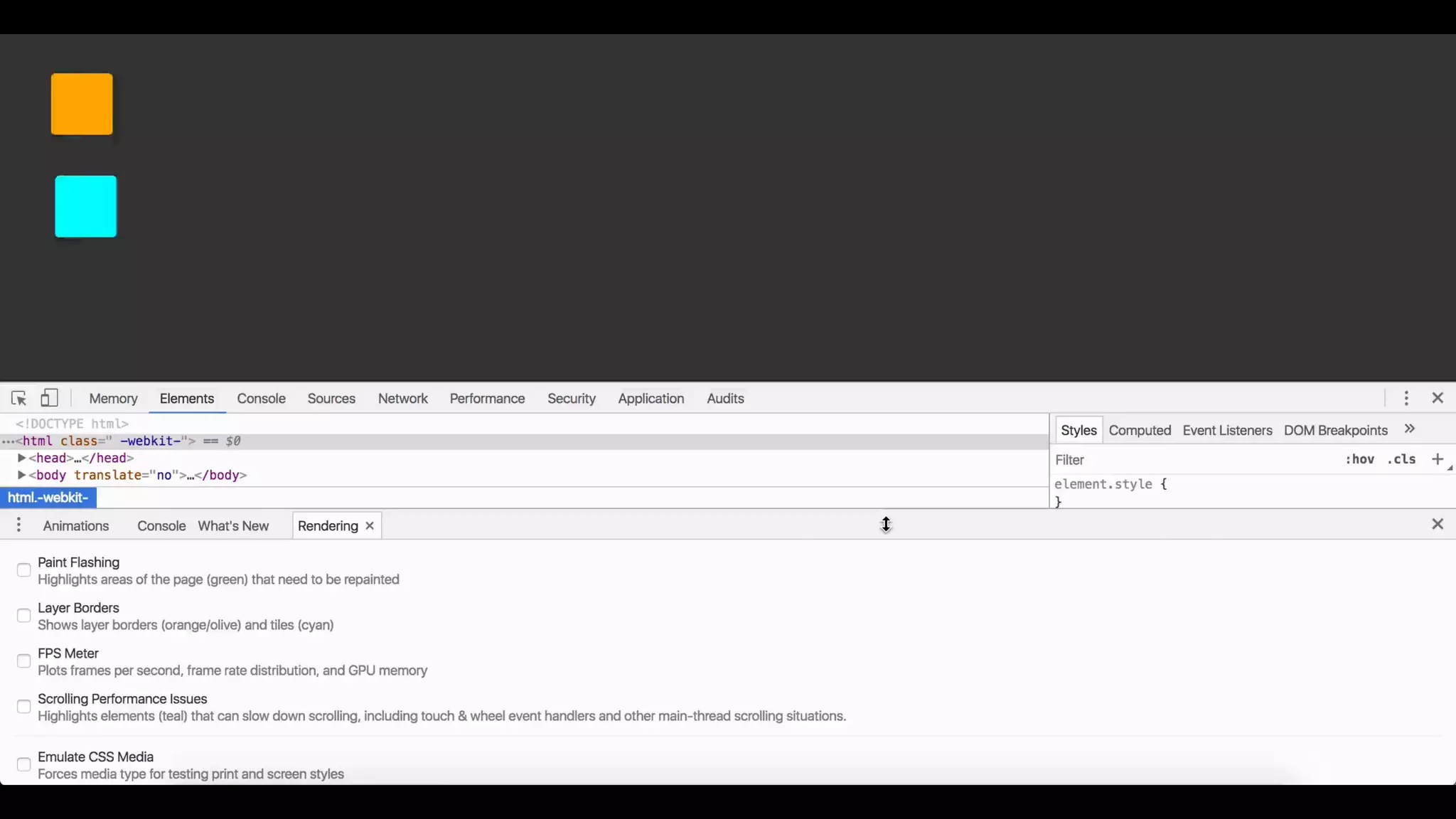
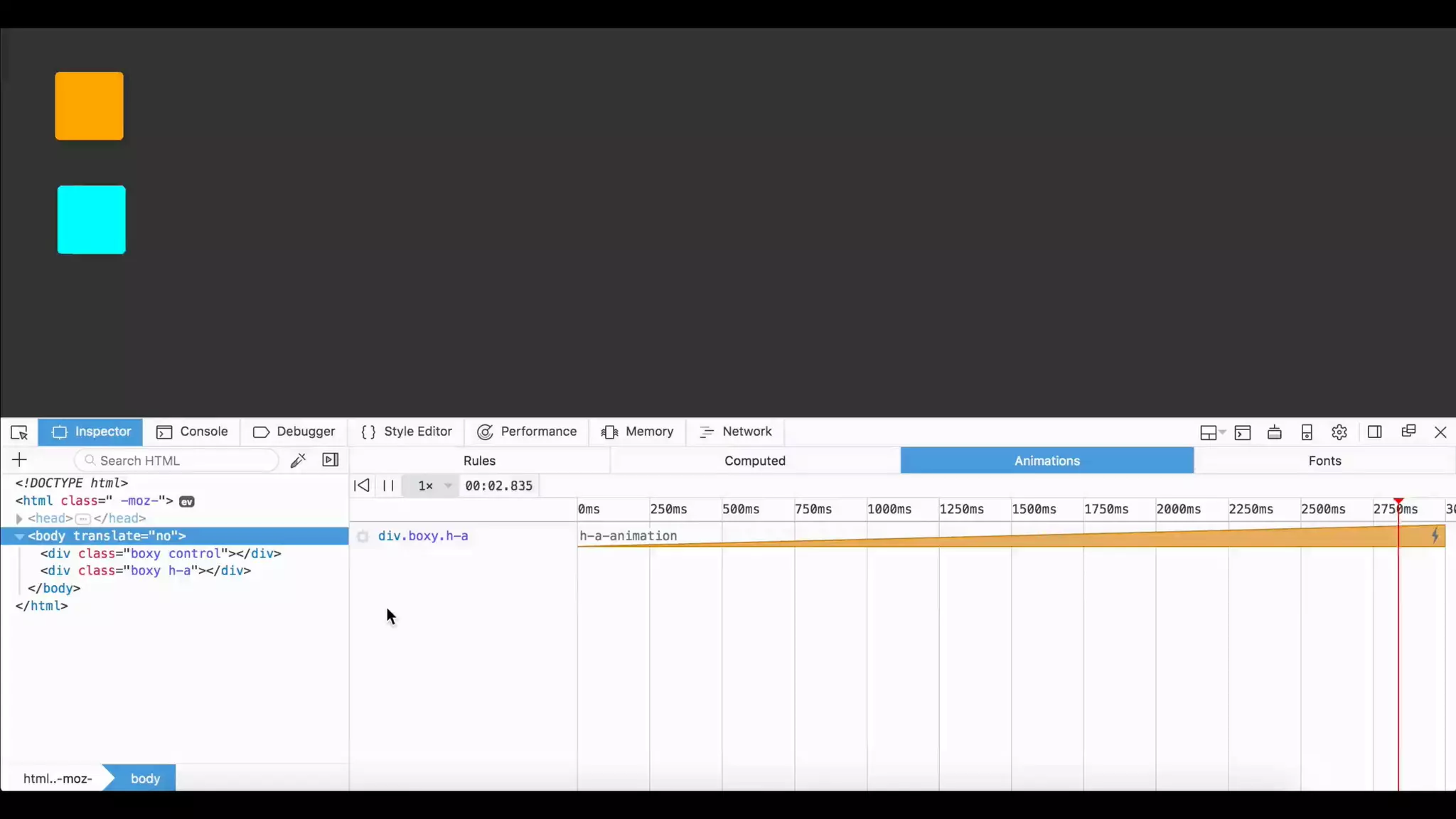
Don’t be afraid to run your own tests
You have encountered an interface that requires animation.
What would you like to use?
(1) …?
Designing Interface Animation
designinginterfaceanimation.com
Thank you!
Newsletter: uianimationewsletter.com
Let’s chat on twitter: @vlh
Typeface: Brandon Text | Illustrations by Rachel Sager

Choosing your animation adventure - Generate NYC 2018

  • 1.
    Choose Your Animation Adventure Val Head •@vlh Author of Designing Interface Animation Design Advocate, Adobe
  • 2.
    Choose Your Animation Adventure Val Head •@vlh Author of Designing Interface Animation Design Advocate, Adobe
  • 4.
    You have encounteredan interface that requires animation. What would you like to use? (1) CSS? (2) JavaScript? (3) SVG? (4) …?
  • 6.
  • 7.
    What CSS isgreat at: • Well-defined state transitions • Loading animations, looping animations • Animations on :hover, :focus and similar CSS
  • 13.
    Pros: • No externallibrary needed • Great potential for performance without much effort • Keyframes are reusable • Can adjust properties in media queries for responsive animation when needed CSS
  • 14.
    Cons: • Access tolimited events • Defined entirely ahead of time • Can’t separate transform properties* CSS
  • 15.
    CSS + JS= 🙌
  • 18.
    CSSIn Summary Where itshines: • Animated interactions with defined states • Simple interactive animations Biggest Pro: • Nearly effortless performance • No additional requests
  • 19.
    CSS is prettygreat, but it might be 
 time to move to JavaScript if: • You’ll be chaining more than 3-ish animations in a sequence • The animation needs to change dynamically at runtime • Need to animate transform properties separately • Physics or other complex easing structures are required
  • 20.
  • 21.
    What javascript isgreat at: JS • Complex animated interactions • Narrative or immersive animation • Dynamic state transitions
  • 27.
  • 28.
    Vanilla JS -requestAnimationFrame JS function moveCat() { . . . currentValue = changeInValue * progress; cat.style.transform ="translateX("+currentValue+"px)"; . . . requestAnimationFrame(moveCat); } moveCat();
  • 29.
    Vanilla JS -requestAnimationFrame JS function moveCat() { . . . currentValue = changeInValue * progress; cat.style.transform ="translateX("+currentValue+"px)"; . . . requestAnimationFrame(moveCat); } moveCat();
  • 30.
    Vanilla JS -requestAnimationFrame JS function moveCat() { . . . currentValue = changeInValue * progress; cat.style.transform ="translateX("+currentValue+"px)"; . . . requestAnimationFrame(moveCat); } moveCat();
  • 31.
    Vanilla JS -requestAnimationFrame JS function moveCat() { . . . currentValue = changeInValue * progress; cat.style.transform ="translateX("+currentValue+"px)"; . . . requestAnimationFrame(moveCat); } moveCat();
  • 33.
  • 34.
  • 36.
    TweenMax.to( box, 1,
 {opacity:0.5,x:800, ease:Power2.easeIn}
 ); Velocity(box, 
 {opacity: 0.5, translateX:"+=800"}, 
 {duration: 1000, easing:"easeInQuad"}); anime({ targets: box, opacity:0.5, translateX: 800,
 duration: 1000, easing: 'easeInQuad'
 });
  • 38.
    ~9 - 29kb~14.4kb ~4.7kb back to IE8* back to IE8 back to IE10 Docs + forums Docs + SO Docs drawSVG, morphSVG, Draggable drop-in replacement for jQuery very lightweight Some features and licensing 
 requires $ MIT licenseMIT license
  • 39.
    JavaScript In Summary Where itshines: • Complex UI animation • Animation with dynamic states • Immersive animation Biggest Pro: • Lots of options for how to get it done • Can animate DOM, SVG, canvas
  • 40.
  • 43.
    What SVG isgreat at: SVG • Animated illustrations • Animated icons • Infographics and dataviz • Fluidly scaling, responsive animation
  • 49.
    SMIL • Tag-based animationwithin SVG • No IE or Edge support • Being deprecated in Chrome 😕 🙂 😁 CSS • Transitions and keyframe animations can be applied to SVG elements • Limited number of properties are exposed to CSS • Transforms not supported in IE or Edge JS • Can access/animate native SVG properties • Can do motion along path, shape morphing and more just like SMIL*
  • 51.
  • 52.
  • 53.
  • 54.
    SVGIn Summary Where itshines: •Animated illustrations & infographics •Shape morphing •Motion along a path Biggest Pro: •Responsive by nature •Potential for tiny file sizes
  • 55.
  • 56.
    size - transform:scale() position - transform: translate() rotation - transform: rotate() opacity
  • 57.
  • 58.
  • 61.
    CSS JavaScript • CSSis declarative 
 (whole animation is known ahead of time) • CSS animations with transform & opacity won’t be impacted by the main thread • JS is imperative 
 (browser only really aware of the current frame) • Hardware acceleration isn’t automatic
  • 62.
    SVG & HardwareAcceleration? • Not all browsers support it • Good performance in general without it though
  • 63.
    Don’t be afraidto run your own tests
  • 65.
    You have encounteredan interface that requires animation. What would you like to use? (1) …?
  • 66.
  • 67.
    Thank you! Newsletter: uianimationewsletter.com Let’schat on twitter: @vlh Typeface: Brandon Text | Illustrations by Rachel Sager