Hi-Performance Table
Views with QuartzCore
    and CoreText
  Beginners guide to an advanced concept


              Mugunth Kumar
  Steinlogic Consulting and Training Pte Ltd
About me
About me
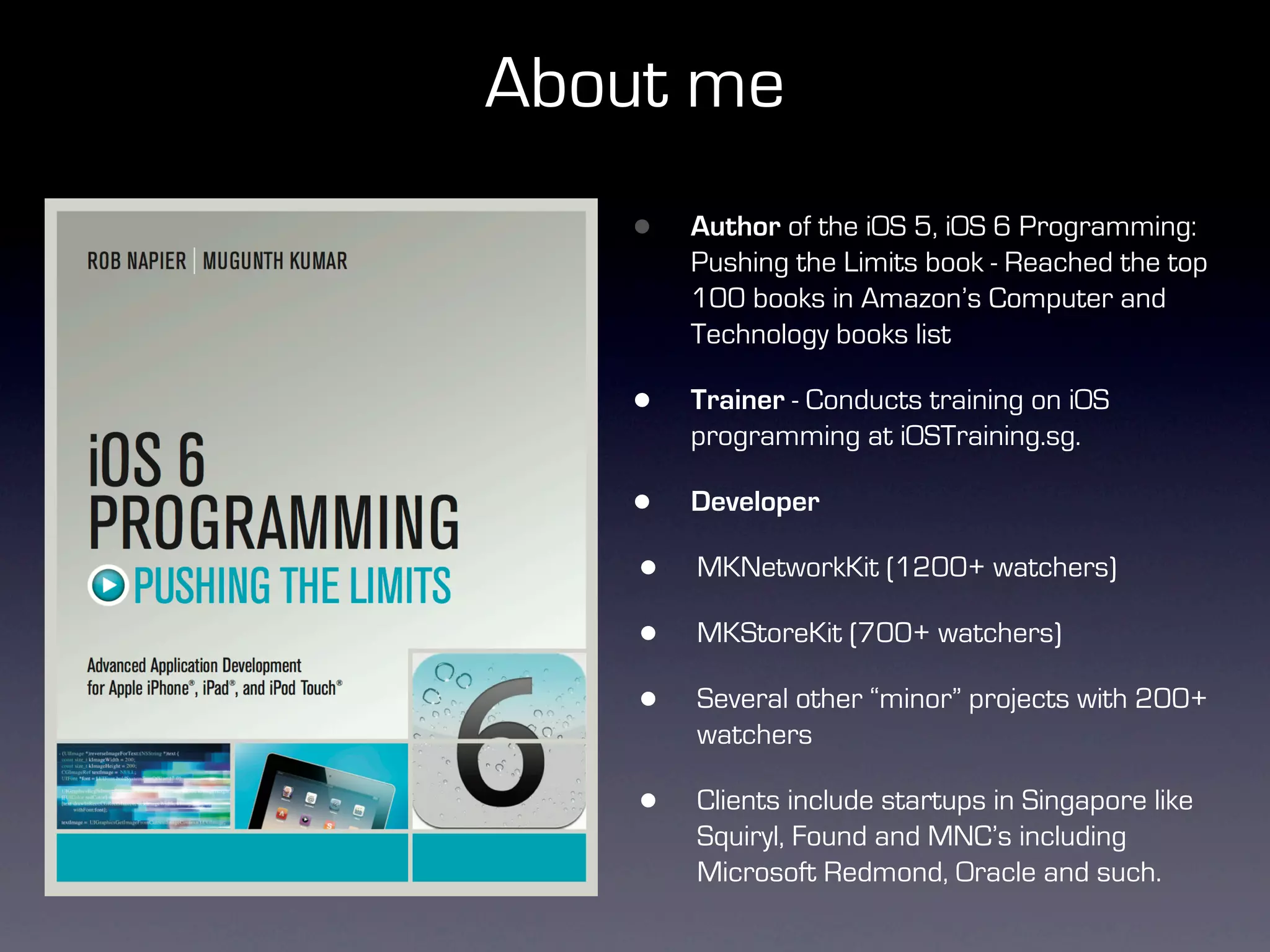
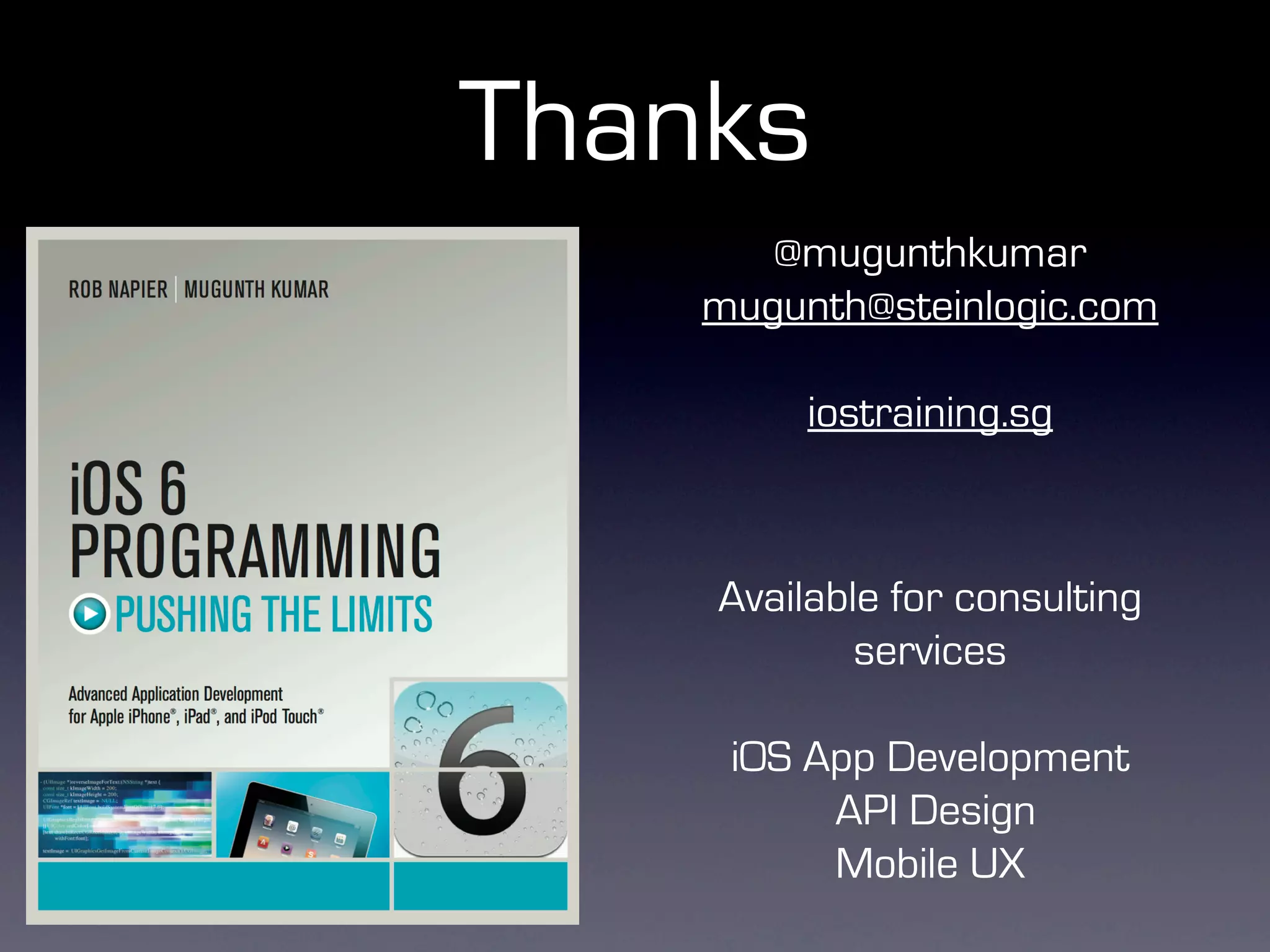
    •   Author of the iOS 5, iOS 6 Programming:
        Pushing the Limits book - Reached the top
        100 books in Amazon’s Computer and
        Technology books list

    •   Trainer - Conducts training on iOS
        programming at iOSTraining.sg.

    •   Developer

    •   MKNetworkKit (1200+ watchers)

    •   MKStoreKit (700+ watchers)

    •   Several other “minor” projects with 200+
        watchers

    •   Clients include startups in Singapore like
        Squiryl, Found and MNC’s including
        Microsoft Redmond, Oracle and such.
Why?


•   What makes apps pleasant to use?

    •   Fast scrolling

    •   Why?
Why?
Why?


•   iPhone is a direct manipulation device
Why?


•   iPhone is a direct manipulation device

•   iPhone screen is closer to your eye than your HDTV or your
    computer monitor
Why?


•   iPhone is a direct manipulation device

•   iPhone screen is closer to your eye than your HDTV or your
    computer monitor


•   60 frames per second = 16.66ms per frame
Why?


•   iPhone is a direct manipulation device

•   iPhone screen is closer to your eye than your HDTV or your
    computer monitor


•   60 frames per second = 16.66ms per frame

•   Anything less, you will get a headache
Agenda
Agenda

•   Why?
Agenda

•   Why?

•   Three different methods
Agenda

•   Why?

•   Three different methods

•   Pros and Cons
Agenda

•   Why?

•   Three different methods

•   Pros and Cons

•   QuartzCore/CoreText introduction
Agenda

•   Why?

•   Three different methods

•   Pros and Cons

•   QuartzCore/CoreText introduction

•   A simple table view cell example
Agenda

•   Why?

•   Three different methods

•   Pros and Cons

•   QuartzCore/CoreText introduction

•   A simple table view cell example

•   What else can you build? - Facebook style news feed
Compositing Table View Cells


•   UITableViewCell

    •   Subviews (UILabel, UIImageView)
Pros/Cons
Pros/Cons


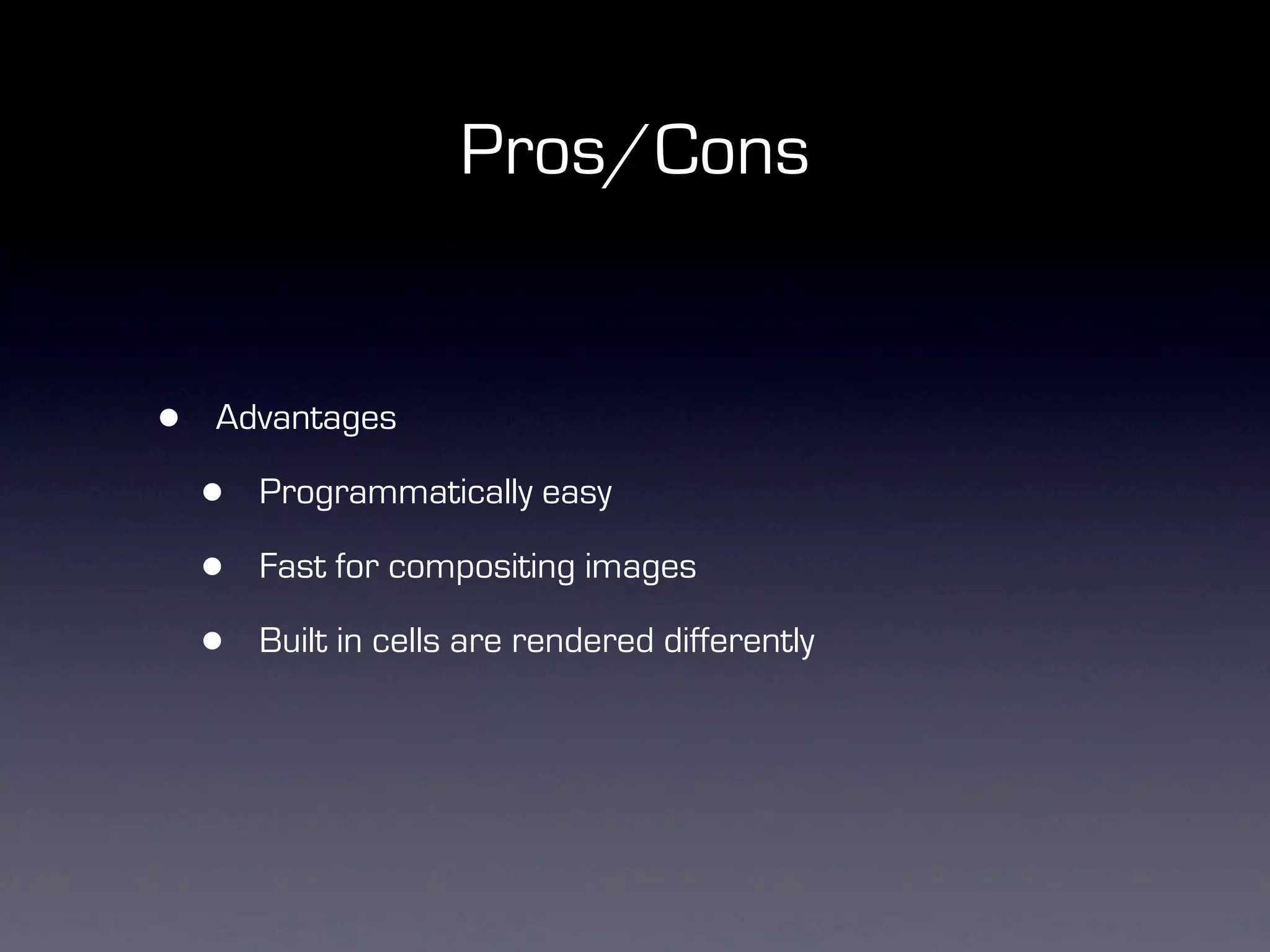
•   Advantages

    •   Programmatically easy

    •   Fast for compositing images

    •   Built in cells are rendered differently
Pros/Cons


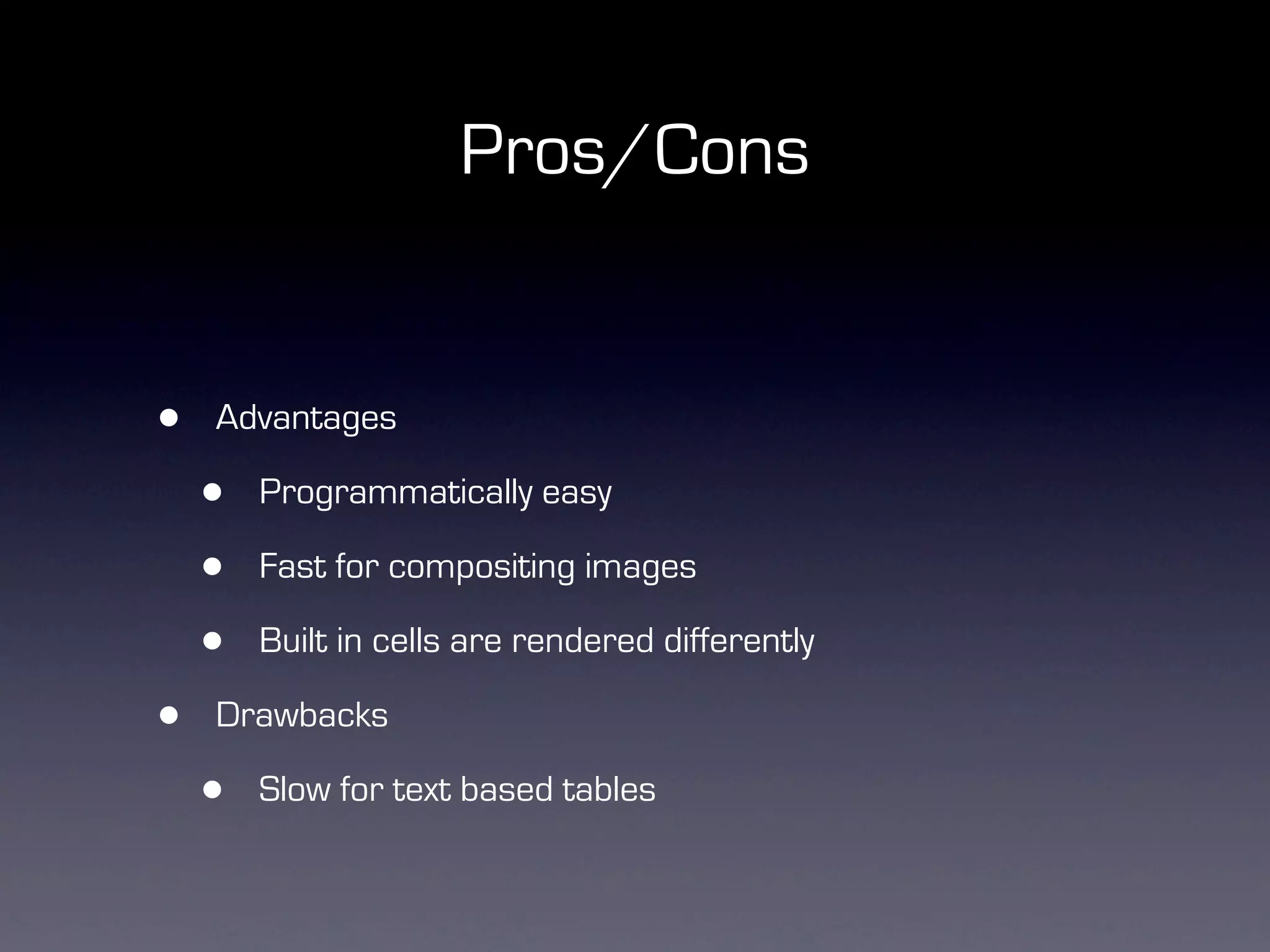
•   Advantages

    •   Programmatically easy

    •   Fast for compositing images

    •   Built in cells are rendered differently

•   Drawbacks

    •   Slow for text based tables
Direct Drawing


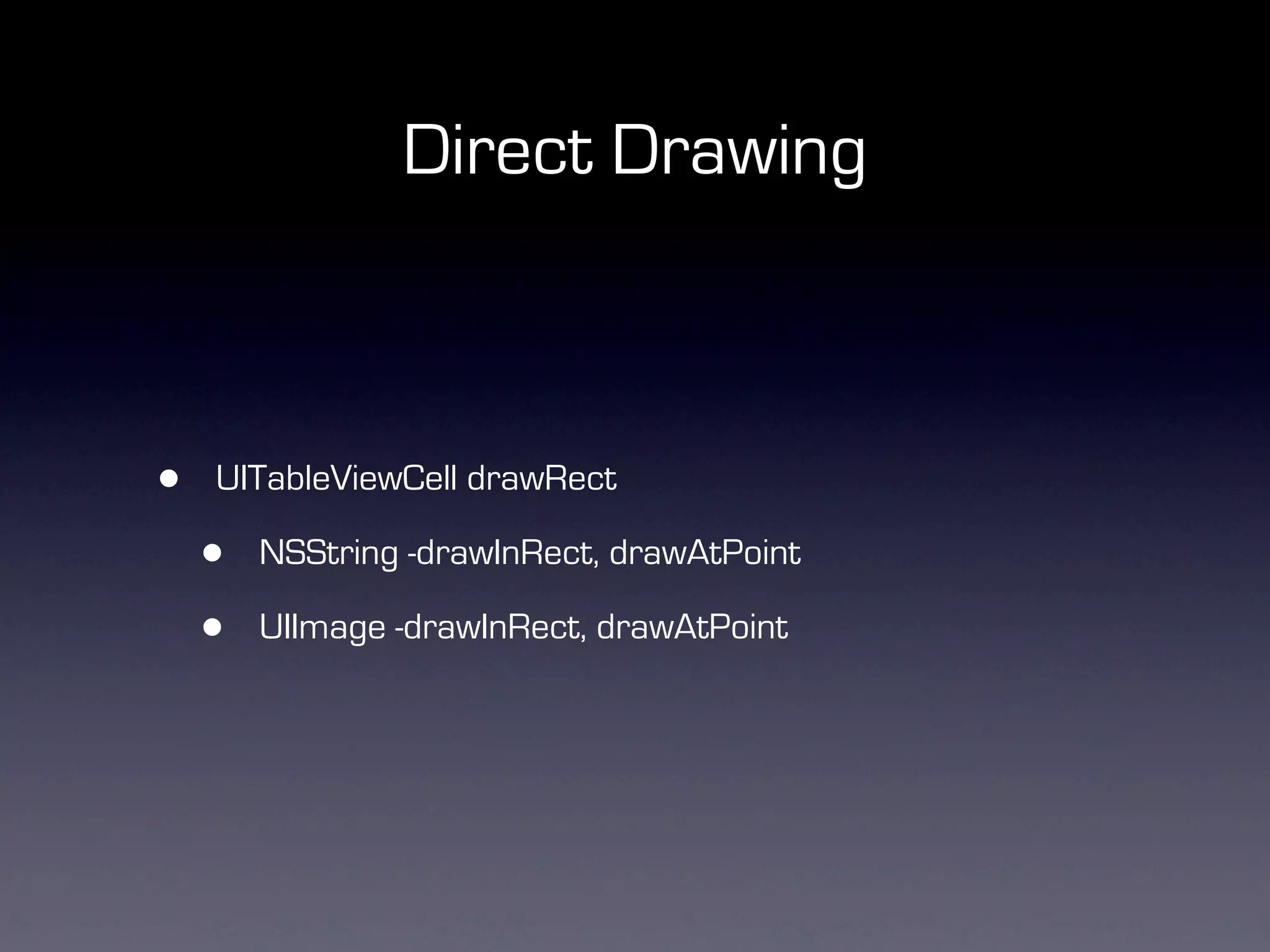
•   UITableViewCell drawRect

    •   NSString -drawInRect, drawAtPoint

    •   UIImage -drawInRect, drawAtPoint
Pros/Cons
Pros/Cons


•   Advantages

    •   Fast

    •   Really fast!
Pros/Cons


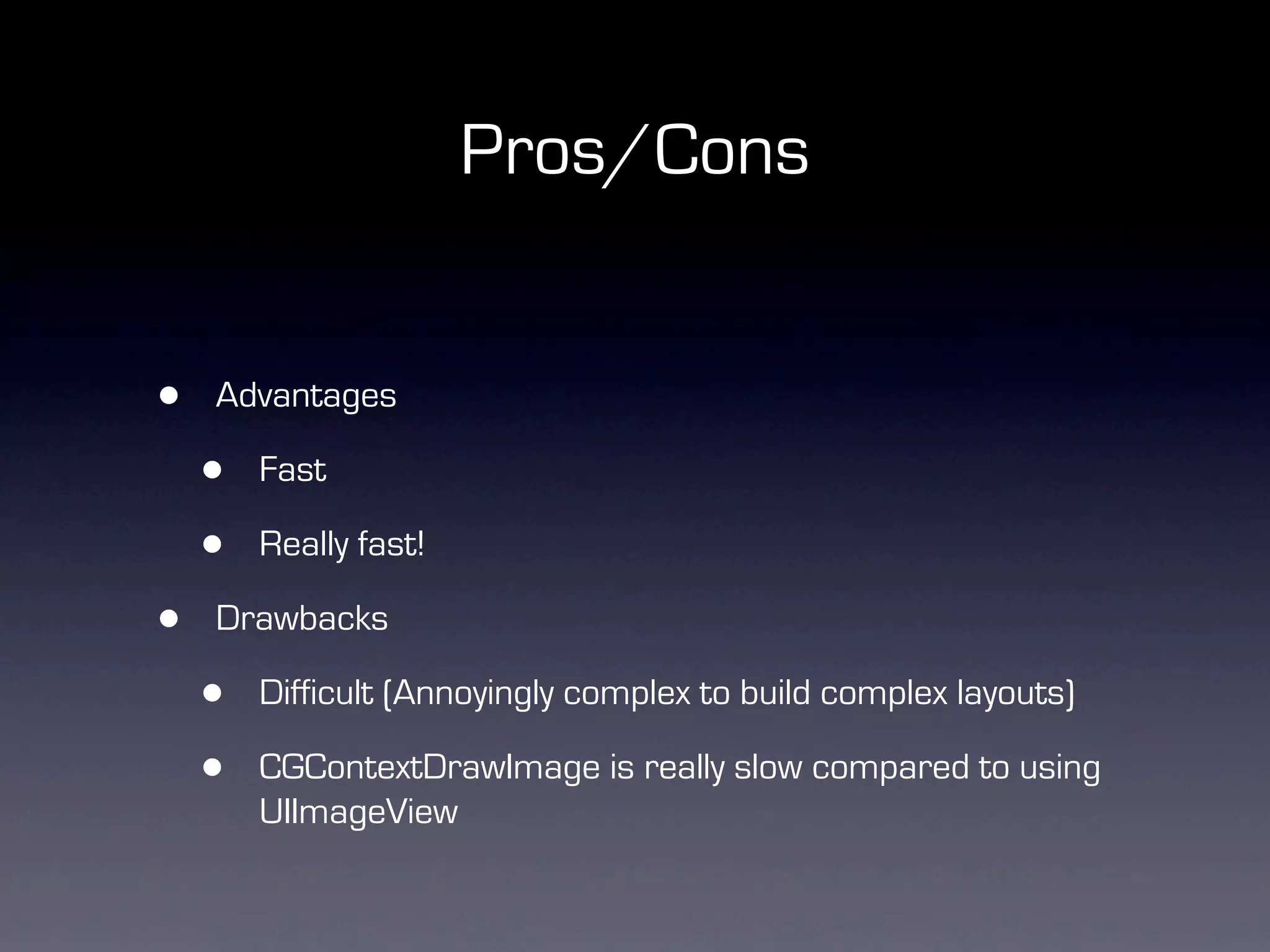
•   Advantages

    •   Fast

    •   Really fast!

•   Drawbacks

    •   Difficult (Annoyingly complex to build complex layouts)

    •   CGContextDrawImage is really slow compared to using
        UIImageView
Hybrid


•   A mix of drawRect + UIImageViews
Cons
Cons

•   Still cannot render shadows around images views
Cons

•     Still cannot render shadows around images views


    self.view.layer.masksToBounds = NO;
    self.view.layer.shadowColor = [UIColor blackColor].CGColor;
    self.view.layer.shadowOffset = CGSizeMake(0.0f, -1.0f);
    self.view.layer.shadowOpacity = 0.5f;
    self.view.layer.shadowRadius = 1.0f;
Cons

    •     Still cannot render shadows around images views


        self.view.layer.masksToBounds = NO;
        self.view.layer.shadowColor = [UIColor blackColor].CGColor;
        self.view.layer.shadowOffset = CGSizeMake(0.0f, -1.0f);
        self.view.layer.shadowOpacity = 0.5f;
        self.view.layer.shadowRadius = 1.0f;


•       The above code is dog slow.

•       Good for views, very bad for table view cells or collection view
        cells
Is there a better way?


•   QuartzCore.framework


•   CoreText.framework
Pros/Cons
Pros/Cons


•   Advantages

    •   Fast

    •   Can render text and image within our 16ms deadline

    •   Rendering highly customized text is hard
Pros/Cons


•   Advantages

    •   Fast

    •   Can render text and image within our 16ms deadline

    •   Rendering highly customized text is hard


               This is BOLD and this is in italics.
QuartzCore


•   CALayer

•   CATextLayer

•   CAGradientLayer

•   CAShapeLayer
CoreText


•   NSAttributedString

•   NSMutableAttributedString


•   UIBezierPath
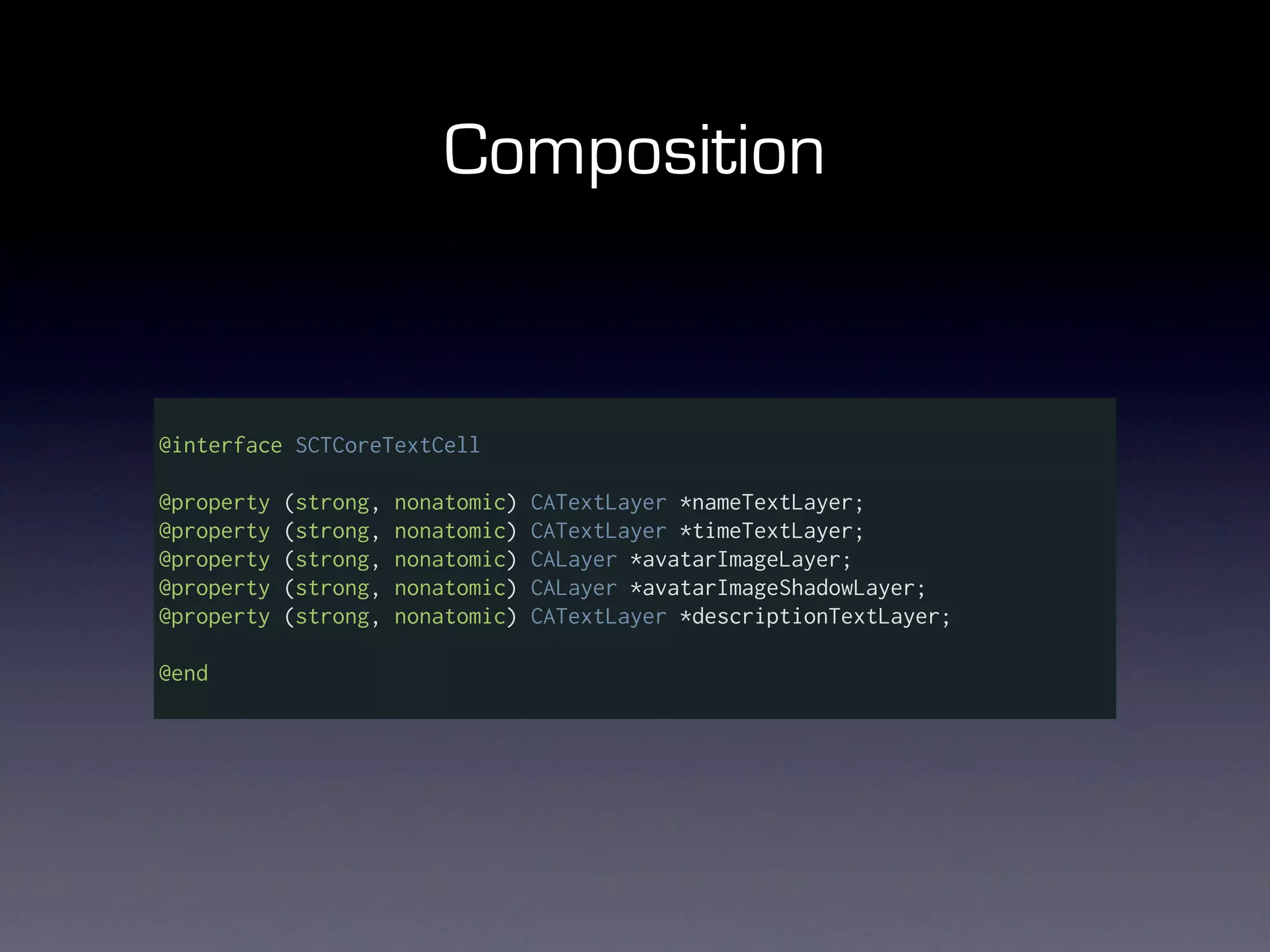
Composition


@interface SCTCoreTextCell

@property   (strong,   nonatomic)   CATextLayer *nameTextLayer;
@property   (strong,   nonatomic)   CATextLayer *timeTextLayer;
@property   (strong,   nonatomic)   CALayer *avatarImageLayer;
@property   (strong,   nonatomic)   CALayer *avatarImageShadowLayer;
@property   (strong,   nonatomic)   CATextLayer *descriptionTextLayer;

@end
CALayer - Images

  self.backgroundLayer = [CALayer layer];
  self.backgroundLayer.frame = CGRectMake(0, 0, 320, 150);
  self.backgroundLayer.contentsScale = [[UIScreen mainScreen] scale];
  self.backgroundLayer.actions = [NSDictionary actionsDictionary];
  self.backgroundLayer.contents = (id) backgroundImage.CGImage;

  self.backgroundLayer.contentsCenter = CGRectMake(1.0/
backgroundImage.size.width, 8.0/backgroundImage.size.height,
                                                   1.0/
backgroundImage.size.width,1.0/backgroundImage.size.height);
  self.backgroundLayer.contentsGravity = kCAGravityResize;

  [self.contentView.layer addSublayer:self.backgroundLayer];
CATextLayer - Text


self.nameTextLayer = [CATextLayer layer];

self.nameTextLayer.frame = CGRectMake(65, 3, 240, 21);
self.nameTextLayer.alignmentMode = kCAAlignmentLeft;
self.nameTextLayer.wrapped = YES;
self.nameTextLayer.contentsScale = [[UIScreen mainScreen] scale];

self.nameTextLayer.actions = [NSDictionary actionsDictionary];

[self.contentView.layer addSublayer:self.nameTextLayer];
Composition

+(NSDictionary*) actionsDictionary {

    return @{
      @"onOrderIn" : [NSNull null],
      @"onOrderOut" : [NSNull null],
      @"sublayers" : [NSNull null],
      @"contents" : [NSNull null],
      @"position" : [NSNull null],
      @"bounds" : [NSNull null],
      @"onLayout" : [NSNull null],
      @"hidden" : [NSNull null],
      };
    });
}
Contents
Contents


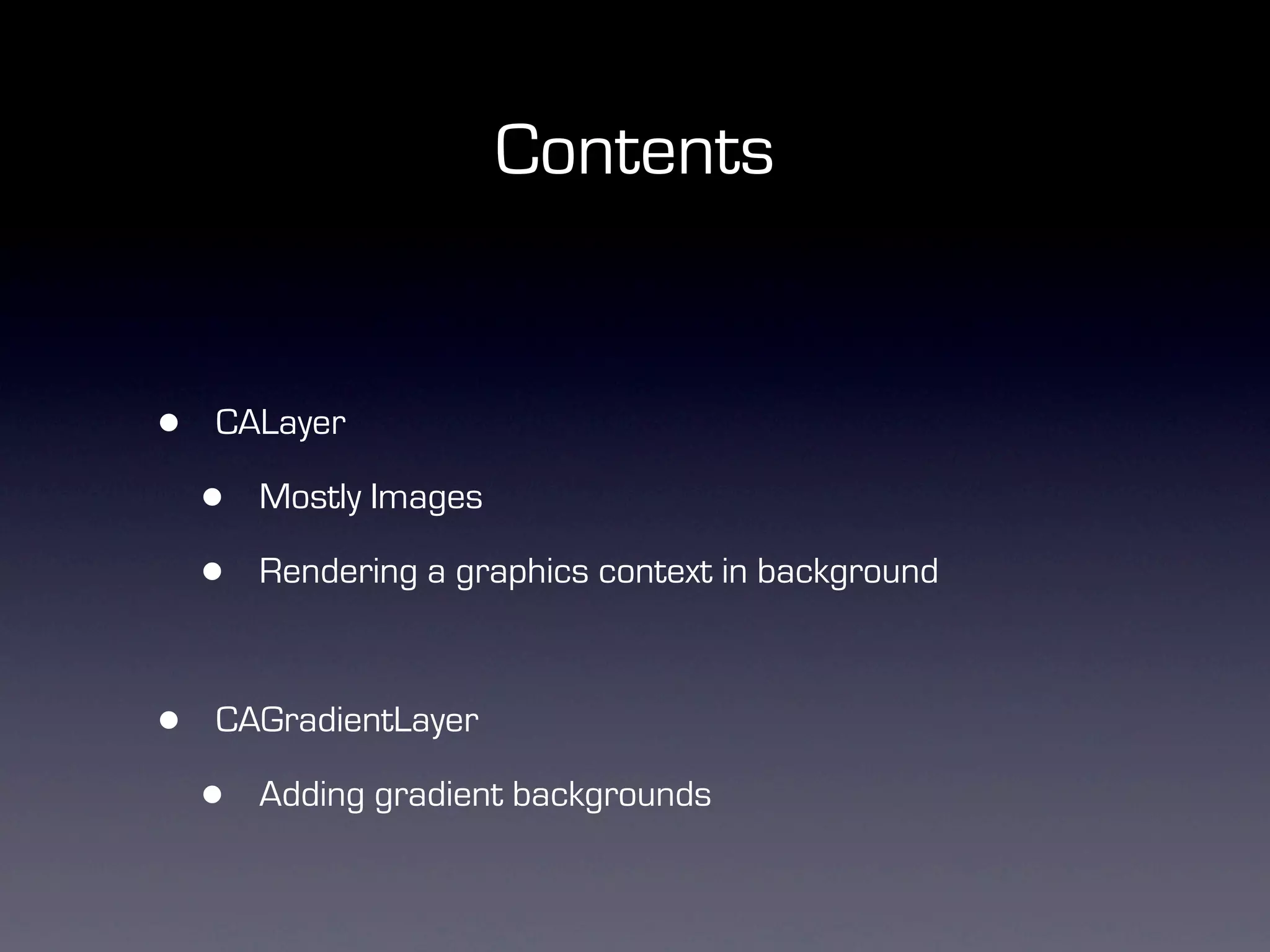
•   CALayer

    •   Mostly Images

    •   Rendering a graphics context in background
Contents


•   CALayer

    •   Mostly Images

    •   Rendering a graphics context in background
Contents


•   CALayer

    •   Mostly Images

    •   Rendering a graphics context in background


•   CAGradientLayer

    •   Adding gradient backgrounds
Contents
Contents


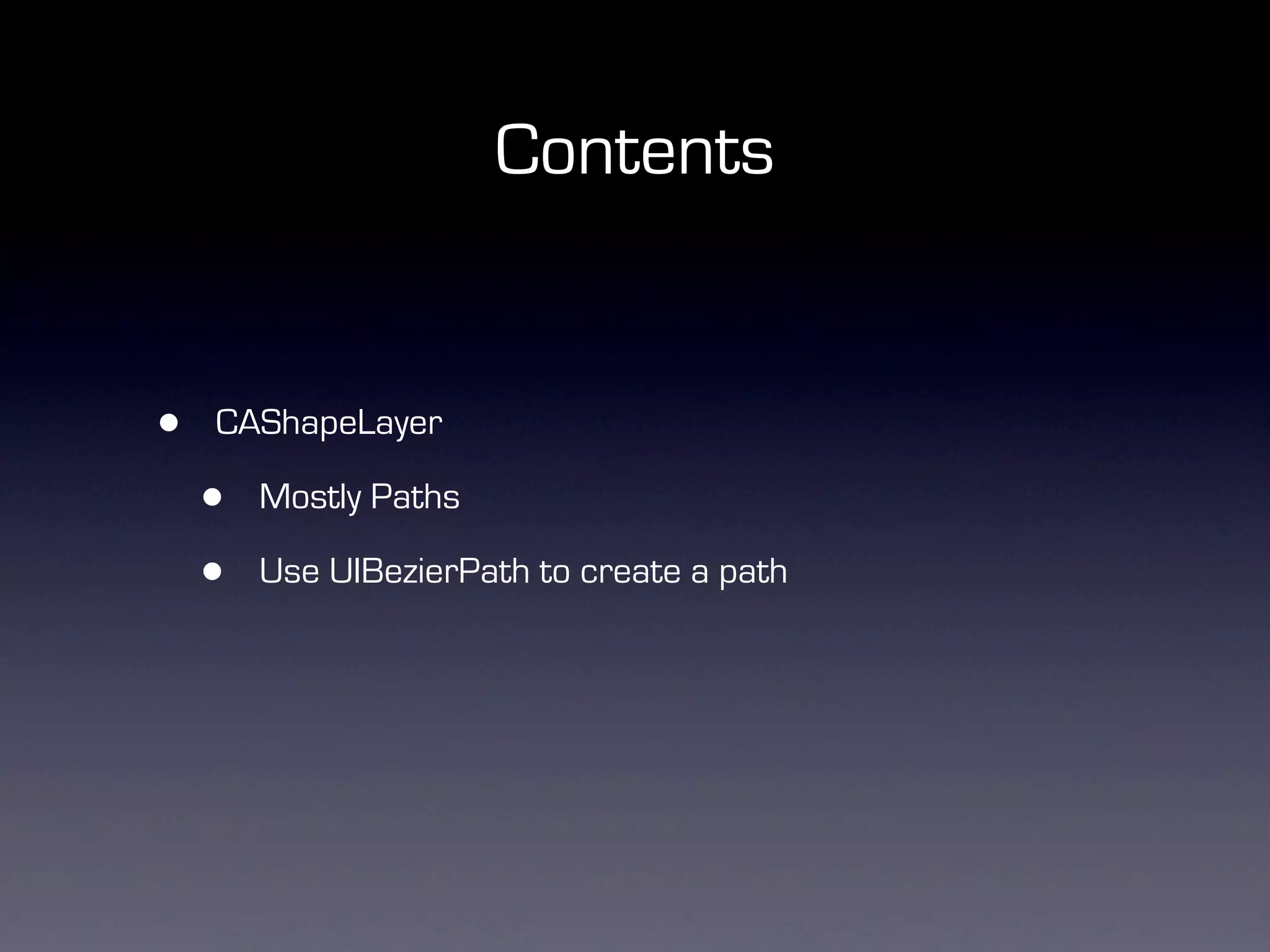
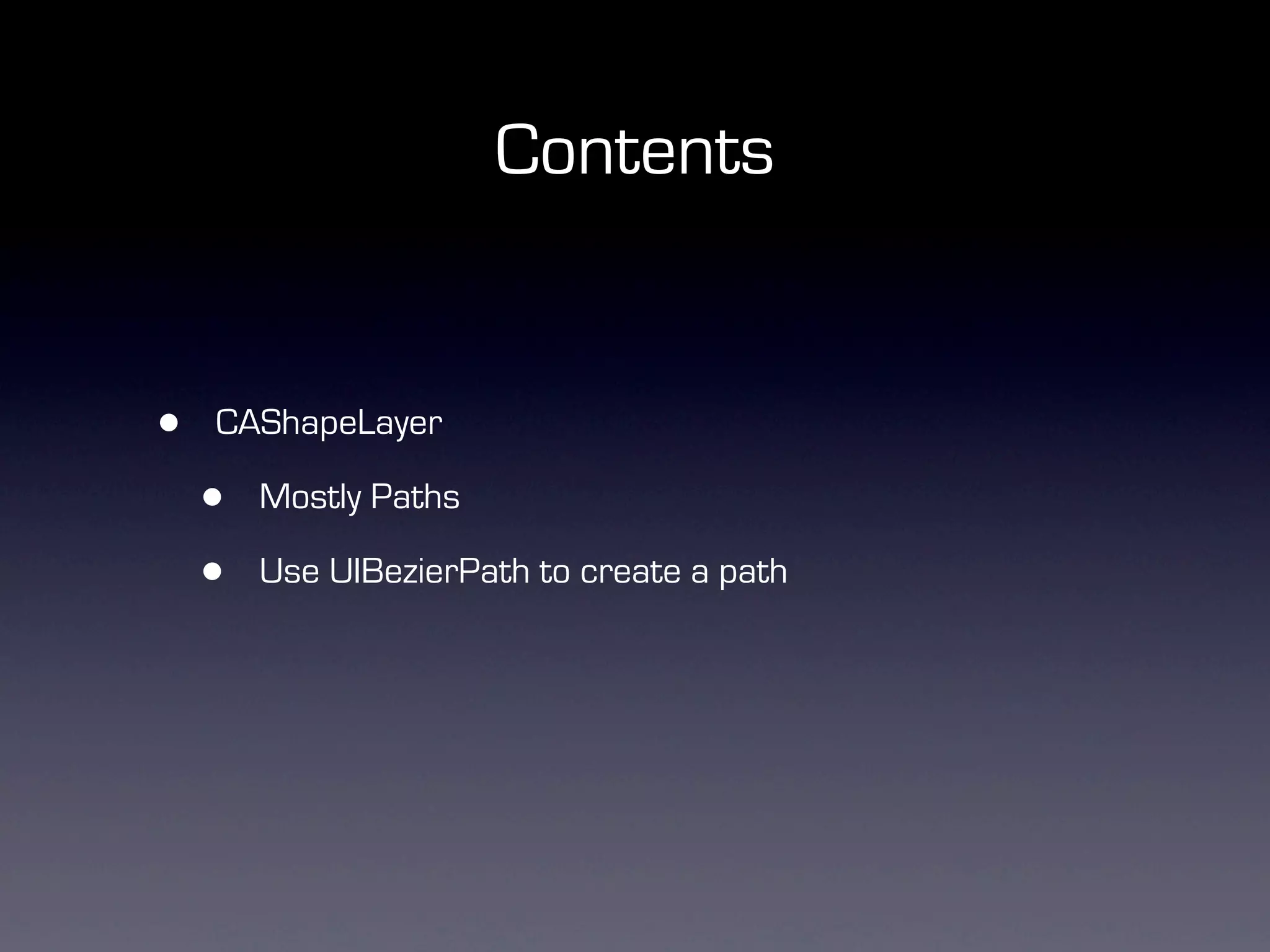
•   CAShapeLayer

    •   Mostly Paths

    •   Use UIBezierPath to create a path
Contents


•   CAShapeLayer

    •   Mostly Paths

    •   Use UIBezierPath to create a path
Contents


•   CAShapeLayer

    •   Mostly Paths

    •   Use UIBezierPath to create a path


•   CATextLayer (Most useful + complicated)

    •   Text (NSAttributedString)
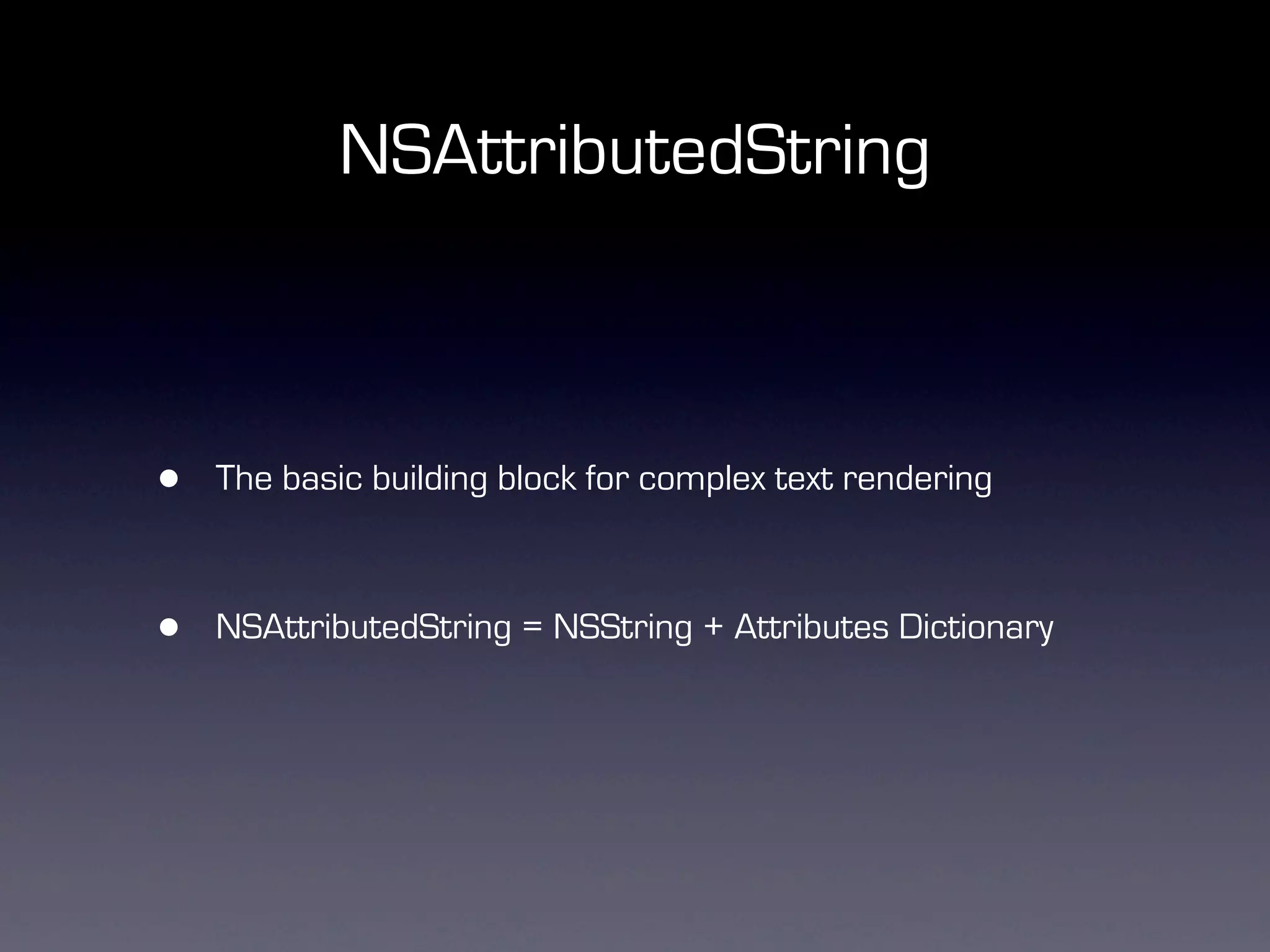
NSAttributedString


•   The basic building block for complex text rendering


•   NSAttributedString = NSString + Attributes Dictionary
Demo 1 - Simple Bold
Composition
-(void) setText {

  CTFontRef ctBoldFont = CTFontCreateWithName((__bridge CFStringRef)[UIFont
boldSystemFontOfSize:17].fontName, [UIFont boldSystemFontOfSize:17].pointSize, NULL);
  NSDictionary *boldAttributes = [NSDictionary dictionaryWithObjectsAndKeys:
                              (__bridge id)ctBoldFont,
                              (id)kCTFontAttributeName,
                              [UIColor blackColor].CGColor,
(id)kCTForegroundColorAttributeName, nil];
  CFRelease(ctBoldFont);

  CTFontRef ctNormalFont = CTFontCreateWithName((__bridge CFStringRef)[UIFont
systemFontOfSize:16].fontName, [UIFont systemFontOfSize:16].pointSize, NULL);
  NSDictionary *normalAttributes = [NSDictionary dictionaryWithObjectsAndKeys:
                              (__bridge id)ctNormalFont,
                              (id)kCTFontAttributeName,
                              [UIColor blackColor].CGColor,
(id)kCTForegroundColorAttributeName, nil];
  CFRelease(ctNormalFont);

  NSMutableAttributedString *string = [[NSMutableAttributedString alloc]
initWithString:@"iOS Dev Scout is a AWESOME iOS group!" attributes:normalAttributes];
  [string addAttributes:boldAttributes range:NSMakeRange(19, 7)];
  self.textLayer.string = string;
}
Composition


  CTFontRef ctNormalFont = CTFontCreateWithName((__bridge CFStringRef)[UIFont
systemFontOfSize:16].fontName, [UIFont systemFontOfSize:16].pointSize, NULL);
  NSDictionary *normalAttributes = [NSDictionary dictionaryWithObjectsAndKeys:
                              (__bridge id)ctNormalFont,
                              (id)kCTFontAttributeName,
                              [UIColor blackColor].CGColor,
(id)kCTForegroundColorAttributeName, nil];
  CFRelease(ctNormalFont);
Composition


  CTFontRef ctBoldFont = CTFontCreateWithName((__bridge CFStringRef)[UIFont
boldSystemFontOfSize:17].fontName, [UIFont boldSystemFontOfSize:17].pointSize, NULL);
  NSDictionary *boldAttributes = [NSDictionary dictionaryWithObjectsAndKeys:
                              (__bridge id)ctBoldFont,
                              (id)kCTFontAttributeName,
                              [UIColor blackColor].CGColor,
(id)kCTForegroundColorAttributeName, nil];
  CFRelease(ctBoldFont);
Composition


  NSMutableAttributedString *string = [[NSMutableAttributedString alloc]
initWithString:@"iOS Dev Scout is a AWESOME iOS group!" attributes:normalAttributes];
  [string addAttributes:boldAttributes range:NSMakeRange(19, 7)];
  self.textLayer.string = string;
What did we use?


•   kCTForegroundColorAttributeName

•   kCTFontAttributeName
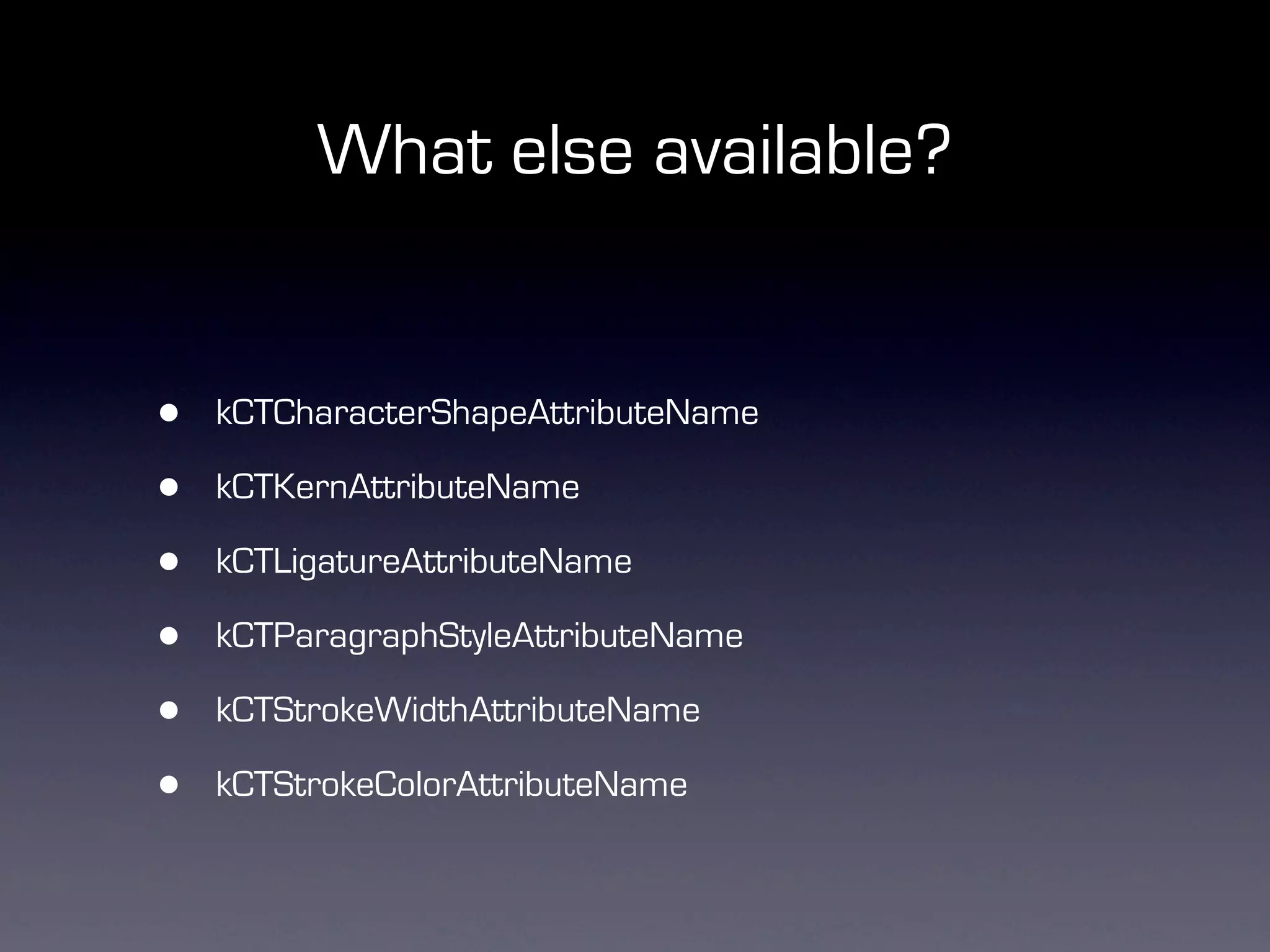
What else available?


•   kCTCharacterShapeAttributeName

•   kCTKernAttributeName

•   kCTLigatureAttributeName

•   kCTParagraphStyleAttributeName

•   kCTStrokeWidthAttributeName

•   kCTStrokeColorAttributeName
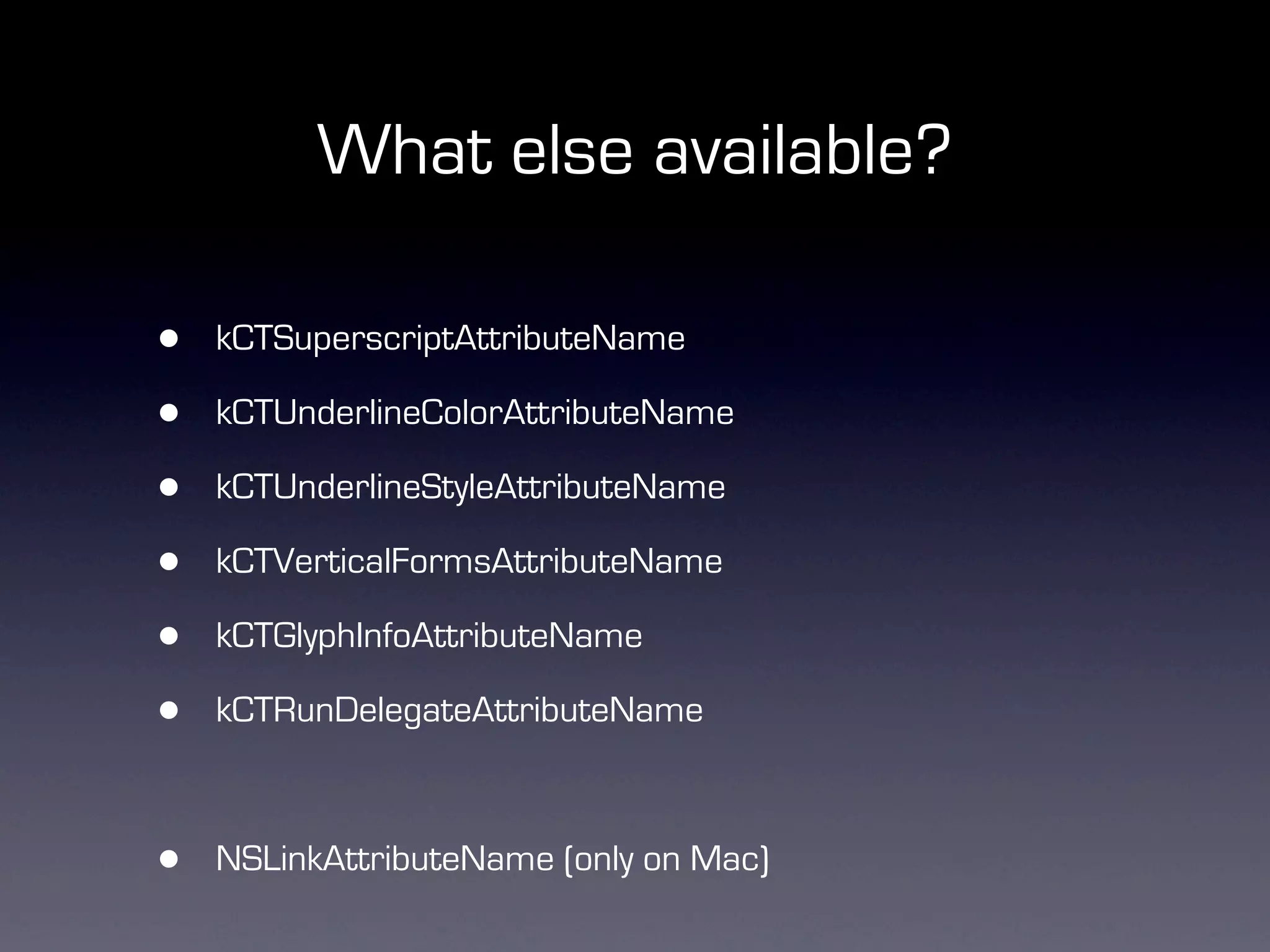
What else available?

•   kCTSuperscriptAttributeName

•   kCTUnderlineColorAttributeName

•   kCTUnderlineStyleAttributeName

•   kCTVerticalFormsAttributeName

•   kCTGlyphInfoAttributeName

•   kCTRunDelegateAttributeName


•   NSLinkAttributeName (only on Mac)
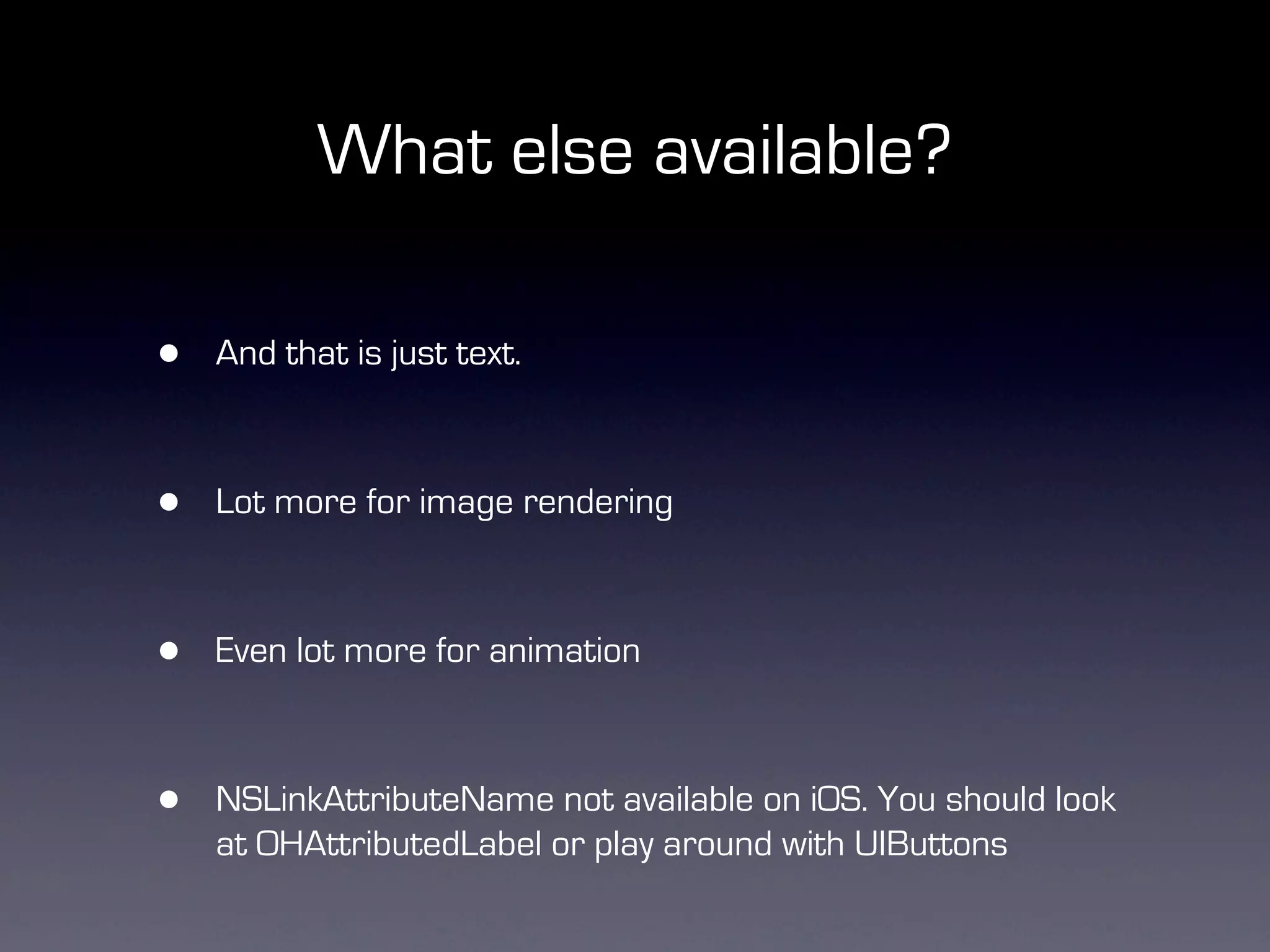
What else available?

•   And that is just text.


•   Lot more for image rendering


•   Even lot more for animation


•   NSLinkAttributeName not available on iOS. You should look
    at OHAttributedLabel or play around with UIButtons
Demo 2 - Facebook
Performance tips
Performance tips


•   Use dispatch_once for almost any “constants”

    •   UIFont, UIBezierPath, UIColor etc.,
Performance tips


•   Use dispatch_once for almost any “constants”

    •   UIFont, UIBezierPath, UIColor etc.,
Performance tips


•   Use dispatch_once for almost any “constants”

    •   UIFont, UIBezierPath, UIColor etc.,


•   Use strptime* methods instead of NSDateFormatter

    •   No support for locale, but crazy fast
Thanks
       @mugunthkumar
    mugunth@steinlogic.com

         iostraining.sg


    Available for consulting
            services

     iOS App Development
          API Design
          Mobile UX

Hi performance table views with QuartzCore and CoreText

  • 1.
    Hi-Performance Table Views withQuartzCore and CoreText Beginners guide to an advanced concept Mugunth Kumar Steinlogic Consulting and Training Pte Ltd
  • 2.
  • 3.
    About me • Author of the iOS 5, iOS 6 Programming: Pushing the Limits book - Reached the top 100 books in Amazon’s Computer and Technology books list • Trainer - Conducts training on iOS programming at iOSTraining.sg. • Developer • MKNetworkKit (1200+ watchers) • MKStoreKit (700+ watchers) • Several other “minor” projects with 200+ watchers • Clients include startups in Singapore like Squiryl, Found and MNC’s including Microsoft Redmond, Oracle and such.
  • 4.
    Why? • What makes apps pleasant to use? • Fast scrolling • Why?
  • 5.
  • 6.
    Why? • iPhone is a direct manipulation device
  • 7.
    Why? • iPhone is a direct manipulation device • iPhone screen is closer to your eye than your HDTV or your computer monitor
  • 8.
    Why? • iPhone is a direct manipulation device • iPhone screen is closer to your eye than your HDTV or your computer monitor • 60 frames per second = 16.66ms per frame
  • 9.
    Why? • iPhone is a direct manipulation device • iPhone screen is closer to your eye than your HDTV or your computer monitor • 60 frames per second = 16.66ms per frame • Anything less, you will get a headache
  • 10.
  • 11.
  • 12.
    Agenda • Why? • Three different methods
  • 13.
    Agenda • Why? • Three different methods • Pros and Cons
  • 14.
    Agenda • Why? • Three different methods • Pros and Cons • QuartzCore/CoreText introduction
  • 15.
    Agenda • Why? • Three different methods • Pros and Cons • QuartzCore/CoreText introduction • A simple table view cell example
  • 16.
    Agenda • Why? • Three different methods • Pros and Cons • QuartzCore/CoreText introduction • A simple table view cell example • What else can you build? - Facebook style news feed
  • 17.
    Compositing Table ViewCells • UITableViewCell • Subviews (UILabel, UIImageView)
  • 18.
  • 19.
    Pros/Cons • Advantages • Programmatically easy • Fast for compositing images • Built in cells are rendered differently
  • 20.
    Pros/Cons • Advantages • Programmatically easy • Fast for compositing images • Built in cells are rendered differently • Drawbacks • Slow for text based tables
  • 21.
    Direct Drawing • UITableViewCell drawRect • NSString -drawInRect, drawAtPoint • UIImage -drawInRect, drawAtPoint
  • 22.
  • 23.
    Pros/Cons • Advantages • Fast • Really fast!
  • 24.
    Pros/Cons • Advantages • Fast • Really fast! • Drawbacks • Difficult (Annoyingly complex to build complex layouts) • CGContextDrawImage is really slow compared to using UIImageView
  • 25.
    Hybrid • A mix of drawRect + UIImageViews
  • 26.
  • 27.
    Cons • Still cannot render shadows around images views
  • 28.
    Cons • Still cannot render shadows around images views self.view.layer.masksToBounds = NO; self.view.layer.shadowColor = [UIColor blackColor].CGColor; self.view.layer.shadowOffset = CGSizeMake(0.0f, -1.0f); self.view.layer.shadowOpacity = 0.5f; self.view.layer.shadowRadius = 1.0f;
  • 29.
    Cons • Still cannot render shadows around images views self.view.layer.masksToBounds = NO; self.view.layer.shadowColor = [UIColor blackColor].CGColor; self.view.layer.shadowOffset = CGSizeMake(0.0f, -1.0f); self.view.layer.shadowOpacity = 0.5f; self.view.layer.shadowRadius = 1.0f; • The above code is dog slow. • Good for views, very bad for table view cells or collection view cells
  • 30.
    Is there abetter way? • QuartzCore.framework • CoreText.framework
  • 31.
  • 32.
    Pros/Cons • Advantages • Fast • Can render text and image within our 16ms deadline • Rendering highly customized text is hard
  • 33.
    Pros/Cons • Advantages • Fast • Can render text and image within our 16ms deadline • Rendering highly customized text is hard This is BOLD and this is in italics.
  • 34.
    QuartzCore • CALayer • CATextLayer • CAGradientLayer • CAShapeLayer
  • 35.
    CoreText • NSAttributedString • NSMutableAttributedString • UIBezierPath
  • 36.
    Composition @interface SCTCoreTextCell @property (strong, nonatomic) CATextLayer *nameTextLayer; @property (strong, nonatomic) CATextLayer *timeTextLayer; @property (strong, nonatomic) CALayer *avatarImageLayer; @property (strong, nonatomic) CALayer *avatarImageShadowLayer; @property (strong, nonatomic) CATextLayer *descriptionTextLayer; @end
  • 37.
    CALayer - Images self.backgroundLayer = [CALayer layer]; self.backgroundLayer.frame = CGRectMake(0, 0, 320, 150); self.backgroundLayer.contentsScale = [[UIScreen mainScreen] scale]; self.backgroundLayer.actions = [NSDictionary actionsDictionary]; self.backgroundLayer.contents = (id) backgroundImage.CGImage; self.backgroundLayer.contentsCenter = CGRectMake(1.0/ backgroundImage.size.width, 8.0/backgroundImage.size.height, 1.0/ backgroundImage.size.width,1.0/backgroundImage.size.height); self.backgroundLayer.contentsGravity = kCAGravityResize; [self.contentView.layer addSublayer:self.backgroundLayer];
  • 38.
    CATextLayer - Text self.nameTextLayer= [CATextLayer layer]; self.nameTextLayer.frame = CGRectMake(65, 3, 240, 21); self.nameTextLayer.alignmentMode = kCAAlignmentLeft; self.nameTextLayer.wrapped = YES; self.nameTextLayer.contentsScale = [[UIScreen mainScreen] scale]; self.nameTextLayer.actions = [NSDictionary actionsDictionary]; [self.contentView.layer addSublayer:self.nameTextLayer];
  • 39.
    Composition +(NSDictionary*) actionsDictionary { return @{ @"onOrderIn" : [NSNull null], @"onOrderOut" : [NSNull null], @"sublayers" : [NSNull null], @"contents" : [NSNull null], @"position" : [NSNull null], @"bounds" : [NSNull null], @"onLayout" : [NSNull null], @"hidden" : [NSNull null], }; }); }
  • 40.
  • 41.
    Contents • CALayer • Mostly Images • Rendering a graphics context in background
  • 42.
    Contents • CALayer • Mostly Images • Rendering a graphics context in background
  • 43.
    Contents • CALayer • Mostly Images • Rendering a graphics context in background • CAGradientLayer • Adding gradient backgrounds
  • 44.
  • 45.
    Contents • CAShapeLayer • Mostly Paths • Use UIBezierPath to create a path
  • 46.
    Contents • CAShapeLayer • Mostly Paths • Use UIBezierPath to create a path
  • 47.
    Contents • CAShapeLayer • Mostly Paths • Use UIBezierPath to create a path • CATextLayer (Most useful + complicated) • Text (NSAttributedString)
  • 48.
    NSAttributedString • The basic building block for complex text rendering • NSAttributedString = NSString + Attributes Dictionary
  • 49.
    Demo 1 -Simple Bold
  • 50.
    Composition -(void) setText { CTFontRef ctBoldFont = CTFontCreateWithName((__bridge CFStringRef)[UIFont boldSystemFontOfSize:17].fontName, [UIFont boldSystemFontOfSize:17].pointSize, NULL); NSDictionary *boldAttributes = [NSDictionary dictionaryWithObjectsAndKeys: (__bridge id)ctBoldFont, (id)kCTFontAttributeName, [UIColor blackColor].CGColor, (id)kCTForegroundColorAttributeName, nil]; CFRelease(ctBoldFont); CTFontRef ctNormalFont = CTFontCreateWithName((__bridge CFStringRef)[UIFont systemFontOfSize:16].fontName, [UIFont systemFontOfSize:16].pointSize, NULL); NSDictionary *normalAttributes = [NSDictionary dictionaryWithObjectsAndKeys: (__bridge id)ctNormalFont, (id)kCTFontAttributeName, [UIColor blackColor].CGColor, (id)kCTForegroundColorAttributeName, nil]; CFRelease(ctNormalFont); NSMutableAttributedString *string = [[NSMutableAttributedString alloc] initWithString:@"iOS Dev Scout is a AWESOME iOS group!" attributes:normalAttributes]; [string addAttributes:boldAttributes range:NSMakeRange(19, 7)]; self.textLayer.string = string; }
  • 51.
    Composition CTFontRefctNormalFont = CTFontCreateWithName((__bridge CFStringRef)[UIFont systemFontOfSize:16].fontName, [UIFont systemFontOfSize:16].pointSize, NULL); NSDictionary *normalAttributes = [NSDictionary dictionaryWithObjectsAndKeys: (__bridge id)ctNormalFont, (id)kCTFontAttributeName, [UIColor blackColor].CGColor, (id)kCTForegroundColorAttributeName, nil]; CFRelease(ctNormalFont);
  • 52.
    Composition CTFontRefctBoldFont = CTFontCreateWithName((__bridge CFStringRef)[UIFont boldSystemFontOfSize:17].fontName, [UIFont boldSystemFontOfSize:17].pointSize, NULL); NSDictionary *boldAttributes = [NSDictionary dictionaryWithObjectsAndKeys: (__bridge id)ctBoldFont, (id)kCTFontAttributeName, [UIColor blackColor].CGColor, (id)kCTForegroundColorAttributeName, nil]; CFRelease(ctBoldFont);
  • 53.
    Composition NSMutableAttributedString*string = [[NSMutableAttributedString alloc] initWithString:@"iOS Dev Scout is a AWESOME iOS group!" attributes:normalAttributes]; [string addAttributes:boldAttributes range:NSMakeRange(19, 7)]; self.textLayer.string = string;
  • 54.
    What did weuse? • kCTForegroundColorAttributeName • kCTFontAttributeName
  • 55.
    What else available? • kCTCharacterShapeAttributeName • kCTKernAttributeName • kCTLigatureAttributeName • kCTParagraphStyleAttributeName • kCTStrokeWidthAttributeName • kCTStrokeColorAttributeName
  • 56.
    What else available? • kCTSuperscriptAttributeName • kCTUnderlineColorAttributeName • kCTUnderlineStyleAttributeName • kCTVerticalFormsAttributeName • kCTGlyphInfoAttributeName • kCTRunDelegateAttributeName • NSLinkAttributeName (only on Mac)
  • 57.
    What else available? • And that is just text. • Lot more for image rendering • Even lot more for animation • NSLinkAttributeName not available on iOS. You should look at OHAttributedLabel or play around with UIButtons
  • 58.
    Demo 2 -Facebook
  • 59.
  • 60.
    Performance tips • Use dispatch_once for almost any “constants” • UIFont, UIBezierPath, UIColor etc.,
  • 61.
    Performance tips • Use dispatch_once for almost any “constants” • UIFont, UIBezierPath, UIColor etc.,
  • 62.
    Performance tips • Use dispatch_once for almost any “constants” • UIFont, UIBezierPath, UIColor etc., • Use strptime* methods instead of NSDateFormatter • No support for locale, but crazy fast
  • 63.
    Thanks @mugunthkumar mugunth@steinlogic.com iostraining.sg Available for consulting services iOS App Development API Design Mobile UX