Core Image	

The Most Fun API	

You’re Not Using
Chris Adamson • @invalidname	

CocoaConf Columbus, August 2014
“Core Image is an image processing and analysis
technology designed to provide near real-time
processing for still and video images.”
Agenda
• Images, Filters, and Contexts	

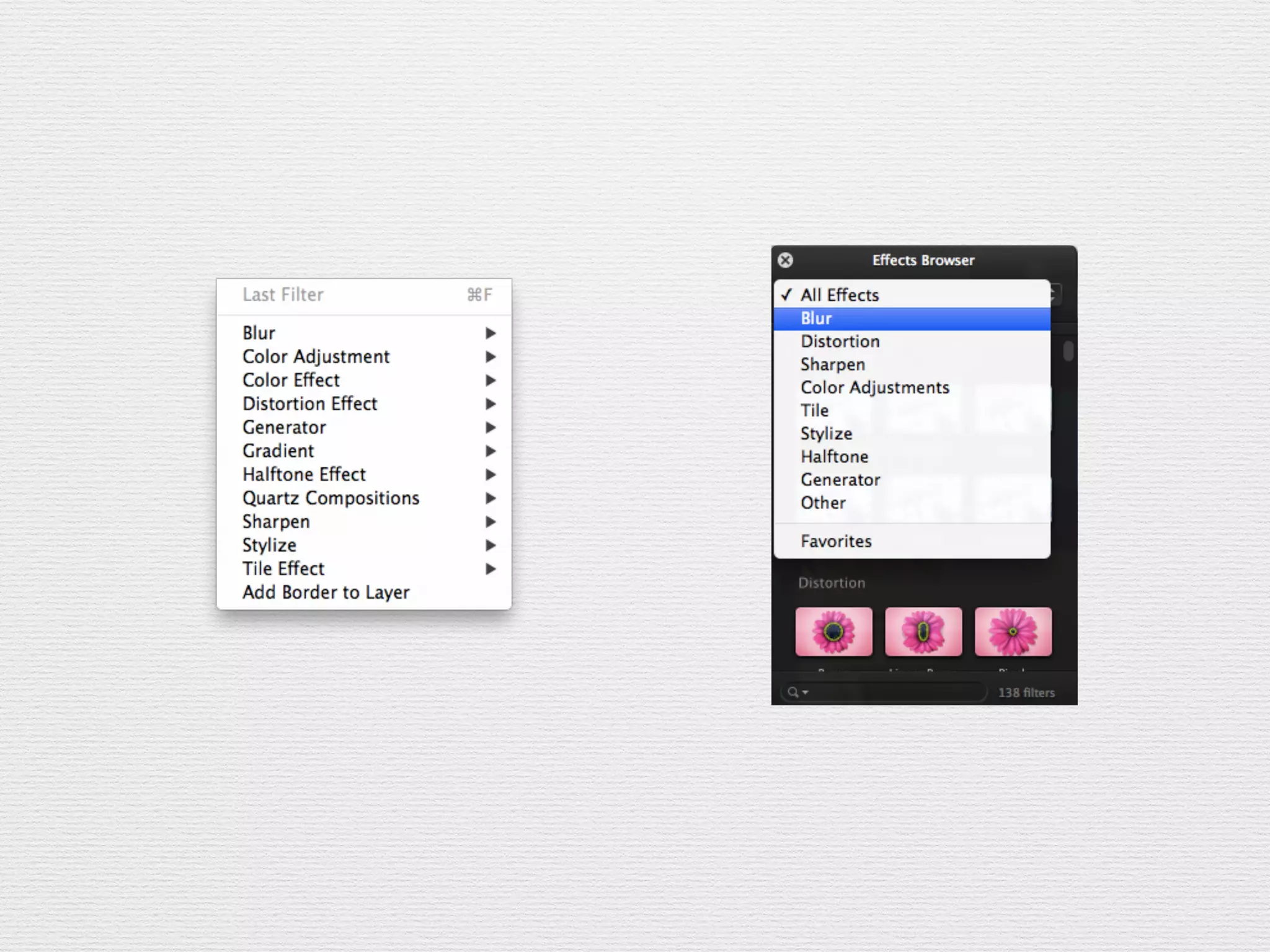
• The Core Image Filter Gallery	

• Neat Tricks with Built-In Filters	

• Core Image on OS X
Core Image, Core Concepts
• Core Image is
of the time	

• A chain of filters describes a “recipe” of processing
steps to be applied to one or more images	

• “Stringly typed”	

• You only get pixels when you render
Typical Workflow
• Start with a source CIImage	

• Apply one or more filters	

• Render resulting CIImage to a CIContext, or
convert CIImage out to another type	

• A few filters take or produce types other than
CIImage (CIQRCodeGenerator)
CIImage
• An image provided to or produced by Core Image	

• But no bitmap of pixel data!	

• Immutable	

• -imageByCroppingToRect,
-imageByApplyingTransform	

• -extent — a CGRect of the image’s size
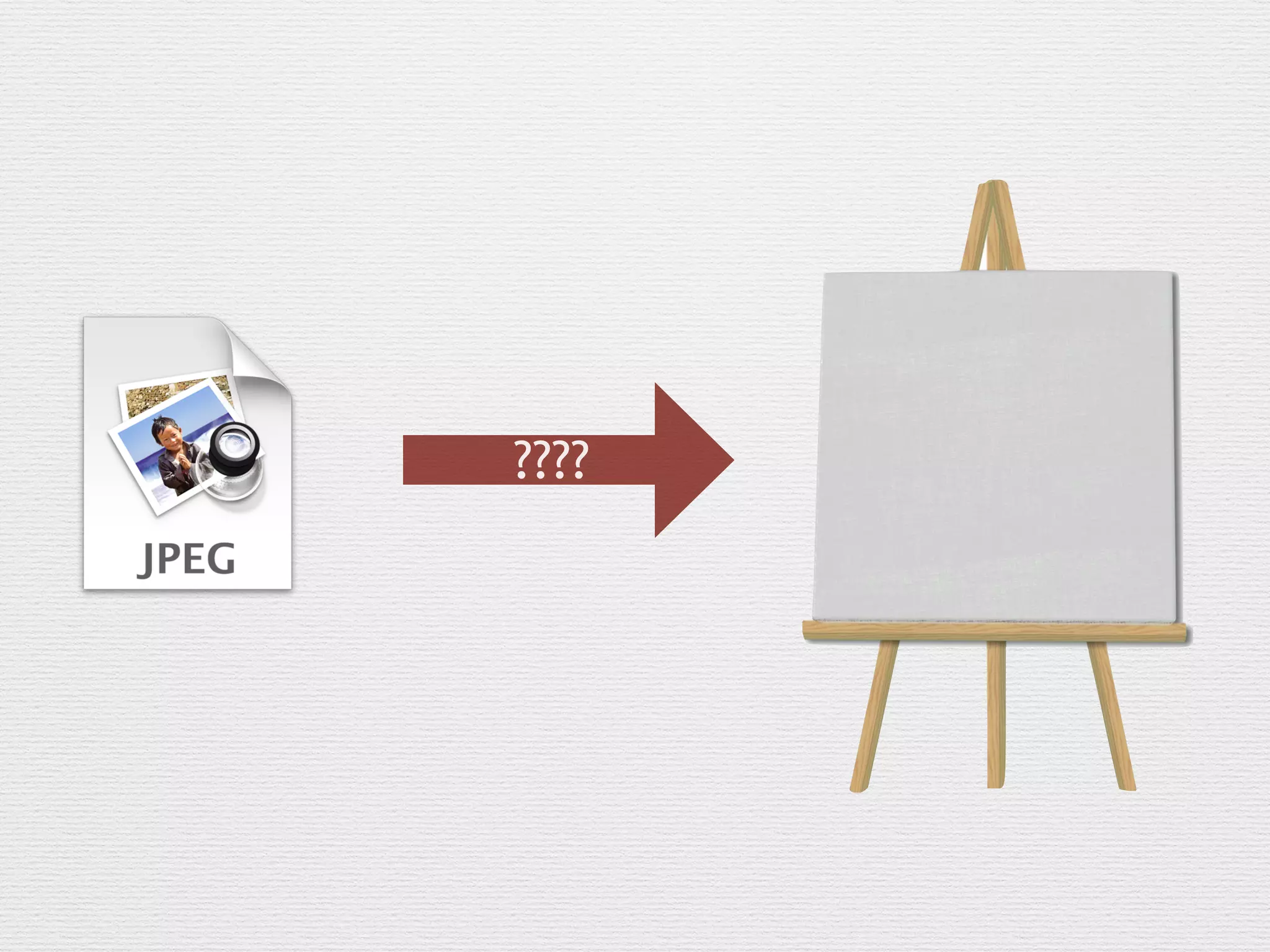
CIImage sources
• NSURL	

• CGImageRef	

• Bitmap or JPEG/PNG/TIFF in NSData	

• OpenGL texture	

• Core Video image/pixel buffer
CIContext
• Rendering destination for a CIImage (-
[drawImage:inRect:fromRect:])	

• This is where you get pixels (also, this is the processor-
intenstive part)	

• On iOS, must be created from an EAGLContext. On
Mac, can be created with CGContextRef	

• Can also produce output as a CGImageRef, bitmap data,
or a CVPixelBuffer (iOS only)
????
CIFilter
• Performs an image processing operation	

• Typically takes and produces a CIImage	

• All parameters are provided via -[setValue:forKey:]	

• Stringly-typed!	

• Output is retrieved with -[valueForKey:]
–Core Image Cat
“I can has filterz?
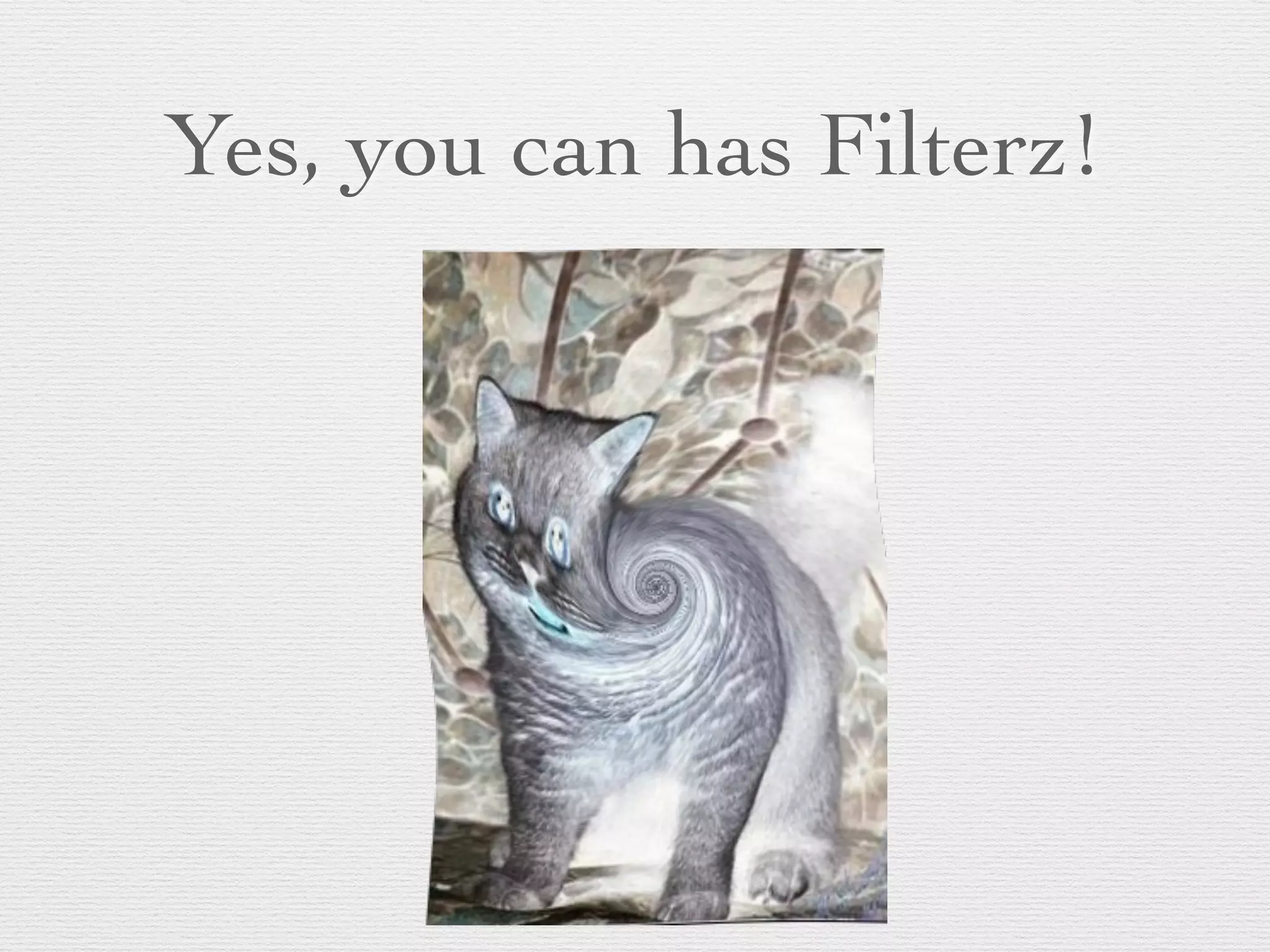
Yes, you can has Filterz!
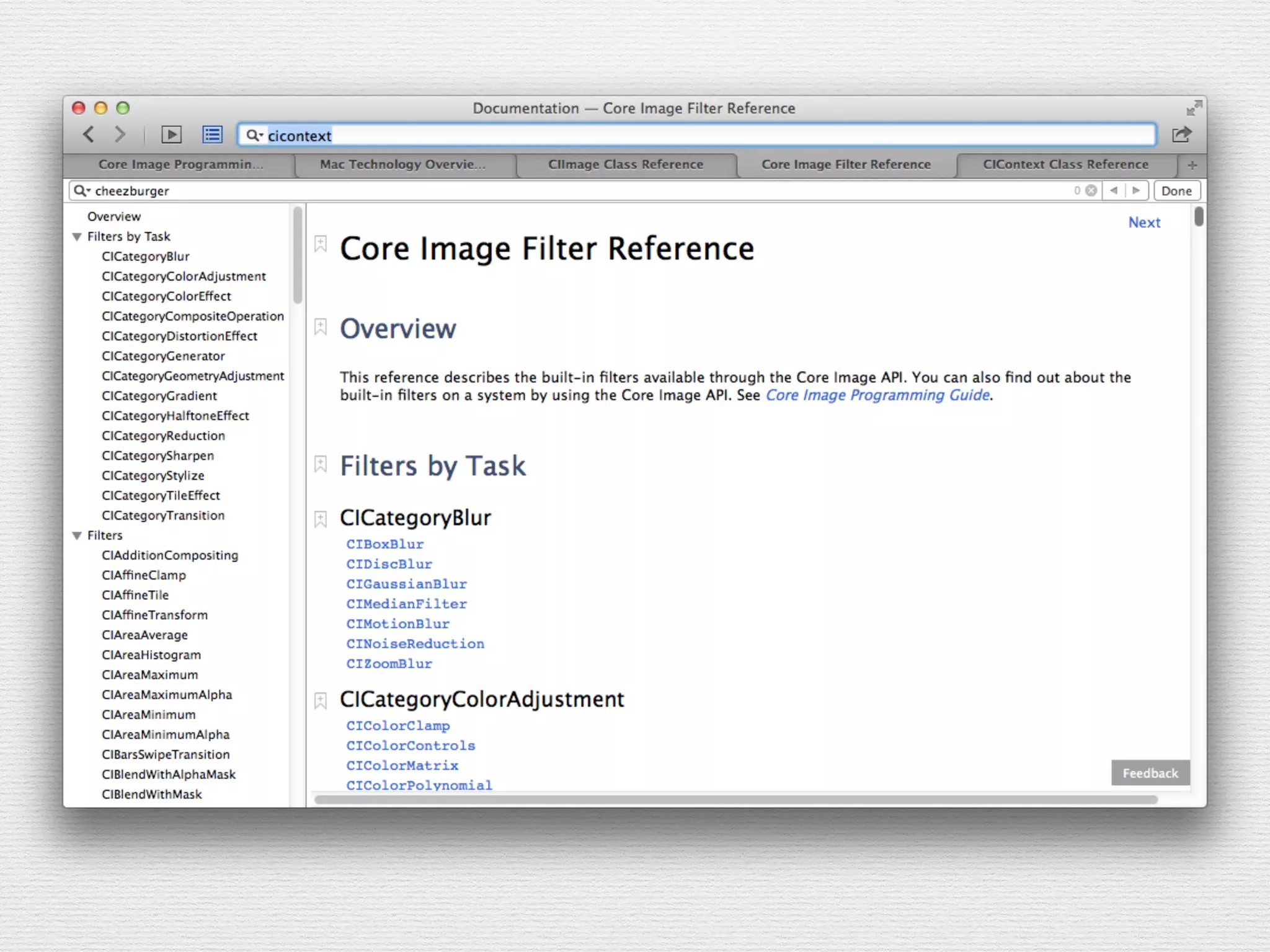
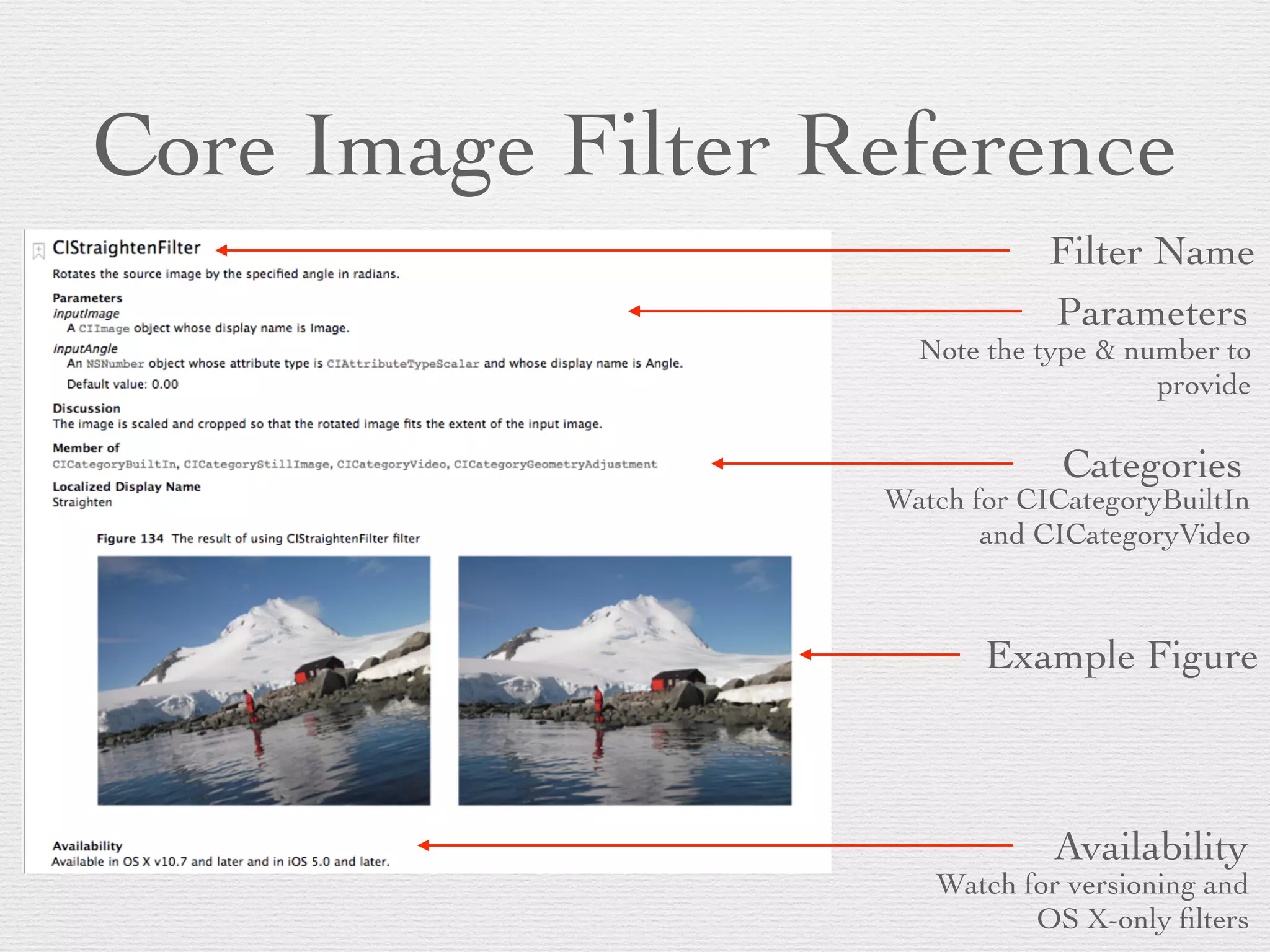
Core Image Filter Reference
Filter Name
Parameters
Note the type & number to
provide
Categories
Watch for CICategoryBuiltIn
and CICategoryVideo
Example Figure
Availability
Watch for versioning and
OS X-only filters
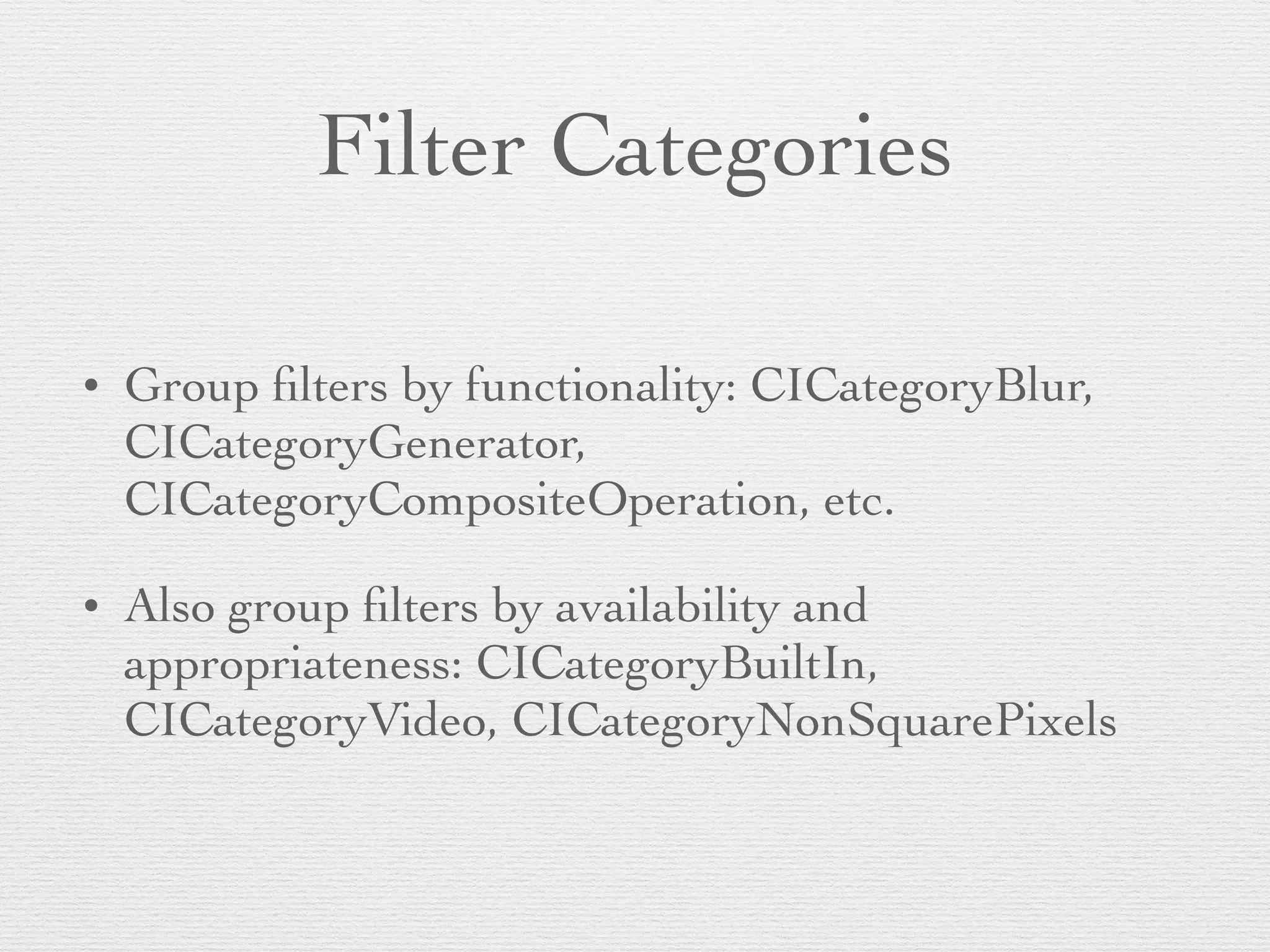
Filter Categories
• Group filters by functionality: CICategoryBlur,
CICategoryGenerator,
CICategoryCompositeOperation, etc.	

• Also group filters by availability and
appropriateness: CICategoryBuiltIn,
CICategoryVideo, CICategoryNonSquarePixels
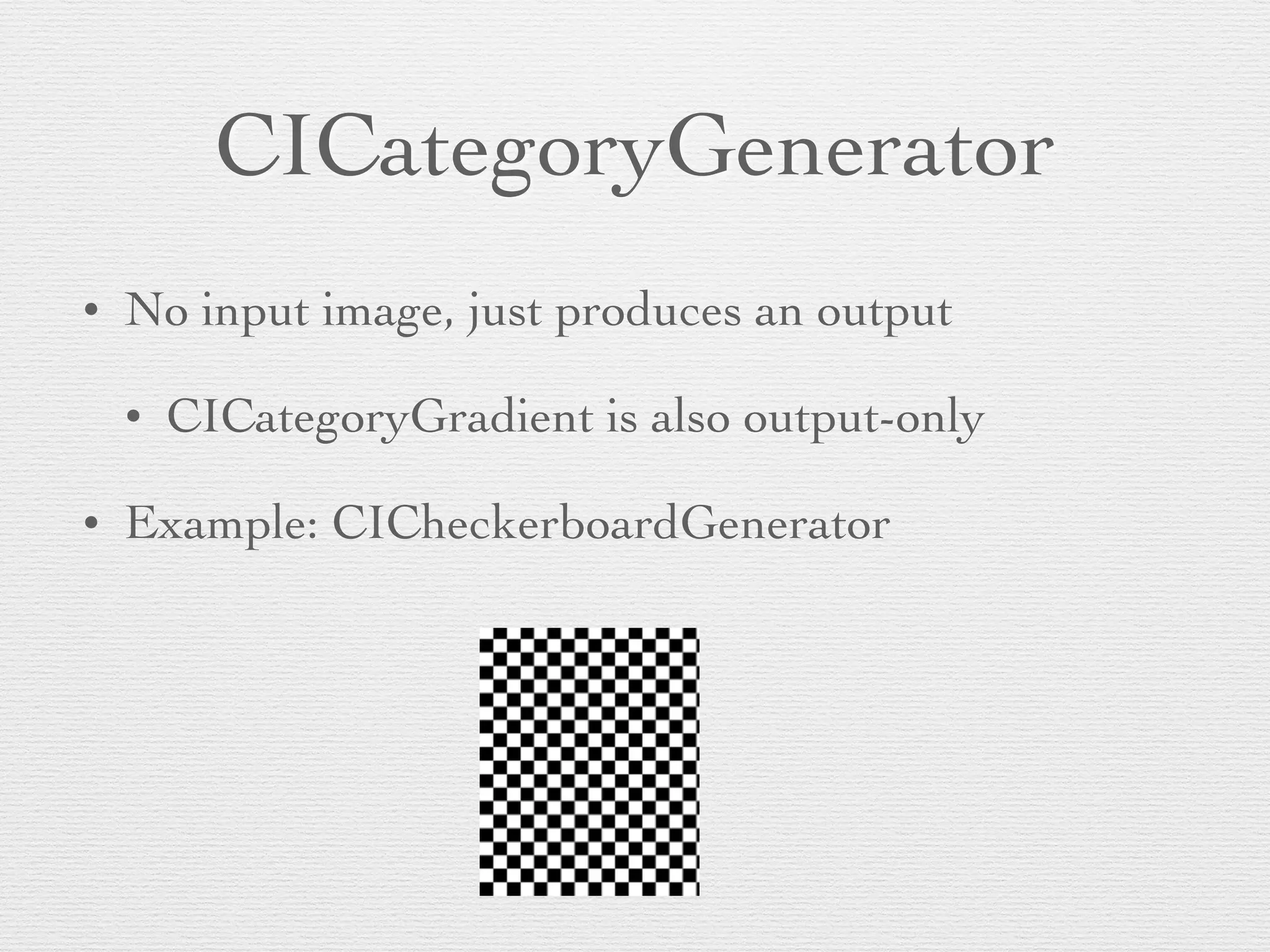
CICategoryGenerator
• No input image, just produces an output	

• CICategoryGradient is also output-only	

• Example: CICheckerboardGenerator
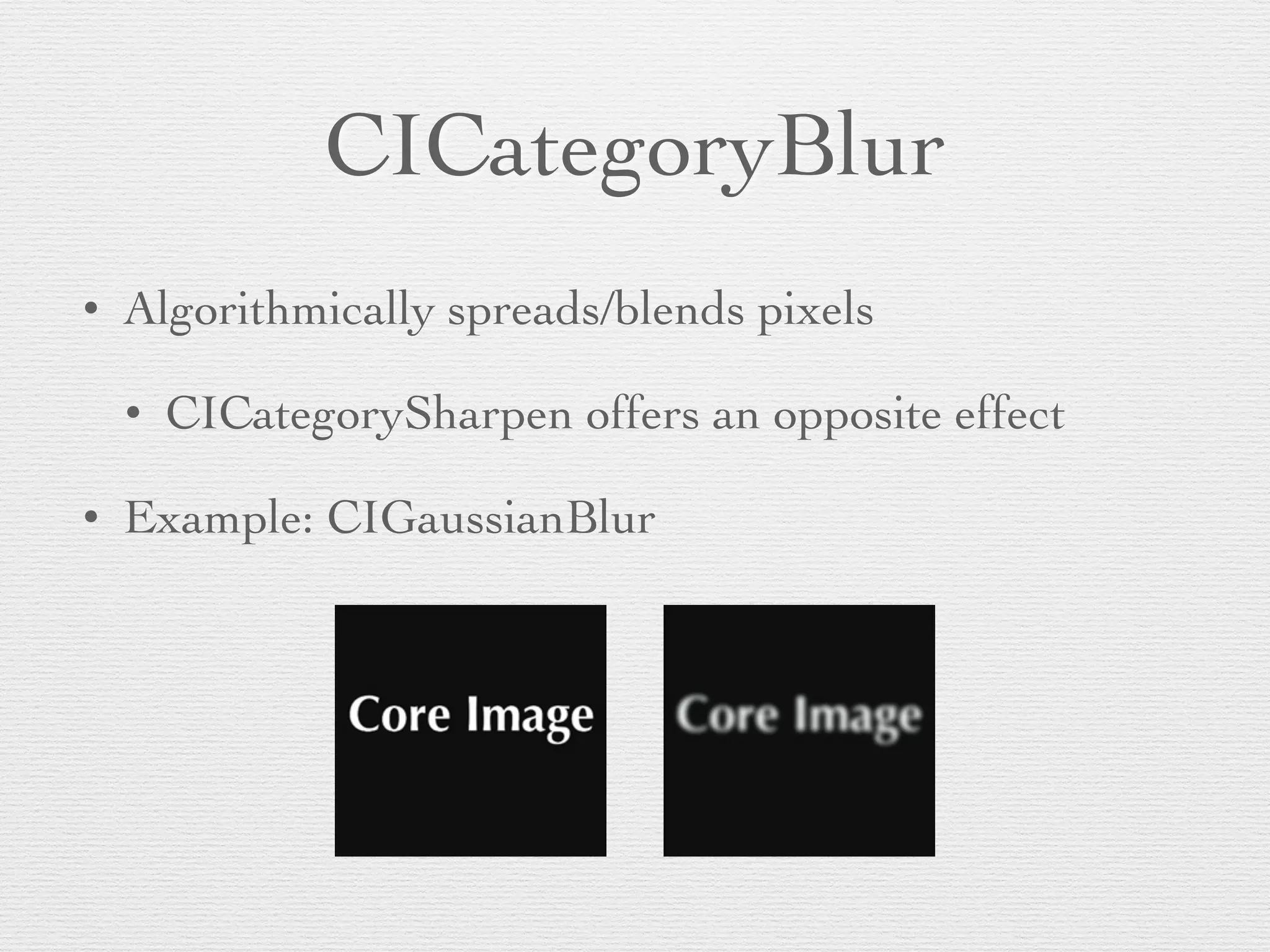
CICategoryBlur
• Algorithmically spreads/blends pixels	

• CICategorySharpen offers an opposite effect	

• Example: CIGaussianBlur
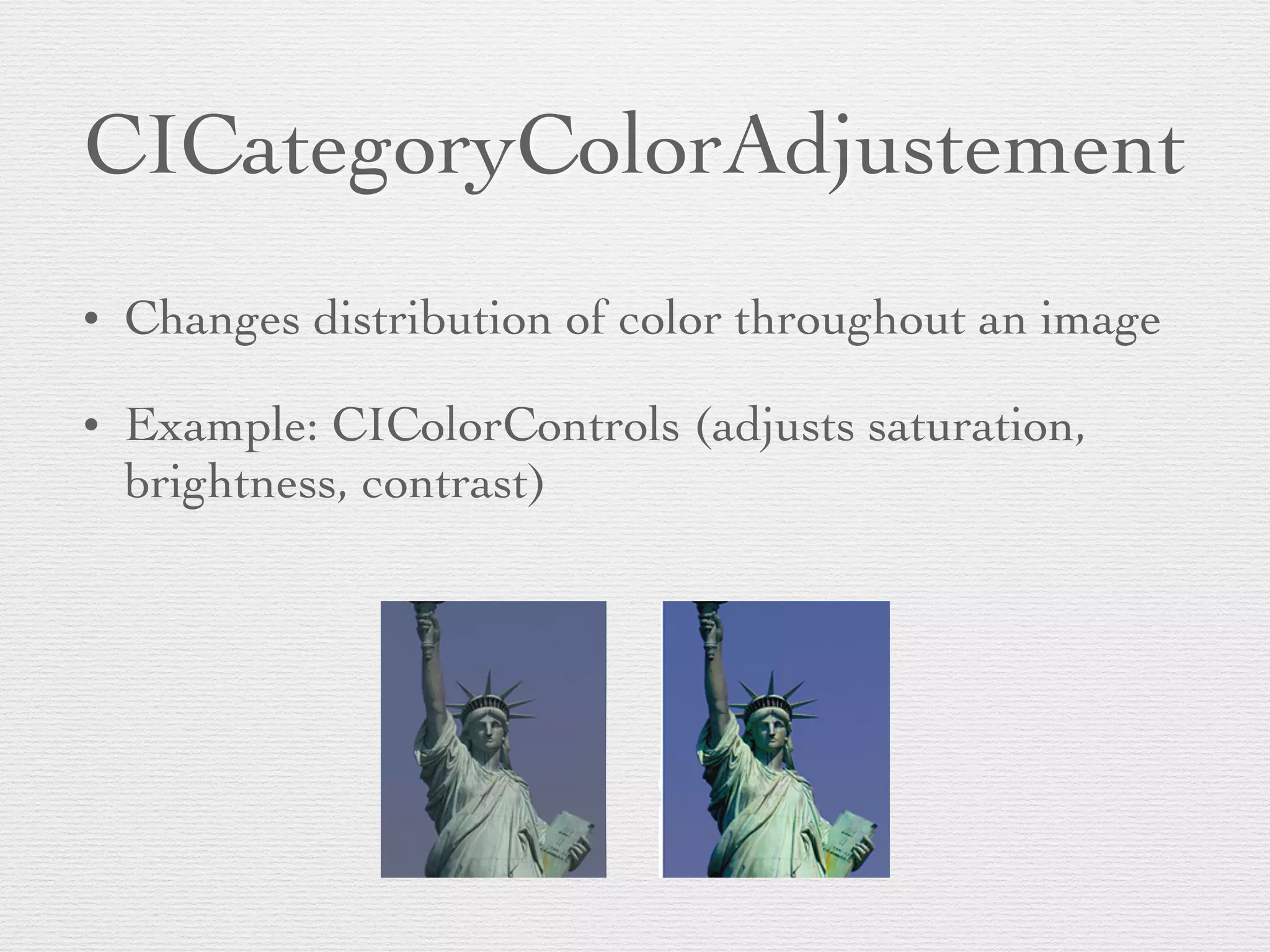
CICategoryColorAdjustement
• Changes distribution of color throughout an image	

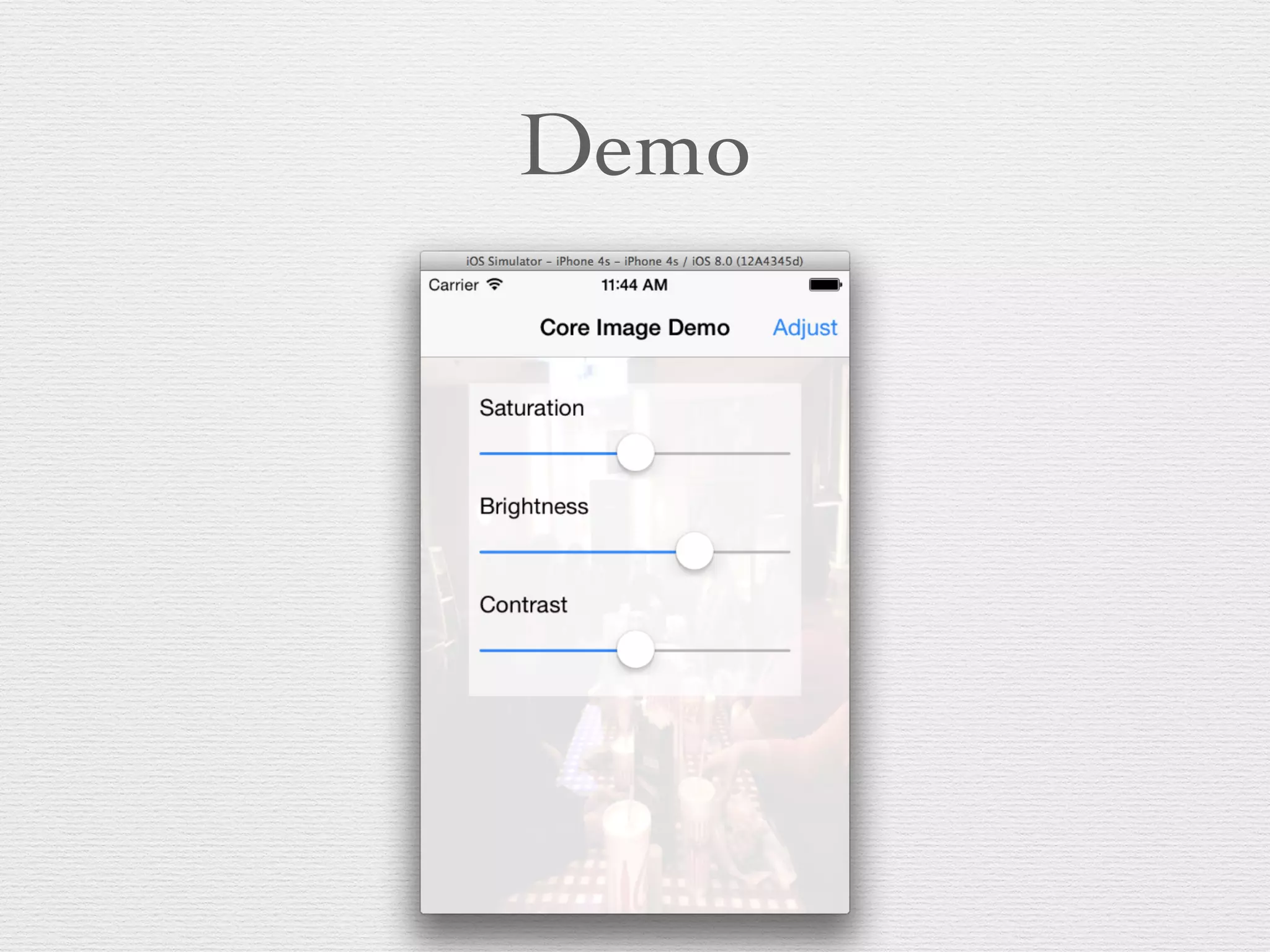
• Example: CIColorControls (adjusts saturation,
brightness, contrast)
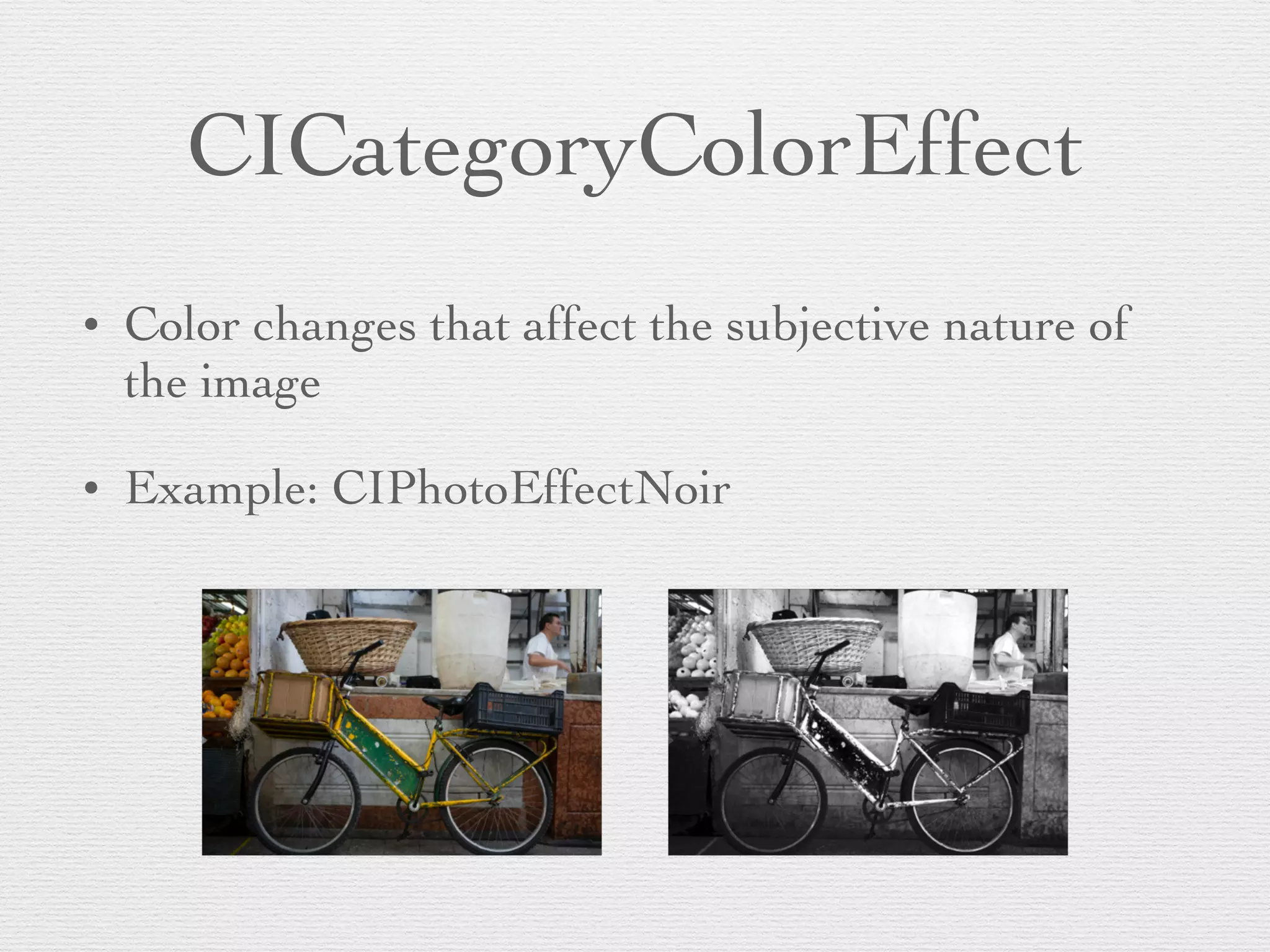
CICategoryColorEffect
• Color changes that affect the subjective nature of
the image	

• Example: CIPhotoEffectNoir
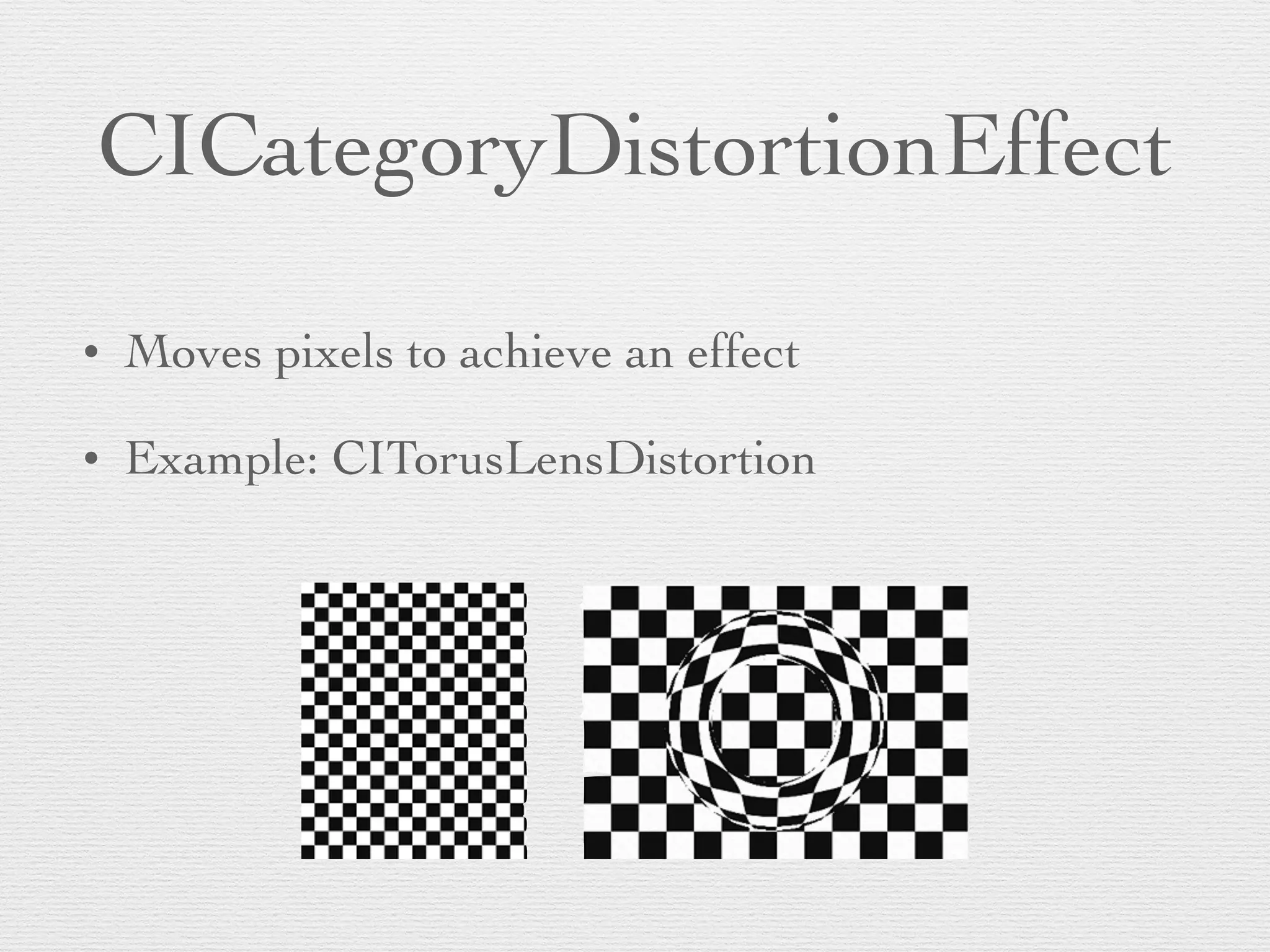
CICategoryDistortionEffect
• Moves pixels to achieve an effect	

• Example: CITorusLensDistortion
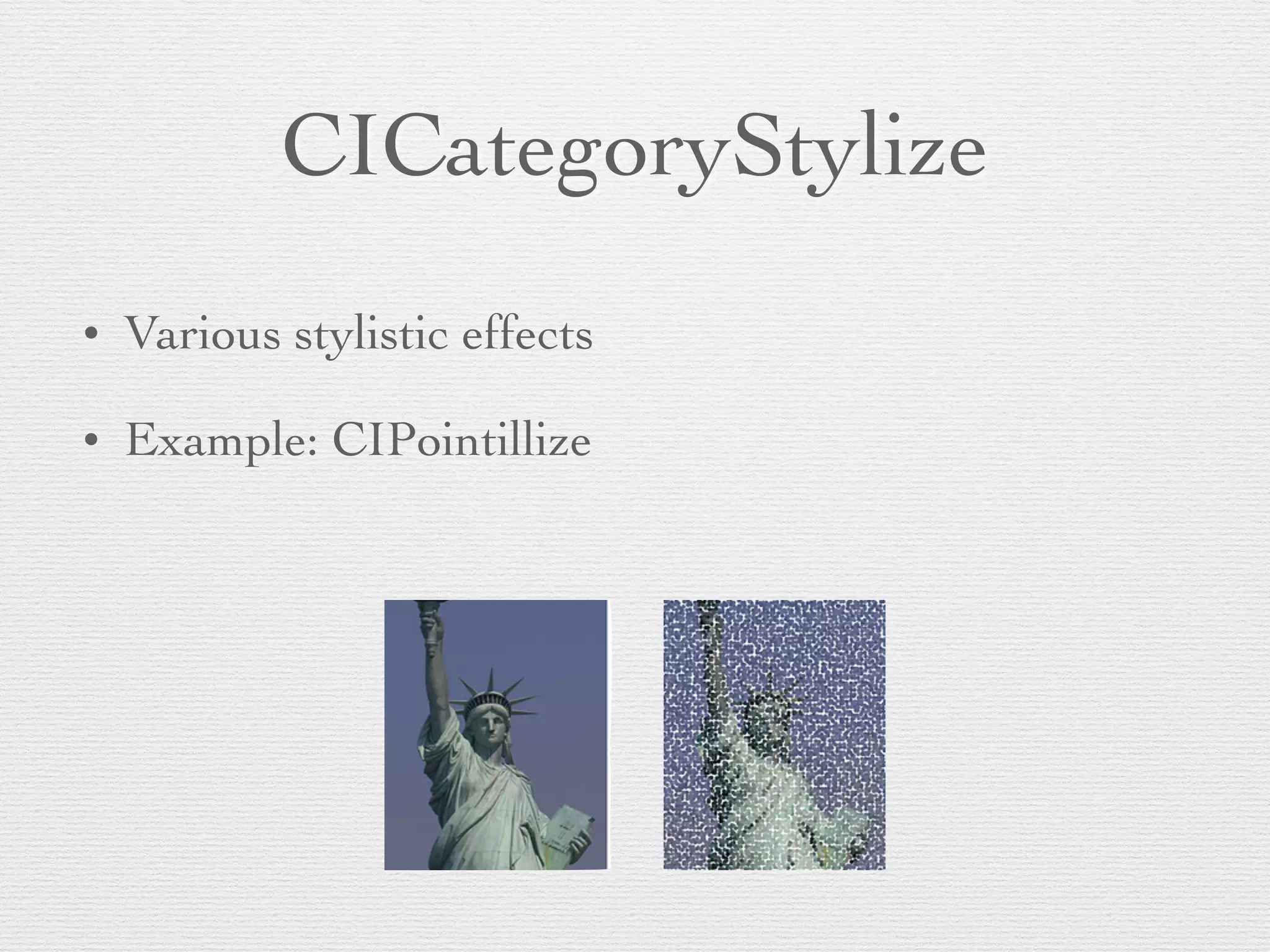
CICategoryStylize
• Various stylistic effects	

• Example: CIPointillize
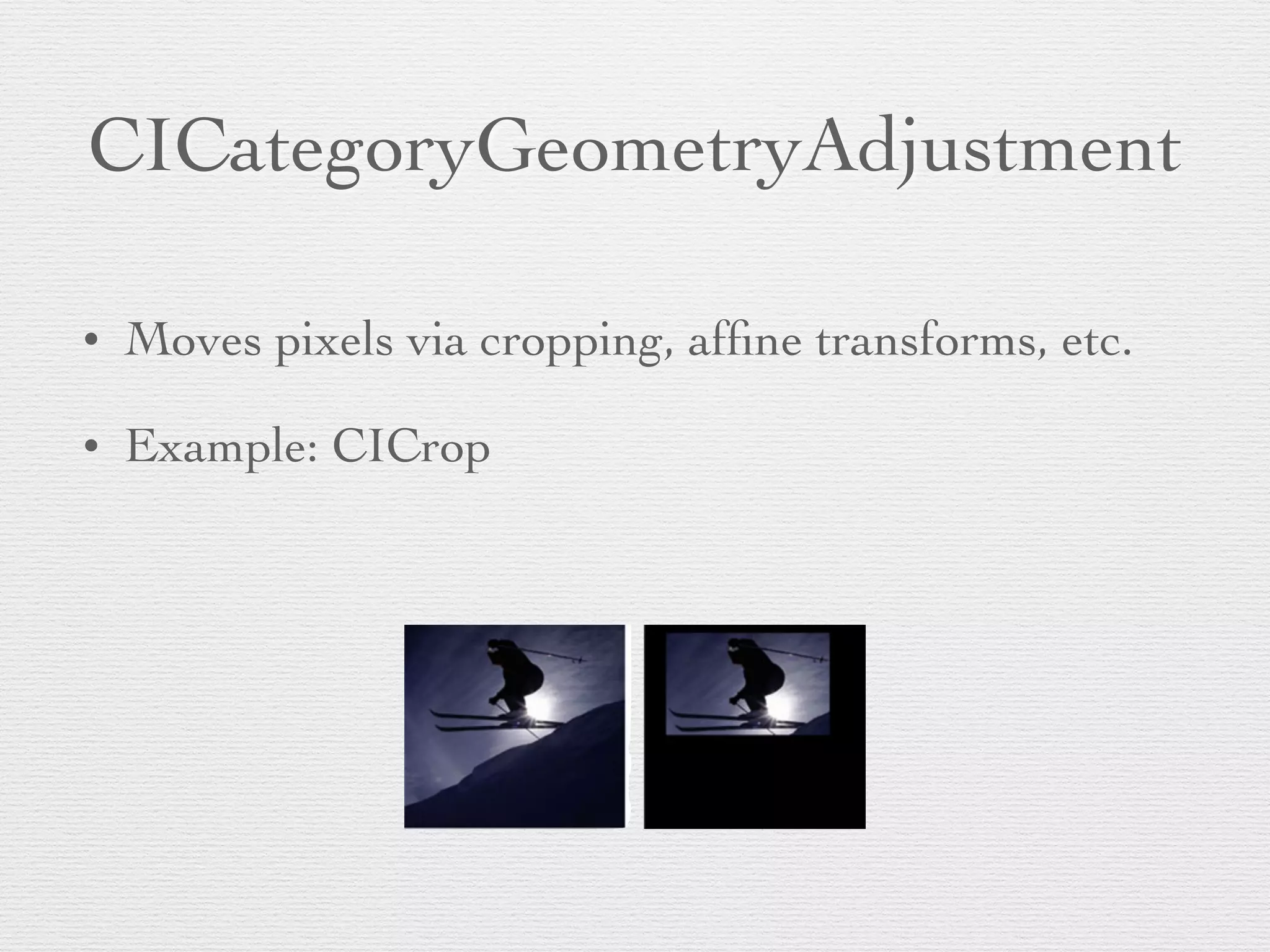
CICategoryGeometryAdjustment
• Moves pixels via cropping, affine transforms, etc.	

• Example: CICrop
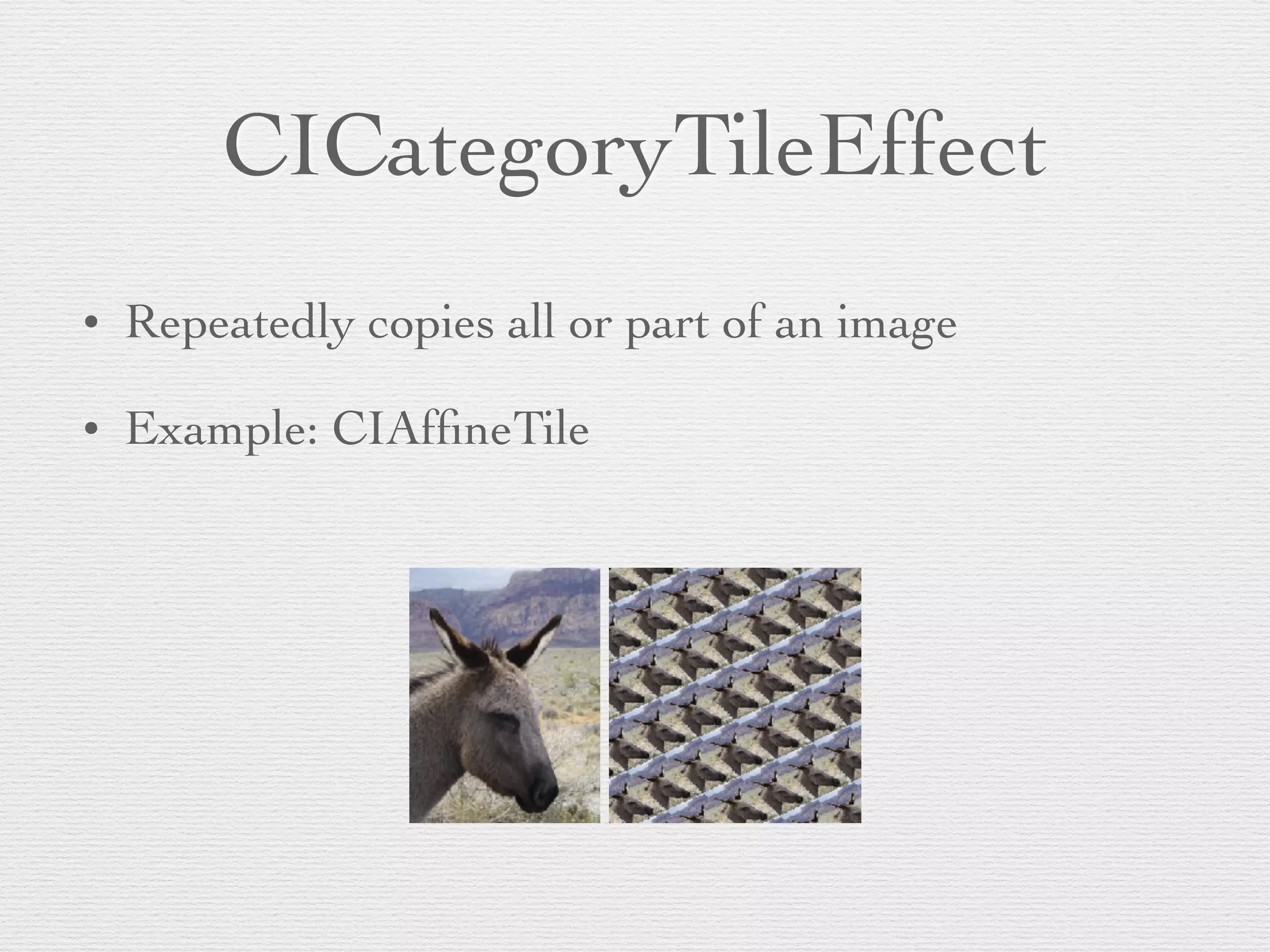
CICategoryTileEffect
• Repeatedly copies all or part of an image	

• Example: CIAffineTile
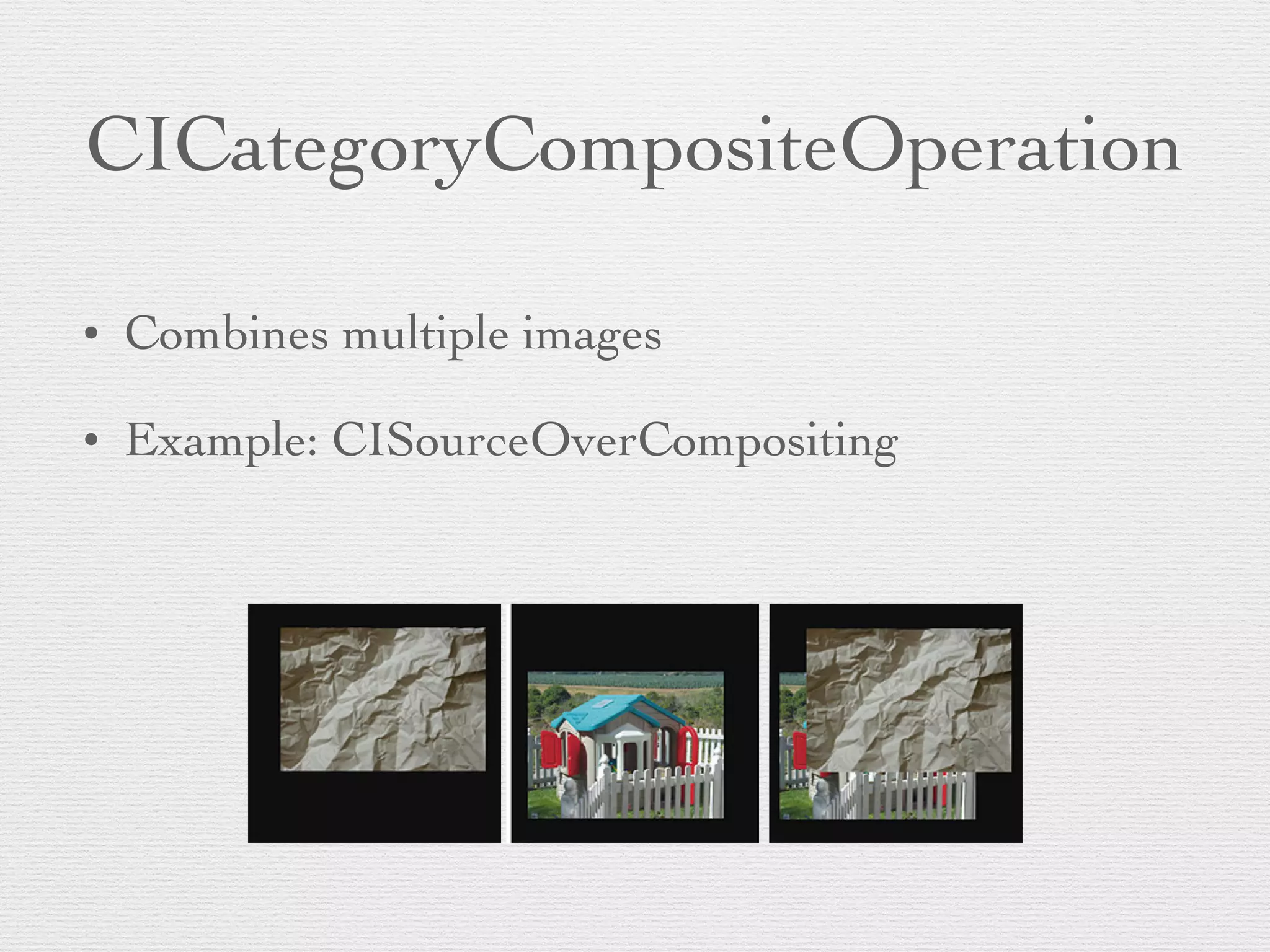
CICategoryCompositeOperation
• Combines multiple images	

• Example: CISourceOverCompositing
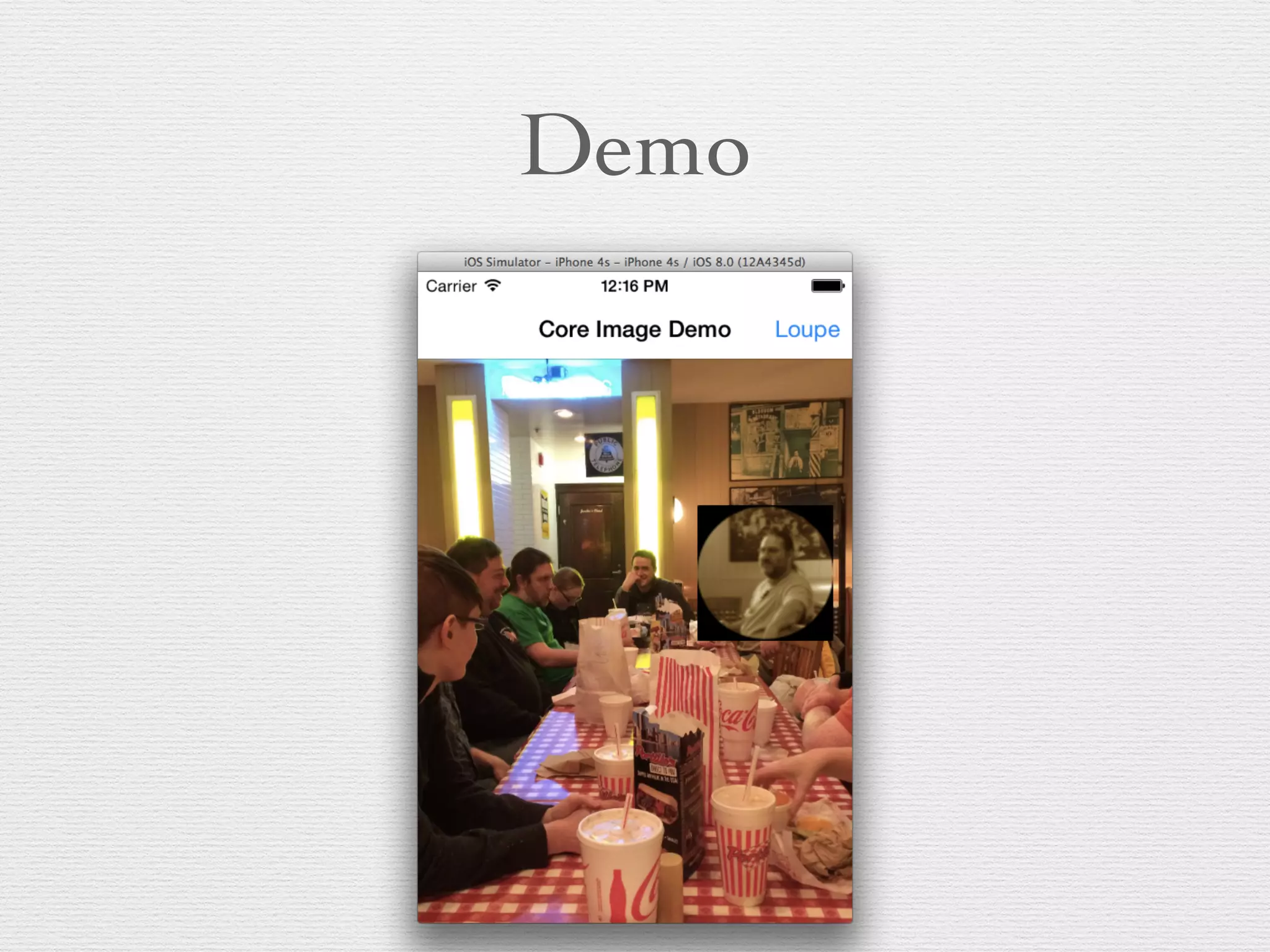
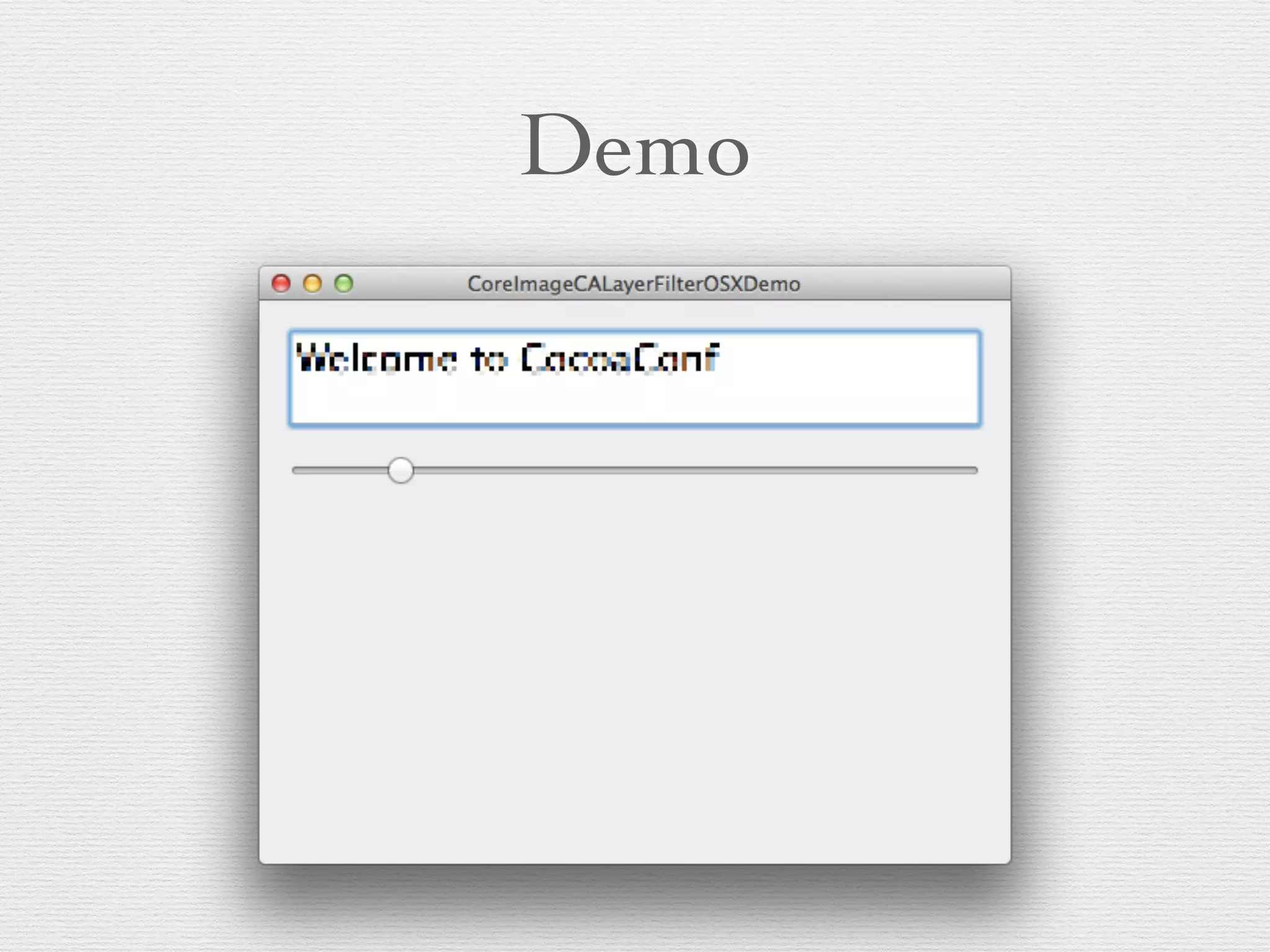
Demo
Creating CIColorControls Filter
_colorControlsFilter
Setting input values
[self
! ! ! ! ! ! ! ! ! ! ! !
[self
! ! ! ! ! ! ! ! ! ! ! !
[self
! ! ! ! ! ! ! ! ! ! ! !
Setting input image
CIImage
! ! ! ! ! ! ! ! ! !
[self
! ! ! ! ! ! ! !
Getting output image
ciImage = [
UIImage
self
Other output options
• Use a CIContext	

• -[drawImage:inRect:fromRect:] draws pixels to
the EAGLContext (iOS) or CGContextRef (OS
X) that the CIContext was created from.	

• CIContext can also render to a void* bitmap	

• On iOS, can create a CVPixelBufferRef, typically
used for writing to a file with AVAssetWriter
Chaining filters
• Use the output of one filter as the input to the next	

• This doesn’t cost anything, because the CIImages
just hold state, not pixels
Demo
Creating CIContext
if (!
! !
! ! ! ! ! !
! !
}!
! ! !
// make CIContext from GL context, clearing out default color space
self
! ! ! ! ! ! ! ! ! ! ! ! !
! ! ! !
! ! ! ! ! ! ! ! ! ! ! ! ! ! ! ! ! ! ! ! ! !
!
Note: This is in a subclass of GLKView
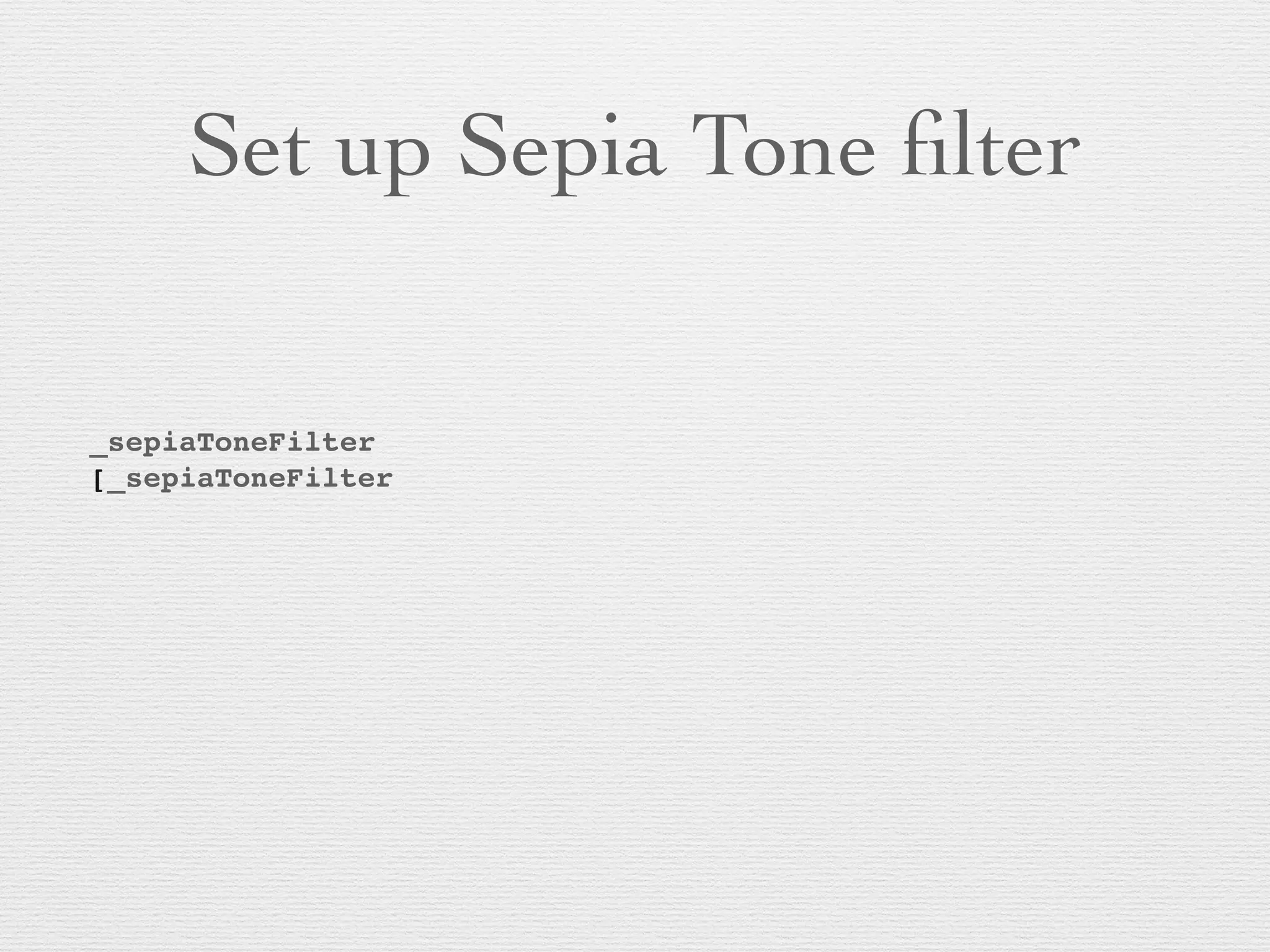
Set up Sepia Tone filter
_sepiaToneFilter
[_sepiaToneFilter
! ! ! ! ! ! ! ! !
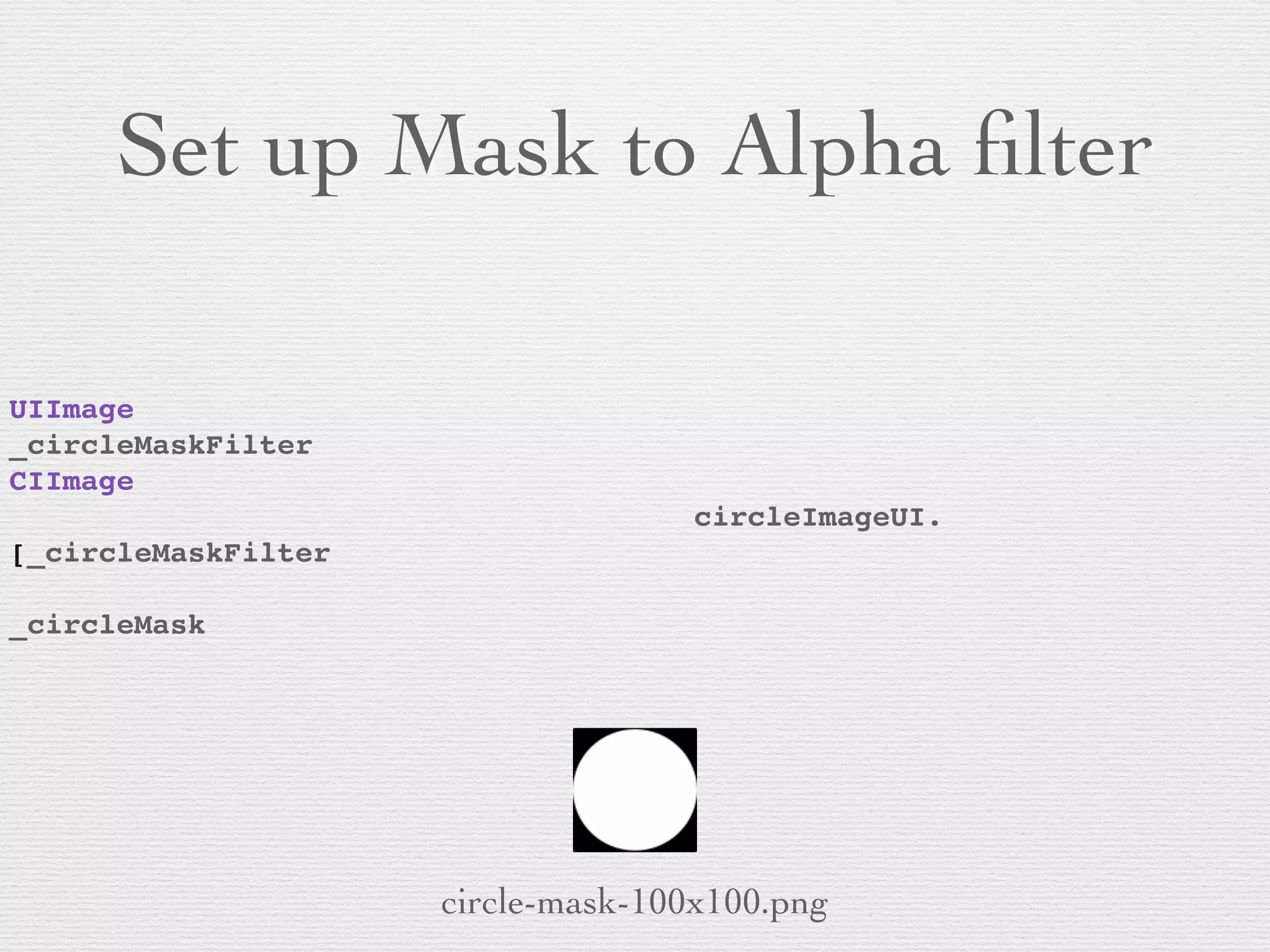
Set up Mask to Alpha filter
UIImage
_circleMaskFilter
CIImage
! ! ! ! ! ! ! ! ! ! ! ! circleImageUI.
[_circleMaskFilter
! ! ! ! ! ! !
_circleMask
circle-mask-100x100.png
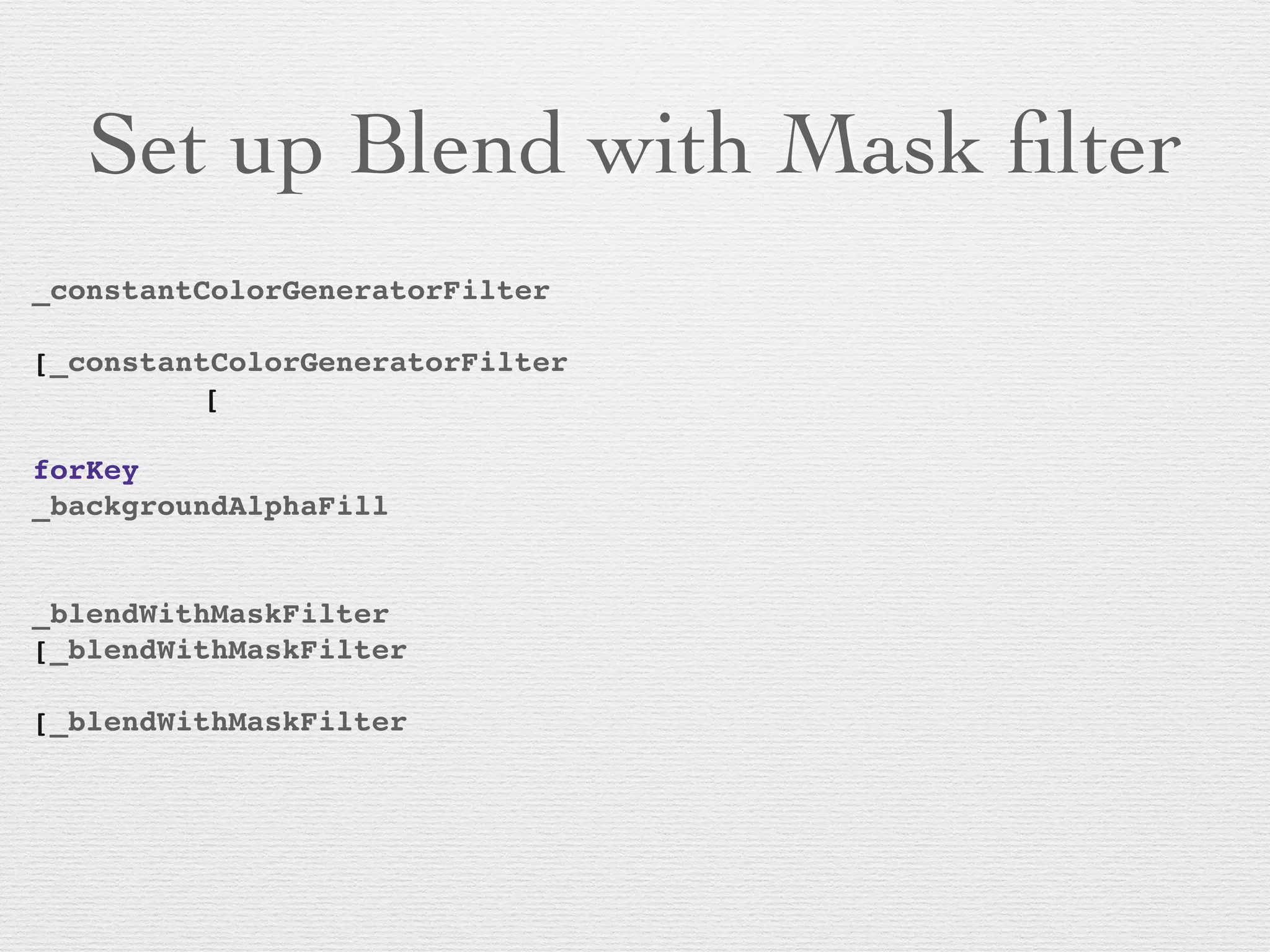
Set up Blend with Mask filter
_constantColorGeneratorFilter
! ! ! ! ! ! ! ! ! !
[_constantColorGeneratorFilter
! ! ! [
! ! ! ! ! ! ! ! ! ! ! ! ! !
forKey
_backgroundAlphaFill
! ! ! ! ! ! ! ! ! ! !
!
_blendWithMaskFilter
[_blendWithMaskFilter
! ! ! ! ! ! ! !
[_blendWithMaskFilter
! ! ! ! ! ! ! !
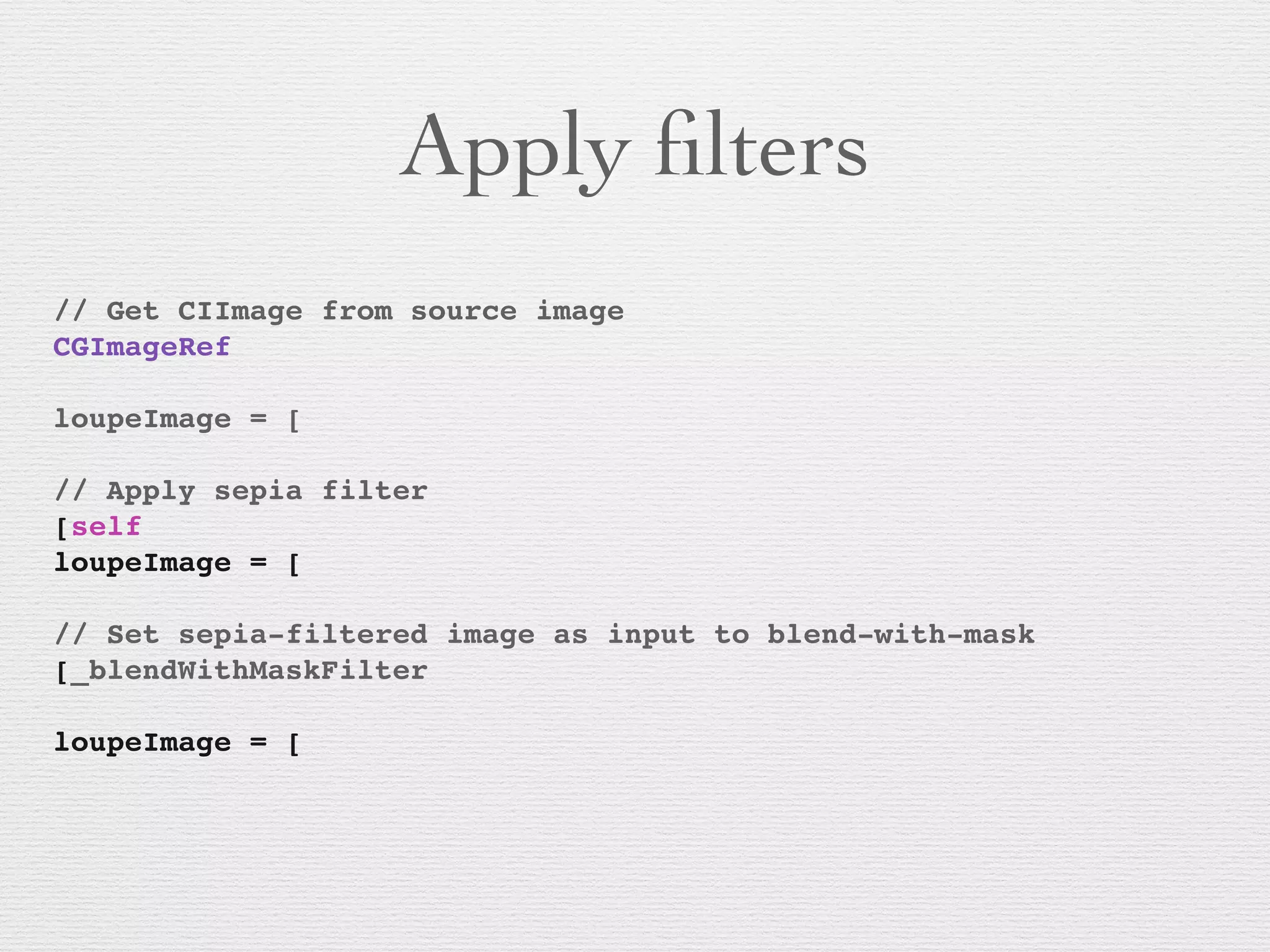
Apply filters
// Get CIImage from source image
CGImageRef
! ! ! ! ! ! ! !
loupeImage = [
!
// Apply sepia filter
[self
loupeImage = [
!
// Set sepia-filtered image as input to blend-with-mask
[_blendWithMaskFilter
! ! ! ! ! !
loupeImage = [
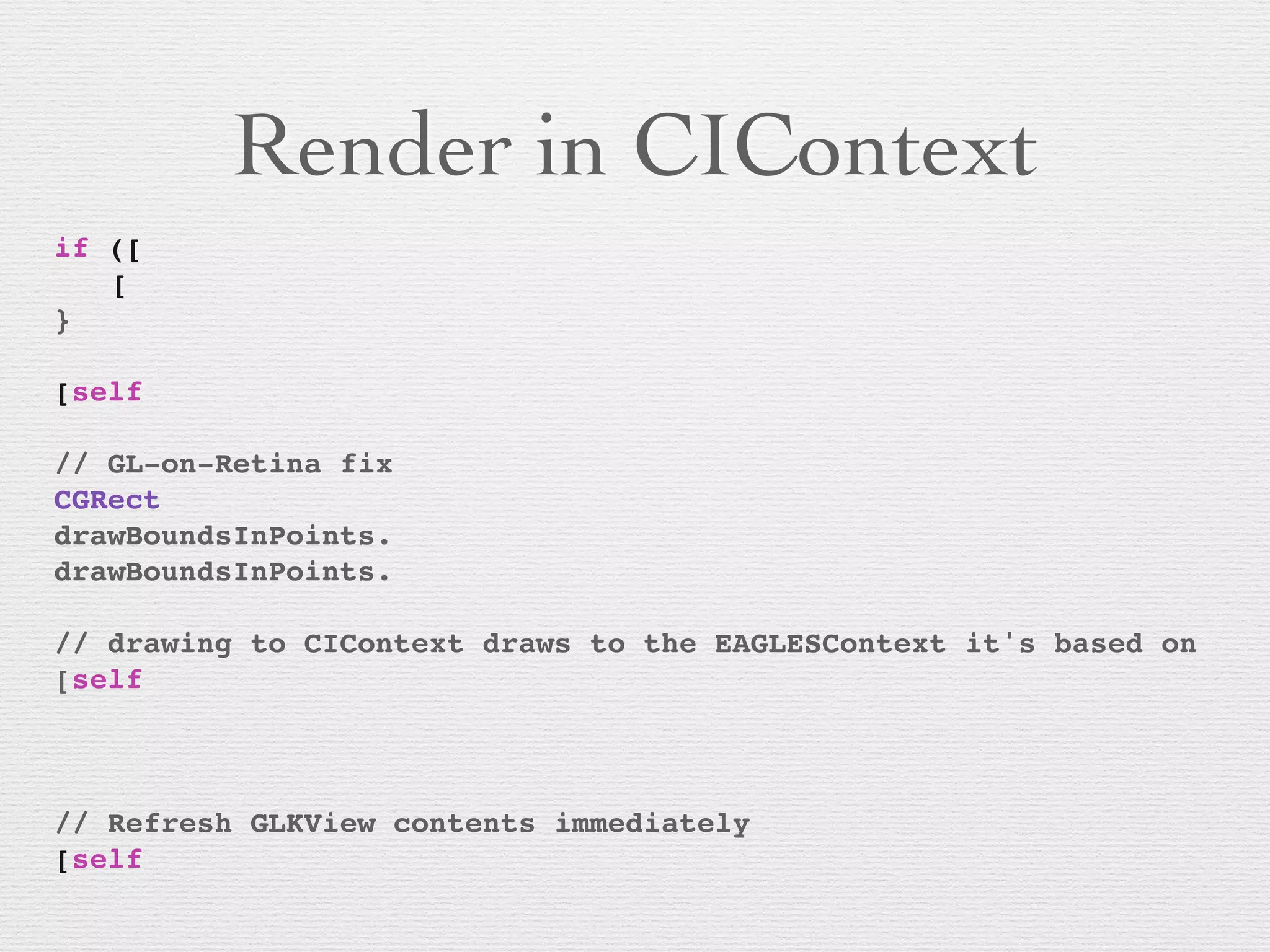
Render in CIContext
if ([
! [
}!
! !
[self
!
// GL-on-Retina fix
CGRect
drawBoundsInPoints.
drawBoundsInPoints.
! !
// drawing to CIContext draws to the EAGLESContext it's based on
[self
! ! ! ! !! ! !
! ! ! ! ! ! ! !
!
// Refresh GLKView contents immediately
[self
Working with Video
• AVFoundation AVCaptureVideoDataOutput and
AVAssetReader deliver CMSampleBuffers	

• CMSampleBuffers have timing information and
CVImageBuffers/CVPixelBuffers	

• +[CIImage imageWithCVPixelBuffer:]
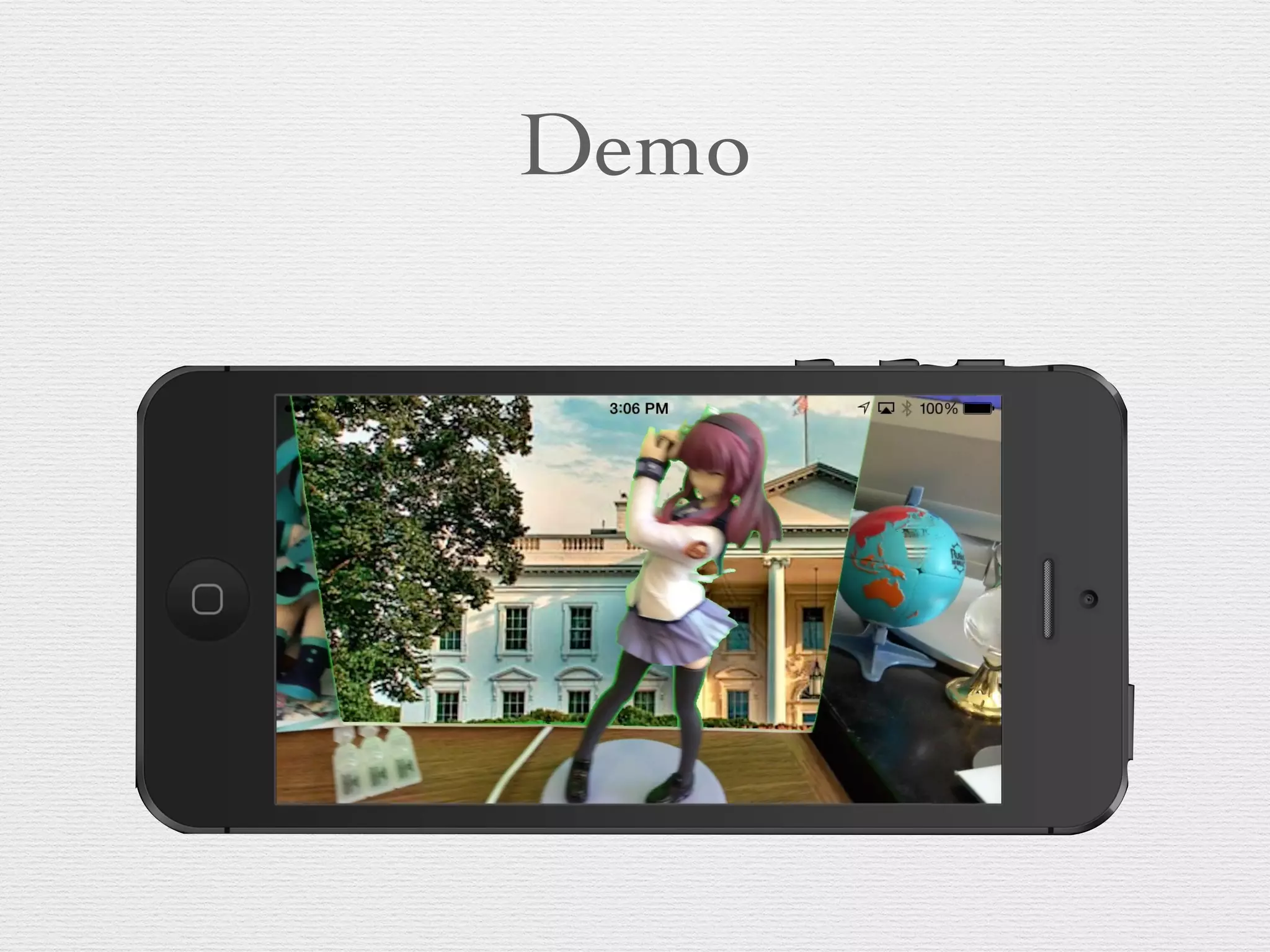
Demo
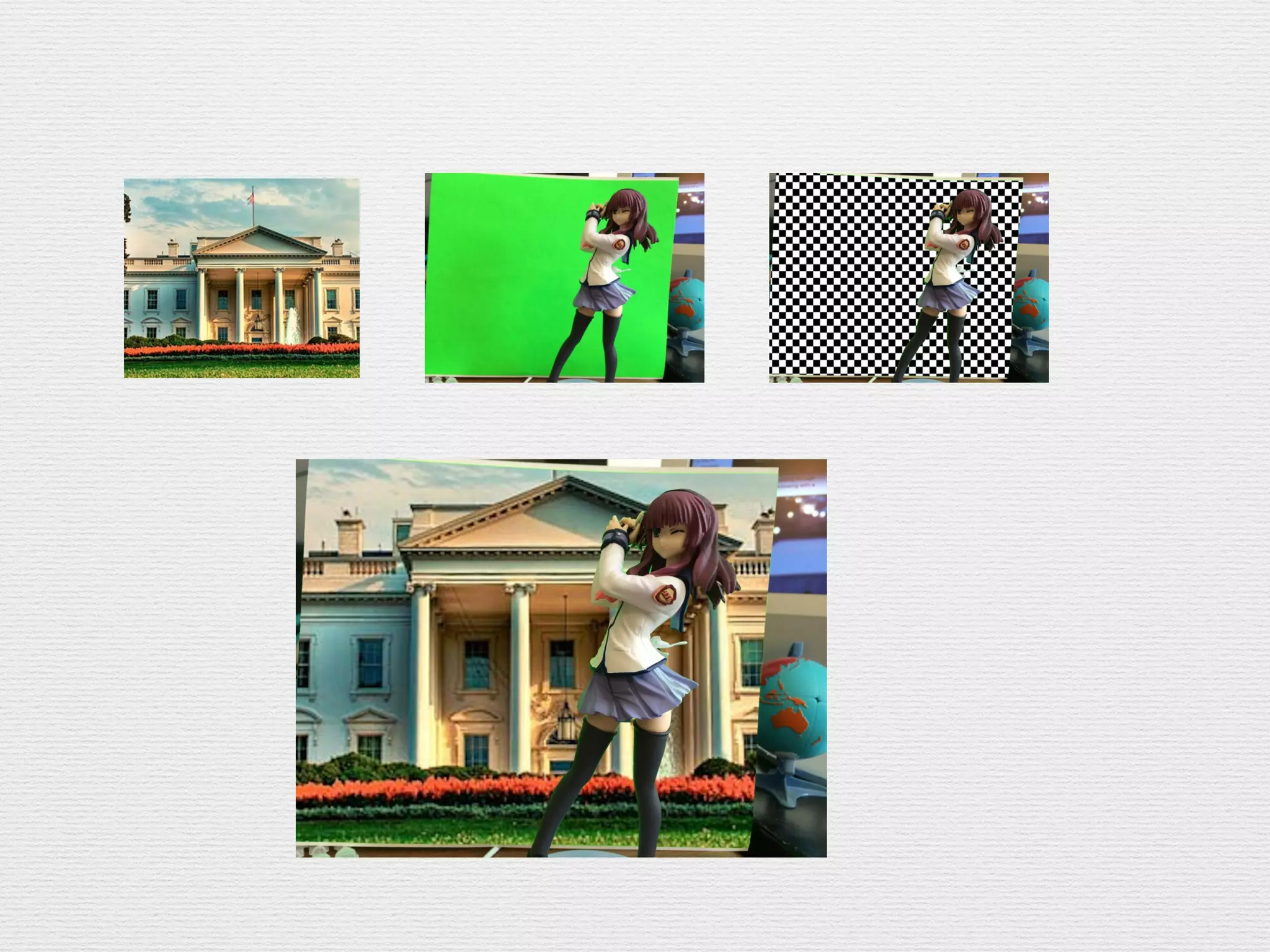
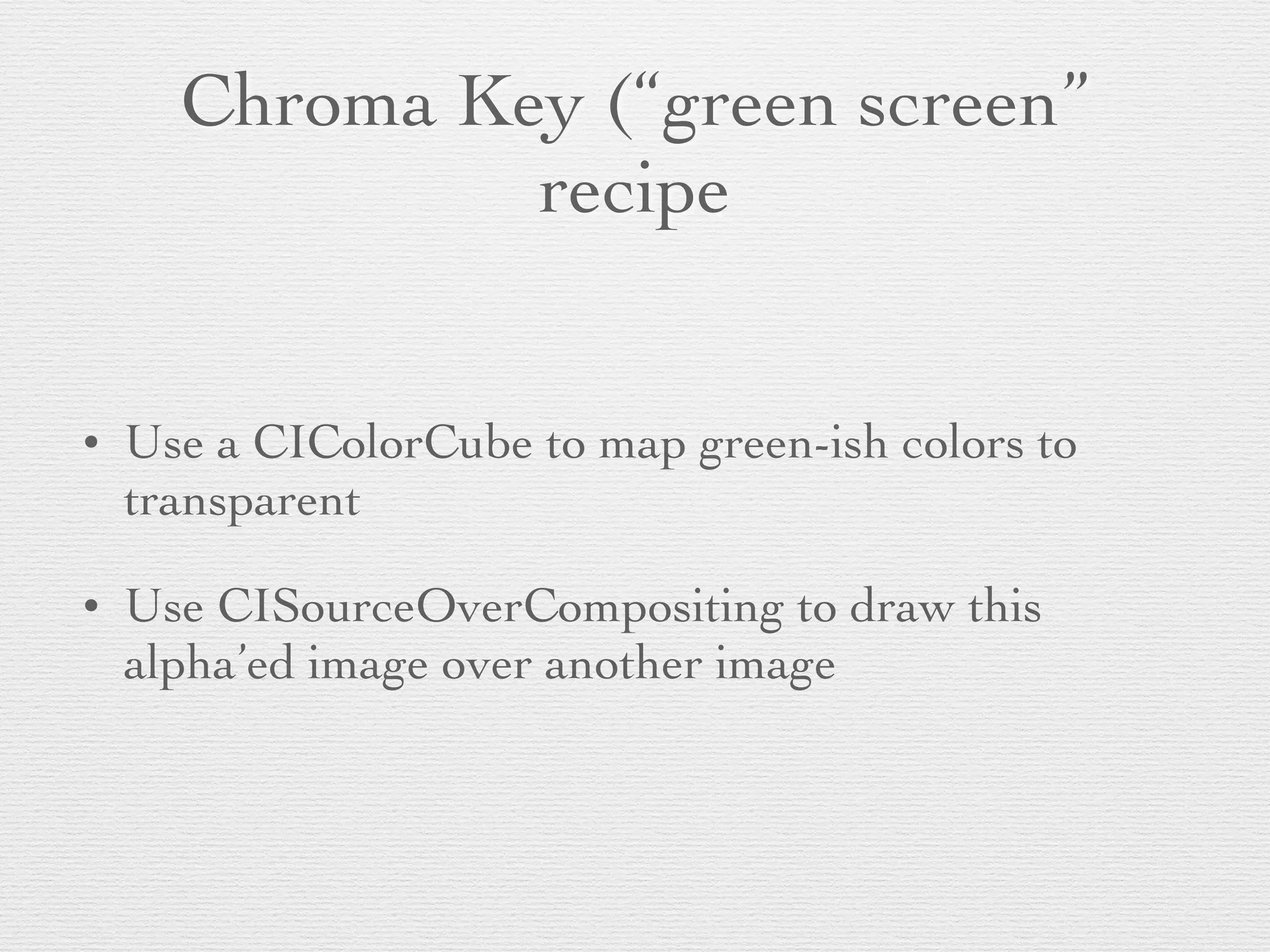
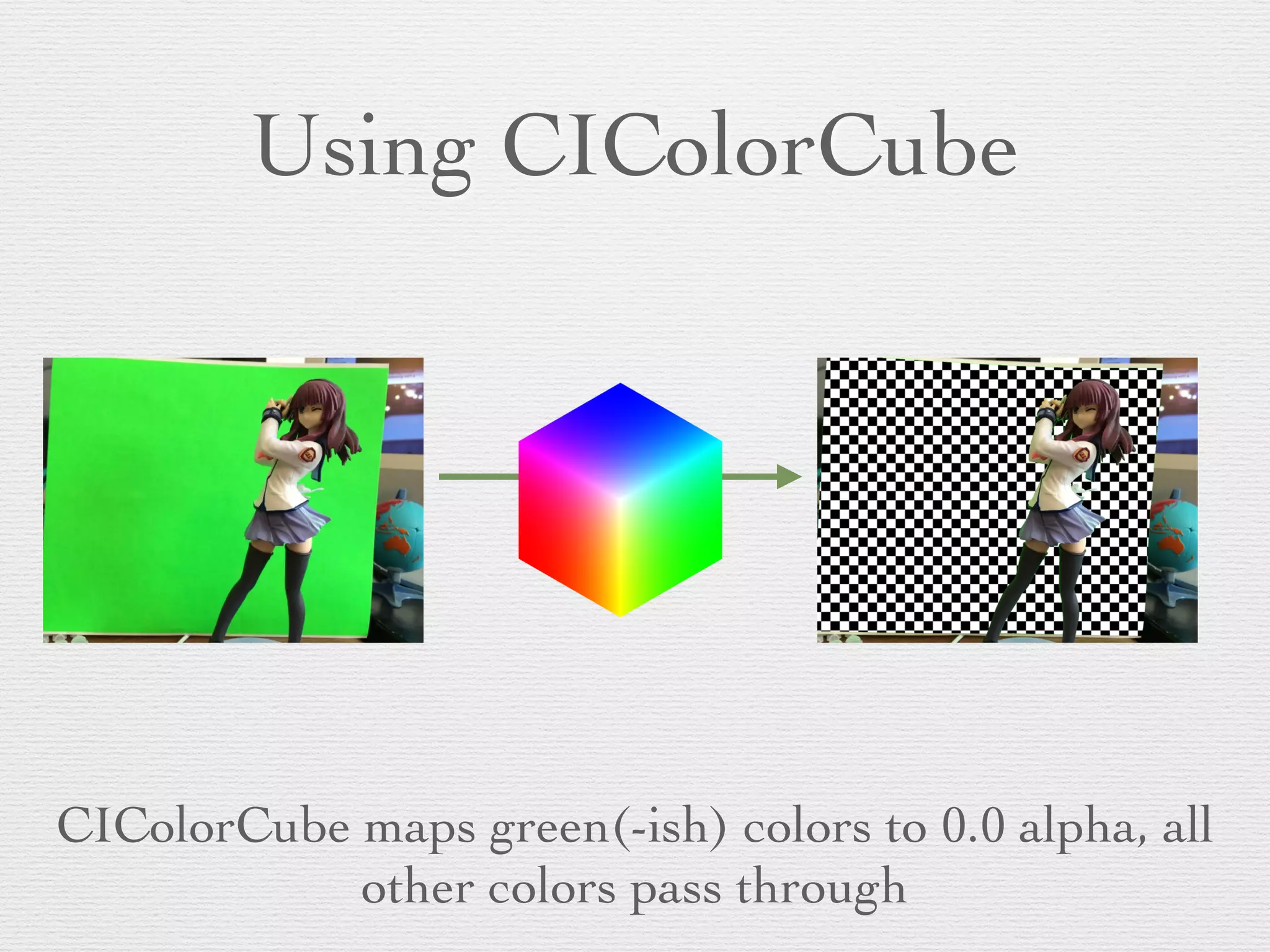
Chroma Key (“green screen”
recipe
• Use a CIColorCube to map green-ish colors to
transparent	

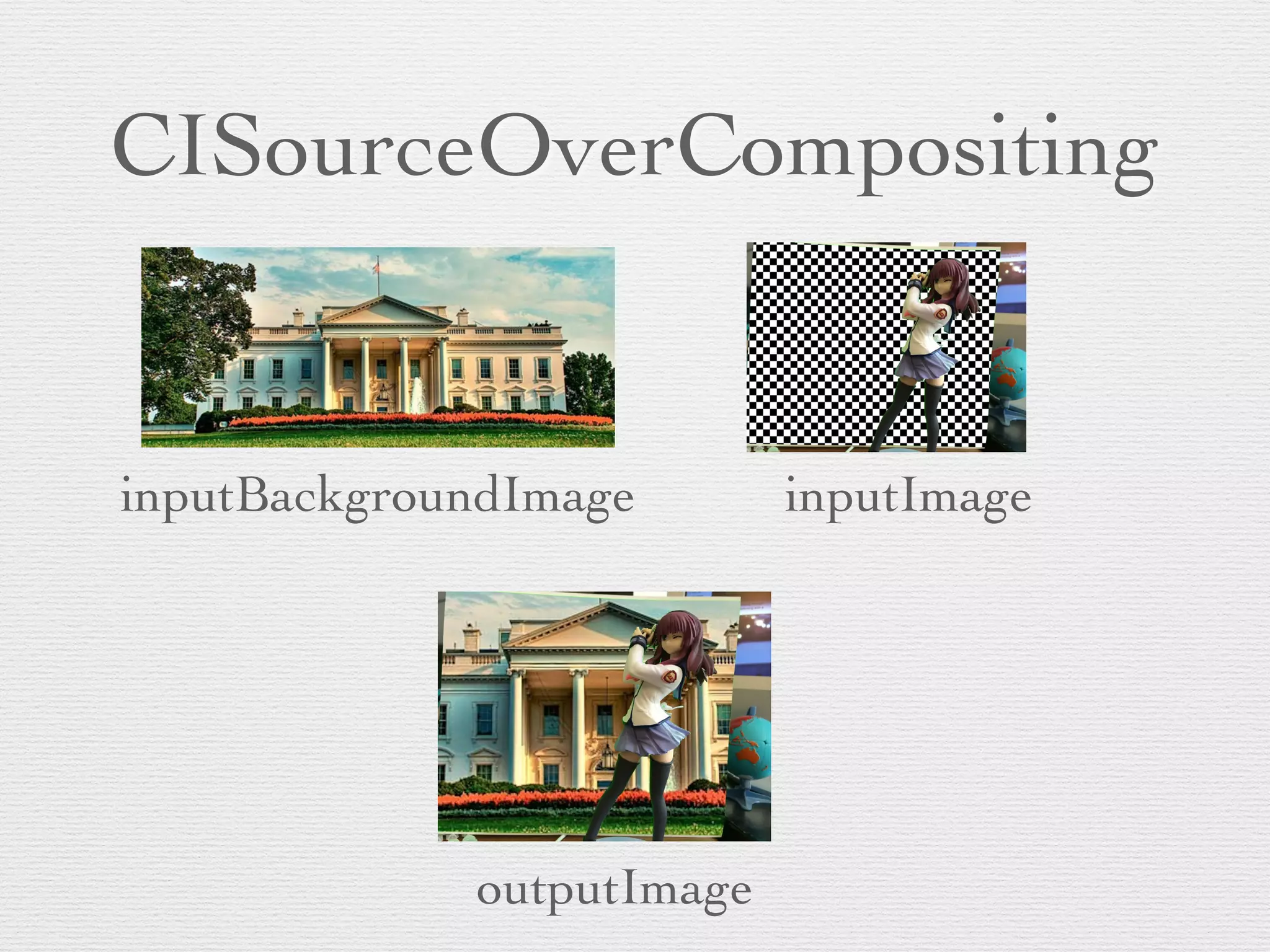
• Use CISourceOverCompositing to draw this
alpha’ed image over another image
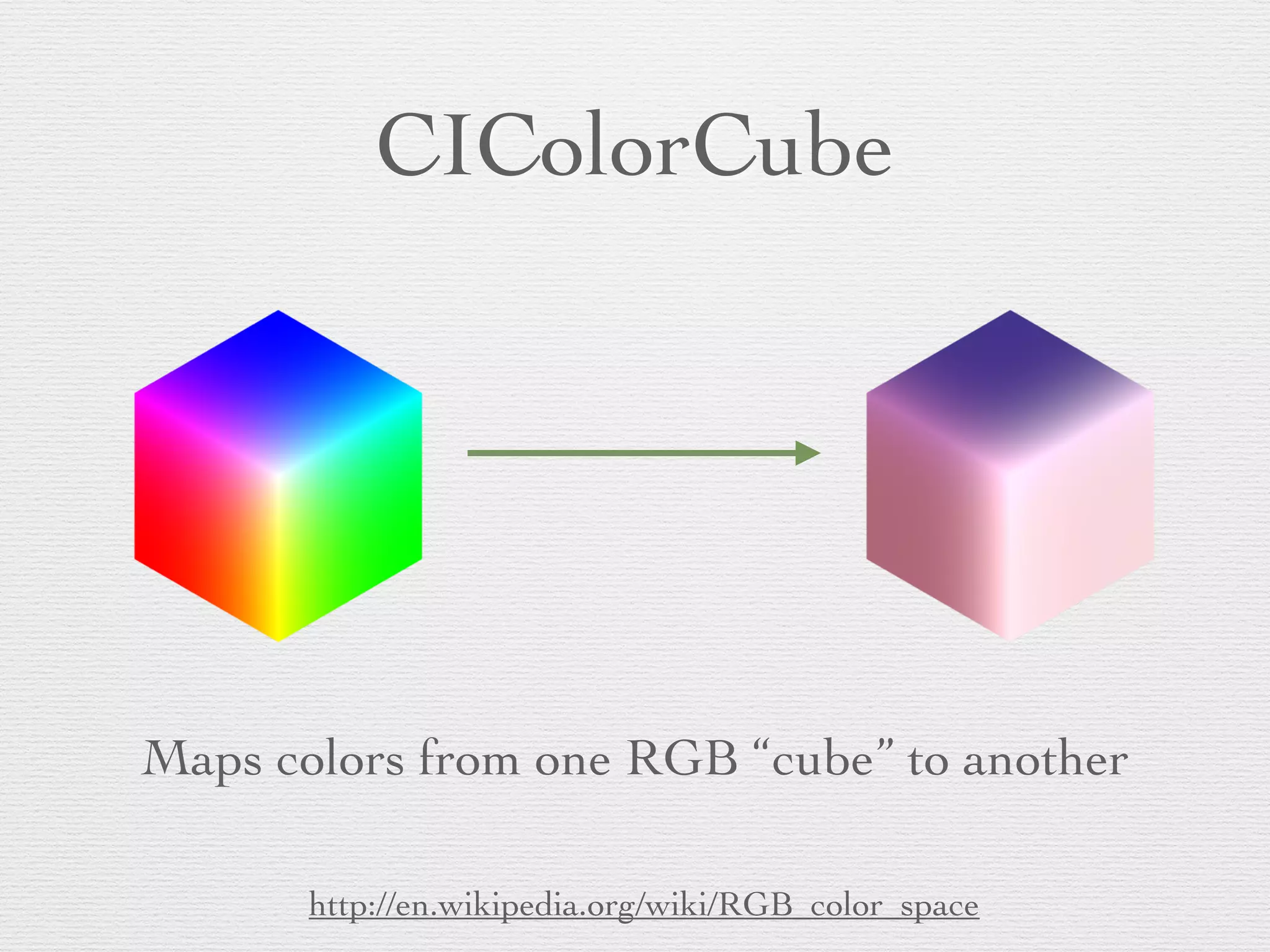
CIColorCube
Maps colors from one RGB “cube” to another
http://en.wikipedia.org/wiki/RGB_color_space
Using CIColorCube
CIColorCube maps green(-ish) colors to 0.0 alpha, all
other colors pass through
CISourceOverCompositing
inputBackgroundImage inputImage
outputImage
CIColorCube Dataconst unsigned int size = 64;!
size_t cubeDataSize = size * size * size * sizeof (float) * 4;!
float *keyCubeData = (float *)malloc (cubeDataSize);!
//! float *alphaMatteCubeData = (float *)malloc (cubeDataSize);!
//! float rgb[3], hsv[3], *keyC = keyCubeData, *alphaC = alphaMatteCubeData;!
float rgb[3], hsv[3], *keyC = keyCubeData;!
// Populate cube with a simple gradient going from 0 to 1!
for (int z = 0; z < size; z++){!
! rgb[2] = ((double)z)/(size-1); // Blue value!
! for (int y = 0; y < size; y++){!
! ! rgb[1] = ((double)y)/(size-1); // Green value!
! ! for (int x = 0; x < size; x ++){!
! ! ! rgb[0] = ((double)x)/(size-1); // Red value!
!
! ! ! // Convert RGB to HSV!
! ! ! // You can find publicly available rgbToHSV functions on the Internet!
!
! ! ! RGBtoHSV(rgb[0], rgb[1], rgb[2],!
! ! ! ! ! &hsv[0], &hsv[1], &hsv[2]);!
!
! ! ! // RGBtoHSV uses 0 to 360 for hue, while UIColor (used above) uses 0 to 1.!
! ! ! hsv[0] /= 360.0;!
! ! ! !
! ! ! // Use the hue value to determine which to make transparent!
! ! ! // The minimum and maximum hue angle depends on!
! ! ! // the color you want to remove!
! ! ! !
! ! ! bool keyed = (hsv[0] > minHueAngle && hsv[0] < maxHueAngle) &&!
! ! ! (hsv[1] > minSaturation && hsv[1] < maxSaturation) &&!
! ! ! (hsv[2] > minBrightness && hsv[2] < maxBrightness);!
! ! ! !
! ! ! float alpha = keyed ? 0.0f : 1.0f;!
! ! ! !
! ! ! // re-calculate c pointer!
! ! ! keyC = (((z * size * size) + (y * size) + x) * sizeof(float)) + keyCubeData;!
! ! ! !
! ! ! // Calculate premultiplied alpha values for the cube!
! ! ! keyC[0] = rgb[0] * alpha;!
! ! ! keyC[1] = rgb[1] * alpha;!
! ! ! keyC[2] = rgb[2] * alpha;!
! ! ! keyC[3] = alpha;!
! ! ! ! ! ! ! !
! ! }!
! }!
}!
See “Chroma Key Filter Recipe” in Core Image Programming Guide
Create CIColorCube from
mapping data
// build the color cube filter and set its data to above!
self.colorCubeFilter = [CIFilter filterWithName:@"CIColorCube"];!
[self.colorCubeFilter setValue:[NSNumber numberWithInt:size]!
! !! ! ! ! ! ! ! ! forKey:@"inputCubeDimension"];!
NSData *data = [NSData dataWithBytesNoCopy:keyCubeData!
! !! ! ! ! ! ! ! length:cubeDataSize!
! !! ! ! ! ! freeWhenDone:YES];!
[self.colorCubeFilter setValue:data forKey:@"inputCubeData"];!
Create CISourceOverCompositing
// source over filter!
self.backgroundImage = [UIImage imageNamed:!
! !! ! ! ! ! ! ! ! ! @"img_washington_small_02.jpg"]; !
self.backgroundCIImage = [CIImage imageWithCGImage:!
! !! ! ! ! ! ! ! ! ! ! self.backgroundImage.CGImage];!
self.sourceOverFilter = [CIFilter filterWithName:!
! !! ! ! ! ! ! ! ! ! @"CISourceOverCompositing"];!
[self.sourceOverFilter setValue:self.backgroundCIImage !
! !! ! ! ! ! ! ! forKeyPath:@"inputBackgroundImage"];!
Apply Filters in Capture Callback
CIImage *bufferCIImage = [CIImage imageWithCVPixelBuffer:cvBuffer];!
!
[self.colorCubeFilter setValue:bufferCIImage !
! !! ! ! ! ! ! ! ! ! forKey:kCIInputImageKey];!
CIImage *keyedCameraImage = [self.colorCubeFilter valueForKey:!
! !! ! ! ! ! ! ! ! ! ! ! kCIOutputImageKey];!
!
[self.sourceOverFilter setValue:keyedCameraImage !
! !! ! ! ! ! ! ! ! forKeyPath:kCIInputImageKey];!
!
CIImage *compositedImage = [self.sourceOverFilter valueForKeyPath:!
! !! ! ! ! ! ! ! ! ! ! kCIOutputImageKey];
Then draw compositedImage to CIContext as before
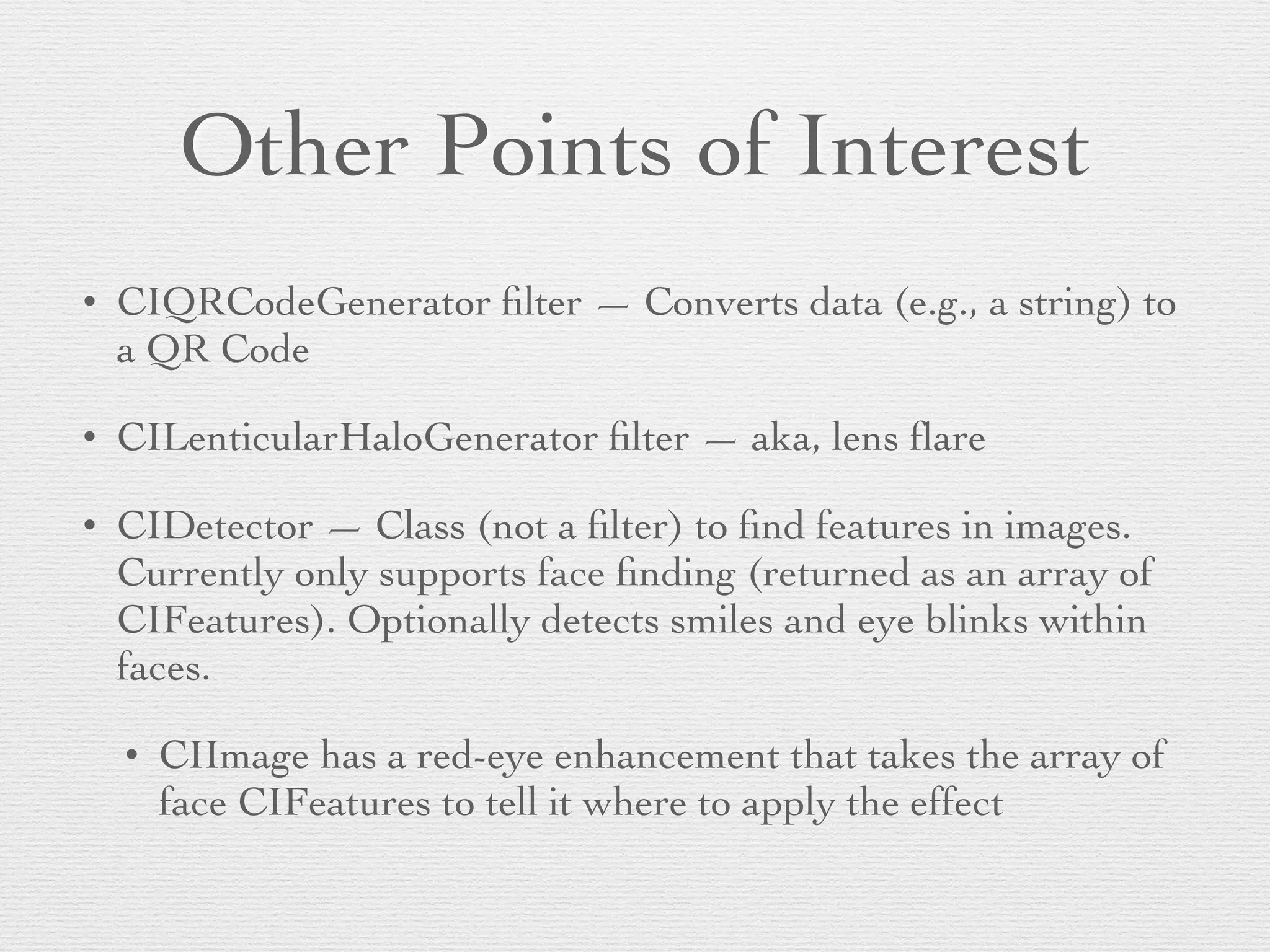
Other Points of Interest
• CIQRCodeGenerator filter — Converts data (e.g., a string) to
a QR Code	

• CILenticularHaloGenerator filter — aka, lens flare	

• CIDetector — Class (not a filter) to find features in images.
Currently only supports face finding (returned as an array of
CIFeatures). Optionally detects smiles and eye blinks within
faces.	

• CIImage has a red-eye enhancement that takes the array of
face CIFeatures to tell it where to apply the effect
Core Image on OS X
• Core Image is part of QuartzCore (or Image Kit), so
you don’t @import CoreImage	

• Many more filters are available	

• Can create your own filter with OpenGL Shading
Language (plus some CI extensions). See CIKernel.	

• Also available in iOS 8	

• Filters can be set on CALayers
CALayer Filters on OS X
• Views must be layer-backed (obviously)	

• Must also call -[NSView
setLayerUsesCoreImageFilters:] on 10.9+	

• CALayer has properties: filters, compositingFilter,
backgroundFilters, minificationFilter,
magnificationFilter	

• These exist on iOS, but do nothing
Demo
Adding CIPixellate to layer’s
filters
self
! !! ! ! ! ! ! ! !
self
[self
! !! ! ! ! ! [
! !! ! ! ! ! ! ! !
!
[self
! !! ! !
! !! ! ! ! ! ! ! ! !
self
! !! ! !
Updating a layer’s filters
-(void
! [
! !! ! ! !
! !! ! ! ! ! ! ! ! ! !
! !! ! ! !
}
Wrap Up: Stuff to Remember
• Get psyched about filters, but remember to check
that they’re on your targeted platform/version.	

• Drawing to a CIContext on iOS must be GL-
backed (e.g., with a GLKView)
Q&A
Slides and code will be posted to:	

http://www.slideshare.net/invalidname/
!
@invalidname	

http://subfurther.com/blog

Core Image: The Most Fun API You're Not Using (CocoaConf Columbus 2014)

  • 1.
    Core Image The MostFun API You’re Not Using Chris Adamson • @invalidname CocoaConf Columbus, August 2014
  • 4.
    “Core Image isan image processing and analysis technology designed to provide near real-time processing for still and video images.”
  • 5.
    Agenda • Images, Filters,and Contexts • The Core Image Filter Gallery • Neat Tricks with Built-In Filters • Core Image on OS X
  • 6.
    Core Image, CoreConcepts • Core Image is of the time • A chain of filters describes a “recipe” of processing steps to be applied to one or more images • “Stringly typed” • You only get pixels when you render
  • 7.
    Typical Workflow • Startwith a source CIImage • Apply one or more filters • Render resulting CIImage to a CIContext, or convert CIImage out to another type • A few filters take or produce types other than CIImage (CIQRCodeGenerator)
  • 8.
    CIImage • An imageprovided to or produced by Core Image • But no bitmap of pixel data! • Immutable • -imageByCroppingToRect, -imageByApplyingTransform • -extent — a CGRect of the image’s size
  • 9.
    CIImage sources • NSURL •CGImageRef • Bitmap or JPEG/PNG/TIFF in NSData • OpenGL texture • Core Video image/pixel buffer
  • 10.
    CIContext • Rendering destinationfor a CIImage (- [drawImage:inRect:fromRect:]) • This is where you get pixels (also, this is the processor- intenstive part) • On iOS, must be created from an EAGLContext. On Mac, can be created with CGContextRef • Can also produce output as a CGImageRef, bitmap data, or a CVPixelBuffer (iOS only)
  • 11.
  • 12.
    CIFilter • Performs animage processing operation • Typically takes and produces a CIImage • All parameters are provided via -[setValue:forKey:] • Stringly-typed! • Output is retrieved with -[valueForKey:]
  • 13.
    –Core Image Cat “Ican has filterz?
  • 14.
    Yes, you canhas Filterz!
  • 16.
    Core Image FilterReference Filter Name Parameters Note the type & number to provide Categories Watch for CICategoryBuiltIn and CICategoryVideo Example Figure Availability Watch for versioning and OS X-only filters
  • 17.
    Filter Categories • Groupfilters by functionality: CICategoryBlur, CICategoryGenerator, CICategoryCompositeOperation, etc. • Also group filters by availability and appropriateness: CICategoryBuiltIn, CICategoryVideo, CICategoryNonSquarePixels
  • 18.
    CICategoryGenerator • No inputimage, just produces an output • CICategoryGradient is also output-only • Example: CICheckerboardGenerator
  • 19.
    CICategoryBlur • Algorithmically spreads/blendspixels • CICategorySharpen offers an opposite effect • Example: CIGaussianBlur
  • 20.
    CICategoryColorAdjustement • Changes distributionof color throughout an image • Example: CIColorControls (adjusts saturation, brightness, contrast)
  • 21.
    CICategoryColorEffect • Color changesthat affect the subjective nature of the image • Example: CIPhotoEffectNoir
  • 22.
    CICategoryDistortionEffect • Moves pixelsto achieve an effect • Example: CITorusLensDistortion
  • 23.
    CICategoryStylize • Various stylisticeffects • Example: CIPointillize
  • 24.
    CICategoryGeometryAdjustment • Moves pixelsvia cropping, affine transforms, etc. • Example: CICrop
  • 25.
    CICategoryTileEffect • Repeatedly copiesall or part of an image • Example: CIAffineTile
  • 26.
    CICategoryCompositeOperation • Combines multipleimages • Example: CISourceOverCompositing
  • 27.
  • 28.
  • 29.
    Setting input values [self !! ! ! ! ! ! ! ! ! ! ! [self ! ! ! ! ! ! ! ! ! ! ! ! [self ! ! ! ! ! ! ! ! ! ! ! !
  • 30.
    Setting input image CIImage !! ! ! ! ! ! ! ! ! [self ! ! ! ! ! ! ! !
  • 31.
  • 32.
    Other output options •Use a CIContext • -[drawImage:inRect:fromRect:] draws pixels to the EAGLContext (iOS) or CGContextRef (OS X) that the CIContext was created from. • CIContext can also render to a void* bitmap • On iOS, can create a CVPixelBufferRef, typically used for writing to a file with AVAssetWriter
  • 33.
    Chaining filters • Usethe output of one filter as the input to the next • This doesn’t cost anything, because the CIImages just hold state, not pixels
  • 34.
  • 35.
    Creating CIContext if (! !! ! ! ! ! ! ! ! ! }! ! ! ! // make CIContext from GL context, clearing out default color space self ! ! ! ! ! ! ! ! ! ! ! ! ! ! ! ! ! ! ! ! ! ! ! ! ! ! ! ! ! ! ! ! ! ! ! ! ! ! ! ! Note: This is in a subclass of GLKView
  • 36.
    Set up SepiaTone filter _sepiaToneFilter [_sepiaToneFilter ! ! ! ! ! ! ! ! !
  • 37.
    Set up Maskto Alpha filter UIImage _circleMaskFilter CIImage ! ! ! ! ! ! ! ! ! ! ! ! circleImageUI. [_circleMaskFilter ! ! ! ! ! ! ! _circleMask circle-mask-100x100.png
  • 38.
    Set up Blendwith Mask filter _constantColorGeneratorFilter ! ! ! ! ! ! ! ! ! ! [_constantColorGeneratorFilter ! ! ! [ ! ! ! ! ! ! ! ! ! ! ! ! ! ! forKey _backgroundAlphaFill ! ! ! ! ! ! ! ! ! ! ! ! _blendWithMaskFilter [_blendWithMaskFilter ! ! ! ! ! ! ! ! [_blendWithMaskFilter ! ! ! ! ! ! ! !
  • 39.
    Apply filters // GetCIImage from source image CGImageRef ! ! ! ! ! ! ! ! loupeImage = [ ! // Apply sepia filter [self loupeImage = [ ! // Set sepia-filtered image as input to blend-with-mask [_blendWithMaskFilter ! ! ! ! ! ! loupeImage = [
  • 40.
    Render in CIContext if([ ! [ }! ! ! [self ! // GL-on-Retina fix CGRect drawBoundsInPoints. drawBoundsInPoints. ! ! // drawing to CIContext draws to the EAGLESContext it's based on [self ! ! ! ! !! ! ! ! ! ! ! ! ! ! ! ! // Refresh GLKView contents immediately [self
  • 41.
    Working with Video •AVFoundation AVCaptureVideoDataOutput and AVAssetReader deliver CMSampleBuffers • CMSampleBuffers have timing information and CVImageBuffers/CVPixelBuffers • +[CIImage imageWithCVPixelBuffer:]
  • 42.
  • 43.
    Chroma Key (“greenscreen” recipe • Use a CIColorCube to map green-ish colors to transparent • Use CISourceOverCompositing to draw this alpha’ed image over another image
  • 44.
    CIColorCube Maps colors fromone RGB “cube” to another http://en.wikipedia.org/wiki/RGB_color_space
  • 45.
    Using CIColorCube CIColorCube mapsgreen(-ish) colors to 0.0 alpha, all other colors pass through
  • 46.
  • 47.
    CIColorCube Dataconst unsignedint size = 64;! size_t cubeDataSize = size * size * size * sizeof (float) * 4;! float *keyCubeData = (float *)malloc (cubeDataSize);! //! float *alphaMatteCubeData = (float *)malloc (cubeDataSize);! //! float rgb[3], hsv[3], *keyC = keyCubeData, *alphaC = alphaMatteCubeData;! float rgb[3], hsv[3], *keyC = keyCubeData;! // Populate cube with a simple gradient going from 0 to 1! for (int z = 0; z < size; z++){! ! rgb[2] = ((double)z)/(size-1); // Blue value! ! for (int y = 0; y < size; y++){! ! ! rgb[1] = ((double)y)/(size-1); // Green value! ! ! for (int x = 0; x < size; x ++){! ! ! ! rgb[0] = ((double)x)/(size-1); // Red value! ! ! ! ! // Convert RGB to HSV! ! ! ! // You can find publicly available rgbToHSV functions on the Internet! ! ! ! ! RGBtoHSV(rgb[0], rgb[1], rgb[2],! ! ! ! ! ! &hsv[0], &hsv[1], &hsv[2]);! ! ! ! ! // RGBtoHSV uses 0 to 360 for hue, while UIColor (used above) uses 0 to 1.! ! ! ! hsv[0] /= 360.0;! ! ! ! ! ! ! ! // Use the hue value to determine which to make transparent! ! ! ! // The minimum and maximum hue angle depends on! ! ! ! // the color you want to remove! ! ! ! ! ! ! ! bool keyed = (hsv[0] > minHueAngle && hsv[0] < maxHueAngle) &&! ! ! ! (hsv[1] > minSaturation && hsv[1] < maxSaturation) &&! ! ! ! (hsv[2] > minBrightness && hsv[2] < maxBrightness);! ! ! ! ! ! ! ! float alpha = keyed ? 0.0f : 1.0f;! ! ! ! ! ! ! ! // re-calculate c pointer! ! ! ! keyC = (((z * size * size) + (y * size) + x) * sizeof(float)) + keyCubeData;! ! ! ! ! ! ! ! // Calculate premultiplied alpha values for the cube! ! ! ! keyC[0] = rgb[0] * alpha;! ! ! ! keyC[1] = rgb[1] * alpha;! ! ! ! keyC[2] = rgb[2] * alpha;! ! ! ! keyC[3] = alpha;! ! ! ! ! ! ! ! ! ! ! }! ! }! }! See “Chroma Key Filter Recipe” in Core Image Programming Guide
  • 48.
    Create CIColorCube from mappingdata // build the color cube filter and set its data to above! self.colorCubeFilter = [CIFilter filterWithName:@"CIColorCube"];! [self.colorCubeFilter setValue:[NSNumber numberWithInt:size]! ! !! ! ! ! ! ! ! ! forKey:@"inputCubeDimension"];! NSData *data = [NSData dataWithBytesNoCopy:keyCubeData! ! !! ! ! ! ! ! ! length:cubeDataSize! ! !! ! ! ! ! freeWhenDone:YES];! [self.colorCubeFilter setValue:data forKey:@"inputCubeData"];!
  • 49.
    Create CISourceOverCompositing // sourceover filter! self.backgroundImage = [UIImage imageNamed:! ! !! ! ! ! ! ! ! ! ! @"img_washington_small_02.jpg"]; ! self.backgroundCIImage = [CIImage imageWithCGImage:! ! !! ! ! ! ! ! ! ! ! ! self.backgroundImage.CGImage];! self.sourceOverFilter = [CIFilter filterWithName:! ! !! ! ! ! ! ! ! ! ! @"CISourceOverCompositing"];! [self.sourceOverFilter setValue:self.backgroundCIImage ! ! !! ! ! ! ! ! ! forKeyPath:@"inputBackgroundImage"];!
  • 50.
    Apply Filters inCapture Callback CIImage *bufferCIImage = [CIImage imageWithCVPixelBuffer:cvBuffer];! ! [self.colorCubeFilter setValue:bufferCIImage ! ! !! ! ! ! ! ! ! ! ! forKey:kCIInputImageKey];! CIImage *keyedCameraImage = [self.colorCubeFilter valueForKey:! ! !! ! ! ! ! ! ! ! ! ! ! kCIOutputImageKey];! ! [self.sourceOverFilter setValue:keyedCameraImage ! ! !! ! ! ! ! ! ! ! forKeyPath:kCIInputImageKey];! ! CIImage *compositedImage = [self.sourceOverFilter valueForKeyPath:! ! !! ! ! ! ! ! ! ! ! ! kCIOutputImageKey]; Then draw compositedImage to CIContext as before
  • 51.
    Other Points ofInterest • CIQRCodeGenerator filter — Converts data (e.g., a string) to a QR Code • CILenticularHaloGenerator filter — aka, lens flare • CIDetector — Class (not a filter) to find features in images. Currently only supports face finding (returned as an array of CIFeatures). Optionally detects smiles and eye blinks within faces. • CIImage has a red-eye enhancement that takes the array of face CIFeatures to tell it where to apply the effect
  • 52.
    Core Image onOS X • Core Image is part of QuartzCore (or Image Kit), so you don’t @import CoreImage • Many more filters are available • Can create your own filter with OpenGL Shading Language (plus some CI extensions). See CIKernel. • Also available in iOS 8 • Filters can be set on CALayers
  • 53.
    CALayer Filters onOS X • Views must be layer-backed (obviously) • Must also call -[NSView setLayerUsesCoreImageFilters:] on 10.9+ • CALayer has properties: filters, compositingFilter, backgroundFilters, minificationFilter, magnificationFilter • These exist on iOS, but do nothing
  • 54.
  • 55.
    Adding CIPixellate tolayer’s filters self ! !! ! ! ! ! ! ! ! self [self ! !! ! ! ! ! [ ! !! ! ! ! ! ! ! ! ! [self ! !! ! ! ! !! ! ! ! ! ! ! ! ! self ! !! ! !
  • 56.
    Updating a layer’sfilters -(void ! [ ! !! ! ! ! ! !! ! ! ! ! ! ! ! ! ! ! !! ! ! ! }
  • 57.
    Wrap Up: Stuffto Remember • Get psyched about filters, but remember to check that they’re on your targeted platform/version. • Drawing to a CIContext on iOS must be GL- backed (e.g., with a GLKView)
  • 58.
    Q&A Slides and codewill be posted to: http://www.slideshare.net/invalidname/ ! @invalidname http://subfurther.com/blog