Spicing Up Your Professional Learning Network Heather Hurley  Instructional Technology Coordinator Arlington Traditional School Presentation Adapted from Powering Up Your Professional Learning Network by Jen Dorman  [email_address]   http:// jdorman.wikispaces.com /
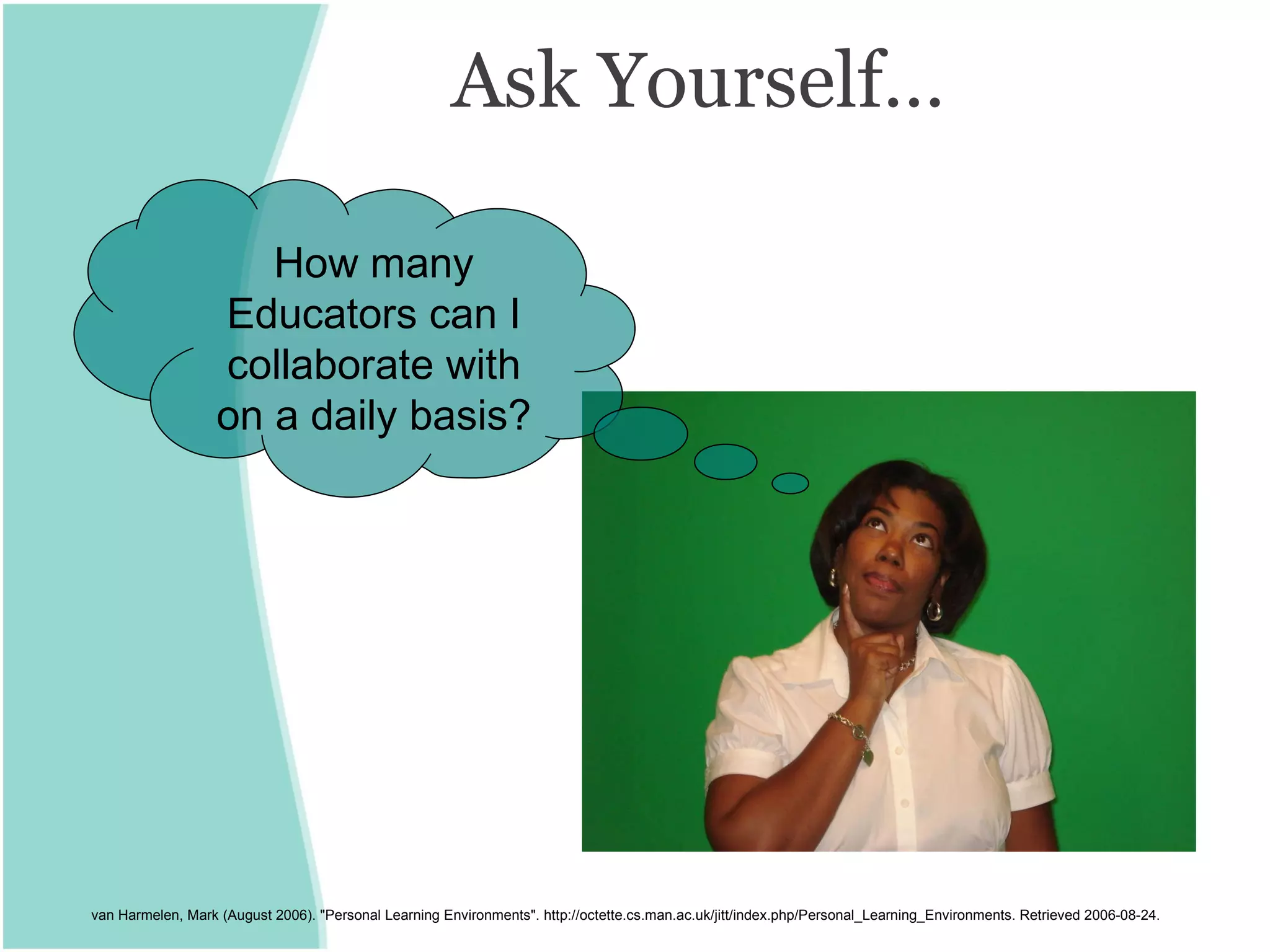
Ask Yourself… van Harmelen, Mark (August 2006). "Personal Learning Environments". http://octette.cs.man.ac.uk/jitt/index.php/Personal_Learning_Environments. Retrieved 2006-08-24. How many Educators can I collaborate with on a daily basis?
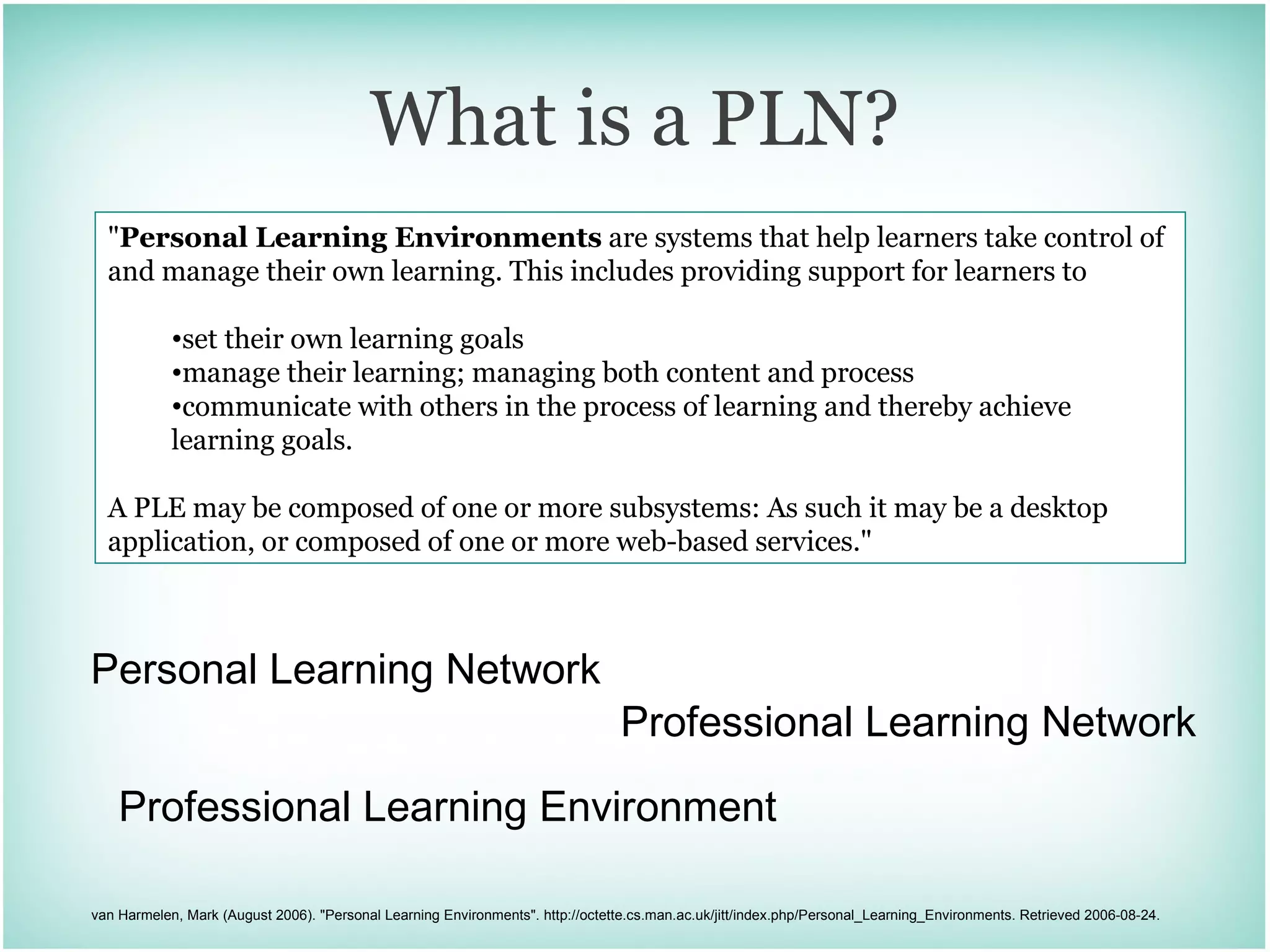
What is a PLN? Personal Learning Network Professional Learning Network " Personal Learning Environments  are systems that help learners take control of and manage their own learning. This includes providing support for learners to set their own learning goals  manage their learning; managing both content and process  communicate with others in the process of learning and thereby achieve learning goals. A PLE may be composed of one or more subsystems: As such it may be a desktop application, or composed of one or more web-based services." van Harmelen, Mark (August 2006). "Personal Learning Environments". http://octette.cs.man.ac.uk/jitt/index.php/Personal_Learning_Environments. Retrieved 2006-08-24. Professional Learning Environment
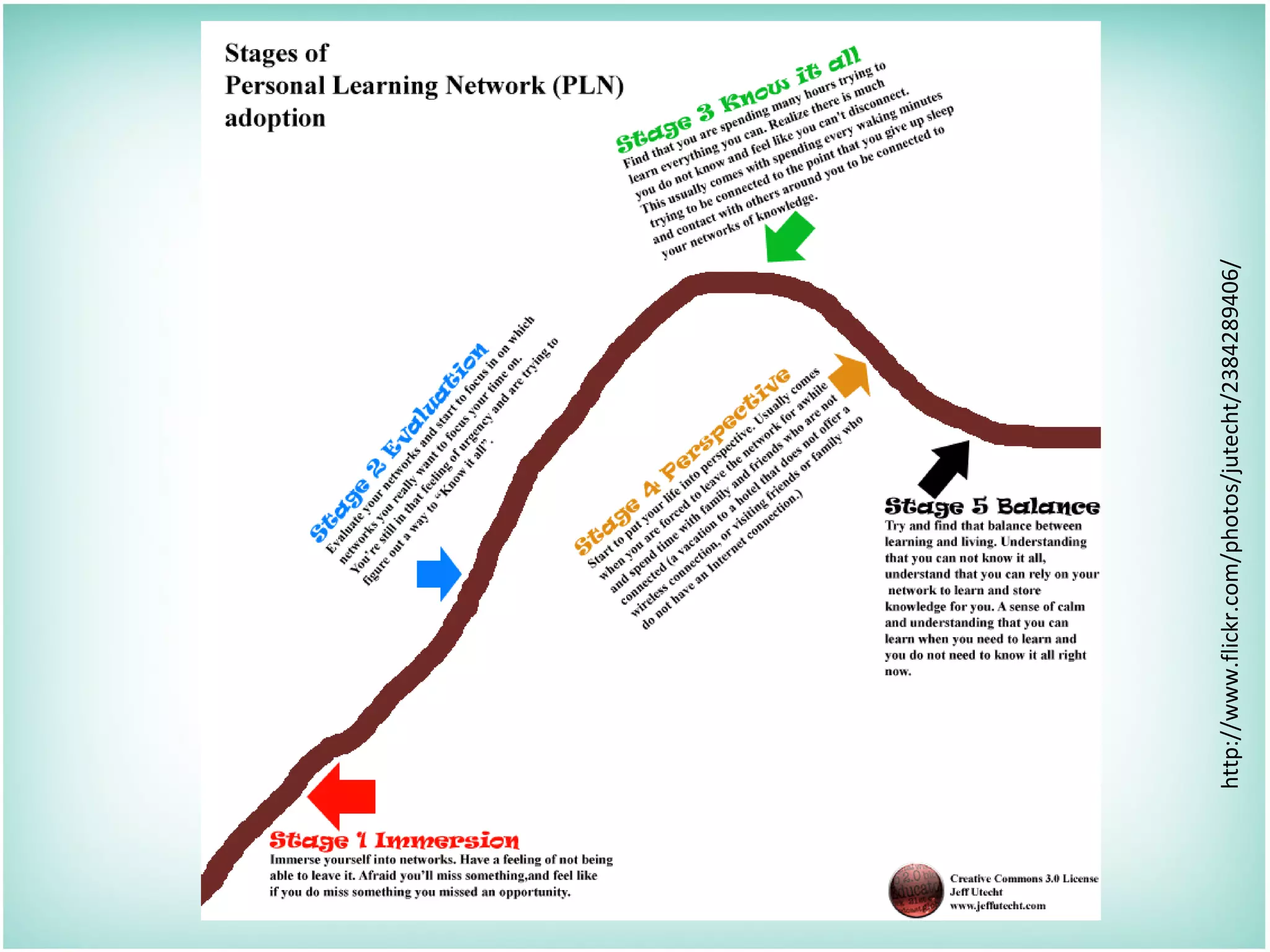
Title http://www.flickr.com/photos/jutecht/2384289406/
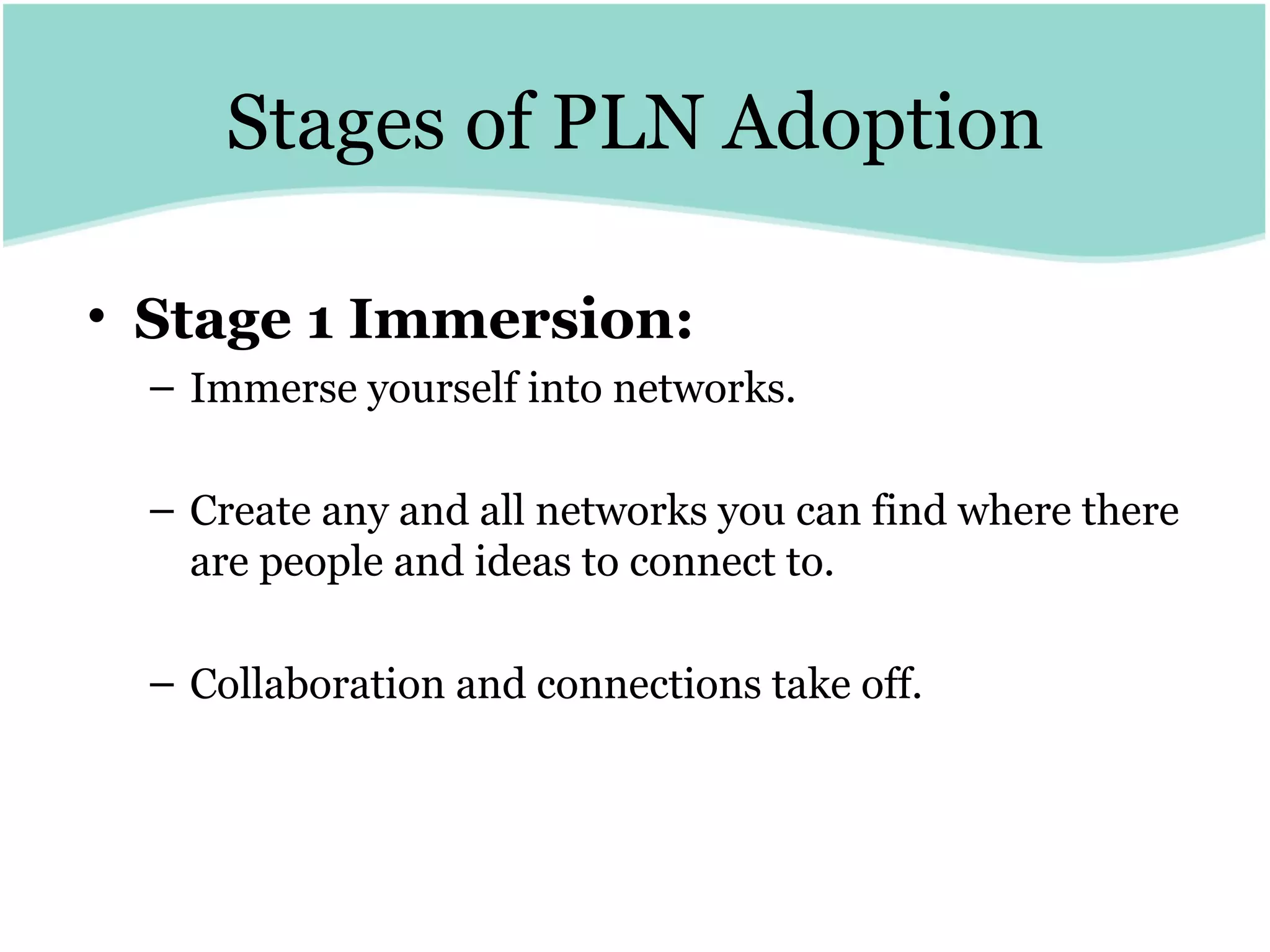
Stages of PLN Adoption Stage 1 Immersion:   Immerse yourself into networks.  Create any and all networks you can find where there are people and ideas to connect to.  Collaboration and connections take off.
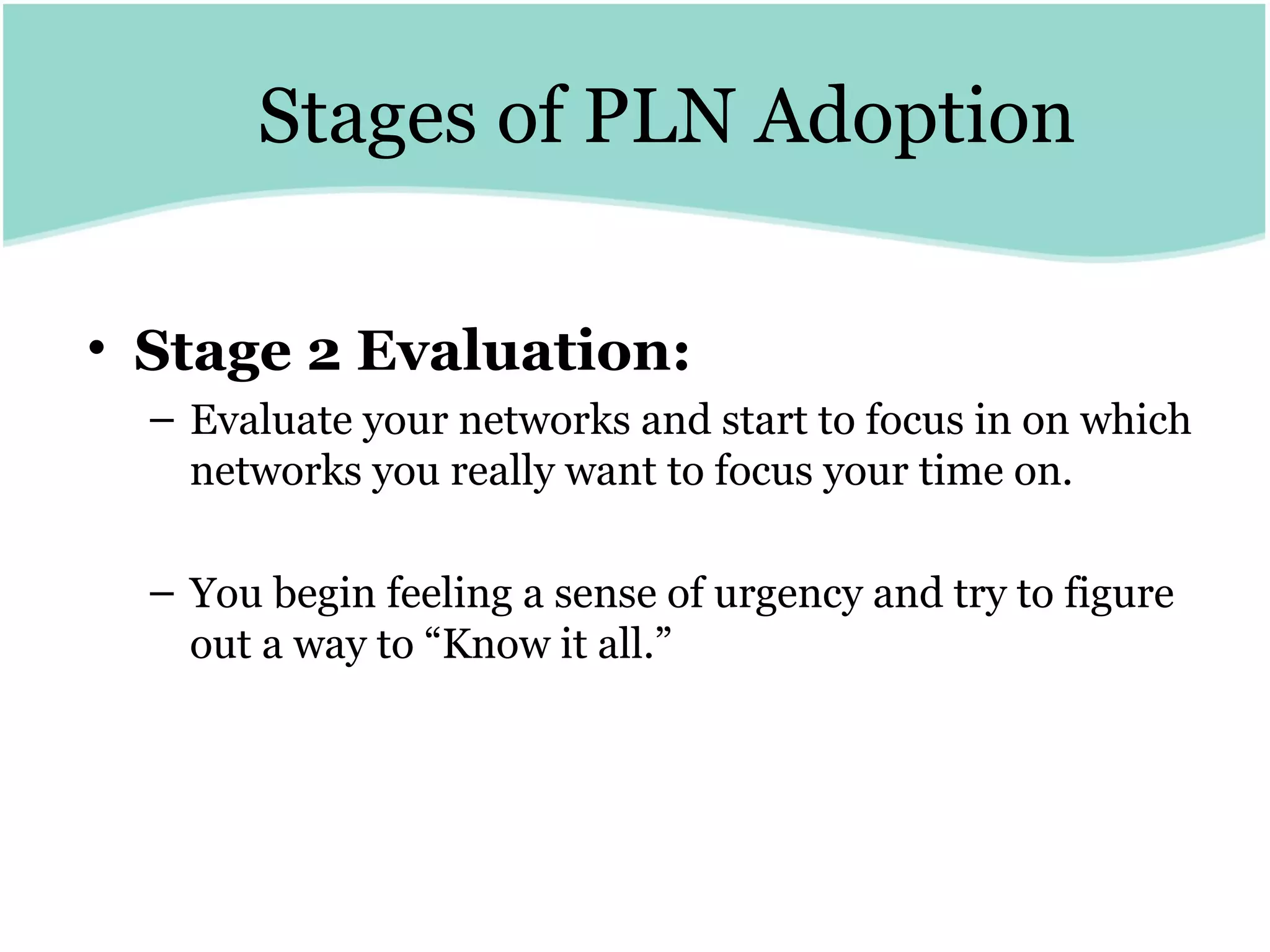
Stages of PLN Adoption Stage 2 Evaluation:   Evaluate your networks and start to focus in on which networks you really want to focus your time on.  You begin feeling a sense of urgency and try to figure out a way to “Know it all.”
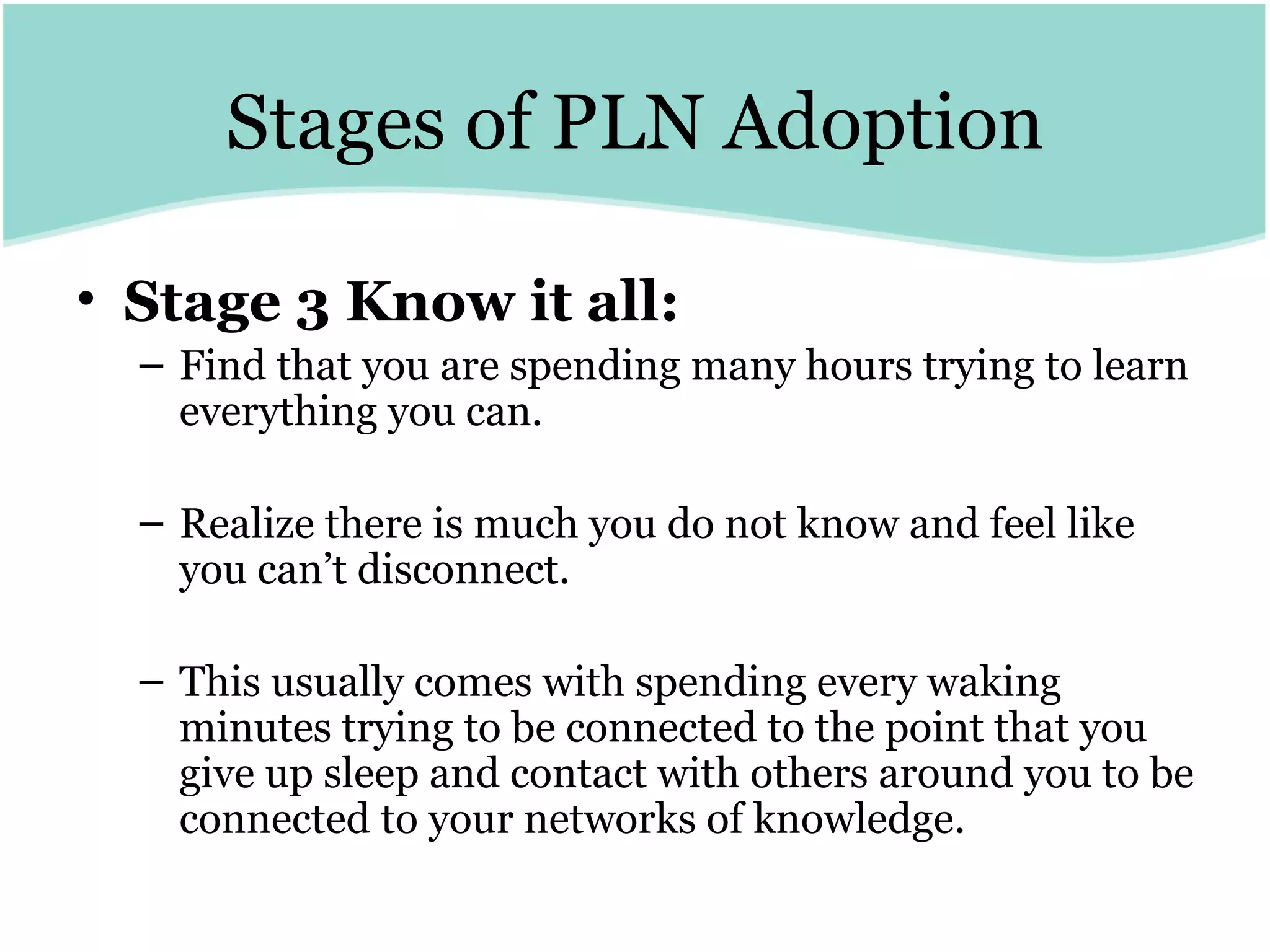
Stages of PLN Adoption Stage 3 Know it all:   Find that you are spending many hours trying to learn everything you can.  Realize there is much you do not know and feel like you can’t disconnect.  This usually comes with spending every waking minutes trying to be connected to the point that you give up sleep and contact with others around you to be connected to your networks of knowledge.
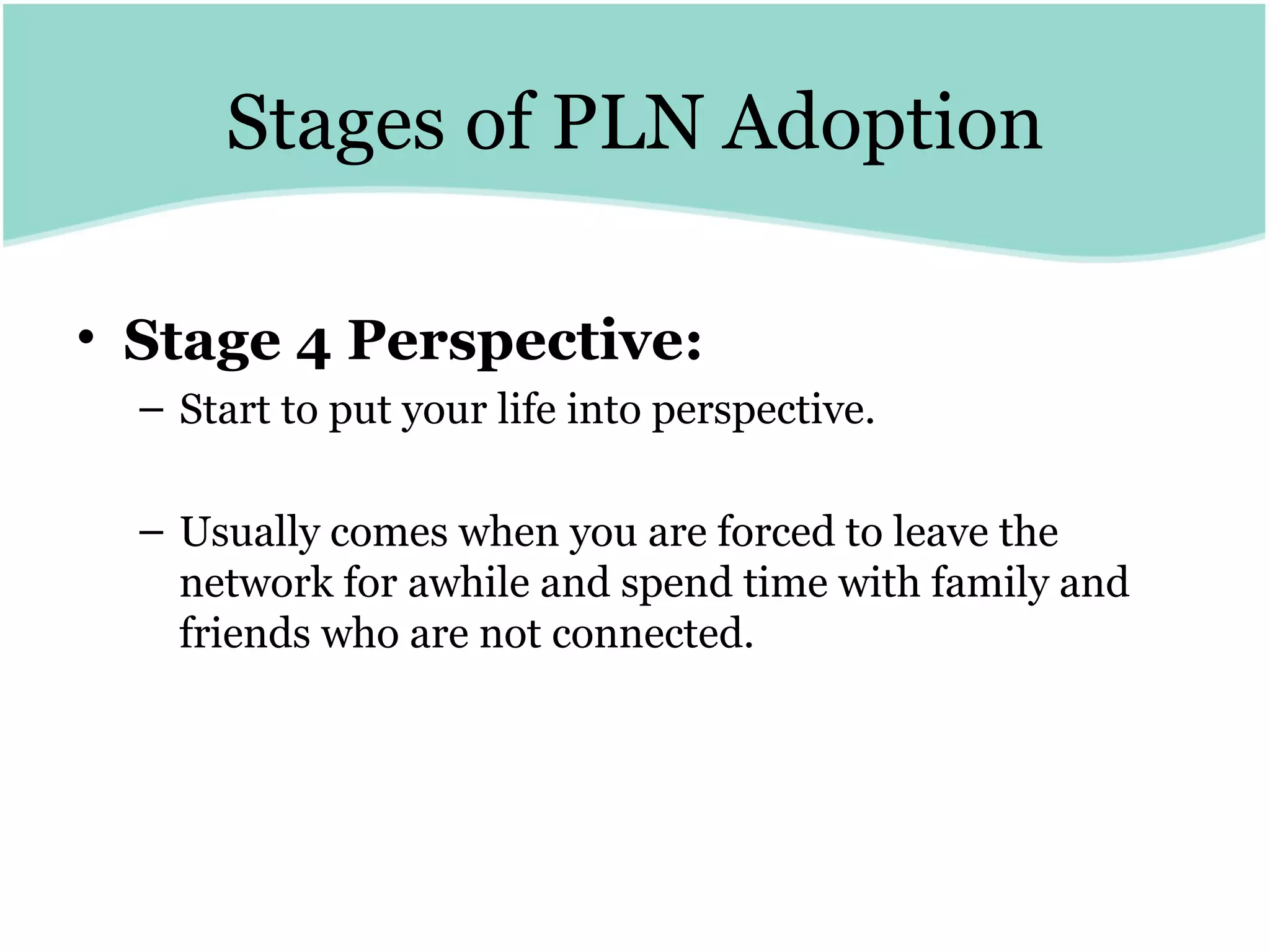
Stages of PLN Adoption Stage 4 Perspective:   Start to put your life into perspective. Usually comes when you are forced to leave the network for awhile and spend time with family and friends who are not connected.
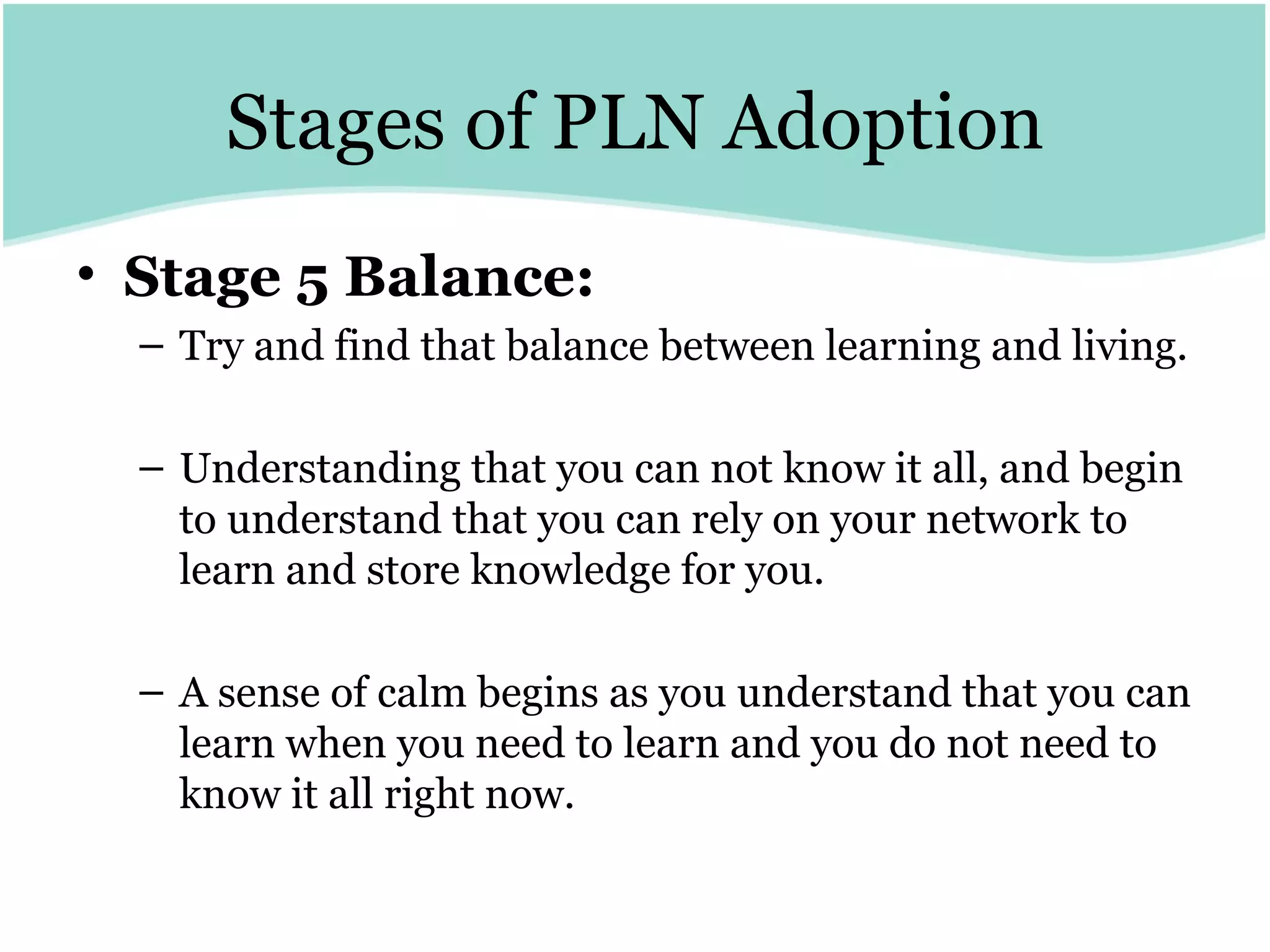
Stages of PLN Adoption Stage 5 Balance:   Try and find that balance between learning and living.  Understanding that you can not know it all, and begin to understand that you can rely on your network to learn and store knowledge for you.  A sense of calm begins as you understand that you can learn when you need to learn and you do not need to know it all right now.
What do you know? Take an index card 5 minutes to write What do you know about PLN’s? and How does technology fit?
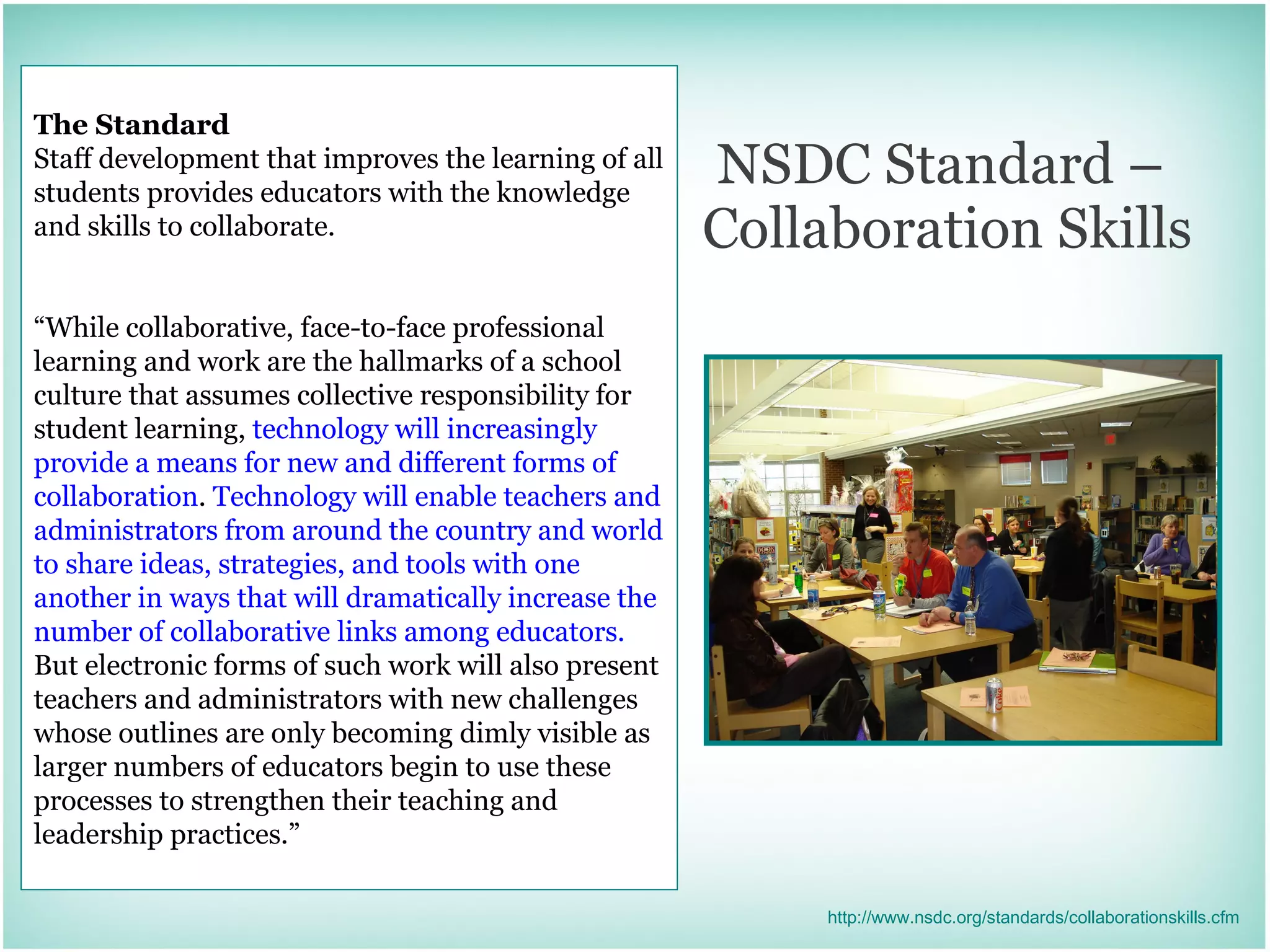
NSDC Standard –  Collaboration Skills The Standard Staff development that improves the learning of all students provides educators with the knowledge and skills to collaborate. “ While collaborative, face-to-face professional learning and work are the hallmarks of a school culture that assumes collective responsibility for student learning,  technology will increasingly provide a means for new and different forms of collaboration .  Technology will enable teachers and administrators from around the country and world to share ideas, strategies, and tools with one another in ways that will dramatically increase the number of collaborative links among educators.  But electronic forms of such work will also present teachers and administrators with new challenges whose outlines are only becoming dimly visible as larger numbers of educators begin to use these processes to strengthen their teaching and leadership practices.” http://www.nsdc.org/standards/collaborationskills.cfm
Spicing Up Your Network
Professional Networks
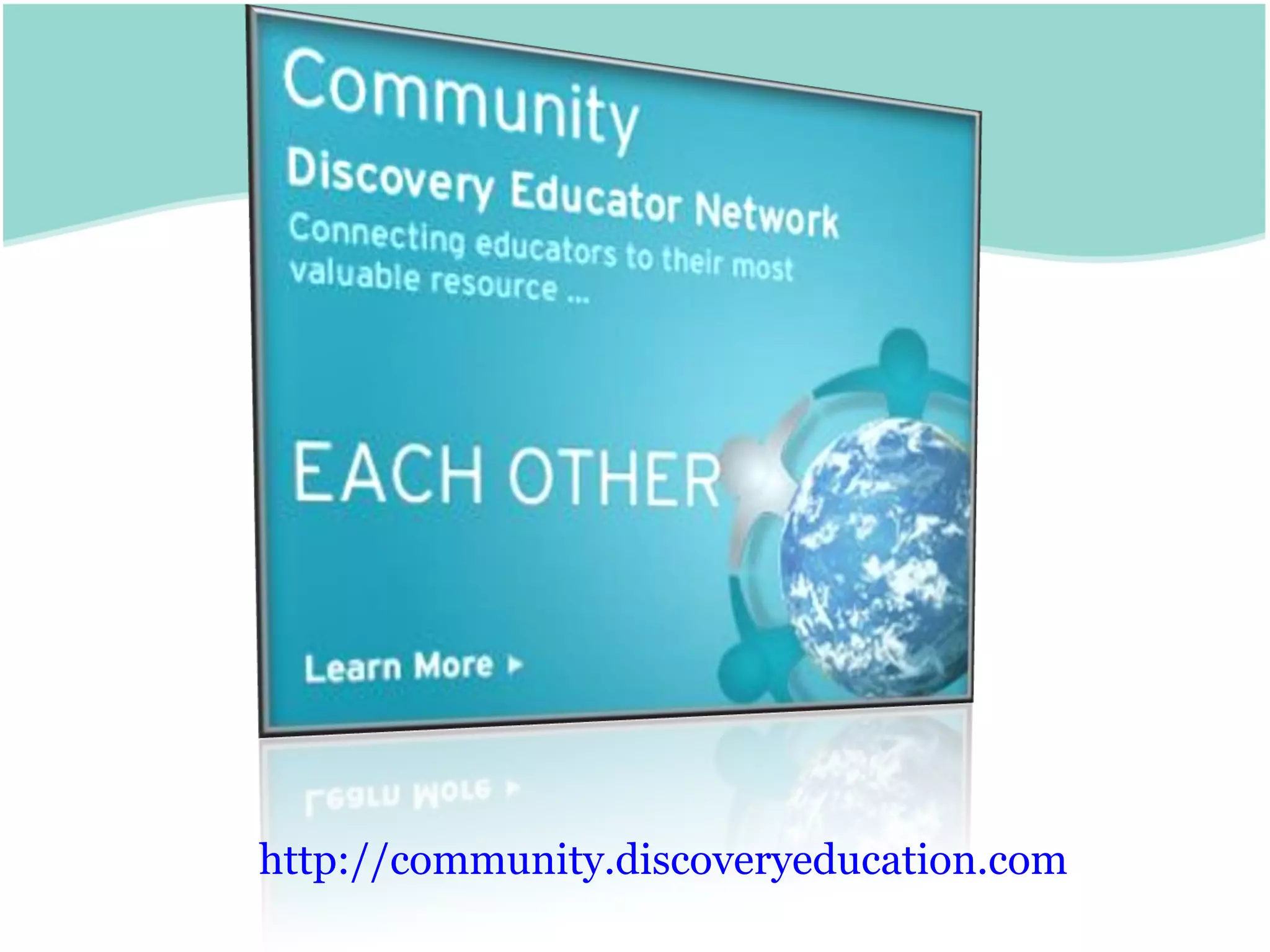
http://community.discoveryeducation.com
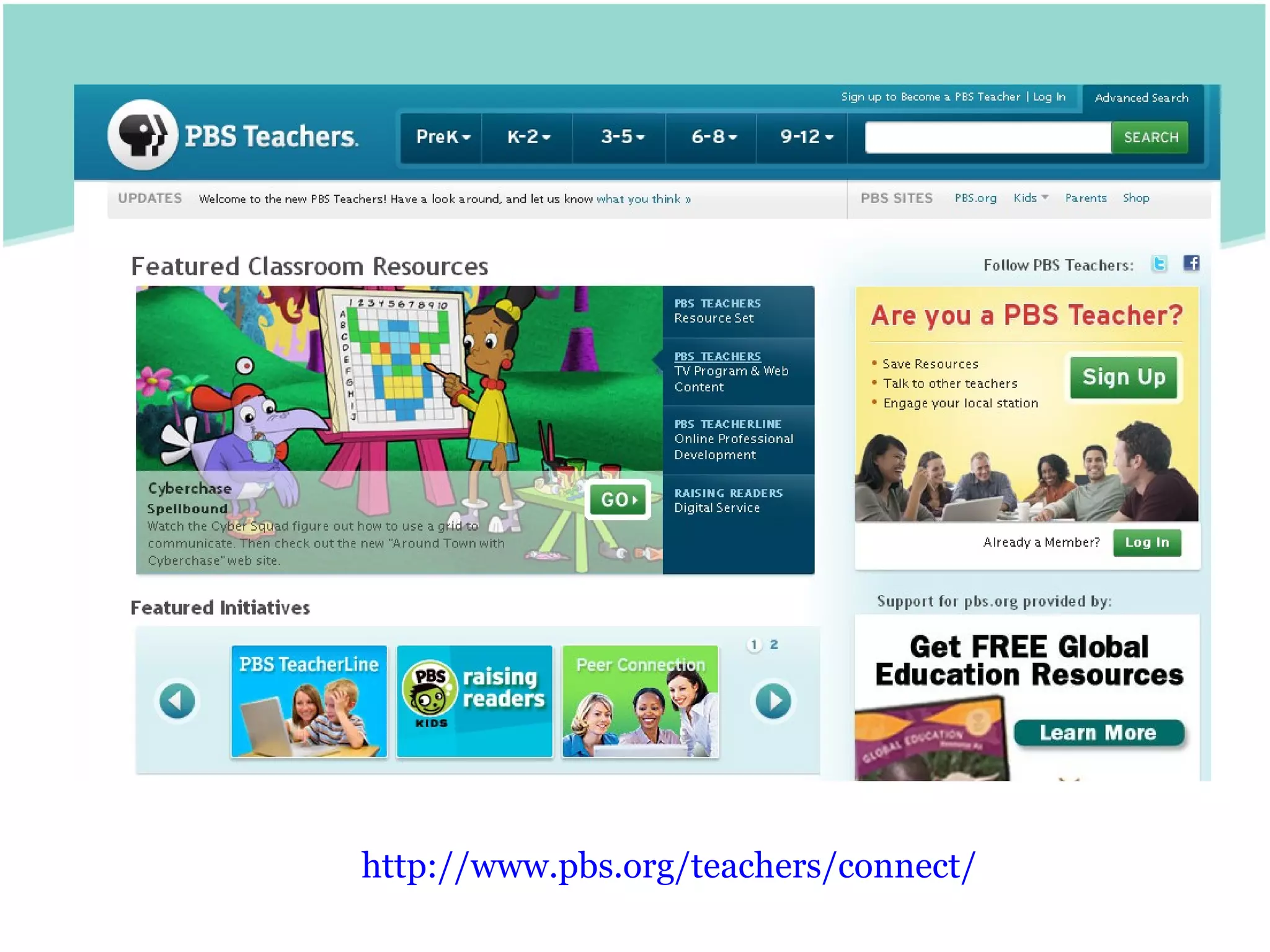
http:// www.pbs.org /teachers/connect/
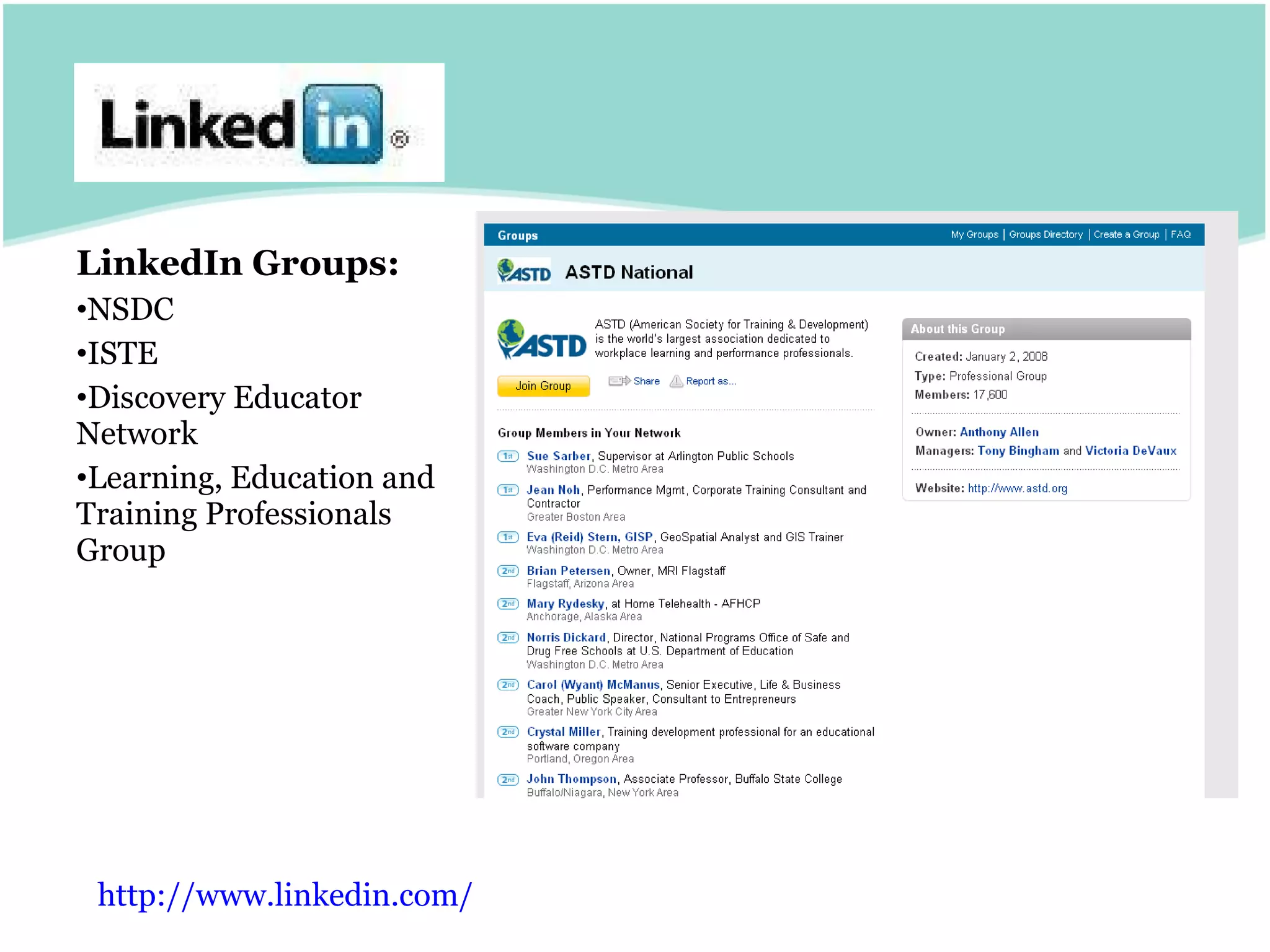
LinkedIn Groups: NSDC ISTE Discovery Educator Network Learning, Education and Training Professionals Group http:// www.linkedin.com /
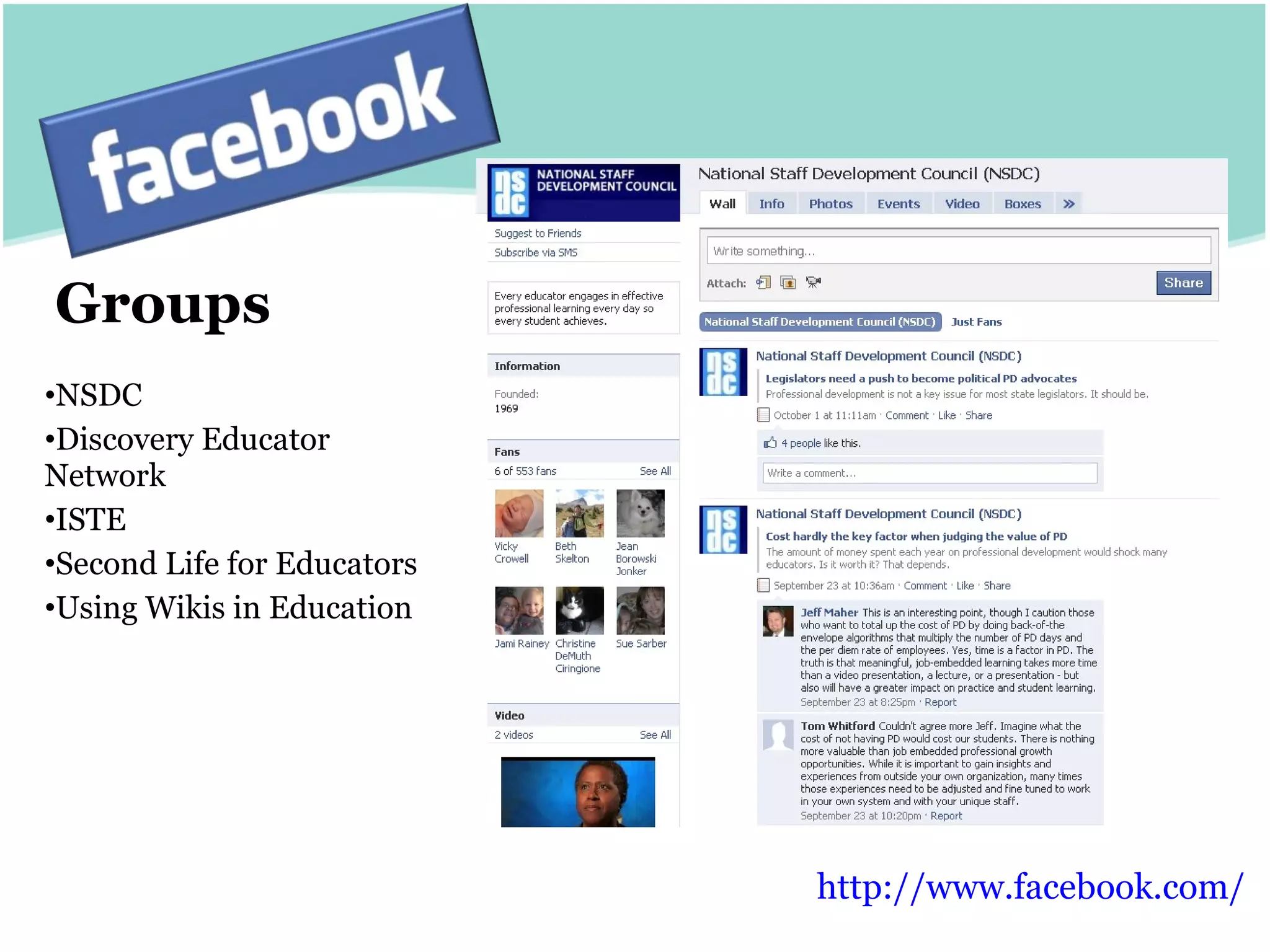
Groups NSDC Discovery Educator Network ISTE Second Life for Educators Using Wikis in Education http:// www.facebook.com /
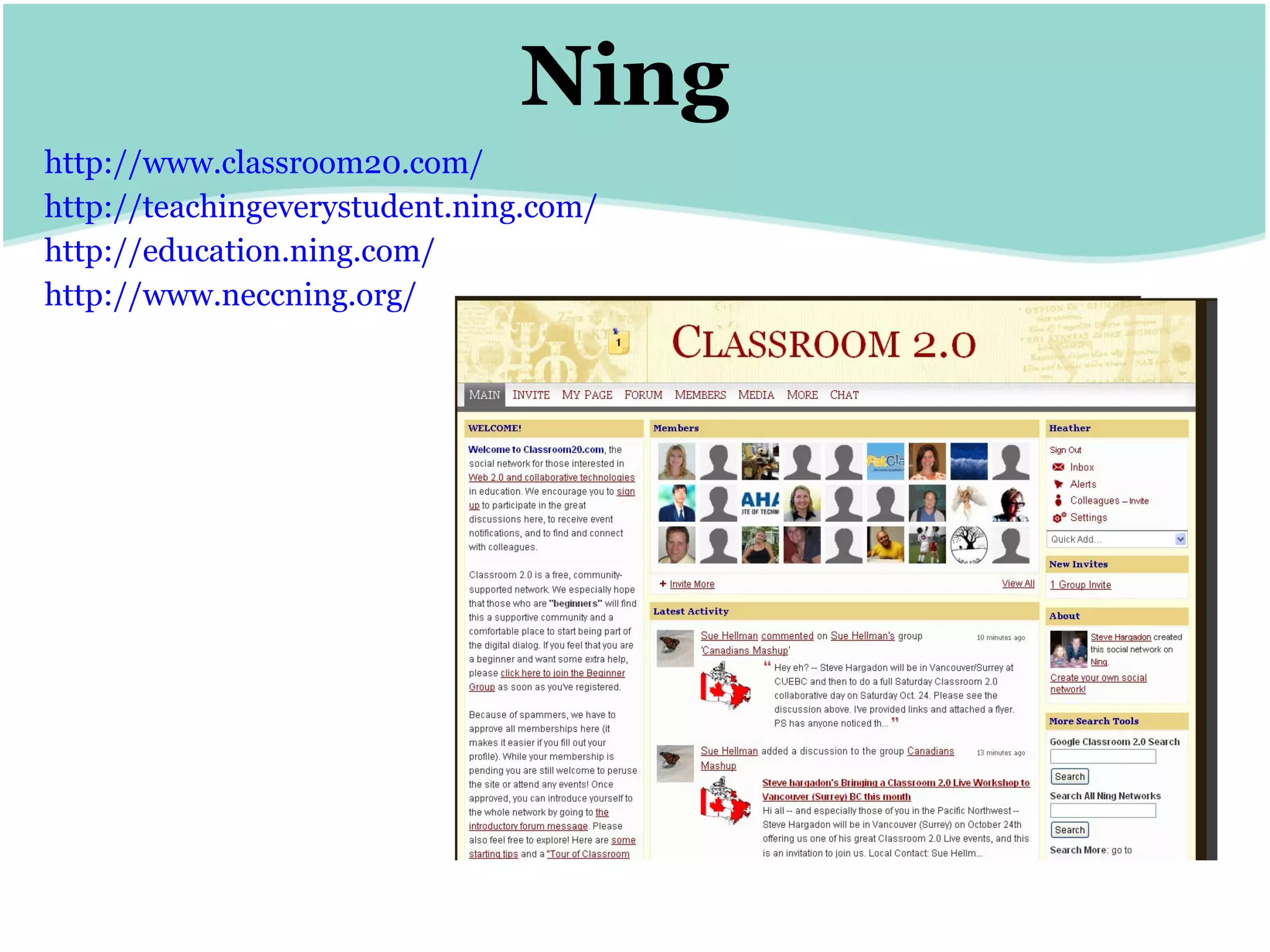
Ning http://www.classroom20.com/ http:// teachingeverystudent.ning.com / http:// education.ning.com / http:// www.neccning.org /
RSS Aggregators & Internet Start Pages
This symbol is your friend http://www.iste.org/source/Orders/isteProductDetail.cfm?product_code = newrss
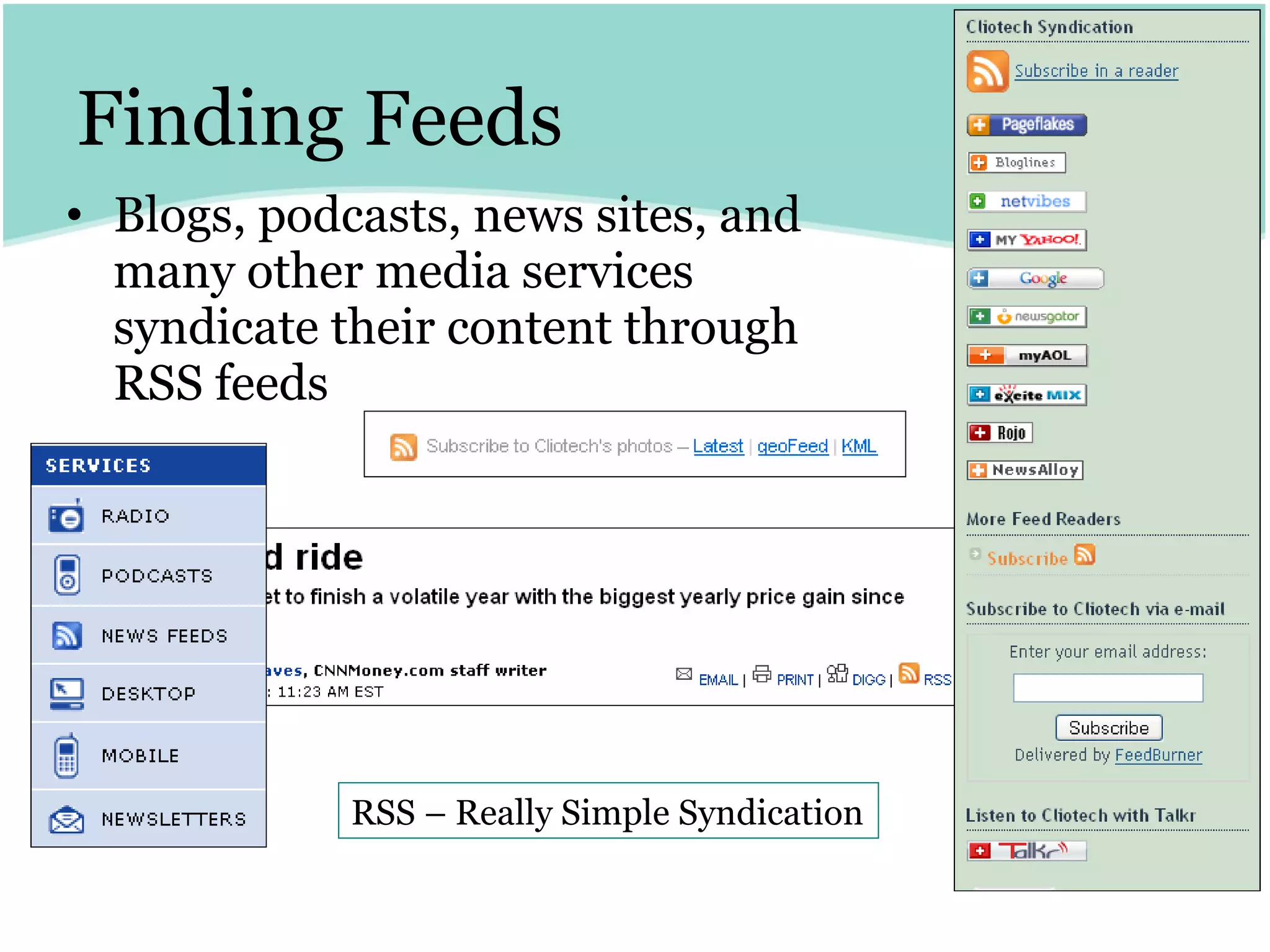
Finding Feeds Blogs, podcasts, news sites, and many other media services syndicate their content through RSS feeds RSS – Really Simple Syndication
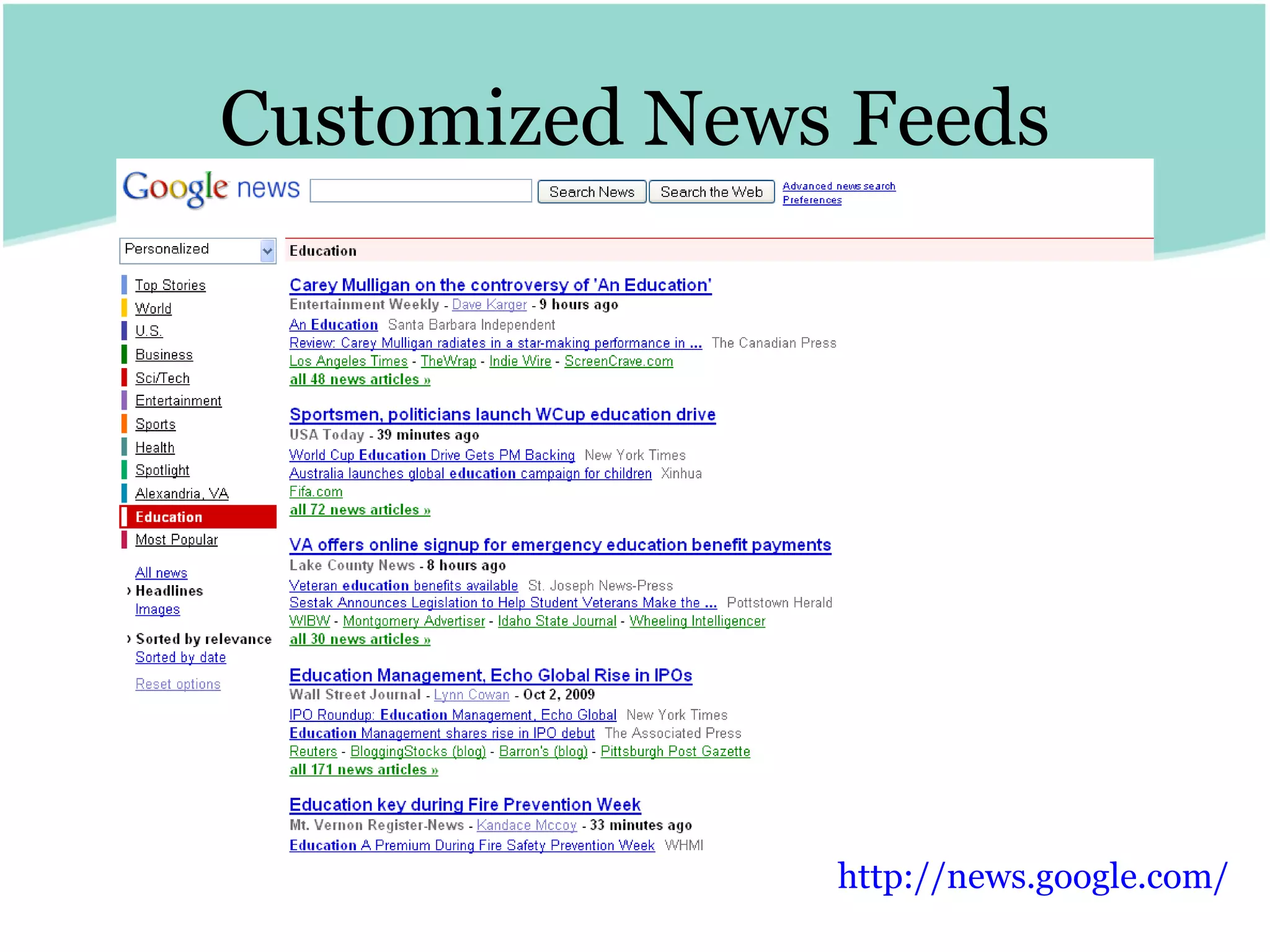
Customized News Feeds http:// news.google.com /
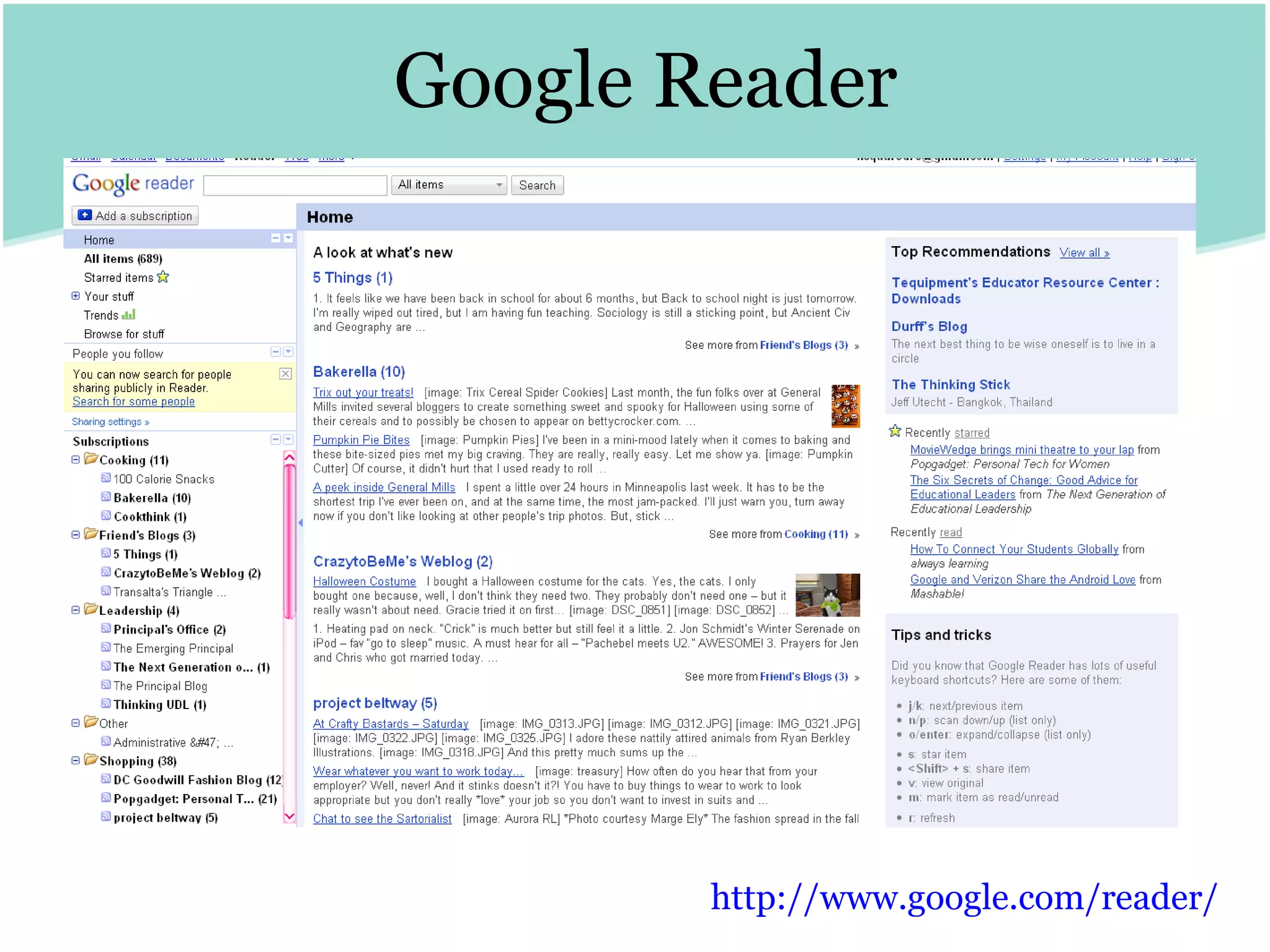
Google Reader http:// www.google.com /reader/
iGoogle http:// www.google.com/ig
Podcasts
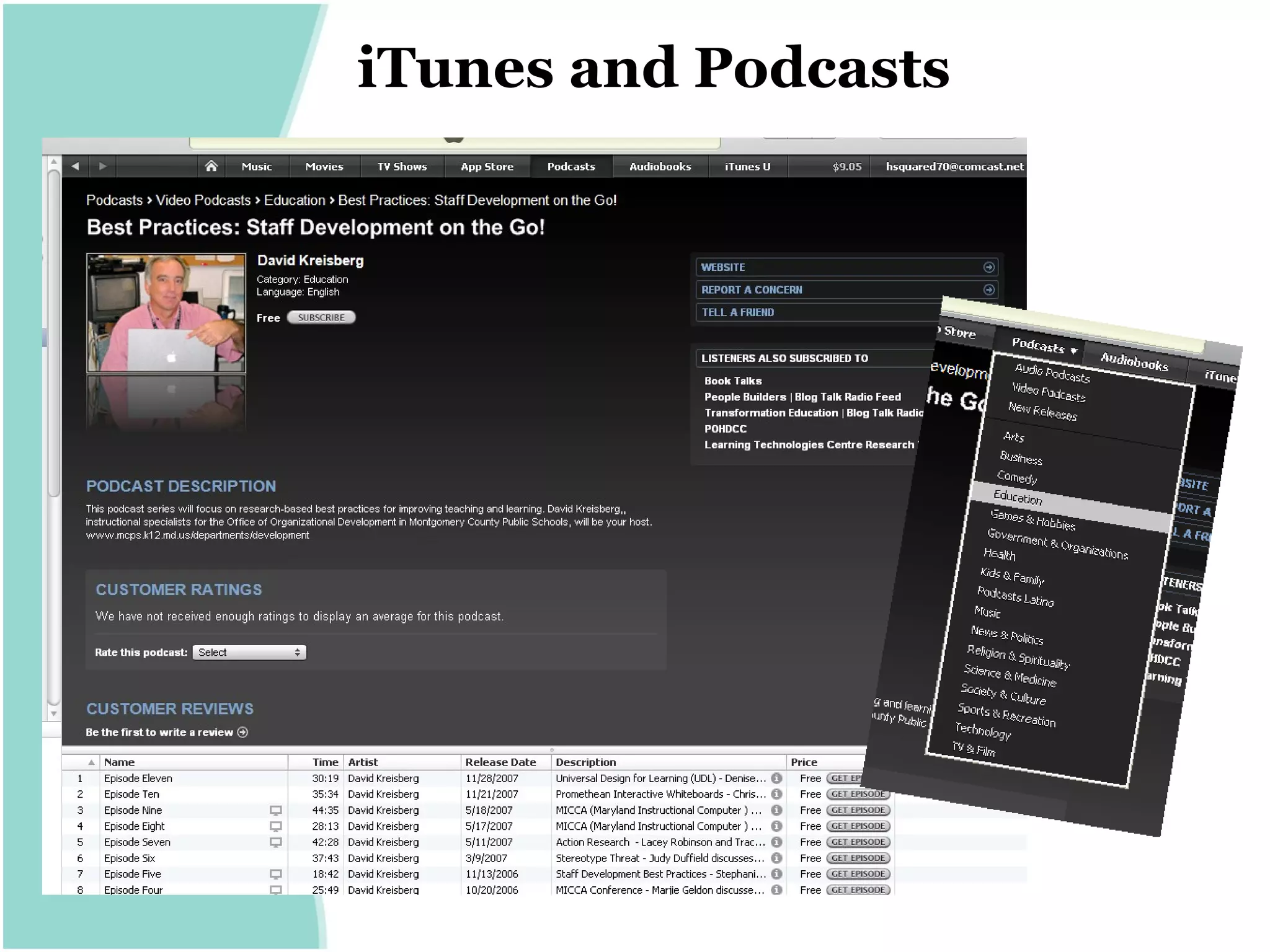
iTunes and Podcasts
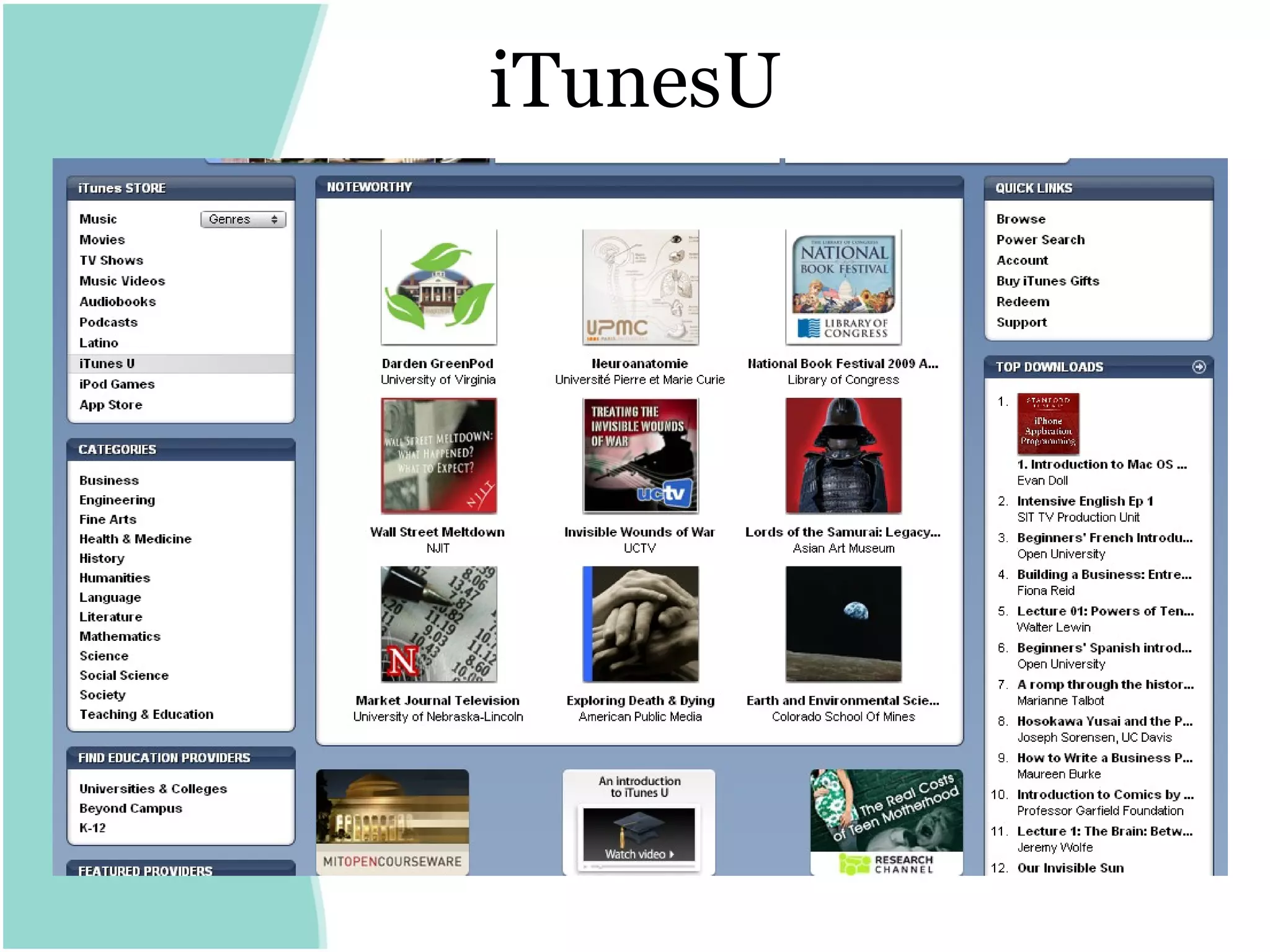
iTunesU
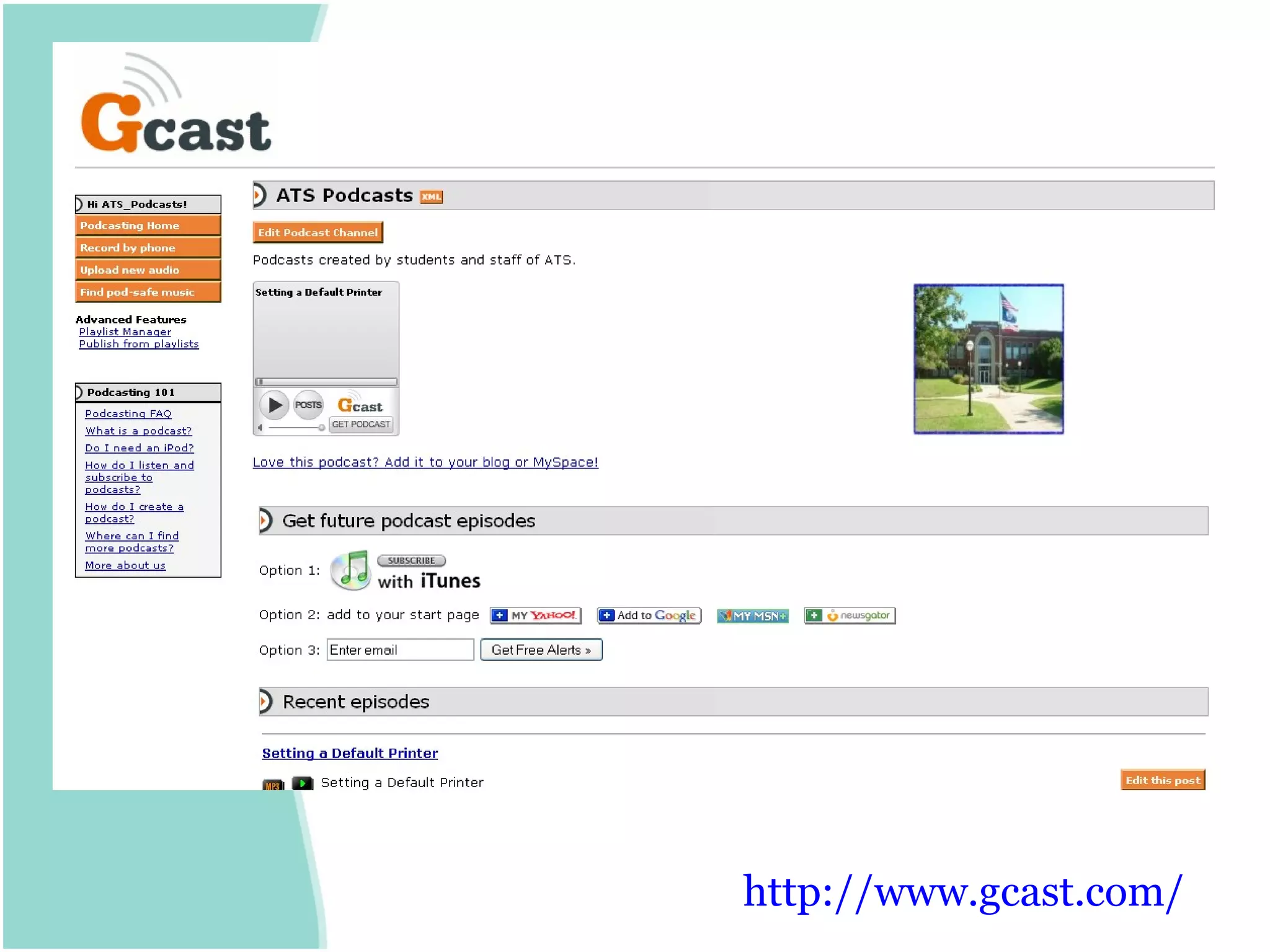
http:// www.gcast.com /
Microblogs
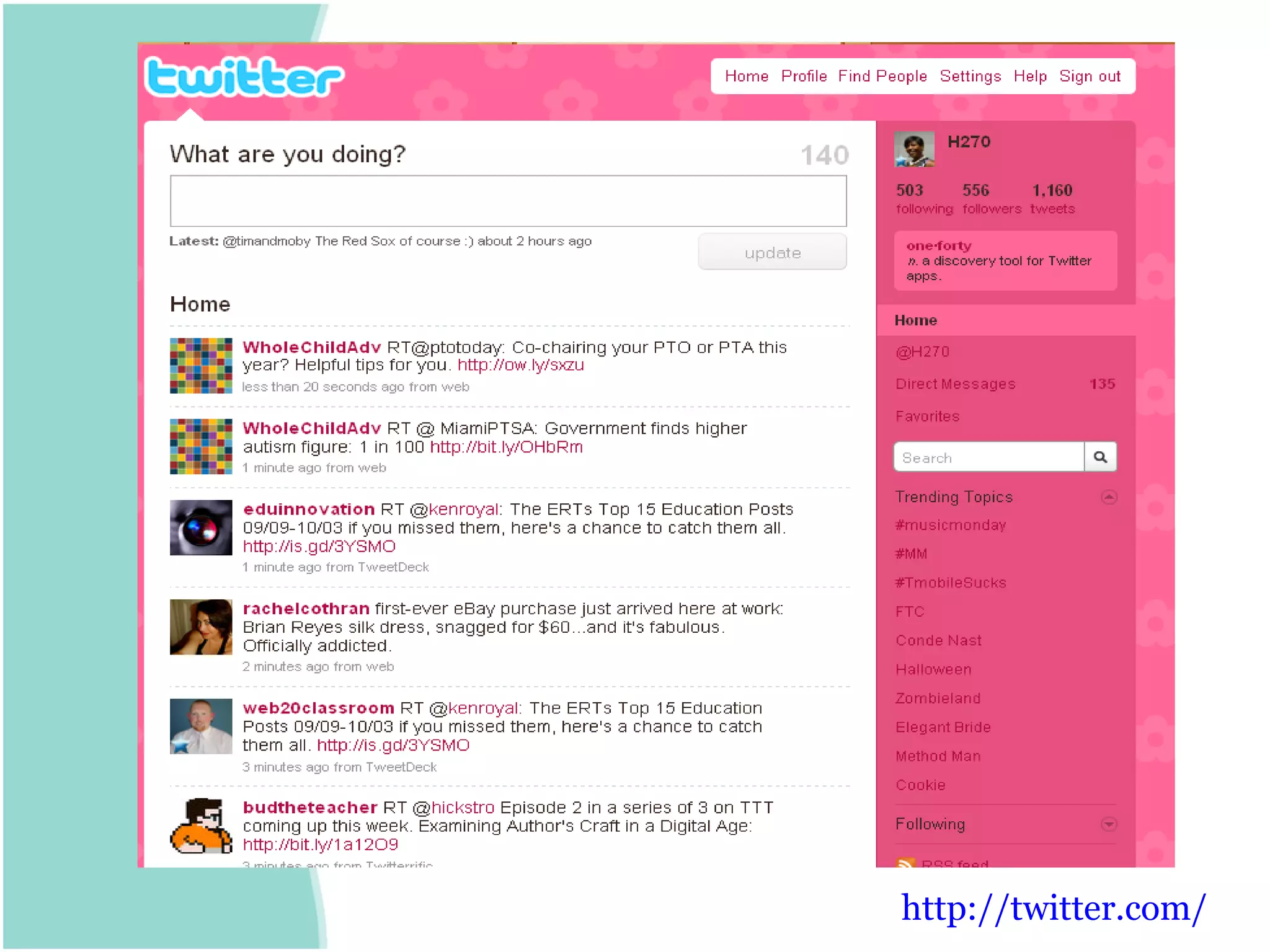
http:// twitter.com /
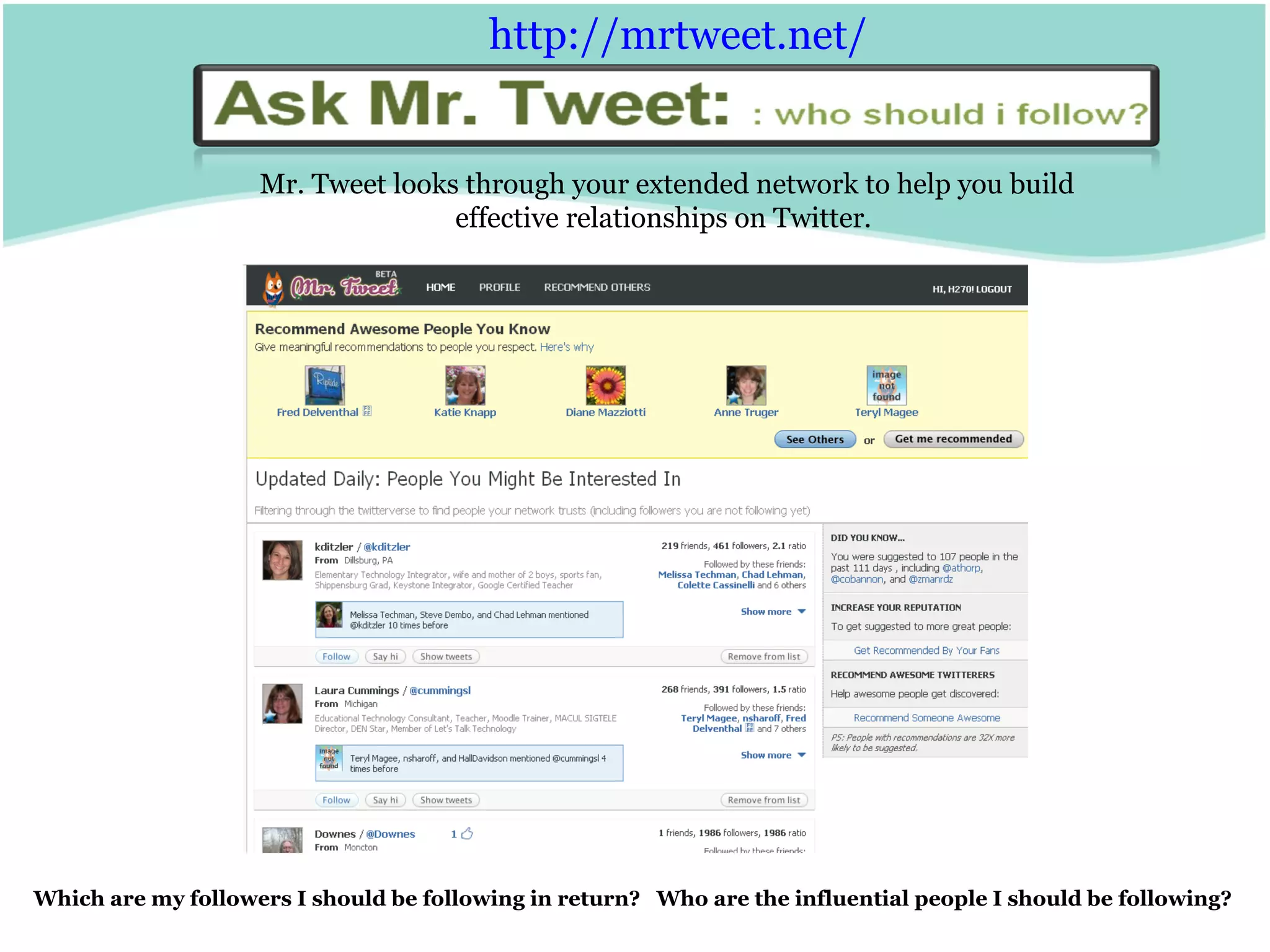
Mr. Tweet looks through your extended network to help you build effective relationships on Twitter.  Which are my followers I should be following in return?  Who are the influential people I should be following? http:// mrtweet.net /
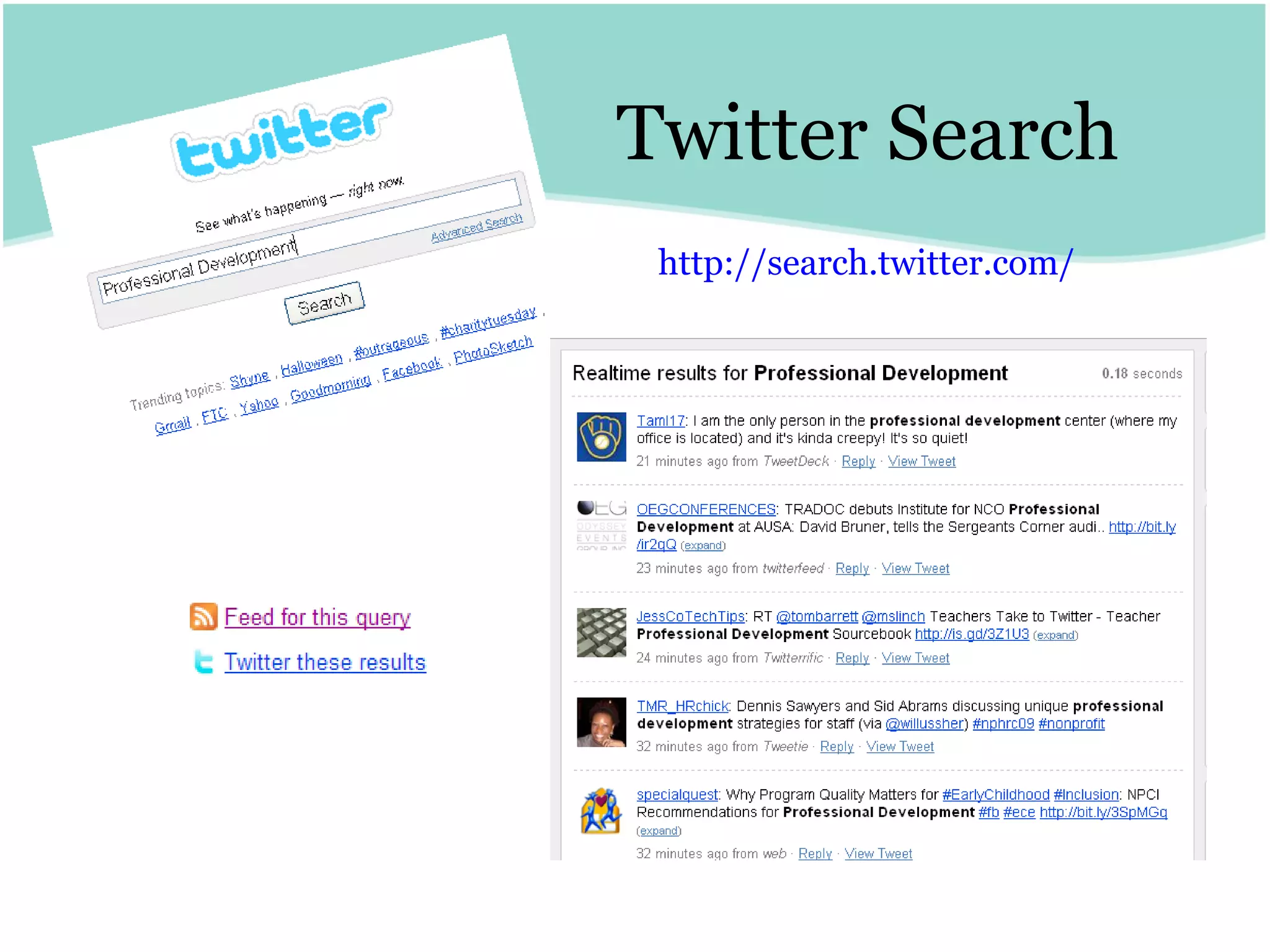
Twitter Search http:// search.twitter.com /
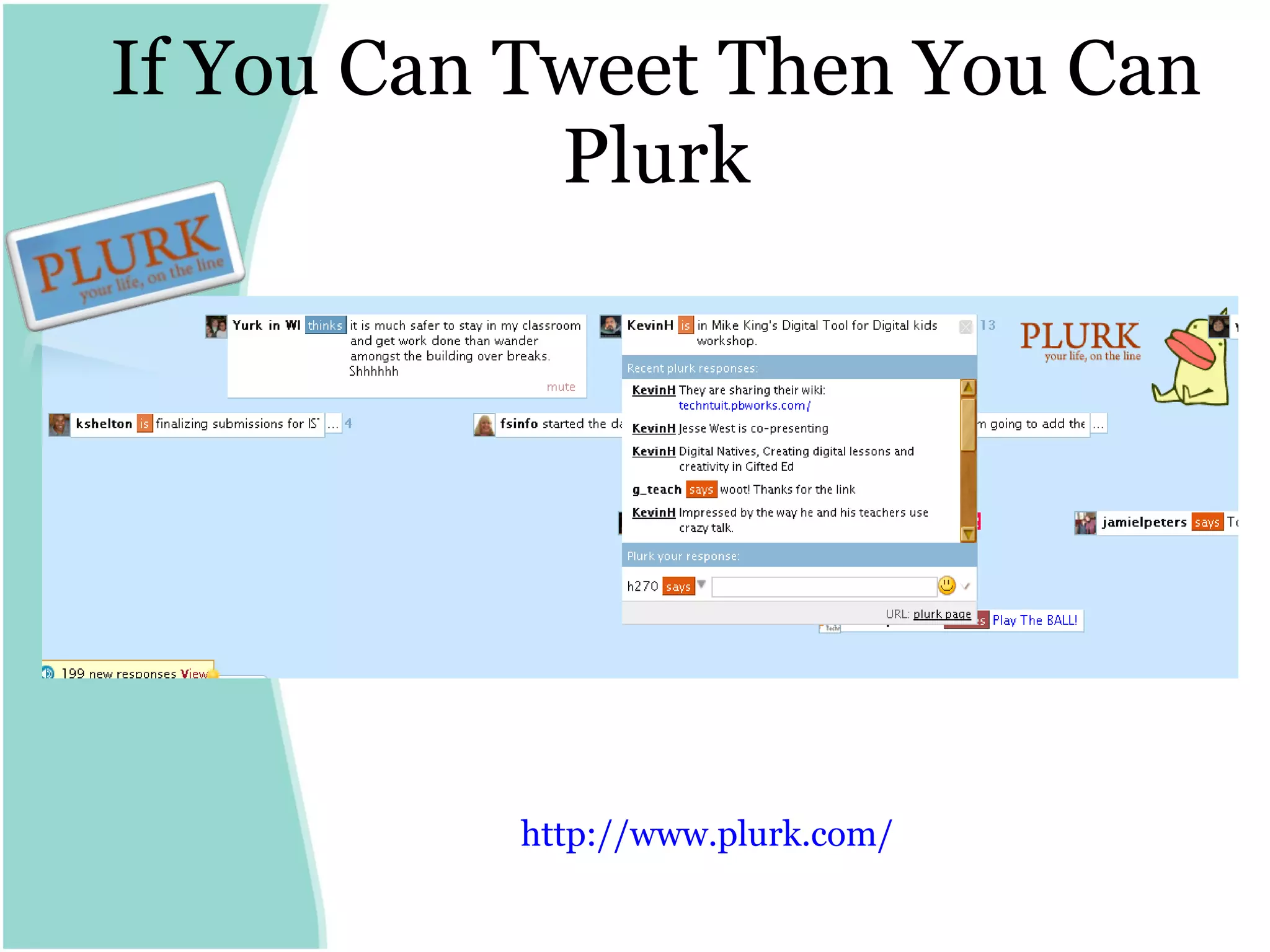
If You Can Tweet Then You Can Plurk http:// www.plurk.com /
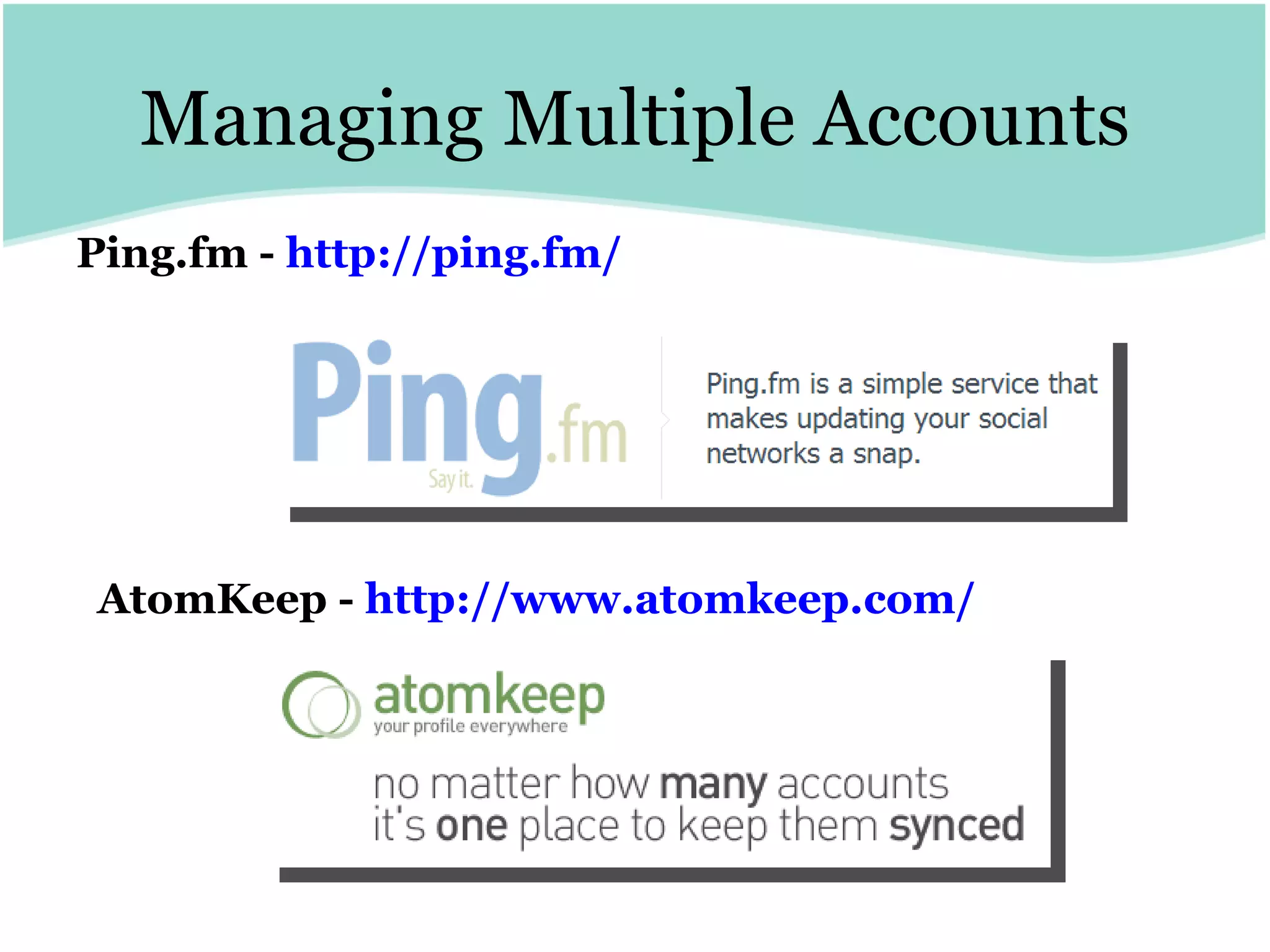
Managing Multiple Accounts Ping.fm -  http:// ping.fm / AtomKeep -  http:// www.atomkeep.com /
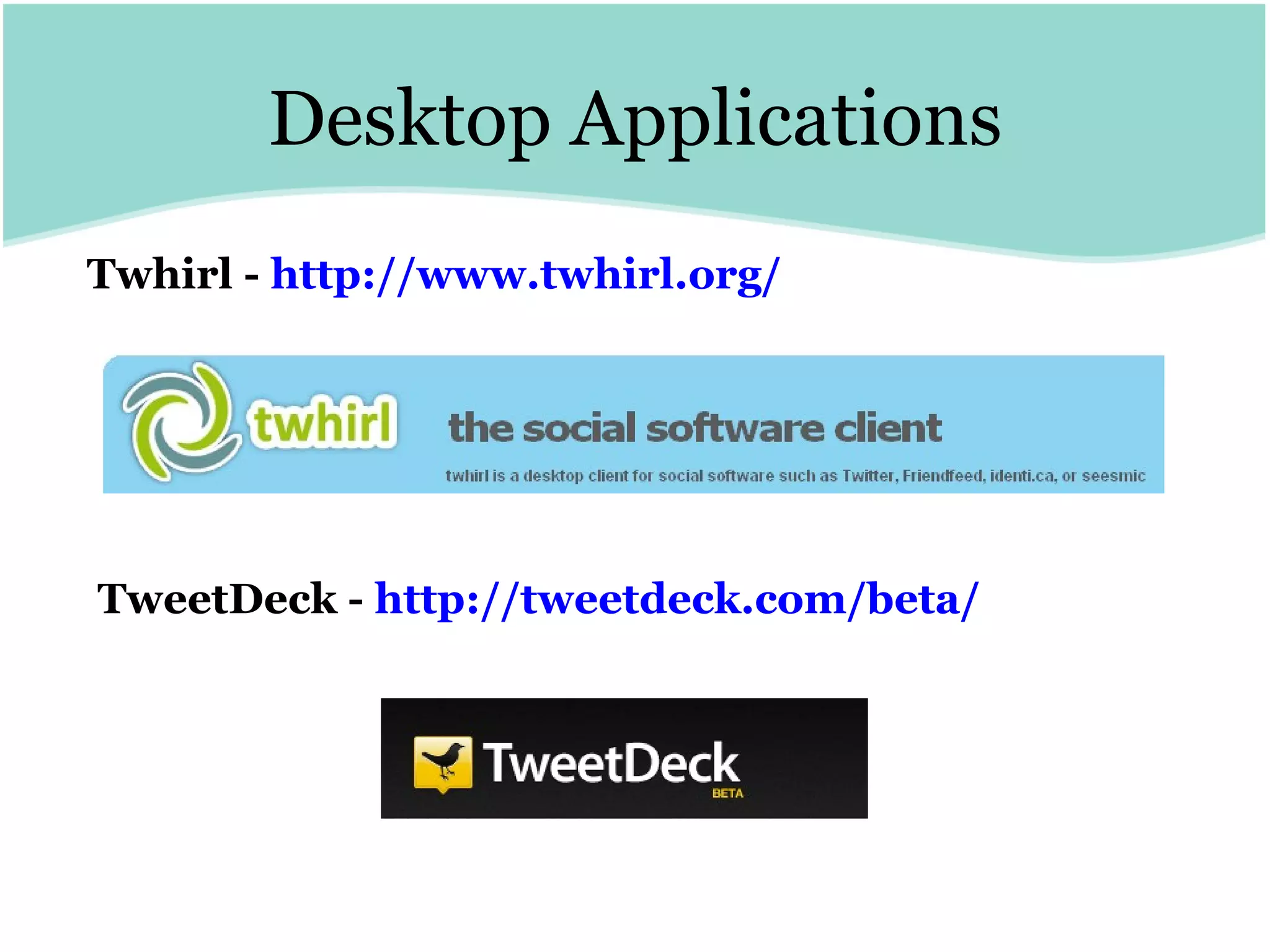
Desktop Applications Twhirl -  http:// www.twhirl.org / TweetDeck -  http:// tweetdeck.com /beta/
What Can You Say in 140 Characters?
Social Bookmarking and Annotating
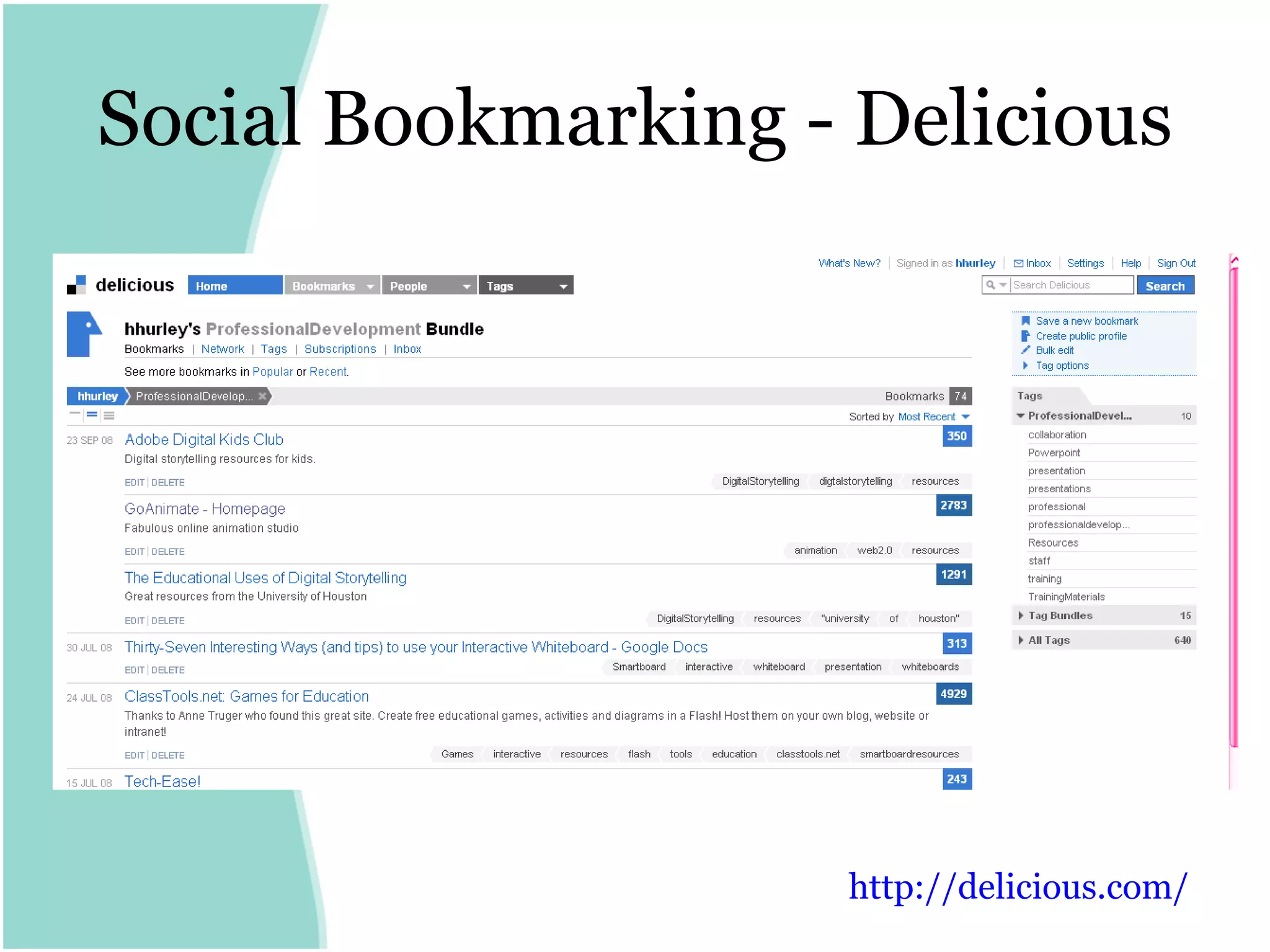
Social Bookmarking - Delicious http:// delicious.com /
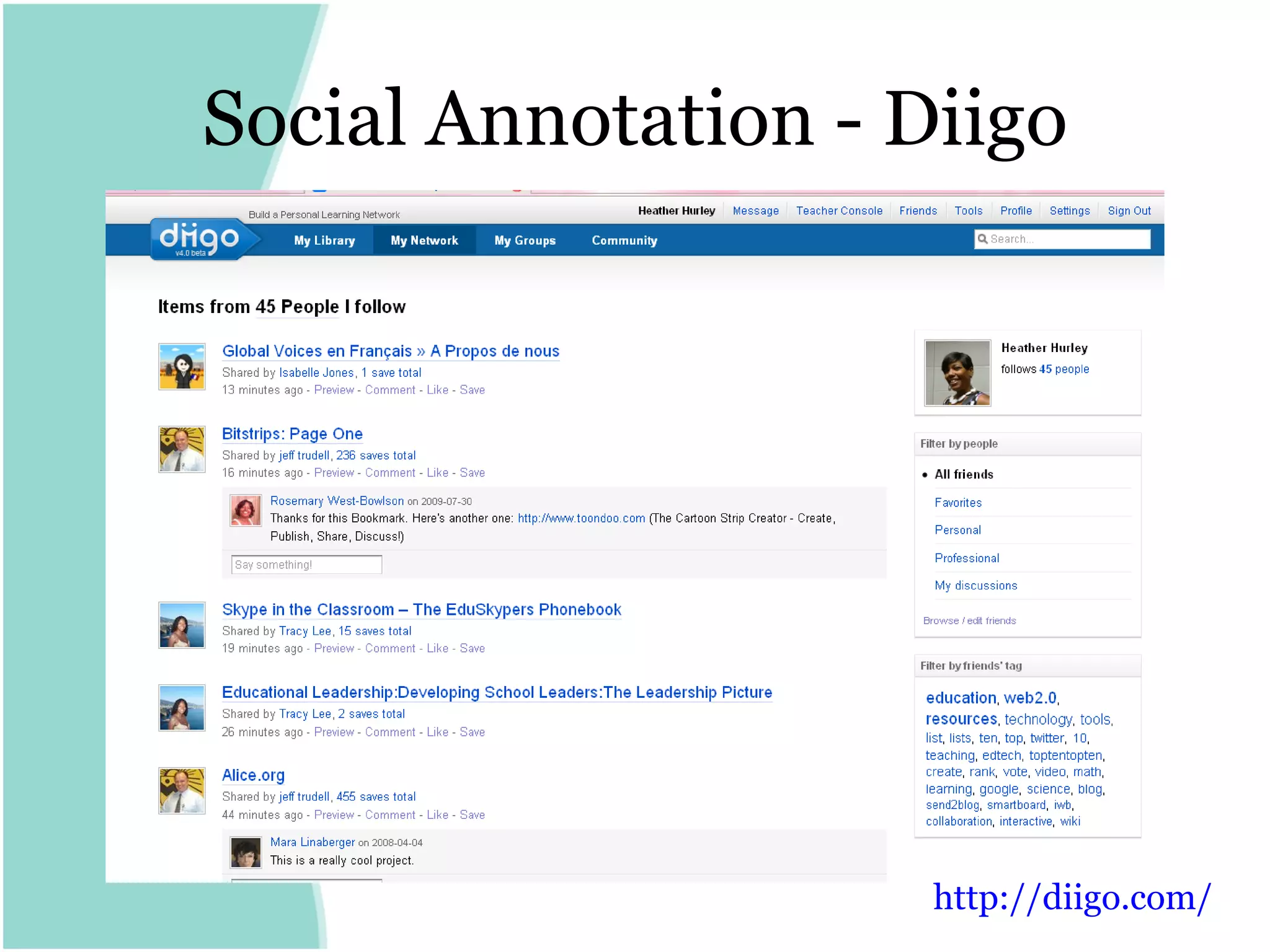
Social Annotation - Diigo http:// diigo.com /
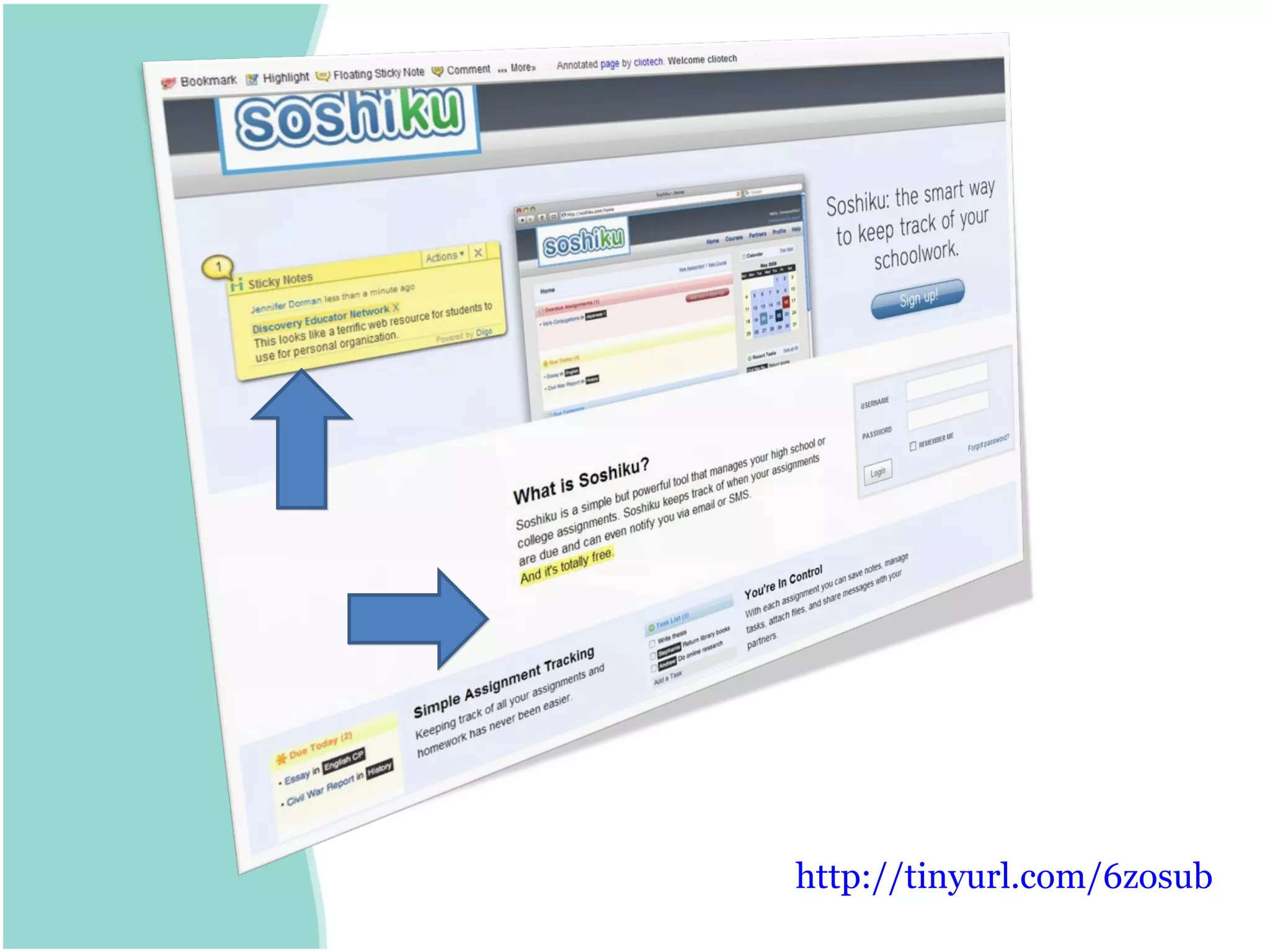
http://tinyurl.com/6zosub
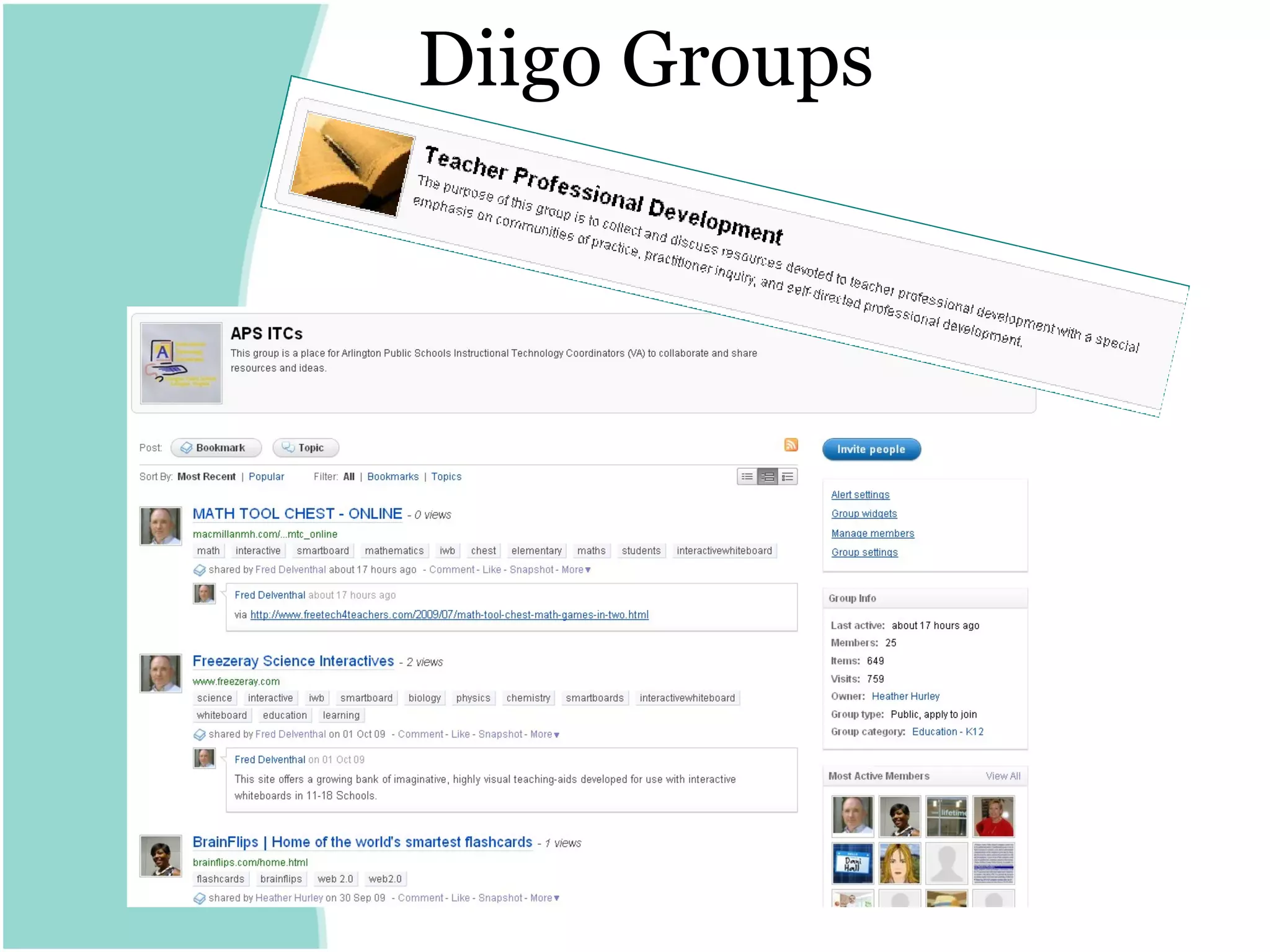
Diigo Groups
Blogging
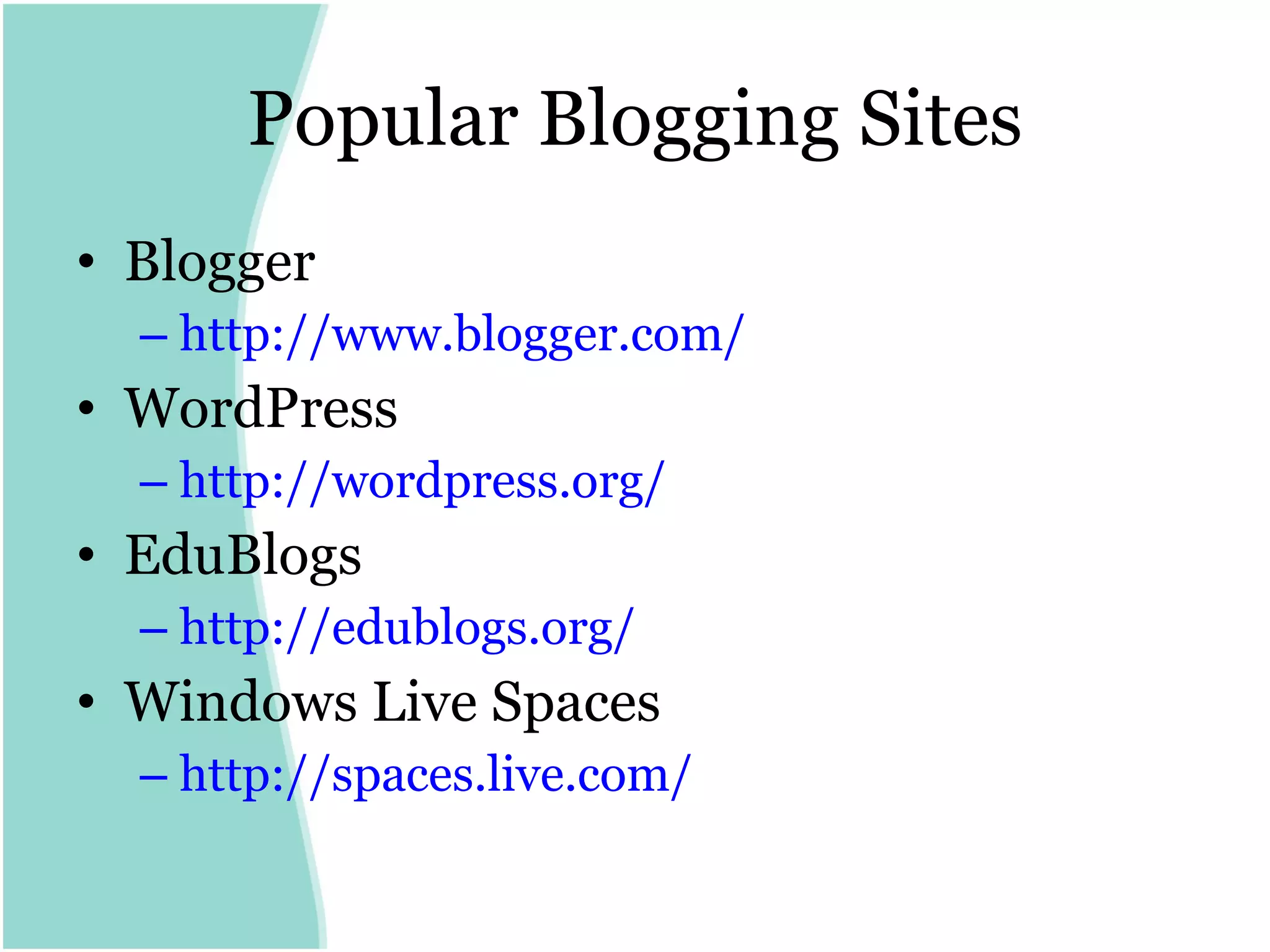
Popular Blogging Sites Blogger http:// www.blogger.com /   WordPress http:// wordpress.org / EduBlogs http:// edublogs.org /   Windows Live Spaces  http:// spaces.live.com /
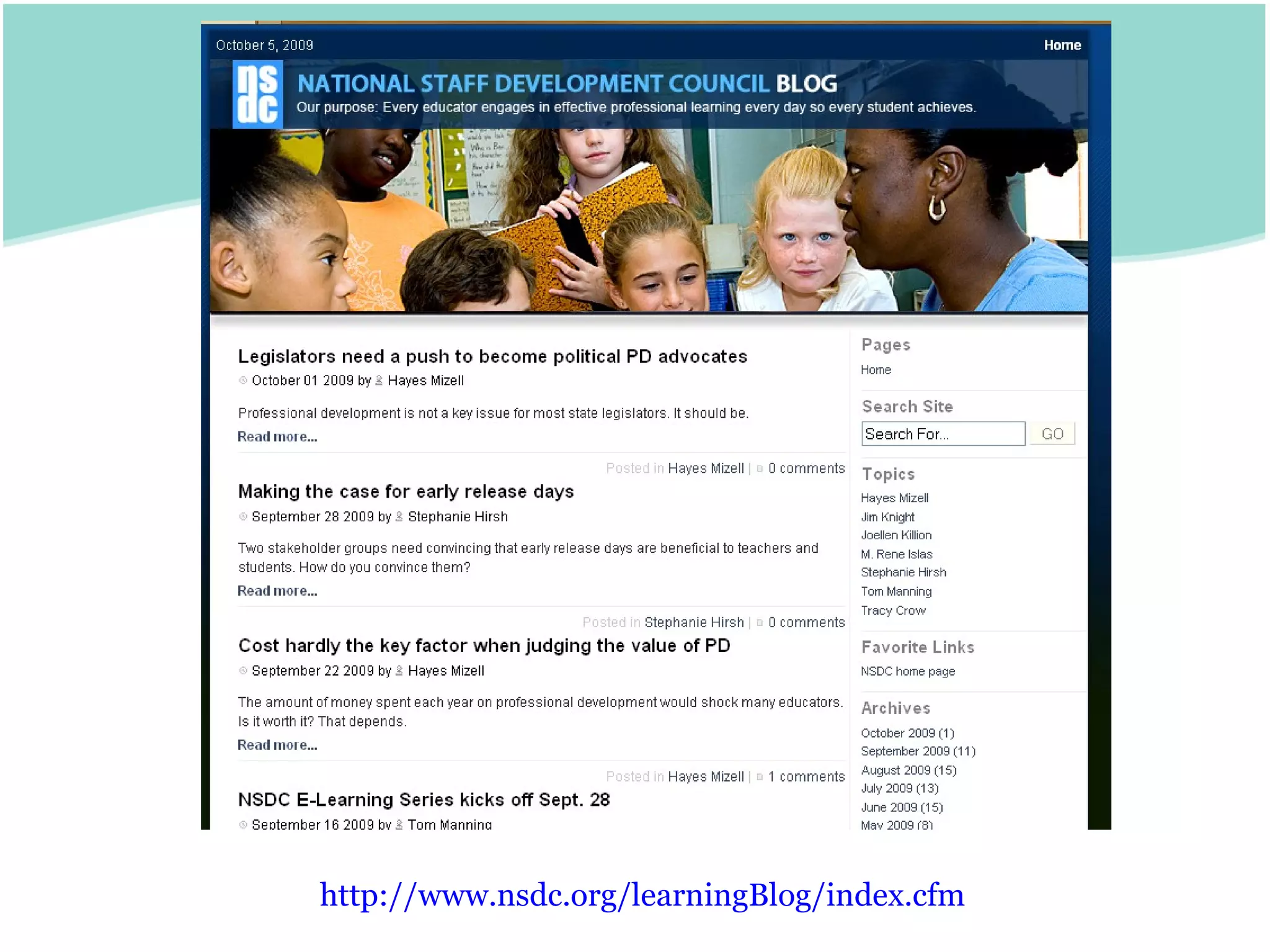
http:// www.nsdc.org/learningBlog/index.cfm
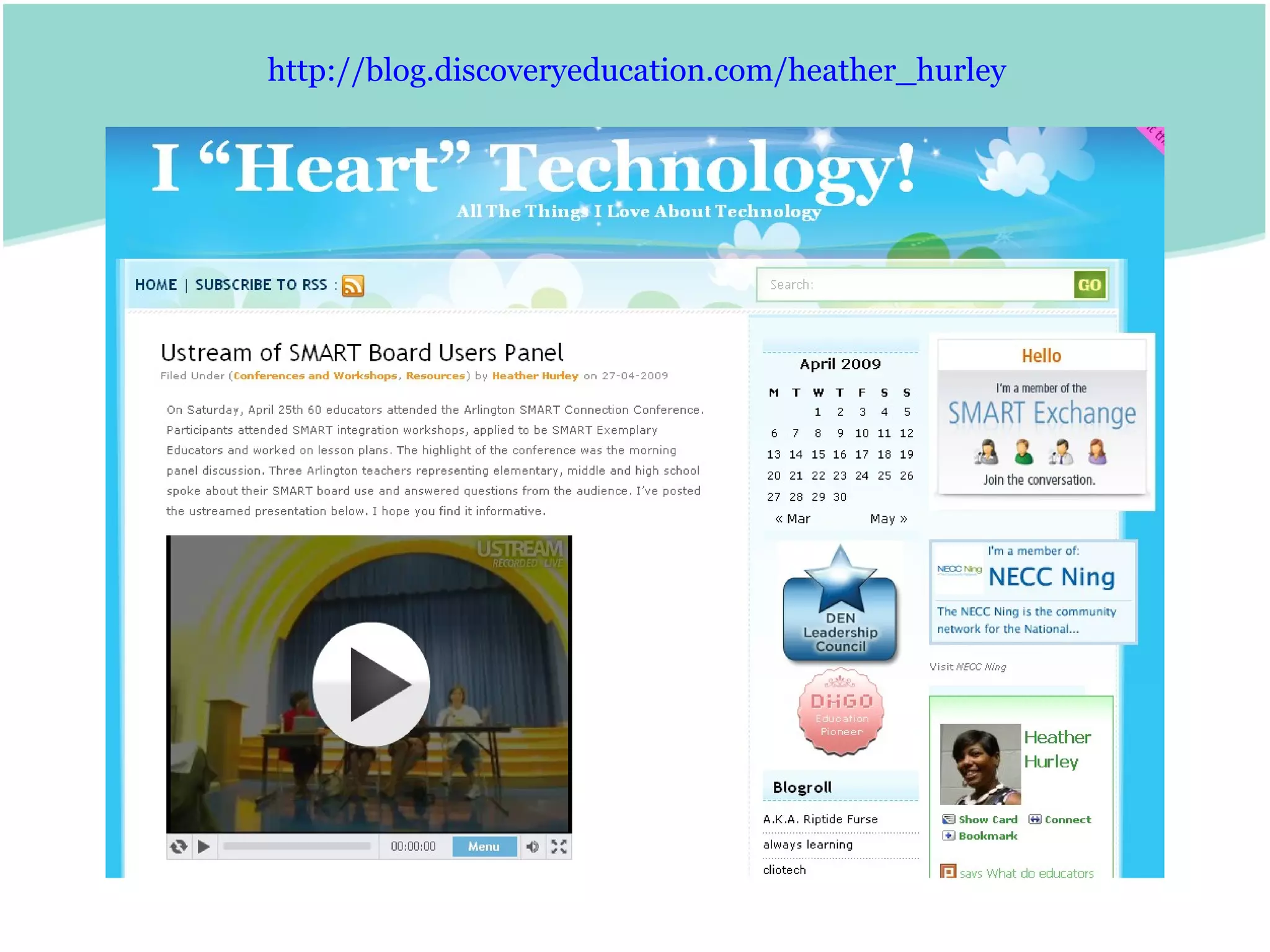
http:// blog.discoveryeducation.com/heather_hurley
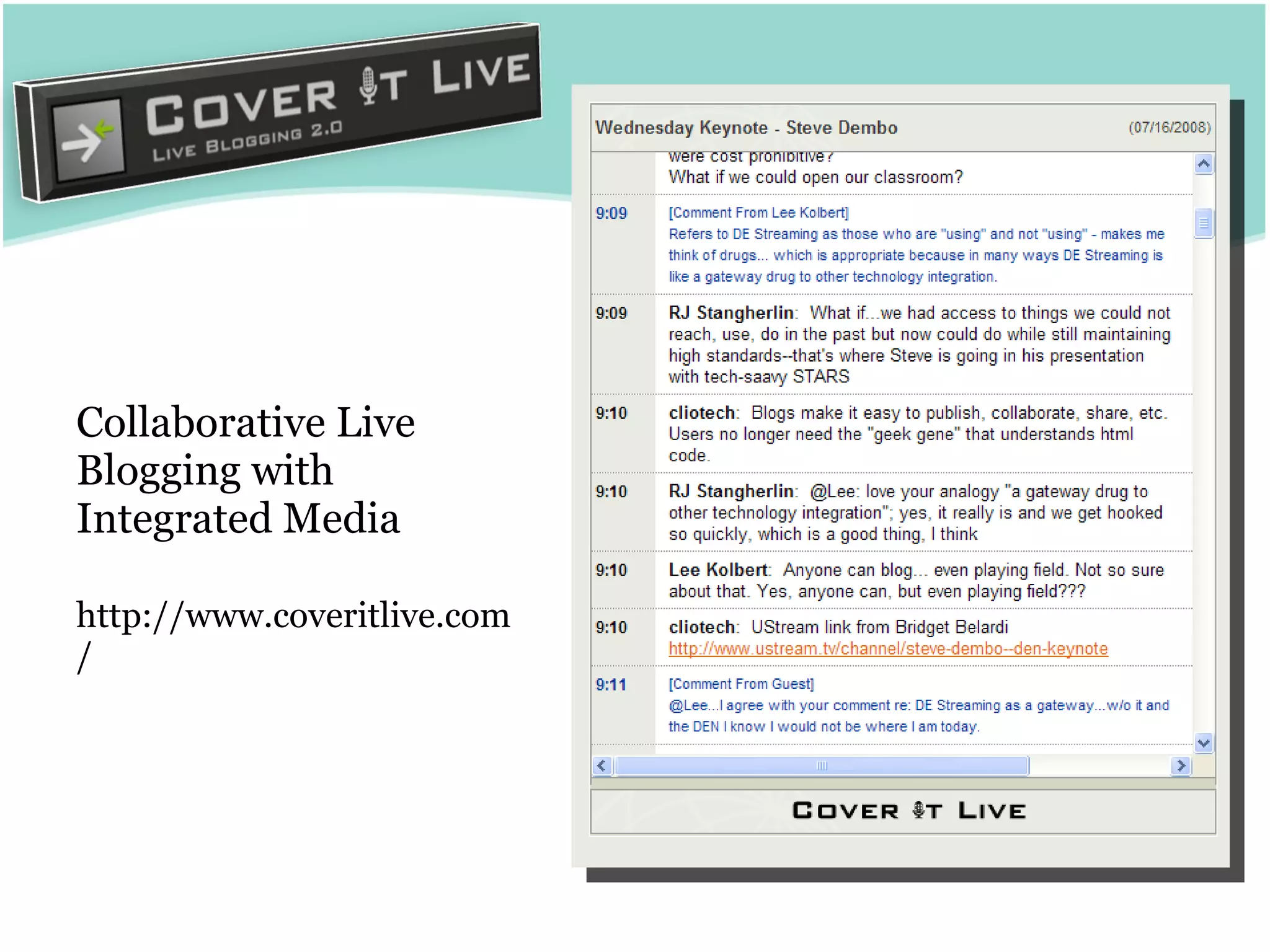
Collaborative Live Blogging with Integrated Media  http://www.coveritlive.com/
Wikis
Education-Friendly Wikis Wikispaces http:// www.wikispaces.com /site/for/teachers   PB Works http://pbworks.com/academic.wiki
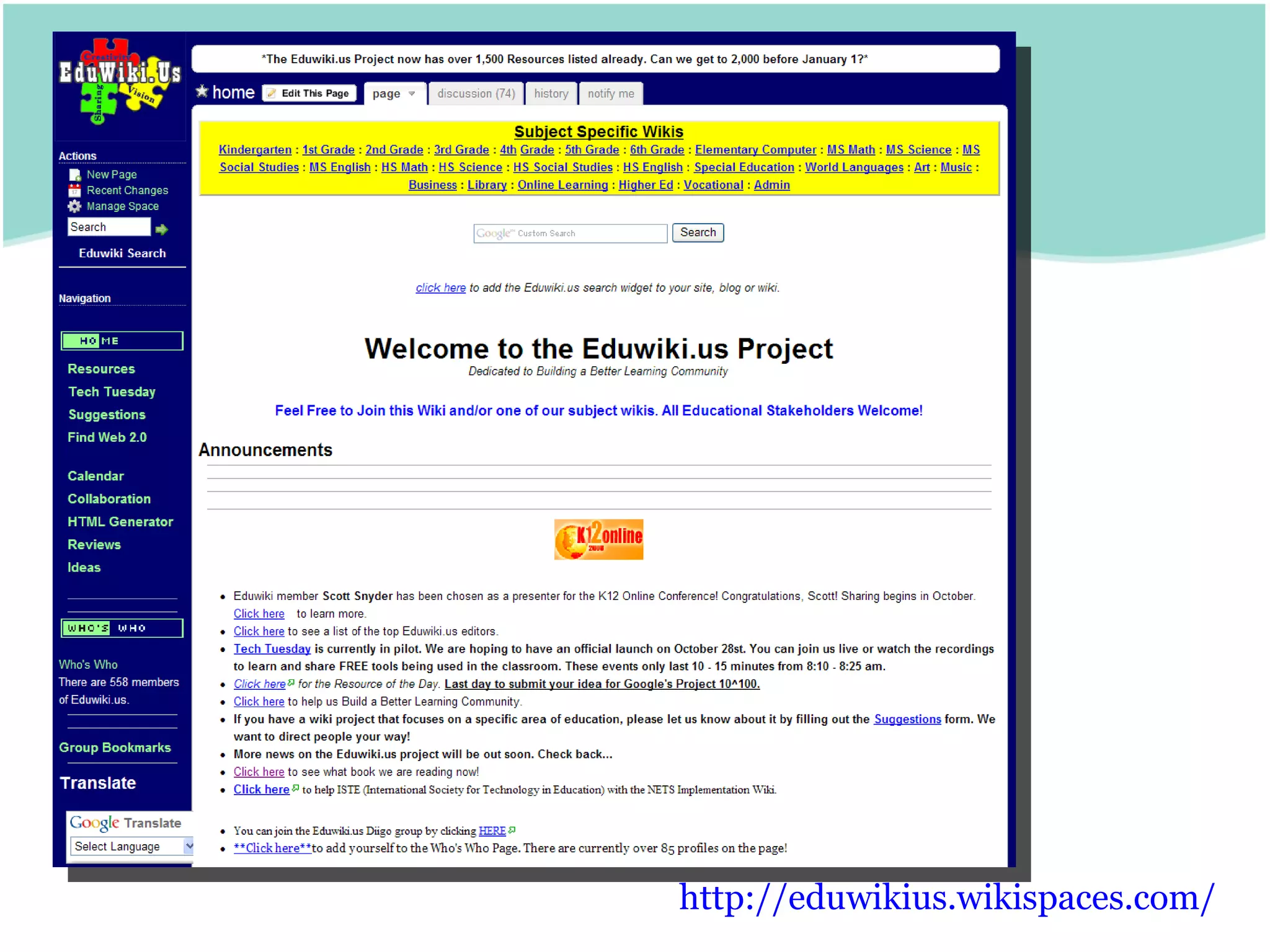
http:// eduwikius.wikispaces.com /
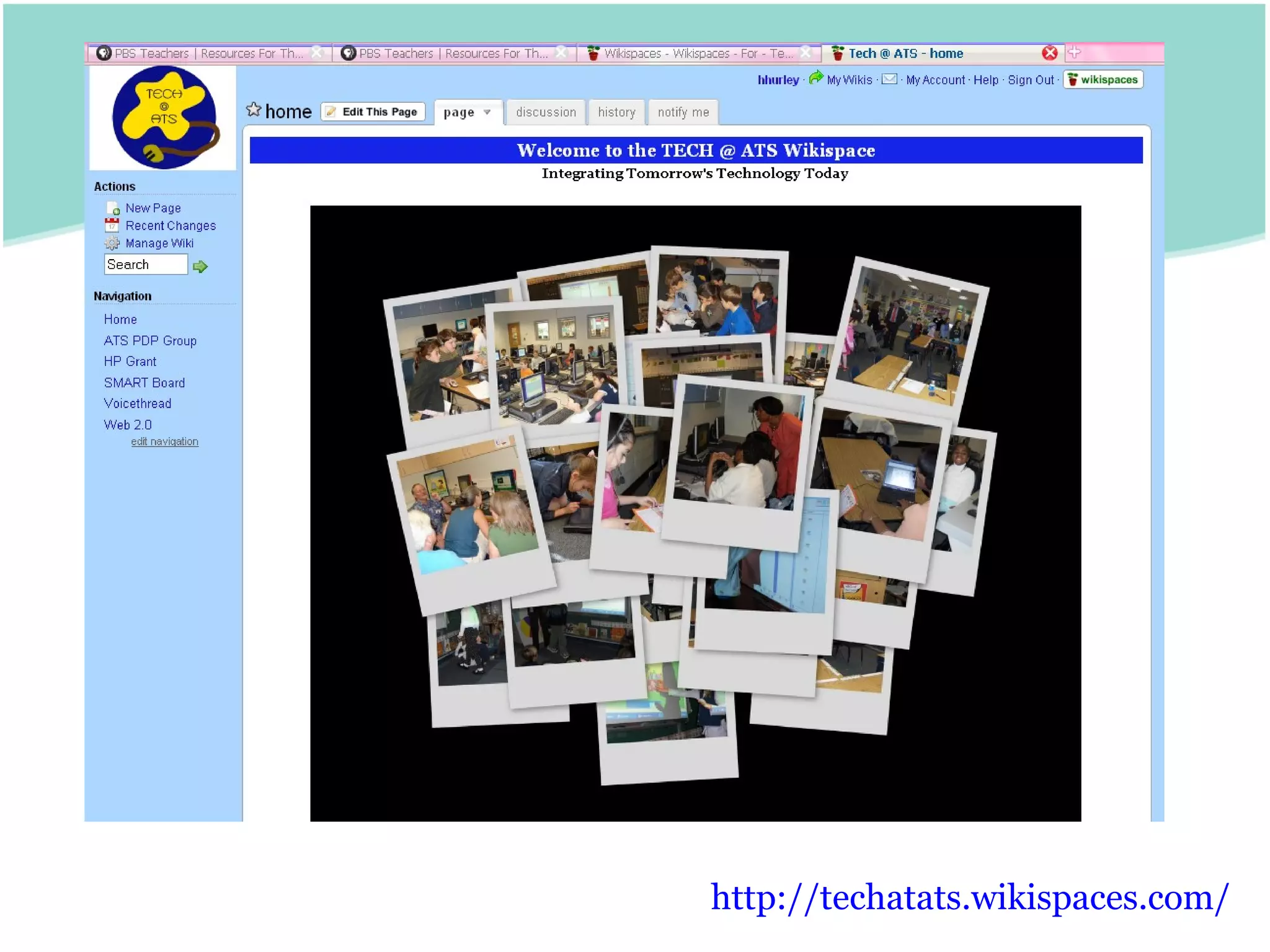
http://techatats.wikispaces.com/
Video
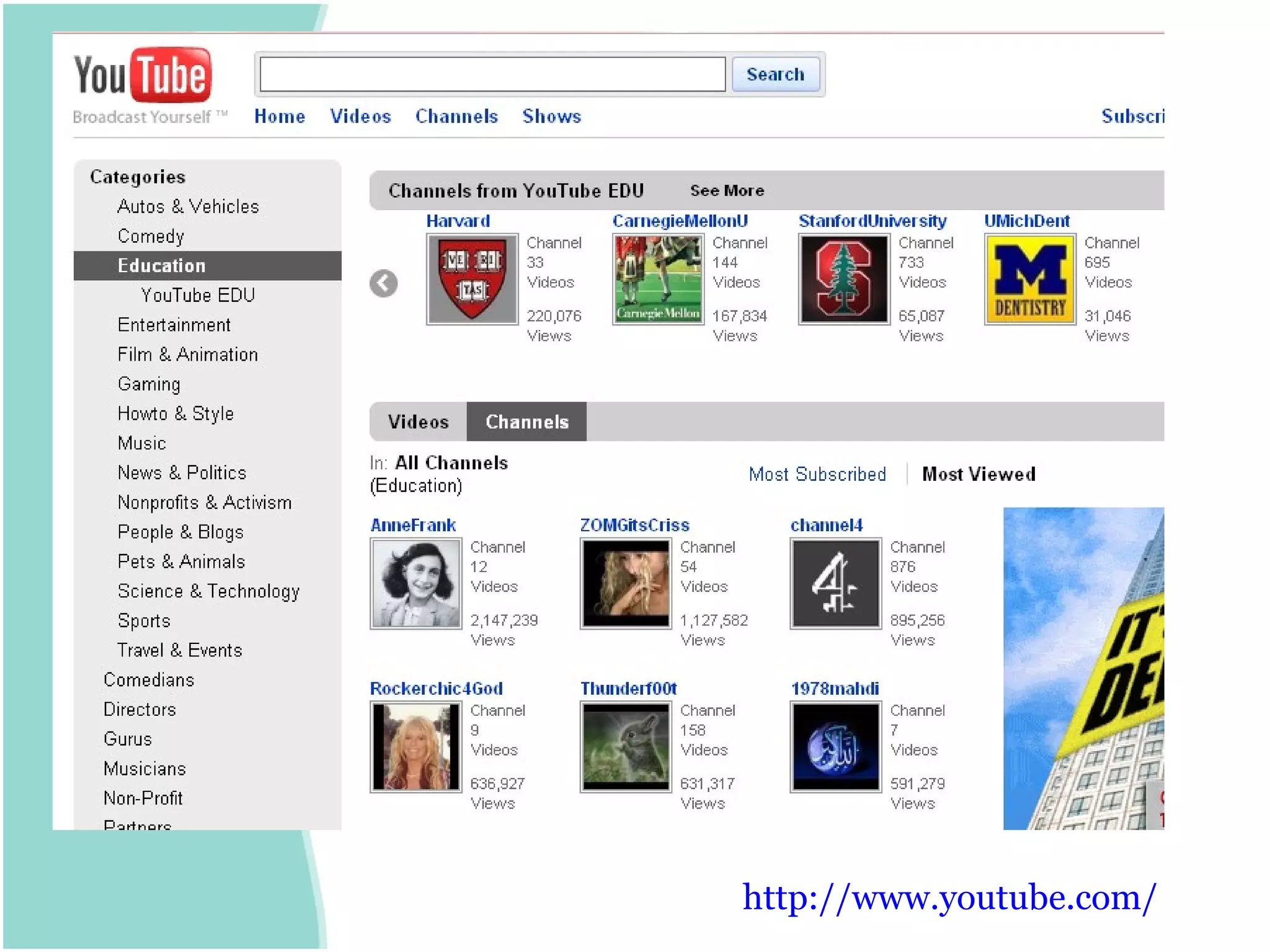
http:// www.youtube.com /
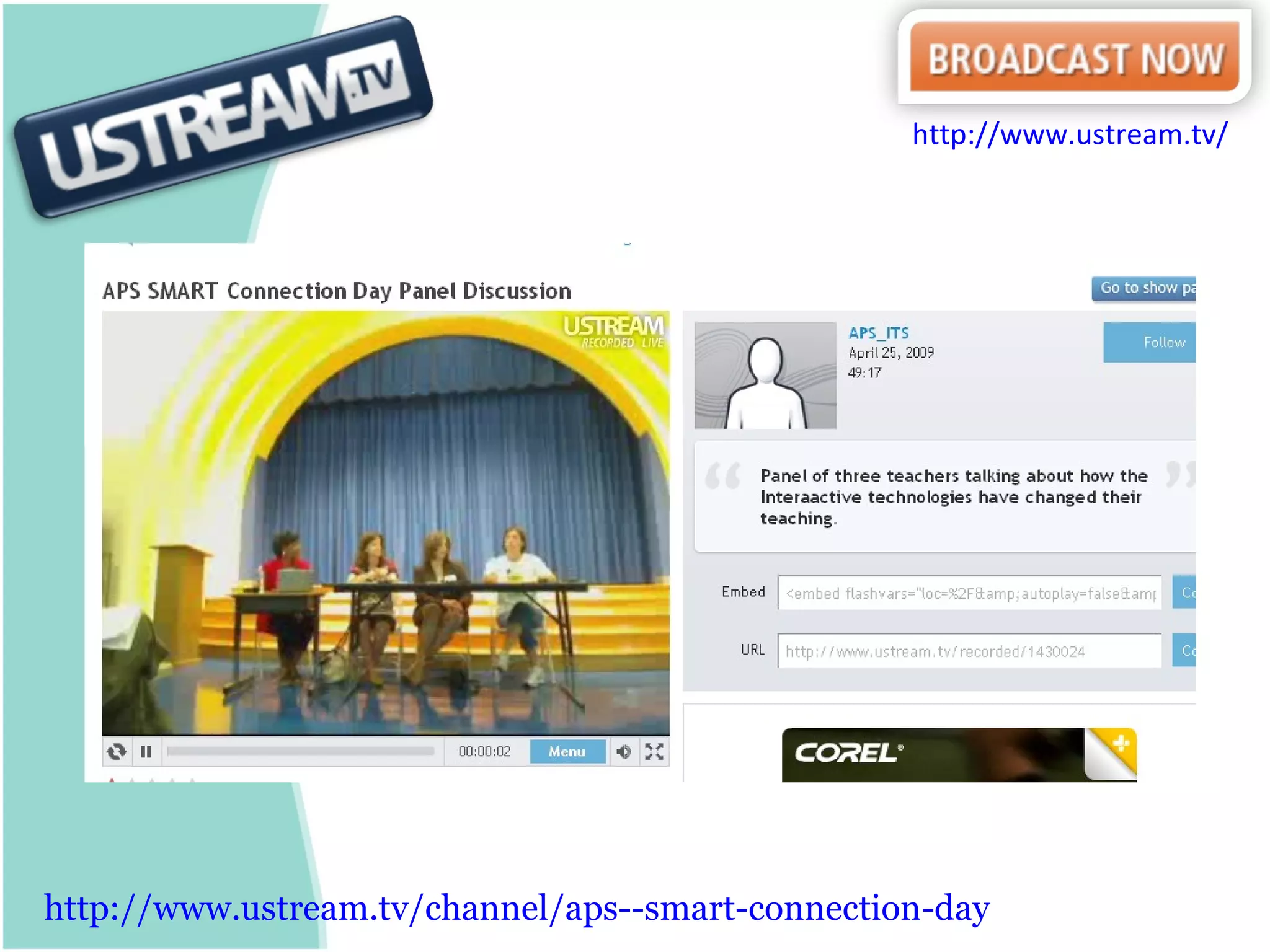
http:// www.ustream.tv/channel/aps --smart-connection-day http:// www.ustream.tv /
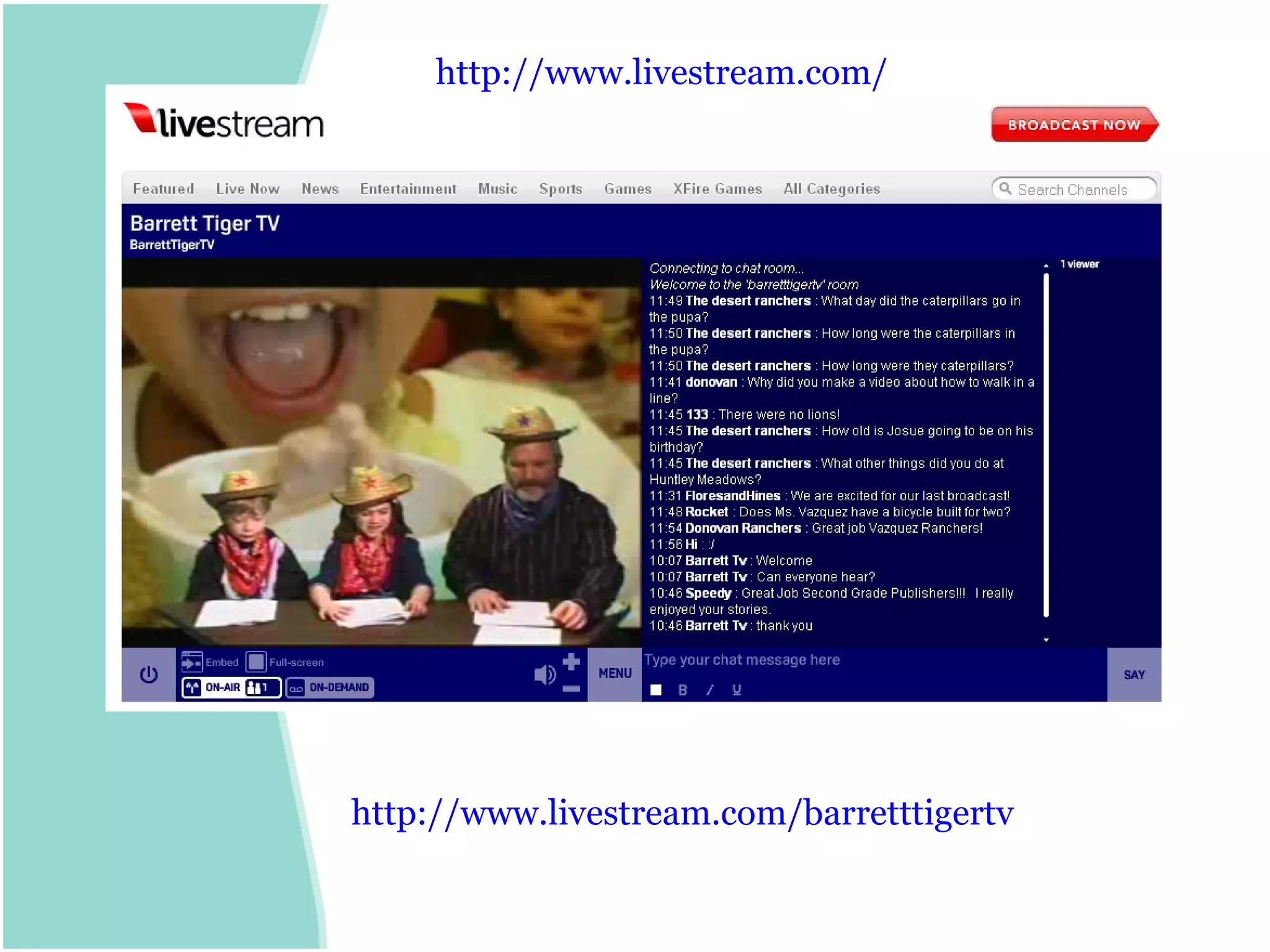
http:// www.livestream.com/barretttigertv http:// www.livestream.com /
Interactive Publishing - Photos
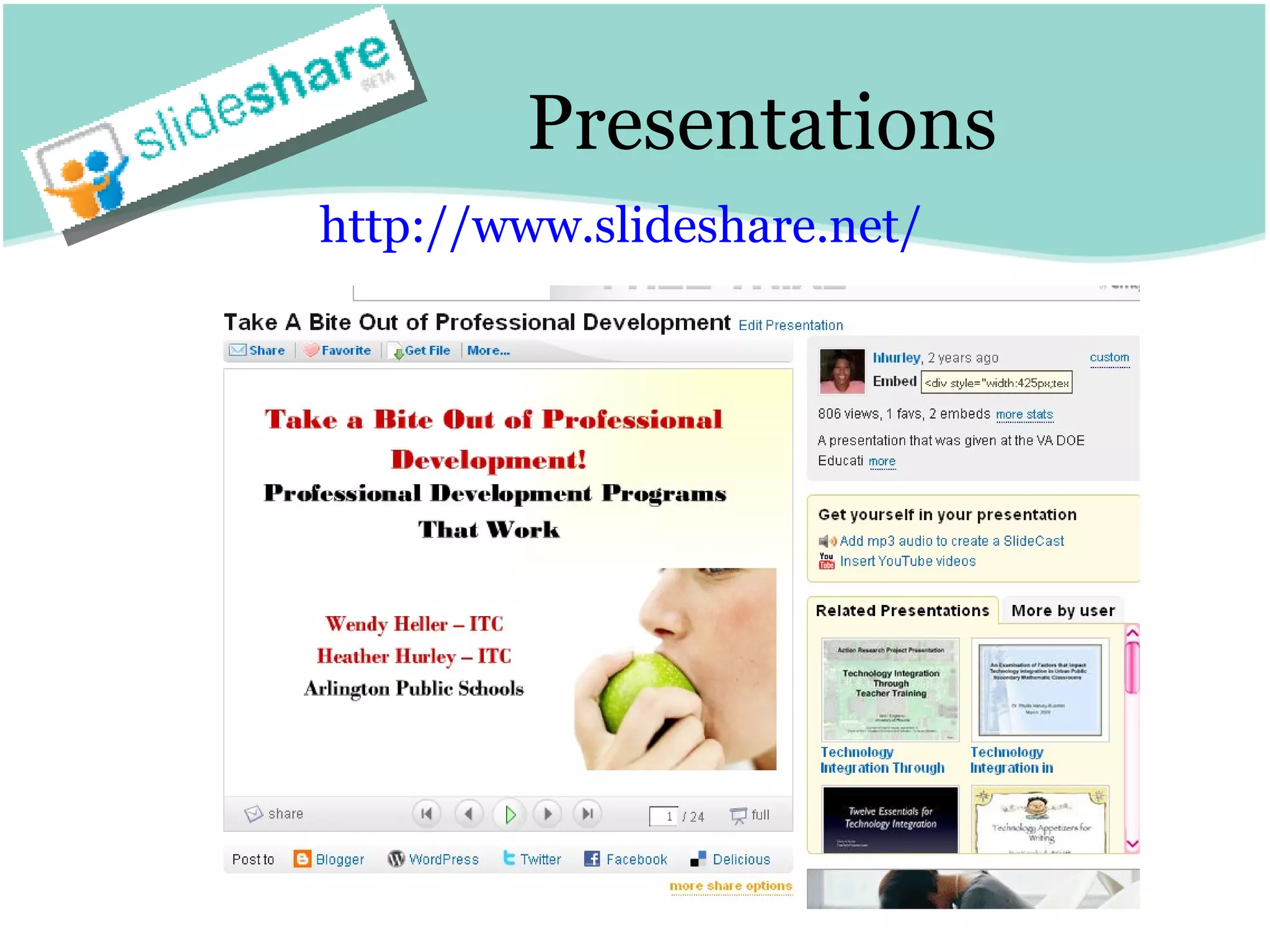
Presentations http:// www.slideshare.net /
Online Presentation Tools Prezi http://prezi.com/ Zoho Show http:// show.zoho.com /   Spresent http:// www.spresent.com / 280 Slides http://280slides.com/ Google Presentations http:// docs.google.com /   Voicethread http:// voicethread.com /
Photo Sharing http:// flickr.com /   http://picasa.google.com/ http:// www.shutterfly.com /   http:// www.snapfish.com /
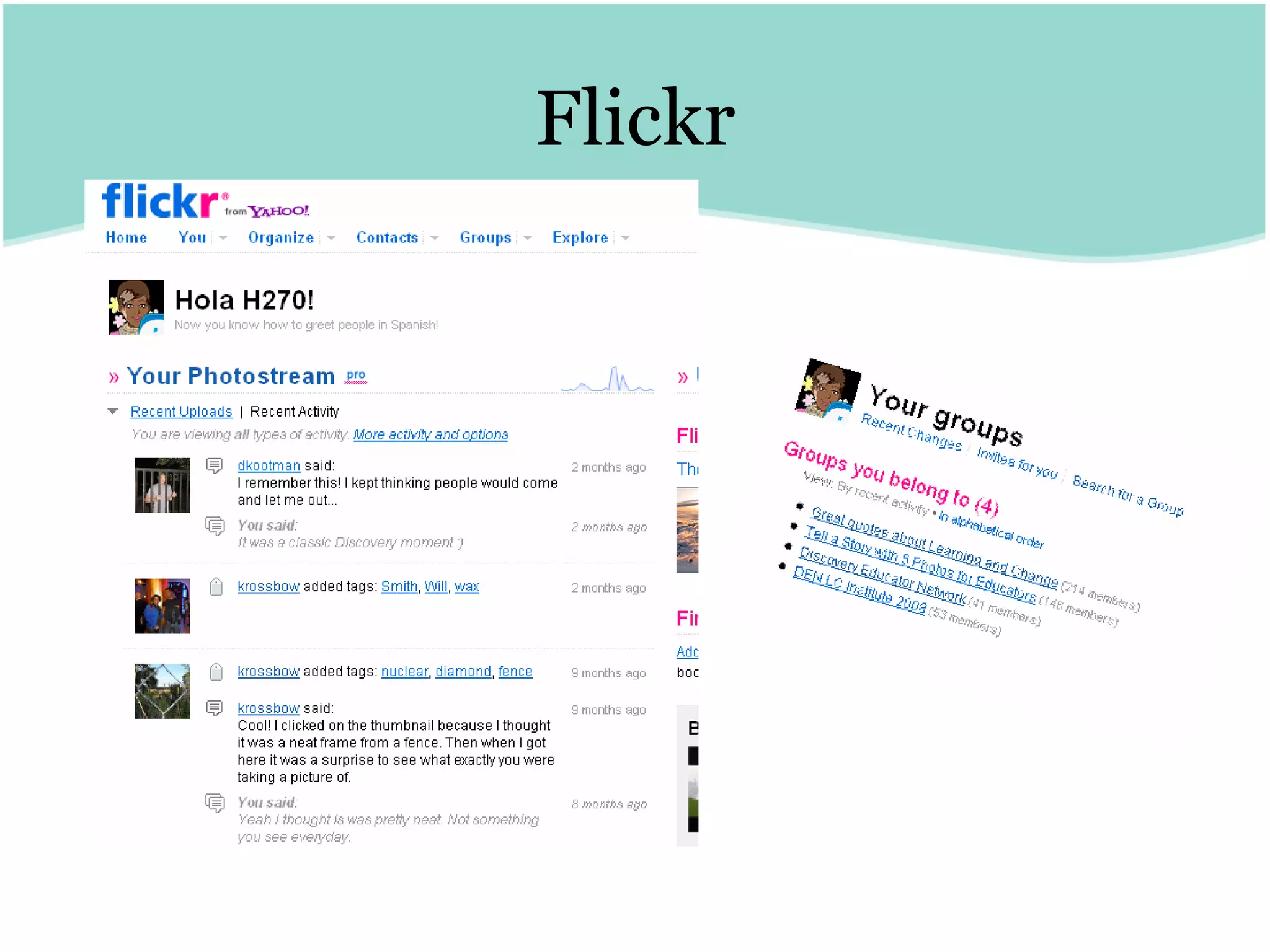
Flickr
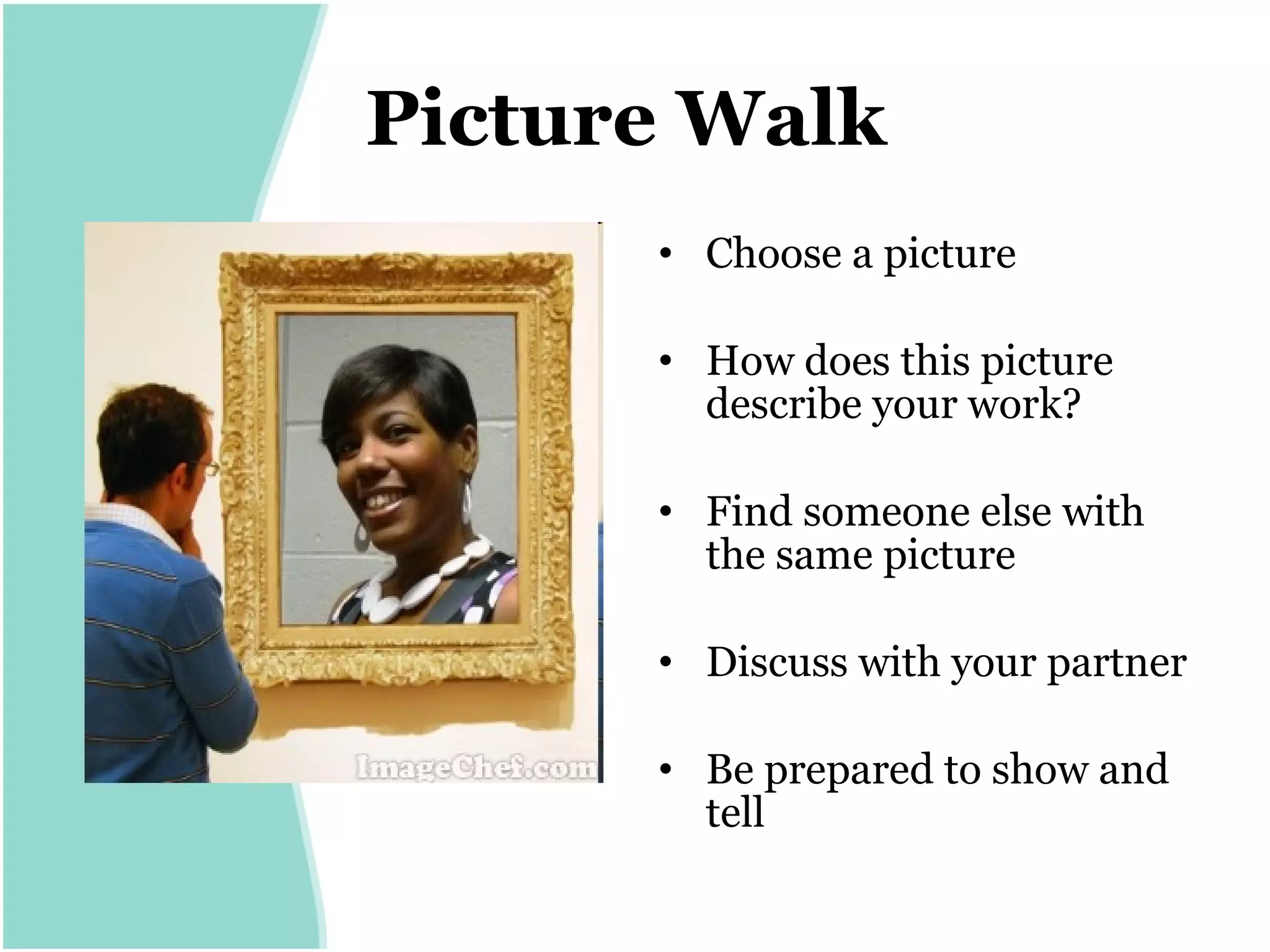
Picture Walk   Choose a picture How does this picture describe your work? Find someone else with the same picture Discuss with your partner Be prepared to show and tell
Online Collaboration
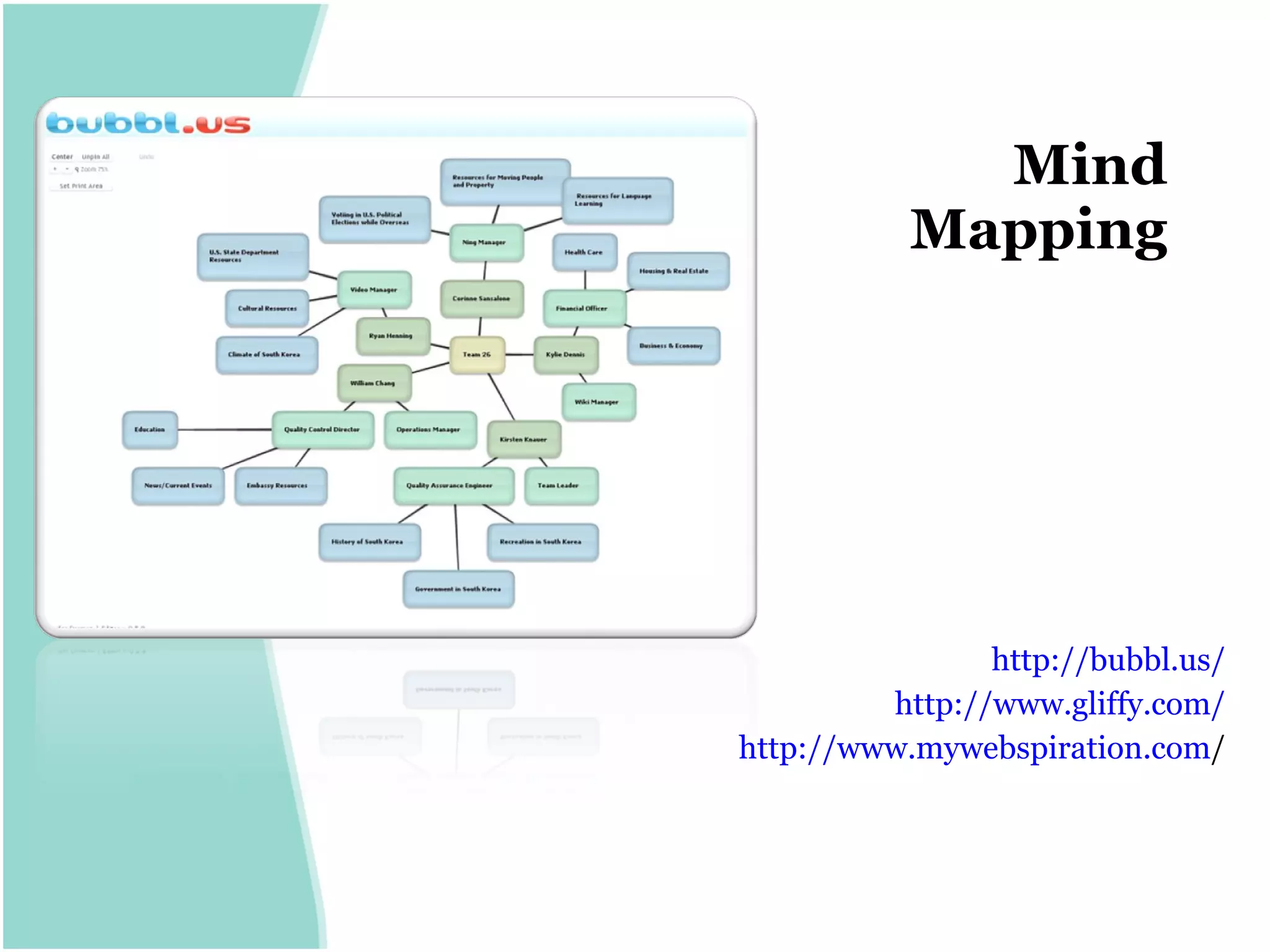
Mind Mapping http:// bubbl.us / http:// www.gliffy.com / http:// www.mywebspiration.com /
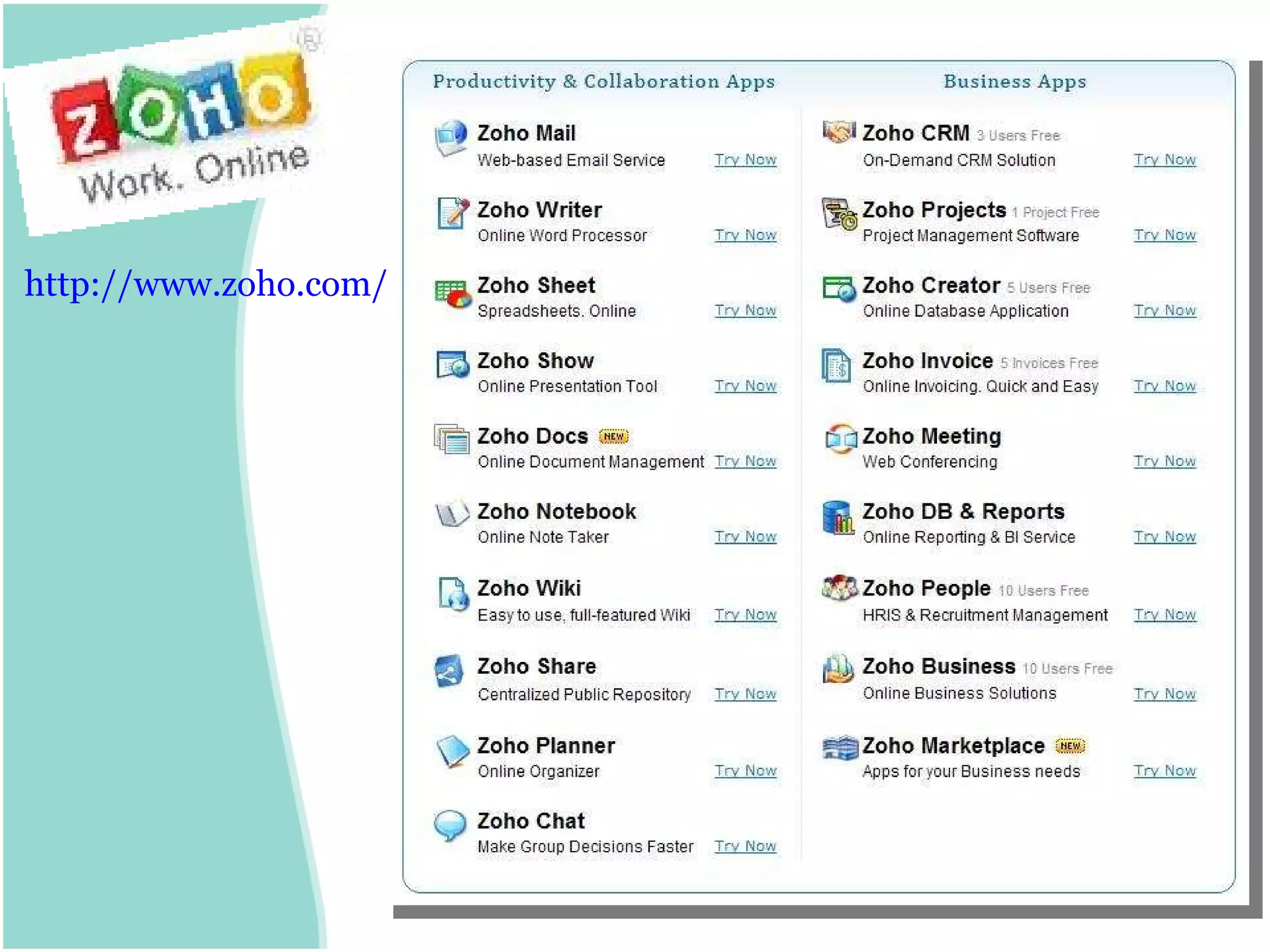
http:// www.zoho.com /
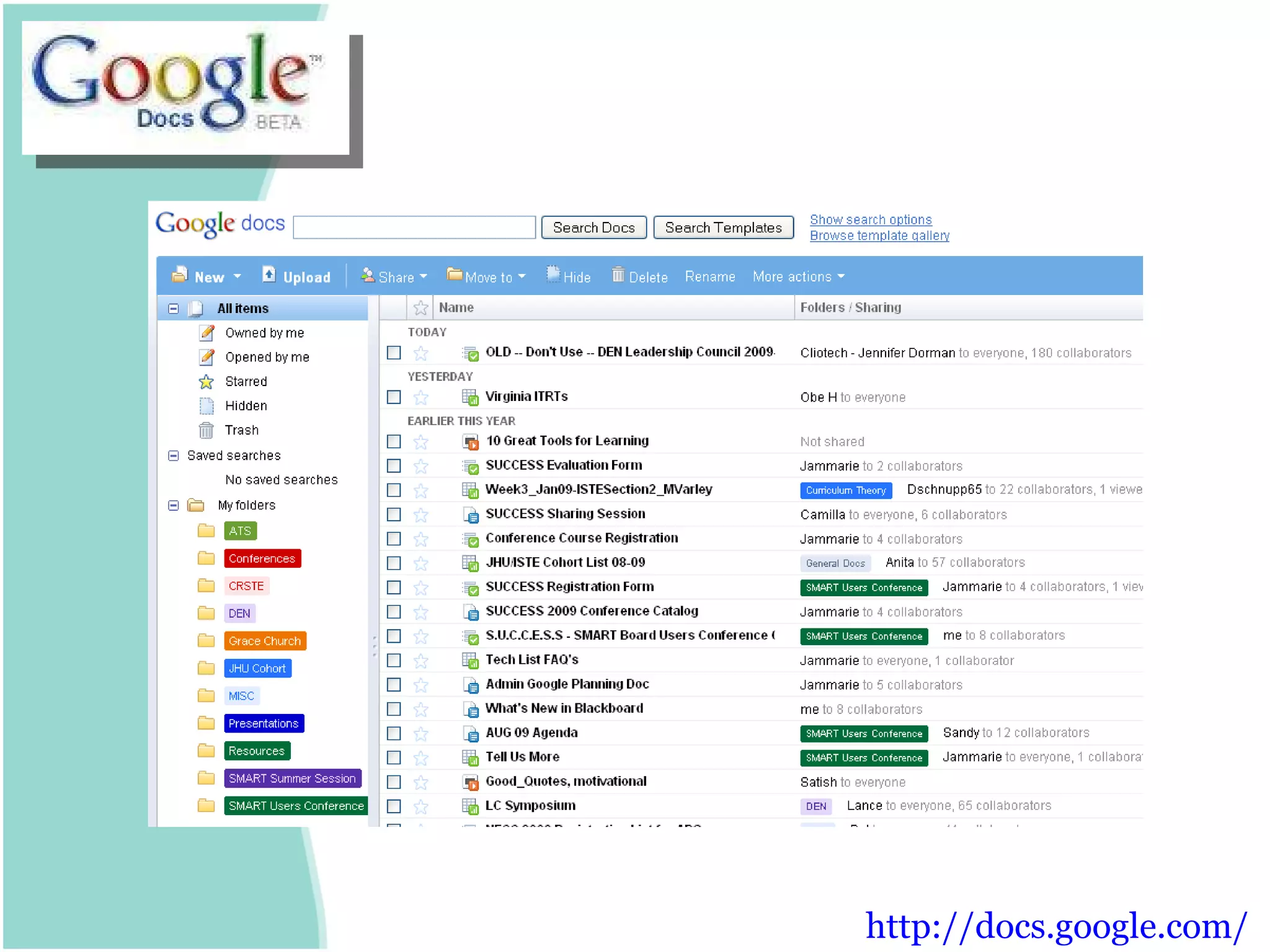
http:// docs.google.com /
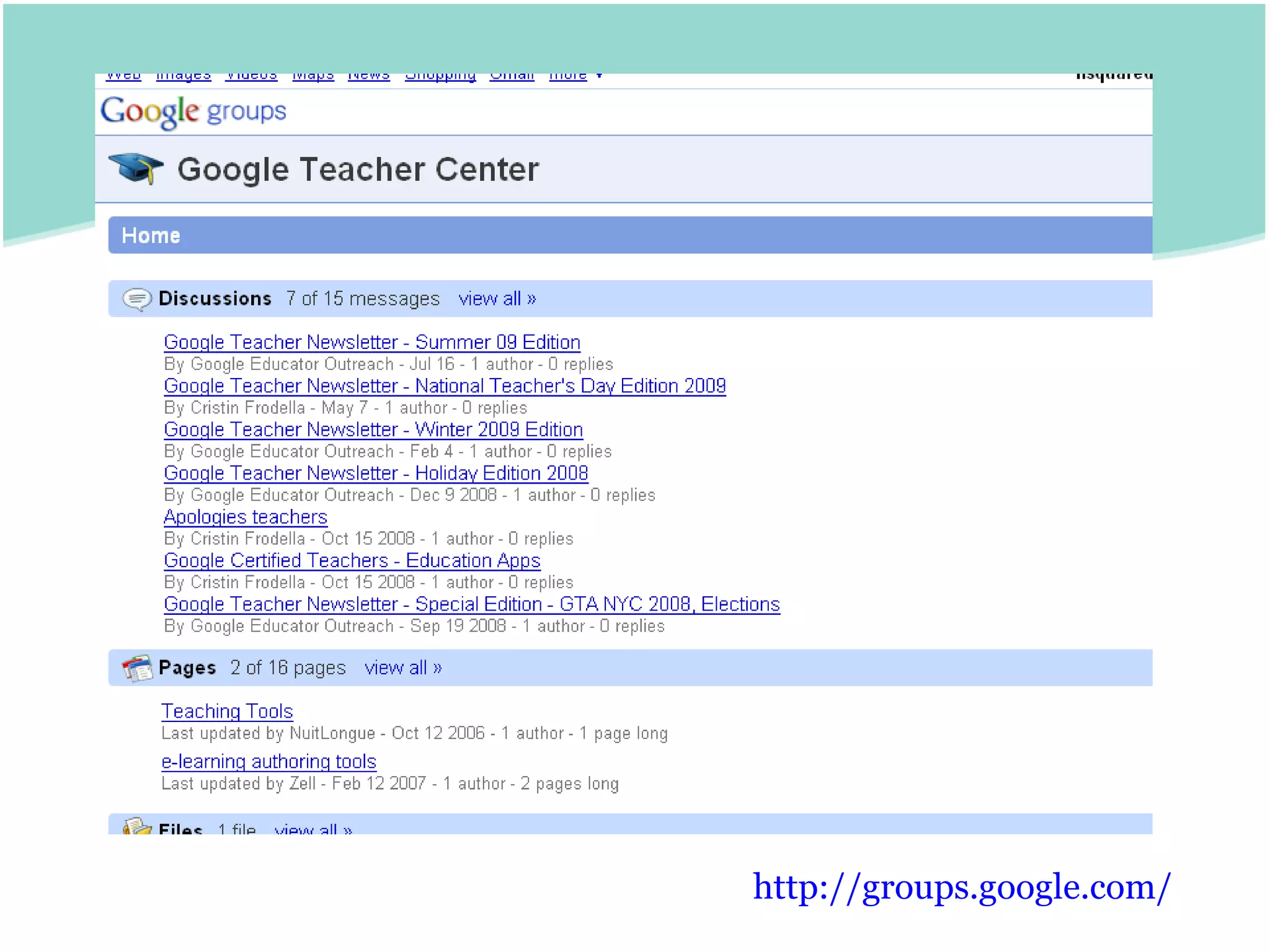
http:// groups.google.com /
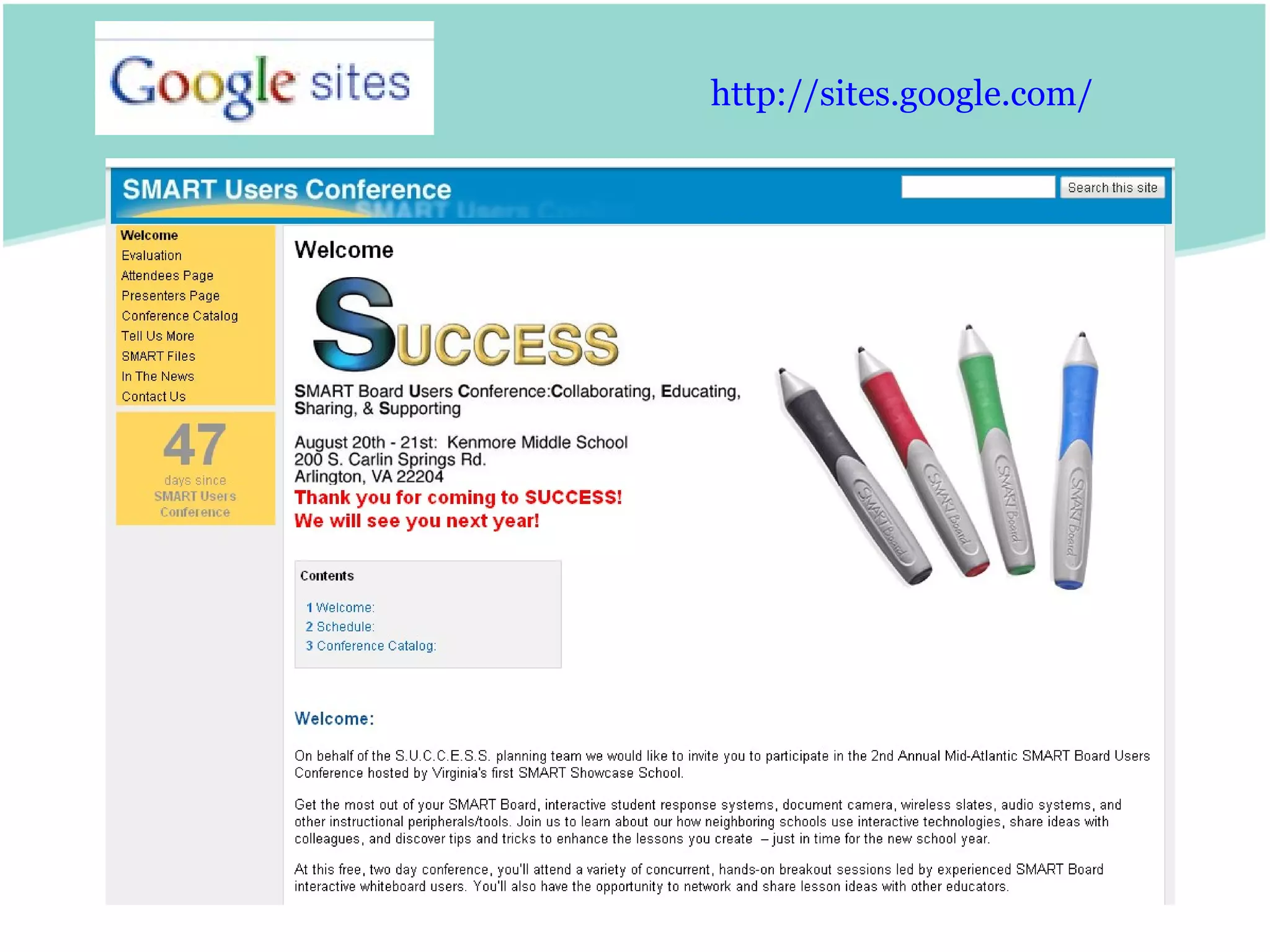
http:// sites.google.com /
Collaborative File Storage http:// drop.io / http:// box.net /   http://www.getdropbox.com/
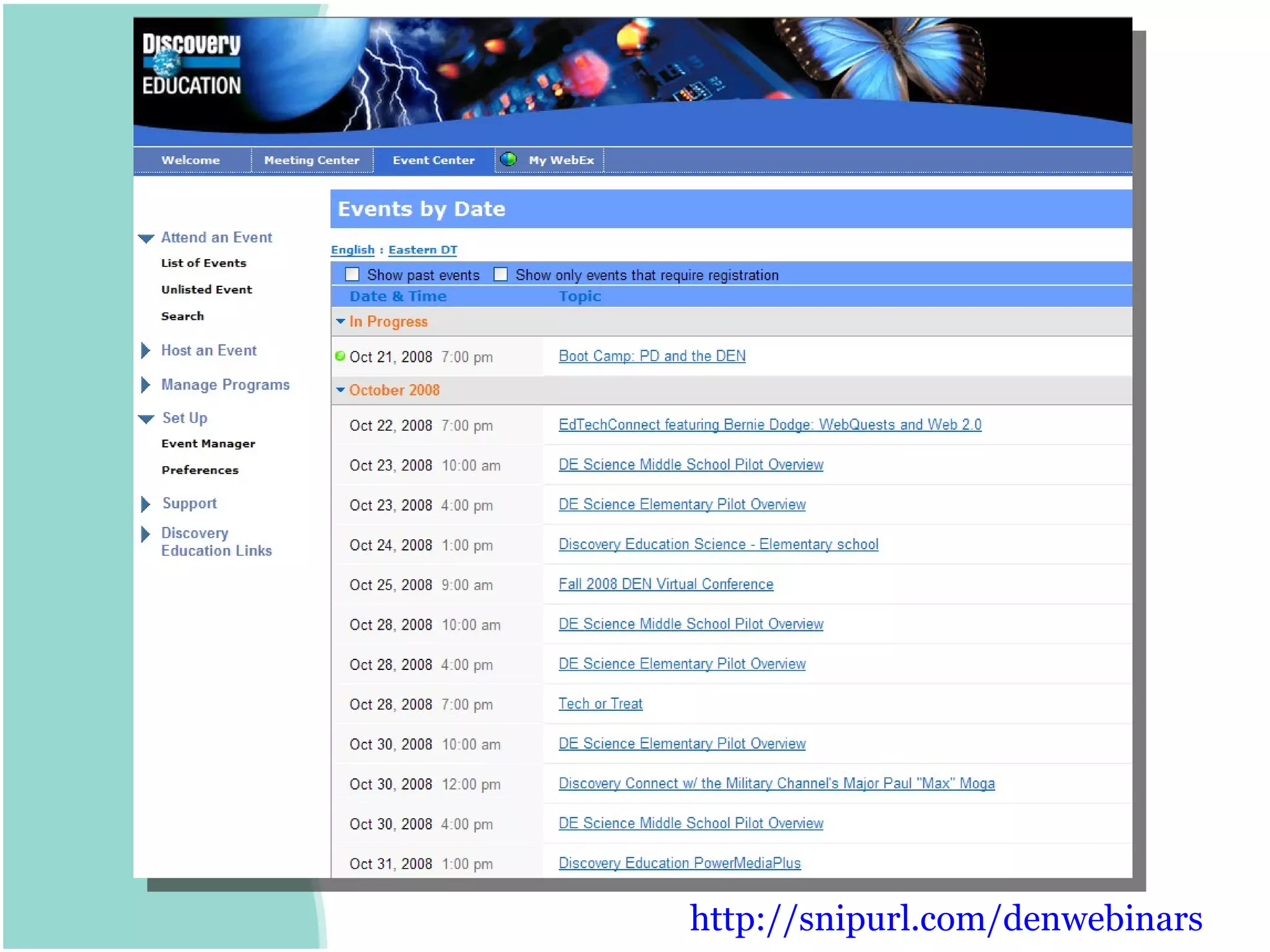
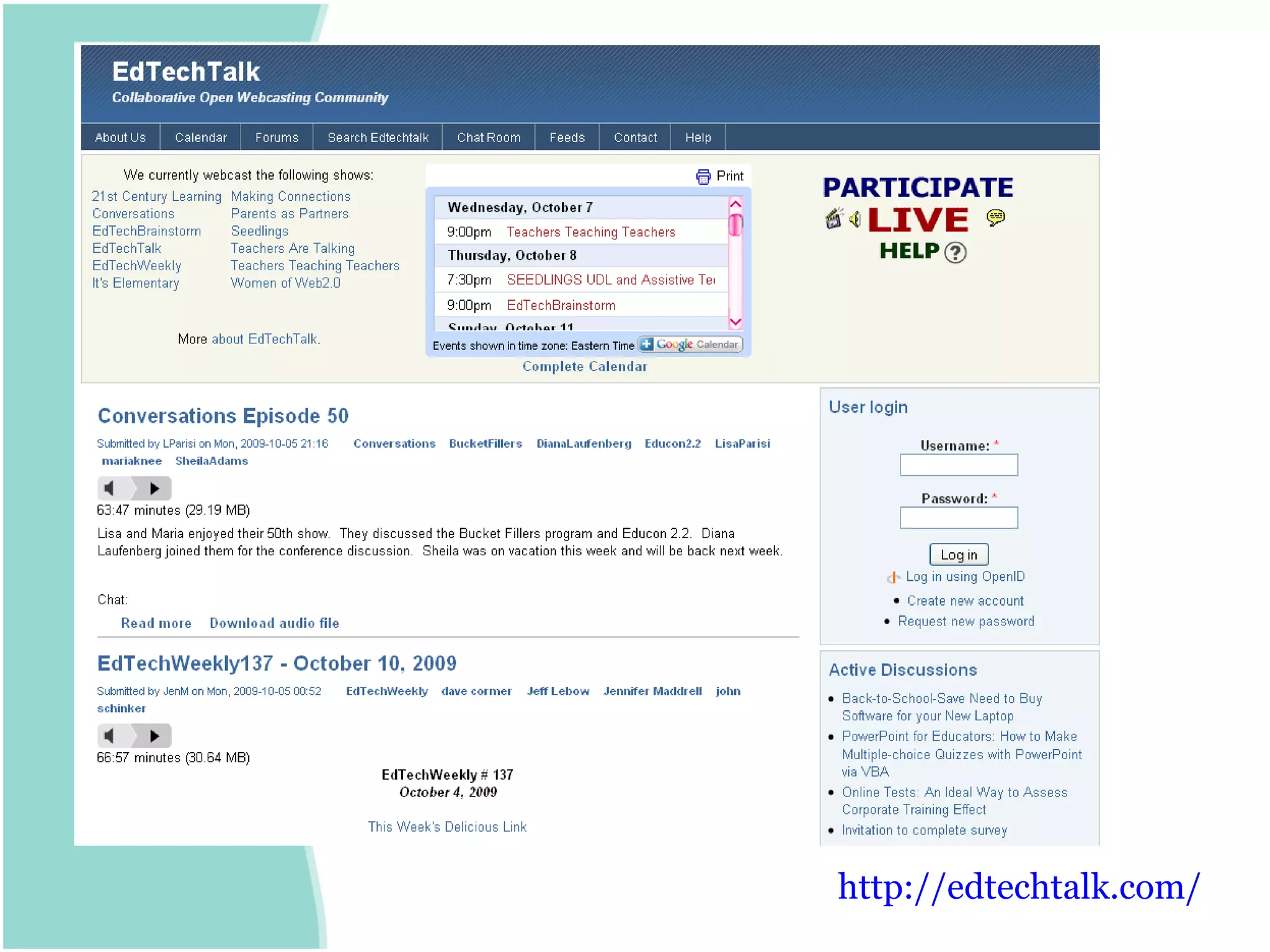
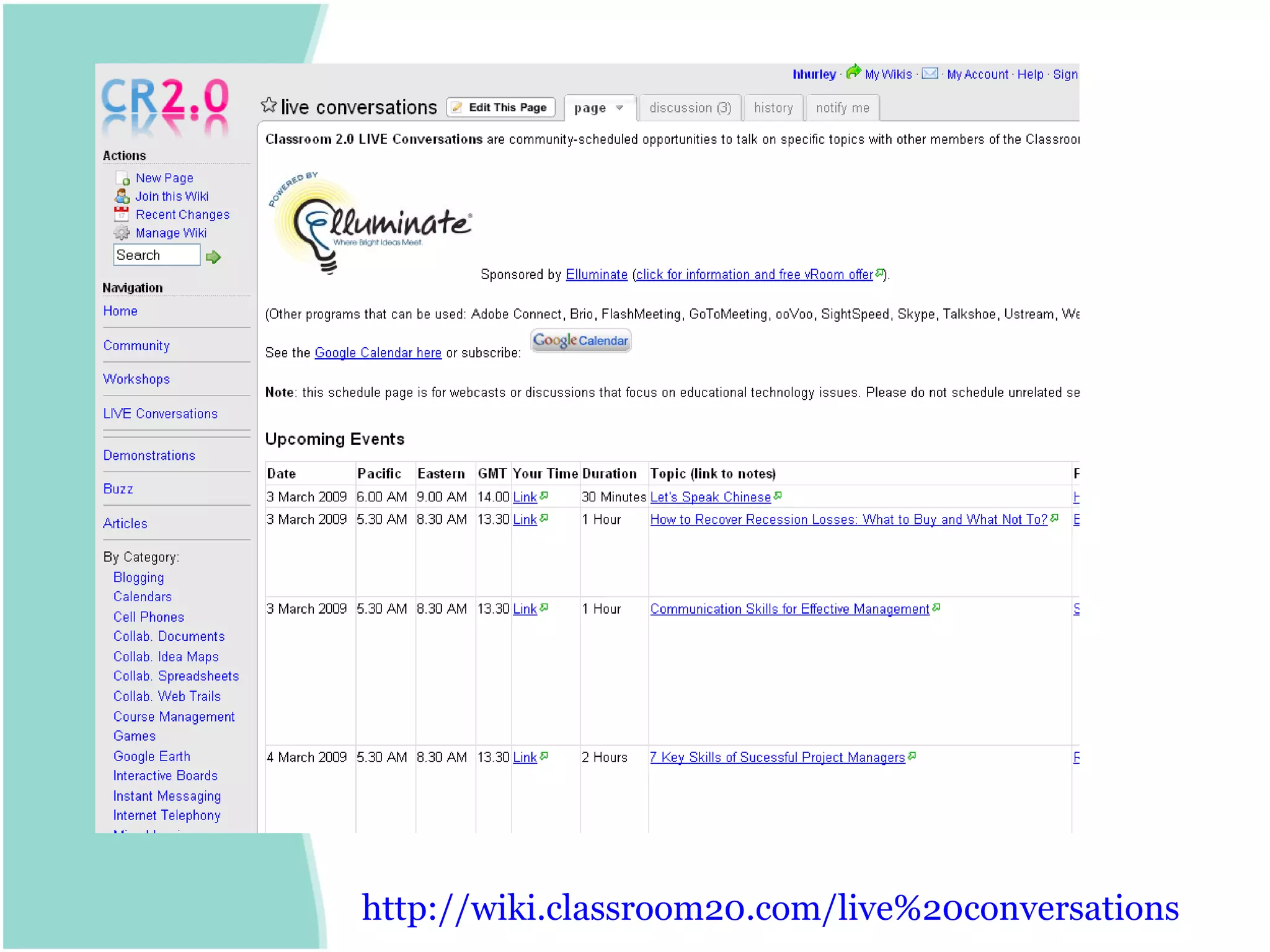
Online Conference/Meetings
http:// snipurl.com/denwebinars
http:// edtechtalk.com /
http://wiki.classroom20.com/live%20conversations
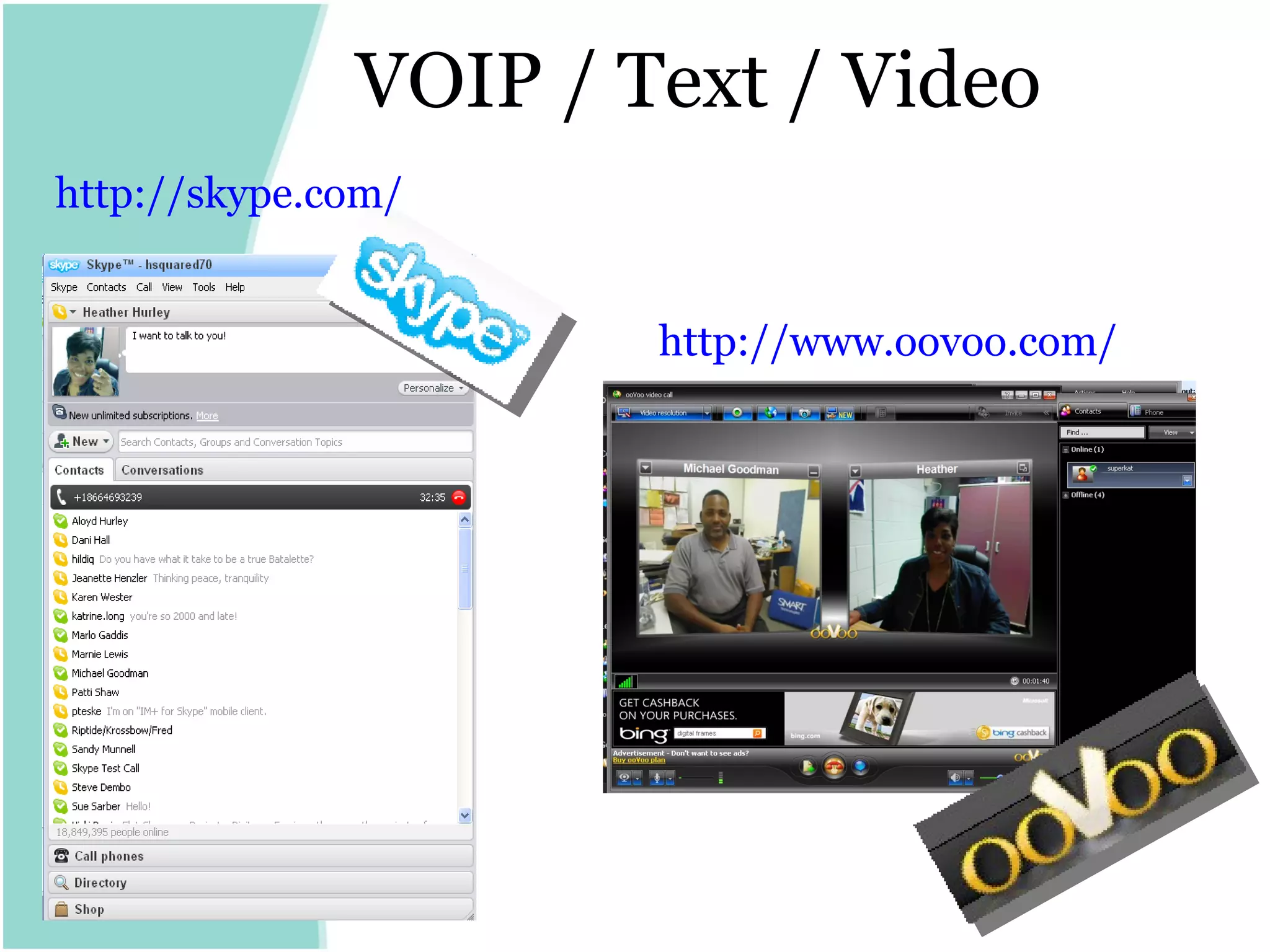
VOIP / Text / Video http:// skype.com / http:// www.oovoo.com /
PLN on the MUVE
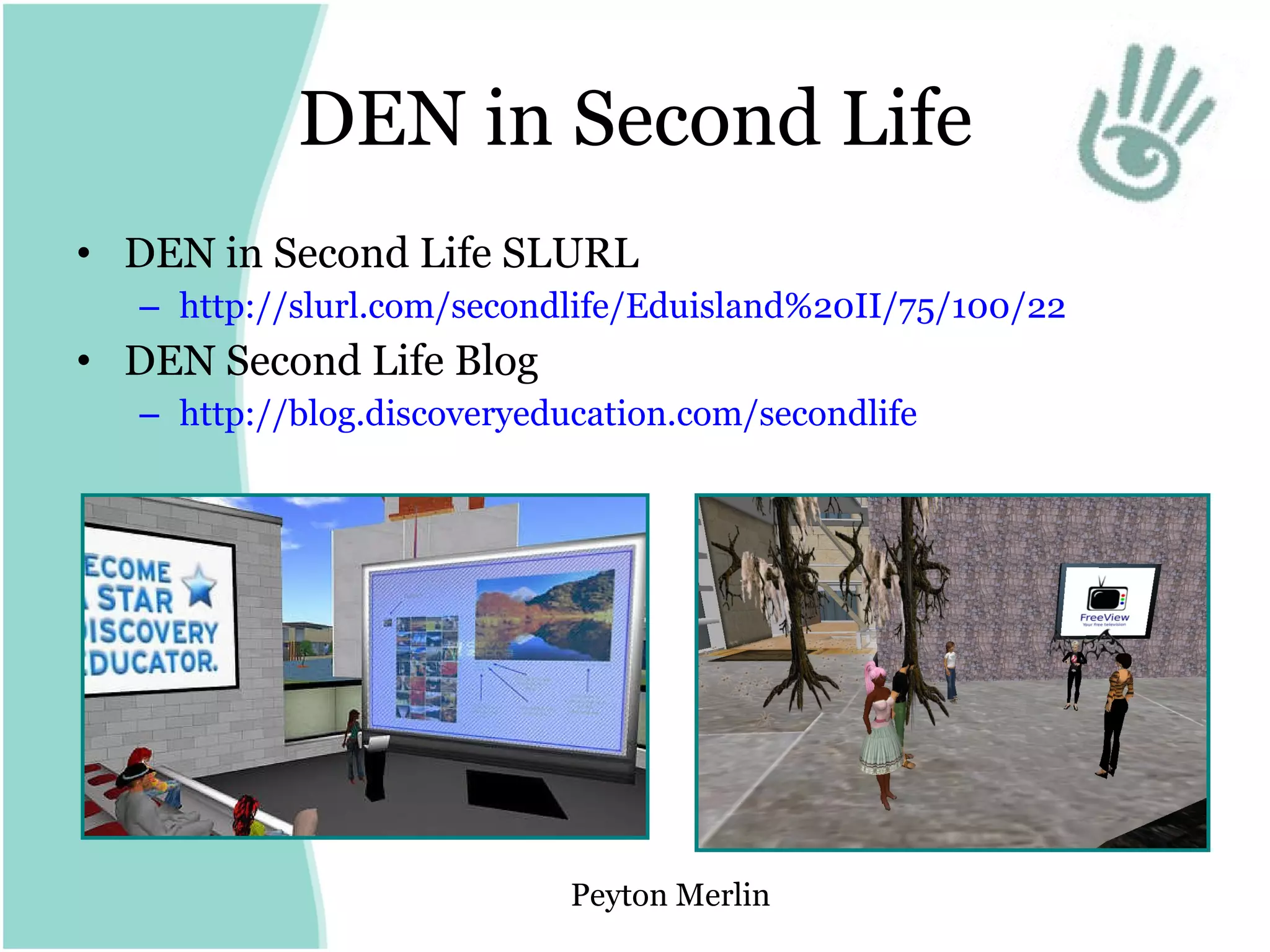
DEN in Second Life DEN in Second Life SLURL http://slurl.com/secondlife/Eduisland%20II/75/100/22   DEN Second Life Blog http:// blog.discoveryeducation.com/secondlife   Peyton Merlin
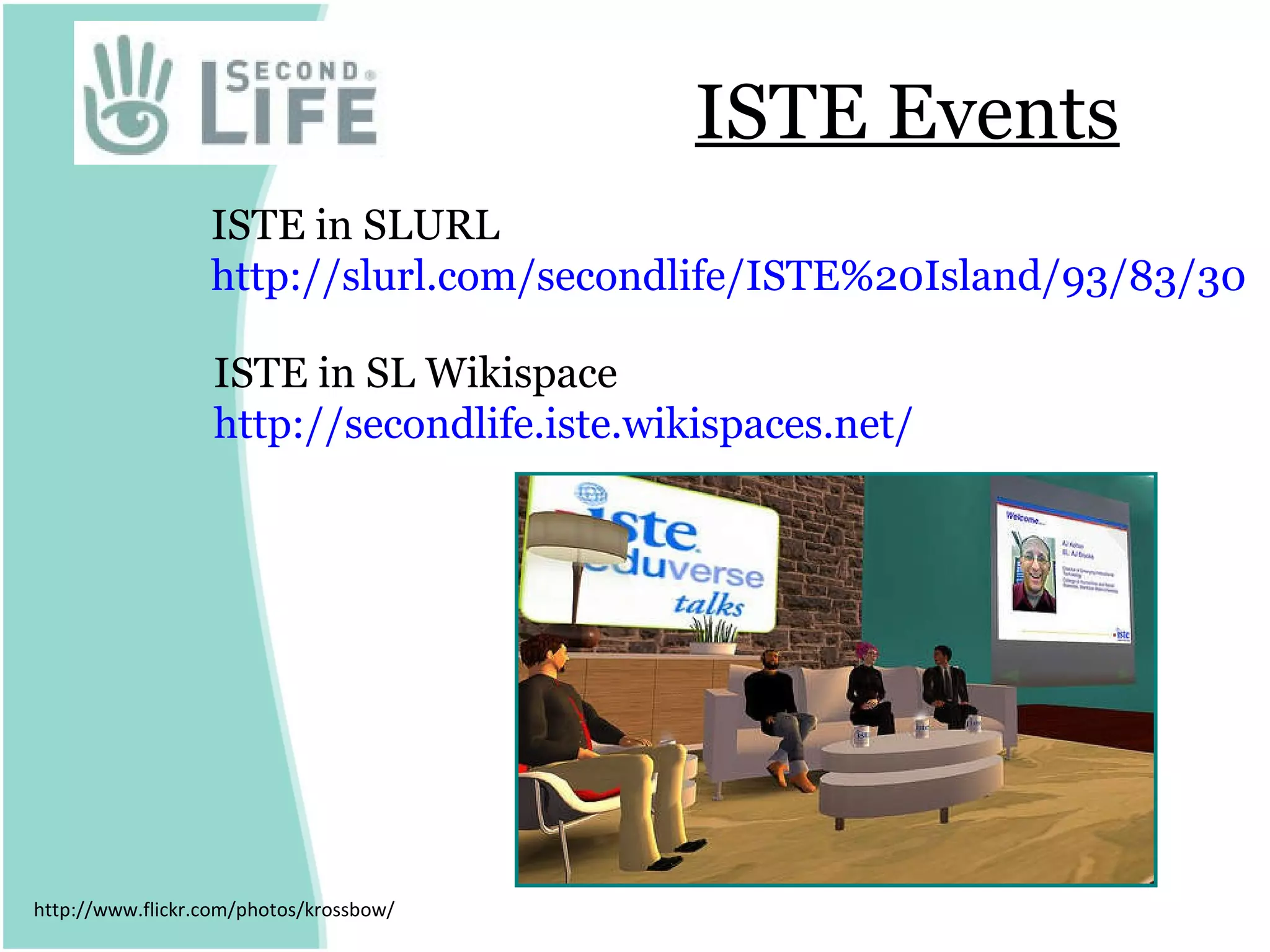
ISTE Events http://www.flickr.com/photos/krossbow/ ISTE in SLURL  http://slurl.com/secondlife/ISTE%20Island/93/83/30   ISTE in SL Wikispace http:// secondlife.iste.wikispaces.net /
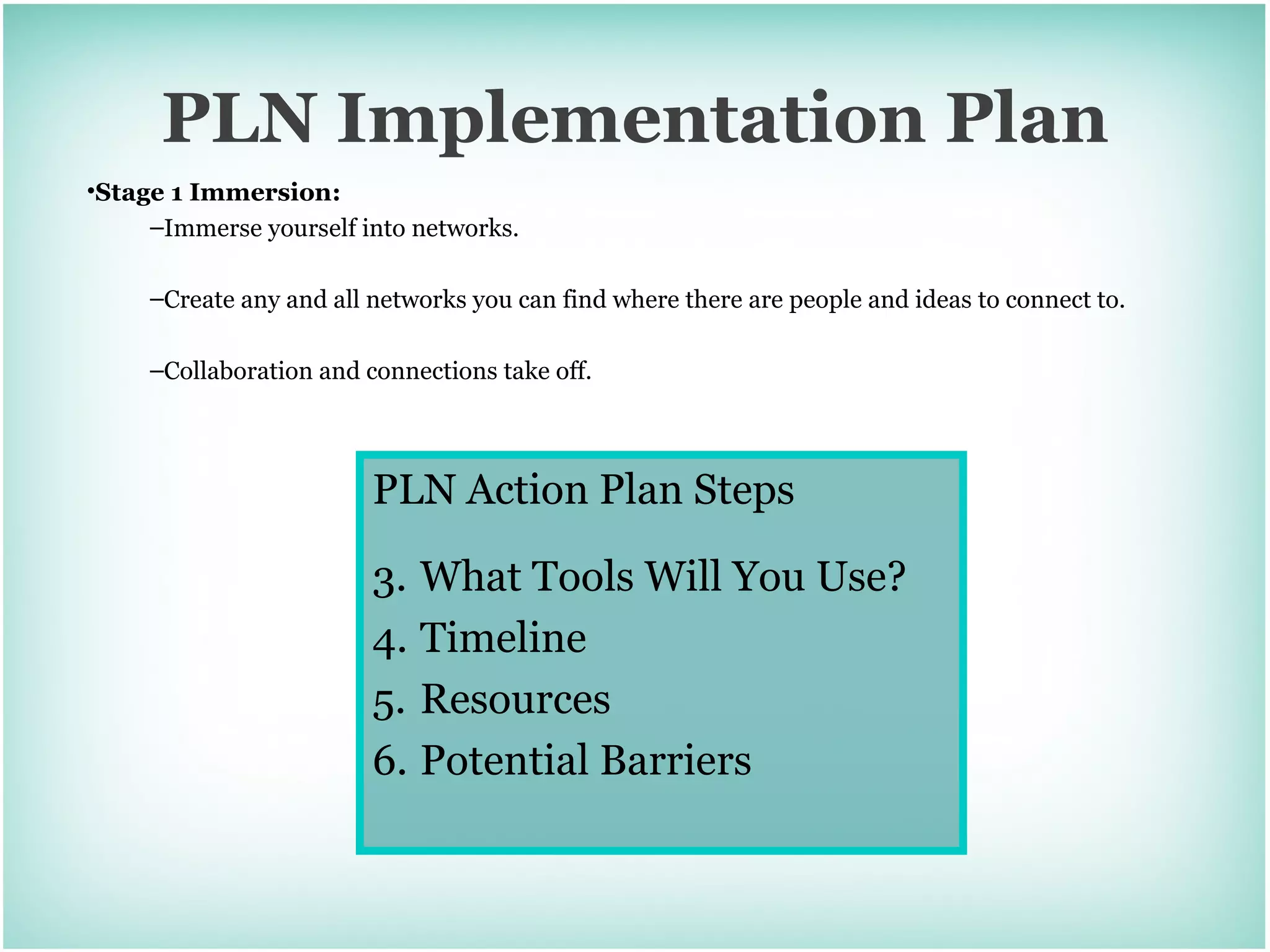
PLN Implementation Plan Stage 1 Immersion:   Immerse yourself into networks.  Create any and all networks you can find where there are people and ideas to connect to.  Collaboration and connections take off. PLN Action Plan Steps What Tools Will You Use? Timeline Resources Potential Barriers
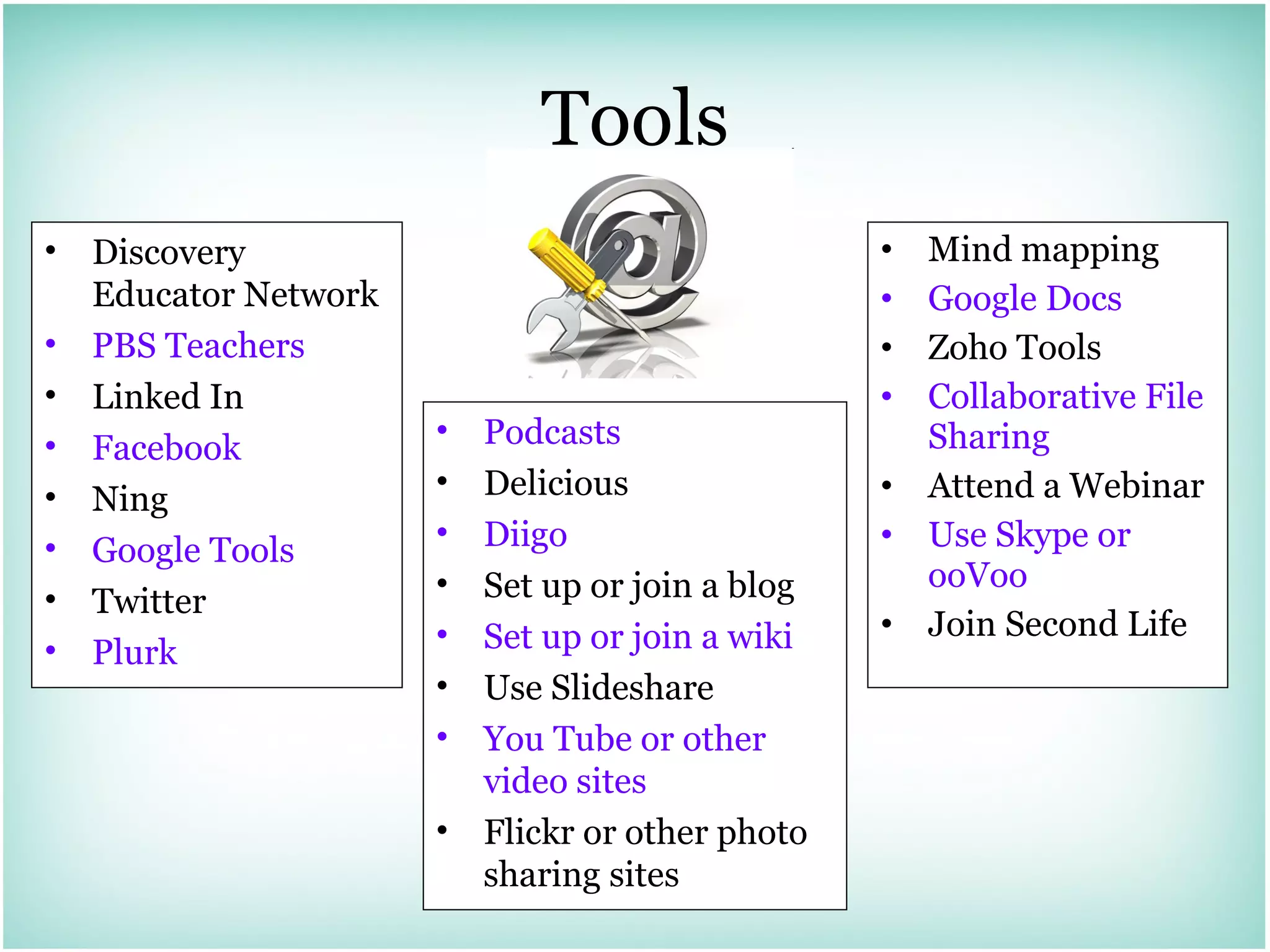
Tools Mind mapping Google Docs Zoho Tools Collaborative File Sharing Attend a Webinar Use Skype or ooVoo Join Second Life Podcasts Delicious Diigo  Set up or join a blog Set up or join a wiki Use Slideshare You Tube or other video sites Flickr or other photo sharing sites Discovery Educator Network PBS Teachers Linked In Facebook  Ning Google Tools Twitter Plurk
Join My Network Blogs http:// blog.discoveryeducation.com/heather_hurley http:// blog.discoveryeducation.com/virginia Wiki http:// techatats.wikispaces.com   Twitter  http://twitter.com/h270 Plurk  http://www.plurk.com/user/h270 Diigo http://www.diigo.com/profile/hsquared70  Email [email_address]

Spicing Up Your Professional Network

  • 1.
    Spicing Up YourProfessional Learning Network Heather Hurley Instructional Technology Coordinator Arlington Traditional School Presentation Adapted from Powering Up Your Professional Learning Network by Jen Dorman [email_address] http:// jdorman.wikispaces.com /
  • 2.
    Ask Yourself… vanHarmelen, Mark (August 2006). "Personal Learning Environments". http://octette.cs.man.ac.uk/jitt/index.php/Personal_Learning_Environments. Retrieved 2006-08-24. How many Educators can I collaborate with on a daily basis?
  • 3.
    What is aPLN? Personal Learning Network Professional Learning Network " Personal Learning Environments are systems that help learners take control of and manage their own learning. This includes providing support for learners to set their own learning goals manage their learning; managing both content and process communicate with others in the process of learning and thereby achieve learning goals. A PLE may be composed of one or more subsystems: As such it may be a desktop application, or composed of one or more web-based services." van Harmelen, Mark (August 2006). "Personal Learning Environments". http://octette.cs.man.ac.uk/jitt/index.php/Personal_Learning_Environments. Retrieved 2006-08-24. Professional Learning Environment
  • 4.
  • 5.
    Stages of PLNAdoption Stage 1 Immersion: Immerse yourself into networks. Create any and all networks you can find where there are people and ideas to connect to. Collaboration and connections take off.
  • 6.
    Stages of PLNAdoption Stage 2 Evaluation: Evaluate your networks and start to focus in on which networks you really want to focus your time on. You begin feeling a sense of urgency and try to figure out a way to “Know it all.”
  • 7.
    Stages of PLNAdoption Stage 3 Know it all: Find that you are spending many hours trying to learn everything you can. Realize there is much you do not know and feel like you can’t disconnect. This usually comes with spending every waking minutes trying to be connected to the point that you give up sleep and contact with others around you to be connected to your networks of knowledge.
  • 8.
    Stages of PLNAdoption Stage 4 Perspective: Start to put your life into perspective. Usually comes when you are forced to leave the network for awhile and spend time with family and friends who are not connected.
  • 9.
    Stages of PLNAdoption Stage 5 Balance: Try and find that balance between learning and living. Understanding that you can not know it all, and begin to understand that you can rely on your network to learn and store knowledge for you. A sense of calm begins as you understand that you can learn when you need to learn and you do not need to know it all right now.
  • 10.
    What do youknow? Take an index card 5 minutes to write What do you know about PLN’s? and How does technology fit?
  • 11.
    NSDC Standard – Collaboration Skills The Standard Staff development that improves the learning of all students provides educators with the knowledge and skills to collaborate. “ While collaborative, face-to-face professional learning and work are the hallmarks of a school culture that assumes collective responsibility for student learning, technology will increasingly provide a means for new and different forms of collaboration . Technology will enable teachers and administrators from around the country and world to share ideas, strategies, and tools with one another in ways that will dramatically increase the number of collaborative links among educators. But electronic forms of such work will also present teachers and administrators with new challenges whose outlines are only becoming dimly visible as larger numbers of educators begin to use these processes to strengthen their teaching and leadership practices.” http://www.nsdc.org/standards/collaborationskills.cfm
  • 12.
  • 13.
  • 14.
  • 15.
  • 16.
    LinkedIn Groups: NSDCISTE Discovery Educator Network Learning, Education and Training Professionals Group http:// www.linkedin.com /
  • 17.
    Groups NSDC DiscoveryEducator Network ISTE Second Life for Educators Using Wikis in Education http:// www.facebook.com /
  • 18.
    Ning http://www.classroom20.com/ http://teachingeverystudent.ning.com / http:// education.ning.com / http:// www.neccning.org /
  • 19.
    RSS Aggregators &Internet Start Pages
  • 20.
    This symbol isyour friend http://www.iste.org/source/Orders/isteProductDetail.cfm?product_code = newrss
  • 21.
    Finding Feeds Blogs,podcasts, news sites, and many other media services syndicate their content through RSS feeds RSS – Really Simple Syndication
  • 22.
    Customized News Feedshttp:// news.google.com /
  • 23.
    Google Reader http://www.google.com /reader/
  • 24.
  • 25.
  • 26.
  • 27.
  • 28.
  • 29.
  • 30.
  • 31.
    Mr. Tweet looksthrough your extended network to help you build effective relationships on Twitter. Which are my followers I should be following in return? Who are the influential people I should be following? http:// mrtweet.net /
  • 32.
    Twitter Search http://search.twitter.com /
  • 33.
    If You CanTweet Then You Can Plurk http:// www.plurk.com /
  • 34.
    Managing Multiple AccountsPing.fm - http:// ping.fm / AtomKeep - http:// www.atomkeep.com /
  • 35.
    Desktop Applications Twhirl- http:// www.twhirl.org / TweetDeck - http:// tweetdeck.com /beta/
  • 36.
    What Can YouSay in 140 Characters?
  • 37.
  • 38.
    Social Bookmarking -Delicious http:// delicious.com /
  • 39.
    Social Annotation -Diigo http:// diigo.com /
  • 40.
  • 41.
  • 42.
  • 43.
    Popular Blogging SitesBlogger http:// www.blogger.com / WordPress http:// wordpress.org / EduBlogs http:// edublogs.org / Windows Live Spaces http:// spaces.live.com /
  • 44.
  • 45.
  • 46.
    Collaborative Live Bloggingwith Integrated Media http://www.coveritlive.com/
  • 47.
  • 48.
    Education-Friendly Wikis Wikispaceshttp:// www.wikispaces.com /site/for/teachers PB Works http://pbworks.com/academic.wiki
  • 49.
  • 50.
  • 51.
  • 52.
  • 53.
  • 54.
  • 55.
  • 56.
  • 57.
    Online Presentation ToolsPrezi http://prezi.com/ Zoho Show http:// show.zoho.com / Spresent http:// www.spresent.com / 280 Slides http://280slides.com/ Google Presentations http:// docs.google.com / Voicethread http:// voicethread.com /
  • 58.
    Photo Sharing http://flickr.com / http://picasa.google.com/ http:// www.shutterfly.com / http:// www.snapfish.com /
  • 59.
  • 60.
    Picture Walk Choose a picture How does this picture describe your work? Find someone else with the same picture Discuss with your partner Be prepared to show and tell
  • 61.
  • 62.
    Mind Mapping http://bubbl.us / http:// www.gliffy.com / http:// www.mywebspiration.com /
  • 63.
  • 64.
  • 65.
  • 66.
  • 67.
    Collaborative File Storagehttp:// drop.io / http:// box.net / http://www.getdropbox.com/
  • 68.
  • 69.
  • 70.
  • 71.
  • 72.
    VOIP / Text/ Video http:// skype.com / http:// www.oovoo.com /
  • 73.
  • 74.
    DEN in SecondLife DEN in Second Life SLURL http://slurl.com/secondlife/Eduisland%20II/75/100/22 DEN Second Life Blog http:// blog.discoveryeducation.com/secondlife Peyton Merlin
  • 75.
    ISTE Events http://www.flickr.com/photos/krossbow/ISTE in SLURL http://slurl.com/secondlife/ISTE%20Island/93/83/30 ISTE in SL Wikispace http:// secondlife.iste.wikispaces.net /
  • 76.
    PLN Implementation PlanStage 1 Immersion: Immerse yourself into networks. Create any and all networks you can find where there are people and ideas to connect to. Collaboration and connections take off. PLN Action Plan Steps What Tools Will You Use? Timeline Resources Potential Barriers
  • 77.
    Tools Mind mappingGoogle Docs Zoho Tools Collaborative File Sharing Attend a Webinar Use Skype or ooVoo Join Second Life Podcasts Delicious Diigo Set up or join a blog Set up or join a wiki Use Slideshare You Tube or other video sites Flickr or other photo sharing sites Discovery Educator Network PBS Teachers Linked In Facebook Ning Google Tools Twitter Plurk
  • 78.
    Join My NetworkBlogs http:// blog.discoveryeducation.com/heather_hurley http:// blog.discoveryeducation.com/virginia Wiki http:// techatats.wikispaces.com Twitter http://twitter.com/h270 Plurk http://www.plurk.com/user/h270 Diigo http://www.diigo.com/profile/hsquared70 Email [email_address]

Editor's Notes

  • #19 Search for networks tagged “education” and you’ll come up with over 380 networks
  • #29 http://gabcast.com/ - alternative
  • #44 Being a member in a PLC implies contribution