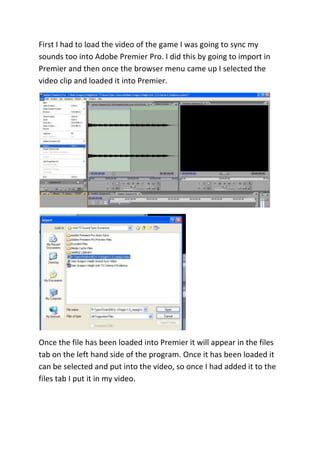
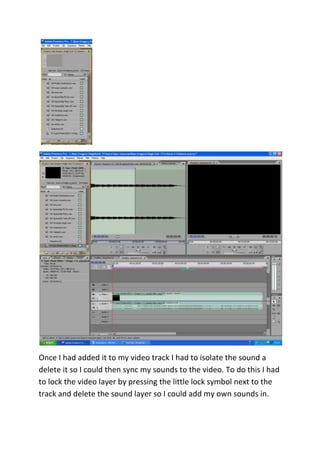
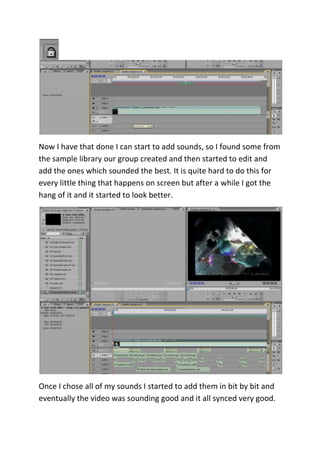
The document describes the process of syncing sound effects to a video clip in Adobe Premier Pro. The key steps are: 1) loading the video file into Premier Pro; 2) isolating the sound track and deleting it so custom sounds could be added; 3) finding and adding sample sound effects from a library to correspond with actions on screen; and 4) rendering the final video file for export.