Before I startediting my movie I had to decide which editing softwareI would
use, after debating between Adobe premier pro and iMovie I decided to use
premier pro because I felt like I had more experience using it. Before I start
editing the clips together I watched quite a few tutorials on YouTube learning
how to add effects and sound to the timeline.
I finally finished recording all my clips so it was time to begin editing, but firstI
had to purchaseAdobe premier pro. Once I purchased it I was ready to begin.
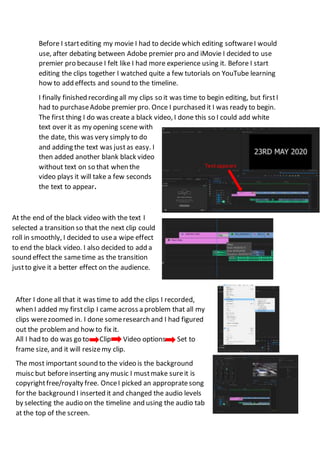
The first thing I do was create a black video, I done this so I could add white
text over it as my opening scene with
the date, this was very simply to do
and adding the text was justas easy. I
then added another blank black video
without text on so that when the
video plays it will take a few seconds
the text to appear.
Textappears
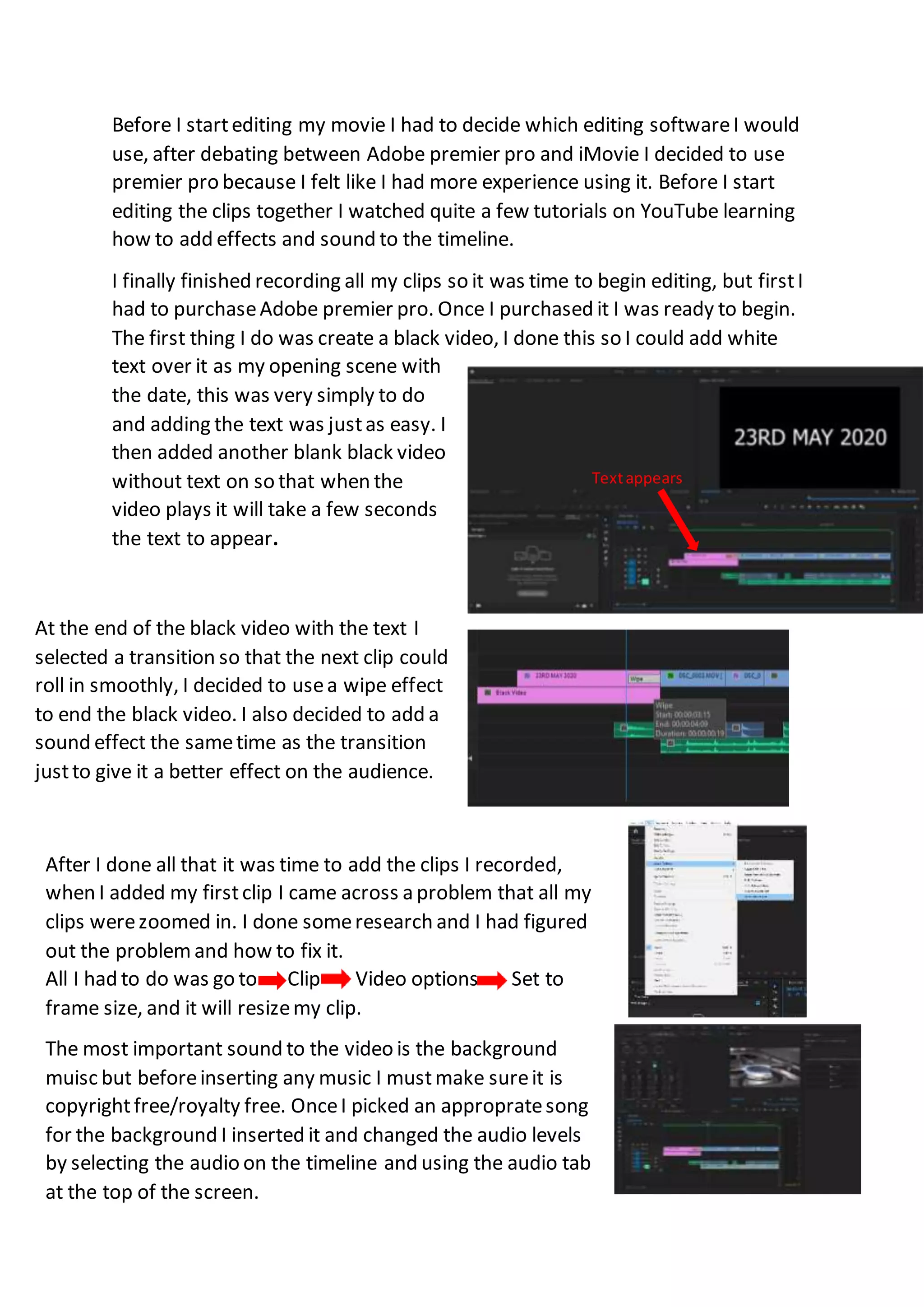
At the end of the black video with the text I
selected a transition so that the next clip could
roll in smoothly, I decided to usea wipe effect
to end the black video. I also decided to add a
sound effect the sametime as the transition
justto give it a better effect on the audience.
After I done all that it was time to add the clips I recorded,
when I added my firstclip I came across a problem that all my
clips werezoomed in. I done someresearch and I had figured
out the problemand how to fix it.
All I had to do was go to Clip Video options Set to
frame size, and it will resizemy clip.
The most important sound to the video is the background
muisc but beforeinserting any music I mustmake sureit is
copyrightfree/royalty free. OnceI picked an appropratesong
for the background I inserted it and changed the audio levels
by selecting the audio on the timeline and using the audio tab
at the top of the screen.
Evaluation of editing

Evaluation of editing

  • 1.
    Before I starteditingmy movie I had to decide which editing softwareI would use, after debating between Adobe premier pro and iMovie I decided to use premier pro because I felt like I had more experience using it. Before I start editing the clips together I watched quite a few tutorials on YouTube learning how to add effects and sound to the timeline. I finally finished recording all my clips so it was time to begin editing, but firstI had to purchaseAdobe premier pro. Once I purchased it I was ready to begin. The first thing I do was create a black video, I done this so I could add white text over it as my opening scene with the date, this was very simply to do and adding the text was justas easy. I then added another blank black video without text on so that when the video plays it will take a few seconds the text to appear. Textappears At the end of the black video with the text I selected a transition so that the next clip could roll in smoothly, I decided to usea wipe effect to end the black video. I also decided to add a sound effect the sametime as the transition justto give it a better effect on the audience. After I done all that it was time to add the clips I recorded, when I added my firstclip I came across a problem that all my clips werezoomed in. I done someresearch and I had figured out the problemand how to fix it. All I had to do was go to Clip Video options Set to frame size, and it will resizemy clip. The most important sound to the video is the background muisc but beforeinserting any music I mustmake sureit is copyrightfree/royalty free. OnceI picked an appropratesong for the background I inserted it and changed the audio levels by selecting the audio on the timeline and using the audio tab at the top of the screen.