Software Concepts
System Software
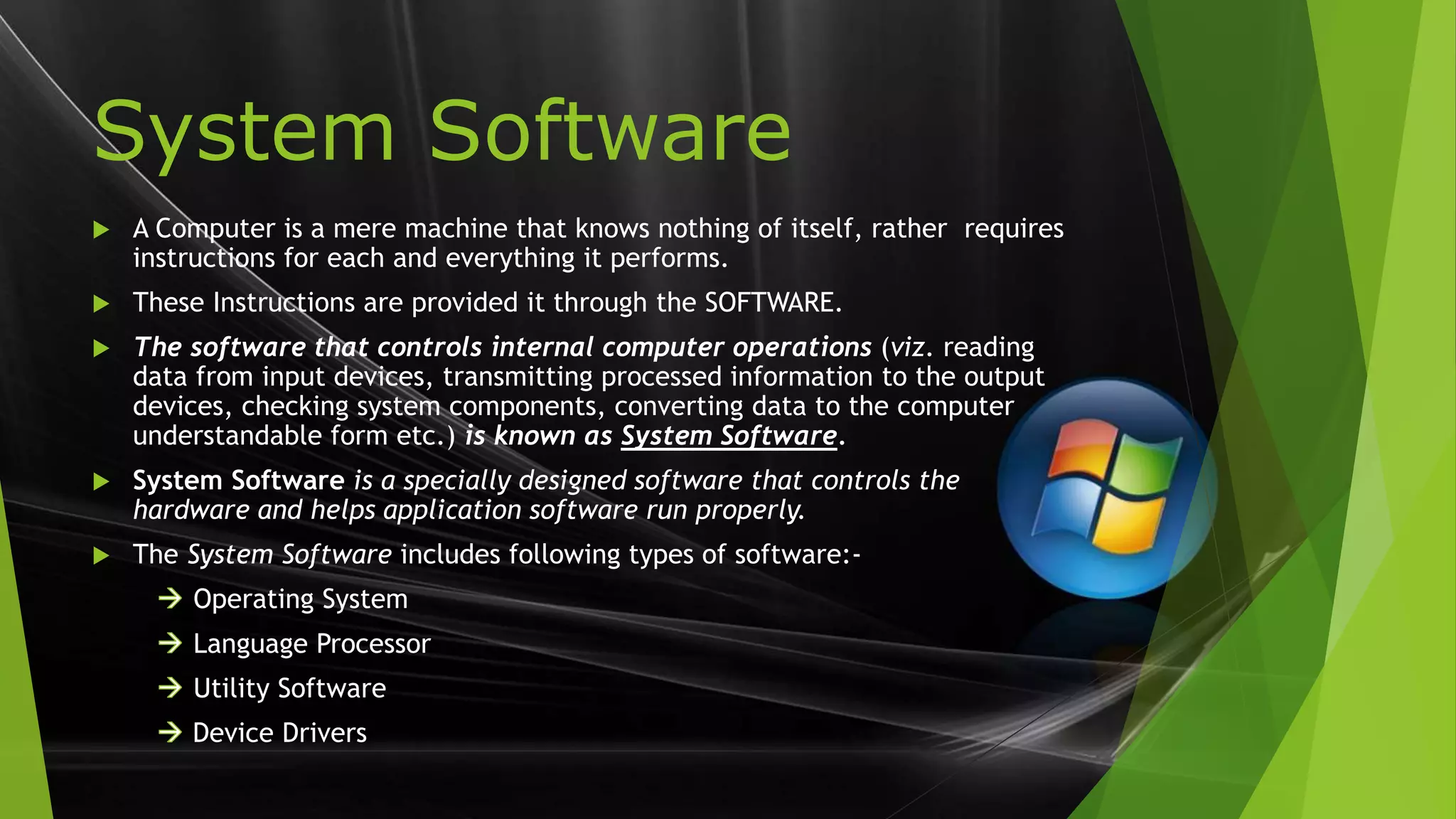
 A Computer is a mere machine that knows nothing of itself, rather requires
instructions for each and everything it performs.
 These Instructions are provided it through the SOFTWARE.
 The software that controls internal computer operations (viz. reading
data from input devices, transmitting processed information to the output
devices, checking system components, converting data to the computer
understandable form etc.) is known as System Software.
 System Software is a specially designed software that controls the
hardware and helps application software run properly.
 The System Software includes following types of software:-
Operating System
Language Processor
Utility Software
Device Drivers
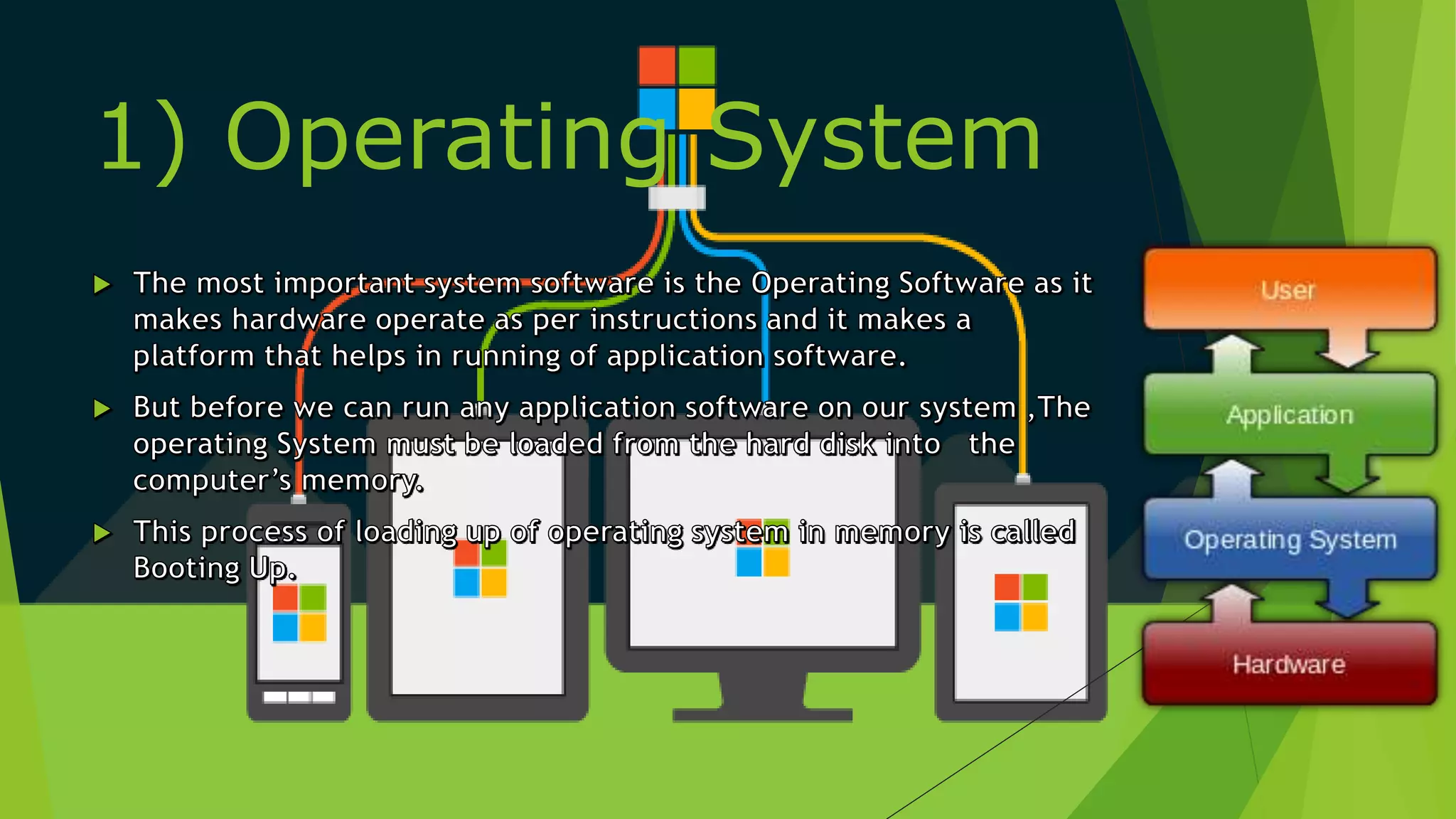
1) Operating System
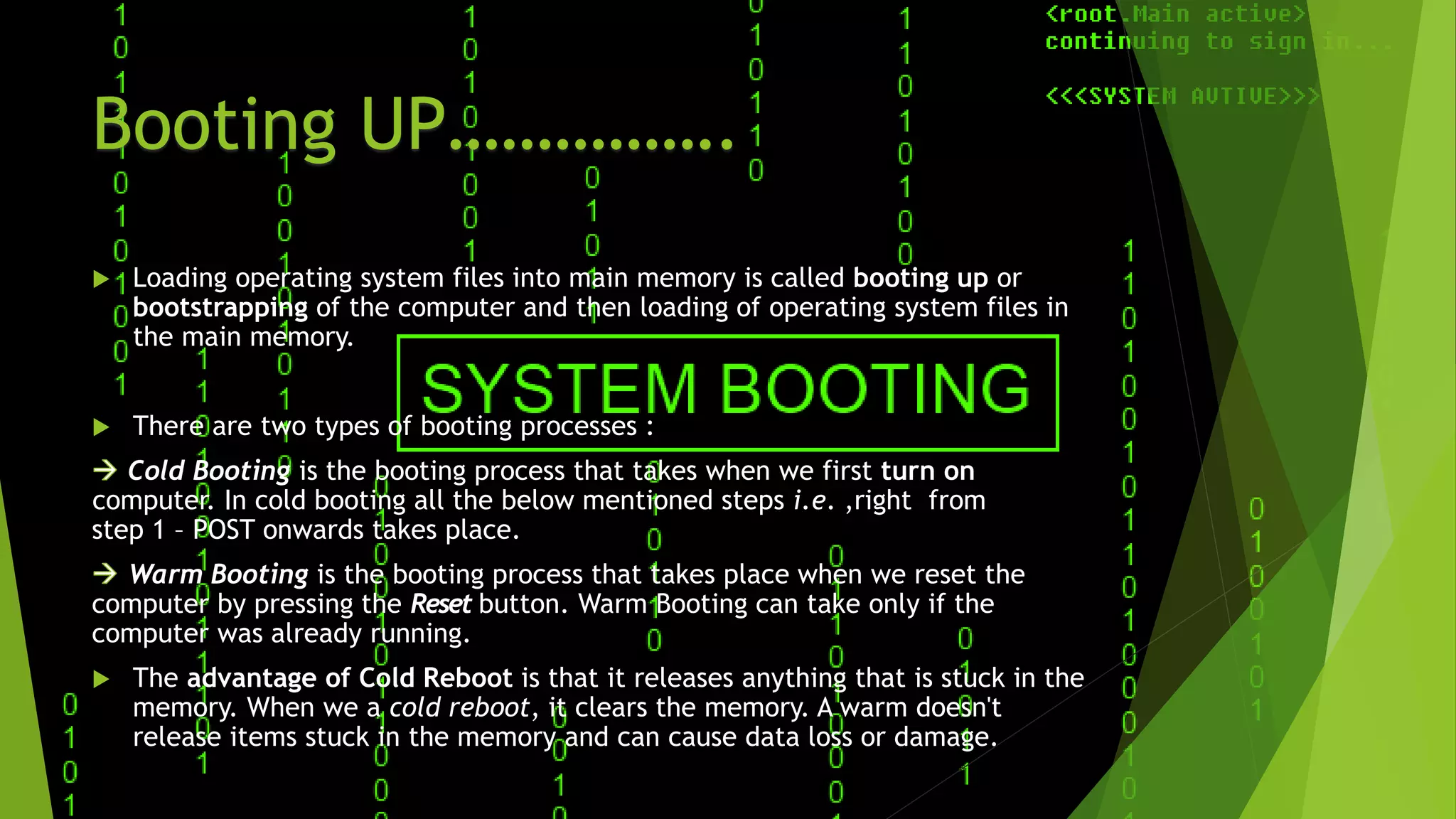
Booting UP…………….
 Loading operating system files into main memory is called booting up or
bootstrapping of the computer and then loading of operating system files in
the main memory.
 There are two types of booting processes :
Cold Booting is the booting process that takes when we first turn on
.computer. In cold booting all the below mentioned steps i.e. ,right from
step 1 – POST onwards takes place.
Warm Booting is the booting process that takes place when we reset the
computer by pressing the Reset button. Warm Booting can take only if the
computer was already running.
 The advantage of Cold Reboot is that it releases anything that is stuck in the
memory. When we a cold reboot, it clears the memory. A warm doesn't
release items stuck in the memory and can cause data loss or damage.
Types Of OSs
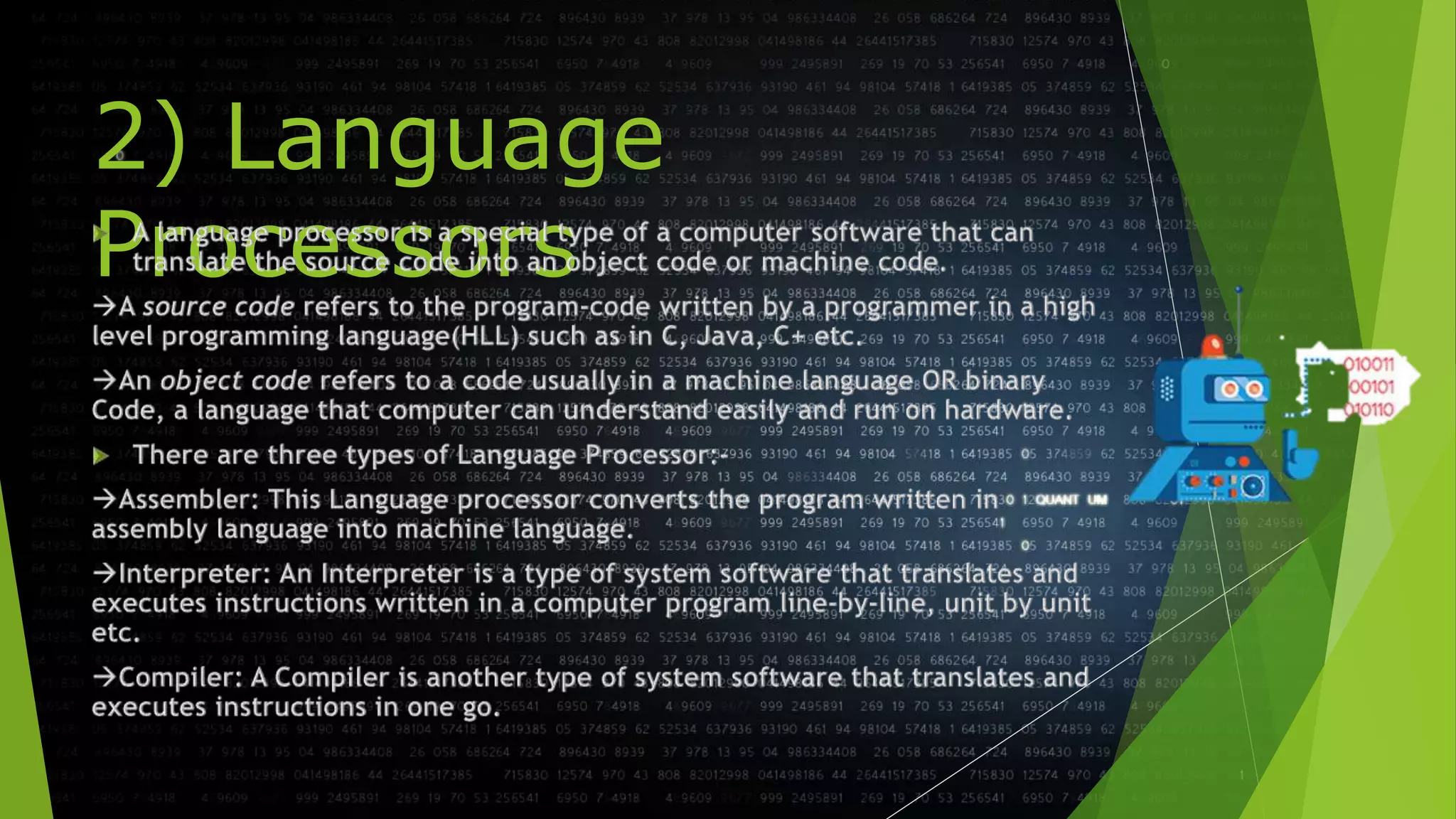
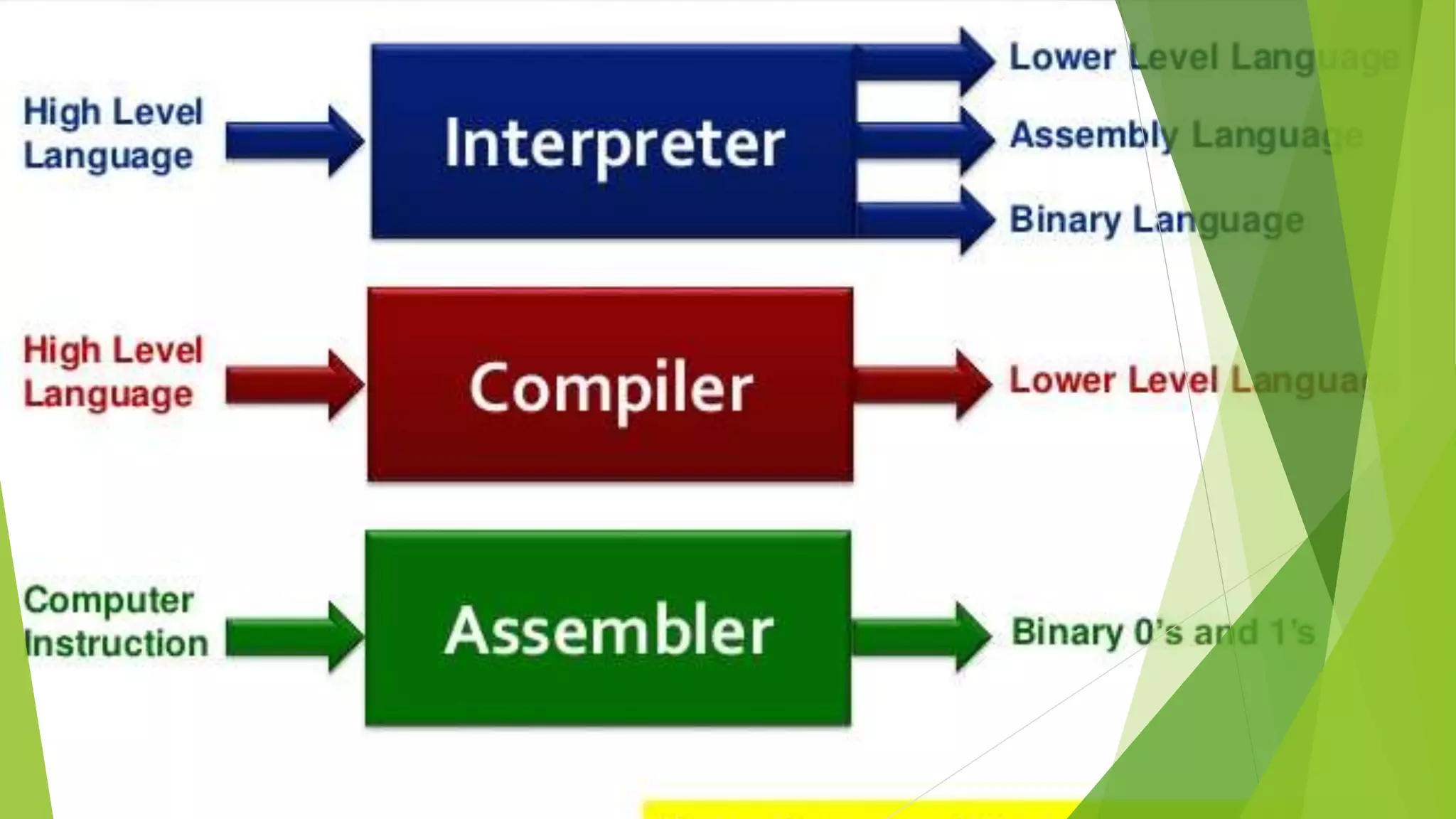
2) Language
Processors
Disk Management Tools
Word Processing Software
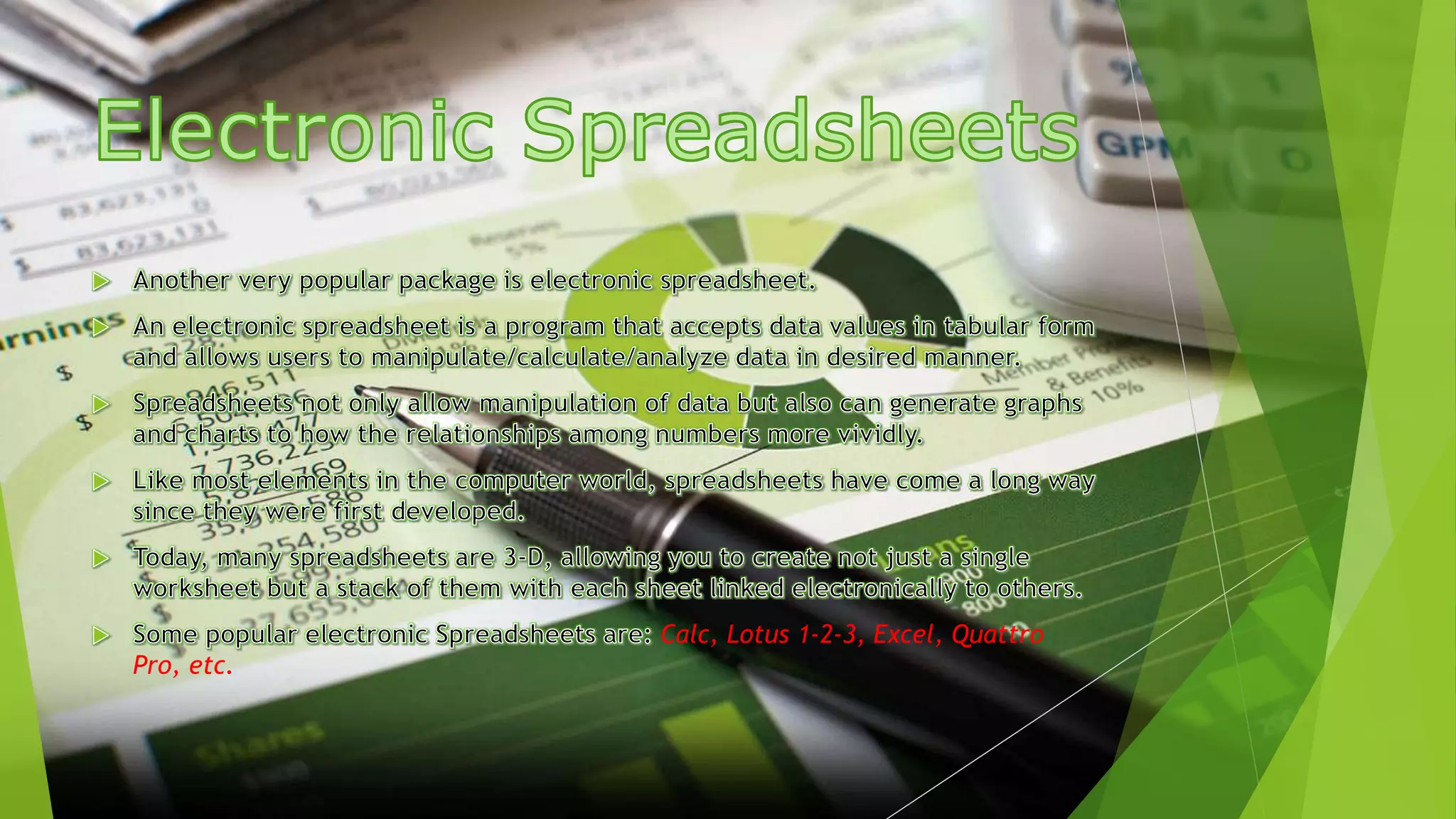
Calc, Lotus 1-2-3, Excel, Quattro
Pro, etc.
Database Management
Systems (DBMS)
MySQL, Access, Oracle, SQL, Server etc.
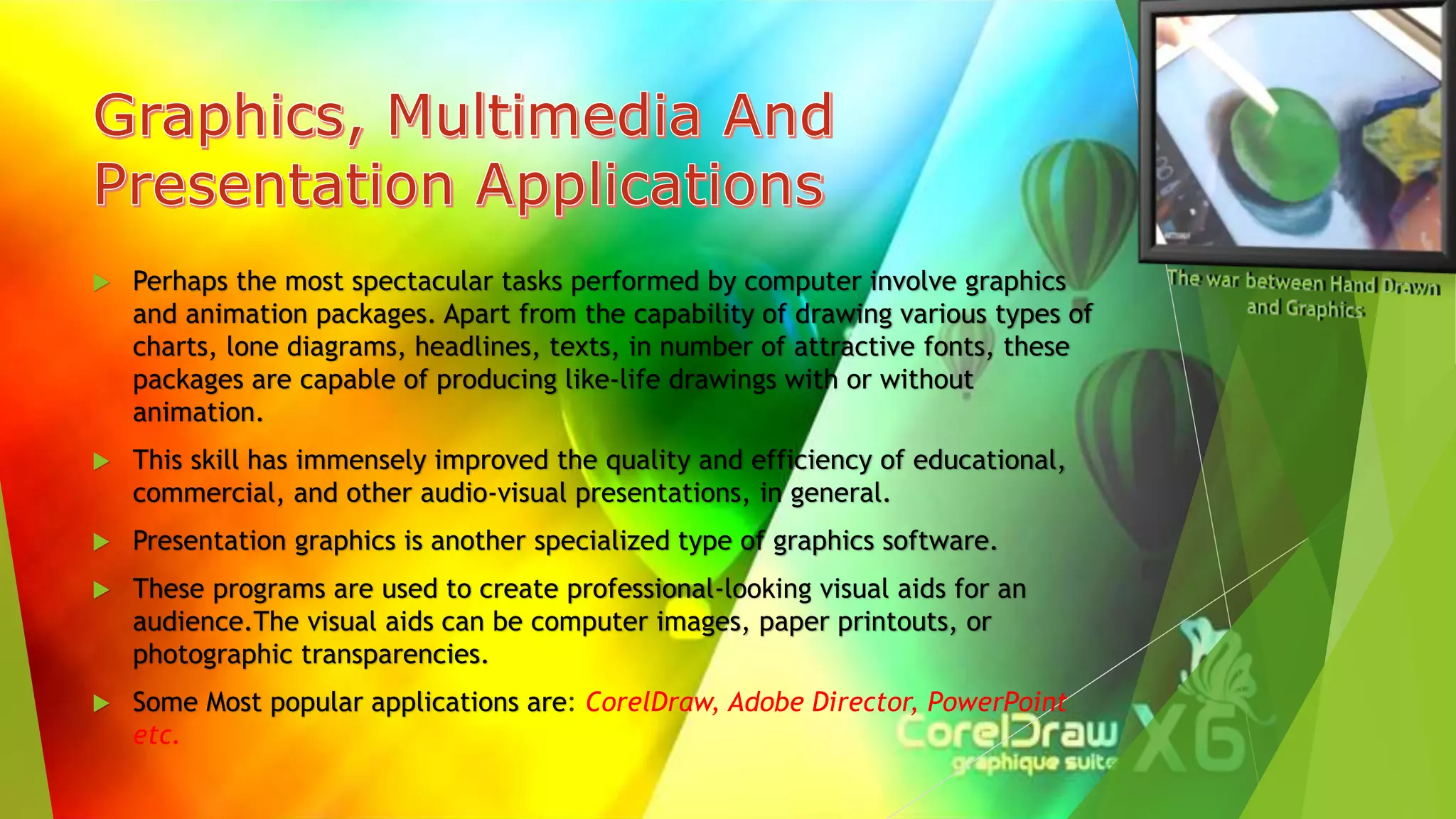
 Perhaps the most spectacular tasks performed by computer involve graphics
and animation packages. Apart from the capability of drawing various types of
charts, lone diagrams, headlines, texts, in number of attractive fonts, these
packages are capable of producing like-life drawings with or without
animation.
 This skill has immensely improved the quality and efficiency of educational,
commercial, and other audio-visual presentations, in general.
 Presentation graphics is another specialized type of graphics software.
 These programs are used to create professional-looking visual aids for an
audience.The visual aids can be computer images, paper printouts, or
photographic transparencies.
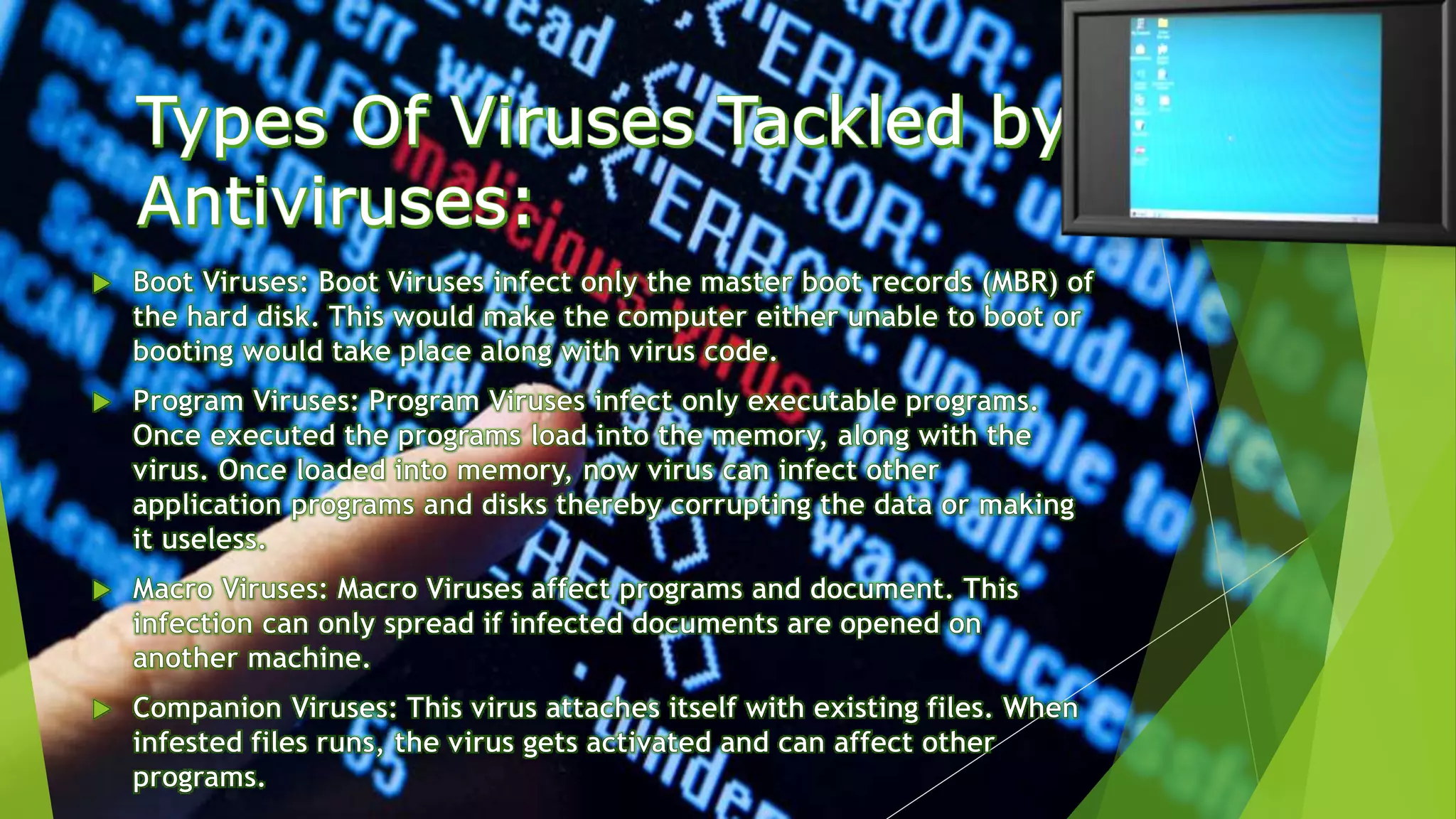
 Some Most popular applications are: CorelDraw, Adobe Director, PowerPoint
etc.
Software concepts
Software concepts
Software concepts
Software concepts

Software concepts

  • 1.
  • 4.
    System Software  AComputer is a mere machine that knows nothing of itself, rather requires instructions for each and everything it performs.  These Instructions are provided it through the SOFTWARE.  The software that controls internal computer operations (viz. reading data from input devices, transmitting processed information to the output devices, checking system components, converting data to the computer understandable form etc.) is known as System Software.  System Software is a specially designed software that controls the hardware and helps application software run properly.  The System Software includes following types of software:- Operating System Language Processor Utility Software Device Drivers
  • 5.
  • 6.
    Booting UP…………….  Loadingoperating system files into main memory is called booting up or bootstrapping of the computer and then loading of operating system files in the main memory.  There are two types of booting processes : Cold Booting is the booting process that takes when we first turn on .computer. In cold booting all the below mentioned steps i.e. ,right from step 1 – POST onwards takes place. Warm Booting is the booting process that takes place when we reset the computer by pressing the Reset button. Warm Booting can take only if the computer was already running.  The advantage of Cold Reboot is that it releases anything that is stuck in the memory. When we a cold reboot, it clears the memory. A warm doesn't release items stuck in the memory and can cause data loss or damage.
  • 9.
  • 10.
  • 18.
  • 22.
  • 23.
    Calc, Lotus 1-2-3,Excel, Quattro Pro, etc.
  • 24.
    Database Management Systems (DBMS) MySQL,Access, Oracle, SQL, Server etc.
  • 25.
     Perhaps themost spectacular tasks performed by computer involve graphics and animation packages. Apart from the capability of drawing various types of charts, lone diagrams, headlines, texts, in number of attractive fonts, these packages are capable of producing like-life drawings with or without animation.  This skill has immensely improved the quality and efficiency of educational, commercial, and other audio-visual presentations, in general.  Presentation graphics is another specialized type of graphics software.  These programs are used to create professional-looking visual aids for an audience.The visual aids can be computer images, paper printouts, or photographic transparencies.  Some Most popular applications are: CorelDraw, Adobe Director, PowerPoint etc.