FACULTY OF EDUCATIONSCHOOL OF INFORMATION STUDIES
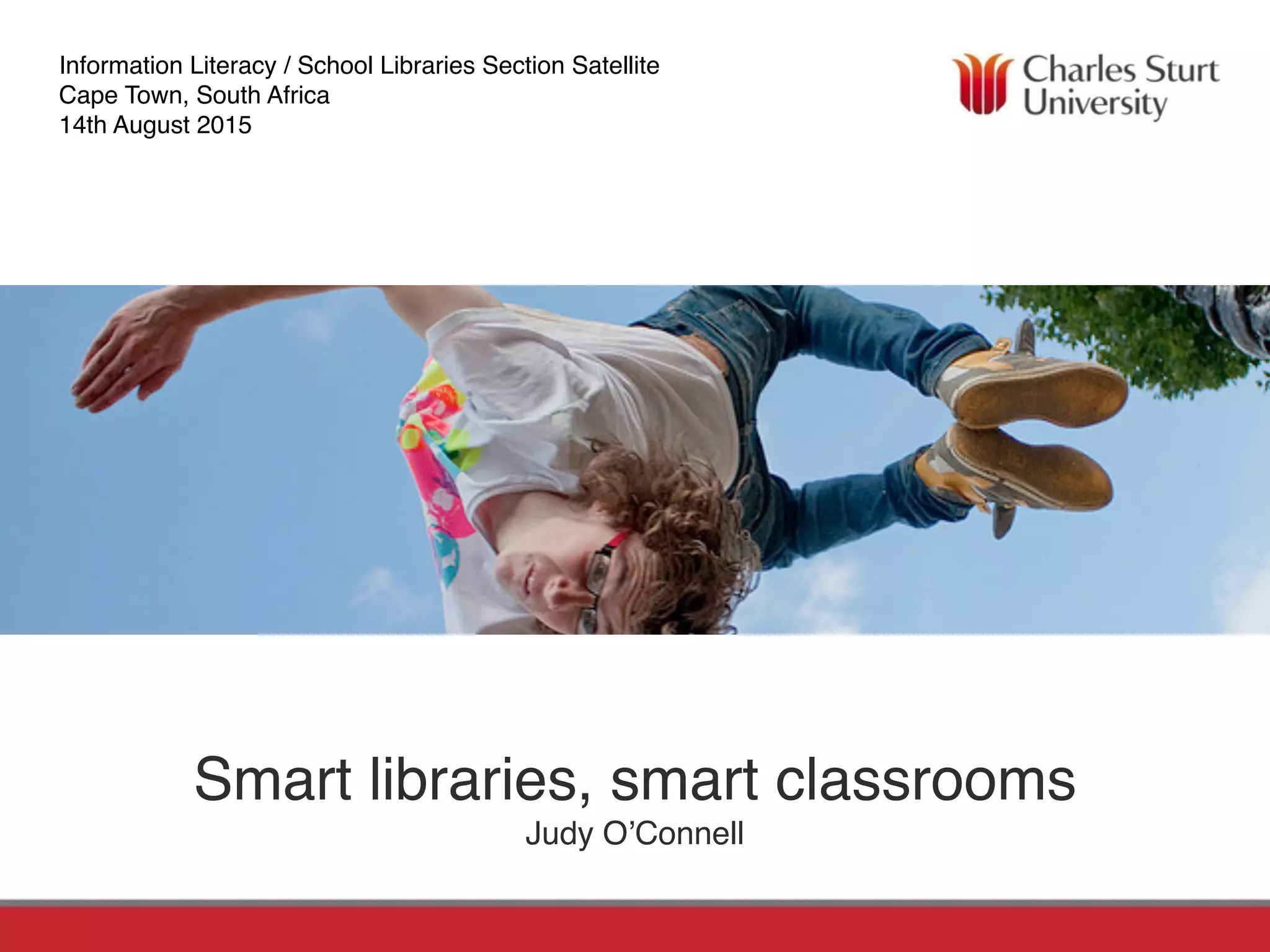
Smart libraries, smart classrooms
Judy O’Connell
Information Literacy / School Libraries Section Satellite
Cape Town, South Africa
14th August 2015
http://judyoconnell.com
http://www.facebook.com/judy.oconnell
http://twitter.com/heyjudeonline
O’Connell, J. (2011) “Change Has Arrived at an iSchool Library near you”
in Information Literacy Beyond Library 2.0 Edited by
Peter Godwin and Jo Parker, Facet. In publication.
O'Connell, J., & Groom, D. (2010). Connect, communicate,
collaborate. Acer Press.
OERU.ORG study world-class courses for free
Rethinking your library
environments
Let’s talk about my favourites!
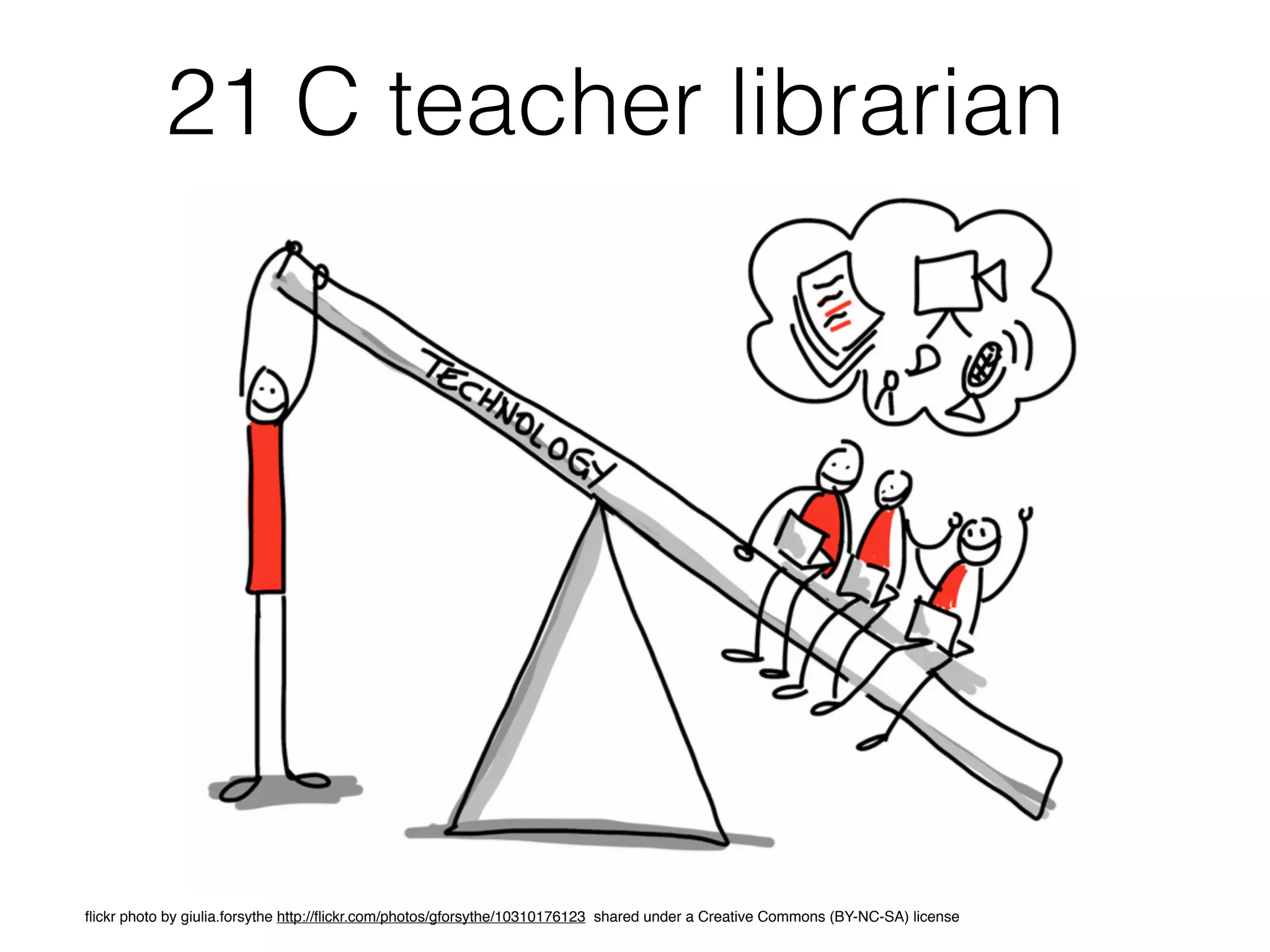
21 C teacher librarian
flickr photo by giulia.forsythe http://flickr.com/photos/gforsythe/10310176123 shared under a Creative Commons (BY-NC-SA) license
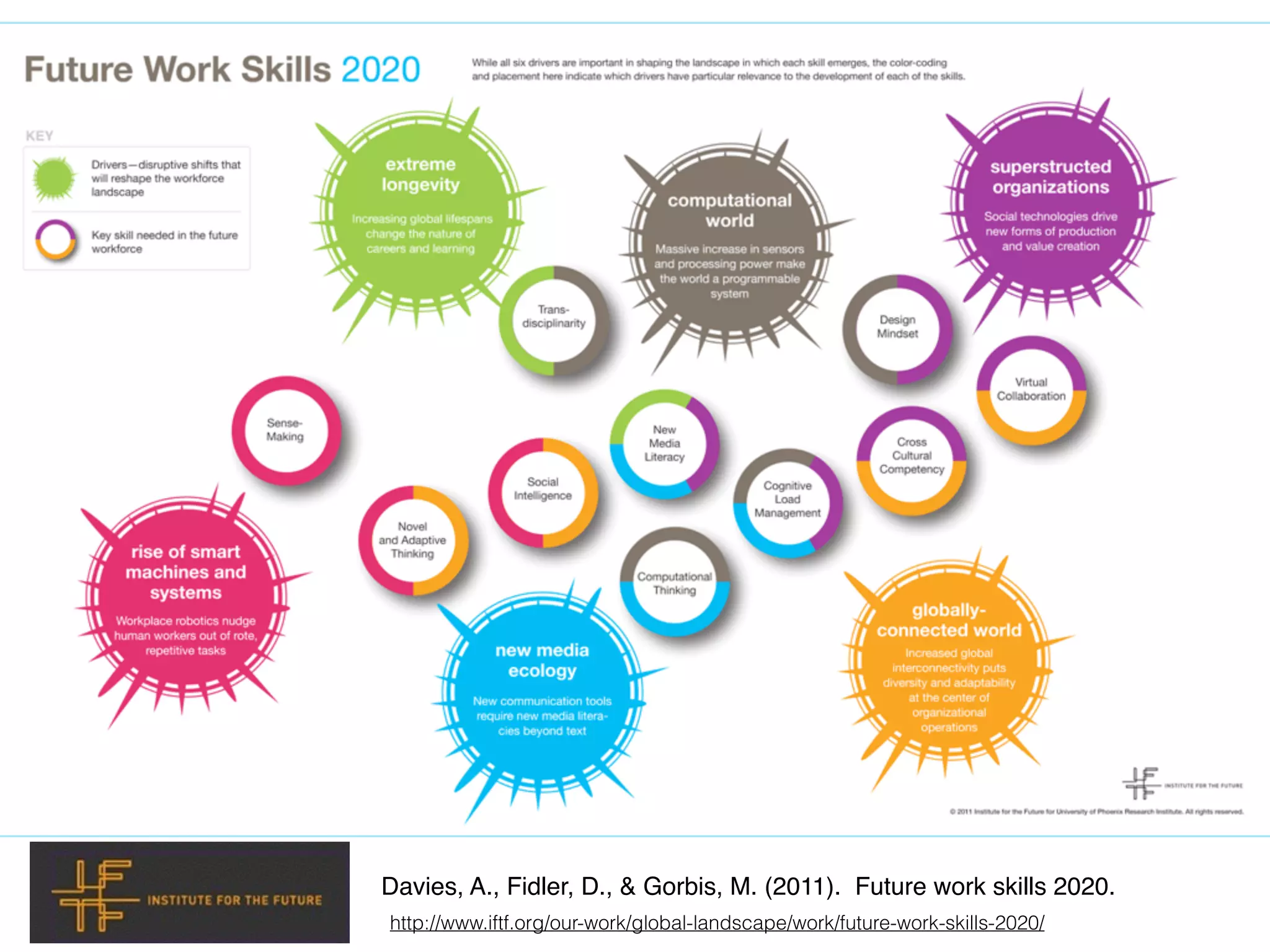
Davies, A., Fidler, D., & Gorbis, M. (2011). Future work skills 2020.
http://www.iftf.org/our-work/global-landscape/work/future-work-skills-2020/
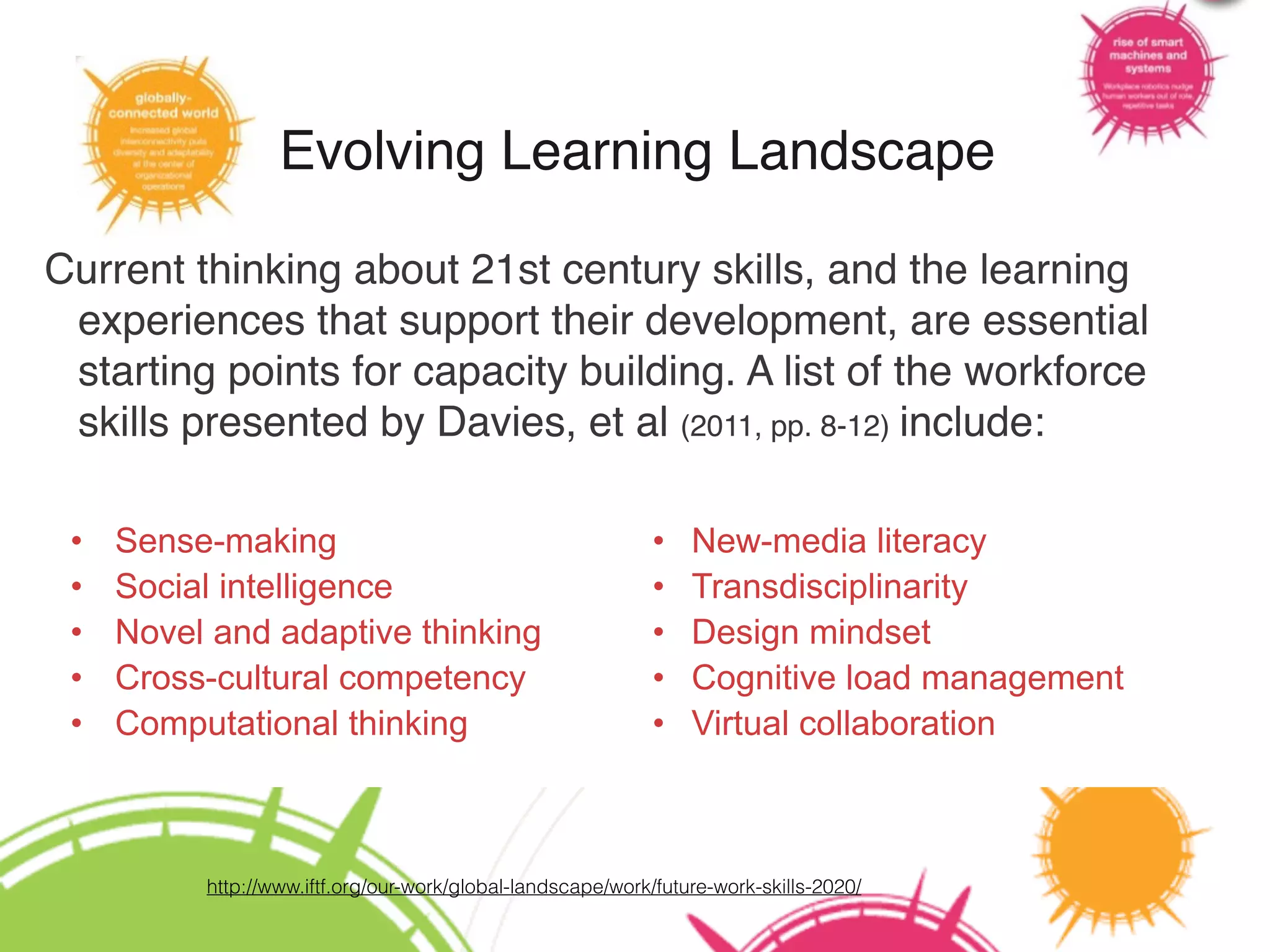
Evolving Learning Landscape
Current thinking about 21st century skills, and the learning
experiences that support their development, are essential
starting points for capacity building. A list of the workforce
skills presented by Davies, et al (2011, pp. 8-12) include:
• Sense-making
• Social intelligence
• Novel and adaptive thinking
• Cross-cultural competency
• Computational thinking
• New-media literacy
• Transdisciplinarity
• Design mindset
• Cognitive load management
• Virtual collaboration
http://www.iftf.org/our-work/global-landscape/work/future-work-skills-2020/
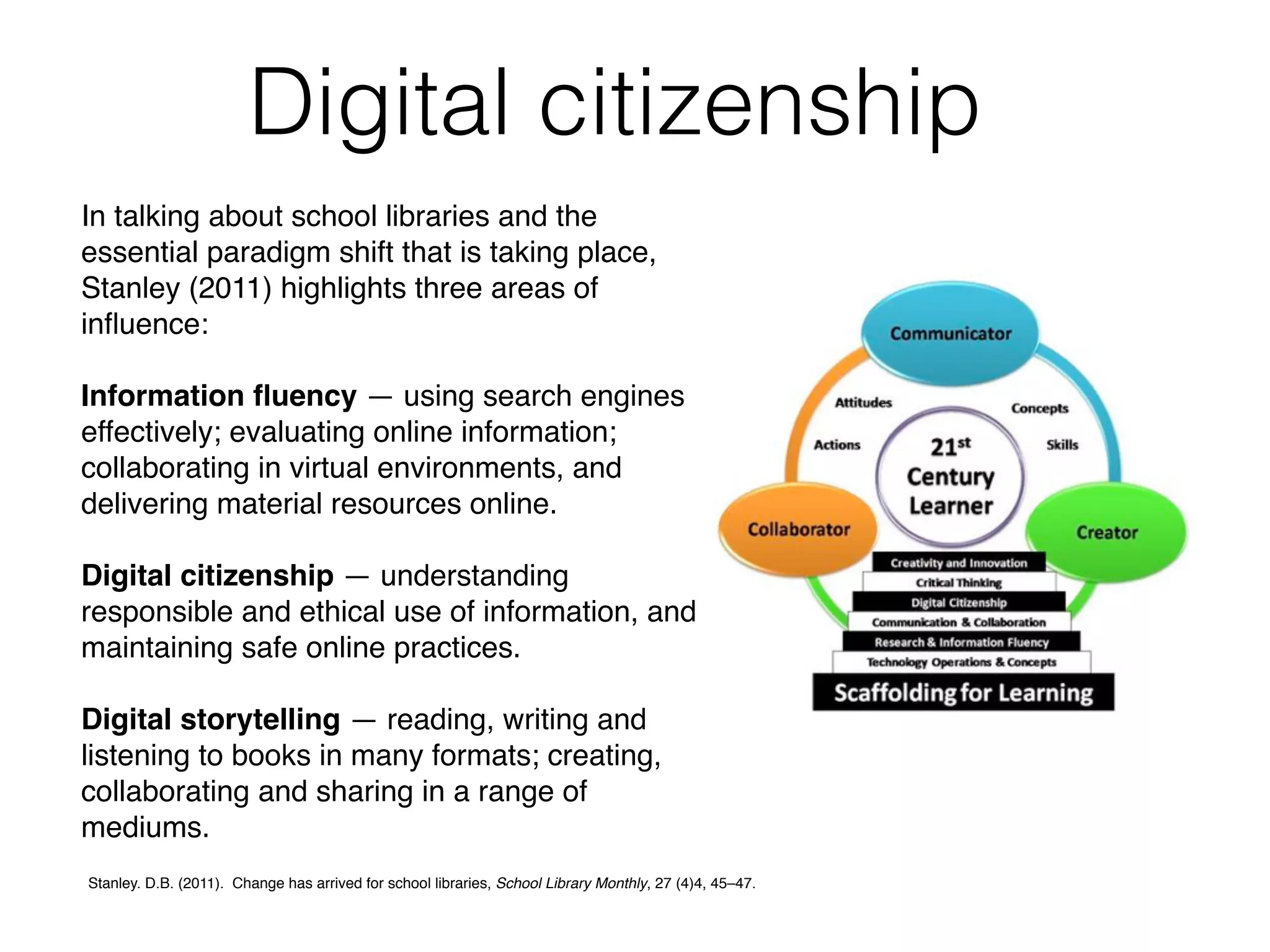
In talking about school libraries and the
essential paradigm shift that is taking place,
Stanley (2011) highlights three areas of
influence:
Information fluency — using search engines
effectively; evaluating online information;
collaborating in virtual environments, and
delivering material resources online.
Digital citizenship — understanding
responsible and ethical use of information, and
maintaining safe online practices.
Digital storytelling — reading, writing and
listening to books in many formats; creating,
collaborating and sharing in a range of
mediums.
Digital citizenship
Stanley. D.B. (2011). Change has arrived for school libraries, School Library Monthly, 27 (4)4, 45–47.
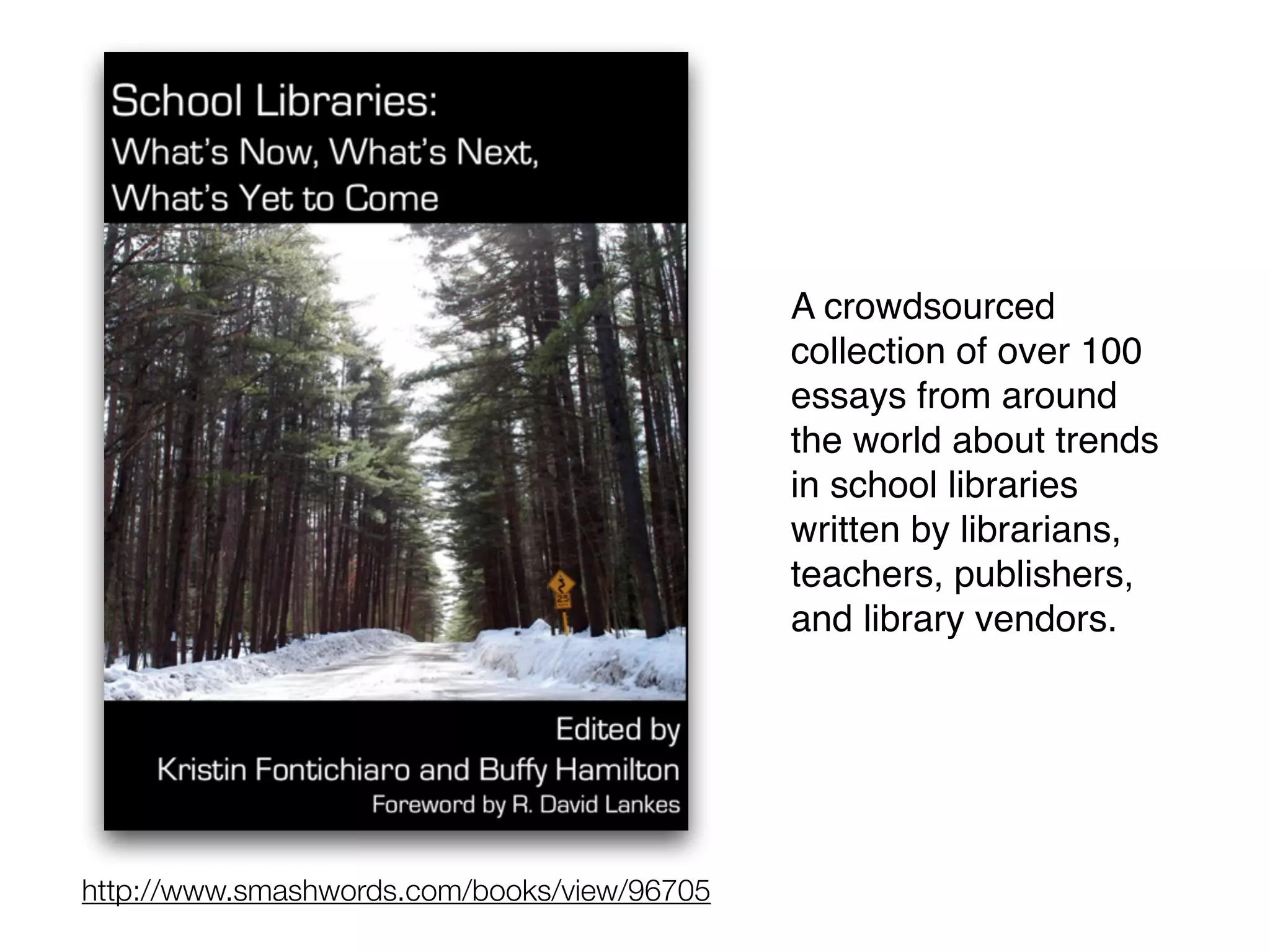
http://www.smashwords.com/books/view/96705
A crowdsourced
collection of over 100
essays from around
the world about trends
in school libraries
written by librarians,
teachers, publishers,
and library vendors.
9
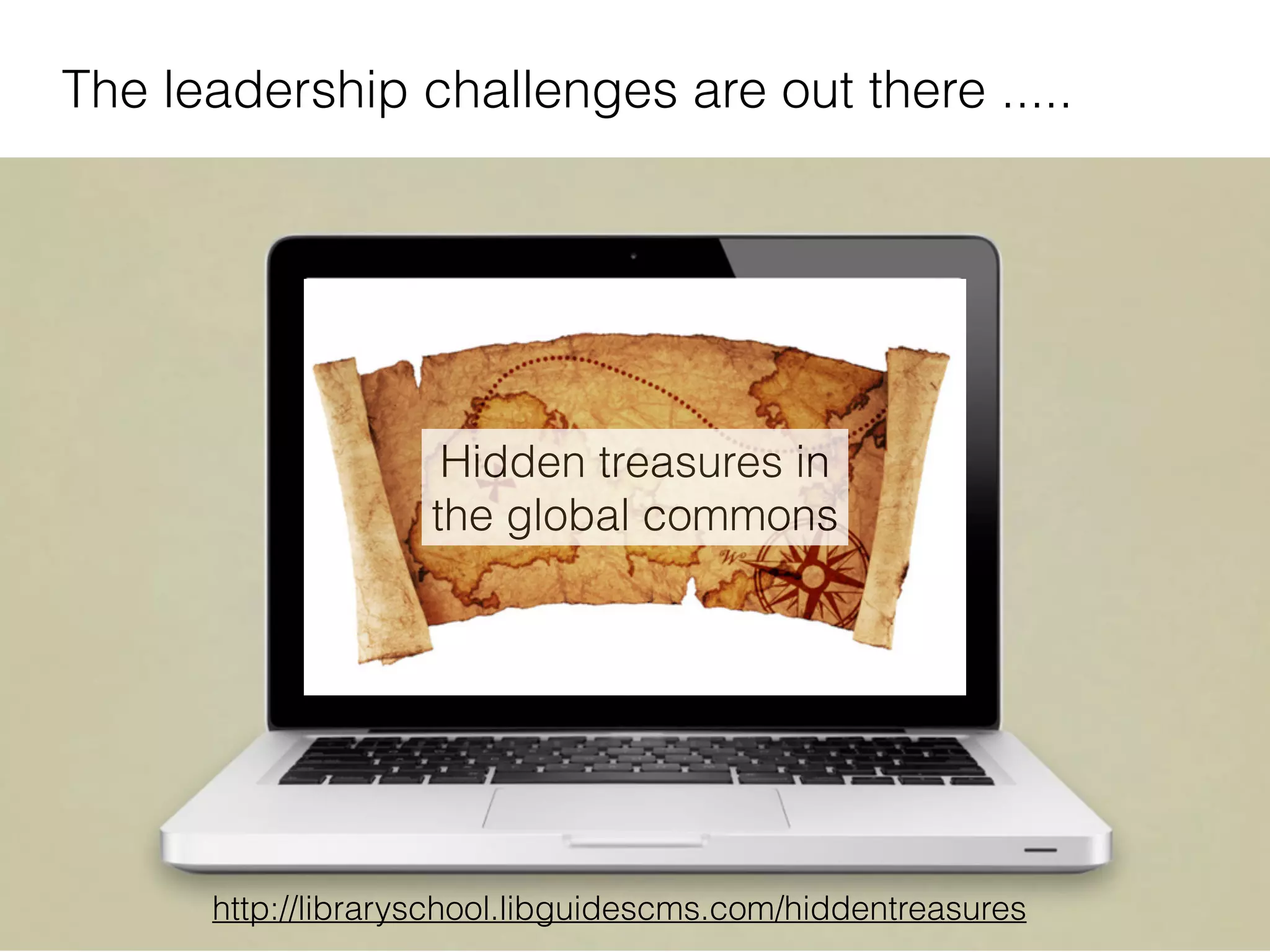
The leadership challenges are out there .....
http://libraryschool.libguidescms.com/hiddentreasures
Hidden treasures in
the global commons
The Scout Report is the flagship publication
of the Internet Scout Research Group.
Published every Friday both on the Web and
by email subscription, it provides a fast,
convenient way to stay informed.
https://scout.wisc.edu/
h#p://23mobilethings.net/wpress/
Modelling
exemplary use of
social media,
search engines,
and collaborative
research strategies.
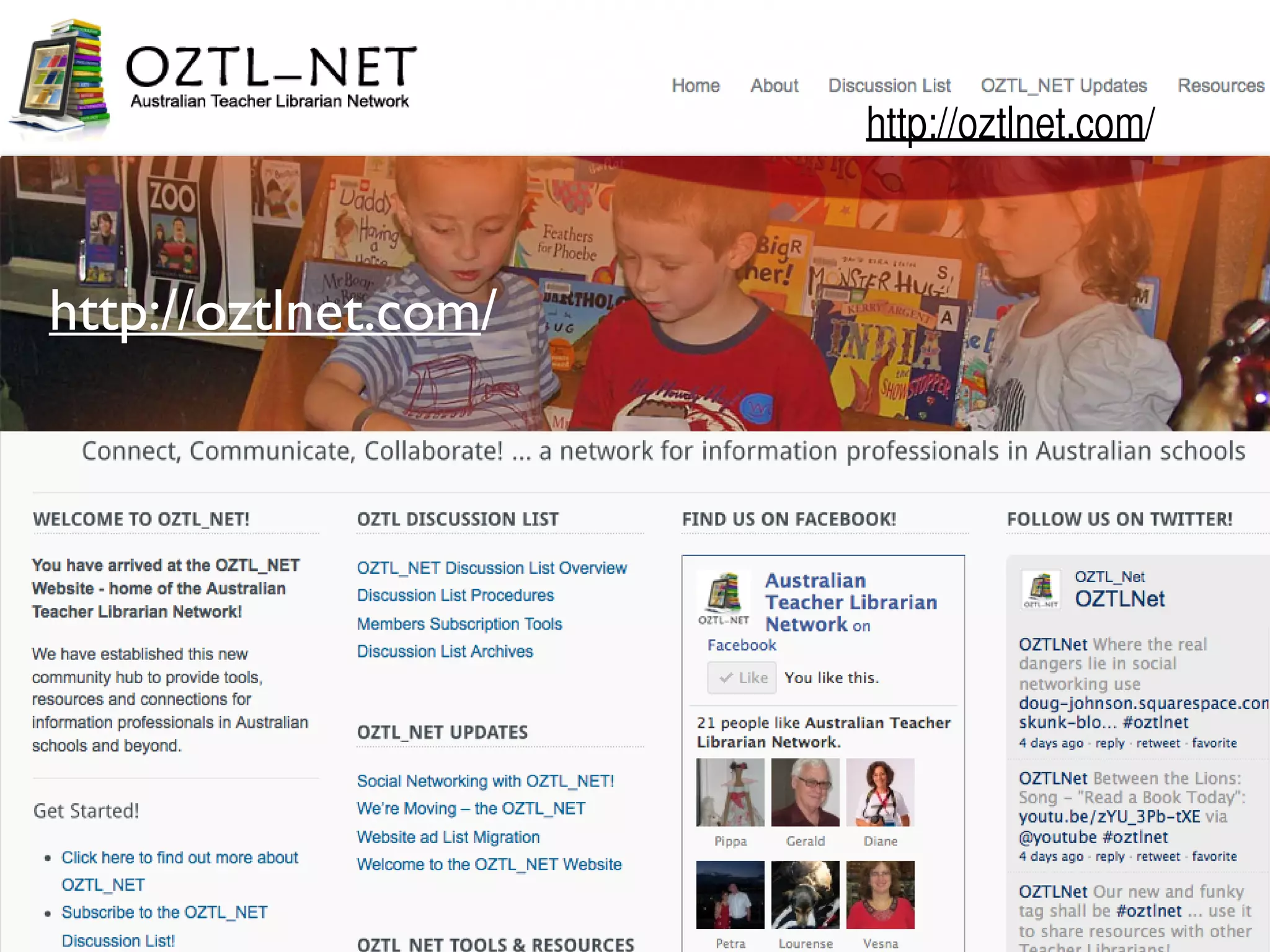
http://oztlnet.com/
The OZTL_NET Discussion List is an email-based forum
for information professionals working in Australian schools.
It is supported by the teacher librarianship academic staff at
the School of Information Studies , Charles Sturt University.
Discussion is open to all members of the Australian TL
community and any people with a genuine interest in
teacher librarianship and/or school libraries.
http://oztlnet.com/
http://oztlnet.com/
Create a complete web site for your library. WordPress.com,
Blogger.com and Weebly.com.
Generally thought of as a blogging tools, these free services can also be
used for many other purposes
News Posts: Use as a blog to post news and updates.
Collaborations: Posts news items, ideas, questions, book reviews, etc.
Invite students to use the comments feature to share ideas, their own
reviews, etc.
Student writing: Students can use these for writing and reflecting.
Portfolios: Create a professional resume & portfolio by creating pages that
focus on different aspects of your experience and skills.
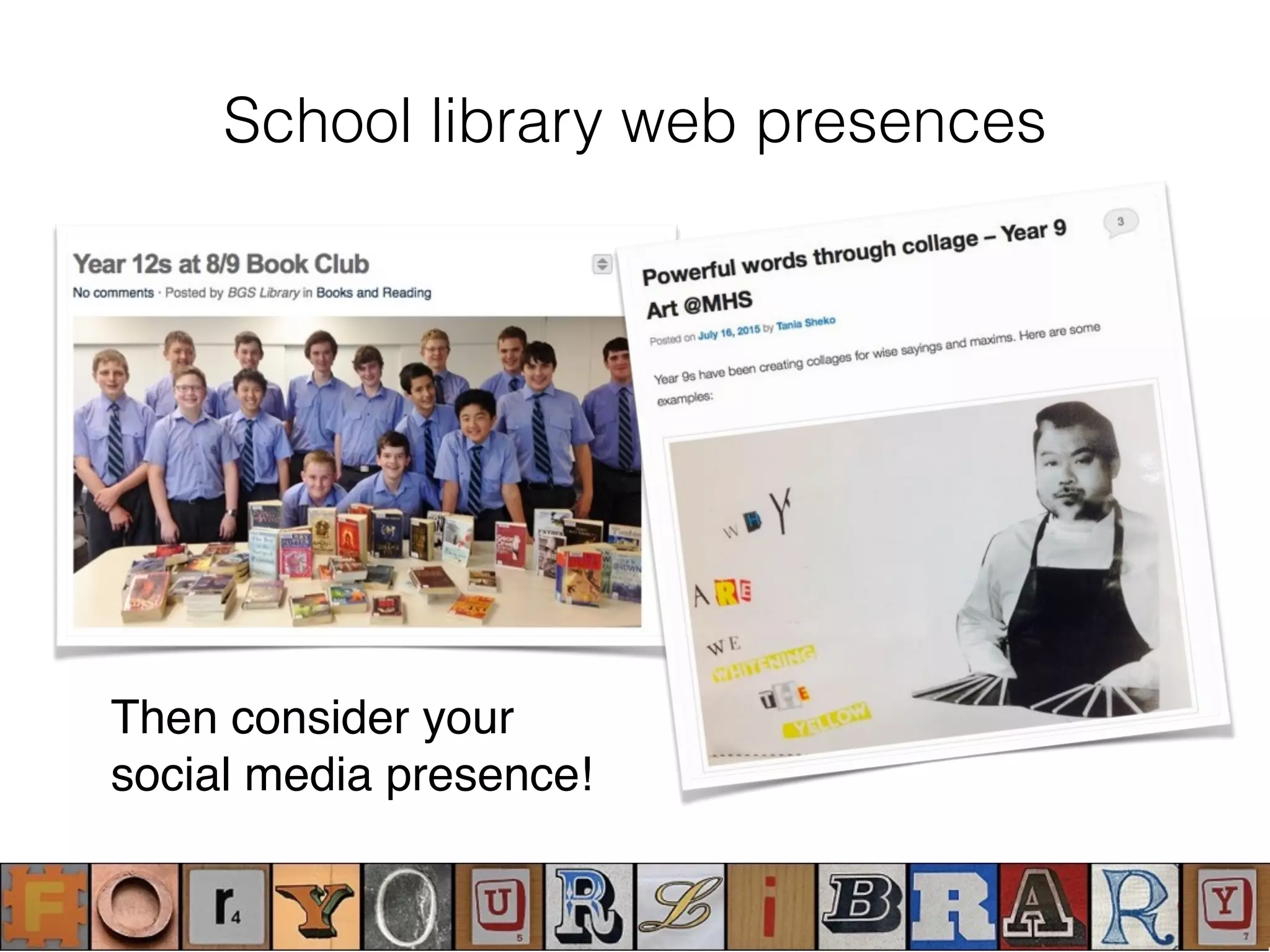
School library web presences
Then consider your
social media presence!
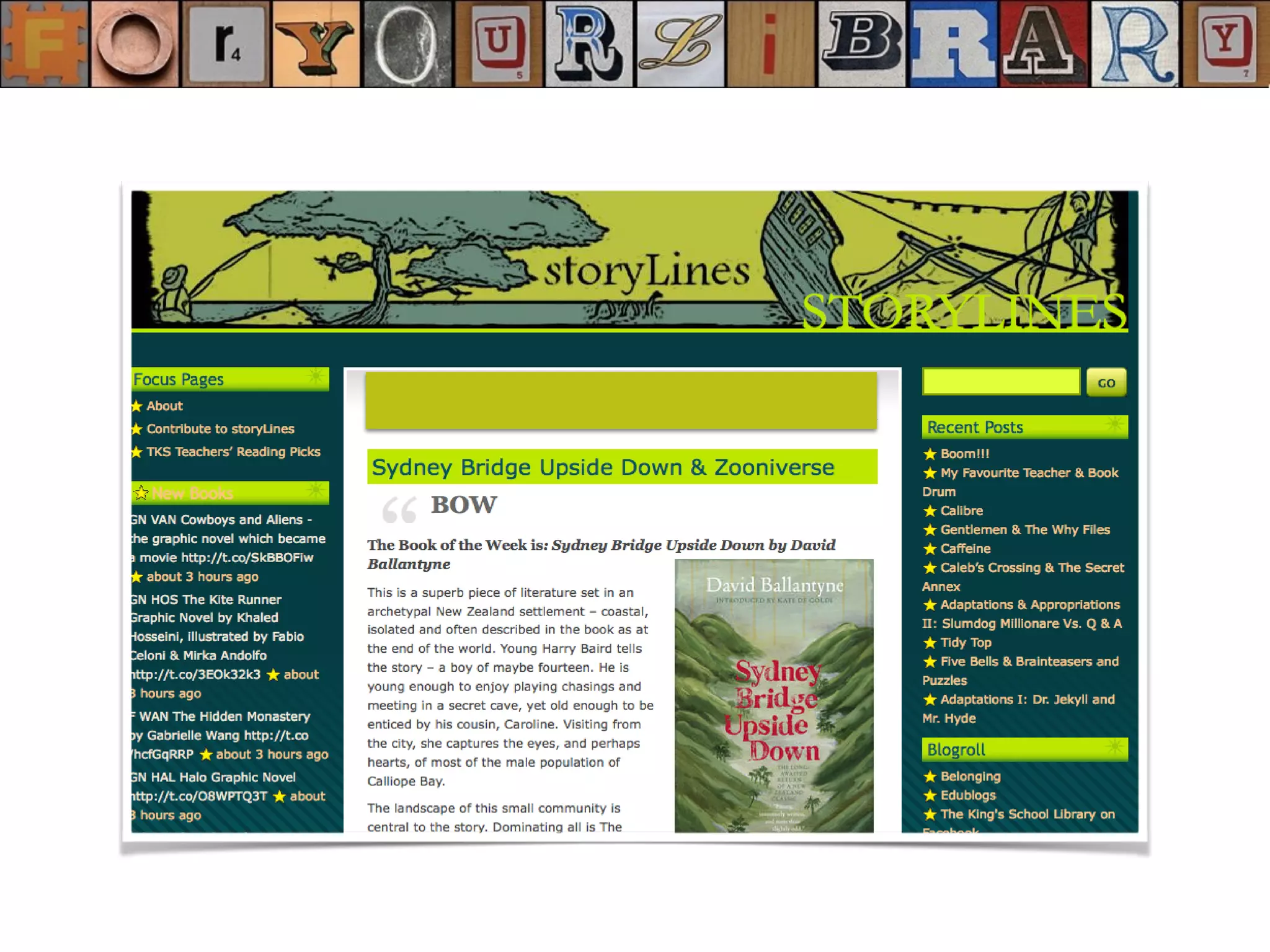
School library web presences
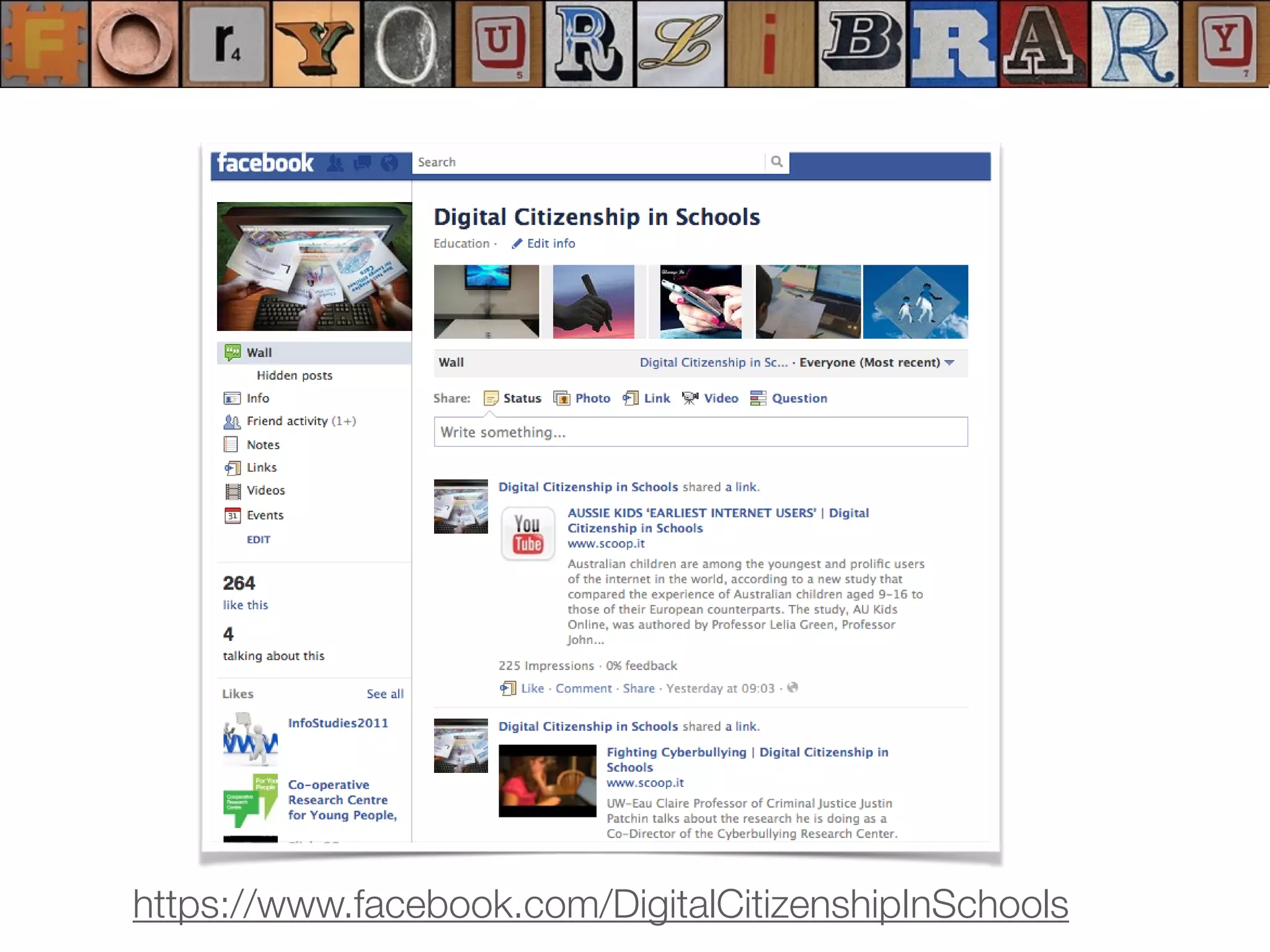
https://www.facebook.com/DigitalCitizenshipInSchools
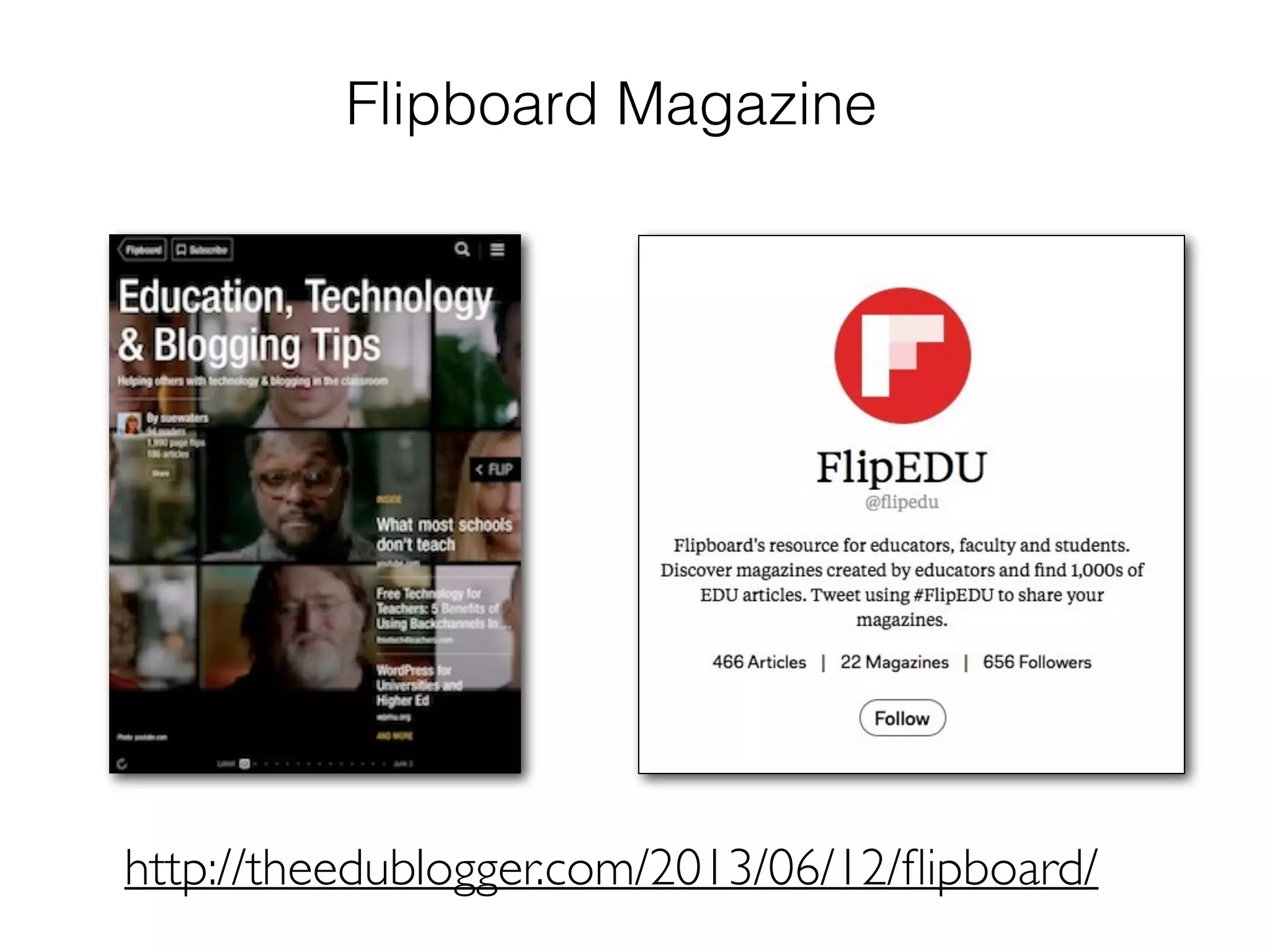
Flipboard Magazine
http://theedublogger.com/2013/06/12/flipboard/
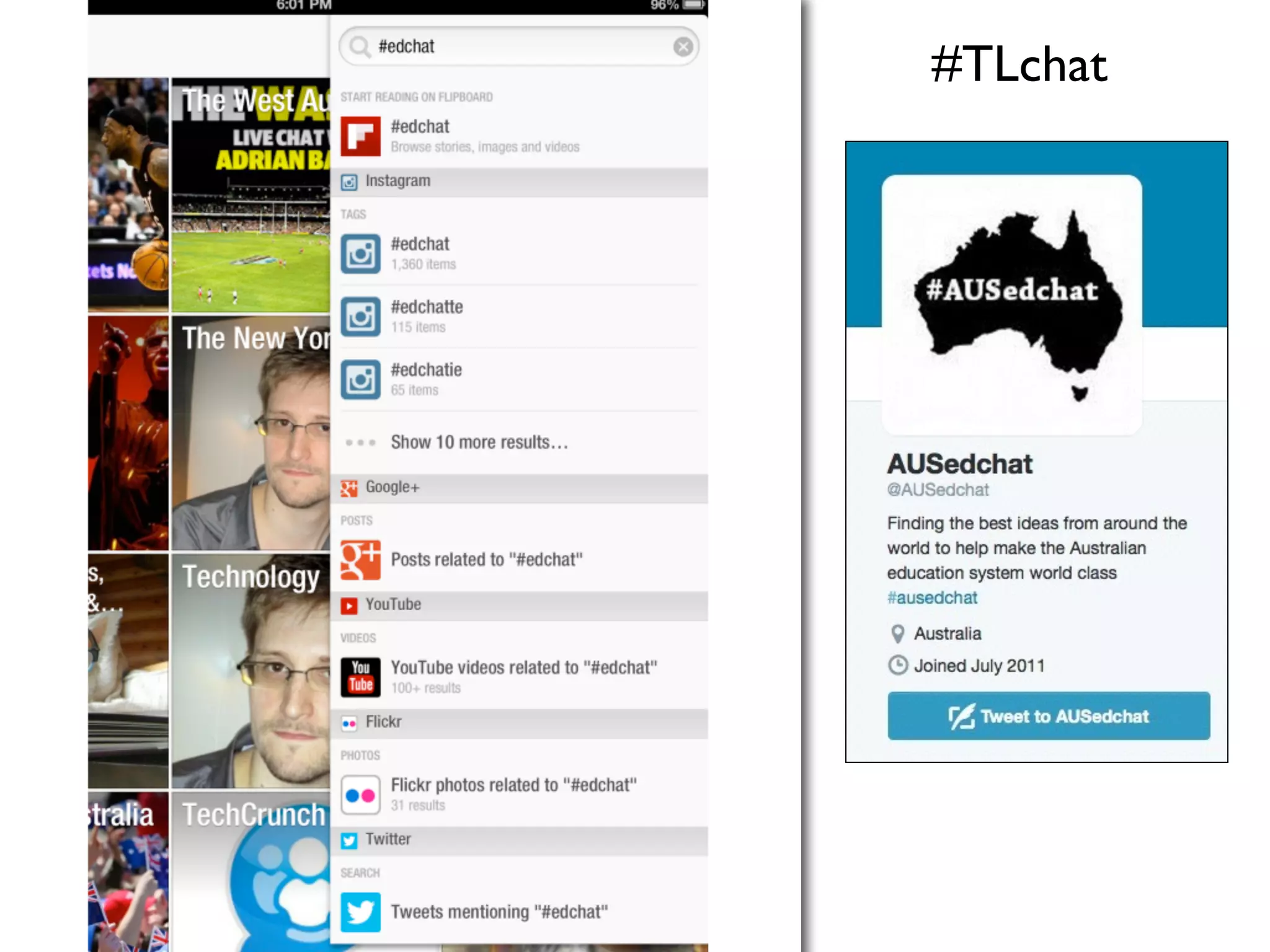
#TLchat
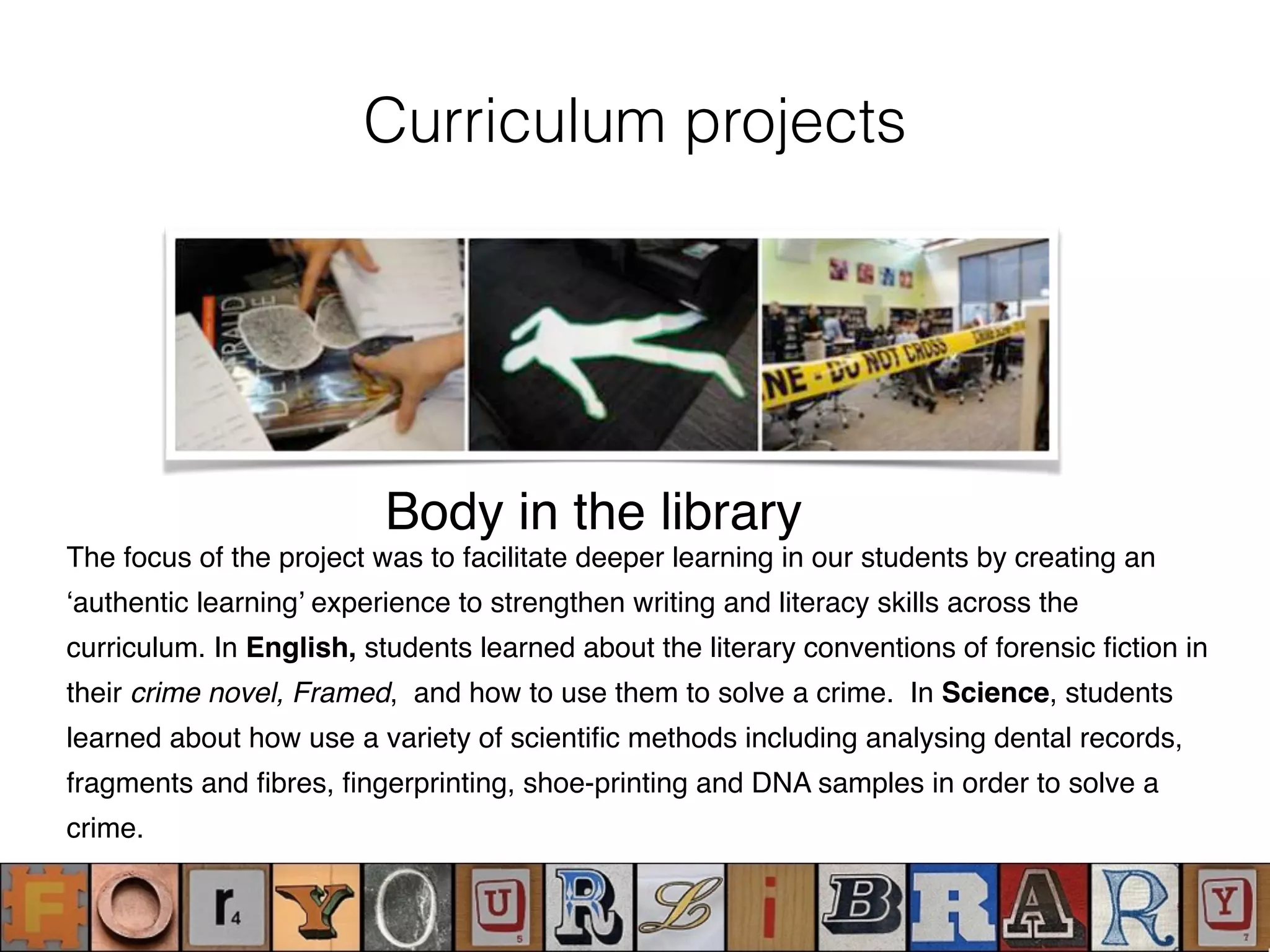
Curriculum projects
The focus of the project was to facilitate deeper learning in our students by creating an
‘authentic learning’ experience to strengthen writing and literacy skills across the
curriculum. In English, students learned about the literary conventions of forensic fiction in
their crime novel, Framed, and how to use them to solve a crime. In Science, students
learned about how use a variety of scientific methods including analysing dental records,
fragments and fibres, fingerprinting, shoe-printing and DNA samples in order to solve a
crime.
Body in the library
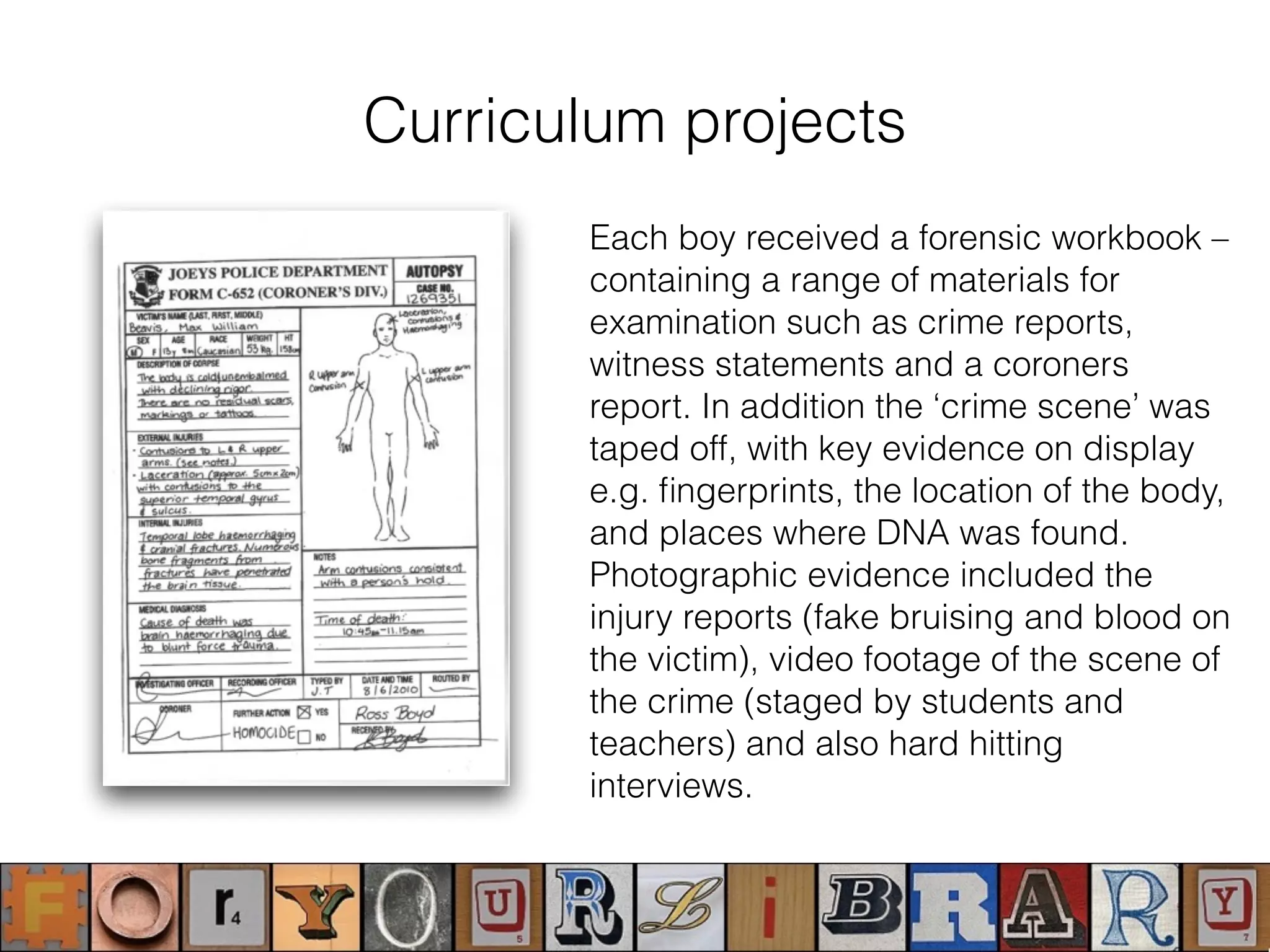
Curriculum projects
Each boy received a forensic workbook –
containing a range of materials for
examination such as crime reports,
witness statements and a coroners
report. In addition the ‘crime scene’ was
taped off, with key evidence on display
e.g. fingerprints, the location of the body,
and places where DNA was found.
Photographic evidence included the
injury reports (fake bruising and blood on
the victim), video footage of the scene of
the crime (staged by students and
teachers) and also hard hitting
interviews.
Curriculum projects
O’Connell, J. (2011). Body in the Library': A cross-curriculum transliteracy project, in
L.Marquardt & D. Oberg (Ed.) Global Perspectives on School Libraries: Projects and Practices,
Berlin, New York : De Gruyter Saur.
English curriculum
• Study of forensic fiction and different sub -genres of mystery fiction
(this also provided an opportunity for supporting literature displays in the
library)
• Study of famous fiction forensic films/novels/characters
• Character and plot analysis, including the relationships of clues,
events, and people in solving a crime.
Science curriculum
• Study of forensic science and the scientific method required (this provided
an opportunity for non-fiction book displays in the library)
• Crime scene basics, protocol, techniques, scientific evidence.
• Police techniques for investigating a murder. i.e., interviews, ID parade,
CTV security images.
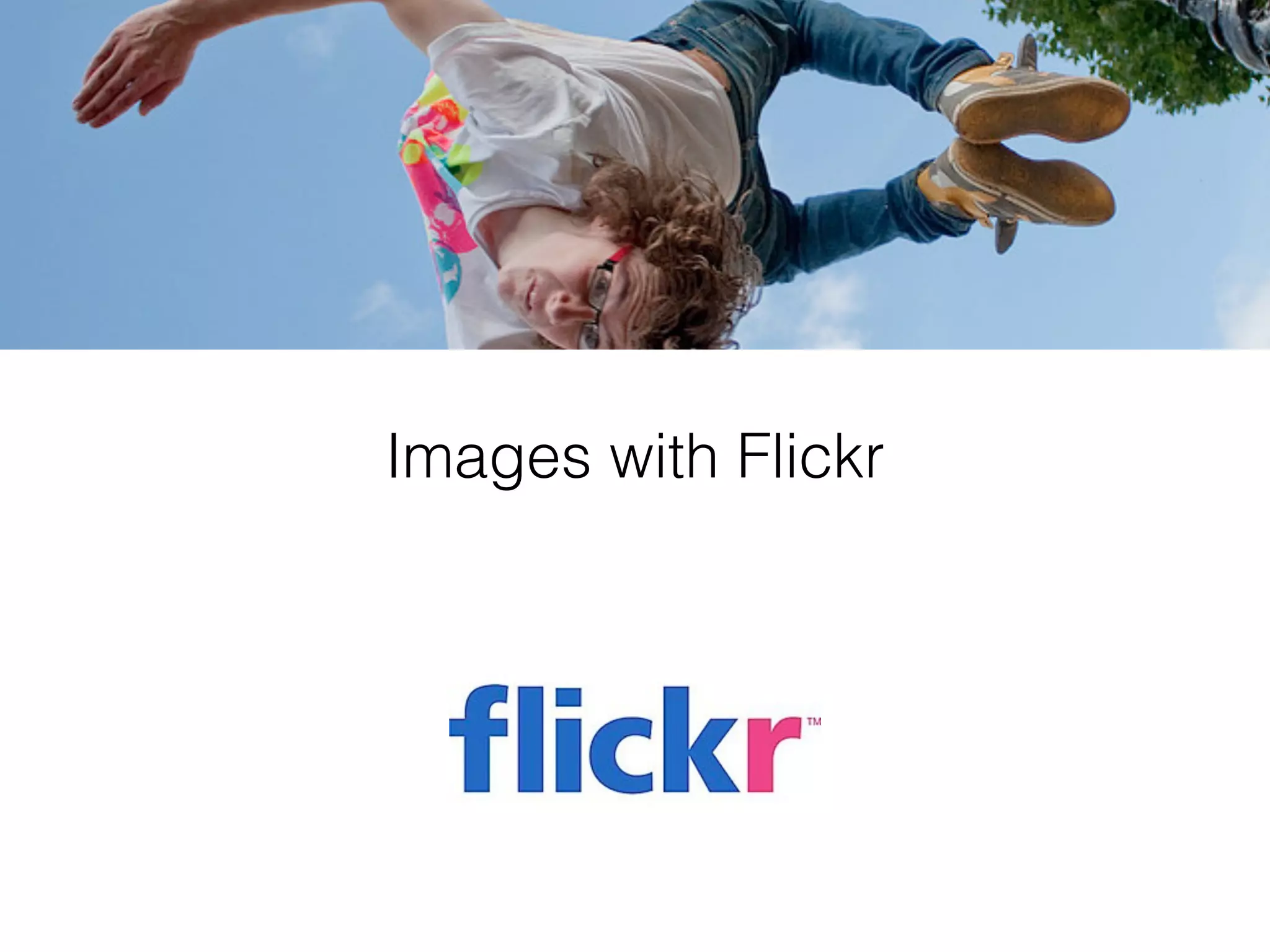
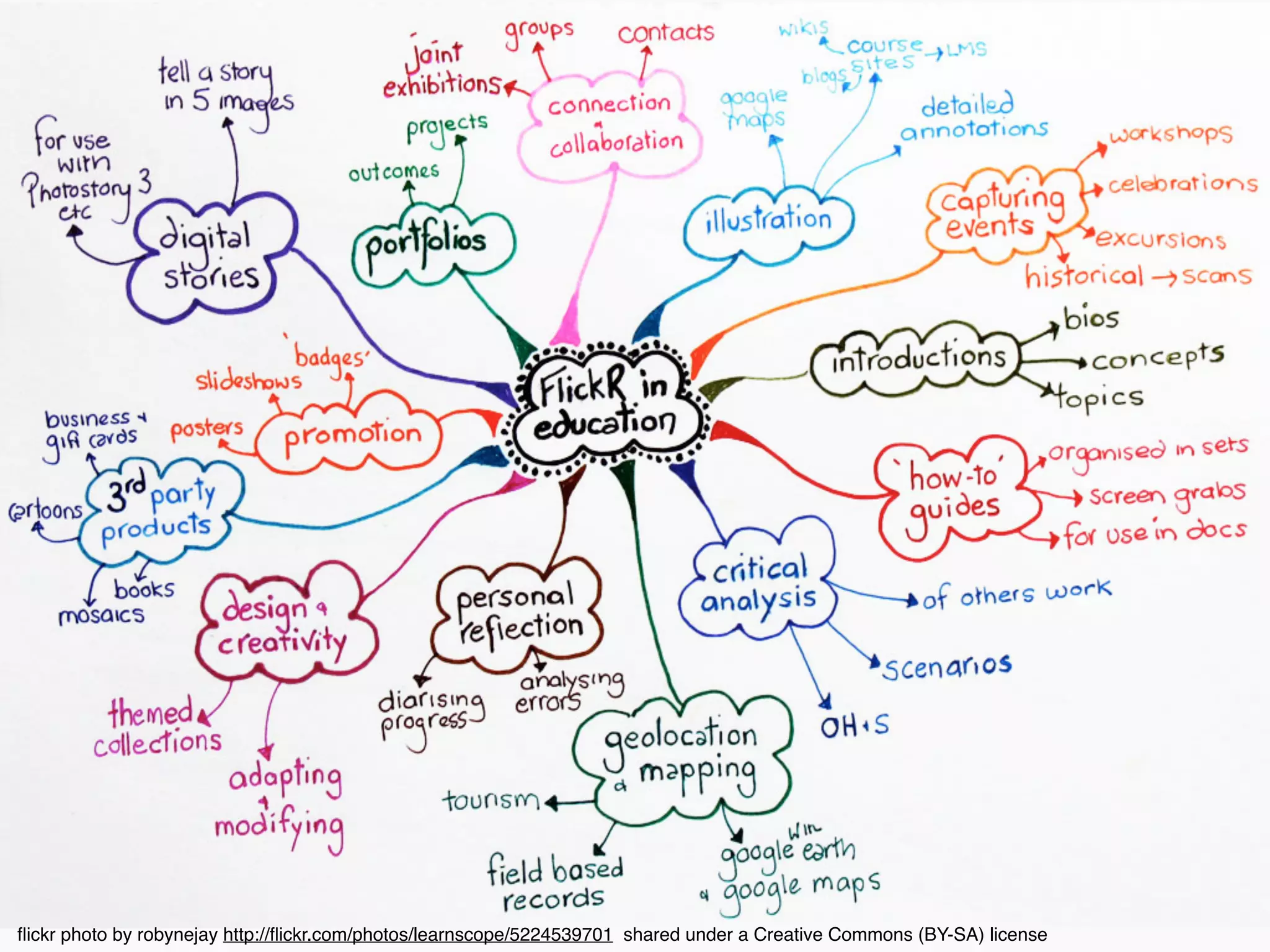
Images with Flickr
flickr photo by robynejay http://flickr.com/photos/learnscope/5224539701 shared under a Creative Commons (BY-SA) license
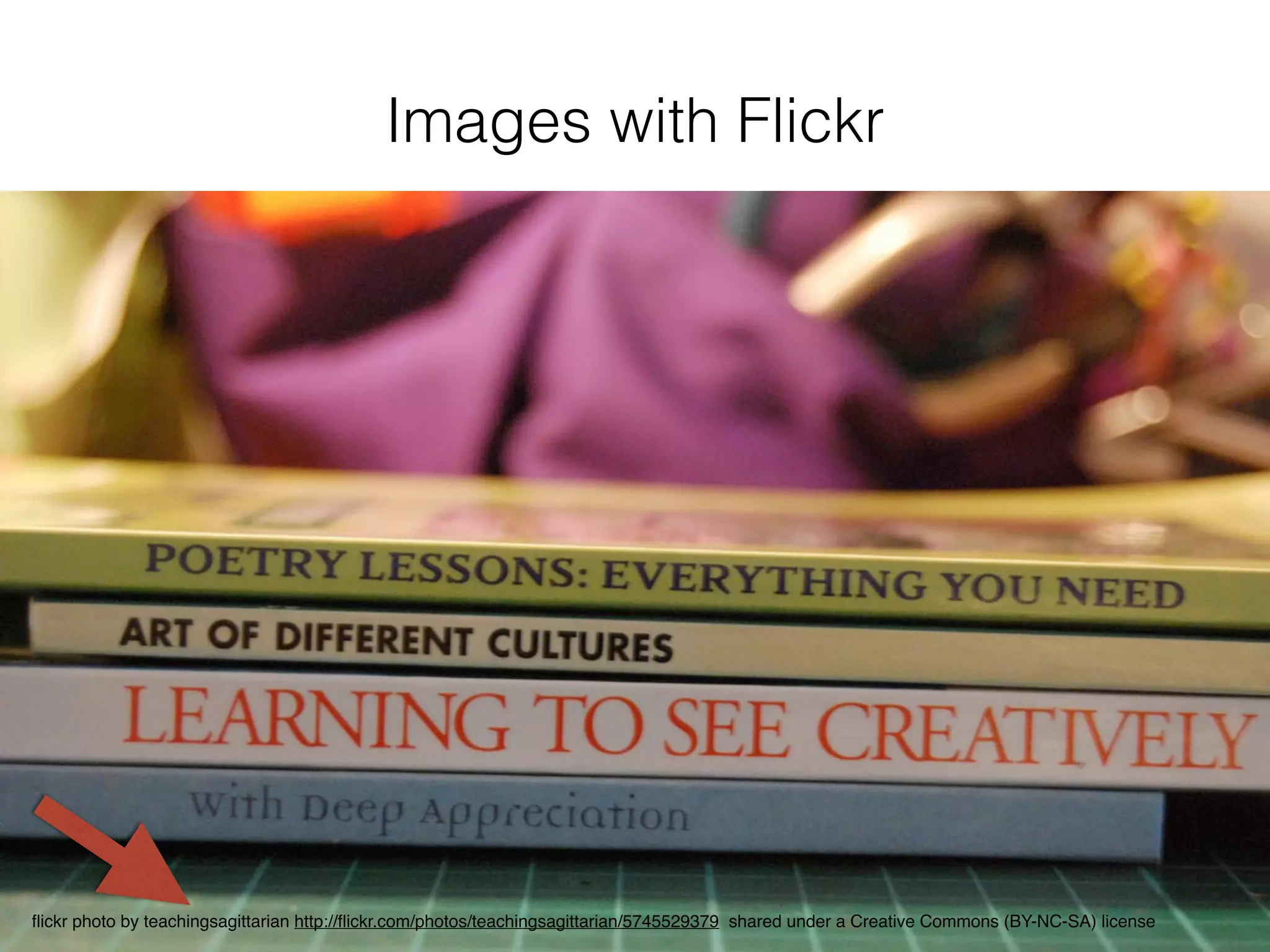
Images with Flickr
flickr photo by teachingsagittarian http://flickr.com/photos/teachingsagittarian/5745529379 shared under a Creative Commons (BY-NC-SA) license
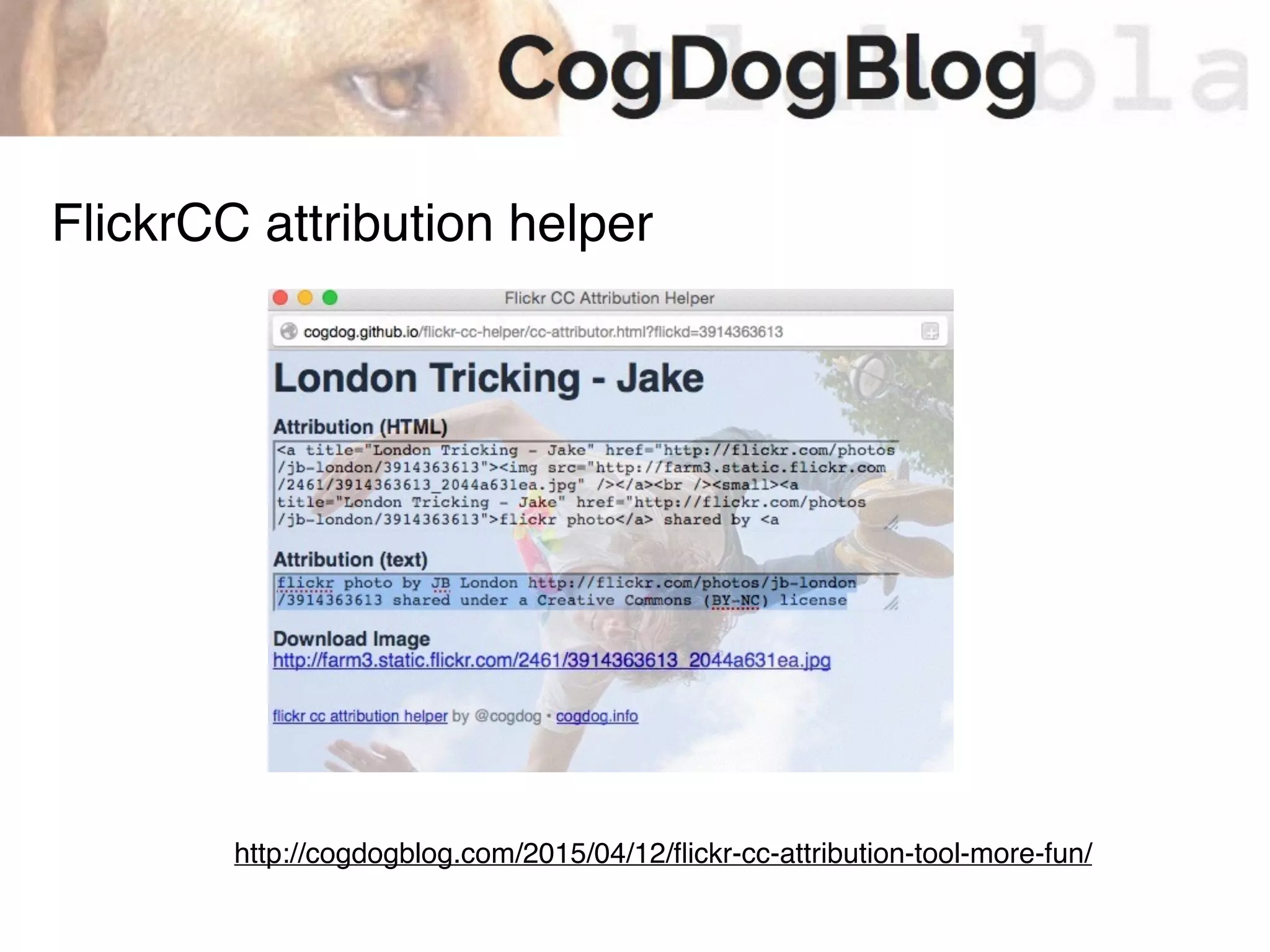
http://cogdogblog.com/2015/04/12/flickr-cc-attribution-tool-more-fun/
FlickrCC attribution helper
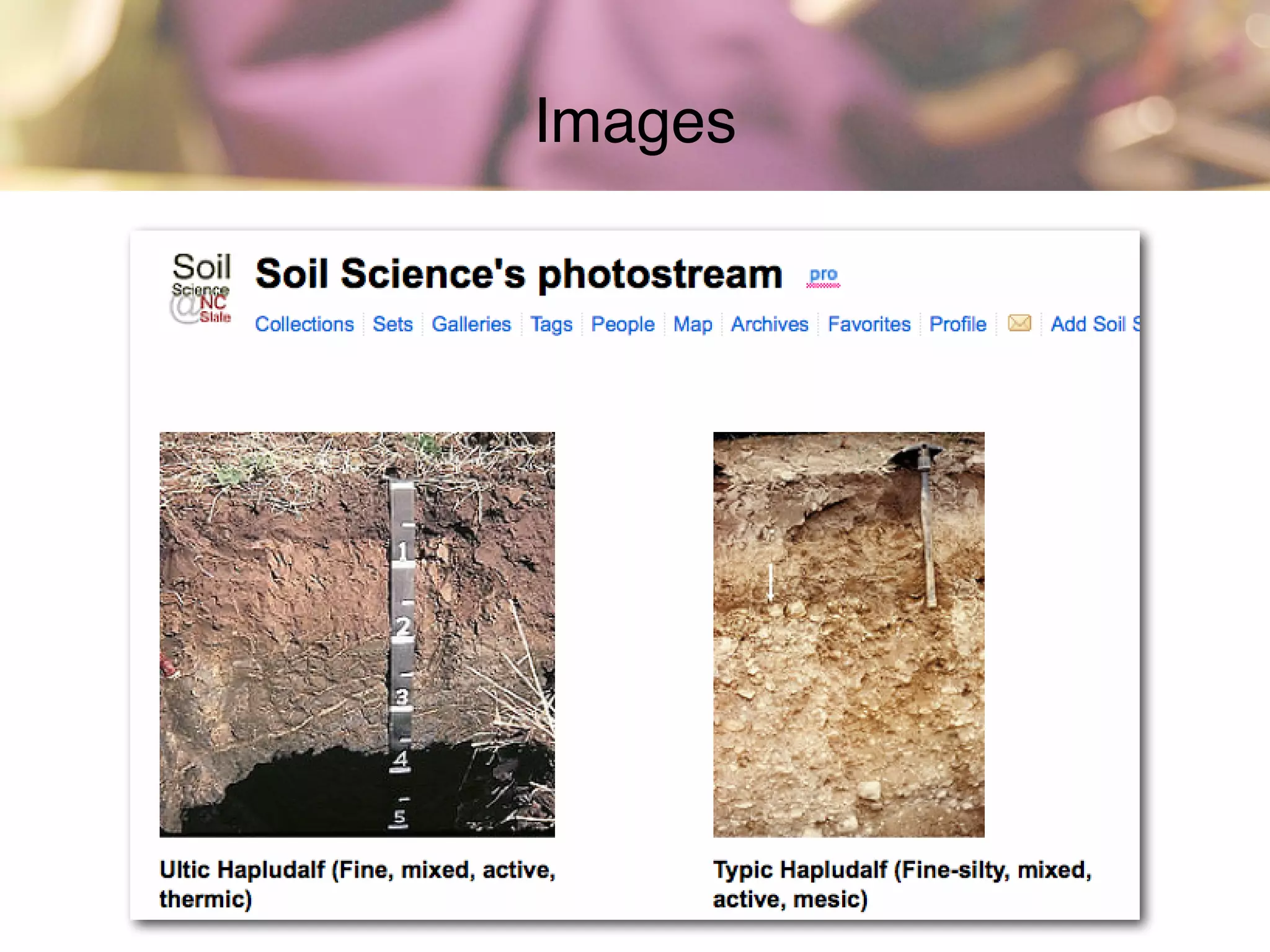
• Post photos of school & community events.
• Create a school group on Flickr for students & staff to share photos
of events.
• Hold a “Day in the Life” event where the community shares photos
representing one day in the life of the school.
• Photos to chronicle library/school renovations and keep community
up to date.
• Share photos of art work and crafts created by students.
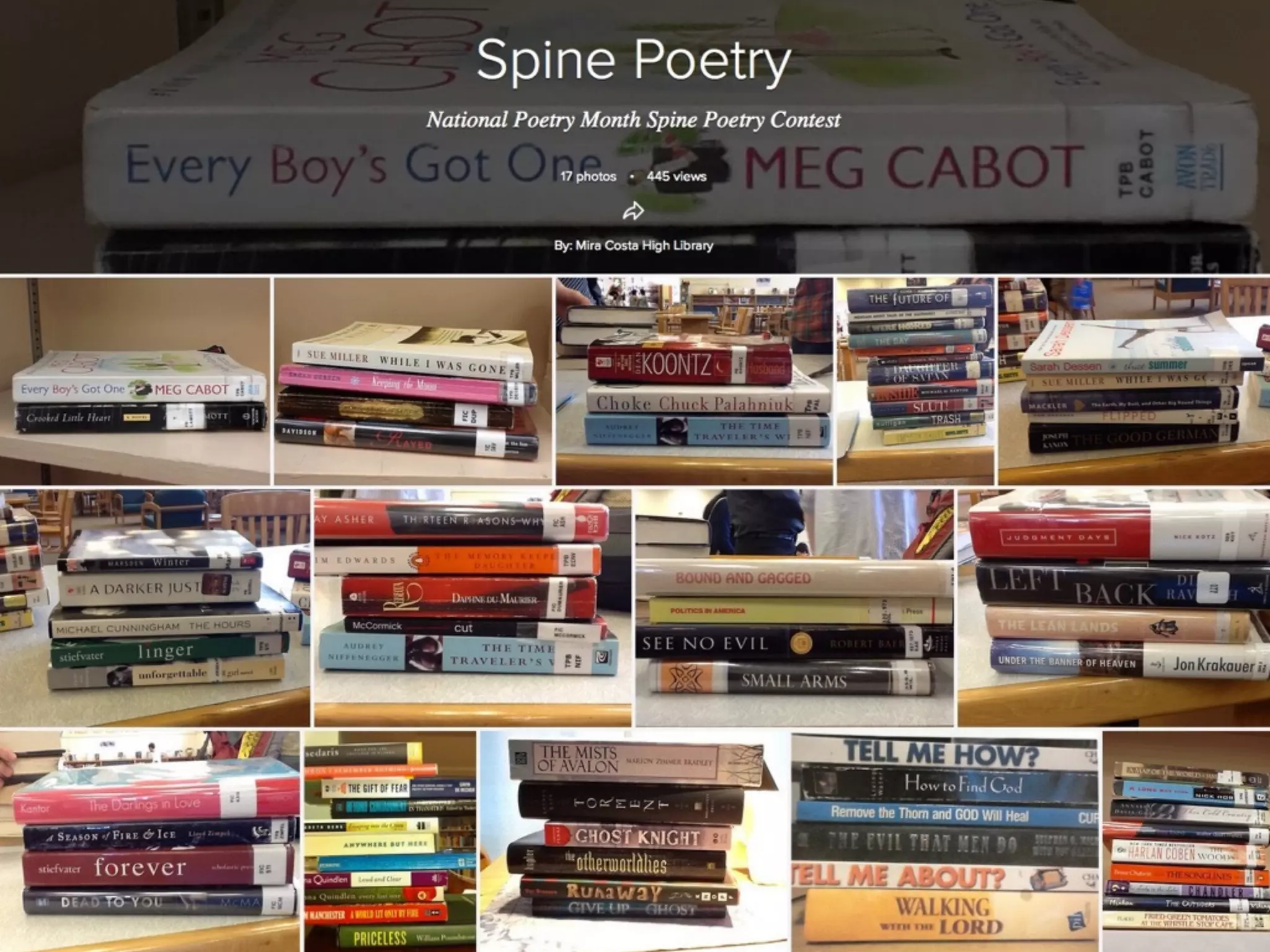
• Book spine poetry photos. :)
• Scan & post historic photos and ask community to share memories
through the comments feature.
• Join other groups or share your own class groups!
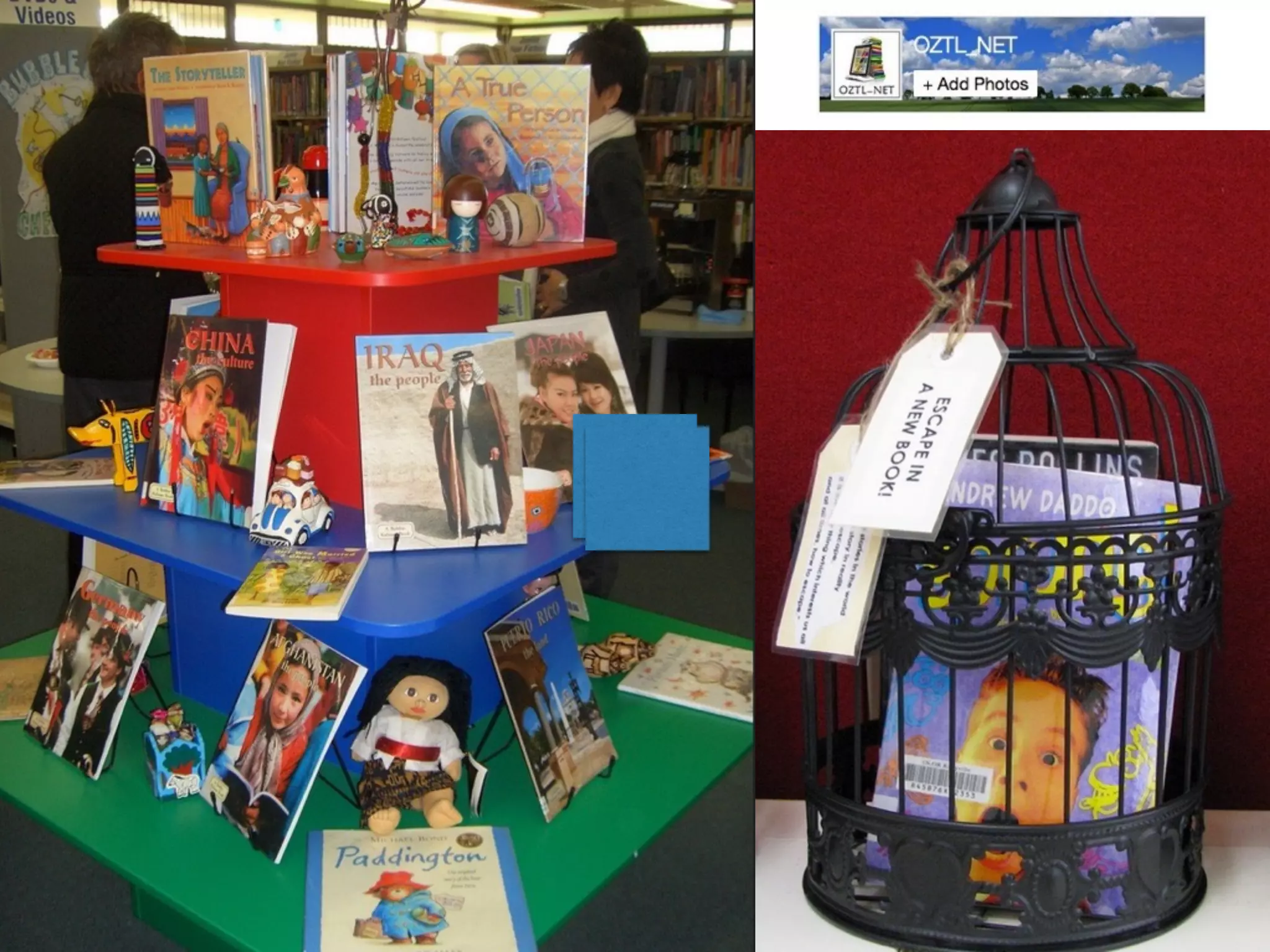
• Share ideas for library displays, program ideas and more.
• Create slide shows that can be embedded on your web page
• Create your own favourites collection
• Public photo sharing sites like flickr are great resources for Creative
Commons licensed images to use in presentations.
Images
Images
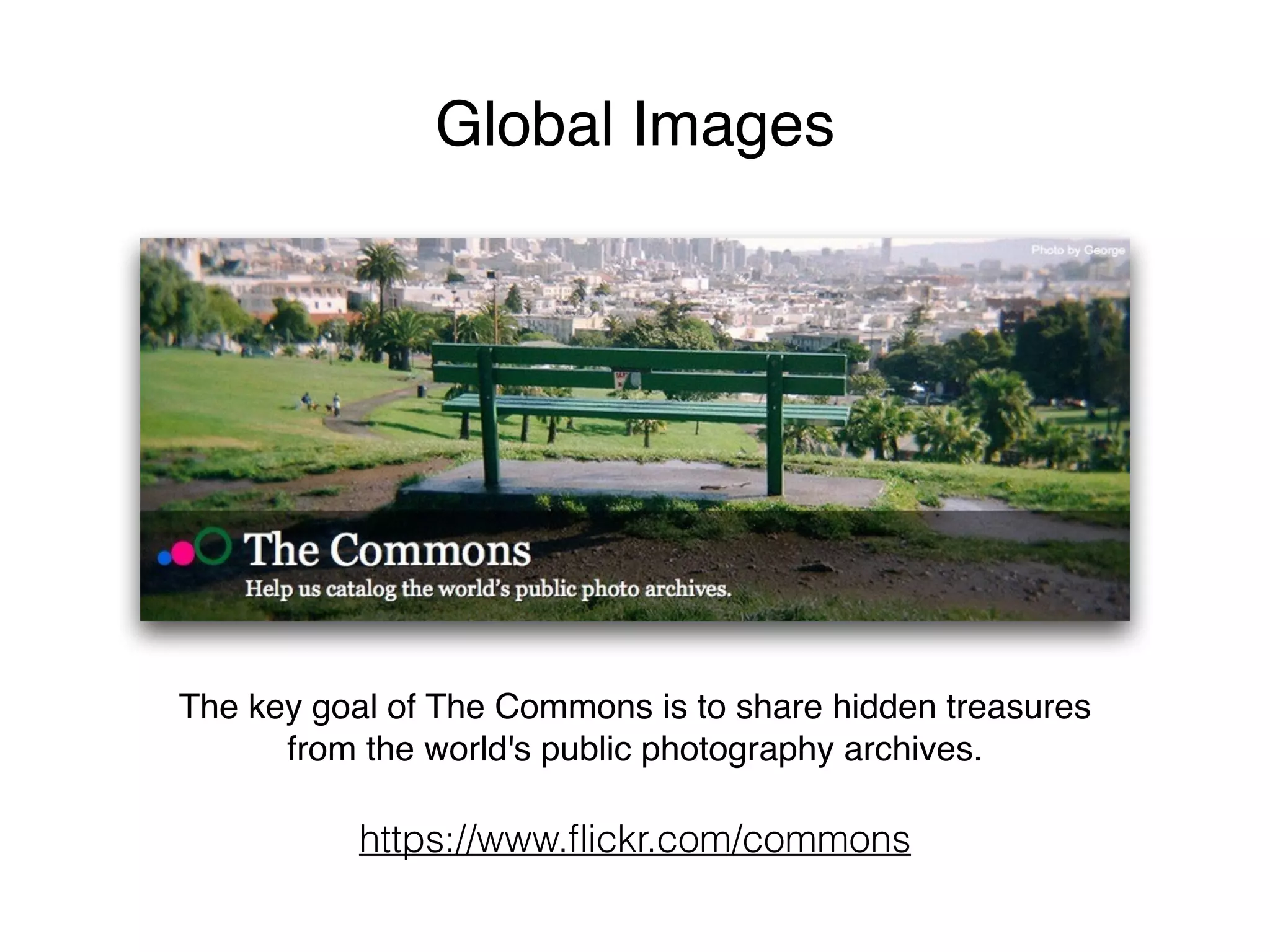
Global Images
The key goal of The Commons is to share hidden treasures
from the world's public photography archives.
https://www.flickr.com/commons
Spell with Flickr
http://metaatem.net/words/
http://bighugelabs.com/
https://www.tineye.com/
Find free images online http://judyoconnell.com/find-free-images-online/
PhotoPin – My first stop for photo searching. Very easy to use
and searches a number of sources for CC licensed photos.
CC search – search for images, video and music from one
search page. Handy!
Flickr advanced search – Scroll to the botton of the screen
and select the Creative Commons setting & “Find content to
modify, adapt, or build upon”
Image search tools
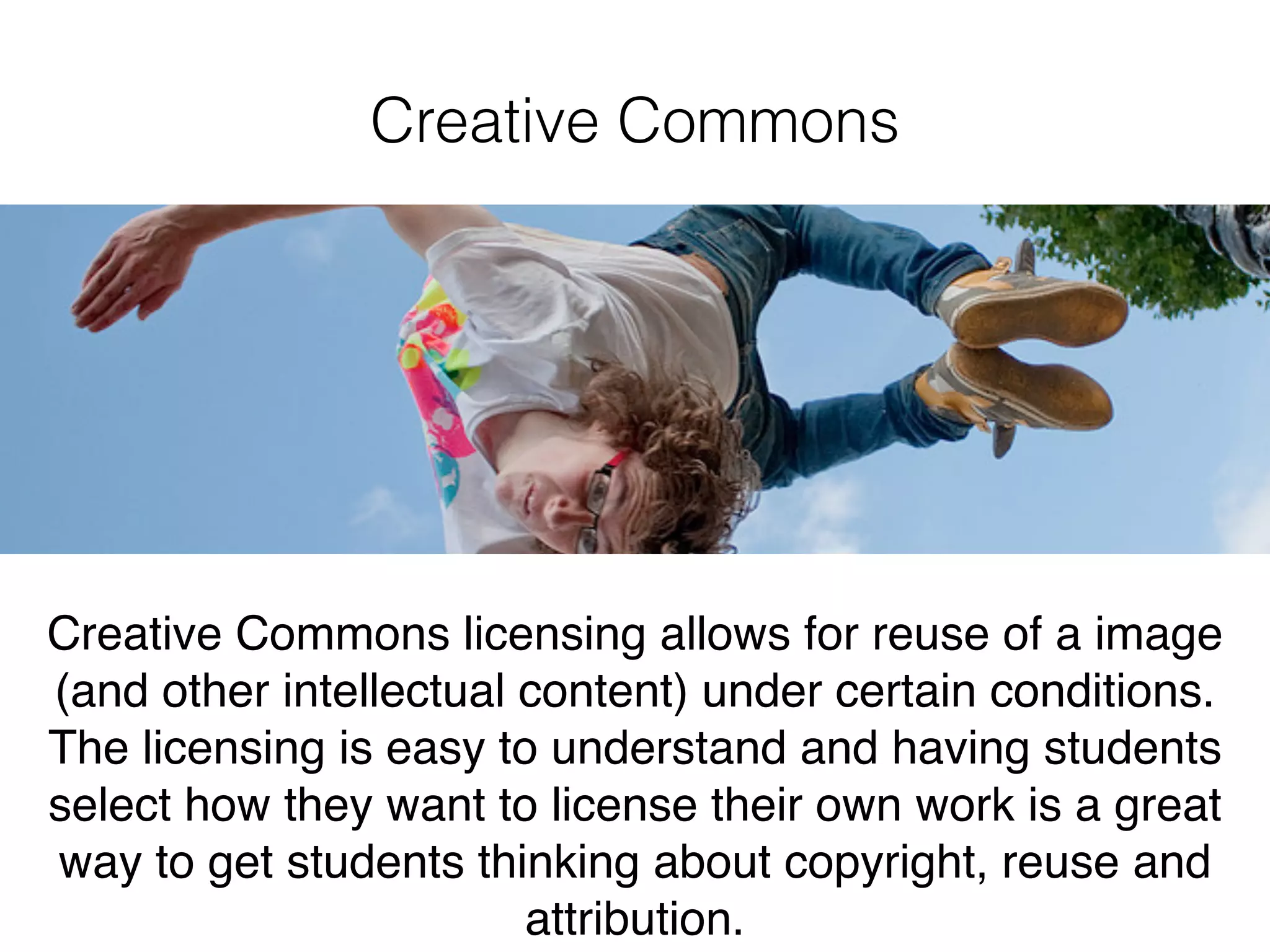
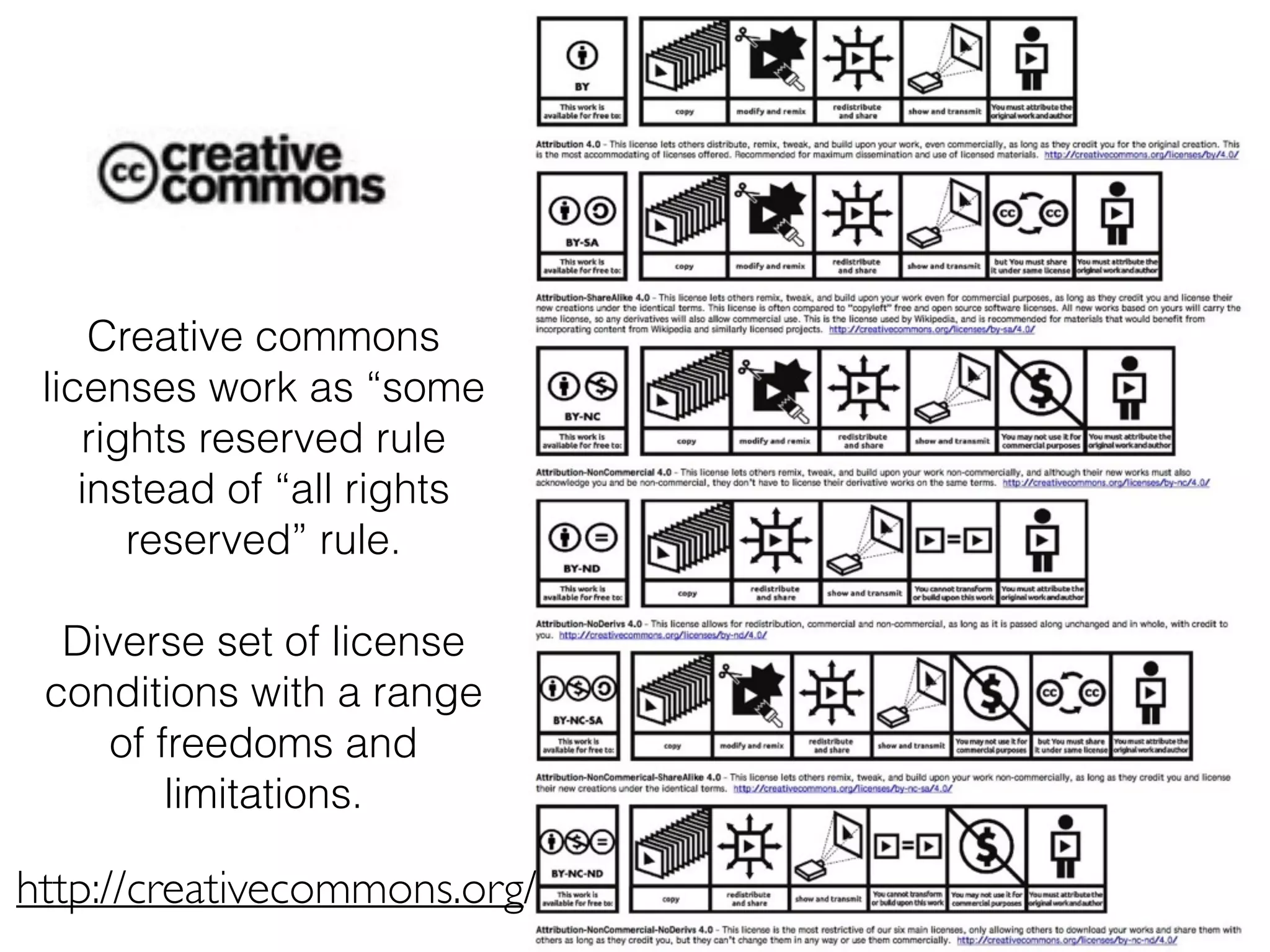
Creative Commons
Creative Commons licensing allows for reuse of a image
(and other intellectual content) under certain conditions.
The licensing is easy to understand and having students
select how they want to license their own work is a great
way to get students thinking about copyright, reuse and
attribution.
Creative commons
licenses work as “some
rights reserved rule
instead of “all rights
reserved” rule.
Diverse set of license
conditions with a range
of freedoms and
limitations.
http://creativecommons.org/
http://youtu.be/AeTlXtEOplA
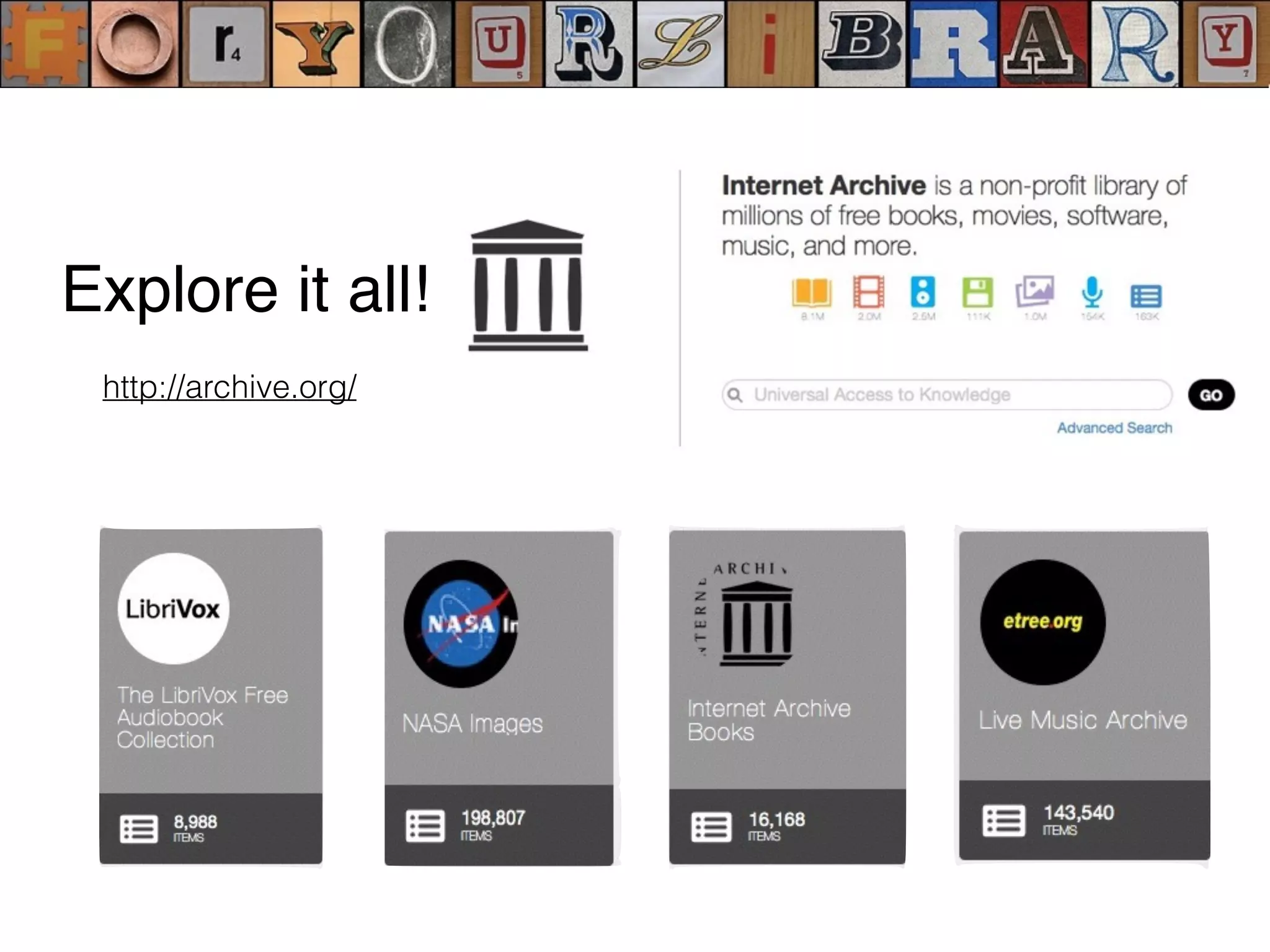
http://archive.org/
Explore it all!
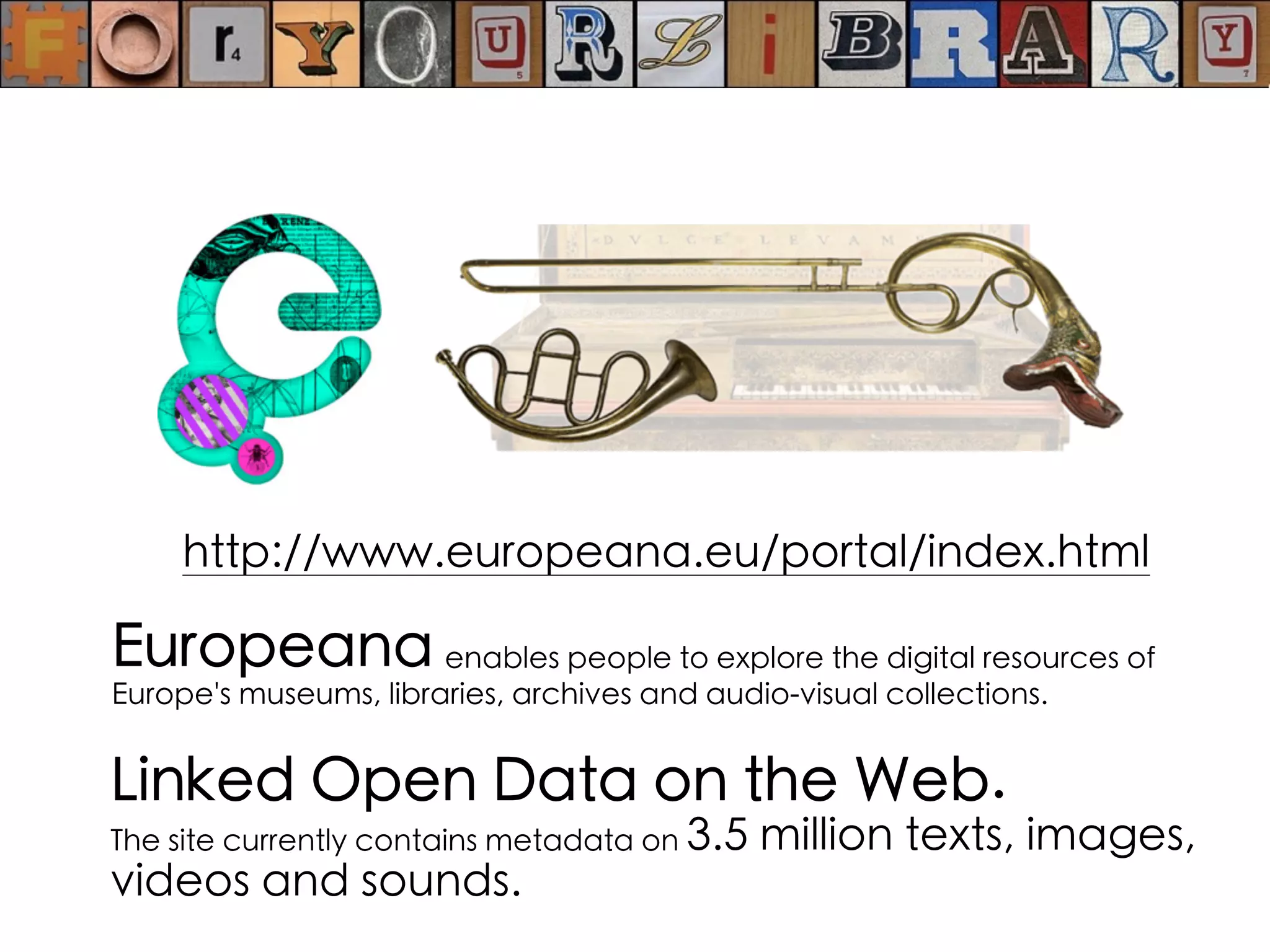
Europeana enables people to explore the digital resources of
Europe's museums, libraries, archives and audio-visual collections.
http://www.europeana.eu/portal/index.html
Linked Open Data on the Web.
The site currently contains metadata on 3.5 million texts, images,
videos and sounds.
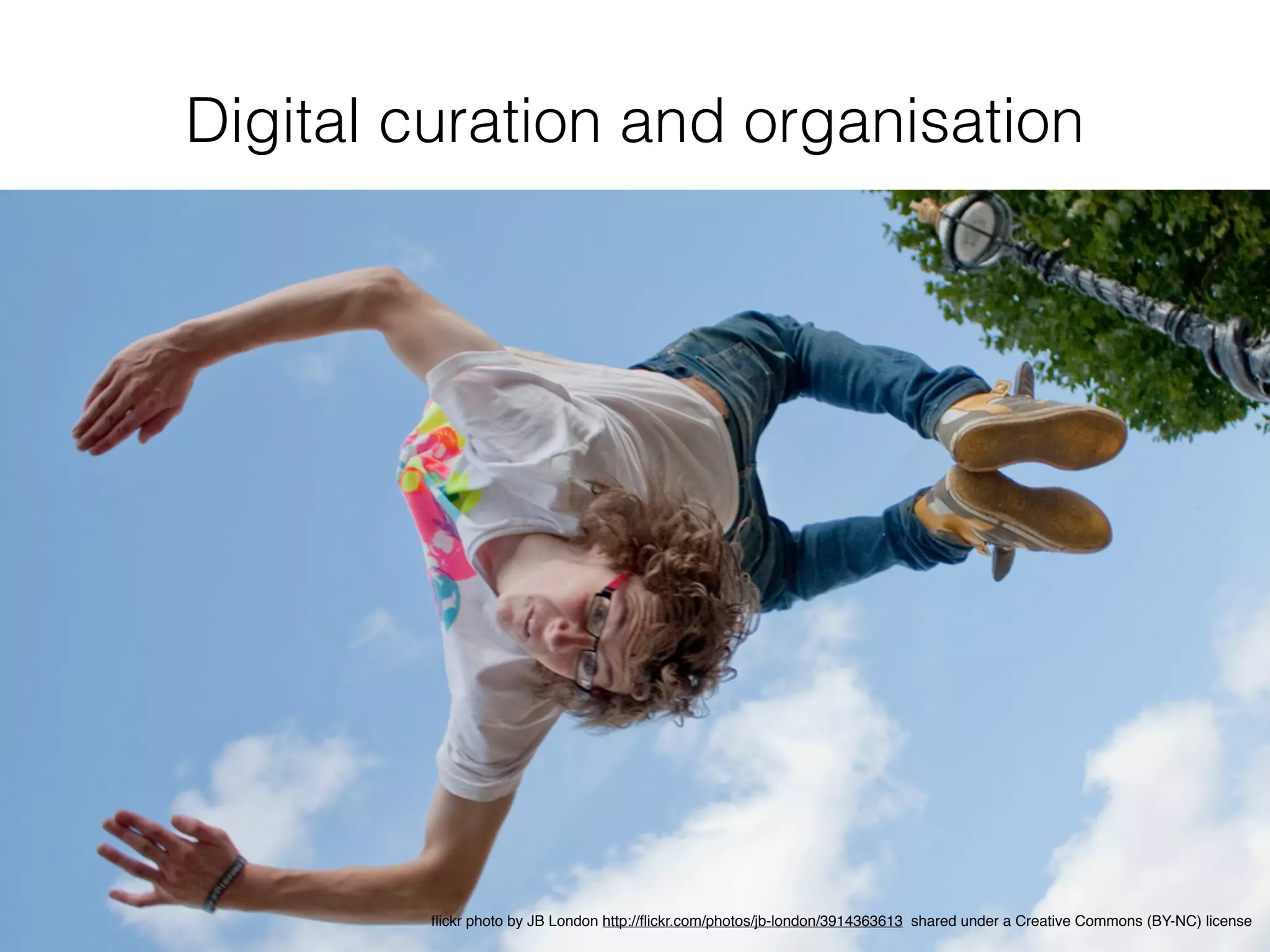
Digital curation and organisation
flickr photo by JB London http://flickr.com/photos/jb-london/3914363613 shared under a Creative Commons (BY-NC) license
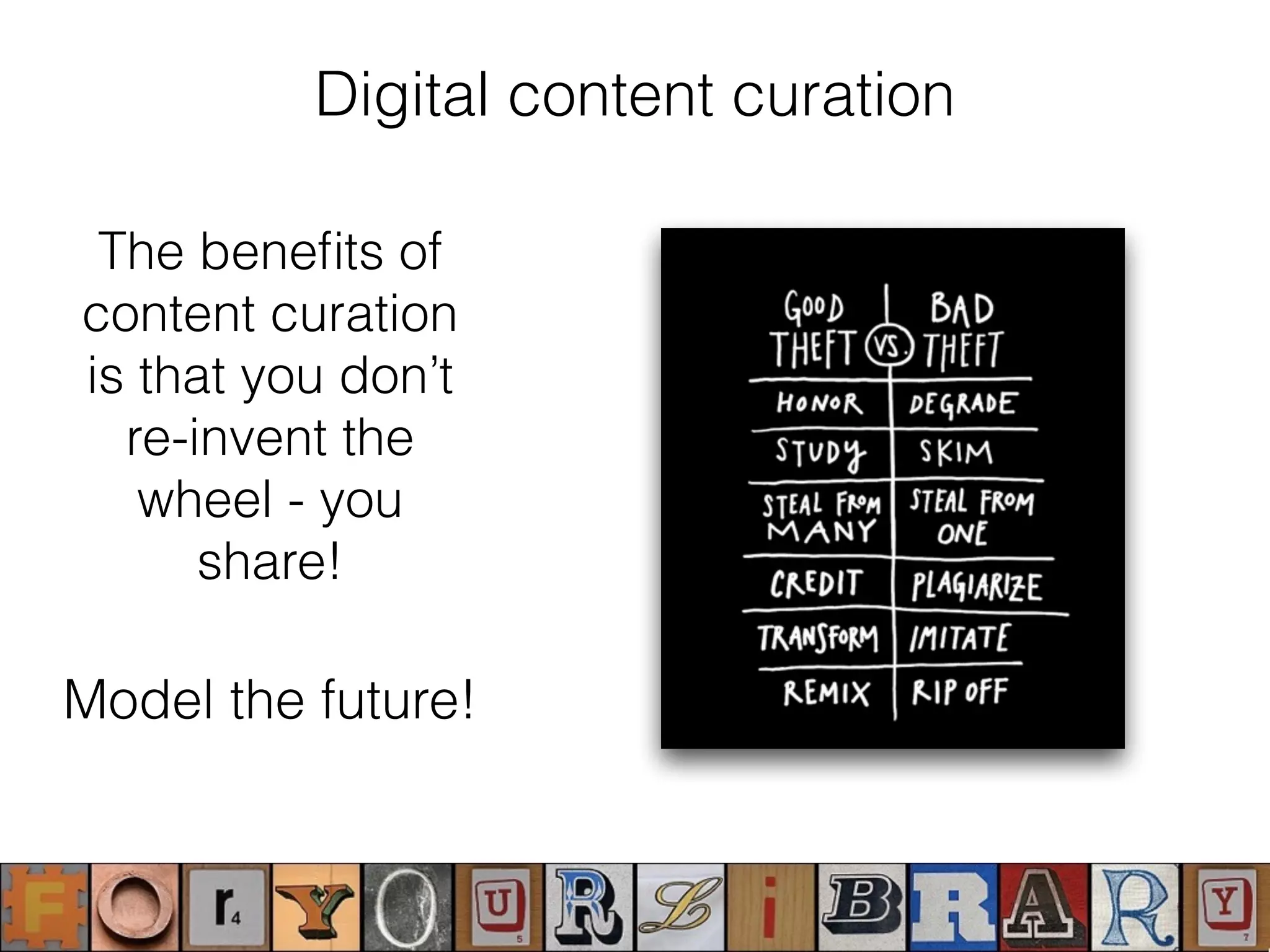
Digital content curation
The benefits of
content curation
is that you don’t
re-invent the
wheel - you
share!
Model the future!
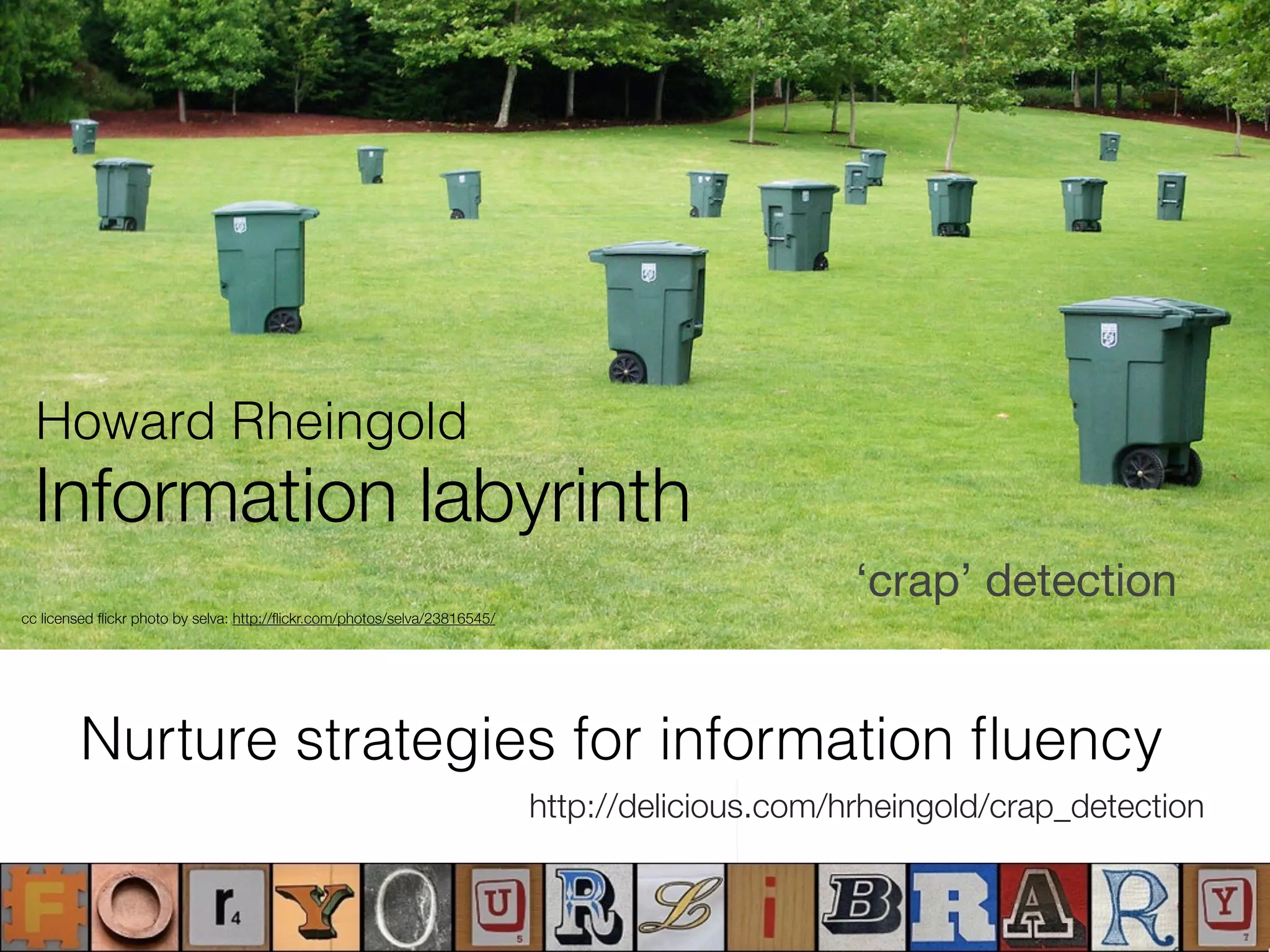
http://delicious.com/hrheingold/crap_detection
‘crap’ detection
cc licensed flickr photo by selva: http://flickr.com/photos/selva/23816545/
Information labyrinth
Howard Rheingold
Nurture strategies for information fluency
Re-thing what ‘collection’ of information means,
thereby supporting personalised and collaborative
information seeking and knowledge conversations.
Sharing Your Know-How: No one can be an expert on everything, but we all
have things that we’re passionate about and perhaps even are experts in. If we
create collections of the best resources on those topics and share them, everyone
can benefit from our expertise.This is also a great way to share information about
what’s going on in the library.
Digging for Gold: You may not feel like creating collections of resources yet, but
you can still benefit from these services.They are gold mines of great material. If
you find an expert in an area you’re interested in, then you can follow what they’re
curating.
Student Use: Students can gather materials for research, create bibliographies,
create collections of news articles around a topic, collect graphics for art projects,
and so much more.
Essential Skills: Students learn essential skills when curating content: how to
search for and evaluate resources, how to organize and create a balanced
collection. Check out this excellent handout on Building Link Collections to help
students learn these skills. From the article Teaching Kids to Curate Content
Collections. https://cooltoolsforschool.wordpress.com/thing-6-curation-tools/
Digital content curation
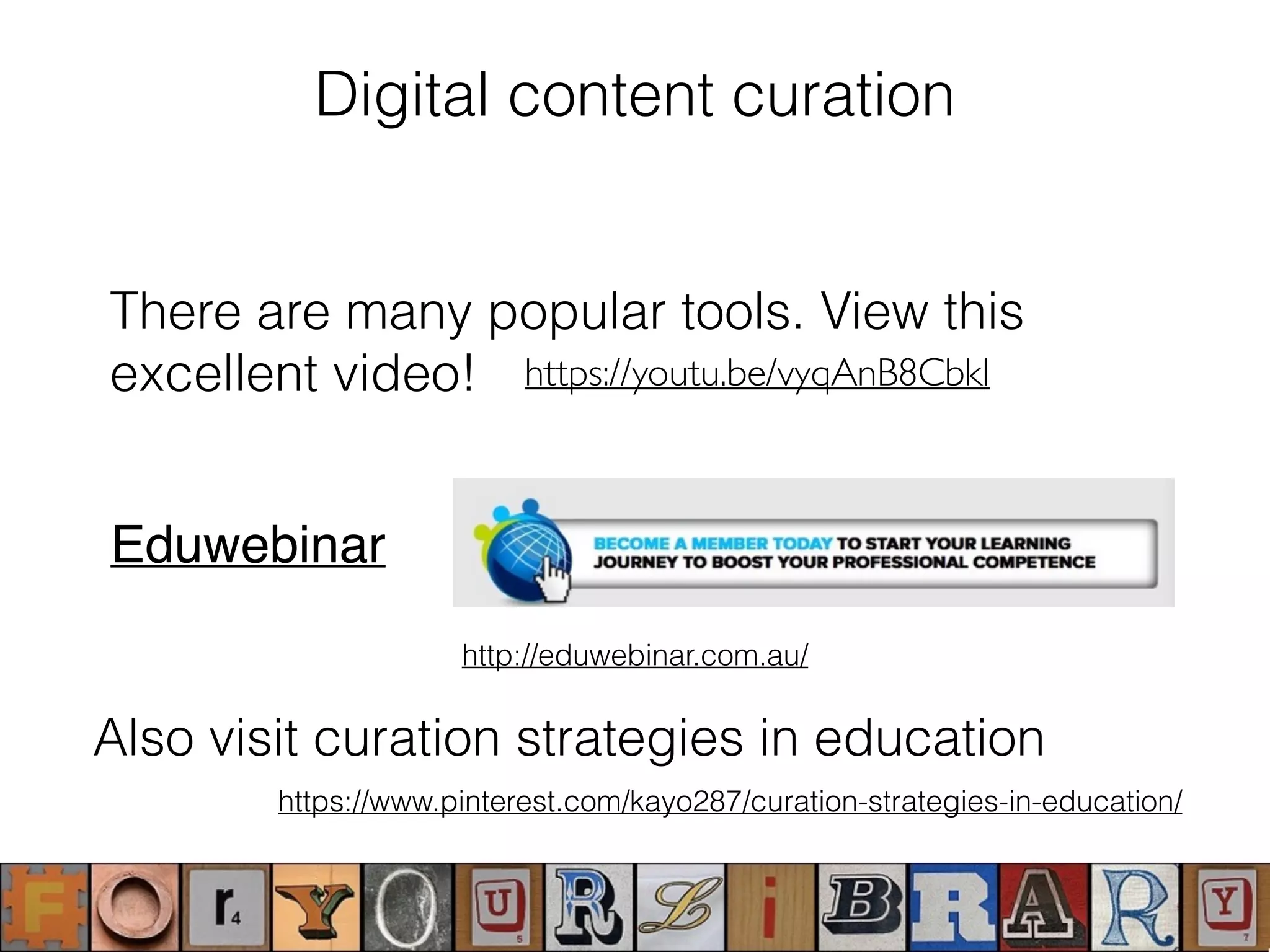
There are many popular tools. View this
excellent video!
Eduwebinar
https://youtu.be/vyqAnB8CbkI
http://eduwebinar.com.au/
https://www.pinterest.com/kayo287/curation-strategies-in-education/
Also visit curation strategies in education
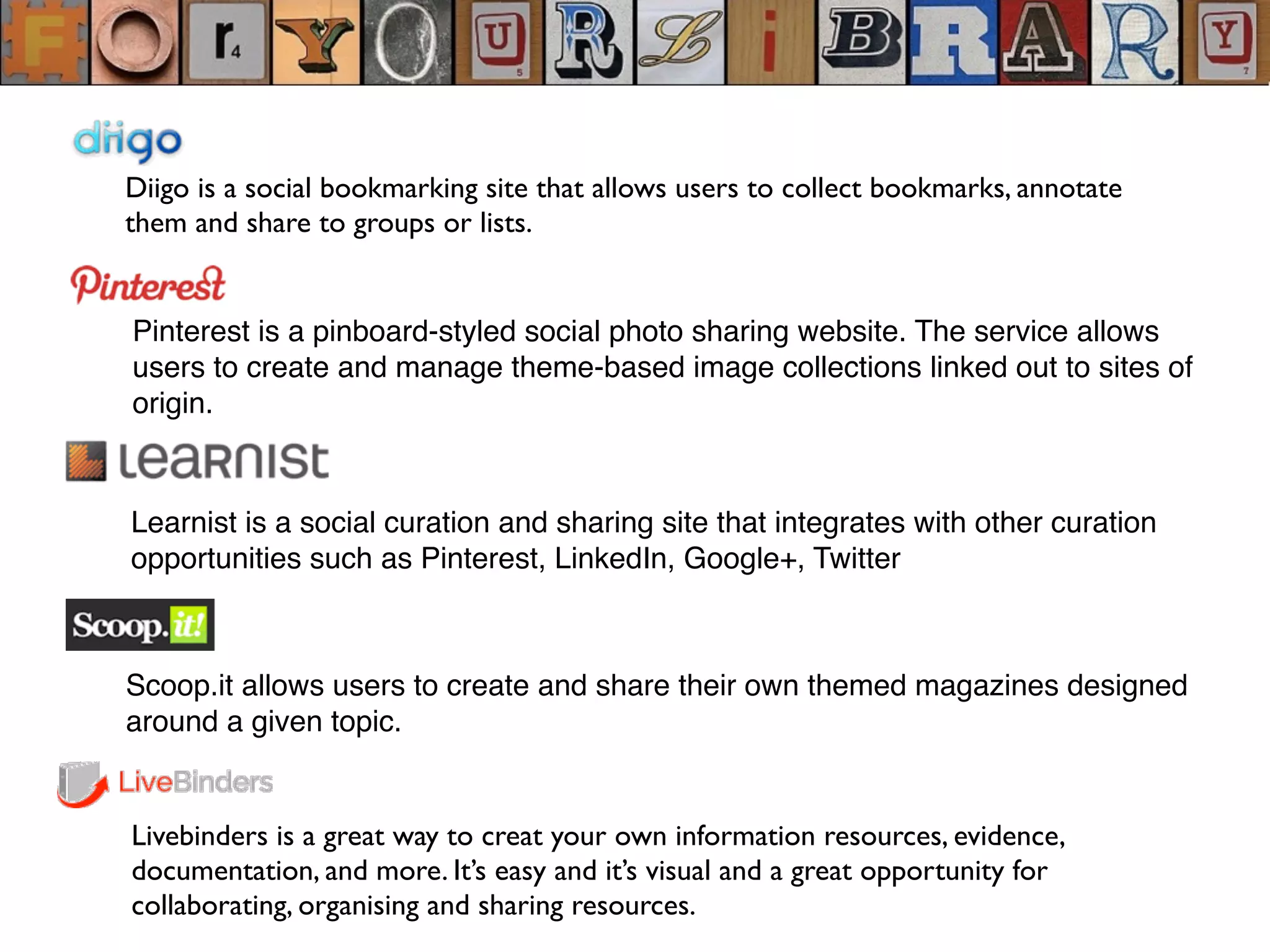
Diigo is a social bookmarking site that allows users to collect bookmarks, annotate
them and share to groups or lists.
Pinterest is a pinboard-styled social photo sharing website. The service allows
users to create and manage theme-based image collections linked out to sites of
origin.
Learnist is a social curation and sharing site that integrates with other curation
opportunities such as Pinterest, LinkedIn, Google+, Twitter
Livebinders is a great way to creat your own information resources, evidence,
documentation, and more. It’s easy and it’s visual and a great opportunity for
collaborating, organising and sharing resources.
Scoop.it allows users to create and share their own themed magazines designed
around a given topic.
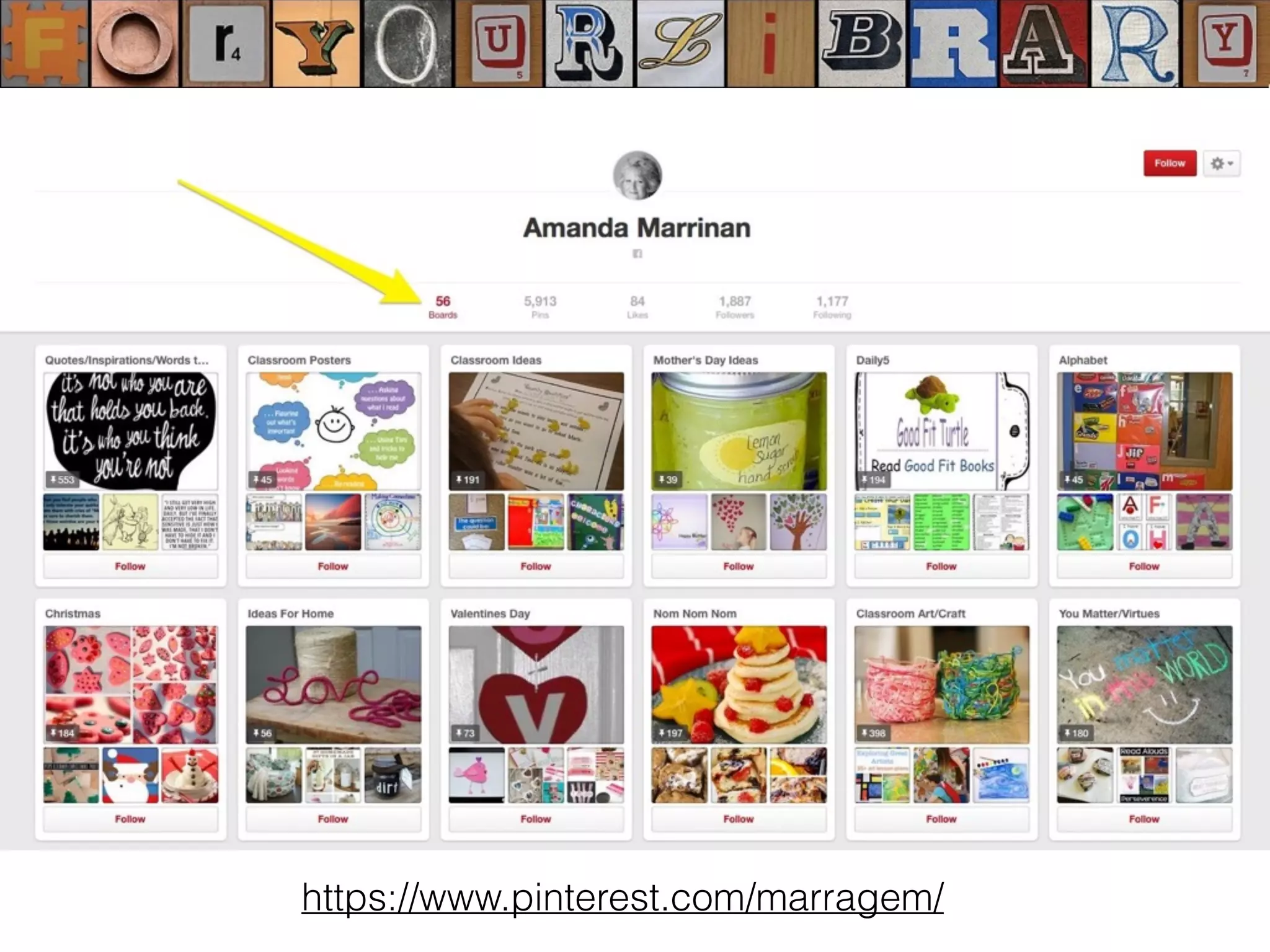
https://www.pinterest.com/marragem/
Create resource guides
Feedly is a great RSS feed reader to help you monitor lots of resources quickly.
Smore or Tackk works well to create newsletter types of pages where you can add new
resources and news.
Flipboard Magazines allow you to create collections of articles, links to resources,
images, news and more. Users can subscribe and get updates in a variety of ways,
depending on the source.
Tumblr blog – it’s easy to add notes, photos, links to articles to a tumblr. Your audience
can subscribe to update through their own tumblr account, visit it via it’s URL or via an
RSS feed
Diigo Groups – Bookmark items in Diigo and add items to a diigo group that your
audience can subscribe to updates via email or RSS.
RSS magic – Anything with an RSS feed gives you lots more options. Readers can
subscribe via their own feed reader or email. And you can display updates in a widget on
your web/wiki pages.
https://cooltoolsforschool.wordpress.com/thing-22-create-a-resource-guide/
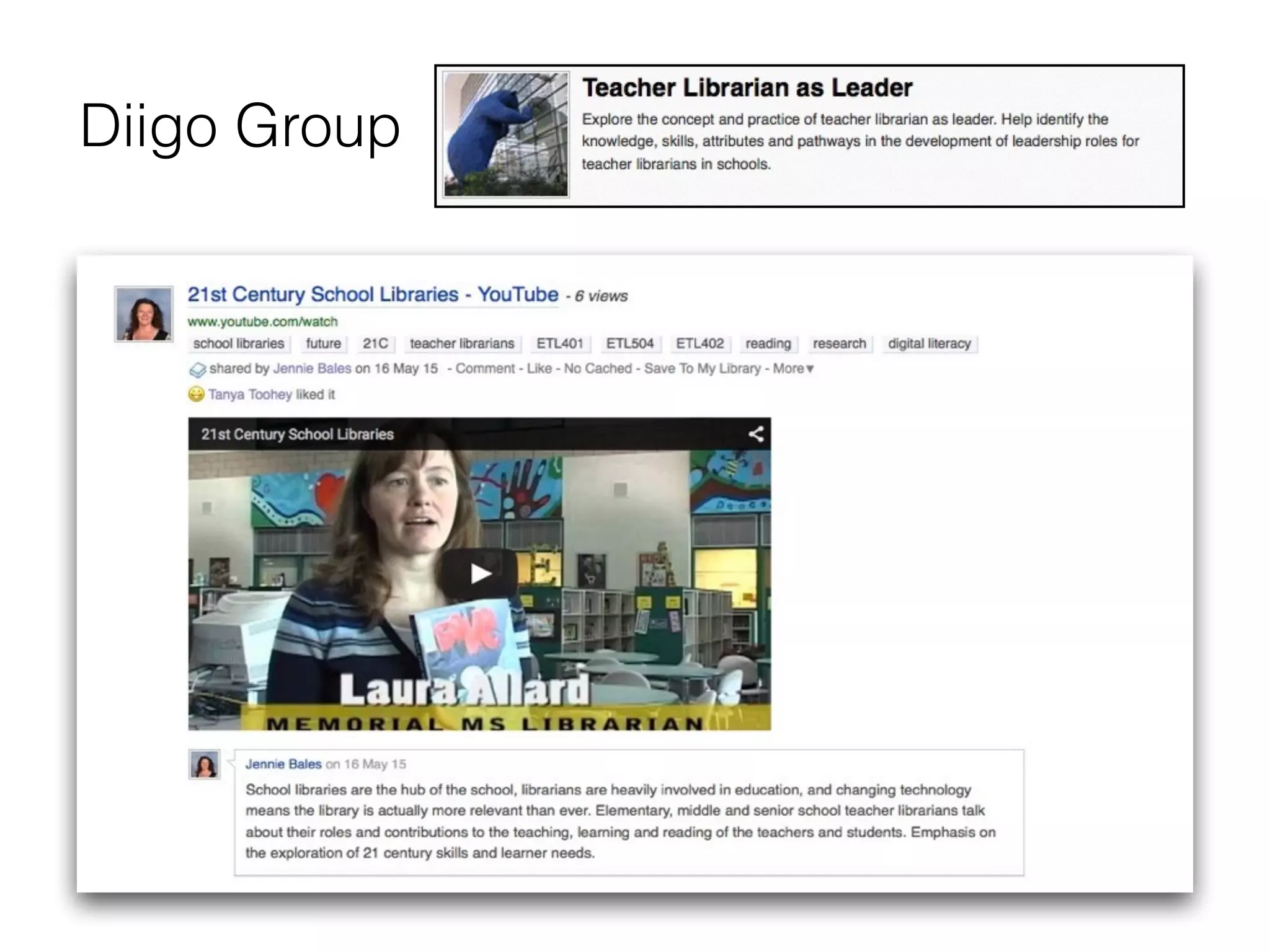
Diigo Group
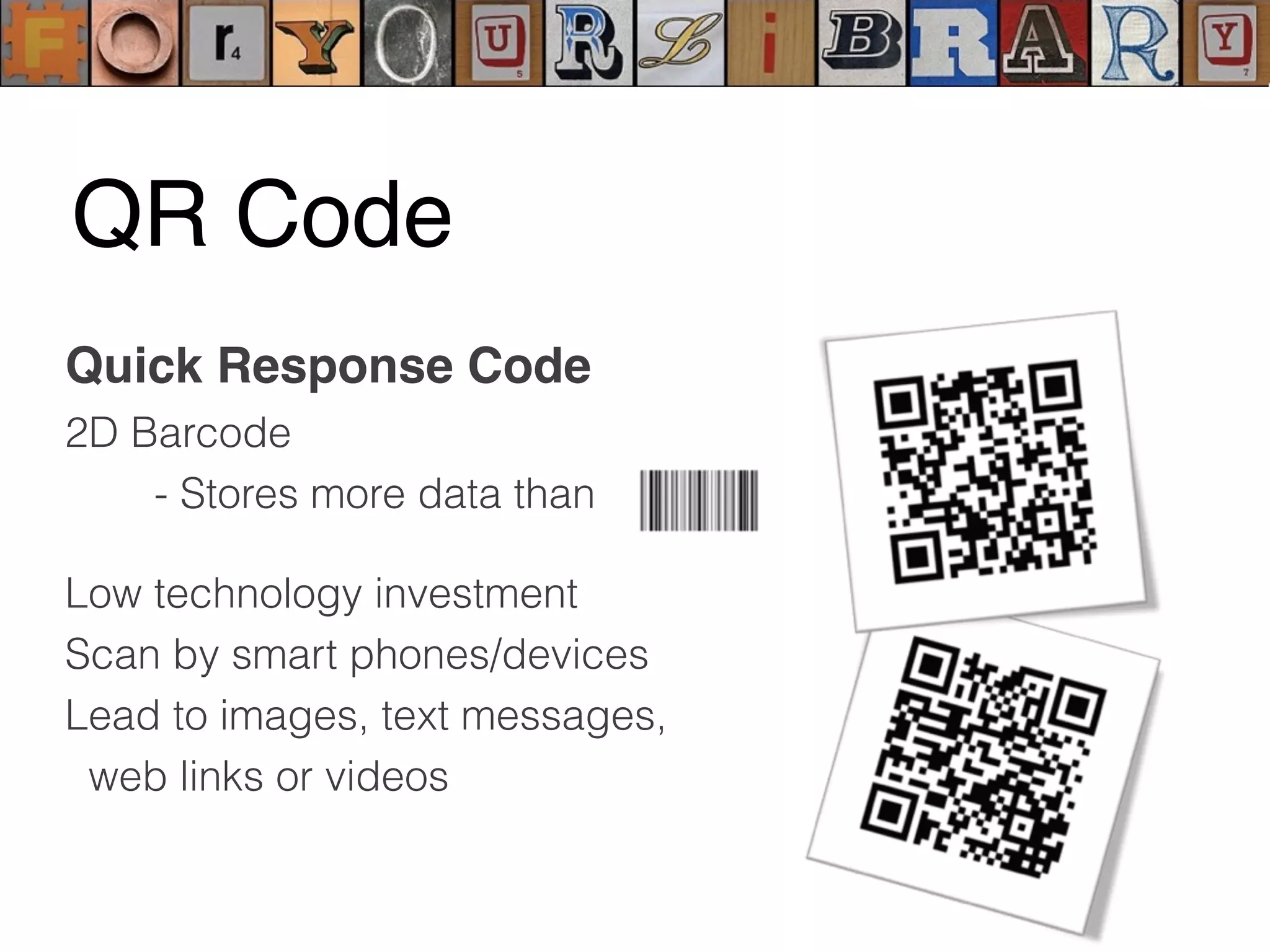
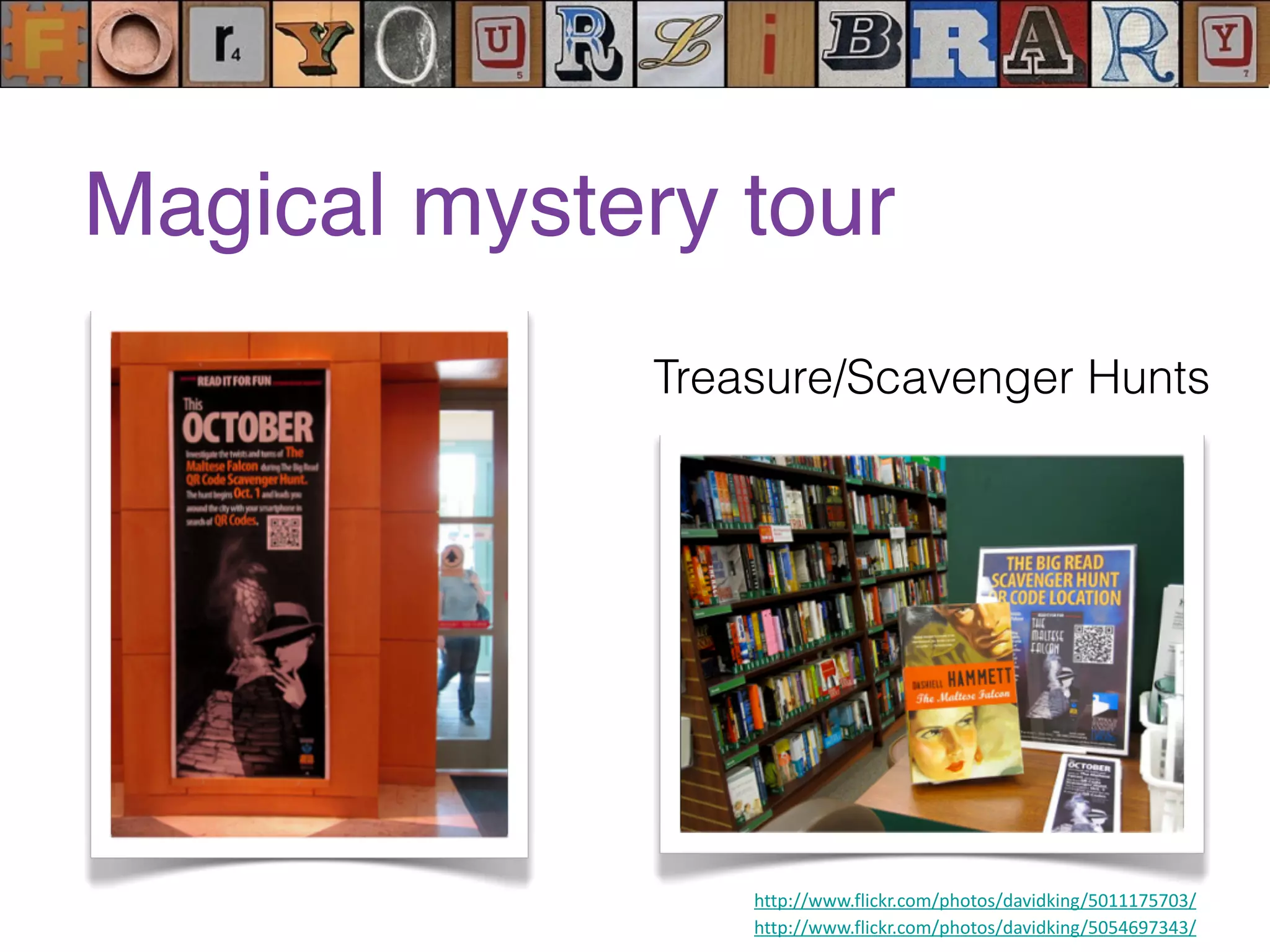
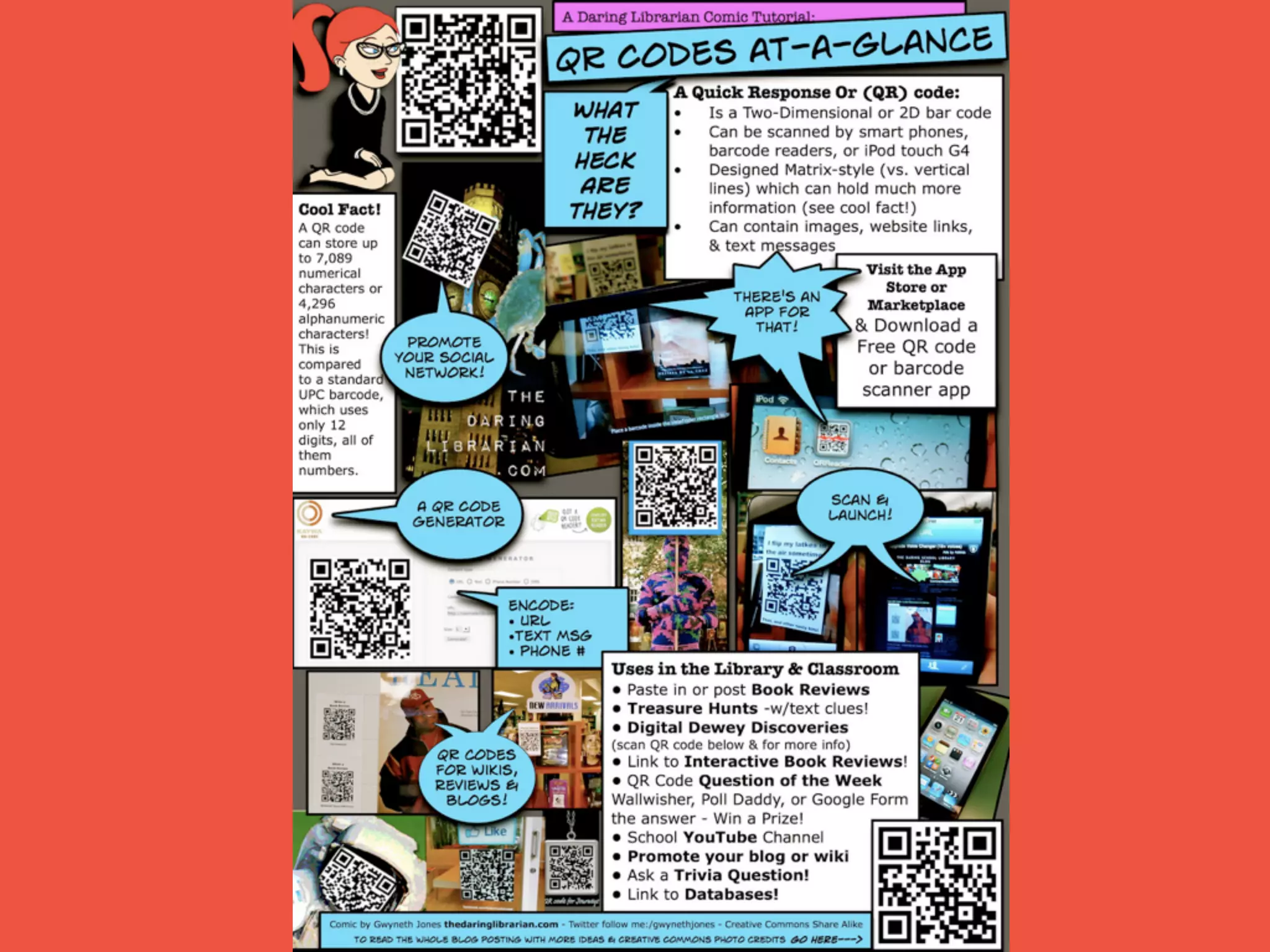
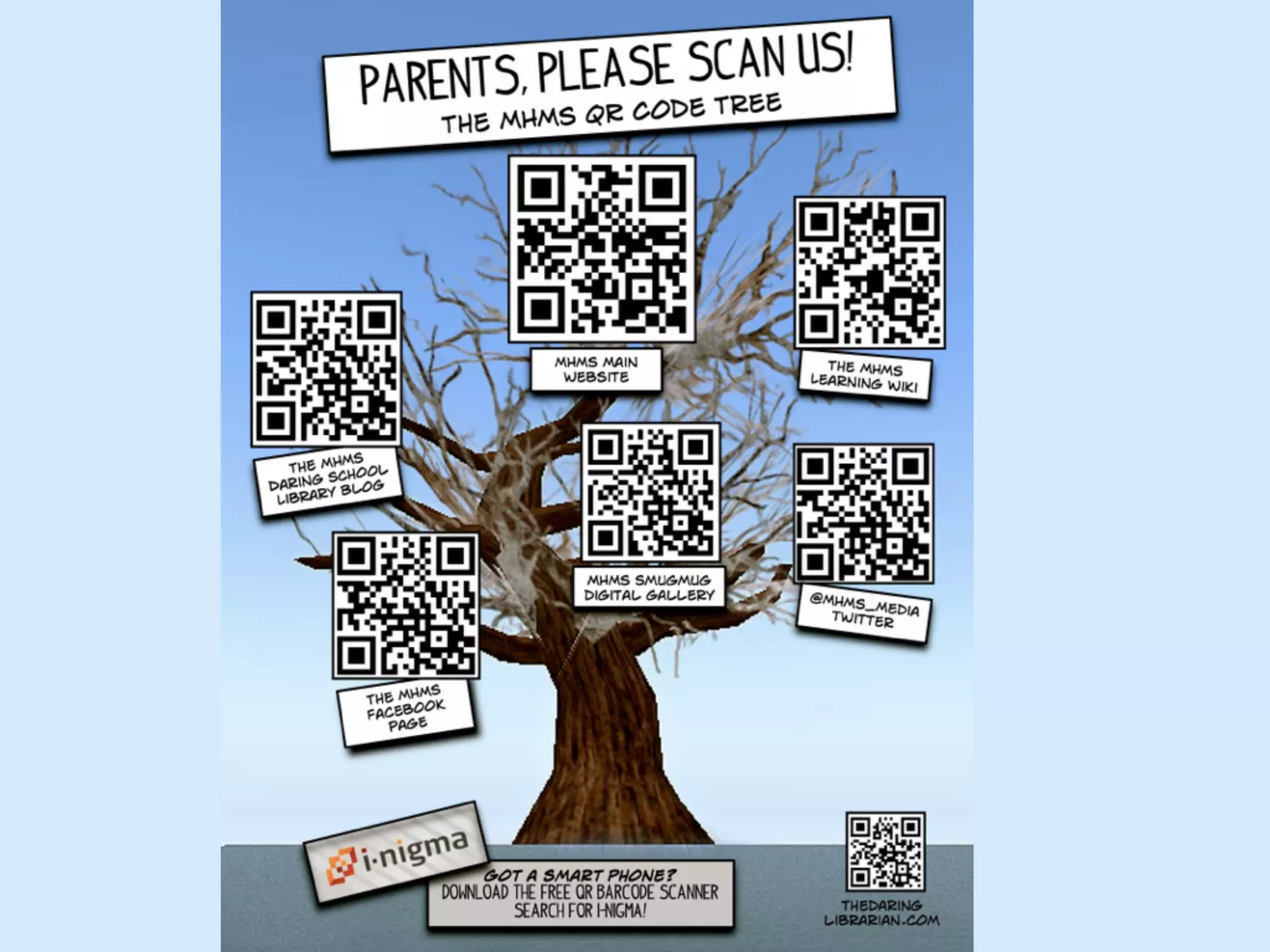
Quick Response Code
2D Barcode
- Stores more data than
Low technology investment
Scan by smart phones/devices
Lead to images, text messages,
web links or videos
QR Code
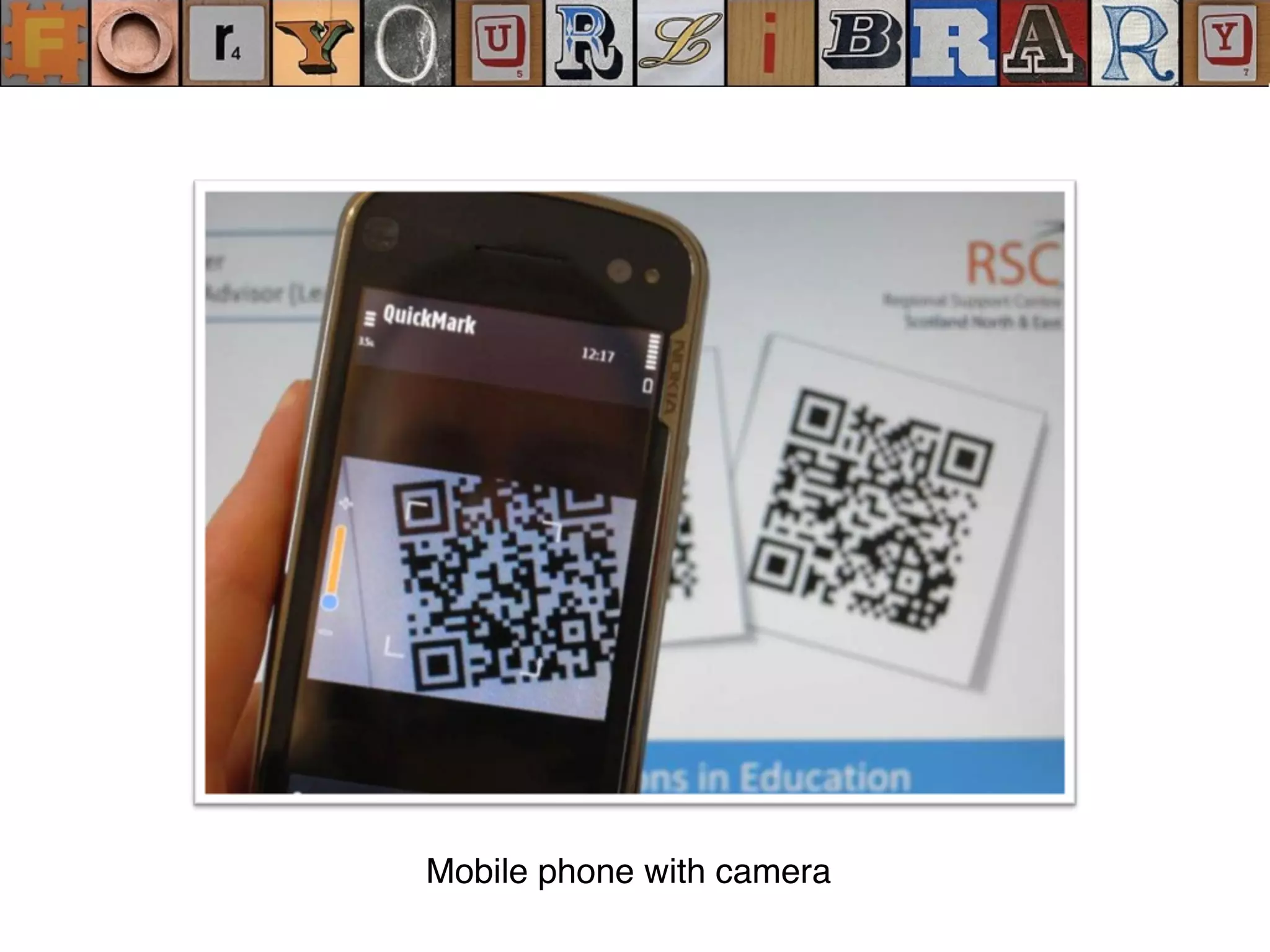
Mobile phone with camera
http://www.flickr.com/photos/davidking/5011175703/
http://www.flickr.com/photos/davidking/5054697343/
Treasure/Scavenger Hunts
Magical mystery tour
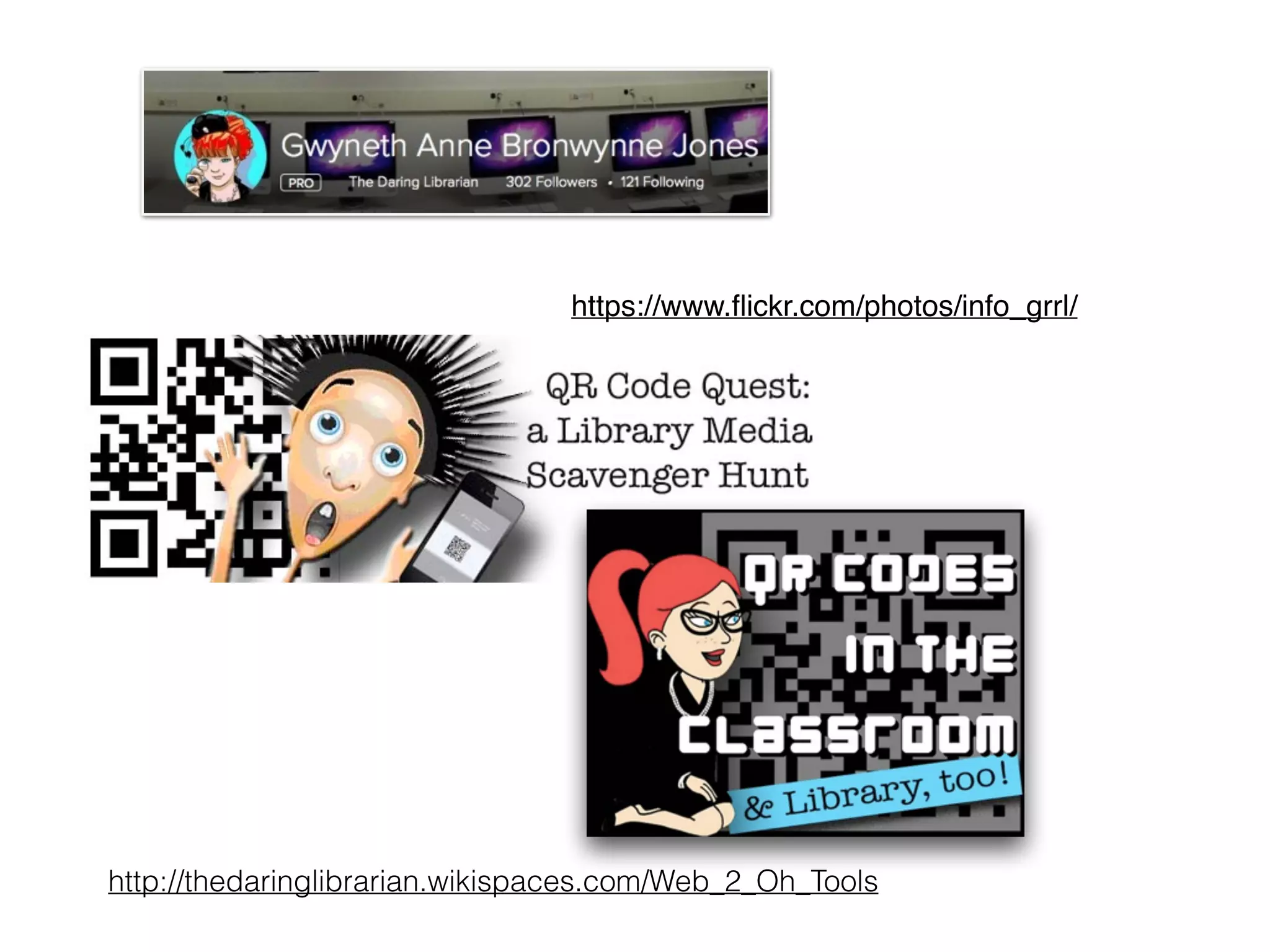
https://www.flickr.com/photos/info_grrl/
http://thedaringlibrarian.wikispaces.com/Web_2_Oh_Tools
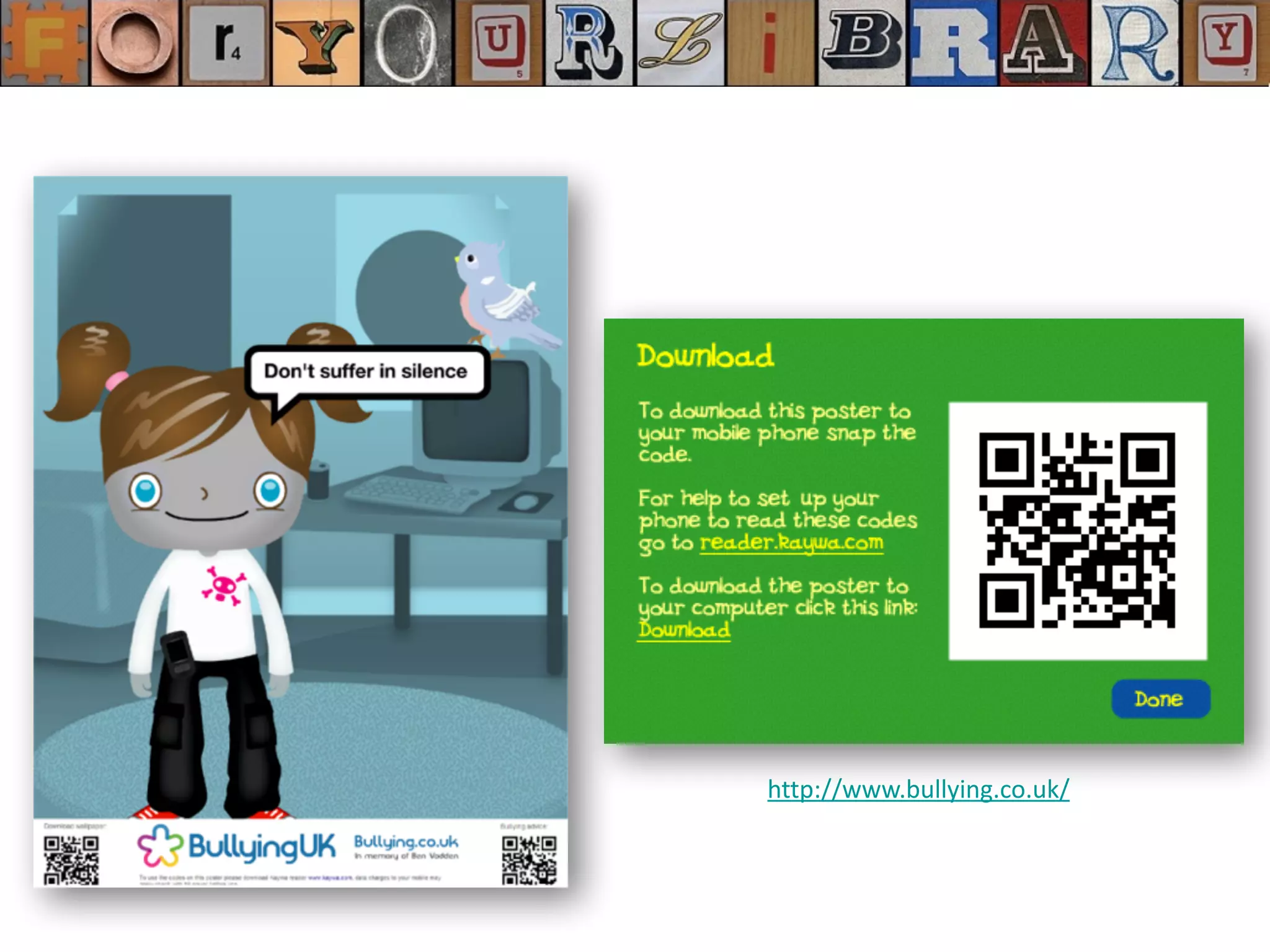
http://www.bullying.co.uk/	
  
Periodic Table of QR codes
https://www.flickr.com/photos/periodicvideos/5915143448/
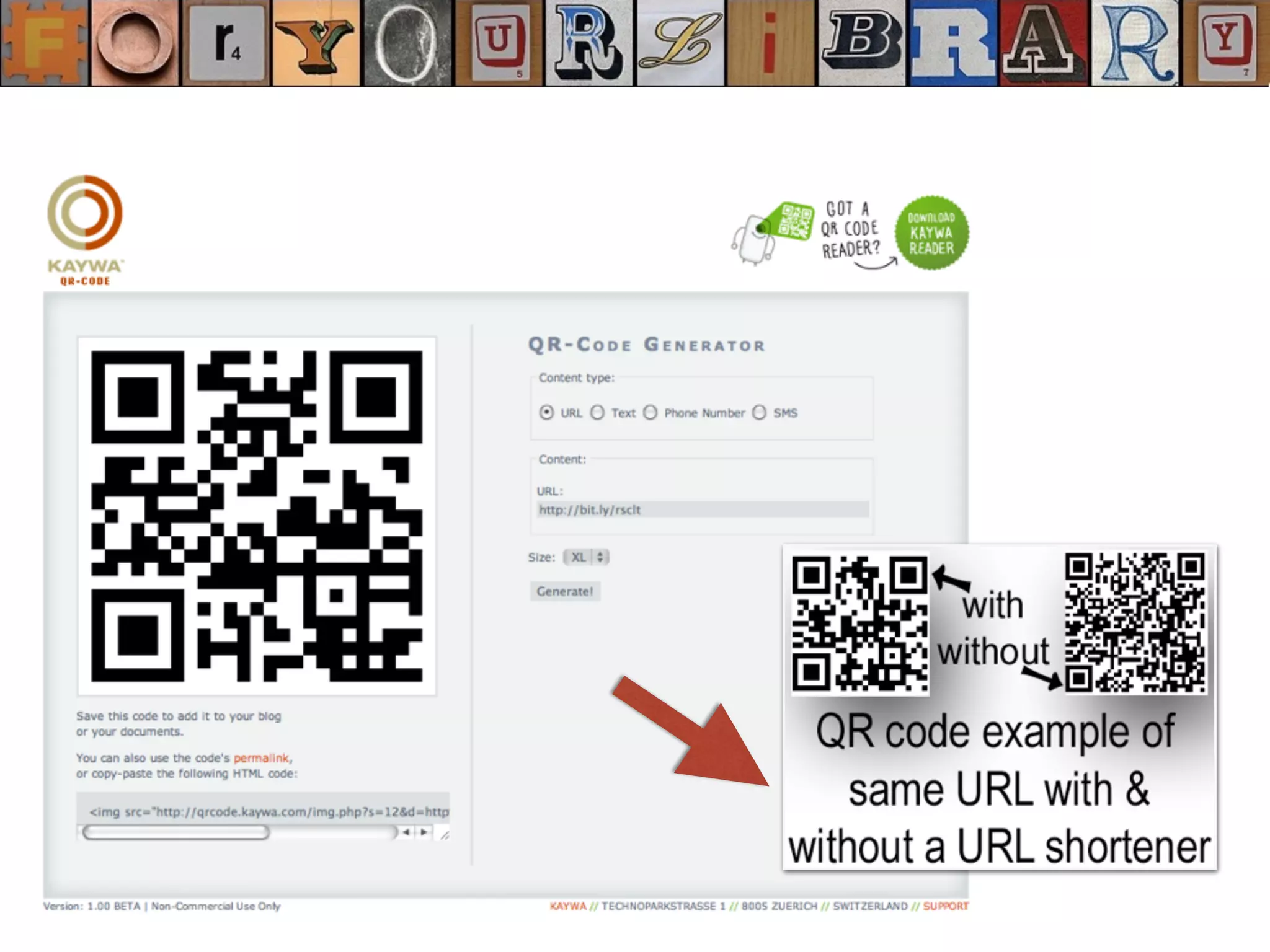
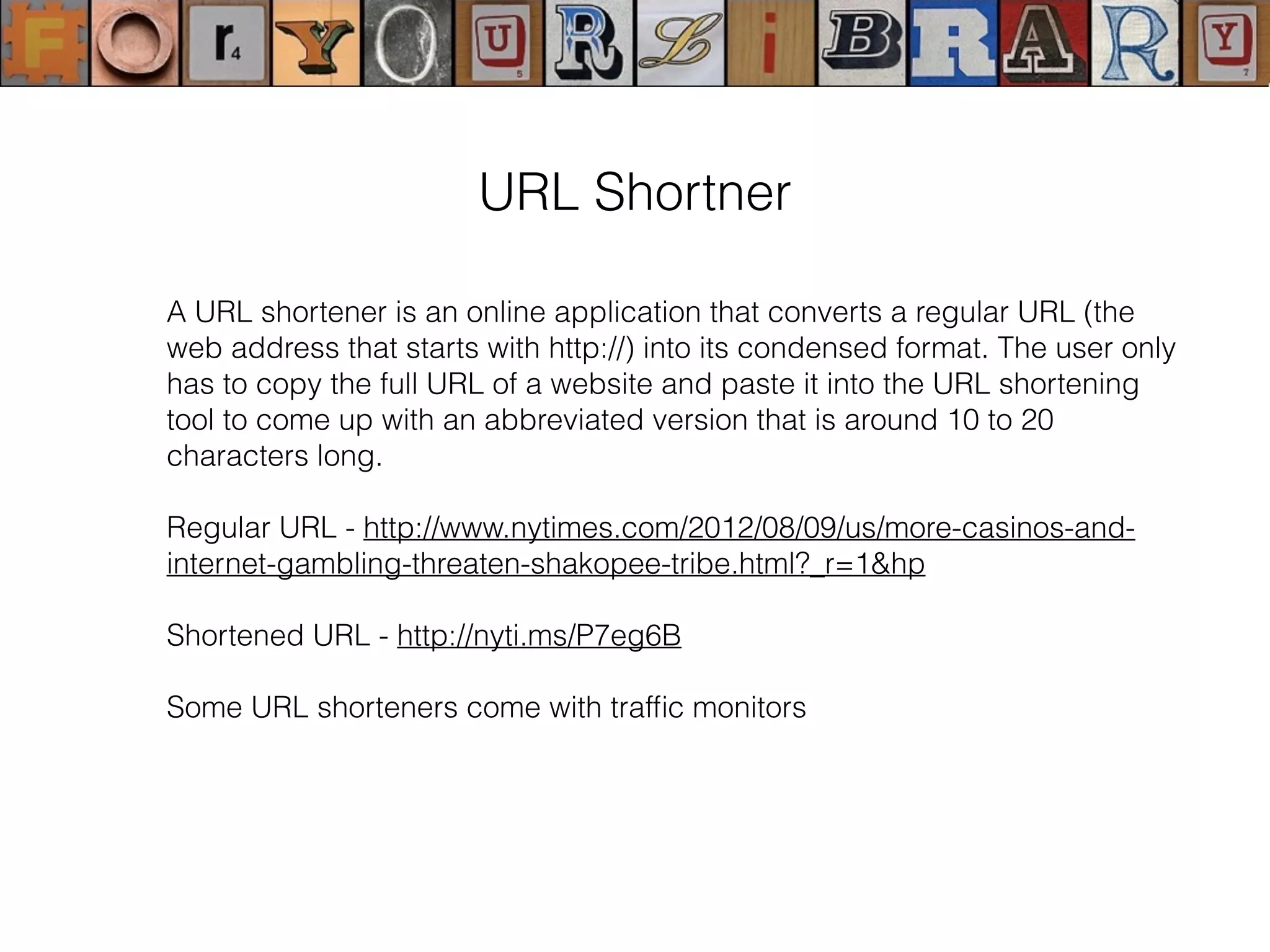
A URL shortener is an online application that converts a regular URL (the
web address that starts with http://) into its condensed format. The user only
has to copy the full URL of a website and paste it into the URL shortening
tool to come up with an abbreviated version that is around 10 to 20
characters long.
Regular URL - http://www.nytimes.com/2012/08/09/us/more-casinos-and-
internet-gambling-threaten-shakopee-tribe.html?_r=1&hp
Shortened URL - http://nyti.ms/P7eg6B
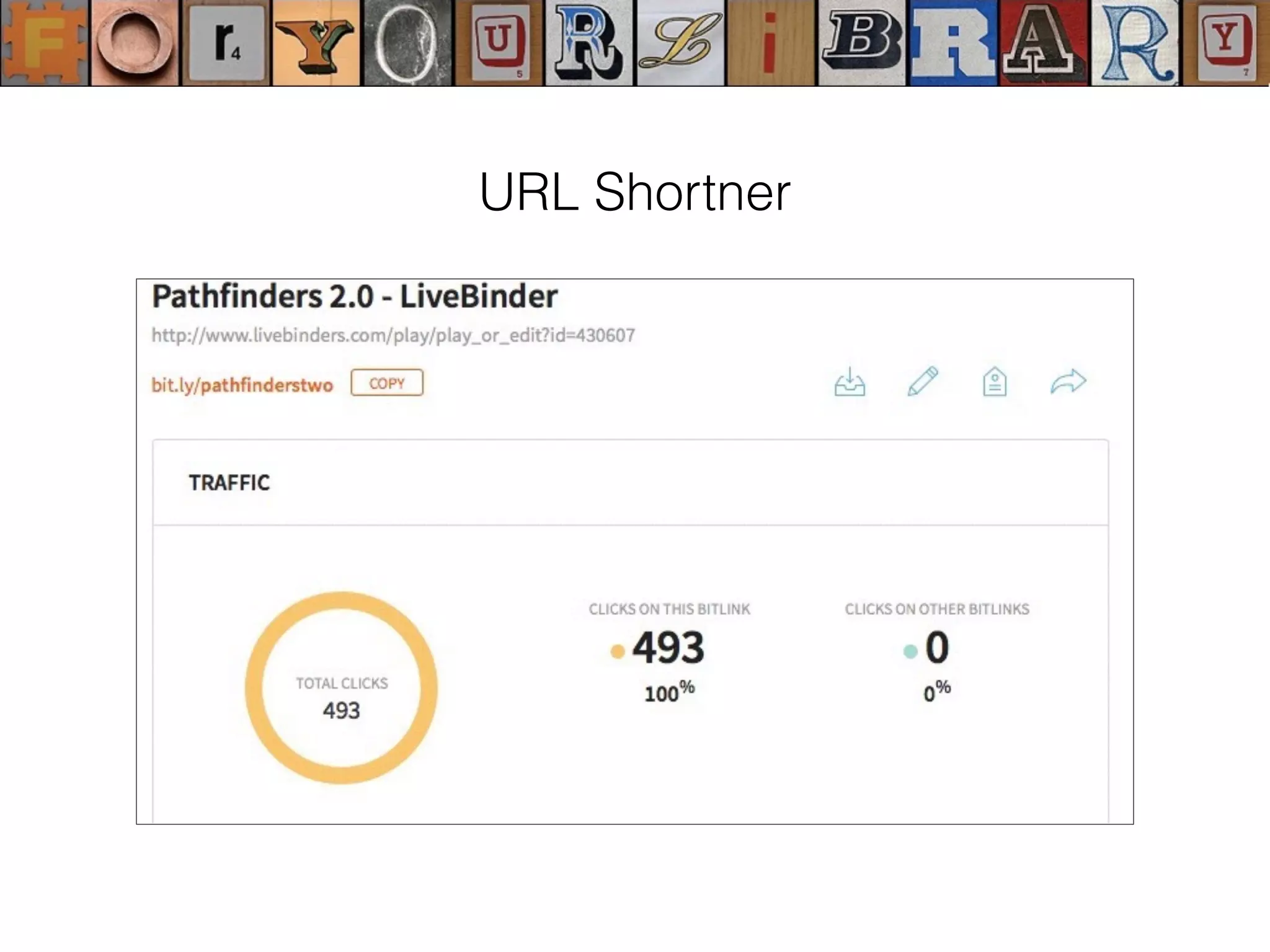
Some URL shorteners come with traffic monitors
URL Shortner
Google URL Shortener
This is a popular shortening tool and probably the best online. It
not only shortens your URLs but also keeps track of the history
of your shortened links and provides you with analytics on how
many people clicked on them and so forth.
Bit.ly
This service allows its users to shorten as many URLs as they
want. It also lets them share and track analytics of their links.
URL Shortner
Evernote in education Flipboard Magazine http://bit.ly/1cmL2Ki
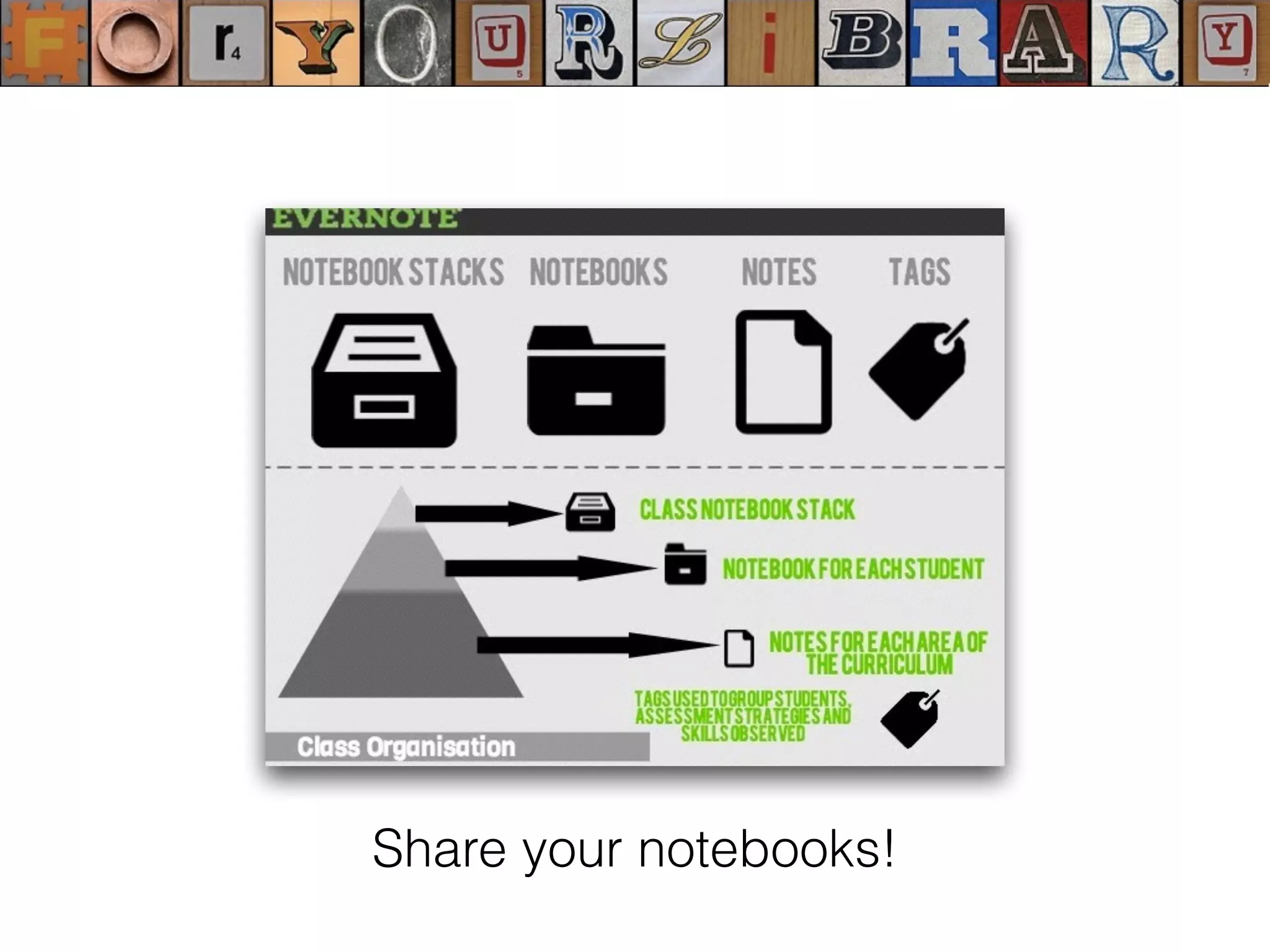
Share your notebooks!
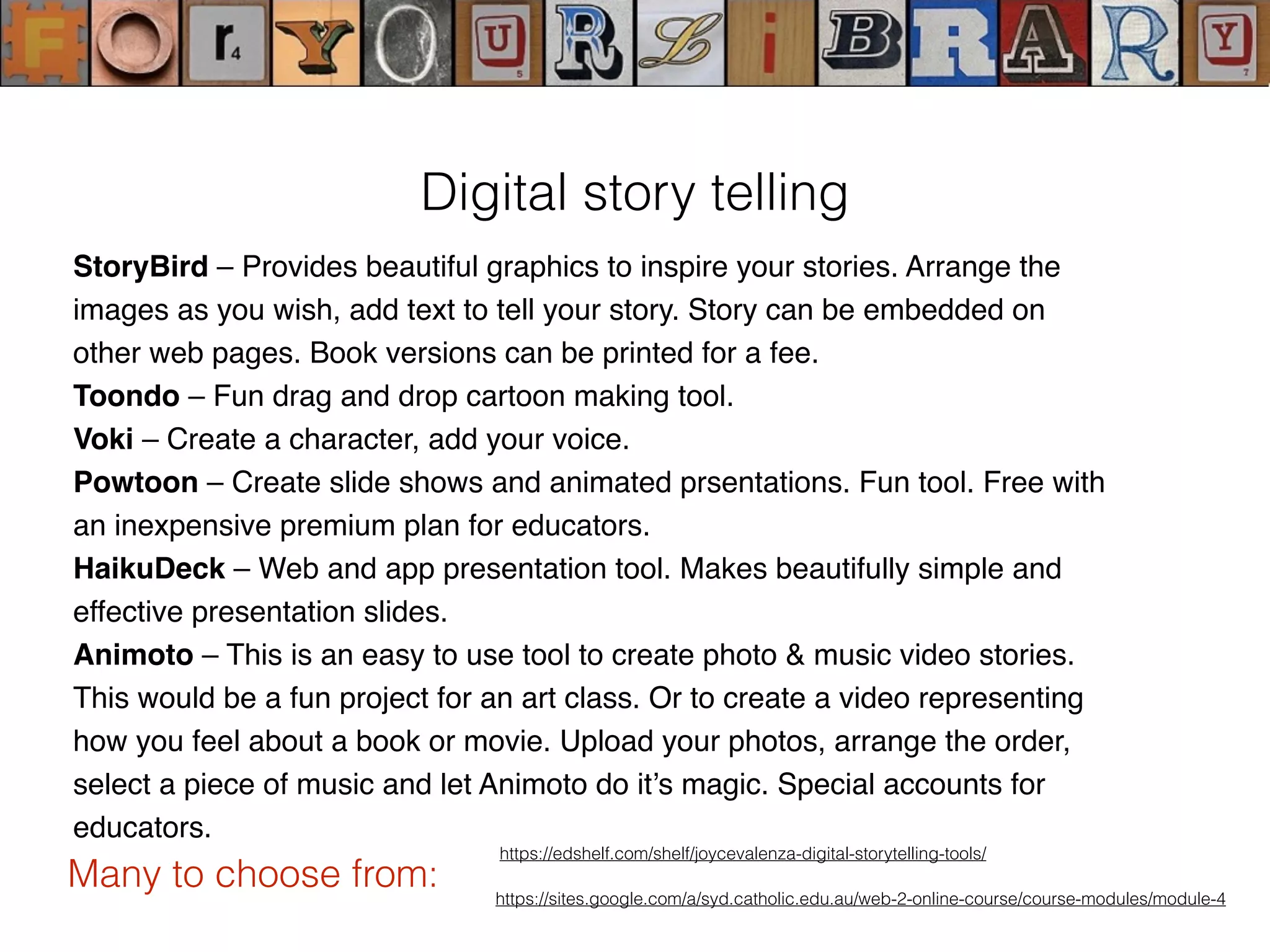
StoryBird – Provides beautiful graphics to inspire your stories. Arrange the
images as you wish, add text to tell your story. Story can be embedded on
other web pages. Book versions can be printed for a fee.
Toondo – Fun drag and drop cartoon making tool.
Voki – Create a character, add your voice.
Powtoon – Create slide shows and animated prsentations. Fun tool. Free with
an inexpensive premium plan for educators.
HaikuDeck – Web and app presentation tool. Makes beautifully simple and
effective presentation slides.
Animoto – This is an easy to use tool to create photo & music video stories.
This would be a fun project for an art class. Or to create a video representing
how you feel about a book or movie. Upload your photos, arrange the order,
select a piece of music and let Animoto do it’s magic. Special accounts for
educators.
https://edshelf.com/shelf/joycevalenza-digital-storytelling-tools/
Digital story telling
Many to choose from: https://sites.google.com/a/syd.catholic.edu.au/web-2-online-course/course-modules/module-4
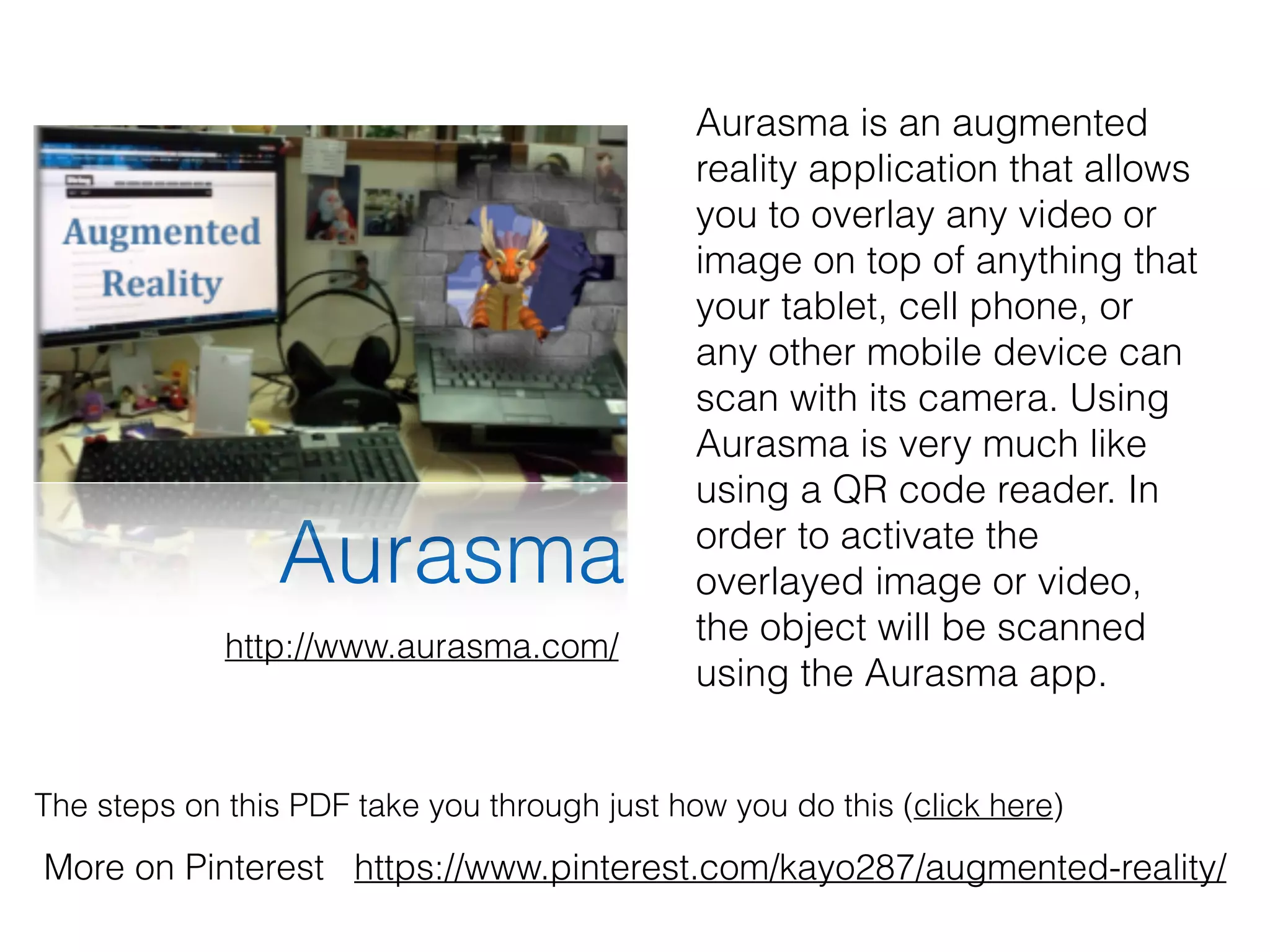
Aurasma
The steps on this PDF take you through just how you do this (click here)
More on Pinterest https://www.pinterest.com/kayo287/augmented-reality/
Aurasma is an augmented
reality application that allows
you to overlay any video or
image on top of anything that
your tablet, cell phone, or
any other mobile device can
scan with its camera. Using
Aurasma is very much like
using a QR code reader. In
order to activate the
overlayed image or video,
the object will be scanned
using the Aurasma app.
http://www.aurasma.com/
Rethinking your library
environments
The journey has just begun!
Reading, writing, gaming, trans-media, immersive
worlds, and augmented reality, are all part of the new
digital frontiers leading the re-invention of learning.
cc licensed ( BY NC SA ) flickr photo by Curious Expeditions: http://flickr.com/photos/curiousexpeditions/622806411/
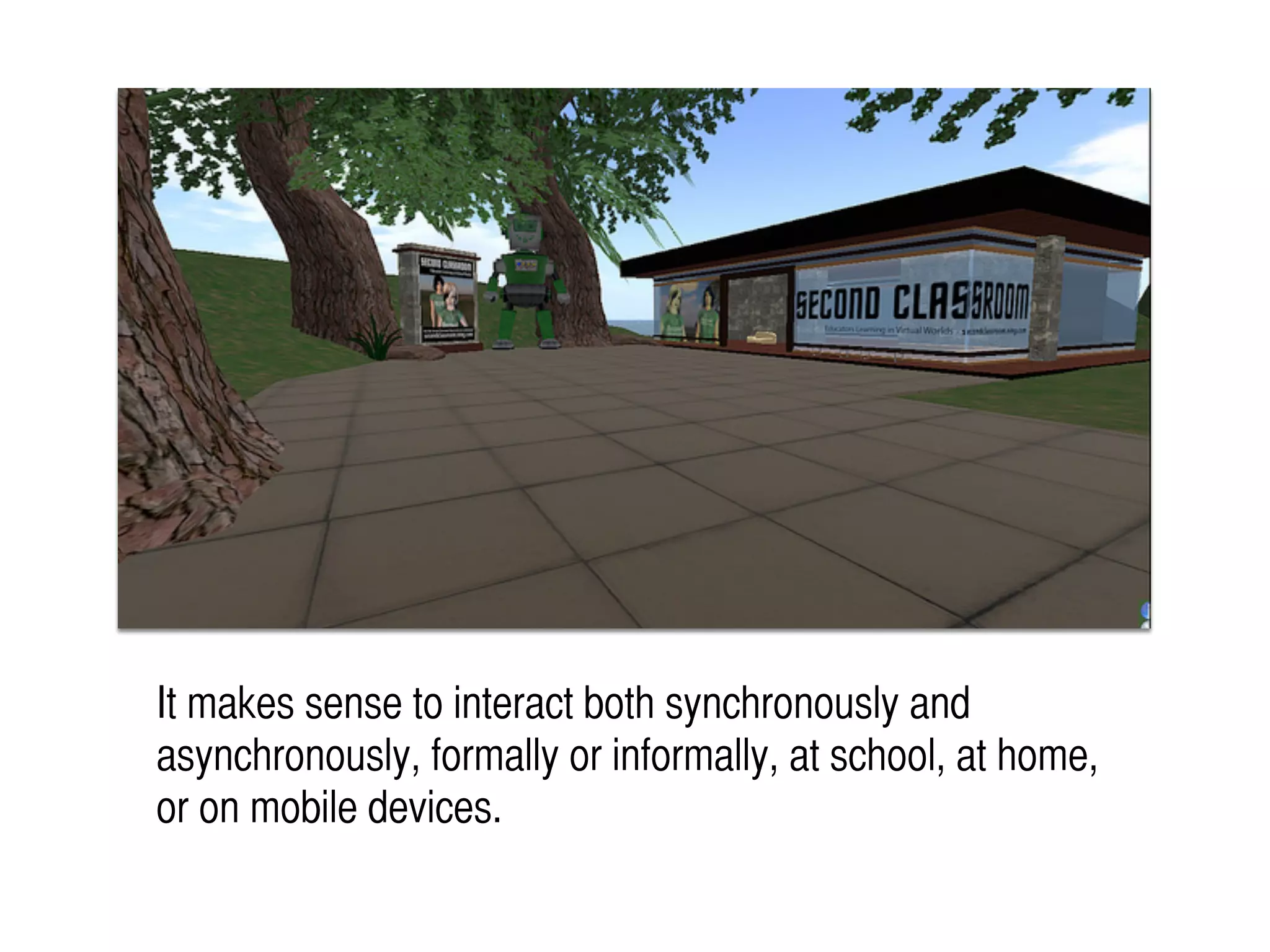
It makes sense to interact both synchronously and
asynchronously, formally or informally, at school, at home,
or on mobile devices.
finding
sharing
collecting
contributing
playing remixing
anytime anywhere
fast
CREATIVELY
We owe it to our
students to
“keep up”!
Are you
prepared?
cc licensed ( BY NC SA ) flickr photo by Stuck in Customs: http://flickr.com/photos/stuckincustoms/6756753669/
Be strategic
Be proactive Be responsive
Know your vision
Be your vision
Communicate your vision
CREATIVELY
Highlight the value of your e-
literacy skills and knowledge to the
entire school community......
and beyond...
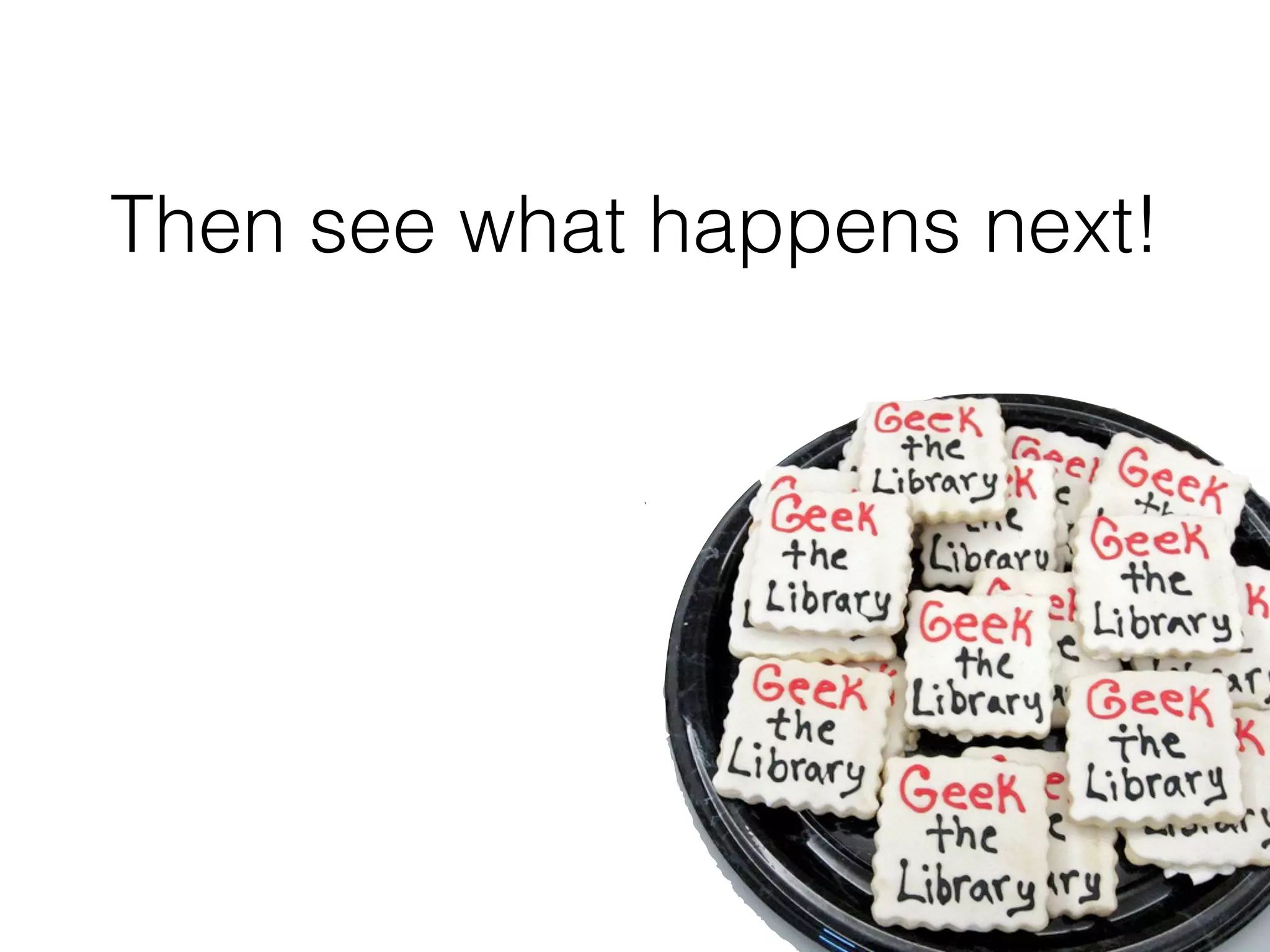
Then see what happens next!
heyjudeonline
Judy O’Connell
http://heyjude.wordpress.com
Judy O’Connell
existing data reconnected for
different and smarter uses
cc licensed ( BY ) flickr photo by paul (dex): http://flickr.com/photos/dexxus/3146028811/
What happens with linked data
and why should we care?
!
Whereas traditional library
metadata has always been focused
on helping humans find and make use of
information, linked data ontologies
are focused on helping machines find and
make use of information.
cc licensed ( BY NC ) flickr photo by tarotastic: http://flickr.com/photos/tjt195/30916171/
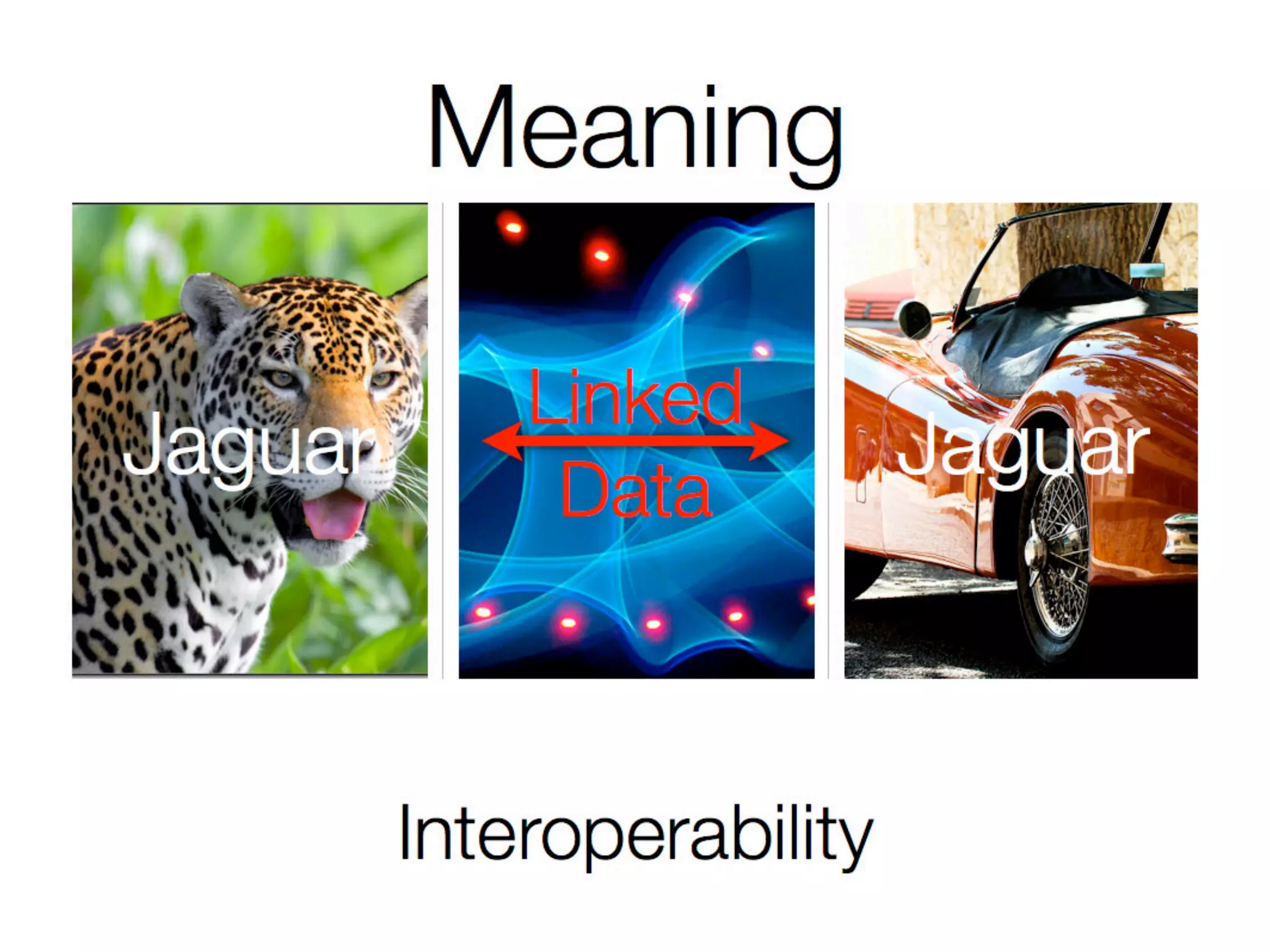
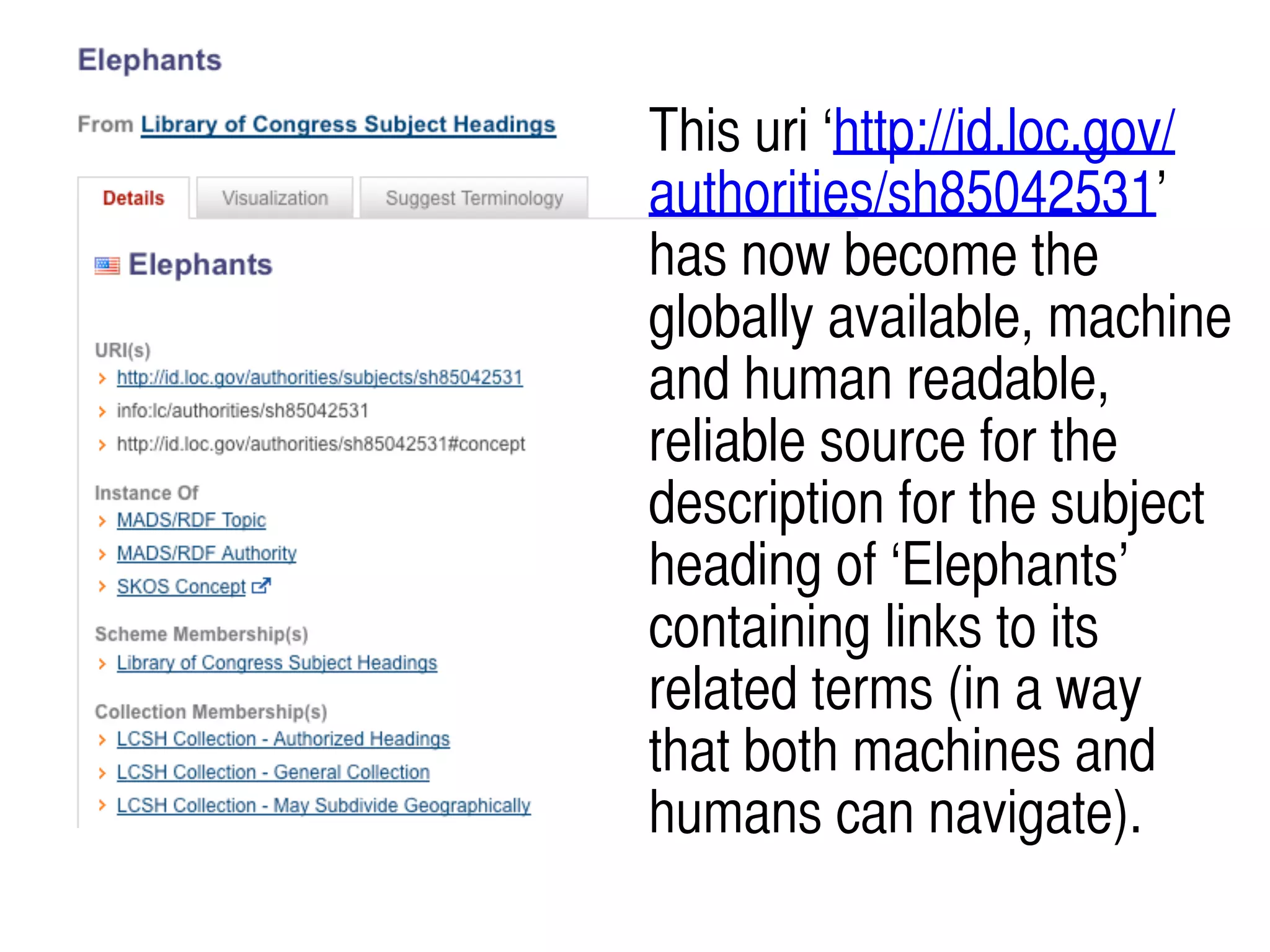
This uri ‘http://id.loc.gov/
authorities/sh85042531’
has now become the
globally available, machine
and human readable,
reliable source for the
description for the subject
heading of ‘Elephants’
containing links to its
related terms (in a way
that both machines and
humans can navigate).
It’s not about devices, it’s about
information and
knowledge
because of technology!
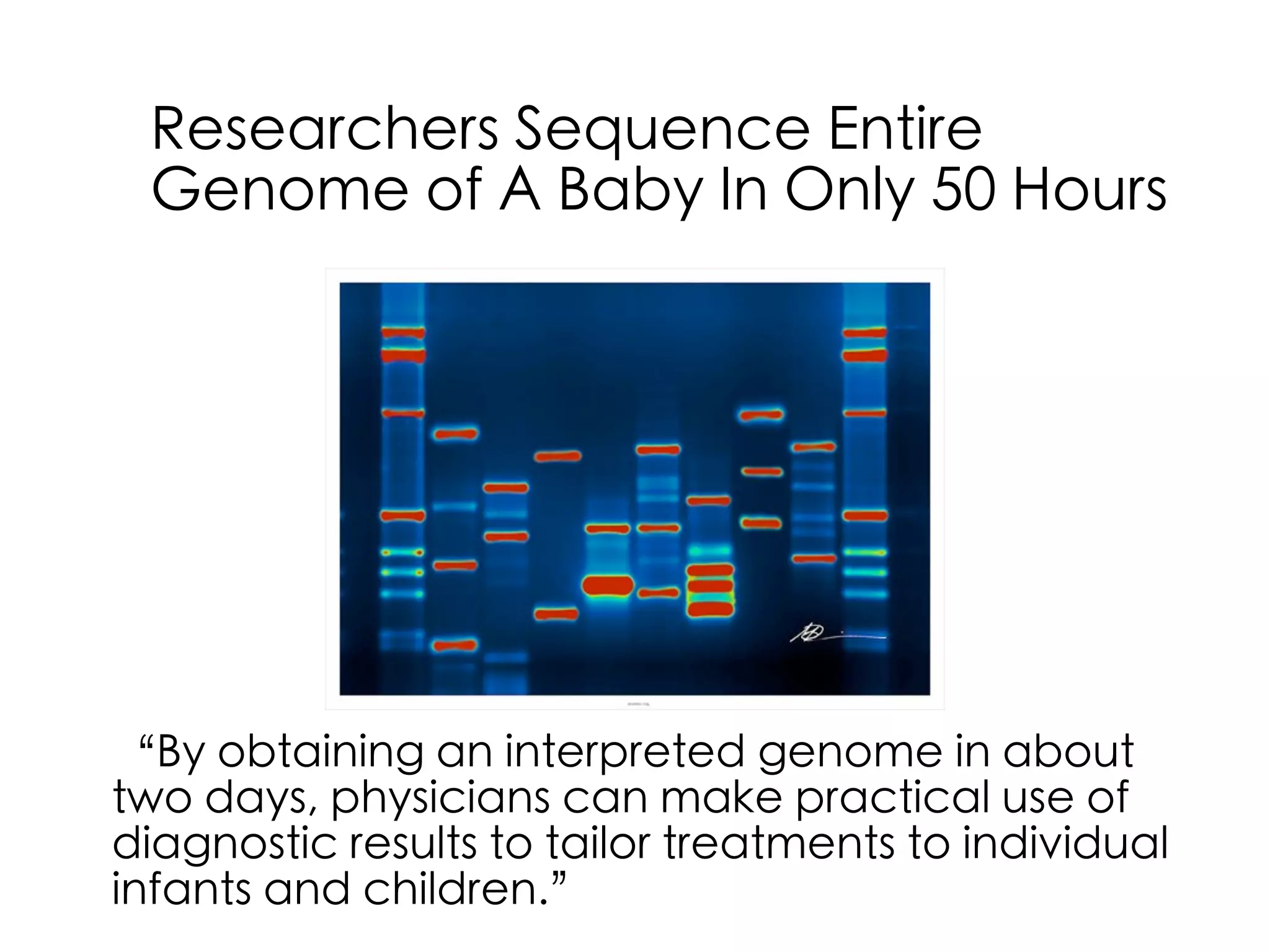
Researchers Sequence Entire
Genome of A Baby In Only 50 Hours
“By obtaining an interpreted genome in about
two days, physicians can make practical use of
diagnostic results to tailor treatments to individual
infants and children.”
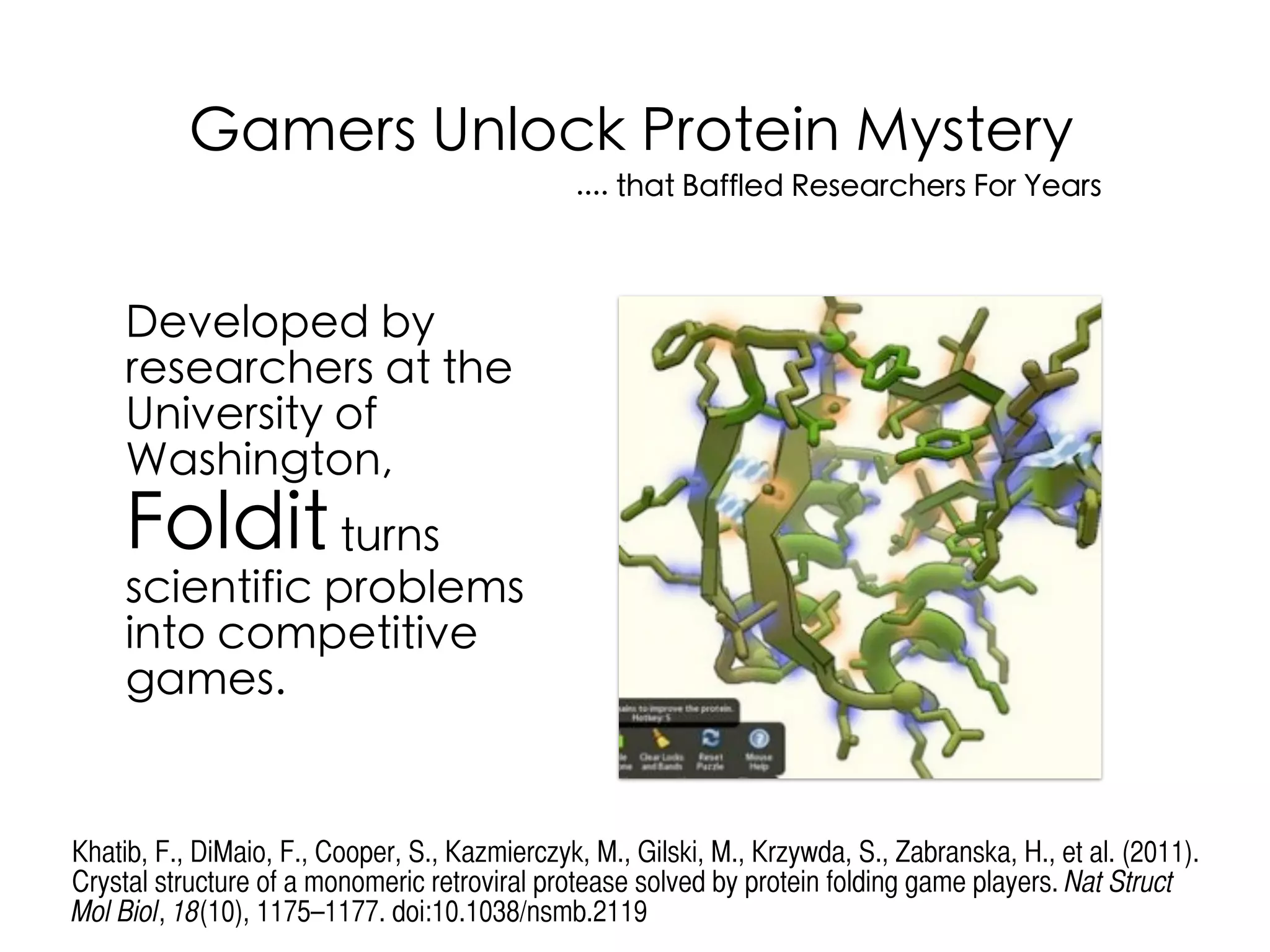
Developed by
researchers at the
University of
Washington,
Folditturns
scientific problems
into competitive
games.
Gamers Unlock Protein Mystery
.... that Baffled Researchers For Years
Khatib, F., DiMaio, F., Cooper, S., Kazmierczyk, M., Gilski, M., Krzywda, S., Zabranska, H., et al. (2011).
Crystal structure of a monomeric retroviral protease solved by protein folding game players. Nat Struct
Mol Biol, 18(10), 1175–1177. doi:10.1038/nsmb.2119
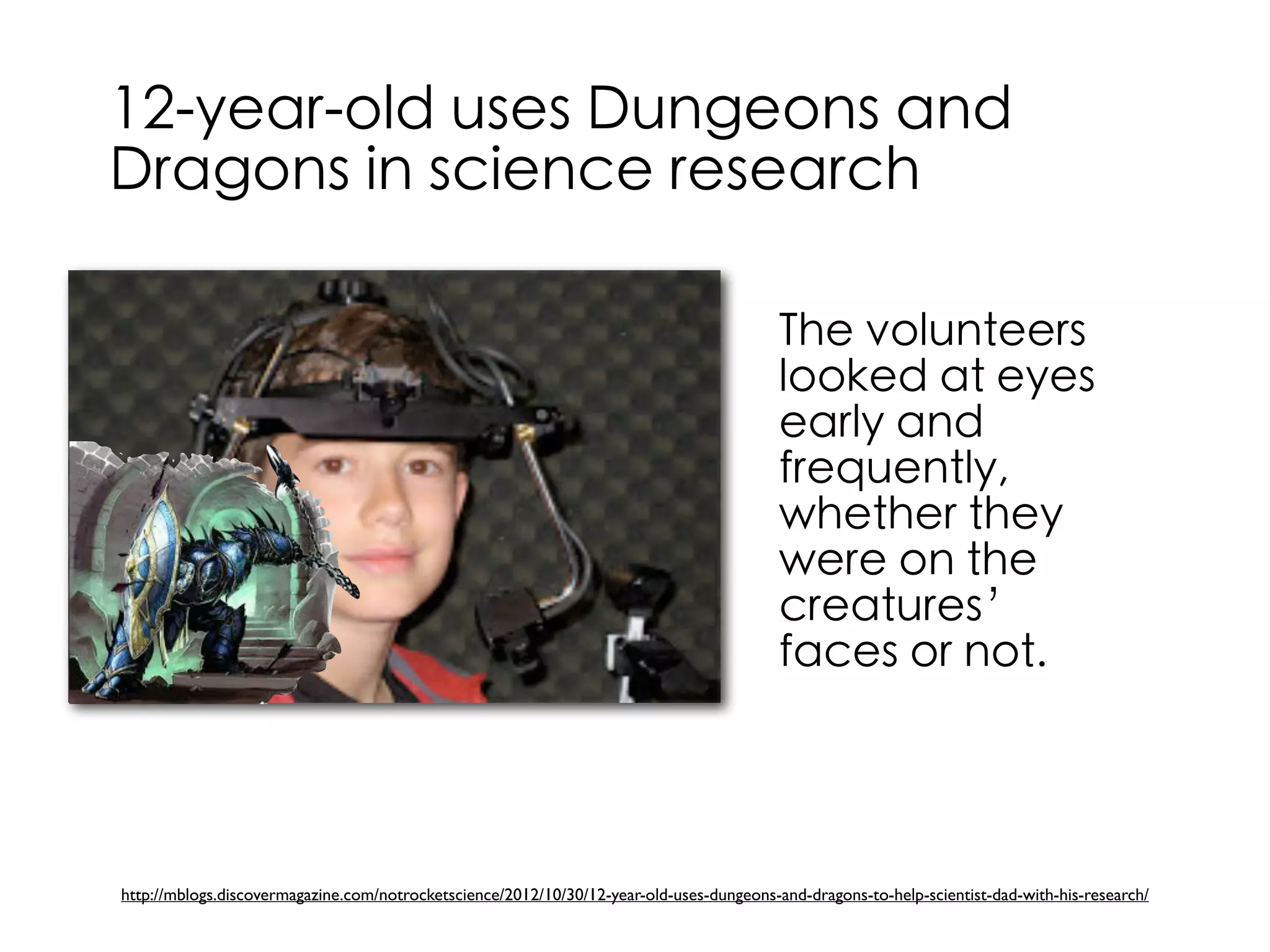
12-year-old uses Dungeons and
Dragons in science research
http://mblogs.discovermagazine.com/notrocketscience/2012/10/30/12-year-old-uses-dungeons-and-dragons-to-help-scientist-dad-with-his-research/
The volunteers
looked at eyes
early and
frequently,
whether they
were on the
creatures’
faces or not.
19-year-old girl in Egypt invents
a spacecraft propulsion device
Mustafa’s device is based on a scientific mix
between quantum physics, space technology,
chemical reactions and electrical sciences.
http://thenextweb.com/africa/2012/05/18/19-year-old-girl-in-egypt-invents-a-spacecraft-propulsion-device/
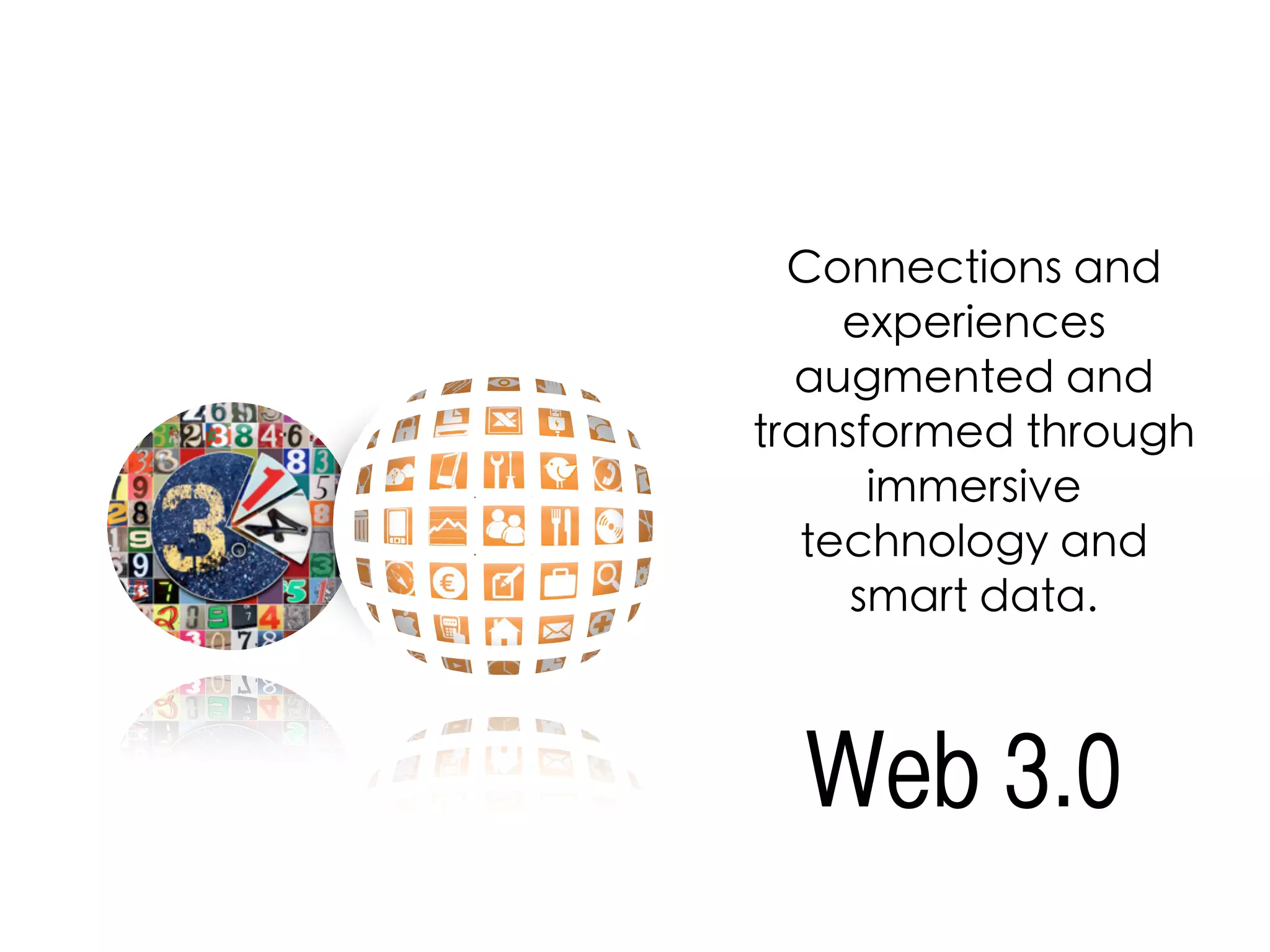
Connections and
experiences
augmented and
transformed through
immersive
technology and
smart data.
Web 3.0
new frontier of analytics BIG DATA
Examples of such data sets
range from billions of Google
searches conducted by millions
of users to the data collected by
millions of weather sensors
around the globe to all the
purchases of British
supermarket shoppers.
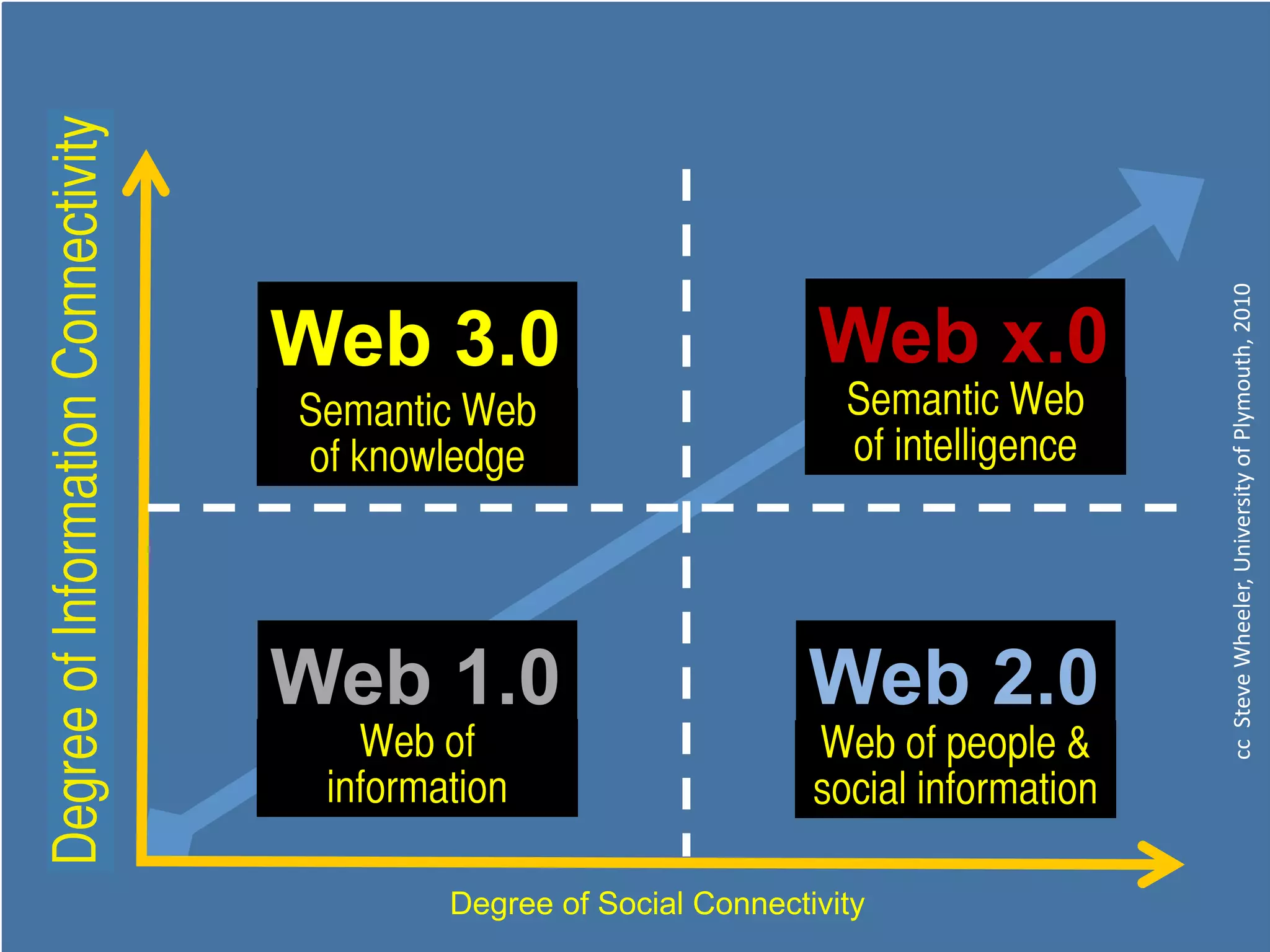
Web 3.0
Web 1.0
Web x.0
Web 2.0
Semantic Web
The Web
Meta Web
Social Web
Degree of Social Connectivity
DegreeofInformationConnectivity
cc""Steve"Wheeler,"University"of"Plymouth,"2010"
Semantic Web
of knowledge
Semantic Web
of intelligence
Web of
information
Web of people &
social information
DegreeofInformationConnectivity

Smart Libraries, Smart Classrooms

  • 1.
    FACULTY OF EDUCATIONSCHOOLOF INFORMATION STUDIES Smart libraries, smart classrooms Judy O’Connell Information Literacy / School Libraries Section Satellite Cape Town, South Africa 14th August 2015
  • 2.
    http://judyoconnell.com http://www.facebook.com/judy.oconnell http://twitter.com/heyjudeonline O’Connell, J. (2011)“Change Has Arrived at an iSchool Library near you” in Information Literacy Beyond Library 2.0 Edited by Peter Godwin and Jo Parker, Facet. In publication. O'Connell, J., & Groom, D. (2010). Connect, communicate, collaborate. Acer Press. OERU.ORG study world-class courses for free
  • 3.
  • 4.
    21 C teacherlibrarian flickr photo by giulia.forsythe http://flickr.com/photos/gforsythe/10310176123 shared under a Creative Commons (BY-NC-SA) license
  • 5.
    Davies, A., Fidler,D., & Gorbis, M. (2011). Future work skills 2020. http://www.iftf.org/our-work/global-landscape/work/future-work-skills-2020/
  • 6.
    Evolving Learning Landscape Currentthinking about 21st century skills, and the learning experiences that support their development, are essential starting points for capacity building. A list of the workforce skills presented by Davies, et al (2011, pp. 8-12) include: • Sense-making • Social intelligence • Novel and adaptive thinking • Cross-cultural competency • Computational thinking • New-media literacy • Transdisciplinarity • Design mindset • Cognitive load management • Virtual collaboration http://www.iftf.org/our-work/global-landscape/work/future-work-skills-2020/
  • 7.
    In talking aboutschool libraries and the essential paradigm shift that is taking place, Stanley (2011) highlights three areas of influence: Information fluency — using search engines effectively; evaluating online information; collaborating in virtual environments, and delivering material resources online. Digital citizenship — understanding responsible and ethical use of information, and maintaining safe online practices. Digital storytelling — reading, writing and listening to books in many formats; creating, collaborating and sharing in a range of mediums. Digital citizenship Stanley. D.B. (2011). Change has arrived for school libraries, School Library Monthly, 27 (4)4, 45–47.
  • 8.
    http://www.smashwords.com/books/view/96705 A crowdsourced collection ofover 100 essays from around the world about trends in school libraries written by librarians, teachers, publishers, and library vendors.
  • 9.
    9 The leadership challengesare out there ..... http://libraryschool.libguidescms.com/hiddentreasures Hidden treasures in the global commons
  • 10.
    The Scout Reportis the flagship publication of the Internet Scout Research Group. Published every Friday both on the Web and by email subscription, it provides a fast, convenient way to stay informed. https://scout.wisc.edu/
  • 11.
    h#p://23mobilethings.net/wpress/ Modelling exemplary use of socialmedia, search engines, and collaborative research strategies.
  • 12.
    http://oztlnet.com/ The OZTL_NET DiscussionList is an email-based forum for information professionals working in Australian schools. It is supported by the teacher librarianship academic staff at the School of Information Studies , Charles Sturt University. Discussion is open to all members of the Australian TL community and any people with a genuine interest in teacher librarianship and/or school libraries.
  • 13.
  • 14.
    Create a completeweb site for your library. WordPress.com, Blogger.com and Weebly.com. Generally thought of as a blogging tools, these free services can also be used for many other purposes News Posts: Use as a blog to post news and updates. Collaborations: Posts news items, ideas, questions, book reviews, etc. Invite students to use the comments feature to share ideas, their own reviews, etc. Student writing: Students can use these for writing and reflecting. Portfolios: Create a professional resume & portfolio by creating pages that focus on different aspects of your experience and skills. School library web presences
  • 15.
    Then consider your socialmedia presence! School library web presences
  • 18.
  • 19.
  • 21.
  • 22.
    Curriculum projects The focusof the project was to facilitate deeper learning in our students by creating an ‘authentic learning’ experience to strengthen writing and literacy skills across the curriculum. In English, students learned about the literary conventions of forensic fiction in their crime novel, Framed, and how to use them to solve a crime. In Science, students learned about how use a variety of scientific methods including analysing dental records, fragments and fibres, fingerprinting, shoe-printing and DNA samples in order to solve a crime. Body in the library
  • 23.
    Curriculum projects Each boyreceived a forensic workbook – containing a range of materials for examination such as crime reports, witness statements and a coroners report. In addition the ‘crime scene’ was taped off, with key evidence on display e.g. fingerprints, the location of the body, and places where DNA was found. Photographic evidence included the injury reports (fake bruising and blood on the victim), video footage of the scene of the crime (staged by students and teachers) and also hard hitting interviews.
  • 24.
    Curriculum projects O’Connell, J.(2011). Body in the Library': A cross-curriculum transliteracy project, in L.Marquardt & D. Oberg (Ed.) Global Perspectives on School Libraries: Projects and Practices, Berlin, New York : De Gruyter Saur. English curriculum • Study of forensic fiction and different sub -genres of mystery fiction (this also provided an opportunity for supporting literature displays in the library) • Study of famous fiction forensic films/novels/characters • Character and plot analysis, including the relationships of clues, events, and people in solving a crime. Science curriculum • Study of forensic science and the scientific method required (this provided an opportunity for non-fiction book displays in the library) • Crime scene basics, protocol, techniques, scientific evidence. • Police techniques for investigating a murder. i.e., interviews, ID parade, CTV security images.
  • 25.
  • 26.
    flickr photo byrobynejay http://flickr.com/photos/learnscope/5224539701 shared under a Creative Commons (BY-SA) license
  • 27.
    Images with Flickr flickrphoto by teachingsagittarian http://flickr.com/photos/teachingsagittarian/5745529379 shared under a Creative Commons (BY-NC-SA) license
  • 28.
  • 29.
    • Post photosof school & community events. • Create a school group on Flickr for students & staff to share photos of events. • Hold a “Day in the Life” event where the community shares photos representing one day in the life of the school. • Photos to chronicle library/school renovations and keep community up to date. • Share photos of art work and crafts created by students. • Book spine poetry photos. :) • Scan & post historic photos and ask community to share memories through the comments feature. • Join other groups or share your own class groups! • Share ideas for library displays, program ideas and more. • Create slide shows that can be embedded on your web page • Create your own favourites collection • Public photo sharing sites like flickr are great resources for Creative Commons licensed images to use in presentations. Images
  • 30.
  • 33.
    Global Images The keygoal of The Commons is to share hidden treasures from the world's public photography archives. https://www.flickr.com/commons
  • 34.
  • 35.
  • 36.
    Find free imagesonline http://judyoconnell.com/find-free-images-online/ PhotoPin – My first stop for photo searching. Very easy to use and searches a number of sources for CC licensed photos. CC search – search for images, video and music from one search page. Handy! Flickr advanced search – Scroll to the botton of the screen and select the Creative Commons setting & “Find content to modify, adapt, or build upon” Image search tools
  • 37.
    Creative Commons Creative Commonslicensing allows for reuse of a image (and other intellectual content) under certain conditions. The licensing is easy to understand and having students select how they want to license their own work is a great way to get students thinking about copyright, reuse and attribution.
  • 38.
    Creative commons licenses workas “some rights reserved rule instead of “all rights reserved” rule. Diverse set of license conditions with a range of freedoms and limitations. http://creativecommons.org/
  • 39.
  • 40.
  • 41.
    Europeana enables peopleto explore the digital resources of Europe's museums, libraries, archives and audio-visual collections. http://www.europeana.eu/portal/index.html Linked Open Data on the Web. The site currently contains metadata on 3.5 million texts, images, videos and sounds.
  • 42.
    Digital curation andorganisation flickr photo by JB London http://flickr.com/photos/jb-london/3914363613 shared under a Creative Commons (BY-NC) license
  • 43.
    Digital content curation Thebenefits of content curation is that you don’t re-invent the wheel - you share! Model the future!
  • 44.
    http://delicious.com/hrheingold/crap_detection ‘crap’ detection cc licensedflickr photo by selva: http://flickr.com/photos/selva/23816545/ Information labyrinth Howard Rheingold Nurture strategies for information fluency
  • 45.
    Re-thing what ‘collection’of information means, thereby supporting personalised and collaborative information seeking and knowledge conversations.
  • 46.
    Sharing Your Know-How:No one can be an expert on everything, but we all have things that we’re passionate about and perhaps even are experts in. If we create collections of the best resources on those topics and share them, everyone can benefit from our expertise.This is also a great way to share information about what’s going on in the library. Digging for Gold: You may not feel like creating collections of resources yet, but you can still benefit from these services.They are gold mines of great material. If you find an expert in an area you’re interested in, then you can follow what they’re curating. Student Use: Students can gather materials for research, create bibliographies, create collections of news articles around a topic, collect graphics for art projects, and so much more. Essential Skills: Students learn essential skills when curating content: how to search for and evaluate resources, how to organize and create a balanced collection. Check out this excellent handout on Building Link Collections to help students learn these skills. From the article Teaching Kids to Curate Content Collections. https://cooltoolsforschool.wordpress.com/thing-6-curation-tools/
  • 47.
    Digital content curation Thereare many popular tools. View this excellent video! Eduwebinar https://youtu.be/vyqAnB8CbkI http://eduwebinar.com.au/ https://www.pinterest.com/kayo287/curation-strategies-in-education/ Also visit curation strategies in education
  • 48.
    Diigo is asocial bookmarking site that allows users to collect bookmarks, annotate them and share to groups or lists. Pinterest is a pinboard-styled social photo sharing website. The service allows users to create and manage theme-based image collections linked out to sites of origin. Learnist is a social curation and sharing site that integrates with other curation opportunities such as Pinterest, LinkedIn, Google+, Twitter Livebinders is a great way to creat your own information resources, evidence, documentation, and more. It’s easy and it’s visual and a great opportunity for collaborating, organising and sharing resources. Scoop.it allows users to create and share their own themed magazines designed around a given topic.
  • 49.
  • 50.
    Create resource guides Feedlyis a great RSS feed reader to help you monitor lots of resources quickly. Smore or Tackk works well to create newsletter types of pages where you can add new resources and news. Flipboard Magazines allow you to create collections of articles, links to resources, images, news and more. Users can subscribe and get updates in a variety of ways, depending on the source. Tumblr blog – it’s easy to add notes, photos, links to articles to a tumblr. Your audience can subscribe to update through their own tumblr account, visit it via it’s URL or via an RSS feed Diigo Groups – Bookmark items in Diigo and add items to a diigo group that your audience can subscribe to updates via email or RSS. RSS magic – Anything with an RSS feed gives you lots more options. Readers can subscribe via their own feed reader or email. And you can display updates in a widget on your web/wiki pages. https://cooltoolsforschool.wordpress.com/thing-22-create-a-resource-guide/
  • 51.
  • 52.
    Quick Response Code 2DBarcode - Stores more data than Low technology investment Scan by smart phones/devices Lead to images, text messages, web links or videos QR Code
  • 53.
  • 54.
  • 55.
  • 56.
  • 58.
    Periodic Table ofQR codes https://www.flickr.com/photos/periodicvideos/5915143448/
  • 61.
    A URL shorteneris an online application that converts a regular URL (the web address that starts with http://) into its condensed format. The user only has to copy the full URL of a website and paste it into the URL shortening tool to come up with an abbreviated version that is around 10 to 20 characters long. Regular URL - http://www.nytimes.com/2012/08/09/us/more-casinos-and- internet-gambling-threaten-shakopee-tribe.html?_r=1&hp Shortened URL - http://nyti.ms/P7eg6B Some URL shorteners come with traffic monitors URL Shortner
  • 62.
    Google URL Shortener Thisis a popular shortening tool and probably the best online. It not only shortens your URLs but also keeps track of the history of your shortened links and provides you with analytics on how many people clicked on them and so forth. Bit.ly This service allows its users to shorten as many URLs as they want. It also lets them share and track analytics of their links.
  • 64.
  • 65.
    Evernote in educationFlipboard Magazine http://bit.ly/1cmL2Ki
  • 66.
  • 67.
    StoryBird – Providesbeautiful graphics to inspire your stories. Arrange the images as you wish, add text to tell your story. Story can be embedded on other web pages. Book versions can be printed for a fee. Toondo – Fun drag and drop cartoon making tool. Voki – Create a character, add your voice. Powtoon – Create slide shows and animated prsentations. Fun tool. Free with an inexpensive premium plan for educators. HaikuDeck – Web and app presentation tool. Makes beautifully simple and effective presentation slides. Animoto – This is an easy to use tool to create photo & music video stories. This would be a fun project for an art class. Or to create a video representing how you feel about a book or movie. Upload your photos, arrange the order, select a piece of music and let Animoto do it’s magic. Special accounts for educators. https://edshelf.com/shelf/joycevalenza-digital-storytelling-tools/ Digital story telling Many to choose from: https://sites.google.com/a/syd.catholic.edu.au/web-2-online-course/course-modules/module-4
  • 68.
    Aurasma The steps onthis PDF take you through just how you do this (click here) More on Pinterest https://www.pinterest.com/kayo287/augmented-reality/ Aurasma is an augmented reality application that allows you to overlay any video or image on top of anything that your tablet, cell phone, or any other mobile device can scan with its camera. Using Aurasma is very much like using a QR code reader. In order to activate the overlayed image or video, the object will be scanned using the Aurasma app. http://www.aurasma.com/
  • 69.
  • 70.
    Reading, writing, gaming,trans-media, immersive worlds, and augmented reality, are all part of the new digital frontiers leading the re-invention of learning. cc licensed ( BY NC SA ) flickr photo by Curious Expeditions: http://flickr.com/photos/curiousexpeditions/622806411/
  • 71.
    It makes senseto interact both synchronously and asynchronously, formally or informally, at school, at home, or on mobile devices.
  • 72.
  • 73.
    We owe itto our students to “keep up”! Are you prepared? cc licensed ( BY NC SA ) flickr photo by Stuck in Customs: http://flickr.com/photos/stuckincustoms/6756753669/
  • 74.
    Be strategic Be proactiveBe responsive Know your vision Be your vision Communicate your vision CREATIVELY
  • 75.
    Highlight the valueof your e- literacy skills and knowledge to the entire school community...... and beyond...
  • 76.
    Then see whathappens next!
  • 77.
  • 78.
    existing data reconnectedfor different and smarter uses cc licensed ( BY ) flickr photo by paul (dex): http://flickr.com/photos/dexxus/3146028811/
  • 79.
    What happens withlinked data and why should we care?
  • 80.
  • 81.
    Whereas traditional library metadatahas always been focused on helping humans find and make use of information, linked data ontologies are focused on helping machines find and make use of information. cc licensed ( BY NC ) flickr photo by tarotastic: http://flickr.com/photos/tjt195/30916171/
  • 82.
    This uri ‘http://id.loc.gov/ authorities/sh85042531’ hasnow become the globally available, machine and human readable, reliable source for the description for the subject heading of ‘Elephants’ containing links to its related terms (in a way that both machines and humans can navigate).
  • 83.
    It’s not aboutdevices, it’s about information and knowledge because of technology!
  • 84.
    Researchers Sequence Entire Genomeof A Baby In Only 50 Hours “By obtaining an interpreted genome in about two days, physicians can make practical use of diagnostic results to tailor treatments to individual infants and children.”
  • 85.
    Developed by researchers atthe University of Washington, Folditturns scientific problems into competitive games. Gamers Unlock Protein Mystery .... that Baffled Researchers For Years Khatib, F., DiMaio, F., Cooper, S., Kazmierczyk, M., Gilski, M., Krzywda, S., Zabranska, H., et al. (2011). Crystal structure of a monomeric retroviral protease solved by protein folding game players. Nat Struct Mol Biol, 18(10), 1175–1177. doi:10.1038/nsmb.2119
  • 86.
    12-year-old uses Dungeonsand Dragons in science research http://mblogs.discovermagazine.com/notrocketscience/2012/10/30/12-year-old-uses-dungeons-and-dragons-to-help-scientist-dad-with-his-research/ The volunteers looked at eyes early and frequently, whether they were on the creatures’ faces or not.
  • 87.
    19-year-old girl inEgypt invents a spacecraft propulsion device Mustafa’s device is based on a scientific mix between quantum physics, space technology, chemical reactions and electrical sciences. http://thenextweb.com/africa/2012/05/18/19-year-old-girl-in-egypt-invents-a-spacecraft-propulsion-device/
  • 88.
    Connections and experiences augmented and transformedthrough immersive technology and smart data. Web 3.0
  • 89.
    new frontier ofanalytics BIG DATA Examples of such data sets range from billions of Google searches conducted by millions of users to the data collected by millions of weather sensors around the globe to all the purchases of British supermarket shoppers.
  • 90.
    Web 3.0 Web 1.0 Webx.0 Web 2.0 Semantic Web The Web Meta Web Social Web Degree of Social Connectivity DegreeofInformationConnectivity cc""Steve"Wheeler,"University"of"Plymouth,"2010" Semantic Web of knowledge Semantic Web of intelligence Web of information Web of people & social information DegreeofInformationConnectivity