Downloaded 25 times

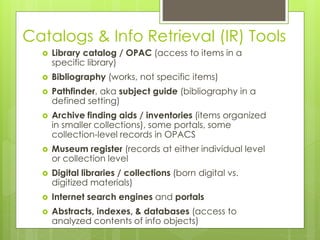


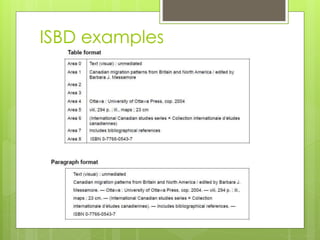
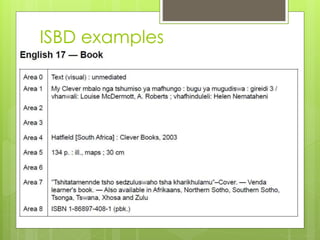


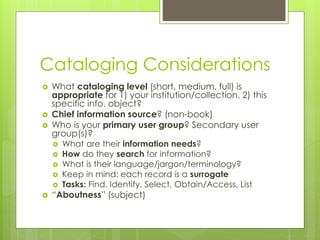

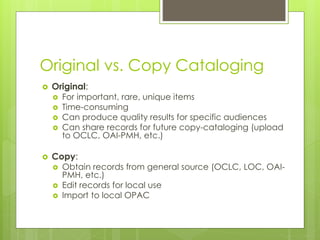

The document discusses the various components involved in cataloging and describing knowledge, including bibliographic records, authority control, format standards, coding rules, subject headings, and classification systems. It explains how these pieces fit together to create catalog records that serve as surrogates for information objects and can be displayed in tools like online public access catalogs (OPACs) or databases. The purpose of catalog records is to support user tasks like finding, identifying, selecting, obtaining, and listing information objects. Original cataloging is done for important materials, while copy cataloging uses existing records from sources like OCLC.


