Security - Record Rules in Odoo 16
In business, there are different types of records. And it is essential
to provide proper security for those records. In Odoo, there are
also some security rules. The rules define who can access the
following objects. In record rules, we describe some conditions for
certain operations.
Access modes in the record rule:
- Create: Access for creating records
- Write: Access for writing or editing the records
- Read: Access for reading or viewing the records
- Delete: Access for deleting the records
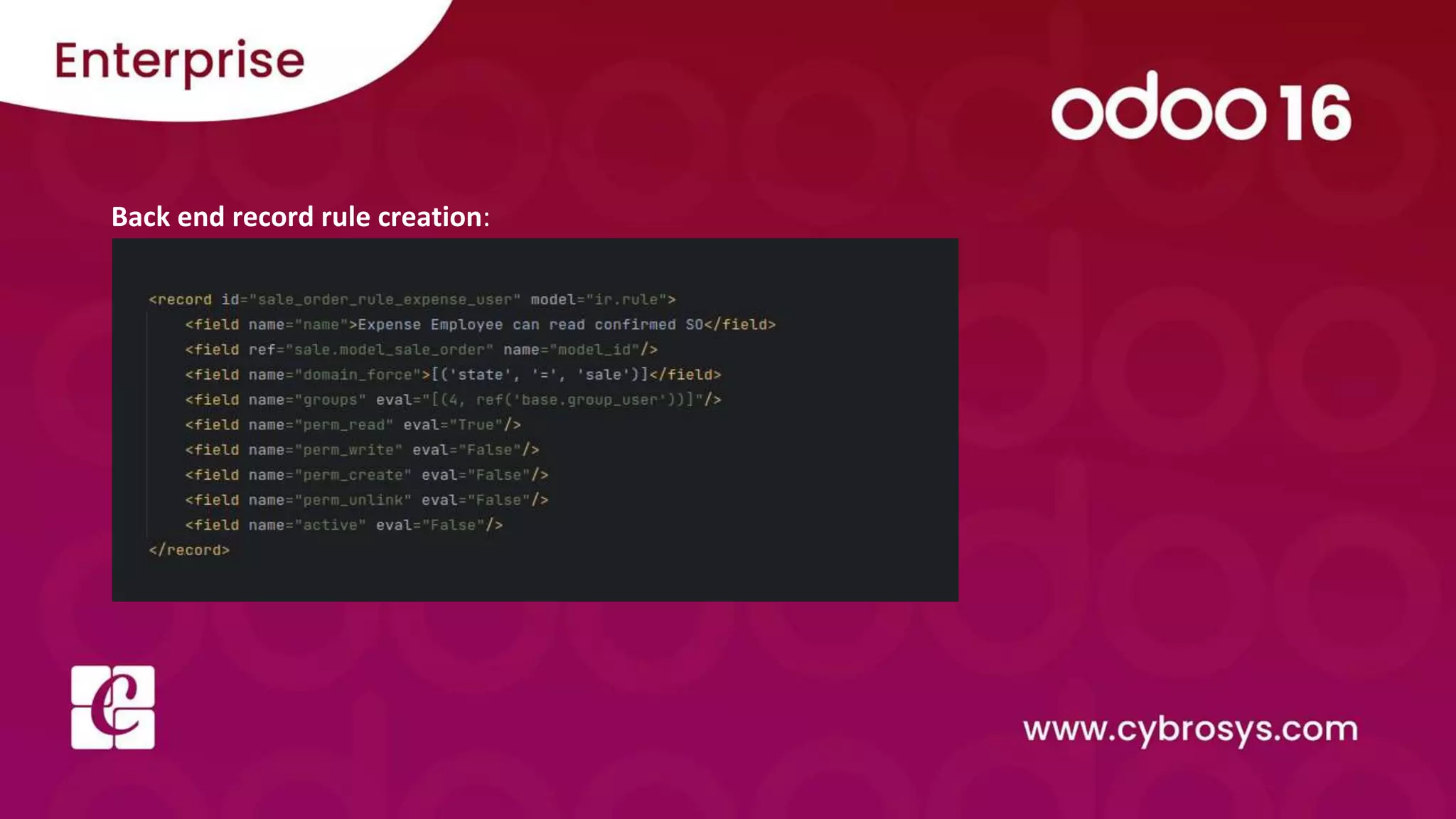
Back end record rule creation:
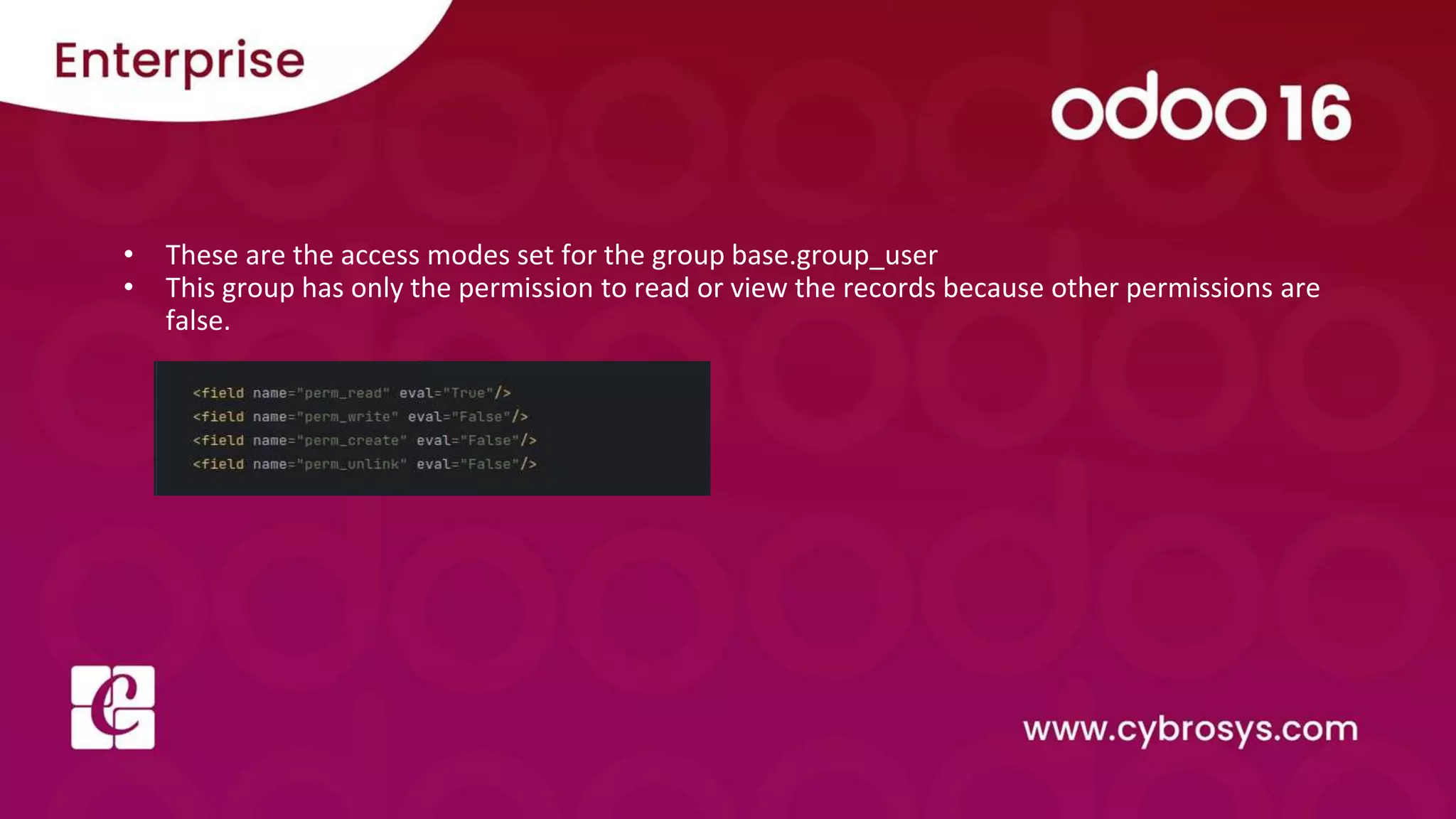
• These are the access modes set for the group base.group_user
• This group has only the permission to read or view the records because other permissions are
false.
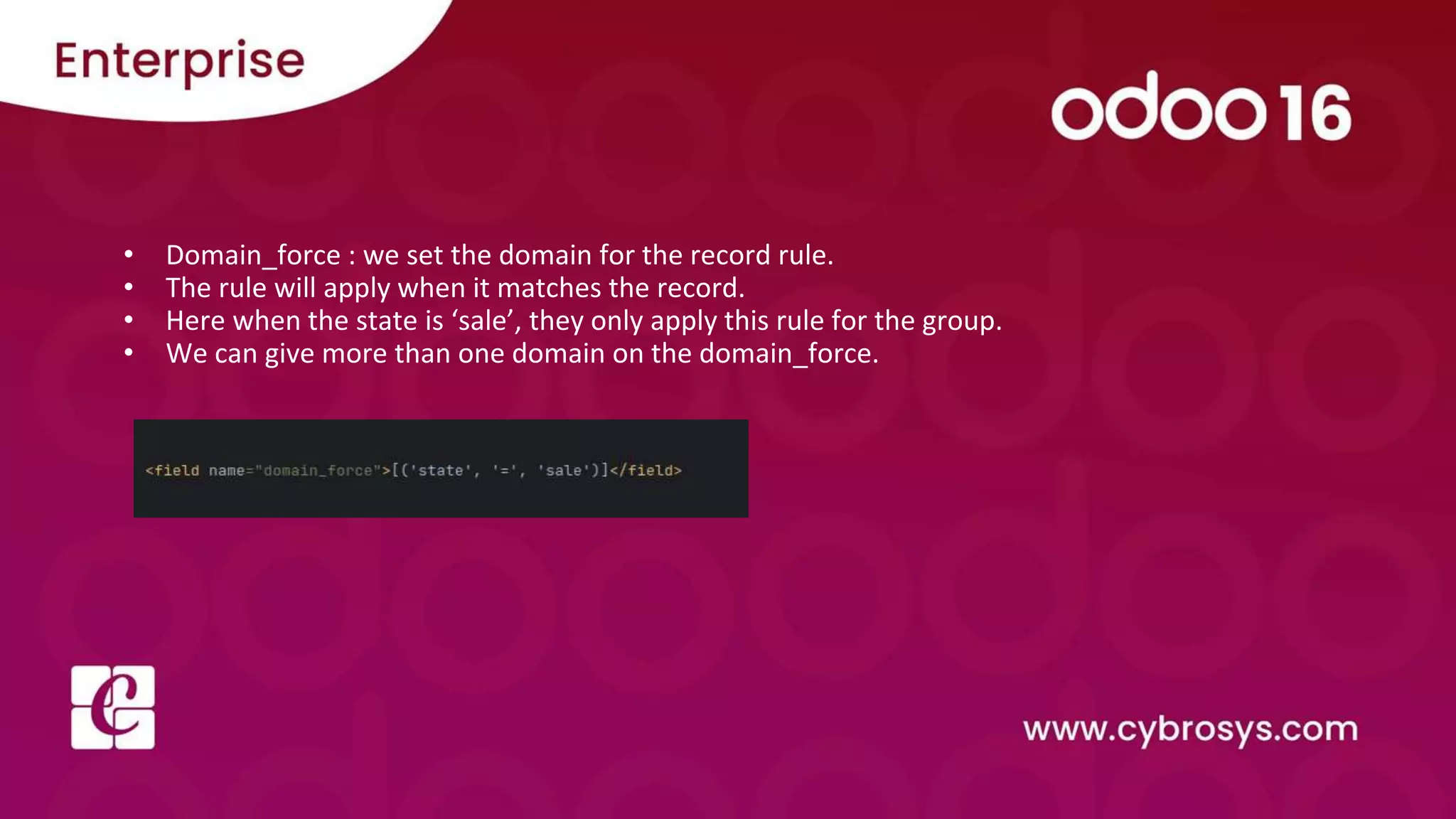
• Domain_force : we set the domain for the record rule.
• The rule will apply when it matches the record.
• Here when the state is ‘sale’, they only apply this rule for the group.
• We can give more than one domain on the domain_force.
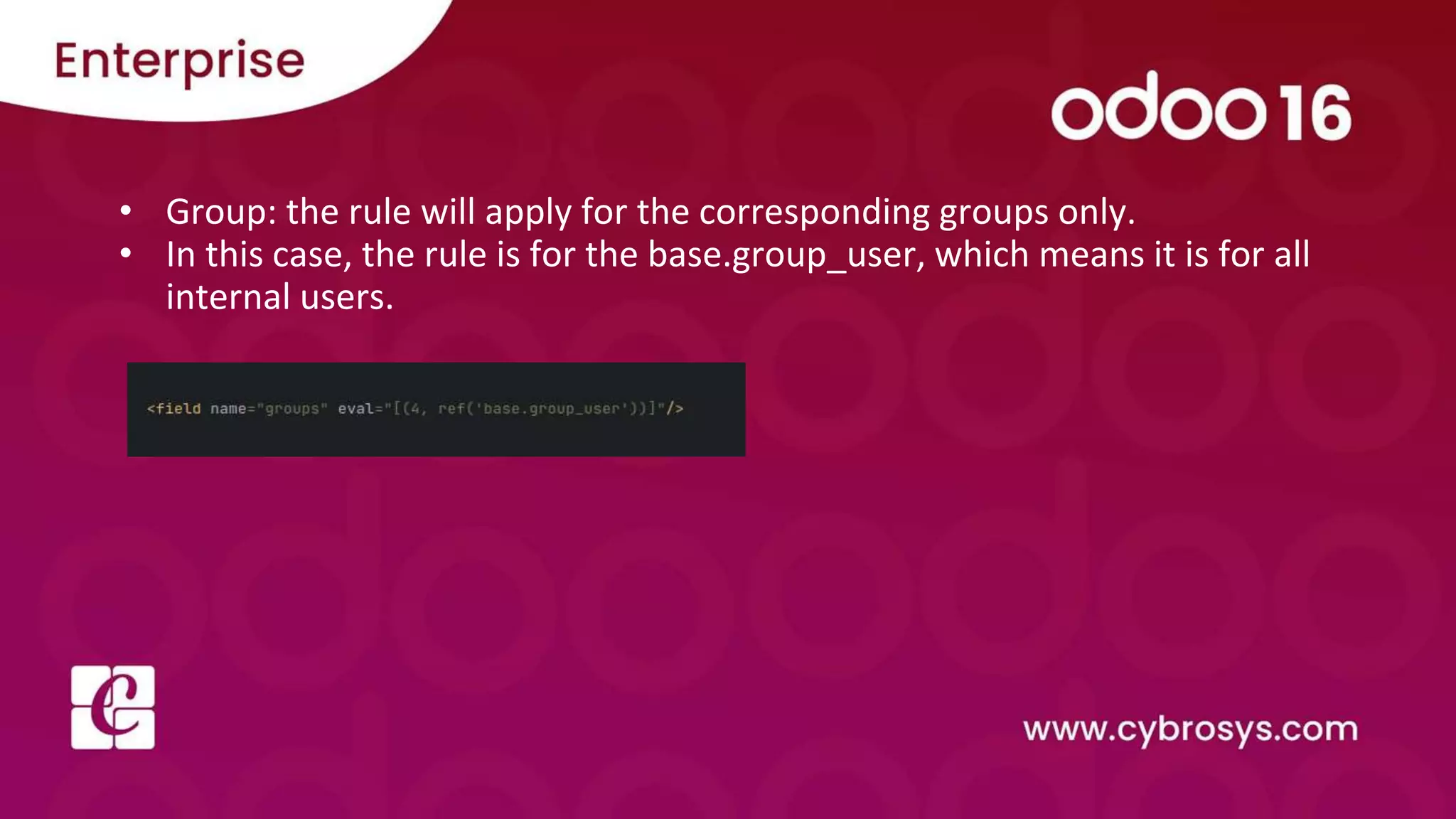
• Group: the rule will apply for the corresponding groups only.
• In this case, the rule is for the base.group_user, which means it is for all
internal users.
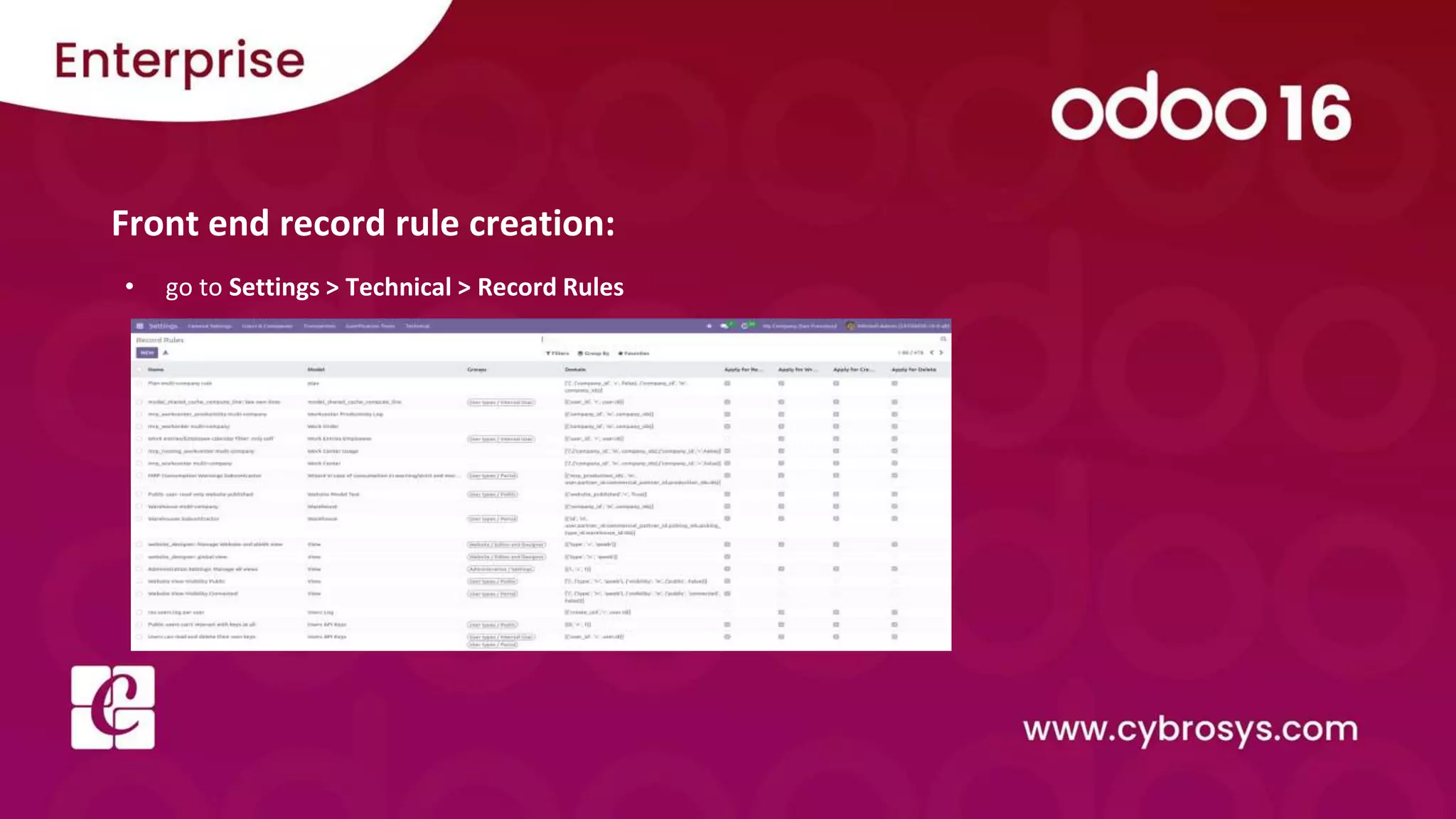
Front end record rule creation:
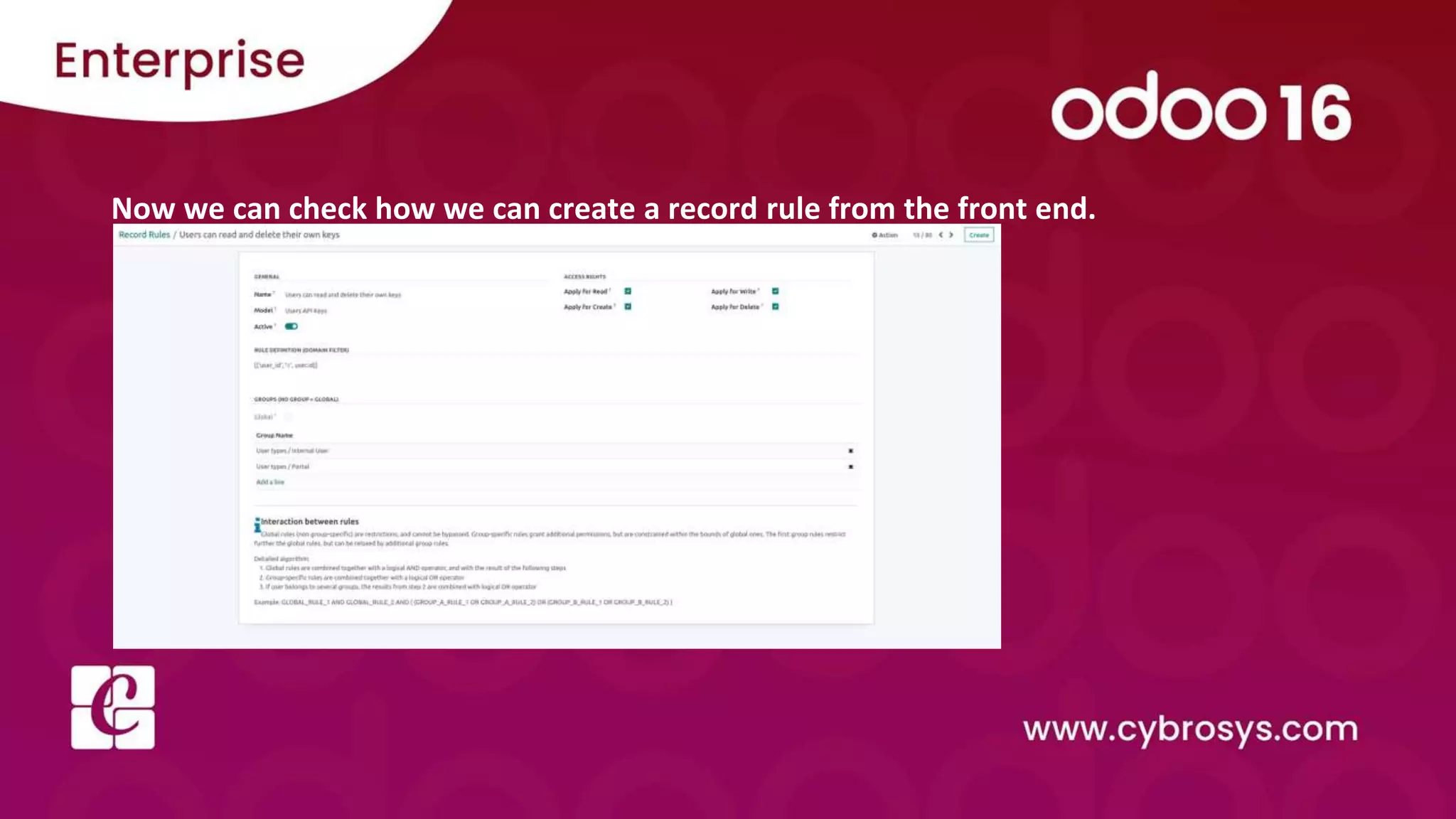
• go to Settings > Technical > Record Rules
Now we can check how we can create a record rule from the front end.
Name: Give Name for the record rule
Model: Record rule will be applied for this model
Active: Activate the record rule
Access Rights: There are four access rights: read, write, create and delete. All these access rights
are checked by default.
Rule Definition (Domain filter): Domain for filtering the records.
Groups: If we specify the group, then the rule will apply to use for the specified groups. If we need
to apply the rule globally, we don't want to specify the groups.
Check our company website
for related blogs and Odoo book.
Check our YouTube channel for
functional and technical videos in Odoo.

Security - Record Rules in Odoo 16

  • 1.
    Security - RecordRules in Odoo 16
  • 2.
    In business, thereare different types of records. And it is essential to provide proper security for those records. In Odoo, there are also some security rules. The rules define who can access the following objects. In record rules, we describe some conditions for certain operations.
  • 3.
    Access modes inthe record rule: - Create: Access for creating records - Write: Access for writing or editing the records - Read: Access for reading or viewing the records - Delete: Access for deleting the records
  • 4.
    Back end recordrule creation:
  • 5.
    • These arethe access modes set for the group base.group_user • This group has only the permission to read or view the records because other permissions are false.
  • 6.
    • Domain_force :we set the domain for the record rule. • The rule will apply when it matches the record. • Here when the state is ‘sale’, they only apply this rule for the group. • We can give more than one domain on the domain_force.
  • 7.
    • Group: therule will apply for the corresponding groups only. • In this case, the rule is for the base.group_user, which means it is for all internal users.
  • 8.
    Front end recordrule creation: • go to Settings > Technical > Record Rules
  • 9.
    Now we cancheck how we can create a record rule from the front end.
  • 10.
    Name: Give Namefor the record rule Model: Record rule will be applied for this model Active: Activate the record rule Access Rights: There are four access rights: read, write, create and delete. All these access rights are checked by default. Rule Definition (Domain filter): Domain for filtering the records. Groups: If we specify the group, then the rule will apply to use for the specified groups. If we need to apply the rule globally, we don't want to specify the groups.
  • 11.
    Check our companywebsite for related blogs and Odoo book. Check our YouTube channel for functional and technical videos in Odoo.