Security groups and
access rights in Odoo 16
Security is a major concern when any application is considered. We can
control what the user can do and what the users can't-do on a different
level. The user can control independently each of the four basic
operations: read, write, create, and unlink. I.e. allow only read, allow only
create, grant permission to create or delete only. Also, we can hide fields
or menus for some users and show them for others, make fields read-only
for some users and make them editable for others. We use groups and
access rights to control users.
1. Groups
● A group of users that has some access rights. A group gives its access rights to the
users that belong to the group. Ex: Sales Manager, Advisor, etc.
● A user belongs to any number of groups, and security mechanisms are associated to
groups, thus applying security mechanisms to users.
● Security groups allow you to deny permissions models, to hide menus or to hide
fields on views.
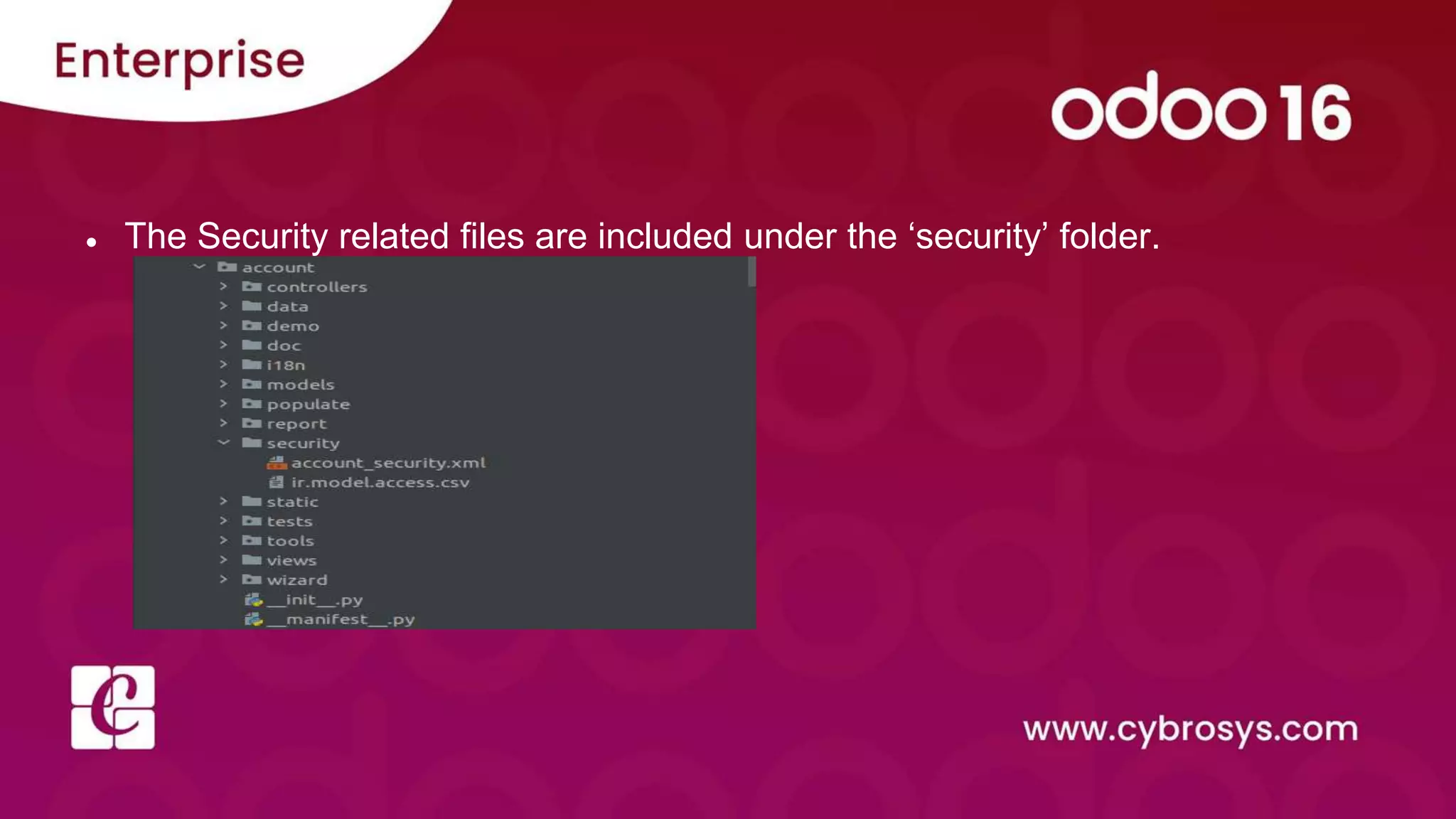
● The Security related files are included under the ‘security’ folder.
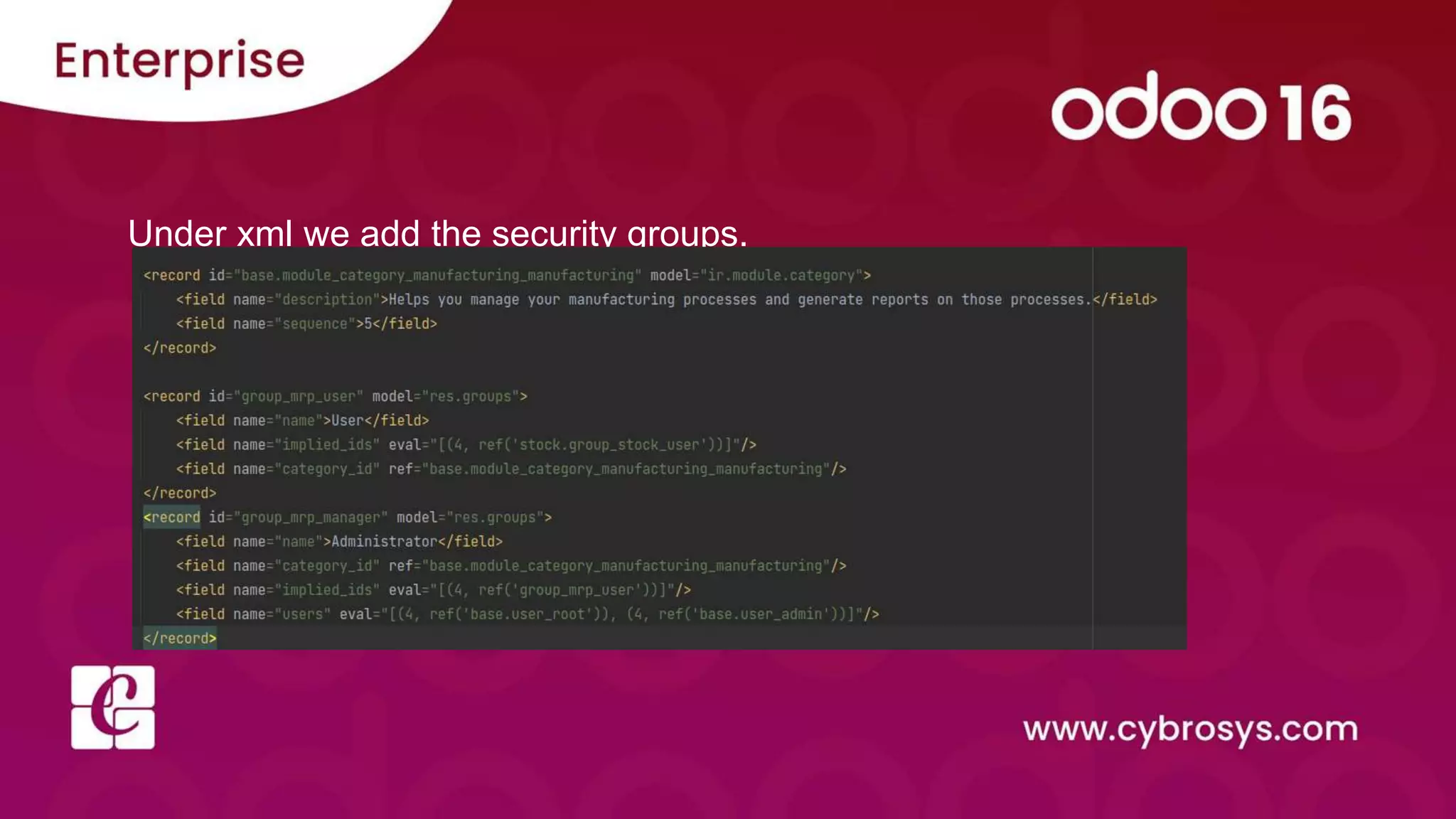
Under xml we add the security groups.
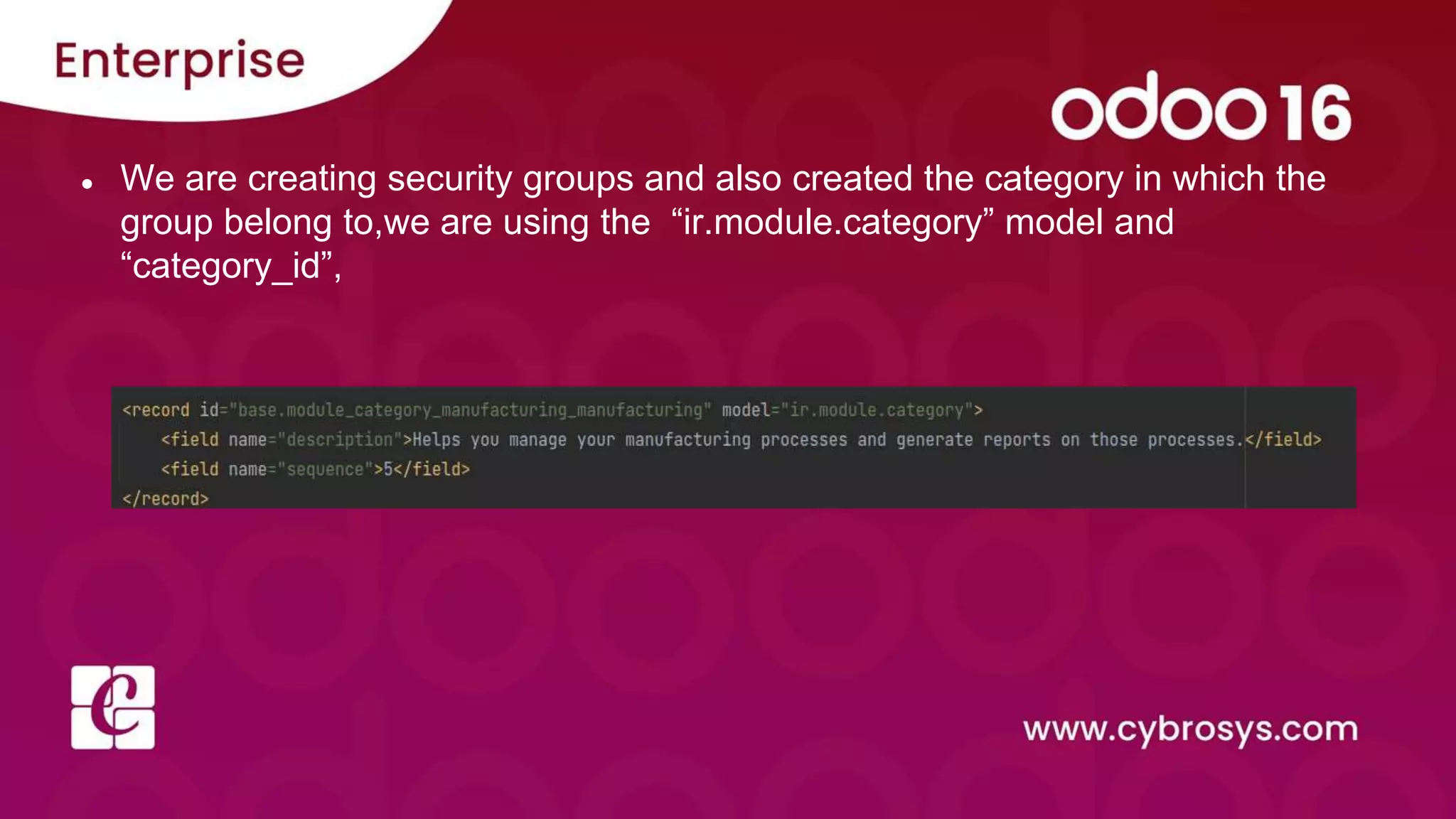
● We are creating security groups and also created the category in which the
group belong to,we are using the “ir.module.category” model and
“category_id”,
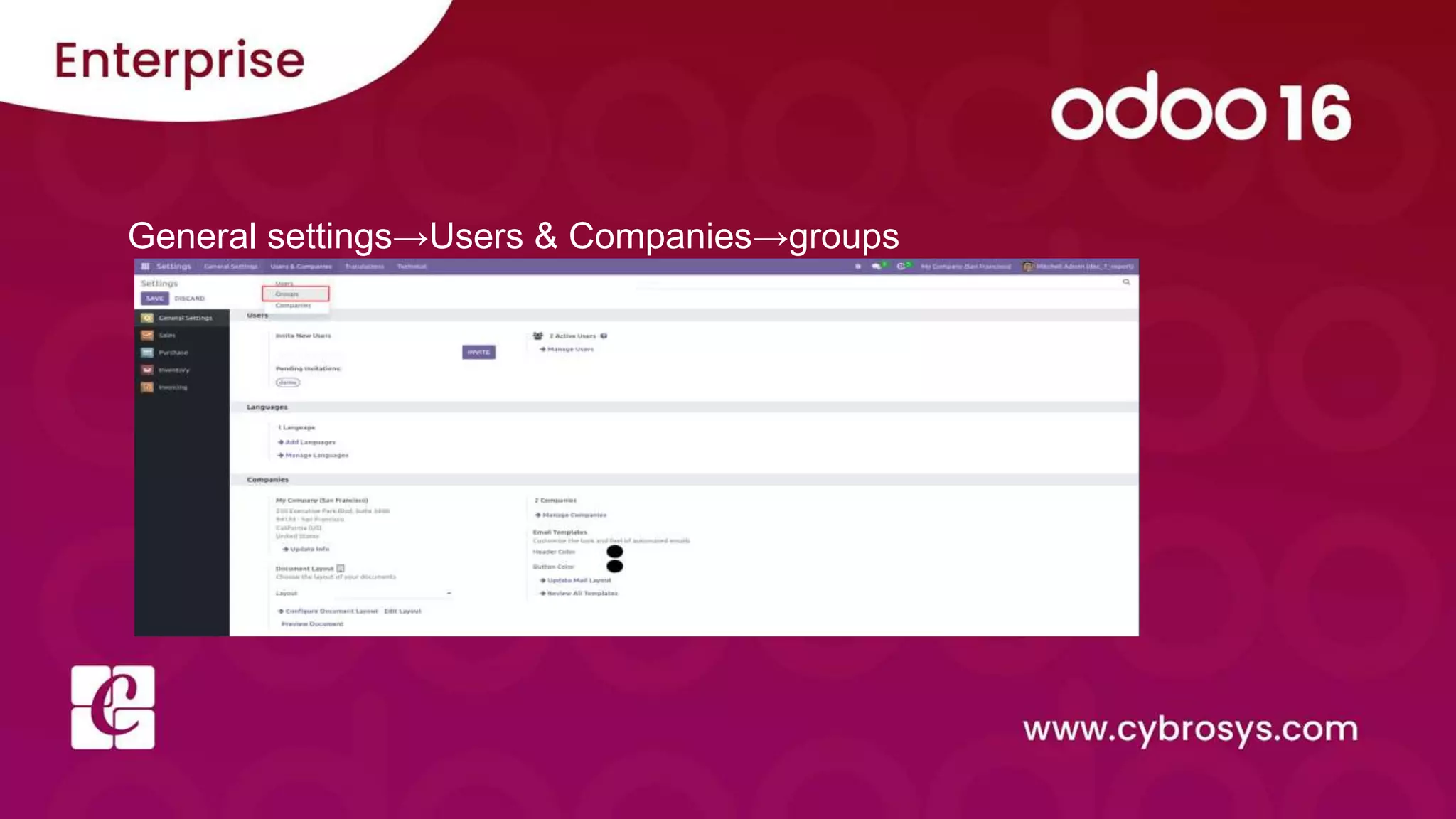
General settings→Users & Companies→groups
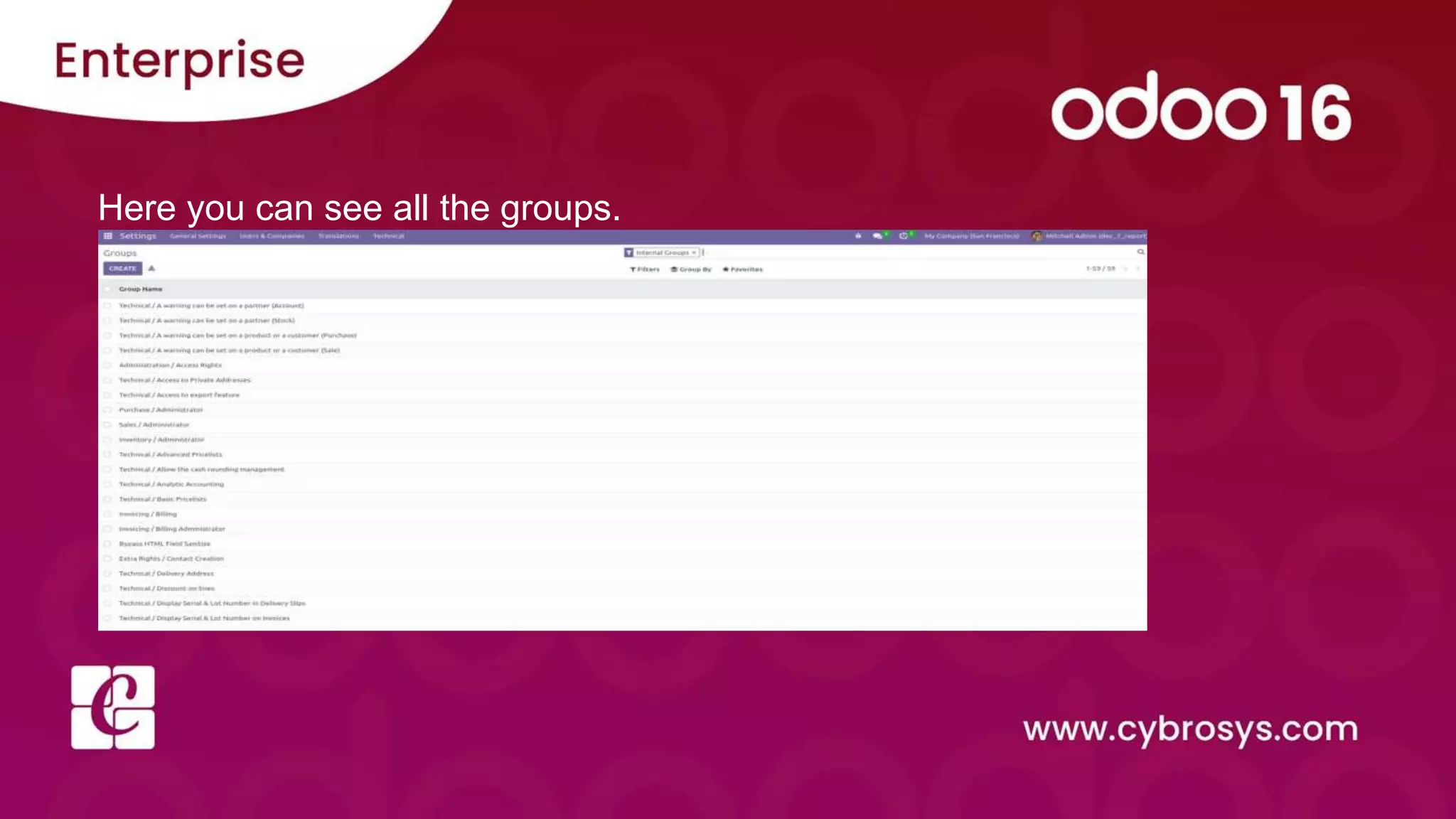
Here you can see all the groups.
Access Rights
● The user in Odoo is the one who has database access. We can add as many users as we like, and we
can control the information each user has access to by granting them access permissions.
● These rules are used to control user access to the Odoo database. It depicts what a user can do in the
database. It is essential to have these rules to prevent confusion and ensure that the database is
secure
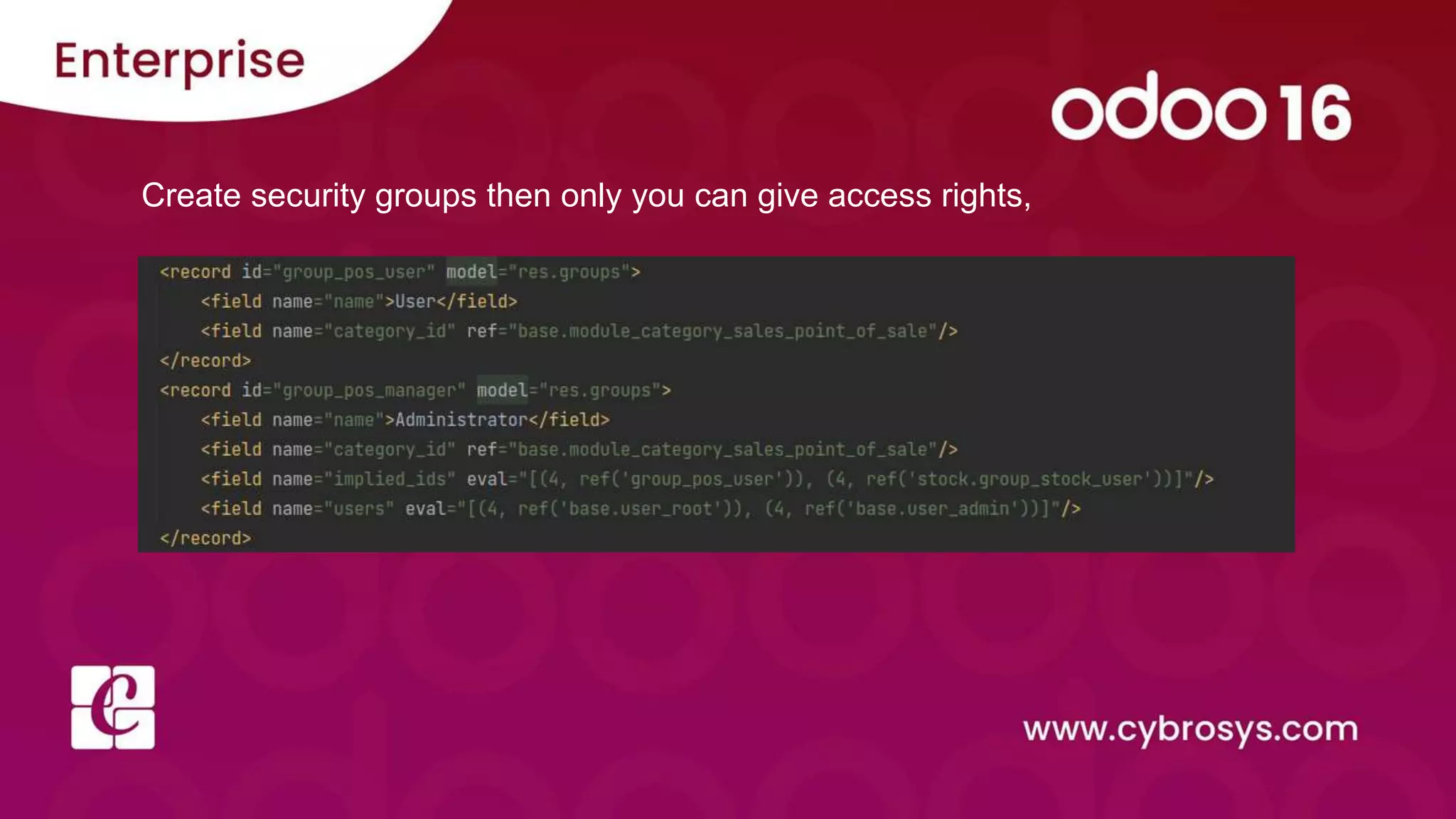
Create security groups then only you can give access rights,
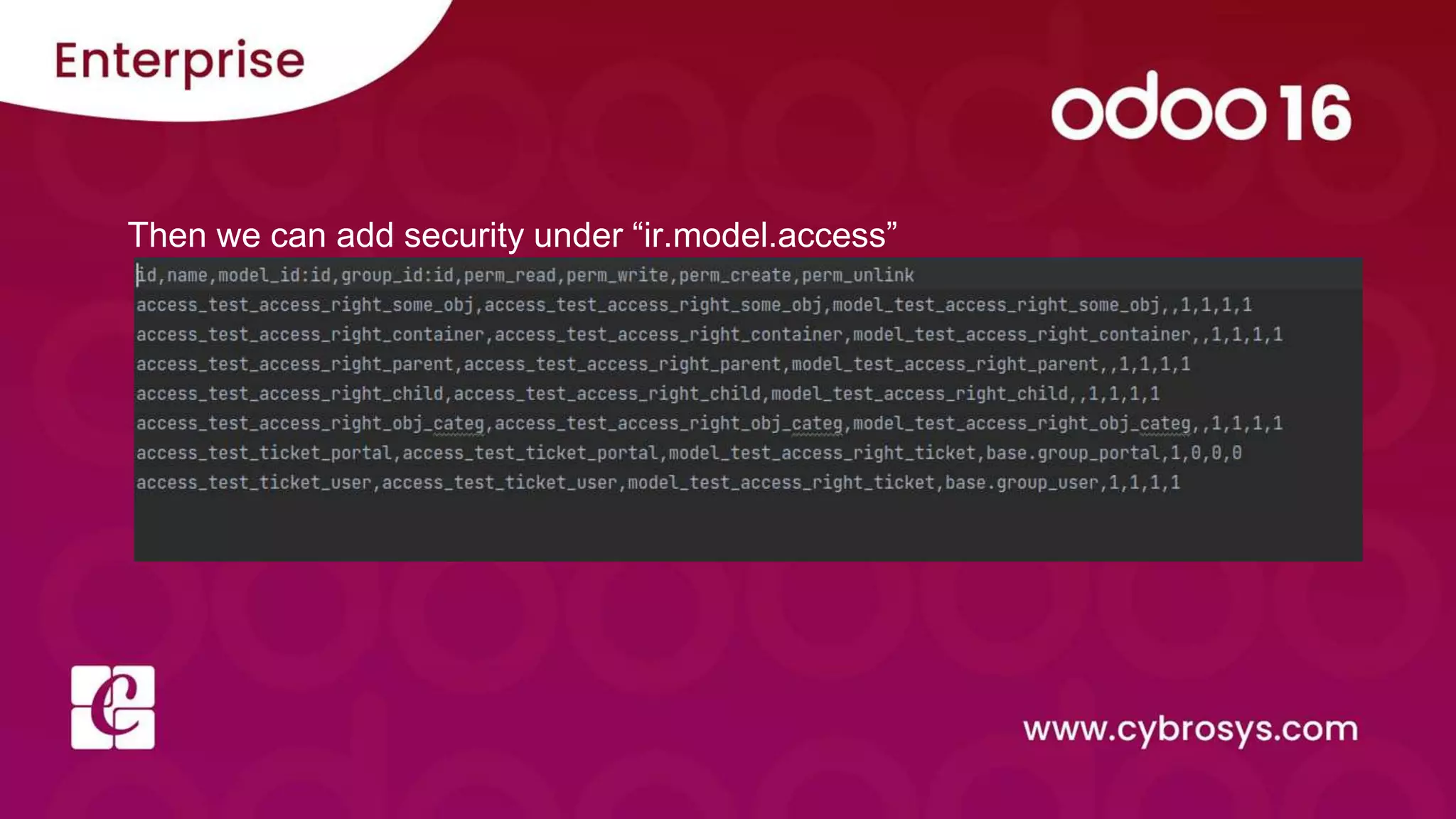
Then we can add security under “ir.model.access”
Check our company website
for related blogs and Odoo book.
Check our YouTube channel for
functional and technical videos in Odoo.

Security groups and access rights

  • 1.
    Security groups and accessrights in Odoo 16
  • 2.
    Security is amajor concern when any application is considered. We can control what the user can do and what the users can't-do on a different level. The user can control independently each of the four basic operations: read, write, create, and unlink. I.e. allow only read, allow only create, grant permission to create or delete only. Also, we can hide fields or menus for some users and show them for others, make fields read-only for some users and make them editable for others. We use groups and access rights to control users.
  • 3.
    1. Groups ● Agroup of users that has some access rights. A group gives its access rights to the users that belong to the group. Ex: Sales Manager, Advisor, etc. ● A user belongs to any number of groups, and security mechanisms are associated to groups, thus applying security mechanisms to users. ● Security groups allow you to deny permissions models, to hide menus or to hide fields on views.
  • 4.
    ● The Securityrelated files are included under the ‘security’ folder.
  • 5.
    Under xml weadd the security groups.
  • 6.
    ● We arecreating security groups and also created the category in which the group belong to,we are using the “ir.module.category” model and “category_id”,
  • 7.
    General settings→Users &Companies→groups
  • 8.
    Here you cansee all the groups.
  • 9.
    Access Rights ● Theuser in Odoo is the one who has database access. We can add as many users as we like, and we can control the information each user has access to by granting them access permissions. ● These rules are used to control user access to the Odoo database. It depicts what a user can do in the database. It is essential to have these rules to prevent confusion and ensure that the database is secure
  • 10.
    Create security groupsthen only you can give access rights,
  • 11.
    Then we canadd security under “ir.model.access”
  • 12.
    Check our companywebsite for related blogs and Odoo book. Check our YouTube channel for functional and technical videos in Odoo.