#SUGUK@techChirag
Securing SharePoint
Environment and
Content
CHIRAG PATEL – 22 MARCH 2016
SHAREPOINT USER GROUP UK - CAMBRIDGE
#SUGUK@techChirag
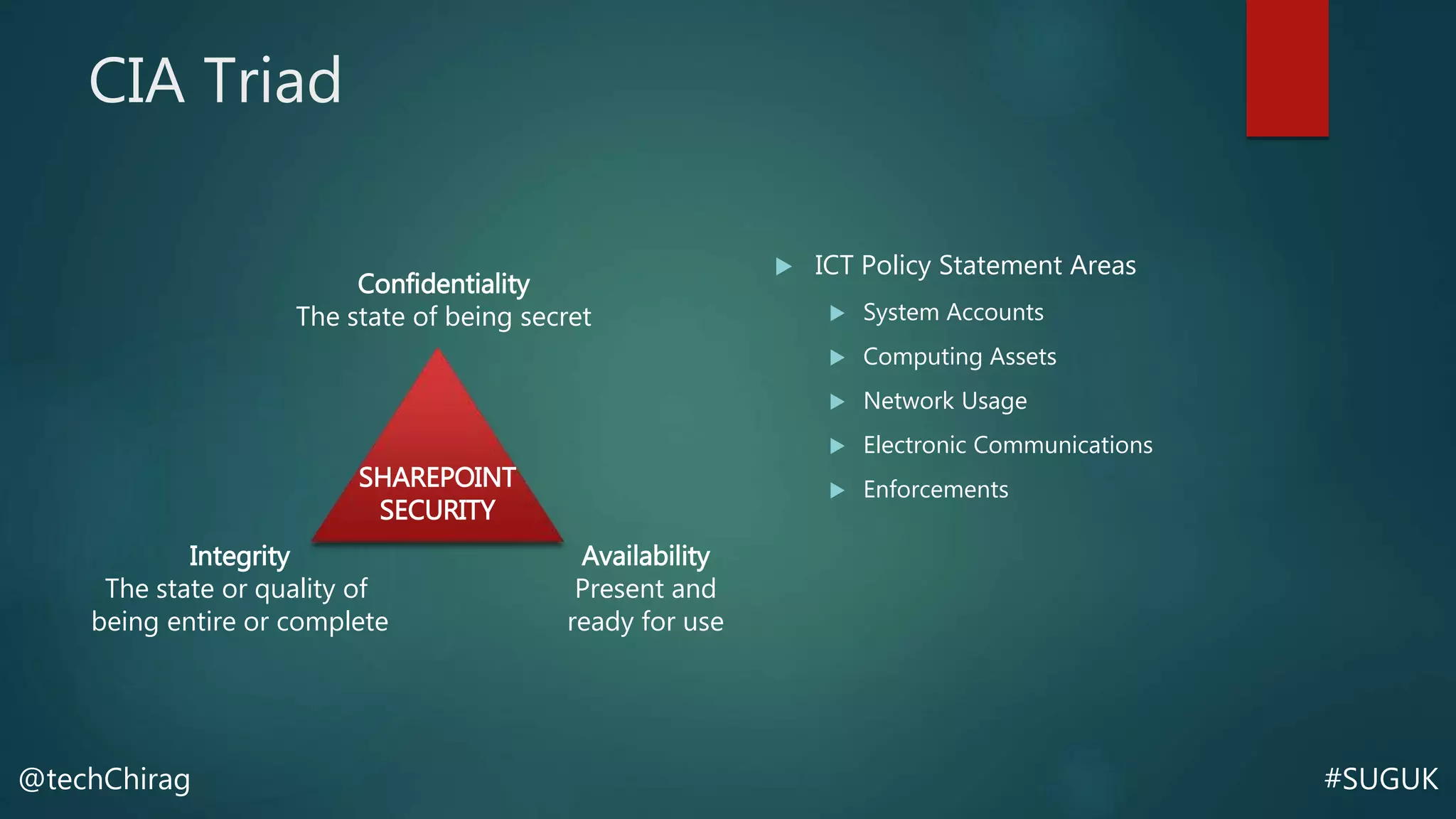
CIA Triad
 ICT Policy Statement Areas
 System Accounts
 Computing Assets
 Network Usage
 Electronic Communications
 Enforcements
Confidentiality
The state of being secret
Integrity
The state or quality of
being entire or complete
Availability
Present and
ready for use
SHAREPOINT
SECURITY
#SUGUK@techChirag
About Chirag
techChirag.com
@techChirag
#SUGUK@techChirag
Good Security Practices
 Platform Security & Authentication
Methods
 In-depth planning and knowledge of
the overall information architecture
(IA) design
 Understanding and awareness of
SharePoint capabilities available
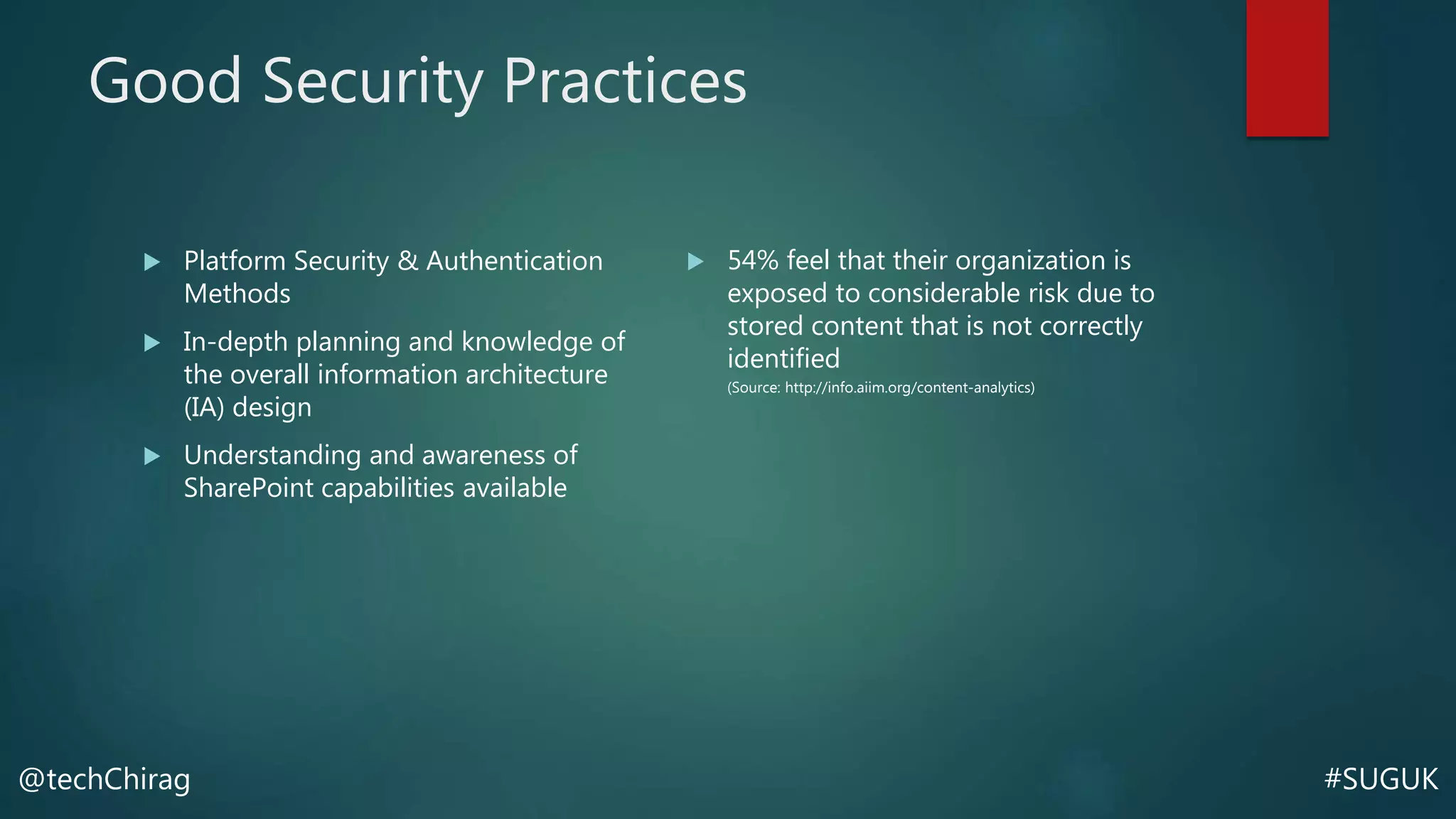
 54% feel that their organization is
exposed to considerable risk due to
stored content that is not correctly
identified
(Source: http://info.aiim.org/content-analytics)
#SUGUK@techChirag
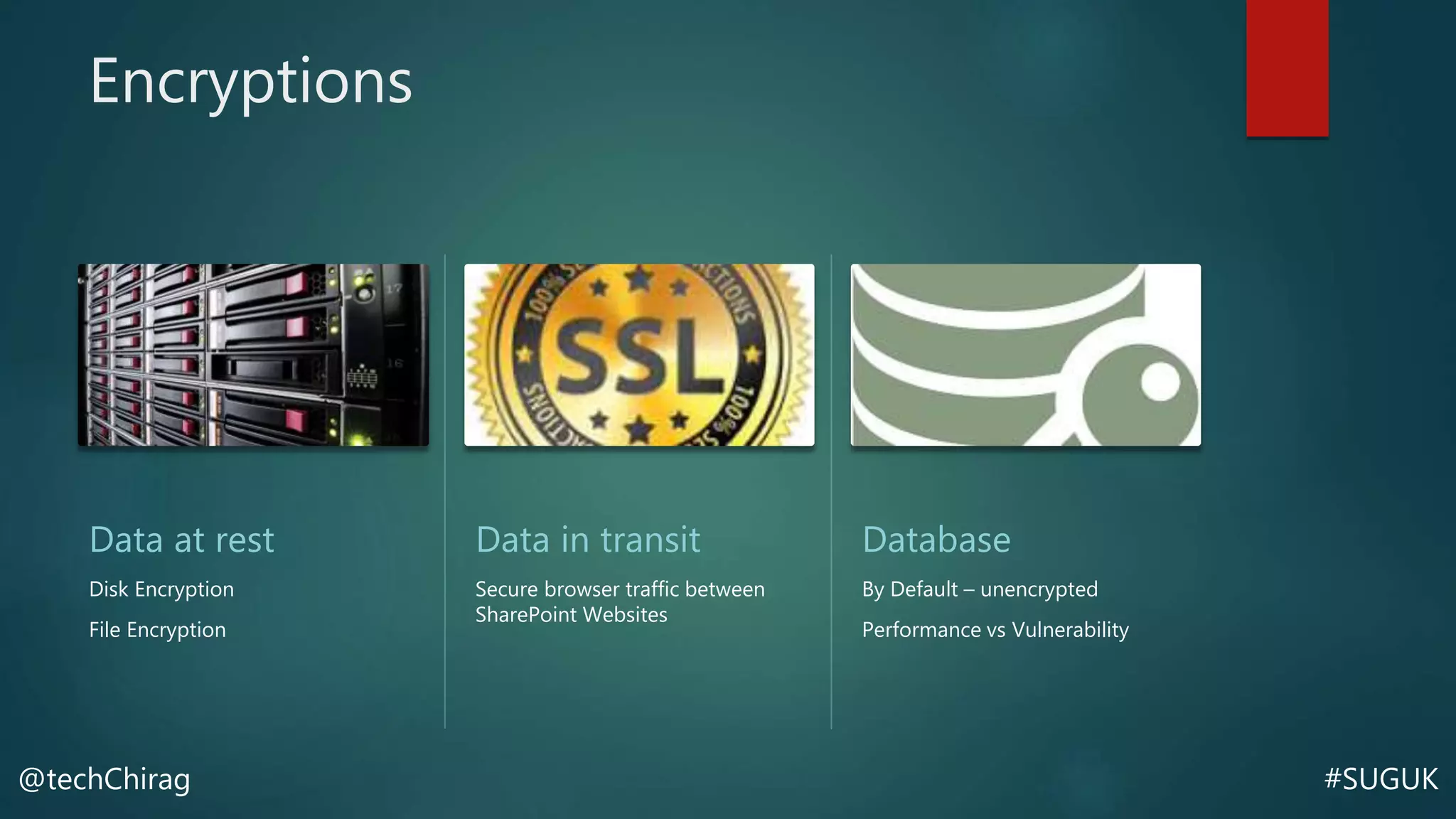
Encryptions
Data at rest
Disk Encryption
File Encryption
Data in transit
Secure browser traffic between
SharePoint Websites
Database
By Default – unencrypted
Performance vs Vulnerability
#SUGUK@techChirag
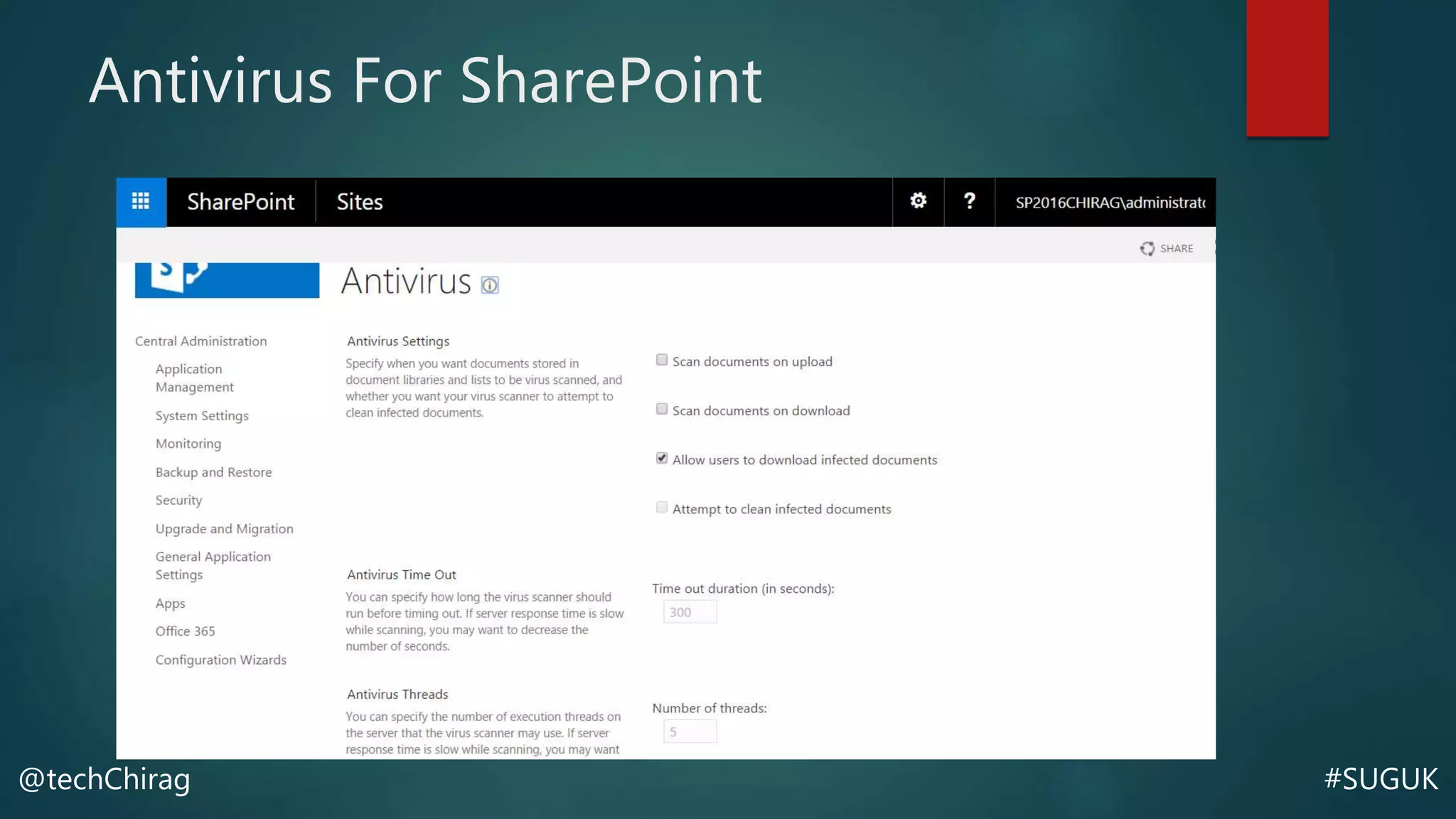
Antivirus For SharePoint
 Scan for uploads
 Scan for downloads
#SUGUK@techChirag
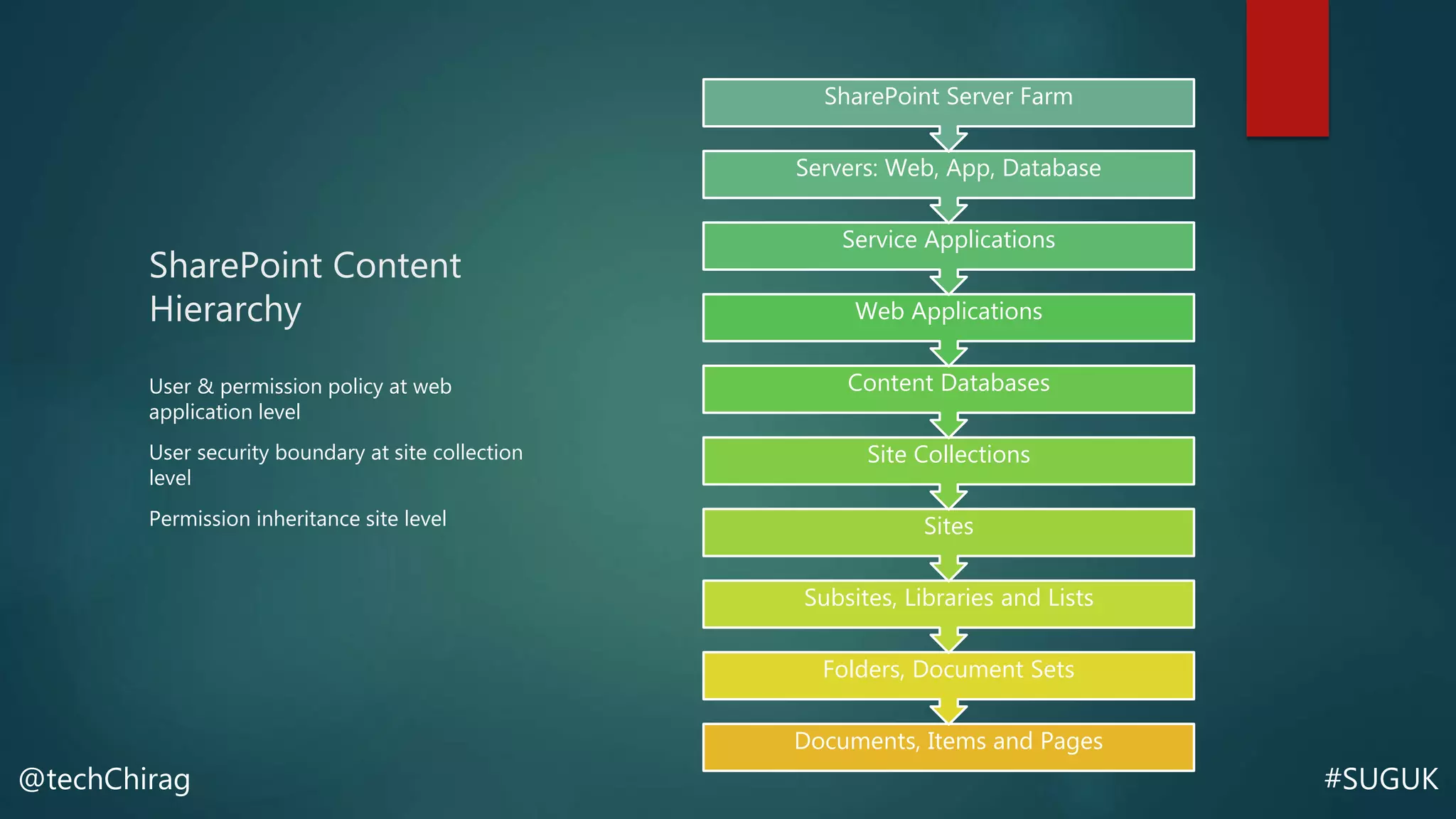
SharePoint Content
Hierarchy
User & permission policy at web
application level
User security boundary at site collection
level
Permission inheritance site level
Documents, Items and Pages
Folders, Document Sets
Subsites, Libraries and Lists
Sites
Site Collections
Content Databases
Web Applications
Service Applications
Servers: Web, App, Database
SharePoint Server Farm
#SUGUK@techChirag
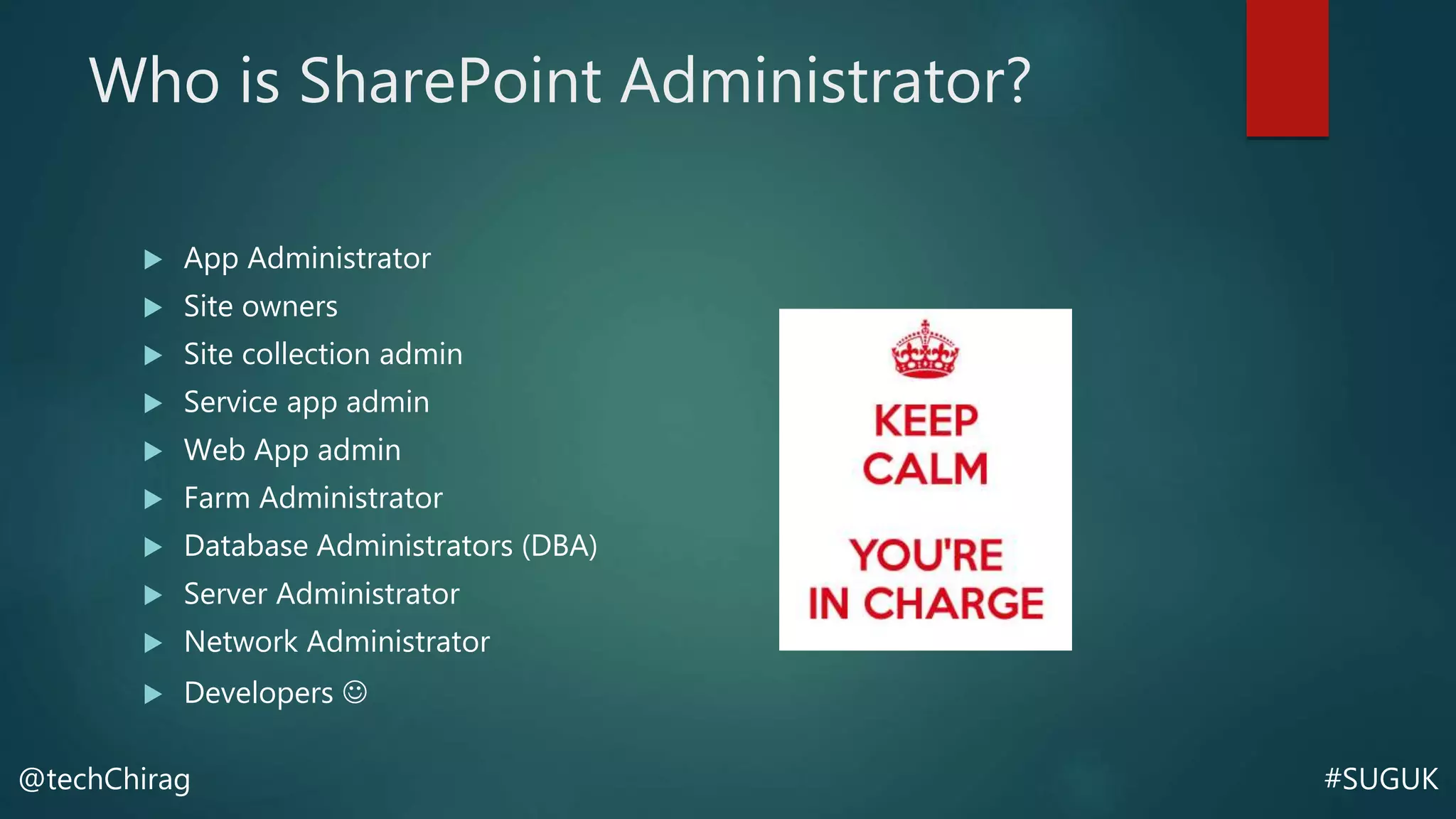
Who is SharePoint Administrator?
 App Administrator
 Site owners
 Site collection admin
 Service app admin
 Web App admin
 Farm Administrator
 Database Administrators (DBA)
 Server Administrator
 Network Administrator
 Developers 
#SUGUK@techChirag
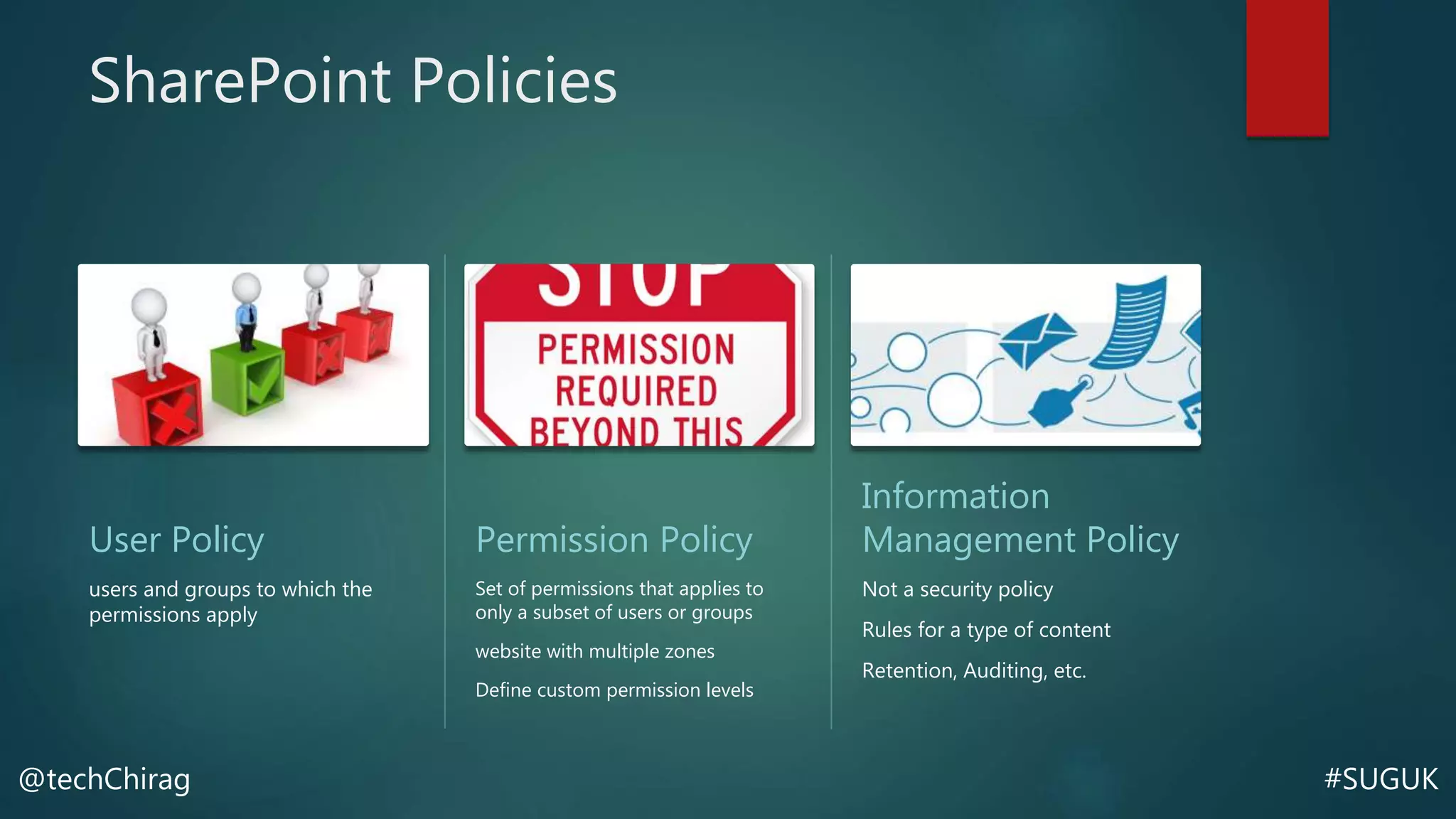
SharePoint Policies
User Policy
users and groups to which the
permissions apply
Permission Policy
Set of permissions that applies to
only a subset of users or groups
website with multiple zones
Define custom permission levels
Information
Management Policy
Not a security policy
Rules for a type of content
Retention, Auditing, etc.
#SUGUK@techChirag
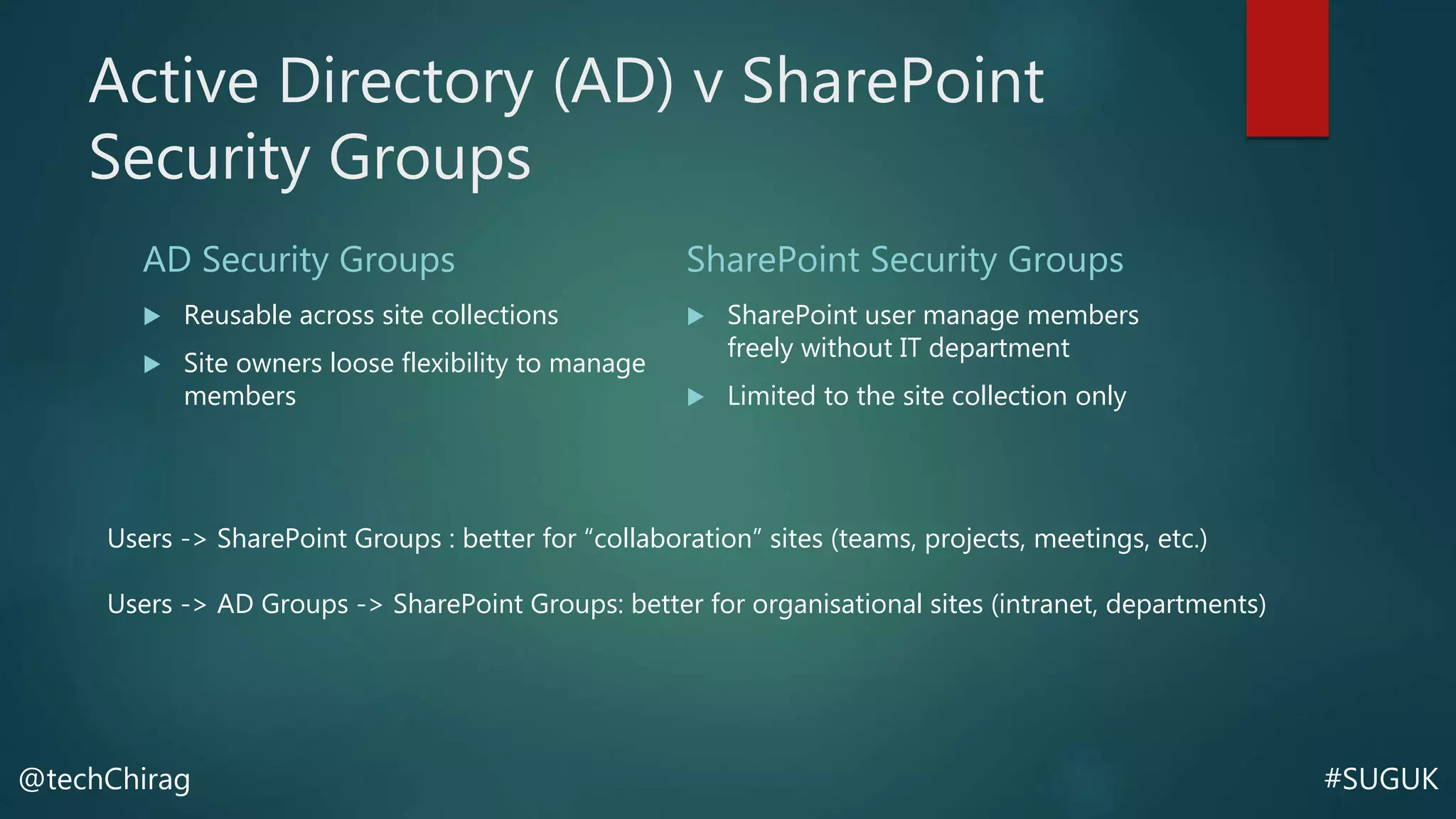
Active Directory (AD) v SharePoint
Security Groups
AD Security Groups
 Reusable across site collections
 Site owners loose flexibility to manage
members
SharePoint Security Groups
 SharePoint user manage members
freely without IT department
 Limited to the site collection only
Users -> SharePoint Groups : better for “collaboration” sites (teams, projects, meetings, etc.)
Users -> AD Groups -> SharePoint Groups: better for organisational sites (intranet, departments)
#SUGUK@techChirag
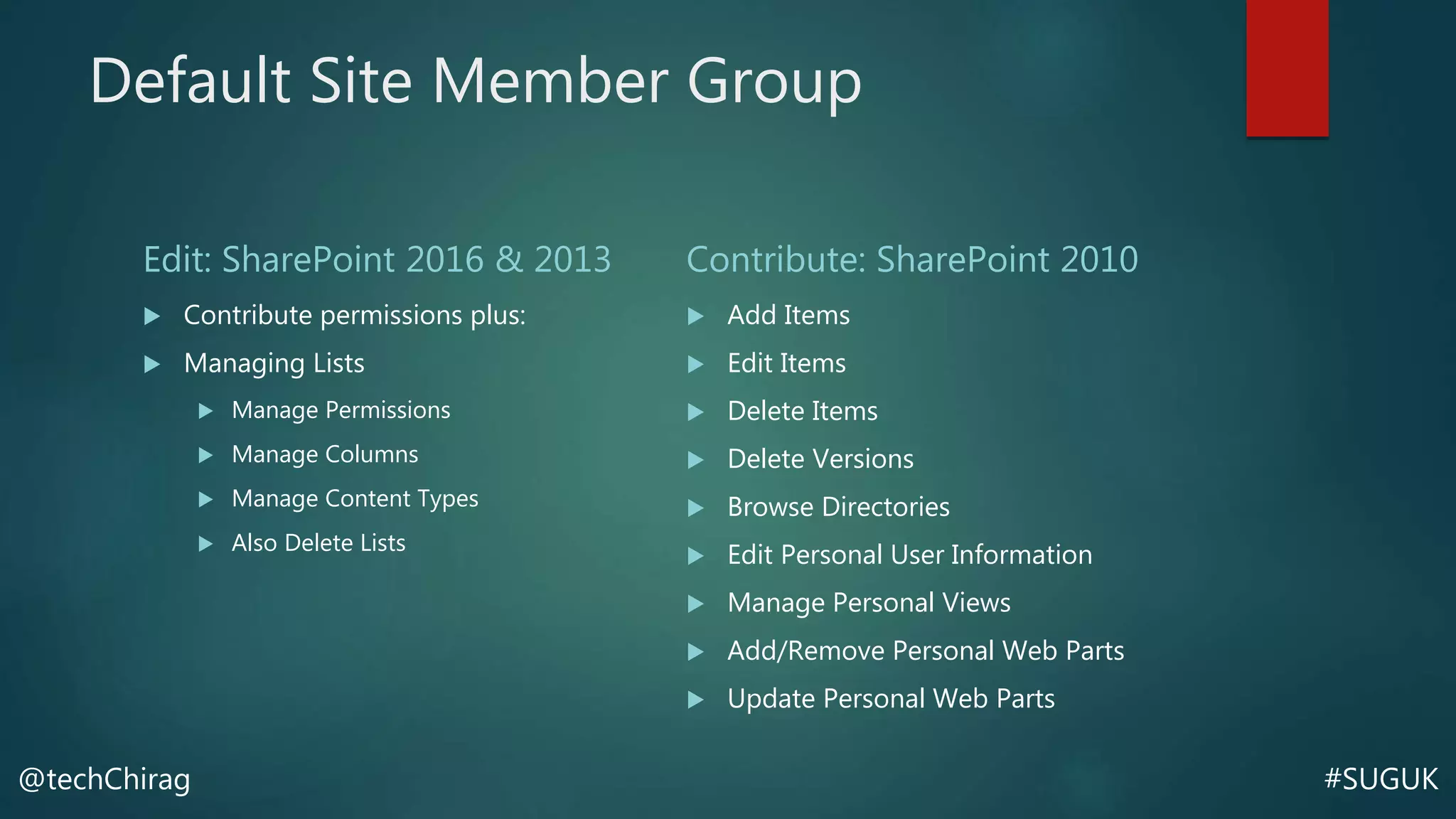
Default Site Member Group
Edit: SharePoint 2016 & 2013
 Contribute permissions plus:
 Managing Lists
 Manage Permissions
 Manage Columns
 Manage Content Types
 Also Delete Lists
Contribute: SharePoint 2010
 Add Items
 Edit Items
 Delete Items
 Delete Versions
 Browse Directories
 Edit Personal User Information
 Manage Personal Views
 Add/Remove Personal Web Parts
 Update Personal Web Parts
#SUGUK@techChirag
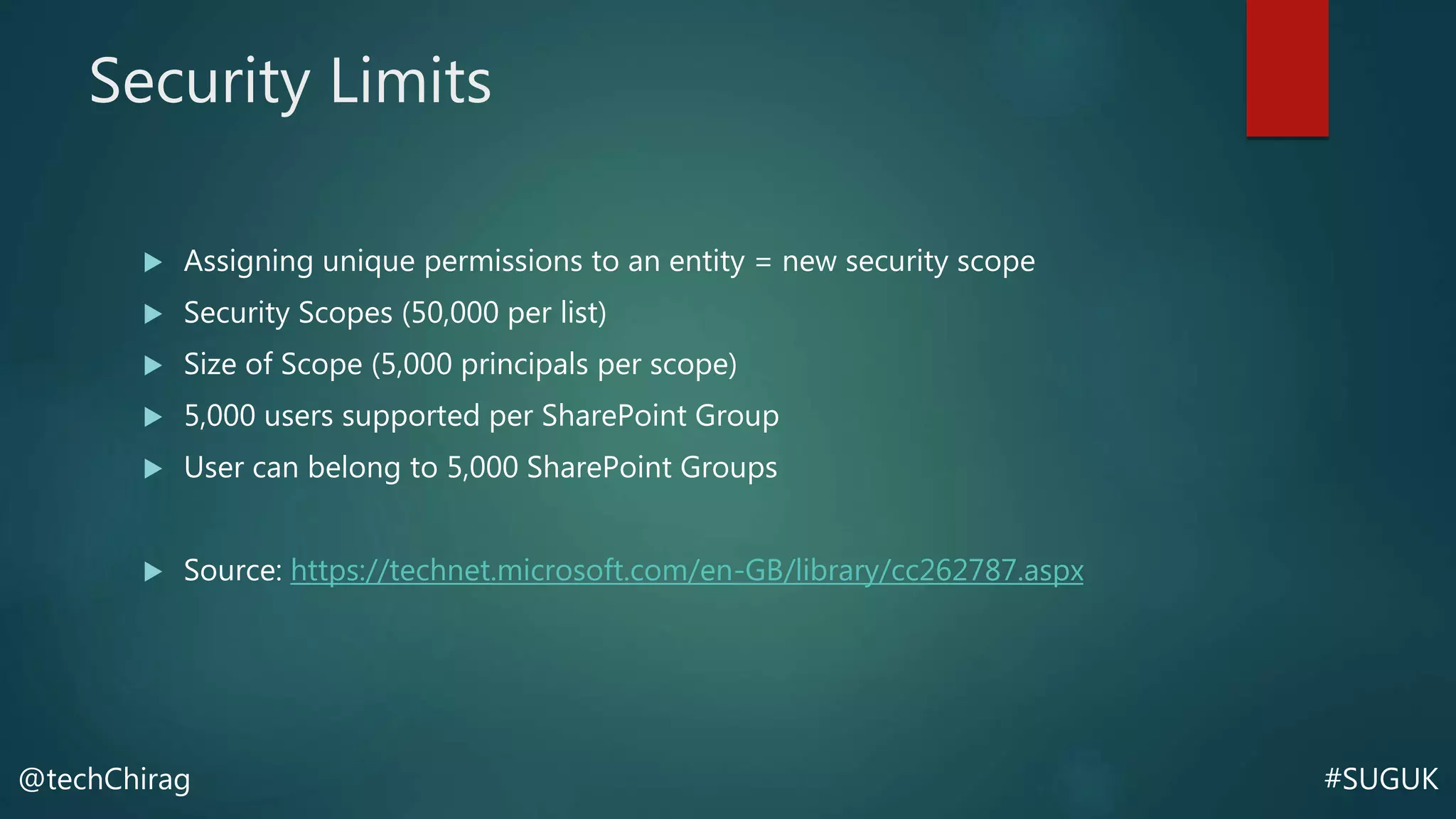
Security Limits
 Assigning unique permissions to an entity = new security scope
 Security Scopes (50,000 per list)
 Size of Scope (5,000 principals per scope)
 5,000 users supported per SharePoint Group
 User can belong to 5,000 SharePoint Groups
 Source: https://technet.microsoft.com/en-GB/library/cc262787.aspx
#SUGUK@techChirag
SHARE Button Control
 Site, Library, Folder or Document
 Breaks permission inheritance
 Unknowingly new member can’t access everything but only items with
inherited permissions
#SUGUK@techChirag
External Sharing vs Extranet
External Sharing
 Use Form based authentication
 Active Directory accounts liable for
Windows Server CALs
Extranet
 Multi-Farm deployments
 Extend Web Application – more
control over authentication
#SUGUK@techChirag
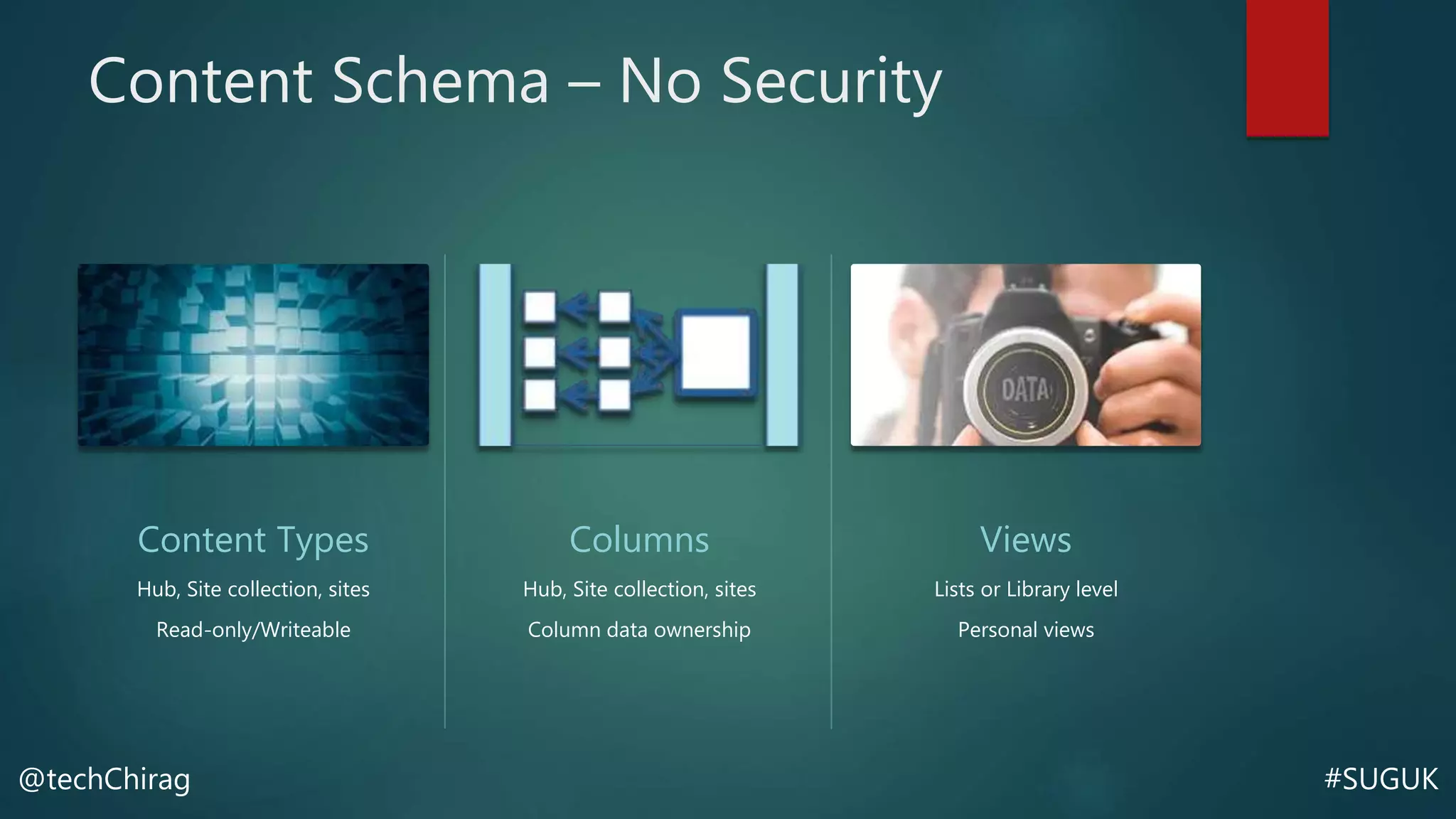
Content Schema – No Security
Content Types
Hub, Site collection, sites
Read-only/Writeable
Columns
Hub, Site collection, sites
Column data ownership
Views
Lists or Library level
Personal views
#SUGUK@techChirag
Managing Audiences
 Audience feature is NOT a security feature
 Simply a Display/Hide feature through profile attributes
 Works with Active Directory security groups but not SharePoint security
groups
#SUGUK@techChirag
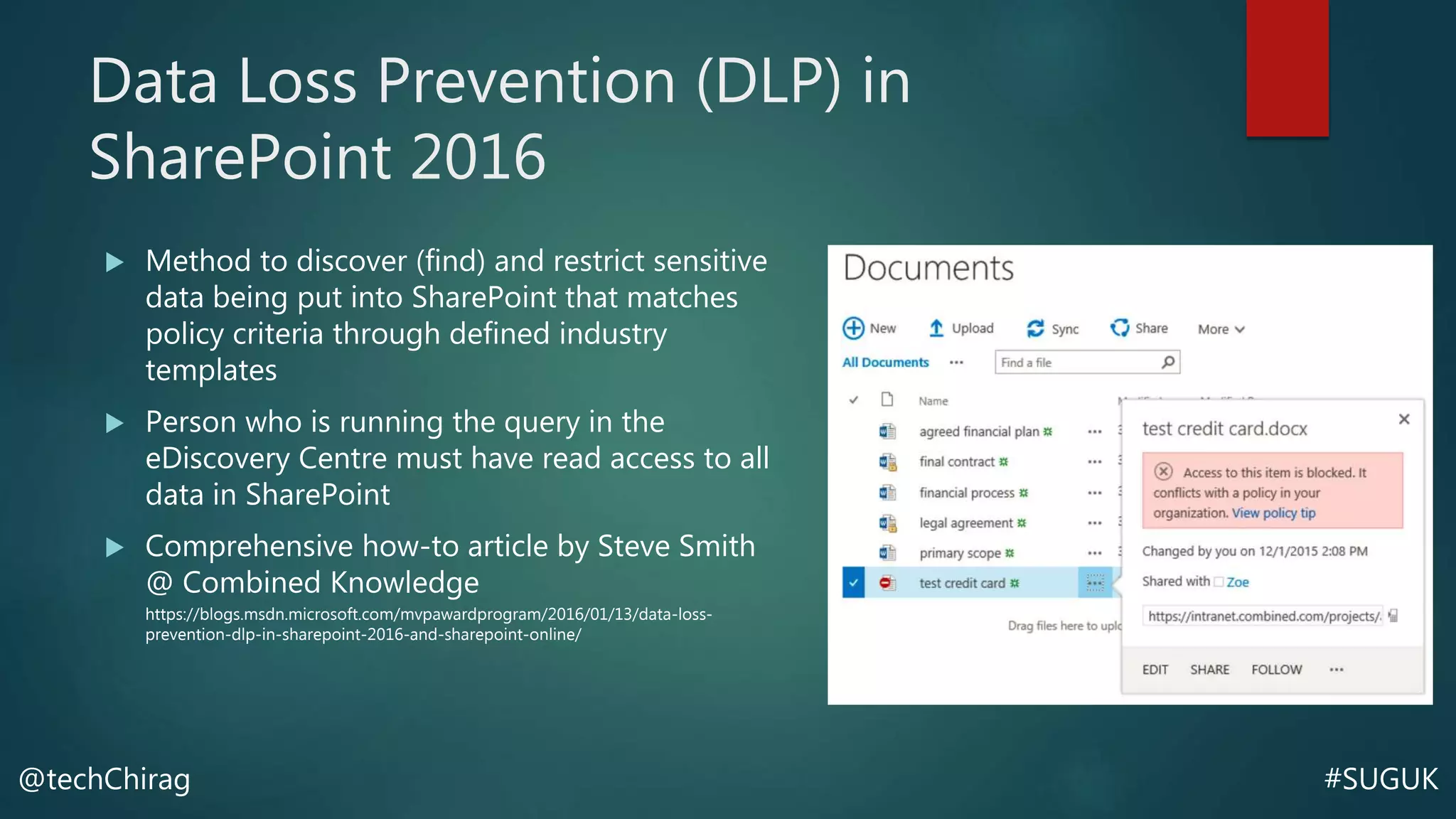
Data Loss Prevention (DLP) in
SharePoint 2016
 Method to discover (find) and restrict sensitive
data being put into SharePoint that matches
policy criteria through defined industry
templates
 Person who is running the query in the
eDiscovery Centre must have read access to all
data in SharePoint
 Comprehensive how-to article by Steve Smith
@ Combined Knowledge
https://blogs.msdn.microsoft.com/mvpawardprogram/2016/01/13/data-loss-
prevention-dlp-in-sharepoint-2016-and-sharepoint-online/
#SUGUK@techChirag
Site Collections vs Databases
 One database many site collections
 Specific database encryption
 Separate database by functions i.e. Projects, Meetings, etc.
 Discrete databases for department based site collections
#SUGUK@techChirag
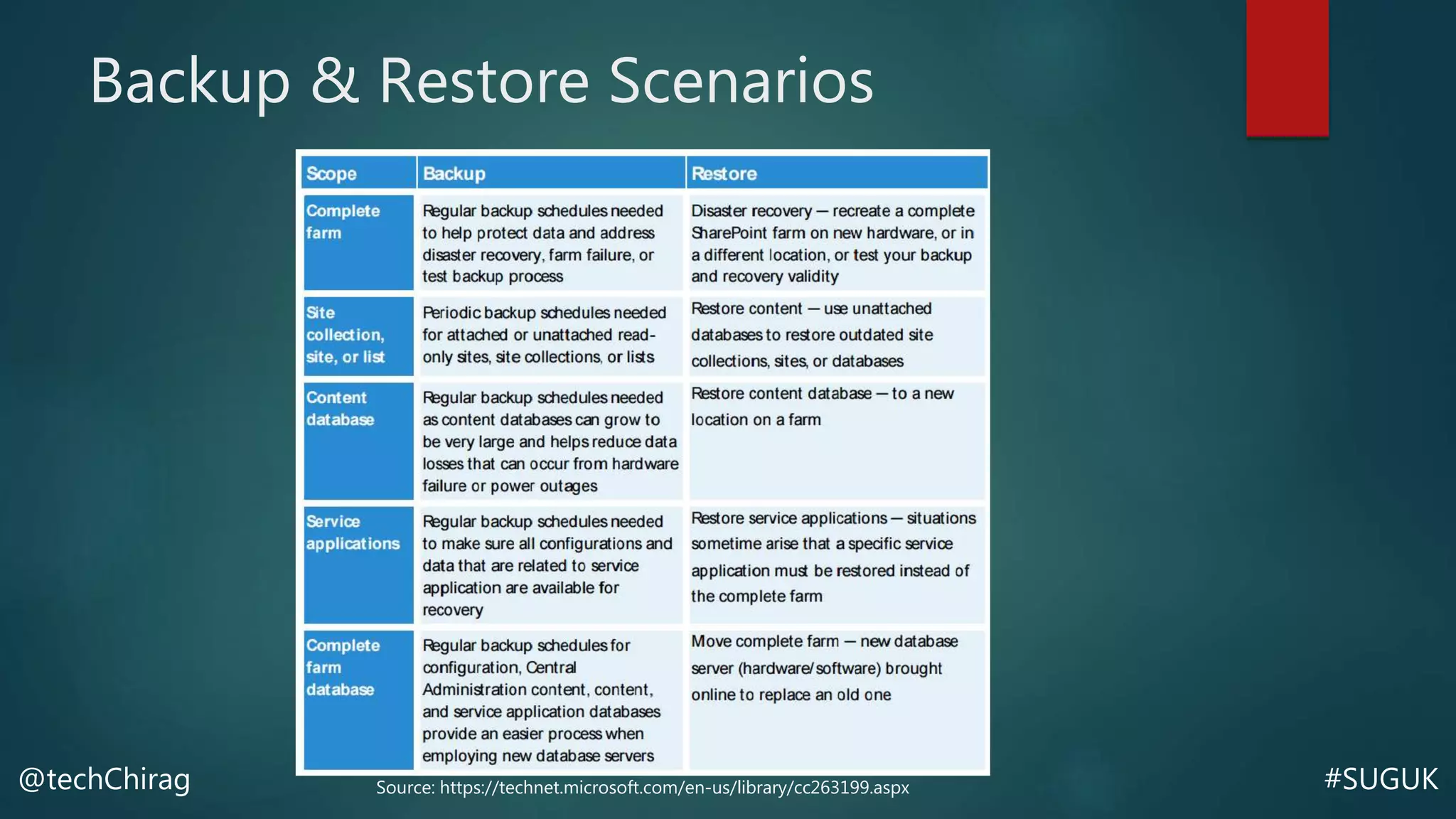
Backup & Restore Scenarios
Source: https://technet.microsoft.com/en-us/library/cc263199.aspx
#SUGUK@techChirag
slideshare.net/techChirag
#SUGUK@techChirag
Thank you!

Securing SharePoint Environment and its Content - SharePoint User Group UK Cambridge (22 March 2016)

  • 1.
    #SUGUK@techChirag Securing SharePoint Environment and Content CHIRAGPATEL – 22 MARCH 2016 SHAREPOINT USER GROUP UK - CAMBRIDGE
  • 2.
    #SUGUK@techChirag CIA Triad  ICTPolicy Statement Areas  System Accounts  Computing Assets  Network Usage  Electronic Communications  Enforcements Confidentiality The state of being secret Integrity The state or quality of being entire or complete Availability Present and ready for use SHAREPOINT SECURITY
  • 3.
  • 4.
    #SUGUK@techChirag Good Security Practices Platform Security & Authentication Methods  In-depth planning and knowledge of the overall information architecture (IA) design  Understanding and awareness of SharePoint capabilities available  54% feel that their organization is exposed to considerable risk due to stored content that is not correctly identified (Source: http://info.aiim.org/content-analytics)
  • 5.
    #SUGUK@techChirag Encryptions Data at rest DiskEncryption File Encryption Data in transit Secure browser traffic between SharePoint Websites Database By Default – unencrypted Performance vs Vulnerability
  • 6.
    #SUGUK@techChirag Antivirus For SharePoint Scan for uploads  Scan for downloads
  • 7.
    #SUGUK@techChirag SharePoint Content Hierarchy User &permission policy at web application level User security boundary at site collection level Permission inheritance site level Documents, Items and Pages Folders, Document Sets Subsites, Libraries and Lists Sites Site Collections Content Databases Web Applications Service Applications Servers: Web, App, Database SharePoint Server Farm
  • 8.
    #SUGUK@techChirag Who is SharePointAdministrator?  App Administrator  Site owners  Site collection admin  Service app admin  Web App admin  Farm Administrator  Database Administrators (DBA)  Server Administrator  Network Administrator  Developers 
  • 9.
    #SUGUK@techChirag SharePoint Policies User Policy usersand groups to which the permissions apply Permission Policy Set of permissions that applies to only a subset of users or groups website with multiple zones Define custom permission levels Information Management Policy Not a security policy Rules for a type of content Retention, Auditing, etc.
  • 10.
    #SUGUK@techChirag Active Directory (AD)v SharePoint Security Groups AD Security Groups  Reusable across site collections  Site owners loose flexibility to manage members SharePoint Security Groups  SharePoint user manage members freely without IT department  Limited to the site collection only Users -> SharePoint Groups : better for “collaboration” sites (teams, projects, meetings, etc.) Users -> AD Groups -> SharePoint Groups: better for organisational sites (intranet, departments)
  • 11.
    #SUGUK@techChirag Default Site MemberGroup Edit: SharePoint 2016 & 2013  Contribute permissions plus:  Managing Lists  Manage Permissions  Manage Columns  Manage Content Types  Also Delete Lists Contribute: SharePoint 2010  Add Items  Edit Items  Delete Items  Delete Versions  Browse Directories  Edit Personal User Information  Manage Personal Views  Add/Remove Personal Web Parts  Update Personal Web Parts
  • 12.
    #SUGUK@techChirag Security Limits  Assigningunique permissions to an entity = new security scope  Security Scopes (50,000 per list)  Size of Scope (5,000 principals per scope)  5,000 users supported per SharePoint Group  User can belong to 5,000 SharePoint Groups  Source: https://technet.microsoft.com/en-GB/library/cc262787.aspx
  • 13.
    #SUGUK@techChirag SHARE Button Control Site, Library, Folder or Document  Breaks permission inheritance  Unknowingly new member can’t access everything but only items with inherited permissions
  • 14.
    #SUGUK@techChirag External Sharing vsExtranet External Sharing  Use Form based authentication  Active Directory accounts liable for Windows Server CALs Extranet  Multi-Farm deployments  Extend Web Application – more control over authentication
  • 15.
    #SUGUK@techChirag Content Schema –No Security Content Types Hub, Site collection, sites Read-only/Writeable Columns Hub, Site collection, sites Column data ownership Views Lists or Library level Personal views
  • 16.
    #SUGUK@techChirag Managing Audiences  Audiencefeature is NOT a security feature  Simply a Display/Hide feature through profile attributes  Works with Active Directory security groups but not SharePoint security groups
  • 17.
    #SUGUK@techChirag Data Loss Prevention(DLP) in SharePoint 2016  Method to discover (find) and restrict sensitive data being put into SharePoint that matches policy criteria through defined industry templates  Person who is running the query in the eDiscovery Centre must have read access to all data in SharePoint  Comprehensive how-to article by Steve Smith @ Combined Knowledge https://blogs.msdn.microsoft.com/mvpawardprogram/2016/01/13/data-loss- prevention-dlp-in-sharepoint-2016-and-sharepoint-online/
  • 18.
    #SUGUK@techChirag Site Collections vsDatabases  One database many site collections  Specific database encryption  Separate database by functions i.e. Projects, Meetings, etc.  Discrete databases for department based site collections
  • 19.
    #SUGUK@techChirag Backup & RestoreScenarios Source: https://technet.microsoft.com/en-us/library/cc263199.aspx
  • 20.
  • 21.

Editor's Notes

  • #2 This session demonstrates how the security and privacy controls work in SharePoint. We will cover security architecture, policies, security groups, permission levels and external sharing looking at some common scenarios and review some of the good practices to preserve confidentiality, integrity, and availability of content.
  • #5 Platform Security – Environment security, network firewalls, service packs and updates Authentication – Active Directory, Forms Authentication Information Architecture – Arrangement of sites (webs), and sub-sites, and lists and libraries to share most permissions
  • #7 Upon purchasing Antivirus for SharePoint, the antivirus settings are effective with control for scanning documents on upload, downloads.
  • #18 DLP: method to discover (find) and restrict sensitive data being put into SharePoint that matches specific criteria through defined industry template