Securing SharePoint TASSCC TEC 2009 Web 2.0 Conference Dan Cornell Email:  [email_address] Twitter: @danielcornell March 26 th , 2009
Agenda Background SharePoint Basics Securing SharePoint Common Approaches Common Blind Spots Questions and Answers
Denim Group Background Texas-based consultancy Build and Secure Enterprise Applications Build : .NET, JEE, SharePoint Secure : Assessments, Penetration Tests, Code Reviews, Training, Process Consulting “ Go-To” Gold Partner for .NET Security in North America Dan Cornell MCSD, Java 2 Certified Programmer Twitter: danielcornell
Key Learning Objectives Understand some of the up-front configurations that you can implement to secure your SharePoint deployment These initial steps are important, but are a starting point for in-depth security maintenance Areas of Emerging Security Coverage Data leakage protection Ongoing external/internal assessments Custom web part security A Comprehensive SharePoint Security strategy must combine an up-front and ongoing security activities that address evolving risks A starting point is a SharePoint security health check to quantify your risks
SharePoint – Why Worry About Security? SharePoint is used as a “front end” for an increasing number of activities and systems Collaboration Application Delivery MySites Corporate Social Networking As the amount of data and the value of the data stored in SharePoint increases, the attractiveness of SharePoint to attackers increases SharePoint security is seen as a nice-to-have: http://secprodonline.com/articles/2009/01/27/sharepoint-security.aspx
Two Scenarios Organizations standardize on SharePoint as the platform technology for future IT initiatives Organizations deployed SharePoint in an ad hoc manner
SharePoint as the Platform Often a top-down decision Touches many lines of business Lots of customization and custom software development
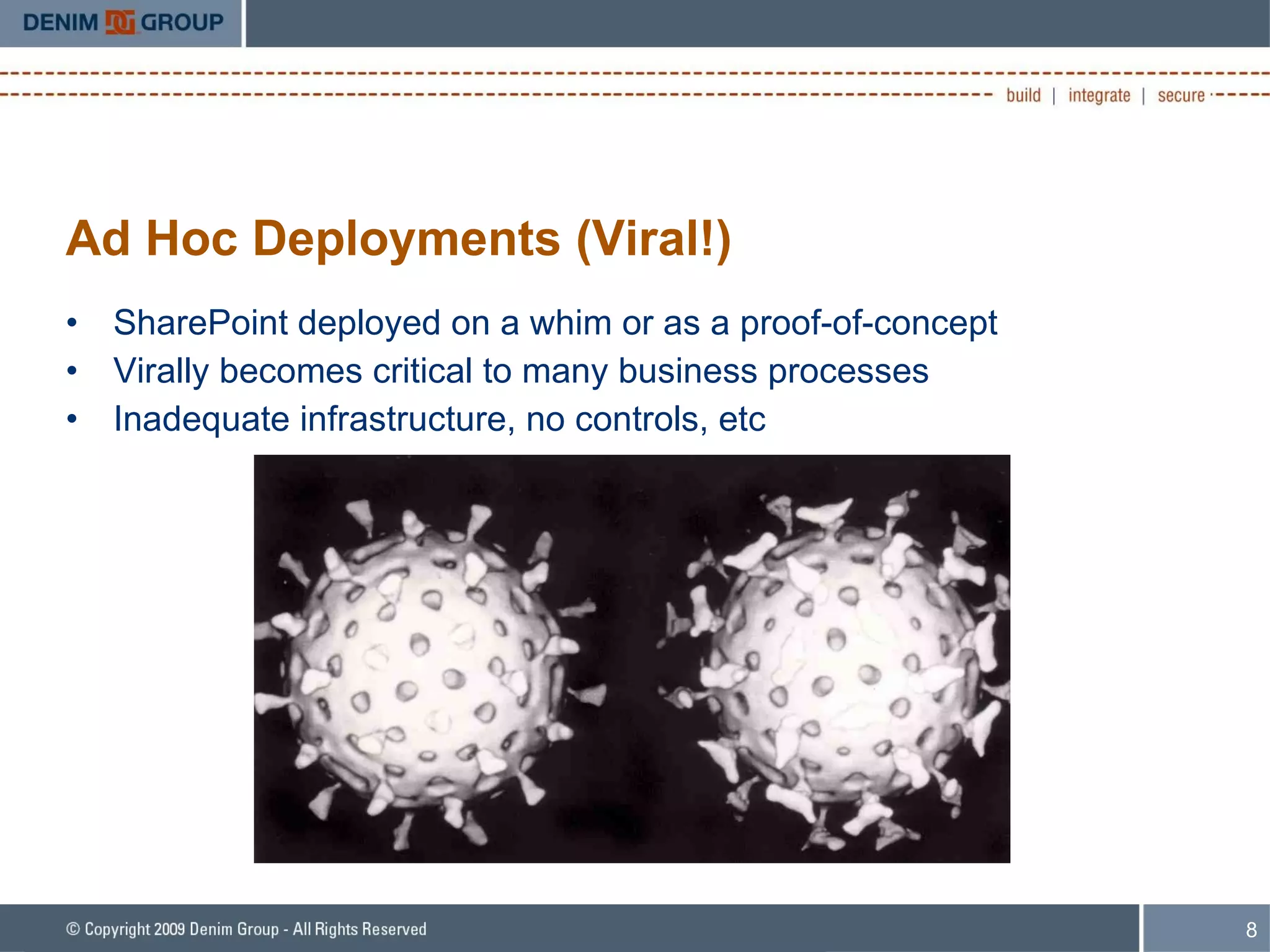
Ad Hoc Deployments (Viral!) SharePoint deployed on a whim or as a proof-of-concept Virally becomes critical to many business processes Inadequate infrastructure, no controls, etc
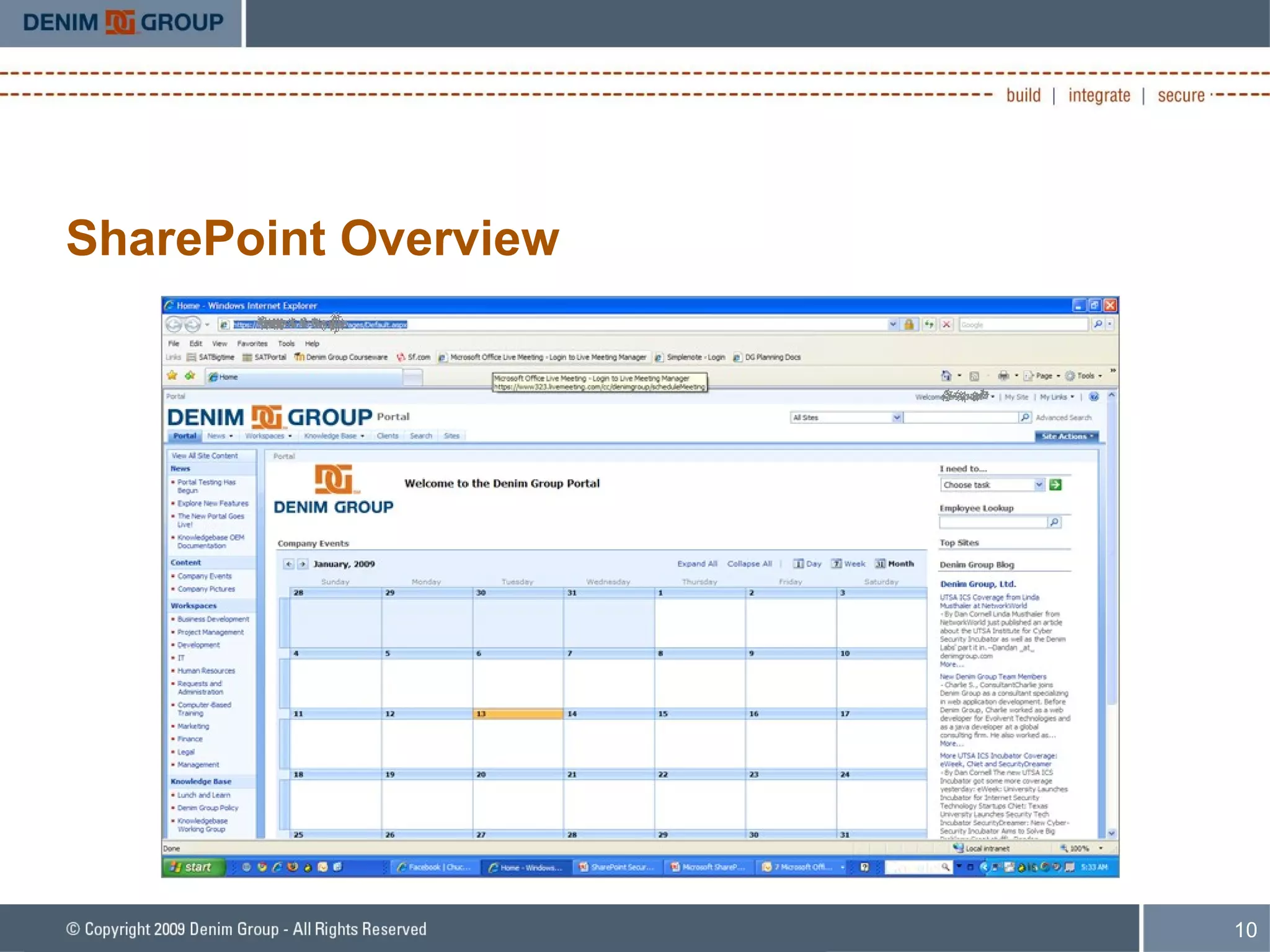
SharePoint Overview Microsoft Office SharePoint Server (MOSS) Software system used to build portal solutions Fully-packaged ASP.NET application Collaboration, Document Management, Enterprise Search, ECM, BI Adopted throughout enterprise and upper mid-market clients Based on the freely-available Windows SharePoint Services (WSS) Most of this talk probably applies to WSS, but the focus is on Enterprises with MOSS
SharePoint Overview
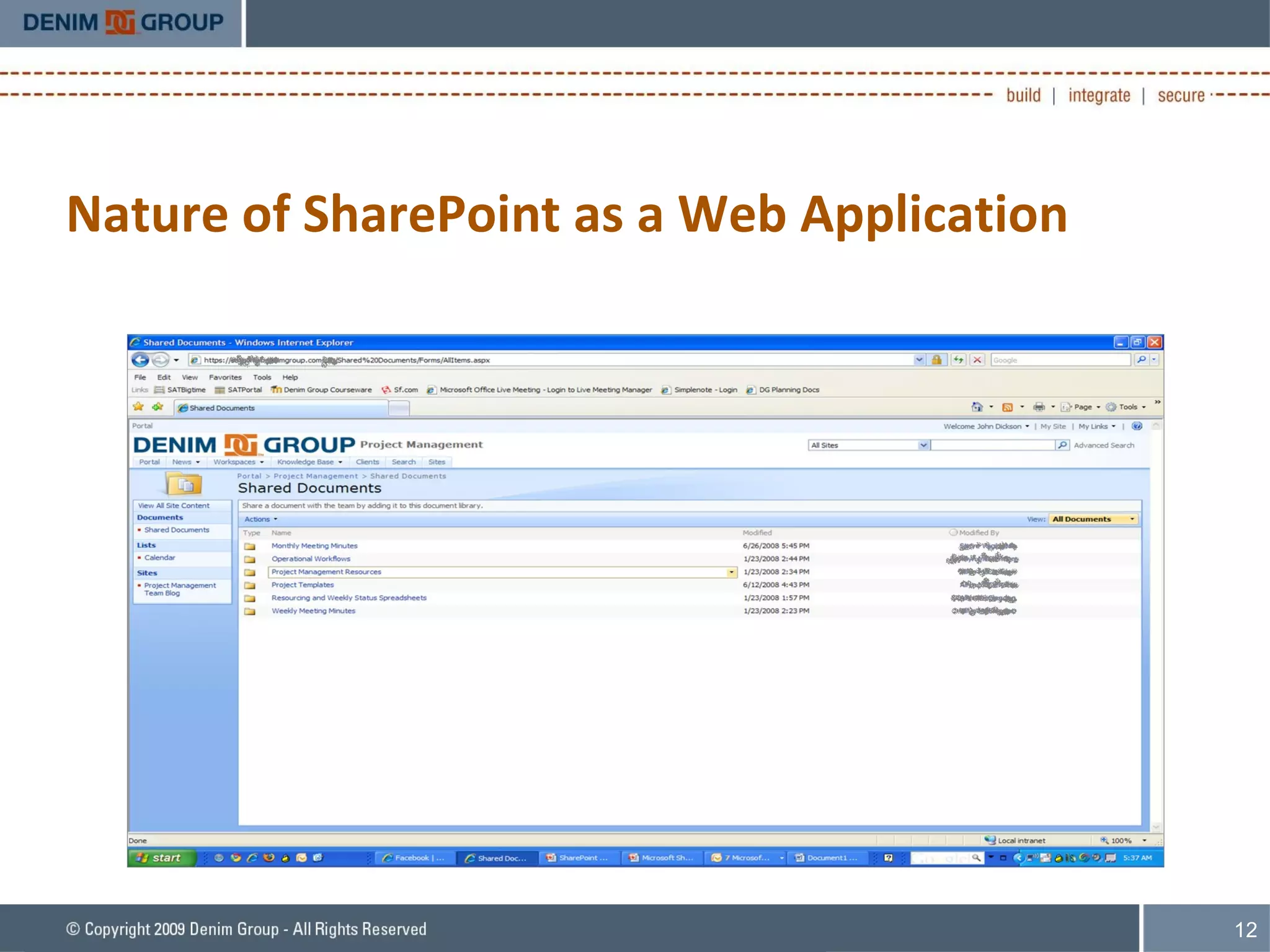
Nature of SharePoint as a Web Application A MOSS deployment is essentially a collection of websites Structured in a hierarchal fashion Web parts are the core component that helps provide functionality and content on a page Can provide simple functionality or… Contain items such as document libraries that have additional security capabilities Can be developed as custom software User-provisioned sites Users have the ability to create and edit collaboration sites Do not have to have IT involvement to build capability
Nature of SharePoint as a Web Application
Approaching SharePoint Security Typical Approach to SharePoint Security: Infrastructure SharePoint Security Features Add-On Products Common Blind Spots Include: Custom Web Part Security Data Security, Compliance, and Enterprise Search
Typical Approaches Secure the Infrastructure Use SharePoint Product Features Deploy Add-On Products Microsoft’s Office SharePoint Server Security document: Short:  http://is.gd/oHaw Original:  http://office.microsoft.com/download/afile.aspx?AssetID=AM10235994103
Infrastructure Security Goal: Identify threats to the system from poorly configured or maintained infrastructure components Assess the security of infrastructure components Available services Service and server configuration Patch levels Assess from multiple vantage points Internet Corporate network In-DMZ
SharePoint Product Security Features Authentication Authorization Users, Groups
Up-Front Security for SharePoint Secure Access to SharePoint Deployment Validate a user’s access to the site via authentication Most common approach: Windows Authentication via Active Directory (AD) Pump users and groups from AD to SharePoint Can also implement other authentication mechanisms Extranets Internet sites
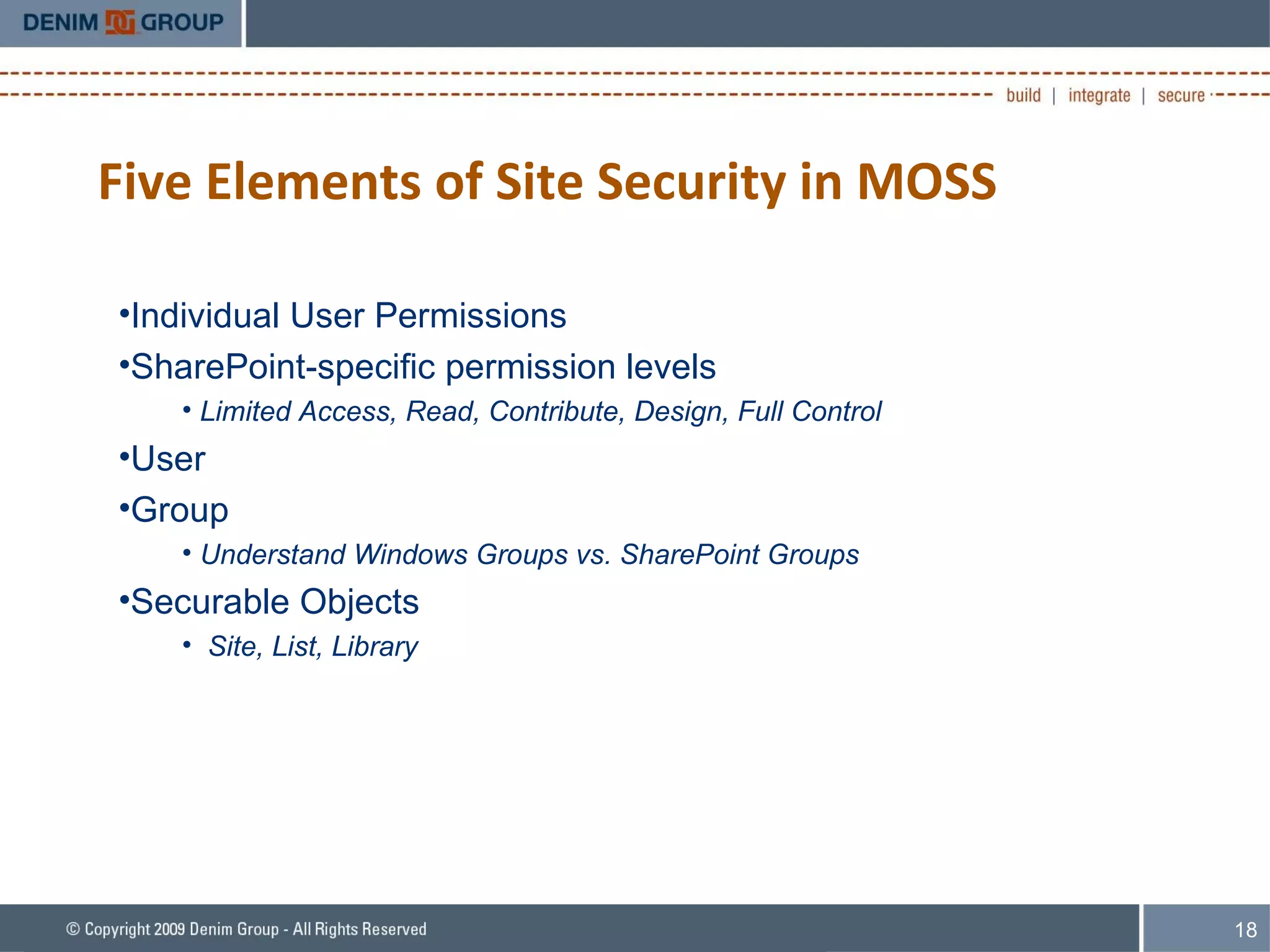
Five Elements of Site Security in MOSS Individual User Permissions SharePoint-specific permission levels Limited Access, Read, Contribute, Design, Full Control User Group Understand Windows Groups vs. SharePoint Groups  Securable Objects Site, List, Library
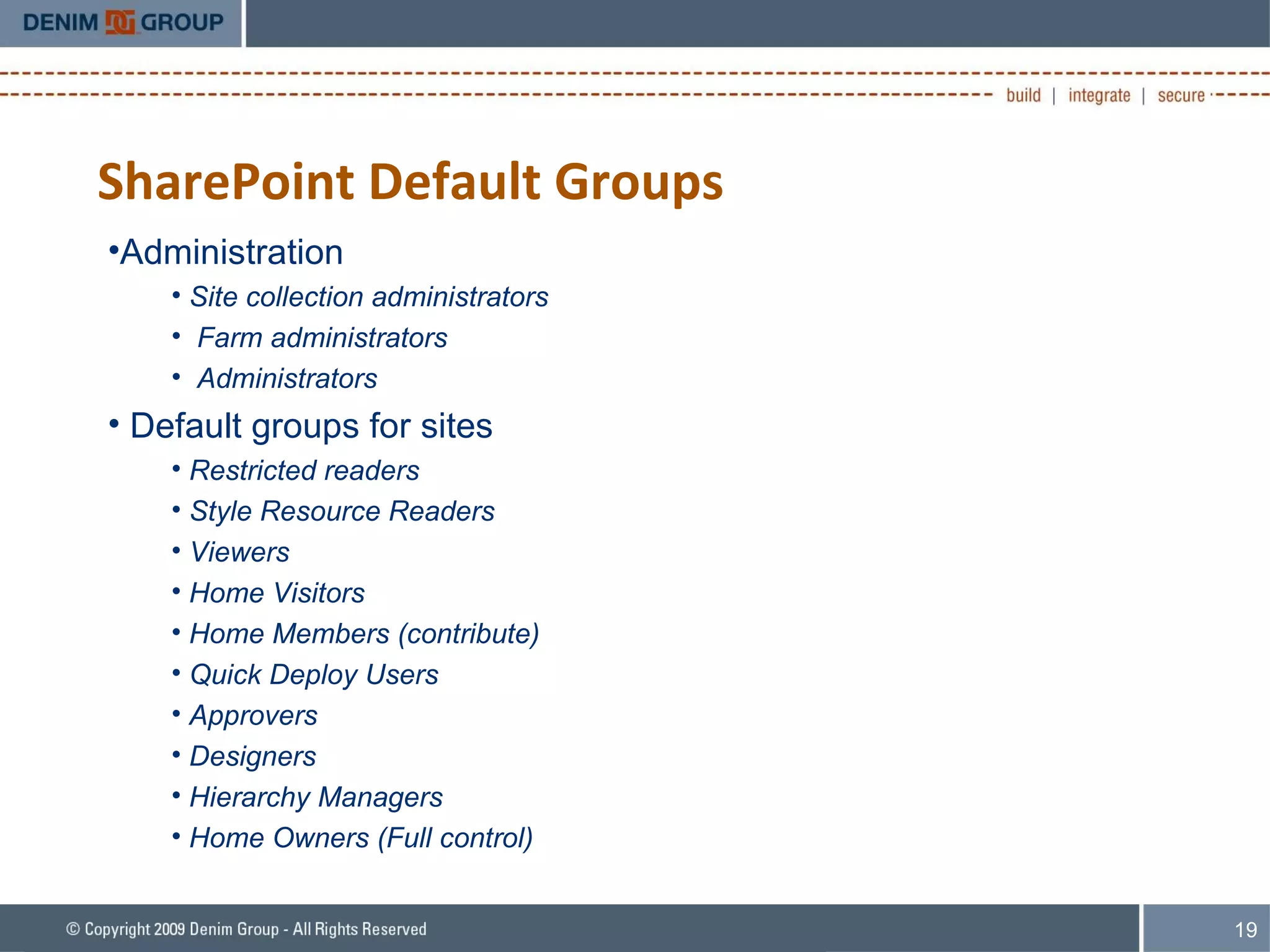
SharePoint Default Groups Administration Site collection administrators Farm administrators Administrators Default groups for sites Restricted readers Style Resource Readers Viewers Home Visitors Home Members (contribute) Quick Deploy Users Approvers Designers Hierarchy Managers Home Owners (Full control)
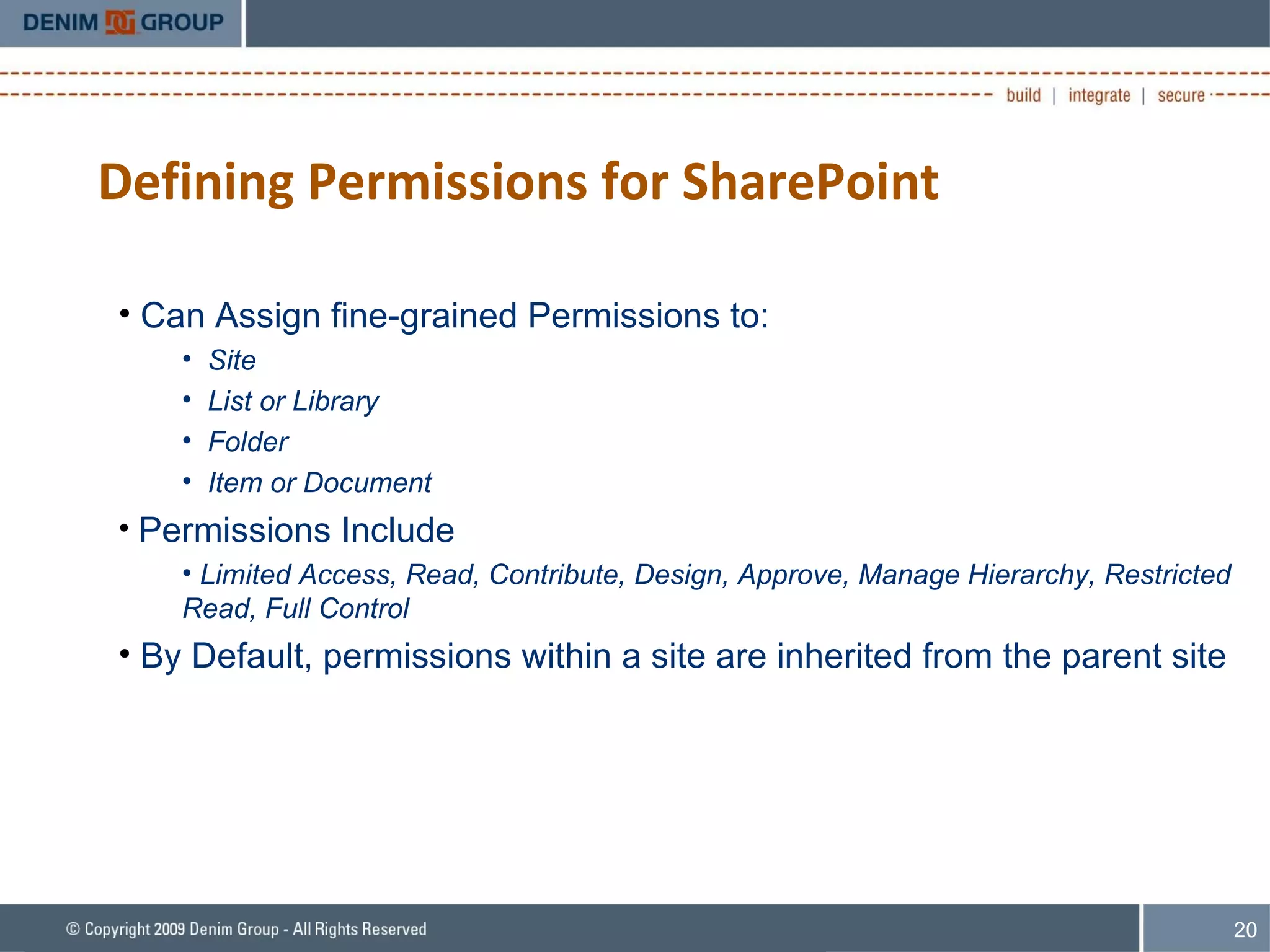
Defining Permissions for SharePoint Can Assign fine-grained Permissions to: Site List or Library Folder Item or Document Permissions Include Limited Access, Read, Contribute, Design, Approve, Manage Hierarchy, Restricted Read, Full Control By Default, permissions within a site are inherited from the parent site
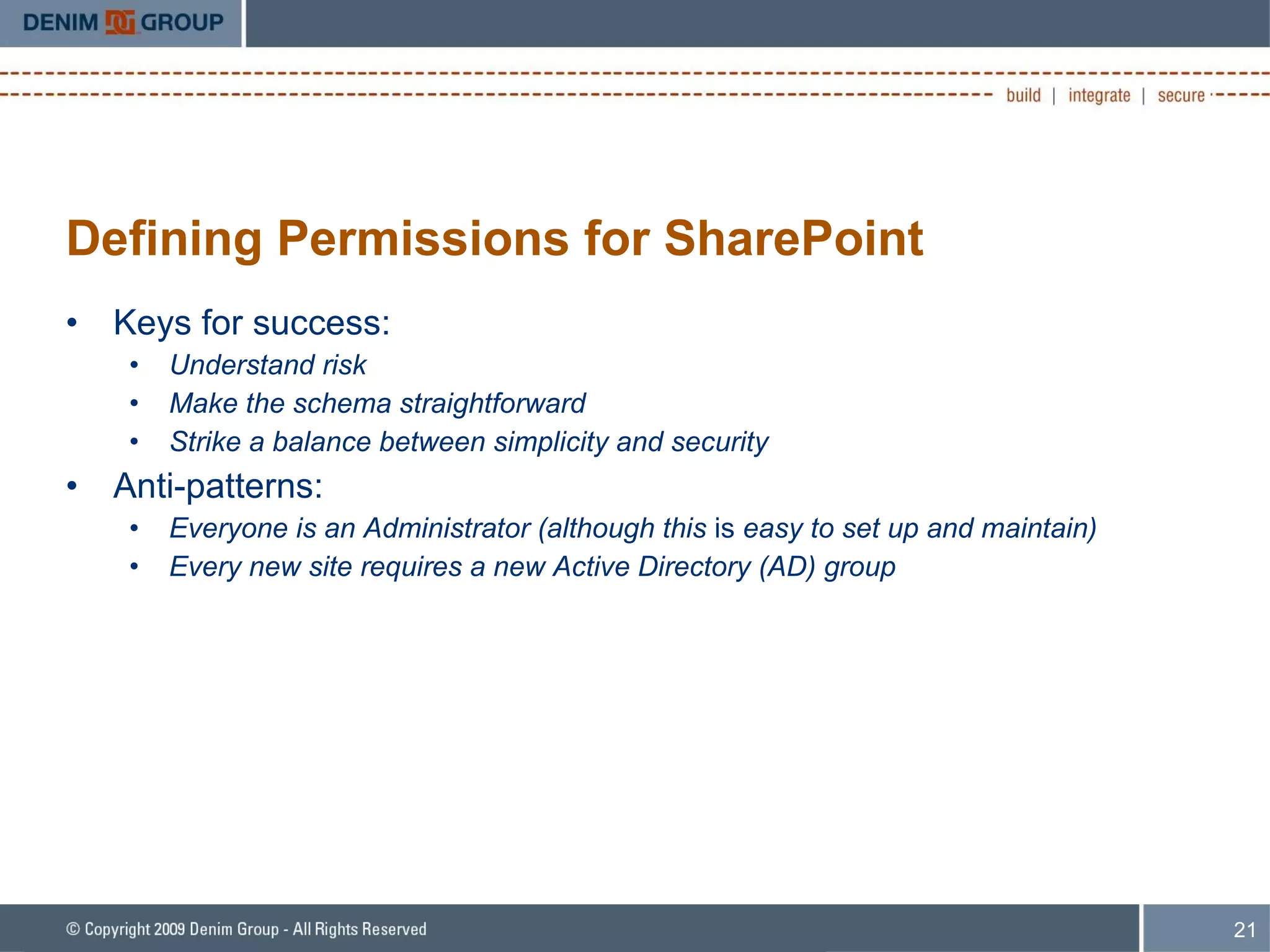
Defining Permissions for SharePoint Keys for success: Understand risk Make the schema straightforward Strike a balance between simplicity and security Anti-patterns: Everyone is an Administrator (although this  is  easy to set up and maintain) Every new site requires a new Active Directory (AD) group
Add-On Products: Microsoft ForeFront Used to scan content being uploaded to document repositories: Viruses Spyware Other malware Multiple3 rd  party engines are included “ Thanks for buying SharePoint.  Now pay $X to secure it.”
Common Blind Spots Custom Software on SharePoint is Still Custom Software Appreciating Data Security and Compliance Implications Enterprise Search being a common attack vector
Custom Software on SharePoint SharePoint is a platform  that can be extended There are many ways to extend its capabilities – both 3 rd  party and custom-developed components  WebParts Workflows
Custom Software on SharePoint Components deployed to SharePoint can be vulnerable to common web application attacks SQL Injection XML Injection Cross Site Scripting (XSS) Cross Site Request Forgery (CSRF) XML Injection is particularly interesting and scary SharePoint uses XML-based APIs to communicate internally Custom components with poor security create an excellent window for attackers
Why Is This a Problem? Some common ASP.NET protections against XSS are not enabled Often SharePoint development is done outside normal development groups Marketing, Internal Communications, etc – not IT/Development Many static analysis tools do not have SharePoint-aware rulesets
Security Code Review Goal: Identify threats to the system based on security defects in custom code and 3 rd  party extensions Enumerate 3 rd  party and custom code components Perform a scan of the source code using best of breed source code analyzer Using a proprietary Denim Group custom ruleset to optimize results for SharePoint components Manually review results Manually review code for additional business logic vulnerabilities
Data Security, Compliance and Enterprise Search Collaboration is good Sort of Questions that are often unanswered: Who is allowed to create sites What sort of data is allowed in SharePoint How should SharePoint data be protected
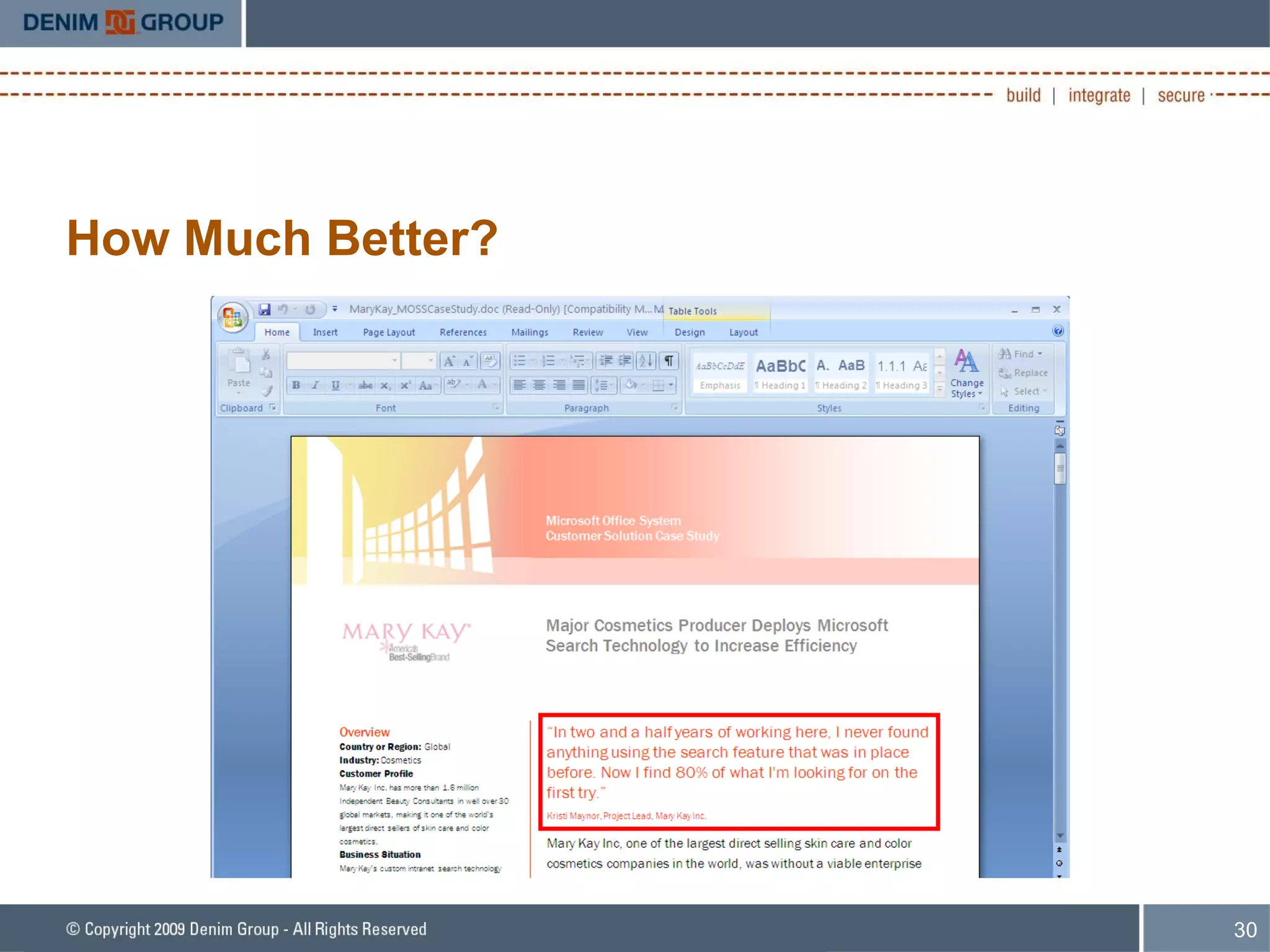
Data Security, Compliance and Enterprise Search A lot of data finds a home in SharePoint PII, PHI, Credit Card, Financial, etc That is kind of the point SharePoint search has become more better and more powerful over time
How Much Better?
So What? SharePoint may be indexing sensitive data that it then makes available via search Sites Documents in Document Libraries File Shares Etc. What data is living in SharePoint and who has access to it?
Data Security, Compliance, & Enterprise Search Goal: Identify potential confidentiality and compliance issues associated with sensitive data being stored in SharePoint data stores When sensitive data is identified, review the users and groups who have access to determine if this is in-line with organizational data classification policies
Helpful Tools SharePoint web services allows access to Search: http://msdn.microsoft.com/en-us/library/ms470518.aspx Only allows access to SQL-style LIKE and CONTAINS queries Regular Expression Searching http://www.codeplex.com/MossRegExSearch
Logging and Auditing SharePoint logs to the IIS log files Whoop dee doo SharePoint also has the capability to log and report Done at the Site Collection level (Site Settings -> Configure Audit Settings) Great intro article:  http://is.gd/oH0j http://admincompanion.mindsharp.com/BillBlog/Lists/Posts/Post.aspx?List=2d22afa2-592b-471a-9cd1-4e8de8a2abc0&ID=18 Be careful how much logging you enable because you can run into disk space issues
3 rd  Party SharePoint Auditing Tools Several 3 rd  party tools are available to navigate SharePoint audit trails: http://www.syntergy.com/sharepoint/products/current/audit/index.html   http://www.invenioworks.com/ http://www.alcero.com/solutions/audit.htm
Denim Group SharePoint Auditing Tool VERY early stage Provides a console interface to query SharePoint constructs
Need for Ongoing Scrutiny SharePoint is a collaboration technology When (l)users collaborate they change the state of the system New Sites, new documents in Document Libraries, etc What business process now critically depends on SharePoint?
Conclusions As SharePoint is used to store an increasing amount of sensitive data, the security of SharePoint systems becomes paramount Traditional approaches to SharePoint security have yet to address certain significant  areas of risk A more comprehensive approach to SharePoint security is required Augment SharePoint security efforts with: High level focus on policy, compliance and auditability Low level focus on secure coding for custom extensions
Questions and Answers Dan Cornell Email:  [email_address] Twitter: @danielcornell Denim Group Phone: (210) 572-4400 Web:  www.denimgroup.com Blog:  denimgroup.typepad.com Facebook:  http://is.gd/oH7f Twitter: @denimgroup  

D Cornell Securing Share Point

  • 1.
    Securing SharePoint TASSCCTEC 2009 Web 2.0 Conference Dan Cornell Email: [email_address] Twitter: @danielcornell March 26 th , 2009
  • 2.
    Agenda Background SharePointBasics Securing SharePoint Common Approaches Common Blind Spots Questions and Answers
  • 3.
    Denim Group BackgroundTexas-based consultancy Build and Secure Enterprise Applications Build : .NET, JEE, SharePoint Secure : Assessments, Penetration Tests, Code Reviews, Training, Process Consulting “ Go-To” Gold Partner for .NET Security in North America Dan Cornell MCSD, Java 2 Certified Programmer Twitter: danielcornell
  • 4.
    Key Learning ObjectivesUnderstand some of the up-front configurations that you can implement to secure your SharePoint deployment These initial steps are important, but are a starting point for in-depth security maintenance Areas of Emerging Security Coverage Data leakage protection Ongoing external/internal assessments Custom web part security A Comprehensive SharePoint Security strategy must combine an up-front and ongoing security activities that address evolving risks A starting point is a SharePoint security health check to quantify your risks
  • 5.
    SharePoint – WhyWorry About Security? SharePoint is used as a “front end” for an increasing number of activities and systems Collaboration Application Delivery MySites Corporate Social Networking As the amount of data and the value of the data stored in SharePoint increases, the attractiveness of SharePoint to attackers increases SharePoint security is seen as a nice-to-have: http://secprodonline.com/articles/2009/01/27/sharepoint-security.aspx
  • 6.
    Two Scenarios Organizationsstandardize on SharePoint as the platform technology for future IT initiatives Organizations deployed SharePoint in an ad hoc manner
  • 7.
    SharePoint as thePlatform Often a top-down decision Touches many lines of business Lots of customization and custom software development
  • 8.
    Ad Hoc Deployments(Viral!) SharePoint deployed on a whim or as a proof-of-concept Virally becomes critical to many business processes Inadequate infrastructure, no controls, etc
  • 9.
    SharePoint Overview MicrosoftOffice SharePoint Server (MOSS) Software system used to build portal solutions Fully-packaged ASP.NET application Collaboration, Document Management, Enterprise Search, ECM, BI Adopted throughout enterprise and upper mid-market clients Based on the freely-available Windows SharePoint Services (WSS) Most of this talk probably applies to WSS, but the focus is on Enterprises with MOSS
  • 10.
  • 11.
    Nature of SharePointas a Web Application A MOSS deployment is essentially a collection of websites Structured in a hierarchal fashion Web parts are the core component that helps provide functionality and content on a page Can provide simple functionality or… Contain items such as document libraries that have additional security capabilities Can be developed as custom software User-provisioned sites Users have the ability to create and edit collaboration sites Do not have to have IT involvement to build capability
  • 12.
    Nature of SharePointas a Web Application
  • 13.
    Approaching SharePoint SecurityTypical Approach to SharePoint Security: Infrastructure SharePoint Security Features Add-On Products Common Blind Spots Include: Custom Web Part Security Data Security, Compliance, and Enterprise Search
  • 14.
    Typical Approaches Securethe Infrastructure Use SharePoint Product Features Deploy Add-On Products Microsoft’s Office SharePoint Server Security document: Short: http://is.gd/oHaw Original: http://office.microsoft.com/download/afile.aspx?AssetID=AM10235994103
  • 15.
    Infrastructure Security Goal:Identify threats to the system from poorly configured or maintained infrastructure components Assess the security of infrastructure components Available services Service and server configuration Patch levels Assess from multiple vantage points Internet Corporate network In-DMZ
  • 16.
    SharePoint Product SecurityFeatures Authentication Authorization Users, Groups
  • 17.
    Up-Front Security forSharePoint Secure Access to SharePoint Deployment Validate a user’s access to the site via authentication Most common approach: Windows Authentication via Active Directory (AD) Pump users and groups from AD to SharePoint Can also implement other authentication mechanisms Extranets Internet sites
  • 18.
    Five Elements ofSite Security in MOSS Individual User Permissions SharePoint-specific permission levels Limited Access, Read, Contribute, Design, Full Control User Group Understand Windows Groups vs. SharePoint Groups Securable Objects Site, List, Library
  • 19.
    SharePoint Default GroupsAdministration Site collection administrators Farm administrators Administrators Default groups for sites Restricted readers Style Resource Readers Viewers Home Visitors Home Members (contribute) Quick Deploy Users Approvers Designers Hierarchy Managers Home Owners (Full control)
  • 20.
    Defining Permissions forSharePoint Can Assign fine-grained Permissions to: Site List or Library Folder Item or Document Permissions Include Limited Access, Read, Contribute, Design, Approve, Manage Hierarchy, Restricted Read, Full Control By Default, permissions within a site are inherited from the parent site
  • 21.
    Defining Permissions forSharePoint Keys for success: Understand risk Make the schema straightforward Strike a balance between simplicity and security Anti-patterns: Everyone is an Administrator (although this is easy to set up and maintain) Every new site requires a new Active Directory (AD) group
  • 22.
    Add-On Products: MicrosoftForeFront Used to scan content being uploaded to document repositories: Viruses Spyware Other malware Multiple3 rd party engines are included “ Thanks for buying SharePoint. Now pay $X to secure it.”
  • 23.
    Common Blind SpotsCustom Software on SharePoint is Still Custom Software Appreciating Data Security and Compliance Implications Enterprise Search being a common attack vector
  • 24.
    Custom Software onSharePoint SharePoint is a platform that can be extended There are many ways to extend its capabilities – both 3 rd party and custom-developed components WebParts Workflows
  • 25.
    Custom Software onSharePoint Components deployed to SharePoint can be vulnerable to common web application attacks SQL Injection XML Injection Cross Site Scripting (XSS) Cross Site Request Forgery (CSRF) XML Injection is particularly interesting and scary SharePoint uses XML-based APIs to communicate internally Custom components with poor security create an excellent window for attackers
  • 26.
    Why Is Thisa Problem? Some common ASP.NET protections against XSS are not enabled Often SharePoint development is done outside normal development groups Marketing, Internal Communications, etc – not IT/Development Many static analysis tools do not have SharePoint-aware rulesets
  • 27.
    Security Code ReviewGoal: Identify threats to the system based on security defects in custom code and 3 rd party extensions Enumerate 3 rd party and custom code components Perform a scan of the source code using best of breed source code analyzer Using a proprietary Denim Group custom ruleset to optimize results for SharePoint components Manually review results Manually review code for additional business logic vulnerabilities
  • 28.
    Data Security, Complianceand Enterprise Search Collaboration is good Sort of Questions that are often unanswered: Who is allowed to create sites What sort of data is allowed in SharePoint How should SharePoint data be protected
  • 29.
    Data Security, Complianceand Enterprise Search A lot of data finds a home in SharePoint PII, PHI, Credit Card, Financial, etc That is kind of the point SharePoint search has become more better and more powerful over time
  • 30.
  • 31.
    So What? SharePointmay be indexing sensitive data that it then makes available via search Sites Documents in Document Libraries File Shares Etc. What data is living in SharePoint and who has access to it?
  • 32.
    Data Security, Compliance,& Enterprise Search Goal: Identify potential confidentiality and compliance issues associated with sensitive data being stored in SharePoint data stores When sensitive data is identified, review the users and groups who have access to determine if this is in-line with organizational data classification policies
  • 33.
    Helpful Tools SharePointweb services allows access to Search: http://msdn.microsoft.com/en-us/library/ms470518.aspx Only allows access to SQL-style LIKE and CONTAINS queries Regular Expression Searching http://www.codeplex.com/MossRegExSearch
  • 34.
    Logging and AuditingSharePoint logs to the IIS log files Whoop dee doo SharePoint also has the capability to log and report Done at the Site Collection level (Site Settings -> Configure Audit Settings) Great intro article: http://is.gd/oH0j http://admincompanion.mindsharp.com/BillBlog/Lists/Posts/Post.aspx?List=2d22afa2-592b-471a-9cd1-4e8de8a2abc0&ID=18 Be careful how much logging you enable because you can run into disk space issues
  • 35.
    3 rd Party SharePoint Auditing Tools Several 3 rd party tools are available to navigate SharePoint audit trails: http://www.syntergy.com/sharepoint/products/current/audit/index.html http://www.invenioworks.com/ http://www.alcero.com/solutions/audit.htm
  • 36.
    Denim Group SharePointAuditing Tool VERY early stage Provides a console interface to query SharePoint constructs
  • 37.
    Need for OngoingScrutiny SharePoint is a collaboration technology When (l)users collaborate they change the state of the system New Sites, new documents in Document Libraries, etc What business process now critically depends on SharePoint?
  • 38.
    Conclusions As SharePointis used to store an increasing amount of sensitive data, the security of SharePoint systems becomes paramount Traditional approaches to SharePoint security have yet to address certain significant areas of risk A more comprehensive approach to SharePoint security is required Augment SharePoint security efforts with: High level focus on policy, compliance and auditability Low level focus on secure coding for custom extensions
  • 39.
    Questions and AnswersDan Cornell Email: [email_address] Twitter: @danielcornell Denim Group Phone: (210) 572-4400 Web: www.denimgroup.com Blog: denimgroup.typepad.com Facebook: http://is.gd/oH7f Twitter: @denimgroup  

Editor's Notes

  • #9 Rotavirus images is Creative Commons Share Alike 3.0: http://en.wikipedia.org/wiki/File:Rotavirus_with_antibody.jpg
  • #14 -Security features versus secure features – SharePoint is very buzzword compliance with its provision of “security features” but it is crucial to determine if installations have properly used those security features and also crucial to know if new features that have been developed (WebParts, etc) have been done securely.
  • #16 -Multiple tool scans from different vantage points -Using tools like Nessus and the Microsoft Baseline Security Analyzer (MBSA) -Internet scan would only be done if the MOSS server was Internet accessible (naturally)
  • #23 ForeFront also has configurable text filtering rules for file content. This may help with some compliance issues that we address elsewhere (SSN, CC# detection)
  • #25 -SharePoint uses an XML-based API to push/pull data from many of its constructs