Metaverse One
1
Building immersive and
mixed reality experiences
in SharePoint
Chirag Patel | Microsoft 365 Consultant
07 September 2022
#MetaverseOne
Sponsored by
Microsoft Teams Microsoft Tech Community
Chirag Patel



 Trusted Associate for Microsoft Gold Partners



Development DBA,
SharePoint
Administrator
2001
SharePoint & BPOS
Consultant
2012
Independent
SharePoint & Office
365 Consultant
2014
MicrosoftTeams,
Power Platform
2018
Microsoft 365
Services
2019
Microsoft MVP
2020-2023
Microsoft Certified
Trainer
2021-2023
@M365UK #m365uk
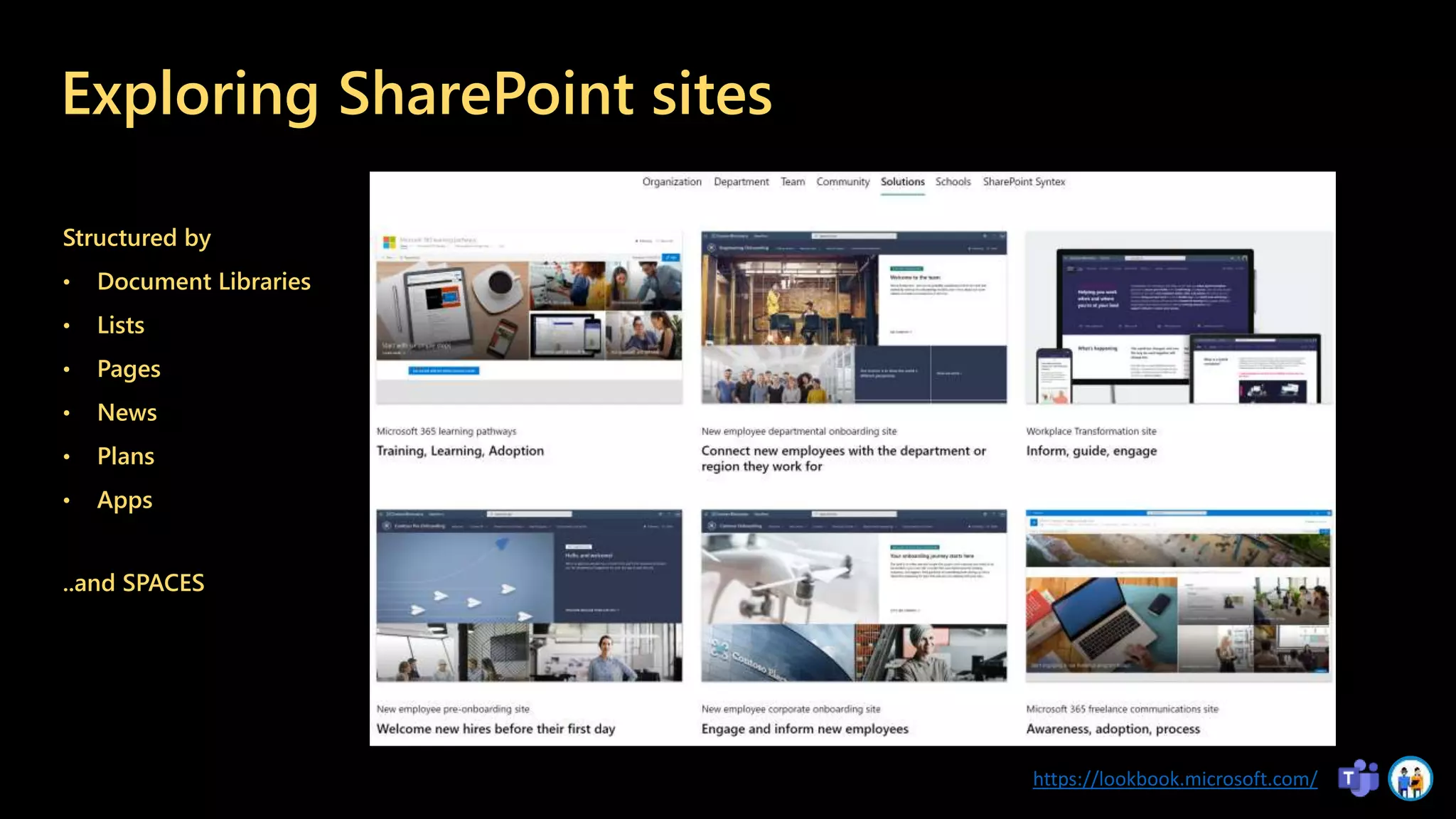
Exploring SharePoint sites
Structured by
• Document Libraries
• Lists
• Pages
• News
• Plans
• Apps
https://lookbook.microsoft.com/
..and SPACES
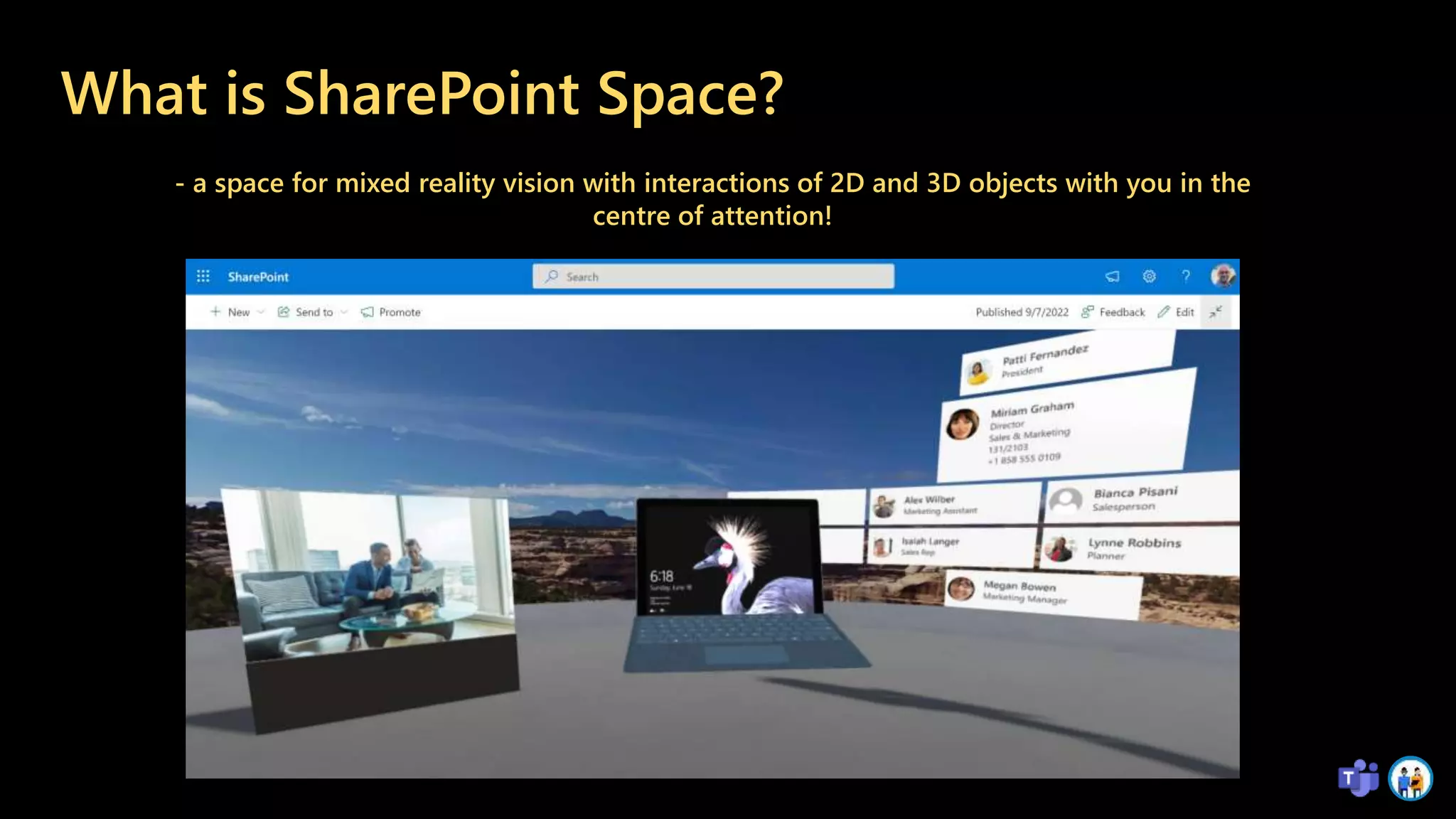
What is SharePoint Space?
- a space for mixed reality vision with interactions of 2D and 3D objects with you in the
centre of attention!
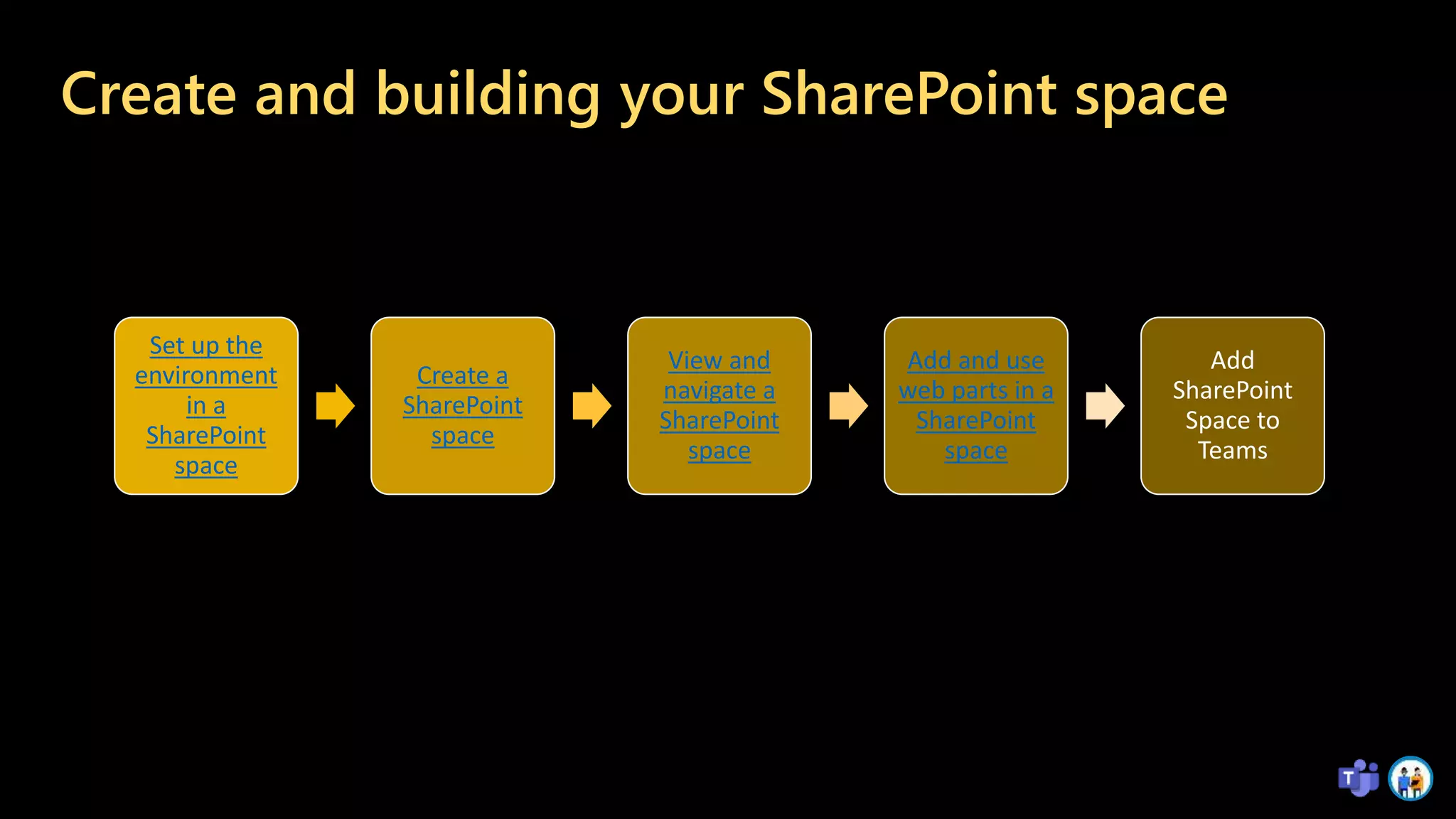
Create and building your SharePoint space
Set up the
environment
in a
SharePoint
space
Create a
SharePoint
space
View and
navigate a
SharePoint
space
Add and use
web parts in a
SharePoint
space
Add
SharePoint
Space to
Teams
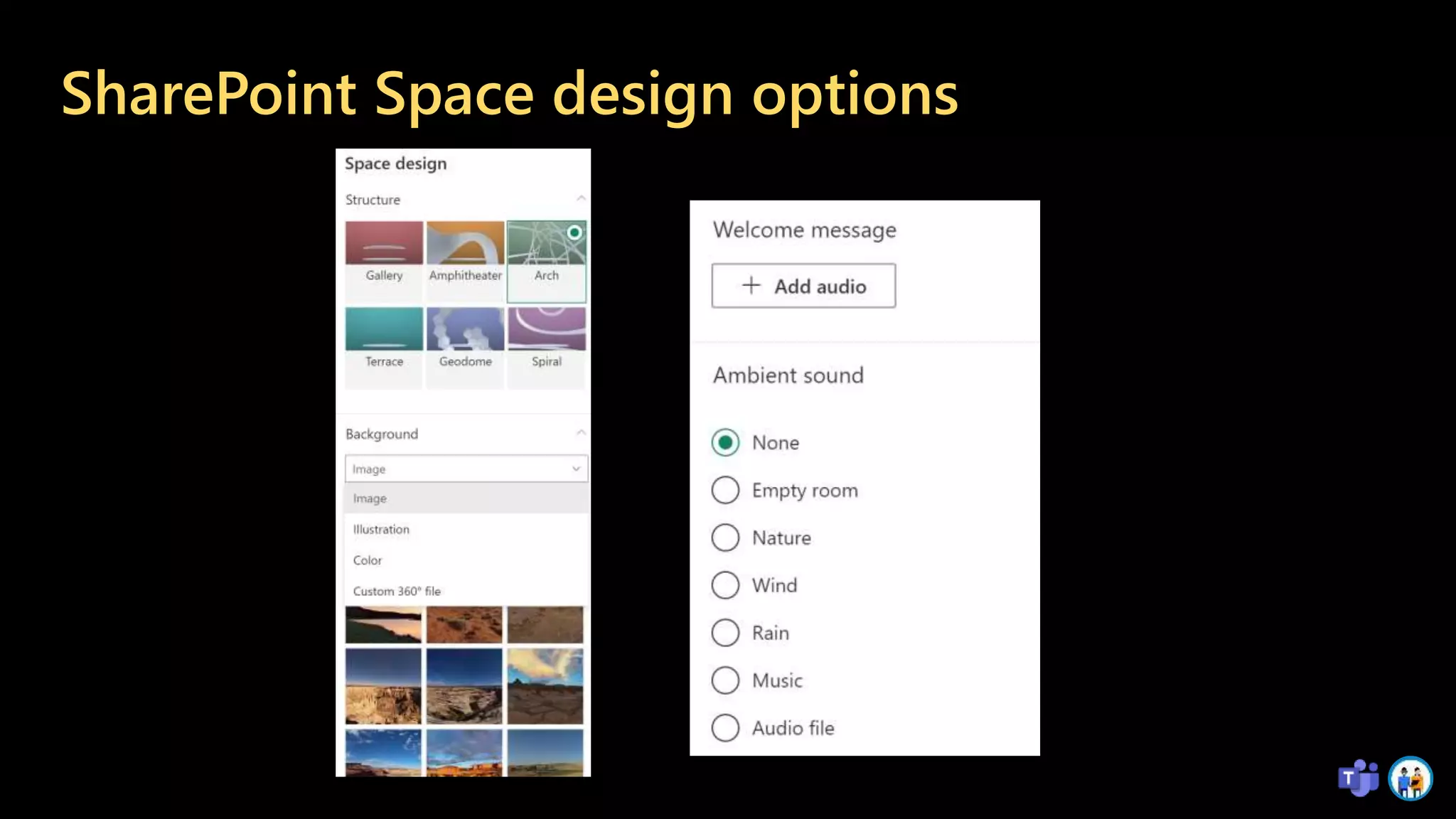
SharePoint Space design options
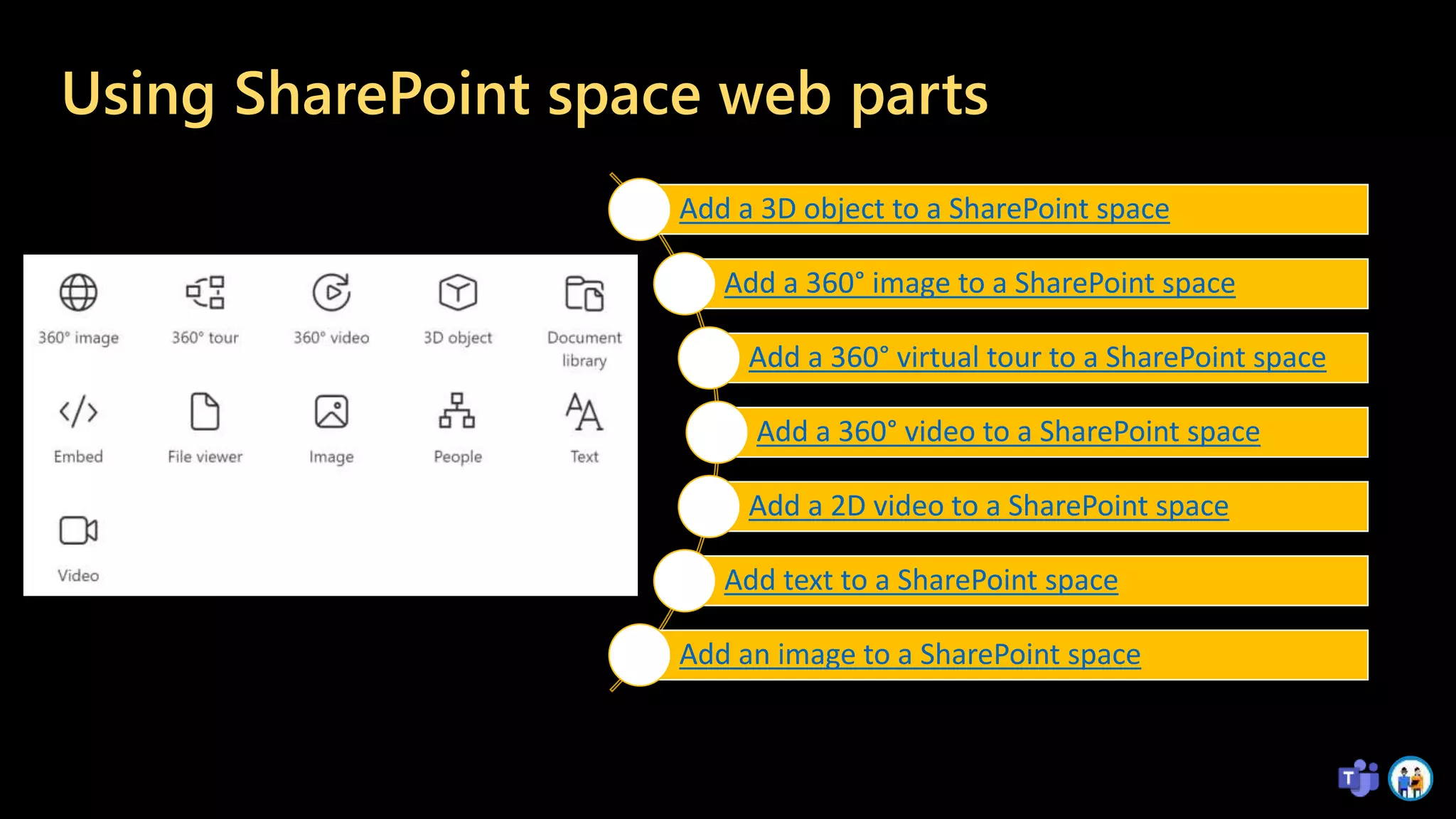
Using SharePoint space web parts
Add a 3D object to a SharePoint space
Add a 360° image to a SharePoint space
Add a 360° virtual tour to a SharePoint space
Add a 360° video to a SharePoint space
Add a 2D video to a SharePoint space
Add text to a SharePoint space
Add an image to a SharePoint space
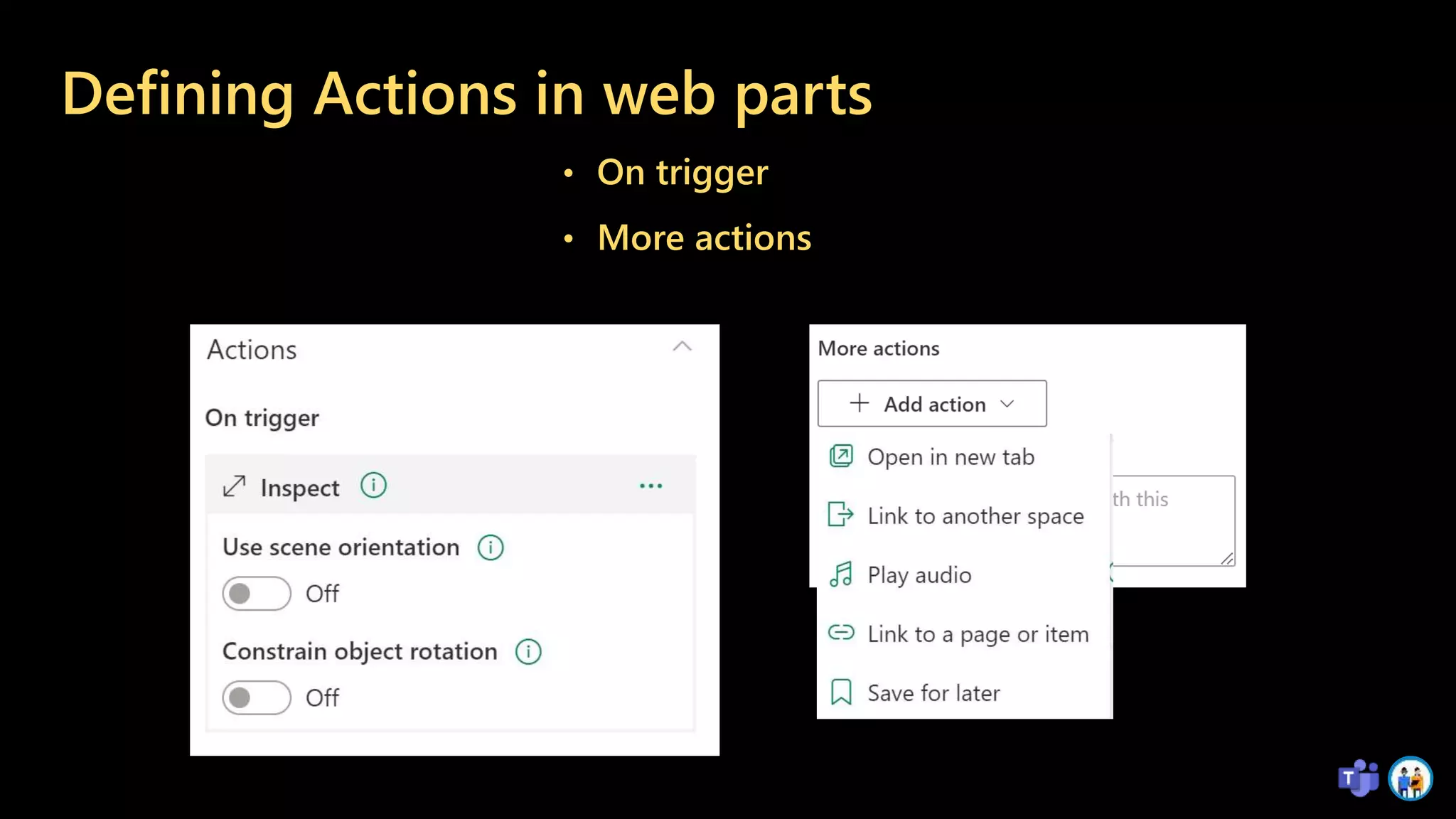
Defining Actions in web parts
• On trigger
• More actions
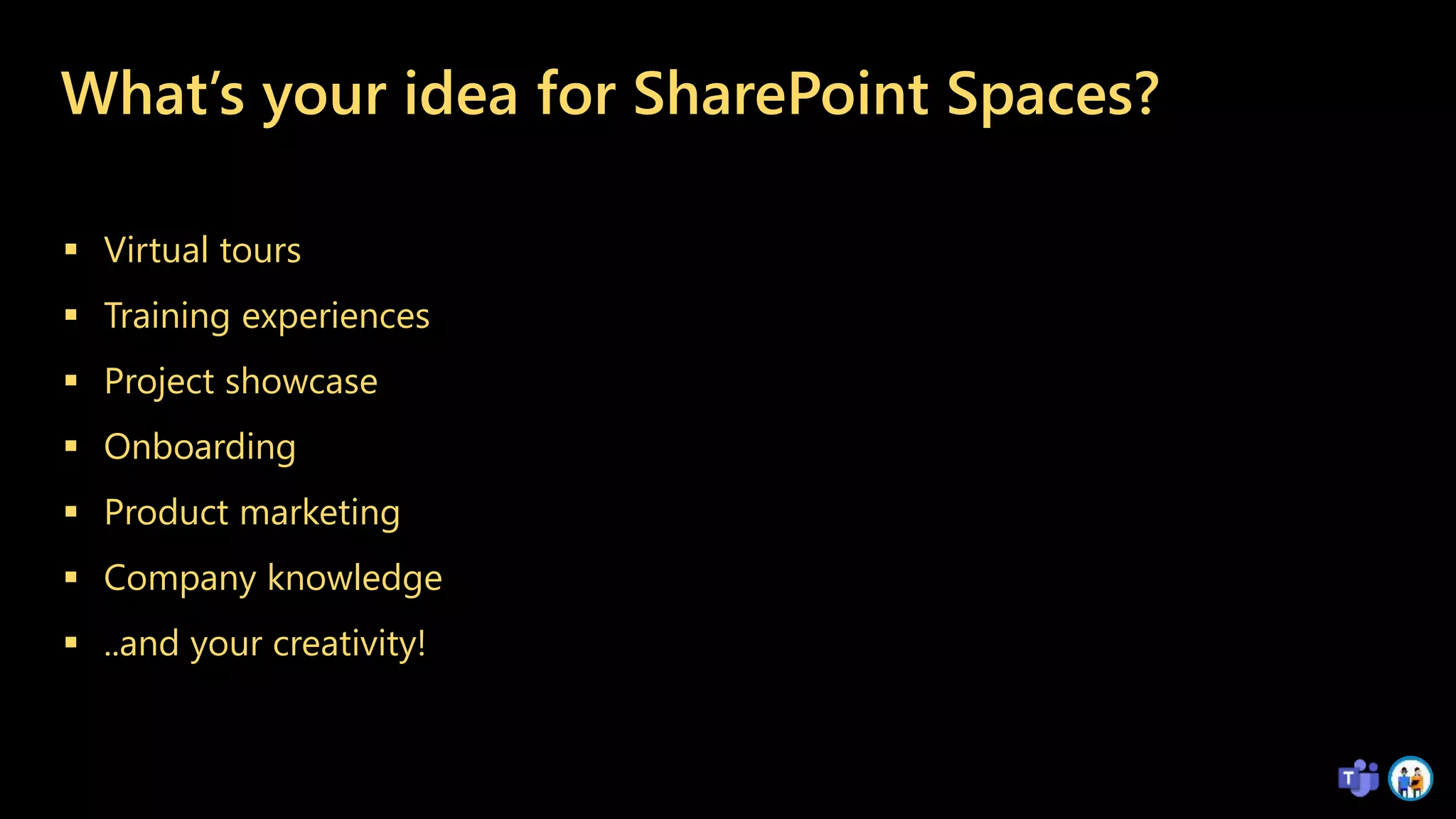
What’s your idea for SharePoint Spaces?
 Virtual tours
 Training experiences
 Project showcase
 Onboarding
 Product marketing
 Company knowledge
 ..and your creativity!
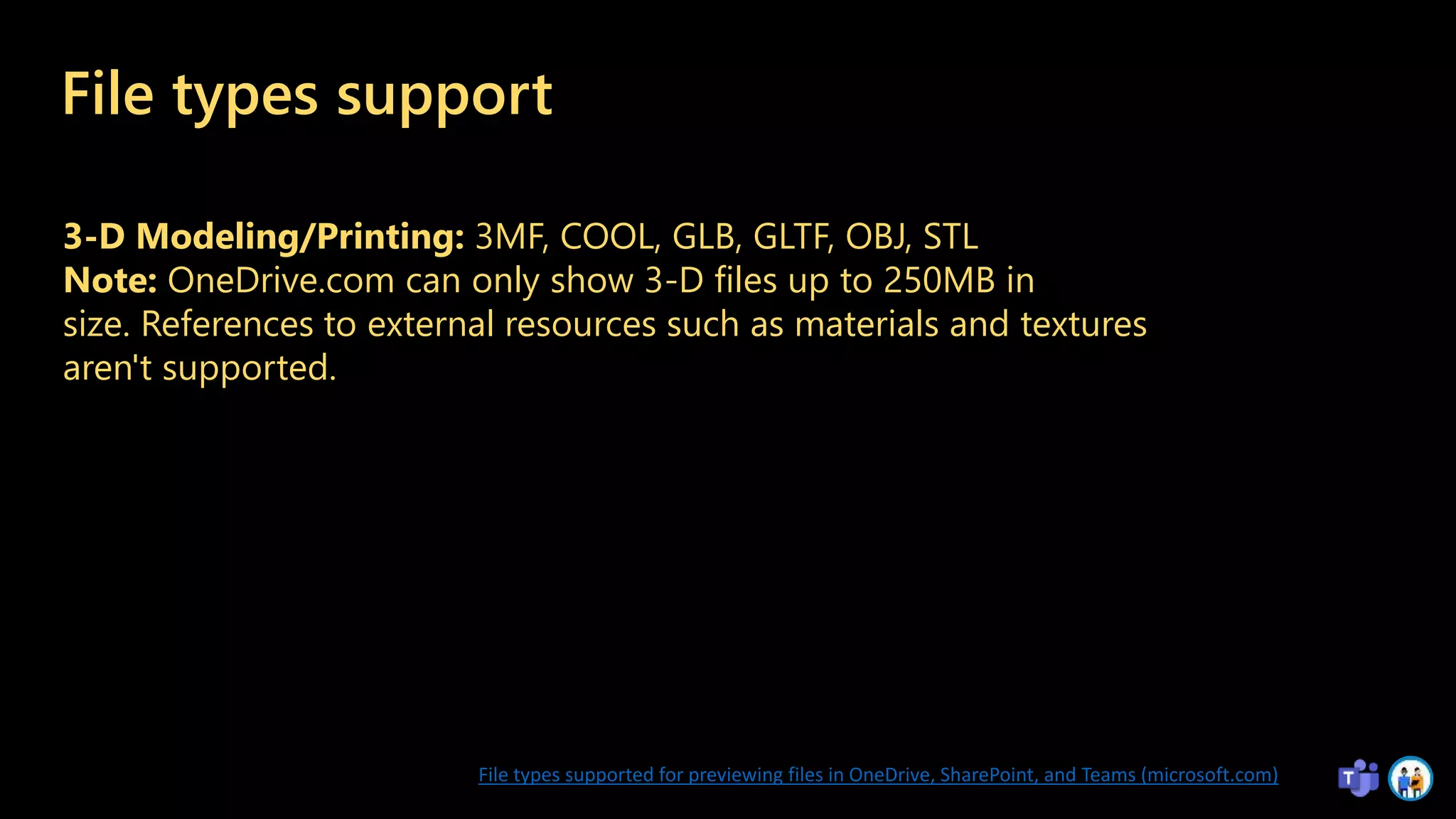
File types support
3-D Modeling/Printing: 3MF, COOL, GLB, GLTF, OBJ, STL
Note: OneDrive.com can only show 3-D files up to 250MB in
size. References to external resources such as materials and textures
aren't supported.
File types supported for previewing files in OneDrive, SharePoint, and Teams (microsoft.com)
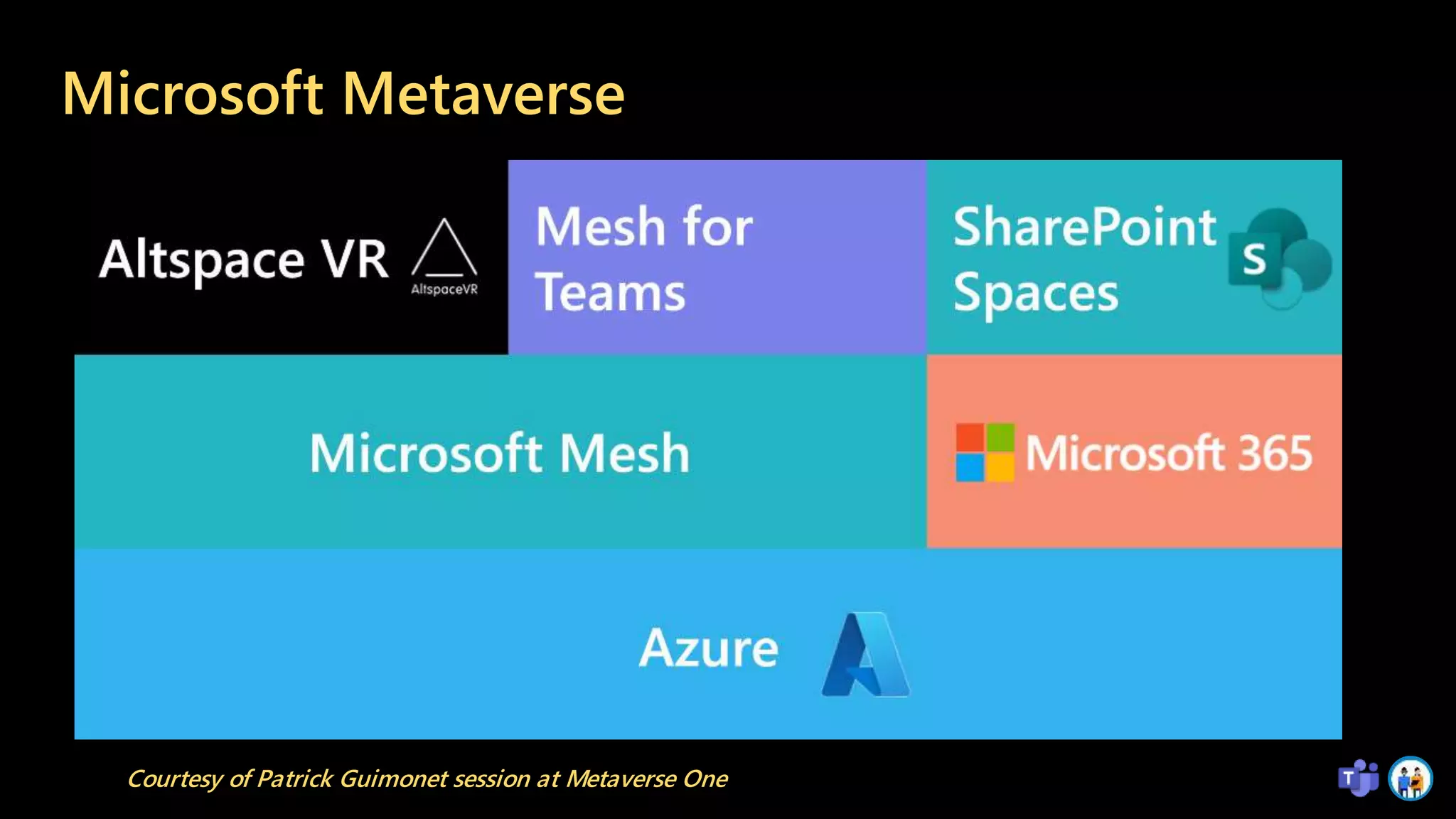
Microsoft Metaverse
Courtesy of Patrick Guimonet session at Metaverse One
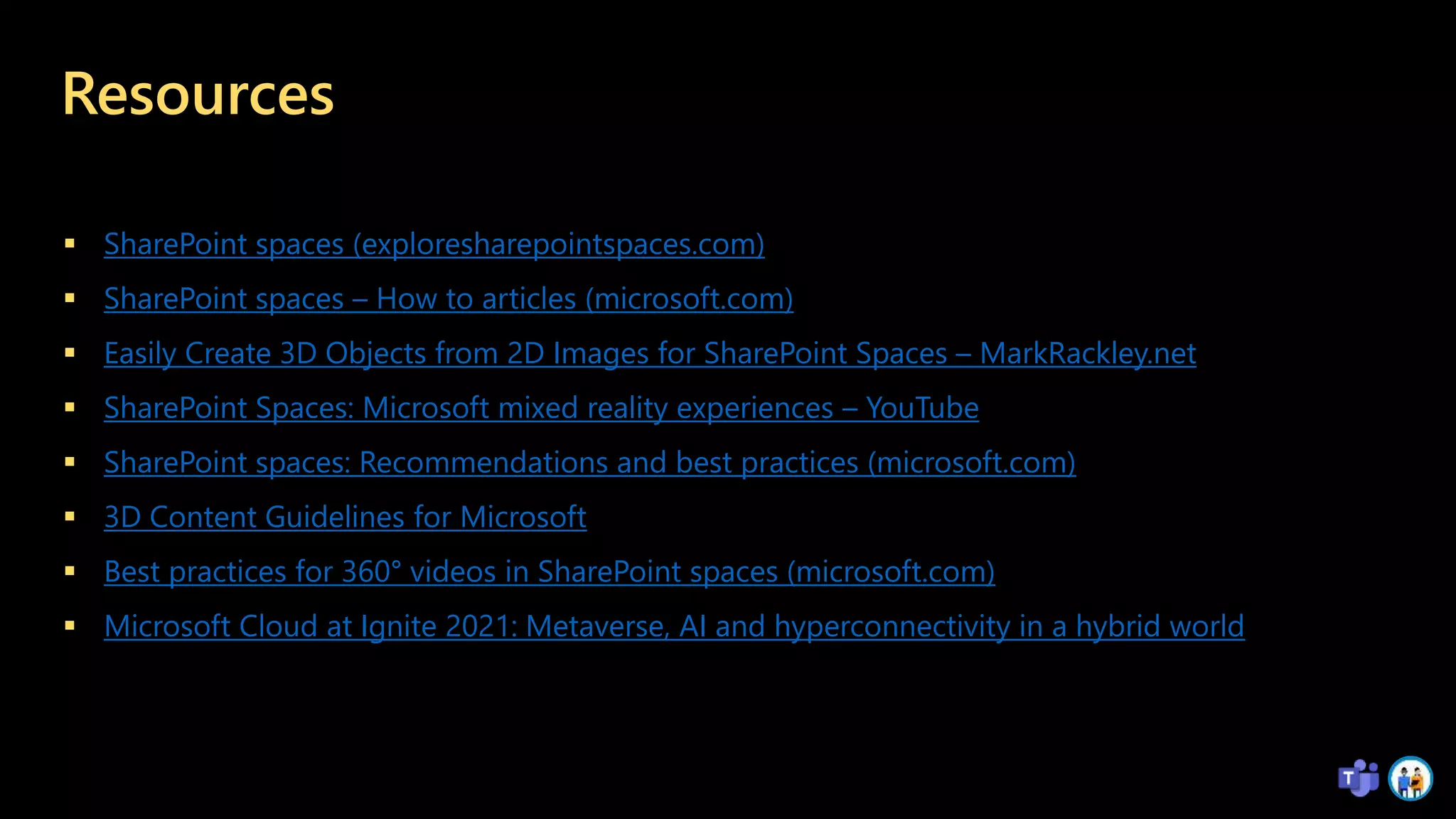
Resources
 SharePoint spaces (exploresharepointspaces.com)
 SharePoint spaces – How to articles (microsoft.com)
 Easily Create 3D Objects from 2D Images for SharePoint Spaces – MarkRackley.net
 SharePoint Spaces: Microsoft mixed reality experiences – YouTube
 SharePoint spaces: Recommendations and best practices (microsoft.com)
 3D Content Guidelines for Microsoft
 Best practices for 360° videos in SharePoint spaces (microsoft.com)
 Microsoft Cloud at Ignite 2021: Metaverse, AI and hyperconnectivity in a hybrid world
Rate my session & Calls to Action
Rate this
session
https://metaverse-
one.rocks/feedback
Attend more
sessions and
join our
keynotes from
16.00 CEST
Show your love
on social using
#MetaverseOne
and
@MetaverseConf
1 2 3

Building immersive and mixed reality experiences in SharePoint - Metaverse One

  • 1.
    Metaverse One 1 Building immersiveand mixed reality experiences in SharePoint Chirag Patel | Microsoft 365 Consultant 07 September 2022 #MetaverseOne Sponsored by Microsoft Teams Microsoft Tech Community
  • 2.
    Chirag Patel     TrustedAssociate for Microsoft Gold Partners    Development DBA, SharePoint Administrator 2001 SharePoint & BPOS Consultant 2012 Independent SharePoint & Office 365 Consultant 2014 MicrosoftTeams, Power Platform 2018 Microsoft 365 Services 2019 Microsoft MVP 2020-2023 Microsoft Certified Trainer 2021-2023 @M365UK #m365uk
  • 3.
    Exploring SharePoint sites Structuredby • Document Libraries • Lists • Pages • News • Plans • Apps https://lookbook.microsoft.com/ ..and SPACES
  • 4.
    What is SharePointSpace? - a space for mixed reality vision with interactions of 2D and 3D objects with you in the centre of attention!
  • 5.
    Create and buildingyour SharePoint space Set up the environment in a SharePoint space Create a SharePoint space View and navigate a SharePoint space Add and use web parts in a SharePoint space Add SharePoint Space to Teams
  • 6.
  • 7.
    Using SharePoint spaceweb parts Add a 3D object to a SharePoint space Add a 360° image to a SharePoint space Add a 360° virtual tour to a SharePoint space Add a 360° video to a SharePoint space Add a 2D video to a SharePoint space Add text to a SharePoint space Add an image to a SharePoint space
  • 8.
    Defining Actions inweb parts • On trigger • More actions
  • 9.
    What’s your ideafor SharePoint Spaces?  Virtual tours  Training experiences  Project showcase  Onboarding  Product marketing  Company knowledge  ..and your creativity!
  • 10.
    File types support 3-DModeling/Printing: 3MF, COOL, GLB, GLTF, OBJ, STL Note: OneDrive.com can only show 3-D files up to 250MB in size. References to external resources such as materials and textures aren't supported. File types supported for previewing files in OneDrive, SharePoint, and Teams (microsoft.com)
  • 11.
    Microsoft Metaverse Courtesy ofPatrick Guimonet session at Metaverse One
  • 12.
    Resources  SharePoint spaces(exploresharepointspaces.com)  SharePoint spaces – How to articles (microsoft.com)  Easily Create 3D Objects from 2D Images for SharePoint Spaces – MarkRackley.net  SharePoint Spaces: Microsoft mixed reality experiences – YouTube  SharePoint spaces: Recommendations and best practices (microsoft.com)  3D Content Guidelines for Microsoft  Best practices for 360° videos in SharePoint spaces (microsoft.com)  Microsoft Cloud at Ignite 2021: Metaverse, AI and hyperconnectivity in a hybrid world
  • 14.
    Rate my session& Calls to Action Rate this session https://metaverse- one.rocks/feedback Attend more sessions and join our keynotes from 16.00 CEST Show your love on social using #MetaverseOne and @MetaverseConf 1 2 3

Editor's Notes

  • #2 Building a space for mixed reality vision is a lot like building a modern SharePoint site. This session will cover how you create the space, choose structure & themes, as well as configure various 2D & 3D web parts. We will then wrap up the session with recommendations & best practices so that you can build immersive experiences on any device in SharePoint for your organisation.
  • #3 https://techchirag.com https://twitter.com/techchirag https://www.linkedin.com/in/techchirag https://www.slideshare.net/techchirag Advisory and consulting Help plan for new systems and improvements to existing systems. Deployment Deploy new systems and integrations, including training and support. Adoption and change management Help organizations prepare, plan for, and adopt new technologies and ways of working. Modernisation Help move customers to modern systems and utilize modern applications. Migration Move systems from one operating environment to Microsoft 365 to drive Microsoft Content Services and Microsoft Viva value. Compliance/Records Management Manage regulatory and product control information, company policies, and records throughout their lifecycle.
  • #5 Building a space for mixed reality vision is a lot like building a modern SharePoint site. This session will cover how you create the space, choose structure & themes, as well as configure various 2D & 3D web parts. We will then wrap up the session with recommendations & best practices so that you can build immersive experiences on any device in SharePoint for your organisation.
  • #6 Cross-platform support a wide range of mixed-reality devices and web-browsers. Creators utilising 2D and 3D content to create custom experiences that tell stories in stunning 360°. Secure & compliant on your M365 ecosystem. Integrated and extensible - will grow over time to include 3rd party web parts and extensions using the SharePoint Framework.