Module 1: Search Strategy
Advanced Information Literacy
Lara Skelly
“If you want to get laid, go to college. If you want
an education, go to the library.” - Frank Zappa
Refers to an understanding of and set of abilities
empowering students to recognize
when information is needed, and the
skills of how to access, evaluate, use it effectively,
and understanding issues around
information. (ACRL, 2002)
What is Information Literacy?
Looking at things from the perspective of
thesis/dissertation writing
 Search Strategy
 Information Sources & Tools
 Evaluating Information
 Bibliographic Referencing
 Social, Economic & Legal Issues
Advanced Information Literacy
Today
 Critically think about your topic and need;
 defining keywords by:
 drawing a mind map,
 select broader and narrower subject terms,
 identify different spellings or words; and
 read about your topic and start making notes.
Aims
Module 1: Search Strategy
Draw a mind map
AND/OR
Analyse your topic
Defining keywords
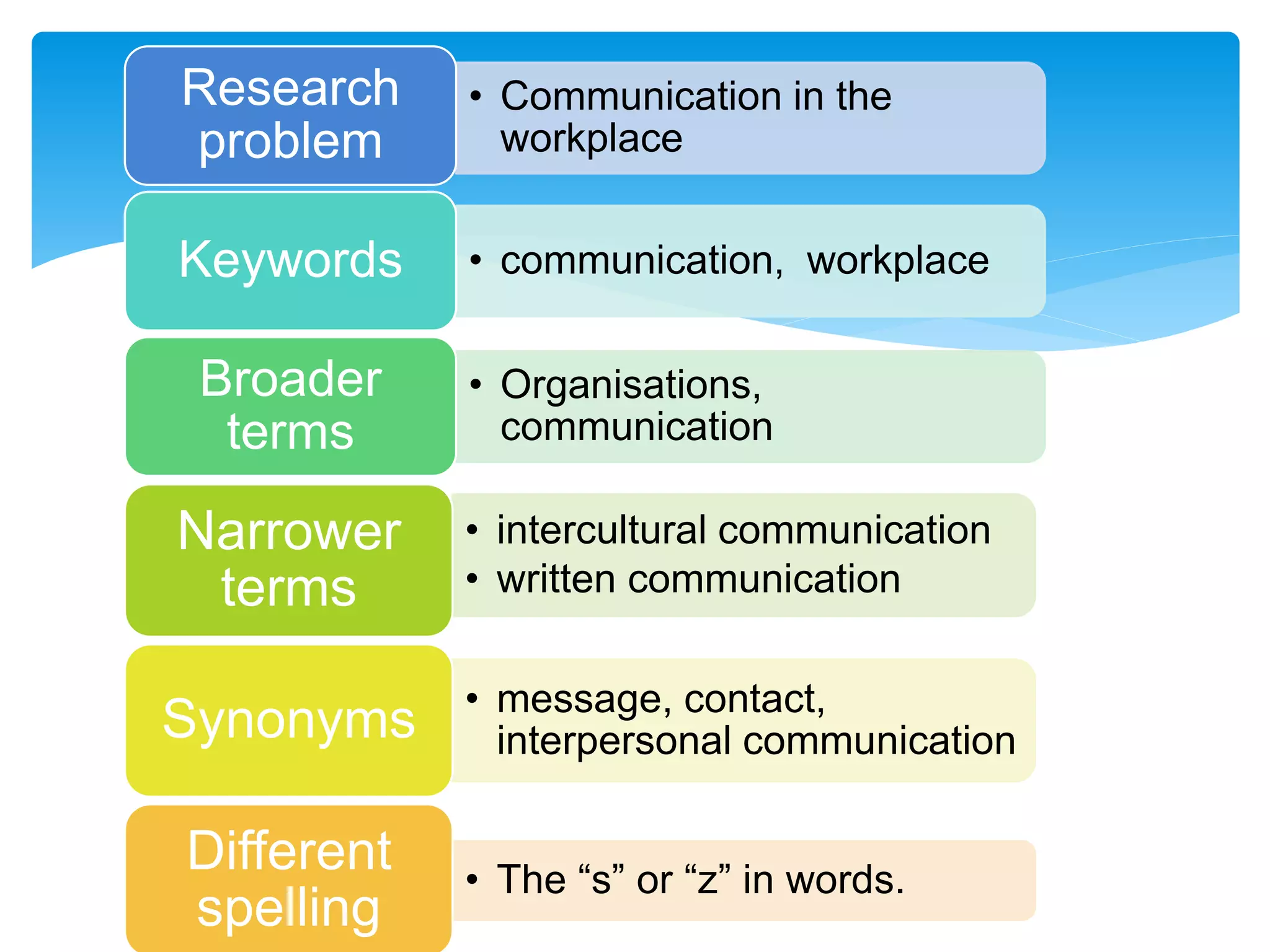
• Communication in the
workplace
Research
problem
• communication, workplaceKeywords
• Organisations,
communication
Broader
terms
• intercultural communication
• written communication
Narrower
terms
• message, contact,
interpersonal communicationSynonyms
• The “s” or “z” in words.
Different
spelling
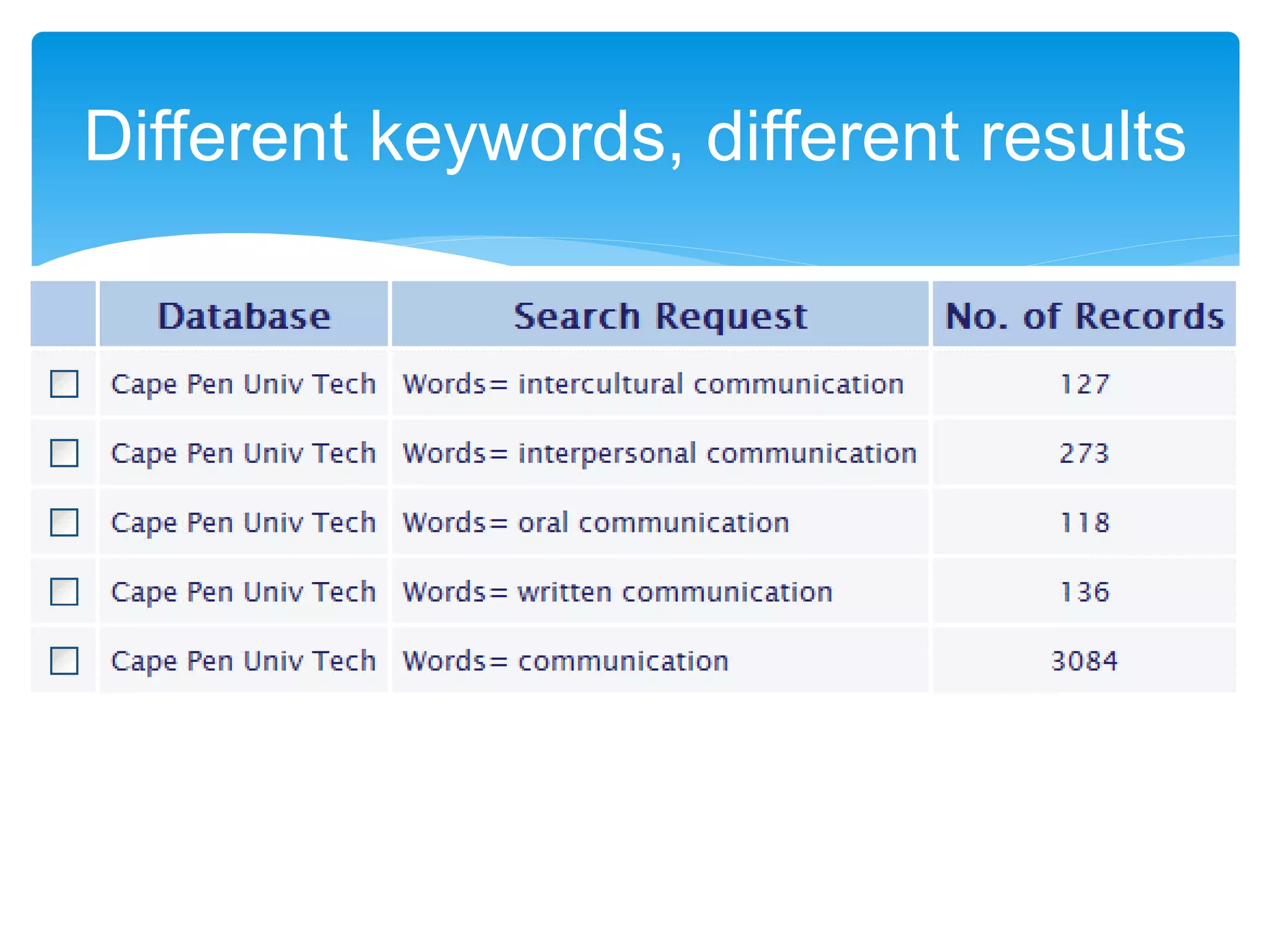
Different keywords, different results
 Analyse your research topic to find as many
keywords as you can
 Draw a mind map to represent your themes
Exercise 1
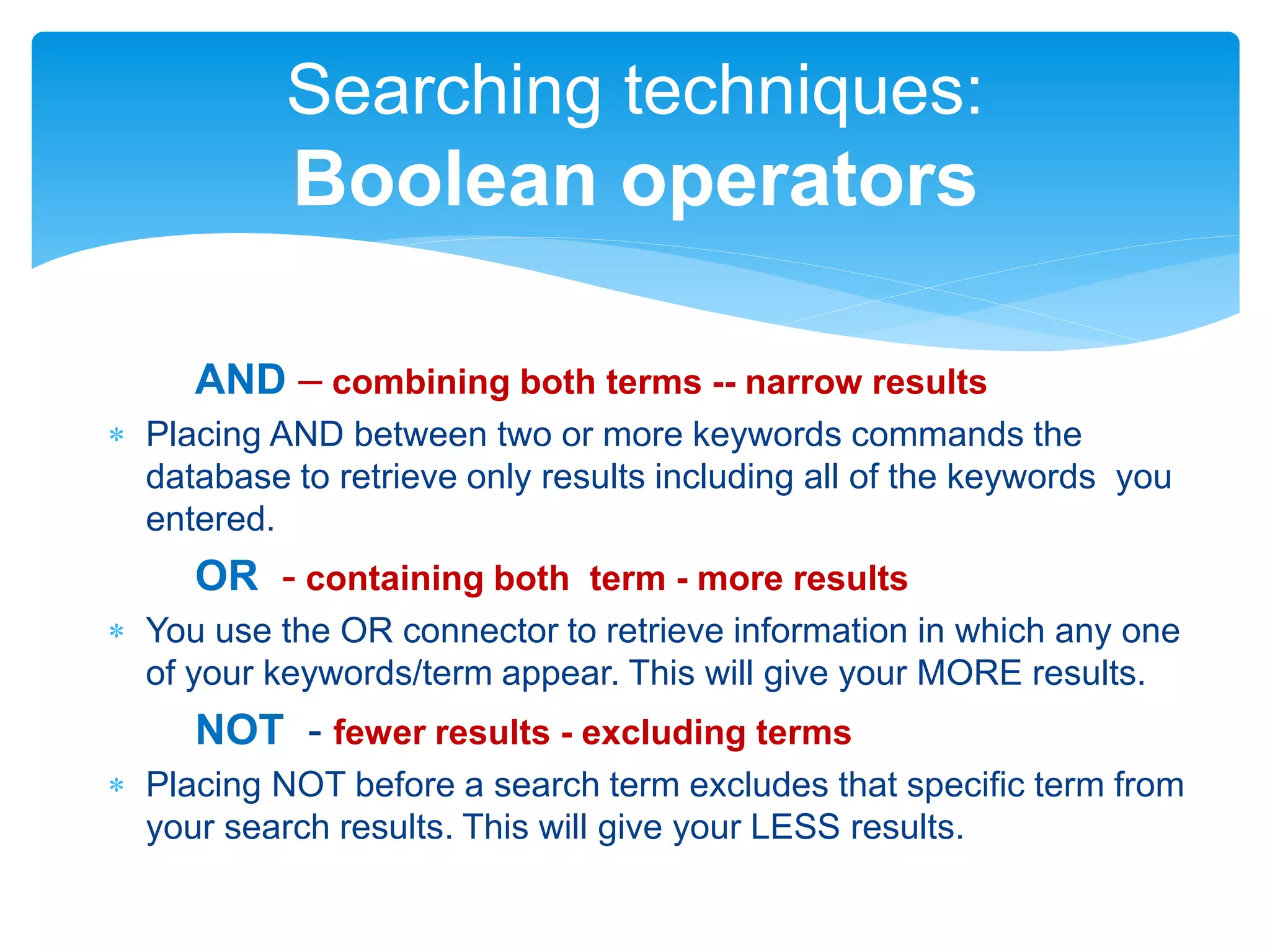
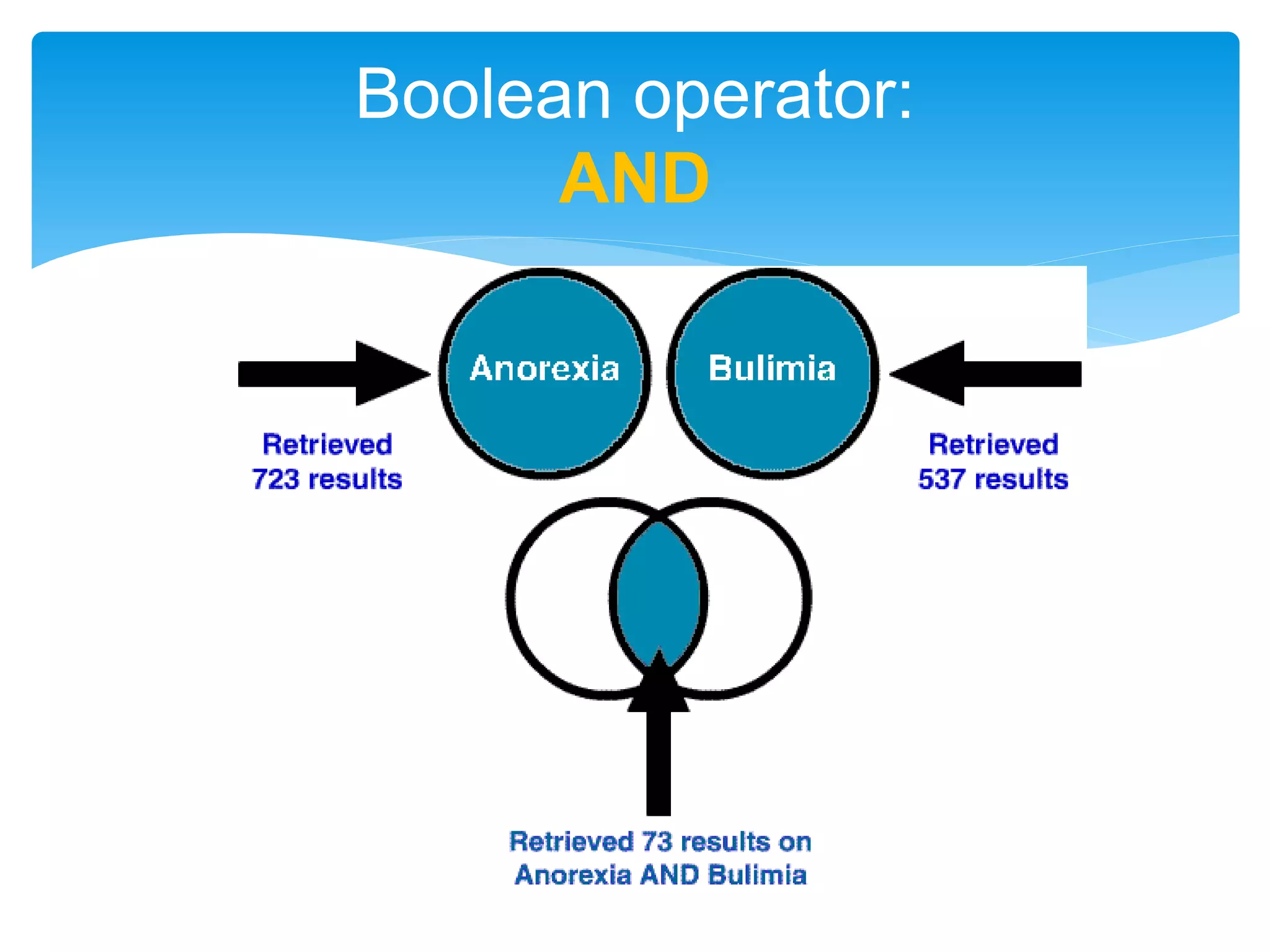
AND – combining both terms -- narrow results
 Placing AND between two or more keywords commands the
database to retrieve only results including all of the keywords you
entered.
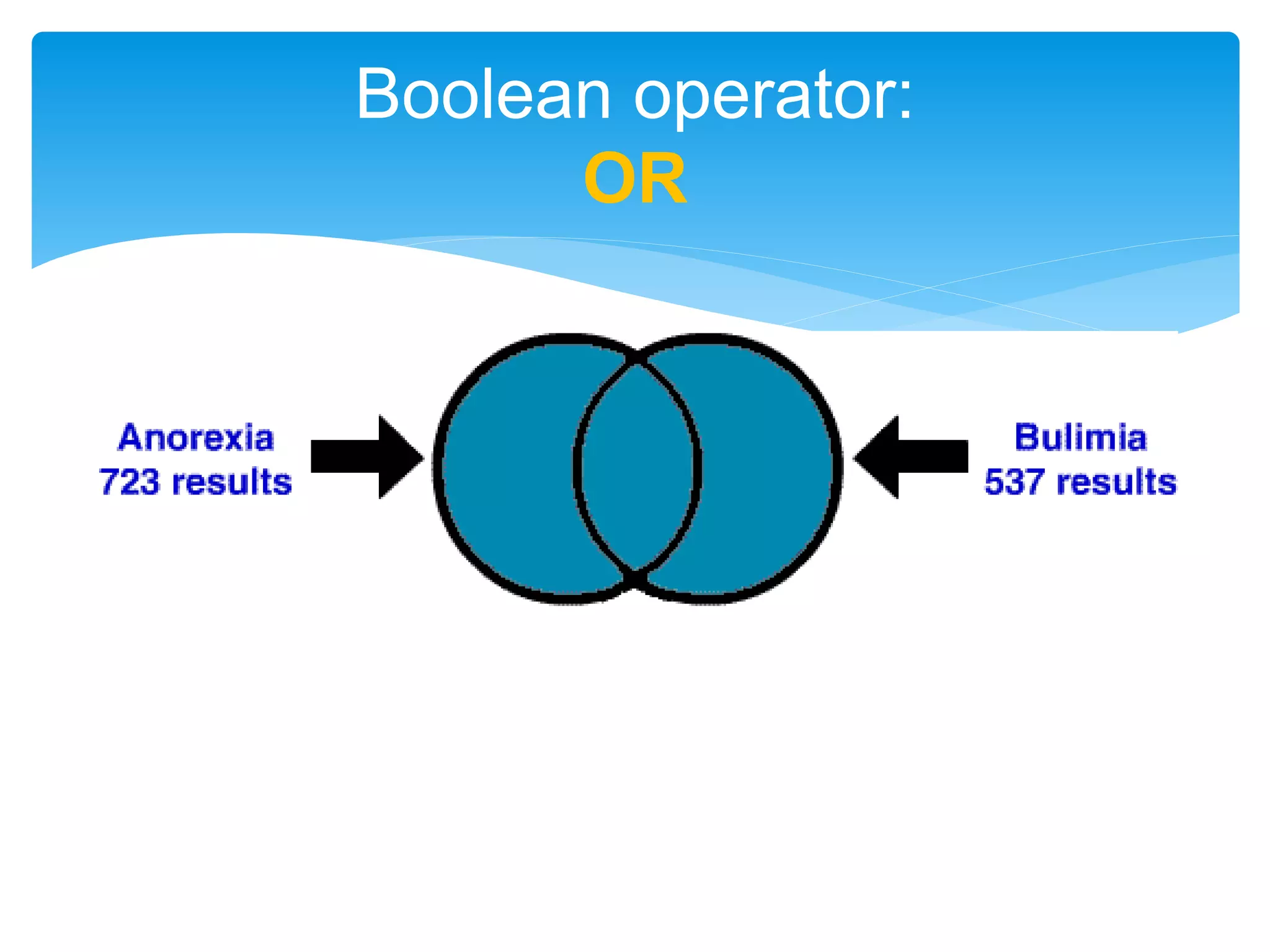
OR - containing both term - more results
 You use the OR connector to retrieve information in which any one
of your keywords/term appear. This will give your MORE results.
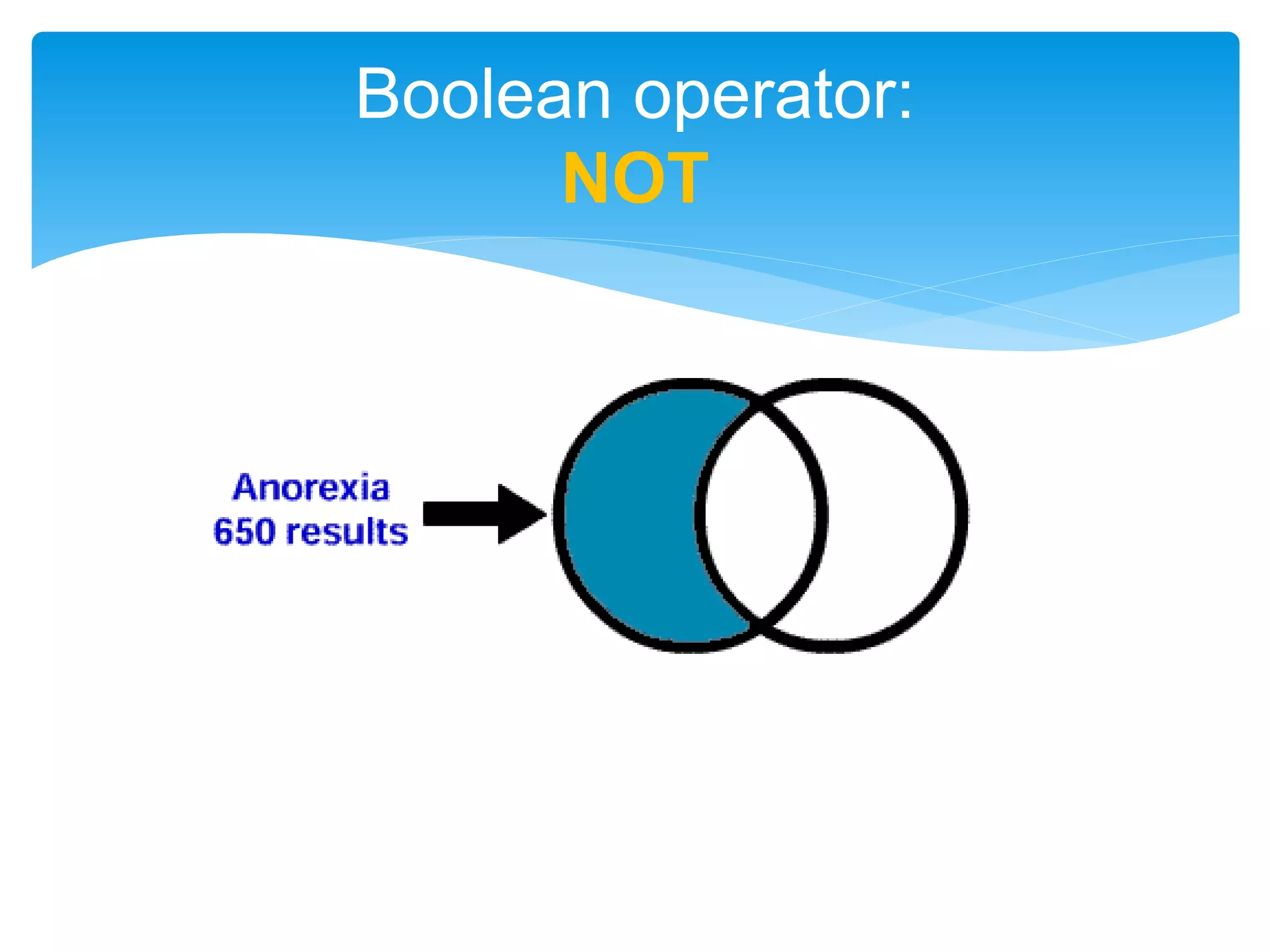
NOT - fewer results - excluding terms
 Placing NOT before a search term excludes that specific term from
your search results. This will give your LESS results.
Searching techniques:
Boolean operators
Boolean operator:
AND
Boolean operator:
OR
Boolean operator:
NOT
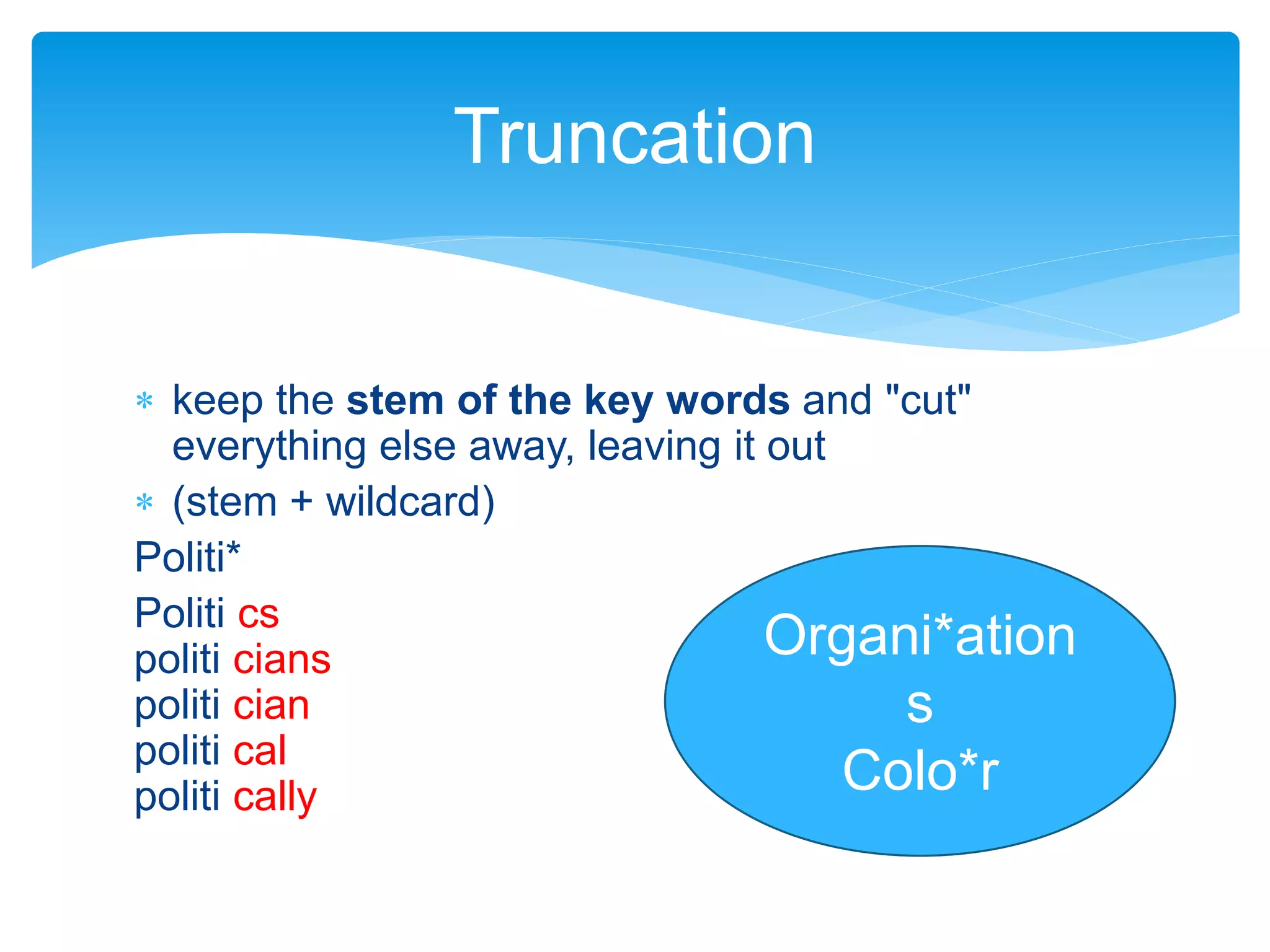
 keep the stem of the key words and "cut"
everything else away, leaving it out
 (stem + wildcard)
Politi*
Politi cs
politi cians
politi cian
politi cal
politi cally
Truncation
Organi*ation
s
Colo*r
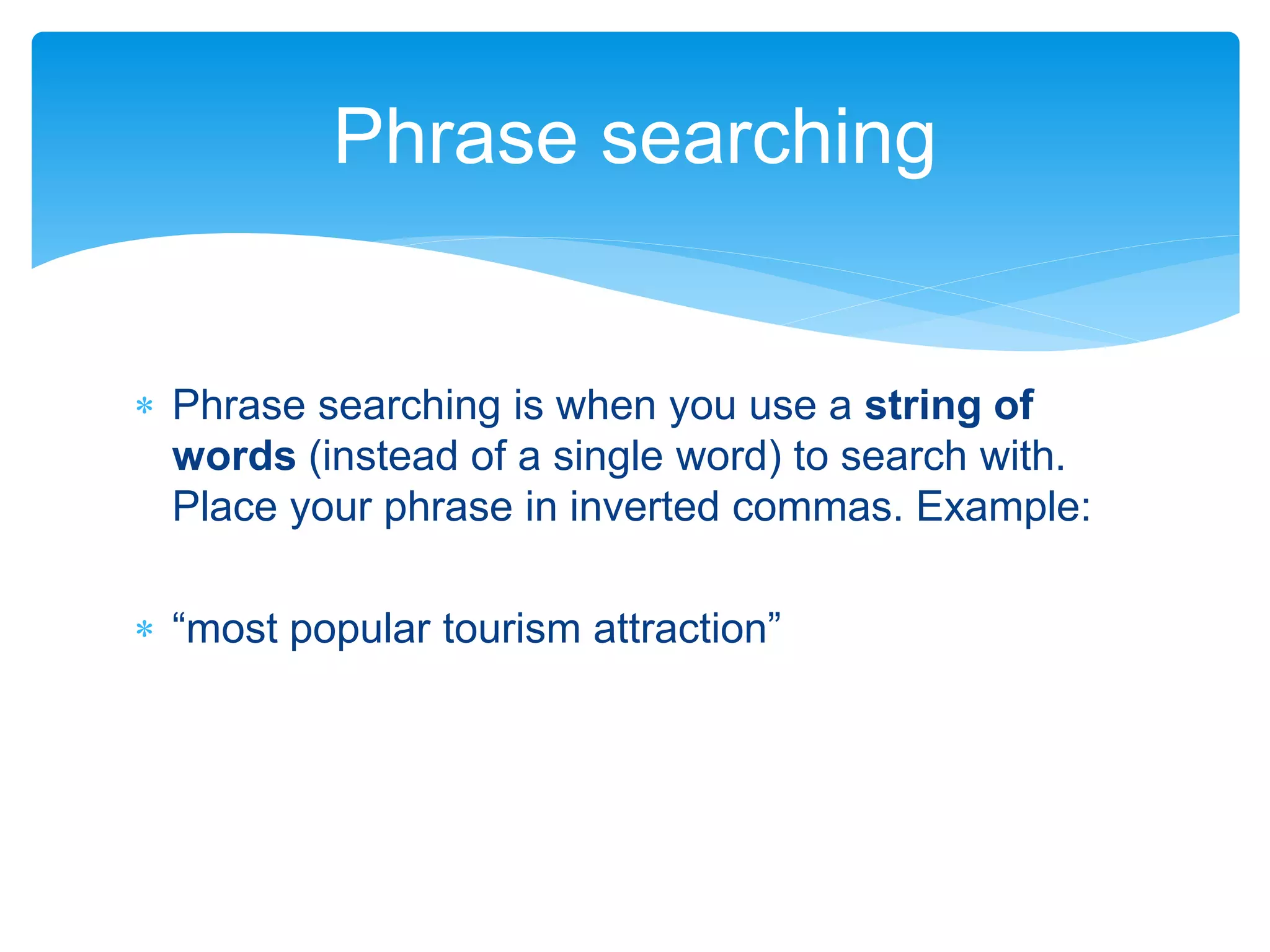
 Phrase searching is when you use a string of
words (instead of a single word) to search with.
Place your phrase in inverted commas. Example:
 “most popular tourism attraction”
Phrase searching
 Using Boolean operators and your keywords, come
up with search strategy.
Exercise 2
 Add in ‘review’ as a keyword, and do a Google
Scholar search – this might find articles that review
the existing literature
 Explore the top journals in your field – see what
they are reporting on
 When you read, pay attention to more keywords
that you can add to your list
Read about your topic and start
making notes
 (Basic) CPUT Online Information Literacy module
http://www.cput.ac.za/dev/library/information_literac
y/index.html
 This presentation was based on one created by
Janine Lockhart.
Thank you!
Bibliography and
acknowledgements

Module 1: Search Strategy

  • 1.
    Module 1: SearchStrategy Advanced Information Literacy Lara Skelly “If you want to get laid, go to college. If you want an education, go to the library.” - Frank Zappa
  • 2.
    Refers to anunderstanding of and set of abilities empowering students to recognize when information is needed, and the skills of how to access, evaluate, use it effectively, and understanding issues around information. (ACRL, 2002) What is Information Literacy?
  • 3.
    Looking at thingsfrom the perspective of thesis/dissertation writing  Search Strategy  Information Sources & Tools  Evaluating Information  Bibliographic Referencing  Social, Economic & Legal Issues Advanced Information Literacy Today
  • 4.
     Critically thinkabout your topic and need;  defining keywords by:  drawing a mind map,  select broader and narrower subject terms,  identify different spellings or words; and  read about your topic and start making notes. Aims Module 1: Search Strategy
  • 5.
    Draw a mindmap AND/OR Analyse your topic Defining keywords
  • 6.
    • Communication inthe workplace Research problem • communication, workplaceKeywords • Organisations, communication Broader terms • intercultural communication • written communication Narrower terms • message, contact, interpersonal communicationSynonyms • The “s” or “z” in words. Different spelling
  • 7.
  • 8.
     Analyse yourresearch topic to find as many keywords as you can  Draw a mind map to represent your themes Exercise 1
  • 9.
    AND – combiningboth terms -- narrow results  Placing AND between two or more keywords commands the database to retrieve only results including all of the keywords you entered. OR - containing both term - more results  You use the OR connector to retrieve information in which any one of your keywords/term appear. This will give your MORE results. NOT - fewer results - excluding terms  Placing NOT before a search term excludes that specific term from your search results. This will give your LESS results. Searching techniques: Boolean operators
  • 10.
  • 11.
  • 12.
  • 13.
     keep thestem of the key words and "cut" everything else away, leaving it out  (stem + wildcard) Politi* Politi cs politi cians politi cian politi cal politi cally Truncation Organi*ation s Colo*r
  • 14.
     Phrase searchingis when you use a string of words (instead of a single word) to search with. Place your phrase in inverted commas. Example:  “most popular tourism attraction” Phrase searching
  • 15.
     Using Booleanoperators and your keywords, come up with search strategy. Exercise 2
  • 16.
     Add in‘review’ as a keyword, and do a Google Scholar search – this might find articles that review the existing literature  Explore the top journals in your field – see what they are reporting on  When you read, pay attention to more keywords that you can add to your list Read about your topic and start making notes
  • 17.
     (Basic) CPUTOnline Information Literacy module http://www.cput.ac.za/dev/library/information_literac y/index.html  This presentation was based on one created by Janine Lockhart. Thank you! Bibliography and acknowledgements