The Software as an
Educational
ResourceRoss Dynne N.
Castañeda
BSE III-English
Objectives:
1. Identify the two types of software
2. Compare and contrast the two types
of software.
3. Give reasons on how software can
contribute to an effective learning.
What comes to your mind when you hear a
word “computer?”
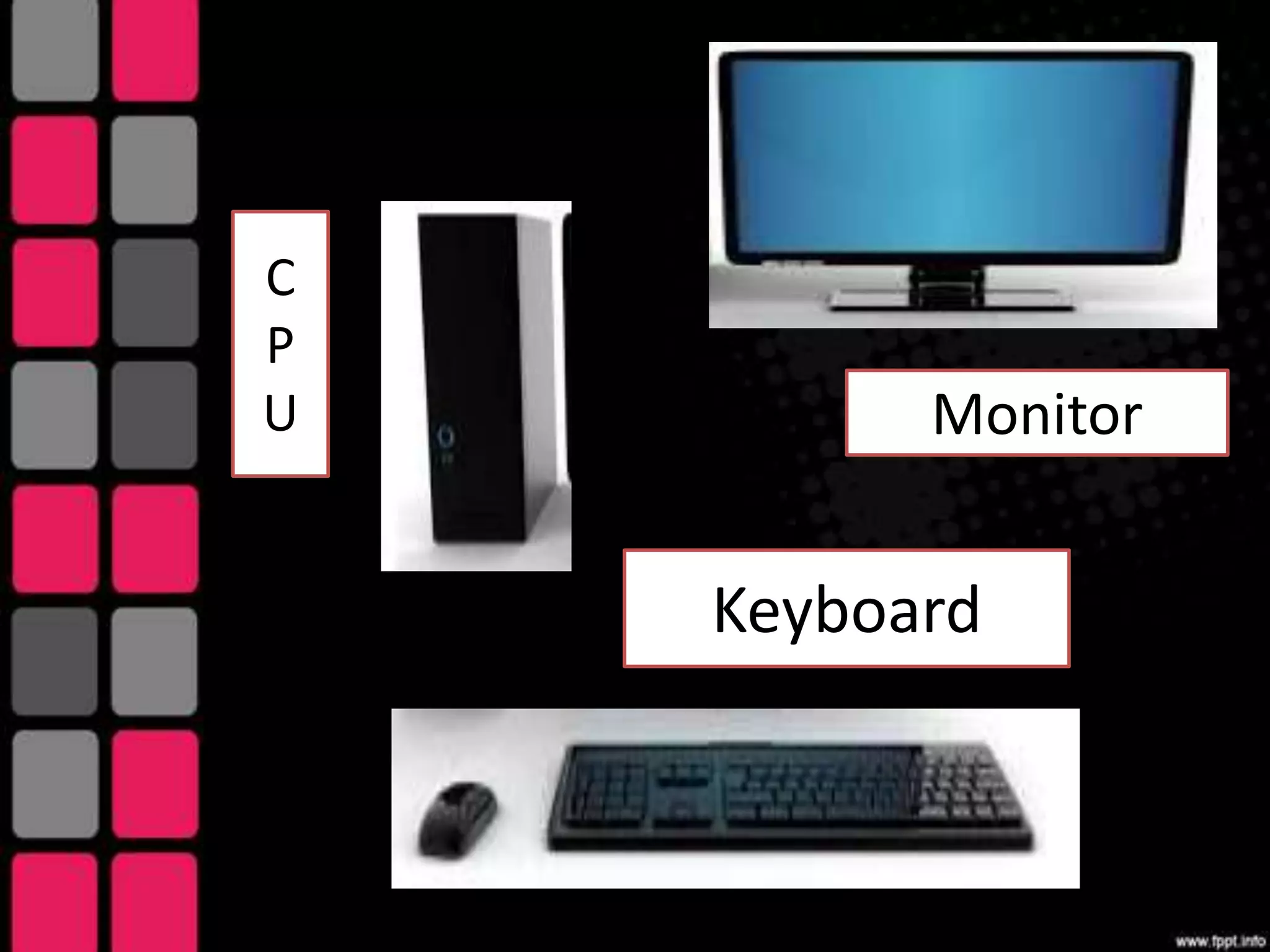
C
P
U Monitor
Keyboard
1.System Software
2.Application Software
System Software
This is the operating system
that is found or bundled
inside all computer
machines.
Application Software
This contains the system that
commands the particular task
or solves a particular
problem.
Microsoft Windows
Also referred to as a
program, Microsoft
Windows or Windows
for short is an
operating
environment between
the user and the
computer operating
system.
Also called a shell, it is a layer that
creates the way the computer should
work. Windows uses a colorful
graphics interface called GUI that
can be seen on the computer screen
or monitor whenever the computer is
turned on.
Windows is in itself a self
contained operating system
which provides:
User Convenience
A new look fancy borders, smooth
and streamlined text fonts
Information Center
Plug and play
Instructional Software
Instructional software can be visited in the
internet or can be bought from software shops
or dealers The teacher through his school
should decide on the best computer-based
instructional (CBI)materials for the school
resource collection. But beware since CBIs
need much improvement, while web-based
educational resources are either extremely
good or what is complete garbage. In
evaluating computer based educational
materials, the followig can serve as guidelines.
• Be extremely cautious in using CBIs and
free internet materials
• Don’t be caught up by attractive
graphics, sound, animation, pictures,
video clips and music forgetting their
instructional worth.
• Teachers must evaluate these resources
using sound pedagogical principles.
• Among design and content elements to
evaluate are; the text legibility, effective
use of color schemes, attractive layout
and design and easy navigation from
section-to-section.
• Observe clarity in the explanations
and illustrations of concepts and
principles
• Maintain accuracy, coherence, logic
of illustration
• Are they being current since
data/statistics continually change
• Are they relevant and effective in
attaining learning objectives
• Observe absence of biased materials
(e.g. gender bias or racial bias)
Through a slogan,
discuss why a teacher
should consider a
software as an
Educational resource.
Evaluation
Compare and contrasts the two
types of software which are
System and Application software.

The Software as an Educational Resource

  • 1.
    The Software asan Educational ResourceRoss Dynne N. Castañeda BSE III-English
  • 2.
    Objectives: 1. Identify thetwo types of software 2. Compare and contrast the two types of software. 3. Give reasons on how software can contribute to an effective learning.
  • 3.
    What comes toyour mind when you hear a word “computer?”
  • 4.
  • 6.
  • 7.
    System Software This isthe operating system that is found or bundled inside all computer machines.
  • 8.
    Application Software This containsthe system that commands the particular task or solves a particular problem.
  • 9.
    Microsoft Windows Also referredto as a program, Microsoft Windows or Windows for short is an operating environment between the user and the computer operating system.
  • 10.
    Also called ashell, it is a layer that creates the way the computer should work. Windows uses a colorful graphics interface called GUI that can be seen on the computer screen or monitor whenever the computer is turned on.
  • 11.
    Windows is initself a self contained operating system which provides:
  • 12.
    User Convenience A newlook fancy borders, smooth and streamlined text fonts Information Center Plug and play
  • 13.
    Instructional Software Instructional softwarecan be visited in the internet or can be bought from software shops or dealers The teacher through his school should decide on the best computer-based instructional (CBI)materials for the school resource collection. But beware since CBIs need much improvement, while web-based educational resources are either extremely good or what is complete garbage. In evaluating computer based educational materials, the followig can serve as guidelines.
  • 14.
    • Be extremelycautious in using CBIs and free internet materials • Don’t be caught up by attractive graphics, sound, animation, pictures, video clips and music forgetting their instructional worth. • Teachers must evaluate these resources using sound pedagogical principles. • Among design and content elements to evaluate are; the text legibility, effective use of color schemes, attractive layout and design and easy navigation from section-to-section.
  • 15.
    • Observe clarityin the explanations and illustrations of concepts and principles • Maintain accuracy, coherence, logic of illustration • Are they being current since data/statistics continually change • Are they relevant and effective in attaining learning objectives • Observe absence of biased materials (e.g. gender bias or racial bias)
  • 16.
    Through a slogan, discusswhy a teacher should consider a software as an Educational resource.
  • 17.
    Evaluation Compare and contraststhe two types of software which are System and Application software.