Rebecca K. Miller
    Heather Moorefield-Lang

Faculty Development Institute
               Virginia Tech
             November 2011
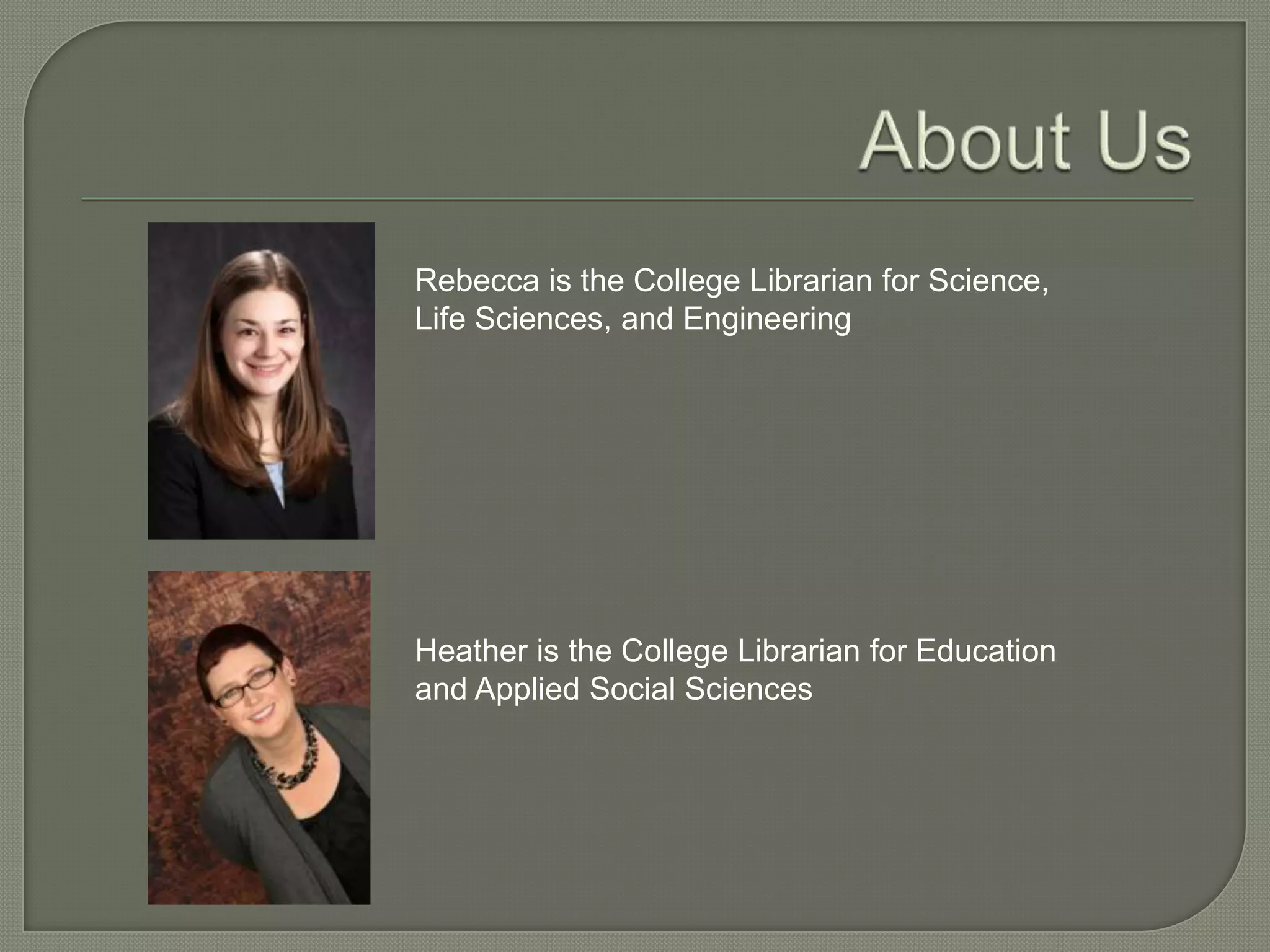
Rebecca is the College Librarian for Science,
Life Sciences, and Engineering


Heather is the College Librarian for Education
and Applied Social Sciences
 Citation
         Management Tools
 Organization & Task Management Tools
 Cloud Storage
 Research & Information Management
 On-the-Fly Data Gathering Tools
 Presentation Tools
Q & A
 EndNote
 Zotero
 Mendeley
Strengths:
• Very sophisticated, robust product
• Available to all faculty and students at VT through a site
  license
• No space limit for PDFs and other attachments
• Supported by VT Libraries, and a strong network of
  other users
• Cite While You Write feature

Weaknesses:
• Steep(ish) learning curve
• No group/shared library function
• No real web component (other than EndNote Web)
• Expense (if researcher leaves VT)
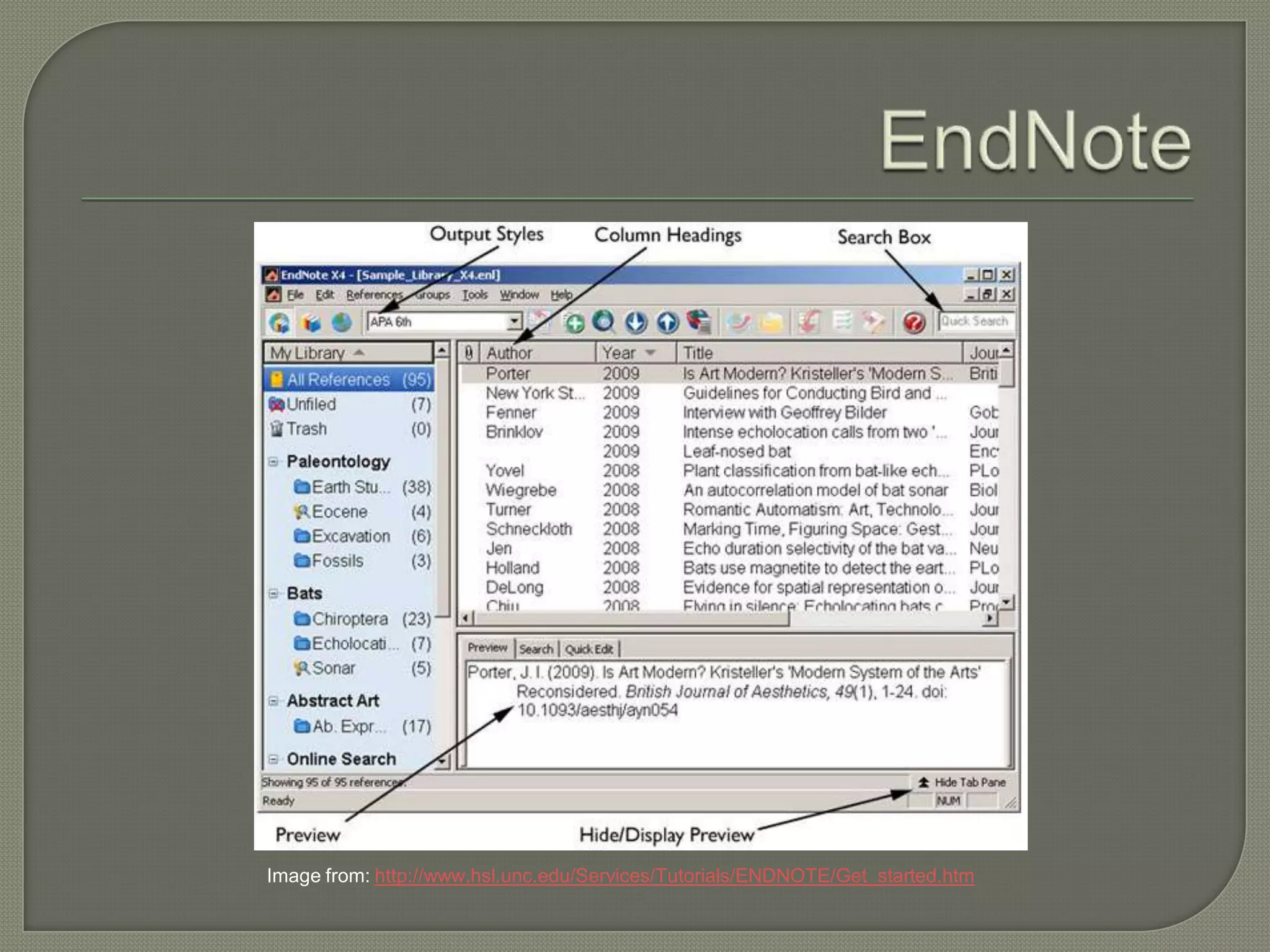
Image from: http://www.hsl.unc.edu/Services/Tutorials/ENDNOTE/Get_started.htm
Strengths:
• Group library function
• Free
• Open source
• Intuitive/ease of use
• Cite While You Write Plug-ing
• Includes stand-alone & web-based components
• Syncing across devices
• Active user community

Weaknesses:
• 100 MB limit for attachments
• Support (since it’s not proprietary)
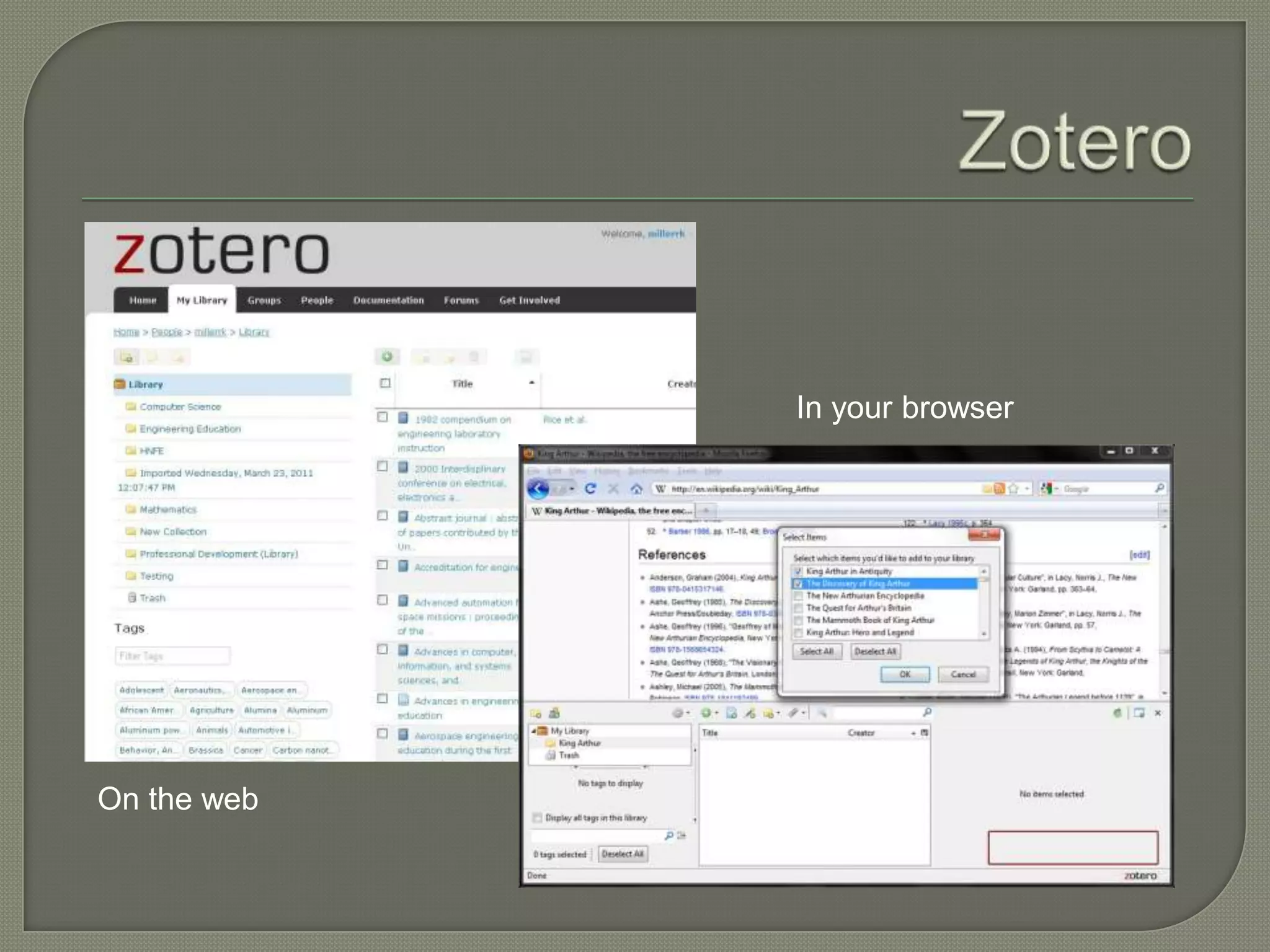
In your browser


On the web
Strengths:
• Free
• Desktop & web-based versions
• Syncing across devices
• Cite While You Write plug-in
• Social networking aspect
• Has an iPad/iPhone app

Weaknesses:
• 500 MB limit for attachments
• Support
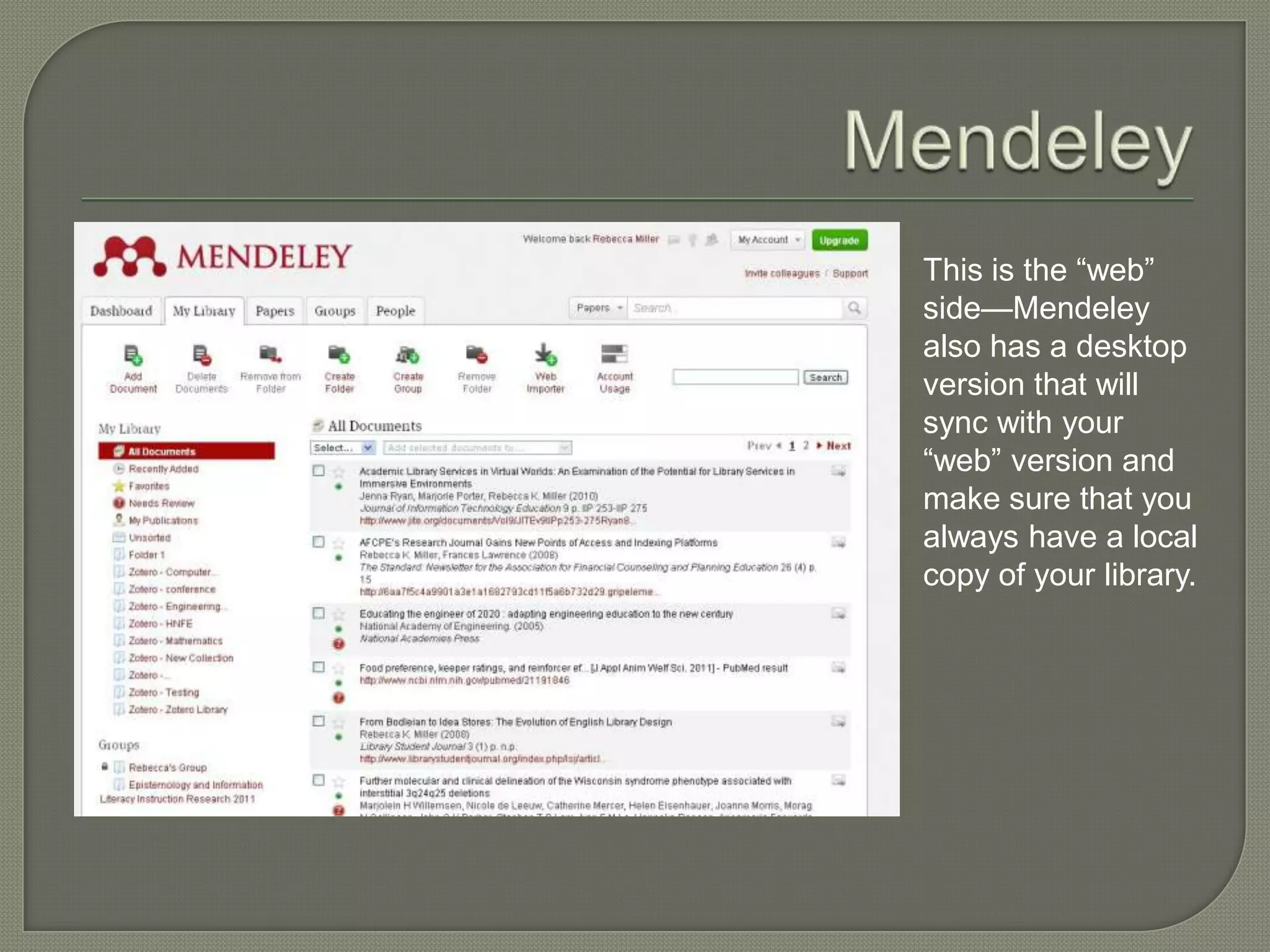
This is the “web”
side—Mendeley
also has a desktop
version that will
sync with your
“web” version and
make sure that you
always have a local
copy of your library.
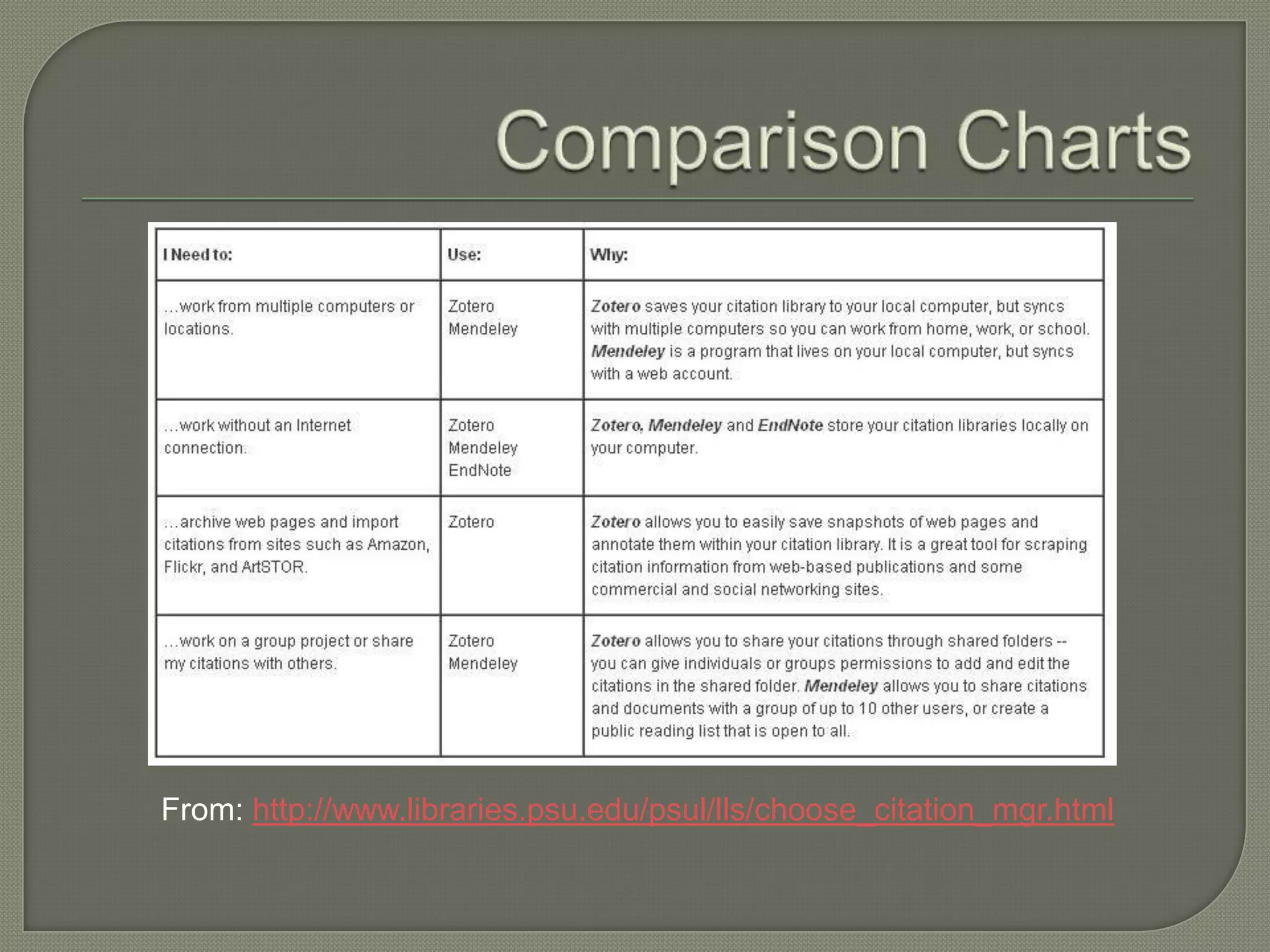
From: http://www.libraries.psu.edu/psul/lls/choose_citation_mgr.html
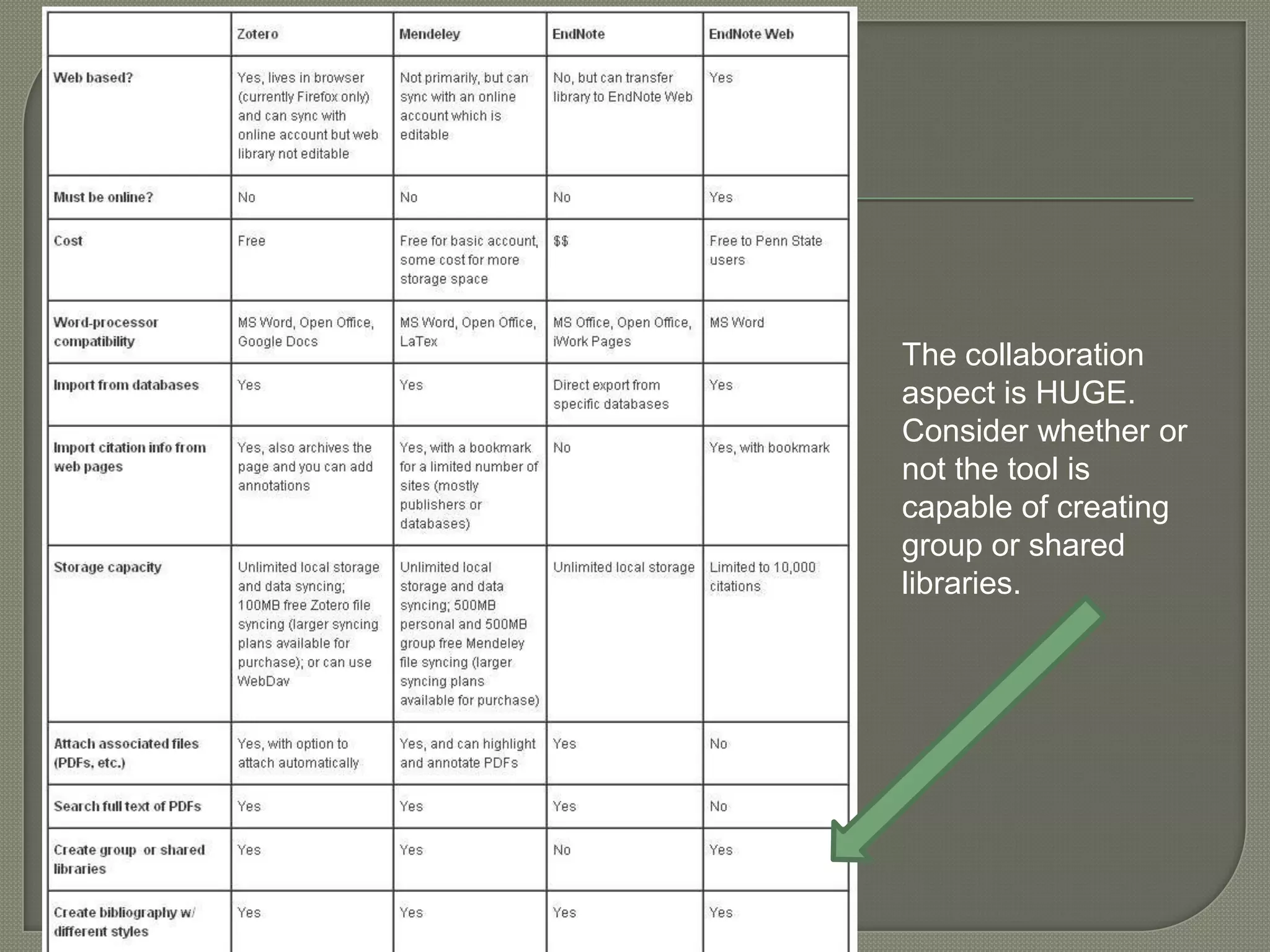
The collaboration
aspect is HUGE.
Consider whether or
not the tool is
capable of creating
group or shared
libraries.
 Evernote
 LiveBinders
 Instapaper
 To-Do   List Tools
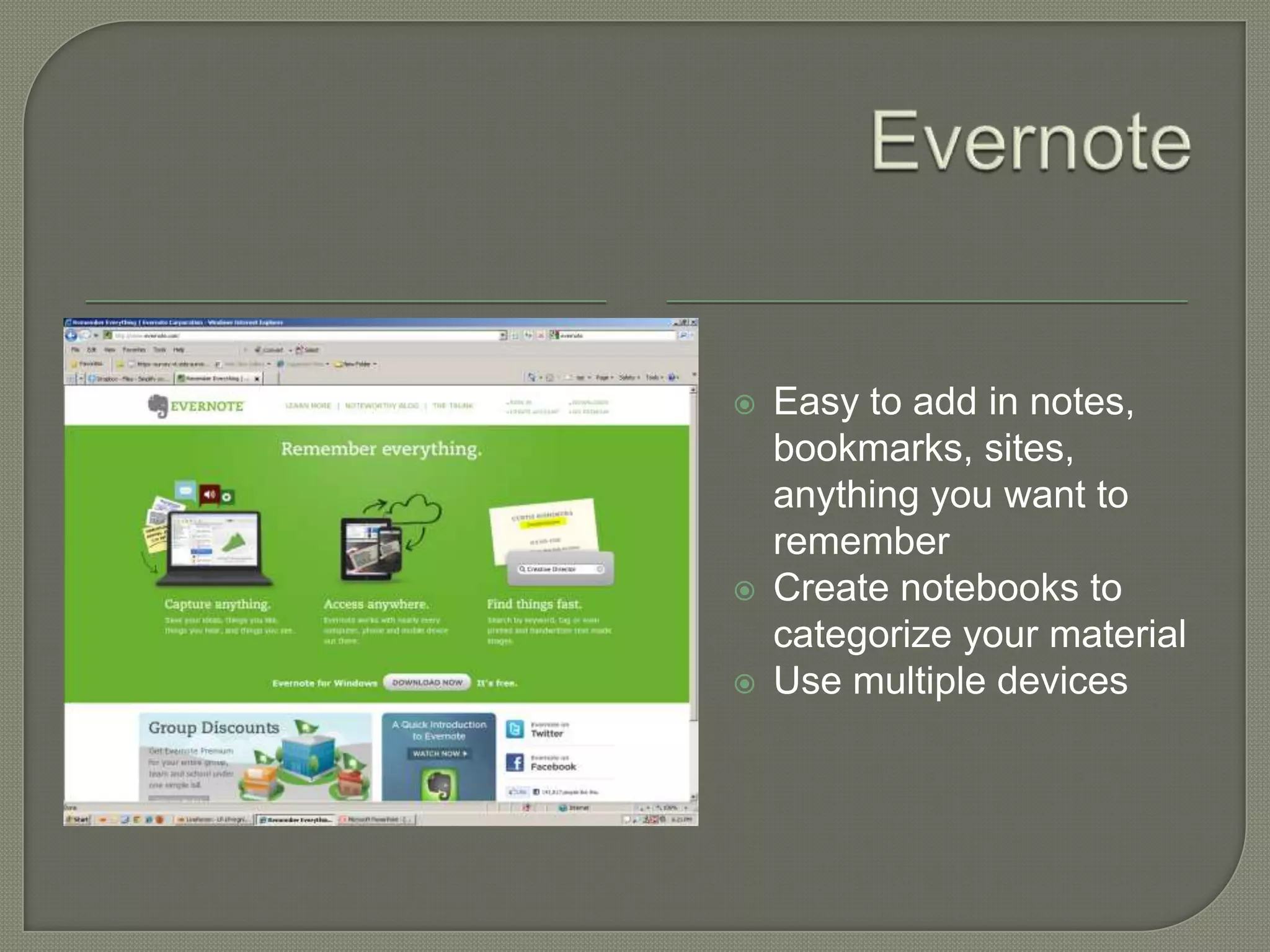
   Easy to add in notes,
    bookmarks, sites,
    anything you want to
    remember
   Create notebooks to
    categorize your material
   Use multiple devices
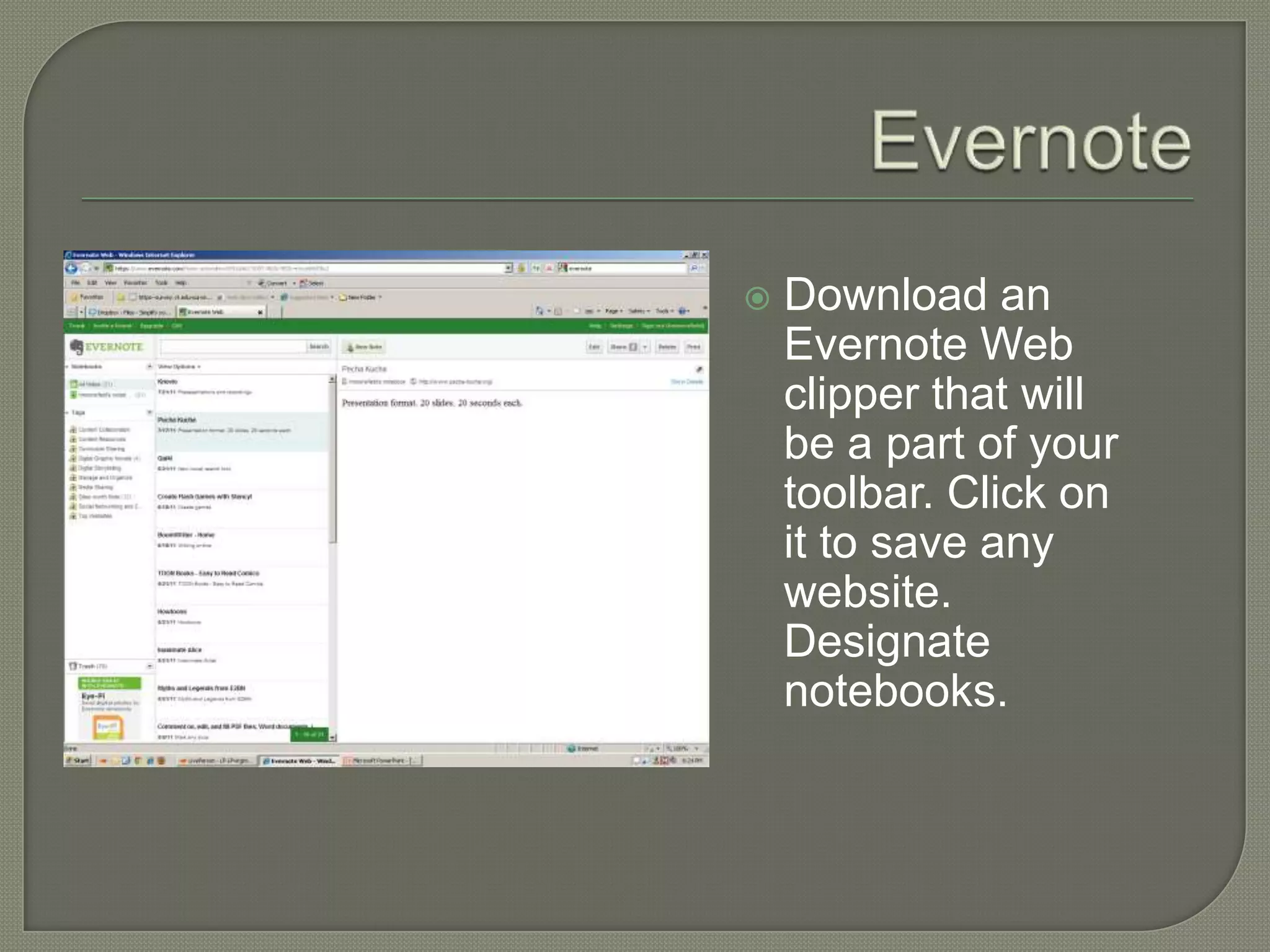
   Download an
    Evernote Web
    clipper that will
    be a part of your
    toolbar. Click on
    it to save any
    website.
    Designate
    notebooks.
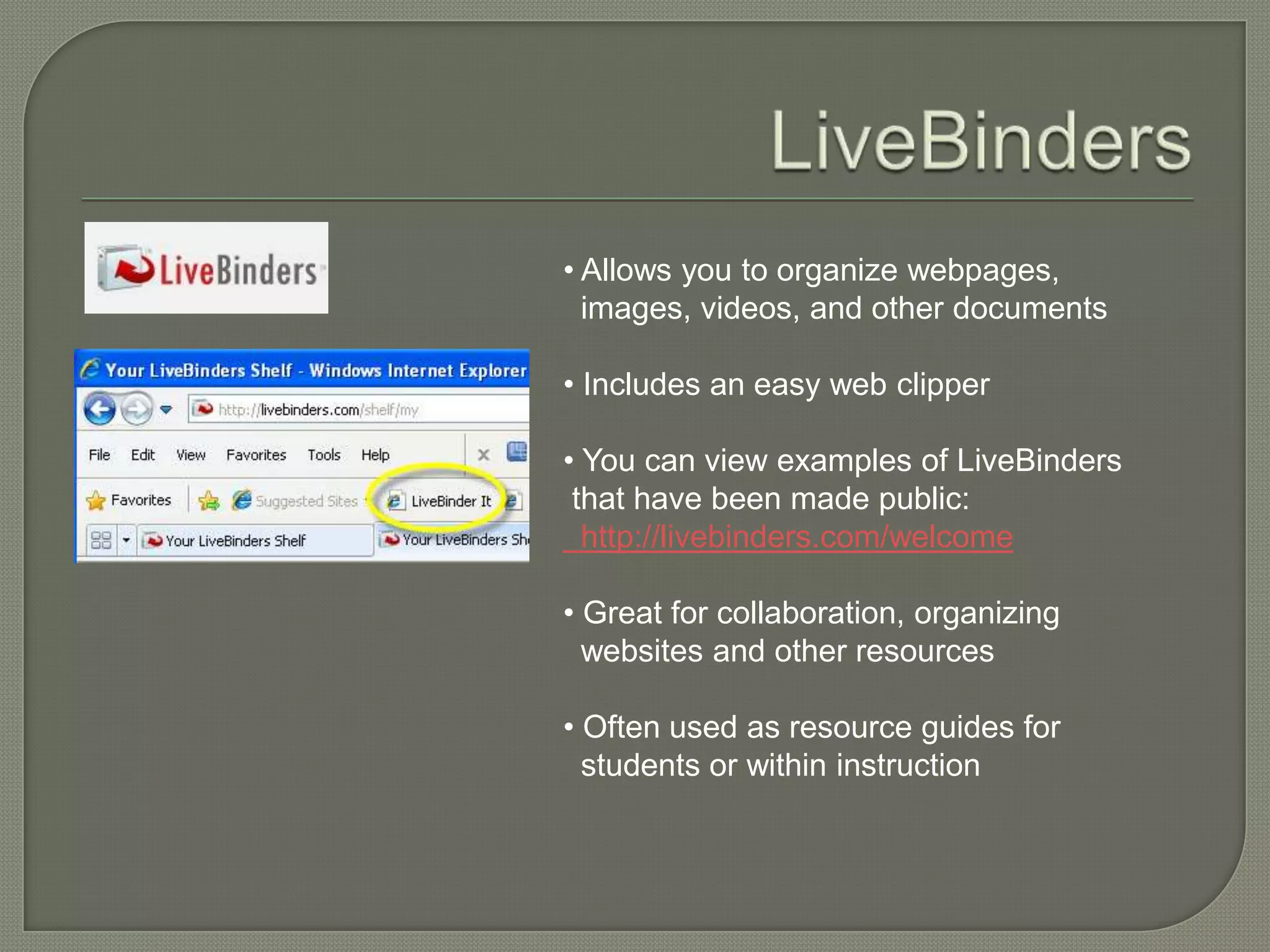
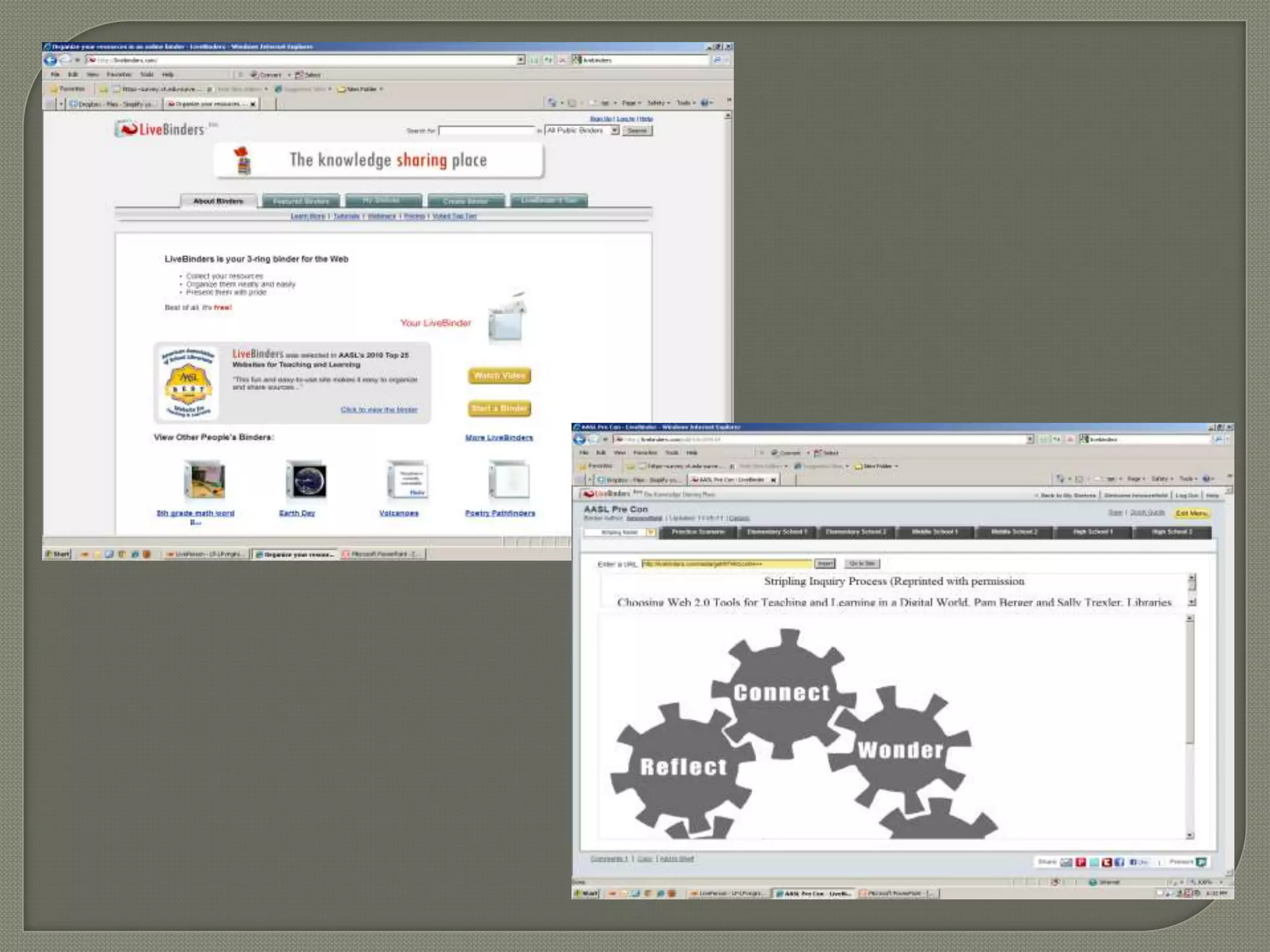
• Allows you to organize webpages,
  images, videos, and other documents

• Includes an easy web clipper

• You can view examples of LiveBinders
 that have been made public:
  http://livebinders.com/welcome

• Great for collaboration, organizing
  websites and other resources

• Often used as resource guides for
  students or within instruction
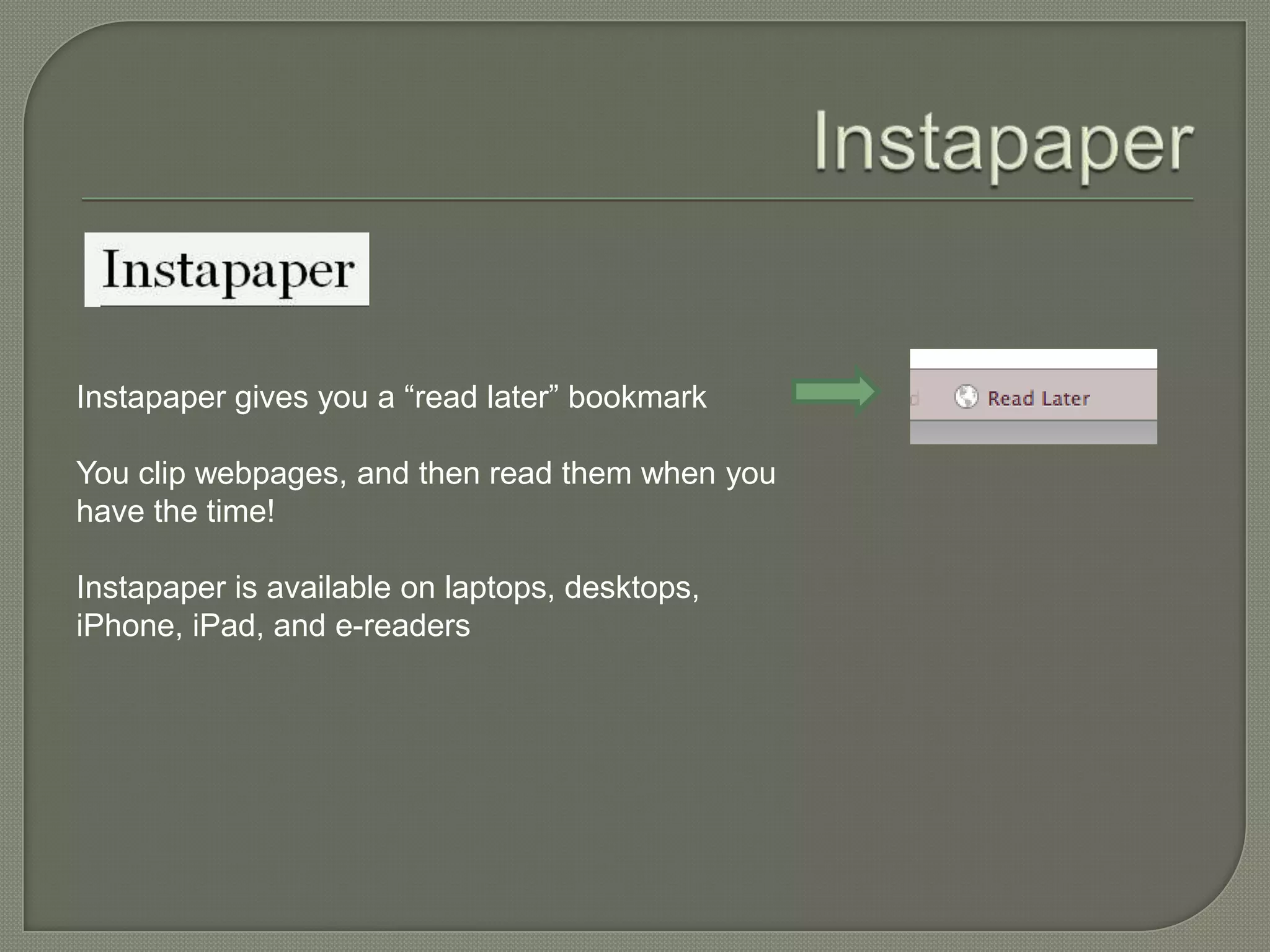
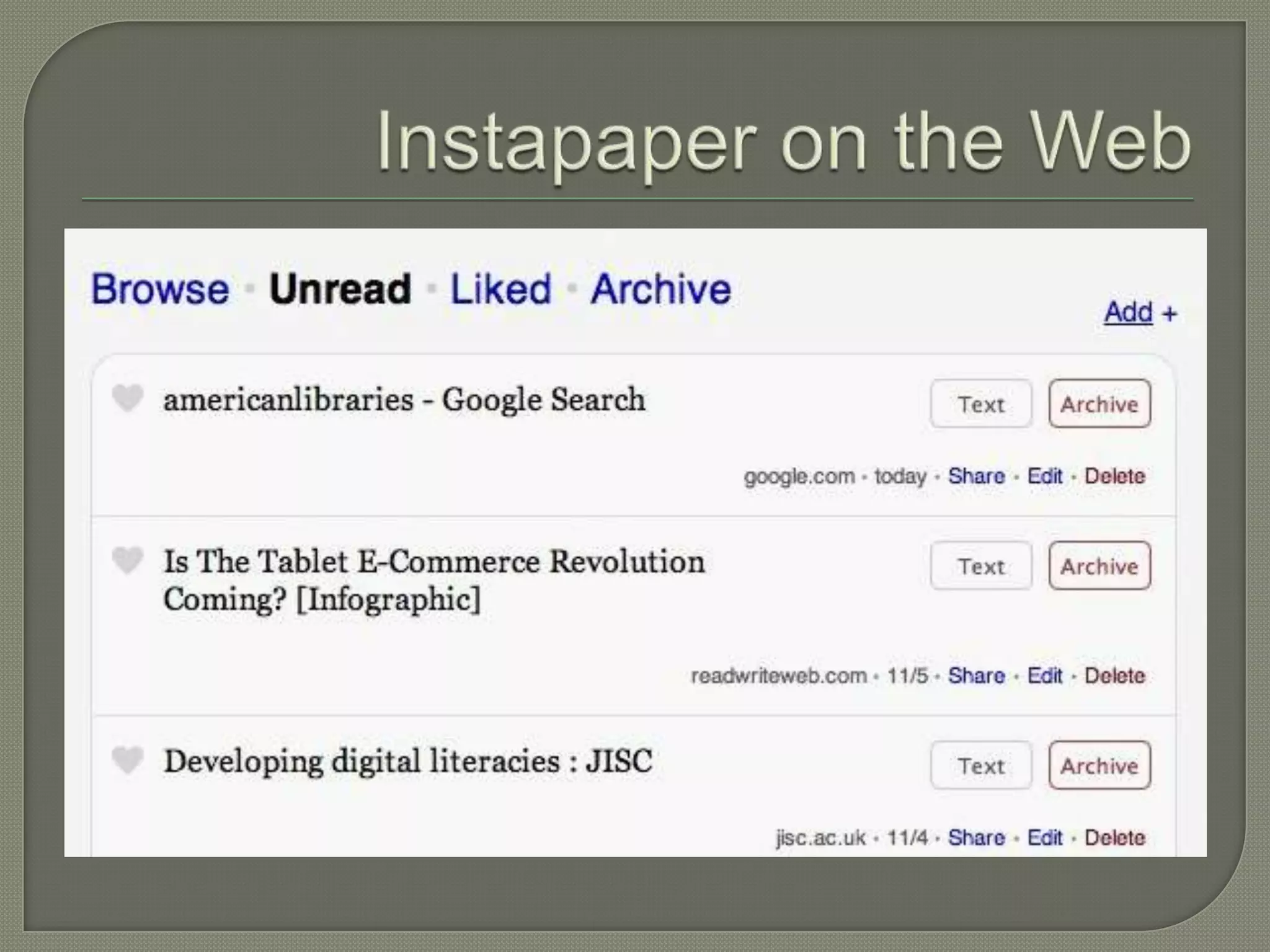
Instapaper gives you a “read later” bookmark

You clip webpages, and then read them when you
have the time!

Instapaper is available on laptops, desktops,
iPhone, iPad, and e-readers
 Remember   the Milk
 Toodledo
 TeuxDeux
 Todo.ly
 42Tasks
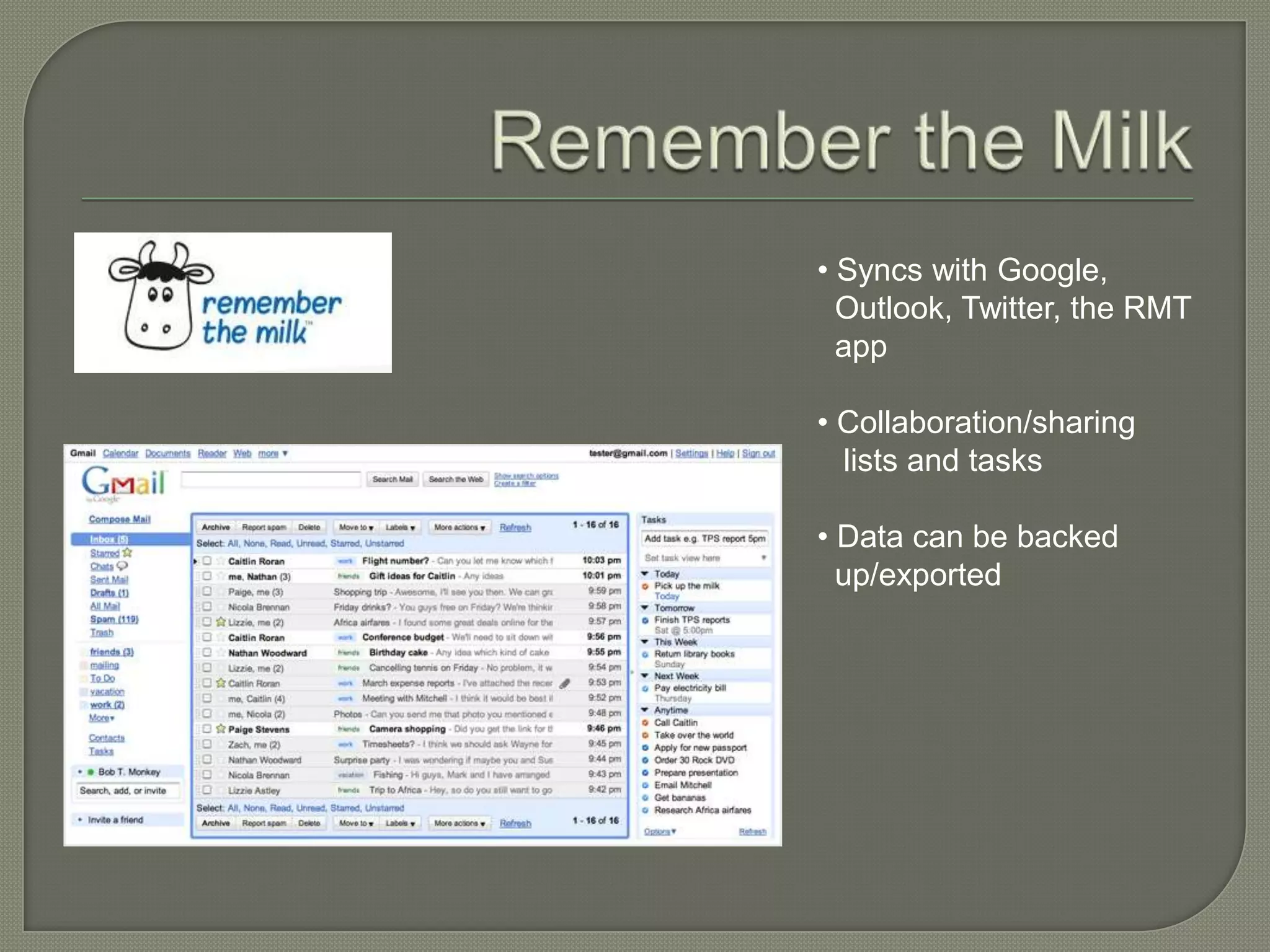
• Syncs with Google,
  Outlook, Twitter, the RMT
  app

• Collaboration/sharing
  lists and tasks

• Data can be backed
  up/exported
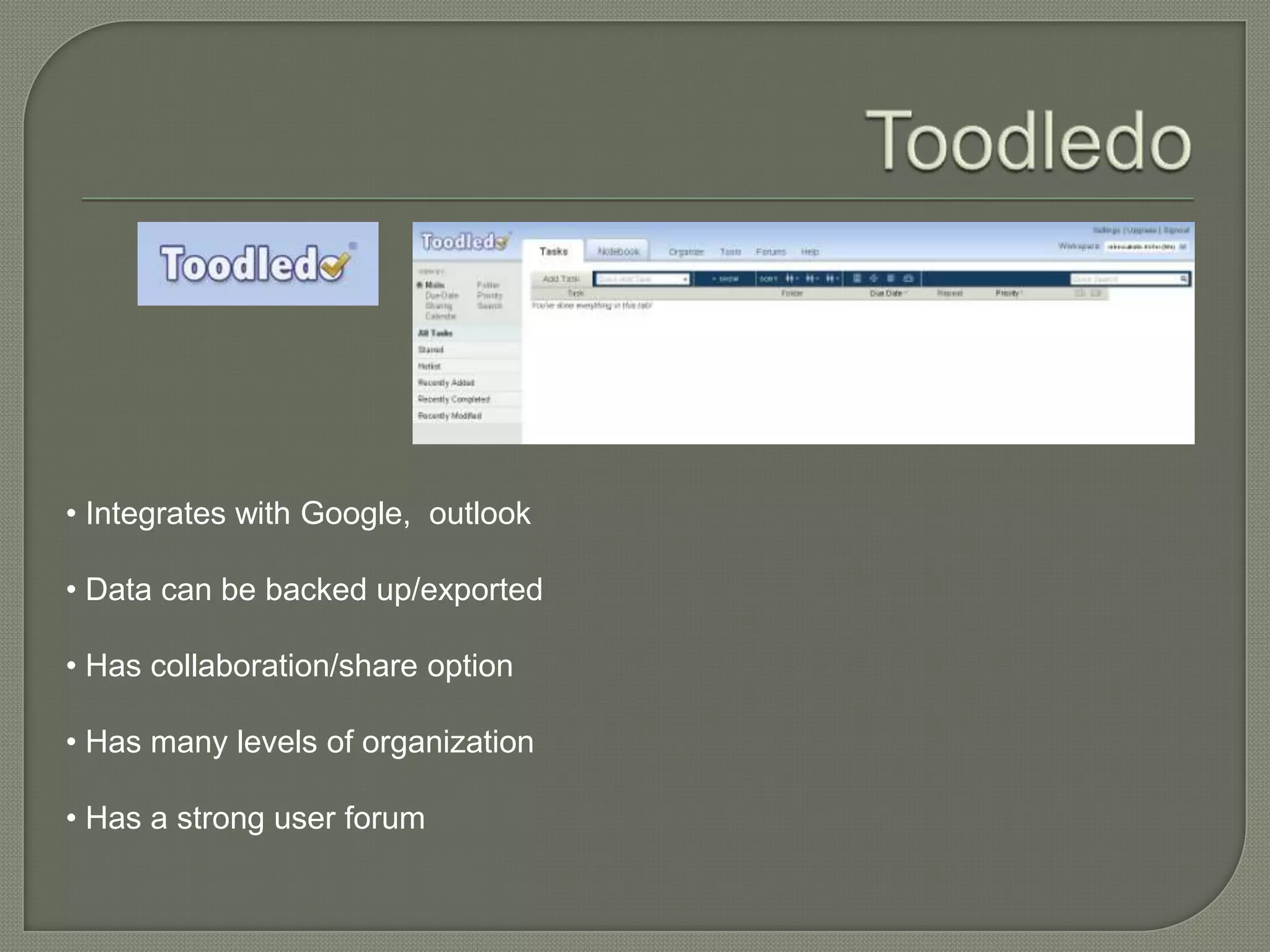
• Integrates with Google, outlook

• Data can be backed up/exported

• Has collaboration/share option

• Has many levels of organization

• Has a strong user forum
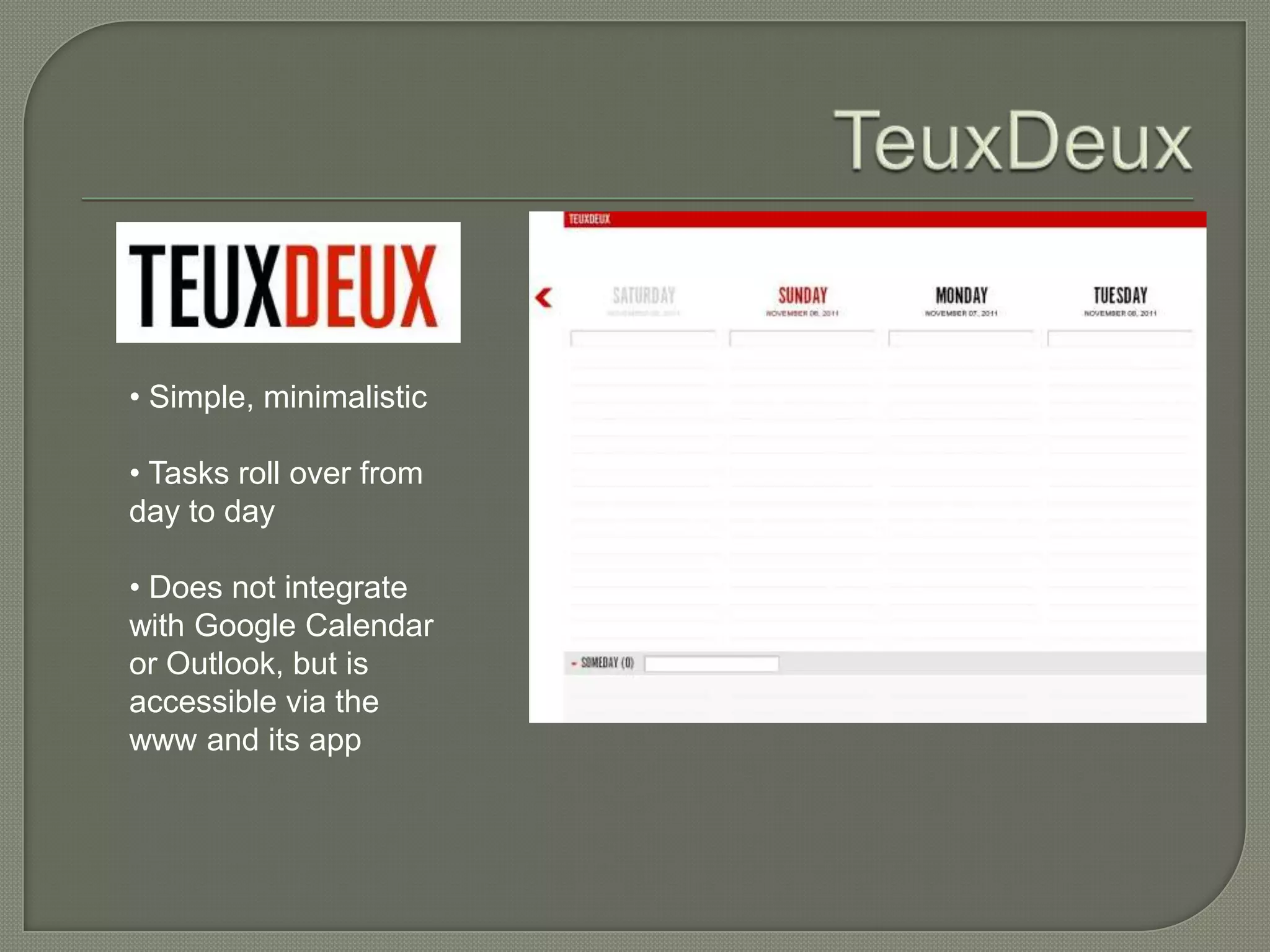
• Simple, minimalistic

• Tasks roll over from
day to day

• Does not integrate
with Google Calendar
or Outlook, but is
accessible via the
www and its app
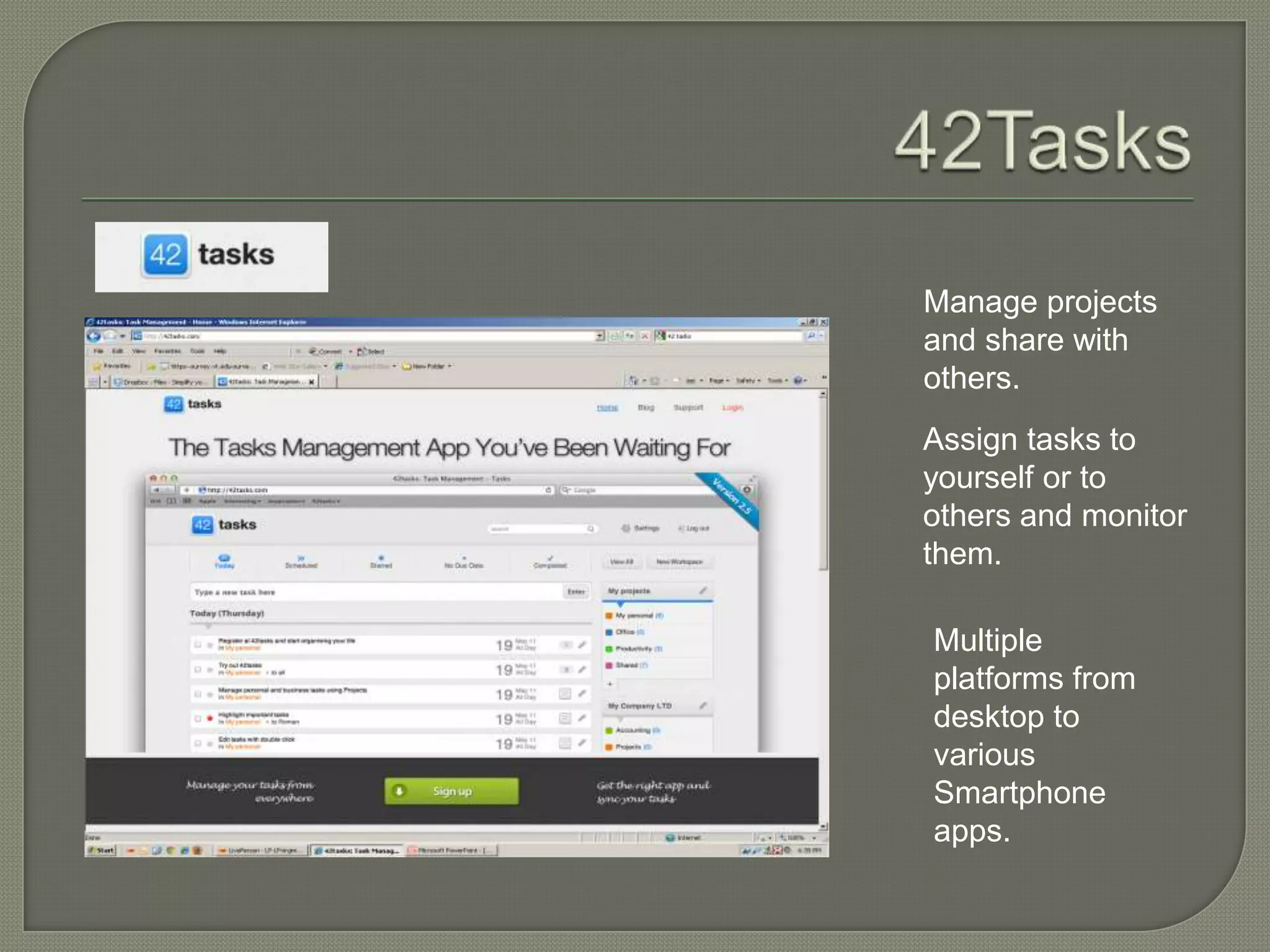
Manage projects
and share with
others.
Assign tasks to
yourself or to
others and monitor
them.

Multiple
platforms from
desktop to
various
Smartphone
apps.
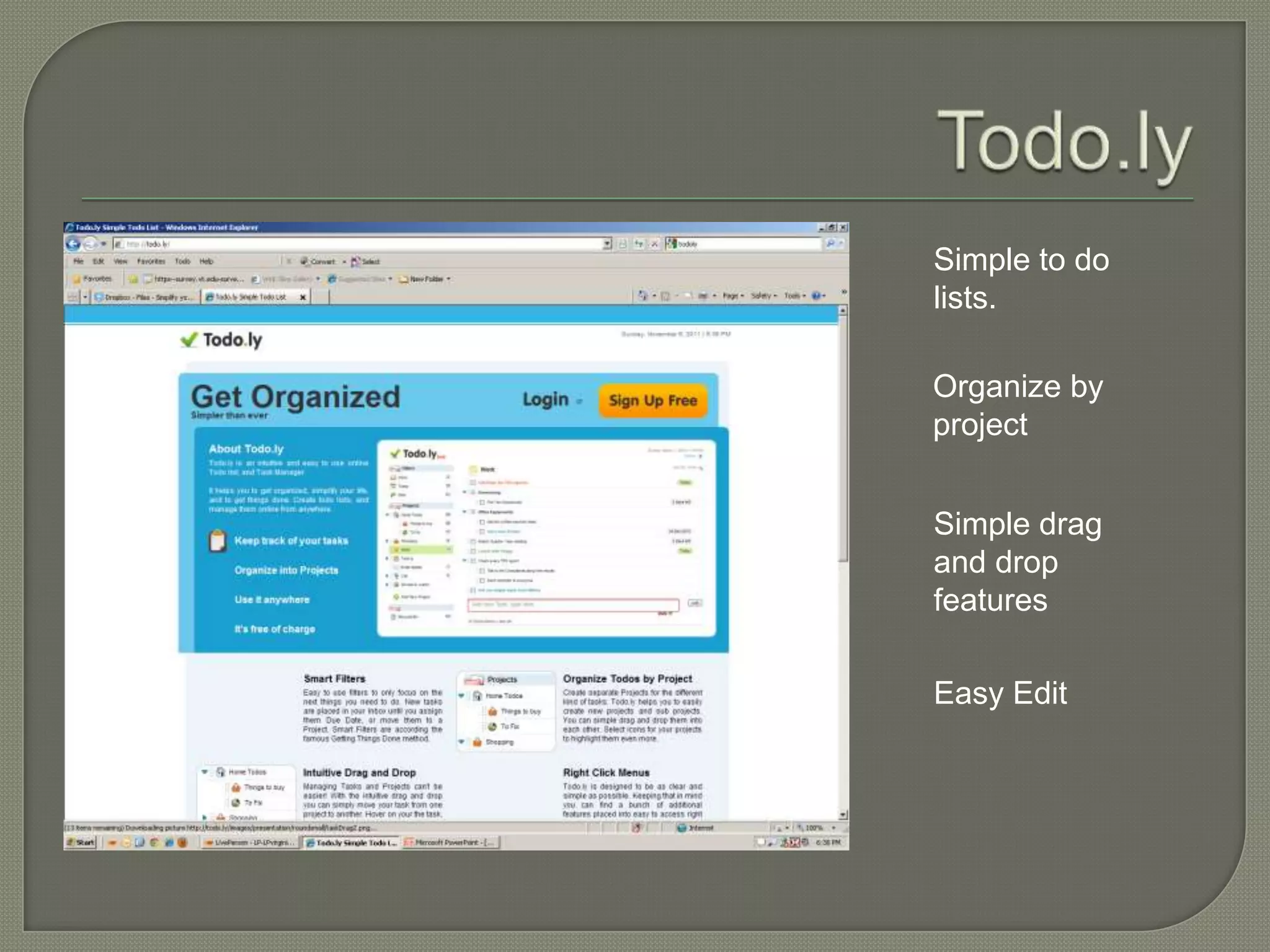
Simple to do
lists.

Organize by
project


Simple drag
and drop
features

Easy Edit
 Dropbox
 SugarSync
 AeroFS
 Box.net
   EDUCAUSE Learning Initiative. (2011). 7 things you should know
    about…organizing files in the cloud. Retrieved from
    http://net.educause.edu/ir/library/pdf/ELI7073.pdf

   Pinola, M. (2011). Dropbox v. the alternatives: which one is right for you?
    Lifehacker. Retrieved from http://lifehacker.com/5818908/dropbox-vs-the-
    alternatives-which-online-syncing-service-is-right-for-you

   Summary:
     • Consider how much storage space you will need
     • Consider the security and privacy issues
     • Consider collaboration
     • Consider syncing
     • Consider organization options
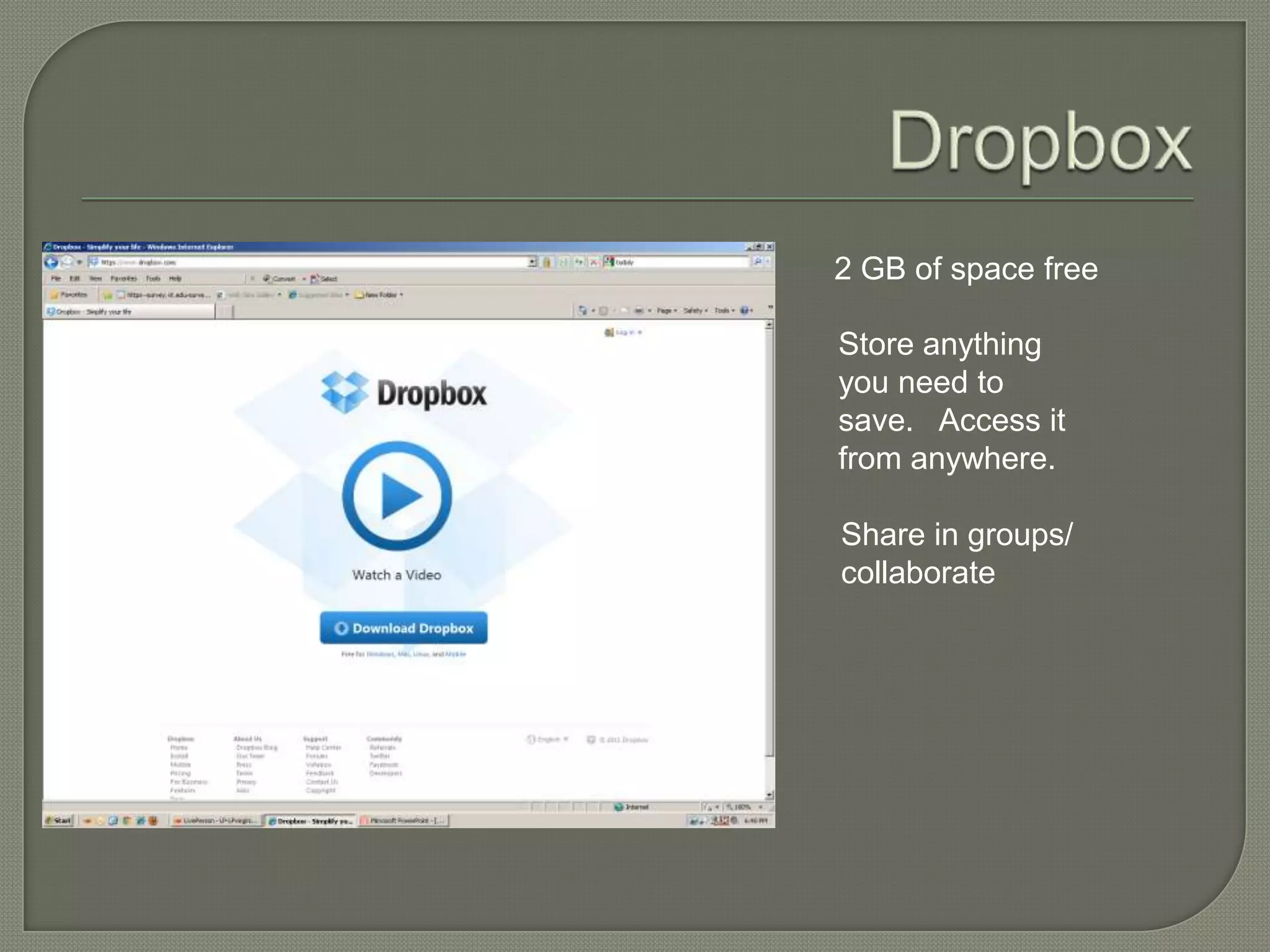
2 GB of space free

Store anything
you need to
save. Access it
from anywhere.

Share in groups/
collaborate
5  GB for free
 Sync across devices
 Folder selections & privacy settings at the
  folder level
 Collaboration and sharing at the folder
  level
 Includes media streaming
 Stillin early beta
 Shares data across your devices
  (unlimited amount of “storage”)
 Gives you an option of whether you want it
  backed up in the cloud
 File sharing at the folder level
5  GB storage space free
 Mobile app access
 Sharing and collaboration at the folder
  level
 No password protected sharing at the free
  level
 Syncing across devices
 LibX
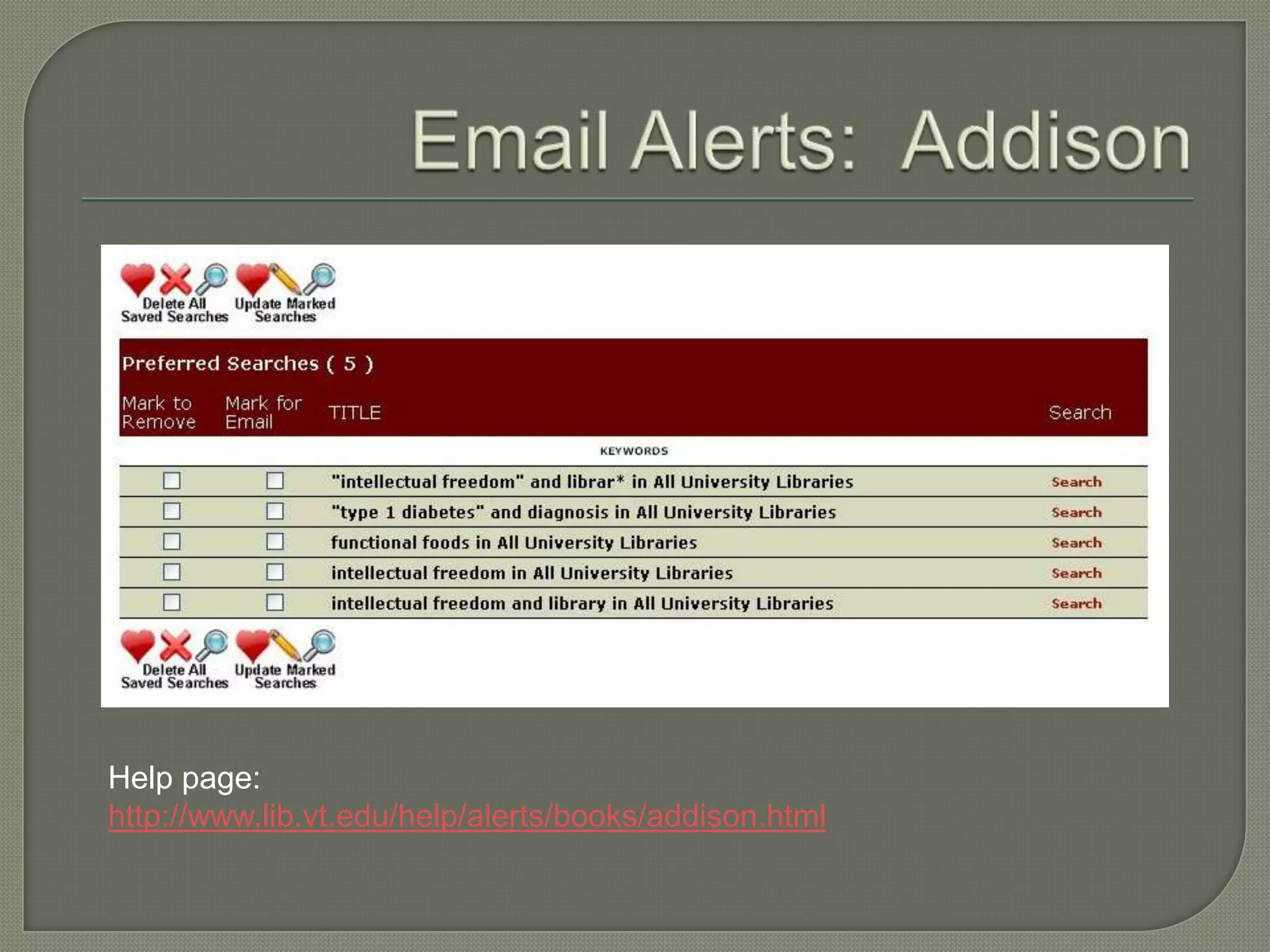
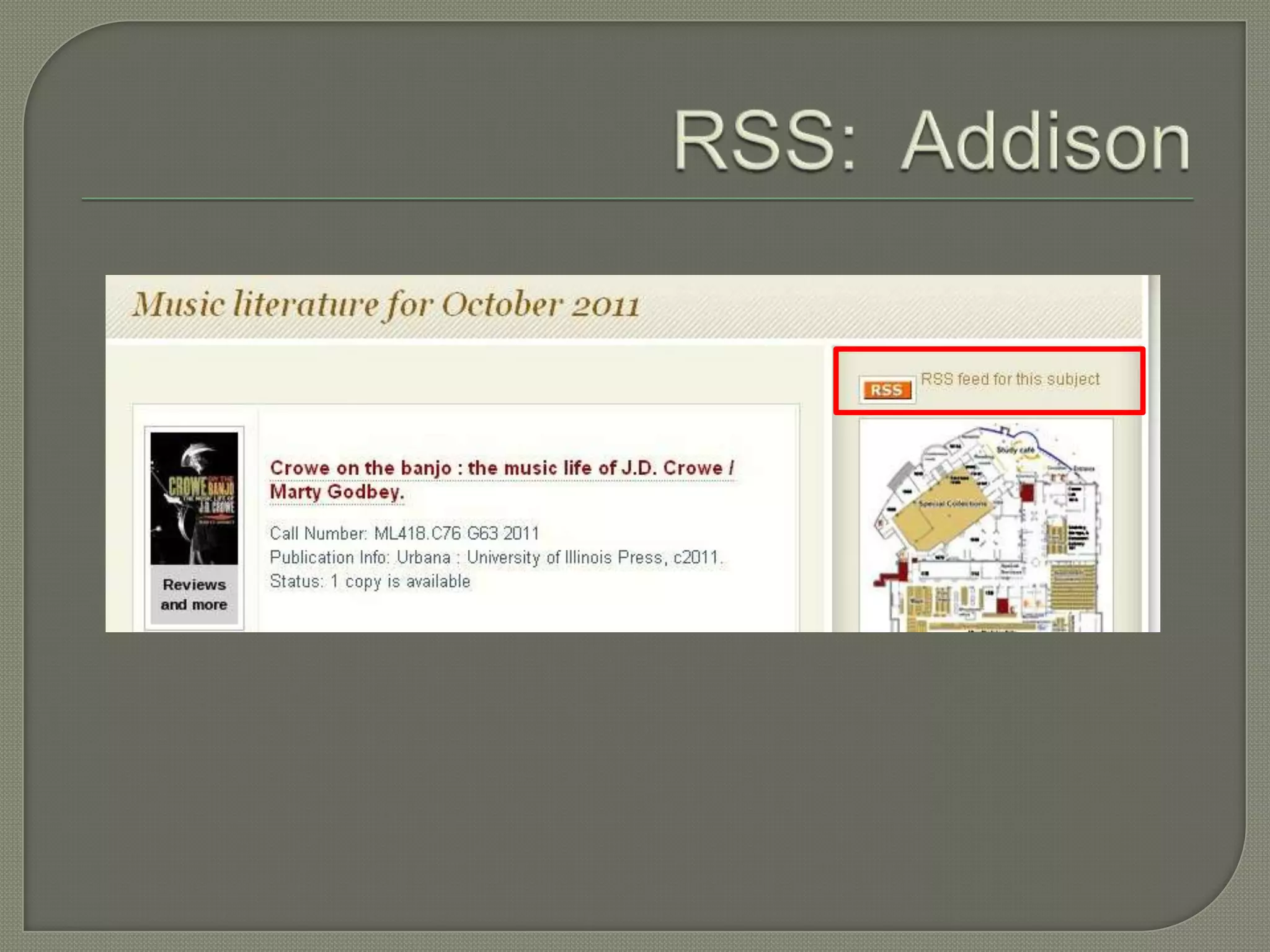
 Email search alerts     & RSS feeds
  • Addison
  • Summon
  • PubMed
  • Engineering Village
  • Ebsco
  • Google
 RSS readers
 Google   Scholar
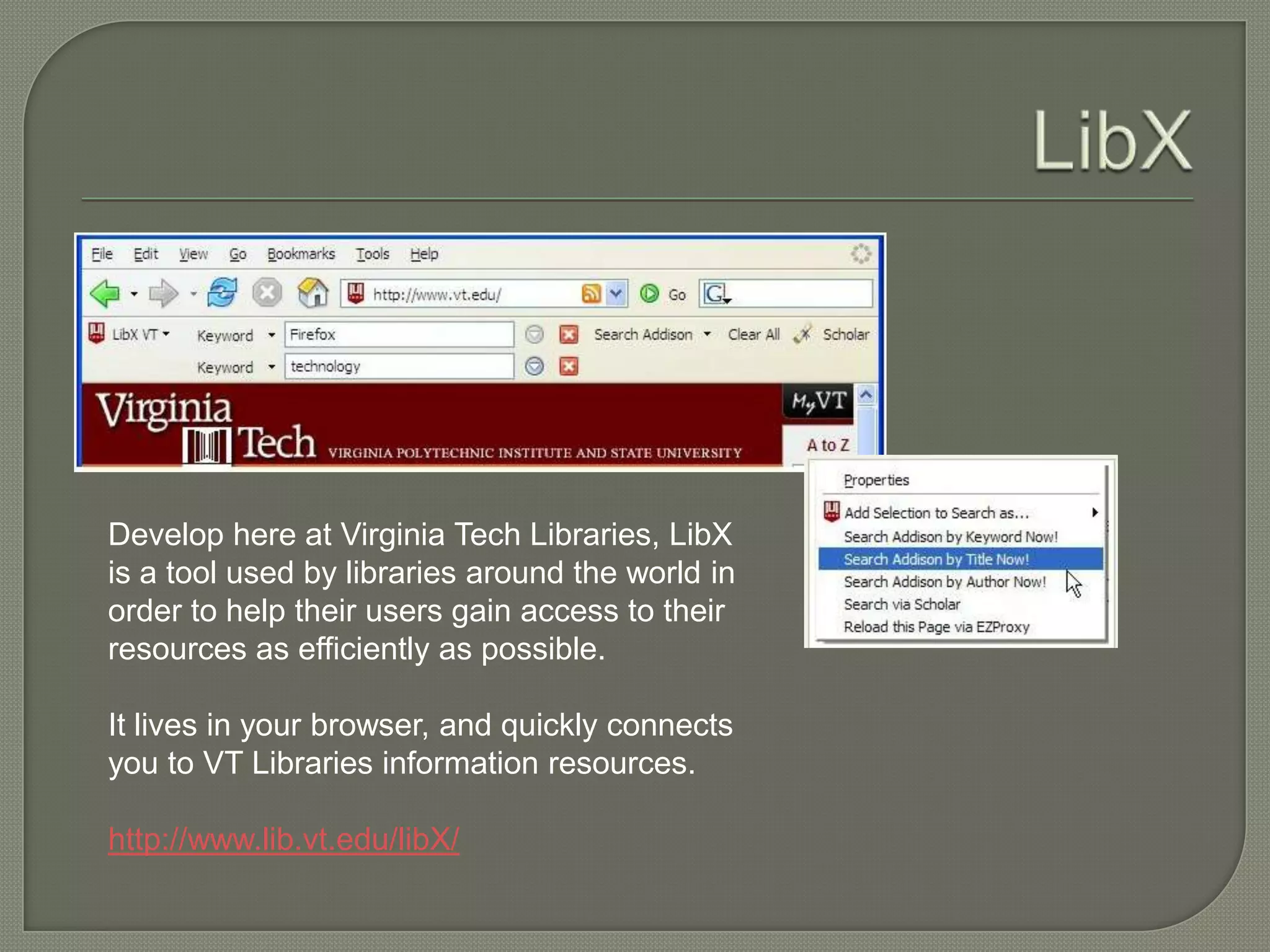
Develop here at Virginia Tech Libraries, LibX
is a tool used by libraries around the world in
order to help their users gain access to their
resources as efficiently as possible.

It lives in your browser, and quickly connects
you to VT Libraries information resources.

http://www.lib.vt.edu/libX/
 Read   about RSS feeds:
  http://www.lib.vt.edu/help/alerts/rss/
 Read about email alerts:
  http://www.lib.vt.edu/help/alerts/publisher/i
  ndex.html
Help page:
http://www.lib.vt.edu/help/alerts/books/addison.html
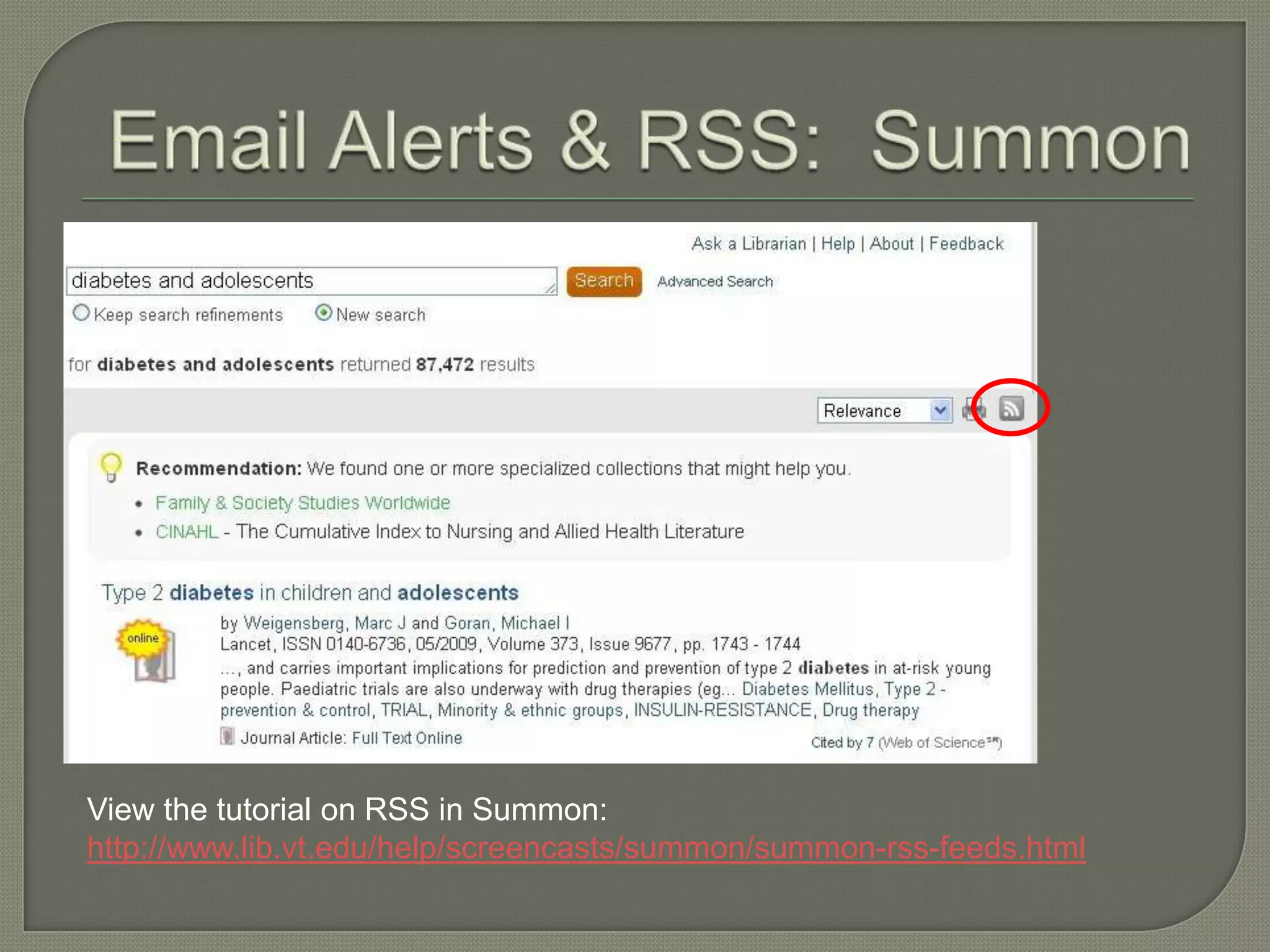
View the tutorial on RSS in Summon:
http://www.lib.vt.edu/help/screencasts/summon/summon-rss-feeds.html
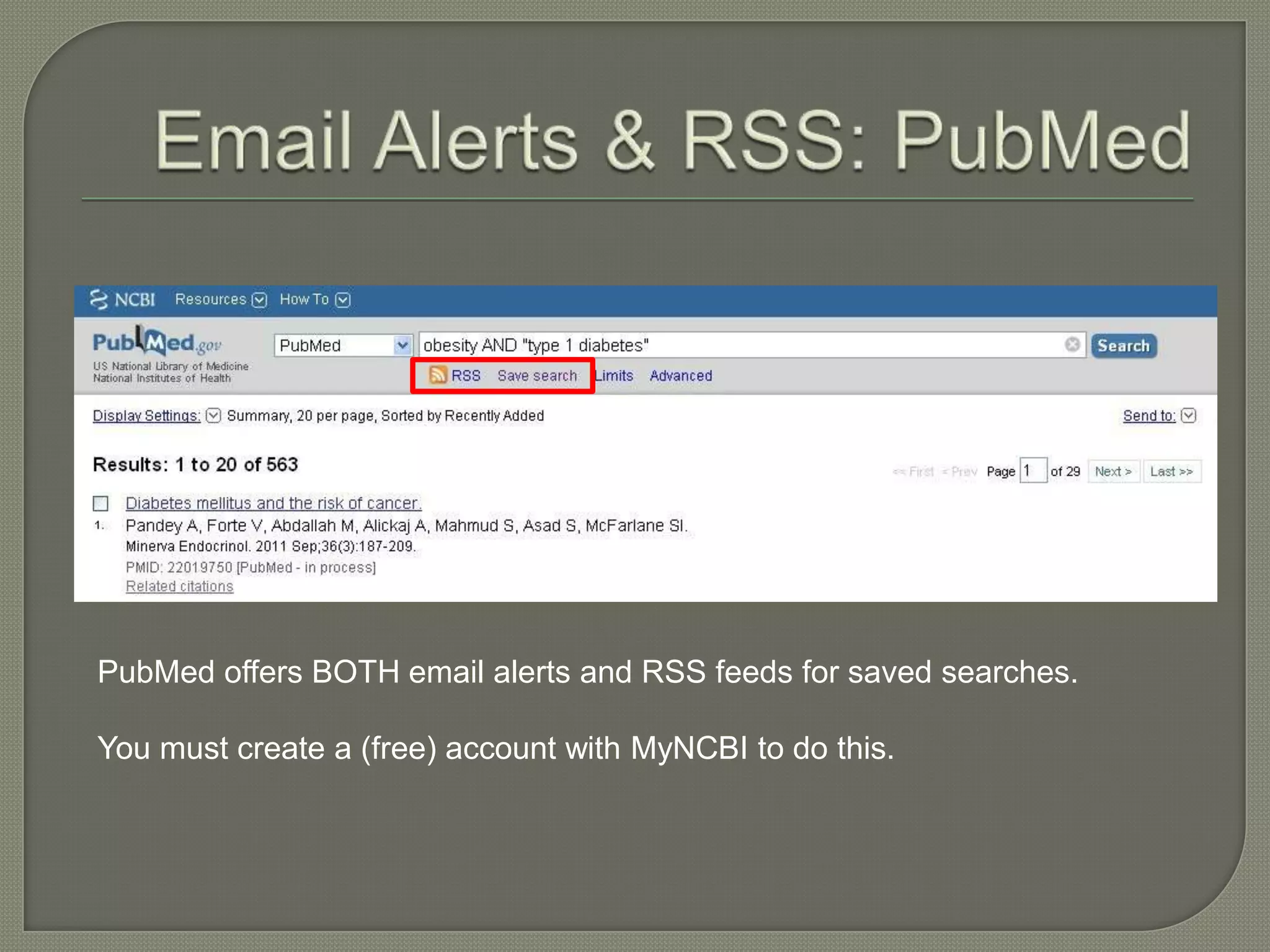
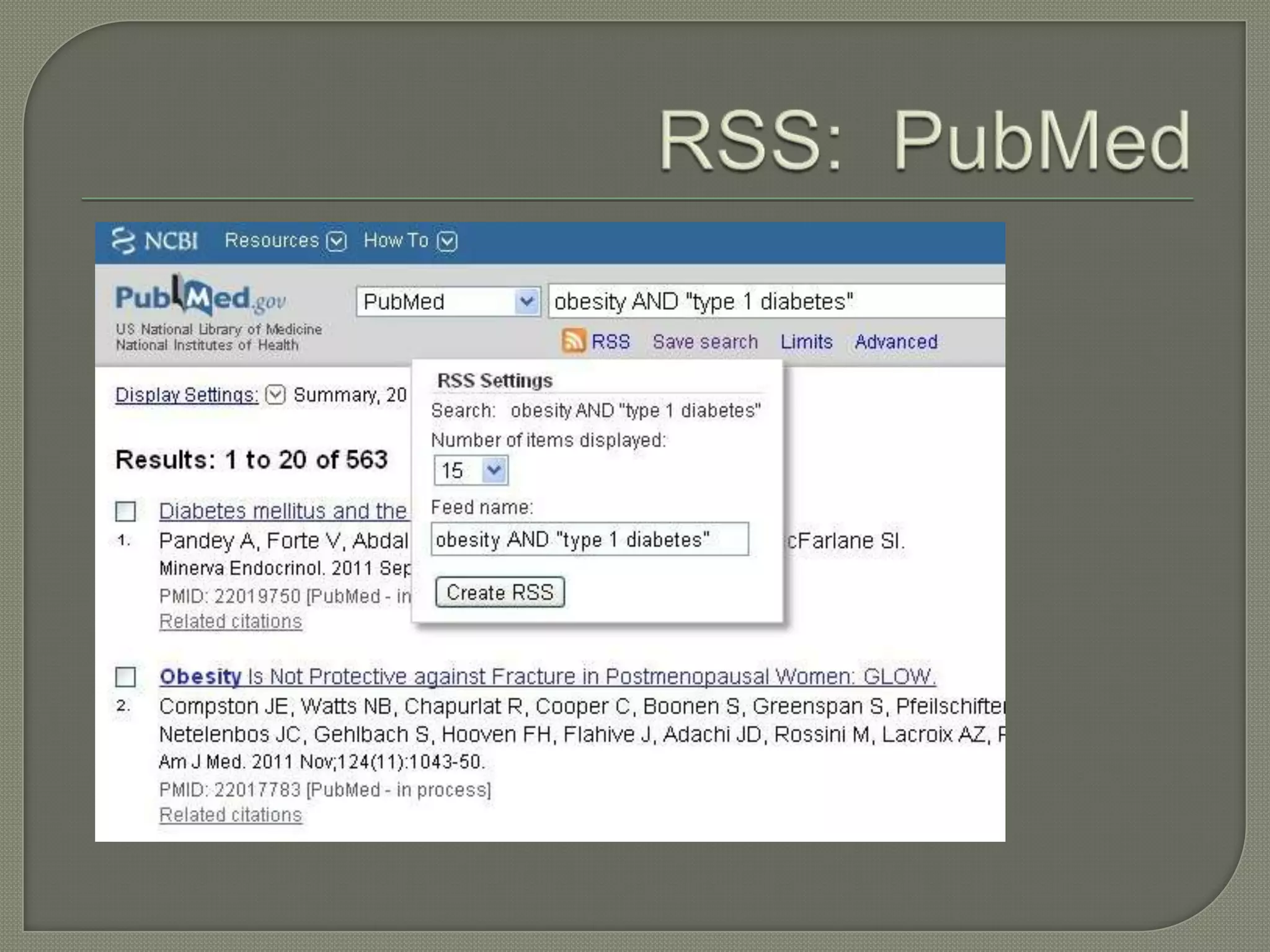
PubMed offers BOTH email alerts and RSS feeds for saved searches.

You must create a (free) account with MyNCBI to do this.
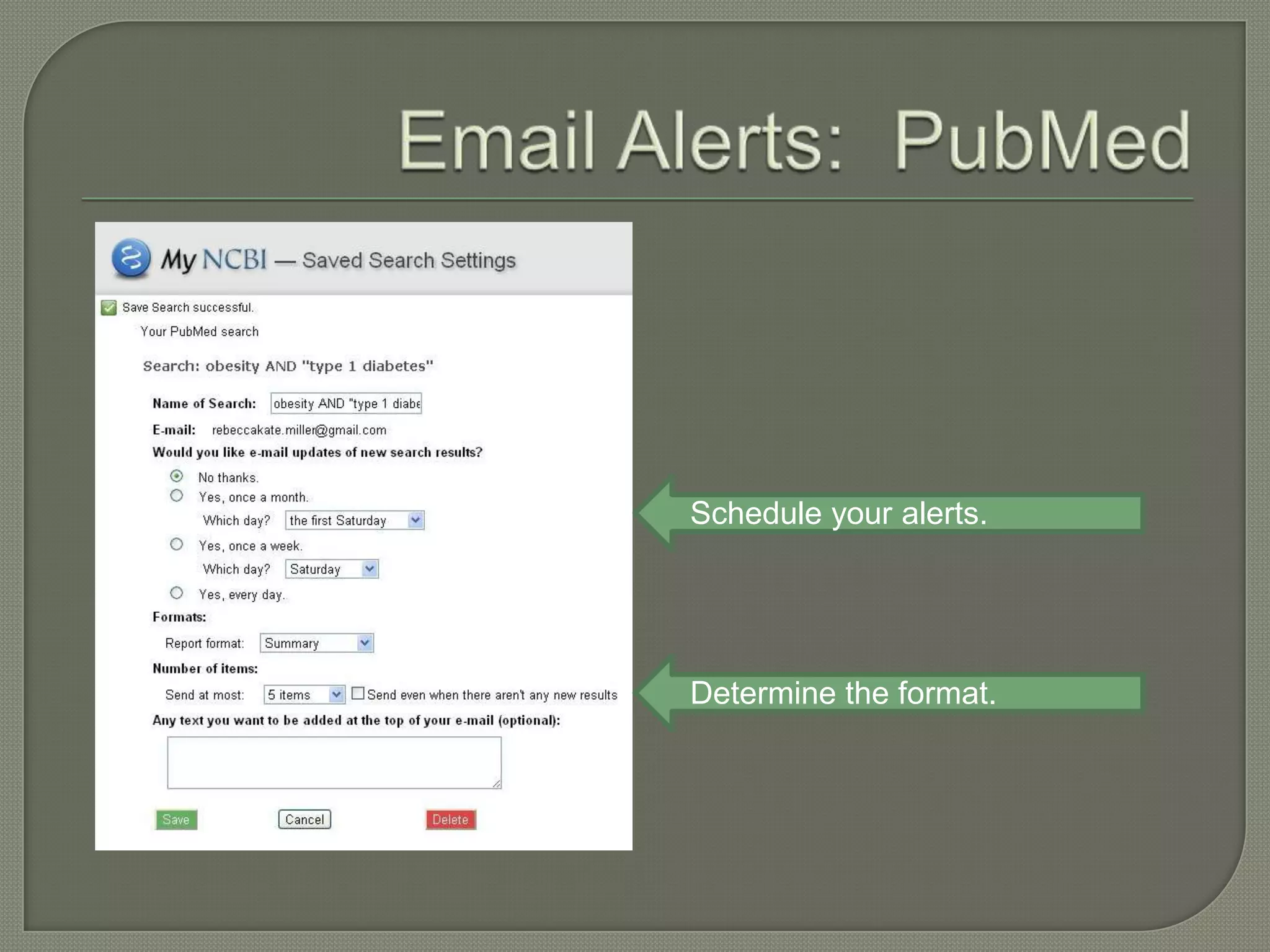
Schedule your alerts.


Determine the format.
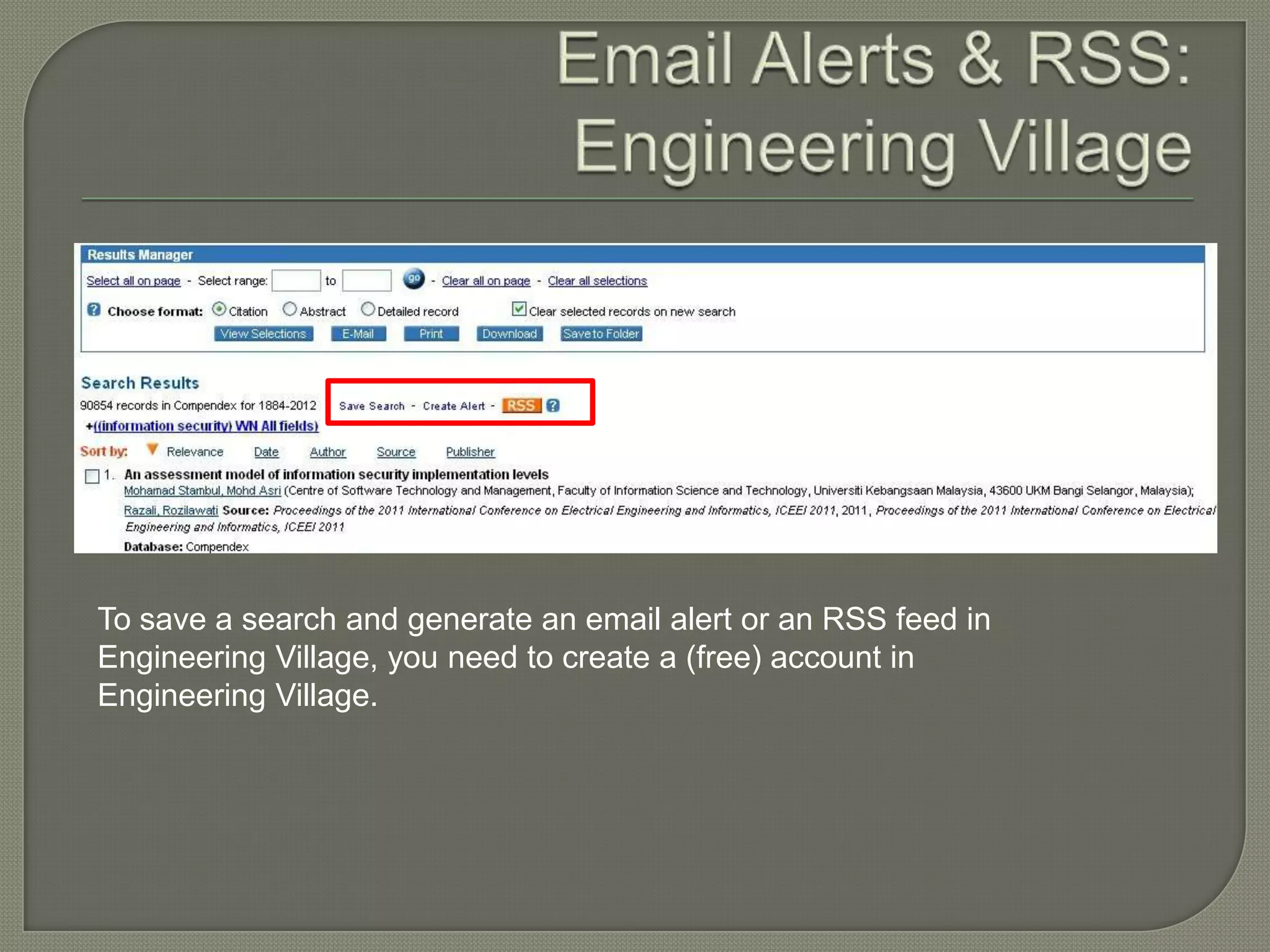
To save a search and generate an email alert or an RSS feed in
Engineering Village, you need to create a (free) account in
Engineering Village.
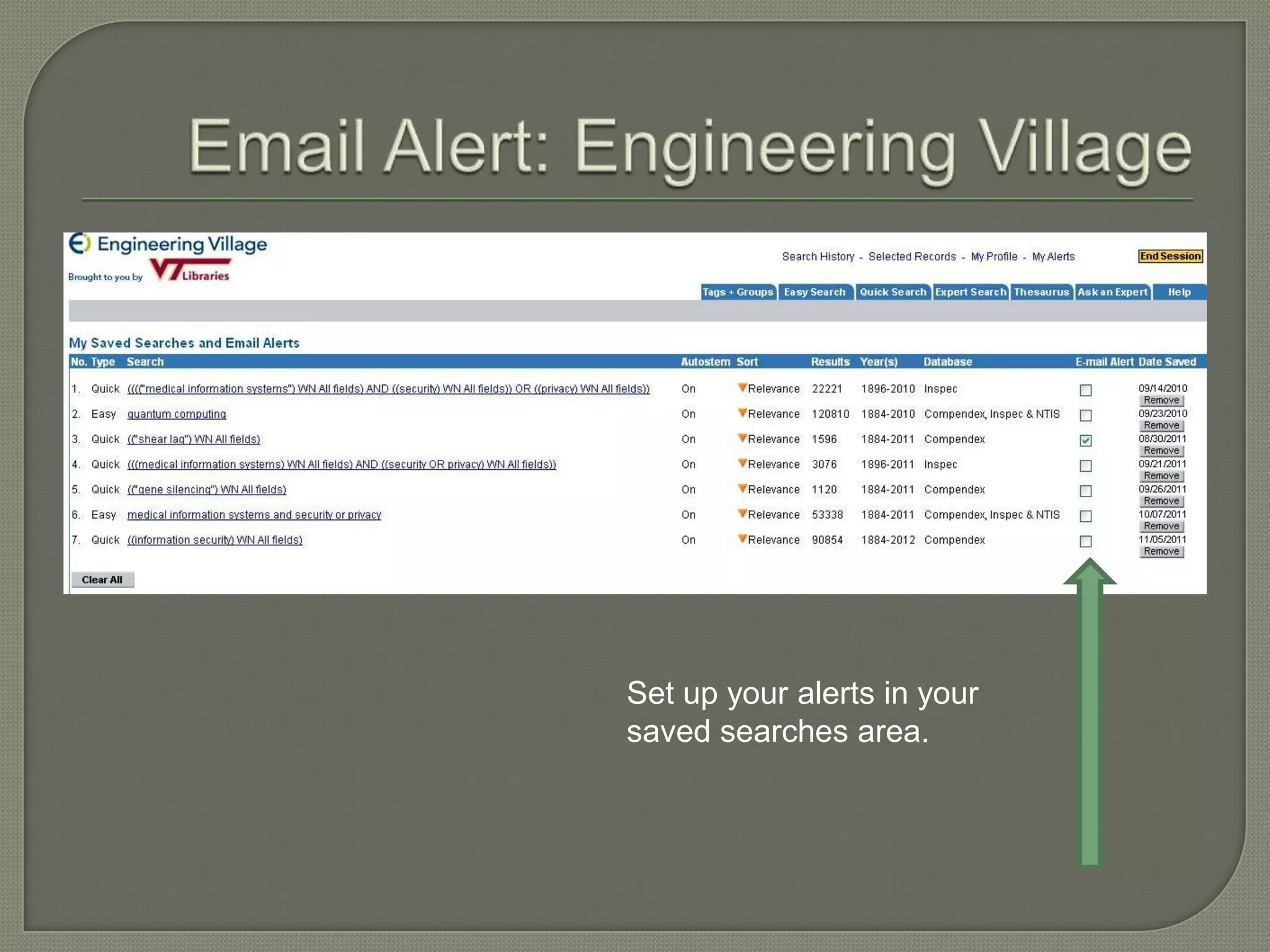
Set up your alerts in your
saved searches area.
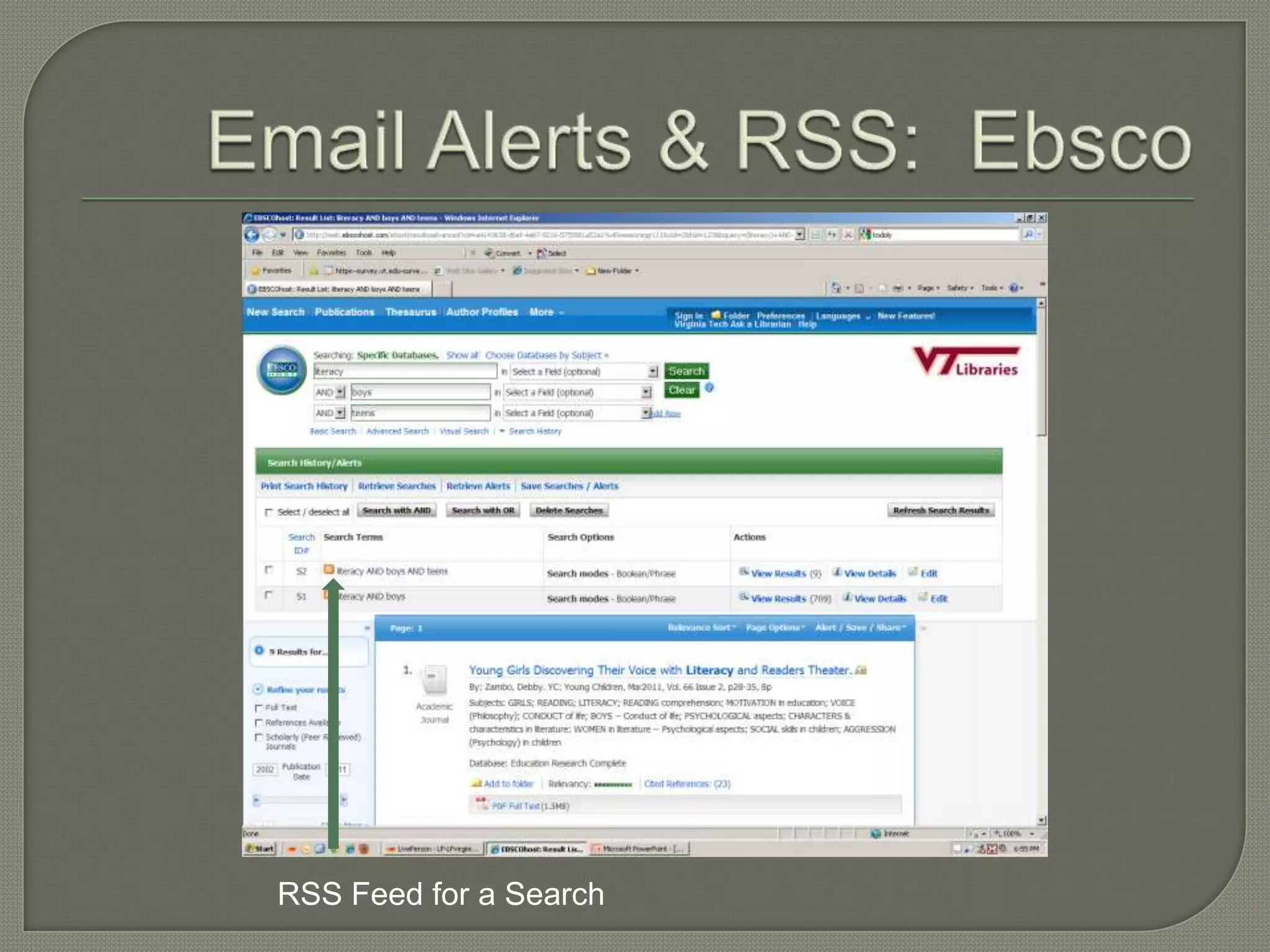
RSS Feed for a Search
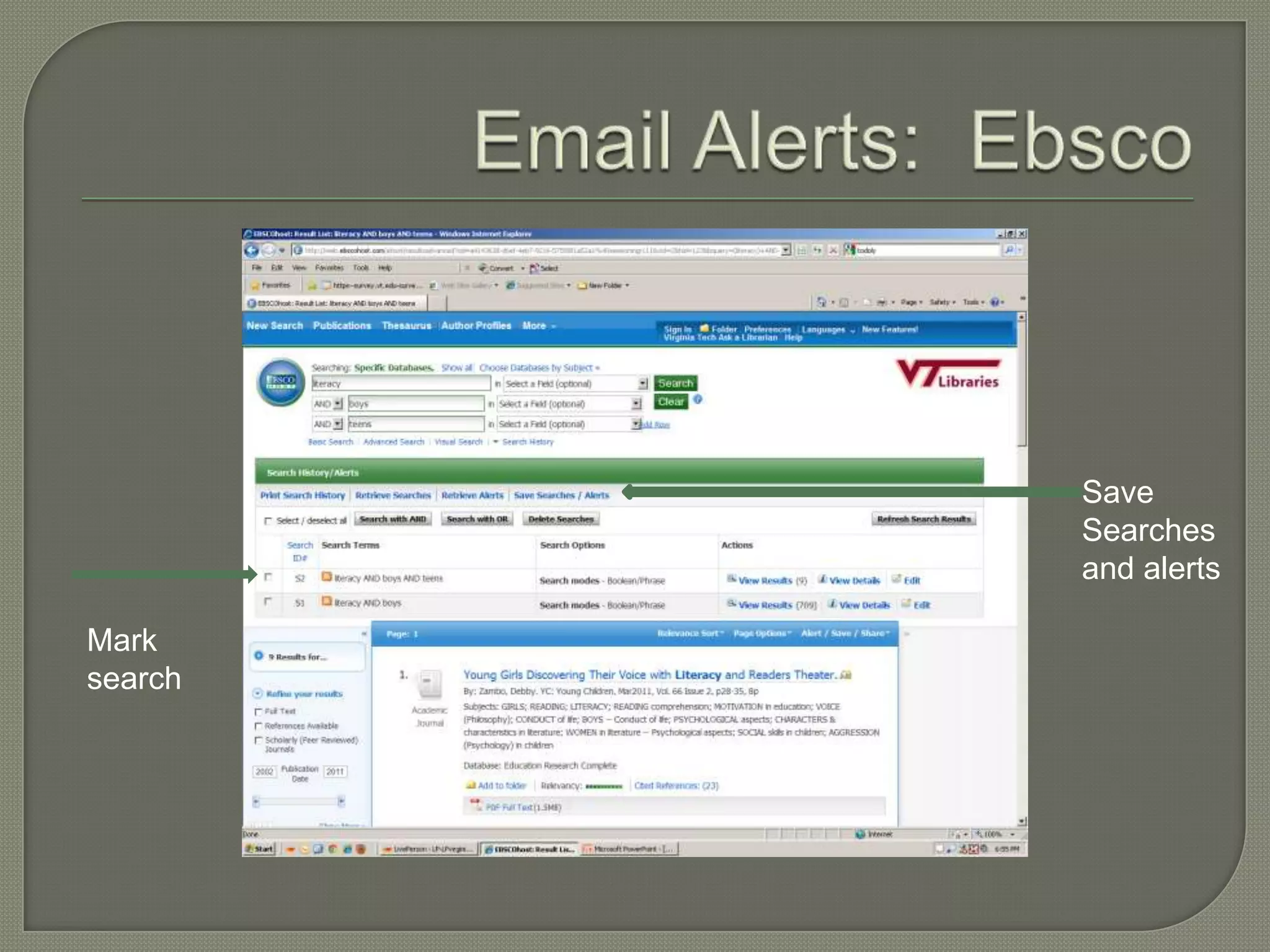
Save
         Searches
         and alerts

Mark
search
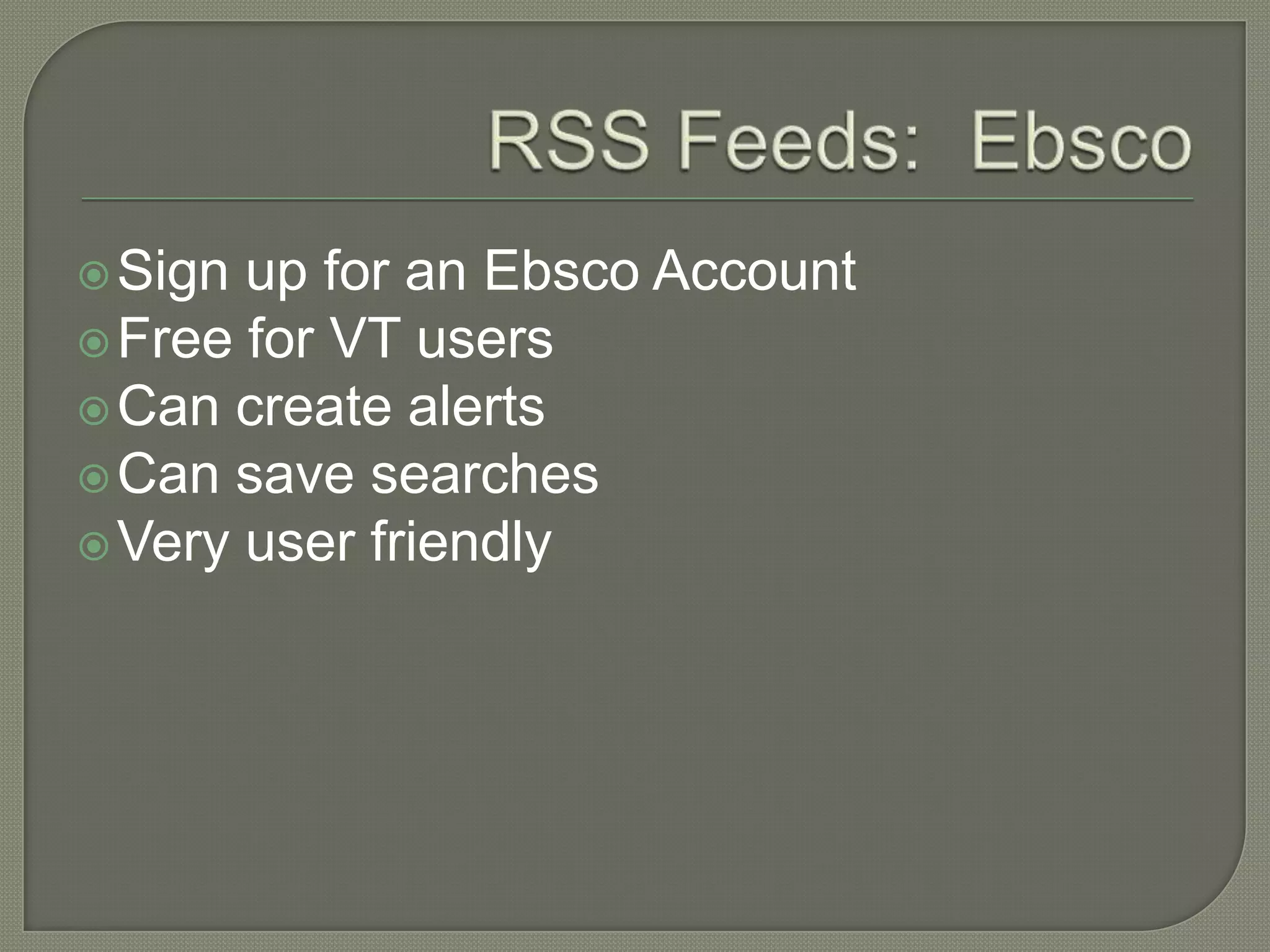
 Sign up for an Ebsco Account
 Free for VT users
 Can create alerts
 Can save searches
 Very user friendly
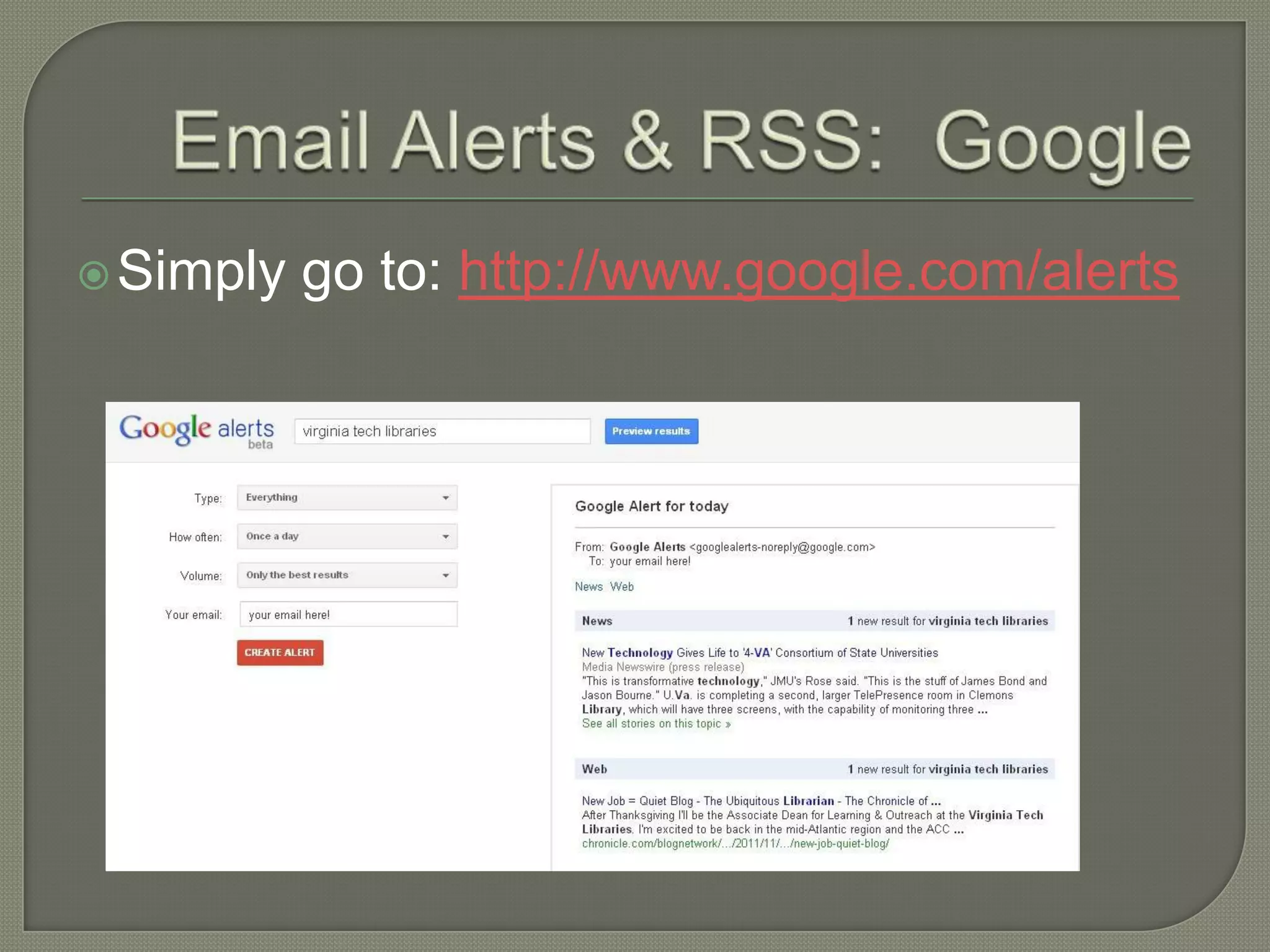
 Simply   go to: http://www.google.com/alerts
 Google    Reader
 Outlook
 Other   Readers
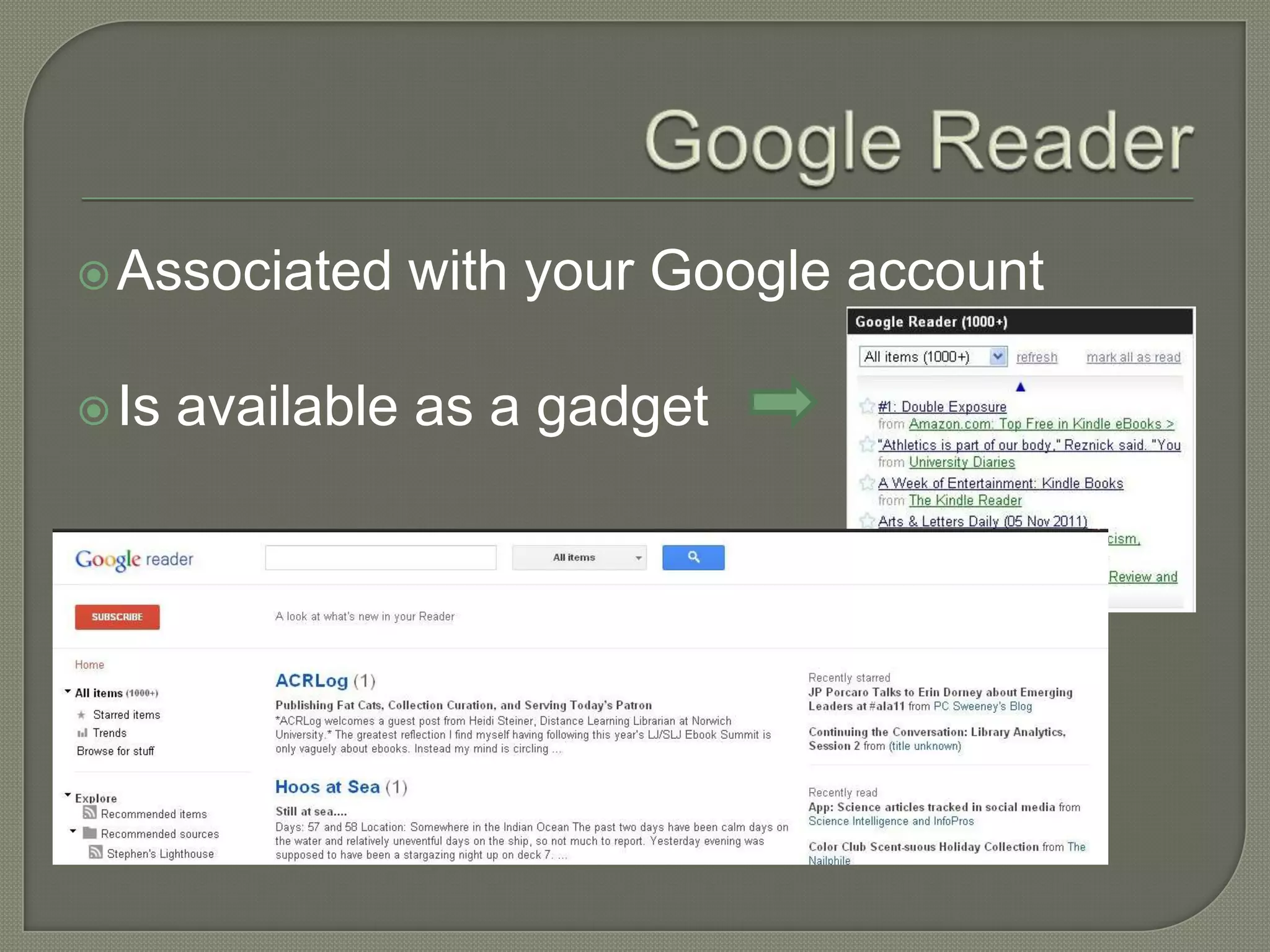
 Associated    with your Google account

 Is   available as a gadget
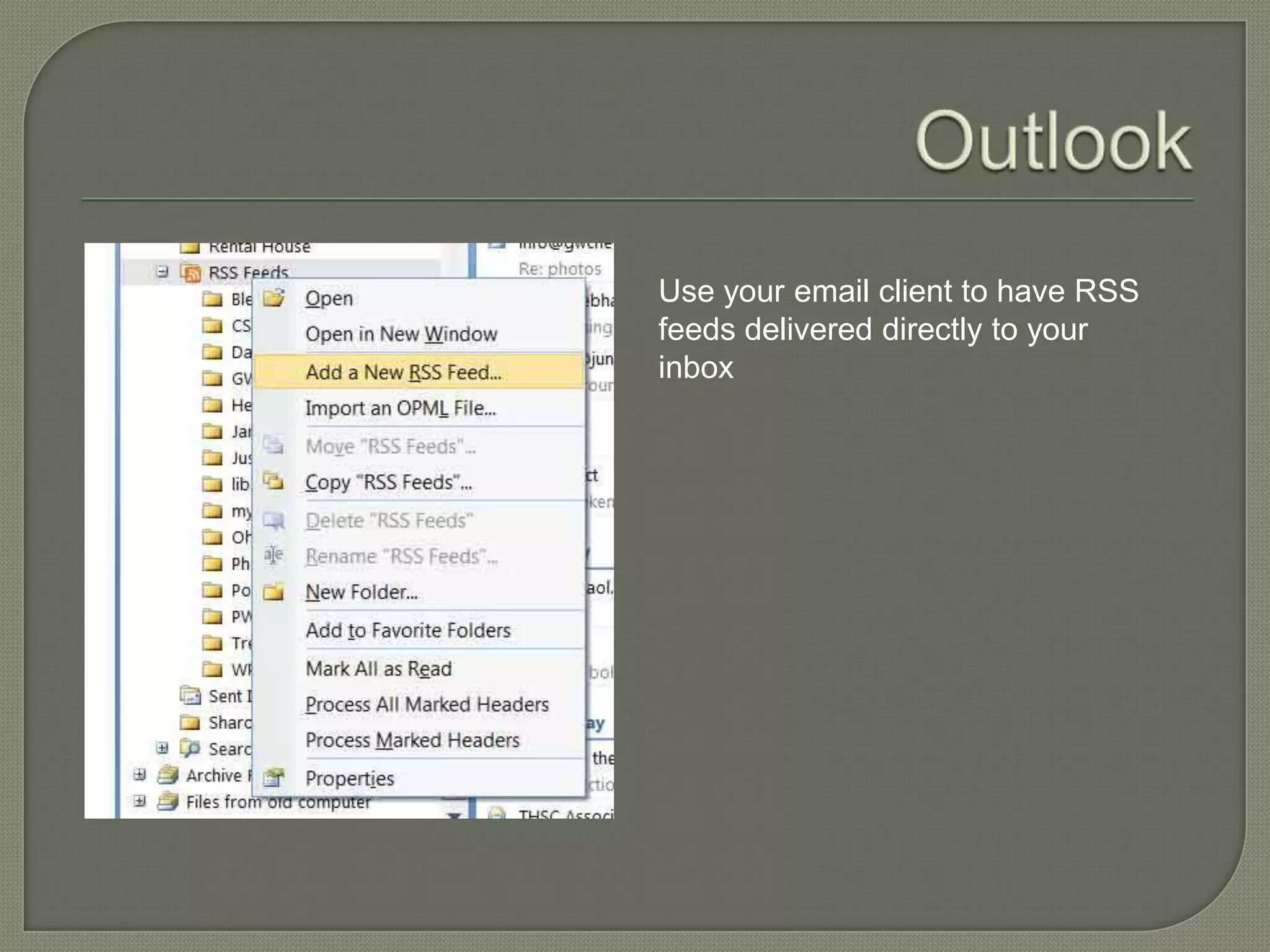
Use your email client to have RSS
feeds delivered directly to your
inbox
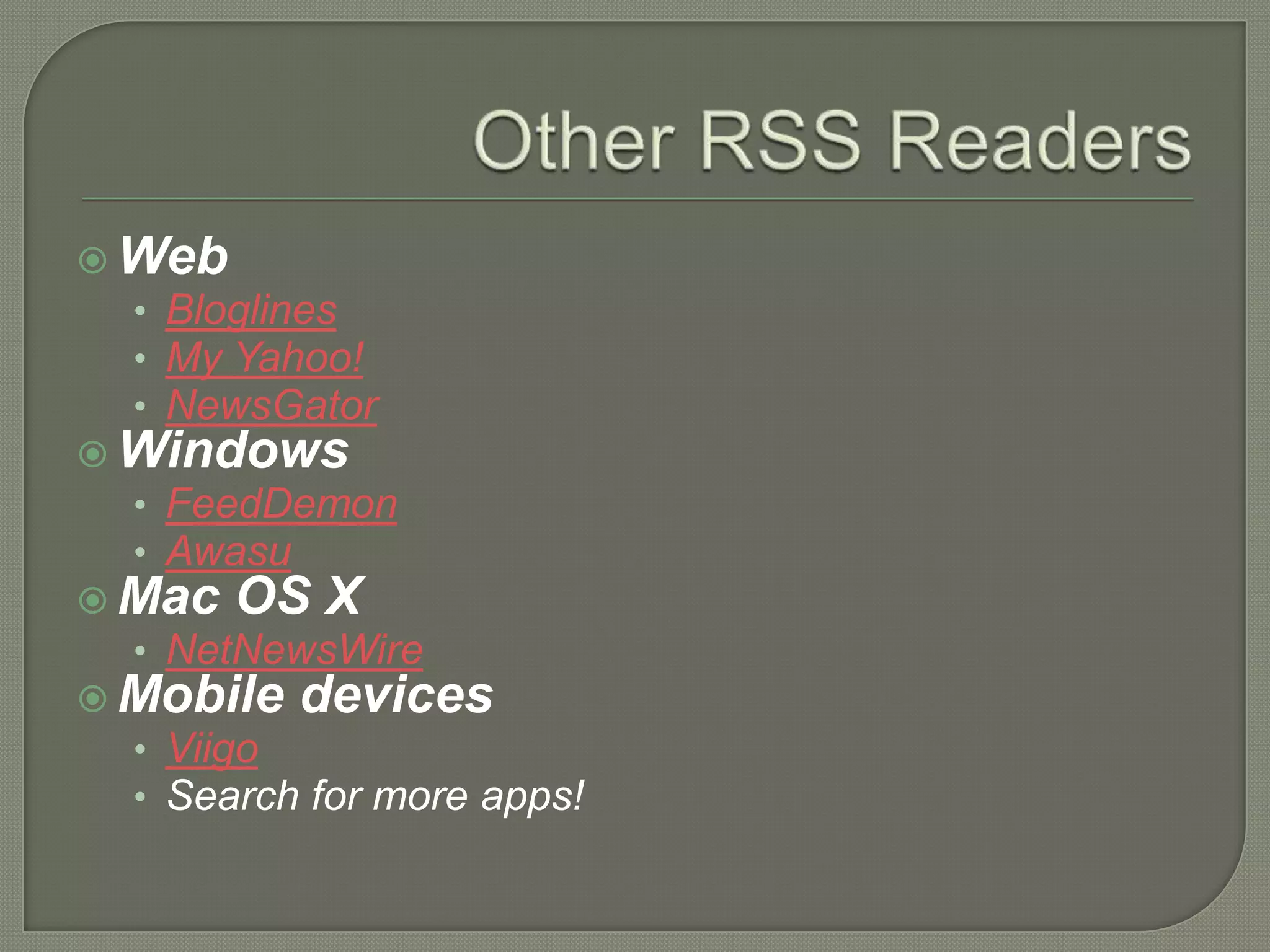
 Web
  • Bloglines
  • My Yahoo!
  • NewsGator
 Windows
  • FeedDemon
  • Awasu
 Mac OS X
  • NetNewsWire
 Mobile devices
  • Viigo
  • Search for more apps!
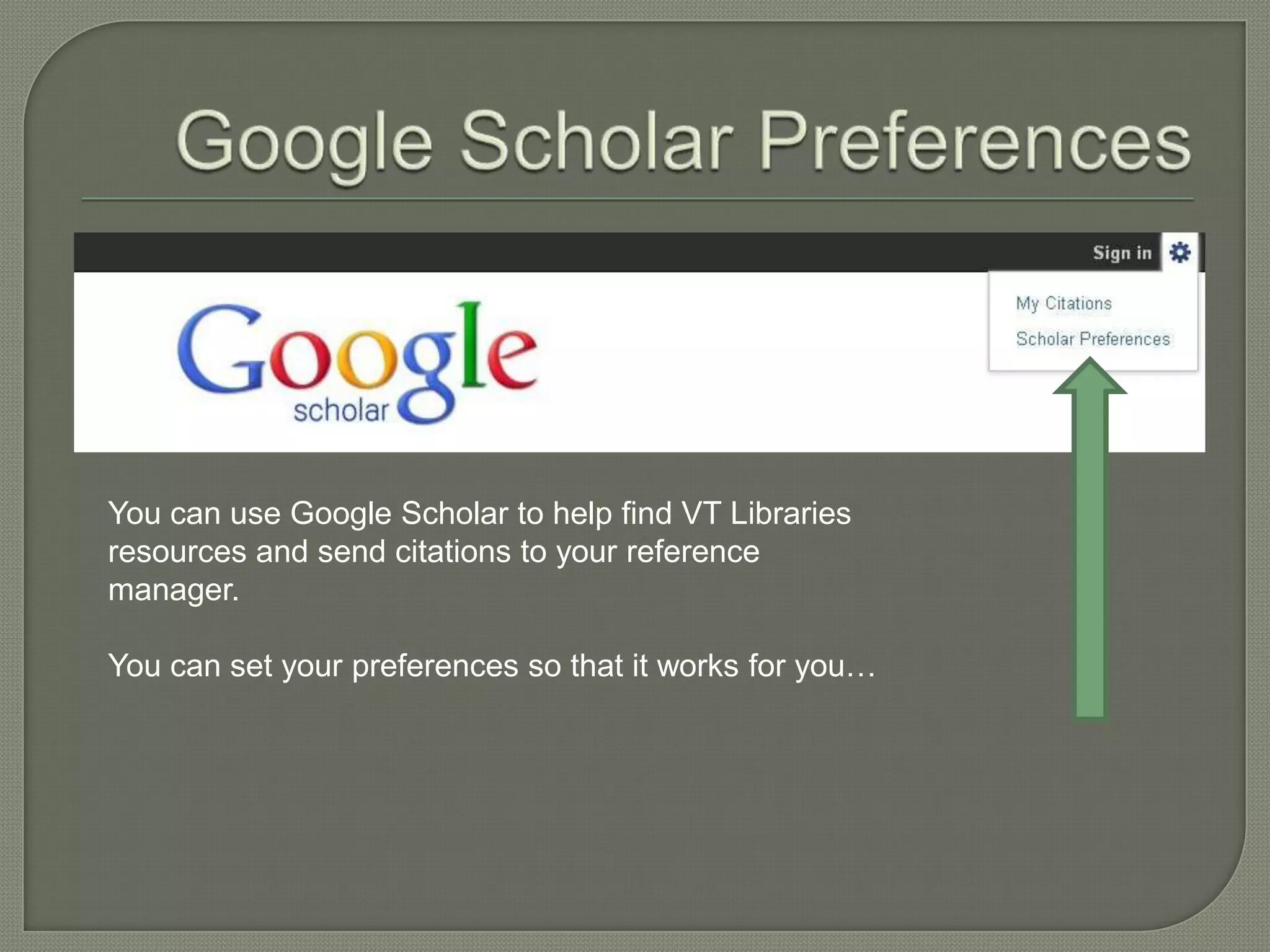
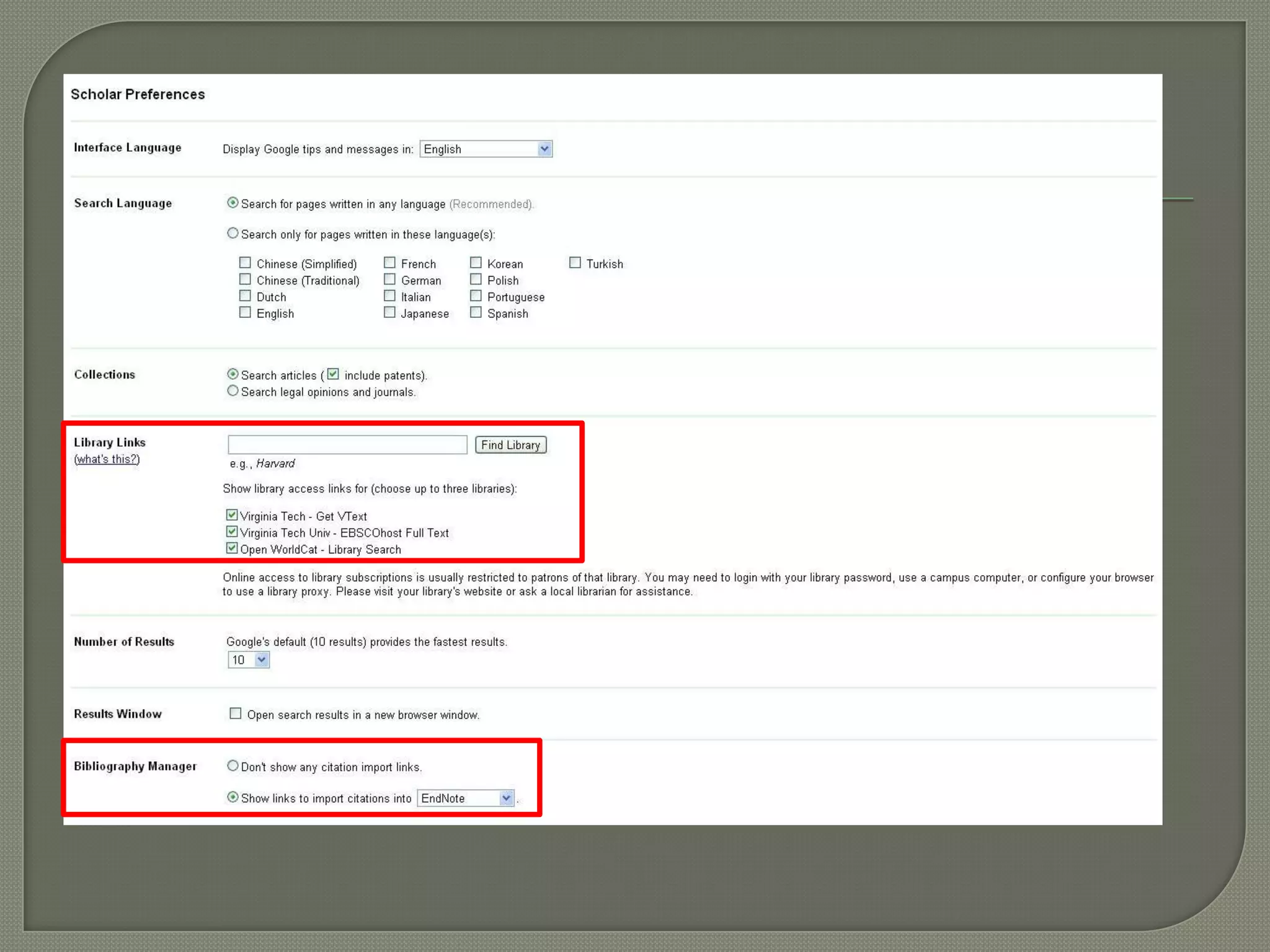
You can use Google Scholar to help find VT Libraries
resources and send citations to your reference
manager.

You can set your preferences so that it works for you…
 Poll
     Everywhere
 Answer Garden
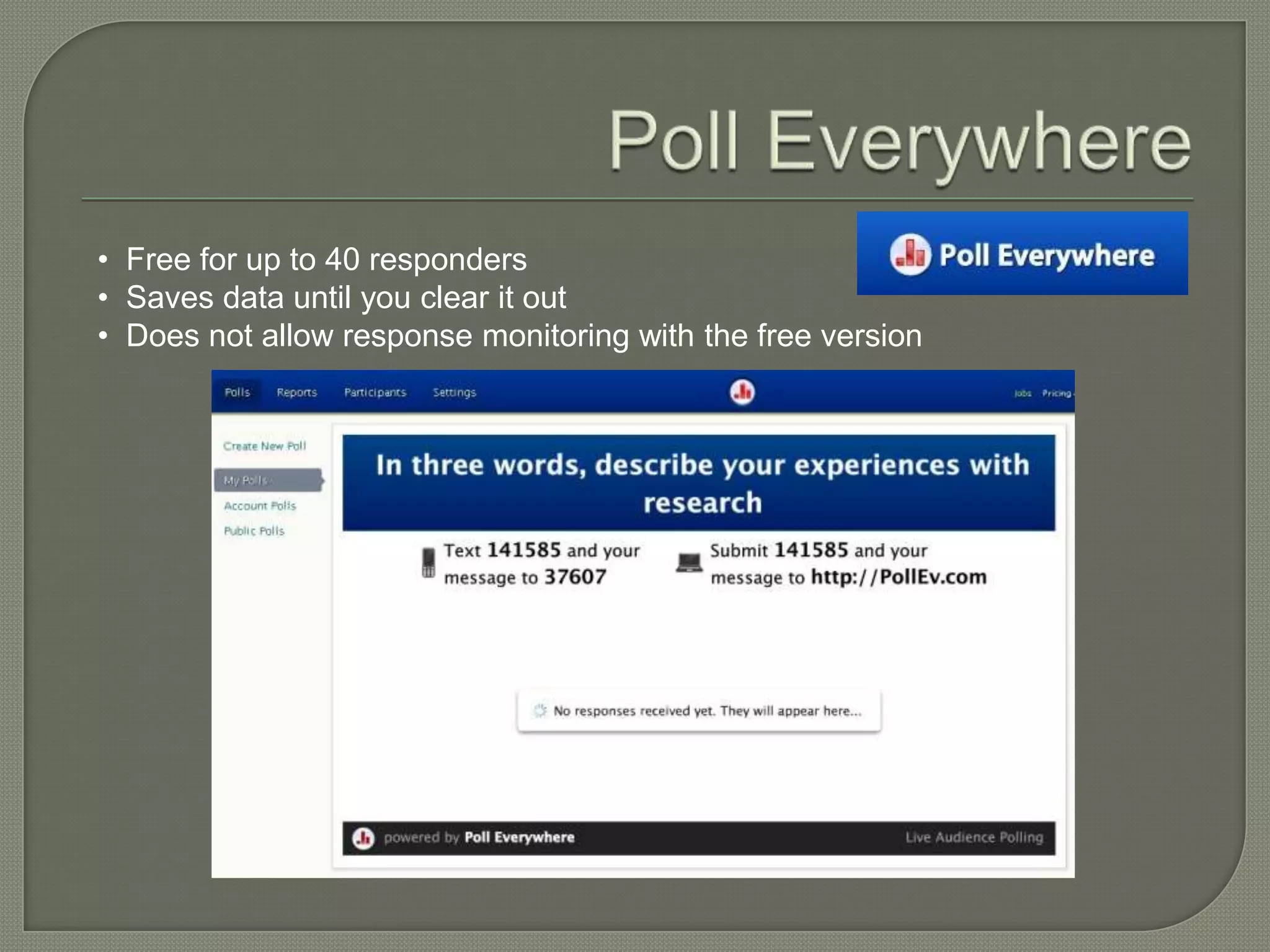
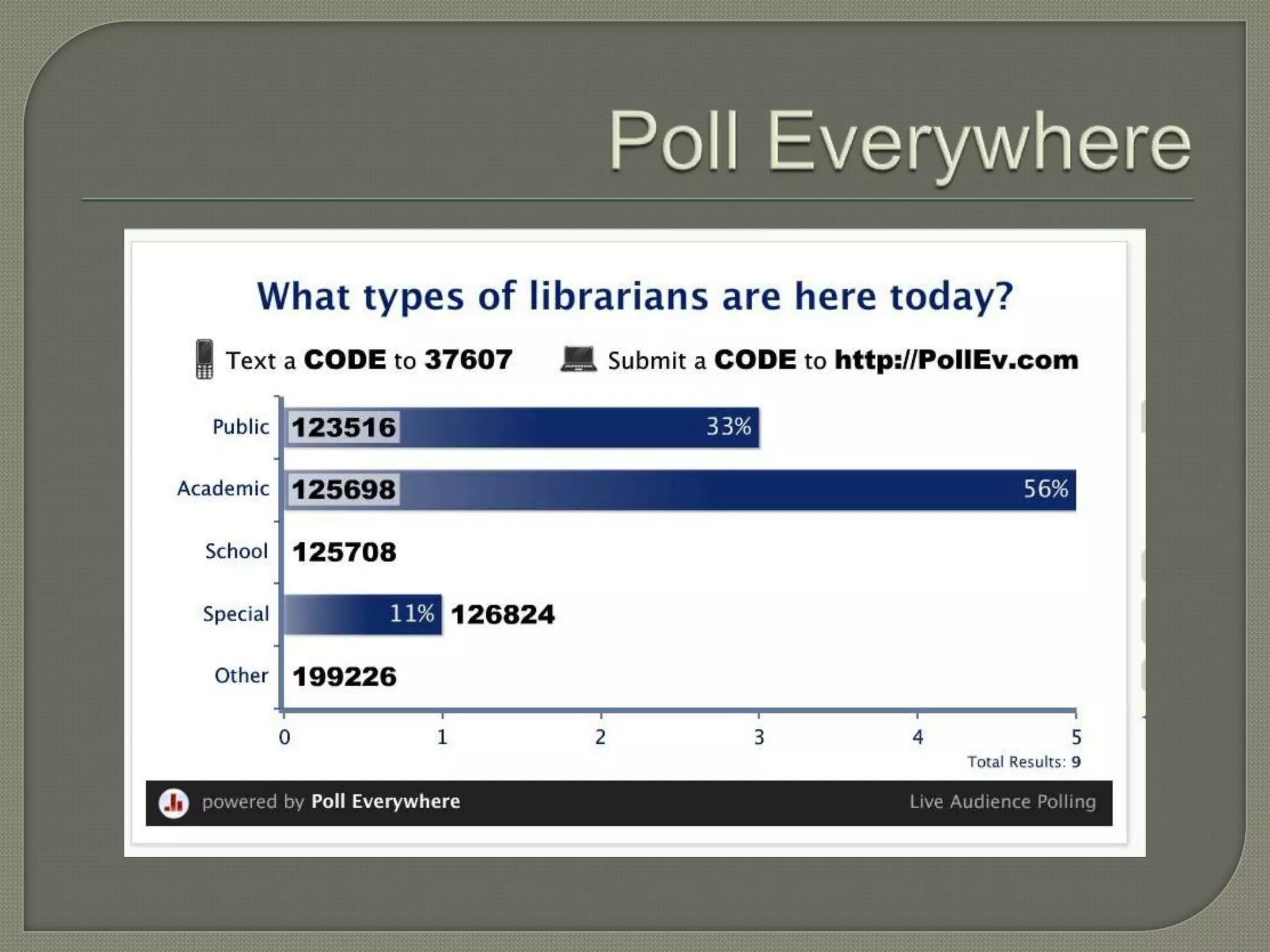
• Free for up to 40 responders
• Saves data until you clear it out
• Does not allow response monitoring with the free version
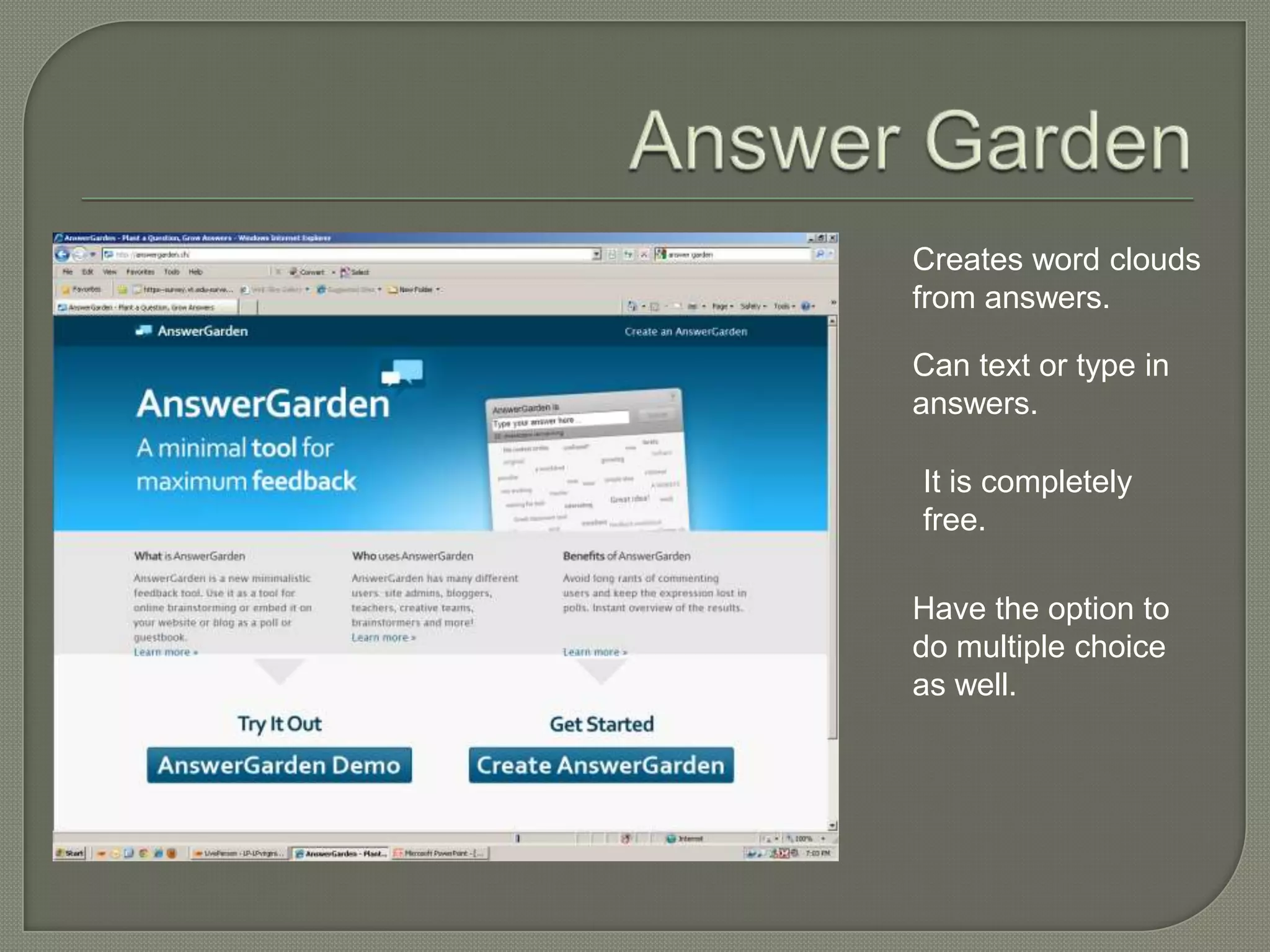
Creates word clouds
from answers.

Can text or type in
answers.

It is completely
free.

Have the option to
do multiple choice
as well.
 PortableApps
 Prezi
 SpicyNodes
If you find yourself using computers that
are not yours, PortableApps ensures that
you have the software you need to run
the programs that you need, including:

• Browsers
• Office apps (e.g., Word)
• Multimedia apps (e.g., Audacity)

View the full list of available portable
apps: http://portableapps.com/apps
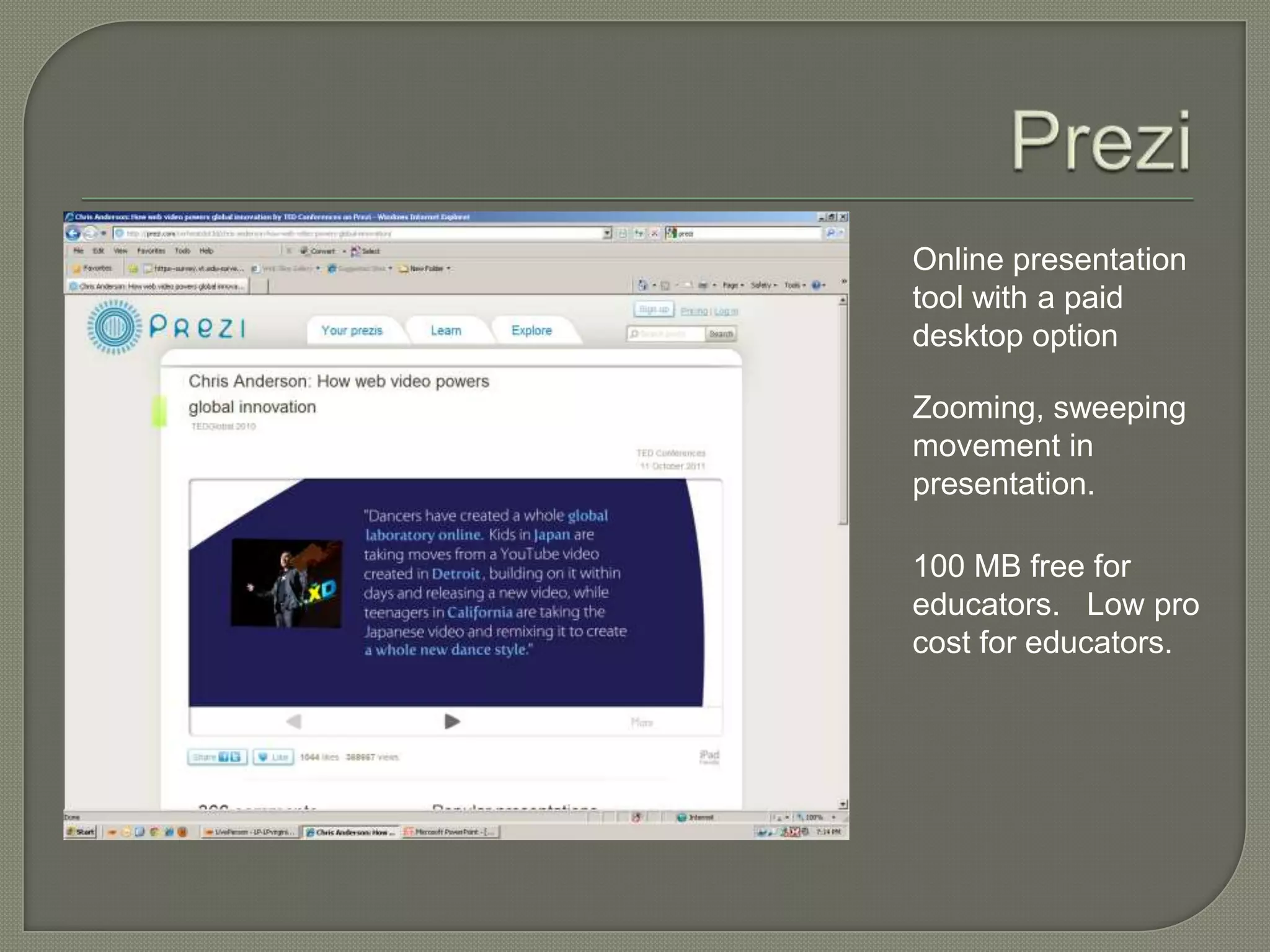
Online presentation
tool with a paid
desktop option

Zooming, sweeping
movement in
presentation.

100 MB free for
educators. Low pro
cost for educators.
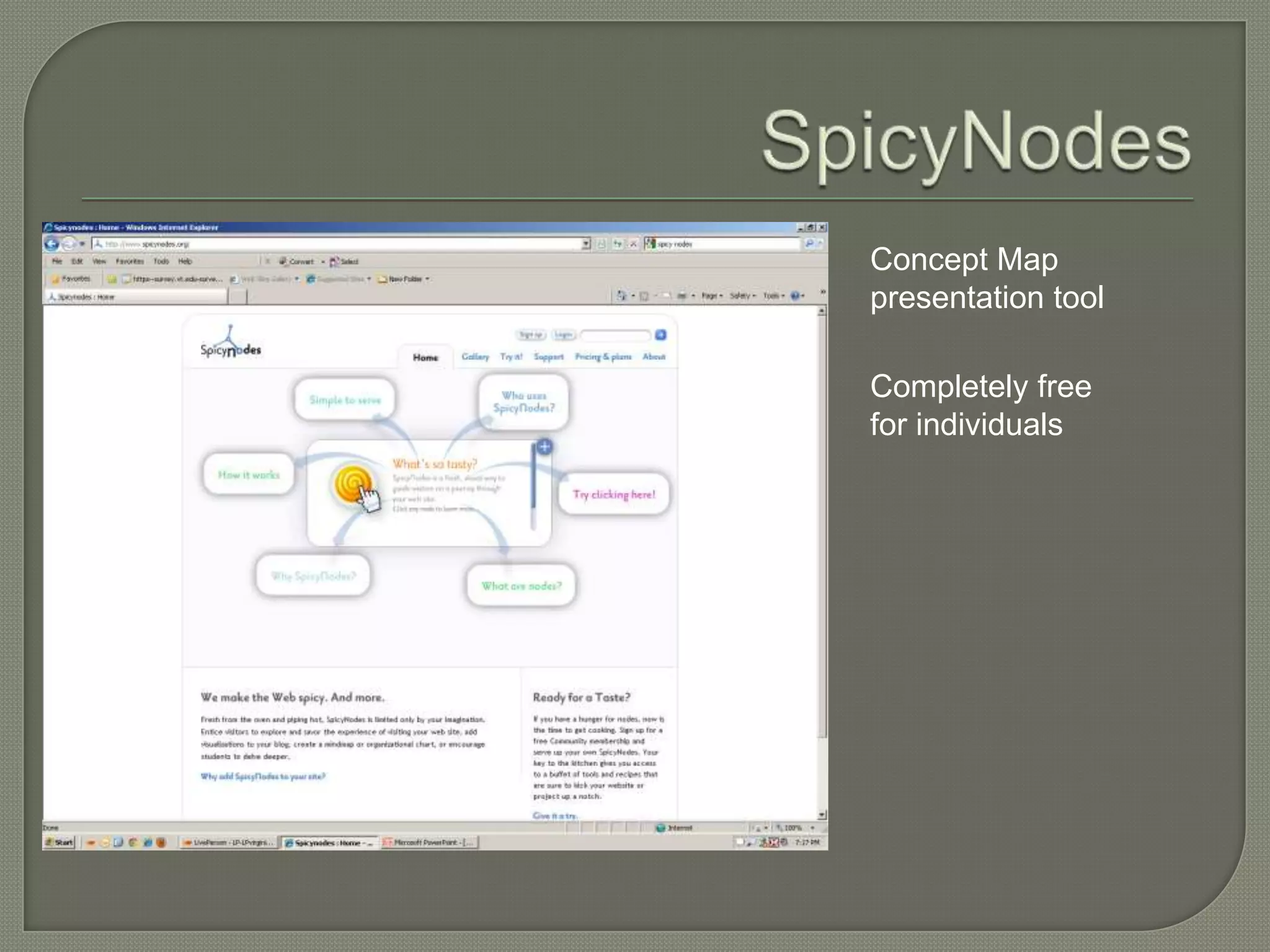
Concept Map
presentation tool

Completely free
for individuals
Contact us:

 Rebecca  Miller
 millerrk@vt.edu
 http://rebeccakatemiller.com

 Heather  Moorefield-Lang
 hmlang@vt.edu
 http://actinginthelibrary.com

Research management tools

  • 1.
    Rebecca K. Miller Heather Moorefield-Lang Faculty Development Institute Virginia Tech November 2011
  • 2.
    Rebecca is theCollege Librarian for Science, Life Sciences, and Engineering Heather is the College Librarian for Education and Applied Social Sciences
  • 3.
     Citation Management Tools  Organization & Task Management Tools  Cloud Storage  Research & Information Management  On-the-Fly Data Gathering Tools  Presentation Tools Q & A
  • 4.
  • 5.
    Strengths: • Very sophisticated,robust product • Available to all faculty and students at VT through a site license • No space limit for PDFs and other attachments • Supported by VT Libraries, and a strong network of other users • Cite While You Write feature Weaknesses: • Steep(ish) learning curve • No group/shared library function • No real web component (other than EndNote Web) • Expense (if researcher leaves VT)
  • 6.
  • 7.
    Strengths: • Group libraryfunction • Free • Open source • Intuitive/ease of use • Cite While You Write Plug-ing • Includes stand-alone & web-based components • Syncing across devices • Active user community Weaknesses: • 100 MB limit for attachments • Support (since it’s not proprietary)
  • 8.
  • 9.
    Strengths: • Free • Desktop& web-based versions • Syncing across devices • Cite While You Write plug-in • Social networking aspect • Has an iPad/iPhone app Weaknesses: • 500 MB limit for attachments • Support
  • 10.
    This is the“web” side—Mendeley also has a desktop version that will sync with your “web” version and make sure that you always have a local copy of your library.
  • 11.
  • 12.
    The collaboration aspect isHUGE. Consider whether or not the tool is capable of creating group or shared libraries.
  • 13.
     Evernote  LiveBinders Instapaper  To-Do List Tools
  • 14.
    Easy to add in notes, bookmarks, sites, anything you want to remember  Create notebooks to categorize your material  Use multiple devices
  • 15.
    Download an Evernote Web clipper that will be a part of your toolbar. Click on it to save any website. Designate notebooks.
  • 16.
    • Allows youto organize webpages, images, videos, and other documents • Includes an easy web clipper • You can view examples of LiveBinders that have been made public: http://livebinders.com/welcome • Great for collaboration, organizing websites and other resources • Often used as resource guides for students or within instruction
  • 18.
    Instapaper gives youa “read later” bookmark You clip webpages, and then read them when you have the time! Instapaper is available on laptops, desktops, iPhone, iPad, and e-readers
  • 20.
     Remember the Milk  Toodledo  TeuxDeux  Todo.ly  42Tasks
  • 21.
    • Syncs withGoogle, Outlook, Twitter, the RMT app • Collaboration/sharing lists and tasks • Data can be backed up/exported
  • 22.
    • Integrates withGoogle, outlook • Data can be backed up/exported • Has collaboration/share option • Has many levels of organization • Has a strong user forum
  • 23.
    • Simple, minimalistic •Tasks roll over from day to day • Does not integrate with Google Calendar or Outlook, but is accessible via the www and its app
  • 24.
    Manage projects and sharewith others. Assign tasks to yourself or to others and monitor them. Multiple platforms from desktop to various Smartphone apps.
  • 25.
    Simple to do lists. Organizeby project Simple drag and drop features Easy Edit
  • 26.
  • 27.
    EDUCAUSE Learning Initiative. (2011). 7 things you should know about…organizing files in the cloud. Retrieved from http://net.educause.edu/ir/library/pdf/ELI7073.pdf  Pinola, M. (2011). Dropbox v. the alternatives: which one is right for you? Lifehacker. Retrieved from http://lifehacker.com/5818908/dropbox-vs-the- alternatives-which-online-syncing-service-is-right-for-you  Summary: • Consider how much storage space you will need • Consider the security and privacy issues • Consider collaboration • Consider syncing • Consider organization options
  • 28.
    2 GB ofspace free Store anything you need to save. Access it from anywhere. Share in groups/ collaborate
  • 29.
    5 GBfor free  Sync across devices  Folder selections & privacy settings at the folder level  Collaboration and sharing at the folder level  Includes media streaming
  • 30.
     Stillin earlybeta  Shares data across your devices (unlimited amount of “storage”)  Gives you an option of whether you want it backed up in the cloud  File sharing at the folder level
  • 31.
    5 GBstorage space free  Mobile app access  Sharing and collaboration at the folder level  No password protected sharing at the free level  Syncing across devices
  • 32.
     LibX  Emailsearch alerts & RSS feeds • Addison • Summon • PubMed • Engineering Village • Ebsco • Google  RSS readers  Google Scholar
  • 33.
    Develop here atVirginia Tech Libraries, LibX is a tool used by libraries around the world in order to help their users gain access to their resources as efficiently as possible. It lives in your browser, and quickly connects you to VT Libraries information resources. http://www.lib.vt.edu/libX/
  • 34.
     Read about RSS feeds: http://www.lib.vt.edu/help/alerts/rss/  Read about email alerts: http://www.lib.vt.edu/help/alerts/publisher/i ndex.html
  • 35.
  • 37.
    View the tutorialon RSS in Summon: http://www.lib.vt.edu/help/screencasts/summon/summon-rss-feeds.html
  • 38.
    PubMed offers BOTHemail alerts and RSS feeds for saved searches. You must create a (free) account with MyNCBI to do this.
  • 39.
  • 41.
    To save asearch and generate an email alert or an RSS feed in Engineering Village, you need to create a (free) account in Engineering Village.
  • 42.
    Set up youralerts in your saved searches area.
  • 43.
    RSS Feed fora Search
  • 44.
    Save Searches and alerts Mark search
  • 45.
     Sign upfor an Ebsco Account  Free for VT users  Can create alerts  Can save searches  Very user friendly
  • 46.
     Simply go to: http://www.google.com/alerts
  • 47.
     Google Reader  Outlook  Other Readers
  • 48.
     Associated with your Google account  Is available as a gadget
  • 49.
    Use your emailclient to have RSS feeds delivered directly to your inbox
  • 50.
     Web • Bloglines • My Yahoo! • NewsGator  Windows • FeedDemon • Awasu  Mac OS X • NetNewsWire  Mobile devices • Viigo • Search for more apps!
  • 51.
    You can useGoogle Scholar to help find VT Libraries resources and send citations to your reference manager. You can set your preferences so that it works for you…
  • 53.
     Poll Everywhere  Answer Garden
  • 54.
    • Free forup to 40 responders • Saves data until you clear it out • Does not allow response monitoring with the free version
  • 56.
    Creates word clouds fromanswers. Can text or type in answers. It is completely free. Have the option to do multiple choice as well.
  • 57.
  • 58.
    If you findyourself using computers that are not yours, PortableApps ensures that you have the software you need to run the programs that you need, including: • Browsers • Office apps (e.g., Word) • Multimedia apps (e.g., Audacity) View the full list of available portable apps: http://portableapps.com/apps
  • 59.
    Online presentation tool witha paid desktop option Zooming, sweeping movement in presentation. 100 MB free for educators. Low pro cost for educators.
  • 60.
  • 61.
    Contact us:  Rebecca Miller millerrk@vt.edu http://rebeccakatemiller.com  Heather Moorefield-Lang hmlang@vt.edu http://actinginthelibrary.com