Downloaded 26 times
![How –to guide for Step by Step instructions to get you on your way to managing your references. Sophie van der Walt Email: [email_address] Tel: 011 559 2641](https://image.slidesharecdn.com/refworks-guide-1219036238186268-9/85/RefWorks-Guide-1-320.jpg)
![How –to guide for Step by Step instructions to get you on your way to managing your references. Sophie van der Walt Email: [email_address] Tel: 011 559 2641](https://image.slidesharecdn.com/refworks-guide-1219036238186268-9/75/RefWorks-Guide-1-2048.jpg)
![If you need any further help, please refer to the RefWorks Quick Guide or click on HELP while in RefWorks. Alternatively you can contact me on 011 559 2641 or [email_address]](https://image.slidesharecdn.com/refworks-guide-1219036238186268-9/85/RefWorks-Guide-29-320.jpg)

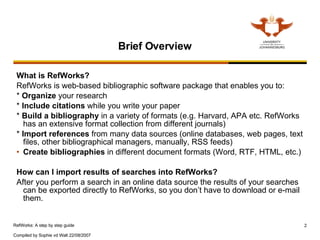
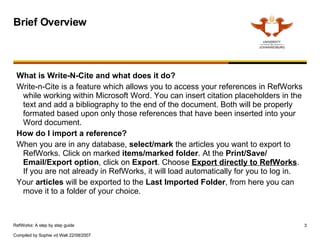
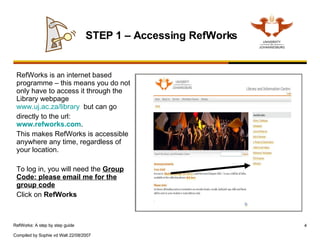
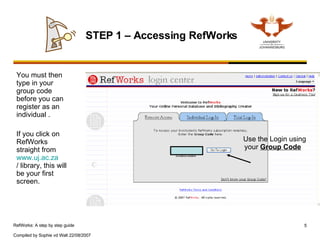
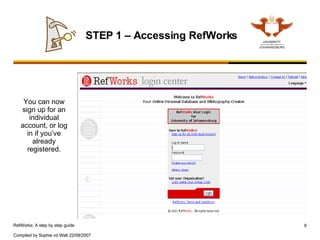
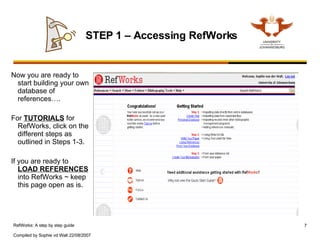
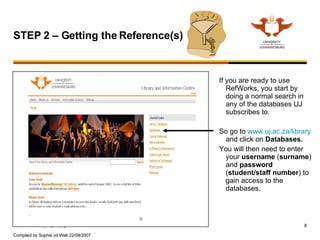
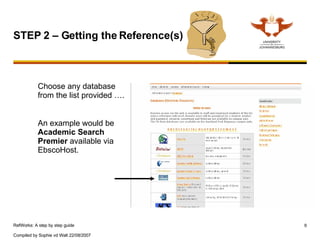
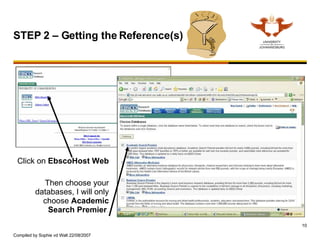
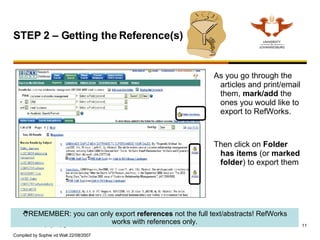
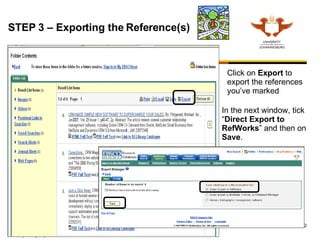
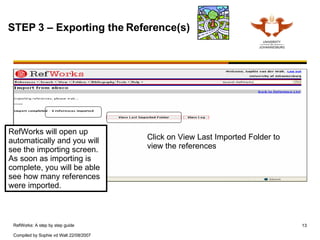
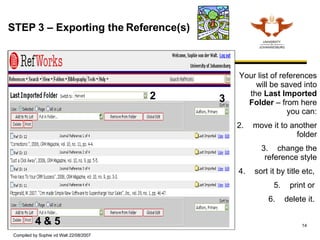
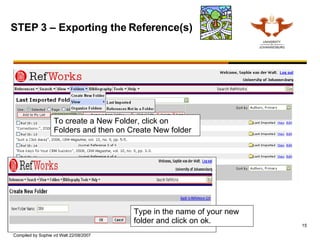
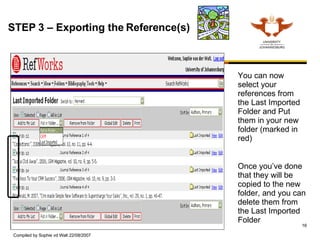
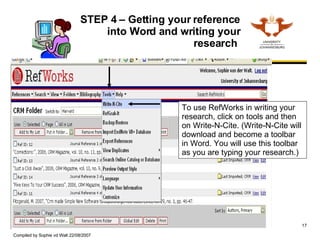
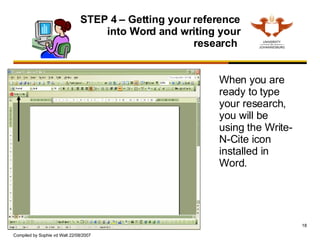
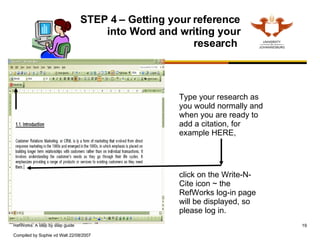
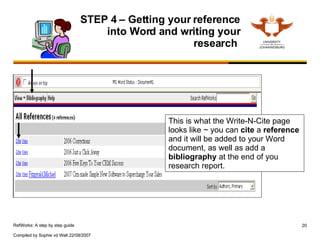
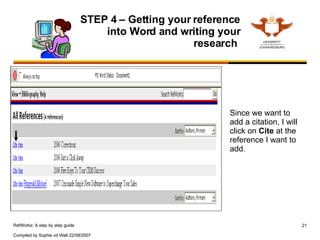
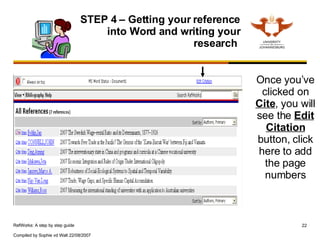
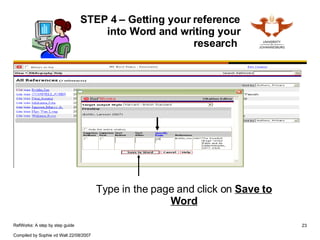
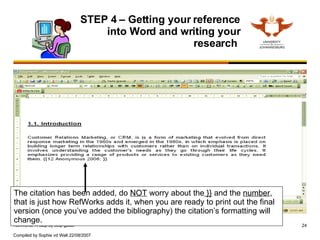
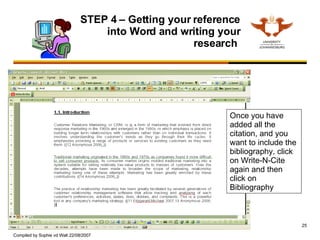
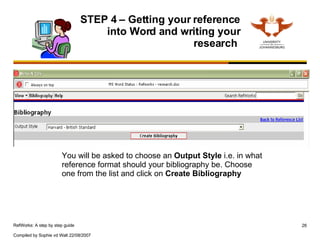
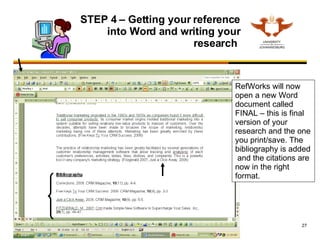
This document provides a step-by-step guide to using RefWorks, including: 1. Accessing RefWorks through the library website or directly at www.refworks.com and registering for an individual account. 2. Searching databases from the library website, selecting references to export, and exporting them directly into RefWorks. 3. Organizing references in RefWorks by moving them between folders or creating new folders. 4. Using the Write-N-Cite plugin in Microsoft Word to insert citations from RefWorks into a paper and generate a bibliography.


