Download to read offline

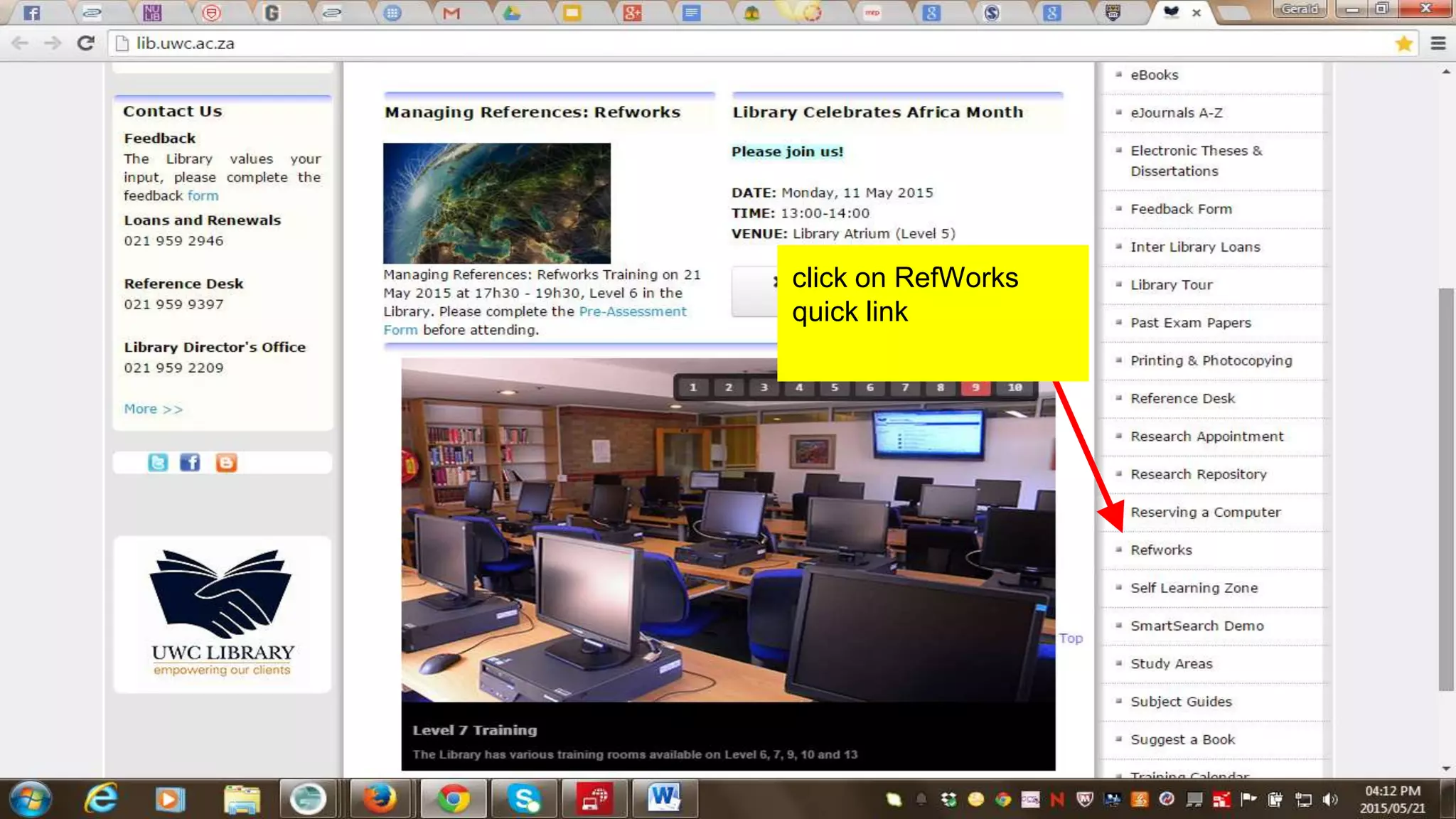
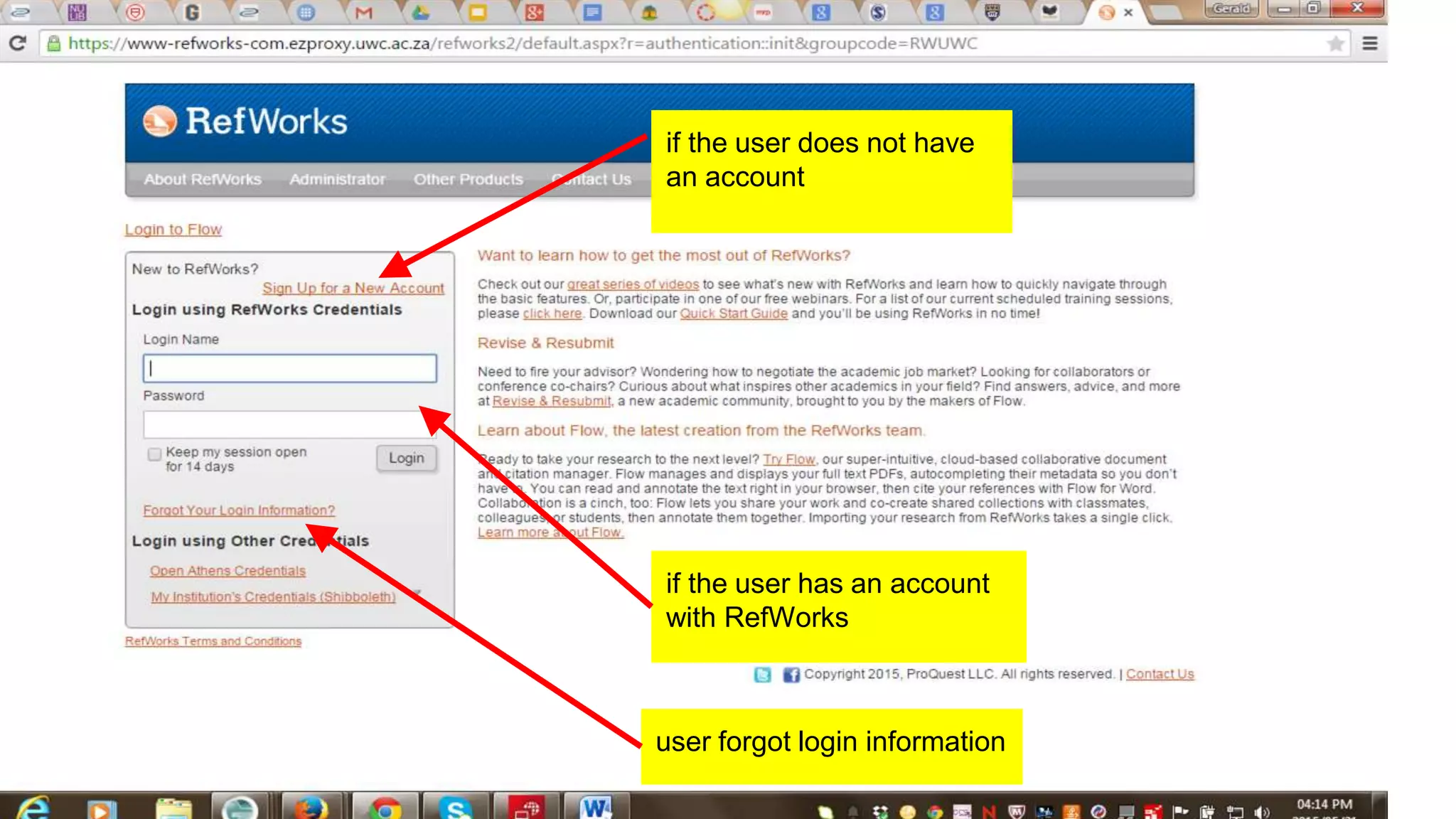
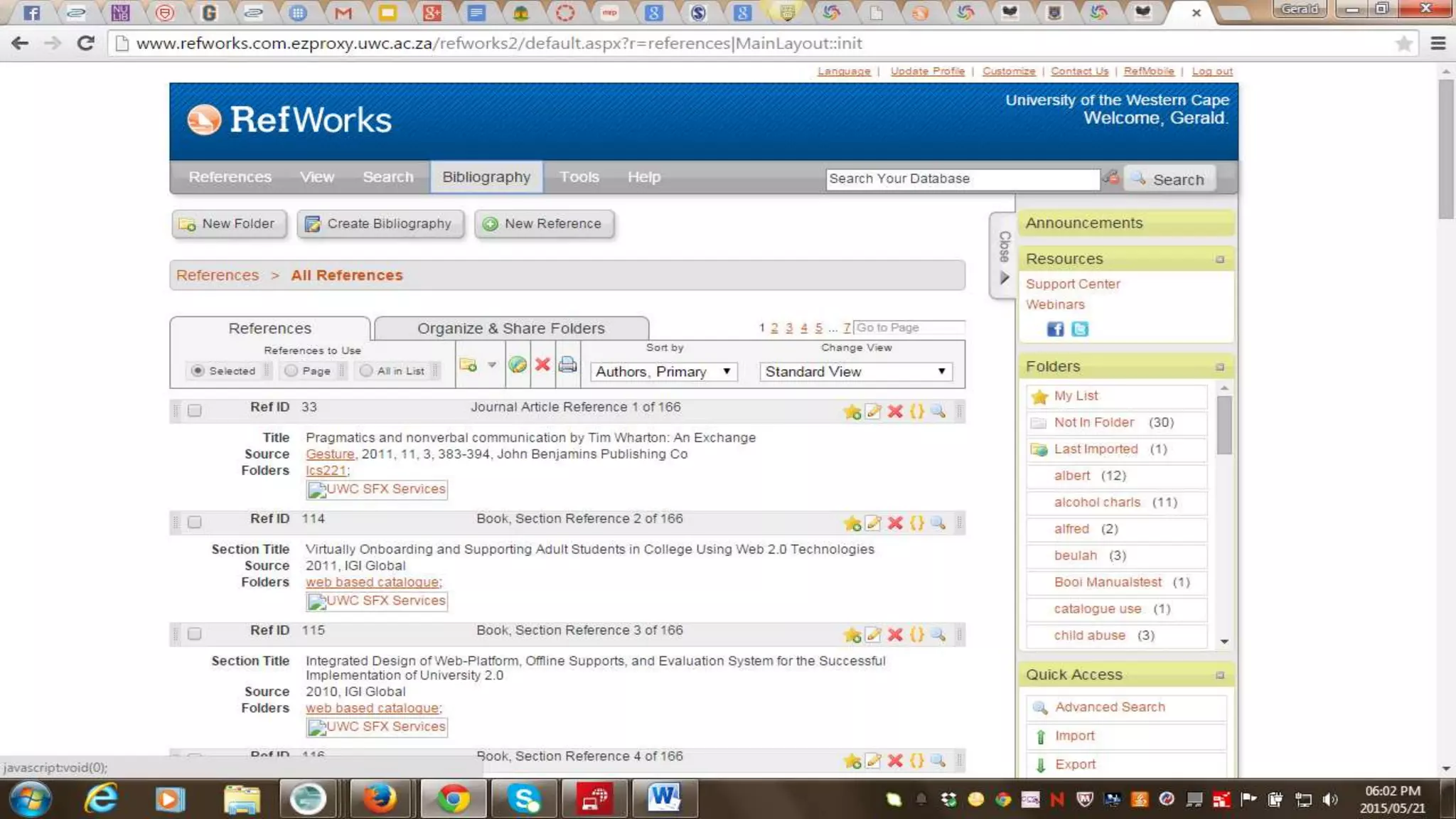
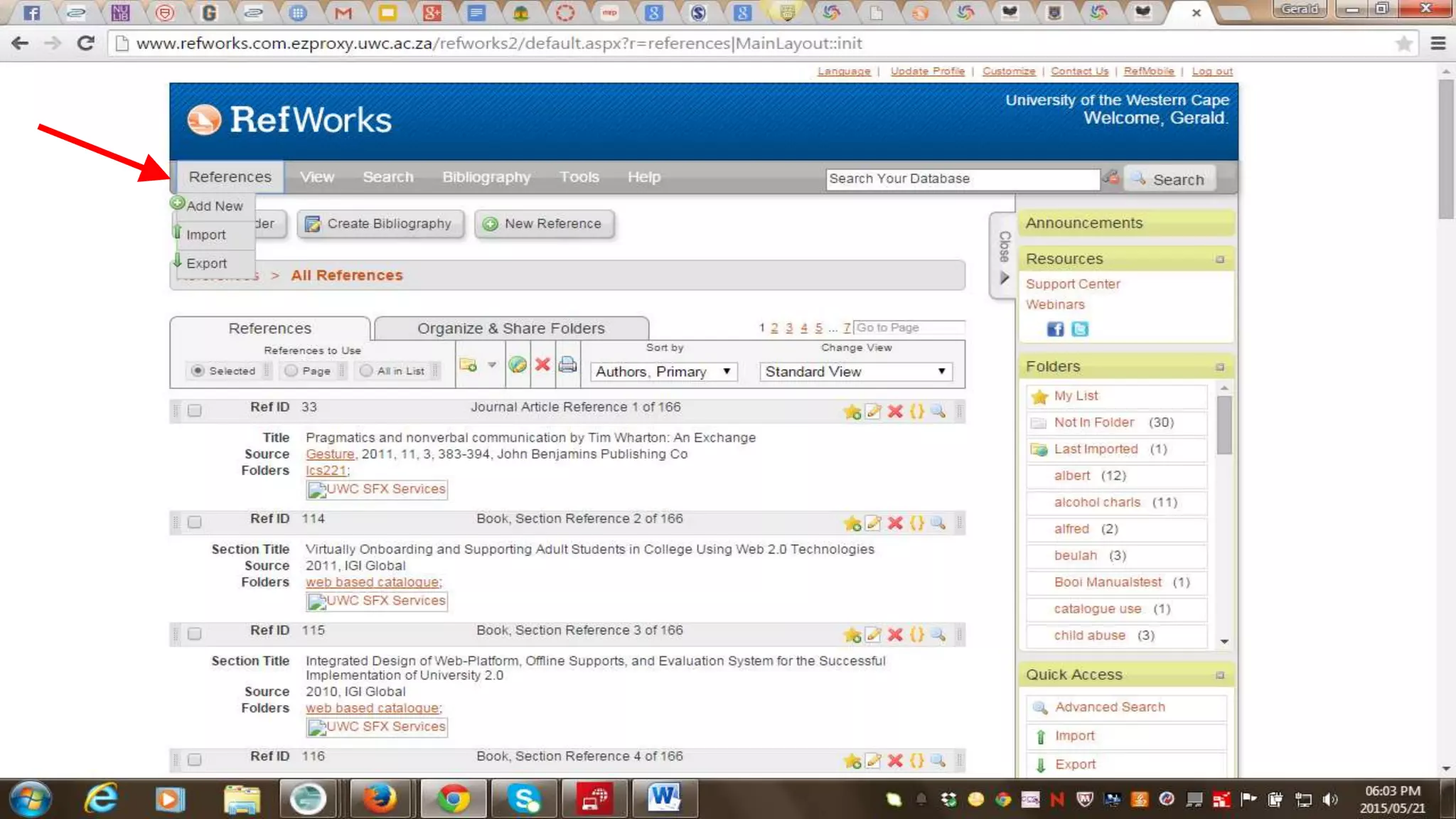
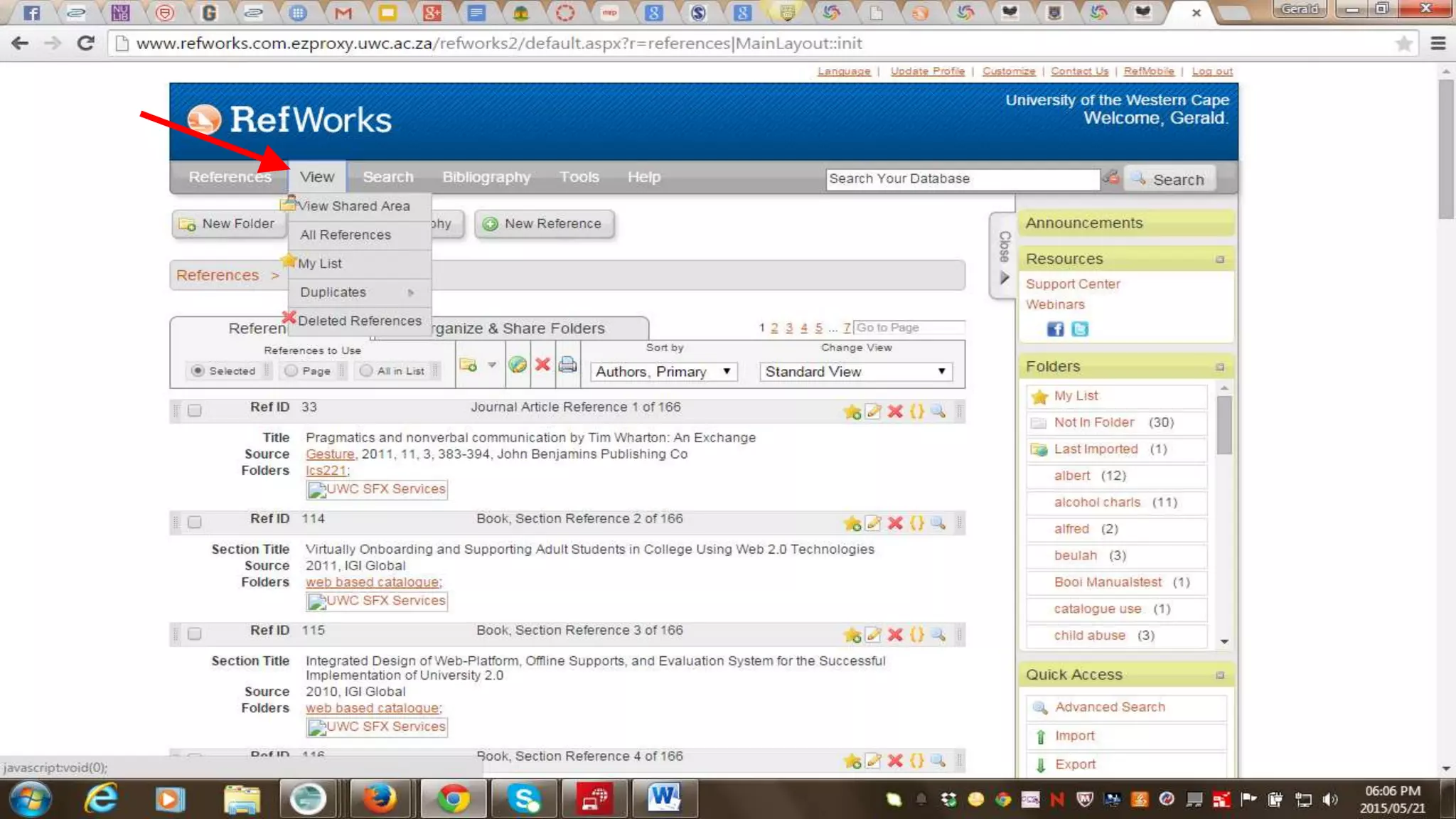
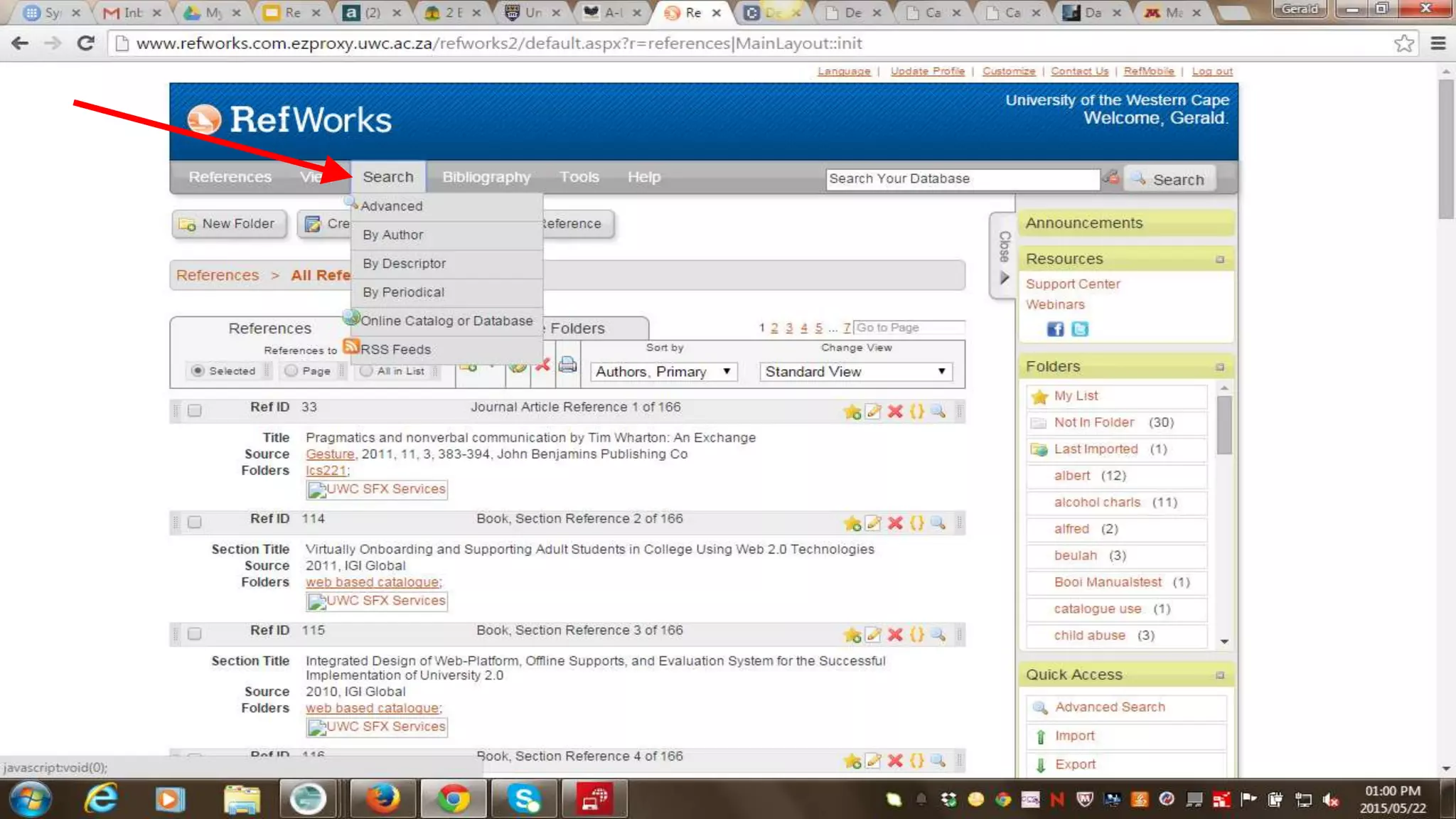
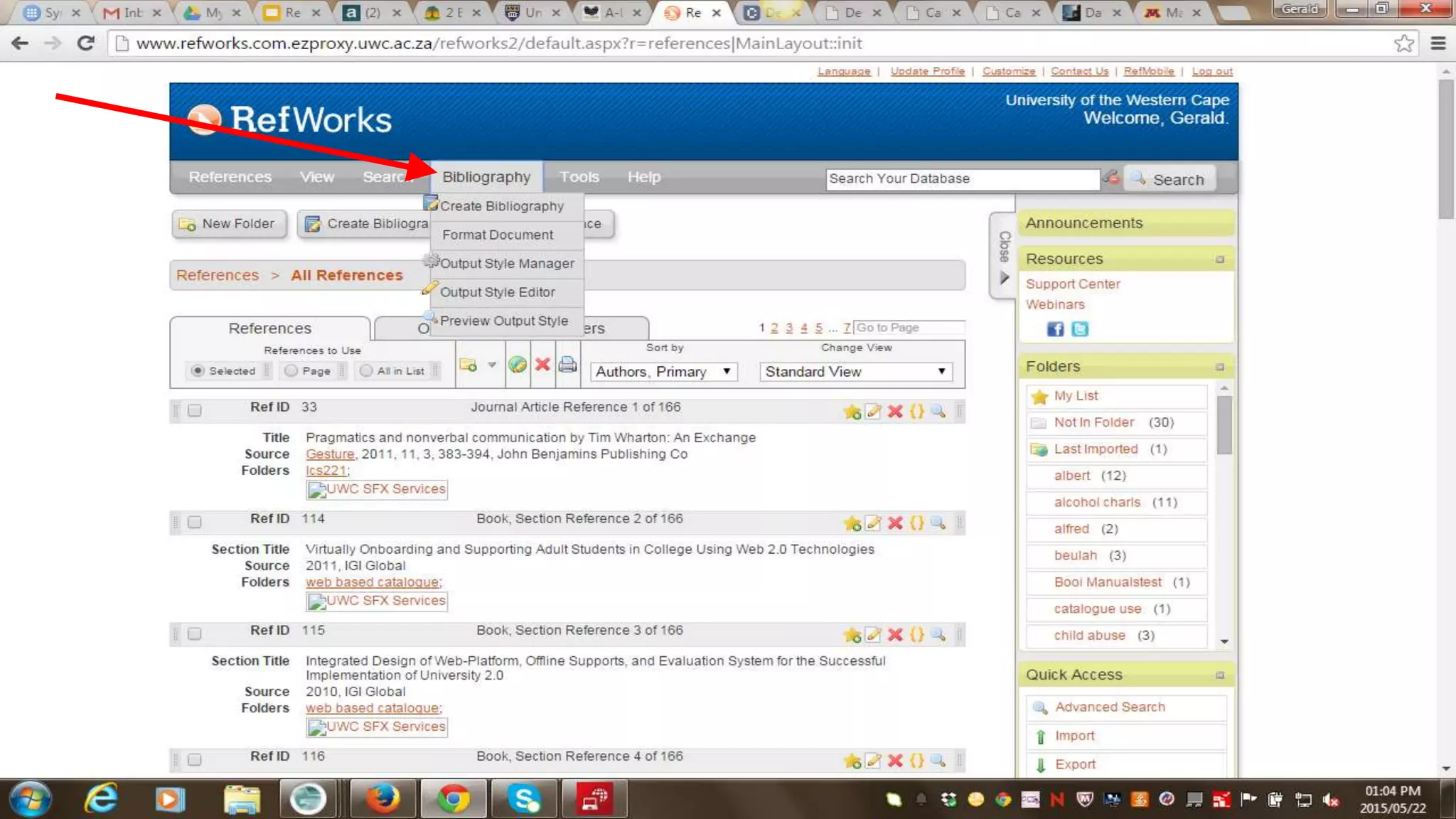
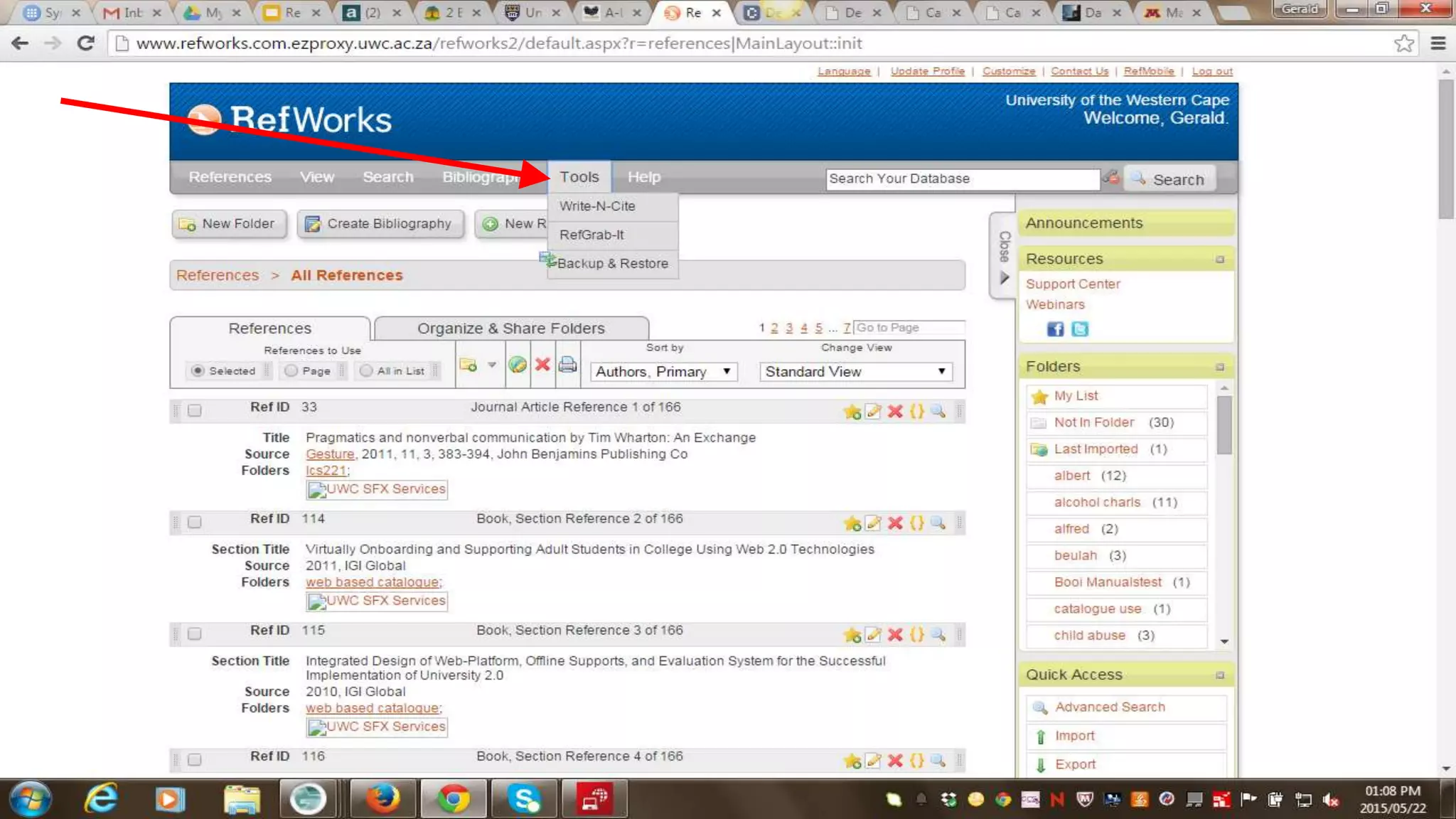
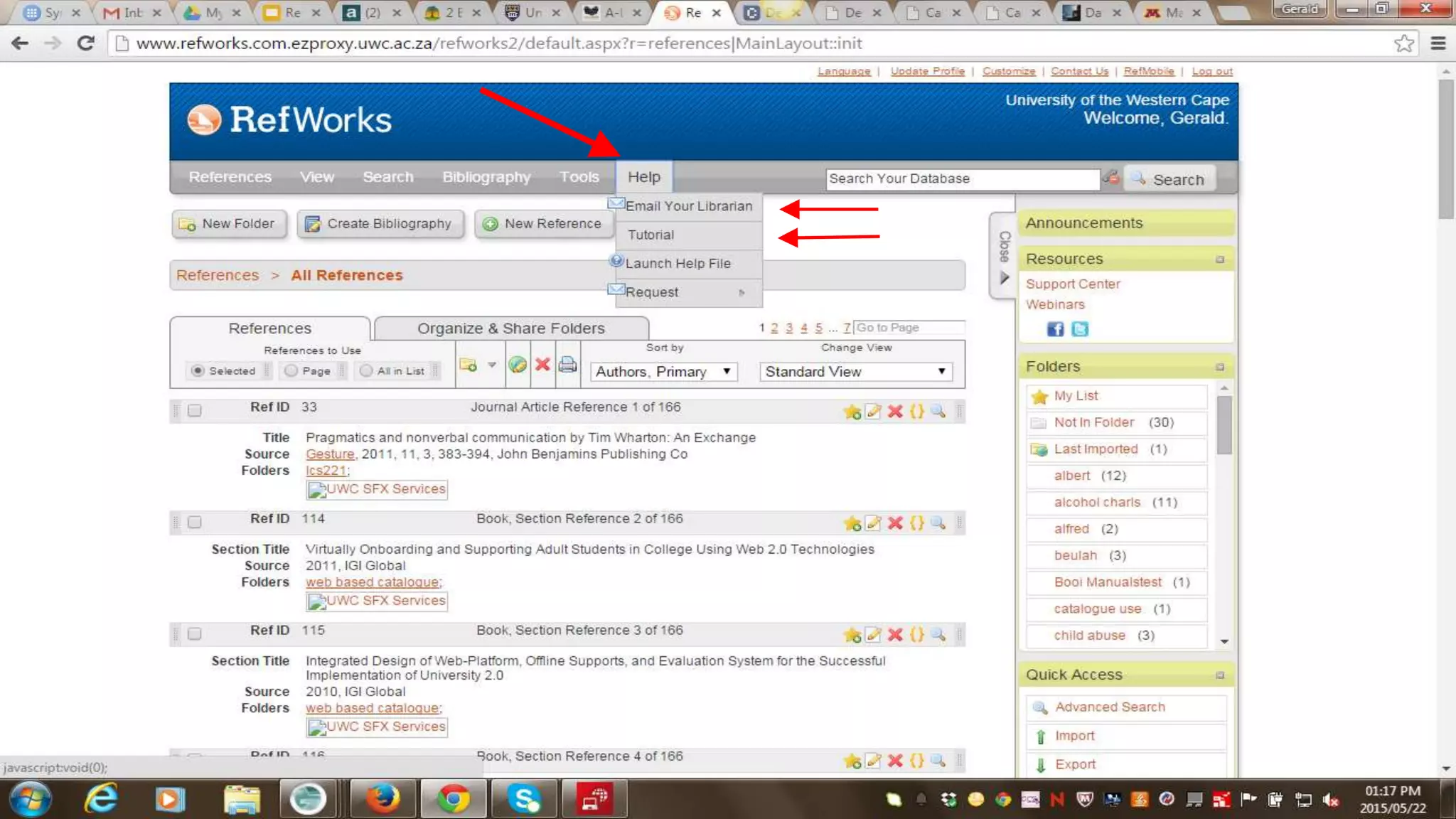
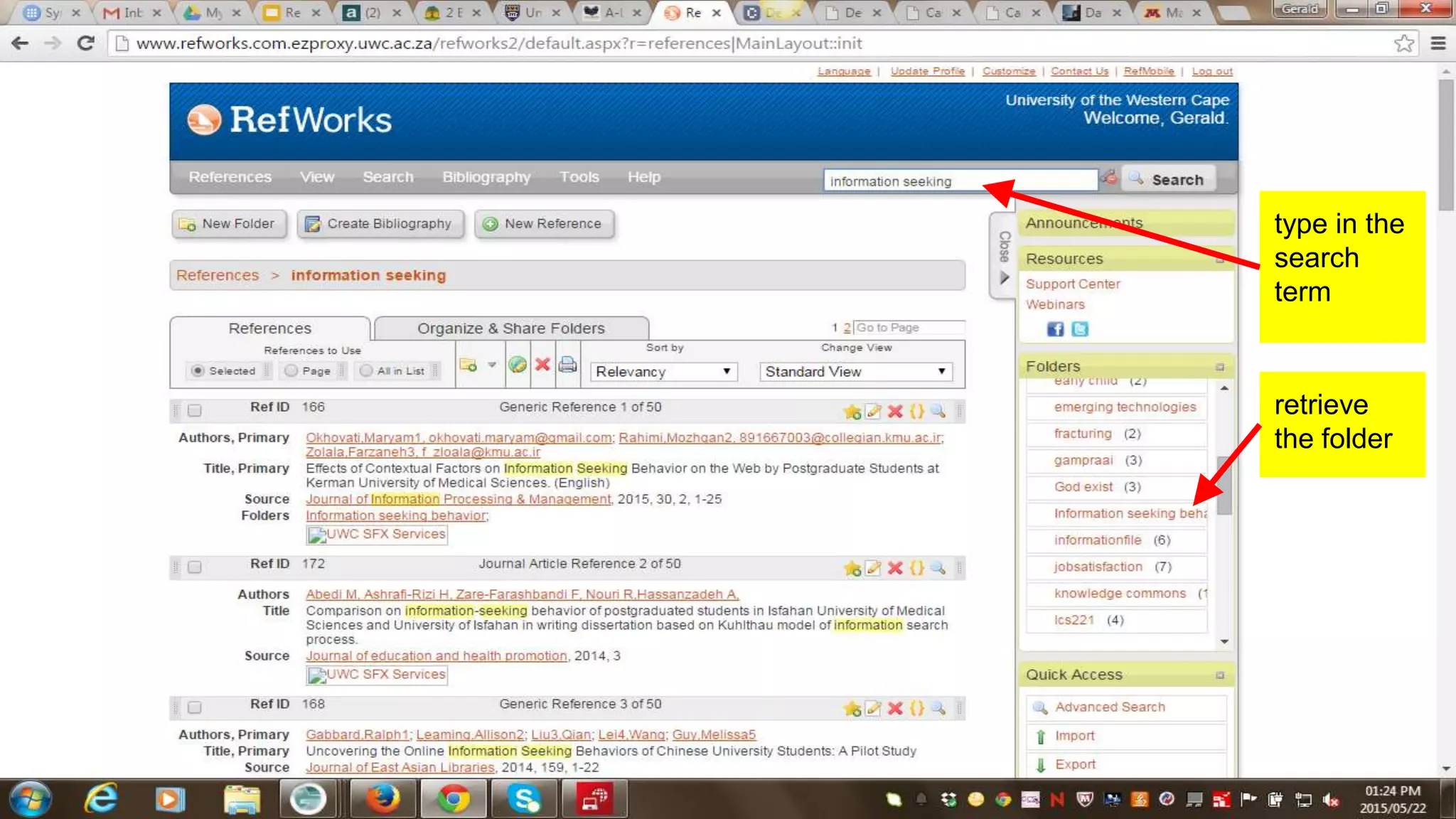
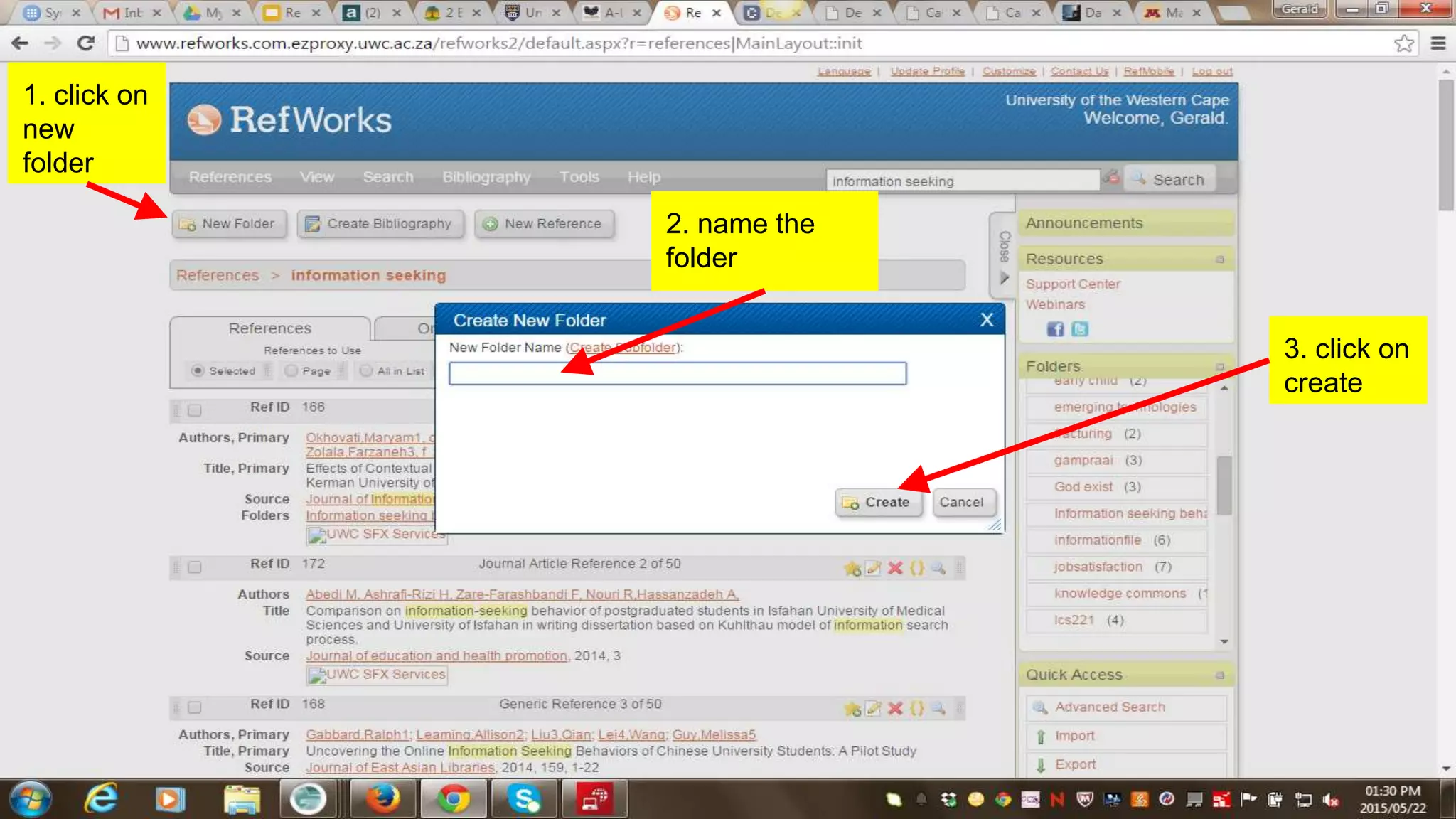
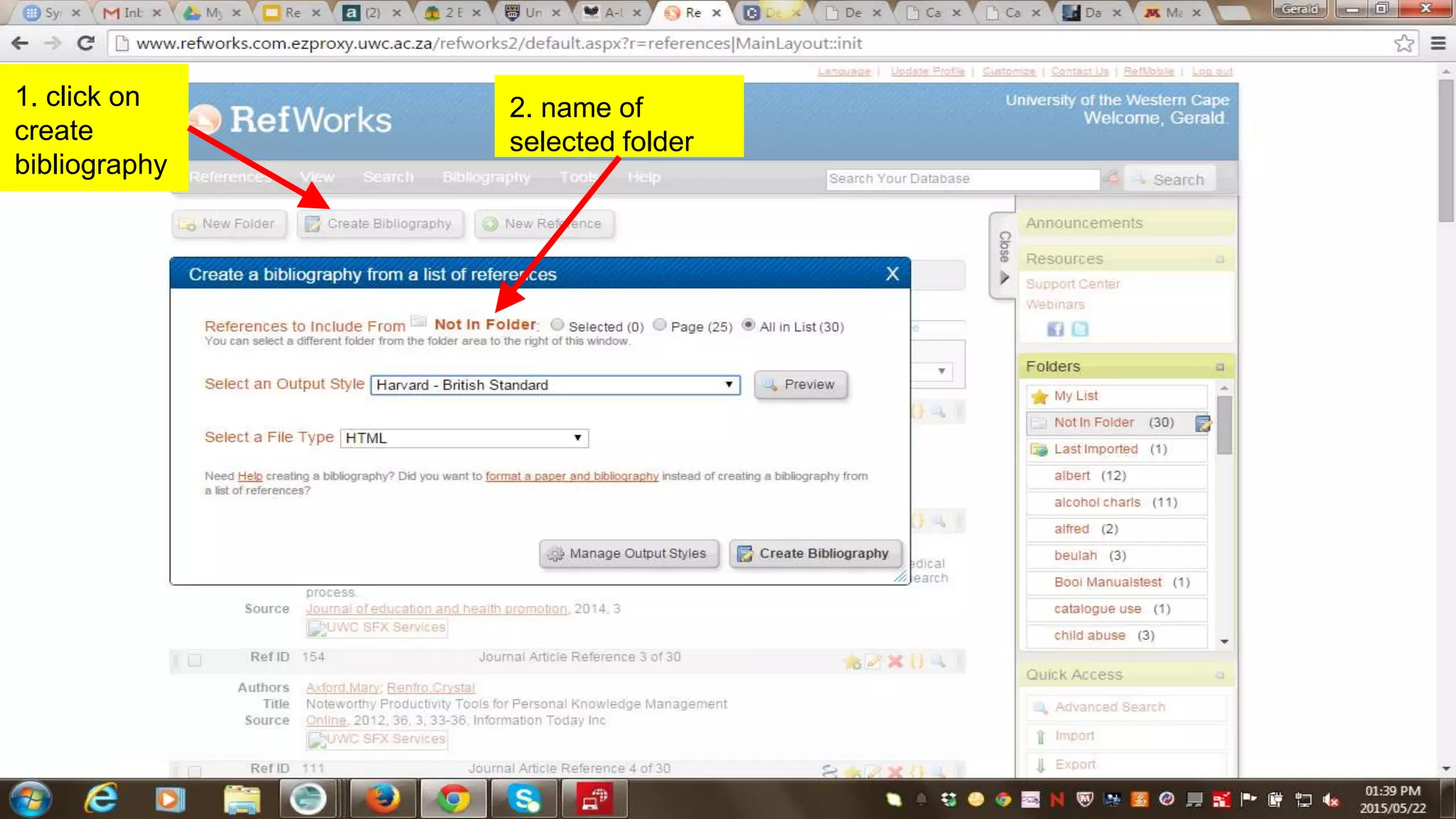
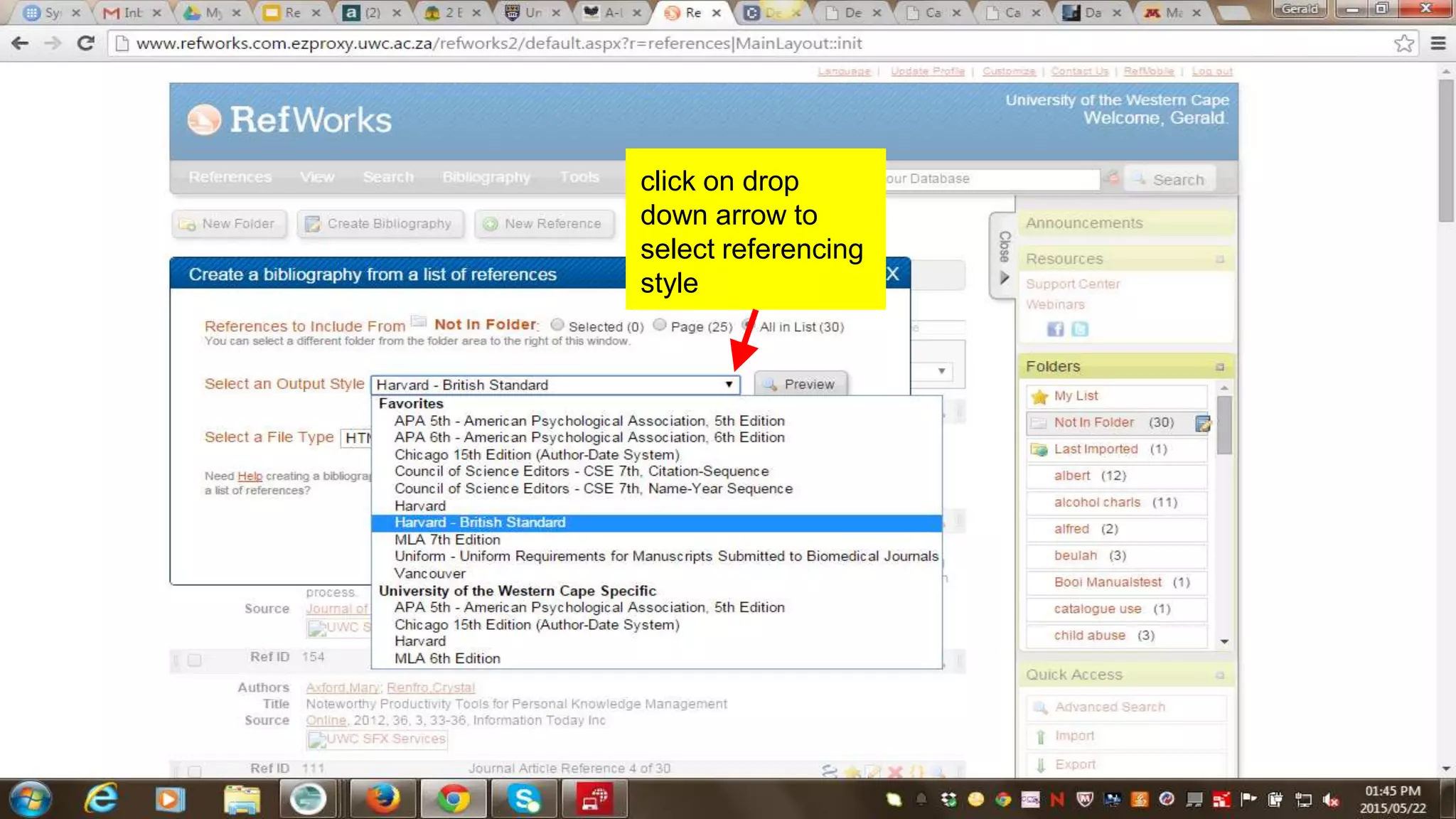
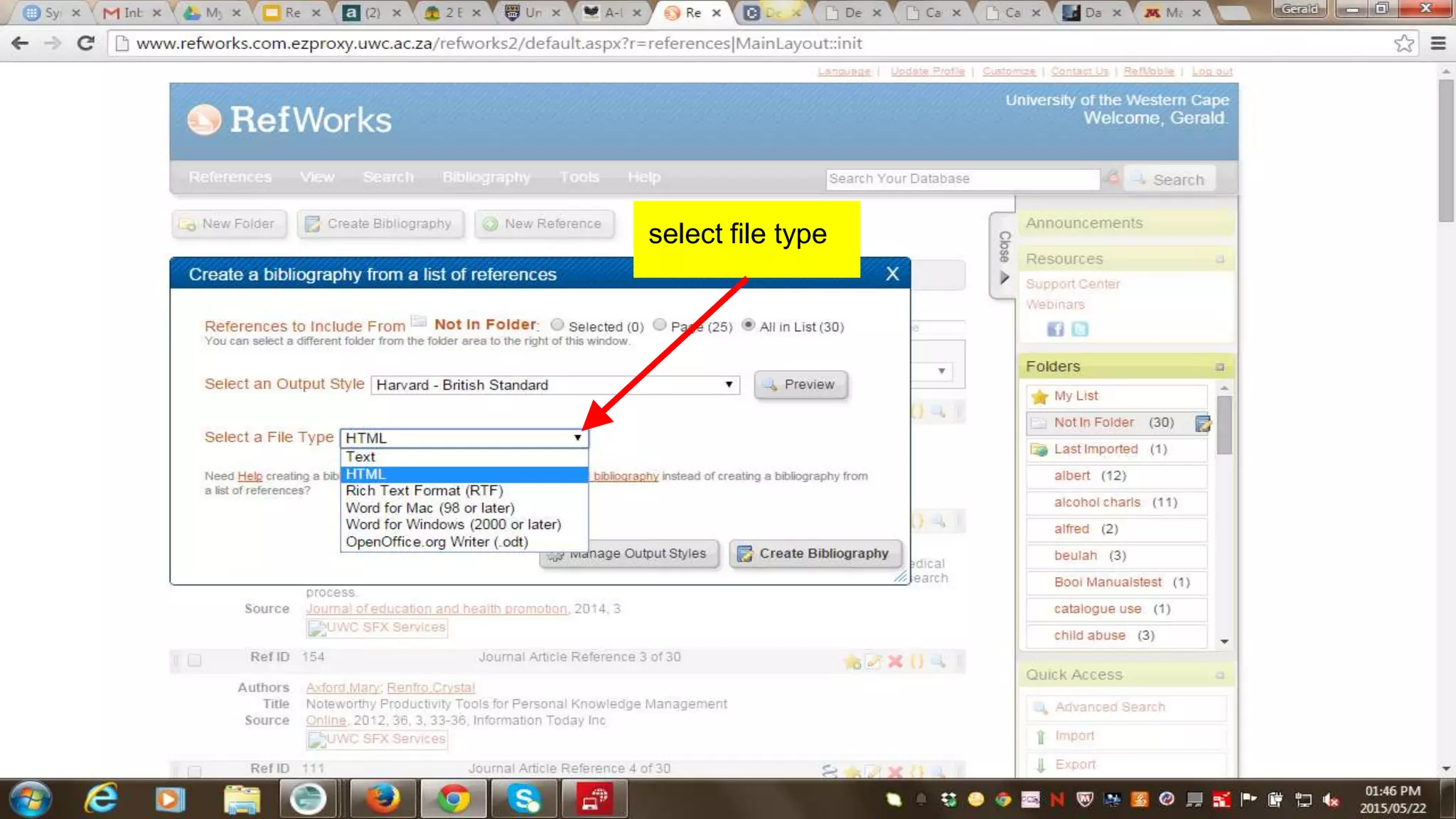
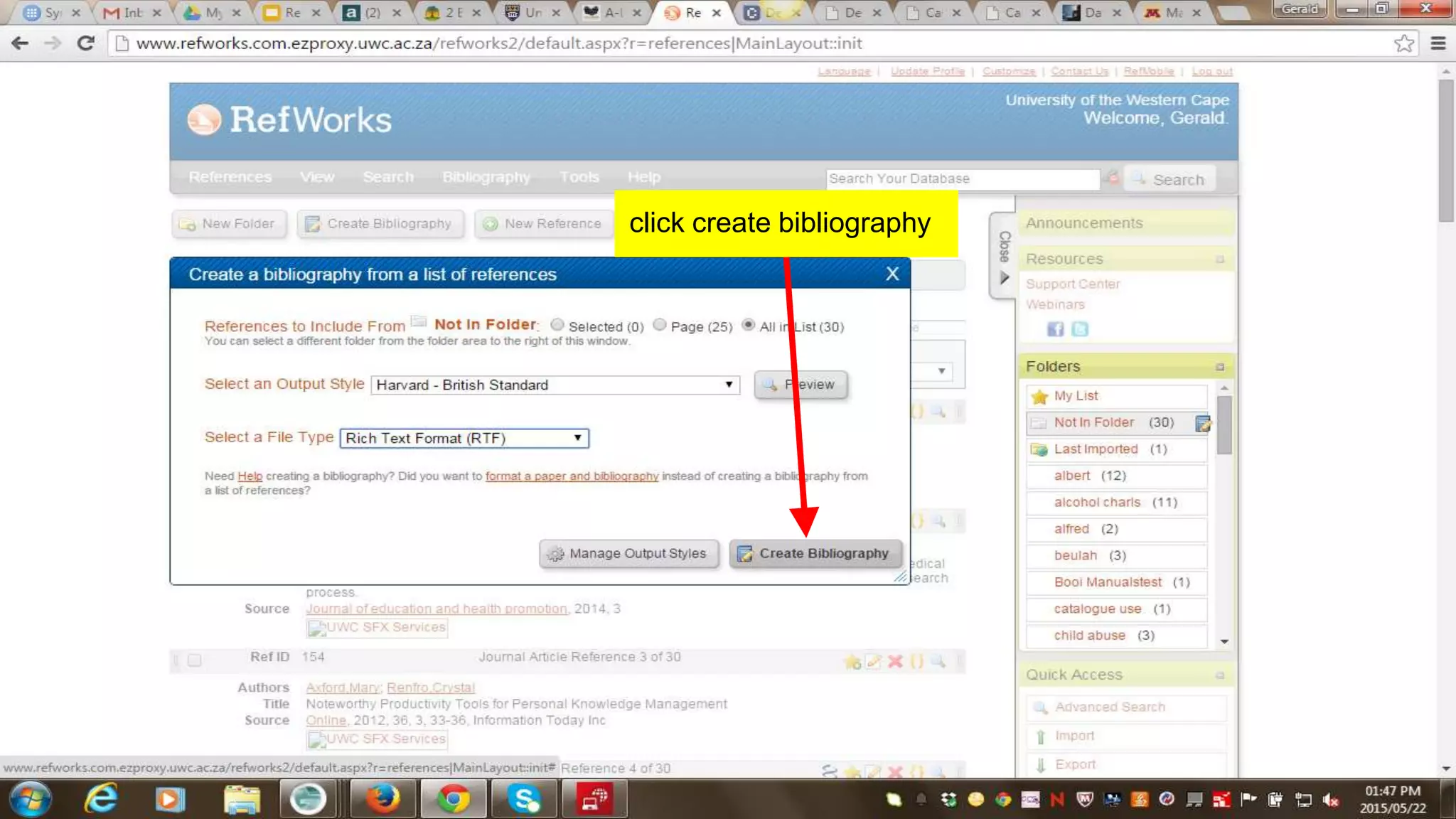
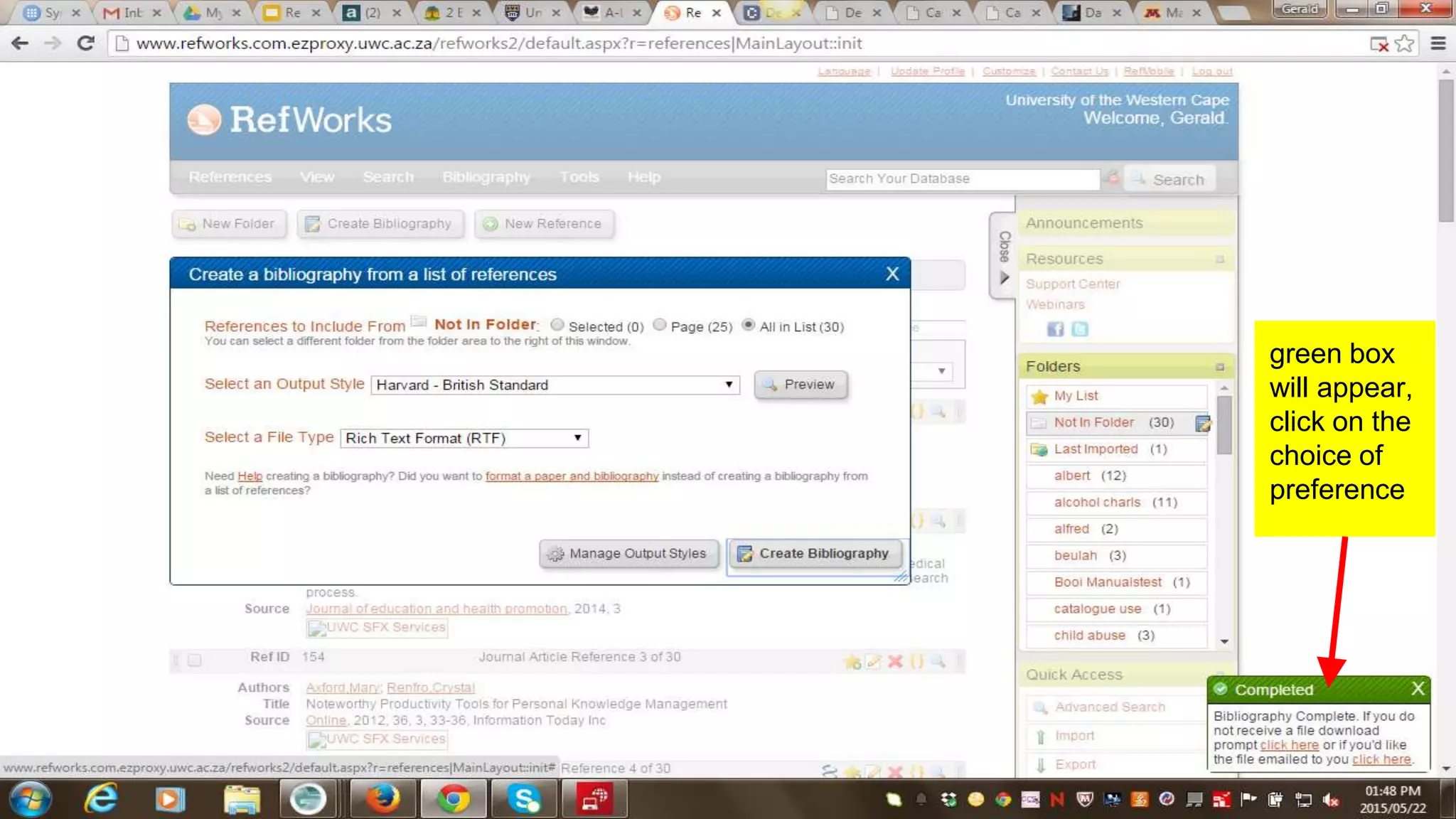
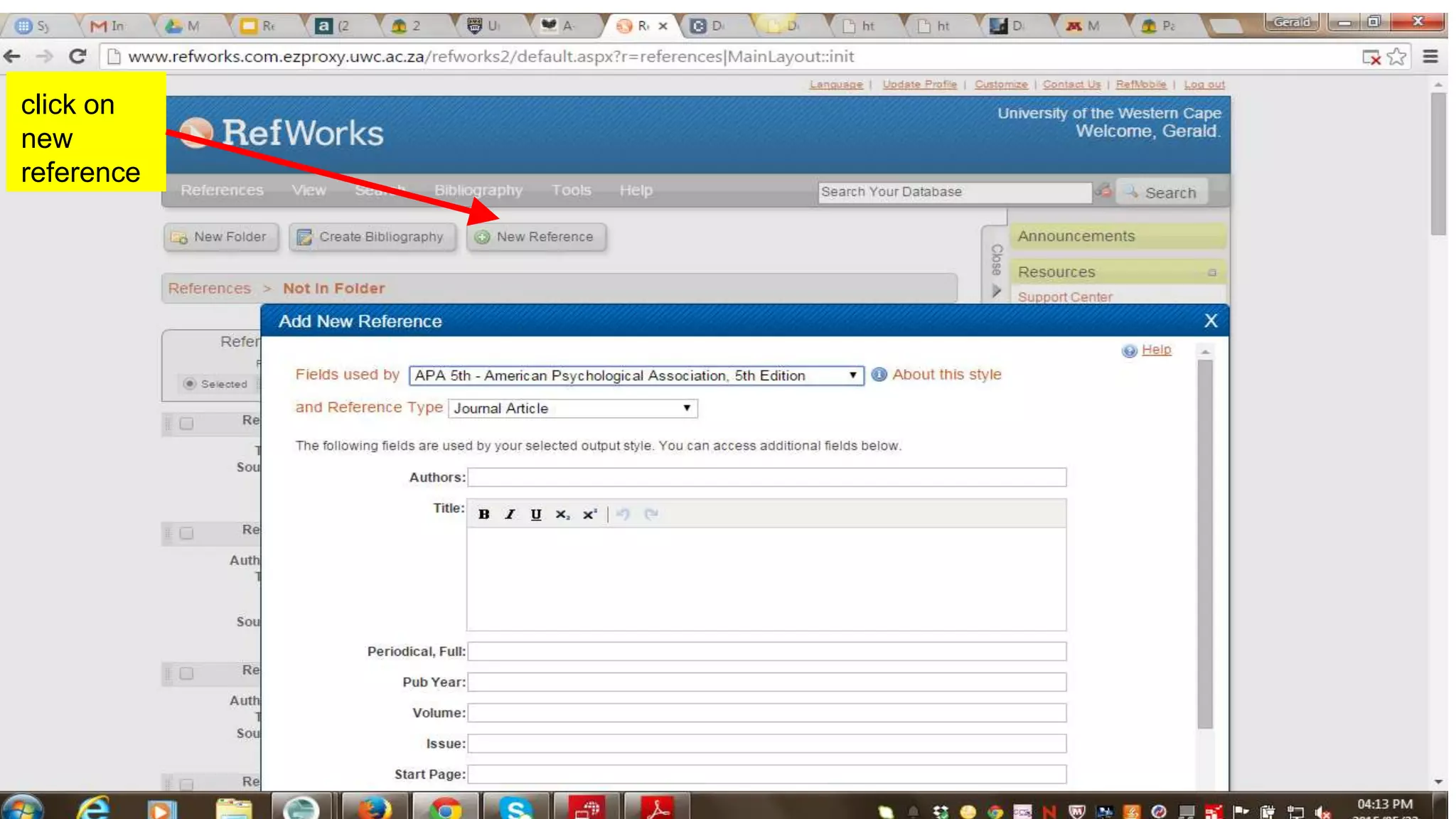
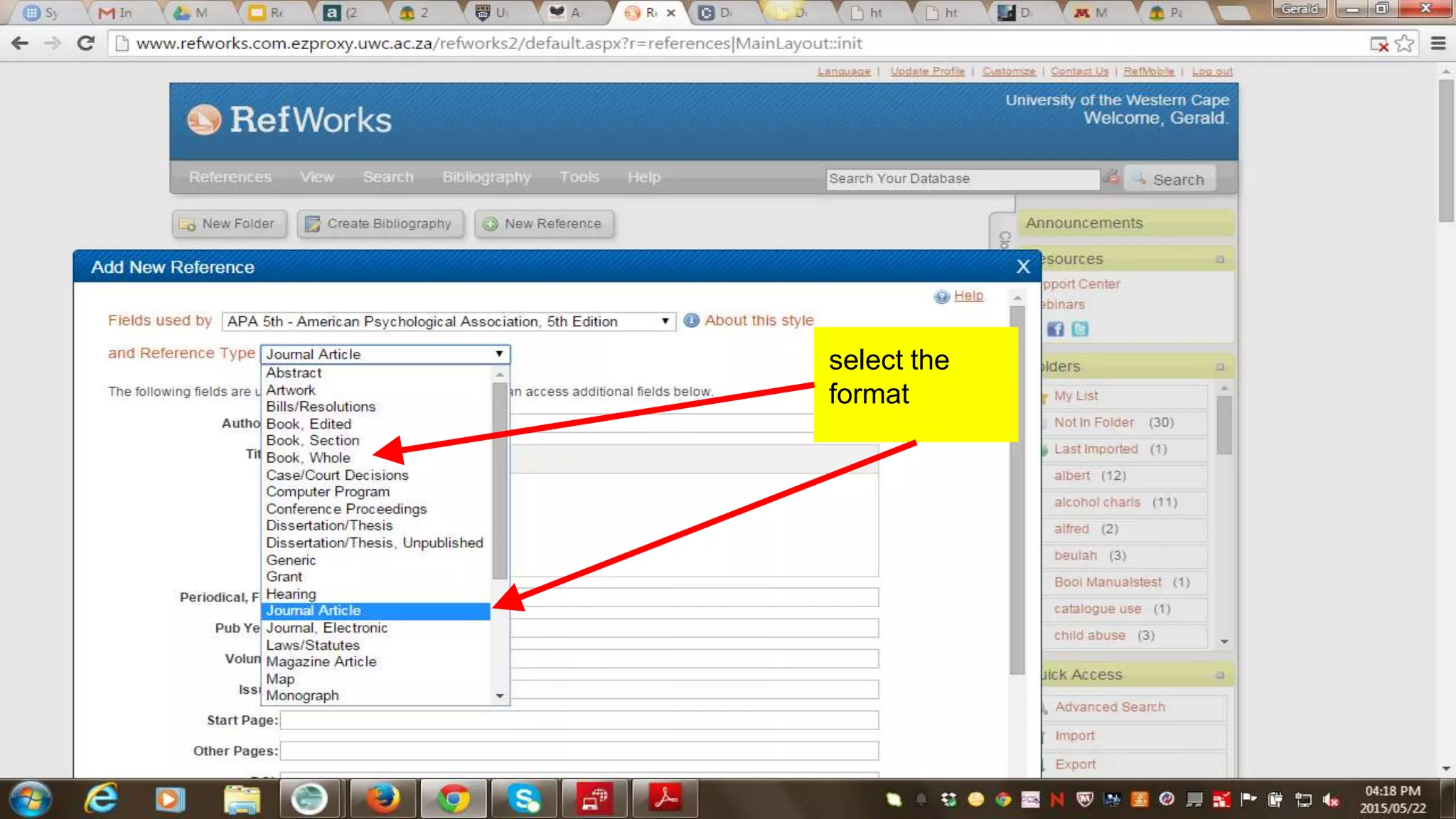
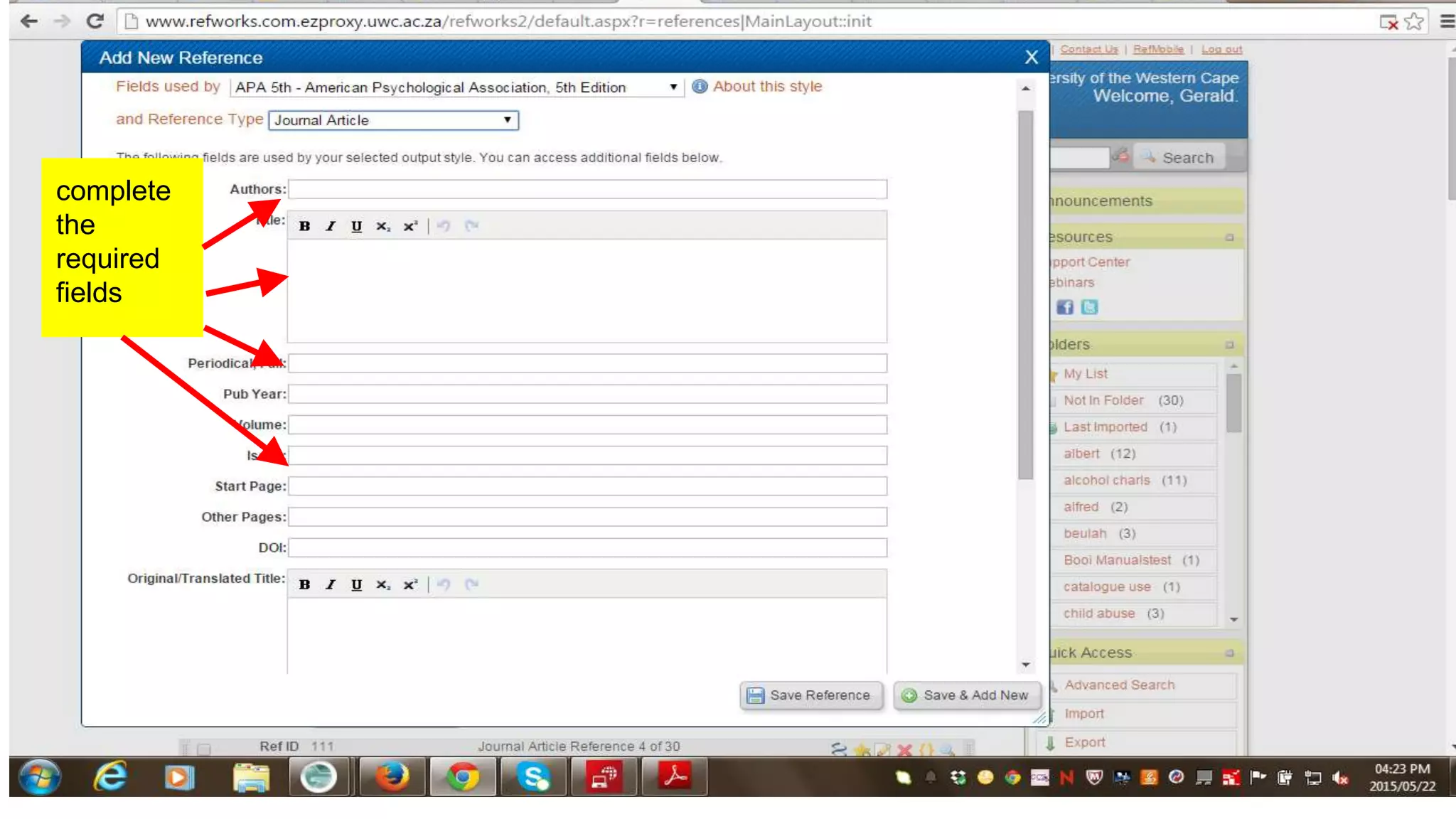
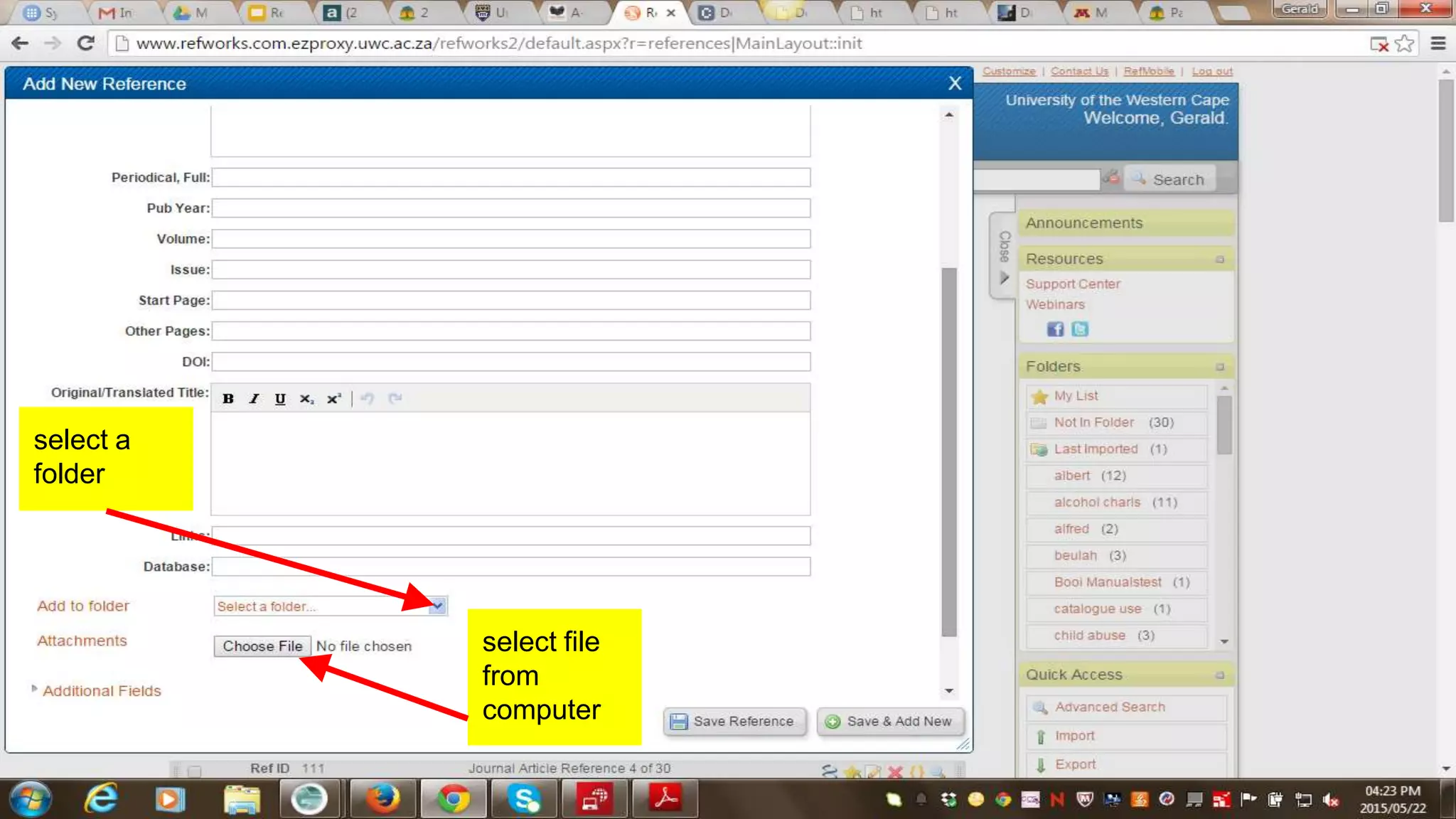
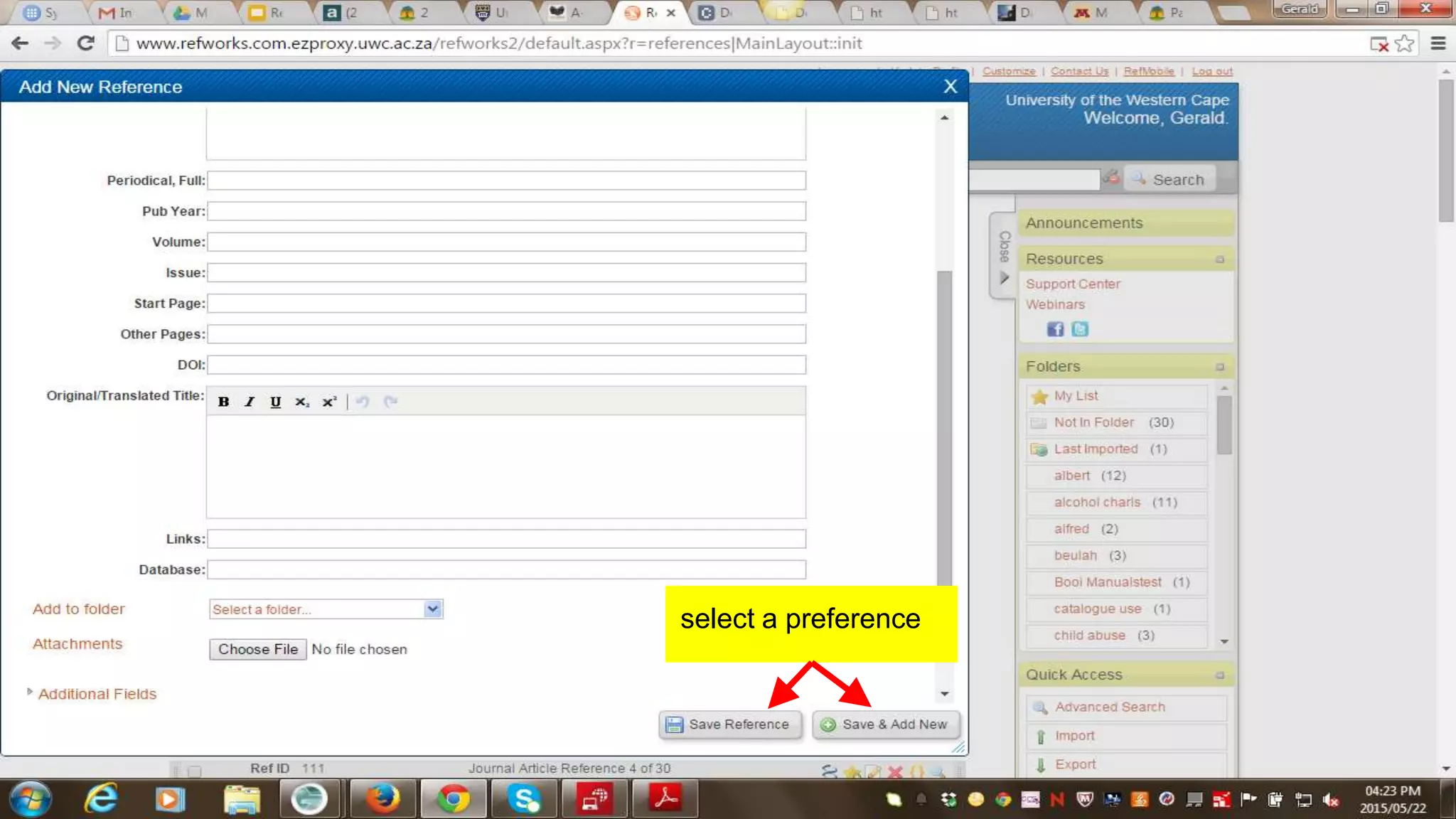
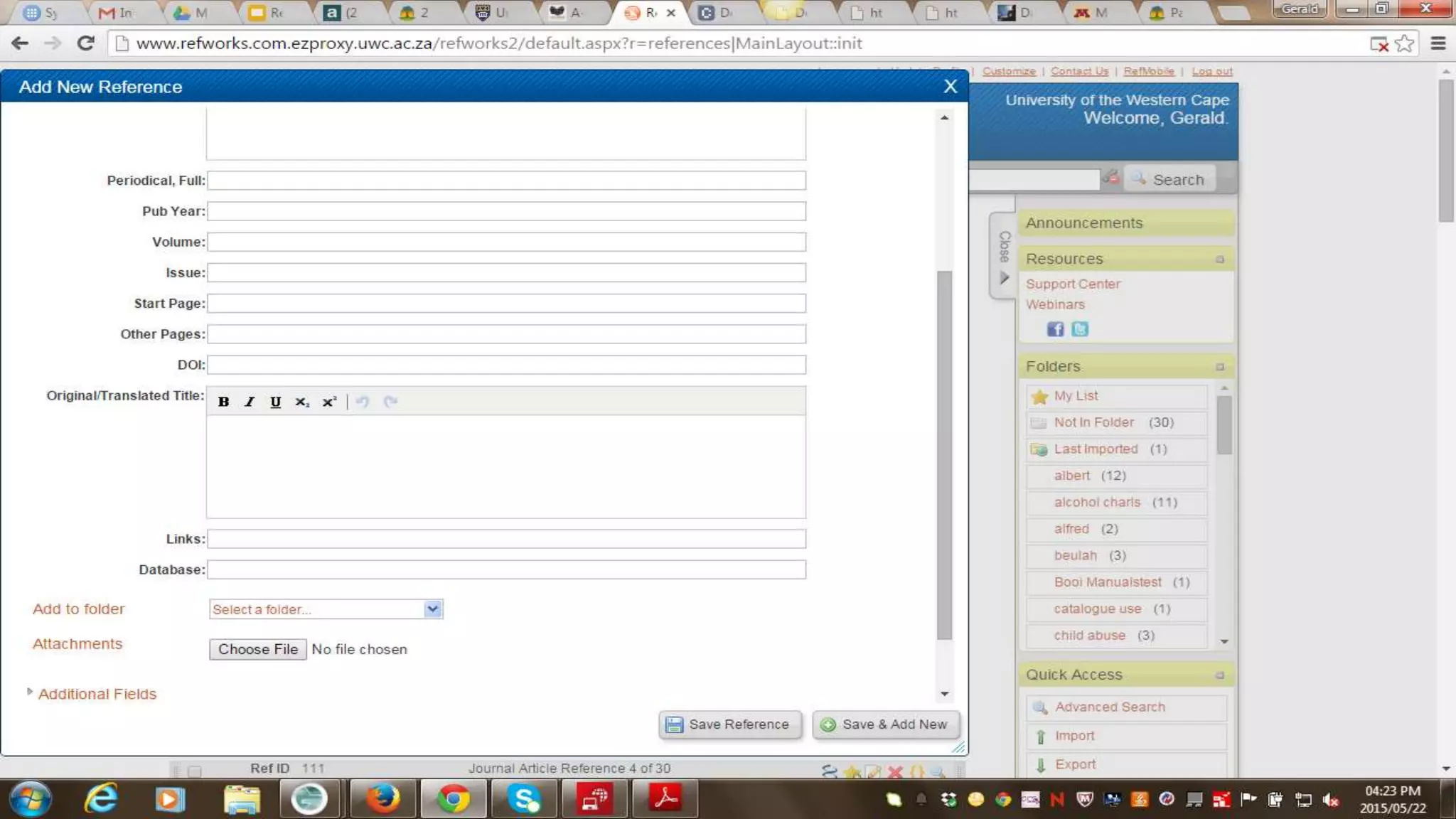
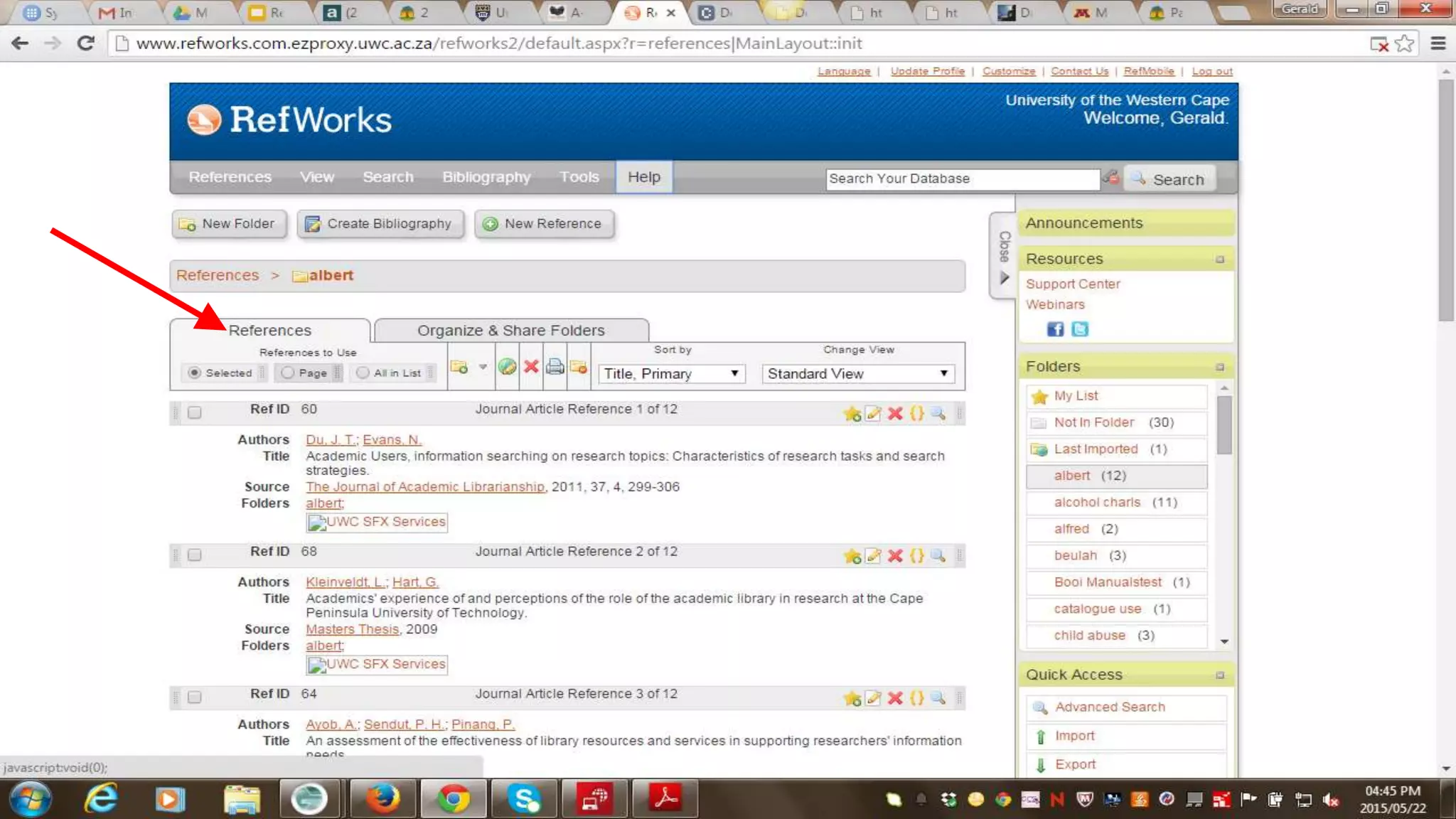
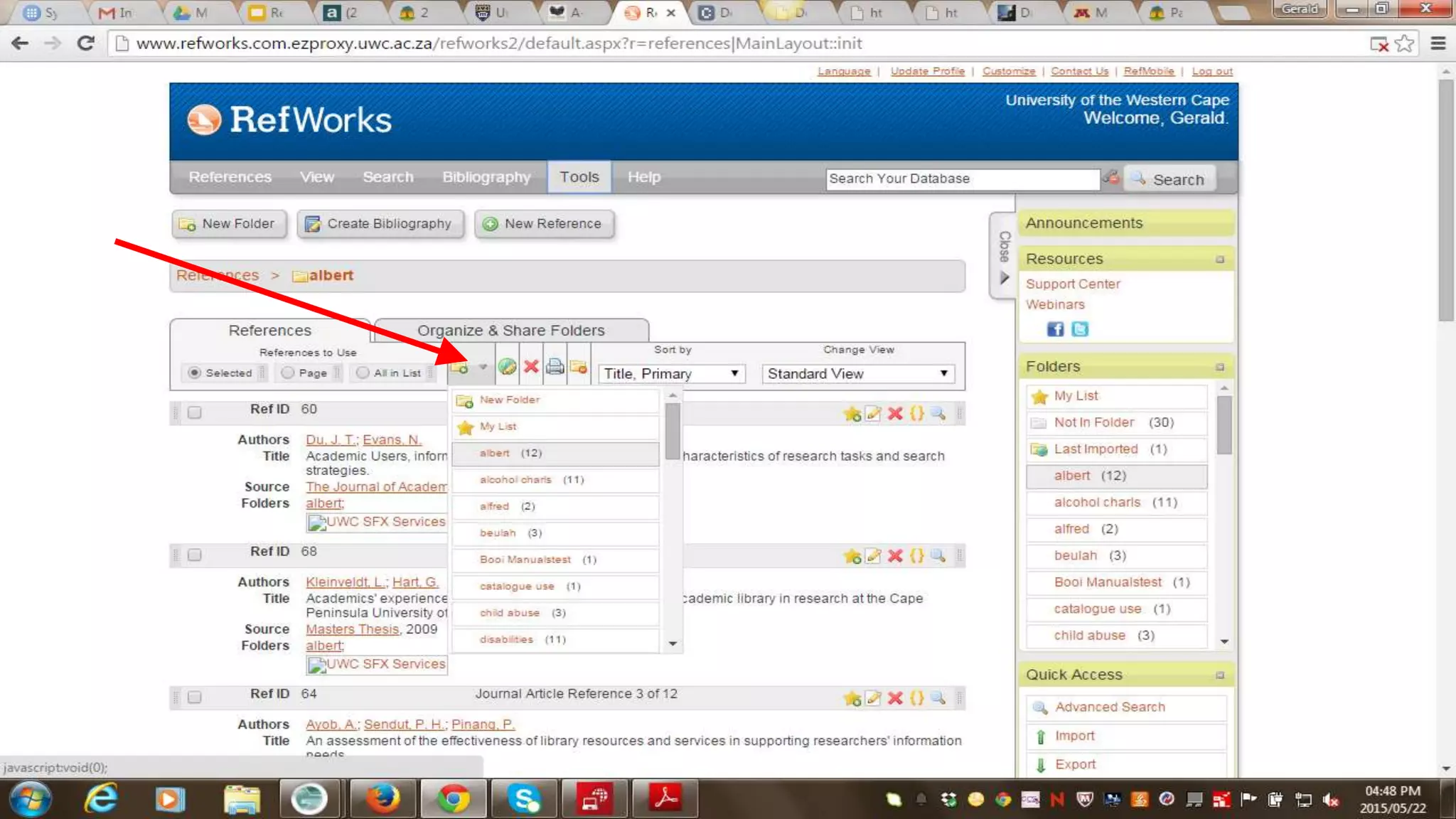
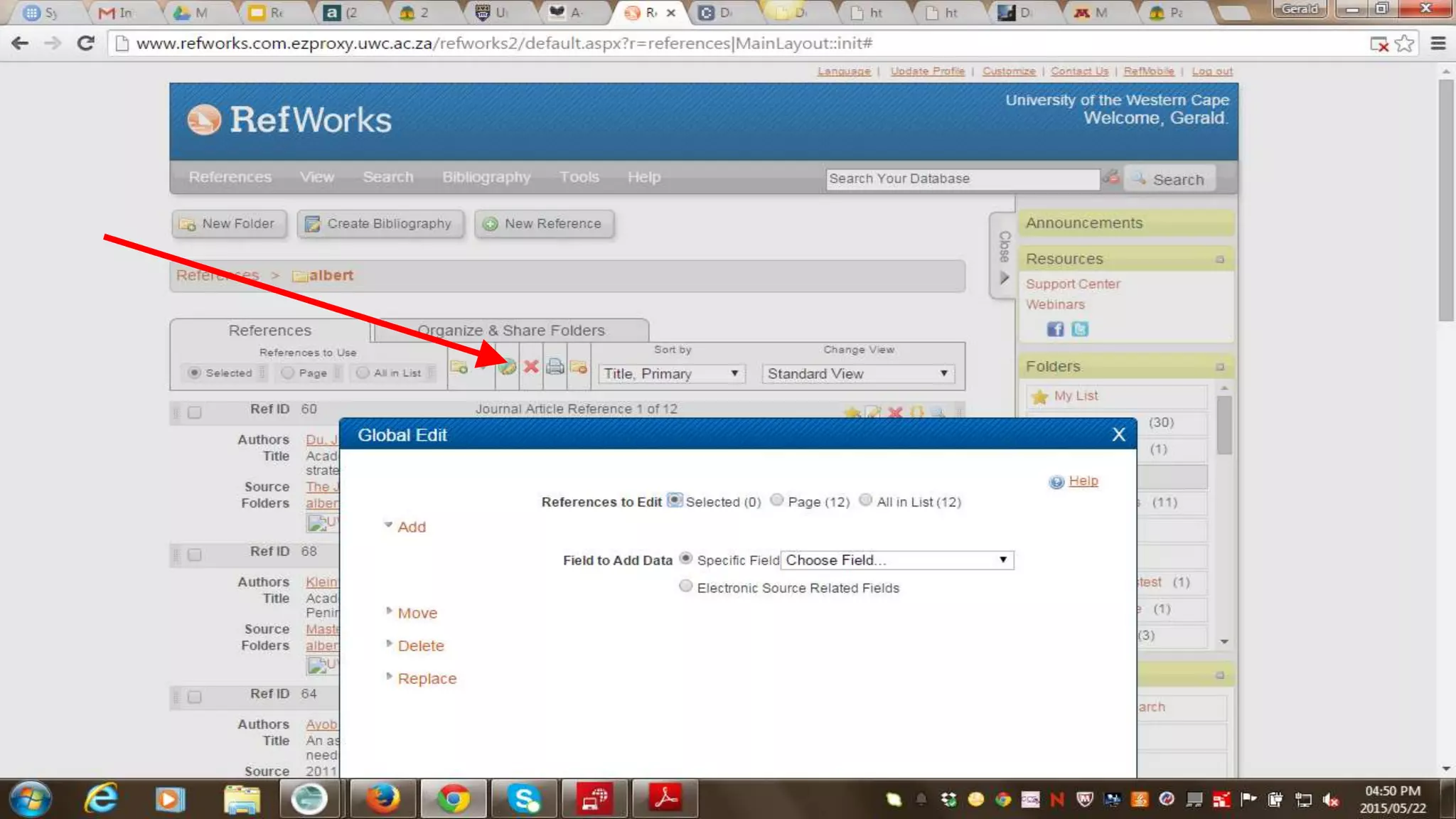
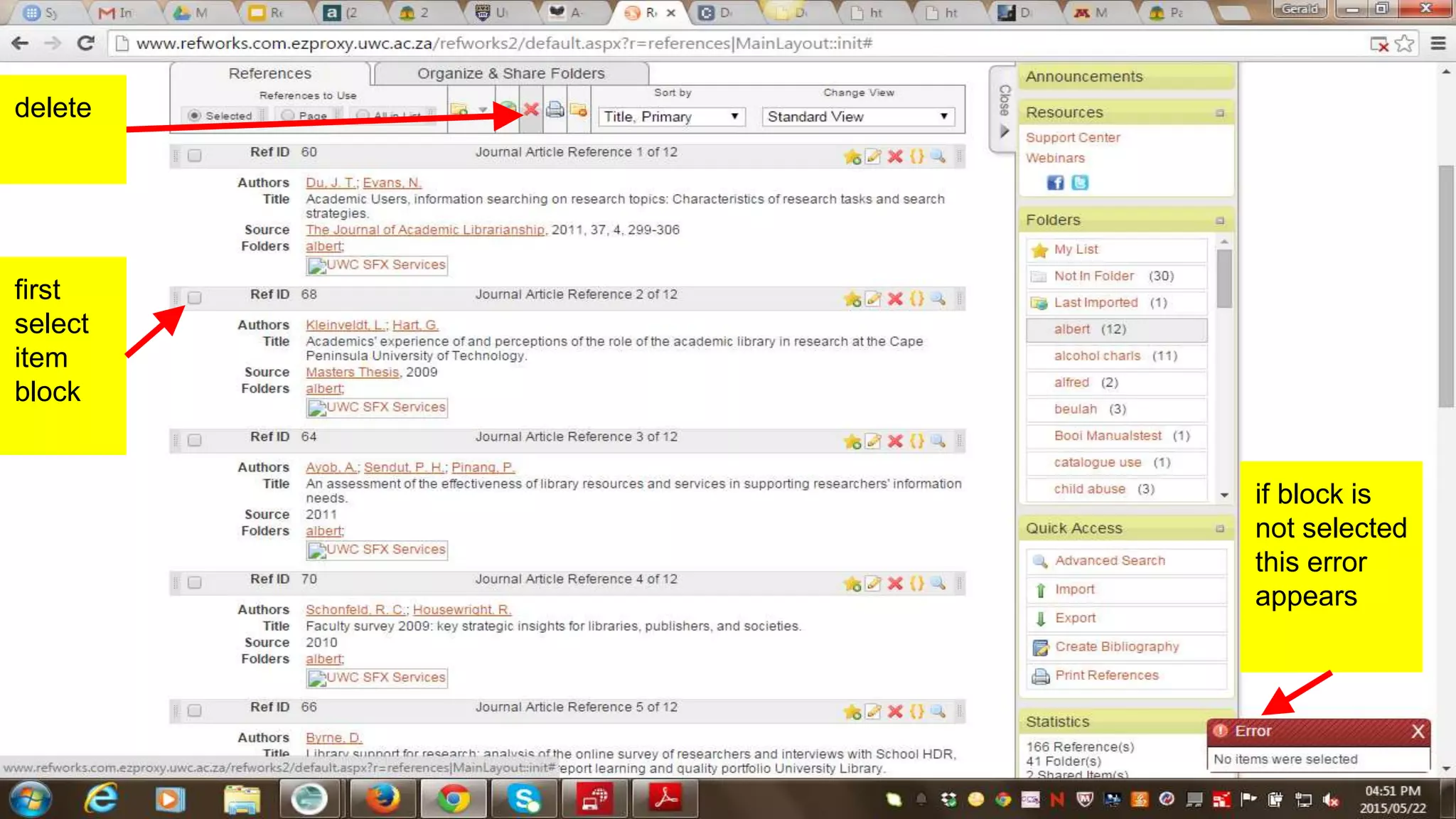
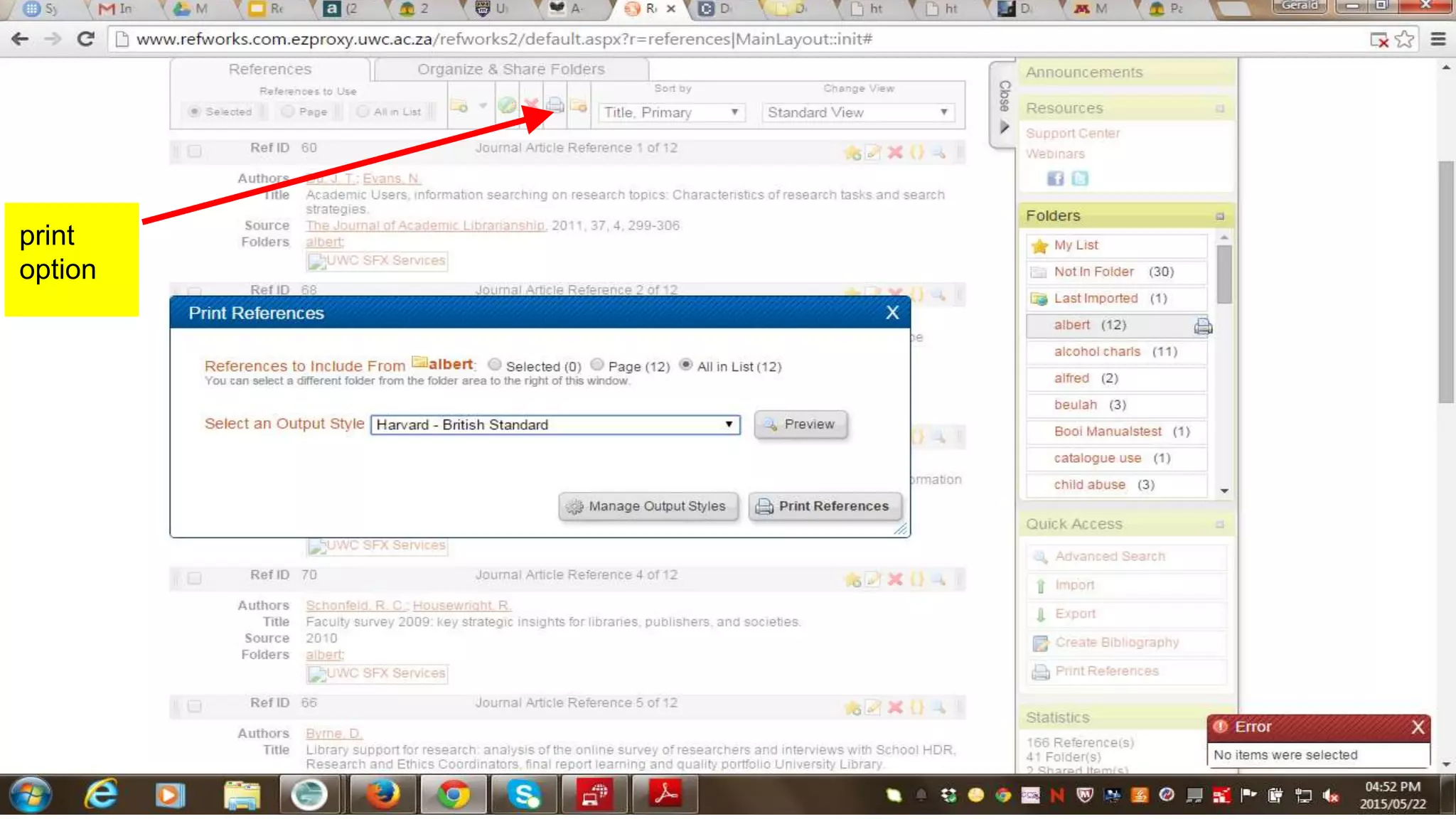
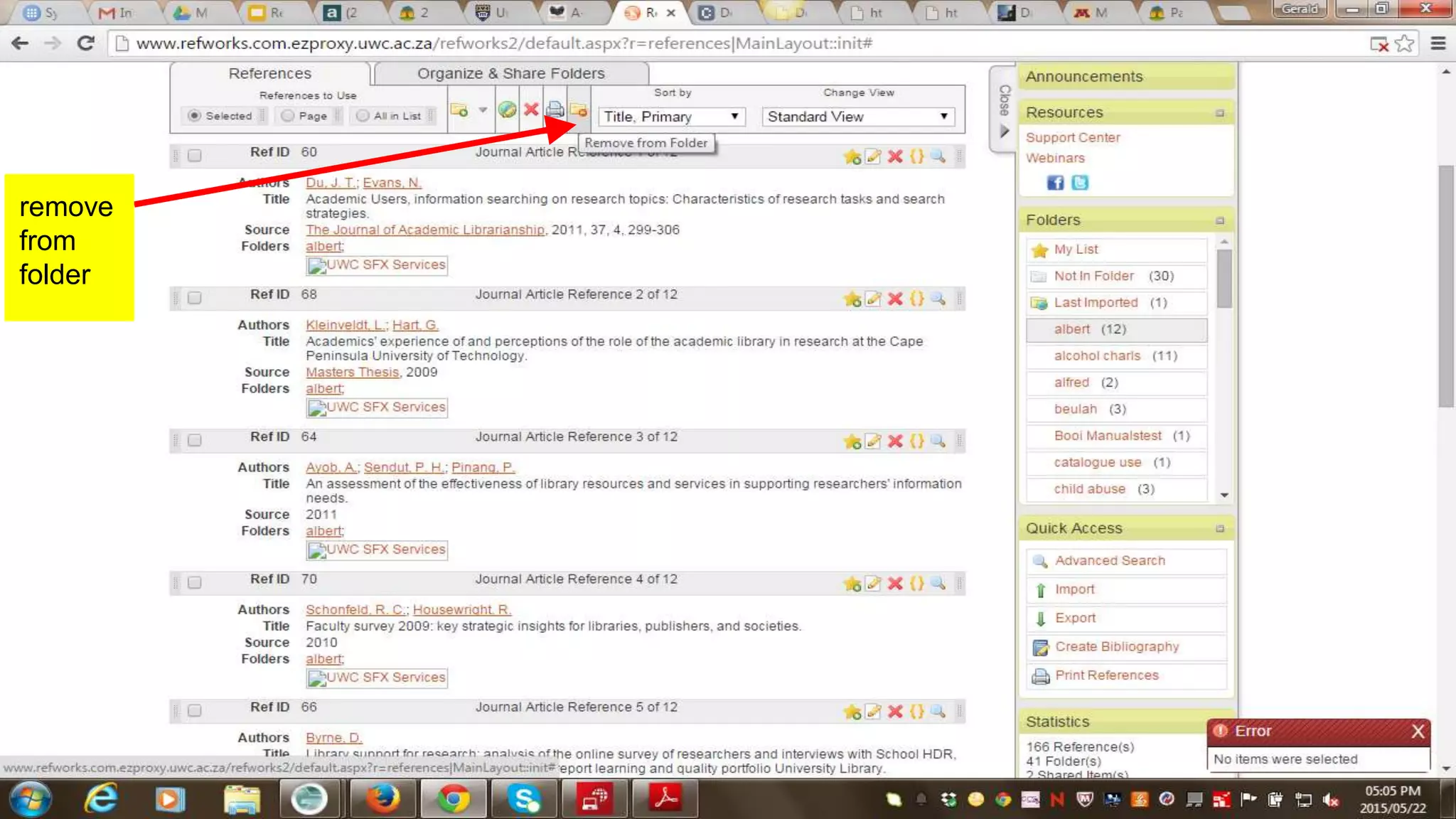
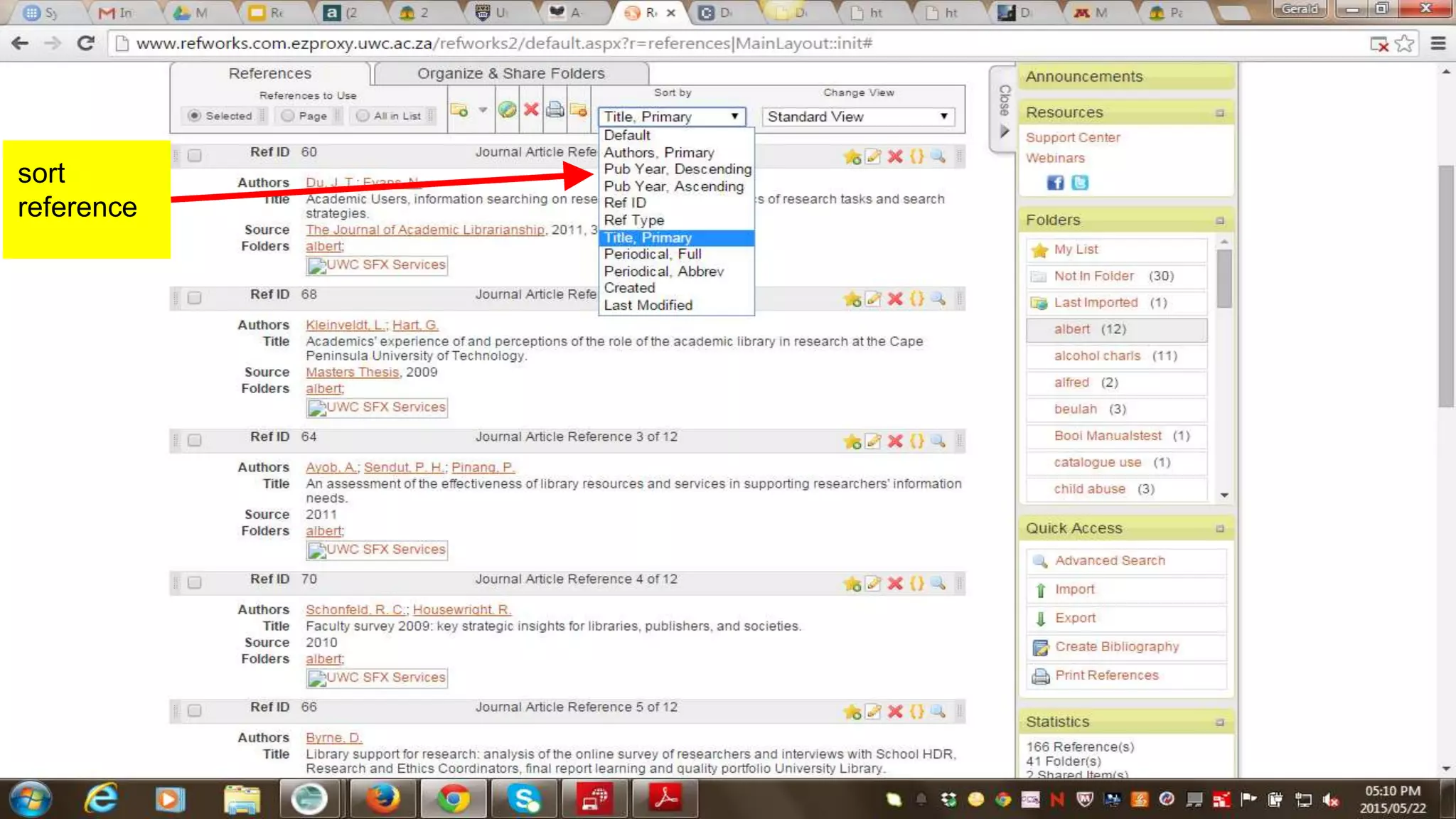
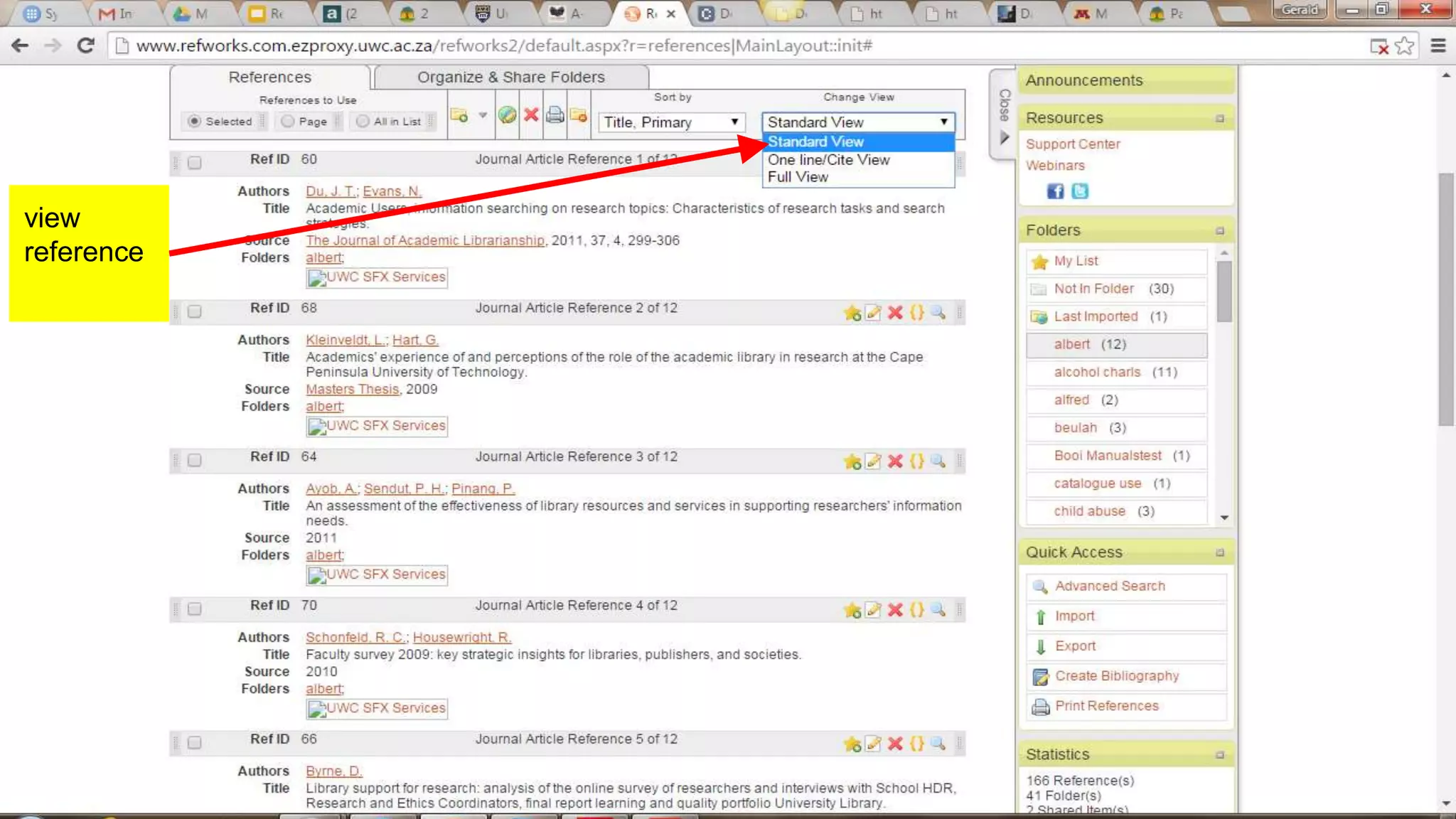
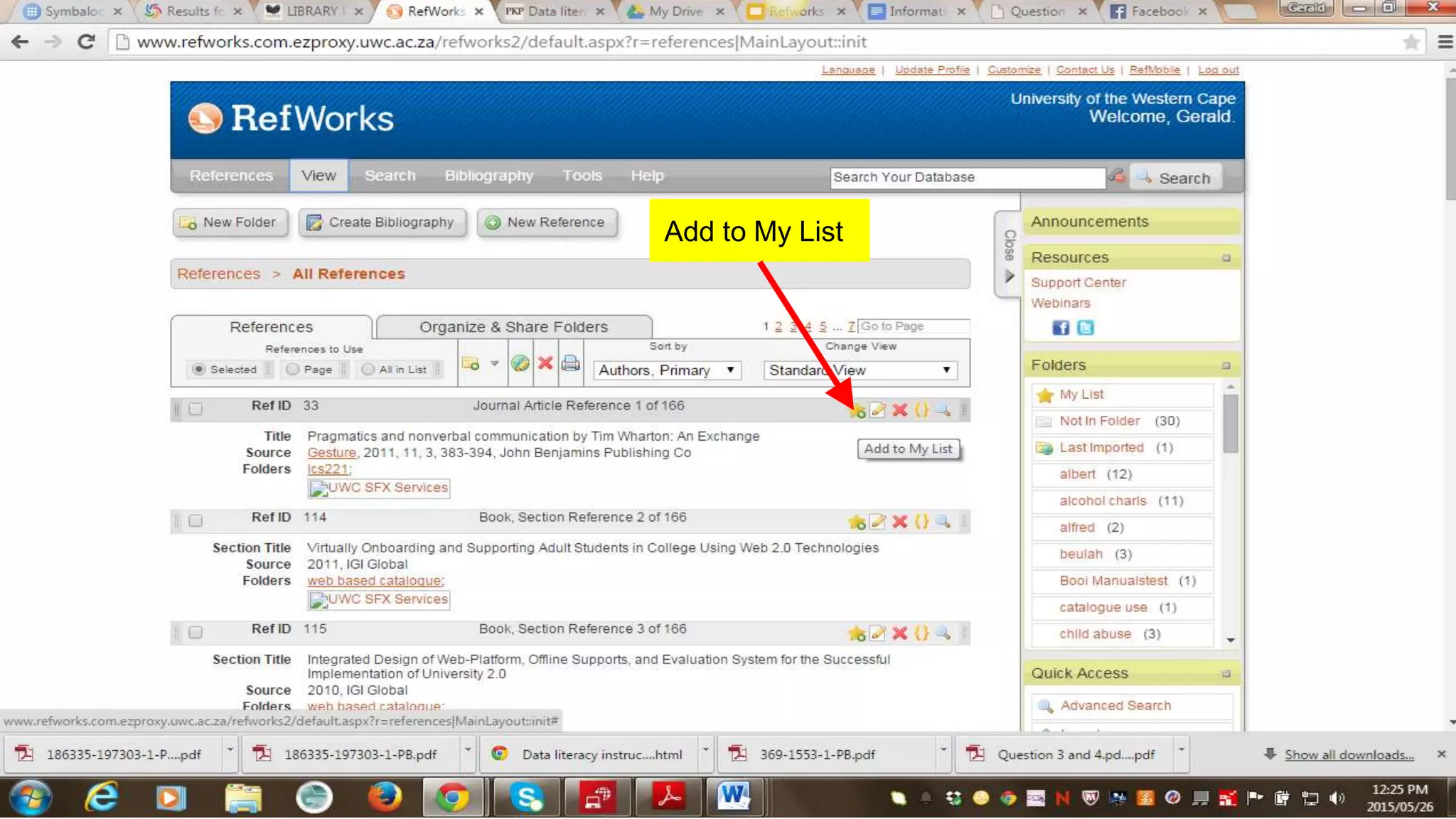
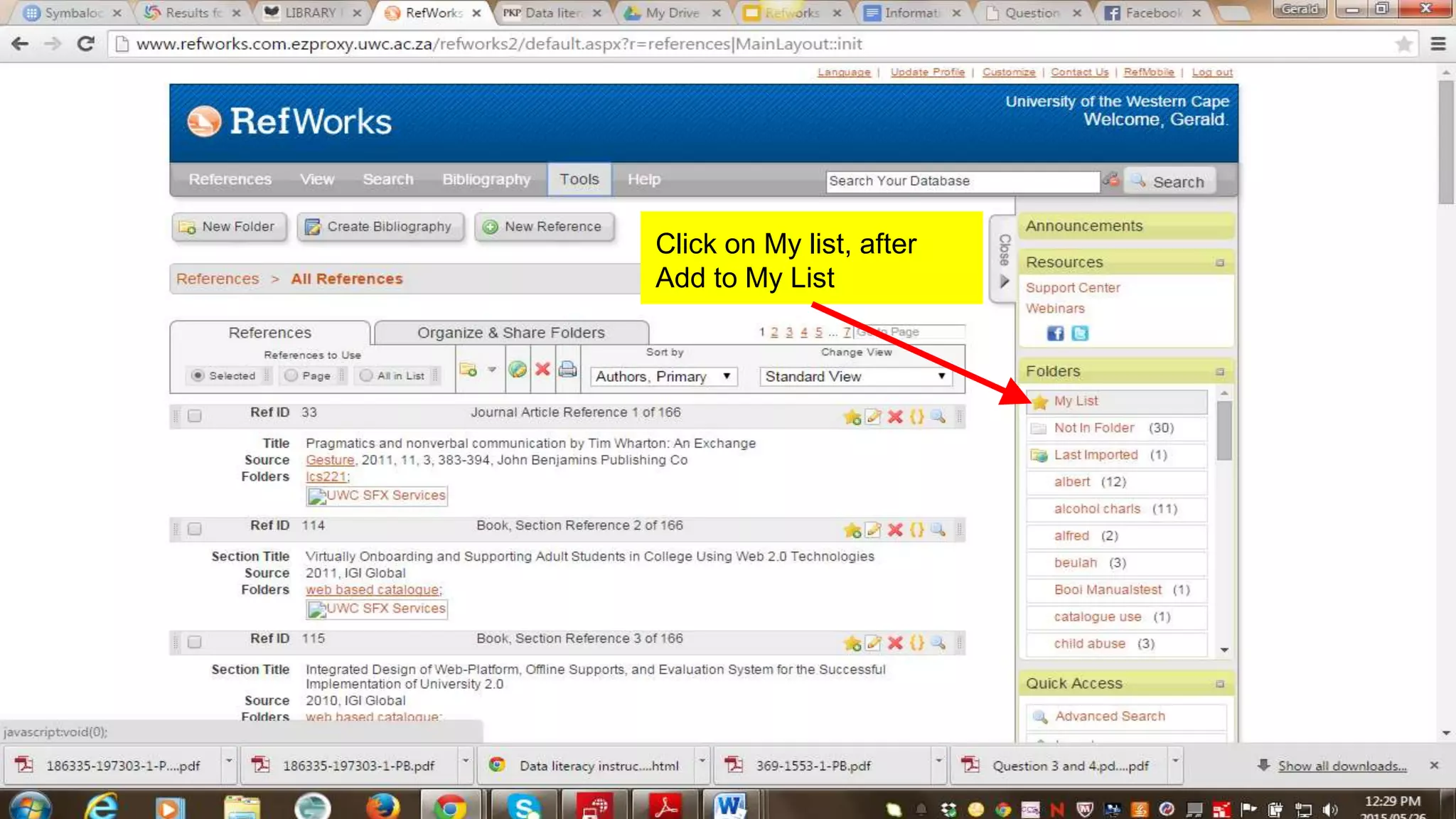
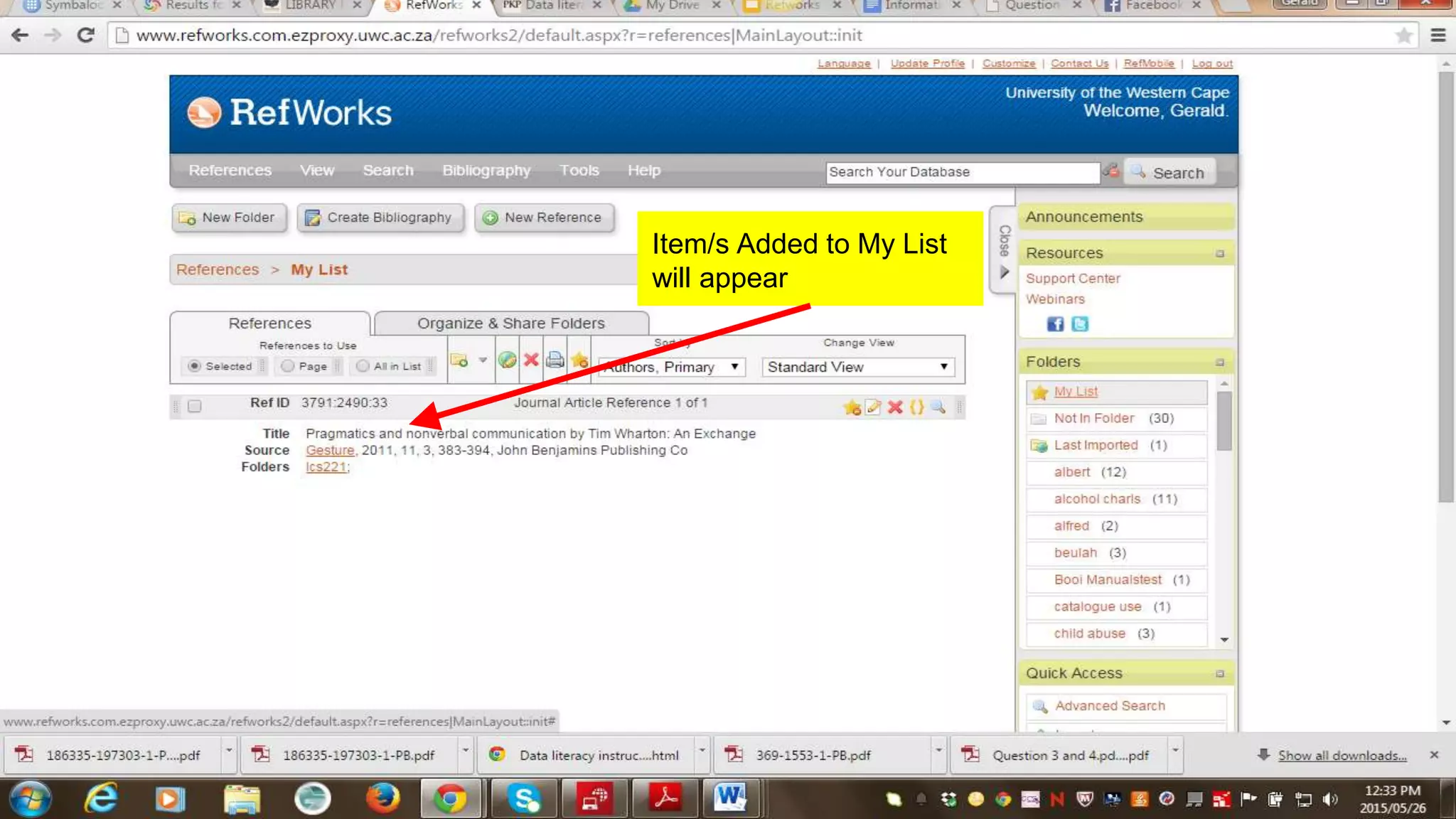
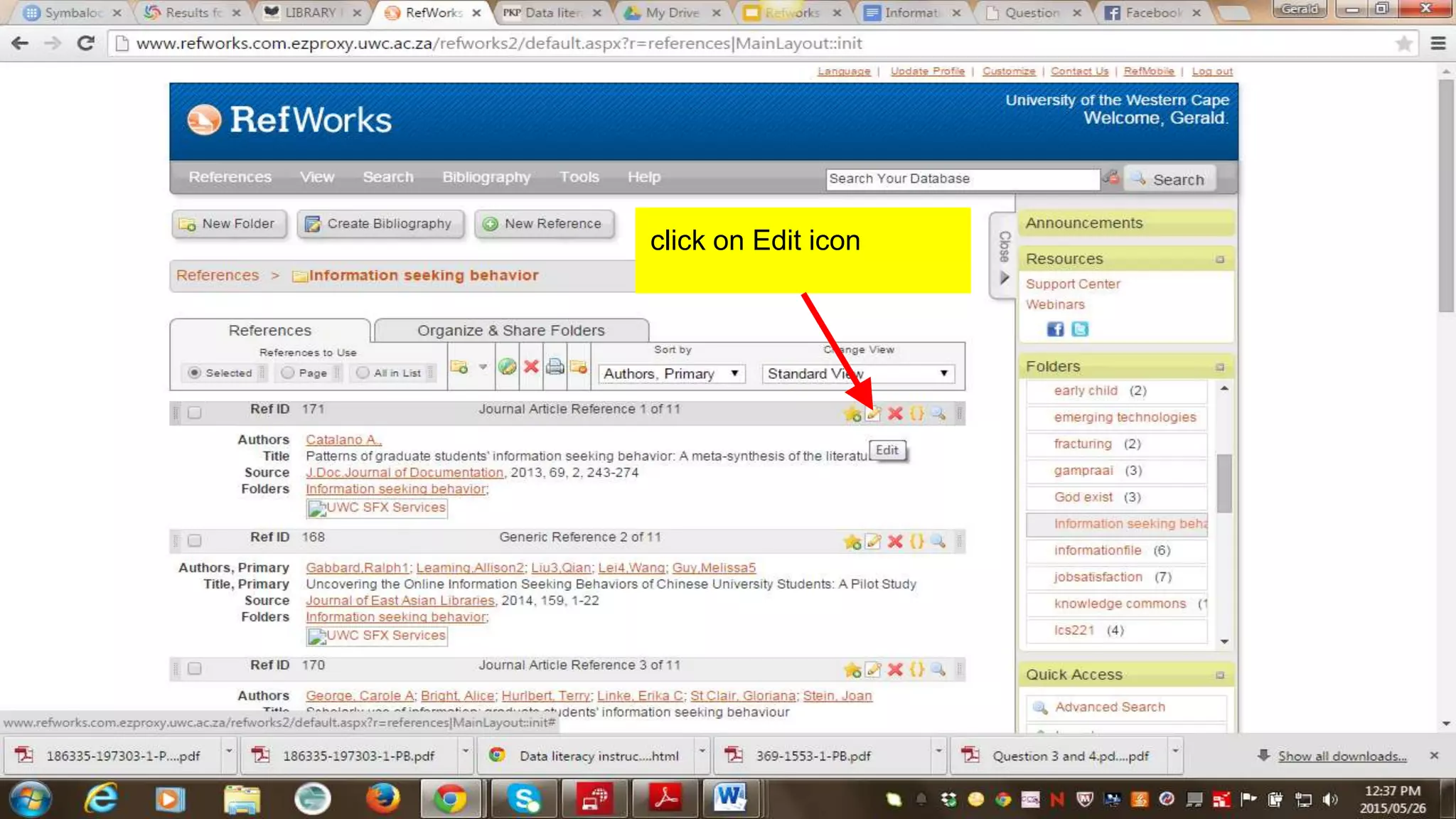
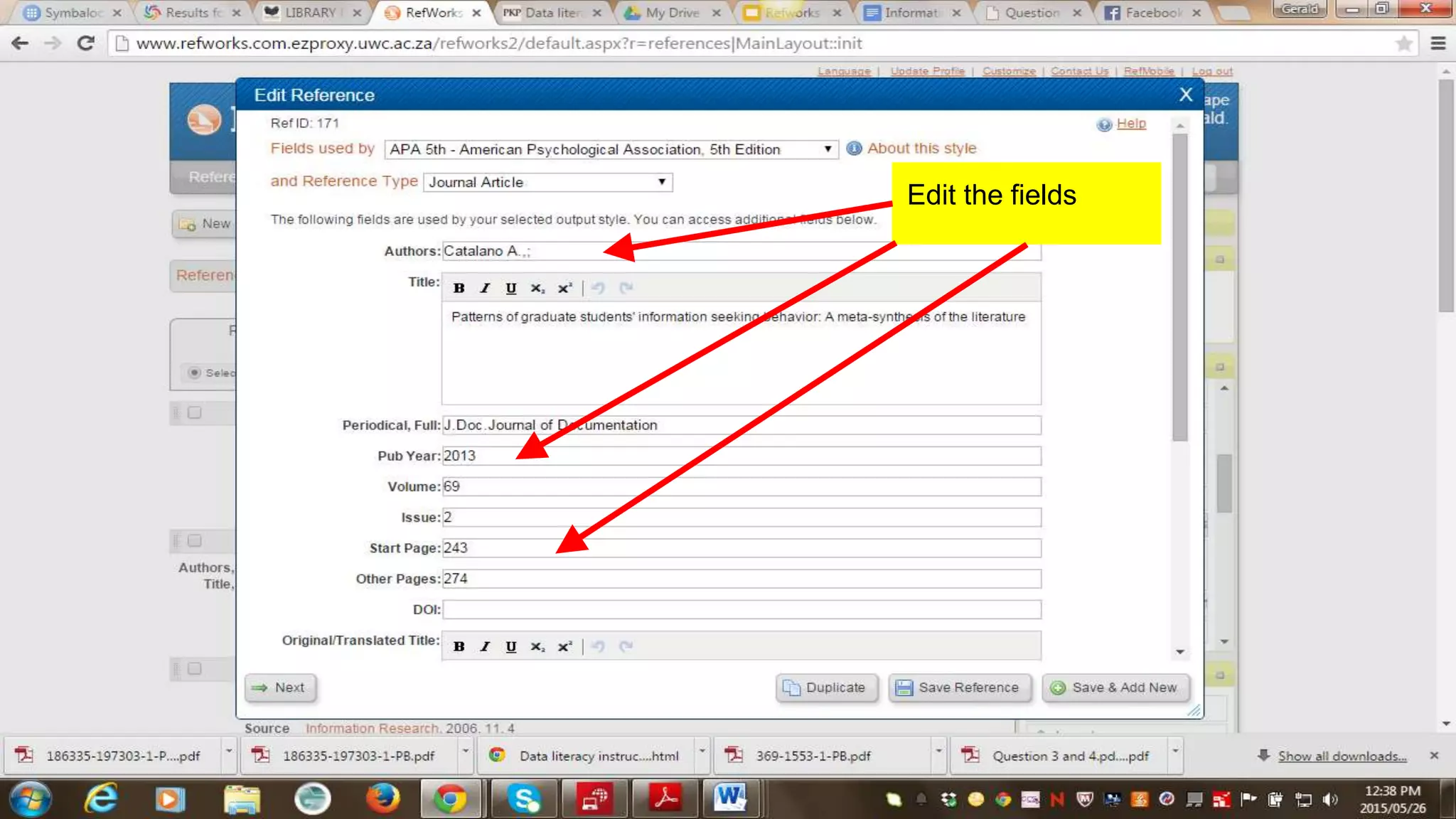
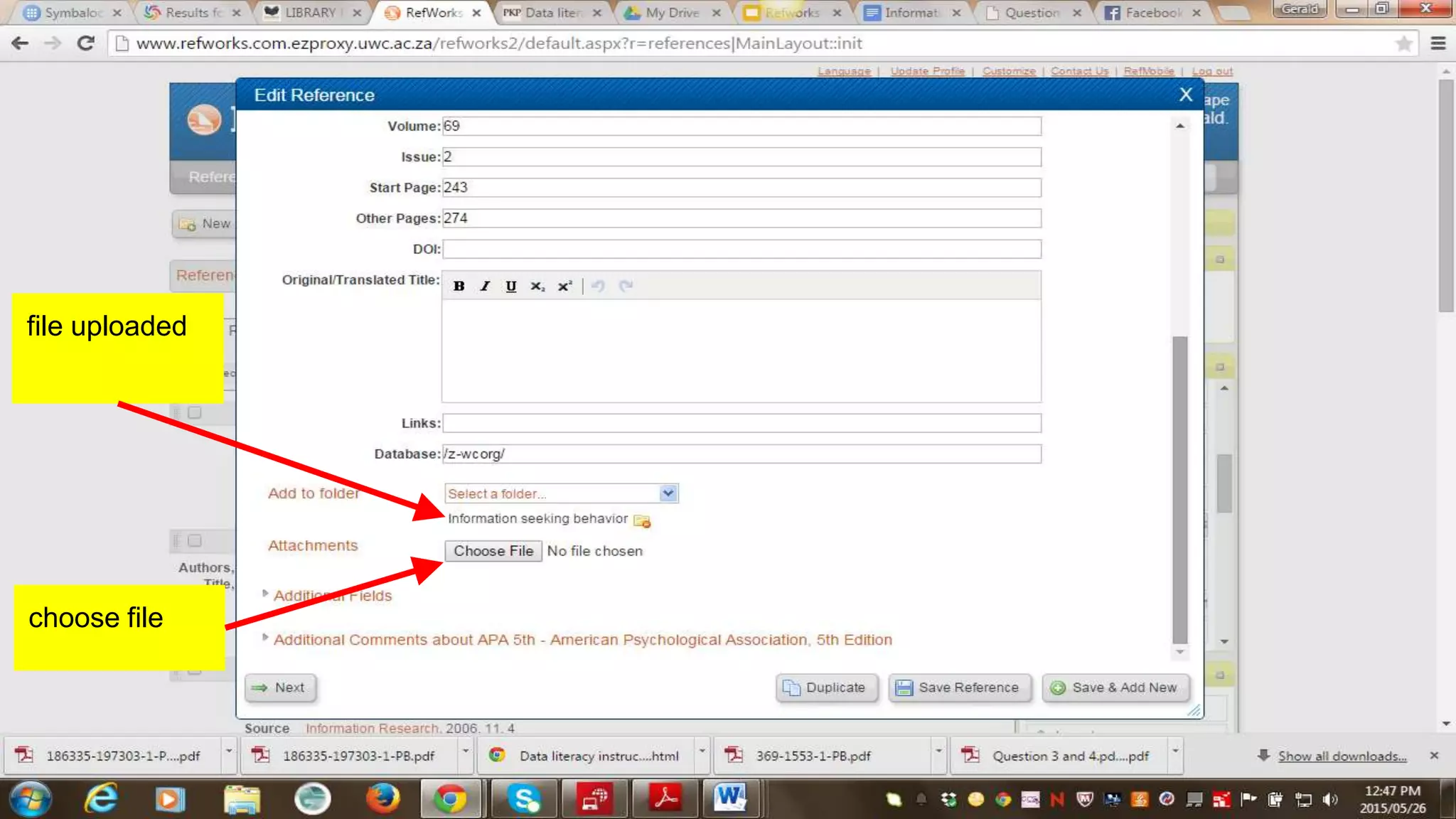
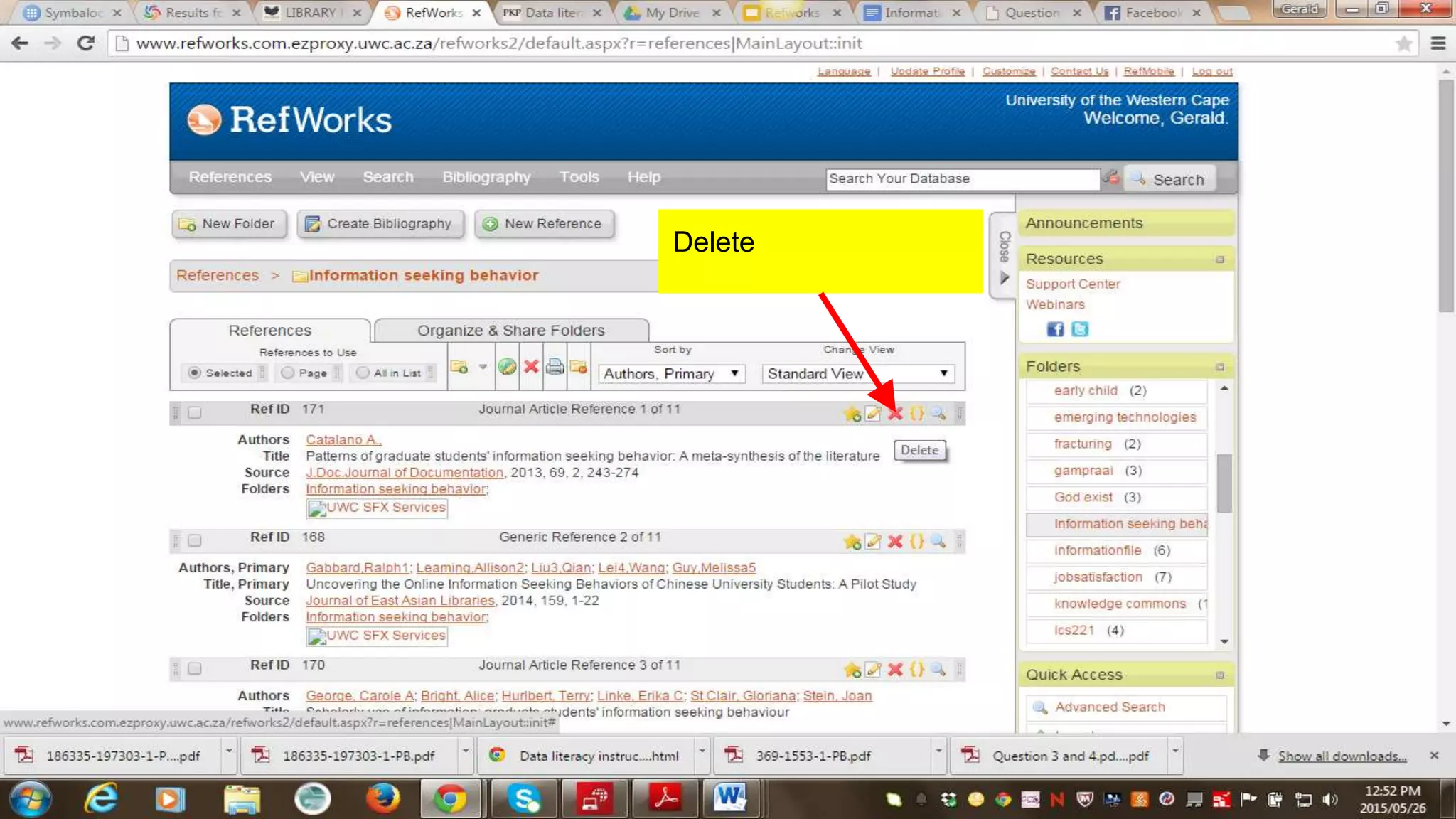
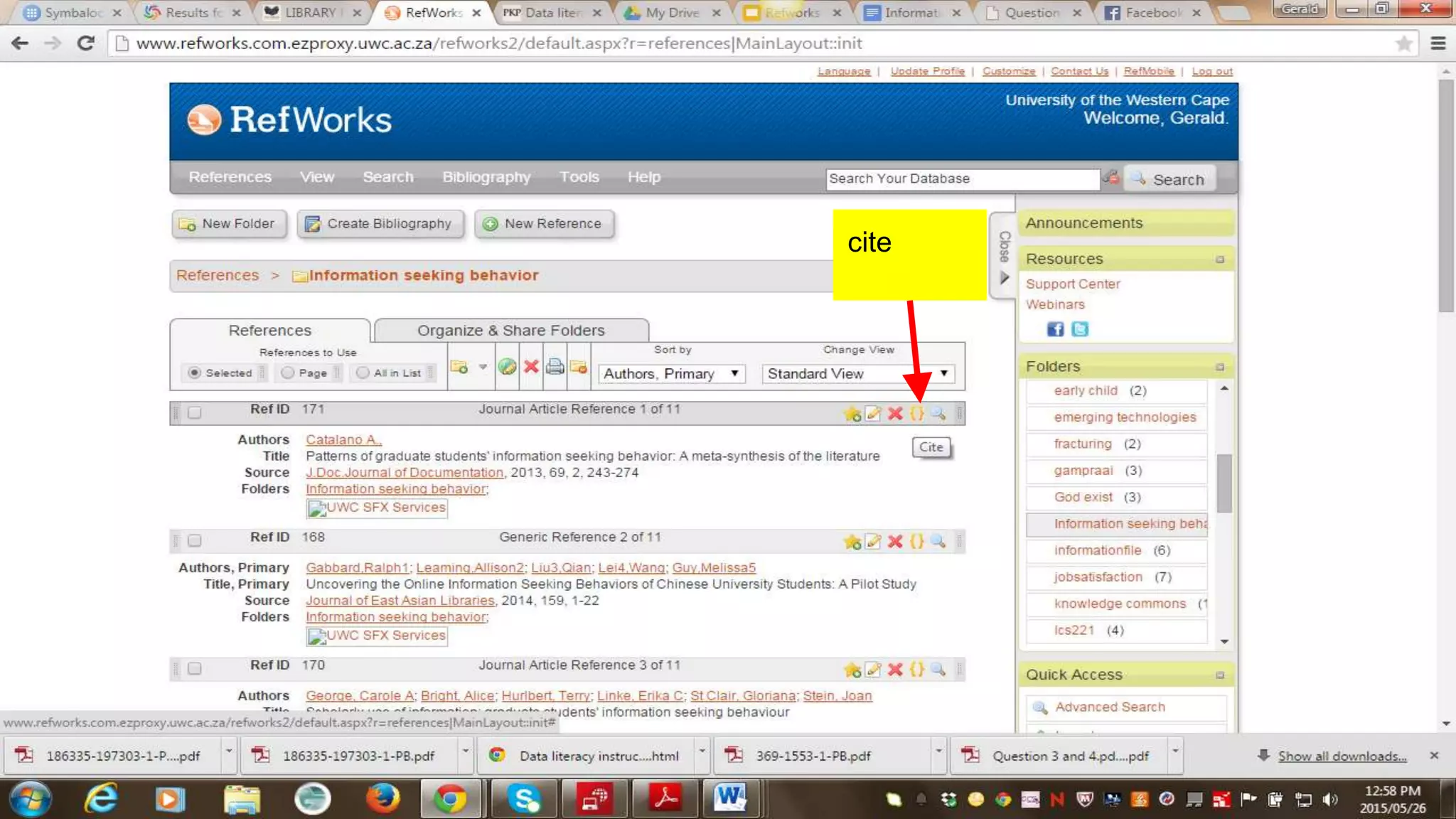
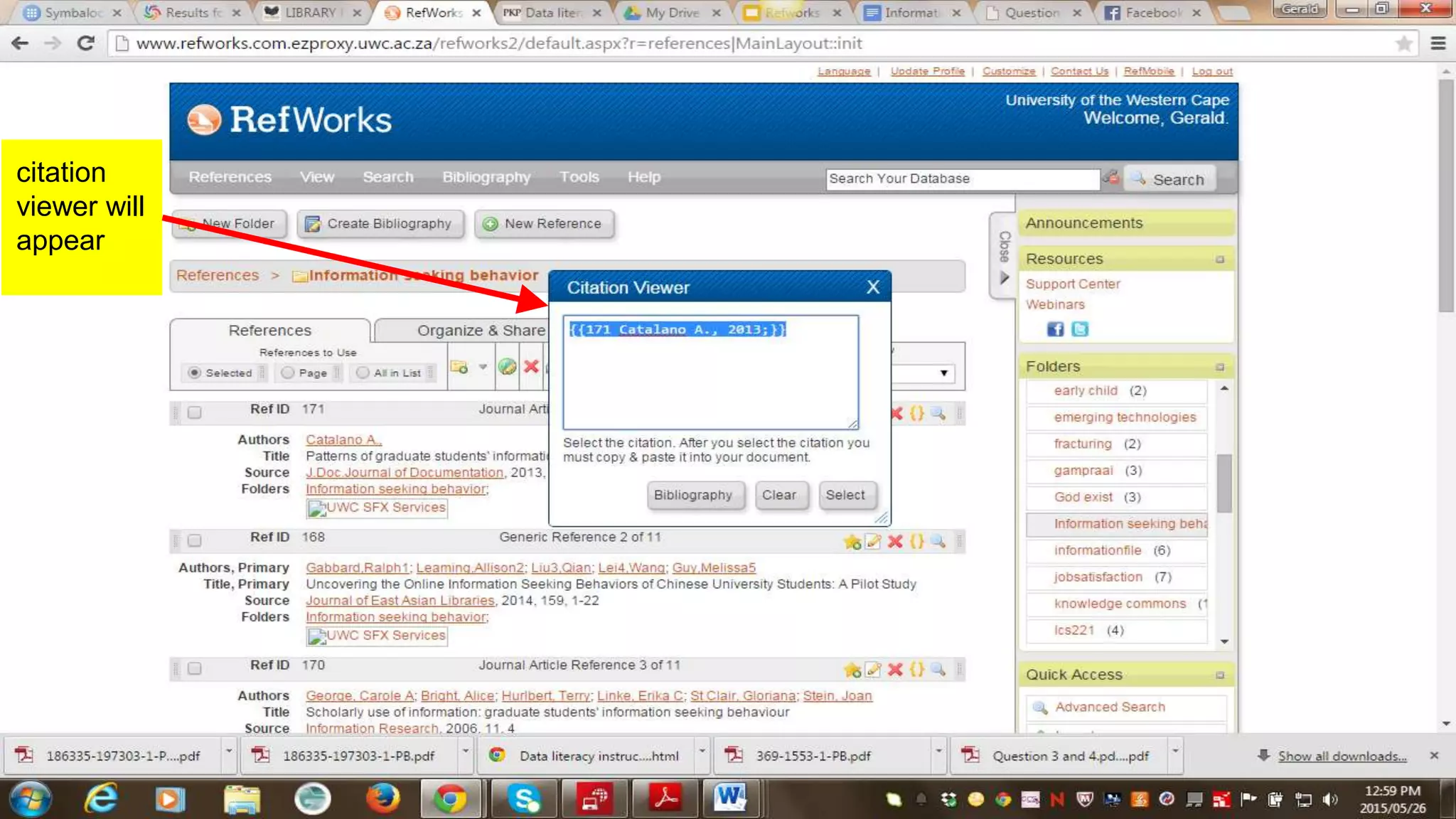
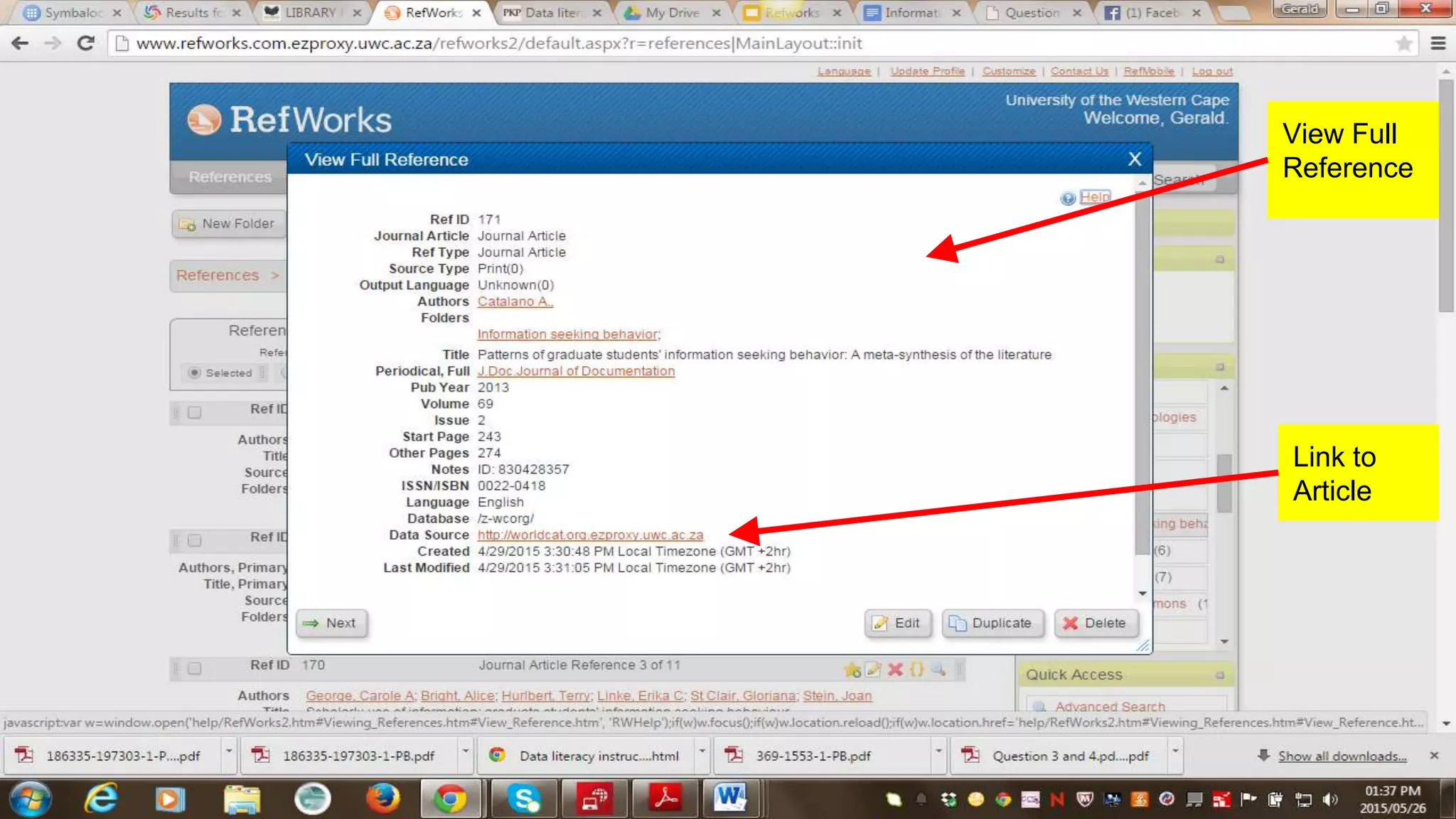


RefWorks is a citation management tool that allows users to search for references, organize them into folders, create bibliographies, and cite references in various styles. Key functions include searching for references, creating and naming folders to organize references, selecting a referencing style to generate bibliographies, adding new references by selecting a format and filling in required fields, and citing references to include in papers. The tool helps users manage and cite research sources.


