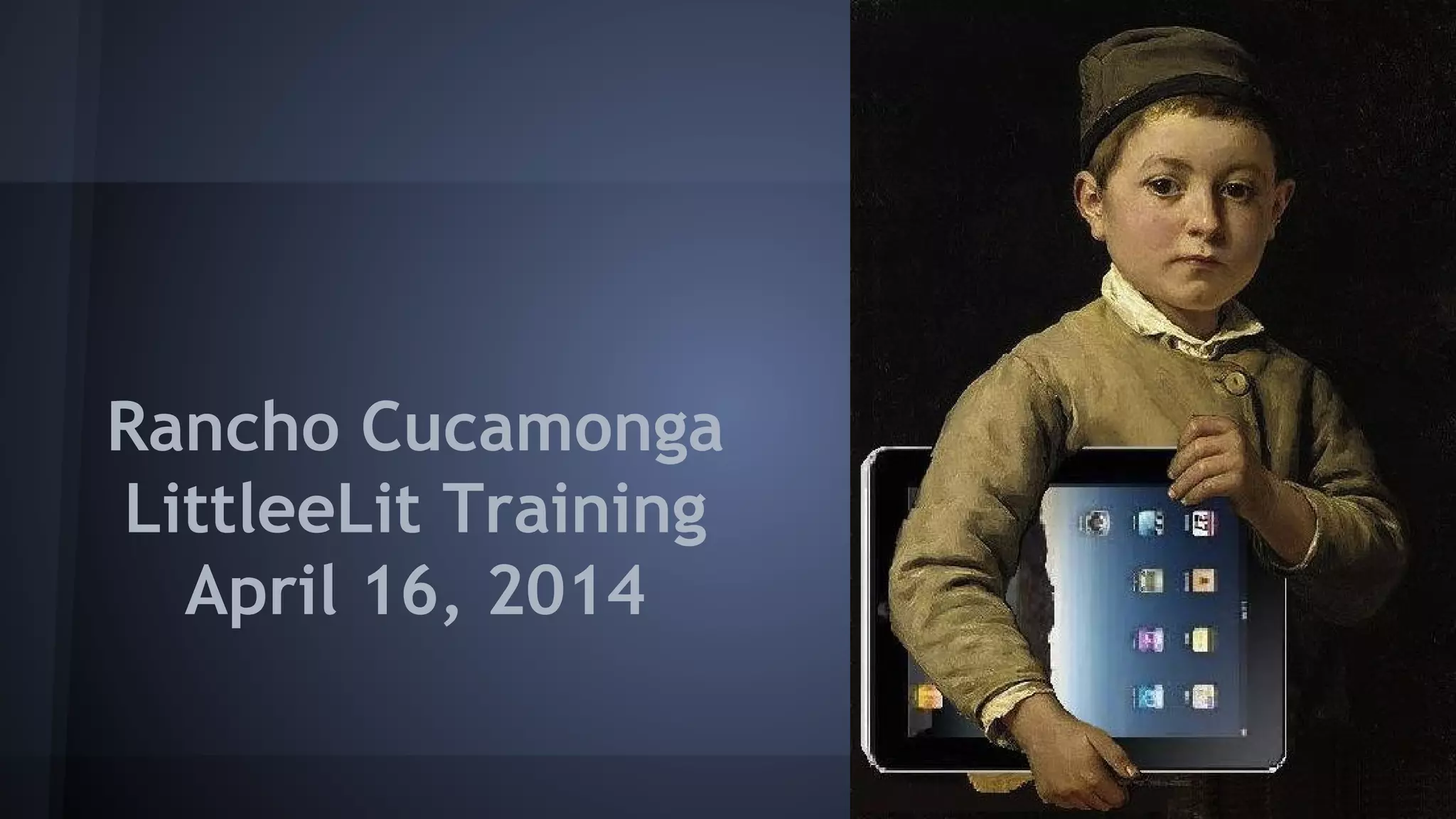
Rancho Cucamonga
LittleeLit Training
April 16, 2014
New Media in Storytime
Cen Campbell
LittleeLit.com & Bookboard.com
Carisa Kluver
Digital-Storytime.com & DigitalMediaDiet.com
What have you been up to?
Apps?
Questions?
Goals for the workshop
1. Confidence to begin (or continue!) using
new media in storytime
2. Evaluate Apps & eBooks (appvisory)
3. Traditional storytelling in the digital age
4. Model positive media behaviors
What’s happening today?
● App Evaluation
● Demos
● Your Turn!
● Storytime Assignment
App Evaluation
Demo
Guiding Principles to Focus on
● Focus on the parent-child relationship
● Recognize what you bring to the interaction
● Be willing to discuss matters that go beyond
your traditional role
● Value passion wherever you find it
Questions to ask yourself
1. For what purpose?
2. For whose benefit?
3. Are we explicit?
4. Is it developmentally appropriate?
iPad as presentation tool
● Welcome slide
● Images
● Videos
● Lyrics (optional)
● Prompts (optional)
● Resource slide (with links; can be uploaded
to website)
Keynote Assignment
● Welcome slide
● Import image
● Lyrics
● Resource slide
…….then make it your own!
Storytime Practice Assignment
● Digital felt board (or MGOL app)
● Book app or digital book
● Digital music or sounds
● Non-book app (Wee Sing etc)
● Create your own content (30hands etc)
● Screen shots or images
● Remember non-digital tools!
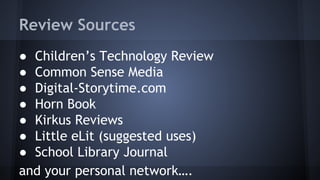
Review Sources
● Children’s Technology Review
● Common Sense Media
● Digital-Storytime.com
● Horn Book
● Kirkus Reviews
● Little eLit (suggested uses)
● School Library Journal
and your personal network….
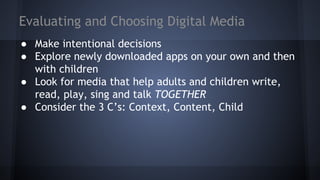
Evaluating and Choosing Digital Media
● Make intentional decisions
● Explore newly downloaded apps on your own and then
with children
● Look for media that help adults and children write,
read, play, sing and talk TOGETHER
● Consider the 3 C’s: Context, Content, Child
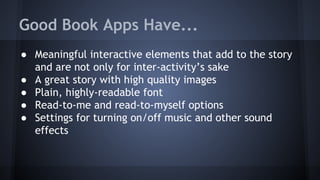
Good Book Apps Have...
● Meaningful interactive elements that add to the story
and are not only for inter-activity’s sake
● A great story with high quality images
● Plain, highly-readable font
● Read-to-me and read-to-myself options
● Settings for turning on/off music and other sound
effects
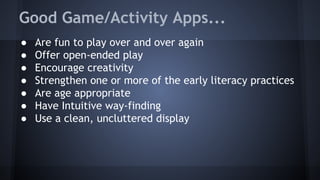
Good Game/Activity Apps...
● Are fun to play over and over again
● Offer open-ended play
● Encourage creativity
● Strengthen one or more of the early literacy practices
● Are age appropriate
● Have Intuitive way-finding
● Use a clean, uncluttered display

Rancho Cucamonga Library 2nd Training 2014

  • 1.
  • 2.
    New Media inStorytime Cen Campbell LittleeLit.com & Bookboard.com Carisa Kluver Digital-Storytime.com & DigitalMediaDiet.com
  • 3.
    What have youbeen up to? Apps? Questions?
  • 4.
    Goals for theworkshop 1. Confidence to begin (or continue!) using new media in storytime 2. Evaluate Apps & eBooks (appvisory) 3. Traditional storytelling in the digital age 4. Model positive media behaviors
  • 5.
    What’s happening today? ●App Evaluation ● Demos ● Your Turn! ● Storytime Assignment
  • 6.
  • 7.
  • 8.
    Guiding Principles toFocus on ● Focus on the parent-child relationship ● Recognize what you bring to the interaction ● Be willing to discuss matters that go beyond your traditional role ● Value passion wherever you find it
  • 9.
    Questions to askyourself 1. For what purpose? 2. For whose benefit? 3. Are we explicit? 4. Is it developmentally appropriate?
  • 10.
    iPad as presentationtool ● Welcome slide ● Images ● Videos ● Lyrics (optional) ● Prompts (optional) ● Resource slide (with links; can be uploaded to website)
  • 11.
    Keynote Assignment ● Welcomeslide ● Import image ● Lyrics ● Resource slide …….then make it your own!
  • 12.
    Storytime Practice Assignment ●Digital felt board (or MGOL app) ● Book app or digital book ● Digital music or sounds ● Non-book app (Wee Sing etc) ● Create your own content (30hands etc) ● Screen shots or images ● Remember non-digital tools!
  • 13.
    Review Sources ● Children’sTechnology Review ● Common Sense Media ● Digital-Storytime.com ● Horn Book ● Kirkus Reviews ● Little eLit (suggested uses) ● School Library Journal and your personal network….
  • 14.
    Evaluating and ChoosingDigital Media ● Make intentional decisions ● Explore newly downloaded apps on your own and then with children ● Look for media that help adults and children write, read, play, sing and talk TOGETHER ● Consider the 3 C’s: Context, Content, Child
  • 15.
    Good Book AppsHave... ● Meaningful interactive elements that add to the story and are not only for inter-activity’s sake ● A great story with high quality images ● Plain, highly-readable font ● Read-to-me and read-to-myself options ● Settings for turning on/off music and other sound effects
  • 16.
    Good Game/Activity Apps... ●Are fun to play over and over again ● Offer open-ended play ● Encourage creativity ● Strengthen one or more of the early literacy practices ● Are age appropriate ● Have Intuitive way-finding ● Use a clean, uncluttered display