Quantitative Specialists
In this presentation, we
cover how to enter
survey data into SPSS.
Creating a number of
different variables is
illustrated, including
both categorical (e.g.,
gender, ethnicity) and
continuous (e.g., age,
Likert scale items).
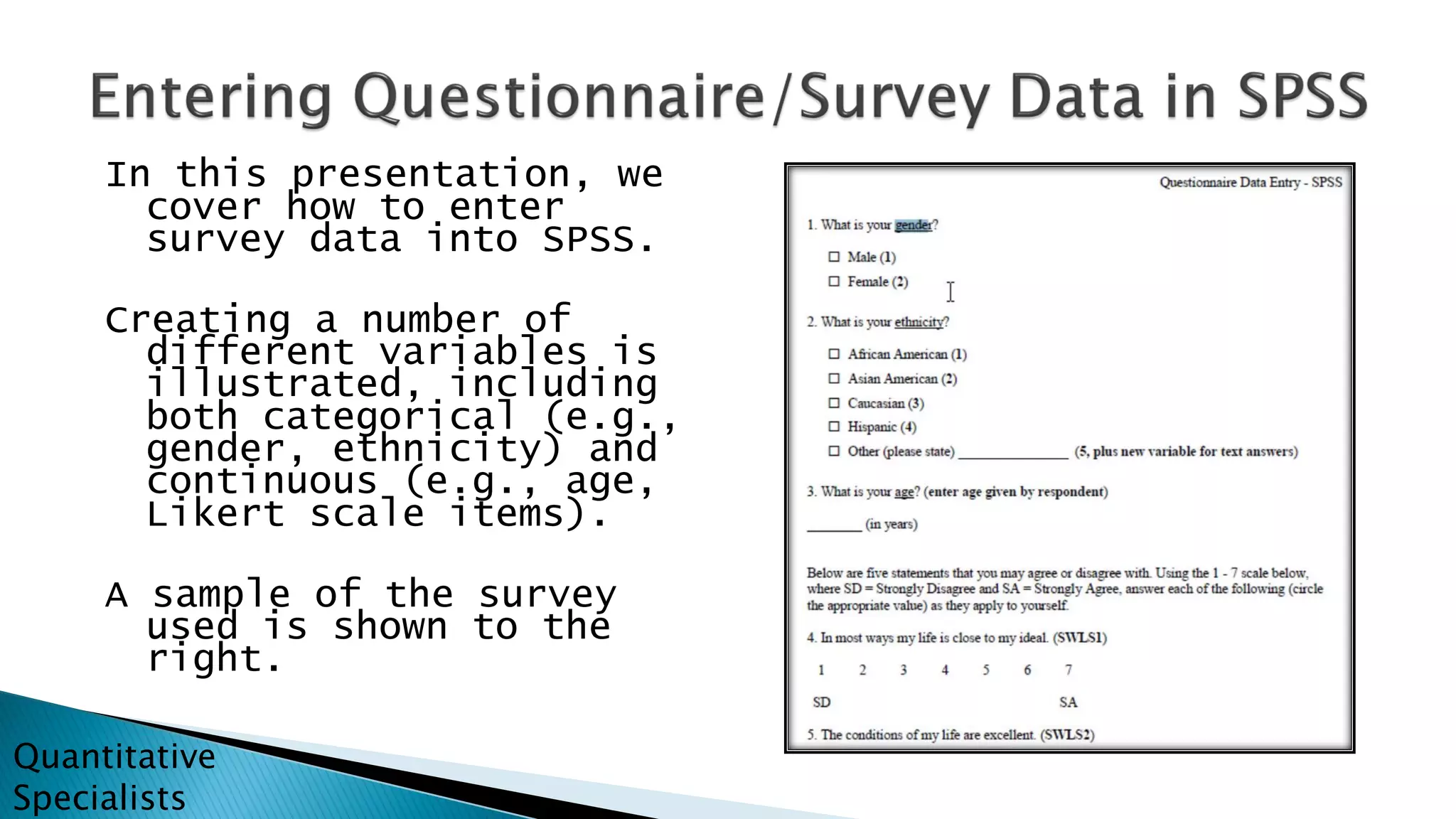
A sample of the survey
used is shown to the
right.
Quantitative
Specialists
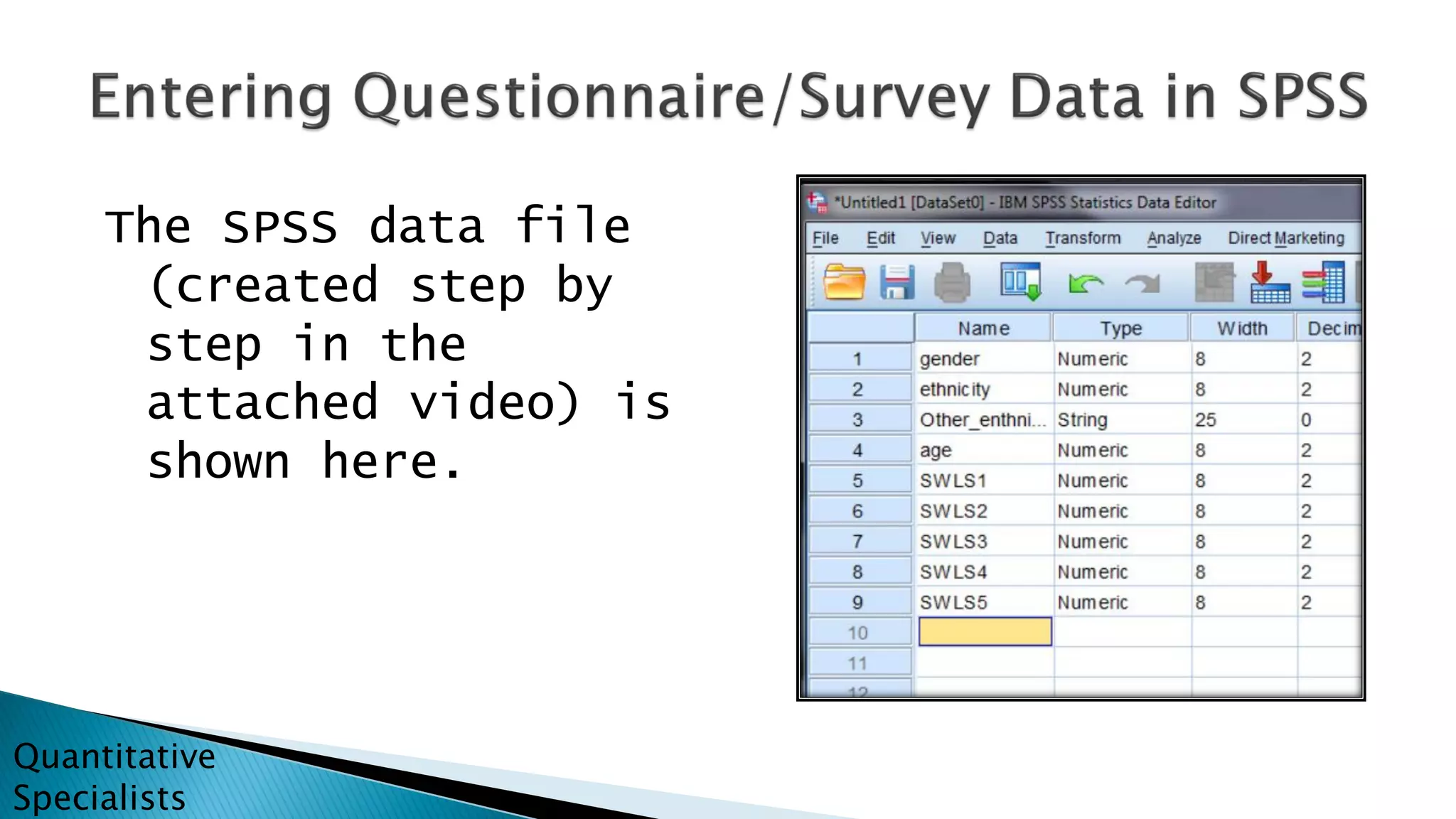
The SPSS data file
(created step by
step in the
attached video) is
shown here.
Quantitative
Specialists
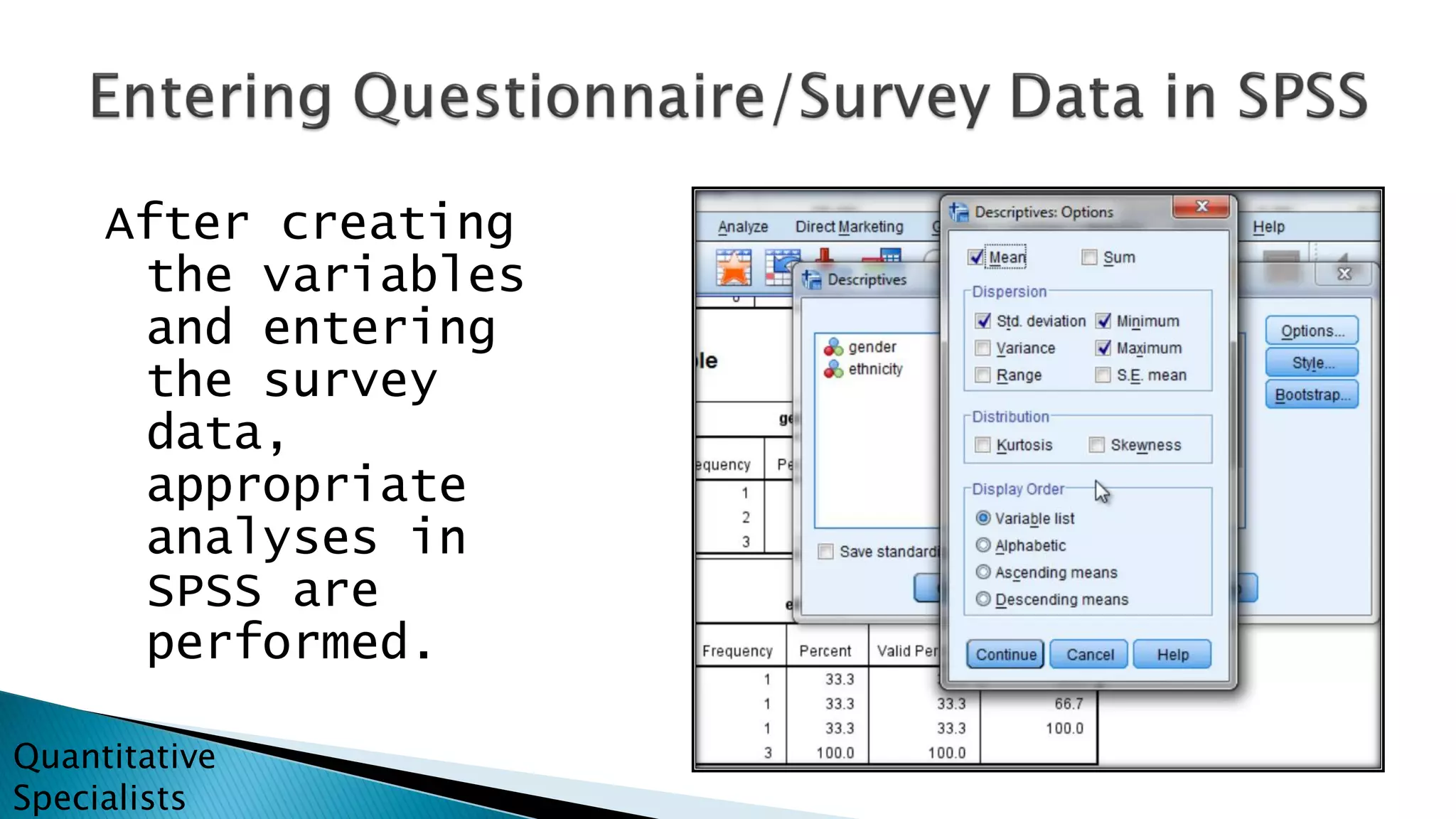
After creating
the variables
and entering
the survey
data,
appropriate
analyses in
SPSS are
performed.
Quantitative
Specialists
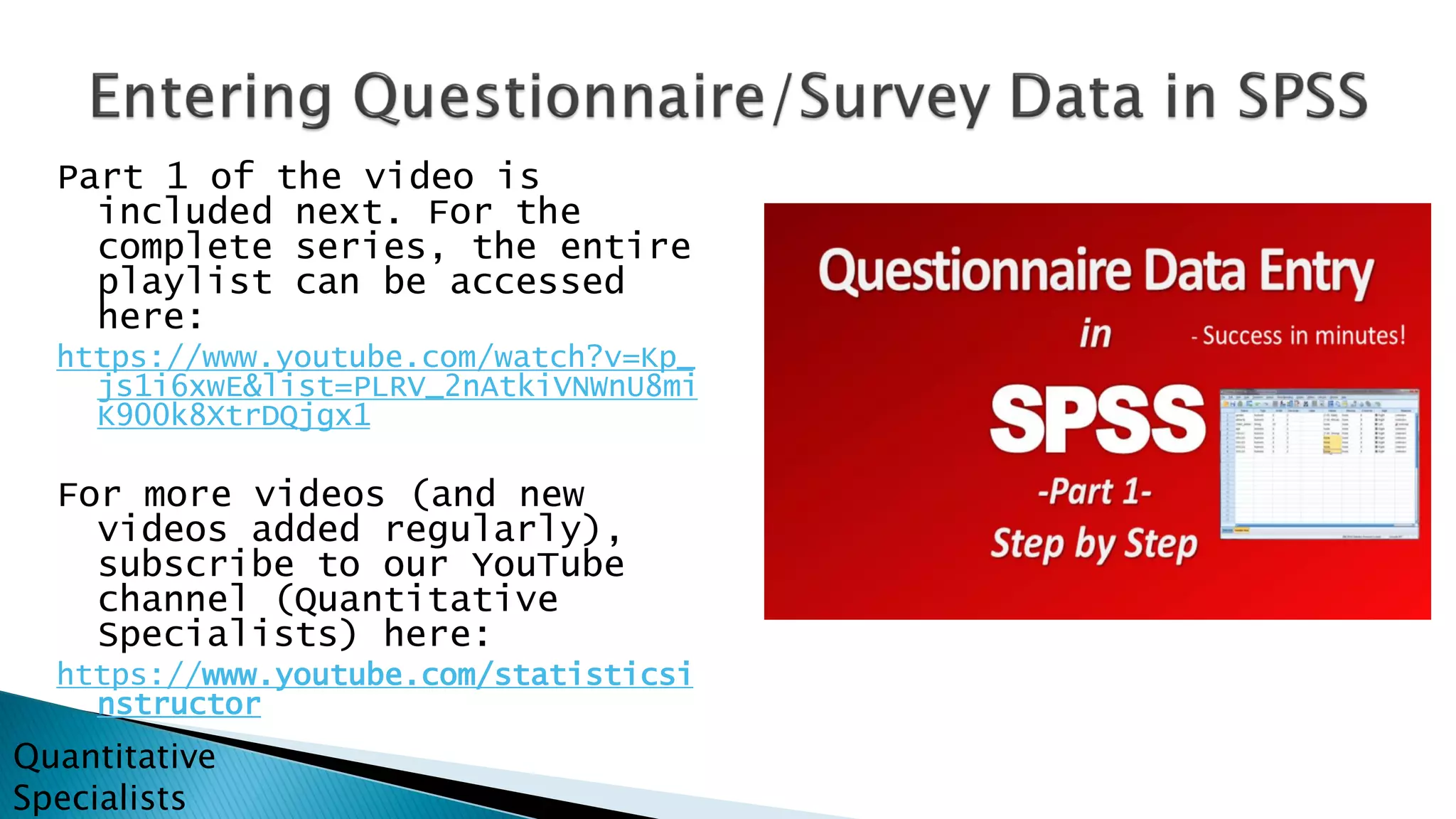
Part 1 of the video is
included next. For the
complete series, the entire
playlist can be accessed
here:
https://www.youtube.com/watch?v=Kp_
js1i6xwE&list=PLRV_2nAtkiVNWnU8mi
K900k8XtrDQjgx1
For more videos (and new
videos added regularly),
subscribe to our YouTube
channel (Quantitative
Specialists) here:
https://www.youtube.com/statisticsi
nstructor
Quantitative
Specialists
For more statistics videos (with new videos posted
regularly), subscribe to us on YouTube:
YouTube Channel – Quantitative Specialists
https://www.youtube.com/statisticsinstructor
(typing “quantitative specialists” in the search box will also find us)
Also available on Udemy.com: Search for Quantitative Specialists
(use offer SS50 for any of our SPSS/Statistics courses)
Quantitative
Specialists

How to enter and analyze questionnaire (survey) data in SPSS

  • 1.
  • 2.
    In this presentation,we cover how to enter survey data into SPSS. Creating a number of different variables is illustrated, including both categorical (e.g., gender, ethnicity) and continuous (e.g., age, Likert scale items). A sample of the survey used is shown to the right. Quantitative Specialists
  • 3.
    The SPSS datafile (created step by step in the attached video) is shown here. Quantitative Specialists
  • 4.
    After creating the variables andentering the survey data, appropriate analyses in SPSS are performed. Quantitative Specialists
  • 5.
    Part 1 ofthe video is included next. For the complete series, the entire playlist can be accessed here: https://www.youtube.com/watch?v=Kp_ js1i6xwE&list=PLRV_2nAtkiVNWnU8mi K900k8XtrDQjgx1 For more videos (and new videos added regularly), subscribe to our YouTube channel (Quantitative Specialists) here: https://www.youtube.com/statisticsi nstructor Quantitative Specialists
  • 6.
    For more statisticsvideos (with new videos posted regularly), subscribe to us on YouTube: YouTube Channel – Quantitative Specialists https://www.youtube.com/statisticsinstructor (typing “quantitative specialists” in the search box will also find us) Also available on Udemy.com: Search for Quantitative Specialists (use offer SS50 for any of our SPSS/Statistics courses) Quantitative Specialists