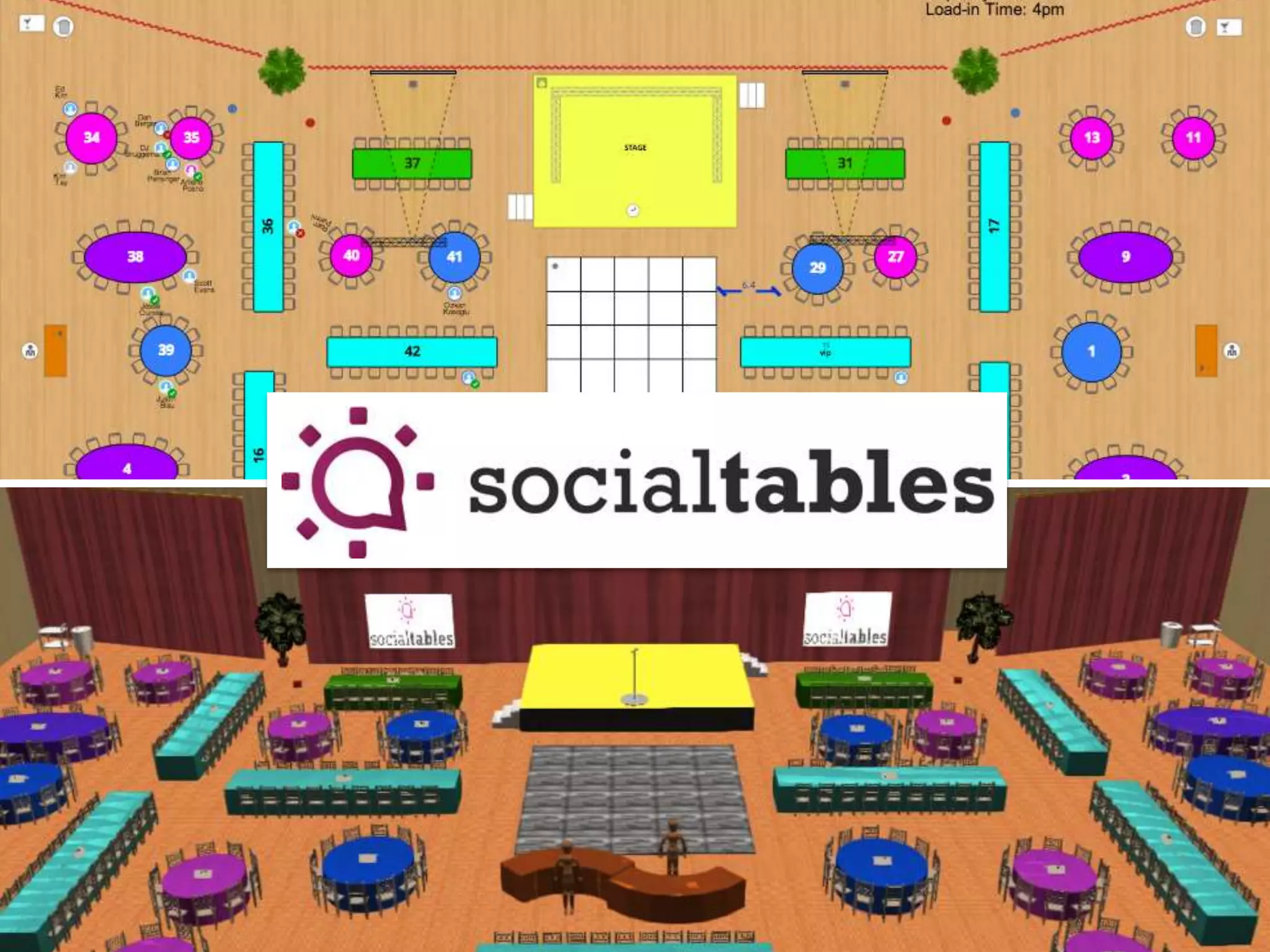






Project Management
Bootcamp
Best Practices, Technology Tools, and
Productivity Hacks

by

danberger
ICE BREAKER

INTRODUCE YOURSELF
Agenda
• Why is this Important to Me?
• Event Planner vs. Project Manager

• Learning Objectives
• Why is this Important to You?
• Best Practices
• The Project Definition Document

• Technology Solutions
• Asana Deep Dive
• Productivity Hacks
• Wrap-Up
Every experience is an opportunity

Celebrate

Learn

Meet
“
An Event Planner is
a Project Manager
with Style.

“
Objective 1:
Understand Project Management
Objective 2:
Save You Time
Objective 3:
Get You Excited (about technology)
Project Management
will…
Make You Look Good
Project Management
will…
Make You Feel Good
Don’t just have a to do list

Communicate it to your team
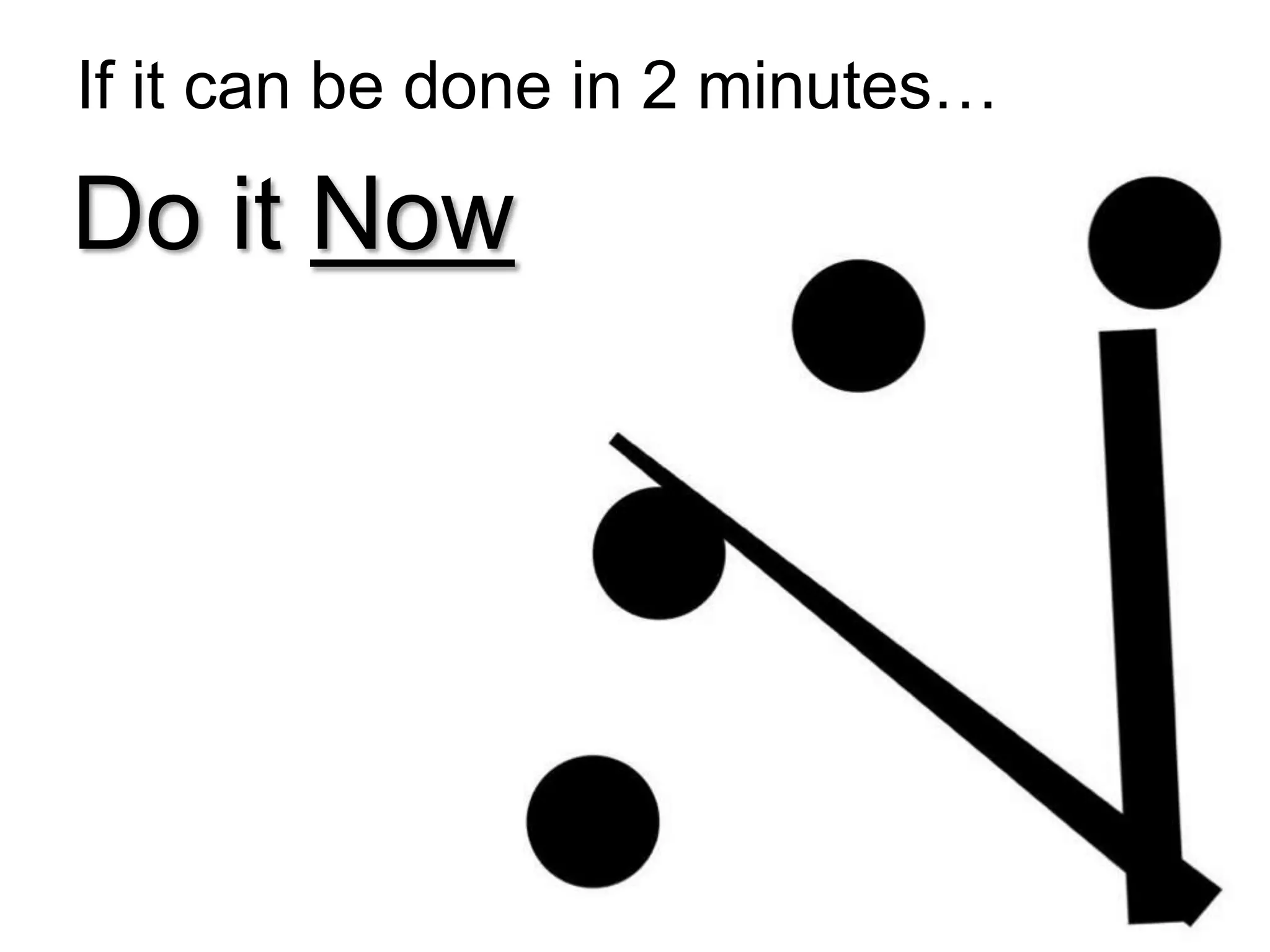
If it can be done in 2 minutes…

Do it Now
Get it on paper,

To get it off your mind
Six Levels of Focus
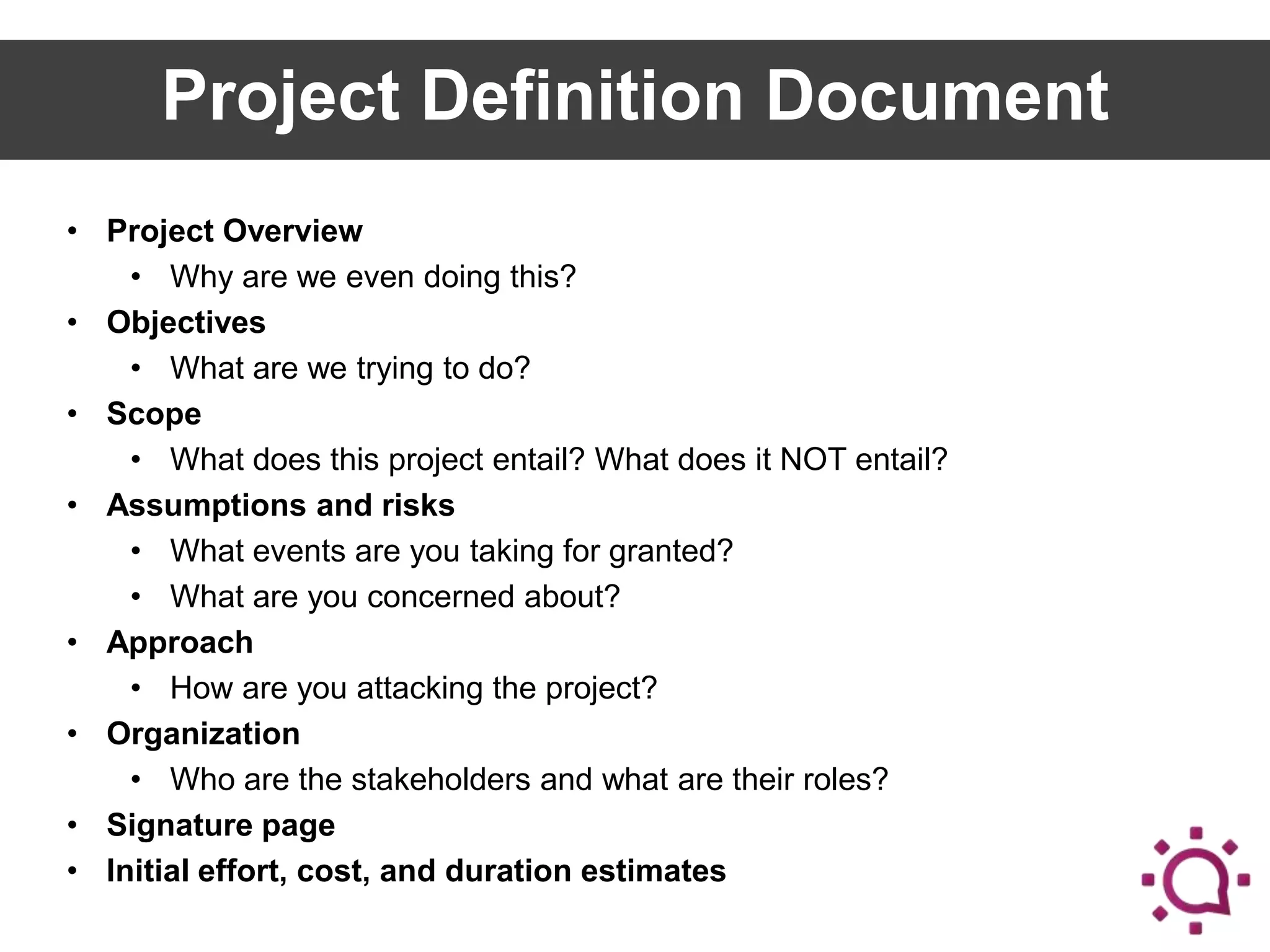
Project Definition Document
• Project Overview
• Why are we even doing this?
• Objectives
• What are we trying to do?
• Scope
• What does this project entail? What does it NOT entail?
• Assumptions and risks
• What events are you taking for granted?
• What are you concerned about?
• Approach
• How are you attacking the project?
• Organization
• Who are the stakeholders and what are their roles?
• Signature page
• Initial effort, cost, and duration estimates
BREAK

GET UP AND STRETCH
Part II

TECHNOLOGY SOLUTIONS
Email & Calendar: Google Apps
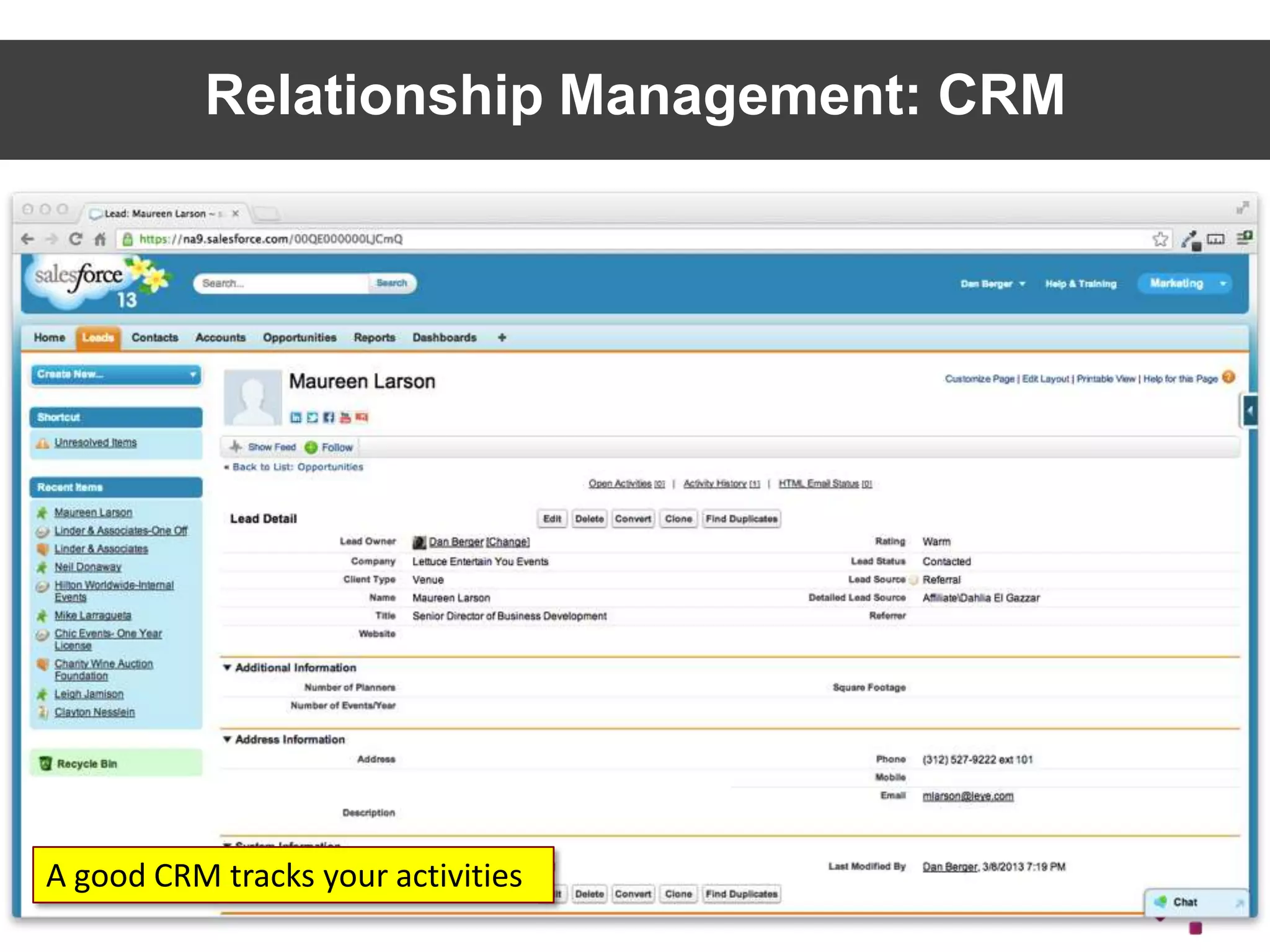
Relationship Management: CRM

A good CRM tracks your activities

25
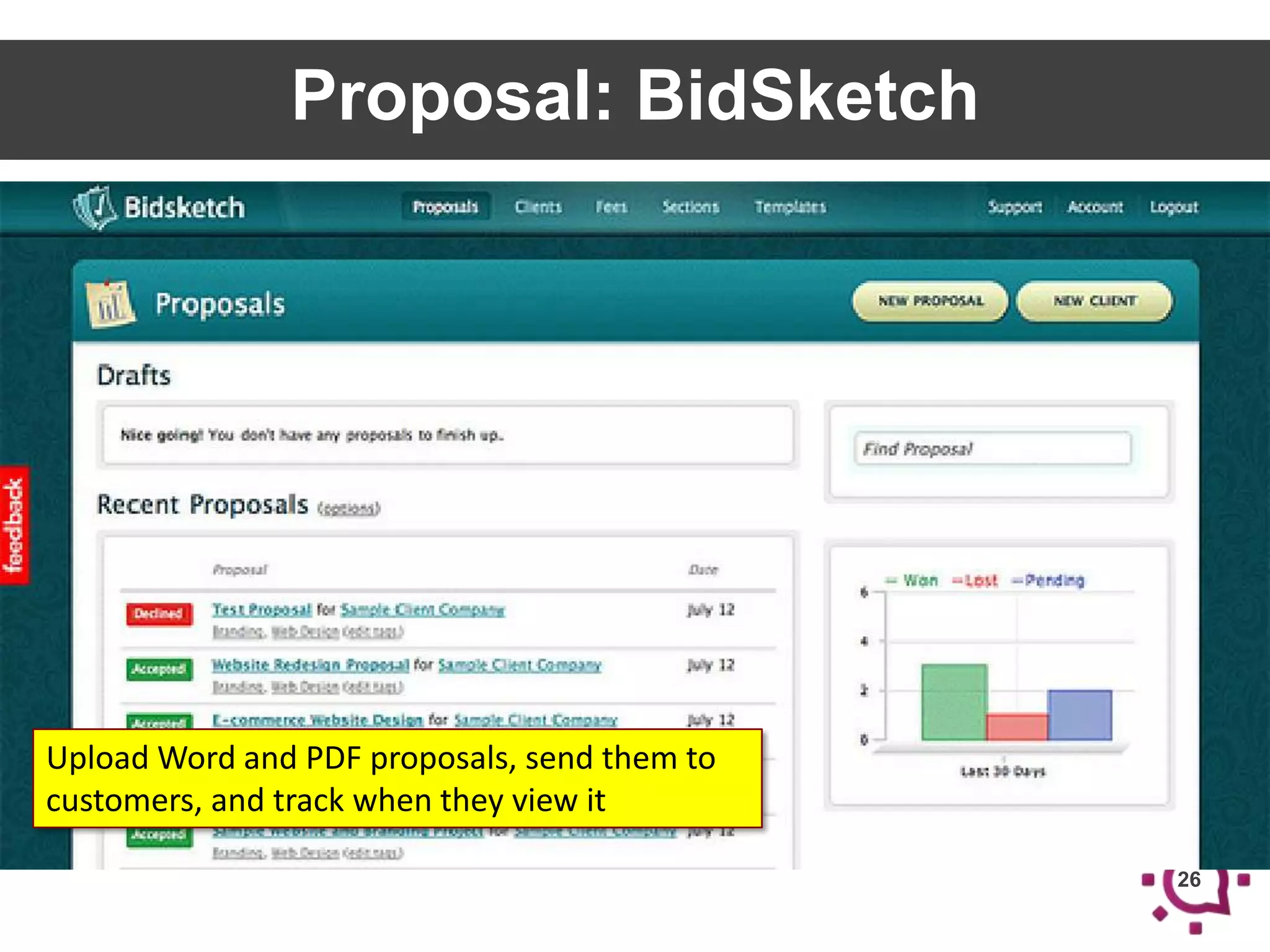
Proposal: BidSketch

Upload Word and PDF proposals, send them to
customers, and track when they view it
26
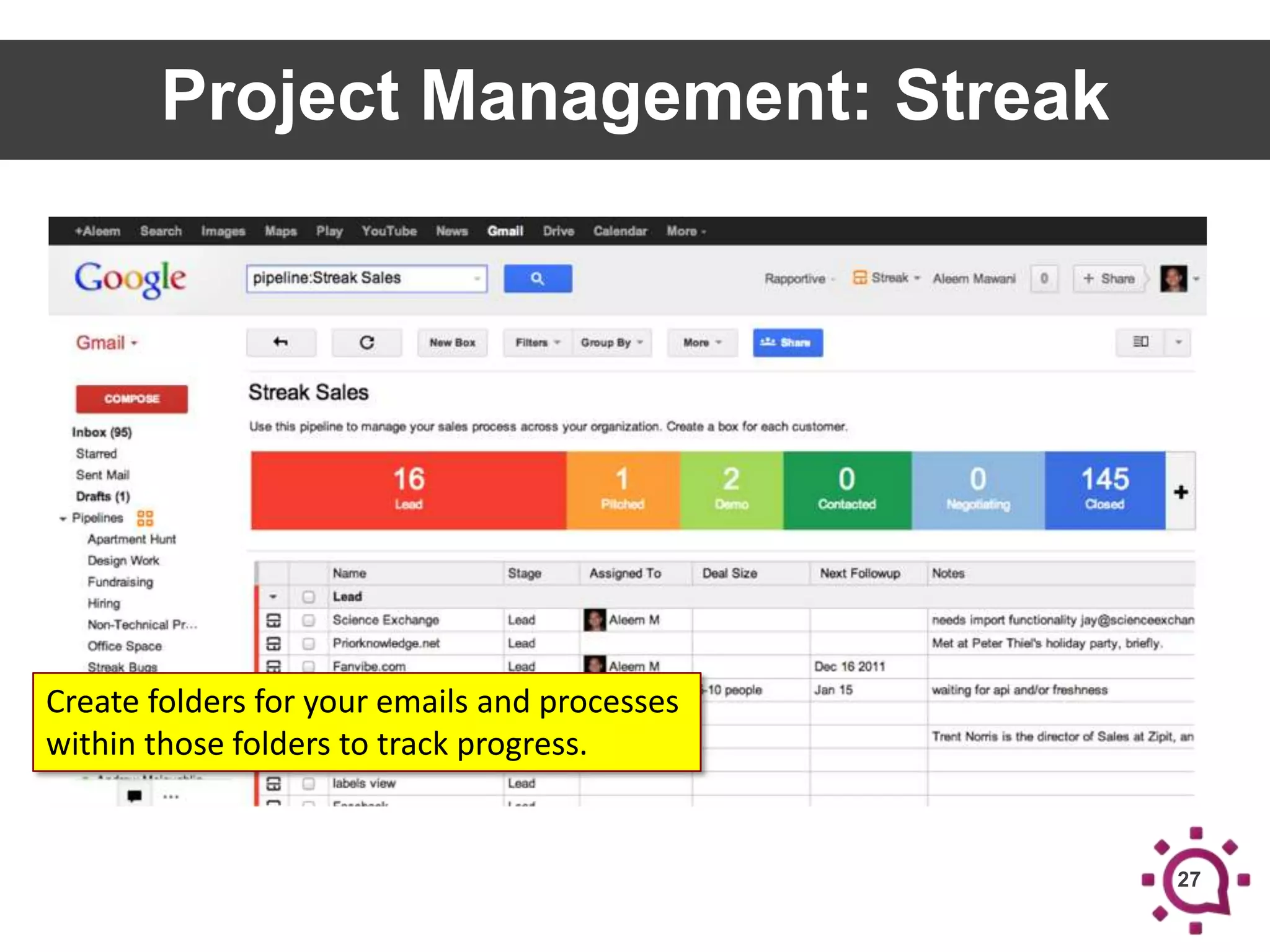
Project Management: Streak

Create folders for your emails and processes
within those folders to track progress.

27
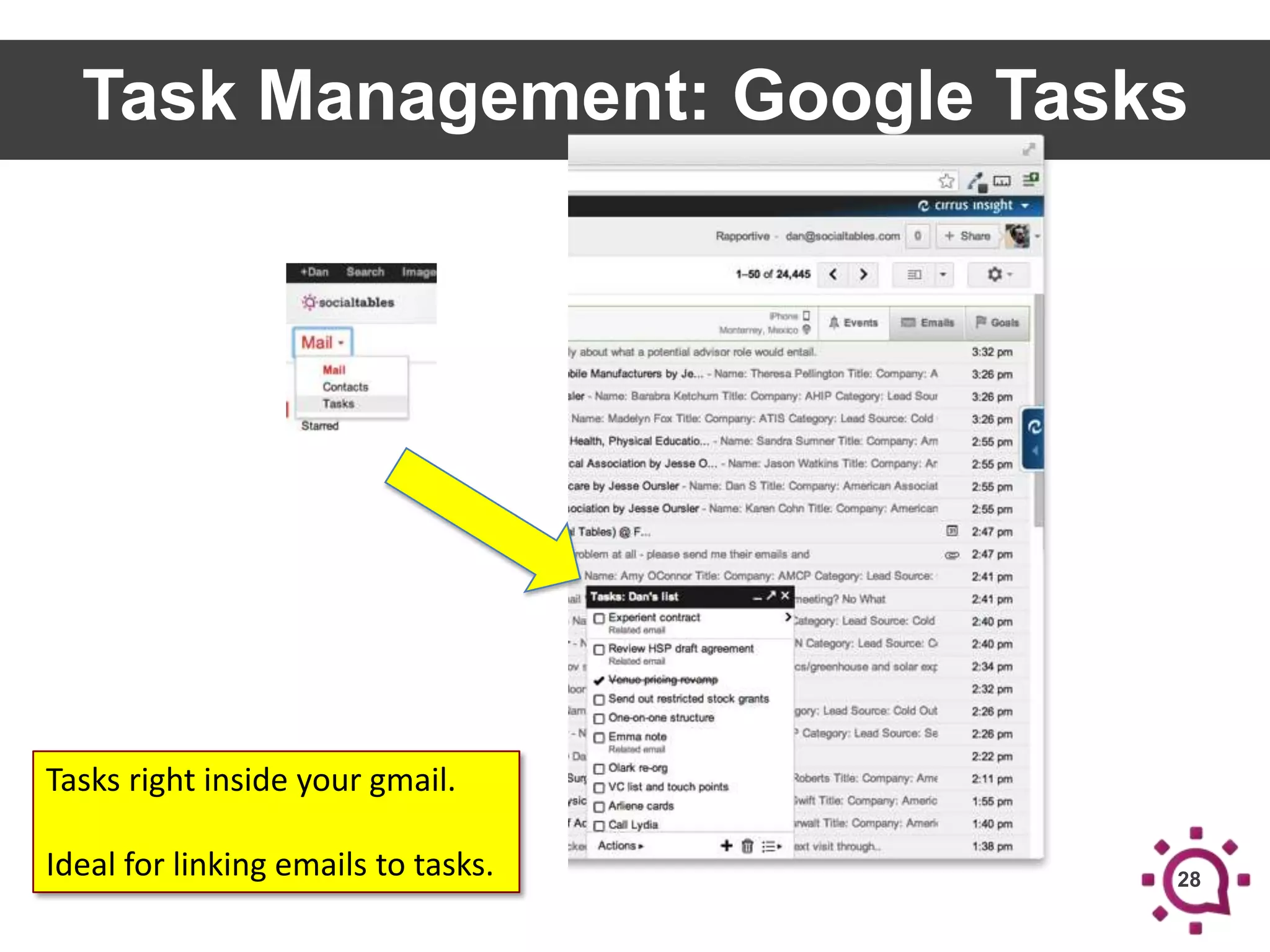
Task Management: Google Tasks

Tasks right inside your gmail.
Ideal for linking emails to tasks.

28
Hands-On

ASANA & INSTAGANTT
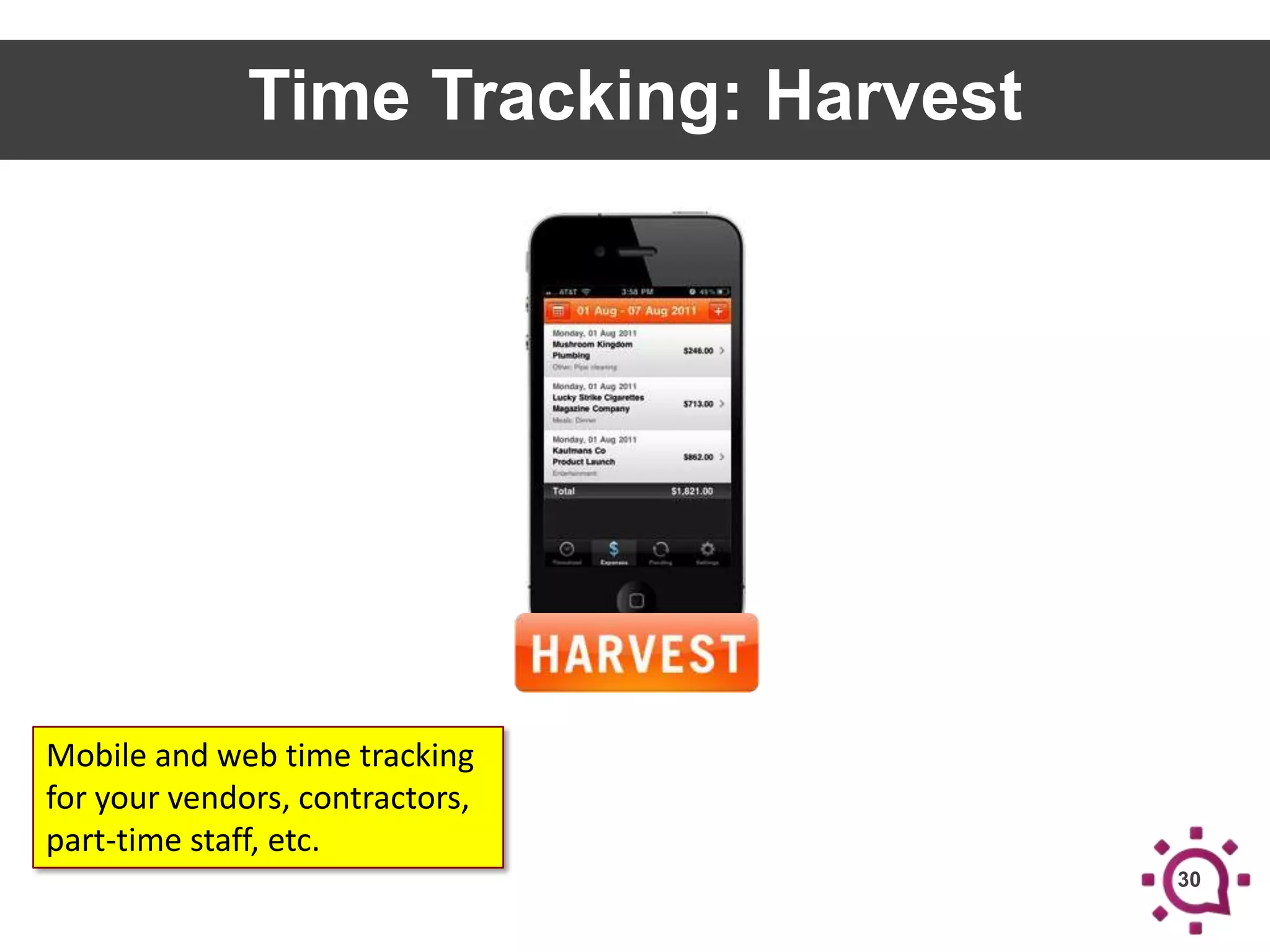
Time Tracking: Harvest

Mobile and web time tracking
for your vendors, contractors,
part-time staff, etc.
30
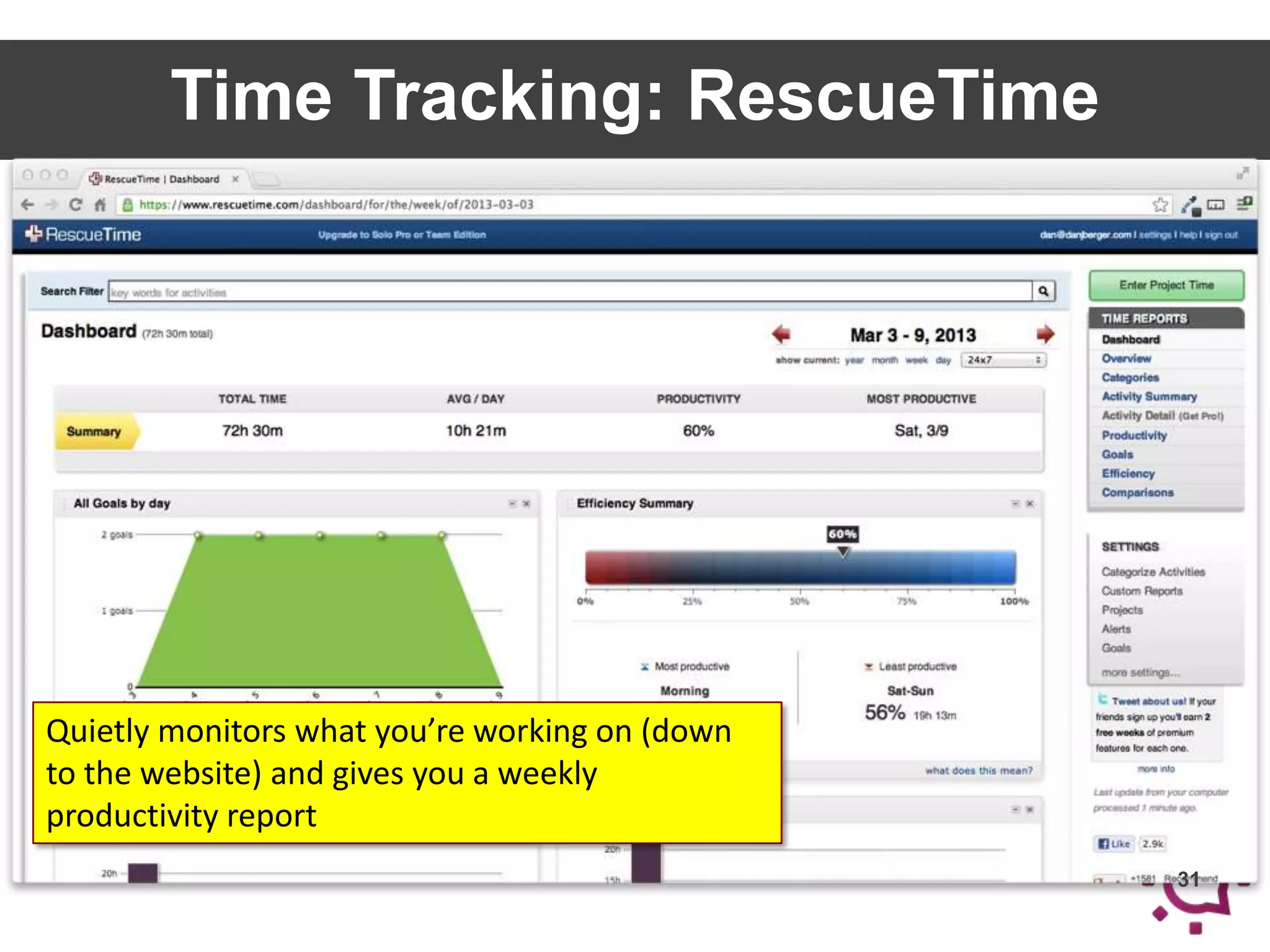
Time Tracking: RescueTime

Quietly monitors what you’re working on (down
to the website) and gives you a weekly
productivity report
31
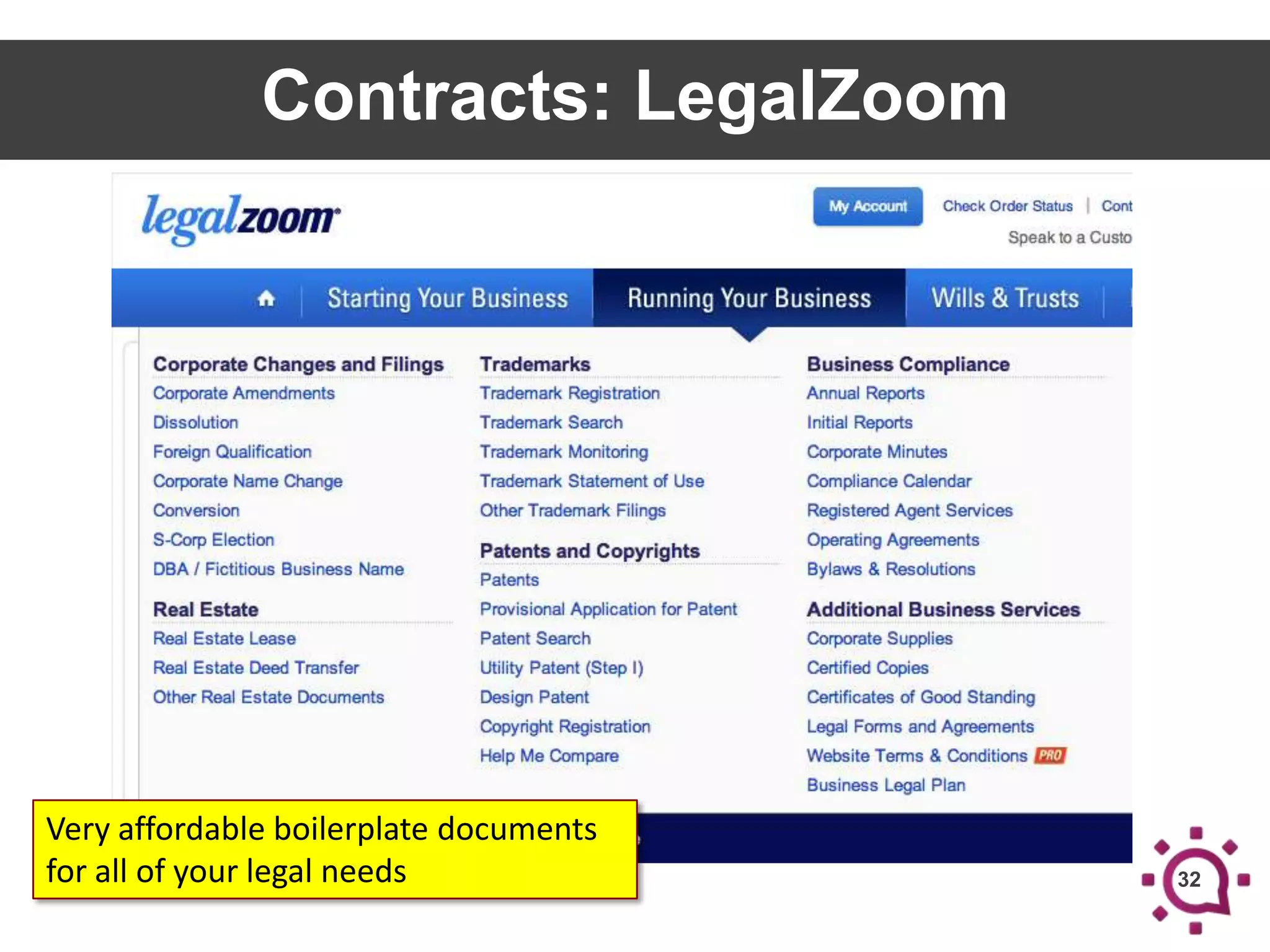
Contracts: LegalZoom

Very affordable boilerplate documents
for all of your legal needs

32
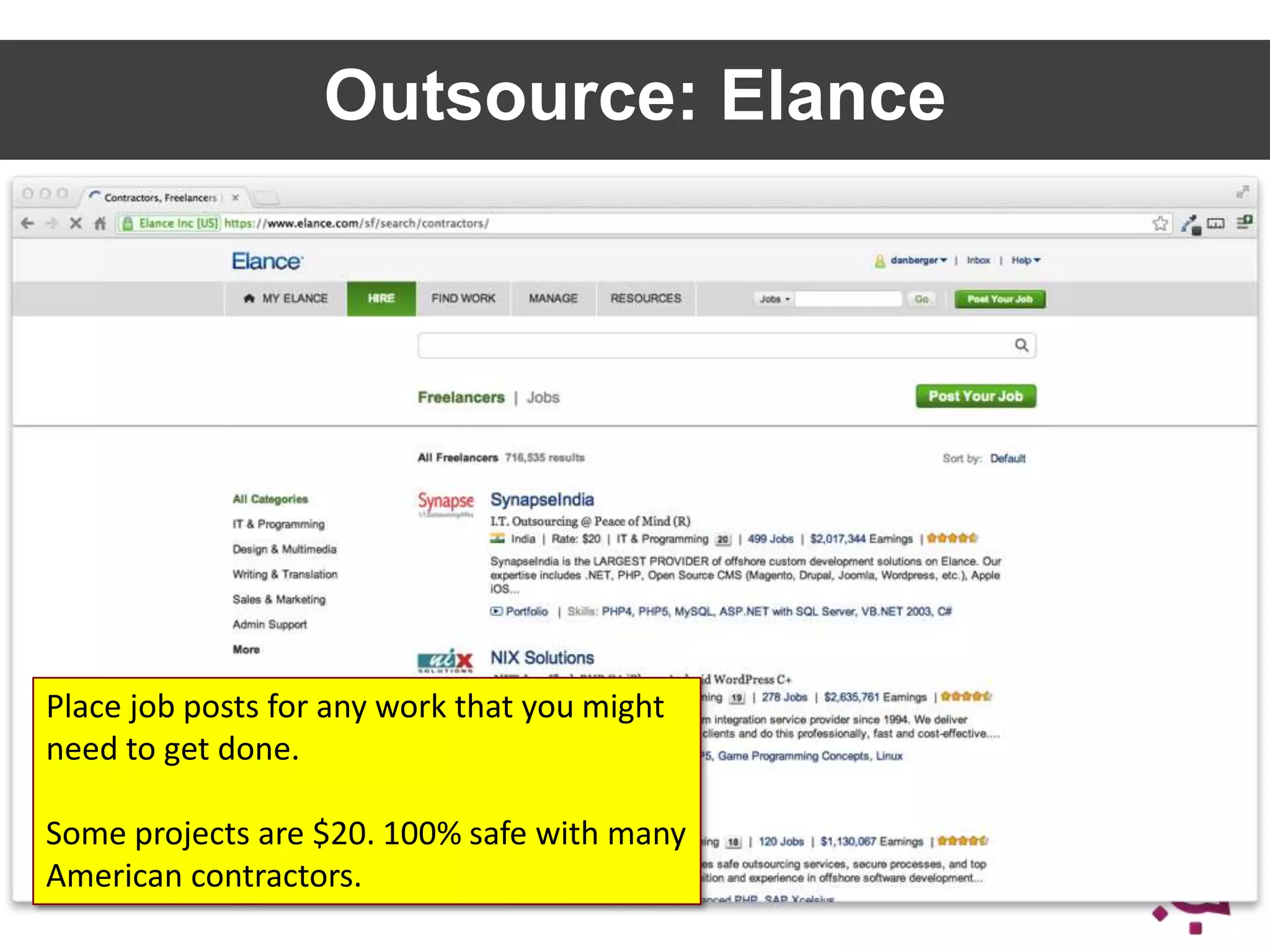
Outsource: Elance

Place job posts for any work that you might
need to get done.

Some projects are $20. 100% safe with many
American contractors.

33
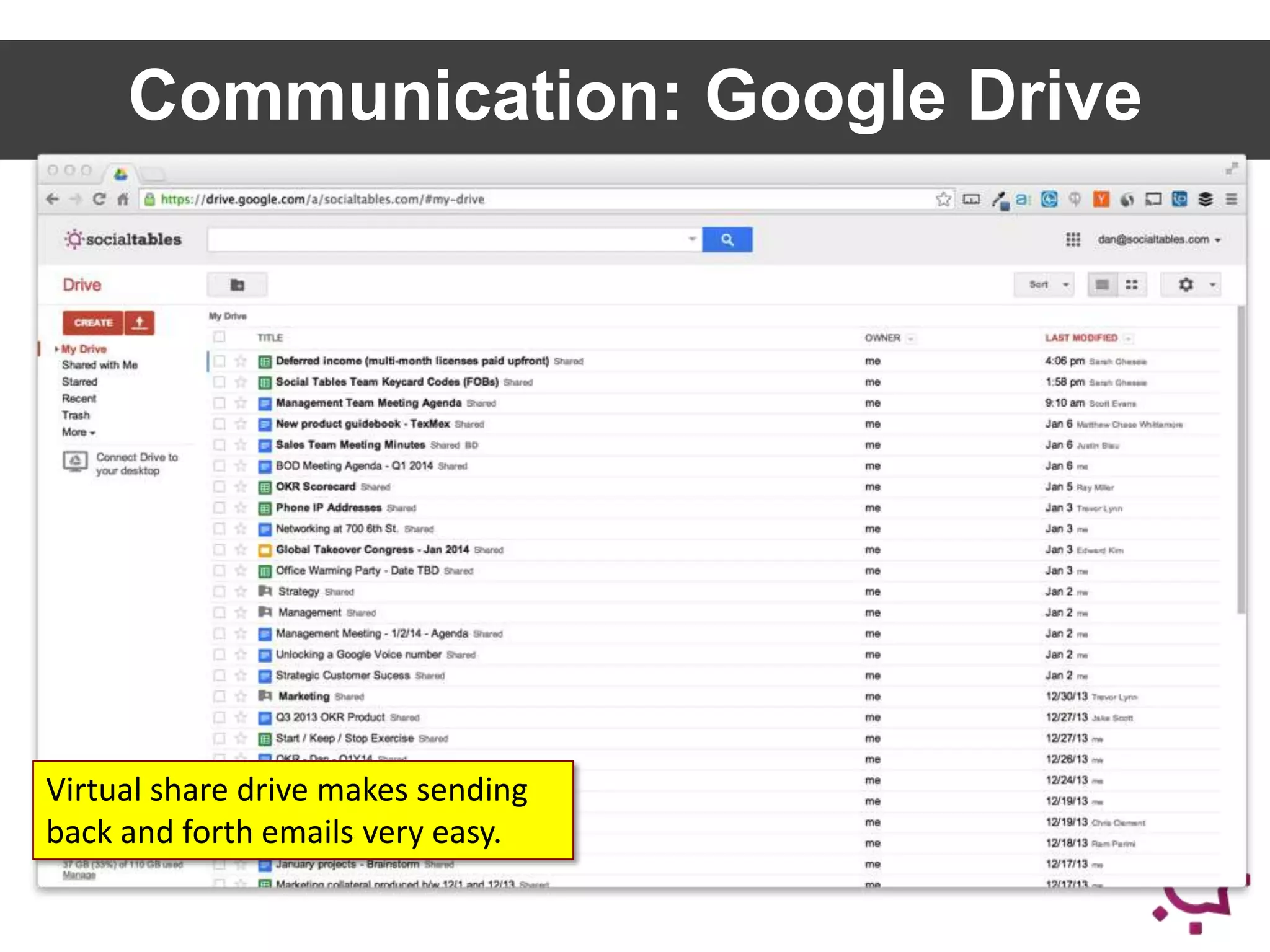
Communication: Google Drive

Virtual share drive makes sending
back and forth emails very easy.
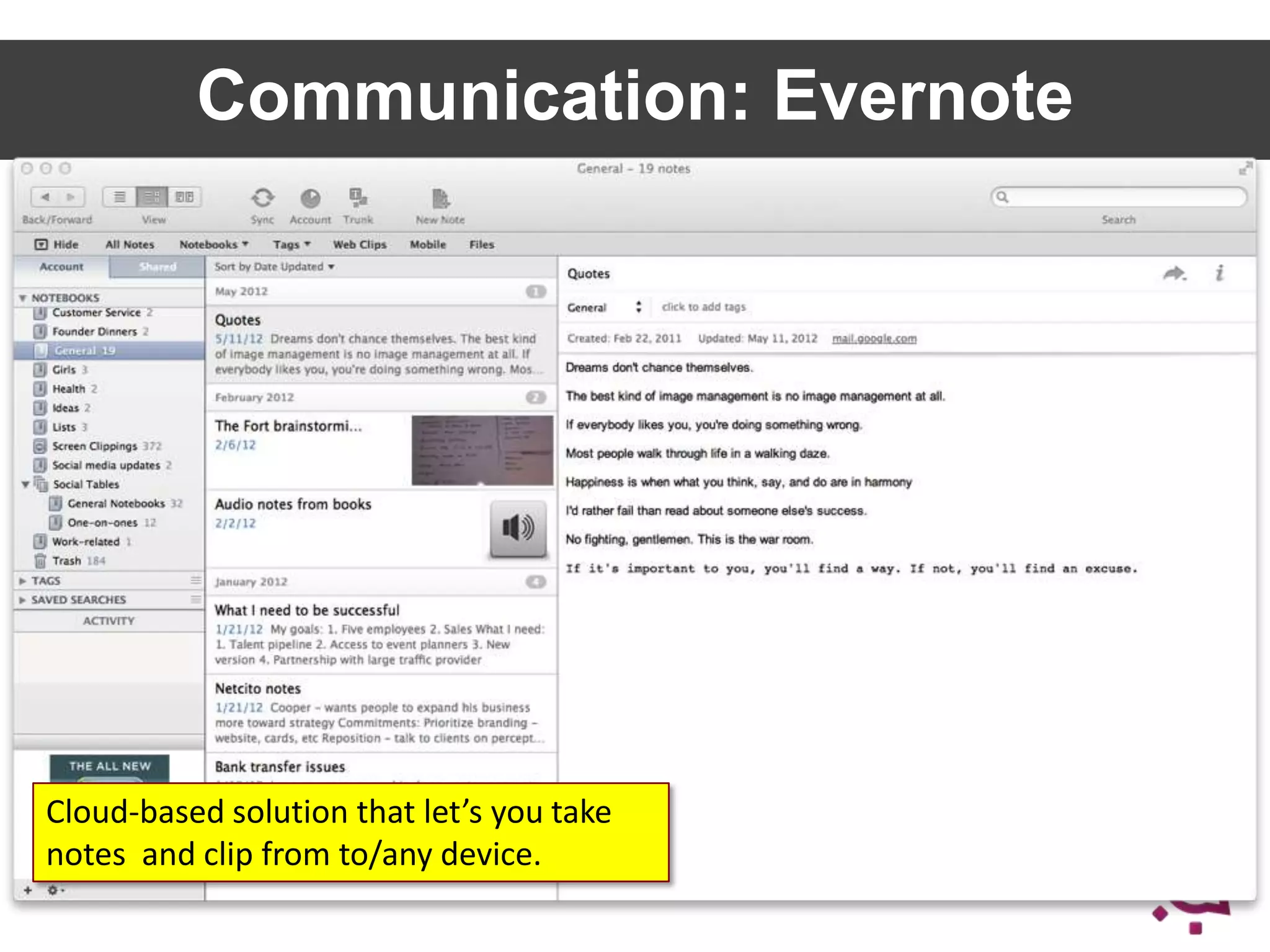
Communication: Evernote

Cloud-based solution that let’s you take
notes and clip from to/any device.

35
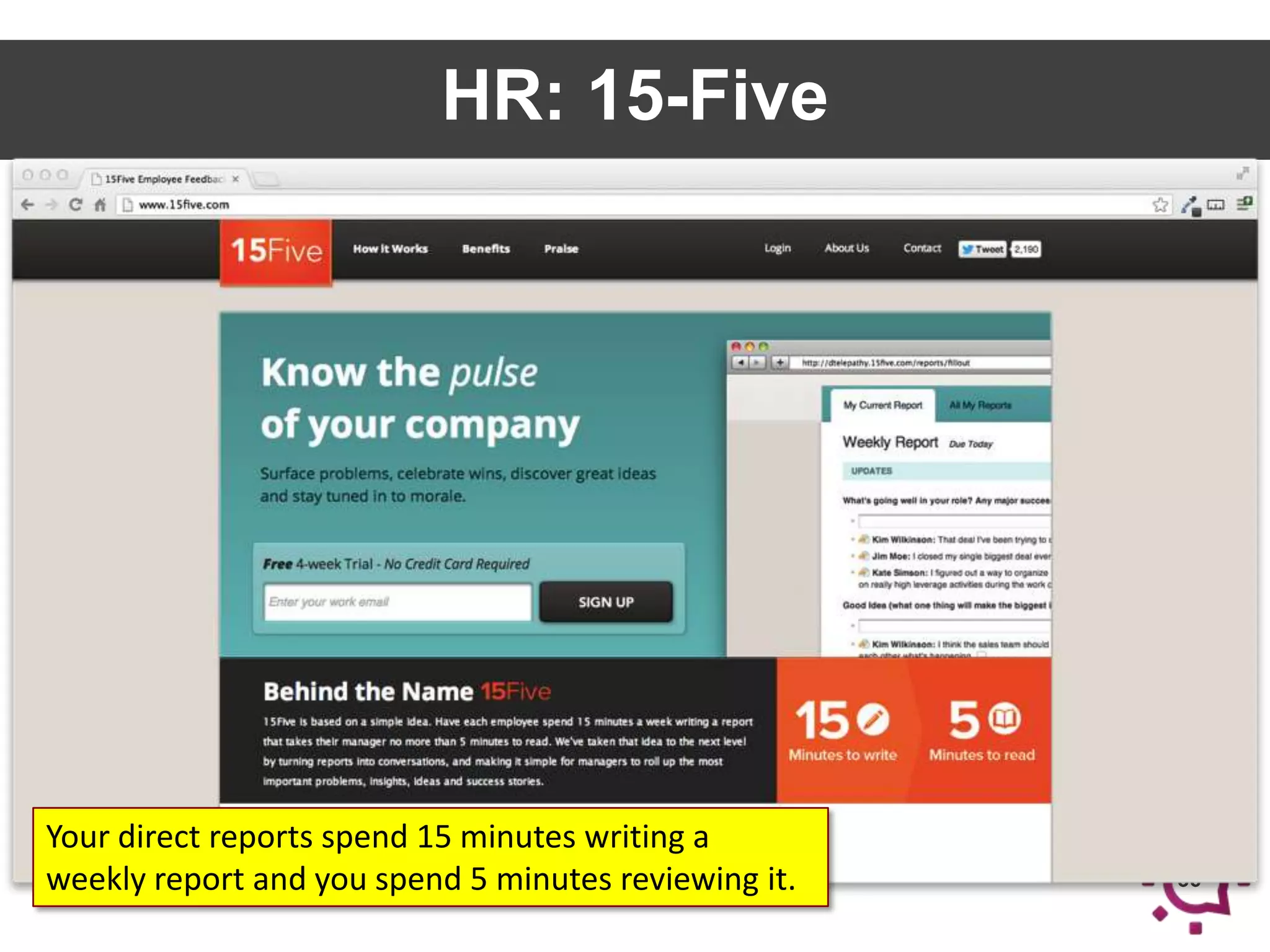
HR: 15-Five

Your direct reports spend 15 minutes writing a
weekly report and you spend 5 minutes reviewing it.

36
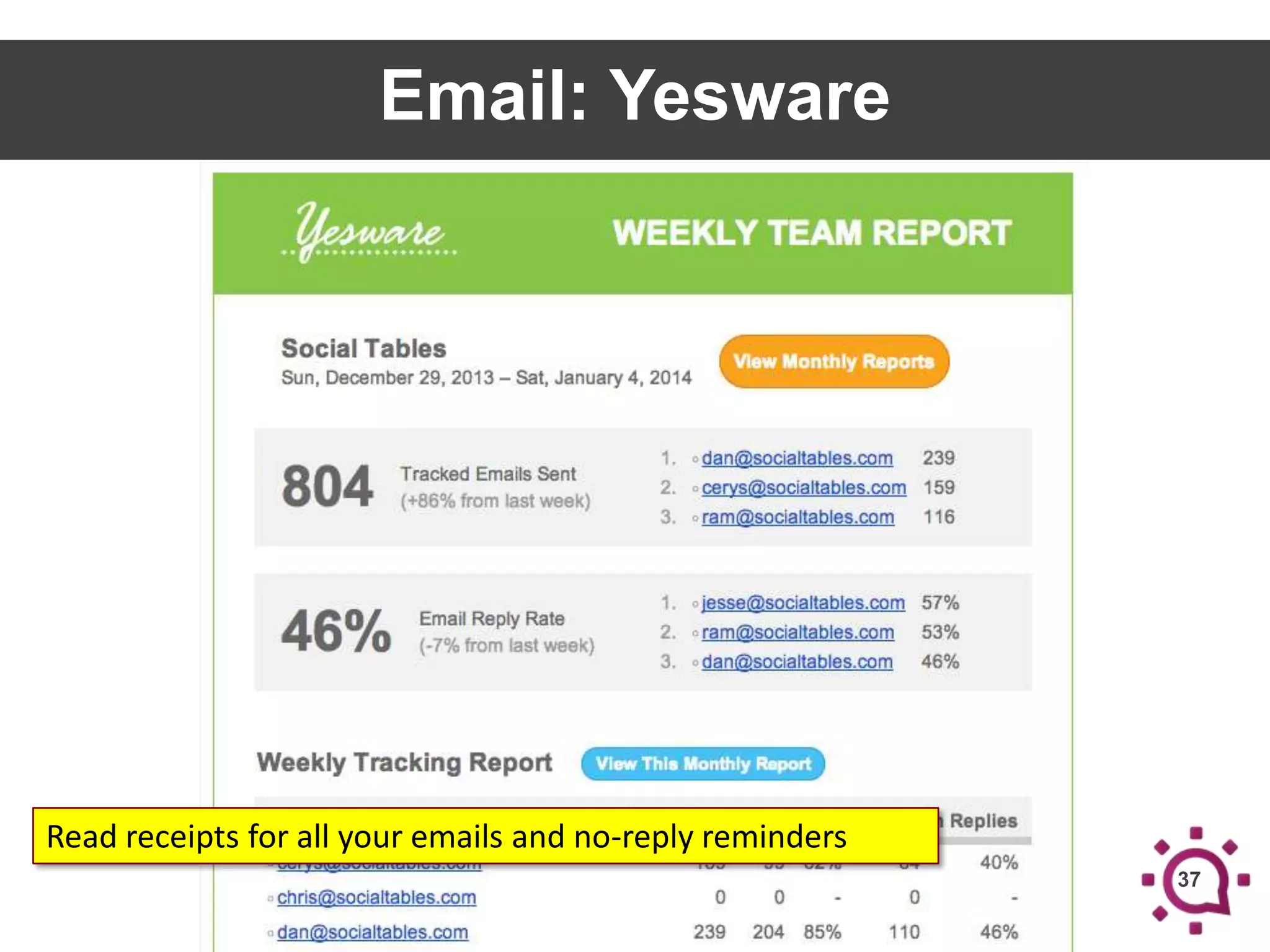
Email: Yesware

Read receipts for all your emails and no-reply reminders
37
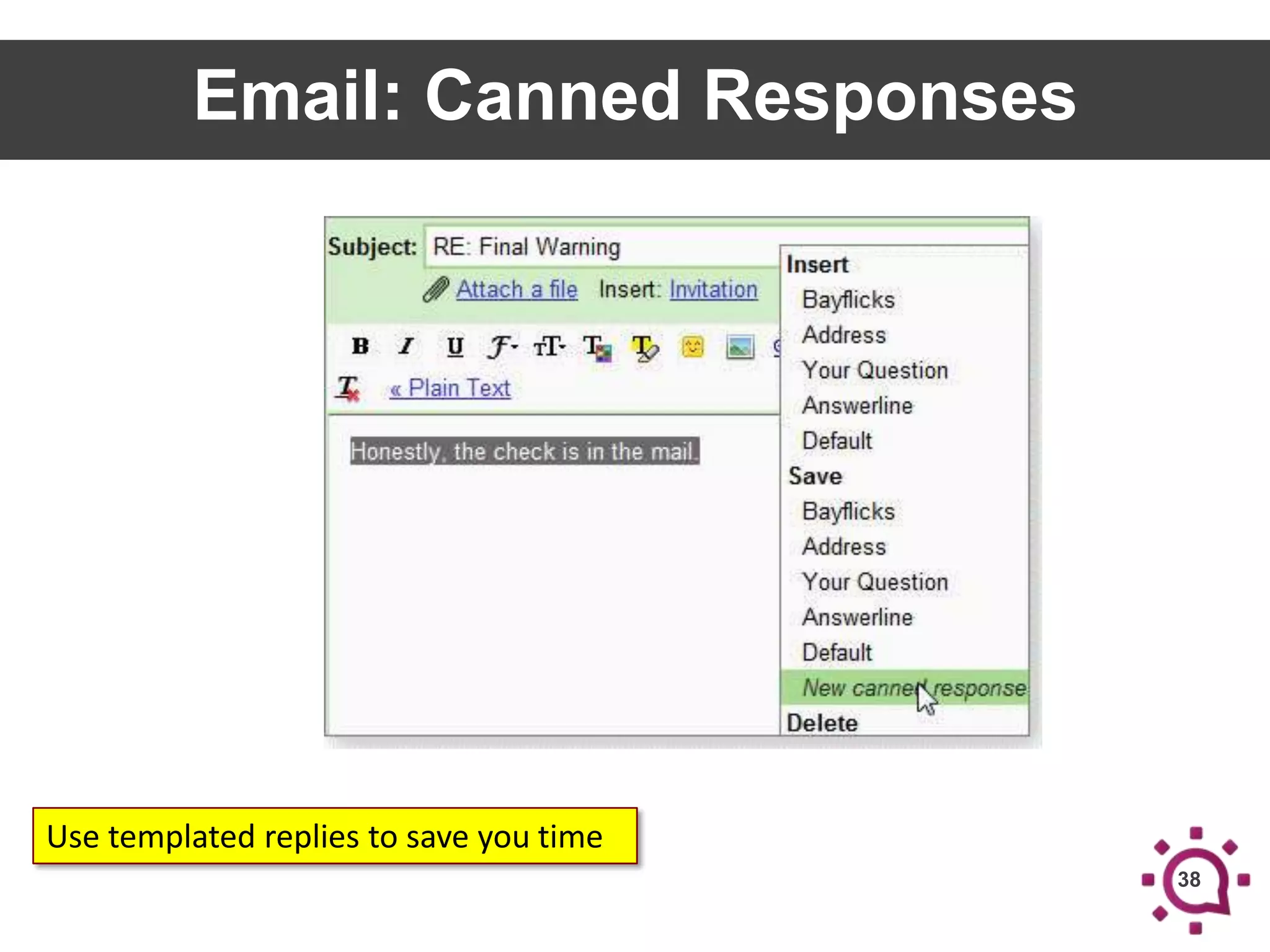
Email: Canned Responses

Use templated replies to save you time
38
PRODUCTIVITY HACKS
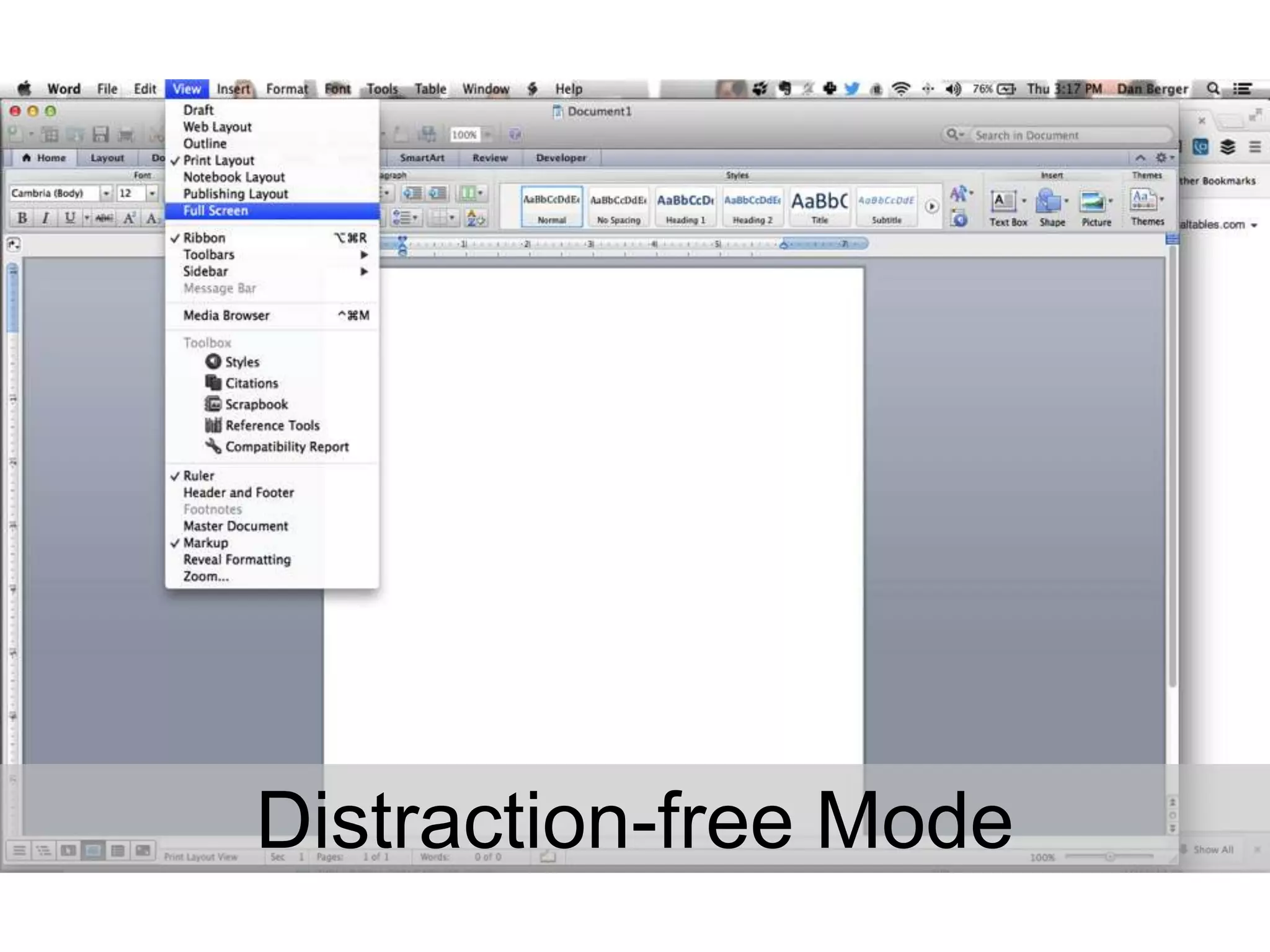
Distraction-free Mode
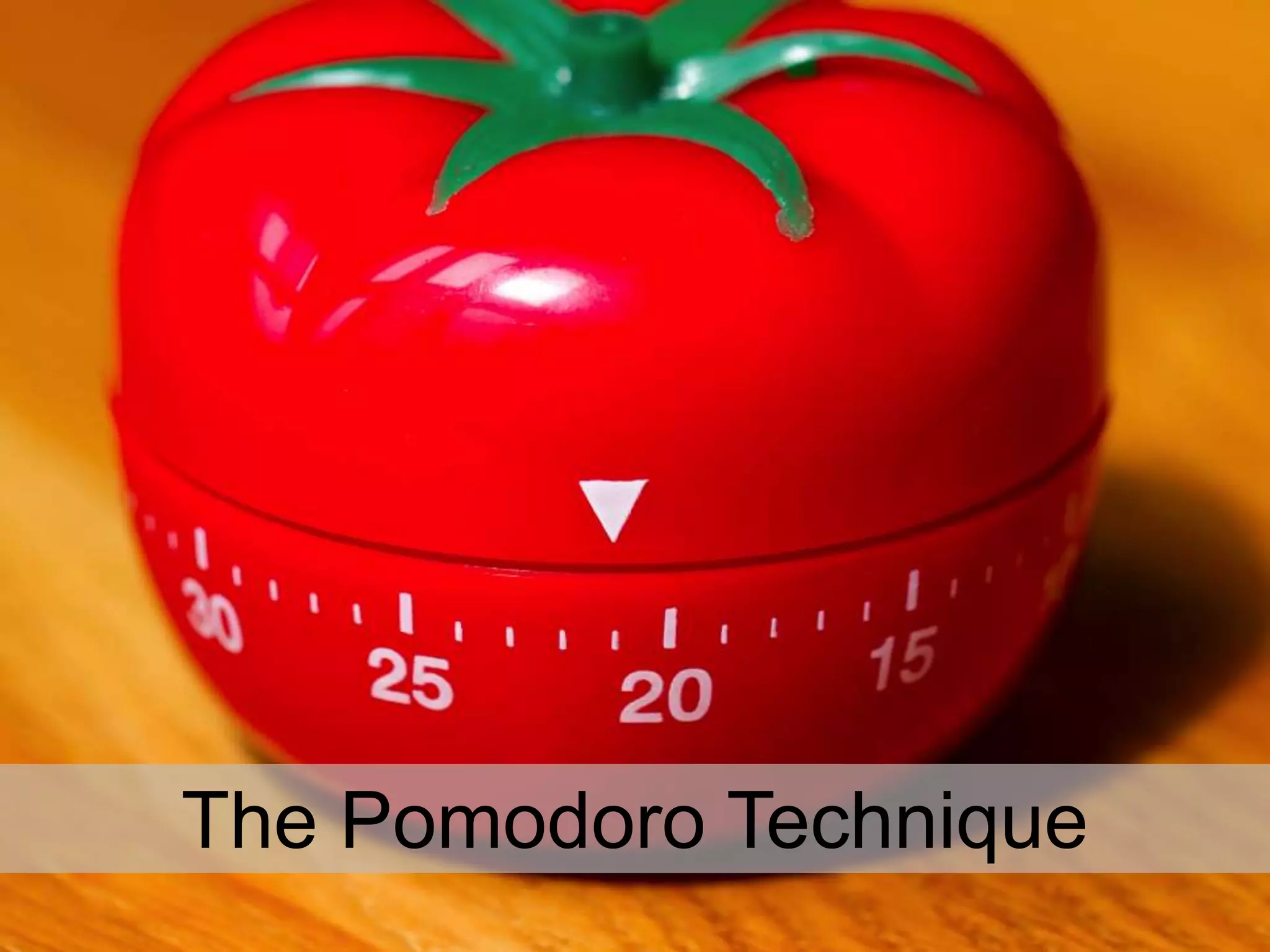
The Pomodoro Technique
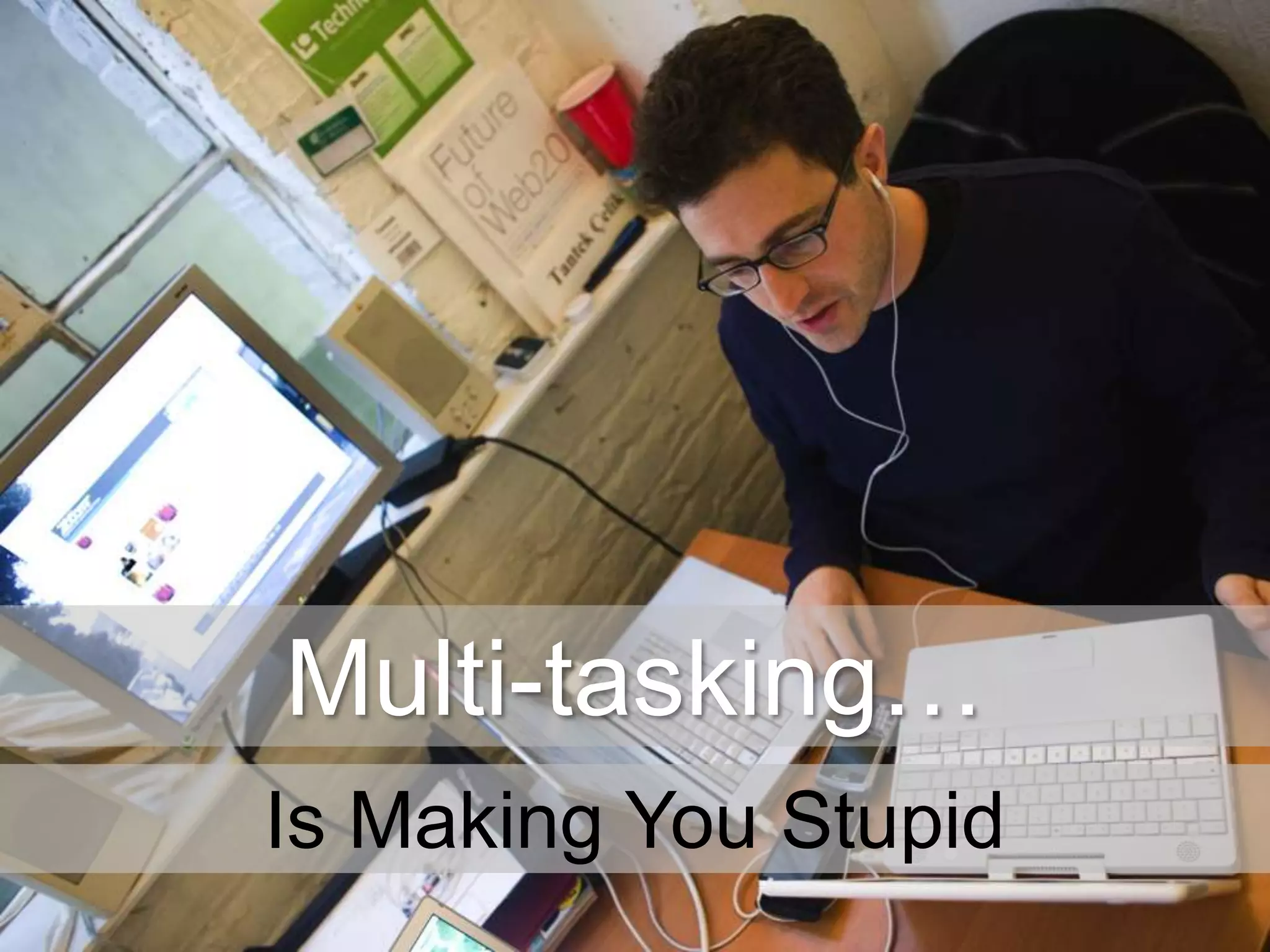
Multi-tasking…
Is Making You Stupid
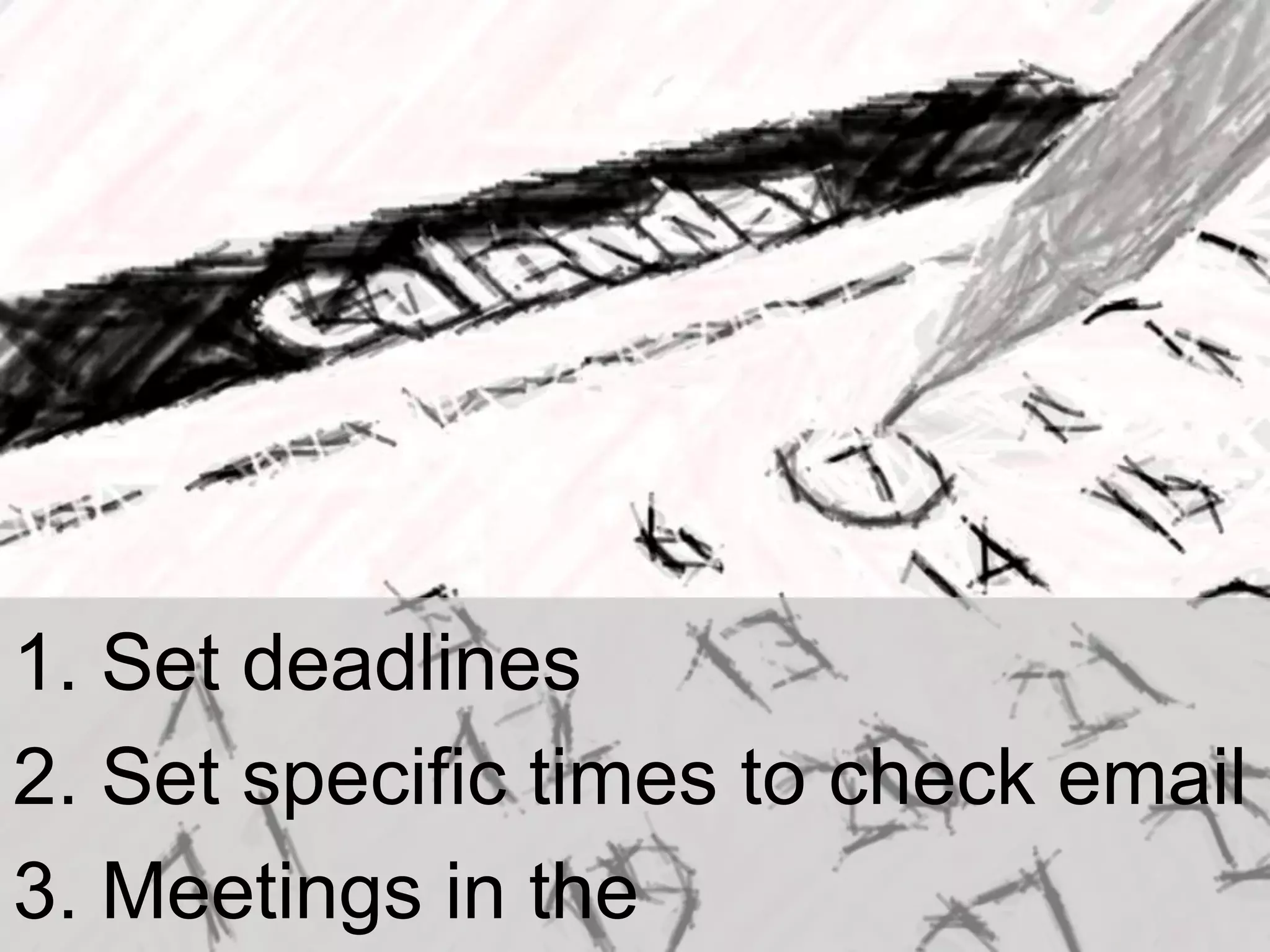
1. Set deadlines
2. Set specific times to check email
3. Meetings in the
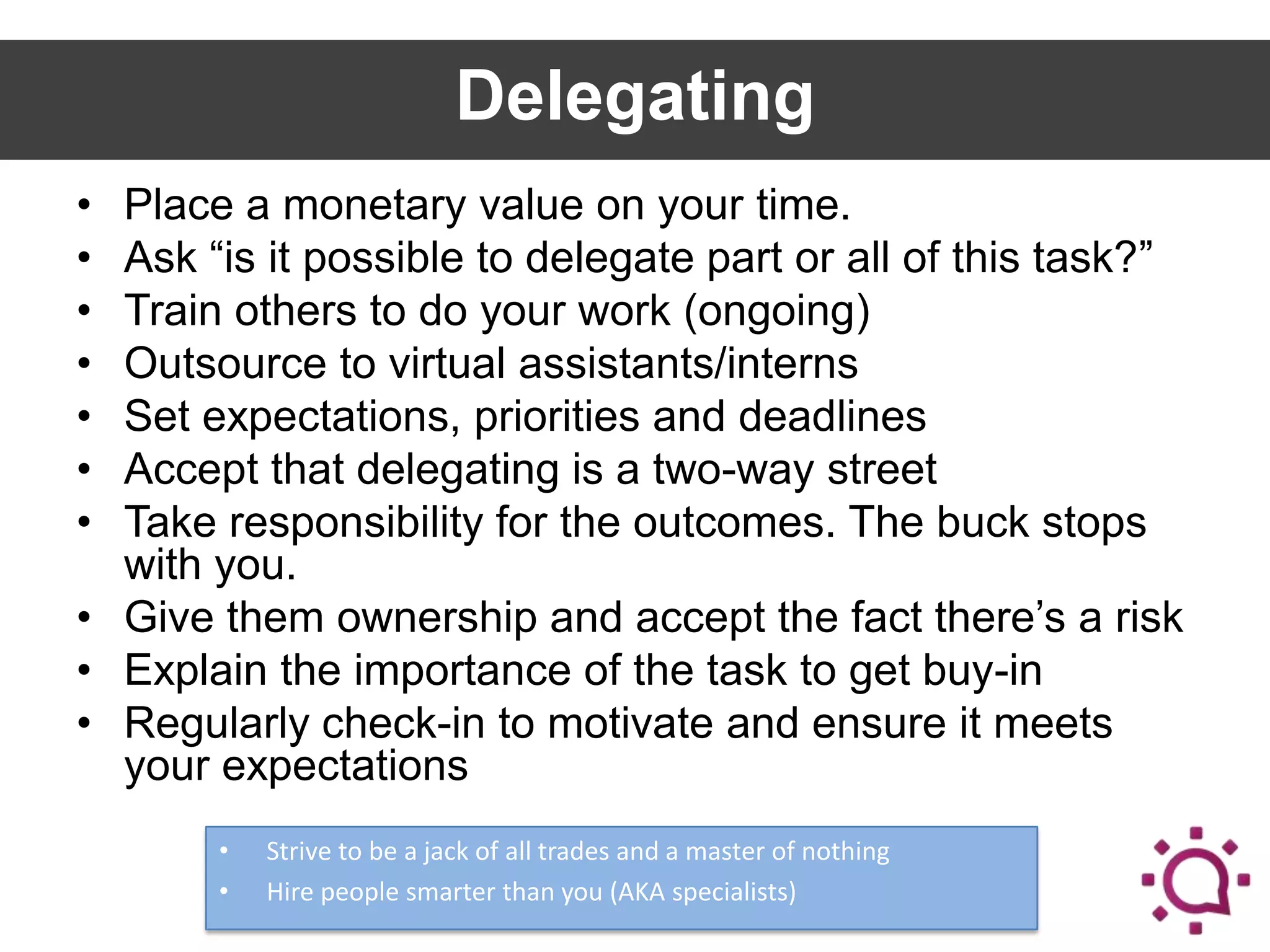
Delegating
•
•
•
•
•
•
•

Place a monetary value on your time.
Ask “is it possible to delegate part or all of this task?”
Train others to do your work (ongoing)
Outsource to virtual assistants/interns
Set expectations, priorities and deadlines
Accept that delegating is a two-way street
Take responsibility for the outcomes. The buck stops
with you.
• Give them ownership and accept the fact there’s a risk
• Explain the importance of the task to get buy-in
• Regularly check-in to motivate and ensure it meets
your expectations
•
•

Strive to be a jack of all trades and a master of nothing
Hire people smarter than you (AKA specialists)
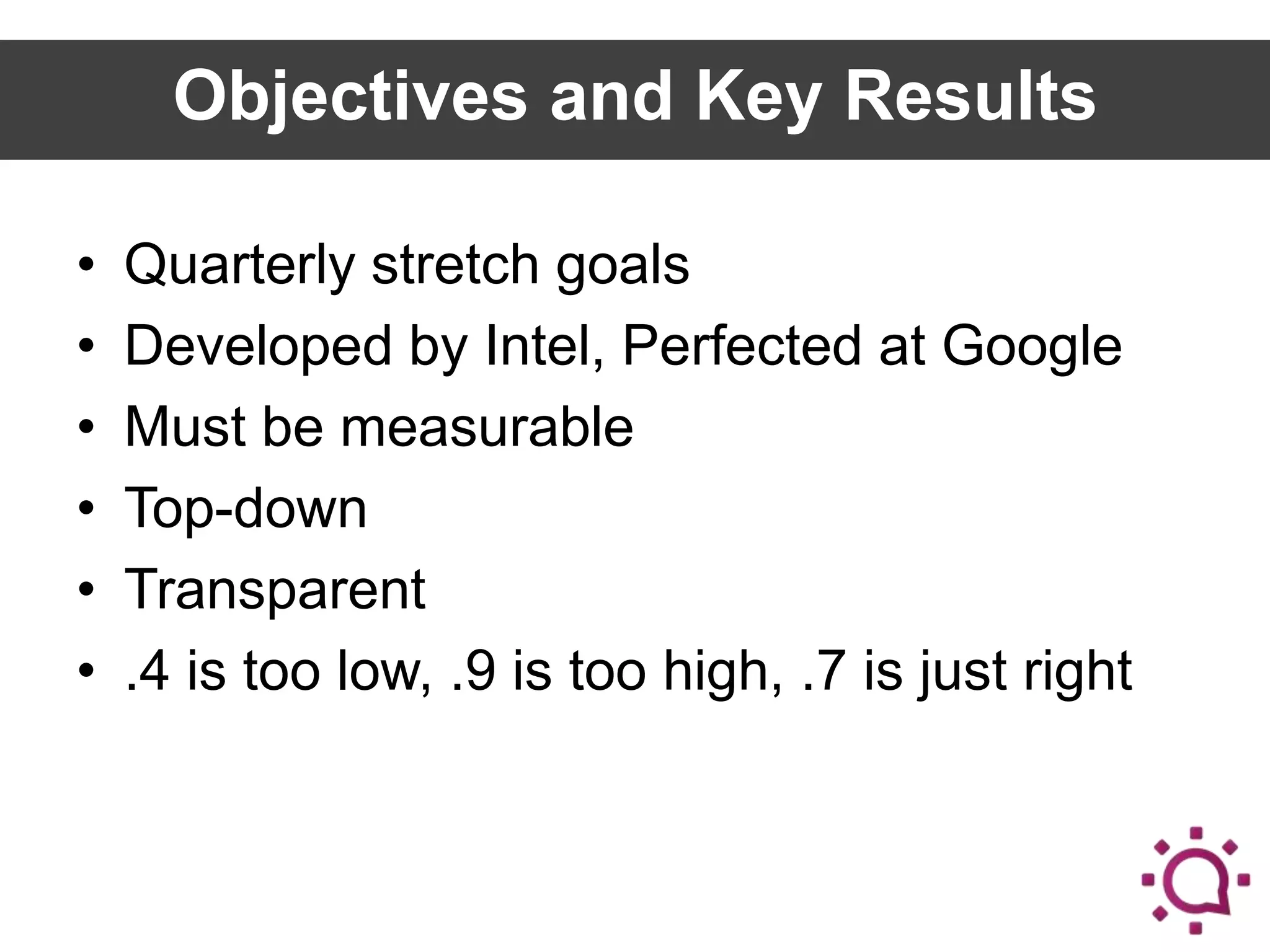
Objectives and Key Results
•
•
•
•
•
•

Quarterly stretch goals
Developed by Intel, Perfected at Google
Must be measurable
Top-down
Transparent
.4 is too low, .9 is too high, .7 is just right
Know any cool cats?
We Are Hiring!
Staying In Touch

danberger
dan@socialtables.com
(917) 359-7757
(877) 9-SEAT-ME
http://www.slideshare.net/socialtables

49

Project Management Bootcamp for Event Professionals

Editor's Notes