Social Networks


    Connecting to the rest of the world
Objectives
 Objectives:
1. Discuss social networking concepts
2. Brainstorm ways in which online social net-
   working may benefit us
3. Compare and contrast several different
   types of social networks
4. Discuss privacy in social networks, and
   demonstrate ways to improve privacy


www.themeart.com                                 2
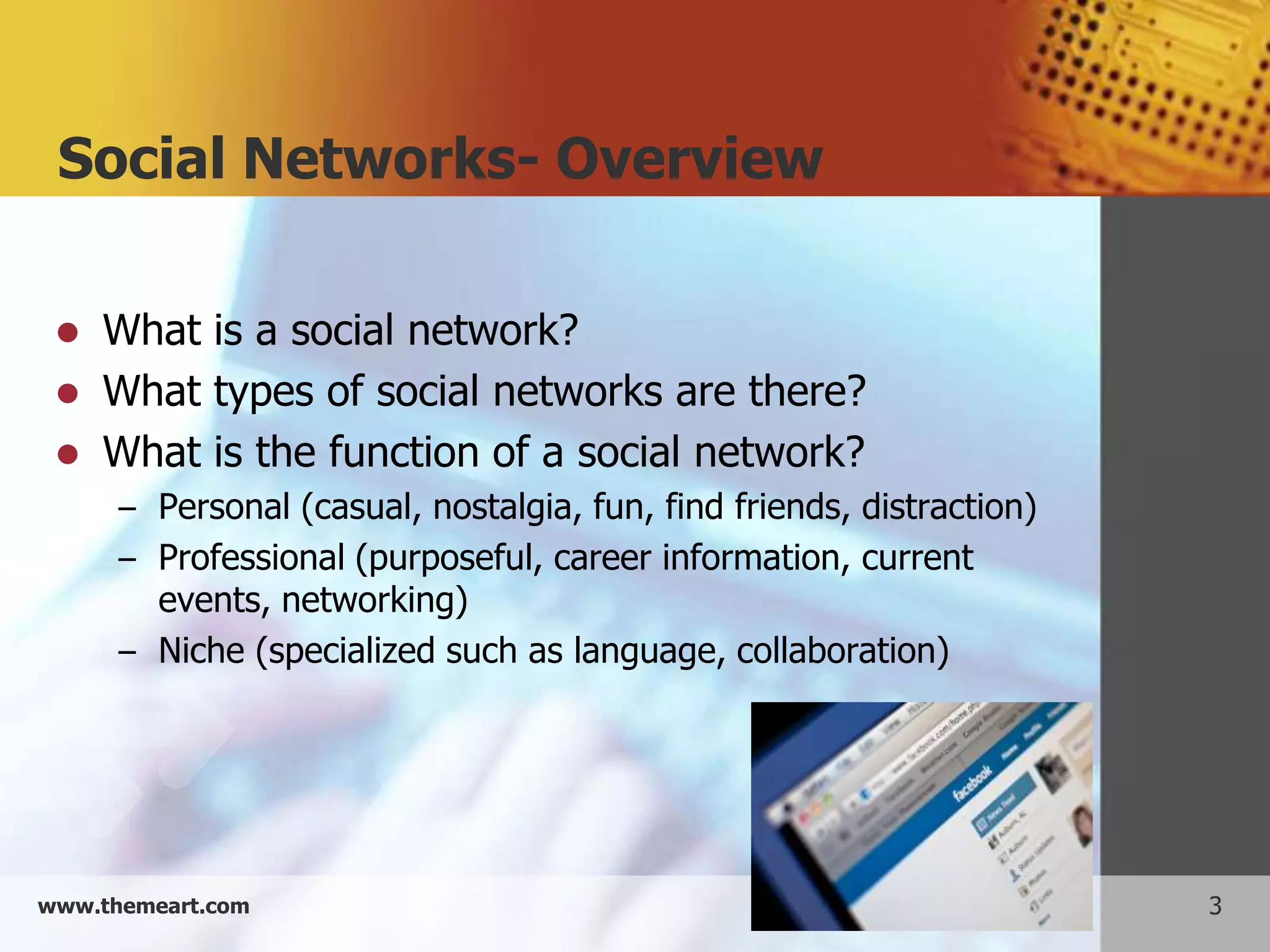
Social Networks- Overview

    What is a social network?
    What types of social networks are there?
    What is the function of a social network?
      – Personal (casual, nostalgia, fun, find friends, distraction)
      – Professional (purposeful, career information, current
        events, networking)
      – Niche (specialized such as language, collaboration)


www.themeart.com                                                       3
Social networking: Positives
     Advantages of social networking:
       – Worldwide connectivity (romance, job, assist
           ance, referrals, support, advice)
       –   Finding old friends
       –   finding people with common interests
       –   Real time information sharing
       –   free advertising (promote event and cause)


www.themeart.com                                        4
Social networking: Negatives
     What are some disadvantages of social
      networking:
       – Lack of anonymity
       – Privacy concerns/ frauds and identify theft
       – Scams and harassment
       – time consuming
       – impersonal
       – cyber bullying
       – Annoying posts


www.themeart.com                                       5
Example 1: Facebook


        Post and view notes to friends
        Post pictures
        Share interesting links
        Send out group messages
        Must ask permission to be “friends”
        Clicking “like” puts them on your page


www.themeart.com                                  6
Facebook in depth

Look at a Facebook account and demonstrate:
 Home Page
 Timeline
 Groups
 Family & friends posts
 Marketing posts
 Friends on Chat and Chat
 Events & Apps
 Notifications
www.themeart.com                              7
Example 2: Twitter


   Post notes in under 140 characters
   Post pictures
   Share interesting links
   Can categorize followers by topic
   No permissions needed to follow or be followed


www.themeart.com                                     8
Twitter in depth

  Look at a Twitter page and demonstrate:
   Home page
   Hash tags and search
   Lists (general)
   A sample of a list
   Trends


www.themeart.com                            9
Example 3: LinkedIn


        Post and view resumes
        Look for jobs
        Find others with similar occupational goals
        Includes groups, so you can network within
         your interest
        Find contacts by e-mail address or name
        Must “invite others” to your network


www.themeart.com                                       10
LinkedIn in depth

Look at Linked in and demonstrate
 Home page: post, recommend
 Profile: Endorsements, Experience, Skills,
  Connections,
 Contacts: Connections, Add connections
 Groups: Your groups, groups like
 Jobs: (Also sends to e-mail!)
 Inbox: (Doesn’t release your e-mail)
 Companies: Info on potential employers

www.themeart.com                               11
Example 4: Pinterest


 Community based bulletin boards to tell what you
  want, identify with and recommend
 Create boards on interests
 Pin links to your board
 Find pins and boards which you enjoy
 Repin other pins
 Click on a name and Follow (all or just one board)
  No permissions required


www.themeart.com                                       12
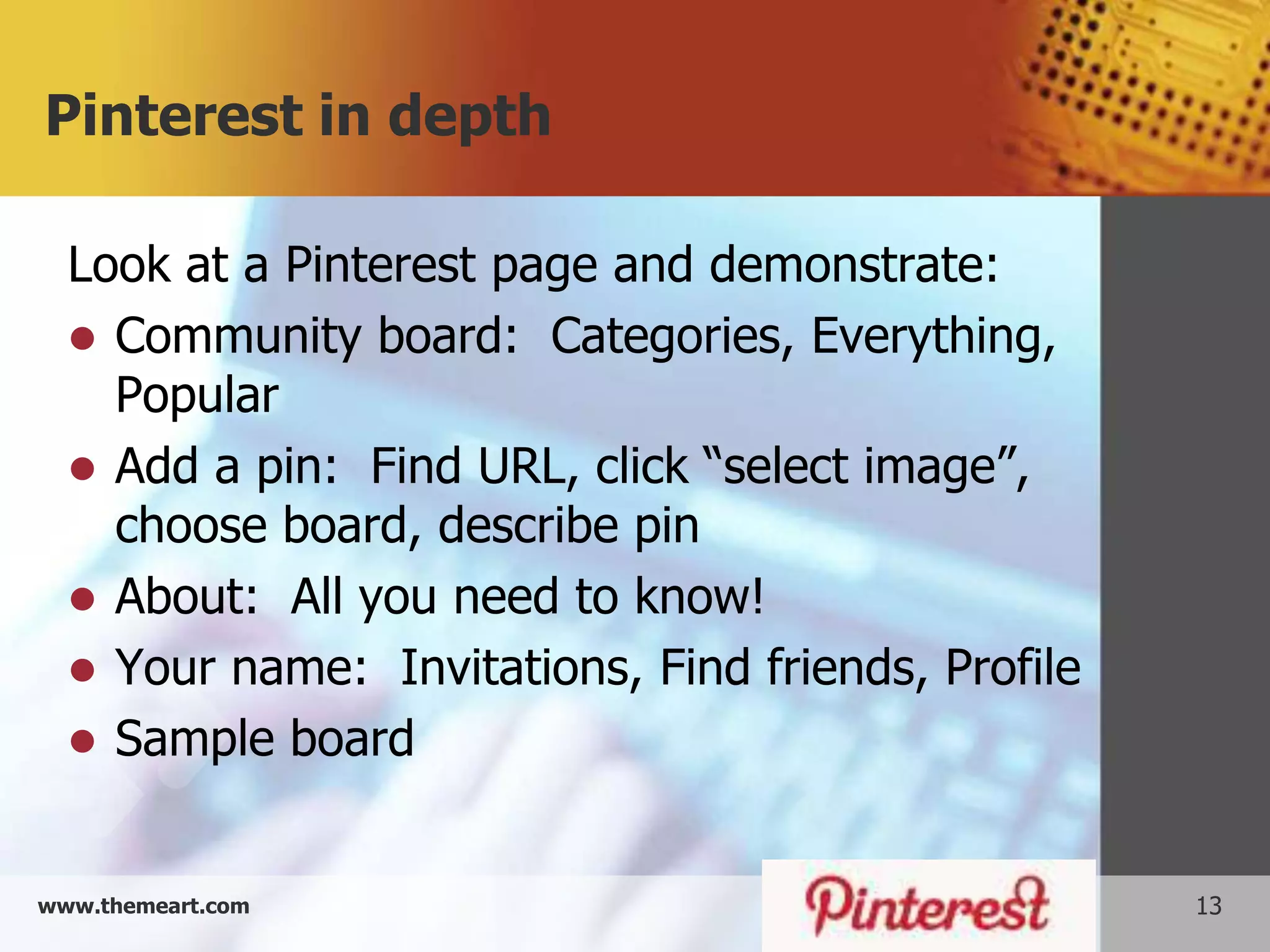
Pinterest in depth

  Look at a Pinterest page and demonstrate:
   Community board: Categories, Everything,
    Popular
   Add a pin: Find URL, click “select image”,
    choose board, describe pin
   About: All you need to know!
   Your name: Invitations, Find friends, Profile
   Sample board


www.themeart.com                                    13
Social Networking Safety
   Don’t click on link in post
   Know what you post…always there!
   Don’t trust who it is really from
   Don’t let it scan your email account
   Directly type address into web bar
   Caution about “friends”
   Research the site
   Careful about apps
   Don’t use at work or without a good virus protec-
    tion in place

www.themeart.com                                        14
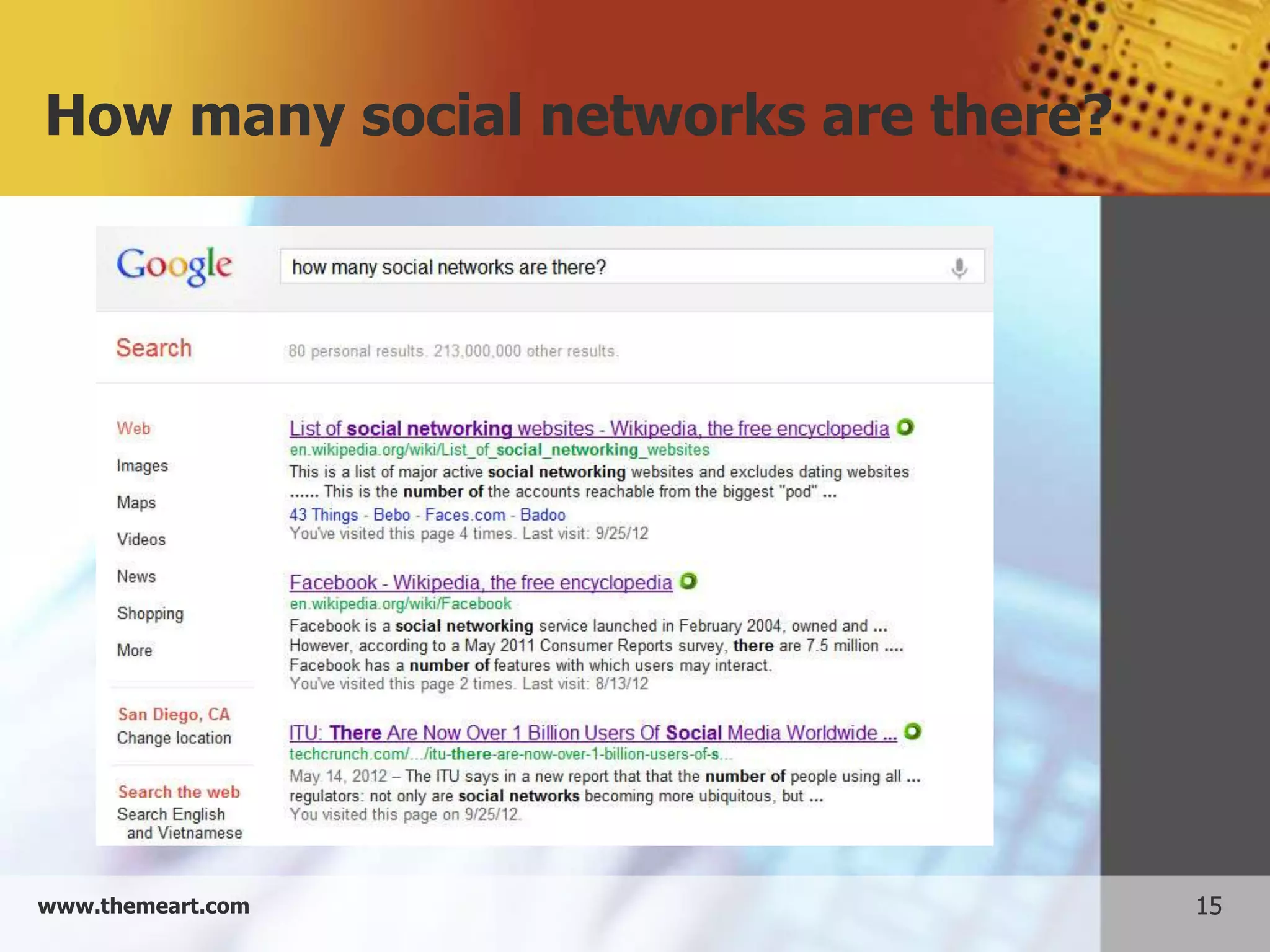
How many social networks are there?


www.themeart.com                      15
Look for these or find your own

     OTHER SOCIAL NETWORKS


www.themeart.com                       16
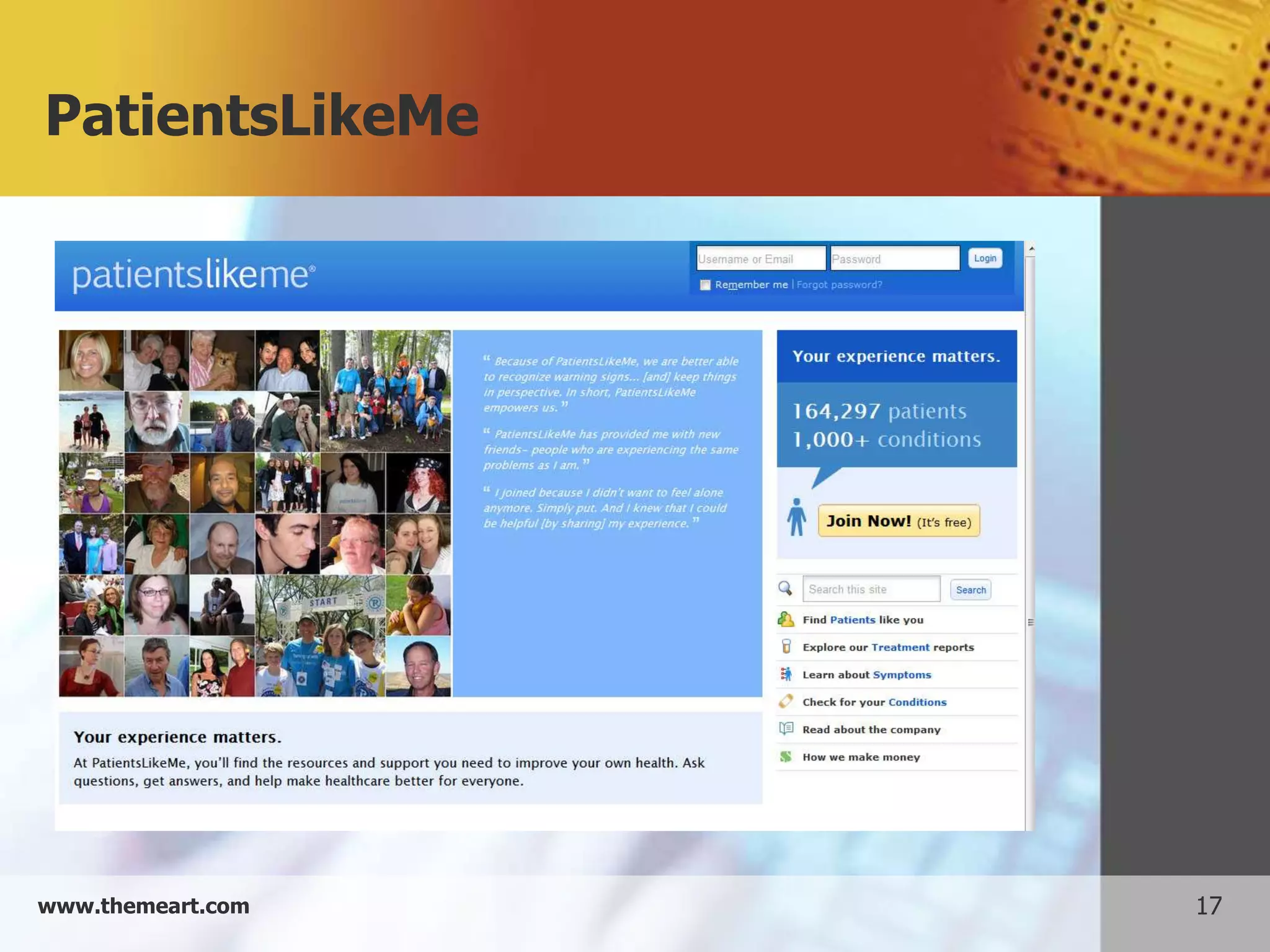
PatientsLikeMe


www.themeart.com   17
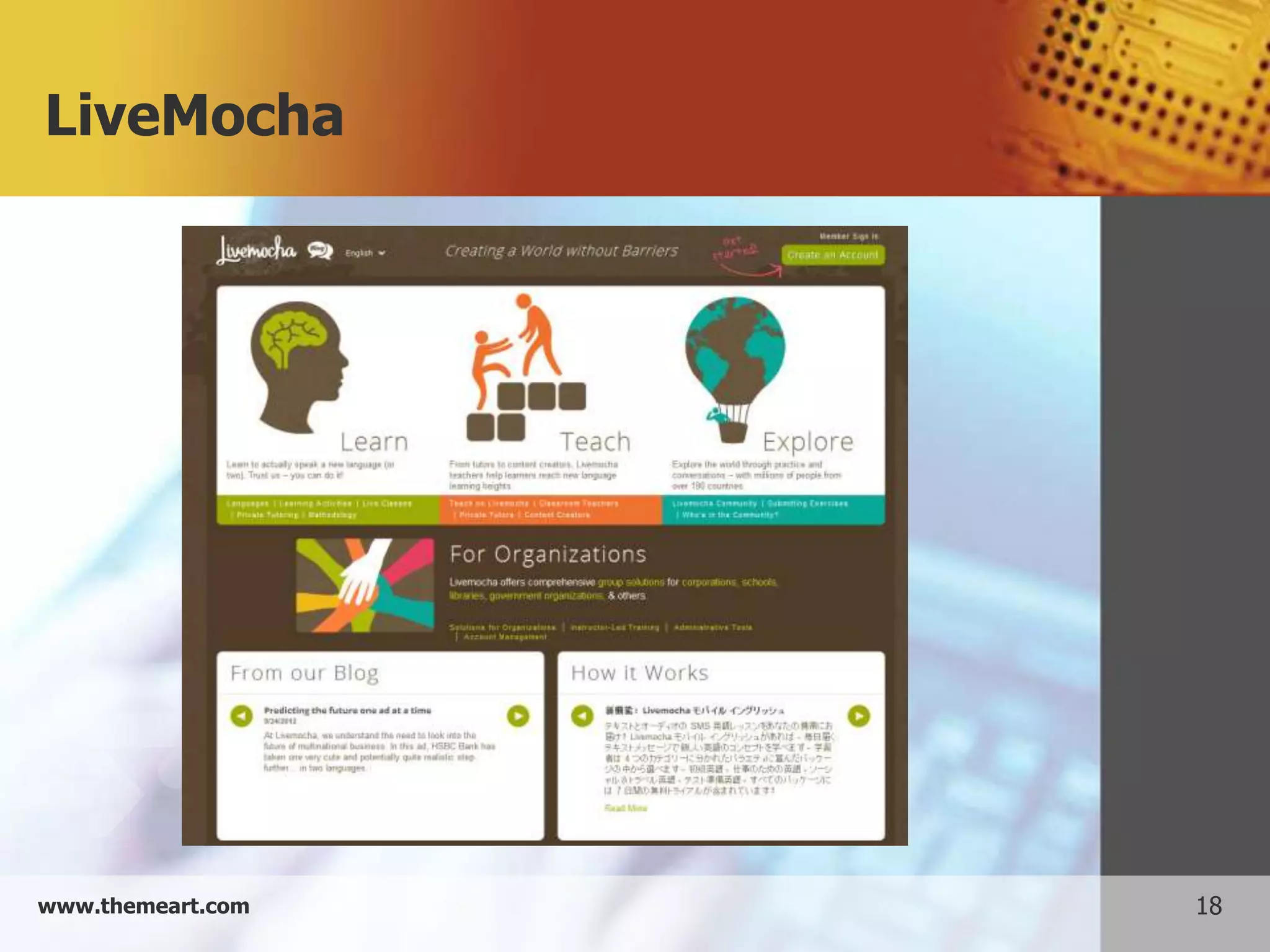
LiveMocha


www.themeart.com   18
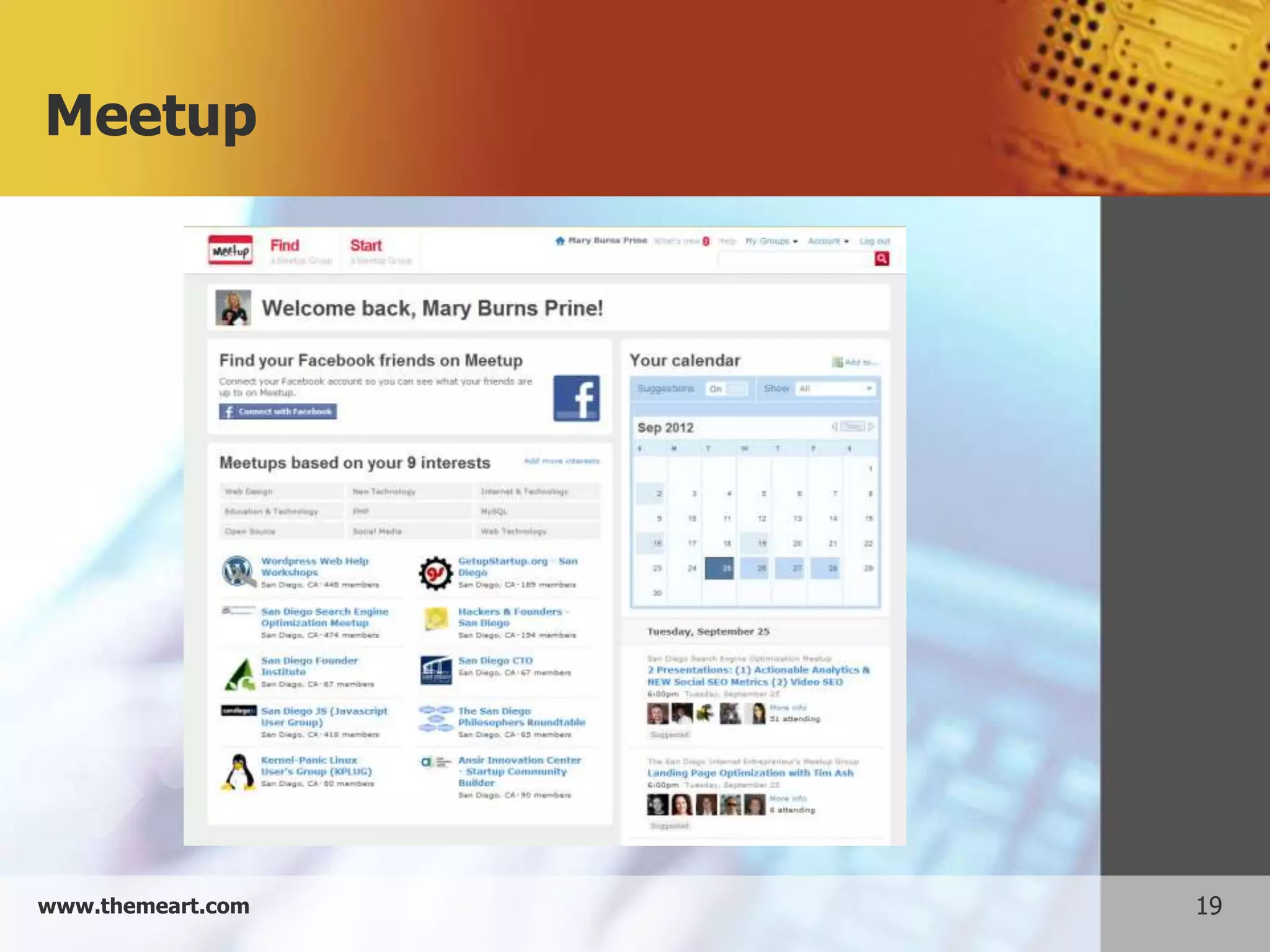
Meetup


www.themeart.com   19
Flickr


www.themeart.com   20
Whatever your needs, a network
for you!


www.themeart.com                 21
Thanks for listening!
                         Questions? Comments?
                           mprine@sdccd.edu


                                            Sources:
   Bennett, S. (2012, Sept. 21). People use Different Social Networks for Different Reasons. Retrieved fro
             m All Twitter: http://www.mediabistro.com/alltwitter/social-mindset-divide_b28812
   Eler, A. (2012, January 16). Study: Why do People Use Facebook. Retrieved from ReadWriteWeb: http:
               //www.readwriteweb.com/archives/study_why_do_people_use_facebook.php
   Roeder, L. (2012, January 1). Why Social Networking. Retrieved from About.Com: http://personalweb.
                        about.com/od/easyblogsandwebpages/a/whysocialnetwor.htm


www.themeart.com                                                                                             22

Presentation social networks

  • 1.
    Social Networks Connecting to the rest of the world
  • 2.
    Objectives Objectives: 1. Discusssocial networking concepts 2. Brainstorm ways in which online social net- working may benefit us 3. Compare and contrast several different types of social networks 4. Discuss privacy in social networks, and demonstrate ways to improve privacy www.themeart.com 2
  • 3.
    Social Networks- Overview  What is a social network?  What types of social networks are there?  What is the function of a social network? – Personal (casual, nostalgia, fun, find friends, distraction) – Professional (purposeful, career information, current events, networking) – Niche (specialized such as language, collaboration) www.themeart.com 3
  • 4.
    Social networking: Positives  Advantages of social networking: – Worldwide connectivity (romance, job, assist ance, referrals, support, advice) – Finding old friends – finding people with common interests – Real time information sharing – free advertising (promote event and cause) www.themeart.com 4
  • 5.
    Social networking: Negatives  What are some disadvantages of social networking: – Lack of anonymity – Privacy concerns/ frauds and identify theft – Scams and harassment – time consuming – impersonal – cyber bullying – Annoying posts www.themeart.com 5
  • 6.
    Example 1: Facebook  Post and view notes to friends  Post pictures  Share interesting links  Send out group messages  Must ask permission to be “friends”  Clicking “like” puts them on your page www.themeart.com 6
  • 7.
    Facebook in depth Lookat a Facebook account and demonstrate:  Home Page  Timeline  Groups  Family & friends posts  Marketing posts  Friends on Chat and Chat  Events & Apps  Notifications www.themeart.com 7
  • 8.
    Example 2: Twitter  Post notes in under 140 characters  Post pictures  Share interesting links  Can categorize followers by topic  No permissions needed to follow or be followed www.themeart.com 8
  • 9.
    Twitter in depth Look at a Twitter page and demonstrate:  Home page  Hash tags and search  Lists (general)  A sample of a list  Trends www.themeart.com 9
  • 10.
    Example 3: LinkedIn  Post and view resumes  Look for jobs  Find others with similar occupational goals  Includes groups, so you can network within your interest  Find contacts by e-mail address or name  Must “invite others” to your network www.themeart.com 10
  • 11.
    LinkedIn in depth Lookat Linked in and demonstrate  Home page: post, recommend  Profile: Endorsements, Experience, Skills, Connections,  Contacts: Connections, Add connections  Groups: Your groups, groups like  Jobs: (Also sends to e-mail!)  Inbox: (Doesn’t release your e-mail)  Companies: Info on potential employers www.themeart.com 11
  • 12.
    Example 4: Pinterest Community based bulletin boards to tell what you want, identify with and recommend  Create boards on interests  Pin links to your board  Find pins and boards which you enjoy  Repin other pins  Click on a name and Follow (all or just one board) No permissions required www.themeart.com 12
  • 13.
    Pinterest in depth Look at a Pinterest page and demonstrate:  Community board: Categories, Everything, Popular  Add a pin: Find URL, click “select image”, choose board, describe pin  About: All you need to know!  Your name: Invitations, Find friends, Profile  Sample board www.themeart.com 13
  • 14.
    Social Networking Safety  Don’t click on link in post  Know what you post…always there!  Don’t trust who it is really from  Don’t let it scan your email account  Directly type address into web bar  Caution about “friends”  Research the site  Careful about apps  Don’t use at work or without a good virus protec- tion in place www.themeart.com 14
  • 15.
    How many socialnetworks are there? www.themeart.com 15
  • 16.
    Look for theseor find your own OTHER SOCIAL NETWORKS www.themeart.com 16
  • 17.
  • 18.
  • 19.
  • 20.
  • 21.
    Whatever your needs,a network for you! www.themeart.com 21
  • 22.
    Thanks for listening! Questions? Comments? mprine@sdccd.edu Sources: Bennett, S. (2012, Sept. 21). People use Different Social Networks for Different Reasons. Retrieved fro m All Twitter: http://www.mediabistro.com/alltwitter/social-mindset-divide_b28812 Eler, A. (2012, January 16). Study: Why do People Use Facebook. Retrieved from ReadWriteWeb: http: //www.readwriteweb.com/archives/study_why_do_people_use_facebook.php Roeder, L. (2012, January 1). Why Social Networking. Retrieved from About.Com: http://personalweb. about.com/od/easyblogsandwebpages/a/whysocialnetwor.htm www.themeart.com 22