






Social Networks


    Connecting to the rest of the world
Objectives
 Objectives:
1. Discuss social networking concepts
2. Brainstorm ways in which online social net-
   working may benefit us
3. Compare and contrast several different
   types of social networks
4. Discuss privacy in social networks, and
   demonstrate ways to improve privacy


www.themeart.com                                 2
Social Networks- Overview

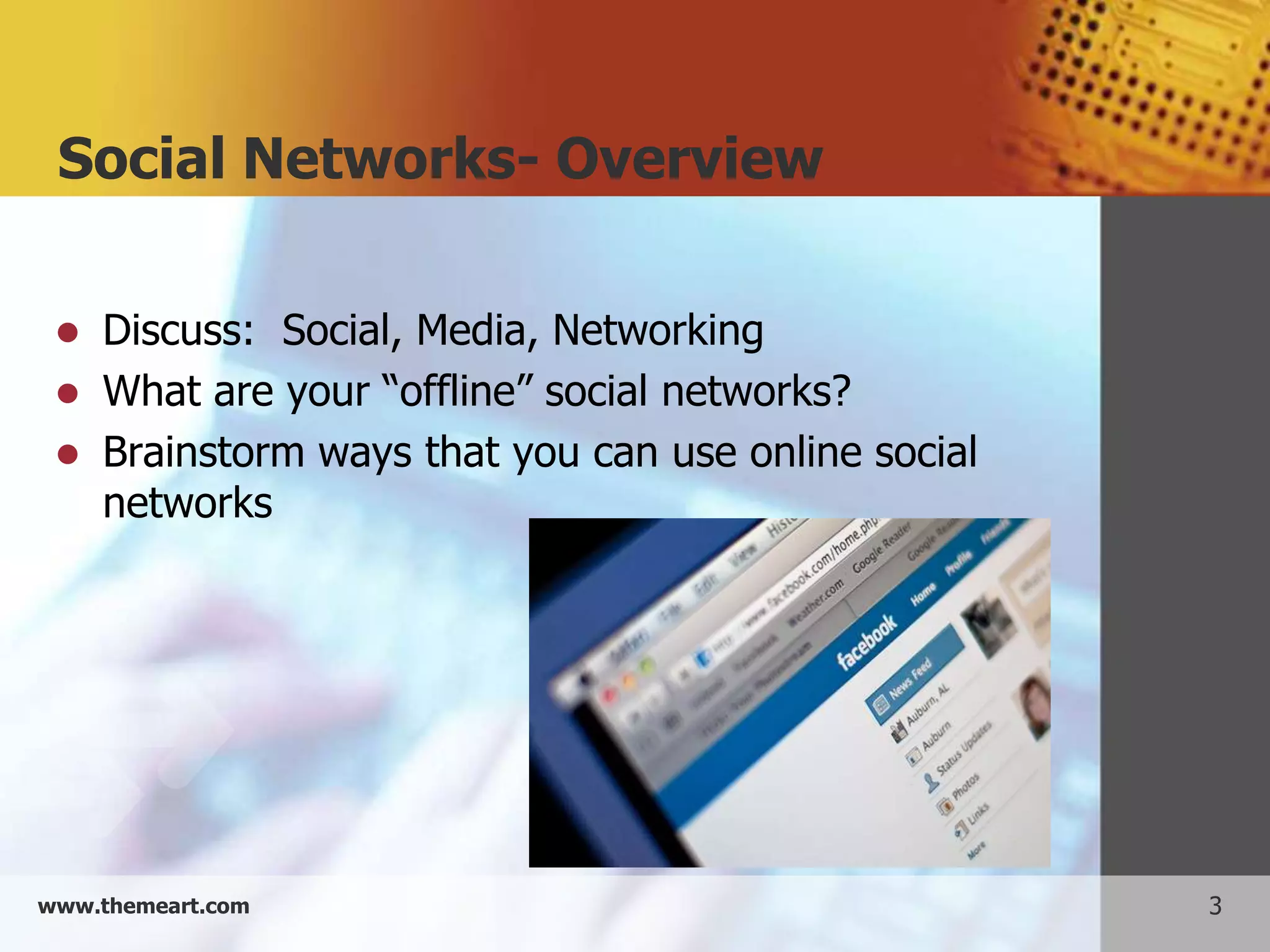
    Discuss: Social, Media, Networking
    What are your “offline” social networks?
    Brainstorm ways that you can use online social
     networks


www.themeart.com                                      3
How do social networks compare??
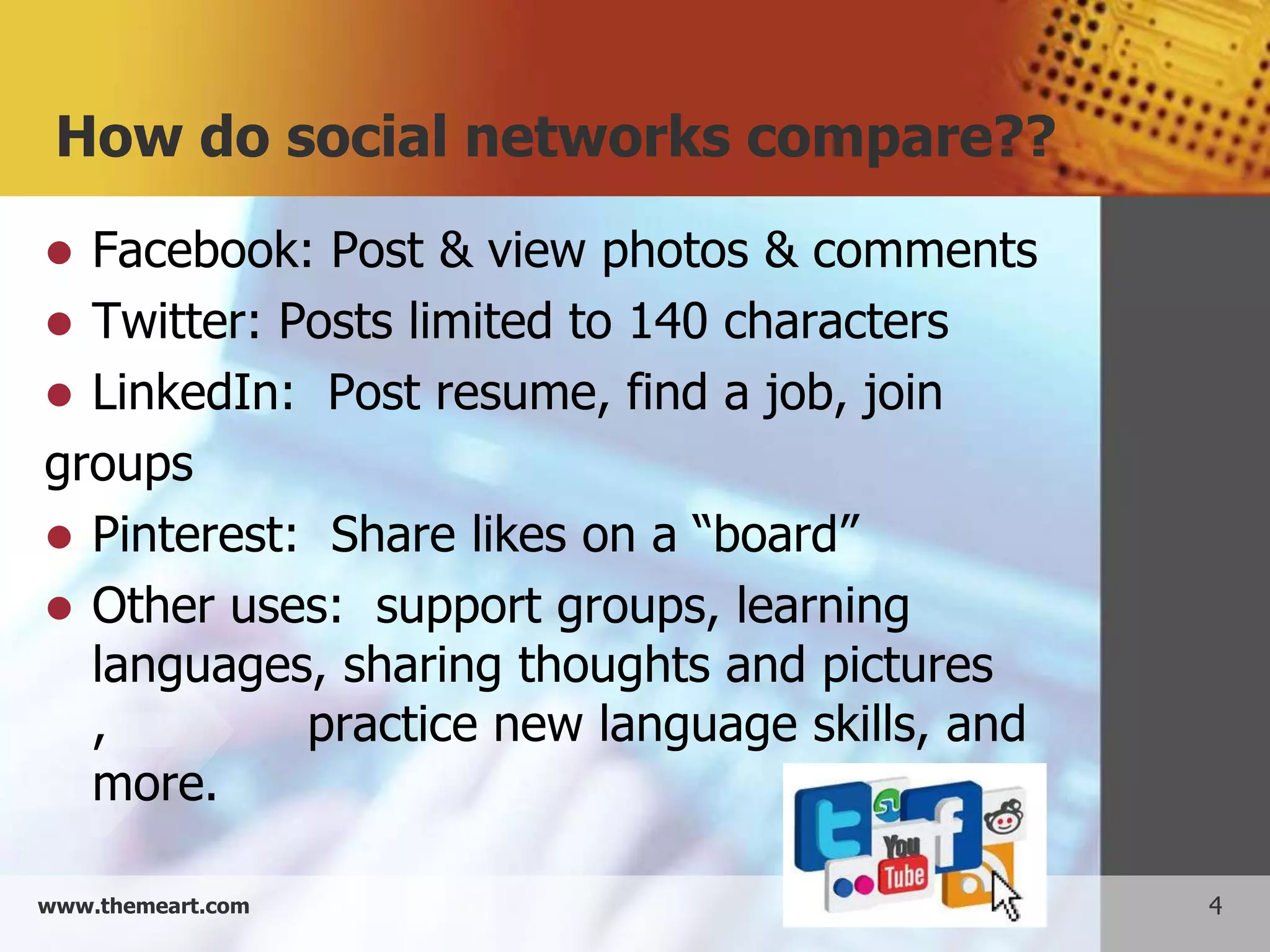
 Facebook: Post & view photos & comments
 Twitter: Posts limited to 140 characters
 LinkedIn: Post resume, find a job, join
groups
 Pinterest: Share likes on a “board”
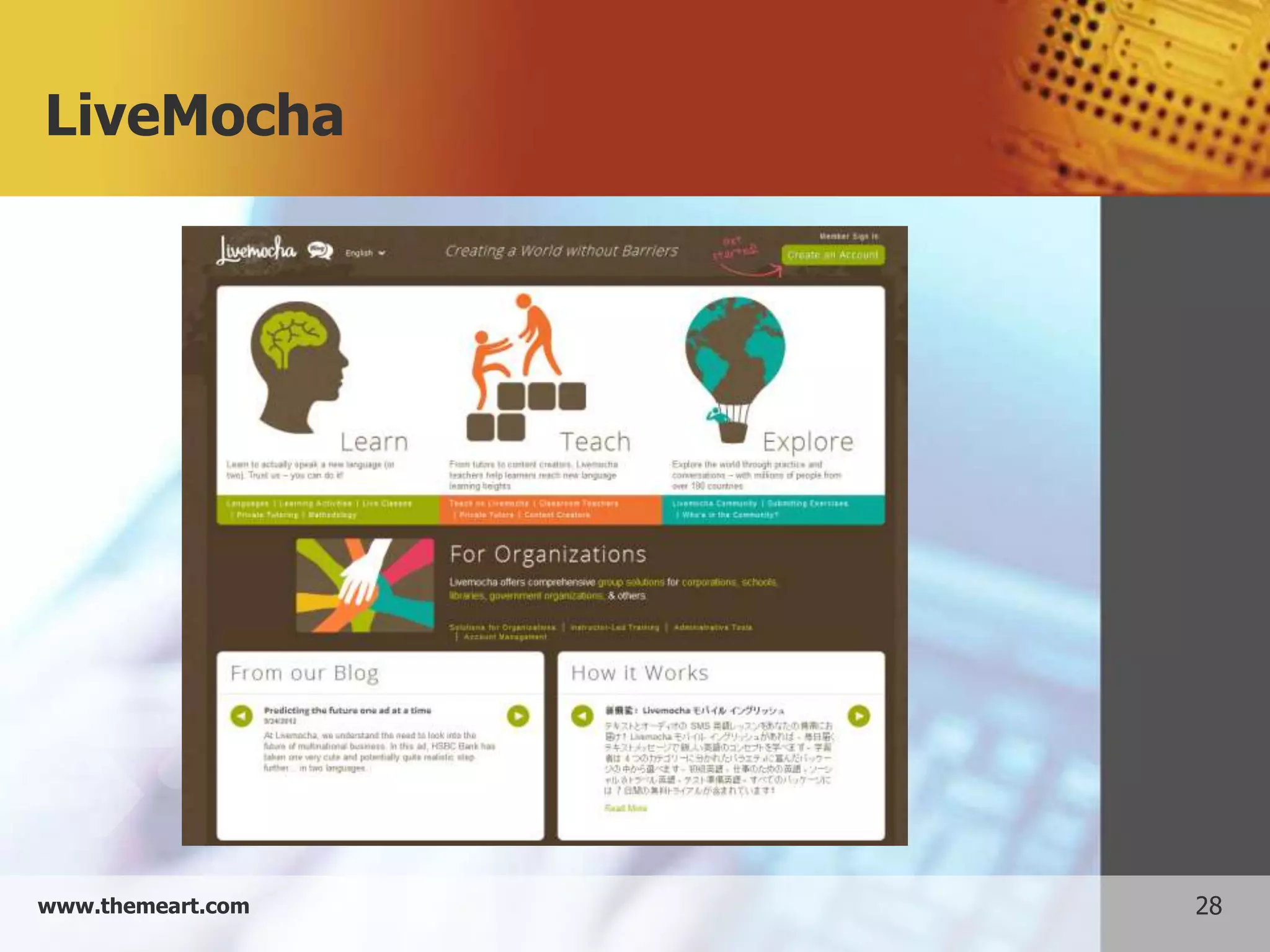
 Other uses: support groups, learning
  languages, sharing thoughts and pictures
  ,         practice new language skills, and
  more.

www.themeart.com                                4
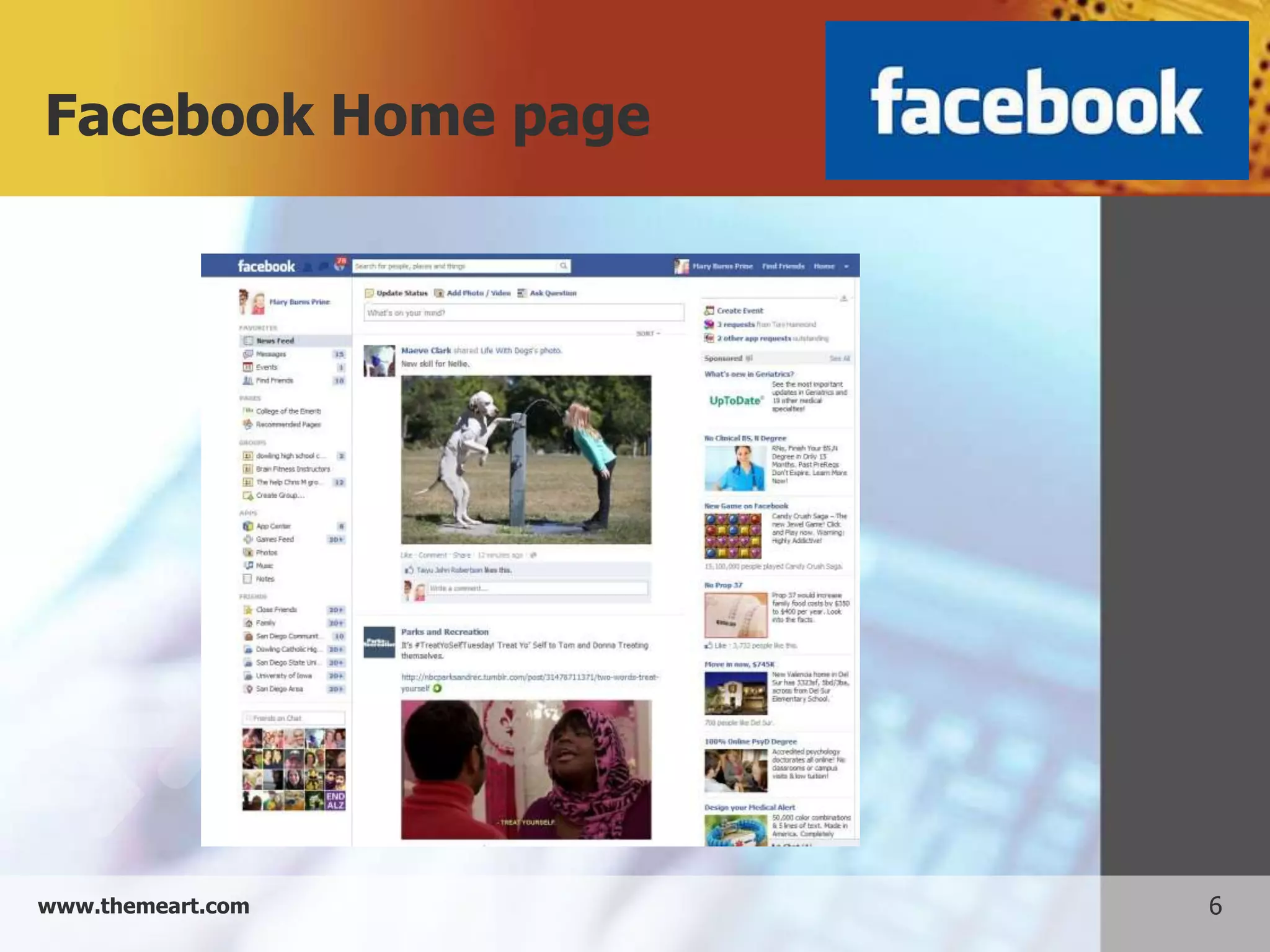
Example 1: Facebook


     Post and view notes to friends
     Post pictures
     Share interesting links
     Send out group messages


www.themeart.com                       5
Facebook Home page


www.themeart.com     6
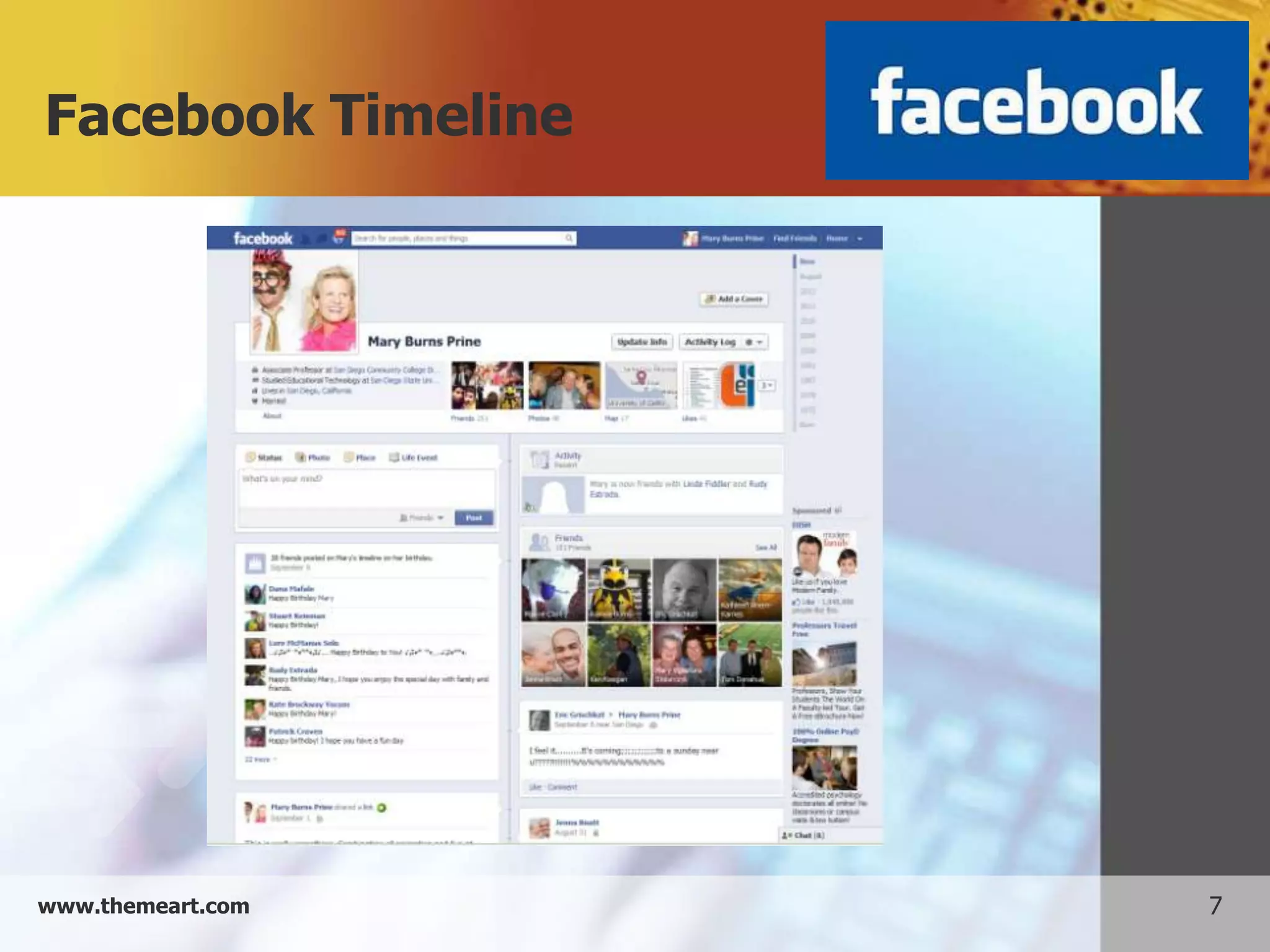
Facebook Timeline


www.themeart.com    7
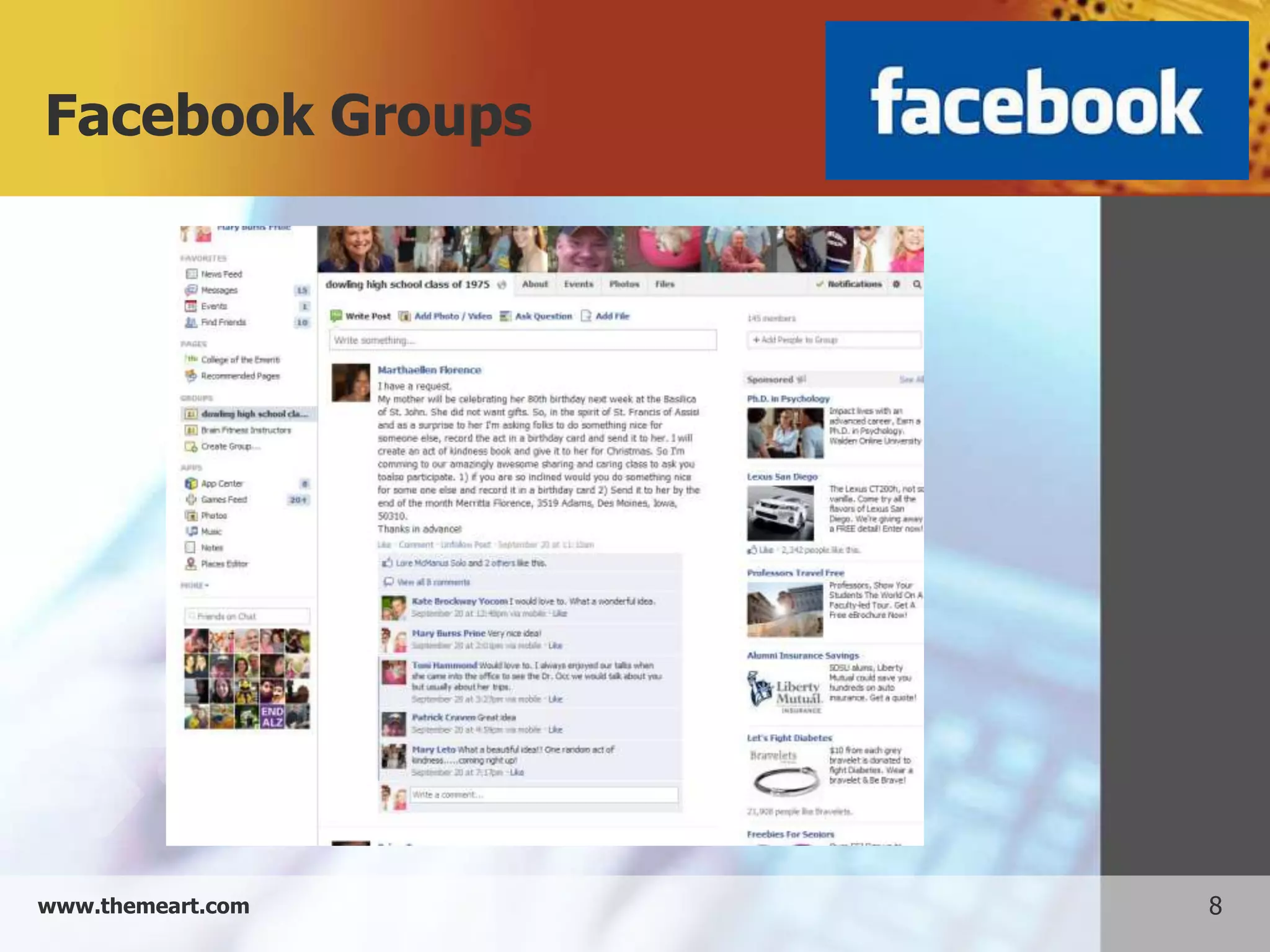
Facebook Groups


www.themeart.com   8
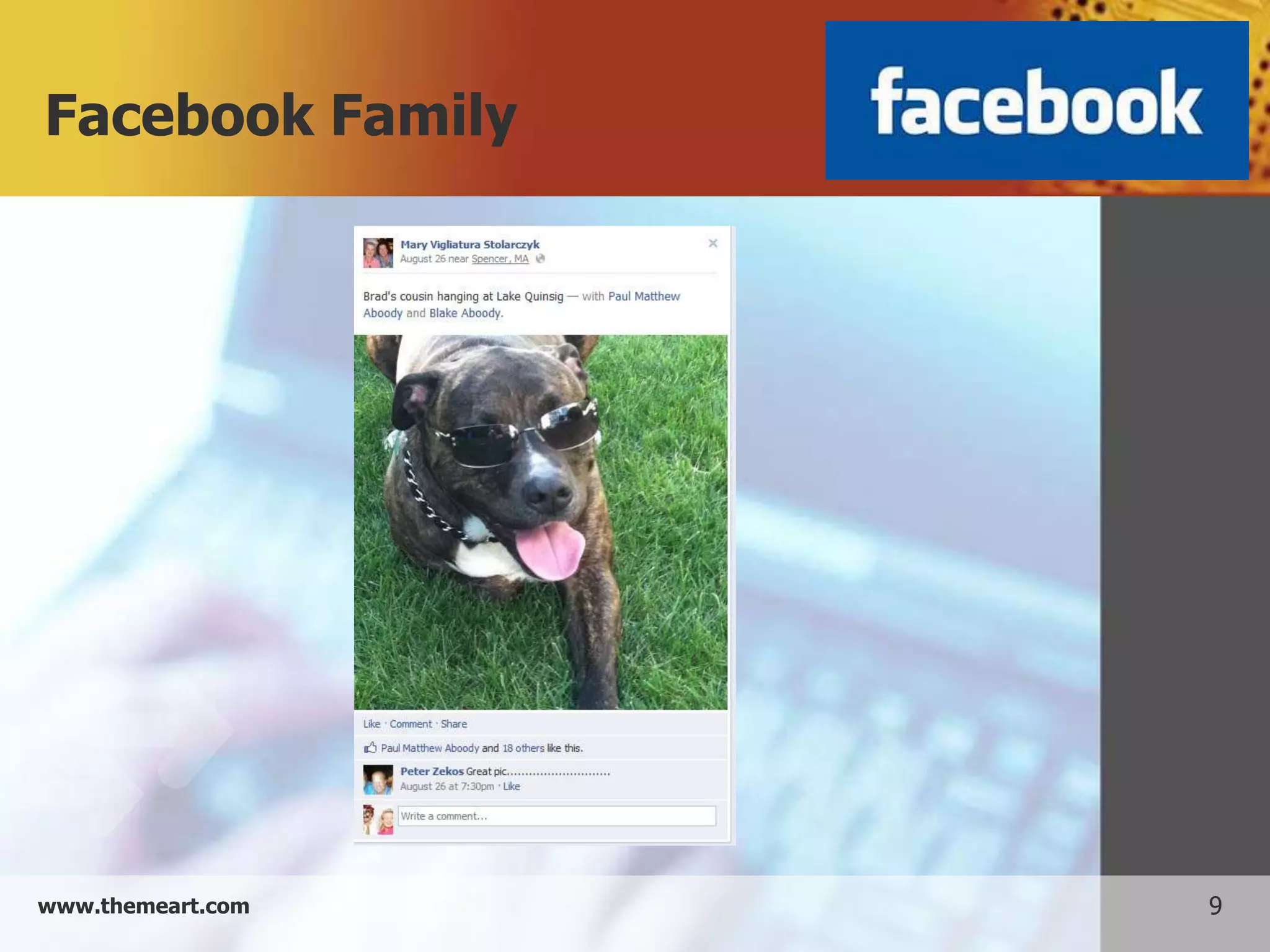
Facebook Family


www.themeart.com   9
Facebook friends


www.themeart.com   10
Facebook Promotions


www.themeart.com      11
Example 2: Twitter


   Post notes in under 140 characters
   Post pictures
   Share interesting links
   Can categorize followers by topic


www.themeart.com                         12
Twitter Home page


www.themeart.com    13
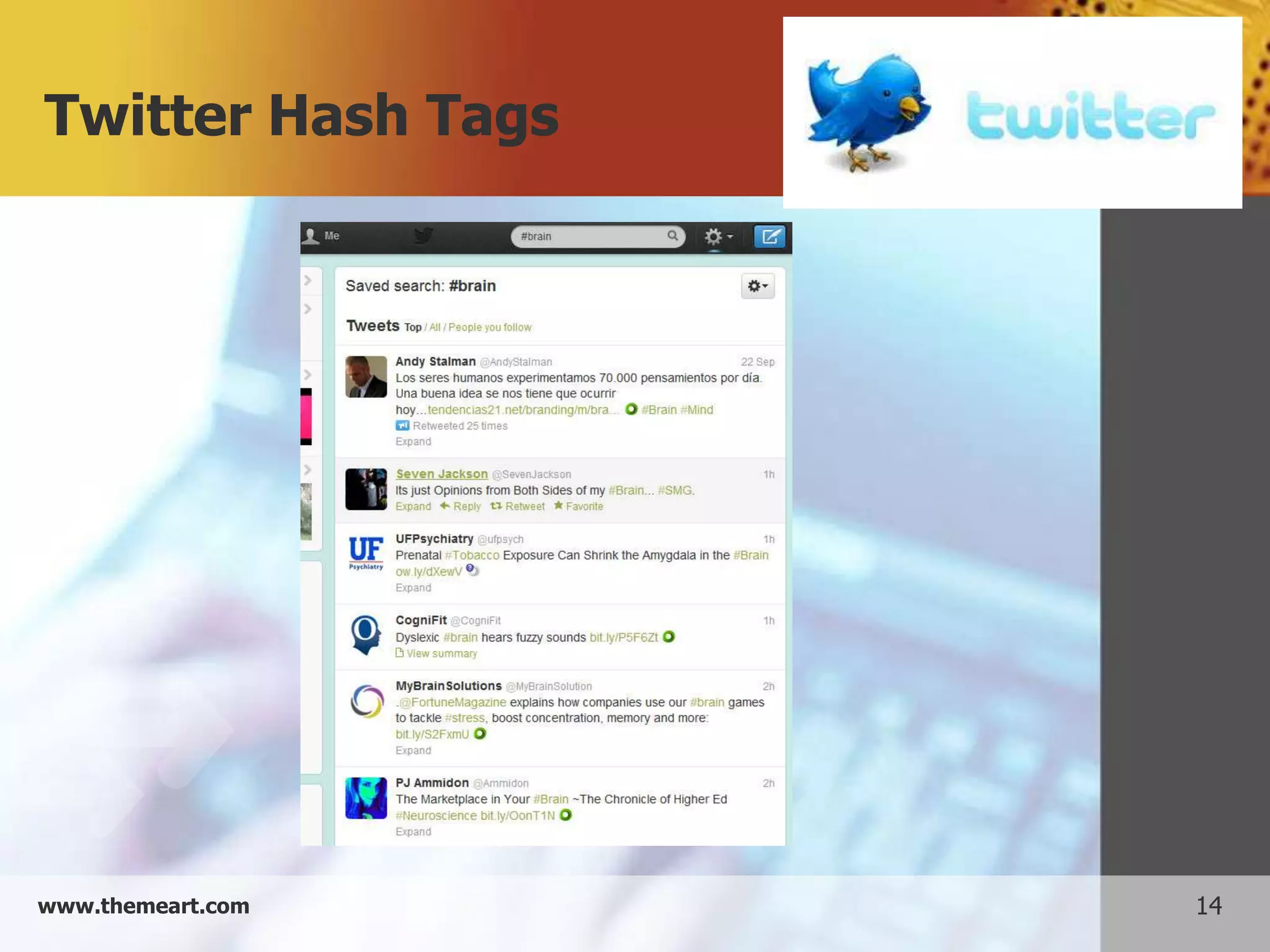
Twitter Hash Tags


www.themeart.com    14
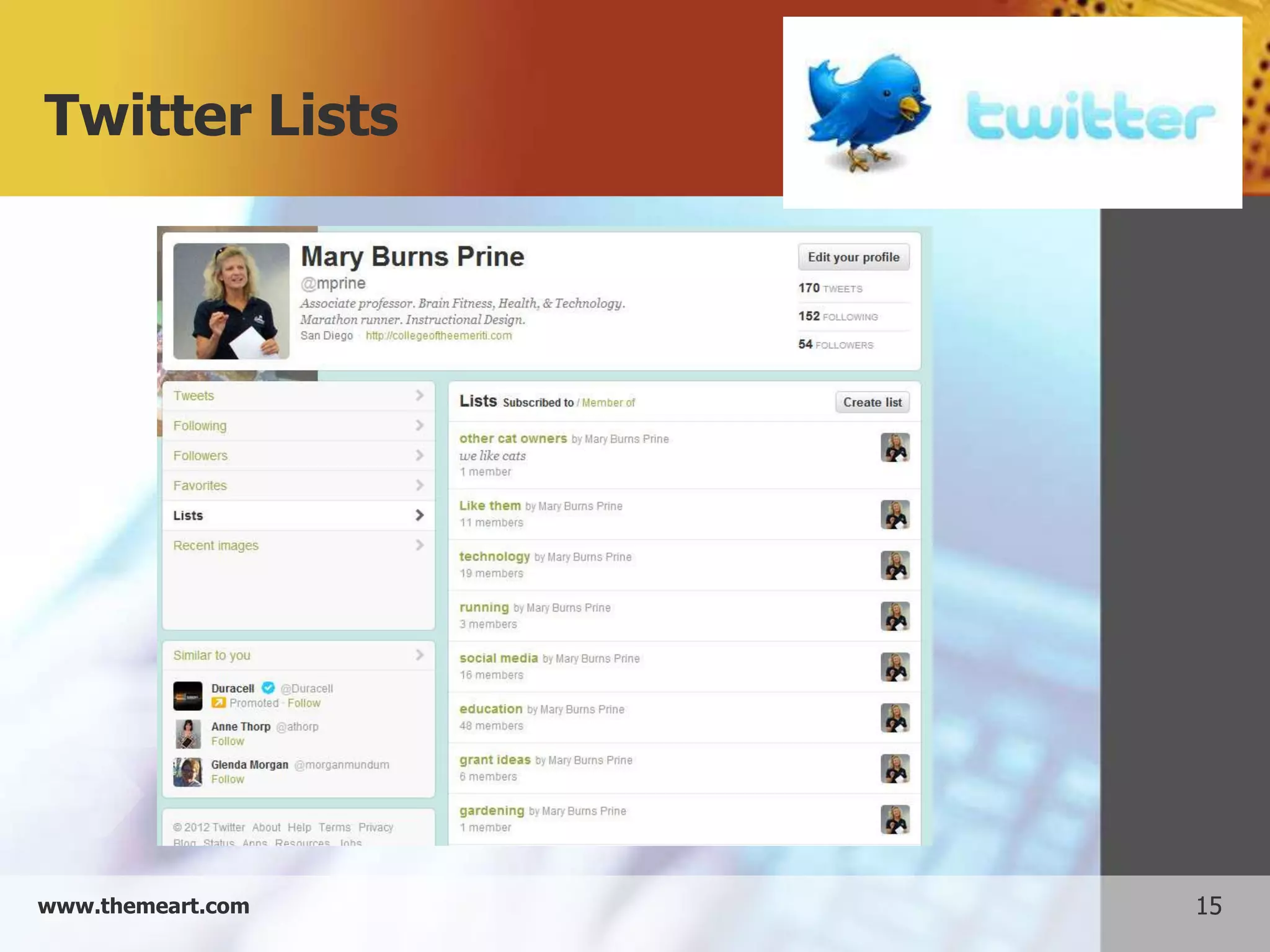
Twitter Lists


www.themeart.com   15
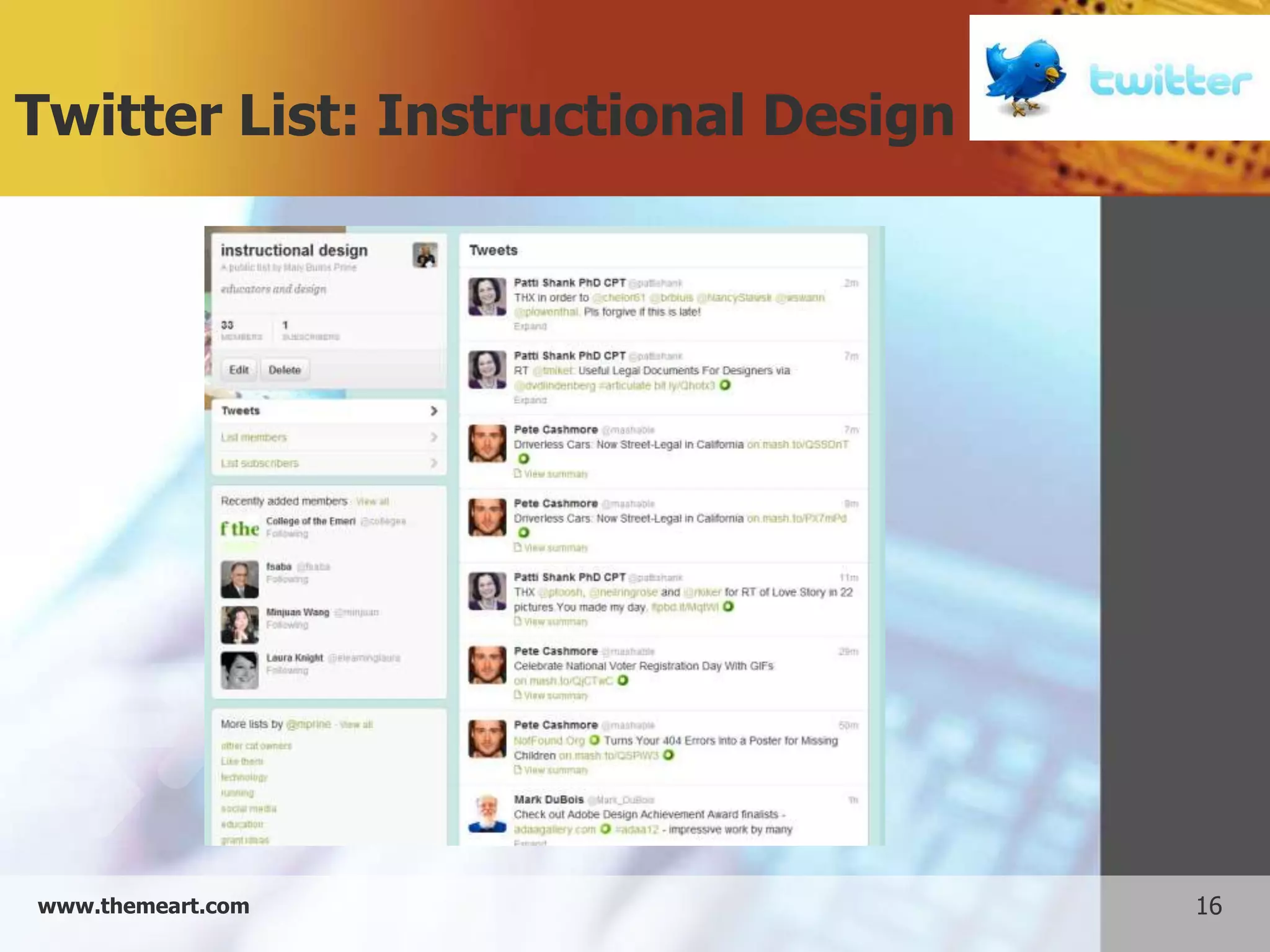
Twitter List: Instructional Design


www.themeart.com                     16
Example 3: LinkedIn


        Post and view resumes
        Look for jobs
        Find others with similar occupational goals
        Includes groups, so you can network within
         your interest


www.themeart.com                                       17
LinkedIn Home page


www.themeart.com     18
LinkedIn Jobs


www.themeart.com   19
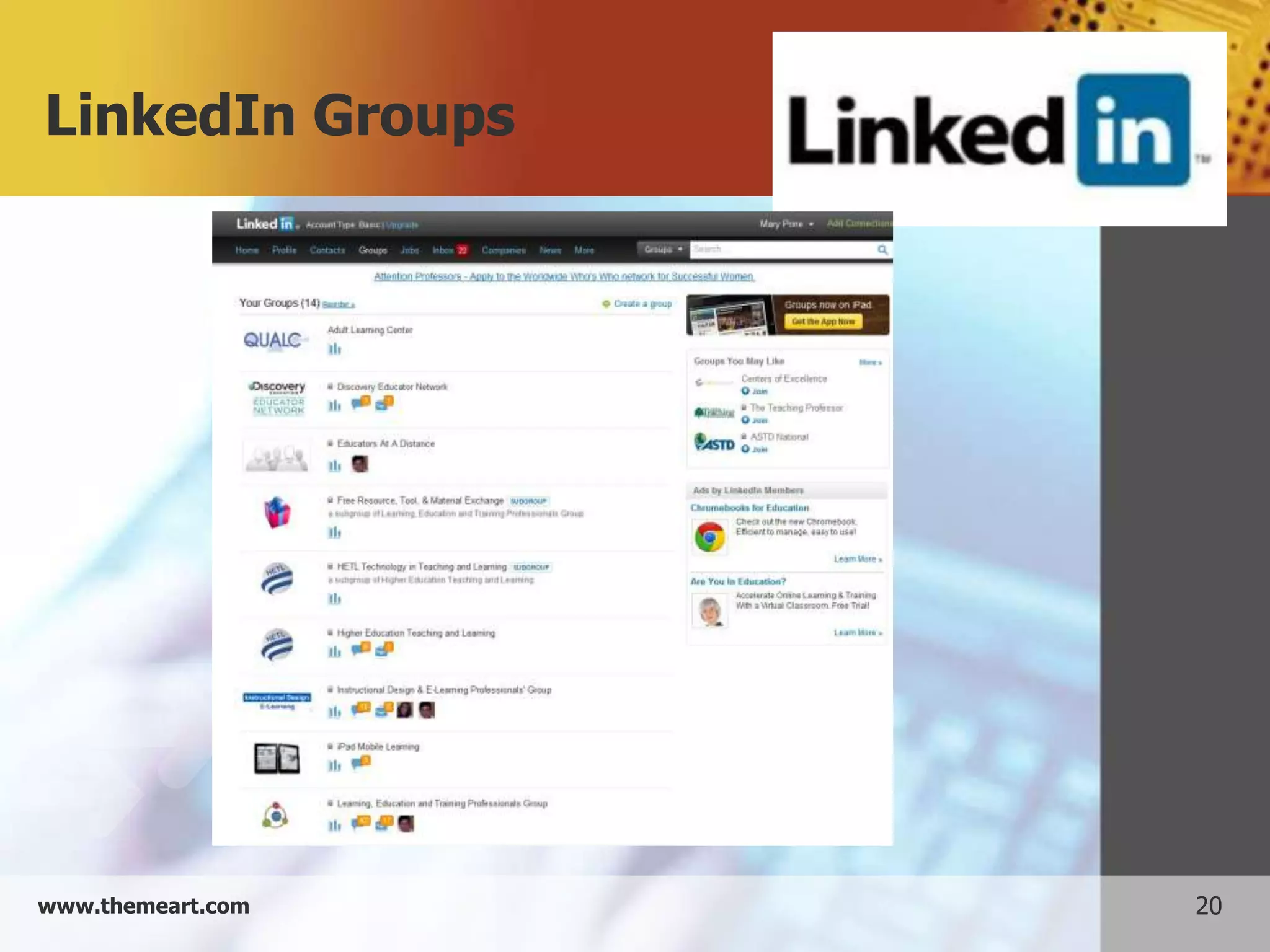
LinkedIn Groups


www.themeart.com   20
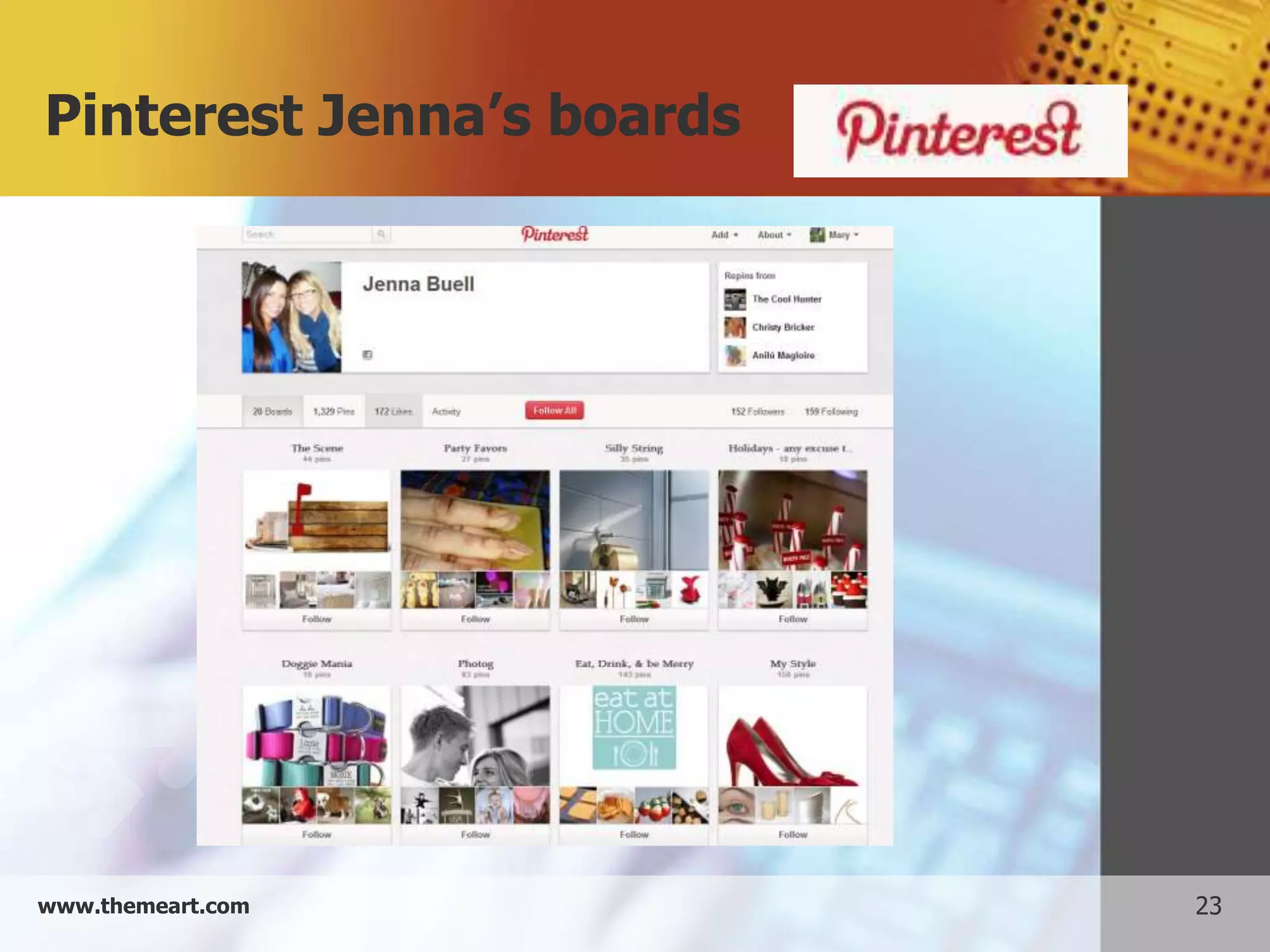
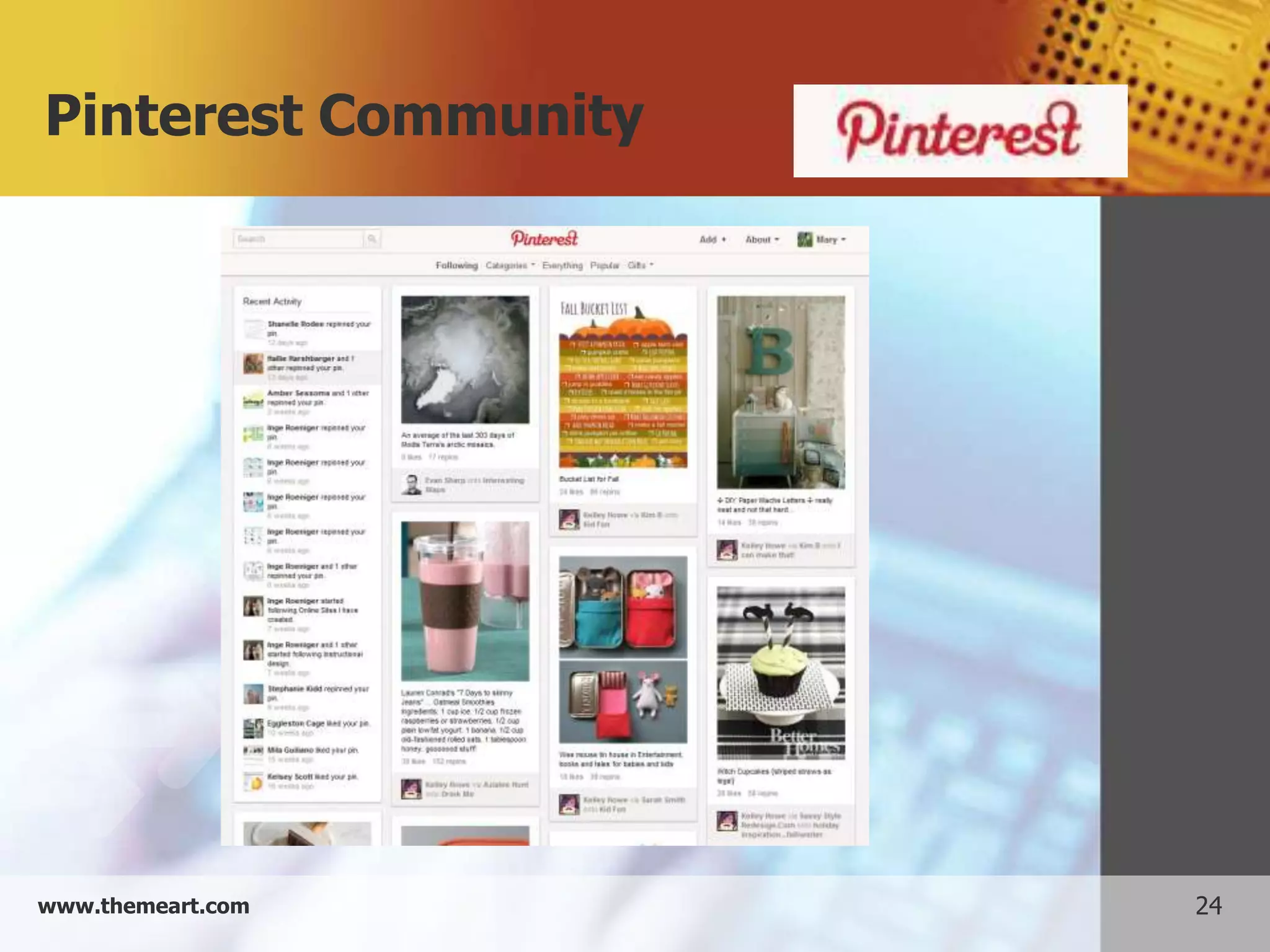
Example 4: Pinterest


     Create boards on interests
     Pin links to your board
     Find pins and boards which you enjoy
     Repin other pins


www.themeart.com                             21
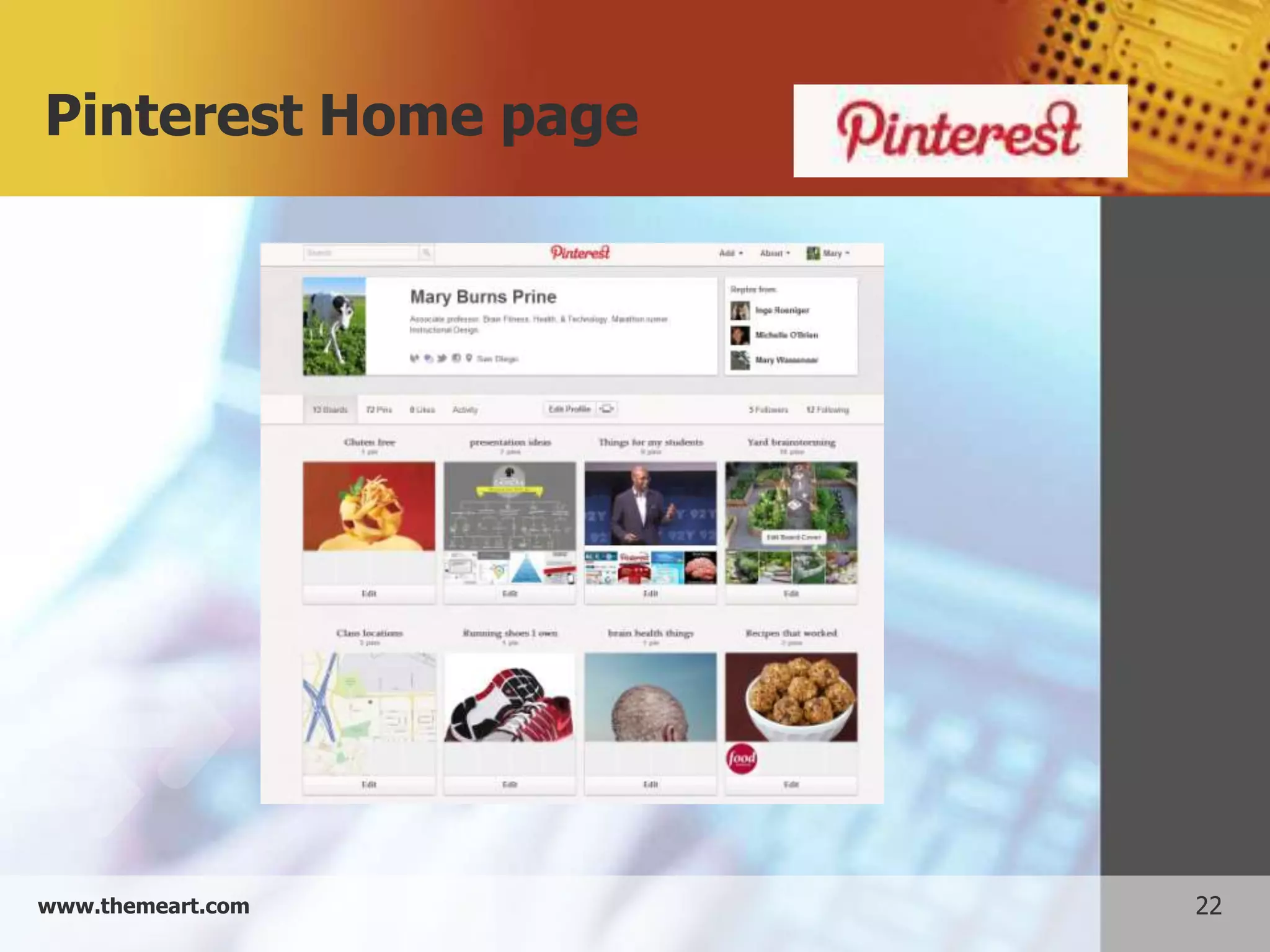
Pinterest Home page


www.themeart.com      22
Pinterest Jenna’s boards


www.themeart.com           23
Pinterest Community


www.themeart.com      24
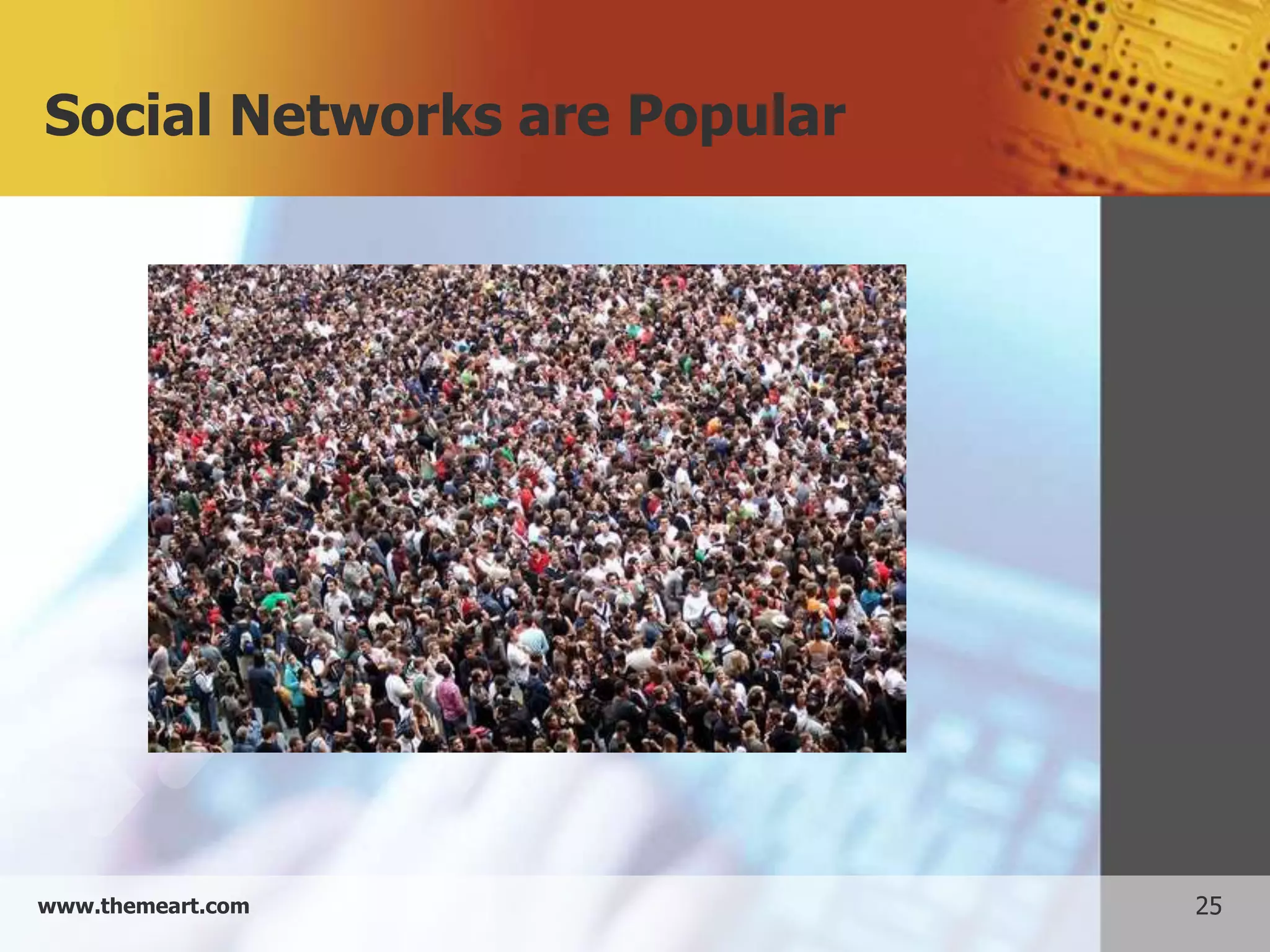
Social Networks are Popular


www.themeart.com              25
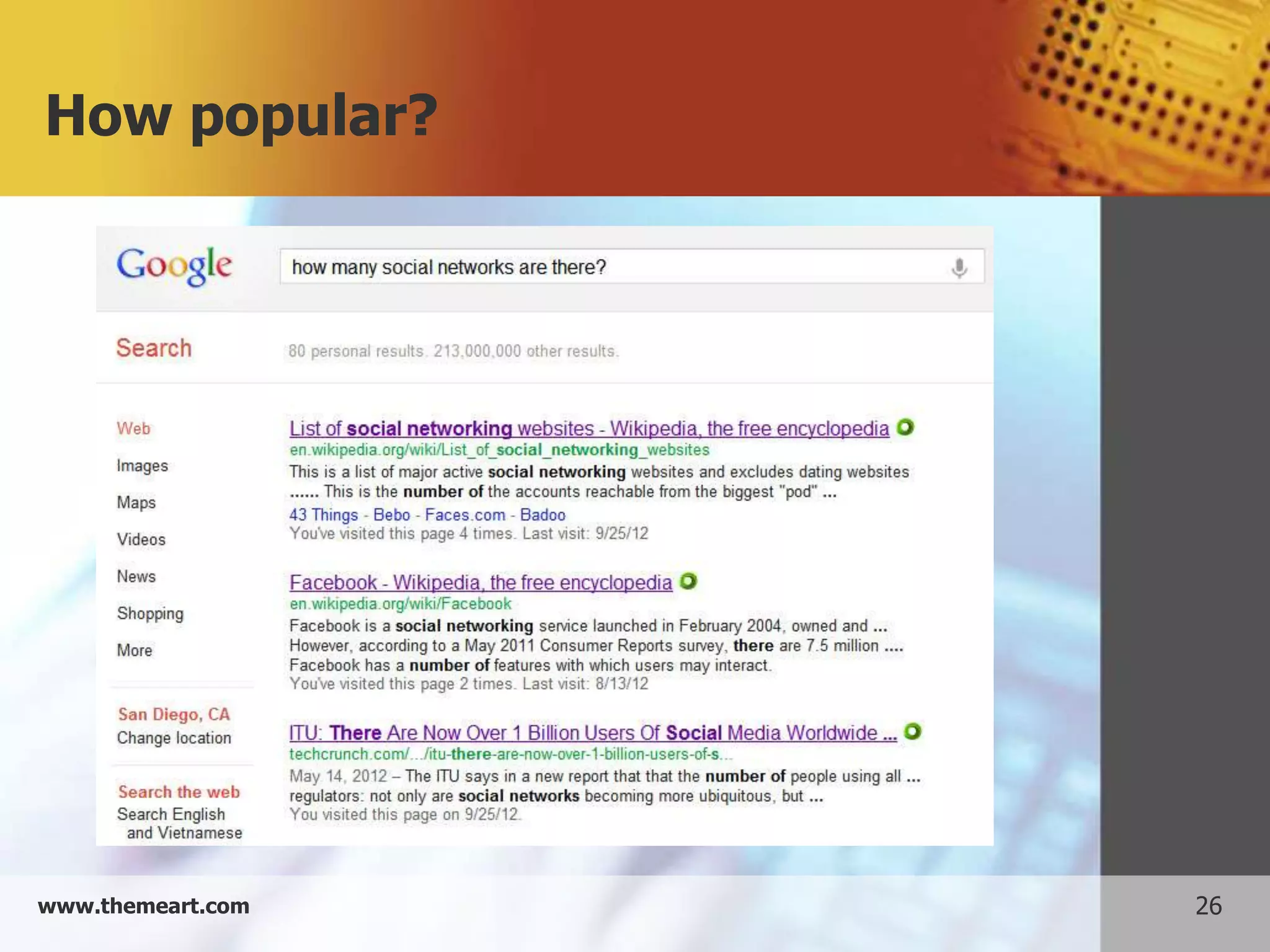
How popular?


www.themeart.com   26
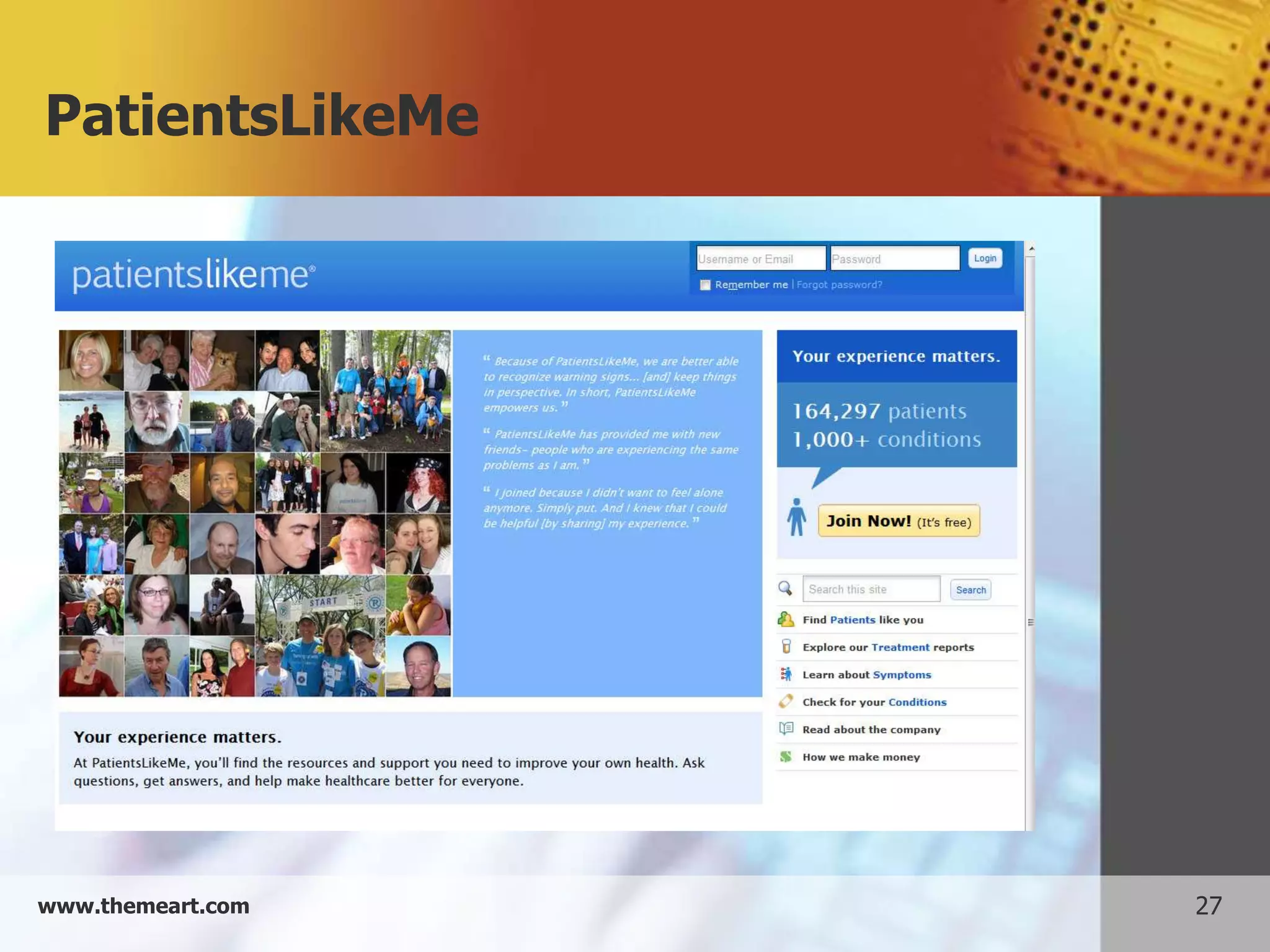
PatientsLikeMe


www.themeart.com   27
LiveMocha


www.themeart.com   28
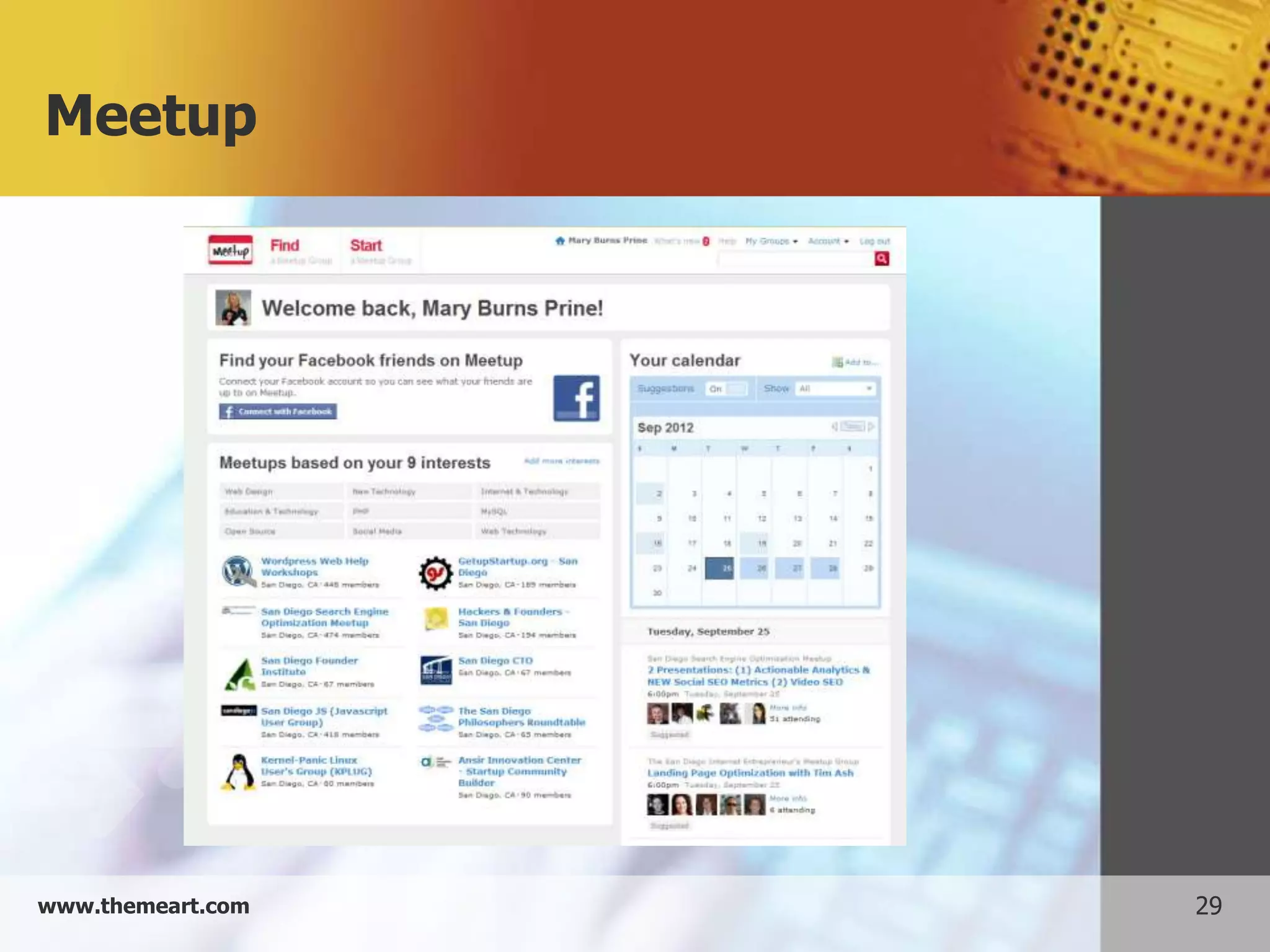
Meetup


www.themeart.com   29
Flickr


www.themeart.com   30
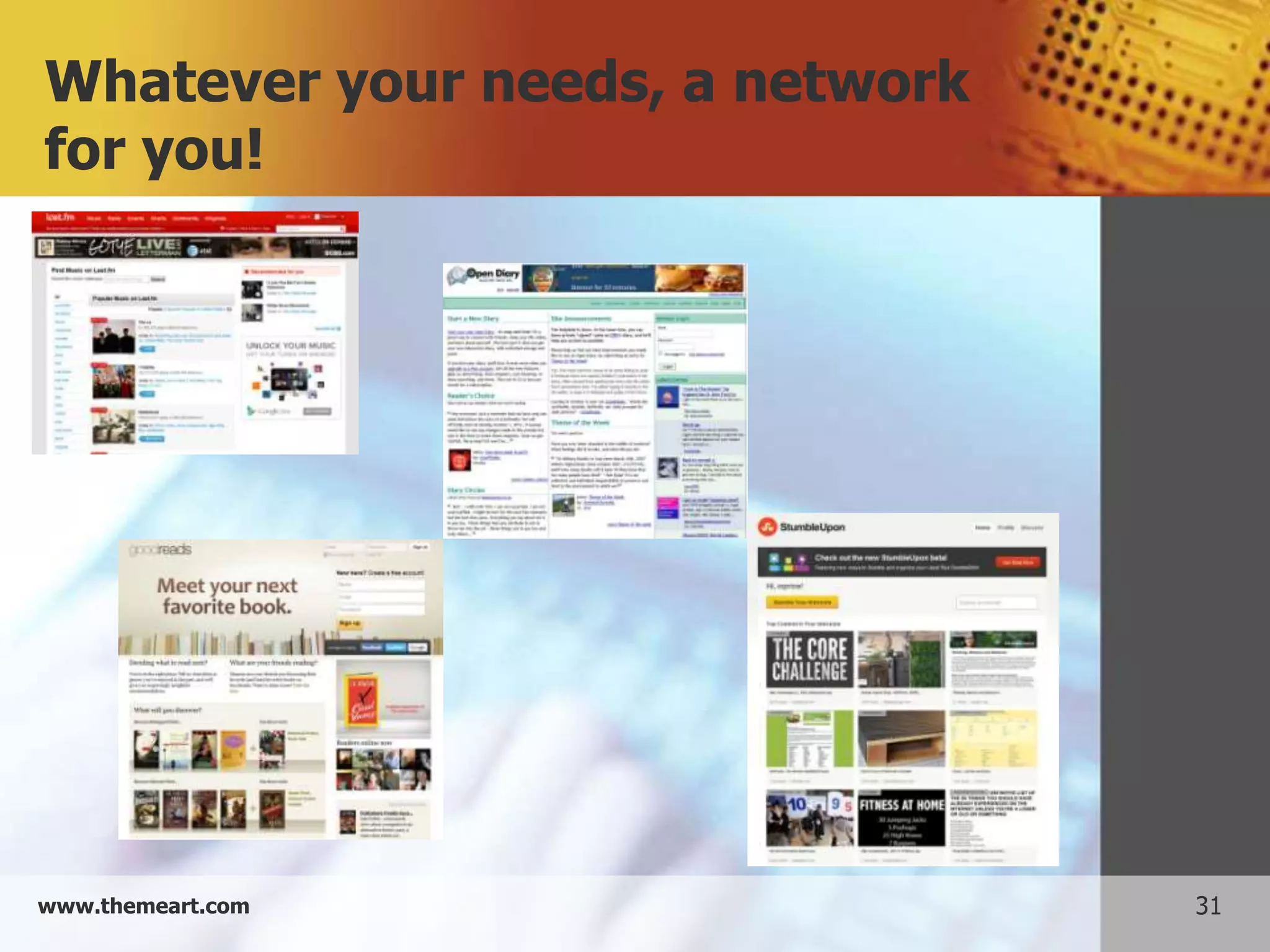
Whatever your needs, a network
for you!


www.themeart.com                 31
Thanks for listening!
                   Questions? Comments?
                     mprine@sdccd.edu


www.themeart.com                            32

Presentation social networks with screenshots