








Practical Tips to Increase
SharePoint Adoption
Subject Matter Experts
Meet your team
Kanwal Khipple
Creative Lead
Creative Lead World’s 1st Office 365
based intranet and award winner
(Nielson Norman 2014).
.
• 6x SharePoint MVP
• Office 365 MVP
• 12 years of SharePoint consulting
experience
• Canadian
• Passionate about developing
highly adoptable solutions
You’ll love the way we work. Together.
Who we are and what we do
We are one of a consulting services company based
out of Toronto, ON. We focus on Business Strategy,
User Experience and Technology expertise to help
transform organizations like yours.
We strive to build innovative solutions.
Our approach is centered on working in partnership
with you to deliver results.
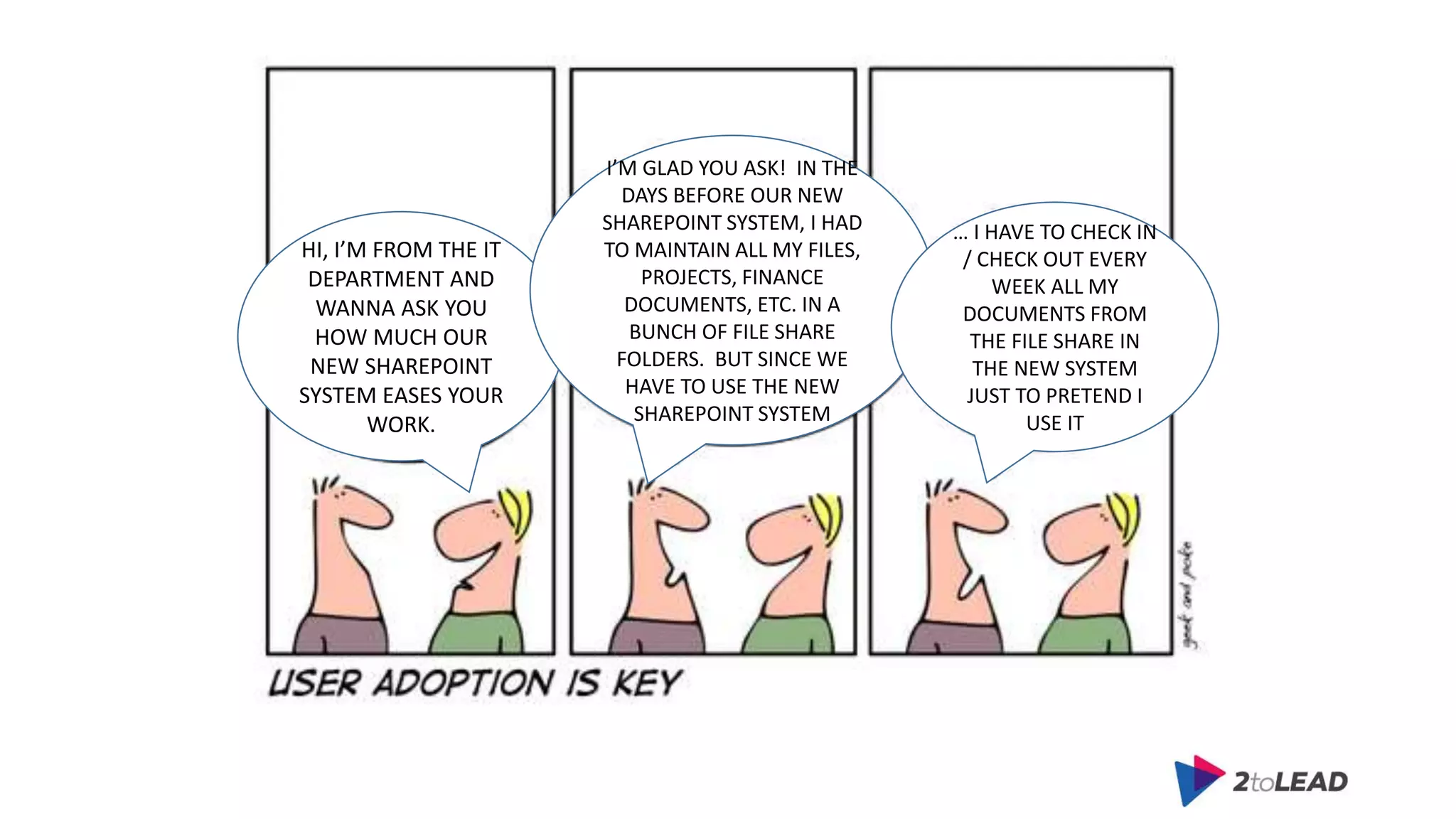
HI, I’M FROM THE IT
DEPARTMENT AND
WANNA ASK YOU
HOW MUCH OUR
NEW SHAREPOINT
SYSTEM EASES YOUR
WORK.
I’M GLAD YOU ASK! IN THE
DAYS BEFORE OUR NEW
SHAREPOINT SYSTEM, I HAD
TO MAINTAIN ALL MY FILES,
PROJECTS, FINANCE
DOCUMENTS, ETC. IN A
BUNCH OF FILE SHARE
FOLDERS. BUT SINCE WE
HAVE TO USE THE NEW
SHAREPOINT SYSTEM
… I HAVE TO CHECK IN
/ CHECK OUT EVERY
WEEK ALL MY
DOCUMENTS FROM
THE FILE SHARE IN
THE NEW SYSTEM
JUST TO PRETEND I
USE IT
Got SharePoint?
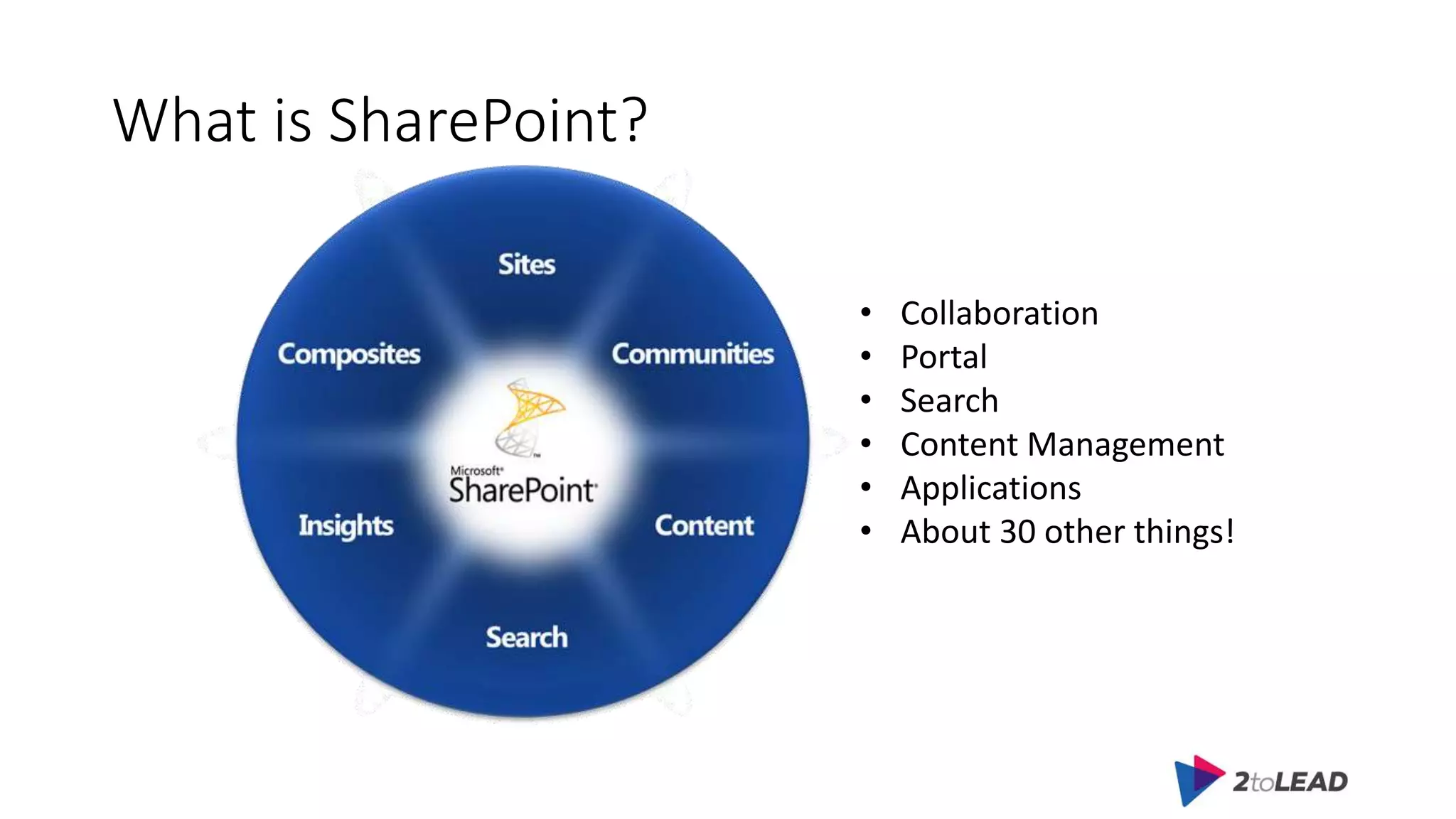
What is SharePoint?
• Collaboration
• Portal
• Search
• Content Management
• Applications
• About 30 other things!
What is SharePoint?
Steve Ballmer says,
“SharePoint … it’s magic.”
- Microsoft SharePoint
Conference, 2009, Keynote
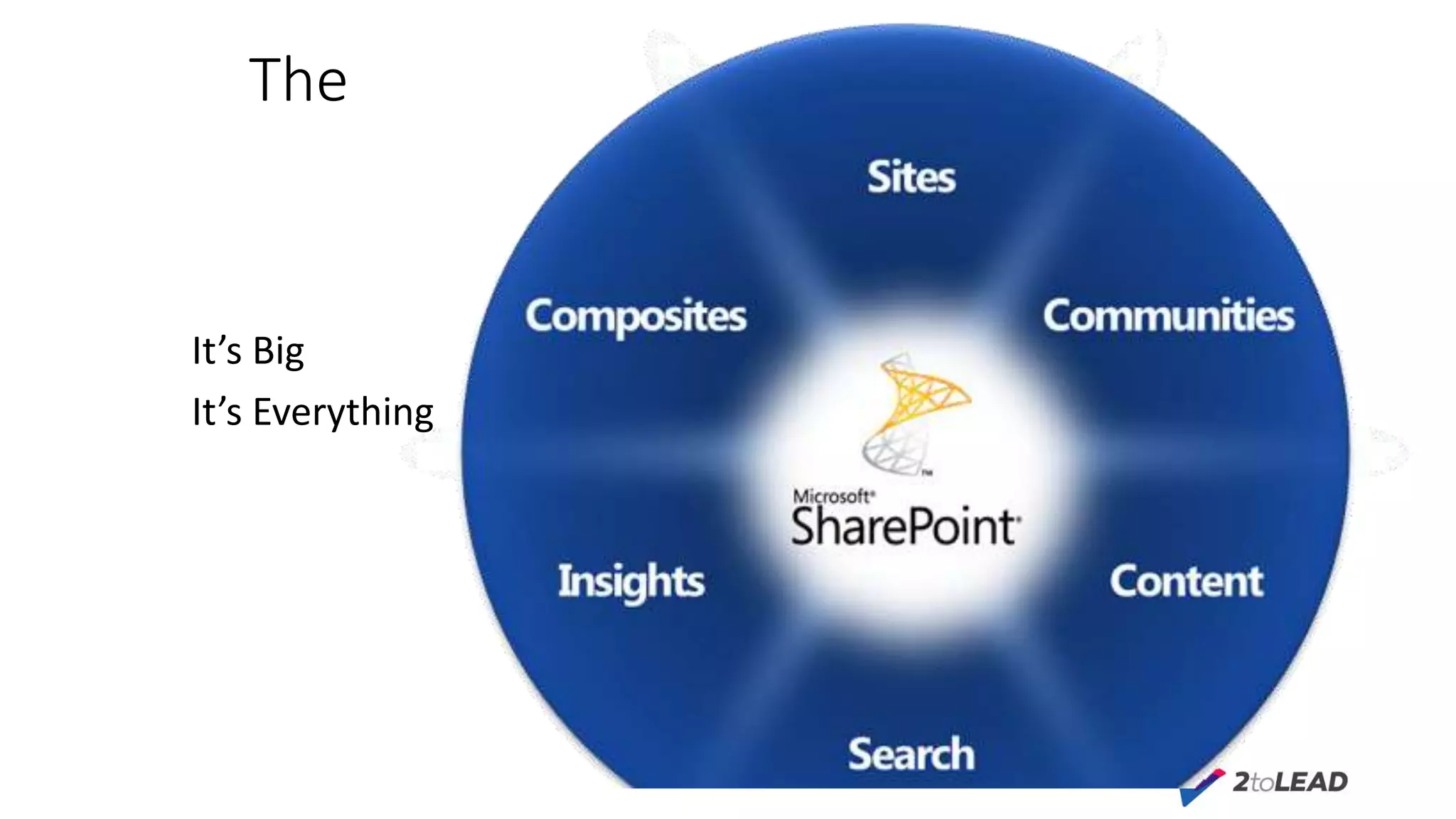
The Challenge
It’s Big
It’s Everything
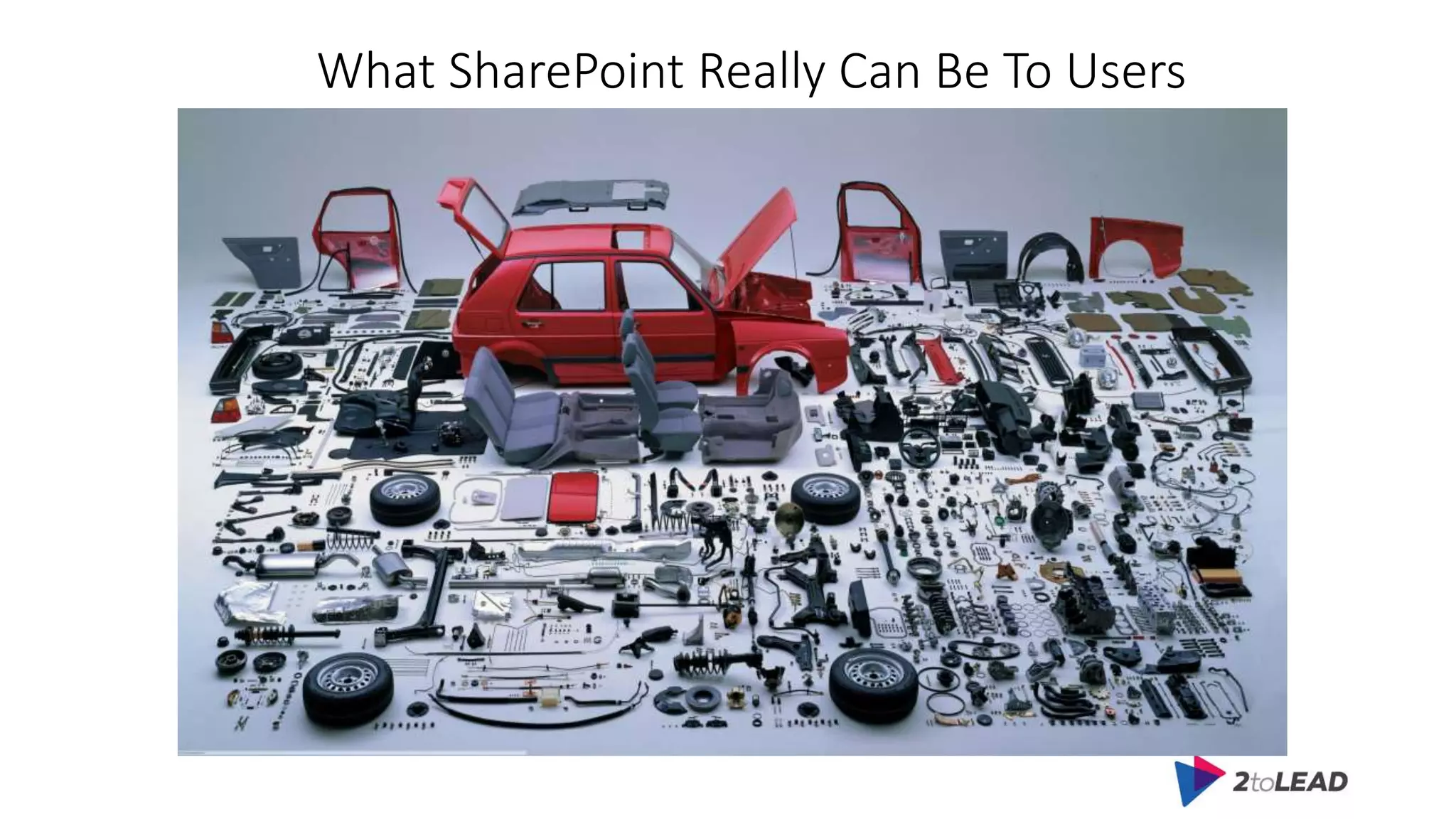
What SharePoint Really Can Be To Users
The Challenge
Build it and They Will Come
Denial
Easy
Agenda
• Pain Points
• Adoption Strategy
• Practical Tips
• Free Resources
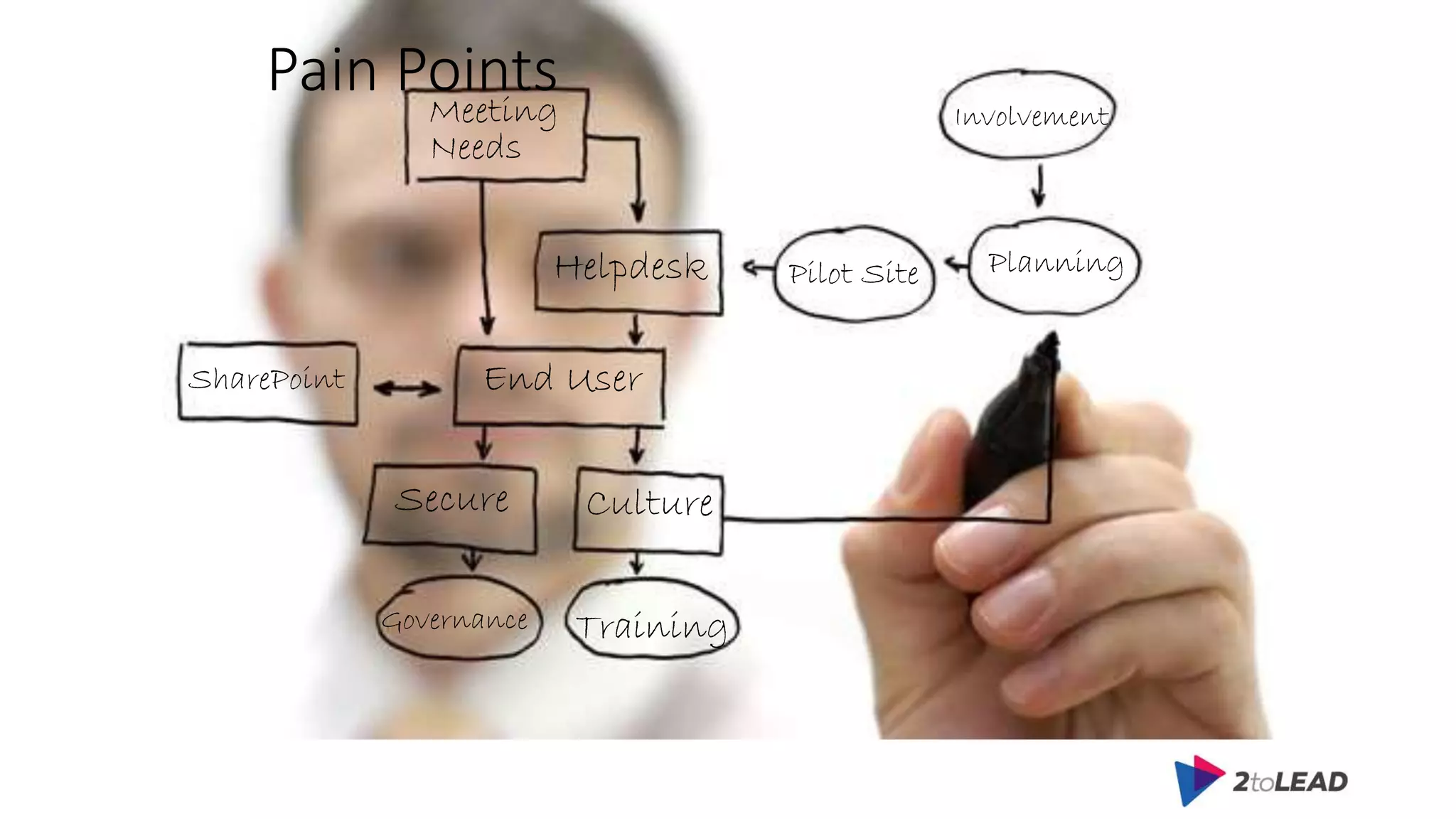
Pain Points
Training
Meeting
Needs
Helpdesk
End UserSharePoint
CultureSecure
Involvement
PlanningPilot Site
Governance
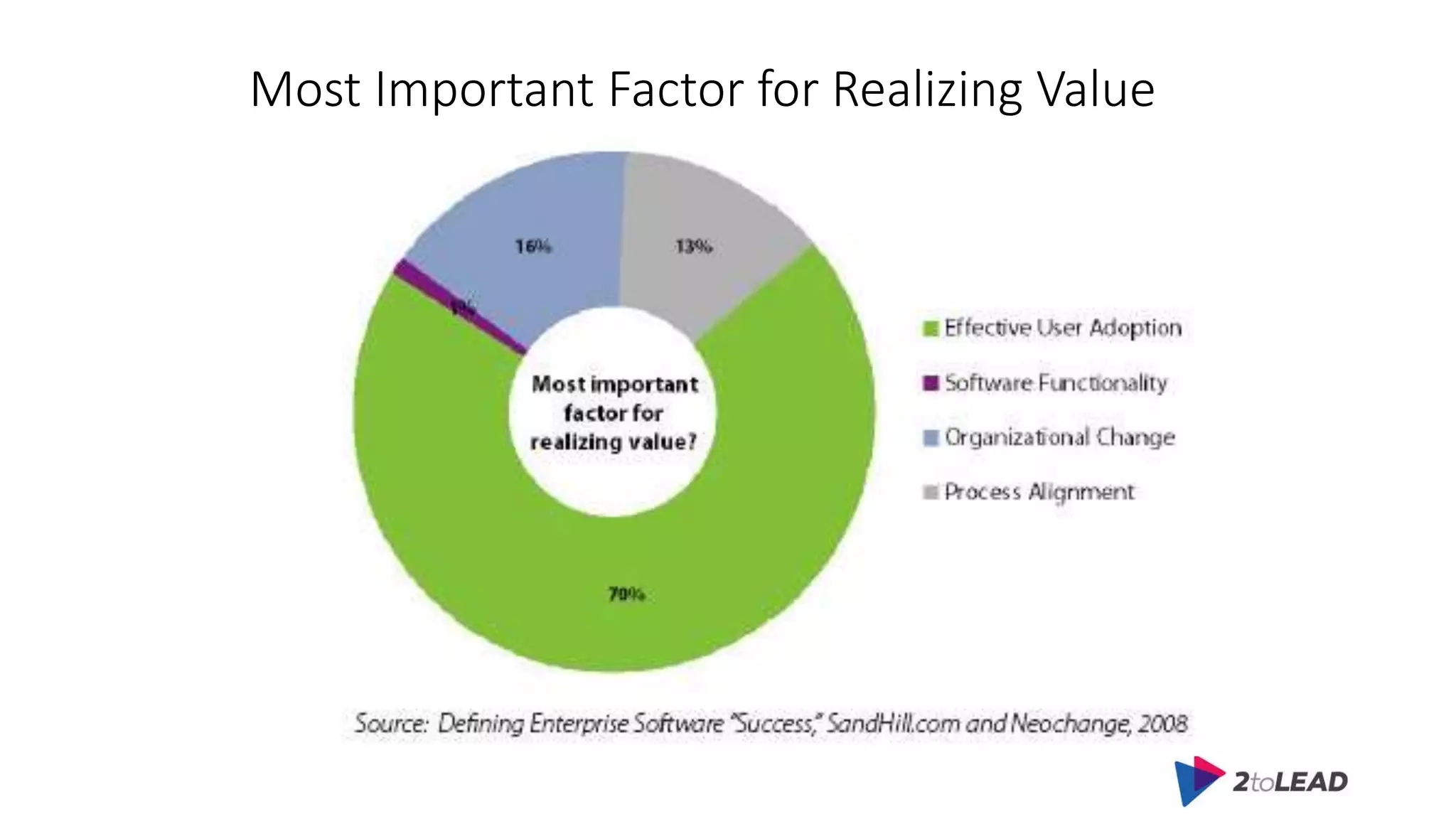
Most Important Factor for Realizing Value
Agenda
• Pain Points
• Adoption Strategy
• Practical Tips
• Free Resources
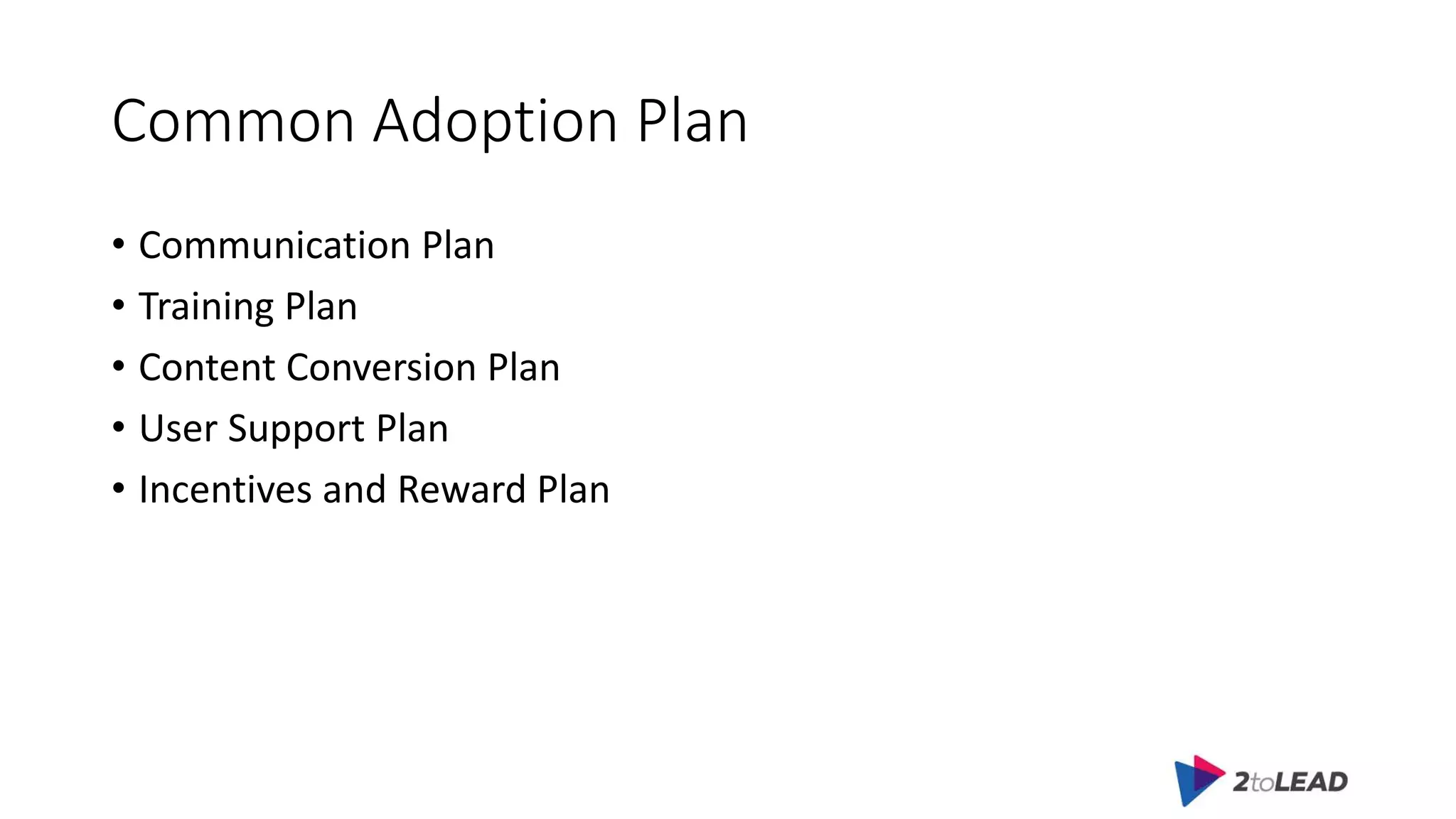
Common Adoption Plan
• Communication Plan
• Training Plan
• Content Conversion Plan
• User Support Plan
• Incentives and Reward Plan
Executive sponsorship
• Secure explicit executive sponsorship. Organizations with executives
who actively communicate the value and benefit of SharePoint are
more likely to be successful with their rollout
Adoption Team
• Create a dedicated rollout and adoption team. The presence of a
dedicated team that's formed during the planning phase and lasts
until the end of the adoption has been shown to be an important
measure of the rollout's overall success
Success Metrics
• Develop clearly articulated goals, success criteria, and timeline.
• Focus on enabling users for the essential tasks
• Choose success metrics that tell the whole story
Pilot
• Conduct a robust pilot to validate deployment and
key scenarios
Marketing Campaign
• Implement a broad marketing campaign to drive awareness.
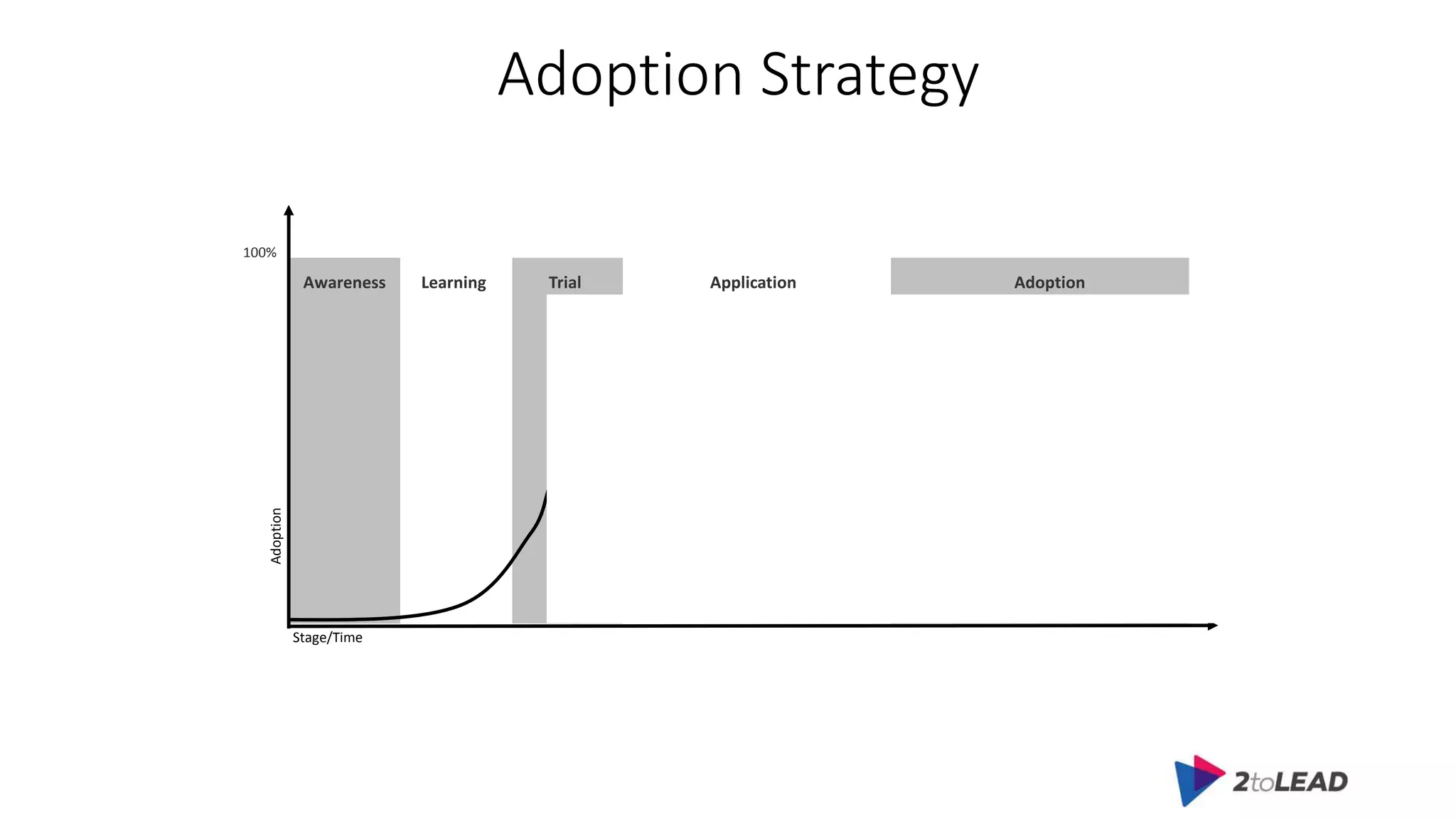
Adoption Strategy
Adoption
Stage/Time
Awareness Learning Trial Application Adoption
100%
Agenda
• Pain Points
• Adoption Strategy
• Practical Tips
• Free Resources
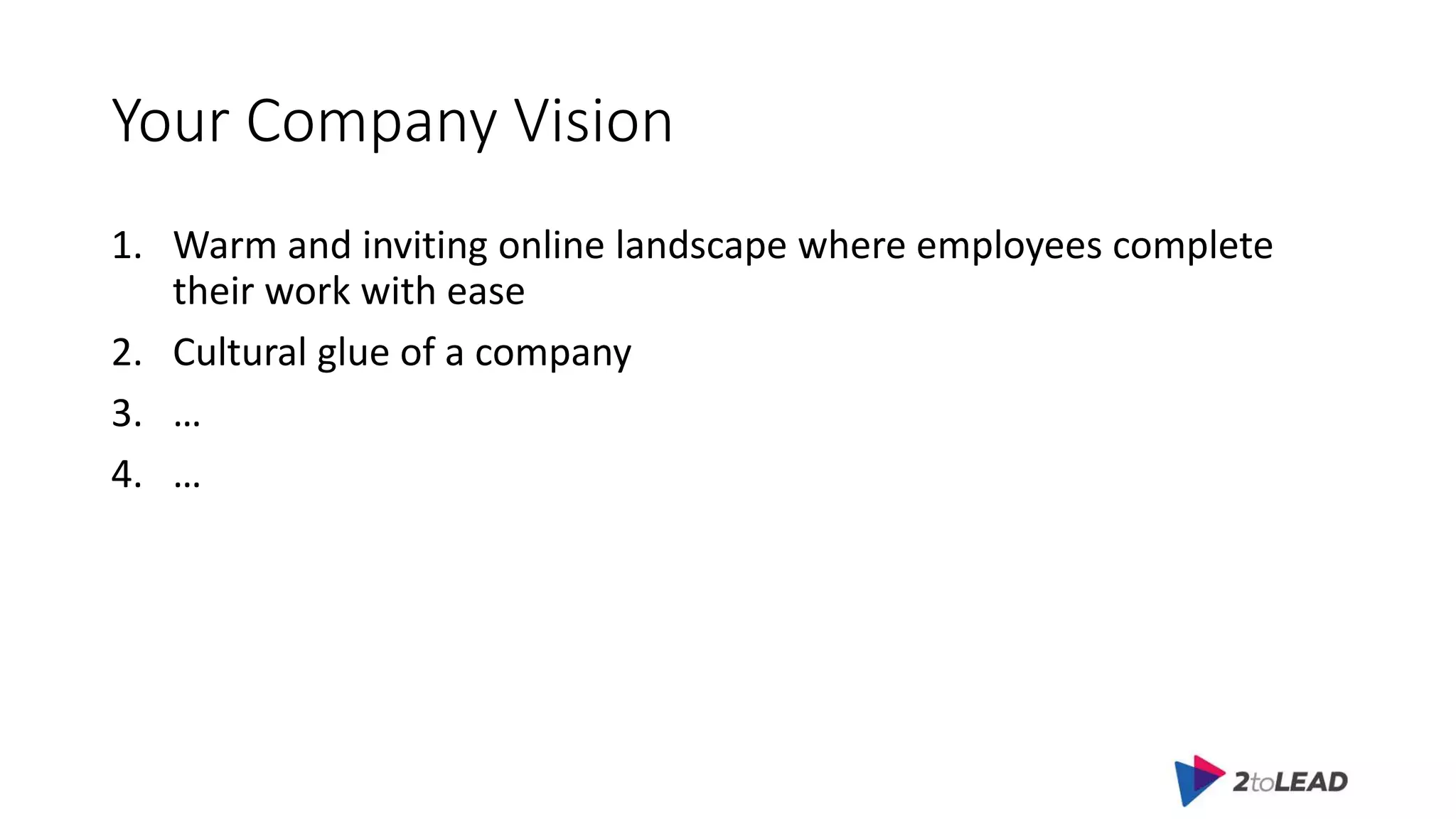
Your Company Vision
1. Warm and inviting online landscape where employees complete
their work with ease
2. Cultural glue of a company
3. …
4. …
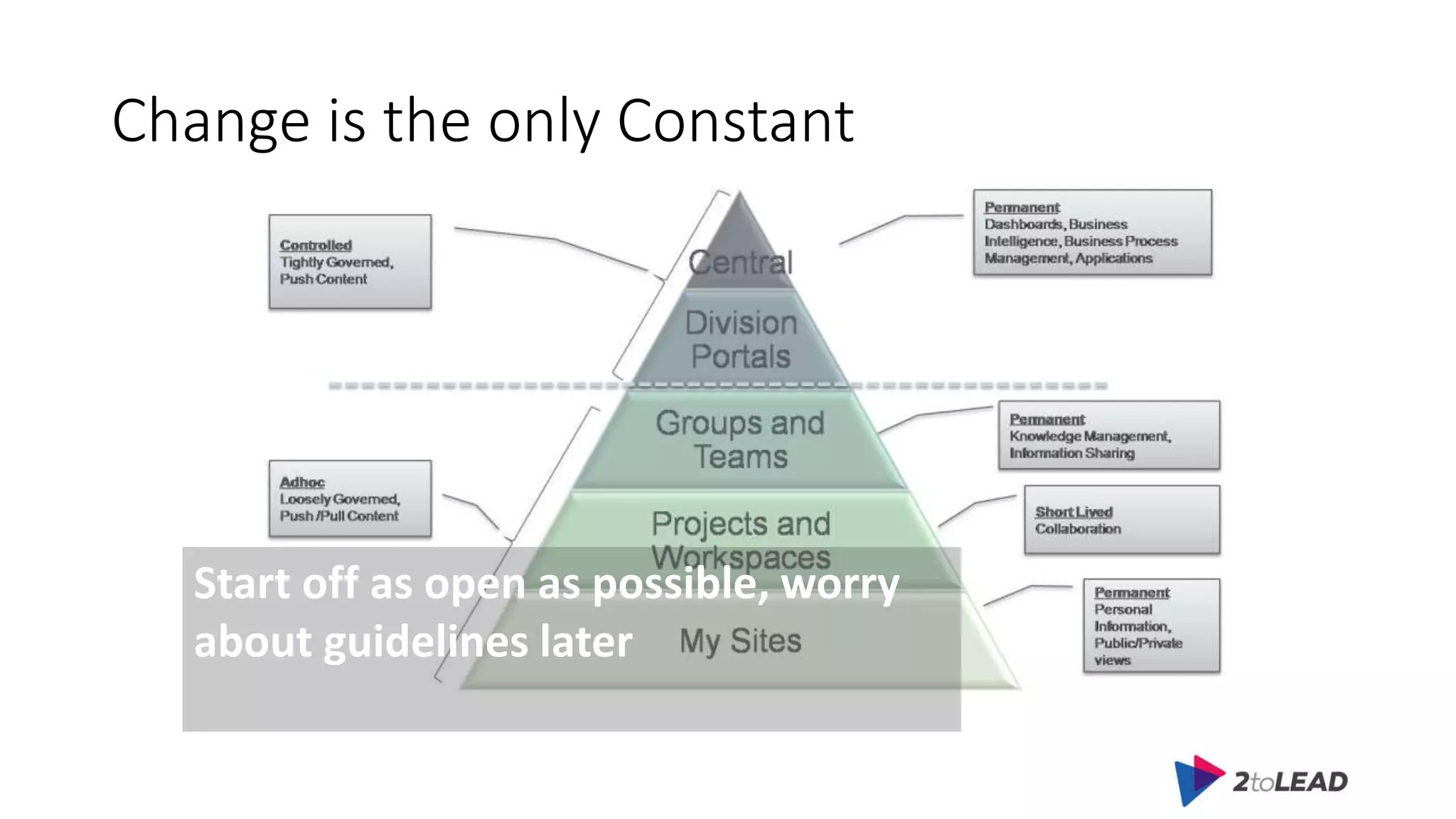
Change is the only Constant
Start off as open as possible, worry
about guidelines later
Can’t Live Without Intranet
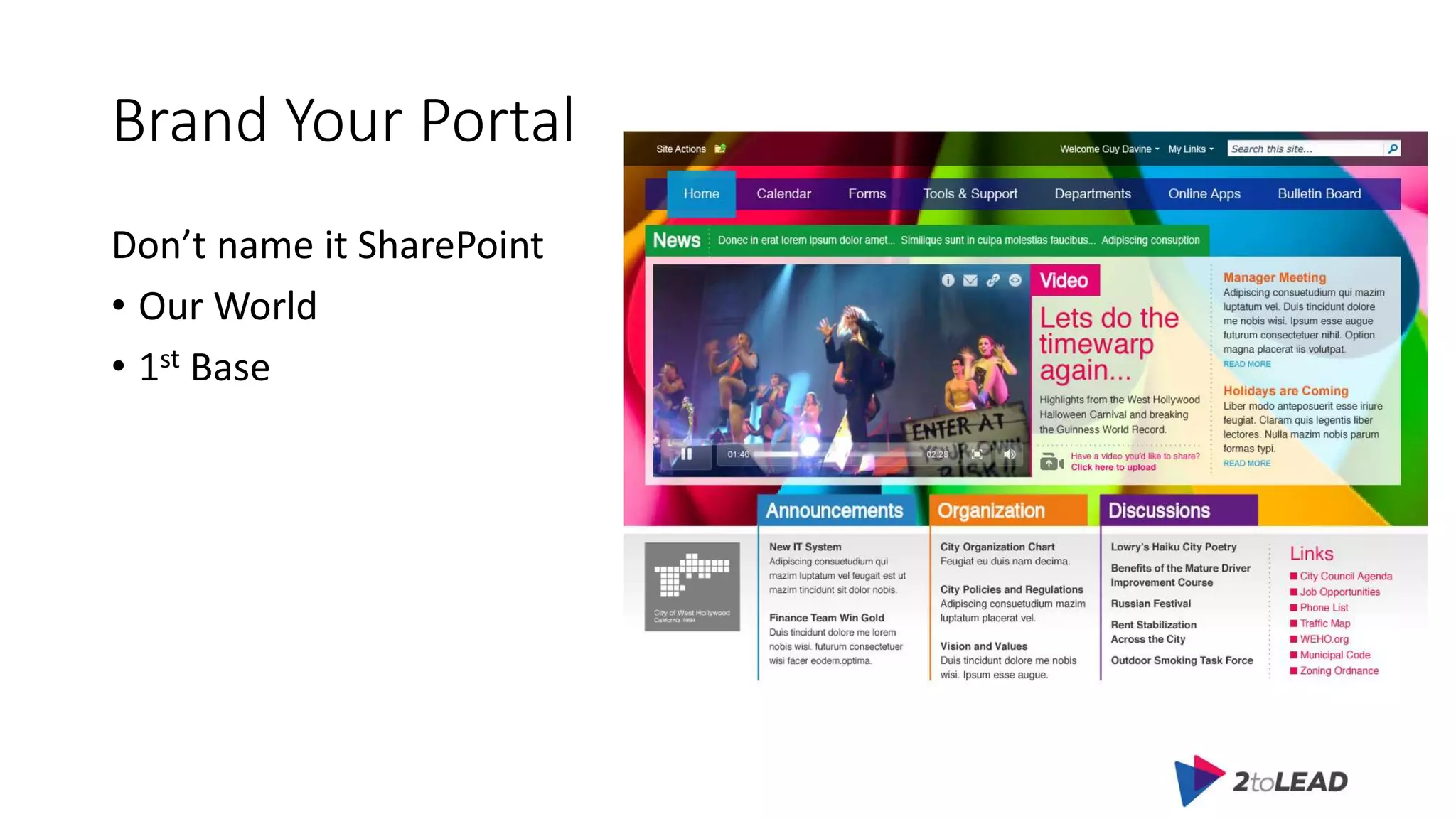
Brand Your Portal
Don’t name it SharePoint
• Our World
• 1st Base
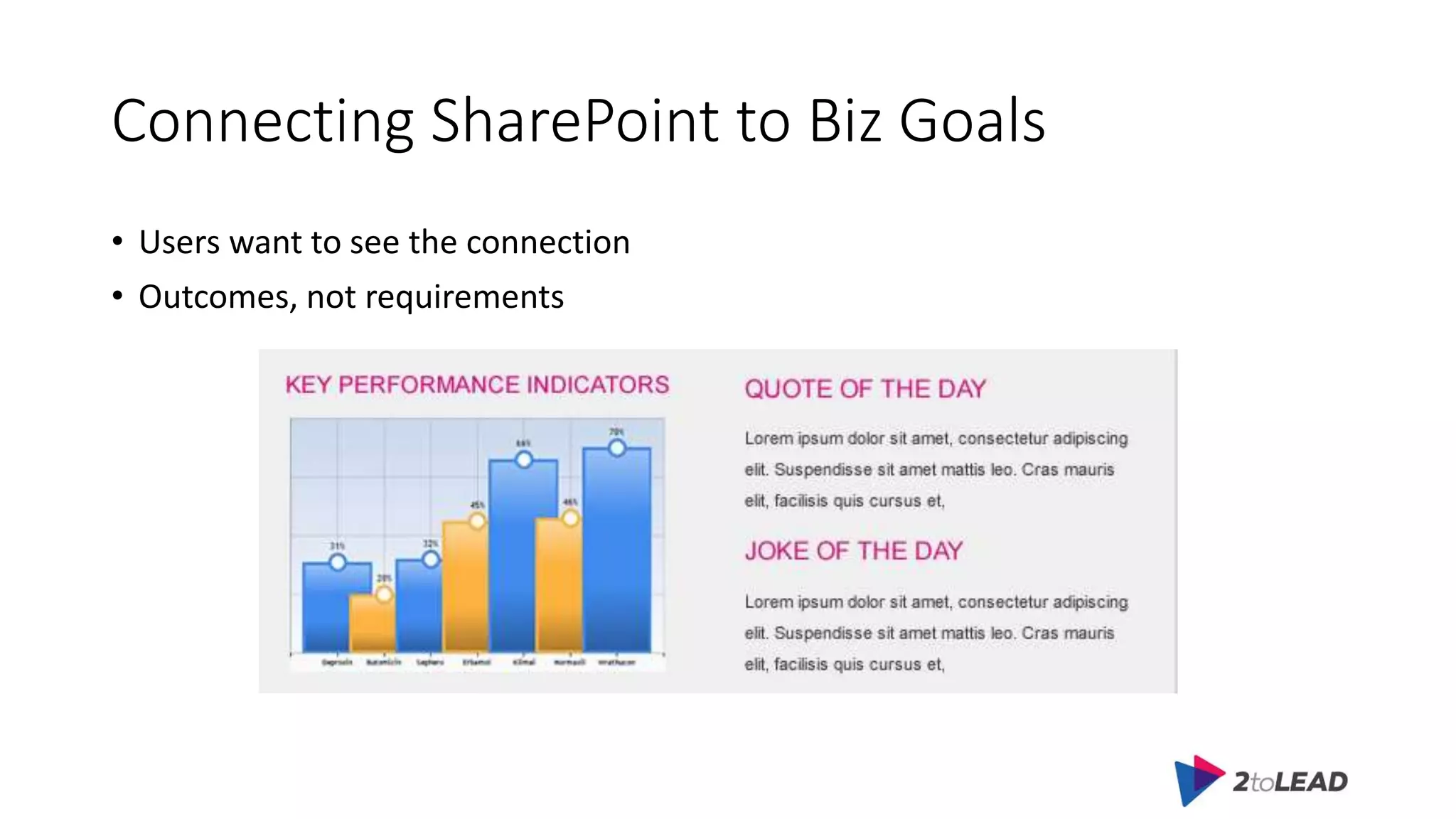
Connecting SharePoint to Biz Goals
• Users want to see the connection
• Outcomes, not requirements
Focus on effectively getting employees
to adopt the portal over time
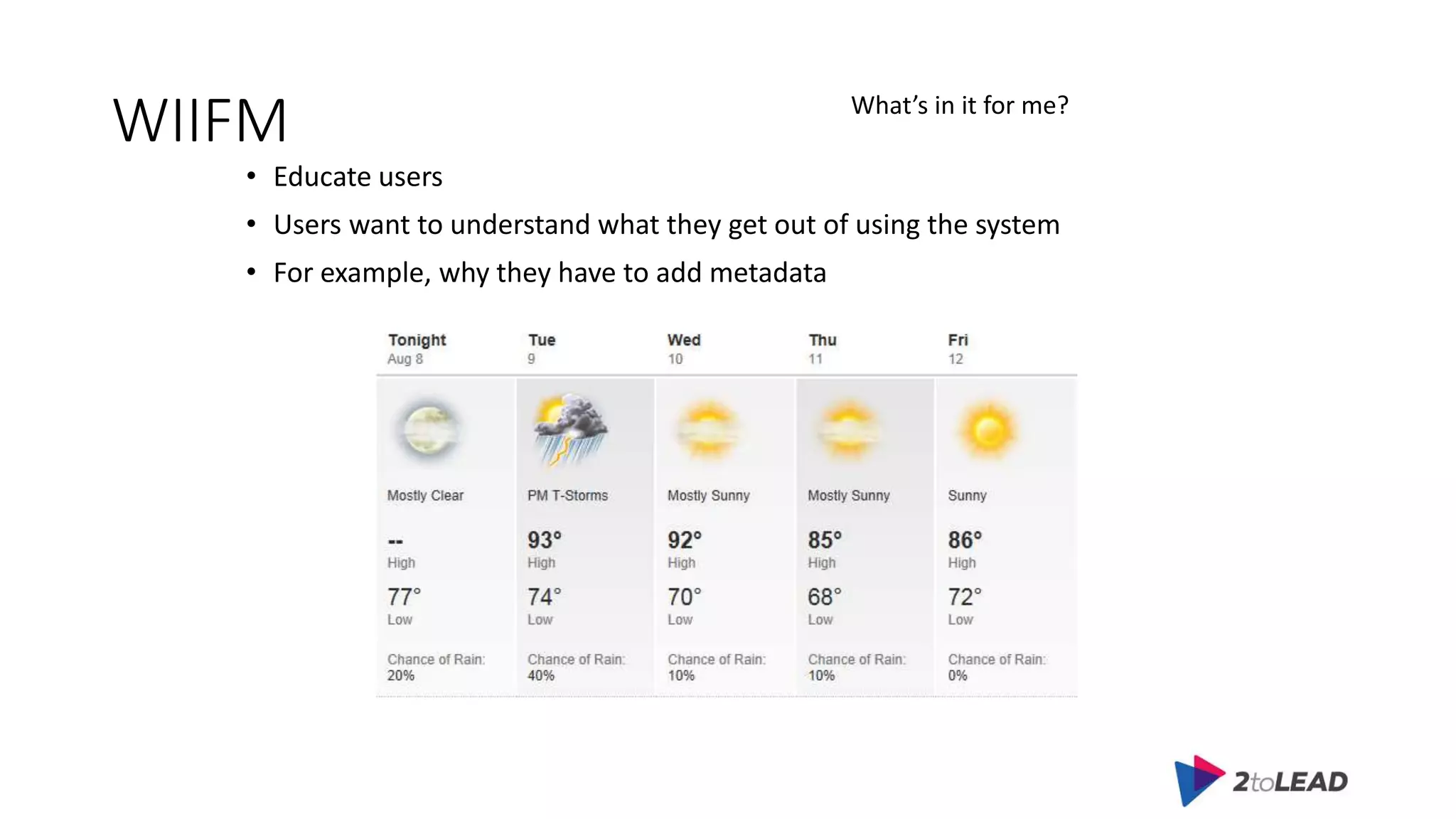
WIIFM
• Educate users
• Users want to understand what they get out of using the system
• For example, why they have to add metadata
What’s in it for me?
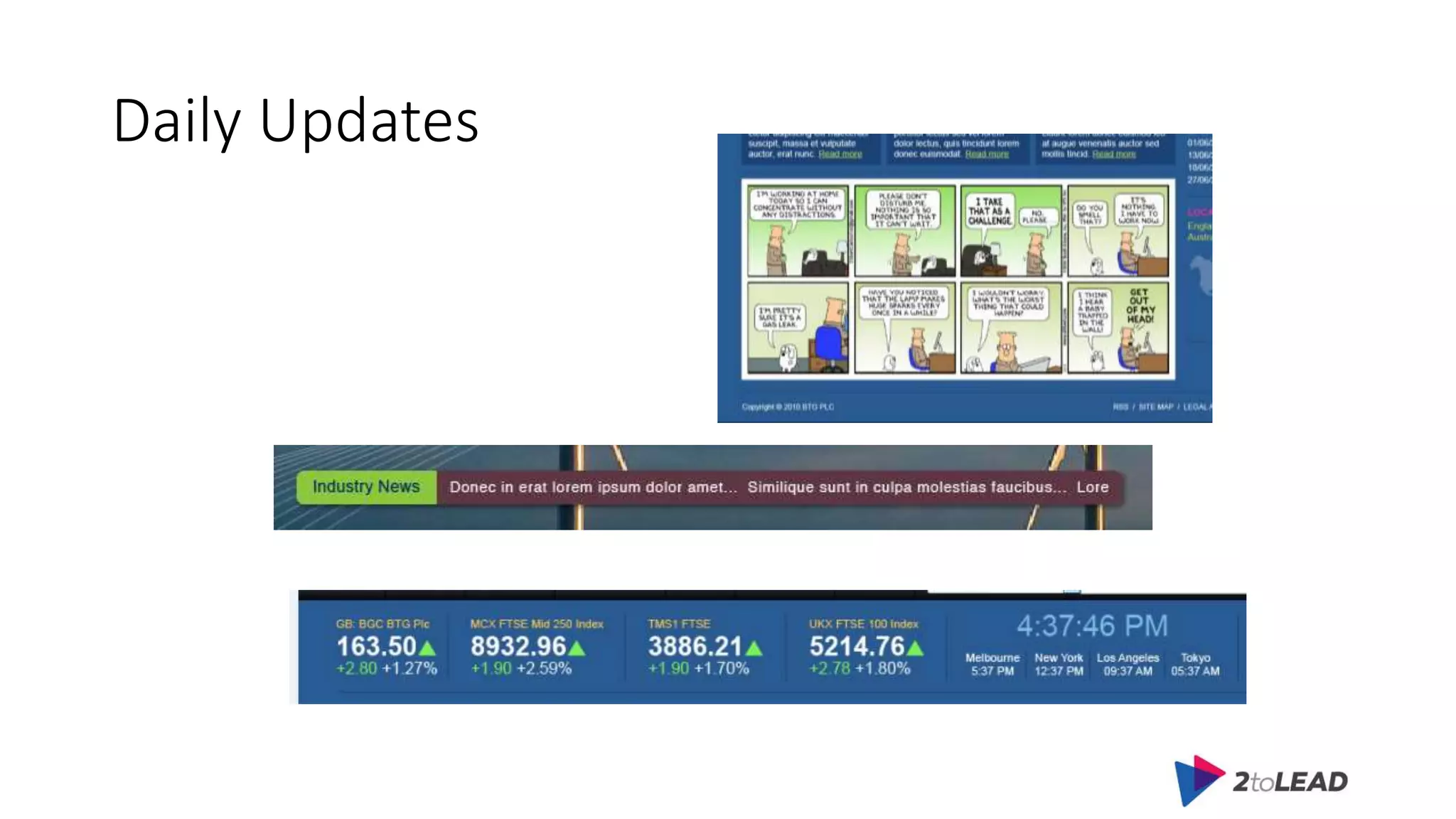
Daily Updates
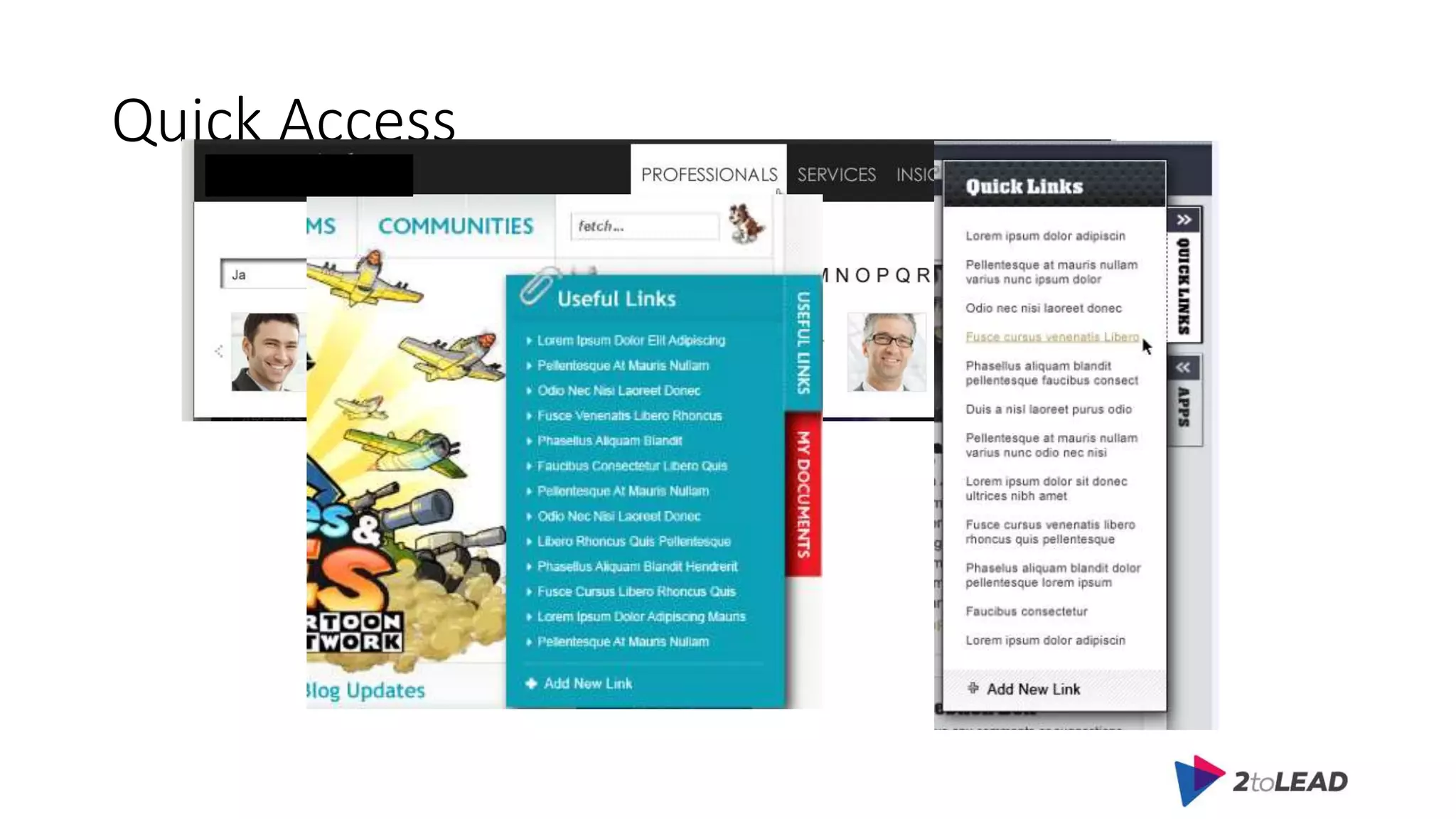
Quick Access
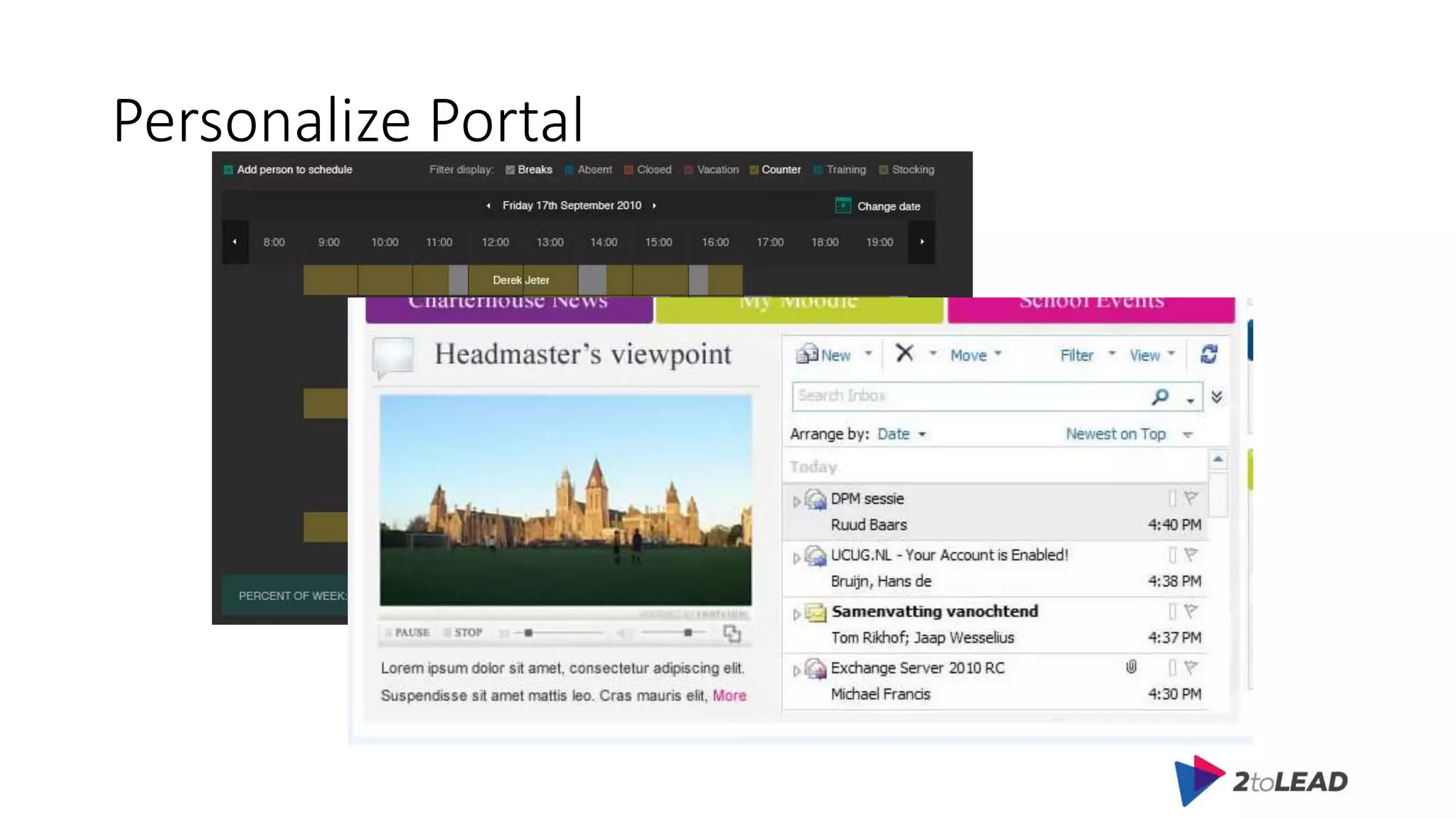
Personalize Portal
Helpdesk Checklist
• Train Help Desk Agents
• Create a Help & Training wiki site
Don’t Try to Boil the Ocean
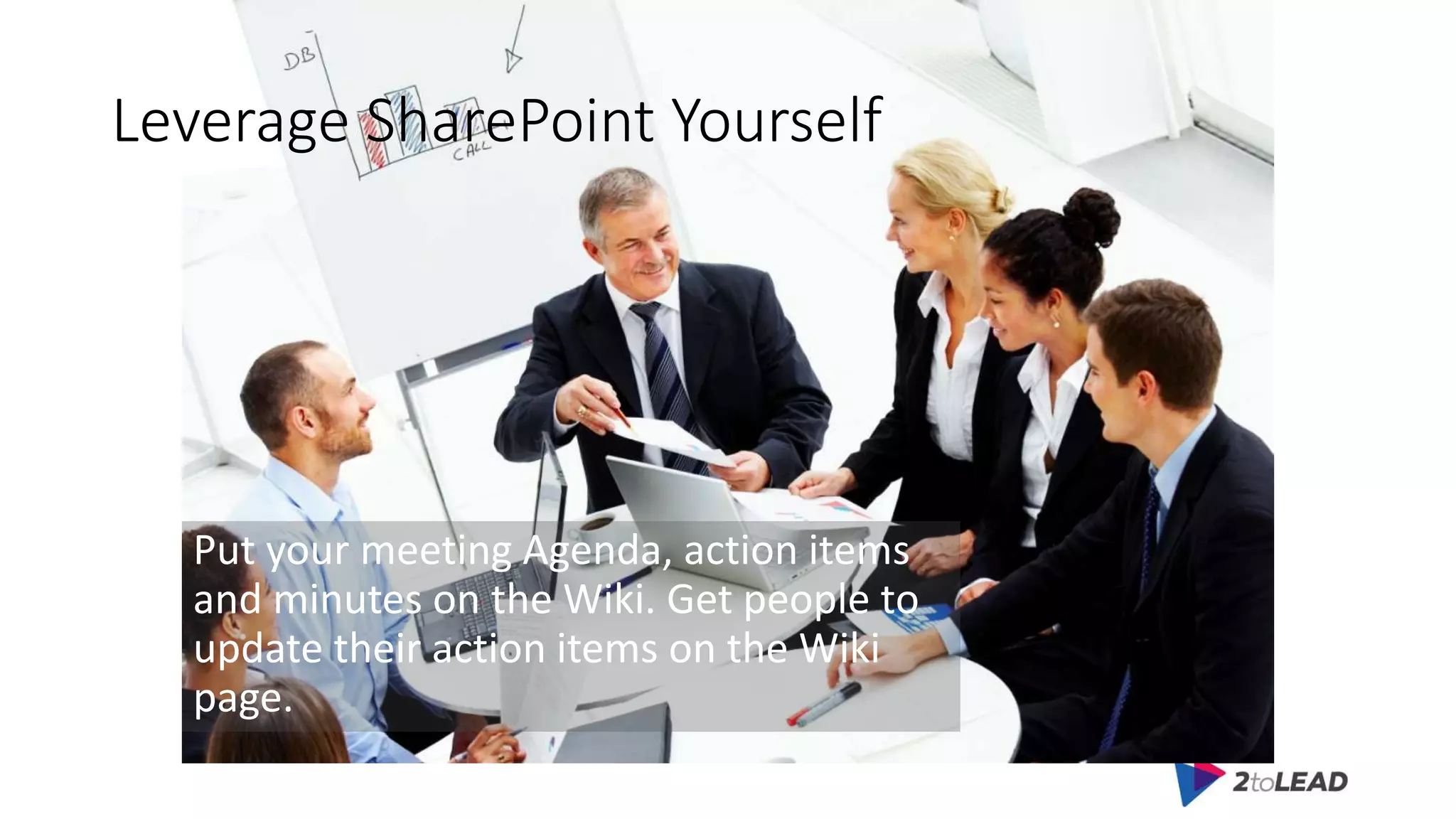
Leverage SharePoint Yourself
Put your meeting Agenda, action items
and minutes on the Wiki. Get people to
update their action items on the Wiki
page.
Leverage SharePoint Yourself
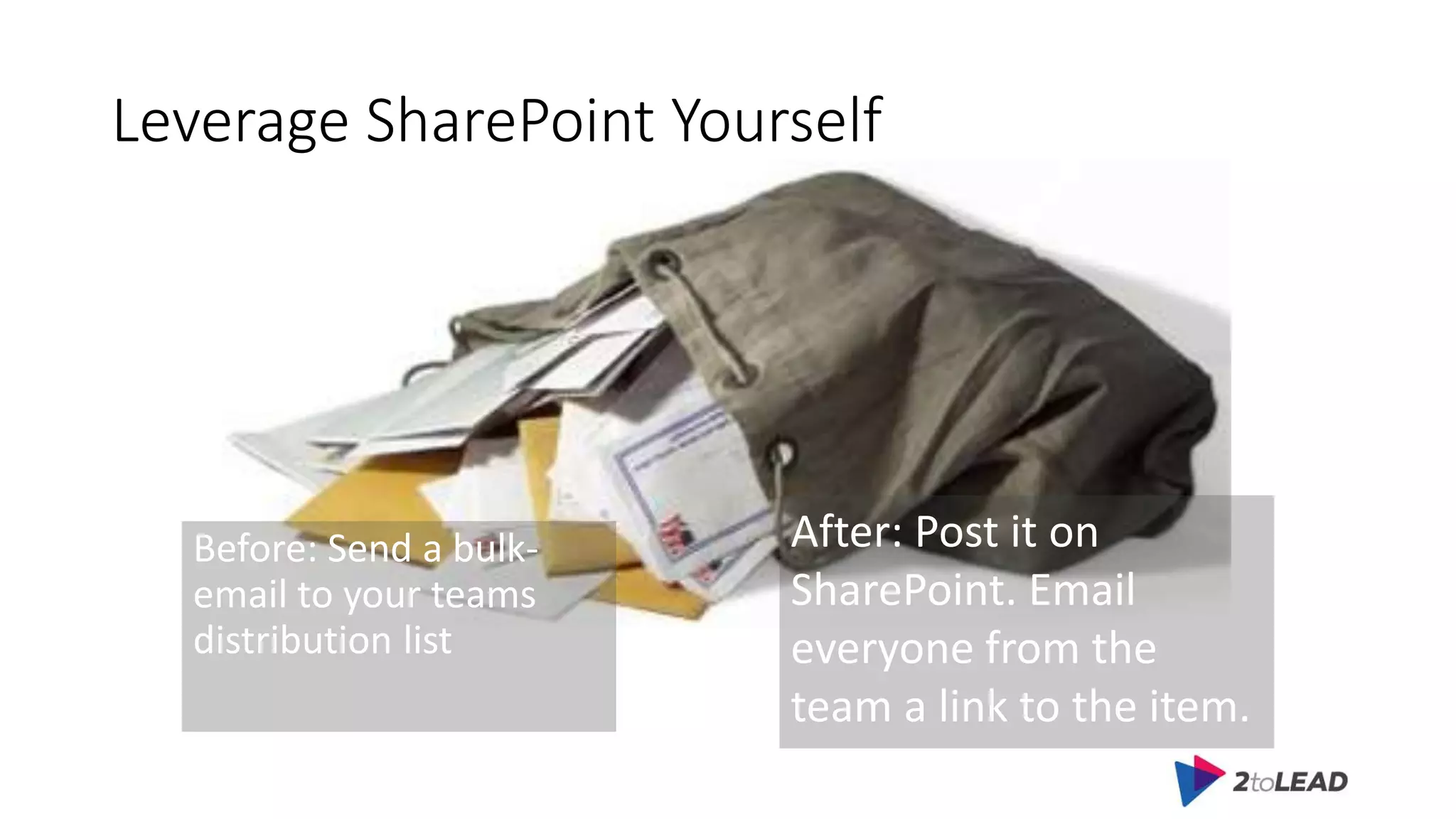
Before: Send a bulk-
email to your teams
distribution list
After: Post it on
SharePoint. Email
everyone from the
team a link to the item.
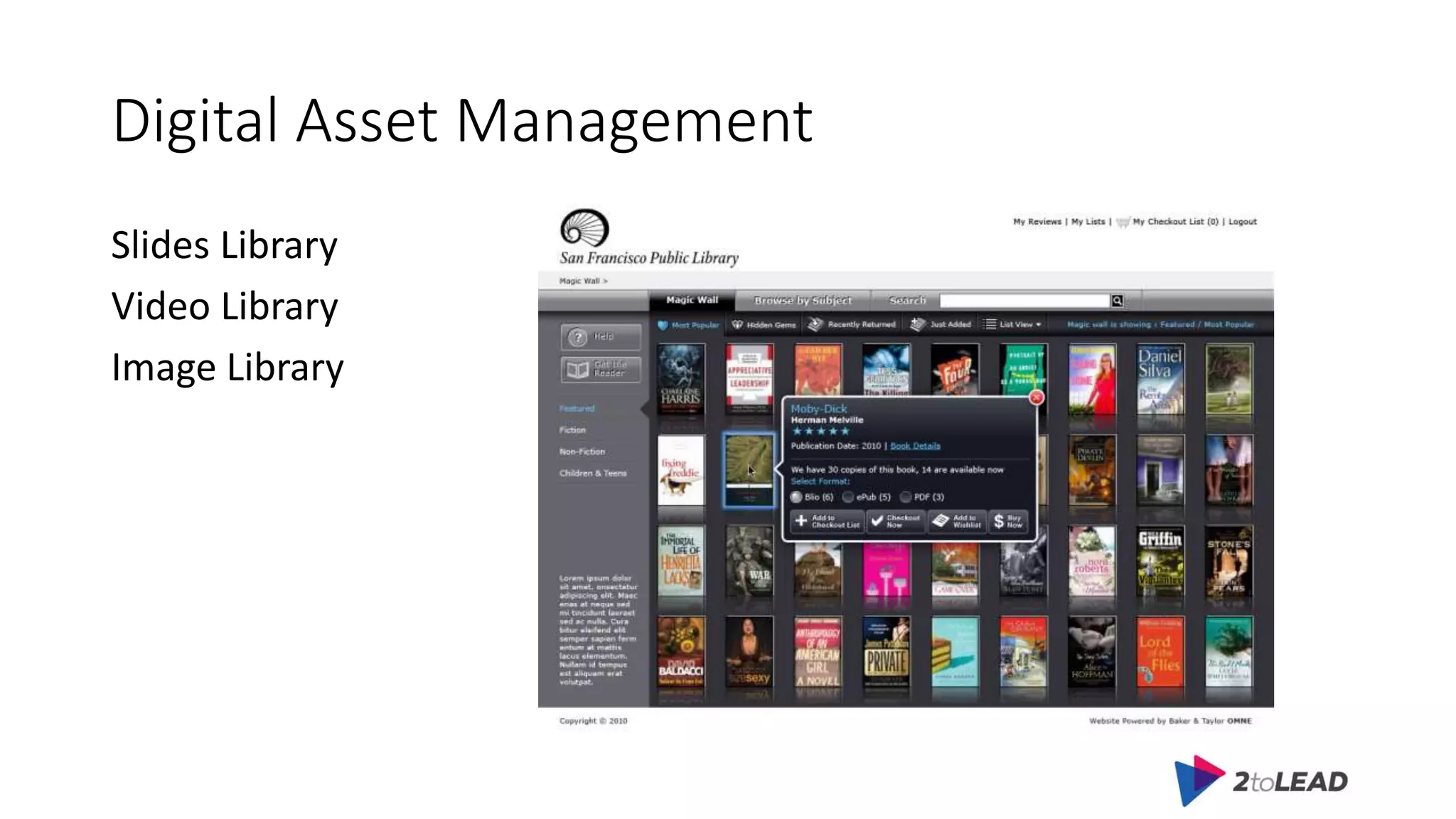
Digital Asset Management
Slides Library
Video Library
Image Library
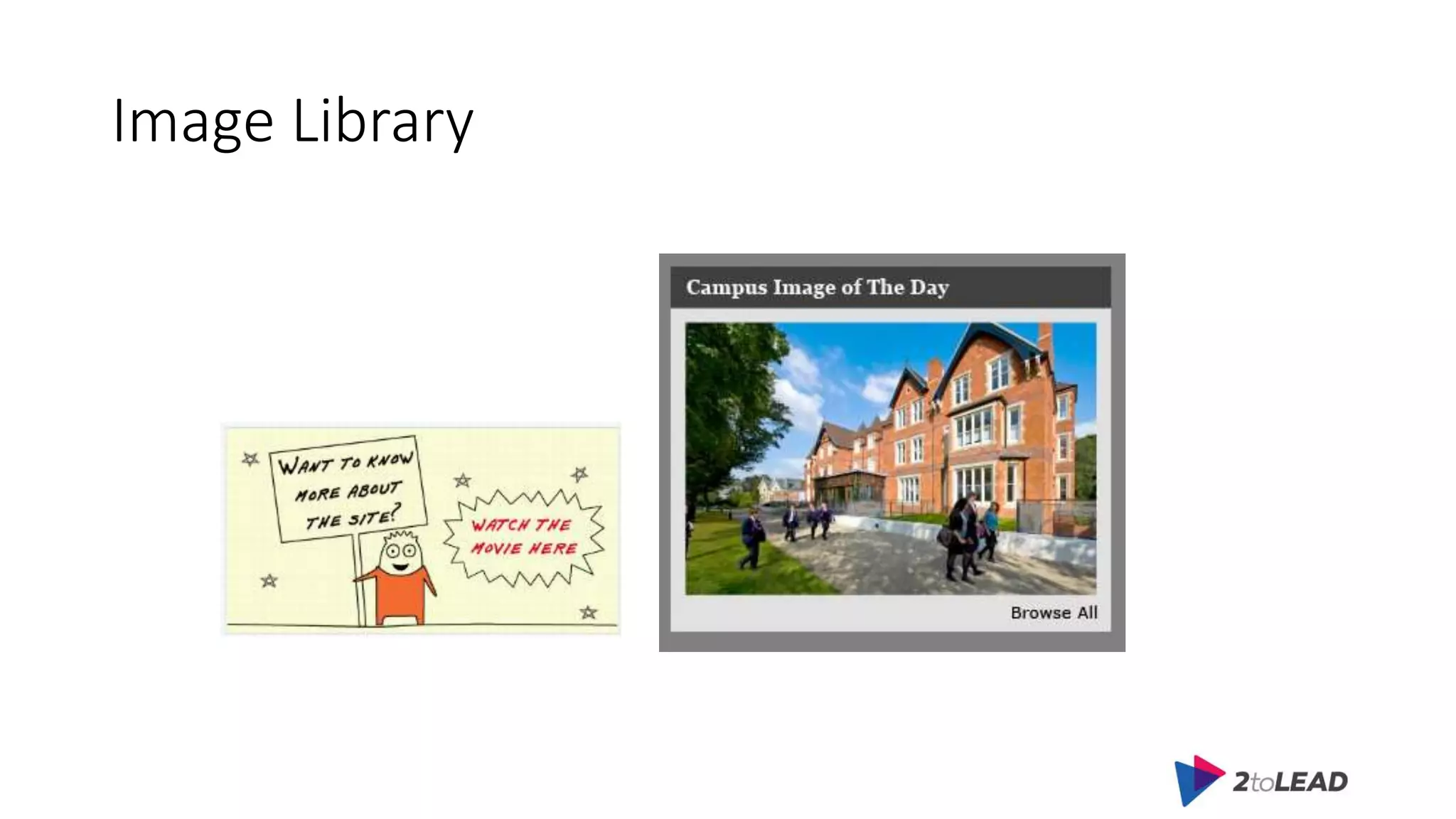
Image Library
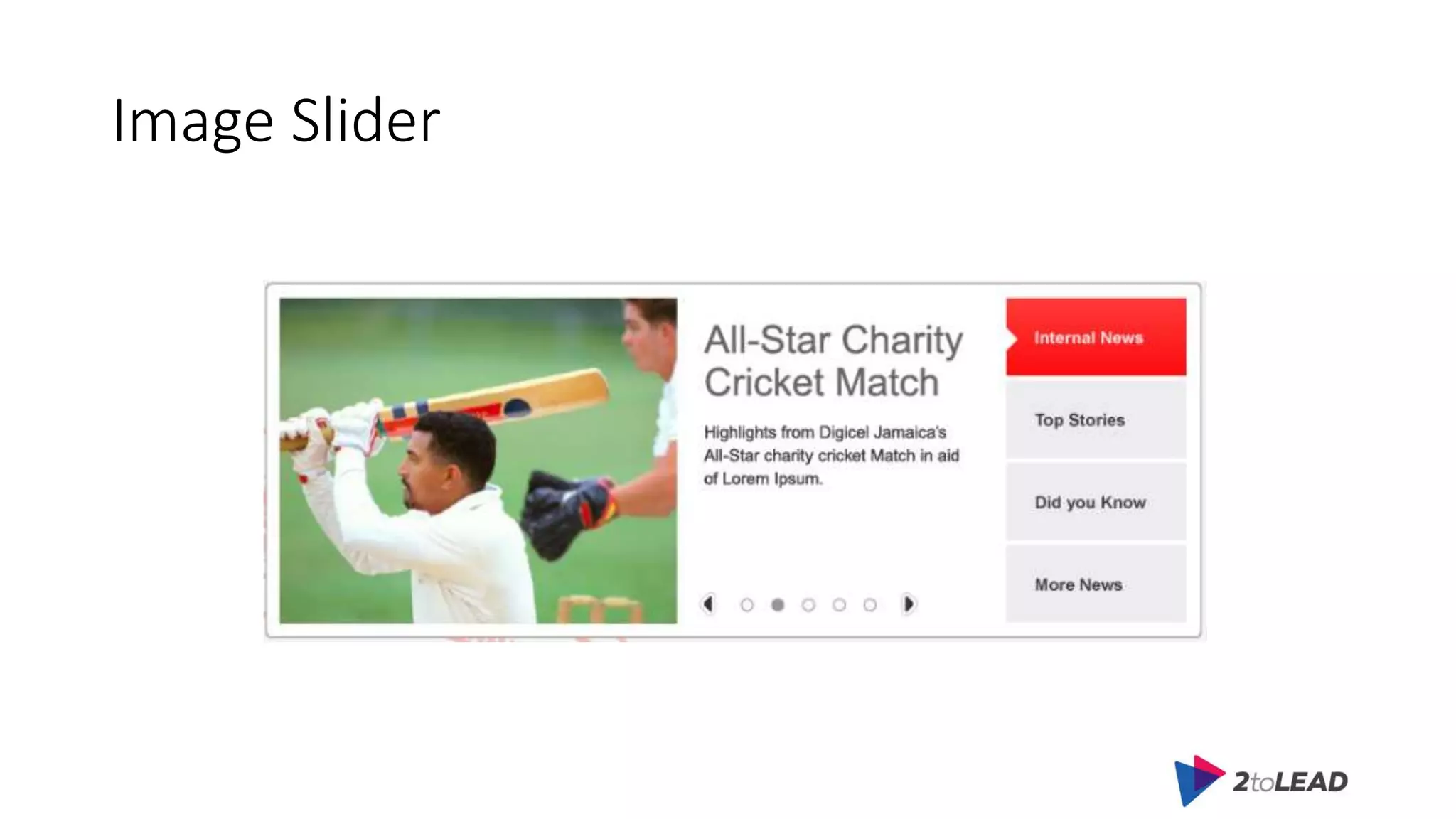
Image Slider
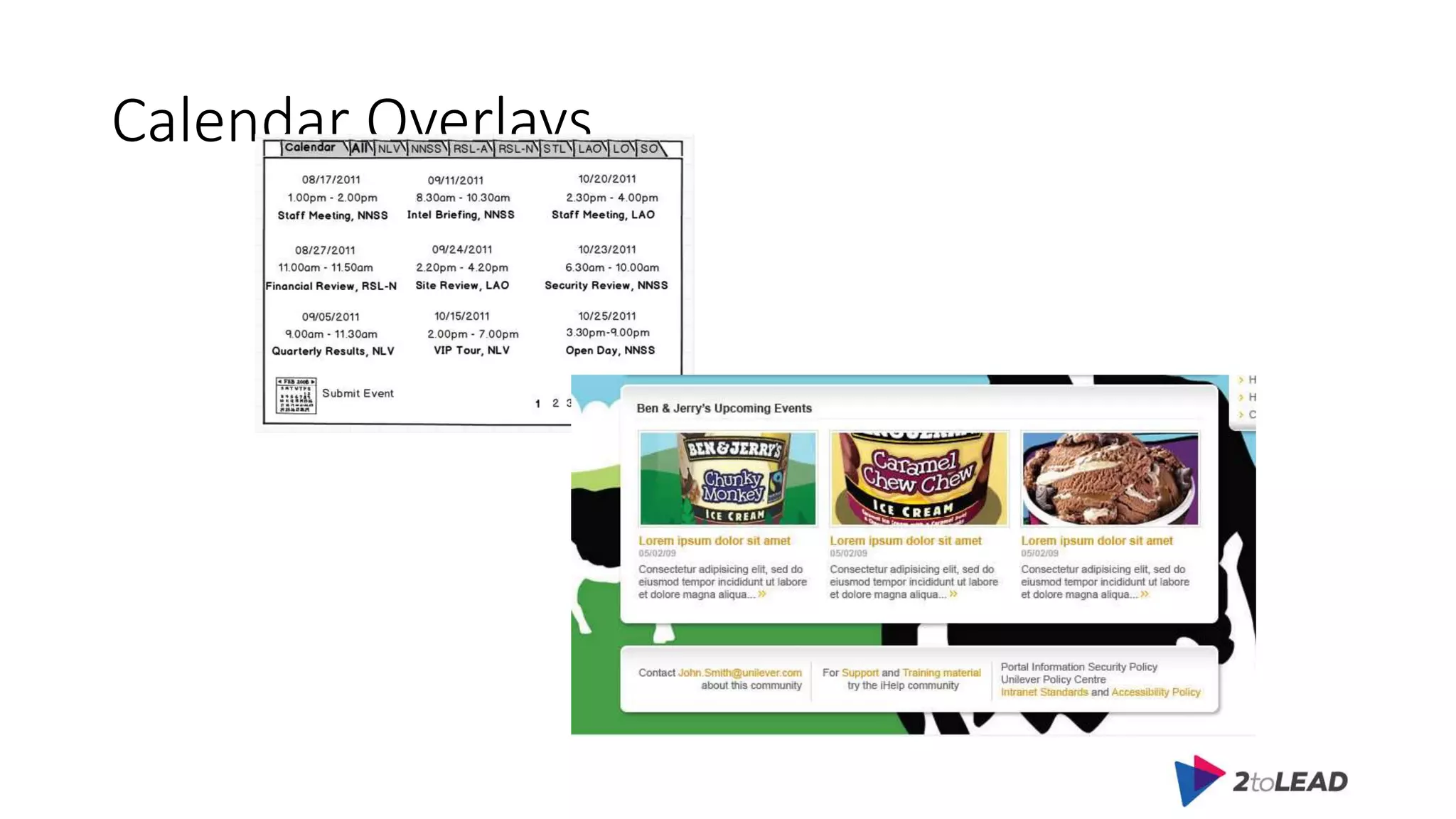
Calendar Overlays
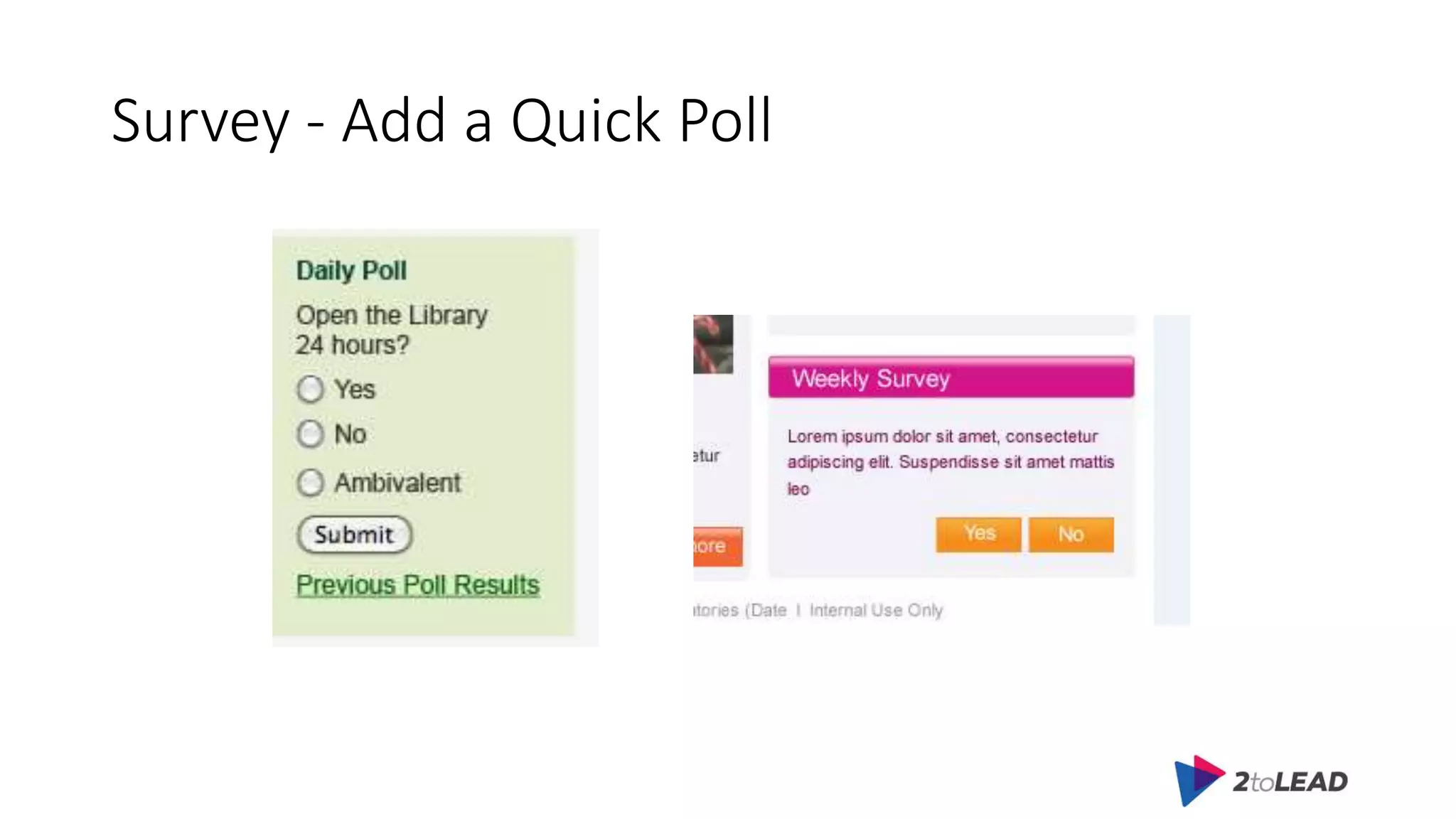
Survey - Add a Quick Poll
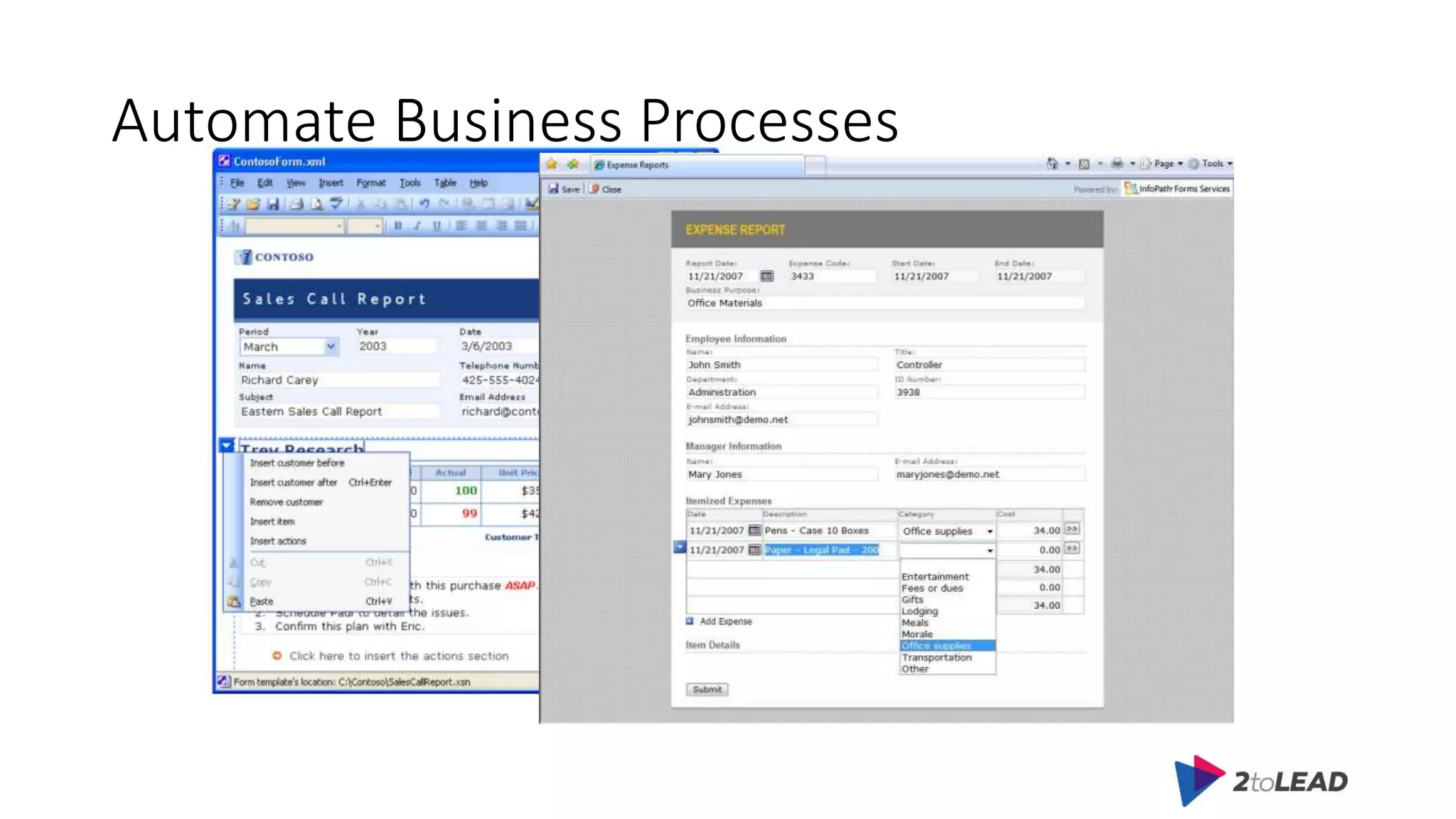
Automate Business Processes
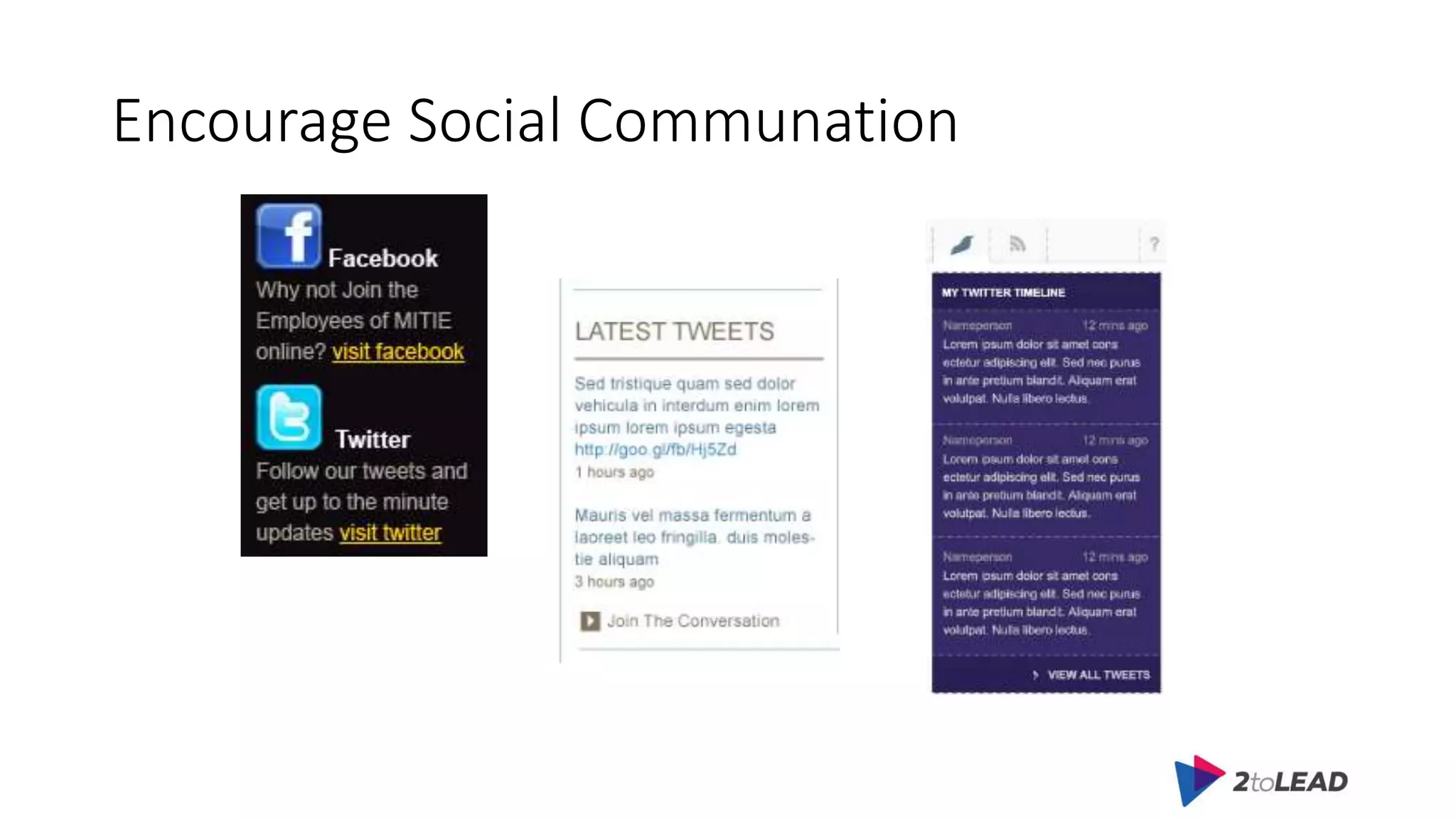
Encourage Social Communation
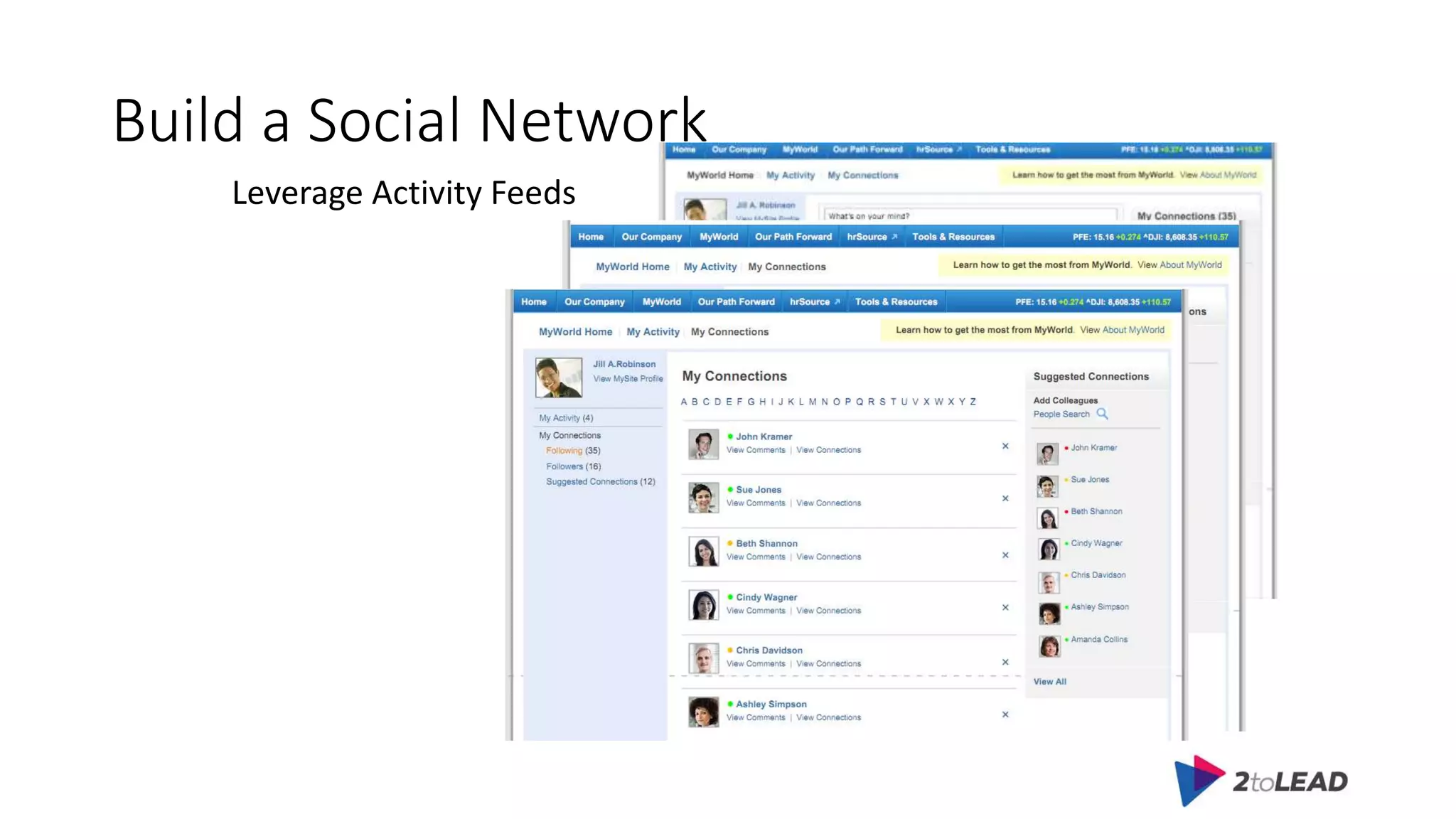
Build a Social Network
Leverage Activity Feeds
SharePoint Heroes
Online Scavenger Hunts
Agenda
• Pain Points
• Adoption Strategy
• Practical Tips
• Free Resources
Training
• Set up a comprehensive intranet site for end users.
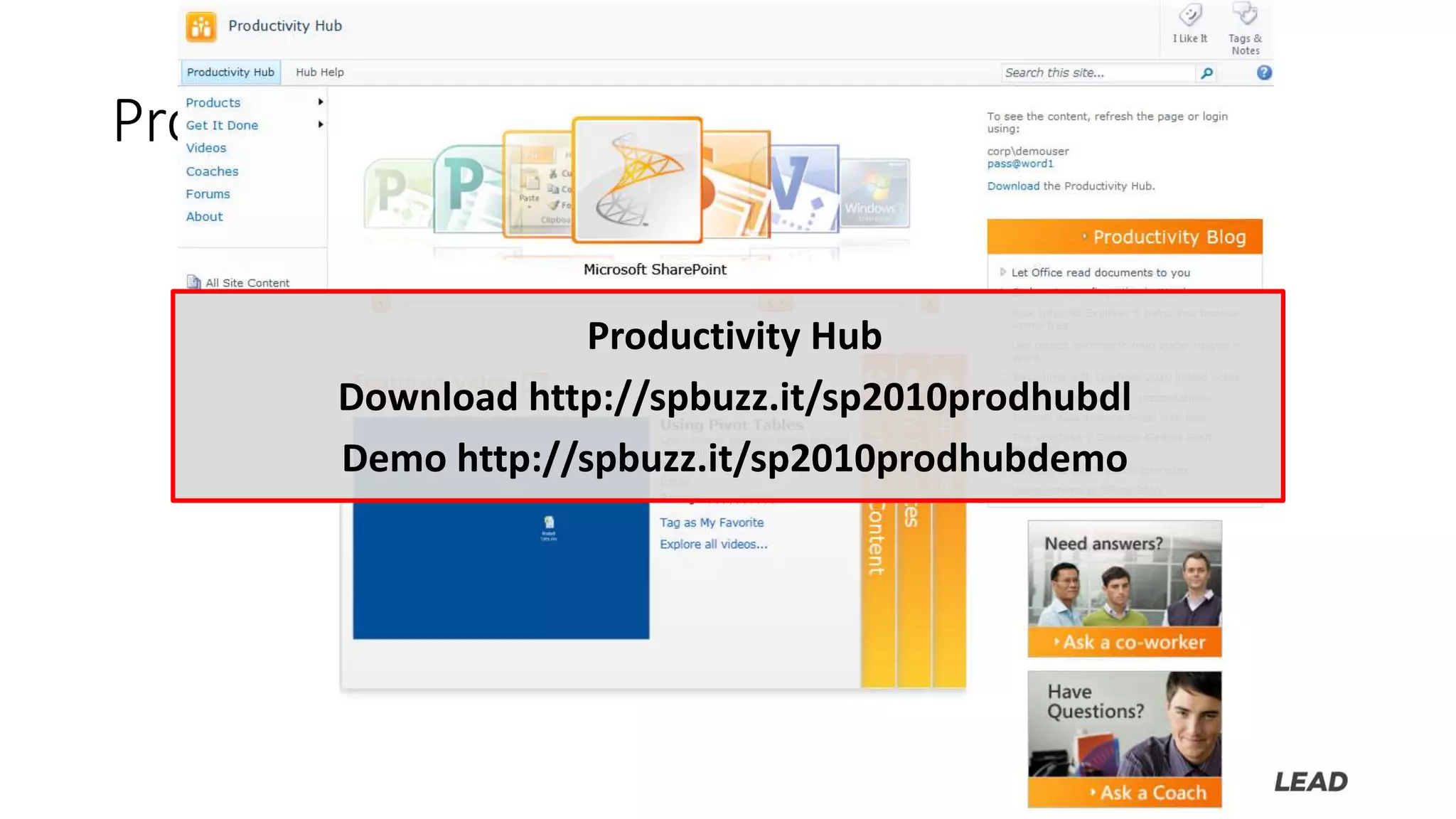
Productivity Hub
Productivity Hub
Download http://spbuzz.it/sp2010prodhubdl
Demo http://spbuzz.it/sp2010prodhubdemo
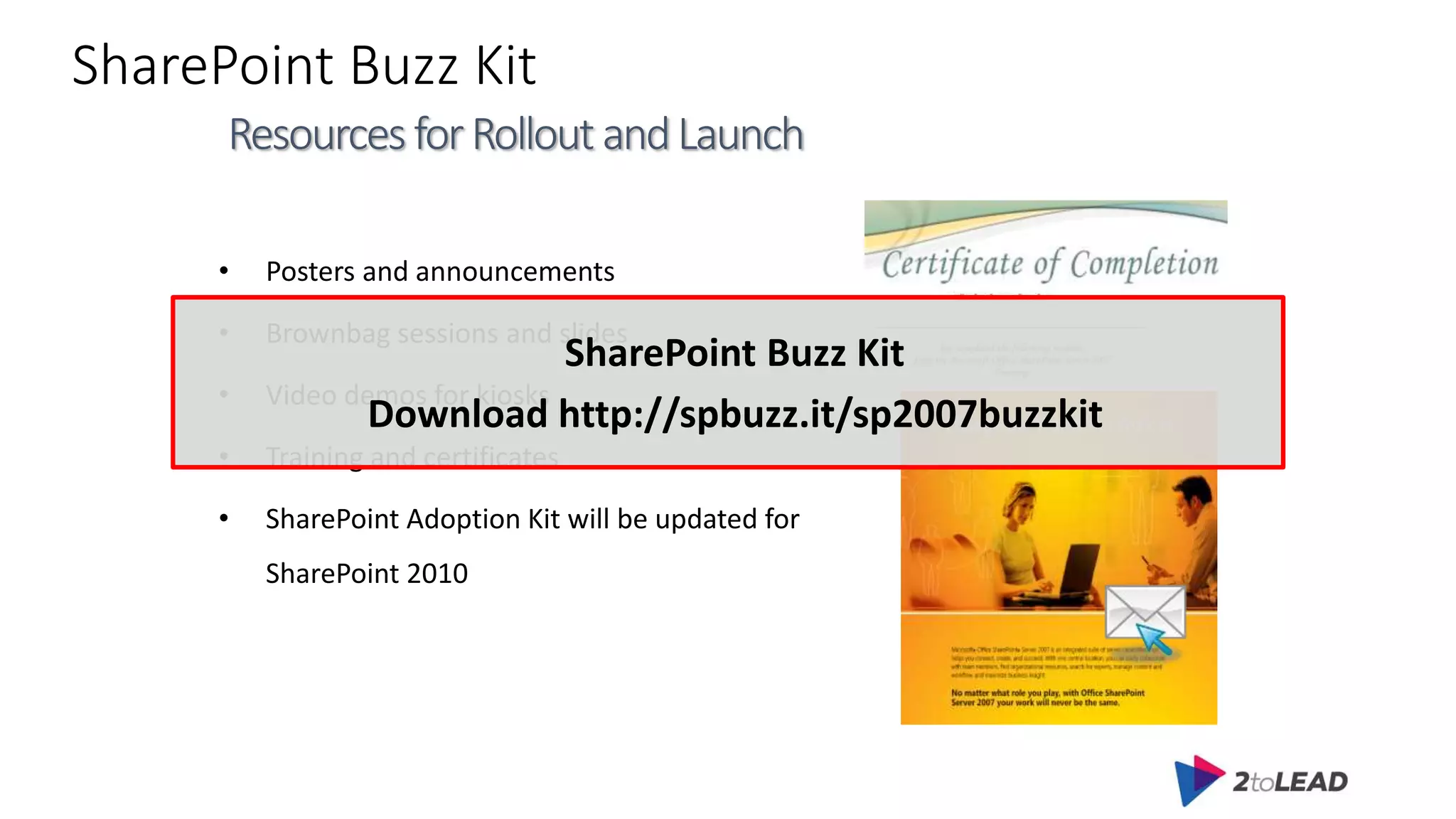
SharePoint Buzz Kit
• Posters and announcements
• Brownbag sessions and slides
• Video demos for kiosks
• Training and certificates
• SharePoint Adoption Kit will be updated for
SharePoint 2010
ResourcesforRolloutandLaunch
SharePoint Buzz Kit
Download http://spbuzz.it/sp2007buzzkit
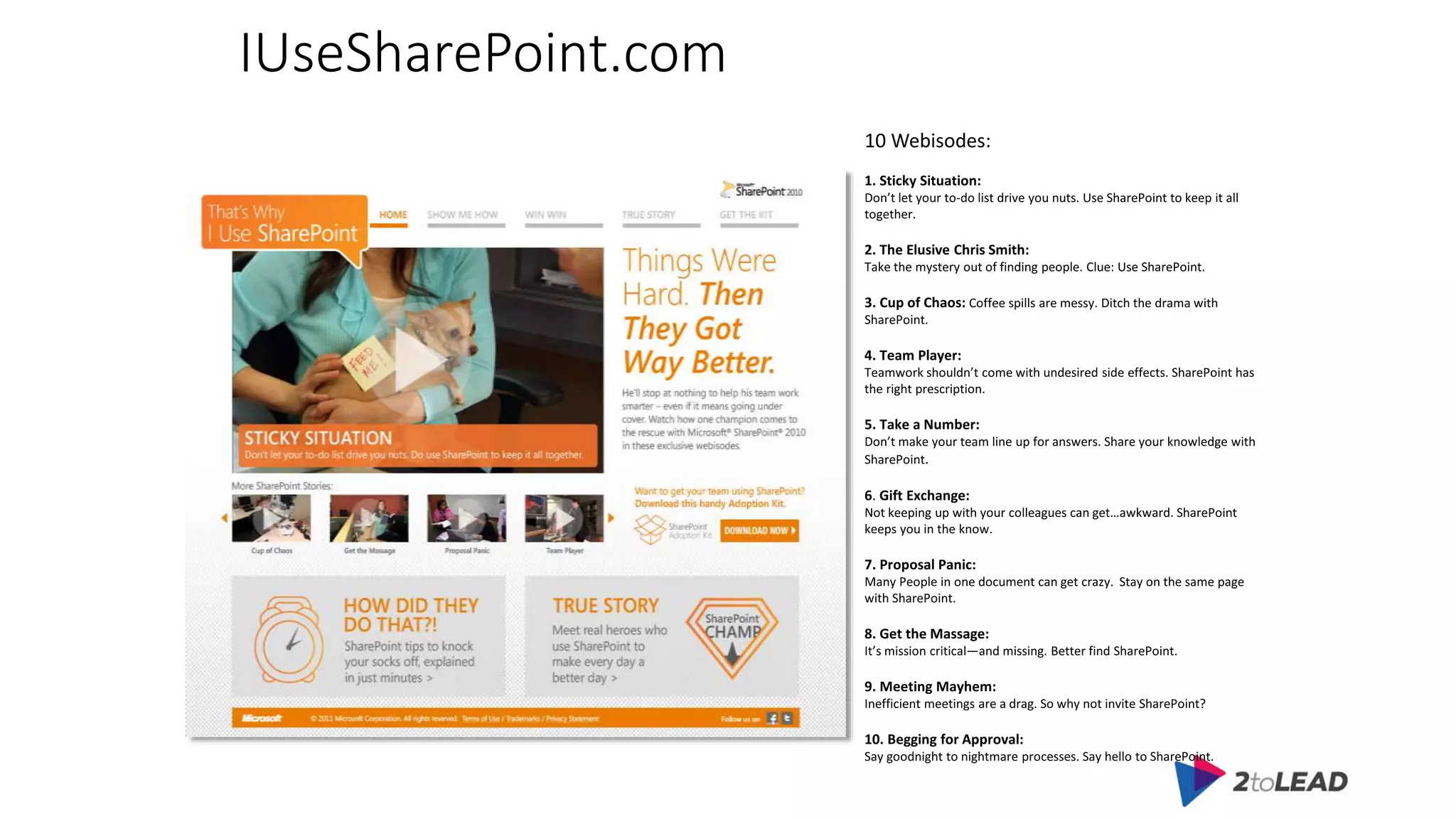
IUseSharePoint.com
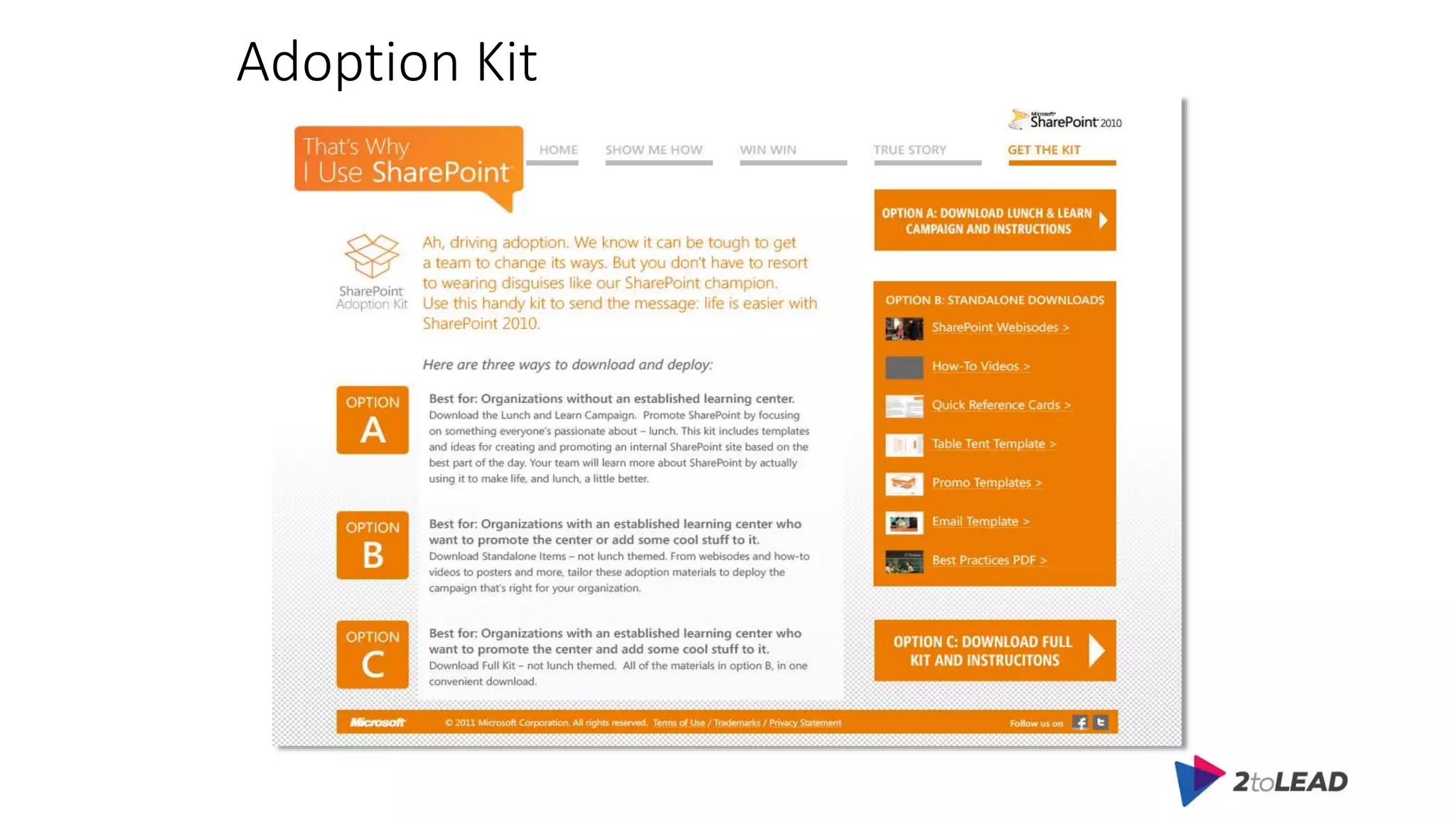
Adoption Kit
Adoption Planning
• Content, Content, Content (did I mention content?)
• Engagement Calendar
• Active Community Management
• Regular Communication
• Acknowledge Contributions
• Feature Members
• Reputation Management
• Incentives
Adoption won’t happen magically
(even though you want it to)
Key Takeaways
Adoption is like Oxygen
Take Aways
Have a plan
It’s About the Little Things
• Read every single comment on the intranet
• Say “thank you” in response to every single feedback form submitted
• Key to success is respect for employees. Without respect for
employees our communications cannot come across as genuine or
sincere
Thank You
We’d love to hear from you:
Kanwal Khipple
kanwal@2toLead.com
416-888-7777

Practical Tips to Increase SharePoint Adoption

Editor's Notes

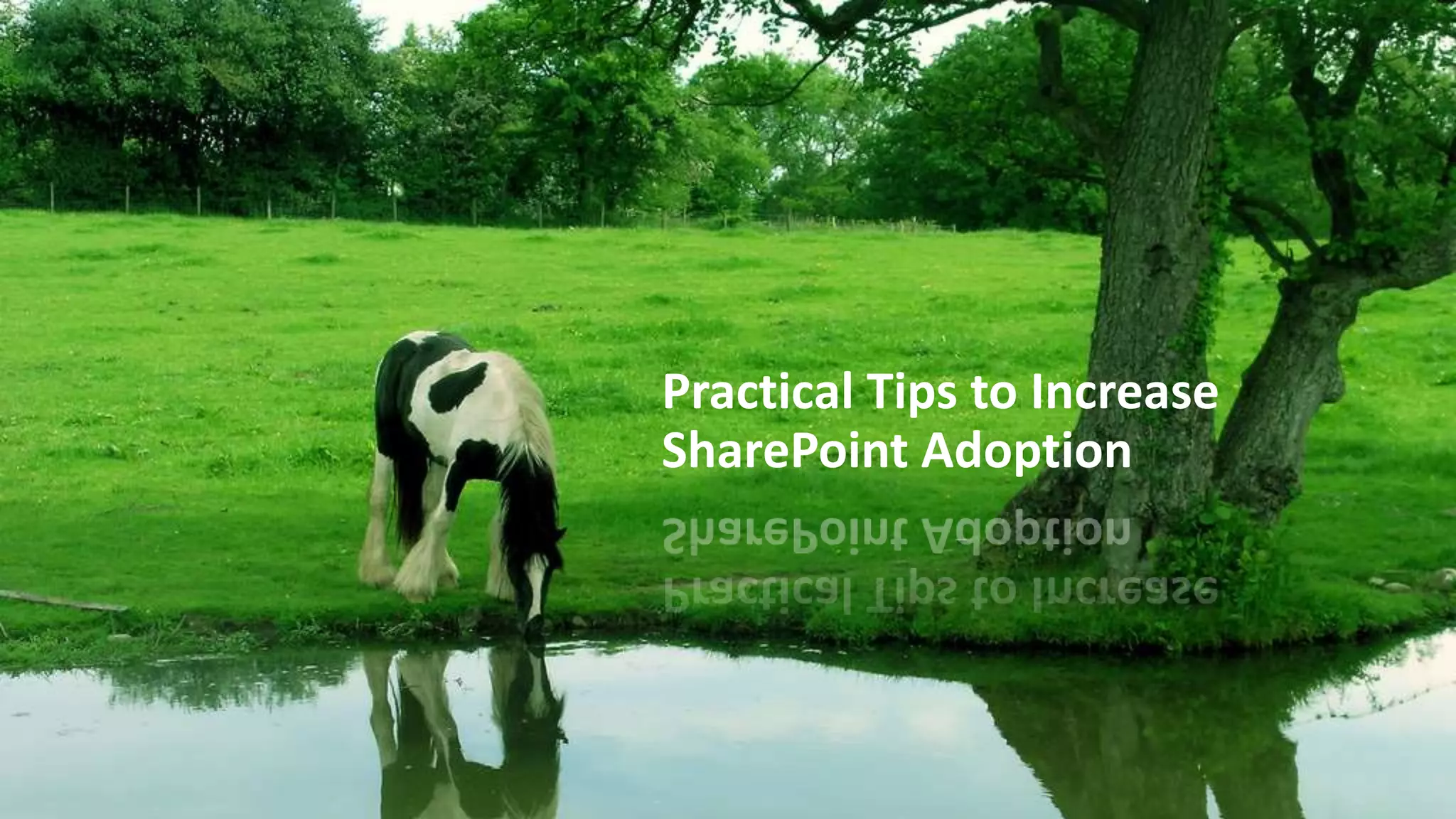
  • #2 You can lead a horse to water, but you can't make it drink. Have you deployed SharePoint but none of your employees are using it? Despite having SharePoint within your organization, end users continue do their work the old fashioned way via email threads, file shares, paper based approval, etc. There is no guarantee that the solution will be adopted. This is the case even if users are involved in every step of your SharePoint solution. Attend this session, to learn techniques I've used to increase adoption of SharePoint solutions that have become slow or stalled. You can lead a horse to water, but you can't make it drink. The same analogy is true for SharePoint adoption. Despite having SharePoint within your organization, end users continue do their work the old fashioned way via email threads, file shares, paper based approval, etc. There is no guarantee that the solution will be adopted. You are getting no ROI for SharePoint - even if users are involved in every step of your SharePoint solution. Attend this session, to learn techniques I've used to increase adoption of SharePoint solutions that have become slow or stalled.
  • #5 The research is clear: engage end-users for a more successful implementation. Ignore end-users at your peril. Here is my four-item framework for evaluating whether end-users are sufficiently engaged in your implementation: Goal involvement. Have you developed a statement of business goals for the project that has been formally endorsed by the stakeholders, or was installing software the only formal goal? Project origin. Did an end-user group actively participate in defining project requirements and selecting the vendor, or was the project completely IT-driven? End-user benefit. Will the application give end-users valuable new capabilities, or is there little apparent benefit to end-users and managers? Project communications. Will stakeholders receive frequent updates on project status, or is that considered to be low priority?
  • #7 What are some of your favorite SharePoint features?
  • #10 If you were to explain to users what SharePoint is using technology terms this is what it would look like.
  • #12 just because your organization has deployed SharePoint does not mean it is being used successfully. This is what many organizations are in denial of.
  • #13 Thankfully there are easy solutions Lets press the easy button to get started
  • #15 We all have our SharePoint stories. What’s yours? Pain Points Difficulty finding content due to outdated and irrelevant results Users inability to remember URLs Orphaned team sites, mysites, doc and mtg workspaces No rollover of site ownership Users hitting site quotas Complicated and painful restores due to lack of site recycle bin Leaked information because content not properly secured User Community Not Involved in Planning SharePoint Site Use Lack of Governance SharePoint was deployed without policies and procedures End Users Expected to Create or Manage SharePoint Sites Did not leverage SharePoint Features (i.e. ECM - metadata) Employees Unaware of Powerful SharePoint Features Uncertainty that Confidential Information is Secure Added Training Needs Burden Staff SharePoint Training Wasn’t Based on End User Needs Help Desk was not Trained to Answer SharePoint Questions Change in Organizational Culture Required for SharePoint to Be Accepted
  • #16 70 to 1 state that the most critical factor (70% listed it as number 1) for software success and return-on-investment is effective user adoption http://spbuzz.it/jDysxi User adoption is the single biggest challenge when implementing new technology – it is now and it has been for 15 years.
  • #18 Leverage Experts and Champions CEO Memos Town Hall Meetings Break Room Posters Other Fun Ideas: Online Scavenger Hunts “Birth” Announcements Launch Parties Make sure you have an ongoing plan for continuous communication Training: Not just for Developers and IT Also For: Power Users (Site Owners) Visitors Members Web Content Contributors Workflow Approvers “just-in-time and just enough” It’s critical that important information gets moved to the new system Several Options: Clean and migrate everything Migrate nothing; Index old content New content only in new system Clean and migrate recent content only. Don’t Migrate without Cleaning! Contact Person for Every Page Use pictures and contact info Internal Site Owner User Groups Empower users to help each other Get the IT Help Desk on board Giving users power means more questions End-User Feedback Loop Get feedback in two ways: Metrics-based (number of users, rating scale, etc) Anecdotes (good/bad experiences) End-User resources (guides, help, etc) Answer WIIFM Show (with real data) why something is useful Make It Fun! Buck the company culture Provide Recognition for Content Contribution Money talks; so do titles & certificates Have a Fantastic User Experience Invest in an information architecture
  • #21 Focus on enabling users for the essential tasks. To avoid overwhelming users, focus at first on a few of the most important user and then make sure that users understand the benefits of the features you're enabling. Choose success metrics that tell the whole story. Monitoring Server reports are an important part of your success metrics, but for demonstrating success to upper management, you'll want to include other measures, such as user satisfaction, help desk traffic, reliability, and adoption velocity
  • #22 Conduct a robust pilot to validate deployment and key scenarios. A carefully planned pilot allows you to get a better perspective of how people actually use the product. You can then uncover any potential obstacles and take steps to mitigate or work around them
  • #23 A good marketing campaign informs, involves, and inspires your users, resulting in a much higher adoption rate.
  • #24 When adopting a new tool, users typically pass through five stages, each involving a progression of behaviors and needs . . . here are three of the key stages: Awareness - User achieves awareness of the new technology and begins forming perceptions around its importance and value. Learning - User obtains an understanding, both theoretical and demonstrated, of the tool’s fundamental attributes, such as what it does, its value, how to use it, and how it integrates with existing work processes. Trial - User experiments with the tool on current projects to experience tangibly how it fits with current modes of working. Obtains real-time under-standing of benefits and experience. Application - User applies the technology regularly and gains greater familiarity with it, specifically as it relates to fundamental tasks. Adoption - User incorporates the solution as an indispensable tool. As such, the solution is a formal element within specific stages of work processes.
  • #26 Vision of an Intranet that is so well designed
  • #27 Flexibility is key when starting or managing a community. Don't be rigid in your expectations of its members or use cases for the community. Ask the community what they want, learn from them, and change accordingly. And above all - make sure the community members know they are valued and that you listen to them Don’t be rigid Ask the community what they want, learn from them, and change accordingly
  • #32 Weather webpart 10 Things I Learned From Microsoft’s SharePoint IT Engage & Measure Adoption and Satisfaction – Microsoft surveys their users on a quarterly basis to gather "NSAT" the statistic that gives them customer satisfaction including pain points, and ensures that service teams are meeting service level commitments. Focus is on driving adoption not deployment. They've built a feedback tool to measure and track feedback into the NSAT statistics IT should not operate in a vacuum - Governing by committee and including advisors from the business in a cross section of roles will help include a broader perspective. These days in business transparency is so important. I'm working on creating my own advisory group. It's a challenge to get them gathered together, but once they see we'll actually listen and incorporate their feedback I expect we'll get a captive audience who will give us key pieces of feedback on challenges and our roadmap. Governance includes enforcement – Remove broad based security groups on sensitive sites (like authenticated users), email->lock->delete sites owners for sites out of policy. Microsoft has built an alert and popup mechanism to notify users that go to a site that's out of policy where the owner has not corrected the problem with the necessary action. Enforcement simply needs the rules and backing. Education Strategy – It's so easy to see how lack of education simply puts the pressure on the business to take time to struggle with the updates and releases, where a little training goes a long way. Training materials need to be accessible. We recently rolled out the productivity hub along with some videos. It seems training and education comes up in every conversation these days. A good deployment has accessible training and resources. Stay in front of demand – Those who say we'll build it and then later figure out how to govern it are missing the point. As well if you do nothing you're also missing it. Microsoft realized they needed to provide services early in the process to stay ahead of the viral site growth. They are growing at 1TB ever 2-3 months.
  • #36 The easiest way to get users to start using SharePoint is to teach them how SharePoint can make their lives easier. The best way to implement this is by using a wiki library. Admins will be able to post instructional videos, links to helpful sites, as well as add their own content—write instructions, guides, step-by-steps, etc
  • #37 Don’t make users go through five screens to do one task Example: Tagging instead of folders
  • #39 Work with people and groups on how they can use the new technology to do their work more efficiently. This should come in the form of blended learning: using ILT, eLearning, performance support and user-generated content to teach the end users how to properly wield their powerful new tool.
  • #45 Create Forms Leverage Approval Workflows
  • #48 SharePoint Champions / SharePoint Heroes One thing that we did for a client was to provide badges for users that contributing to the site. Whether it was leaving a comment or rating a page – they got a badge. Showcase those that contribute I have used badges as well. I offered a special badge for admins who completed my SharePoint boot camp. However, I find the best way to generate interest in SharePoint and drive adoption is to create a core group of "super users". These are generally site administrators. I would conduct a 45 minute demo of something new and fantastic for them every two weeks and provide them with documentation on the topic along with an open QA session. Armed with a new technique every two weeks, they would go back to their departments and make their bosses look good. SharePoint adoption went way up as people began see what the tools were capable of. They felt like they were in a private club and I was showing them how to do cool things with SharePonit the most people don't take the time to learn about. In addition, when they became site administrators I would send them a welcome kit via inter-office mail that included a SharePoint book that was short but packed with good info targeted at site admins. I think it was one of those "learn sharepoint in 20 minutes things" but it had all the basic information on various list types and publishing.
  • #49 Online Scavenger Hunt – provide employees treasure hunt type of activities so they can learn where information is stored.
  • #51 Setup a central location for information, Help, and training during the rollout
  • #52 http://spbuzz.it/sp2010prodhubdemo Login is corp\demouser pass@word1 to see the content Microsoft Productivity Hub 2010 – Coming Soon to a download center near you - http://spbuzz.it/l3ZerS
  • #54 iusesharepoint.com/home
  • #55 iusesharepoint.com/showmehow
  • #56 iusesharepoint.com/winwin
  • #57 iusesharepoint.com/getthekit
  • #61 Have a Plan Communication Training User support Etc. If you fail to plan, you will plan to fail